Customer Ratings & Reviews

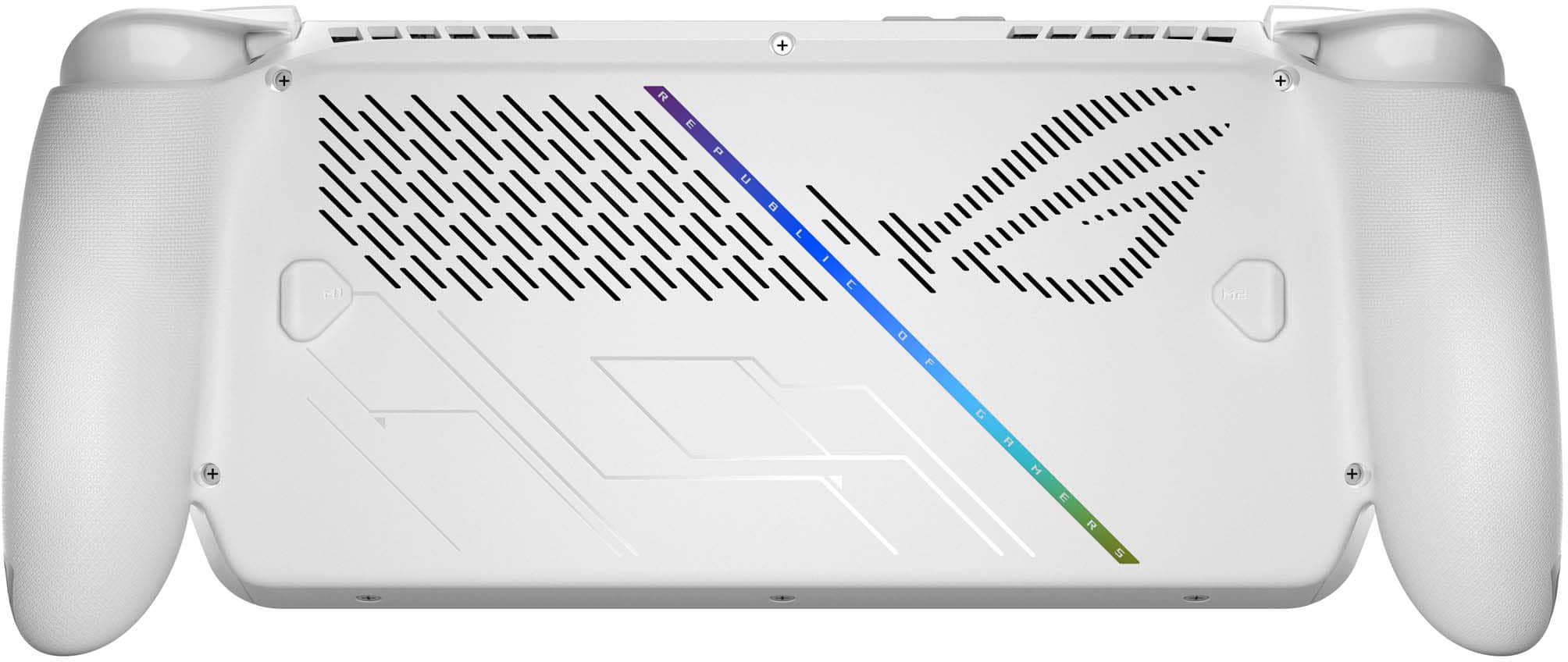
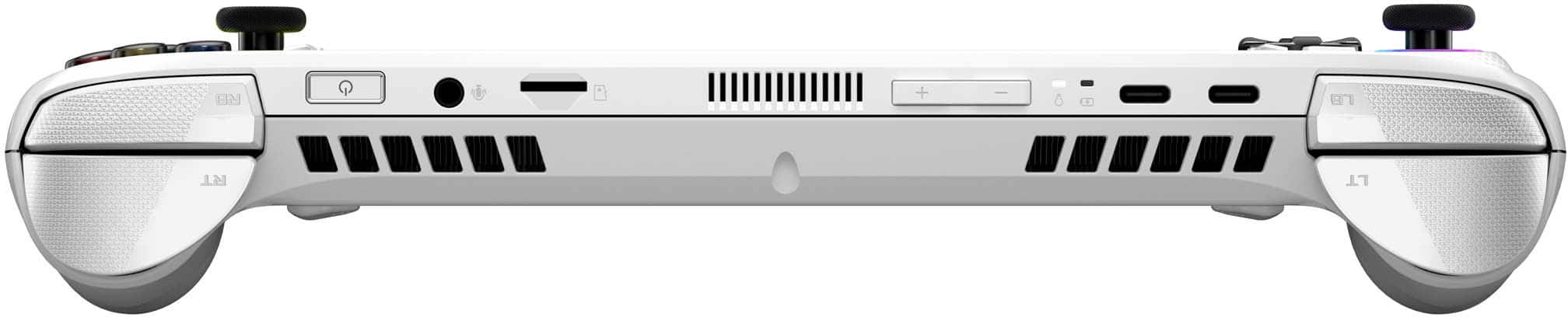
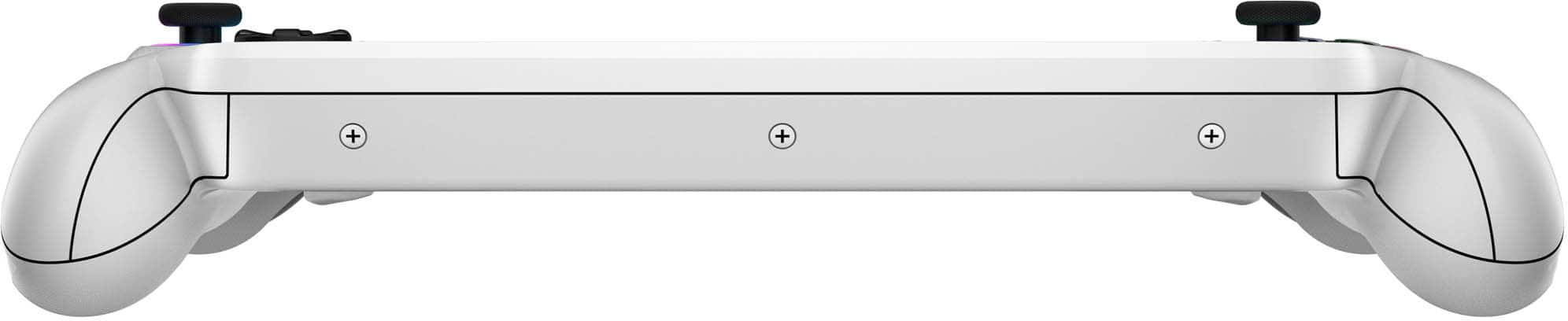
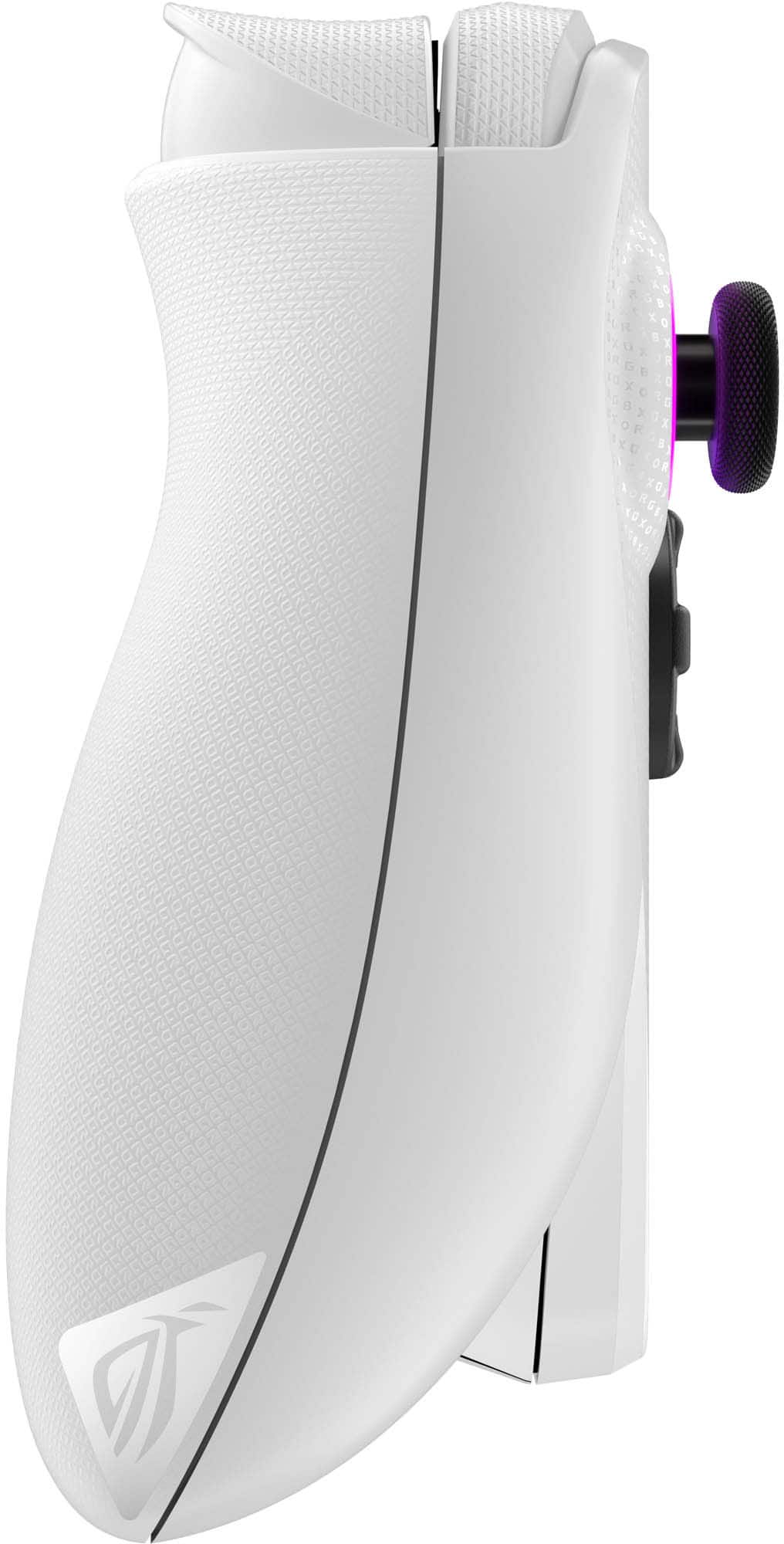
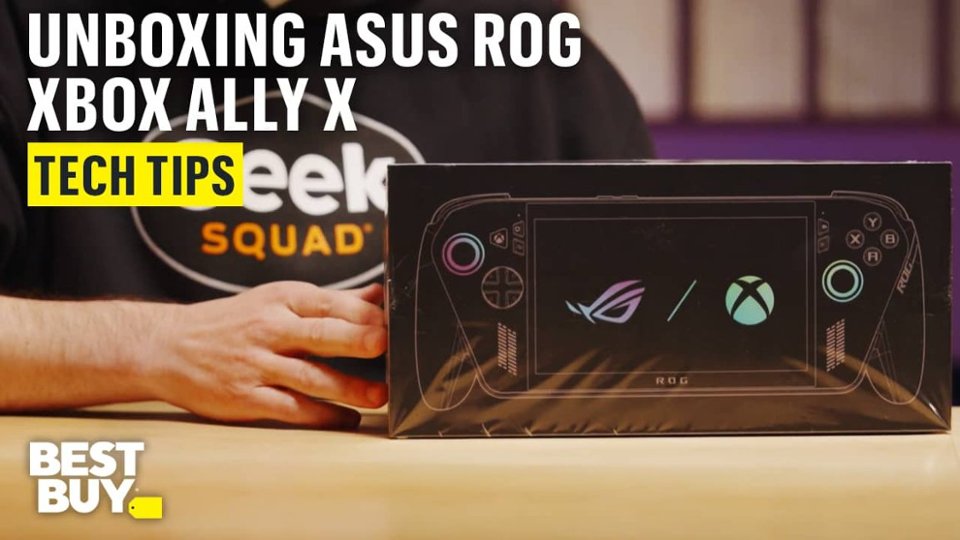
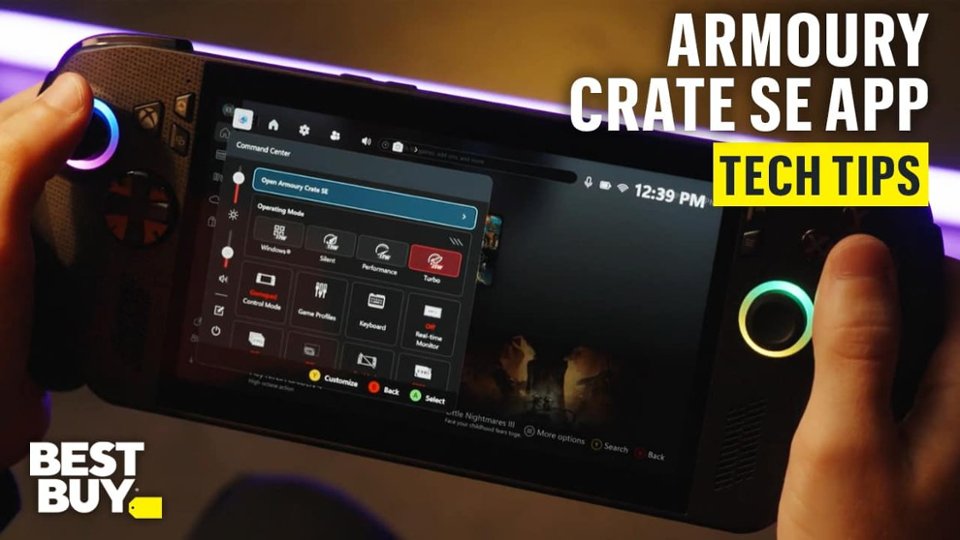
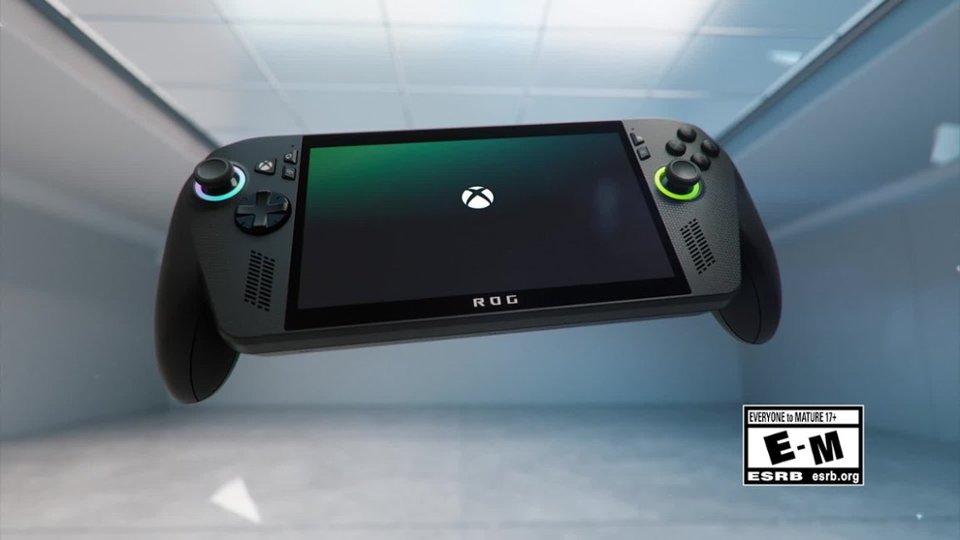

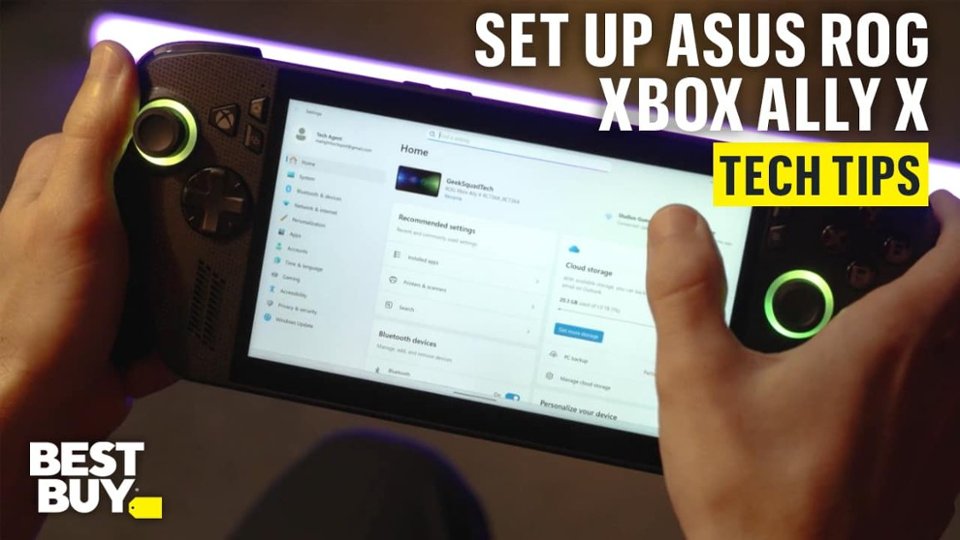
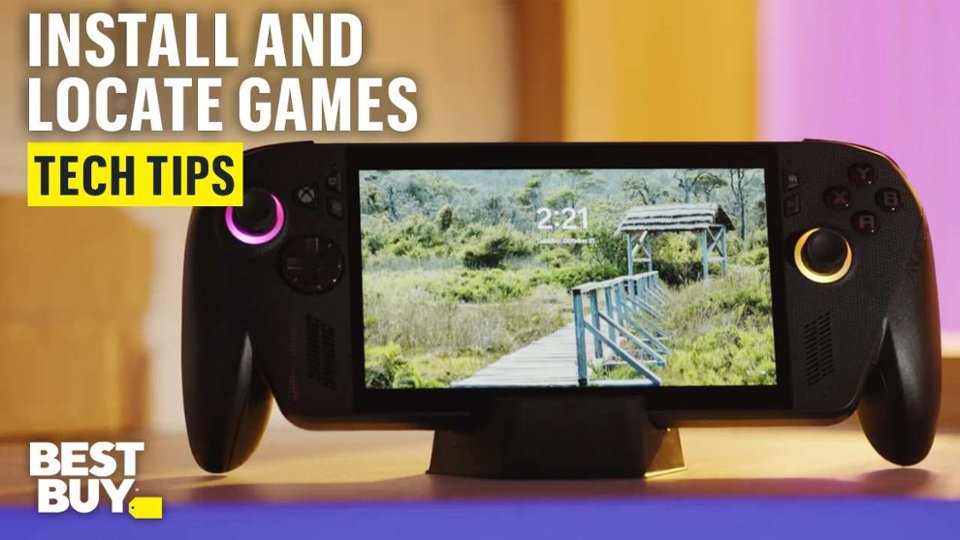
- Model:
- RC73YA-XB_ALLY.Z2A.16
- SKU:
- 6642251
Rating by feature
- Performance
Rating 4.2 out of 5 stars
- Storage Capacity
Rating 4.0 out of 5 stars
- Controller
Rating 4.7 out of 5 stars
Customers are saying
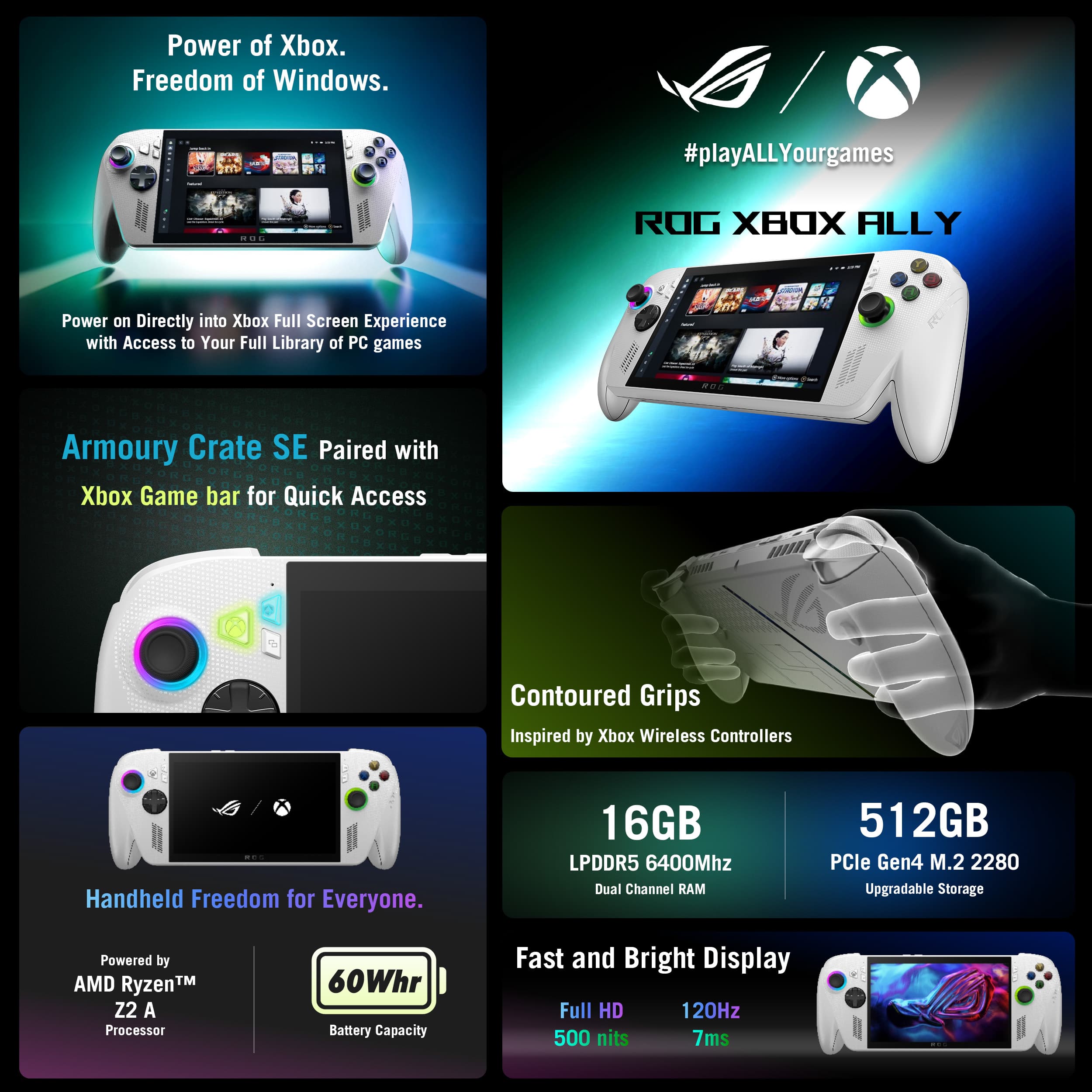
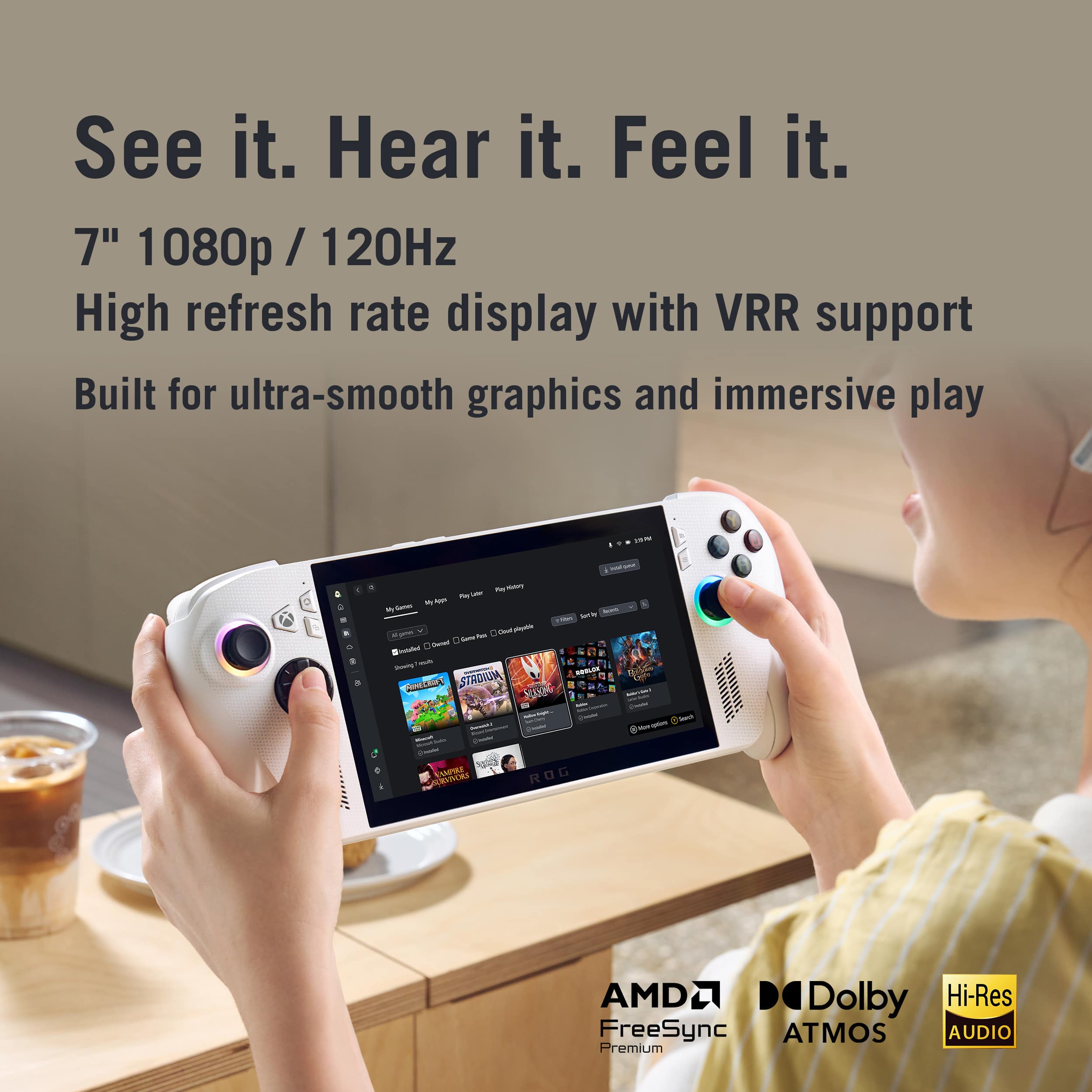
Customers admire the ROG Xbox Ally for its powerful performance, making it a capable little PC, and its portability, enhanced by great tweaks. The device also boasts a premium screen quality and a smooth 120Hz refresh rate. While the battery life and quiet fan noise are appreciated, some customers express a desire for a larger storage capacity.
This summary was generated by AI based on customer reviews.
I tried
||Posted . Owned for 2 weeks when reviewed.This reviewer received promo considerations or sweepstakes entry for writing a review.So many stops, stutters and freezes, I had to return it. It will play older games well but its a crapshoot on anything 3 years or newer. 20fps on Helldivers WITH AFMF. Just get an OLED Steam deck
No, I would not recommend this to a friendBrand response from ASUS Answers
Posted .Dear HalloweenB,
Thank you for sharing your feedback on the ROG Xbox Ally. We sincerely apologize for the stuttering, freezing, and performance concerns you experienced, which ultimately led to a return. This is not reflective of the quality we strive to deliver, and we regret the inconvenience caused. Your feedback is greatly appreciated and will be passed along to our product team for further review.
We stand behind our products and continuously strive to improve our products and processes to achieve customer service excellence. If you require any further assistance, please email us at customerloyalty@asus.com and include the case number "N2510028932-0008" as a reference. We will do our best to resolve your case quickly. Your feedback is very important to us, and it enables us to improve our support channels. Thank you for choosing ASUS.
Best Regards,
Chantae
ASUS Customer Loyalty US Support
Best Buy Customer Service Sucks--Rog Ally is great
||Posted .This reviewer received promo considerations or sweepstakes entry for writing a review.The item itself is great! The Best Buy customer service and online purchasing system is horrible. I would not recommend them to anyone.
I would recommend this to a friendBrand response from ASUS Answers
Posted .Dear BrittneyD,
Thank you for sharing your experience with the ROG Xbox Ally. We are glad to hear that you are satisfied with the product itself. However, we sincerely apologize for the difficulties you encountered with Best Buy’s customer service and online purchasing process. While ASUS does not manage Best Buy’s operations directly, we will ensure that your feedback regarding their service experience is noted and passed along to the appropriate team.
We stand behind our products and continuously strive to improve our products and processes to achieve customer service excellence. If you require any further assistance, please email us at customerloyalty@asus.com and include the case number "N2510028932-0018" as a reference. We will do our best to resolve your case quickly. Your feedback is very important to us, and it enables us to improve our support channels. Thank you for choosing ASUS.
Best Regards,
Chantae
ASUS Customer Loyalty US Support
Returned after one day.
||Posted . Owned for 2 months when reviewed.This reviewer received promo considerations or sweepstakes entry for writing a review.Performance was not up to the 600$ price tag. I would be willing to pay 400$ 500 max for this console.
No, I would not recommend this to a friendBrand response from ASUS Answers
Posted .Dear Chris5280,
Thank you for sharing your experience with the ROG Xbox Ally. We are sorry to hear that the unit was returned after one day due to performance concerns not meeting your expectations at the $600 price point, and we sincerely apologize for the disappointment this has caused.
We appreciate your feedback regarding both performance and pricing, and we will ensure that your comments are passed along to our product team for review.
We stand behind our products and continuously strive to improve our products and processes to achieve customer service excellence. If you require any further assistance, please email us at customerloyalty@asus.com and include the case number "N2510028932-0024" as a reference. We will do our best to resolve your case quickly. Your feedback is very important to us, and it enables us to improve our support channels. Thank you for choosing ASUS.
Best Regards,
Chantae
ASUS Customer Loyalty US Support
Xbox rog ally
||Posted . Owned for 2 weeks when reviewed.This reviewer received promo considerations or sweepstakes entry for writing a review.Sucks, absolutely garbage not worth a penny I bought it and big regret
No, I would not recommend this to a friendBrand response from ASUS Answers
Posted .Dear Asmatullah,
Thank you for sharing your feedback on the ROG Xbox Ally. We sincerely apologize that the product did not meet your expectations and regret the disappointment this has caused. We understand how important it is for your device to perform reliably, and we want to investigate the issues further to provide the best possible support.
We kindly ask that you contact our support team directly at https://www.asus.com/us/support/callus/. Our specialists will be able to assist you with troubleshooting, diagnostics, and warranty options if necessary.
Your feedback is very important to us, and we will ensure it is shared with our product team.
We stand behind our products and continuously strive to improve our products and processes to achieve customer service excellence. If you require any further assistance, please email us at customerloyalty@asus.com and include the case number "N2510028932-0026" as a reference. We will do our best to resolve your case quickly. Your feedback is very important to us, and it enables us to improve our support channels. Thank you for choosing ASUS.
Best Regards,
Chantae
ASUS Customer Loyalty US Support
- Pros mentioned:Battery life, ComfortCons mentioned:Storage capacity

Good hardware held back by bad software
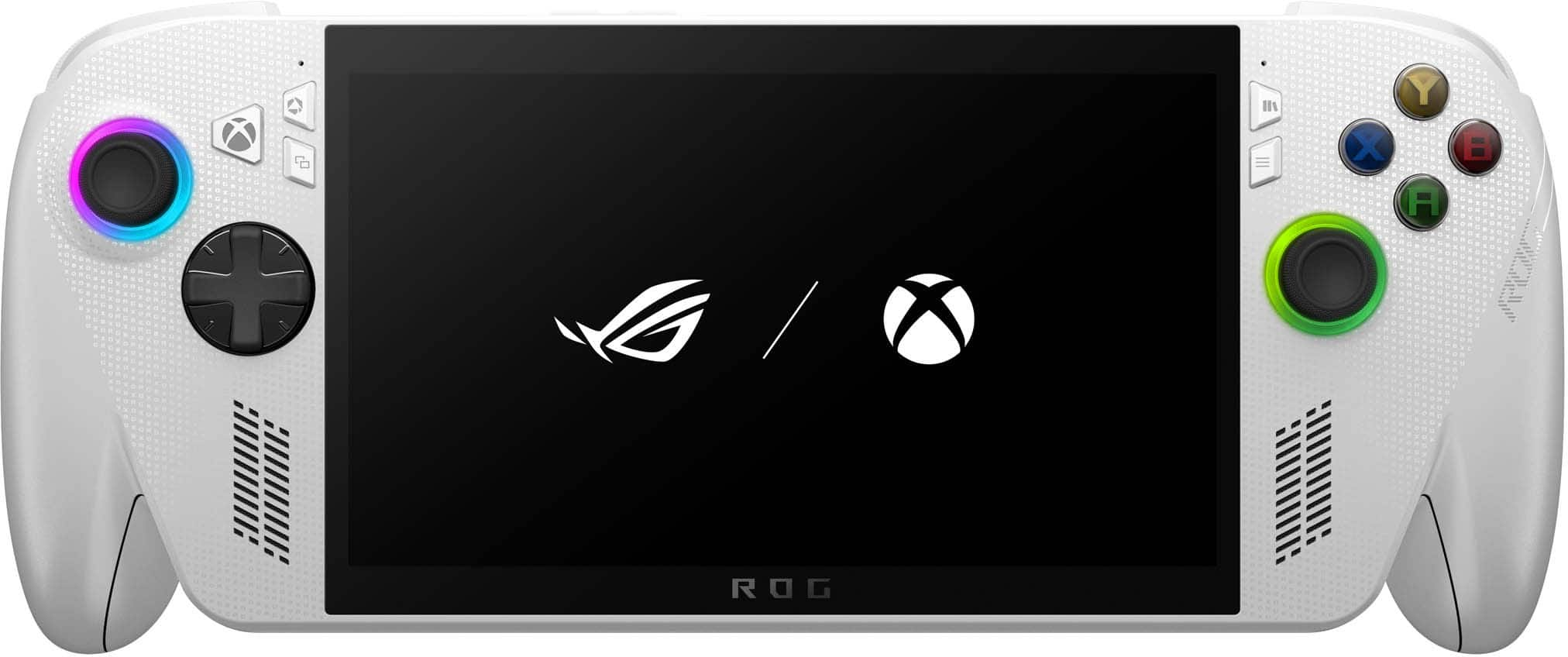
|Posted .This reviewer received promo considerations or sweepstakes entry for writing a review.I'm a huge fan of handheld gaming. I tend to game at random intervals in short spurts, so handheld devices have always fit my needs nicely. This is my first Windows based handheld. I was eager to pick this up as a lot of my favorite games simply aren't compatible with Steam OS, and they aren't available on other platforms. After playing with this device for a week, my feelings on this device are mixed. The hardware is excellent. The grips are comfortable, the screen size is terrific, the image quality is great, the buttons are well positioned (though I did have issues with some of the buttons getting "stuck" if pressed at just the right angle), battery life is fairly impressive, and having dual USB-C ports and a micro-SD slot are huge benefits. My one complaint about the hardware is that it needs more storage space. I've read that the hard drive is user replaceable, but that's not something I'm eager to tackle until I've had the device a bit longer. I'm going to be using a larger micro-SD card in the short term instead. The software has some serious issues. I've had several Windows tablets in the past, and I'm no stranger to interacting with the default Windows experience via touchscreen. In a lot of respects, I wish that they'd just kept as the default on this device. By default, the handheld opens into the XBox app. The user interface is extremely cluttered, and it's trying entirely too hard to sell you stuff. I get the impression that the interface was designed more for making sales than the user experience. At the time of this review, the device comes with 3 months of GamePass' middle tier option. From within the XBox app, It's extremely unclear as to which games are playable and which games aren't. The interface hits you with a little bit of everything (including games that are only available on console). XBox has really been pushing cloud gaming lately, but it's unclear which games are able to be played from the cloud as well. Clicking the little cloud icon along the left again brings up an array of games that may or may not be available for this device. On top of issues with the user interface, I also found that the XBox app liked to freeze when first opened. The only way to get it working again was to hit the physical library button. The app would immediately unfreeze after visiting the library. The library is also the best way to find which games are installable and cloud playable. You can use the filters along the top of the library to locate these games (note that it has a default filter set for "installed games" when you first open the library. You need to turn this off to actually find anything). When I first got the Ally, the Armoury Crate software was completely unusable. I got a consistent error about it being unable to update followed by a crash screen. I endured this for three days before I visited ASUS' site, downloaded a fresh copy of Armoury Crate, tried to install it, got told I couldn't install it without first installing ASUS' uninstall utility to remove the previous version, installed and ran that, and FINALLY got a working copy of Armoury Crate on my device. The Armoury Crate software is a lot cleaner than the XBox app, and it offers more options for customization, but it also lacks integration with GamePass. If you're not planning on using GamePass with this device, you may want to just stick with Armoury Crate for navigating your game library. Controls are not standardized across applications. I had to learn a completely different set of controls for navigating the Epic Game Store vs. the XBox app or Steam. I don't like touching the screen on my handheld unless absolutely necessary. Unfortunately, there were several instances (including during the initial Windows setup) when you simply have no choice. Sadly, the screen is an absolute fingerprint magnet. Once you're actually in a game, the device works well, and the game play is nice and immersive. It's just getting to the point of actually getting into a game that's a struggle. I think the hardware on this device is excellent, but the software experience isn't very good right now. Software could be fixed with future device updates, so I'm cautiously optimistic that the user experience may improve over time. As it stands at the moment though, device navigation is extremely frustrating.
No, I would not recommend this to a friend Don't buy , buy a steam deck or something else
||Posted .This reviewer received promo considerations or sweepstakes entry for writing a review.Trash product, it's like Xbox made this low end to force people to buy the better one, costs more then a console and runs lower specs, now they raise the prices on the monthly fees.
No, I would not recommend this to a friendBrand response from ASUS Answers
Posted .Dear Nuggs,
Thank you for sharing your experience with the ASUS ROG Xbox Ally. We regret to hear that the product did not meet your expectations in terms of performance, value, and overall responsiveness. We understand how important it is for a premium handheld gaming device to deliver consistent and reliable gameplay, especially for multiplayer titles.
We appreciate you taking the time to provide this feedback, and it will be shared in full with our product and engineering teams for further review.
We stand behind our products and continuously strive to improve our products and processes to achieve customer service excellence. If you require any further assistance, please email us at customerloyalty@asus.com and include the case number "N2510028932-0005" as a reference. We will do our best to resolve your case quickly. Your feedback is very important to us, and it enables us to improve our support channels. Thank you for choosing ASUS.
Best Regards,
Chantae
ASUS Customer Loyalty US Support
- Pros mentioned:Battery life, Overall performance
Solid improvement over the original ROG Ally
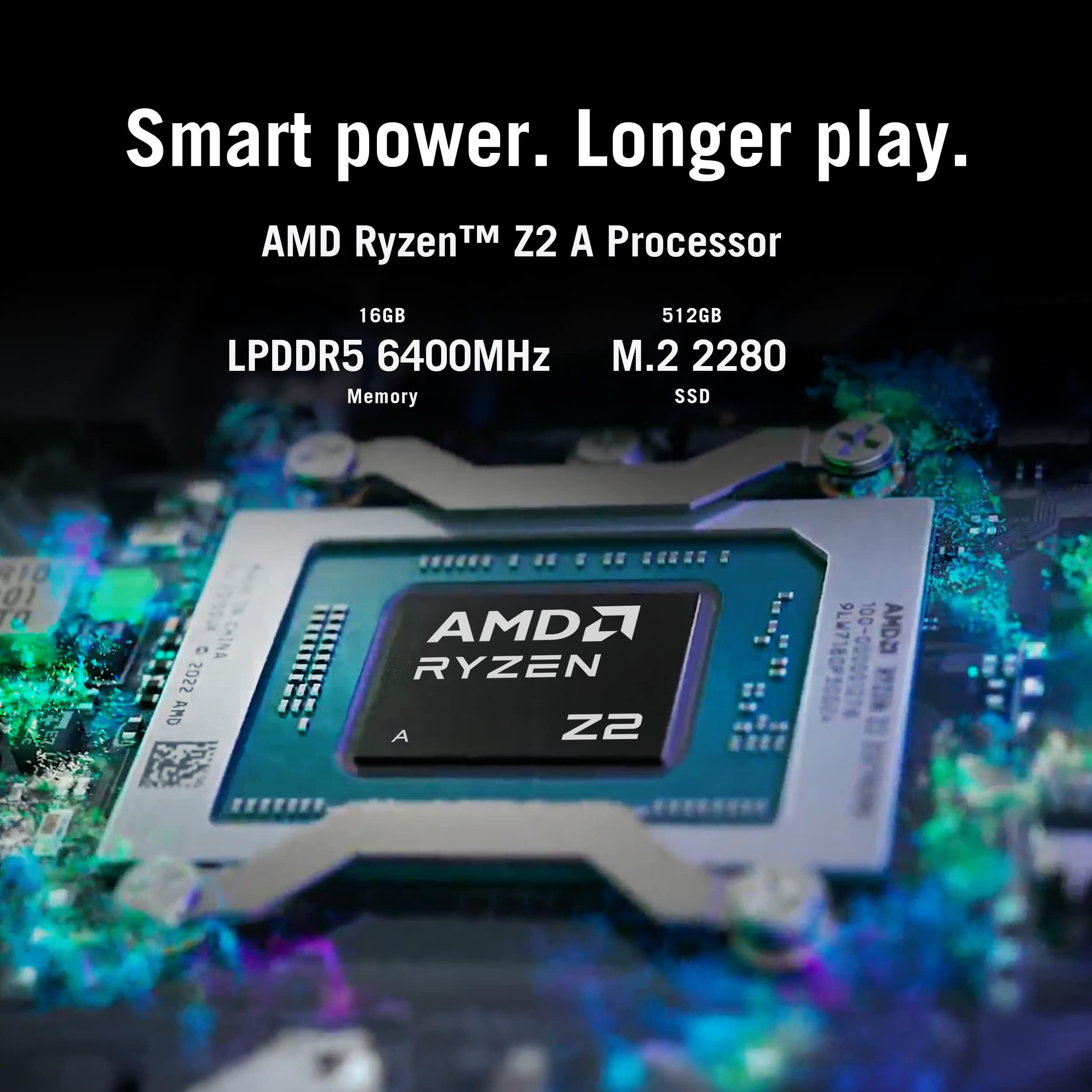
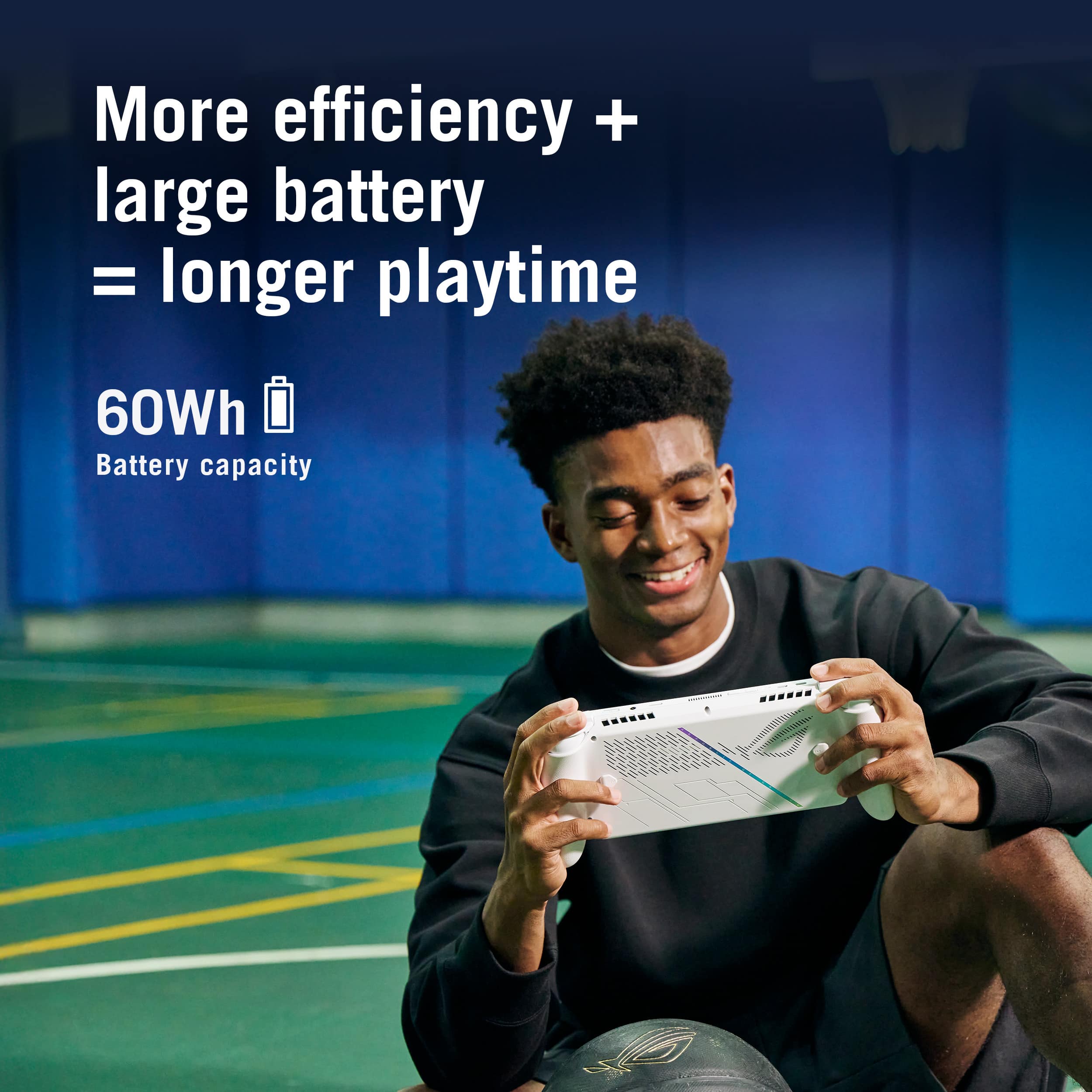
|Posted .This reviewer received promo considerations or sweepstakes entry for writing a review.I have been a big fan of the ROG line of products, I have owned a few PC’s as well as laptops, and I had also purchased the original Rog Ally when it was originally released in 2023. So, I was very excited to get my hands on this new model. I have to admit I was not very happy with the original Rog Ally that I had purchased. The software seemed very buggy and I had to send it in numerous times for a stick drift issue that they were eventually able to fix under warranty. Then there was also the MicroSD card issue with it getting too hot. I will admit that they have a solid customer service plan and do stand behind their products. So, here we are with the latest and greatest and we will see if they have fixed all the issues that the first version had. Out of the box, this feels very similar to the original. Although the newer model is much more ergonomic and feels a lot better to hold. They added the handles on each side to make it feel like you are holding a game controller. The SD card slot it still on the top of the unit, but it seems to be moved slightly further away from the fan exhaust port which caused so many problems on the first version. I loaded up some games on an SD card and even under pretty heavy load, I did not notice any SD card problems. So, it seems that problem has been fixed. The buttons on the controller feel pretty much the same as the original. They still have the LED ring under both of the joysticks like the first version did. I think that’s a cool little feature. The battery for this kind of sits in between the 2 versions of the original at 60 watt hours. It has a Ryzen Z2 A processor paired with 16GB of RAM and a 512GB SSD drive that is upgradable. I haven’t opened this one up, but I know on the last one upgrading the hard drive was a very simple process. This unit runs Windows with the Armoury Crate SE software which is what you will mainly use to launch games. You are limited to 1080p gaming in handheld mode, and I would assume that would be the same if plugged into a TV. The screen feels brighter and a little more responsive than the original. They say it has 500 nits of brightness and 7ms at 120Hz refresh rate. While playing I didn’t notice any kind of screen tearing or lag or anything like that. This is a very quick and responsive machine. I tested a few AAA titles that I installed through Steam as well as some that were on the Xbox app as well. Most played perfectly fine using basically medium settings across the board. For a small screen like this, it is perfectly fine. If you hook it up to a larger TV it wont quite be as good as a major console like a PS5, but for how small this thing is, it really packs a punch. Comparing this to my Switch 2, I would say the graphics and speed are quite comparable. Overall, it seems like they learned their lesson from the first console and were able to fix all the major issues that console had. I think most users will want to upgrade the internal SSD to at least a 1 or 2 TB, but other than that, this is a very solid handheld console and I have found it to work great!
I would recommend this to a friend Not worth it unless is on sale.
||Posted .This reviewer received promo considerations or sweepstakes entry for writing a review.Didn’t meet my expectations, it was glitchy and laggy for most games
No, I would not recommend this to a friendBrand response from ASUS Answers
Posted .Dear TommyB,
Thank you for sharing your experience with the ROG Xbox Ally. We sincerely apologize that the device did not meet your expectations and that you encountered glitching and lagging during gameplay. We understand how important smooth performance is for a gaming device and regret the frustration this has caused.
To assist with troubleshooting, we recommend following the steps outlined in our FAQ guide linked below. If the issue continues, please contact our support team at https://www.asus.com/us/support/CallUs so we can assist you further.
We stand behind our products and continuously strive to improve our products and processes to achieve customer service excellence. For more information, email us at customerloyalty@asus.com and include the case number "N2510028932-0013" as a reference. We will do our best to resolve your case quickly. Your feedback is very important to us and enables us to improve our support channels. Thank you for choosing ASUS.
Best Regards,
Chantae
ASUS Customer Loyalty US Support
[Windows 11/10] How to optimize your gaming experience - https://www.asus.com/support/faq/1046445/
- Pros mentioned:Portability, Screen quality
A Nice Handheld X Box That is Also a Portable PC
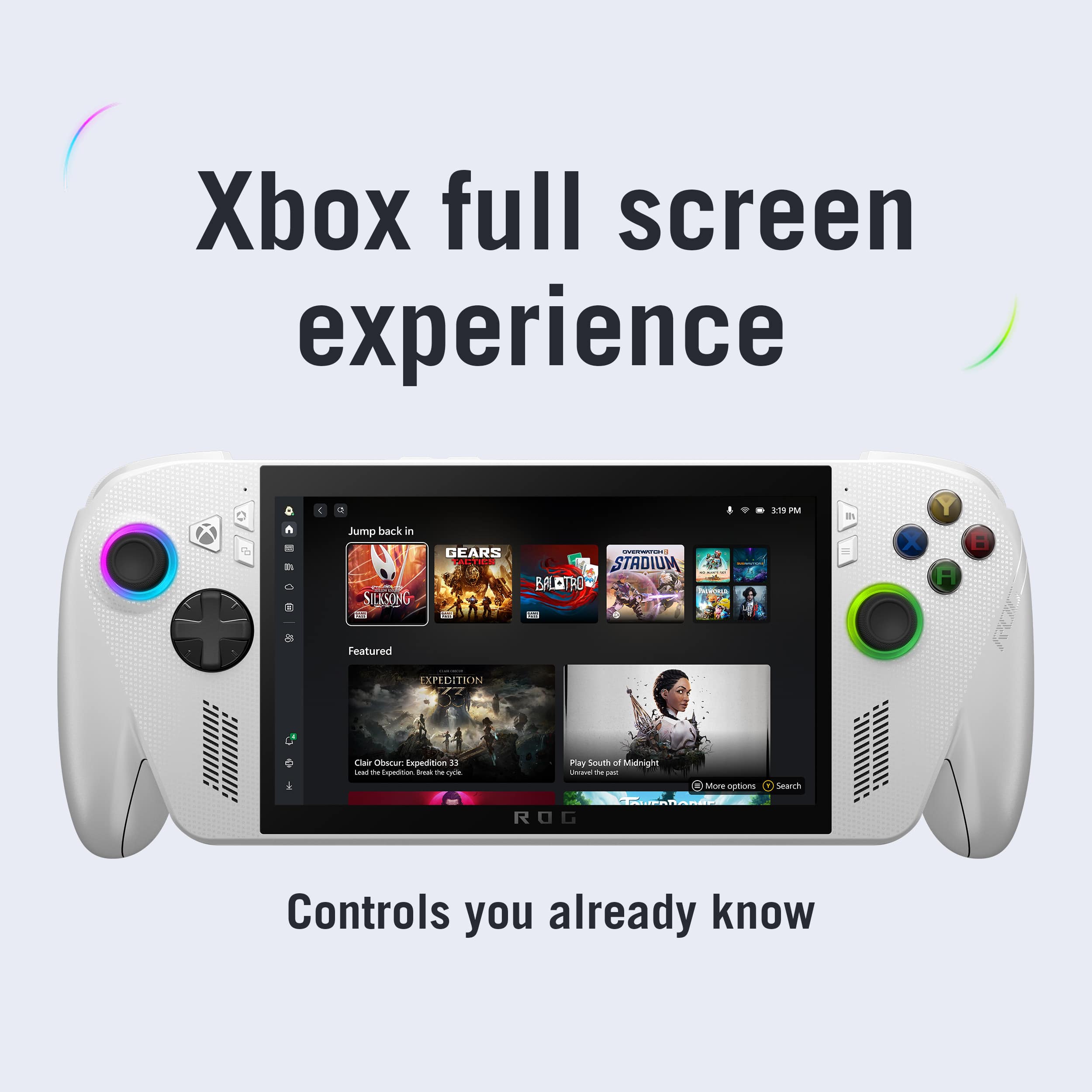
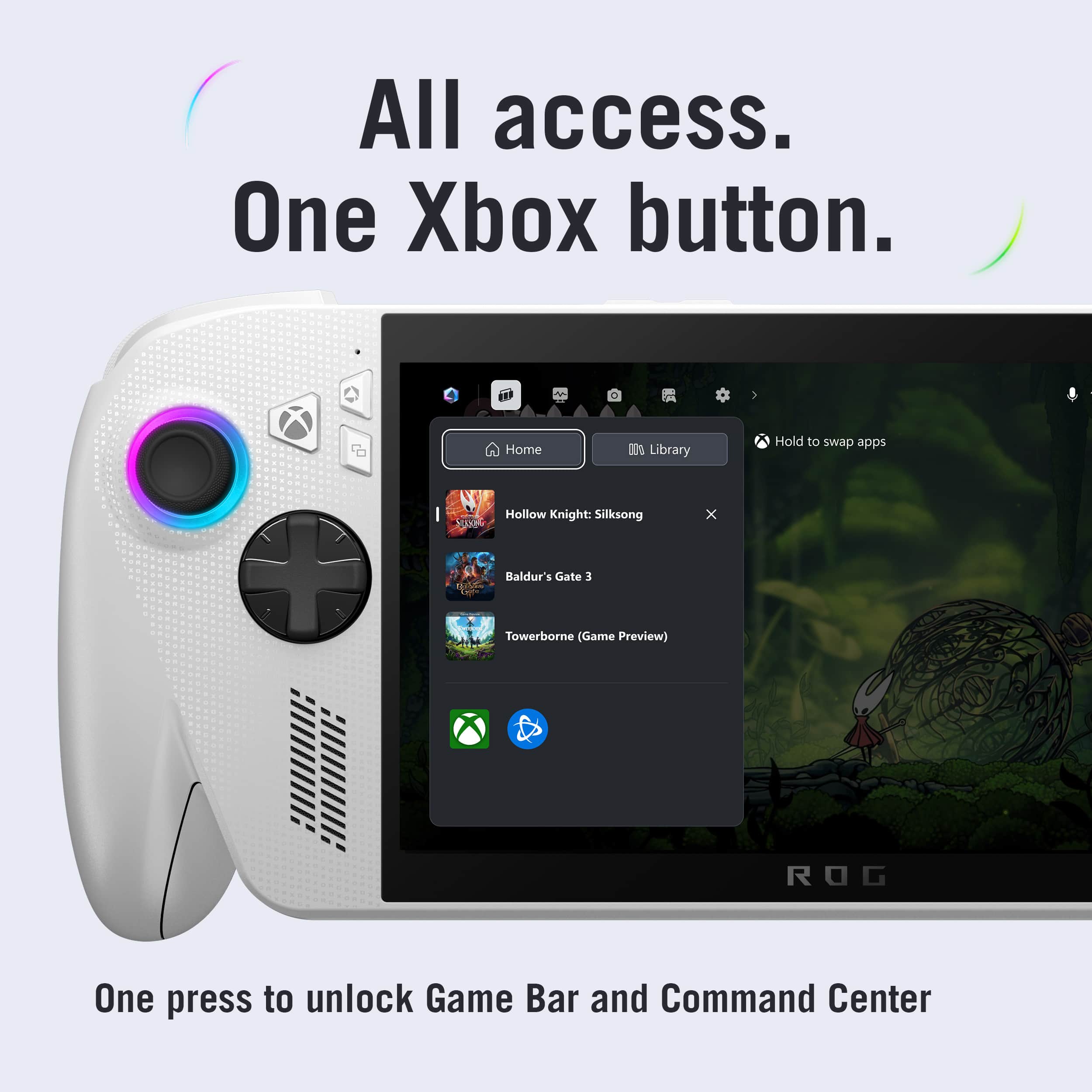
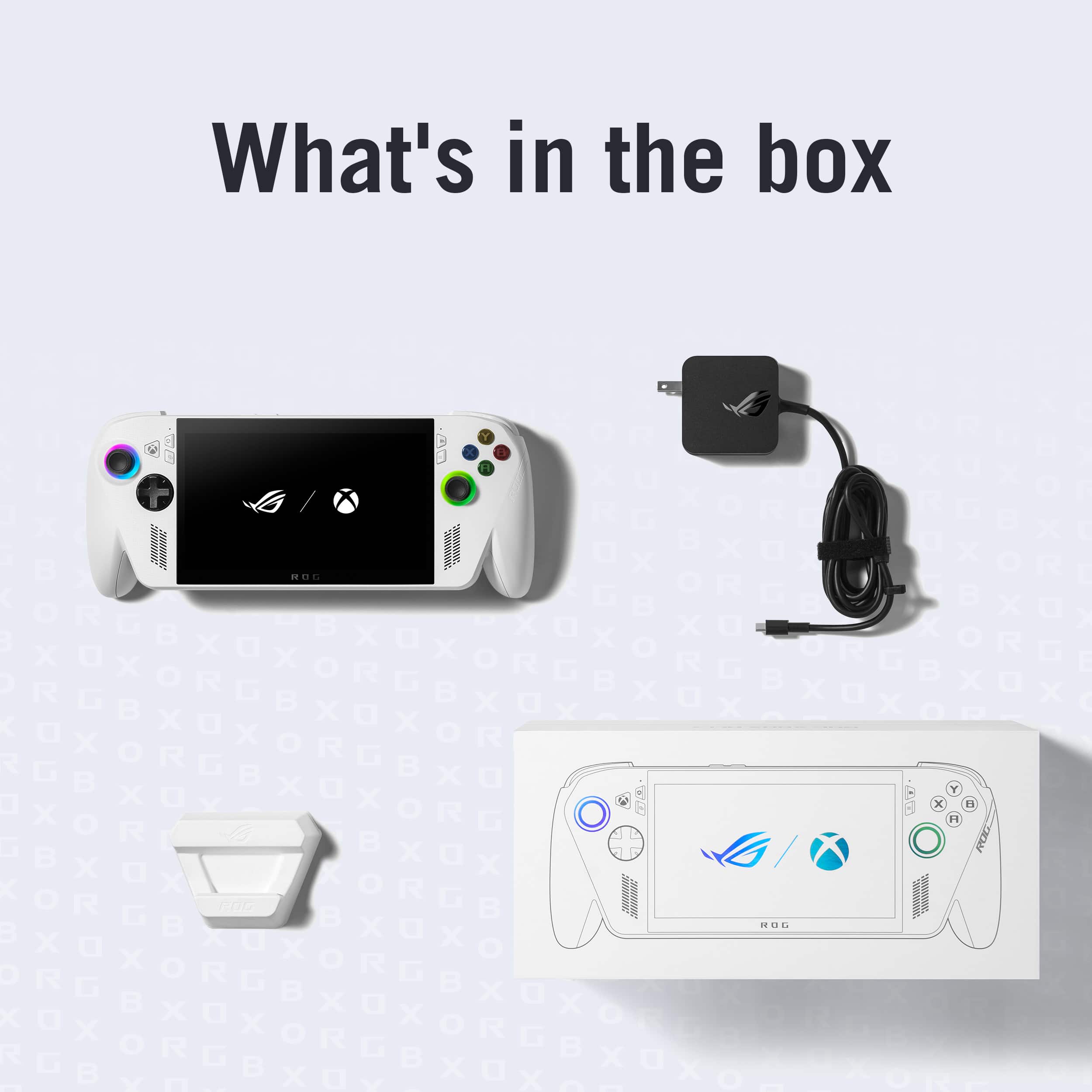
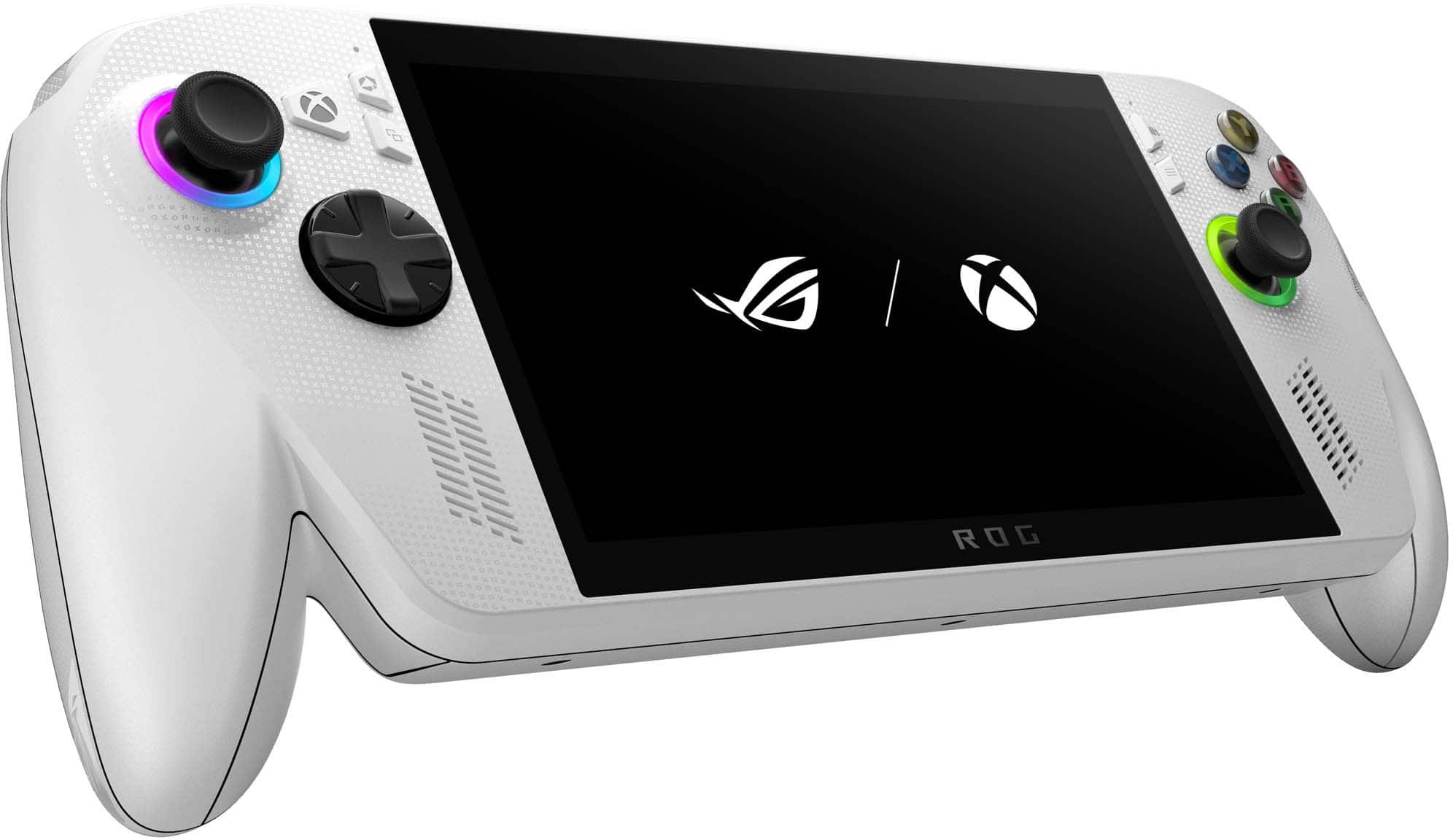
|Posted .This reviewer received promo considerations or sweepstakes entry for writing a review.The ASUS ROG Ally is a portable PC with the innovative feature of being able to become a handheld Microsoft X Box gaming device. Unboxing the unit: The unit was very well packaged and included instructions to get started. I found the included plastic cradle quite cheap looking and feeling, but it does the job it was meant to perform. Initial updates to the unit took about an hour--but being a Windows device, this is not much different from purchasing a laptop or computer. When the unit was first powered on, the text was rather small and could not be adjusted during the updates. The unit did not come with a diagram providing a guide for which buttons do what, so if you are unfamiliar with the typical X Box control buttons, there is a learning curve. The build quality is very good. The unit feels very stable and substantial in my hands. I especially liked the textured grips on the back of the device, which makes holding the unit much more comfortable and confident. Compared to the Nintendo Switch 2, the ASUS ROG feels quite a bit heavier (justifiably so with it being a portable PC), but that weight can make extended play without a resting surface a little cumbersome. The joysticks are very high quality and feel good as thumb controls. They are nimble and very responsive. Compared to the Switch 2, they are far superior. The D-Pad buttons are 8-directional input, are responsive and have good tactile feel. The screen is plenty bright, and the brightness is easily adjustable in the Windows settings. The screen stays pretty clean (even as a touch screen), and smudges wipe off easily. There is no noticeable screen tearing / pixel lag during just about all game play. There are several color presets for different types of gaming / uses, which is very convenient. The sharpness of the LED screen is very good with excellent contrast. There is a larger than expected border around the screen that probably took away about 10% available space for the screen. Perhaps the next generation will have more of a borderless screen. Games ran extremely smoothly and without issue. Most of my early gameplay was Fortnite, with a refresh rate at 60 FPS, at 1080P, with rendering / texturing at high levels. The only negative for gameplay was that on battery power, the unit struggled to maintain performance at these high levels (lowering the FPS to about 40), but when the unit was plugged in, there were no issues. I will add that this happened in Turbo Performance Mode only, which is recommended when the unit is plugged in--and there was a warning indicating so. For Fortnite specifically, at the same frame rate, this ASUS ROG had far superior texturing / rendering capabilities compared to the Switch 2, mostly because settings on the Switch 2 are fixed for that game. Battery Life was about 2 or 3 hours on average, depending on the game I was playing. Charging is reasonably fast, but I was surprised that the charging block was about the same size as it would be for a Chromebook--however, it had adequate length. I would have preferred the unit come with a carrying case, but most hand-held devices do not include one. The X Box Full Screen Experience is a feature of this unit that is pretty innovative. At the simple push of a button, the unit switches from X Box embedded in Windows to a Full X Box Gaming Screen. This makes the unit feel more like a true handheld game rather than a portable PC. In addition, performance of games in the Full Screen Experience is superior than when embedded in Windows. Swiping up from the bottom of the screen allows you to return to Windows very quickly. I did not use the unit very much as a portable PC, so I cannot comment on its performance in that regard. Overall, the ASUS ROG Ally Gaming Handheld performed better than expected, with very smooth gameplay (even at higher settings), a crisp screen, and comfortable yet precise controls.
I would recommend this to a friend Horrible and Slow
||Posted . Owned for 1 month when reviewed.This reviewer received promo considerations or sweepstakes entry for writing a review.Very slow. They make the buttons way too confusuing
No, I would not recommend this to a friendBrand response from ASUS Answers
Posted .Dear MadisonW,
Thank you for sharing your experience with the ROG Xbox Ally. We sincerely apologize for the slow performance you encountered, as well as the confusion caused by the button layout. We understand how important speed and ease of use are for a smooth gaming experience.
To help improve system responsiveness and usability, we recommend following the steps outlined in our FAQ guide linked below. If the issue continues, please contact our support team at https://www.asus.com/us/support/CallUs so we can assist you further or arrange repair service if necessary.
We stand behind our products and continuously strive to improve our products and processes to achieve customer service excellence. For more information, email us at customerloyalty@asus.com and include the case number "N2510028932-0017" as a reference. We will do our best to resolve your case quickly. Your feedback is very important to us and enables us to improve our support channels. Thank you for choosing ASUS.
Best Regards,
Chantae
ASUS Customer Loyalty US Support
[Windows 11/10] Troubleshooting - System is running slowly - https://www.asus.com/support/faq/1042398/
Dont buy
||Posted . Owned for 2 weeks when reviewed.This reviewer received promo considerations or sweepstakes entry for writing a review.I charged it befpr eanything then i turned it on one analog stick was working with the lame rgb lights
No, I would not recommend this to a friendBrand response from ASUS Answers
Posted .Dear Abdallah,
Thank you for choosing the ROG Xbox Ally. We sincerely regret the inconvenience you encountered with the analog stick and RGB lighting during initial use. To help resolve this, please follow the steps below:
1. Controller Calibration
Open Armoury Crate SE → Device Settings > Controller. Run the calibration tool to confirm both analog sticks are functioning properly.
2. System and Firmware Updates
Connect your Ally to Wi‑Fi. In MyASUS or Armoury Crate SE, check for the latest BIOS, driver, and controller firmware updates. Install all updates, then restart the device. Please ensure all important data is backed up before proceeding with any updates.
If the issue continues, please contact our support team at https://www.asus.com/us/support/CallUs so we can assist you further.
We stand behind our products and continuously strive to improve our products and processes to achieve customer service excellence. For more information, email us at customerloyalty@asus.com and include the case number "N2510028932-0007" as a reference. We will do our best to resolve your case quickly. Your feedback is very important to us and enables us to improve our support channels. Thank you for choosing ASUS.
Best Regards,
Chantae
ASUS Customer Loyalty US Support
Not worth it.
||Posted .This reviewer received promo considerations or sweepstakes entry for writing a review.Cloud gaming on my cell phone felt better. Too much work to get a game to look good at 30fps.
No, I would not recommend this to a friendBrand response from ASUS Answers
Posted .Dear Price,
Thank you for taking the time to share your experience with the ROG Xbox Ally. We regret to hear that the gaming performance did not meet your expectations, particularly in comparison to your cloud gaming experience on mobile. We understand how important it is for users to enjoy smooth, high-quality gameplay with minimal setup. Your feedback is appreciated and will be shared with our product development team for further evaluation.
In the meantime, we recommend the following steps in the FAQ guide linked below to help optimize performance. If the issue continues, please contact our support team at https://www.asus.com/us/support/CallUs so we can assist you further.
We stand behind our products and continuously strive to improve our products and processes to achieve customer service excellence. For more information, email us at customerloyalty@asus.com and include the case number "N2510028932-0004" as a reference. We will do our best to resolve your case quickly. Your feedback is very important to us and enables us to improve our support channels. Thank you for choosing ASUS.
Best Regards,
Chantae
ASUS Customer Loyalty US Support
[Windows 11/10] How to optimize your gaming experience - https://www.asus.com/support/faq/1046445/

Not worth it
|Posted . Owned for 2 weeks when reviewed.This reviewer received promo considerations or sweepstakes entry for writing a review.Trash get the legion go s instead of the dumb rog allys
No, I would not recommend this to a friendBrand response from ASUS Answers
Posted .Dear BrentG,
Thank you for sharing your feedback on the ROG Xbox Ally. We sincerely apologize for the frustration you’ve experienced and regret that the product did not meet your expectations. Your comments are very valuable and will be passed along to our product team for further review.
We stand behind our products and continuously strive to improve our products and processes to achieve customer service excellence. If you require any further assistance, please email us at customerloyalty@asus.com and include the case number "N2510028932-0010" as a reference. We will do our best to resolve your case quickly. Your feedback is very important to us, and it enables us to improve our support channels. Thank you for choosing ASUS.
Best Regards,
Chantae
ASUS Customer Loyalty US Support
Not very well made
||Posted .This reviewer received promo considerations or sweepstakes entry for writing a review.I really think they should lower the price and make it more user friendly. Kind of a bug trading wreck
No, I would not recommend this to a friendBrand response from ASUS Answers
Posted .Dear MarkA,
We sincerely apologize for the frustration you've experienced with the ROG Xbox Ally. We understand your concerns regarding pricing, usability, and performance, and we truly value your feedback. Please be assured that your comments will be shared with the appropriate teams for review.
In the meantime, we recommend contacting our support team directly at https://www.asus.com/us/support/callus/ so we can further investigate the issues you've encountered and provide assistance.
We stand behind our product and we continuously strive to improve our products and processes in order to achieve customer service excellence. For more information send us an email at customerloyalty@asus.com and provide the case number "N2510028932-0001" for reference. We’ll do our best to provide a quick resolution to your case. Your feedback is important as it helps with improvements to ASUS Support channels. Thank you for choosing ASUS.
Best Regards,
Chantae
ASUS Customer Loyalty US Support
Don’t buy
||Posted .This reviewer received promo considerations or sweepstakes entry for writing a review.Clunky, slow windows based gaming. Returned in less than one week.
No, I would not recommend this to a friendBrand response from ASUS Answers
Posted .Dear Jimmy K,
Thank you for sharing your experience with the ROG Xbox Ally. We’re sorry to hear that the device did not meet your expectations and that you chose to return it. We understand how important performance and ease of use are, especially for gaming. Your feedback is appreciated and will be shared with our product team for further review.
We stand behind our products and continuously strive to improve our products and processes to achieve customer service excellence. If you require any further assistance, please email us at customerloyalty@asus.com and include the case number "N2510028932-0003" as a reference. We will do our best to resolve your case quickly. Your feedback is very important to us, and it enables us to improve our support channels. Thank you for choosing ASUS.
Best Regards,
Chantae
ASUS Customer Loyalty US Support
Horrible
||Posted .This reviewer received promo considerations or sweepstakes entry for writing a review.Trigger stopped working already wftwr n ine seeioj ot good use
No, I would not recommend this to a friendBrand response from ASUS Answers
Posted .Dear TimothyC,
Thank you for your comment.
We certainly understand your disappointment and the inconvenience this may have caused. All ASUS products undergo intensive quality control testing and inspections; this is a random problem. If the trigger buttons stop working, we recommend you send the product in for service to determine if this is a hardware issue so this may be resolved immediately. An RMA number is required to send it in for service. For RMA details, please go to: https://www.asus.com/us/support/article/818/.
If you need more information or further assistance with the warranty for the product, please email me at cl-rodel@asus.com and I would be more than happy to help. Or you are most welcome to call Product Support Hotline at: 1(888) 678-3688. Also, you can chat with an ASUS live support agent from the link: https://www.asus.com/us/support/article/1135/.
Thank you for choosing an ASUS product.
Regards,
Rodel
ASUS Customer Loyalty
Needs more power
||Posted .This reviewer received promo considerations or sweepstakes entry for writing a review.I mean you can play games but at a slow slow rate!!!!
No, I would not recommend this to a friendBrand response from ASUS Answers
Posted .Dear ChristopherJ,
Thank you for sharing your experience with the ROG Xbox Ally. We apologize for the performance issues you've encountered while gaming. We understand how important smooth gameplay is and appreciate you bringing this to our attention.
To help improve performance, we recommend reviewing the steps in our system troubleshooting guide linked below. If the issue continues, please contact our support team at https://www.asus.com/us/support/CallUs so we can assist you further.
We stand behind our products and continuously strive to improve our products and processes to achieve customer service excellence. For more information, email us at customerloyalty@asus.com and include the case number "N2510028932-0002" as a reference. We will do our best to resolve your case quickly. Your feedback is very important to us and enables us to improve our support channels. Thank you for choosing ASUS.
Best Regards,
Chantae
ASUS Customer Loyalty US Support
[Windows 11/10] Troubleshooting - System is running slowly - https://www.asus.com/support/faq/1042398/
[Windows 11/10] How to optimize your gaming experience - https://www.asus.com/support/faq/1046445/
- Pros mentioned:Battery life, Portability
Greet Ergonomics, Decent Performance
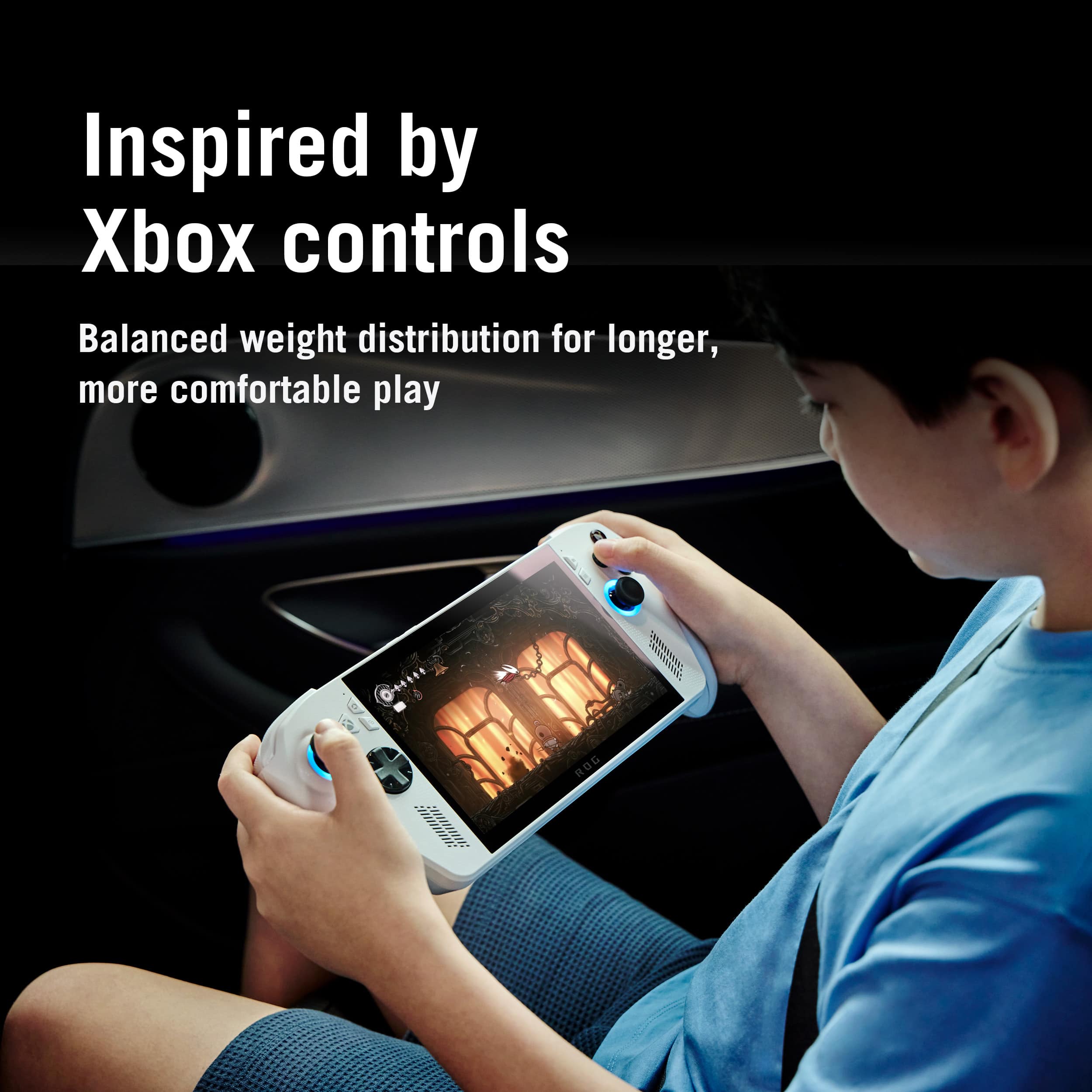
|Posted .This reviewer received promo considerations or sweepstakes entry for writing a review.There are two things that stand out with this handheld. It is extremely comfortable to hold and play for long periods of time. The XBox remote play is an amazing feature. I've found it best for less demanding games, but was able to play some newer demanding games by reducing quality settings. On a screen this small, I didn't notice that much of a difference and the battery life gains are totally worth it. The UI is instersting. Once you go through the set up process with Windows, and install any updates, you will be greeted with a nice XBox interface that allows you to jump right into games easily. This makes it feel like a proper console and it is easy to get into any settings you need or just start playing. There is some really good competition for similar devices and this one stands our for the comfortable use, the great battery life, and the XBox interface. The processor isn't cutting edge, but that makes it less demanding of the battery. Overall, this is a good handheld with some great tweaks for portability.
I would recommend this to a friend - Cons mentioned:Ram, Storage capacity
Great ergonomics and battery life
|Posted .This reviewer received promo considerations or sweepstakes entry for writing a review.Gotta be straight about this, at the same price point other than the ergonomics and batter capacity this is a downgrade from the Z1E version while priced the same. It's a hard sell IMO. You're not going to play some of the newer games at over medium. You may never see FPS go over 40 even with tweaking. You'll fill your drive space quickly if you like traveling with a lot of games installed. You won't be able to allocate much RAM to the GPU. Basically get this if you like older games or play lower demanding new games. My first test was Baldur's Gate 3. I had to set to medium and them tweak a bunch of other settings even lower. With that I only maxed out at 38FPS. It's not really an issue with a turn based game, but I'd stay away from any shoots if I can't hit at least 45FPS. Things get too stuttery even with VRR. Here's to good part, according to Windows I have about 2hrs of estimated play time with BG3. I didn't run it all the way down and only played for 15 min, so not sure how accurate the estimate was. Now, the best thing about the Xbox Ally is the ergonomics. You don't have to buy 3rd party grips. This unit fits perfectly in my hands and the sticks and buttons are easy to reach. One bad thing is the layout of the USB C ports. They're right next to each other, so if you use a dongle for your headsets you either have to buy an extension, block one port, or block a button. Extension is the most sensible, but I hate having things dangle from a handheld. If you get this you have understand specifically that this is lower performing version of the Xbox Ally. It's so underpowered that it's not even close in real use. Set your expectations low, then tweak them a little lower than that and you'll be happy. If you like emulators and low demanding games then this Ally will suit you fine.
No, I would not recommend this to a friendBrand response from ASUS Answers
Posted .Dear MadSquabbles,
Thank you for sharing your detailed experience with the ASUS ROG Xbox Ally. We appreciate your honest feedback and are glad to hear that the ergonomics and battery capacity met your expectations. We apologize that the overall performance, screen layout, and port configuration did not align with your needs, especially in comparison to the Z1E version. Your feedback is appreciated and will be passed to our product team for review.
We stand behind our products and continuously strive to improve our products and processes to achieve customer service excellence. If you require any further assistance, please email us at customerloyalty@asus.com and include the case number "N2510034235-0002" as a reference. We will do our best to resolve your case quickly. Your feedback is very important to us, and it enables us to improve our support channels. Thank you for choosing ASUS.
Best Regards,
Chantae
ASUS Customer Loyalty US Support
- Pros mentioned:Screen qualityCons mentioned:Setup process
Pay more, play less
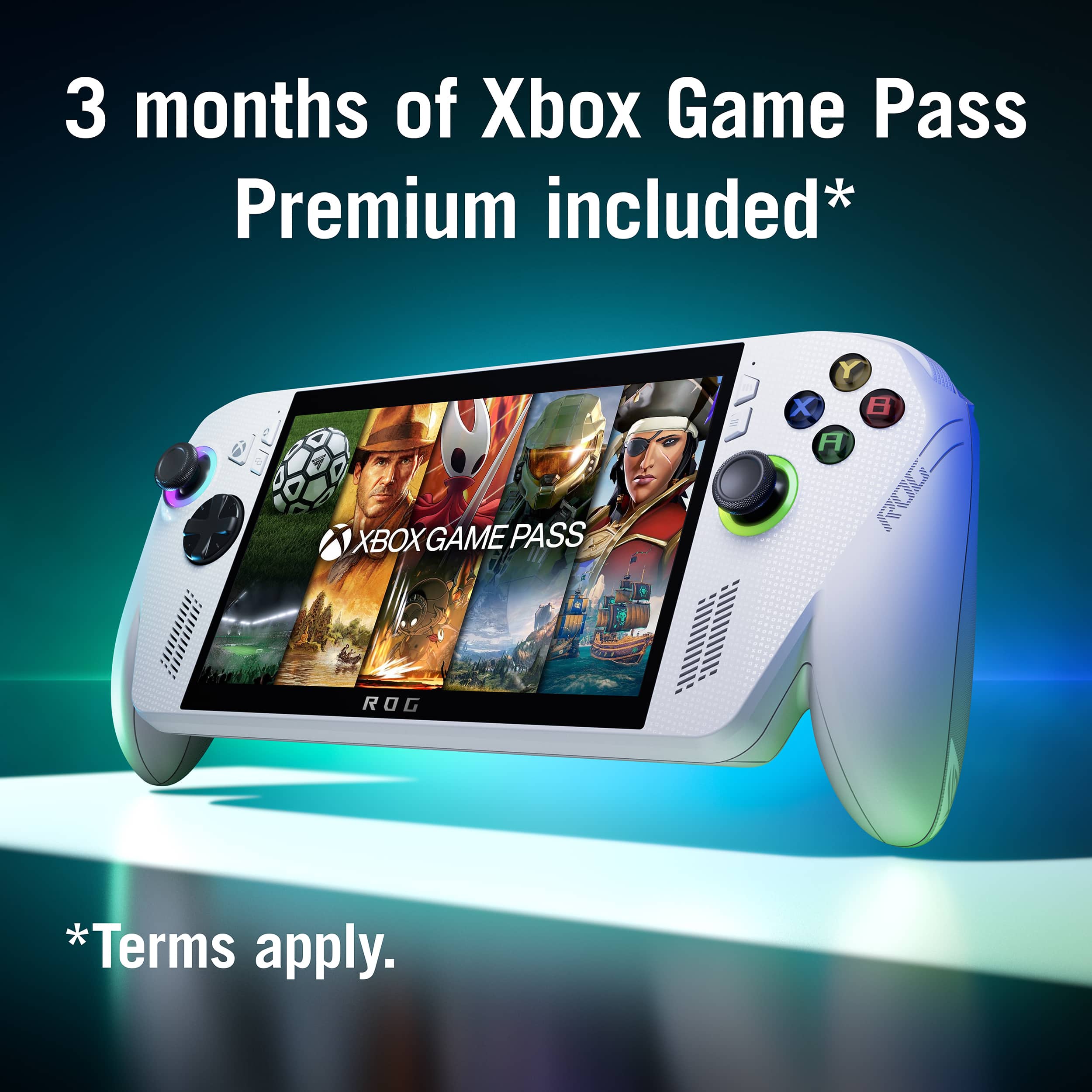
|Posted .This reviewer received promo considerations or sweepstakes entry for writing a review.Out of the box, this was a pain to set up. You're not setting up a new xbox - you're setting up a really slow, small, new windows computer. It went slightly faster once I realized it was a touchscreen and I didn't have to move the cursor around with the joystick or buttons, but it was still really slow and painful, especially when it needed a windows update immediately. I had to set it down to update unattended and come back to it the next day. Then, you're going to have no access to any of your games unless you've bought the digital copy online. There is only a t i n y selection of games with the trial game pass subscription that comes included. Nearly everything needs to be purchased to play. Even for the games you already have in your library, most of them come with some kind of warning that certain features are not optimized for this setup. The screen itself is good quality for the size, and the sound is actually pretty impressive. If you really want to play your xbox on the go, and you're willing to pay for games or a better subscription tier, then this might be for you. If you're just a casual xbox gamer, I'd say pass this one up.
No, I would not recommend this to a friendBrand response from ASUS Answers
Posted .Dear Bradcon,
Thank you for sharing your experience with the ROG Xbox Ally. We sincerely apologize for the challenges you faced during setup and gameplay. We understand how important a smooth and intuitive experience is, and we regret that this did not meet your expectations. Your feedback has been noted and will be forwarded to our product team for further review.
To help improve your experience, we recommend reviewing the steps in the FAQ guide linked below. If the issue continues, please contact our support team at https://www.asus.com/us/support/CallUs so we can assist you further or arrange repair service if necessary.
We stand behind our products and continuously strive to improve our products and processes to achieve customer service excellence. For more information, email us at customerloyalty@asus.com and include the case number "N2510034235-0004" as a reference. We will do our best to resolve your case quickly. Your feedback is very important to us and enables us to improve our support channels. Thank you for choosing ASUS.
Best Regards,
Chantae
ASUS Customer Loyalty US Support
[Windows 11/10] Troubleshooting - System is running slowly - https://www.asus.com/support/faq/1042398/
[Windows 11/10] How to optimize your gaming experience - https://www.asus.com/support/faq/1046445/