Customer Ratings & Reviews

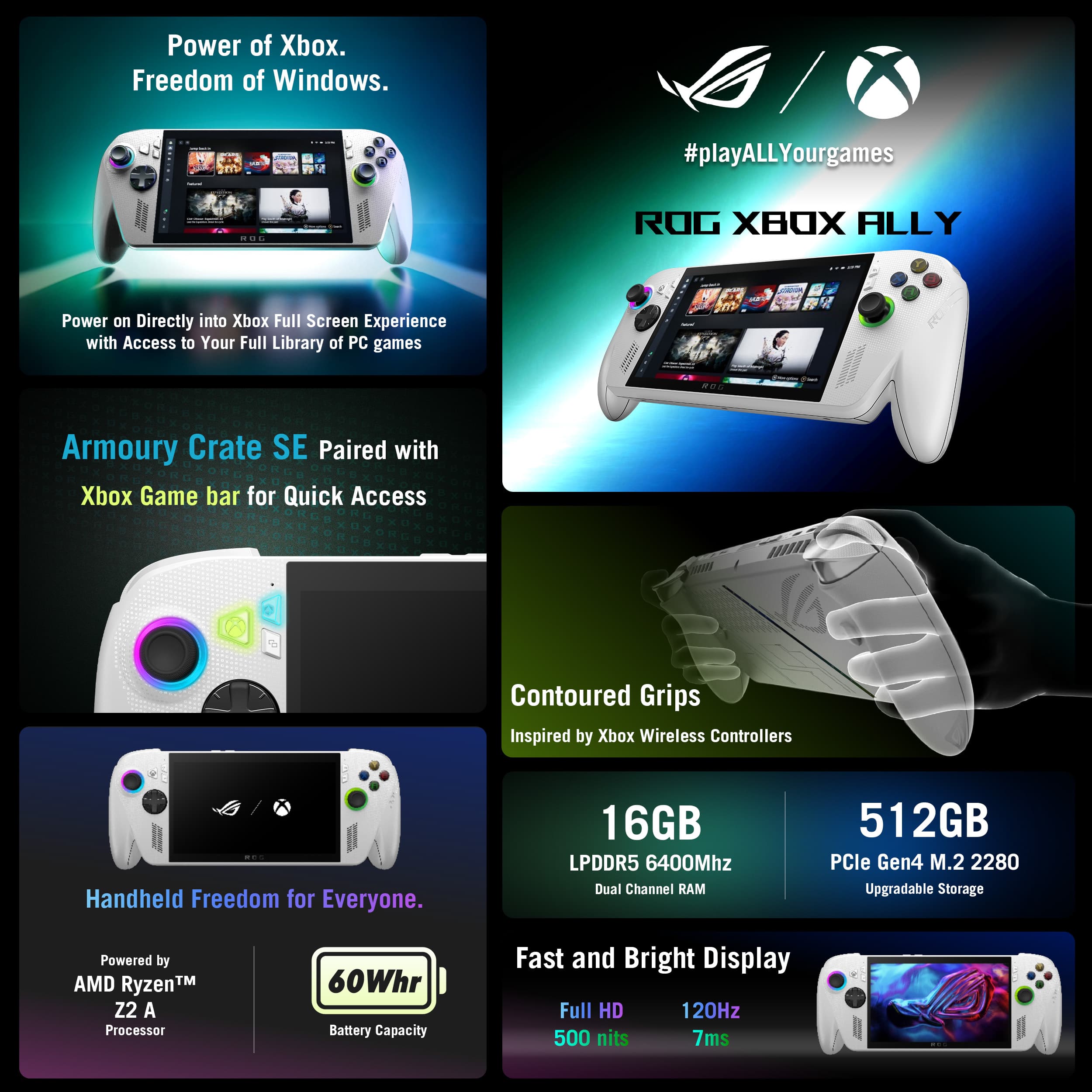
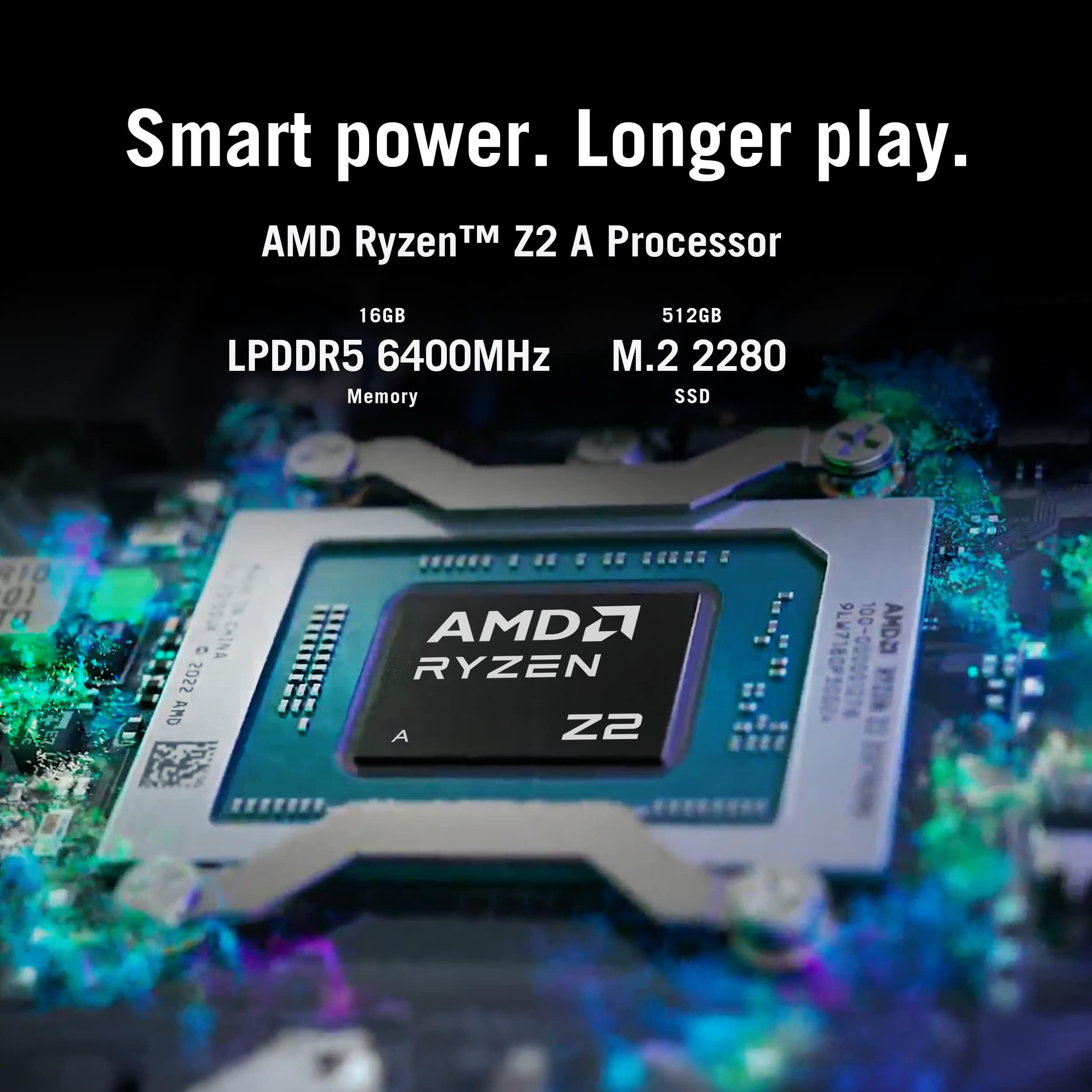
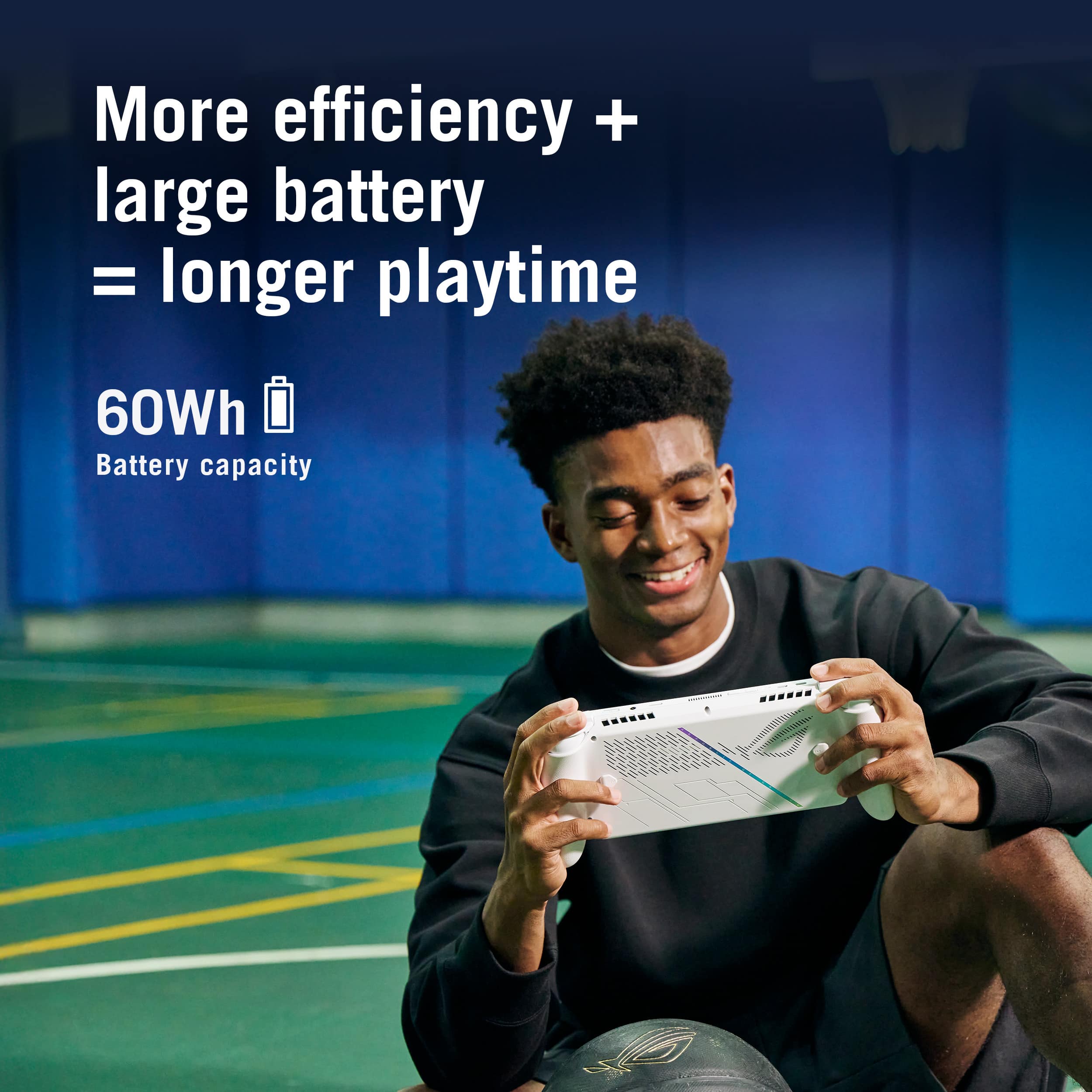
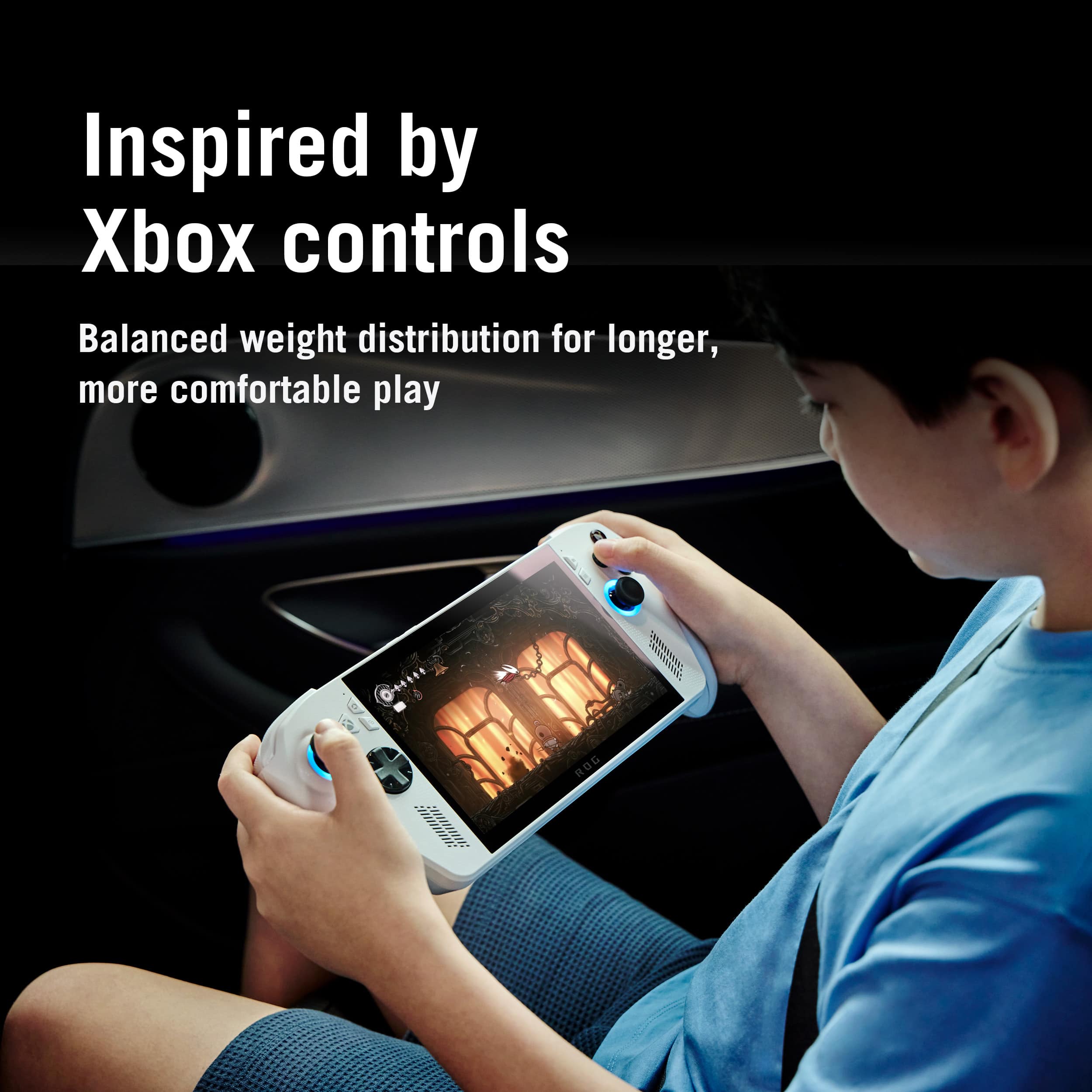
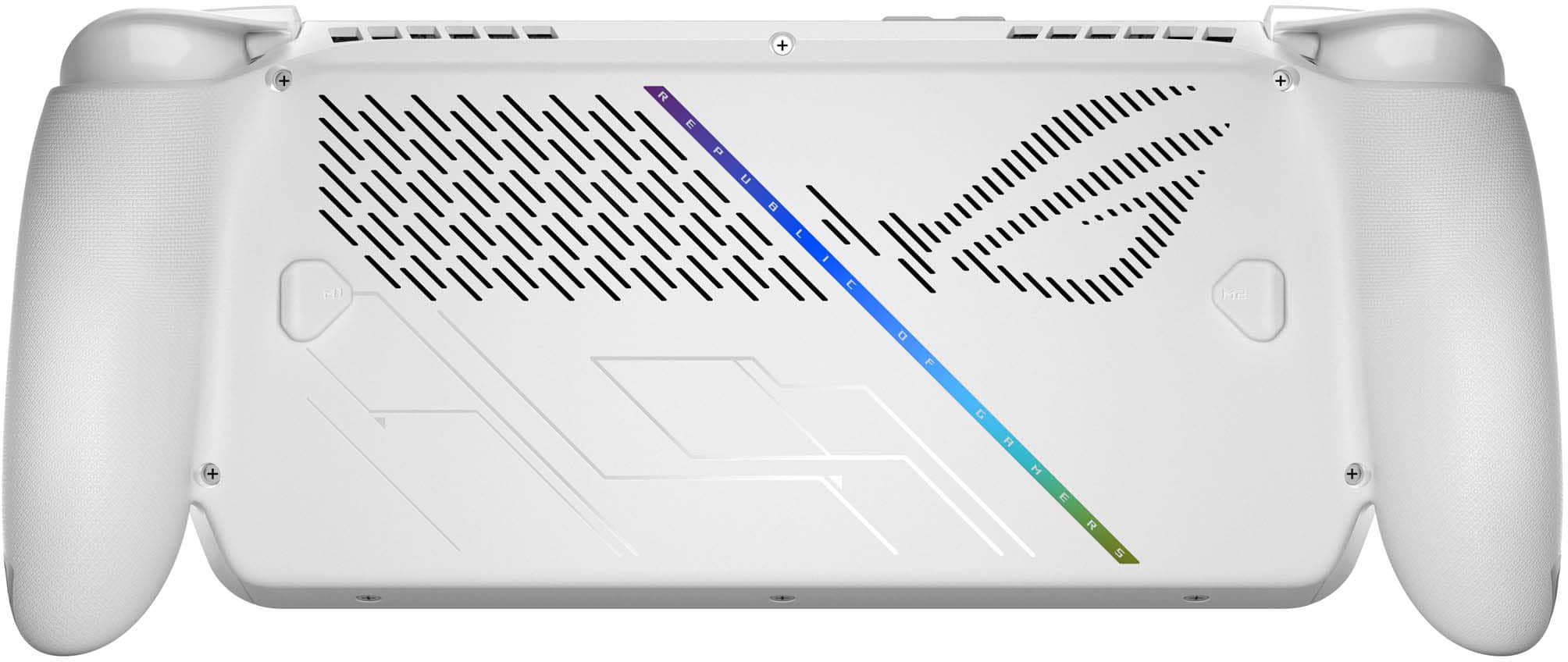
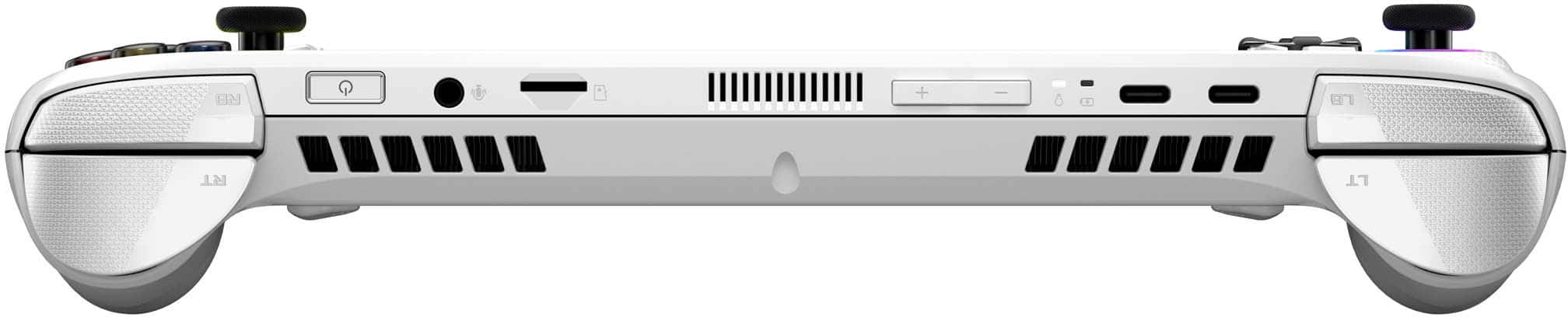
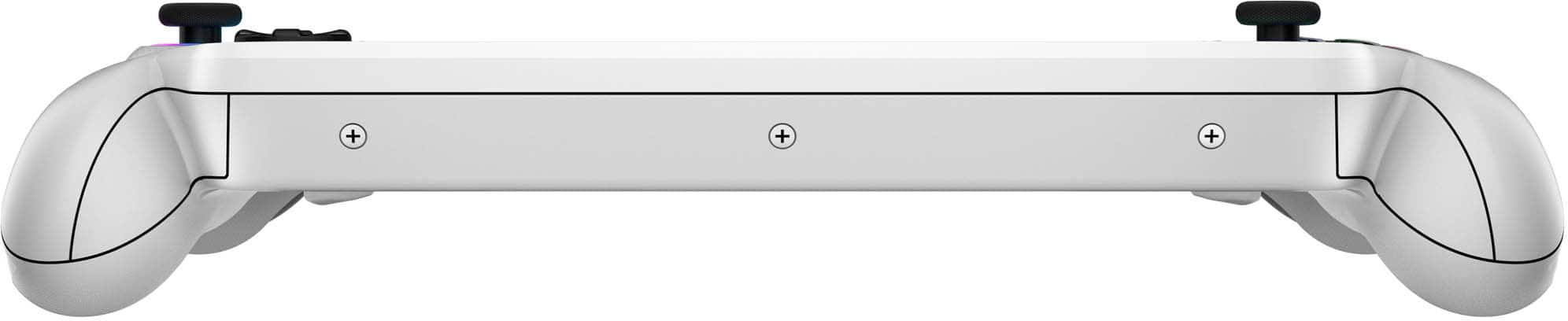
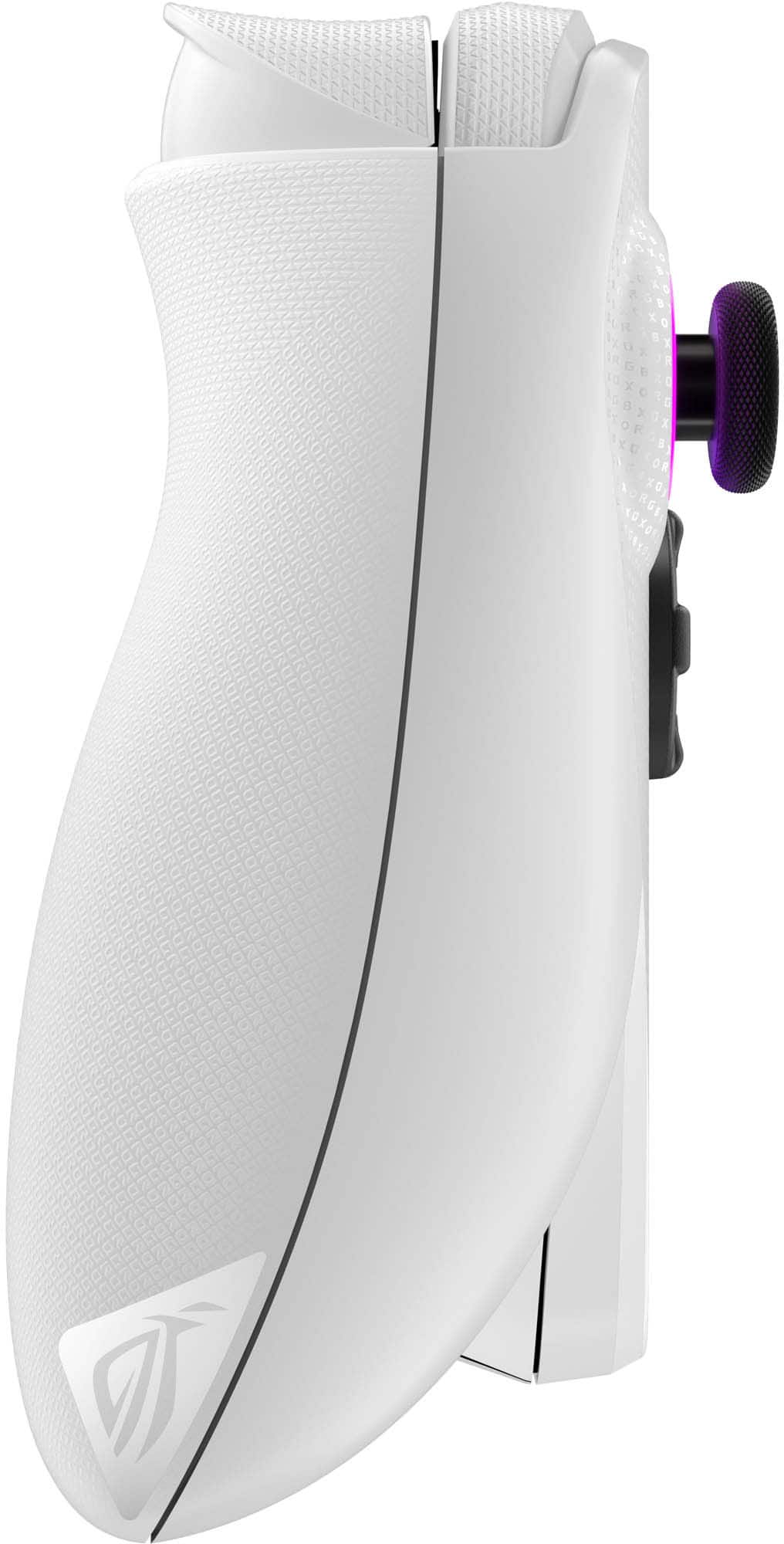
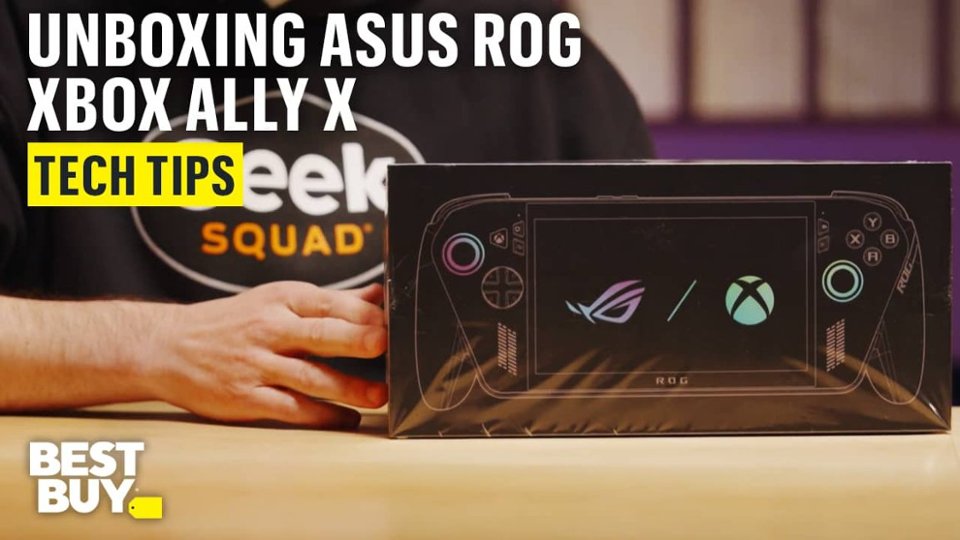
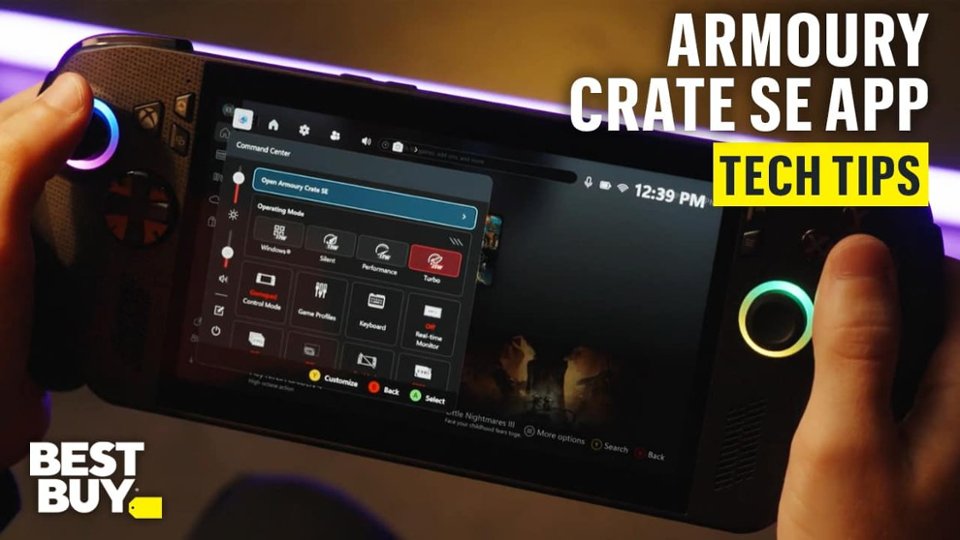
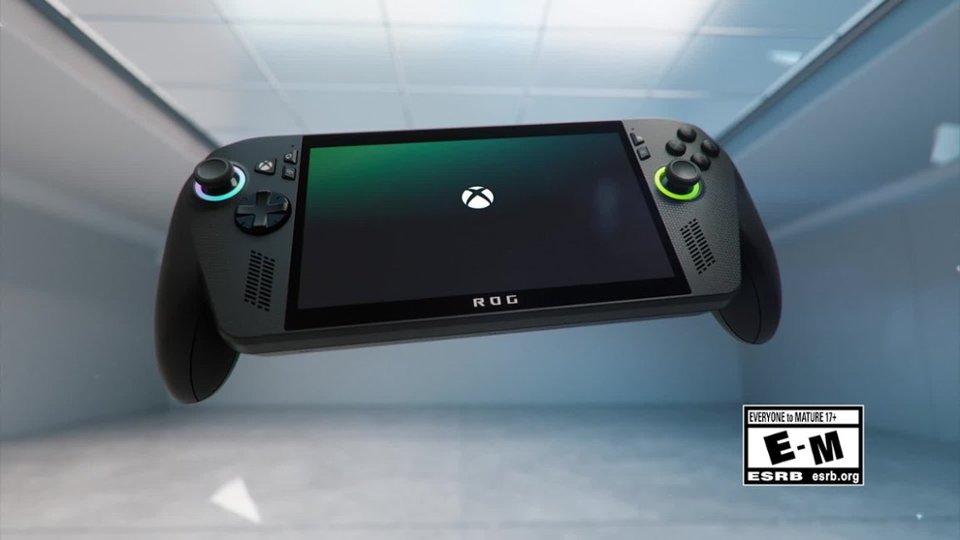

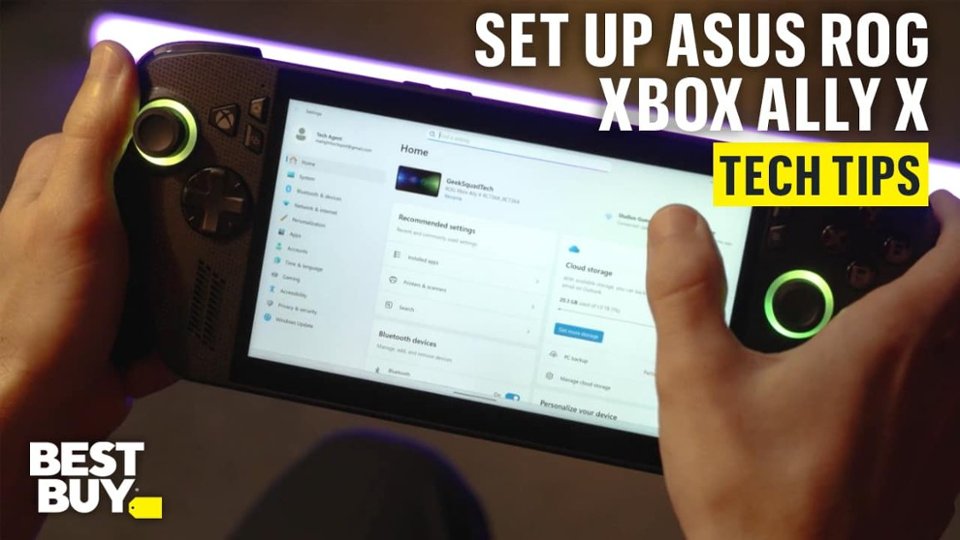
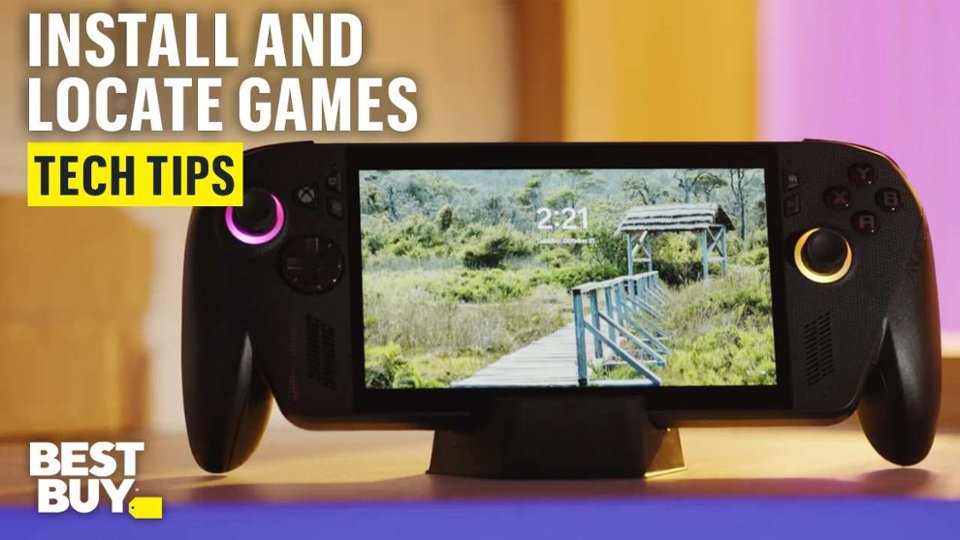
- Model:
- RC73YA-XB_ALLY.Z2A.16
- SKU:
- 6642251
Rating by feature
- Performance
Rating 4.3 out of 5 stars
- Storage Capacity
Rating 4.1 out of 5 stars
- Controller
Rating 4.7 out of 5 stars
Customers are saying
Customers appreciate the device's overall performance for basic gaming, as well as its excellent screen quality and high level of portability. While users find the system comfortable to use and enjoy the reliable battery life, some have expressed concerns regarding limited storage capacity and occasional game compatibility issues. Additionally, a small number of users noted challenges with the initial setup process, heat management during intensive play, and the limitations of the RAM.
This summary was generated by AI based on customer reviews.
- Pros mentioned:Battery life, Overall performance, Screen quality
Hidden Gem? Perfect for light casual gaming sesion
||Posted . Owned for 1 month when reviewed.This reviewer received promo considerations or sweepstakes entry for writing a review.The product itself is amazing, quality wise is great with the 7"inch ips display you can certainly see everything on every game you try to play, now performance wise it can be a little disappointing at 600 bucks, but if you catch it on a good deal it's great. The z2A gave a great performance with more casual games like Fortnite running at medium settings with 120hz set on the display and got a more than smooth ride with stables 60-80 fps and around 1 hour and 45 minutes of continuous play time. Now it has to be considered that if we lower the resolution and settings there will most likely be better performance and battery life. Of course this is not a full size pc and has no dedicated GPU so it is not expected to run cyberpunk or any other demanding title. Overall it's perfect if you play more casual-not so demanding games and if you just want to have a quick gaming session on the go or in break, yet if you want something that can run anything you should probably shoot for the X (more equipped) version.
I would recommend this to a friend - Pros mentioned:Portability

Low GPU Performance, but still fun & snappy
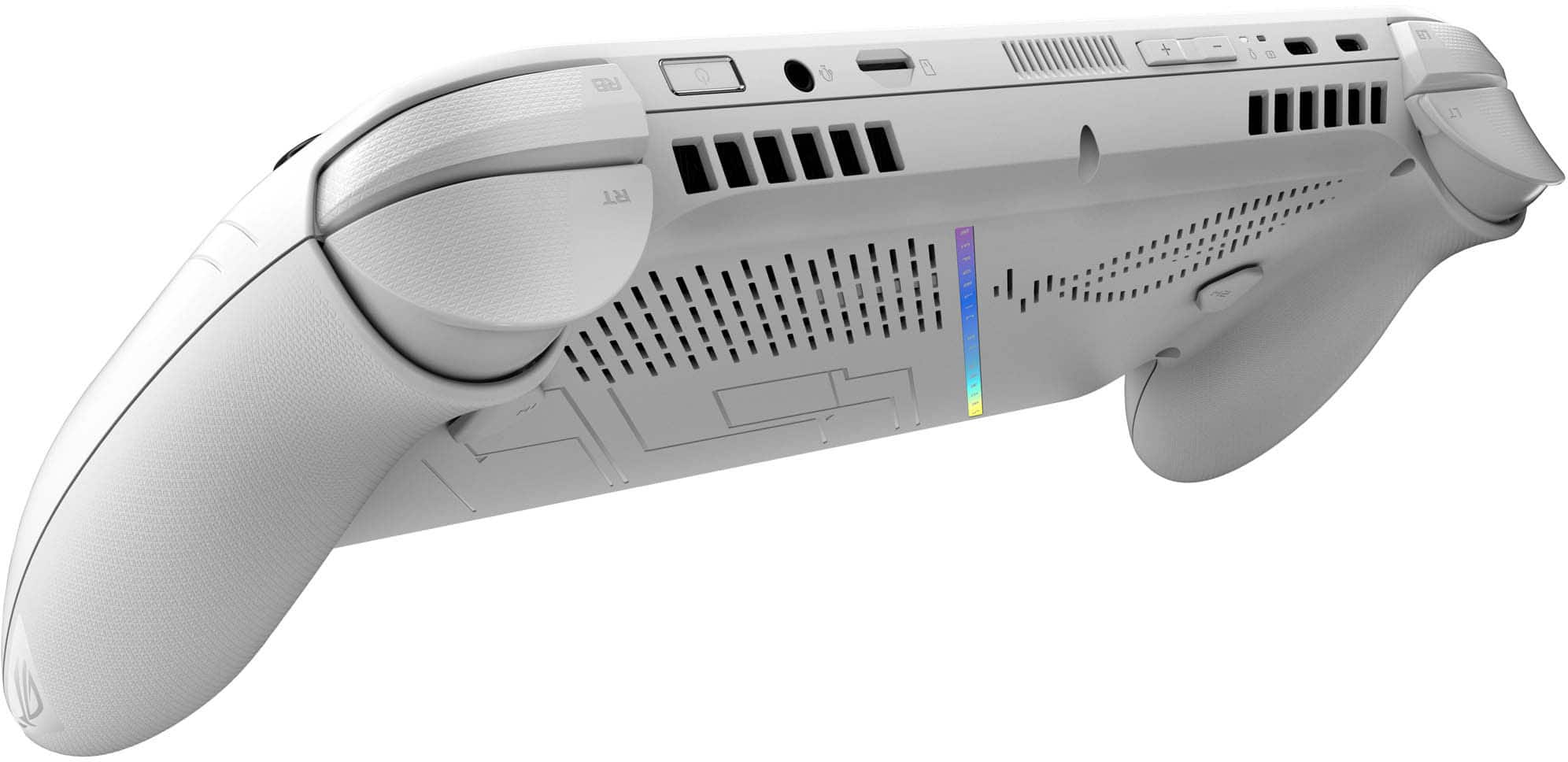
|Posted .This reviewer received promo considerations or sweepstakes entry for writing a review.TLDR: Extremely convenient for portable game play, but manage your expectations. PROS: Nearly silent Upgradeable nVME drive 7" Screen is Sharp CONS Limited GPU Power Short battery life Full Windows 11 with Windows 11 Bloat Has to phone home to China KEY SPECS 7" 1080p screen 60Wh Battery BT 5.4 & Wi-Fi 6E 512GB HDD 16GB LPDDR5-6400 RAM GAME PERFORMANCE Ninja Gaiden 4: 35fps Low Quality Call of Duty Black Ops 6: 60 fps Low Quality Battlefield: 60fps Medium Quality Forza Horizon 5: 30fps High Quality SET-UP The ROG Ally is a unique product. It really is a full blown Windows 11 computer, running a copy of Windows 11 Home. There is no custom WIM or a light version of Windows 11. It is a full 64-bit build. Because of this, initial set-up is extremely easy. It is no different than setting up any new computer. Initial configuration took only minutes and then like every other new computer, you are greeted with mandatory driver, app, and Windows updates. Which, I must add, went without issue. Surprisingly, with limited GPU/CPU power and limited RAM, the Ally does quite well with its OS. Things are much speedier than I thought they would be. I've used many low power products in my day and have been woefully slow and inadequate. So slow, that it completely ruins the user experience. The Ally does quite well with normal Windows tasks and its XBOX app. I admit that I was surprised at just how snappy and responsive the performance is. APPS Like I mentioned earlier, the Ally runs a full Windows 11 OS. Because of this, all your PC apps install on the Ally just as they would with a laptop or desktop. All apps I installed functioned properly; XBOX, EA, Discord, Steam, etc. They had no clue they were operating on a handheld console. Same with games. Buyers have full access to their existing app and game libraries. SCREEN At only 7" and a full HD, 1080p resolution, the screen is very sharp. Even with the tiny font squeezed down to such a small space, words are still very legible. While the screen does support a 120Hz refresh rate and is AMD FreeSync compatible, it is overkill for the most part, there isn't enough GPU power to make use of all that refresh rate. SSD This Ally ships with an extremely small 512GB nVME SSD. By the time Windows gets installed, there isn't much room left for many games. 2 or 3 at the most. Games like Forza 5 eat up close to 200GB alone and current AAA games are getting larger by the day. Luckily, it isn't too hard to swap out the SSD. Asus uses a common 2280 Gen 4 drive. This is one of the very first things I did. I swapped the 512 for a larger 2TB nVME. I now have 6 games on the Ally and have room to spare. BATTERY LIFE Using Performance Mode in the Radeon control panel, I am able to get a good 1.5 - 2.5hrs of gaming. Give or take depending on the demands of the game. Graphically demanding games like the new Ninja Gaiden 4 will put my time to the lower end, while simple games like Microsoft Solitaire will achieve over 2hrs of play time. Luckily, charging is fairly quick and uses a common USB-C interface. Thank goodness. Good job Asus. With USB-C charging, a person needs only 1 power adapter instead of a separate one just for the Ally. Super smart! EXPANSION The Ally comes equipped with 2 USB-C 3.2 Gen-2 ports, a microSD card slot, Wi-Fi 6E, and Bluetooth 5.4. With being a full Windows build, users can add peripherals just like any other computer. The Ally will reach out and get any drivers necessary to make those peripherals work. Keyboards, controllers, external monitors, etc. can all be hooked up via the USB-C ports or via Bluetooth. Asus claims on their website that they will be releasing an Enhanced Docking solution for larger monitors. I'm not sure what this is, whether it is a software upgrade or hardware add-on. I do know that I tested the Ally with my LG Ultra Gear 49" OLED 4k monitor. Yes, the Ally can output 4k resolution, but it is locked at 30Hz. Actually, all output resolutions are locked at 30Hz. I'm not sure if this is a software limitation or bandwidth limitation from the weak USB 3.2 Gen 2 ports. NEGATIVES First. Because of the low power GPU/CPU, don't expect most games to run with a lot of eye candy. When installing, most games default to Low or Medium settings. Fully expect to utilize AMD Frame Generation and Super Resolution to help boost visuals and frame rates. One nice surprise was Forza Horizon 5. The benchmarking tool recommended High settings. The Ally only achieved 30fps, but at high setting the game looked nice and crisp. Because the screen is so small, buyers won't really notice the poor quality visuals. Even at Low and Medium settings on most games, the AMD Super Resolution and image sharpening algorithms cleaned up images fairly well. Second. The small 512GB SSD. It is way too small for big AAA games. I was able to install Ninja Gaiden 4 and Forza Horizon 5 before it filled up. After removing a few Phillips screws, I was able to pop the back off and swap out the SSD. But there in lies my second complaint. Asus gives you the option of doing a Cloud Restore in the Bios. It uses an internet connection to phone home and download a WIM (Windows Image) and install it on the Ally. However, it doesn't work all that smoothly. Why? Because those servers are located only in China. My ISP blocked Cloud Recovery instantly. I had to download the entire 22GB image on a 5G cellular connection. It took roughly 3 hours to download and install. Painfully slow. CONCLUSIONS The Ally is a unique product. It is an XBOX and a PC all in the palm of your hands. It reminds me of the old saying: Jack-of-all-trades, but a master-of-none. What is nice is that regardless of your gaming ecosystem, the Ally can handle it. Steam, EA, Xbox, etc. if it can be installed on your computer, it can be installed on the Ally. In a pinch, you can even use the Ally as a quasi-laptop for surfing etc. But, the small touchscreen is hard to manipulate. Still, the Ally could technically fill the bill as a laptop during travel, saving packing only one device that is lighter and more travel-friendly. Would I buy an Ally? Yes, I think I would. As long as you temper your expectations, I've found it to be a good way to pass time in the car and on flights. Offering just enough performance to keep games interesting without being so overly slow its off-putting. RECOMMENDED
I would recommend this to a friend - Pros mentioned:Battery life, Screen quality
Good Console, Held Back By Windows
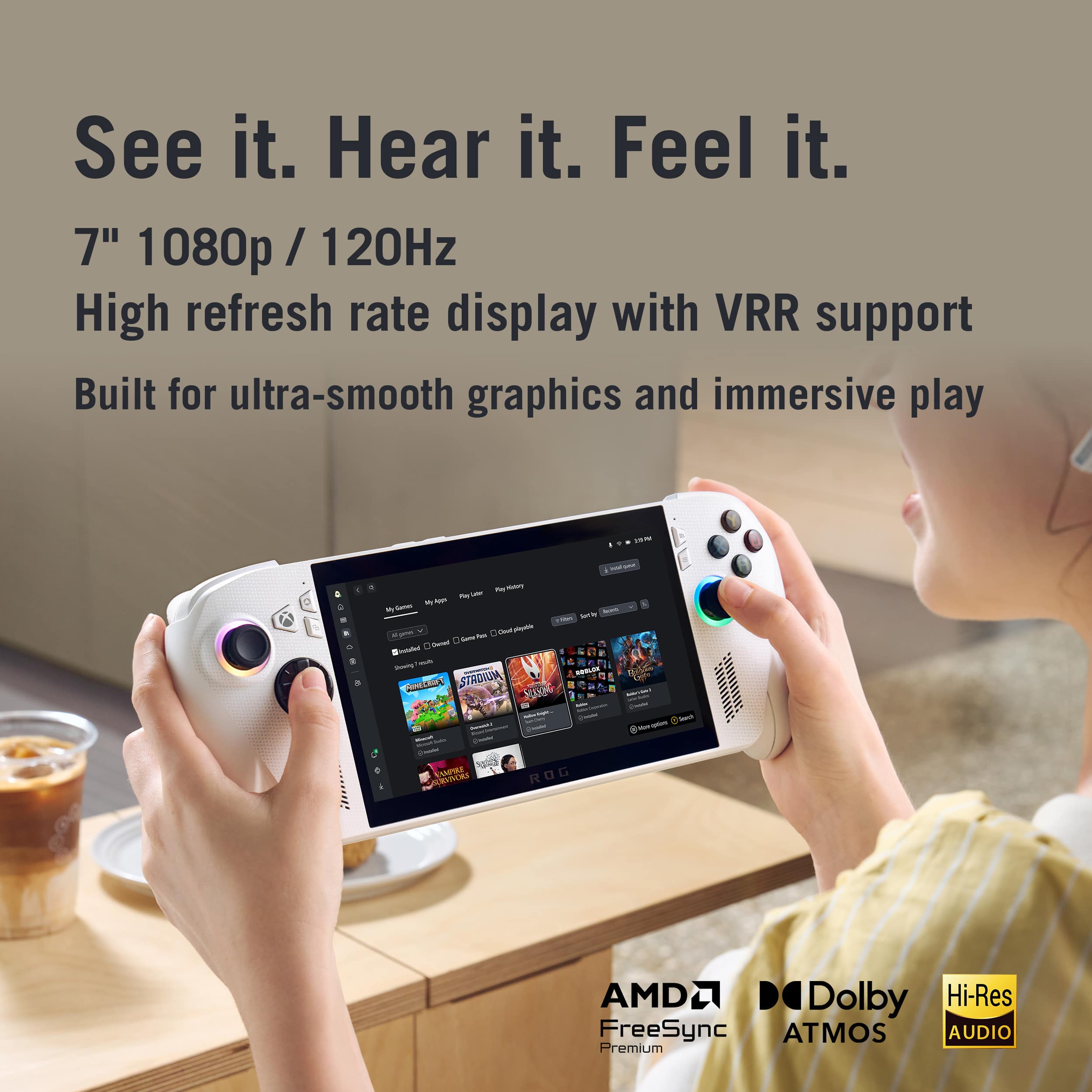
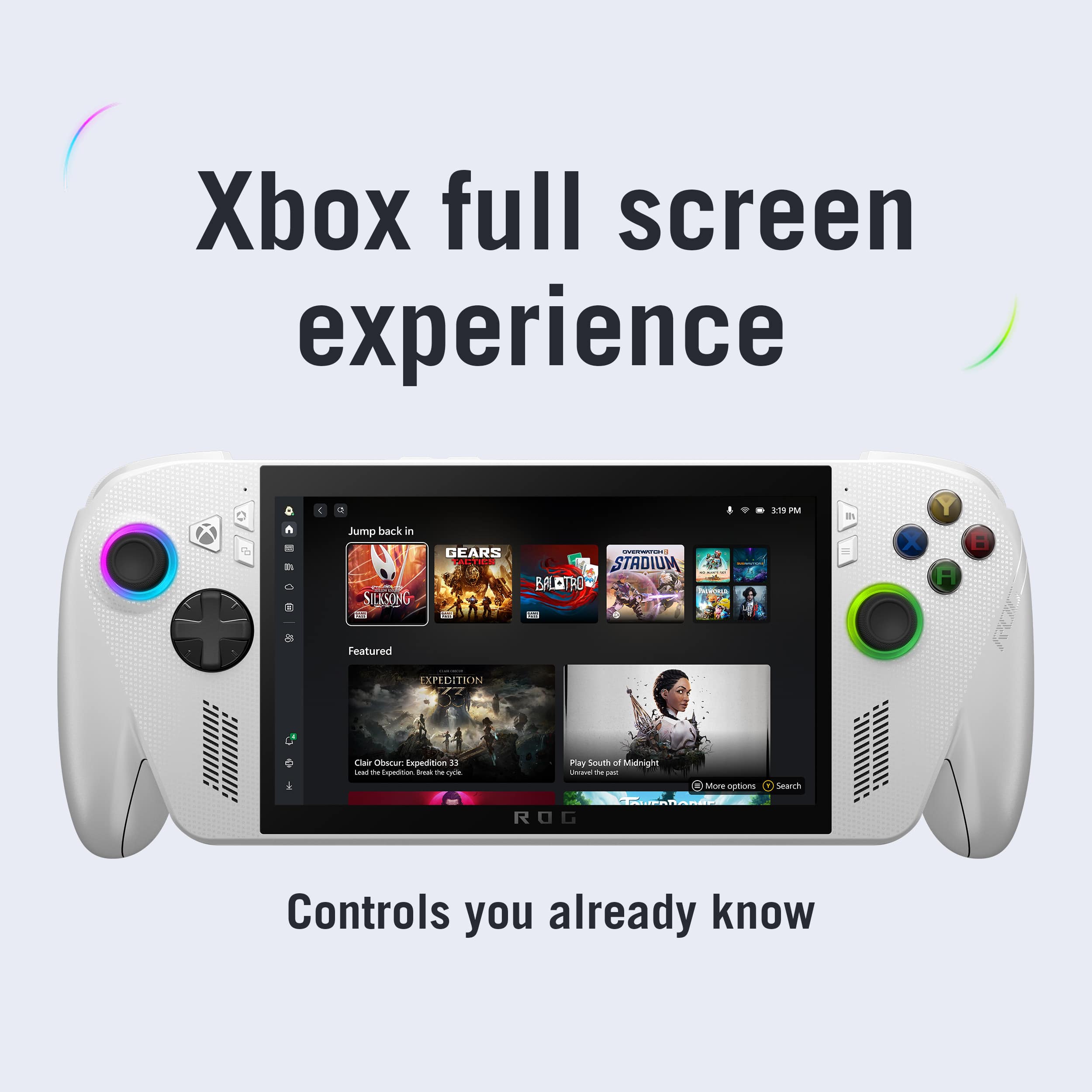
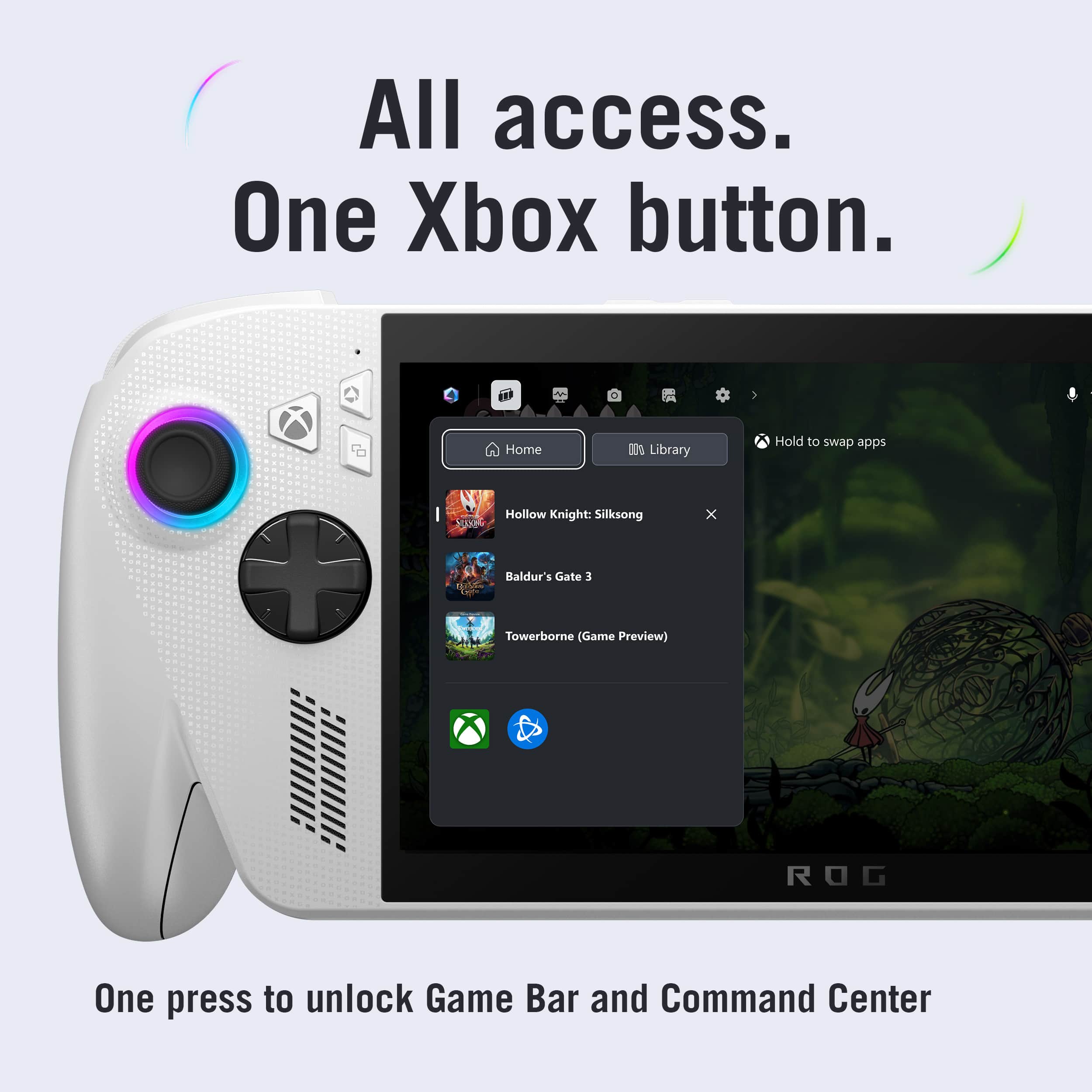
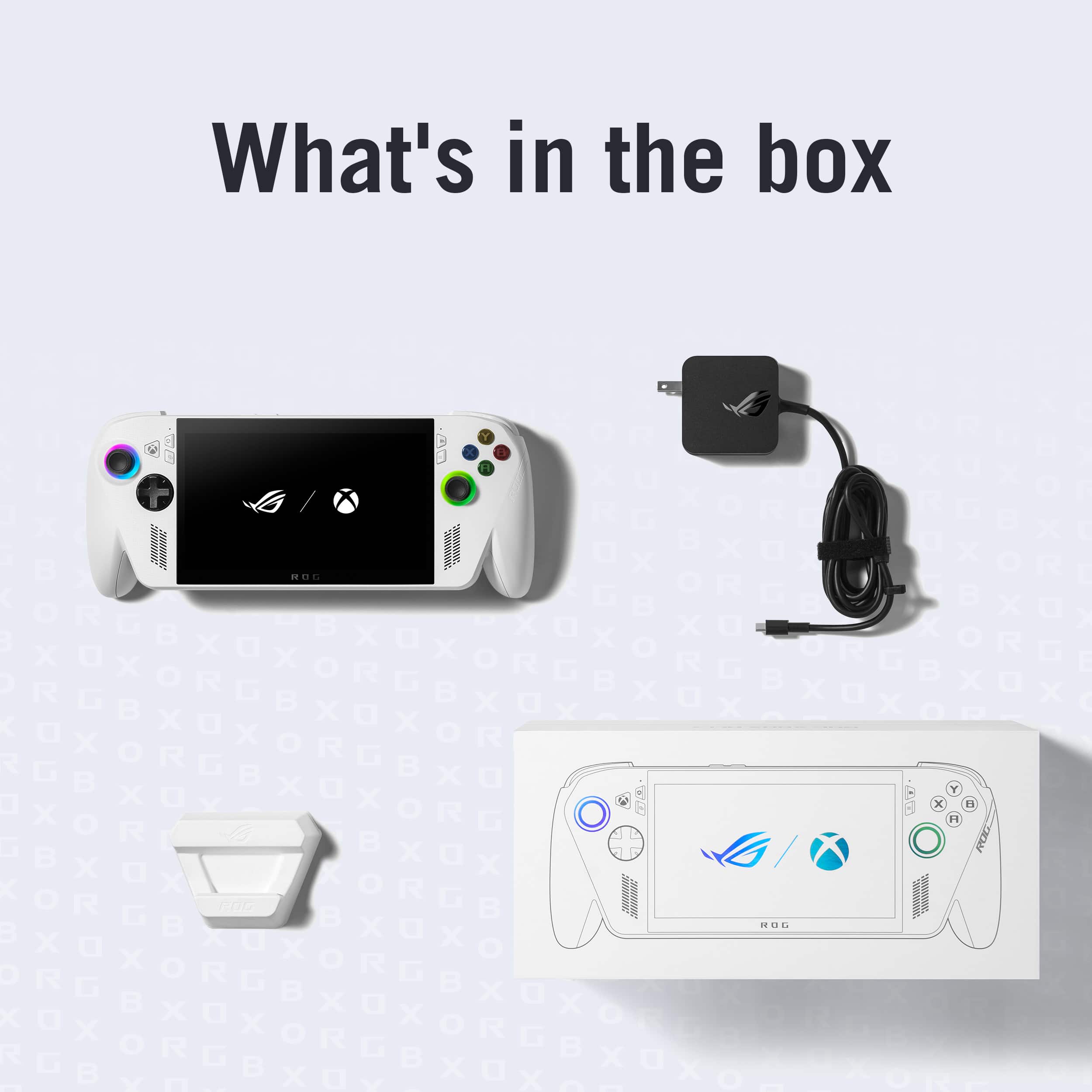
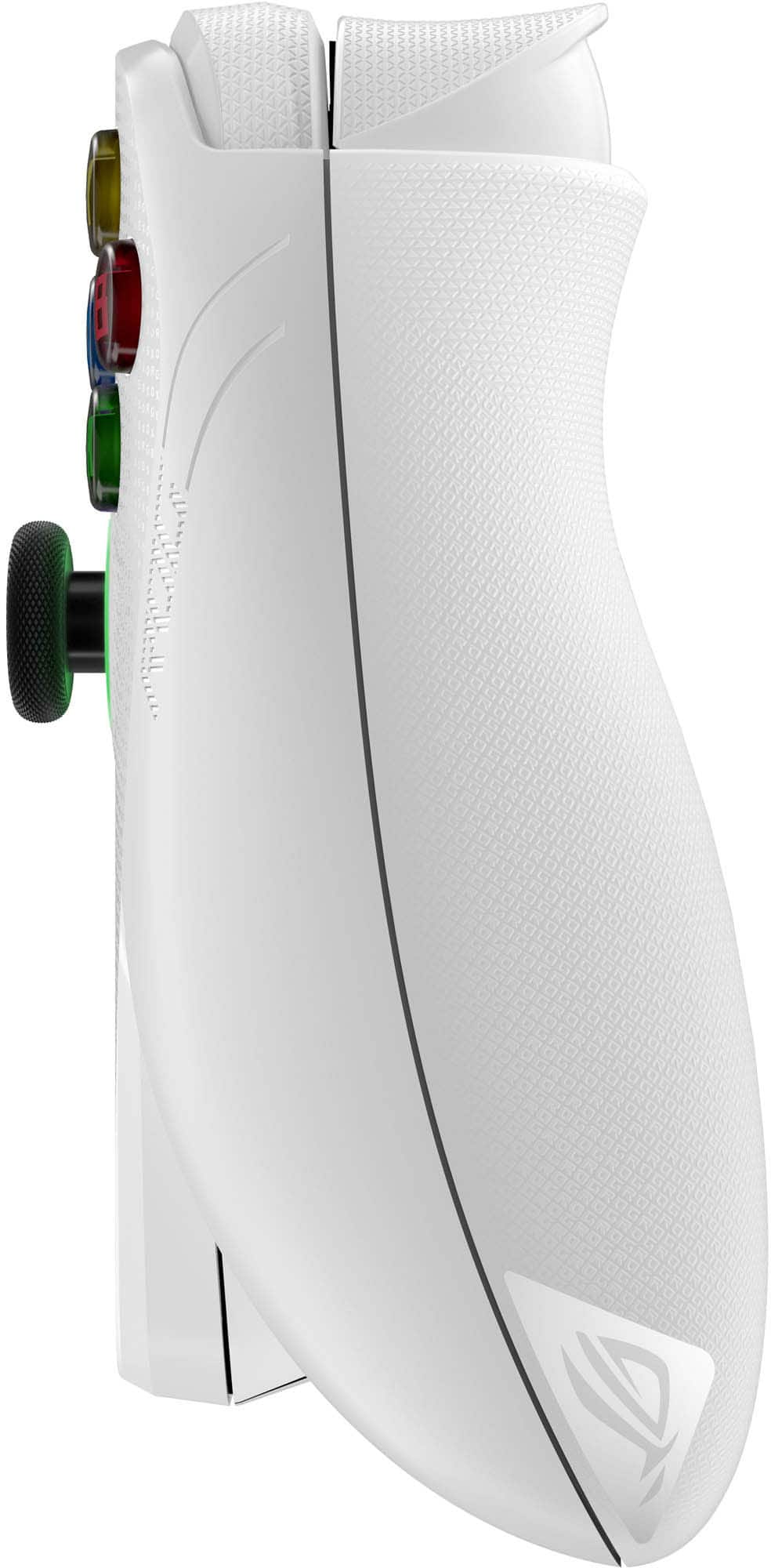
|Posted .This reviewer received promo considerations or sweepstakes entry for writing a review.I’m going to review this in two parts; one for the hardware and another for the software. It will also be informed from a Steam Deck comparison – this is a new device on the market, yes, but I would argue that it is a challenger to the existing king. How does it compare? For starters, in the box you get the unit, some documentation, and a 65-watt power adapter. The unit itself is very nice – it reminds me of an Xbox controller with a screen in the middle of it. The button presses are about the same sound and the handles of the device are about the same ergonomic angle. Overall, very nice to hold in the hand and doesn’t cause a ton of fatigue after playing for hours on end. This is unlike the controller in that it has a screen in the middle of it (of course…) and the analog sticks have an RGB dial around them. Everything I’m reading says that apps should be able to set the colors as they see fit, but I was unable to find an app that could manipulate them. The result? A random selection of colors in your choice of pattern around the analog stick; cool for some, waste of battery for me. I can see this being a cool feature when apps begin to support it, but not yet. I do want to pause real quick to discuss the ports – you get two USB C ports which is a nice touch. During setup I was able to plug in a keyboard/mouse combo and the charger at the same time and not have an issue while it charged for the first time. This is something that I’d say is missing on the Steam Deck and I commend ASUS for thinking ahead and adding a second USB C port. The battery life matches my expectations perfectly – I was able to play Gears of War: Reloaded for about six hours without needing to charge the battery. This will vary depending on the game you’re playing and the brightness of the screen, but it’s right about where I would expect to see it given a game running on higher quality settings. The screen is bright and vibrant – out of the box it is configured to run at 720p for battery life, but you can kick it up to 1080p using the ASUS command center (more on that later). ASUS also added a fingerprint sensor to the power button, which is a cool feature. It lets you log in to Windows with a tap instead of having to type in a PIN or password. The only problem with it is that it is too small to get a comprehensive fingerprint. This means almost every attempt to login requires two attempts as the first one is just not enough to log in. Onto the software, this is an Xbox machine, meaning it runs Windows. It’s got a custom skin over Windows to make it look more handheld friendly, but it is still Windows with all its features and flaws. During testing I found that putting the Ally to sleep while gaming was a dangerous proposition as about 15% of the time the running game would crash when the console resumed from sleep. On first power-on, you get the classic Windows Out-of-Box Experience. It is made _significantly_ more difficult by having to use the touchscreen keyboard for the several dialogs that require user information. In the end I found this process to be frustrating, so I grabbed a mouse and keyboard combo and sped through the process. Microsoft has introduced a new feature called “Xbox Fullscreen Experience” which acts as a shell replacement for your traditional explorer interface. Similar to the Steam Deck, you can escape this experience at any time and fall back to the classic explorer interface. The custom experience works well with the Ally, but I found it somewhat frustrating to use at times. For instance, right out of the box there are no games present, and, in my case, I had to download nearly 200 gigabytes of game data. The hardware could do it and I had the space to use, but I had to hover over the Ally because it kept falling asleep and pausing the download. I have never had this problem with my Steam Deck – yes, the screen sleeps, but the device stays awake enough to successfully download the title. Microsoft has attempted to do their homework with this new experience however. Like many of you reading, I am sure that you built up your Steam collection (or Epic Games collection). The Microsoft launcher can detect _any_ game installed on the system and launch it accordingly. Meaning you can still install Steam and your favorite games you already paid for. The integration is not perfect (Steam pops up the desktop variant while loading the game), but it is as seamless as I would expect it to be. I was able to launch Balatro on Steam via the Microsoft launcher – it performed better than any previous time I’ve played it before with a framerate smooth as butter. Unlike the Steam Deck, every time you pick up the Ally you need to log in. Not so bad if the fingerprint reader worked consistently, but still frustrating that you can’t just hit the power button and be in a game. This is a major frustration for me. I can “break” Windows to allow me to not have to log in, but that requires spelunking through hidden settings dialogs to enable the functionality. One piece of software I found installed on the machine that I really liked was the ASUS command center. From a single button press, you are able to change the performance characteristics – things like resolution and processor speed. It’s roughly the equivalent of the ellipses menu on the Steam Deck, just designed for Windows and quickly does what it says it will do. Overall, this is a Windows machine. It’s got a pretty launcher for Xbox (and other services), but you’ll still find yourself frequenting Windows dialogs. I wish it was a single pane of glass to both play games and administer the device – perhaps in a future update the two will come more in line. As for my recommendation, I’d encourage people to look elsewhere. The device itself is great, but unless you are an Xbox gamer who has a library already built up for the PC, there are better choices that can be made at a very similar price point. I appreciate the game compatibility that is offered by running Windows, but the entire experience feels more like a barnacle on Windows than the immersive experience that is offered by competing consoles.
No, I would not recommend this to a friend - Pros mentioned:Battery life, Overall performance, Portability
Amazing performance and comfort for thr price!
||Posted . Owned for 2 weeks when reviewed.This reviewer received promo considerations or sweepstakes entry for writing a review.The performance on the Xbox ROG Ally is astounding! It's amazingly compact, and the battery life is pretty reasonable, averaging around 3-5 hours. Screen quality is excellent too! Over all, this this is well worth the money, i recommend it heavily.
I would recommend this to a friend - Pros mentioned:Battery life, Screen quality
60% of Time, It Works Everytime
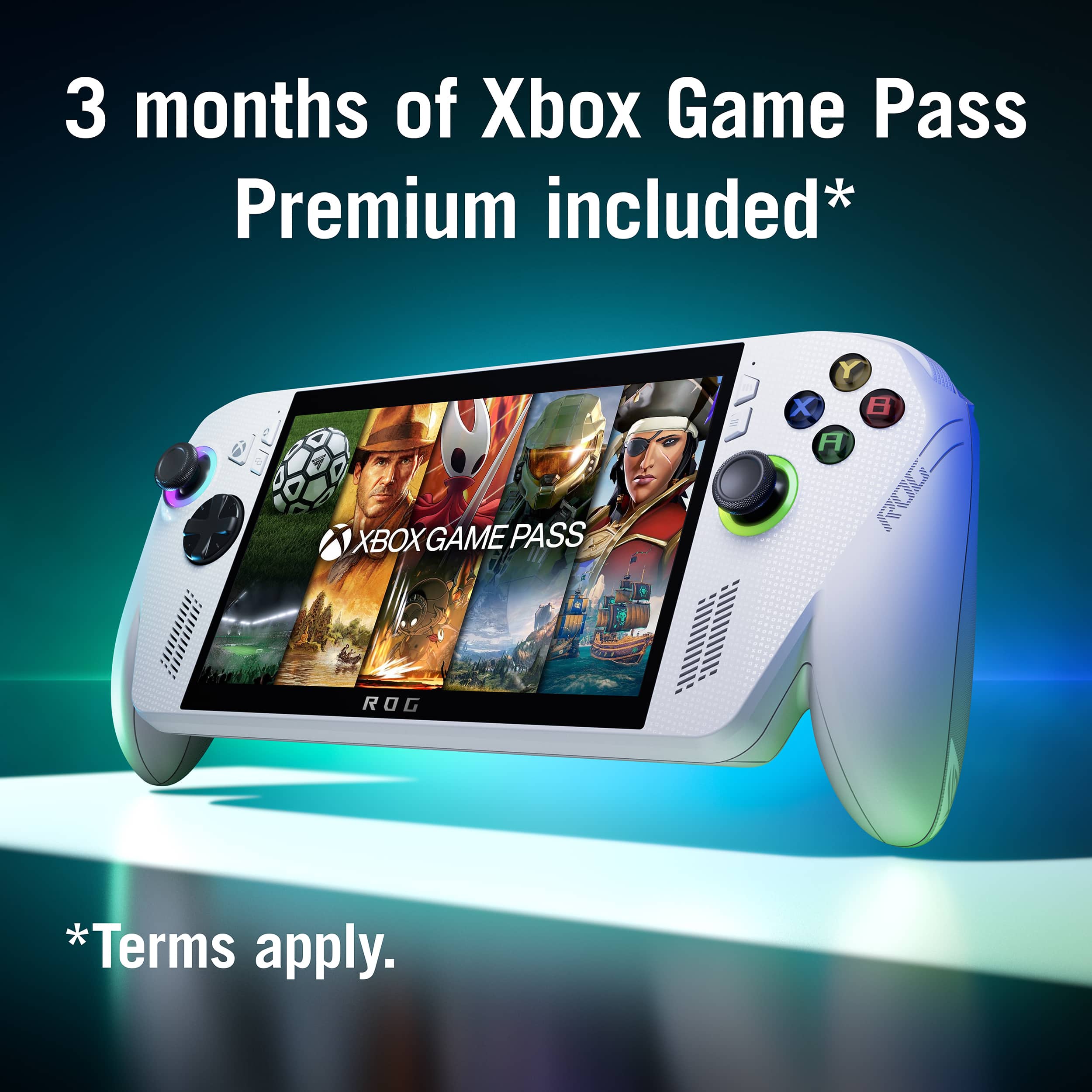
|Posted .This reviewer received promo considerations or sweepstakes entry for writing a review.So the new ROG Xbox Ally is okay, not great, the title is a movie reference that explains my experience with this handheld gaming device. I'll start with the pros and then get to the cons. Pros: The ROG Xbox Ally looks and feels great, the white shell, RGB lighting around the joysticks, and textured grips really give the look and feel of a high end gaming device. The display is 7" FHD (1920x1080) 120hz and thats a very good size and resolution for mobile gaming, most games on Steam should look very good and run at those specs. Under the hood its got a pretty good amount of storage (512Gb), RAM (16Gb), and processor (AMD Ryzen). The speakers are great and put out a premium sound. The battery life is pretty good, I was getting average 3.5hrs of play on Performance Mode. Lastly, the ROG Xbox Ally comes with a 3months trial of Game Pass, so if you're a new user then that will be a fun experience to get a large library of games to chose from. Cons: The ROG Xbox Ally is wildly inconsistent with performance. For my experience I tried playing FO:NV, RE 5&6, Metal Slug Trilogy, Sons of The Forest, and Dead Space 1&2. When trying to play those games I was seeing juttering and frame drops, and had to try multiple attempts to get some games even fully boot. This was annoying because it was completely random, if I tried one game it would play like I was trying to run it on a potato and then switch to another game it would run buttery smooth. I played around with display settings, closed out anything in the background I could to get the most processing power, and switched between all the modes (Turbo, Performance, Battery Saving) and still saw these issues so idk what was root cause, my only guess is a compatability issue. I also had an issue with not being able to play offline despite having verified my Steam. The ROG Xbox Ally is awesome when it actually works and that's the catch. When I played games and they ran well, I was so in love with it and would play till I saw the low battery warning. However, when games started to stutter and slow down I was immediately taken out of the experience and had to ask myself "why am I not just on my phone?". If you have the patience and have a library of video games you'll most likely enjoy the ROG Xbox Ally, but if you're expecting it to be as easy as a Gameboy you'll be a bit let down.
I would recommend this to a friendBrand response from ASUS Answers
Posted .Dear BryBryJ,
Thank you for taking the time to share such a detailed review of your experience with the ROG Xbox Ally. We are pleased to hear that you enjoy the design, display quality, audio performance, and included Game Pass trial. We sincerely apologize for the performance inconsistencies and offline play issues you encountered, as we understand how frustrating this can be during your gaming sessions. Your feedback is very valuable and will be forwarded to our product team to help guide future improvements.
In the meantime, we recommend following the troubleshooting steps outlined in our FAQ guide linked below to help improve gaming perfomance. If the issue persists after completing those steps, we recommend contacting our support team at https://www.asus.com/us/support/callus/ so we can further investigate the matter or explore repair options.
We stand behind our products and continuously strive to improve our products and processes to achieve customer service excellence. For more information, email us at customerloyalty@asus.com and include the case number "N2510034235-0017" as a reference. We will do our best to resolve your case quickly. Your feedback is very important to us and enables us to improve our support channels. Thank you for choosing ASUS.
Best Regards,
Chantae
ASUS Customer Loyalty US Support
[Windows 11/10] How to optimize your gaming experience - https://www.asus.com/support/faq/1046445/
- Pros mentioned:Overall performance, Screen quality
This is NOT an Xbox.
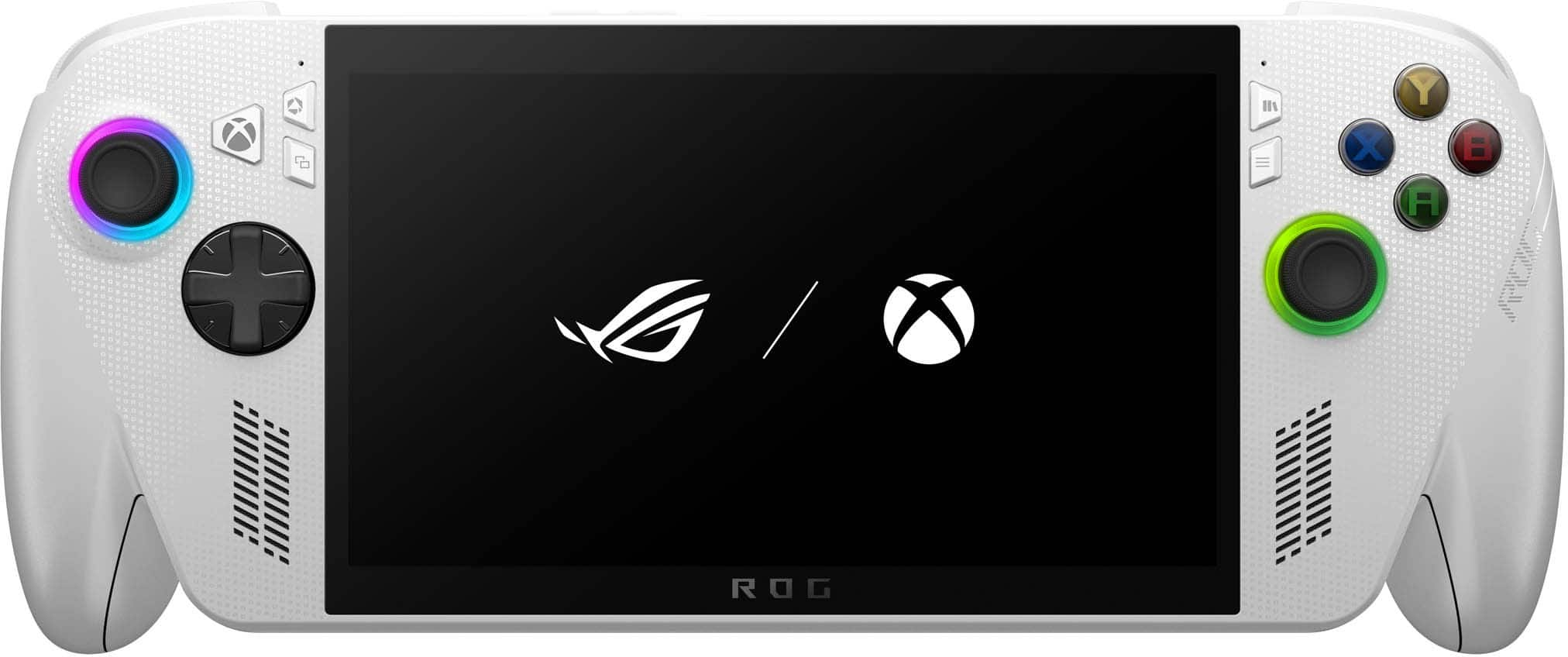
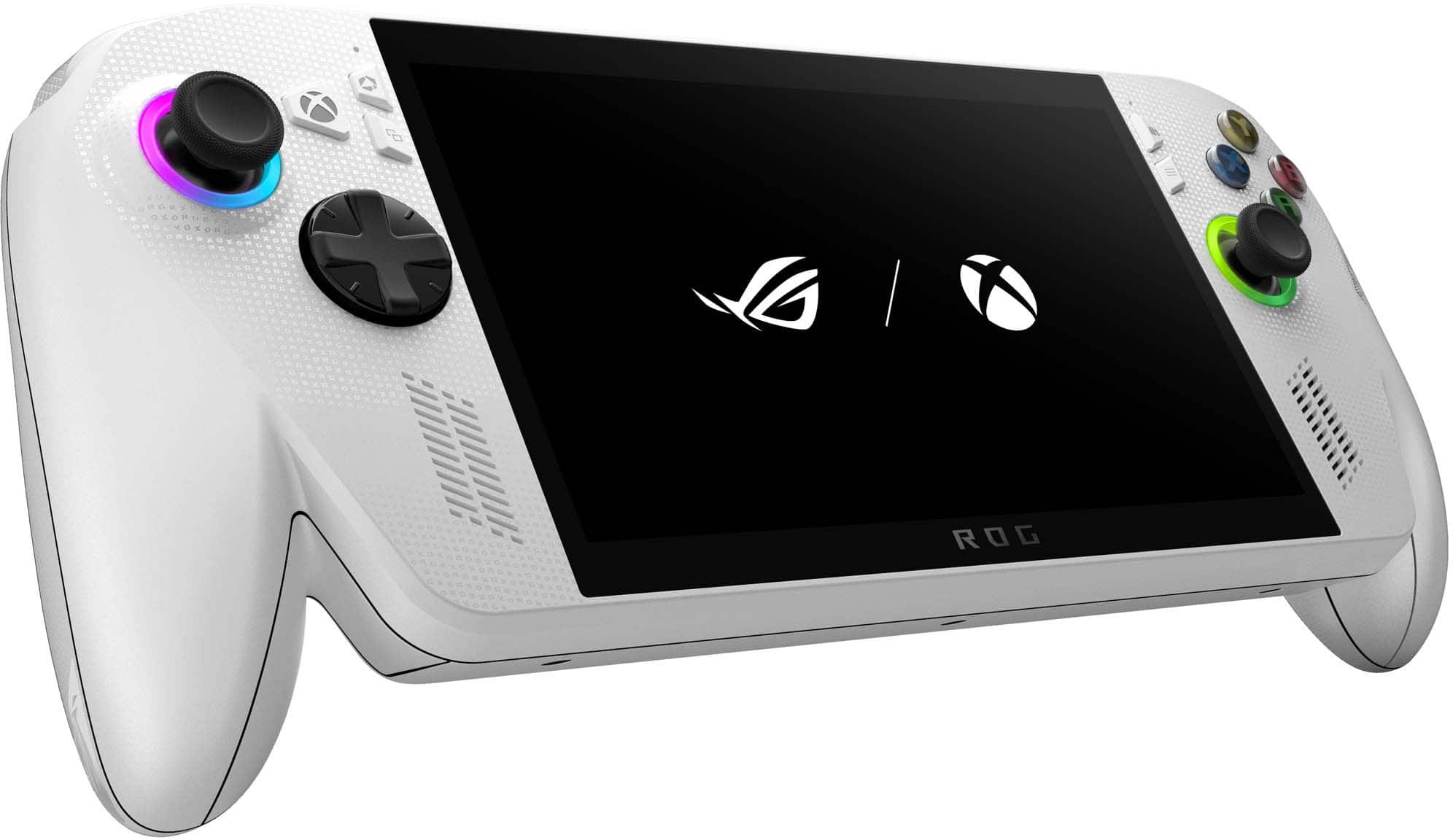
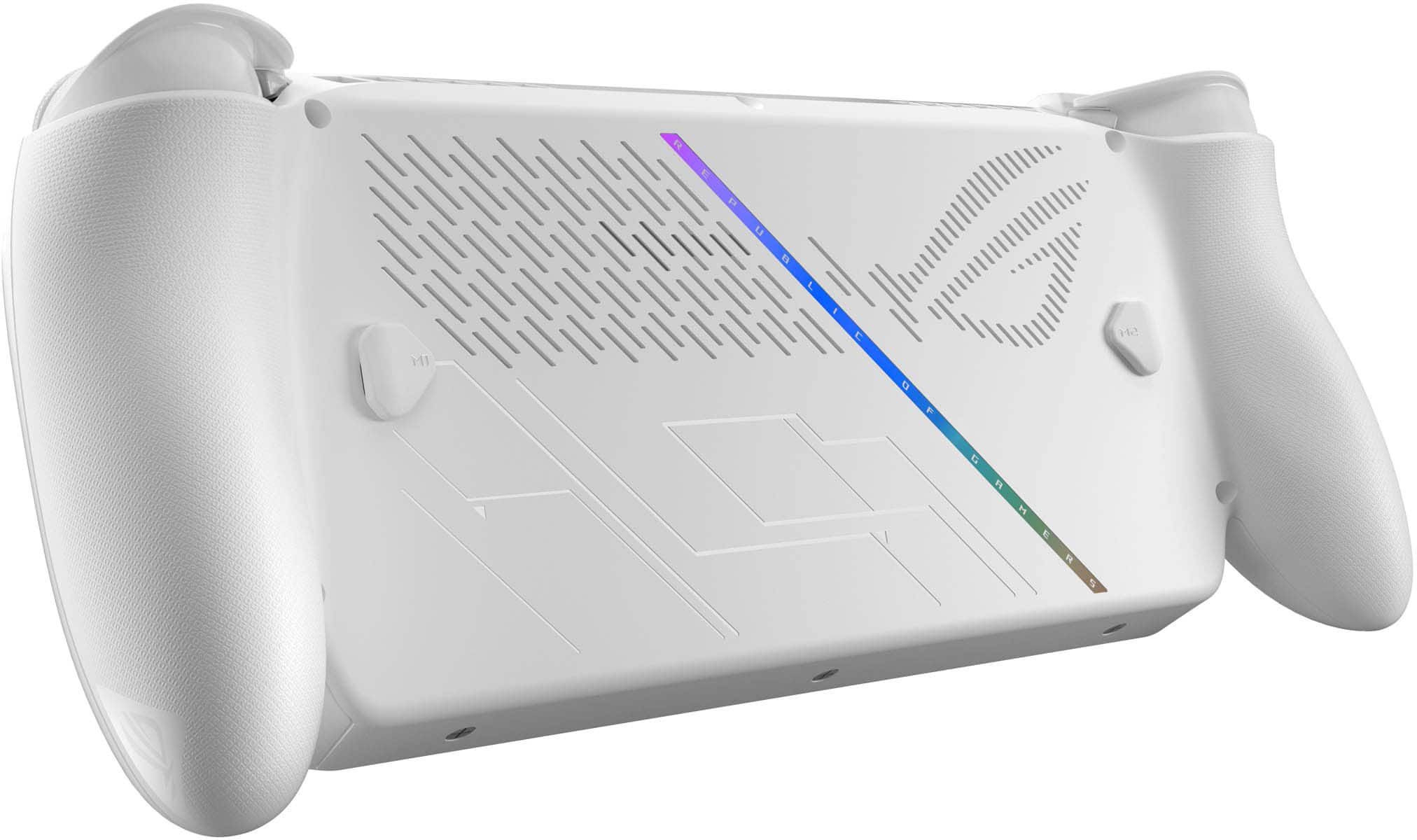
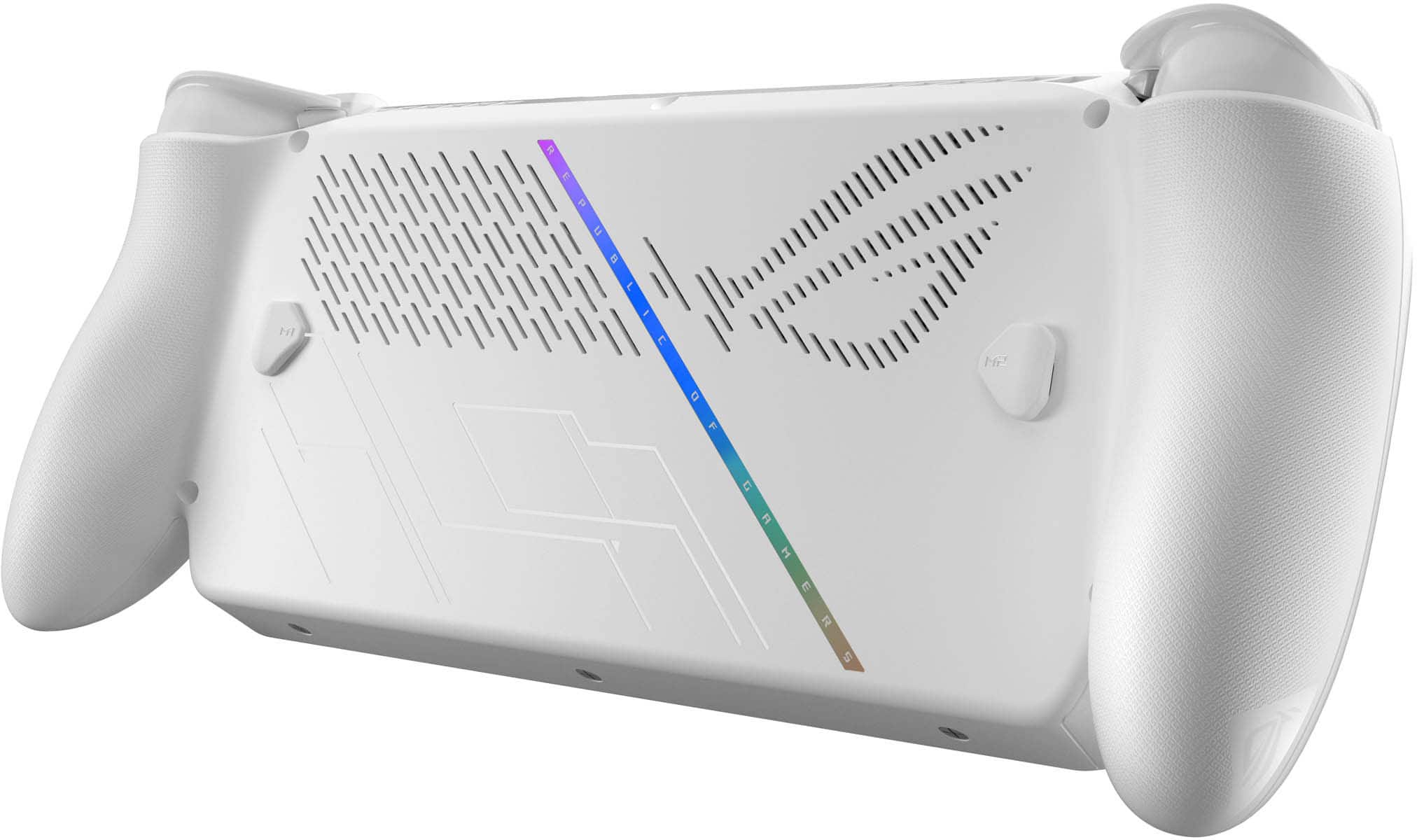
|Posted .This reviewer received promo considerations or sweepstakes entry for writing a review.While I was extremely excited to get my hands on the ASUS ROG Xbox Ally, now that I’ve spent some time with it, I have mixed feelings about it. I appreciate many of the features, and it’s built well, but overall, I feel like the execution leaves quite a bit to be desired. Right out of the box, you can tell that this is a high-quality piece of tech. The build quality is exceptional, with all of the material used feeling very high end. I especially like the considerable grips, which make it feel like you’re holding an Xbox controller. The screen is quite beautiful, and displays your content in 1080p detail. I love the 120Hz refresh rate, which makes fast paced games look even smoother in the heat of the action. The controls feel pretty good, but I do think that the placement of the right-side buttons could be better. I noticed that I had to slightly move my whole hand to reach up and press the “Y” button, and it seems like every other button was easily pressed with my hand in one position. The thumb sticks are great, very responsive, and I didn’t notice any problems with them. I also felt like the left side D-Pad was a bit harder to reach, compared to everything else. For reference, I have pretty long fingers, so I feel like this problem would only be more noticeable for someone with smaller hands. The shoulder buttons feel excellent, and I think these are one of the high points of the system. These truly feel like console-controller buttons, just on a portable handheld. Additionally, there are mappable buttons on the rear of the console, which allows for even more customizability. As for the buttons on the front, there are quite a few, and one of them turned out to be a problem during my testing. More about that later. When it comes to an operating system, this is a portable Windows 11 PC. They claim it is an Xbox, but I found this title very misleading. You can access Xbox PC game, Steam, Gog, and just about any other game service imaginable, which is nice. However, when it comes to Xbox, this thing is real let down. I have been playing Xbox since 2004, and I’ve built up a collection of digital games, of roughly over 100 titles. I was very excited to be able to download and play these games on the go! Imagine my disappointment when I learned this device does not natively play Xbox games, only Xbox PC games. Of all of my titles, only about 6 had the feature that let me essentially own them on PC, since I bought them on the Xbox over the years. I personally am not going to buy games AGAIN on PC, just to be able to play them on the ROG Ally. But, this device does play Game Pass games, so maybe it’s a win there. Well, sort of. From my testing, not every title is even PLAYABLE natively on this console. I downloaded the Elder Scrolls Oblivion remaster, and got an error message saying that my system couldn’t run the game. Specifically, it stated that: “My CPU has 4 logical processors, and the game needs 6. My system memory is 10 GB, and the game needs 16 GB or more.” Now, it said that I could still attempt to run it, but I was pretty shocked that it listed reasons as to why my system wasn’t powerful enough. And I thought this console had 16 GB of system memory, but maybe its divided or allocated to separate areas? Considering this is a Microsoft branded console, attempting to play a Bethesda (Microsoft owned) game, it seems a bit crazy that it can’t run on the ROG Ally. But hey, it can play Steam, right? That is true. However, as you use this console, you quickly come to realize the downsides to its UI when it comes to navigating services. First, there is the Xbox console UI, which is the “main” UI of the console. Underneath that, is the Windows 11 section, where you will have to go to fix settings, get updates, and other important things. There is also the ASUS Armoury Crate, which is ASUS proprietary system, and houses your drivers, and some device settings. Then you have access to Steam (or any other game service), meaning you are constantly juggling or switching between 2,3, or 4 different user interfaces and systems. Additionally, any updates you need are SPECIFIC to each system, which means you can’t just click 1 button to get all of your updates. I suppose none of this would be so bad, but there are MANY glitches when using this system. Switching between UIs is not always smooth, and some problems persist. For some reason, I have NEVER been able to get Steam to register my button or thumb stick inputs, when using the Steam library and browser. Now, when I go into a game, it registers perfectly. But when I’m looking at my games, downloading them, or exploring the Steam app, I have to use the touchscreen. Oh yeah, this console has a touchscreen, which is pretty necessary when none of your built-in controls register on whatever screen you happen to be on. There are other hassles as well. When installed a micro-SD card, it doesn’t tell you ANYTHING at all. You have to go into the PC side, and format it there, and I found no instructions on how to do this multistep process. Thankfully, I did it right, but this sort of exemplifies how this console works. Since it’s a portable PC and NOT an Xbox, you will have to adjust, tinker, and mess with multiple settings to get things how you want them. I almost forgot to talk about the front facing buttons, near the screen. The problem I have is that on the right side, there is a “library” button, directly above the “start” button. This is a problem when you are playing a game on Steam, and you accidentally press the “library” button. For some reason, this causes your game to glitch, and when you do reenter your game, the display will typically be completely wrecked, if not totally unplayable. This means whenever I was playing on Steam (which was often), I had to be very intentional with what button I was pressing, or I would have to force quit restart my game. Gameplay is also…interesting. Some games certainly play better than others, but overall, I felt that the performance was pretty underwhelming. The first game I downloaded was Fallout 4, which is almost 10 years old, but I know it like the back of my hand, so I always like to see how it runs. I was surprised that it auto detected and chose “ultra” quality settings, and it then seemed like it had trouble running on these settings. There was quite a bit of stuttering, frame drop, and just didn’t look great for what is essentially a decade old game. I moved the graphics down to “high” quality, and this helped a bit. I also adjusted the ASUS built in FPS limiter, and set it to 60 FPS max. This too, seemed to help smooth out the performance quite a bit. Still, I’m a little bit shocked that I had to tweak this many settings just to get Fallout 4 to run somewhat well. That’s the thing, even with everything adjusted, I still wouldn’t say it was running at max FPS at all times. I did find that some games ran surprisingly well. Older titles like Fallout 3 and Fallout New Vegas ran pretty much flawlessly at Ultra settings. Cyberpunk 2077 ran nicely after some tweaking with the settings. The game started and was set to “Ray Tracing – Low,” which was just too much for the Ally, it performed terribly. Once I toggled this off, it ran smooth, and I suspect if you really spent some time adjusting things, you could get it running even better. I was impressed with the performance of the Outer Worlds 2, which looked pretty incredible for this system. It’s still a shame that I couldn’t run Oblivion remastered, though. I should note that the Xbox Ally runs much better when plugged into its massive charging block. On battery, it runs in “performance” mode; on power, it runs in “turbo” mode, and you can definitely see the bump up in quality, smoothness, and framerate. I do feel that this kind of negates the point of this truly being a handheld, as if you are out and running on just battery power, you aren’t getting the system’s full potential. Overall, I don’t think I would recommend this system. Microsoft claims “This is an Xbox,” well I am here to tell you, “This is NOT an Xbox.” If you can’t play your digital library of XBOX GAMES, then I’m sorry, this is just a handheld PC with an Xbox style user interface. Additionally, being unable to play games (looking at you Oblivion) that would undoubtedly play on an Xbox console just doesn’t make any sense. As far as I can tell, you can’t upgrade the processor or the memory, so you just won’t get a title like Oblivion Remastered to run properly. Add in the numerous glitches, problems with inputs, and questionable design of certain buttons, and this is just not a good value at any price. I’m disappointed with both Microsoft and ASUS, as I feel this console could have been done so much better. When all is said and done, I’d give this 2 stars, and would NOT recommend it.
No, I would not recommend this to a friendBrand response from ASUS Answers
Posted .Dear JohnR,
Thank you for your feedback.
Absolutely, it is an ASUS ROG Xbox Ally, not an Xbox console. It is a handheld gaming PC running Windows 11. While it features Xbox branding, uses the Xbox app, and comes with Game Pass, it plays PC games from various launchers (Steam, Epic, Xbox) rather than native console discs or digital Xbox console games. We do understand your dissatisfaction and the inconvenience this may have caused if it didn't meet your expectations. Information coming from valuable customers, like you, will continuously help us improve our future product offering and services. Should you need further assistance with the product, please email me atcl-rodel@asus.comand I would be more than happy to help. Or you are most welcome to call Product Support Hotline at: 1(888) 678-3688. Also, you can chat with an ASUS live support agent from the link: https://www.asus.com/us/support/article/1135/.
Thank you for choosing an ASUS product.
Regards,
Rodel
ASUS Customer Loyalty
- Pros mentioned:Portability, Screen qualityCons mentioned:Storage capacity
Rog xbox ally
||Posted . Owned for 1 month when reviewed.This reviewer received promo considerations or sweepstakes entry for writing a review.Have had this since April and have been using it on a regular basis for pc games and xbox games. Overall really like how portable it is and performance is ok in most games. Screen is clear and bright. Sound is great. Ssd was too small so replaced it with a 2tb ssd and works great. I do wish it had more RAM and came with a larger ssd and more poweful processor, but for the price it is an ok value. Got it on sale.
I would recommend this to a friend - Pros mentioned:PortabilityCons mentioned:Storage capacity
ROG Xbox ally
||Posted . Owned for 7 months when reviewed.This reviewer received promo considerations or sweepstakes entry for writing a review.I have this item for 6 months now and I was satisfied as to how it was able to run games like NBA 2k26, Assassins Creed Odyssey and many others. It was easy to set-up as it runs in a windows OS, just like how I set up my pc. Since it was like a small version pc, I can play my games when I am outside home, be it offline or online(if wifi is accessible). The only downside is the ssd size, I should’ve bought the 1tb. However, you can upgrade the ssd yourself(there are youtube tutorials out there), I’ll upgrade it once the ssd prices goes a little bit lower. Also, when you play AAA game, it eats up the battery fast, especially when you put it in 20w power. But overall, it was great and it lives to my expectstions.
I would recommend this to a friend - Pros mentioned:Battery life, Overall performance, Screen quality
Flawless Speed, Gorgeous Display, Console-Level
||Posted .This reviewer received promo considerations or sweepstakes entry for writing a review.I’ve been blown away by the performance of the ROG Ally. The AMD Ryzen Z2 A processor handles everything I throw at it AAA titles, emulators, and even some light productivity work . The 7” FHD 120Hz display is stunning; games look incredibly smooth and vibrant, and the refresh rate makes a huge difference for competitive play. The build quality feels premium and comfortable to hold for long sessions, and the controls are responsive and precise. I also love that it runs Windows, which gives me the flexibility to install any launcher or app I want work flawlessly. Battery life is solid for the power it packs, and the quick charge gets me back in the game fast. Overall, this is hands down the best handheld gaming experience I’ve ever had. If you want desktop-level gaming in a portable form factor, the ROG Ally delivers in every way.
I would recommend this to a friend - Pros mentioned:Overall performance, Portability, Screen quality
Great for "On-the-Go" gaming
||Posted . Owned for 5 months when reviewed.This reviewer received promo considerations or sweepstakes entry for writing a review.I’ve been really impressed with the ROG Xbox Ally 7". It’s been great for playing F1 and other racing games, and the portability makes a huge difference. It’s easy to carry around when travelling, and being able to jump into games anywhere has completely changed my mobile gaming experience. Performance has been smooth, the screen looks fantastic, and overall, it’s become one of my favourite gaming devices.
I would recommend this to a friend - Pros mentioned:Screen qualityCons mentioned:Game compatibility, Heat dissipation
very big and comfortable while in hand
||Posted . Owned for 3 weeks when reviewed.This reviewer received promo considerations or sweepstakes entry for writing a review.i like how it ffels in my hand and how big the screen is.i dont like that it doesnt stay charge long without me keeping it plug in and it get hot fast and i hate that it crashes on some games i play like call of duty but othr than that i still love it
I would recommend this to a friend - Pros mentioned:Overall performance, Portability
Fantastic little PC
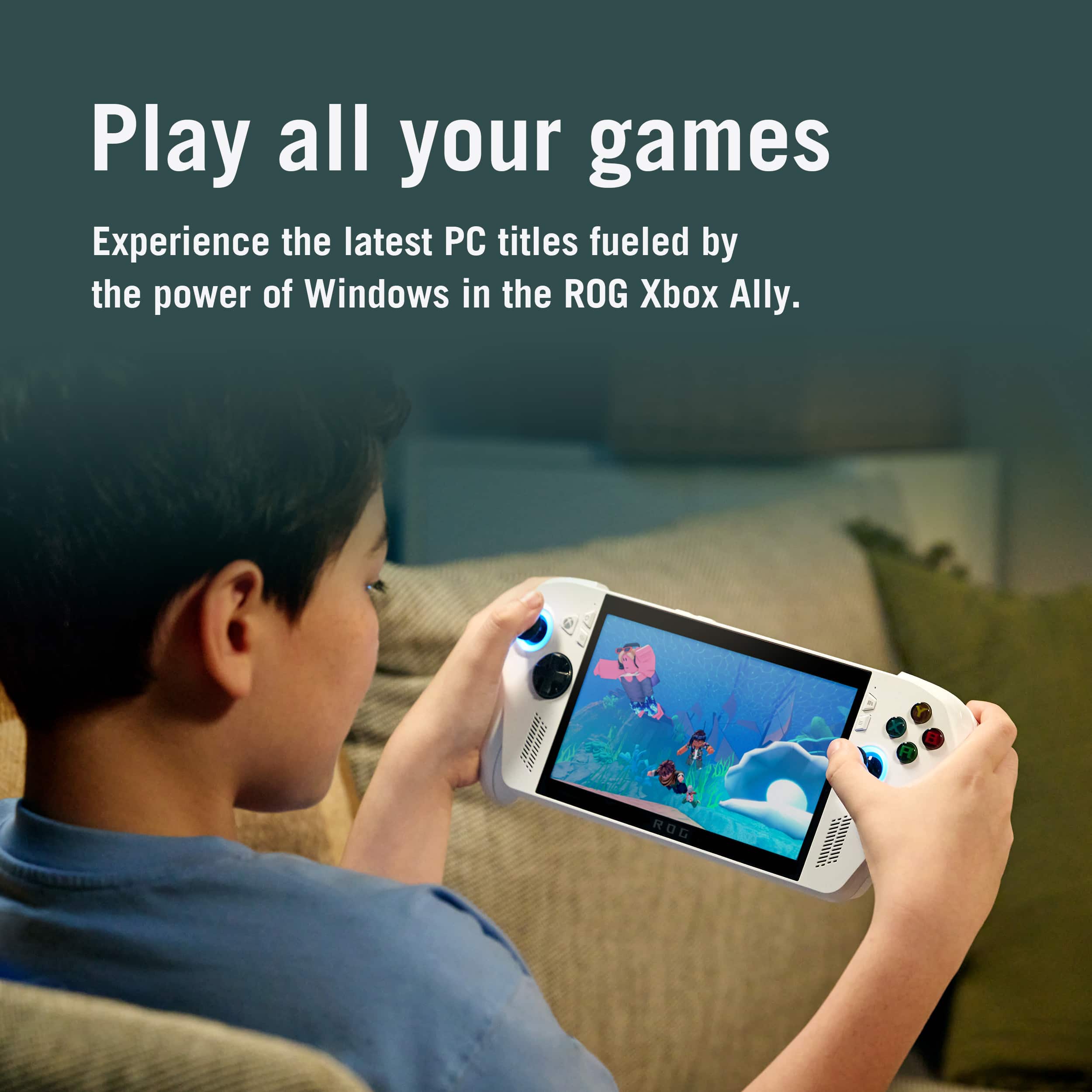
||Posted . Owned for 3 weeks when reviewed.This reviewer received promo considerations or sweepstakes entry for writing a review.I've been extremely impressed with the ROG Xbox Ally so far. For the price, the performance and specifications are excellent, making it one of the best handheld gaming PCs I've used. The device feels comfortable to hold during long gaming sessions, and the Xbox-inspired interface makes navigating my games simple and familiar. One of my favorite features is the flexibility. I can play my Xbox games, access my Steam library, and use other PC gaming platforms all from the same device. The performance has been great for the games I play, and load times are quick thanks to the SSD storage. I purchased the Ally primarily for portability, and it has exceeded my expectations. Whether I'm relaxing on the couch, traveling, or just don't feel like sitting at my desk, it gives me access to a full PC gaming experience in a handheld form factor. The included charger keeps it powered up quickly, and the display looks sharp and vibrant. If you're looking for a portable gaming device that combines the convenience of a handheld with the versatility of a gaming PC, I highly recommend the ROG Xbox Ally. It offers tremendous value for the hardware you're getting and has quickly become one of my favorite ways to play games.
I would recommend this to a friend - Pros mentioned:Battery life, Overall performance, Screen quality
My review
||Posted . Owned for 2 weeks when reviewed.This reviewer received promo considerations or sweepstakes entry for writing a review.I bought the ROG Ally and I am very happy with this device. The performance is very fast and smooth. I use it for gaming and daily use, and it works very well. I tried many games, and all of them run good without problems or lag. The device is easy to use and comfortable in my hands. The screen is clear and bright, and the colors look very nice. The sound quality is also good and clear while playing games or watching videos. The battery life is strong for a handheld gaming device. I can play for a good amount of time before charging. The charging speed is fast, which is very helpful and convenient. I like that this device can do many things. I can play games, use apps, browse the internet, and do normal computer tasks. It feels powerful and reliable. Overall, the ROG Ally is a great product. It is fast, powerful, and fun to use. I am satisfied with my purchase and I recommend it to anyone who likes gaming and portable devices.
I would recommend this to a friend - Pros mentioned:Battery life, Overall performance, Portability
Amazing device
||Posted . Owned for 1 month when reviewed.This reviewer received promo considerations or sweepstakes entry for writing a review.Performance, portability and screen time are all amazing. I love being able to play my steam and xbox library anywhere I go. This is my favorite way to play games now. Easy to navigate and controls feel great. Highly recommend!
I would recommend this to a friend - Pros mentioned:Overall performance, Portability, Screen quality
A true Xbox-style handheld experience — powerful,
||Posted . Owned for 1 month when reviewed.This reviewer received promo considerations or sweepstakes entry for writing a review.I’ve been really impressed with the ASUS ROG Ally as a handheld gaming device. Performance is excellent for the size, and it runs games smoothly with sharp visuals and responsive controls. The screen looks great, and the overall build feels solid and comfortable for longer sessions. What I like most is the flexibility—being able to jump into Xbox Game Pass and play a huge library on a handheld feels like the best of console convenience with PC freedom. Setup was straightforward, updates were easy, and once everything is tuned, it’s a reliable daily driver for gaming at home or on the go. If you want a premium handheld that can handle modern games and pairs perfectly with the Xbox ecosystem, this is an easy 5-star buy.
I would recommend this to a friend - Pros mentioned:Portability, Screen quality
Incredible Handheld Power & Stunning 120Hz Display
||Posted . Owned for 5 months when reviewed.This reviewer received promo considerations or sweepstakes entry for writing a review.I am completely blown away by the ROG Ally. Having this level of gaming performance in a portable handheld feels like magic. The AMD Ryzen Z2 Advanced processor handles AAA titles smoothly, and the 7-inch 1080p display is absolutely beautiful. Thanks to the 120Hz refresh rate and variable refresh rate (VRR) technology, gameplay feels incredibly fluid and tear-free, which sets it apart from other handhelds. The ergonomics are fantastic—it fits comfortably in the hands for long sessions, and the fans run remarkably quiet even when pushing the system. Armoury Crate makes it easy to customize button mappings, performance modes, and lighting. Having a full Windows-based system means I can access all my game libraries (Steam, Game Pass, Epic) seamlessly. If you want a premium, high-performance handheld that brings PC gaming anywhere, this is an incredible device.
I would recommend this to a friend - Pros mentioned:Overall performance, Portability, Screen quality
Very good handheld PC
||Posted .This reviewer received promo considerations or sweepstakes entry for writing a review.I have 1 month with this device and have no bad comments, obviously is a small device that doesn't have the same features as a gaming laptop, is portable that's mean that the battery life is around around 2 hours depending on what kind video-game are you playing, the display have the right size for this kind of device, the graphics are very good, not excellent, it's a portable device The sound is surprisingly loudly and have a good definition, it's better than I expected.
I would recommend this to a friend - Pros mentioned:Battery life, Overall performance, Screen quality
Has to be the best
||Posted . Owned for 3 weeks when reviewed.This reviewer received promo considerations or sweepstakes entry for writing a review.This thing is on a whole Nother level. I have built PCs for years. I have built laptops for years. I’ve played Xbox. I’ve played every single console that you could ever think about or even know of handheld systems PCs all of the above but this this is the best thing I’ve ever put in my hands. It worked beautifully and the graphics on it are unbelievable battery unbelievable quality unbelievable I’m extremely impressed
I would recommend this to a friend - Pros mentioned:Comfort, Overall performance
Awesome!
||Posted . Owned for 1 month when reviewed.This reviewer received promo considerations or sweepstakes entry for writing a review.Didnt know which handheld pc i wanted to get at first but so glad i chose the rog ally, this thing is a powerhouse, especially for a handheld. Very comfortable feels like you're just holding a regular controller. No complaints whatsoever. Runs AAA's titles at 1440p on high settings like a breeze. 10 or if 10 recommended if you're v looking for a handheld and would go as far to say i even enjoy the rog ally over my victus 15 laptop. Even been picking this up before i play on my pc too ! 100% worth the $600 price tag even though it's only 512gb.
I would recommend this to a friend - Pros mentioned:Battery life, Overall performance, Portability
Great package for a handheld Windows 11 gaming
||Posted . Owned for 2 weeks when reviewed.This reviewer received promo considerations or sweepstakes entry for writing a review.This was a great purchase for travel or wanting to game from inside my home but not at me office. I installed Parsec on my local gaming PC and the Parsec client to use my home desktop as streaming source to improve battery life. gaming on it using only its hardware is acceptable so long as you're not looking to play modern AAA titles. Overall a great purchase, you could probably even turn this handheld into a retro gaming device if you wanted too!
I would recommend this to a friend