Skip to contentGo to Product Search
Main Content

Customer Ratings & Reviews
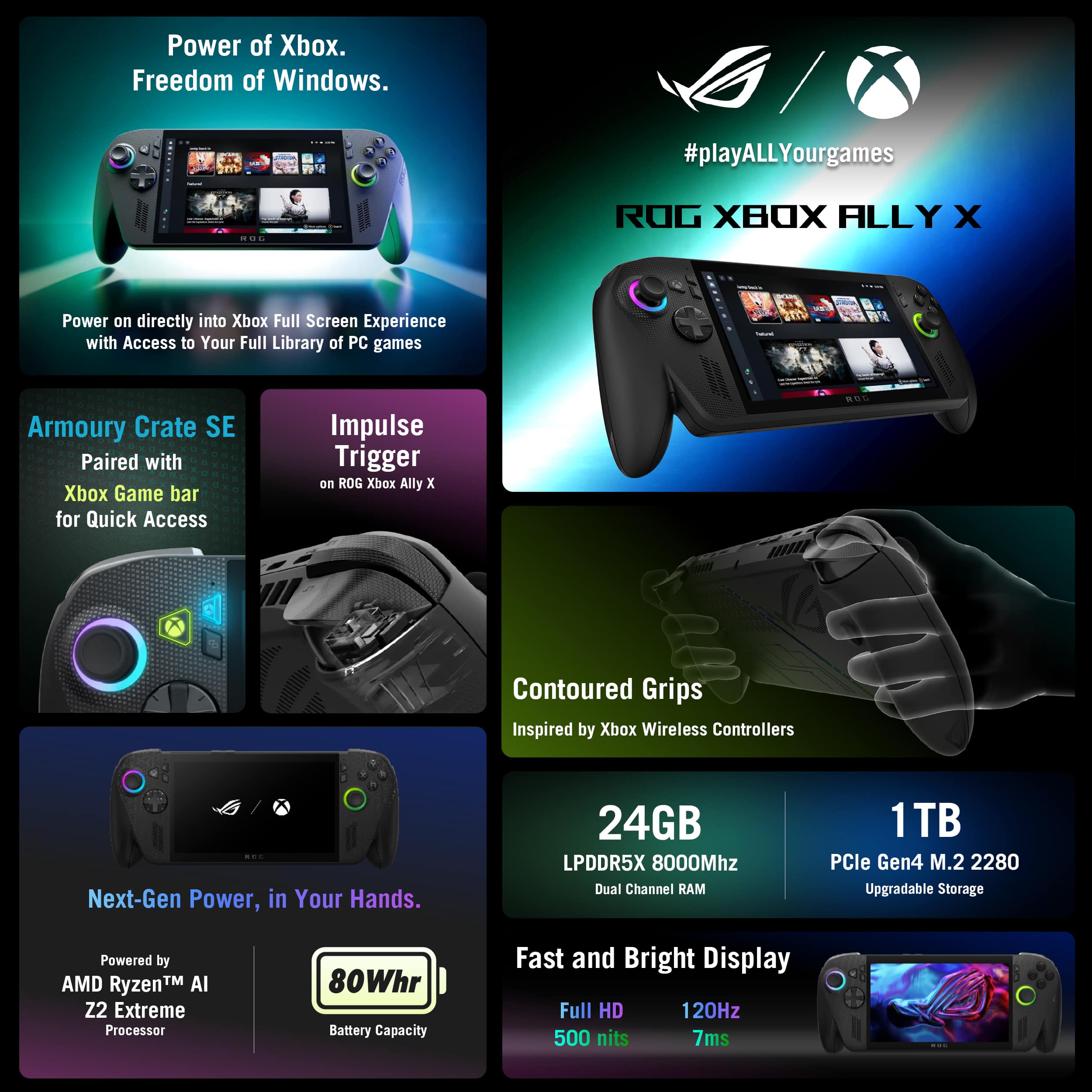
$999.99

Customer reviews

Rating 4.6 out of 5 stars with 1297 reviews

Rating Filter

Rating by feature

  • Performance

    Rating 4.7 out of 5 stars

  • Storage Capacity

    Rating 4.6 out of 5 stars

  • Controller

    Rating 4.8 out of 5 stars

Pros mentioned filter

Cons mentioned filter

92%would recommend to a friend

Customers are saying

Customers recognize the ROG Xbox Ally X as a high-performing and portable gaming handheld, with users praising its smooth gameplay, compact size, and comfortable design. The battery life and storage capacity are also appreciated by users. However, some customers feel the screen size is too small, and a few have reported issues with game compatibility.

This summary was generated by AI based on customer reviews.

The vast majority of our reviews come from verified purchases. Reviews from customers may include My Best Buy members, employees, and Tech Insider Network members (as tagged). Select reviewers may receive discounted products, promotional considerations or entries into drawings for honest, helpful reviews.
Page 13 Showing 241-260 of 1,297 reviews
  • Rated 1 out of 5 stars

    I was very hopeful!

    |
    |
    Posted . Owned for 1 month when reviewed.
    This reviewer received promo considerations or sweepstakes entry for writing a review.

    Nothing but issues from this device. Most games on gamepass havent been optimized for handheld and the ones that are lag and ive beem unable to get the mic to work with 3 different headsets. I got sick of it after a few weeks and gave it to my daughter. She hasnt had any issues playing roblox.

    No, I would not recommend this to a friend
    • Brand response from ASUS Answers
      Posted .

      Dear Rogallysucks,

      Thank you for your feedback.

      We do understand your disappointment with this ROG Xbox Ally X and the inconvenience this may have caused if you are experiencing stability and performance issues with the device. Most games on Game Pass are optimized on this device, as it runs a full version of Windows 11. If games are slow and unstable, check if Windows, drivers, BIOS and games are up to date. Updates for the ROG Xbox Ally Xx are posted at:  https://rog.asus.com/gaming-handhelds/rog-ally/rog-xbox-ally-x-2025/helpdesk_download/. Additionally, check if it is running the most current Armoury Crate utility software. The most current version is available for download at: https://www.asus.com/supportonly/armoury%20crate/helpdesk_download/. While accessing cloud games or web applications, ensure the device has access to an established router and internet service is working properly since poor and unstable internet connection will affect system stability and performance. Keeping the device always updated will maintain optimum system stability and performance. If these steps were performed to no avail, please try to run a diagnostics or optimization test using the "MyASUS" utility software or application. If this is not pre-installed on the laptop, please download the application at the Microsoft Store. For details on how to use "My ASUS", please go to: https://www.asus.com/support/FAQ/1041686/.

      If you need further assistance, please email me at cl-rodel@asus.com and I would be happy to help. Or you are most welcome to call Product Support Hotline at: 1(888) 678-3688. Also, you can chat with an ASUS live support agent from the link: https://www.asus.com/us/support/article/1135/.

      Thank you for choosing an ASUS product.

      Regards,

      Rodel

      ASUS Customer Loyalty Asus

  • Pros mentioned:
    Portability, Screen quality
    Tech Insider Network Member

    Rated 5 out of 5 stars

    A great entry point into PC gaming!

    |
    Tech Insider Network Member
    Posted .
    This reviewer received promo considerations or sweepstakes entry for writing a review.

    Gaming handhelds are a fascinating space. Since the Switch and the Steam Deck launched, we've seen that it's possible to play demanding games on the go without a laptop, even if it comes with a few sacrifices to framerate or graphical fidelity. More and more of these handhelds have come to the market, and it's created a new niche for gamers who can't or don't want to commit to a full sized PC or console, but still want to game. Thanks to this, AAA gaming has become much more accessible. Now, I have a full sized gaming PC. I have a Nintendo Switch. I don't travel much. Frankly, this device isn't for people like me, but even so, I have to say that I was thoroughly impressed with it. It's pretty light, despite its size. It's bulky, make no mistake, but it's not super tiring to hold it, especially since they've made the handles nice and ergonomic. That was a concern I had when I first got it that appears ill-founded. The screen is excellent. It's only 1080, but at this size, it's not a huge deal. Games still look excellent at 1080, you don't need 4K or even 1440 for everything. The colors really pop on it, it's got a high framerate, it's excellent. I think it's important to talk about the actual experience of playing games. In my time with it, I tested two different games - Tony Hawk's Pro Skater 1 + 2, and Returnal. I figured these two games were good choices, as one isn't very demanding (THPS 1+2), and one is extremely challenging on my full desktop PC (Returnal). I didn't know what to expect, but I was pleasantly surprised. Tony Hawk ran buttery smooth on the less demanding maps, getting a minimum of 60 frames per second. I didn't notice a significant performance drop compared to my PC, even though the settings were cranked pretty high. For the more demanding maps, it reduced to somewhere in the ballpark of 45 frames per second, which is still perfectly playable and still looks good. If I'd turned down the settings, I'm certain I would have had a higher framerate, but the 45 frames per second was good enough that I didn't care to bother. Returnal was a bit of a different story. Upon launching the game, I was given a warning that my hardware does not meet the minimum specifications to play it, but I decided to give it a go anyway. I turned down the settings to potato and did a run. For the most part, it was perfectly playable. Running at 720P with low settings got me 30 ish frames per second, but there were a lot of stutters when loading enemies and new areas. You might think that it sounds bad, but again, I was very surprised. This was a PS5 game before anything else, and it's demanding. I got a completely playable experience using a handheld computer running the game natively - not streaming, no upscaling, nothing. 720P on this screen looks fantastic, by the way. Now, while I was very impressed with the device, I have a few grievances I should mention. For one, the software. It runs Windows 11, and on top of that is some Asus software to give it more of a console-like feel. 90% of the time, it does this perfectly. It really looks and feels like interacting with a dedicated console, rather than a Windows machine with a veil of UI. You have easy access to your games across your different game libraries (Steam, Epic, Xbox) on one screen, you can see the utilization and what have you of the CPU and GPU and RAM. The problem is in the minor things. For one, with the RGB software, you can only change the brightness to off, 34%, 67%, or 100%, despite it being a slider. It's a little annoying. I should also mention that the touchscreen works great, but Windows is a little finicky about it. You have to be extremely precise with your presses for them to register sometimes, and when it comes to checking boxes for settings, it can take a few tries. Again, a little annoying. I had an instance where I was playing a game and it started screen recording when I didn't want it to. I had to look up the shortcut for starting the screen recording to stop it, and it happened again when I'm nearly positive I didn't press the necessary buttons. I may have been pressing a different one without realizing it, however, but it still feels too easy to accidentally do. The buttons themselves are one final point of contention. The face buttons - ABXY - feel a little... hollow. Cheap. They're loud and a little clacky and I would expect them to feel better, given the cost of the machine. It's not bad enough that I really notice when I'm playing a game, though. All in all, I think this is a wonderful machine for people who want to get into PC gaming, but don't have the space for a desktop, don't want the hassle of a laptop, and may even expect to be on the go a lot. There's a lot of performance for the size, and I really don't think you can go wrong if you're wanting a simple way to get into PC gaming. Plus, you could probably install SteamOS on this if you wanted to make it more like a higher end Steam deck. There's a lot of good to be found here.

    I would recommend this to a friend
  • Pros mentioned:
    Battery life, Screen quality
    Tech Insider Network Member

    Rated 4 out of 5 stars

    Good PC Handheld, Xbox FSE a good start

    |
    Tech Insider Network Member
    Posted .
    This reviewer received promo considerations or sweepstakes entry for writing a review.

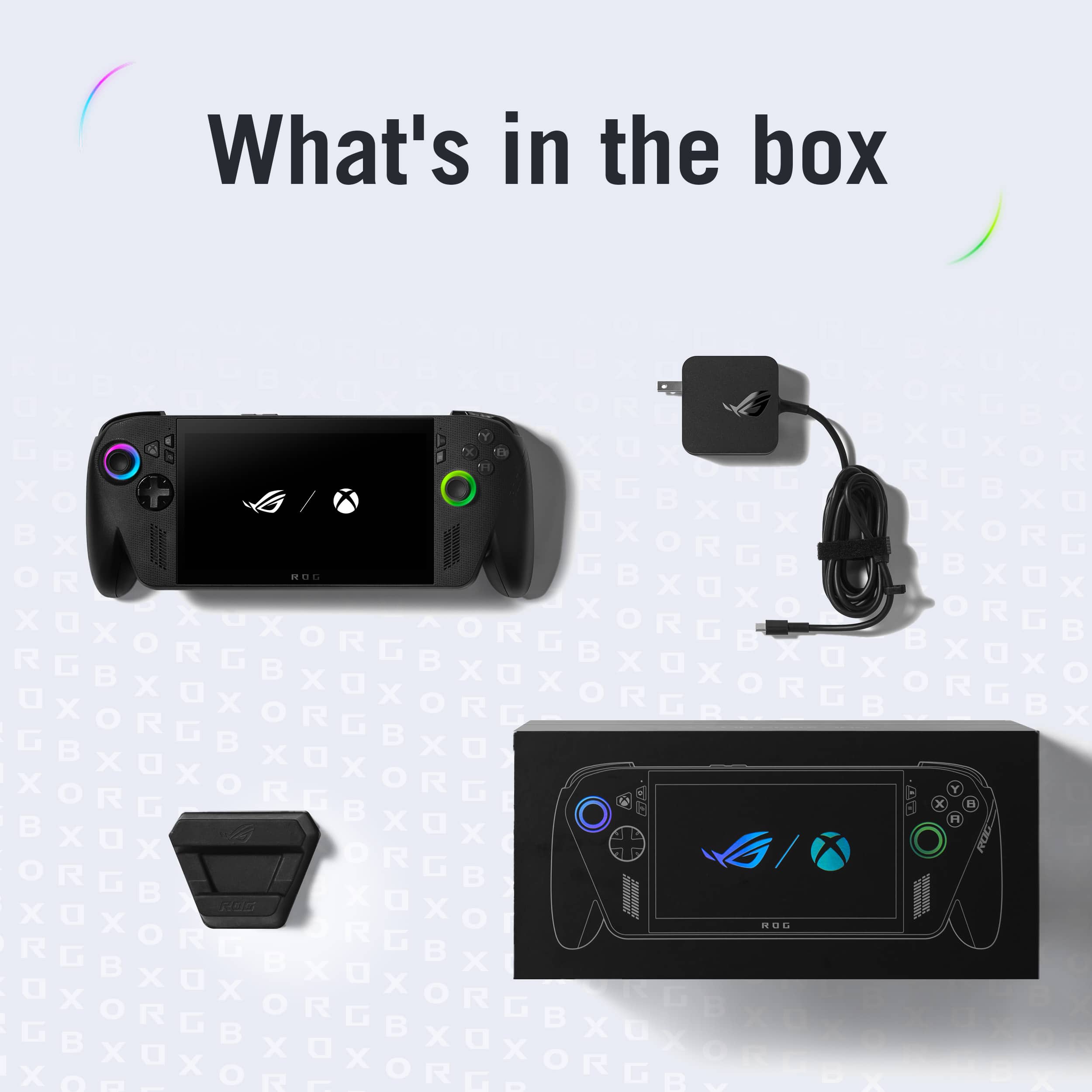
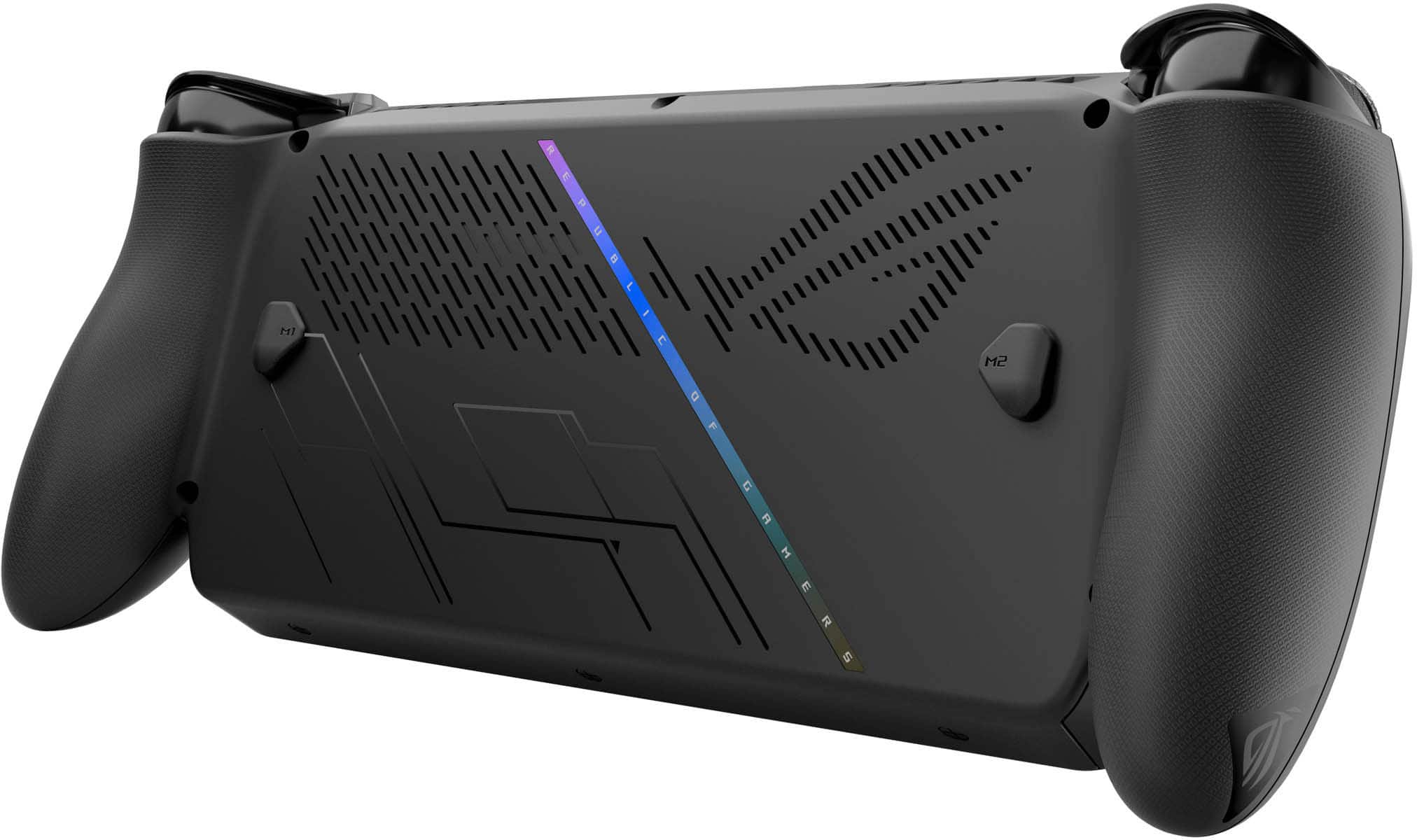
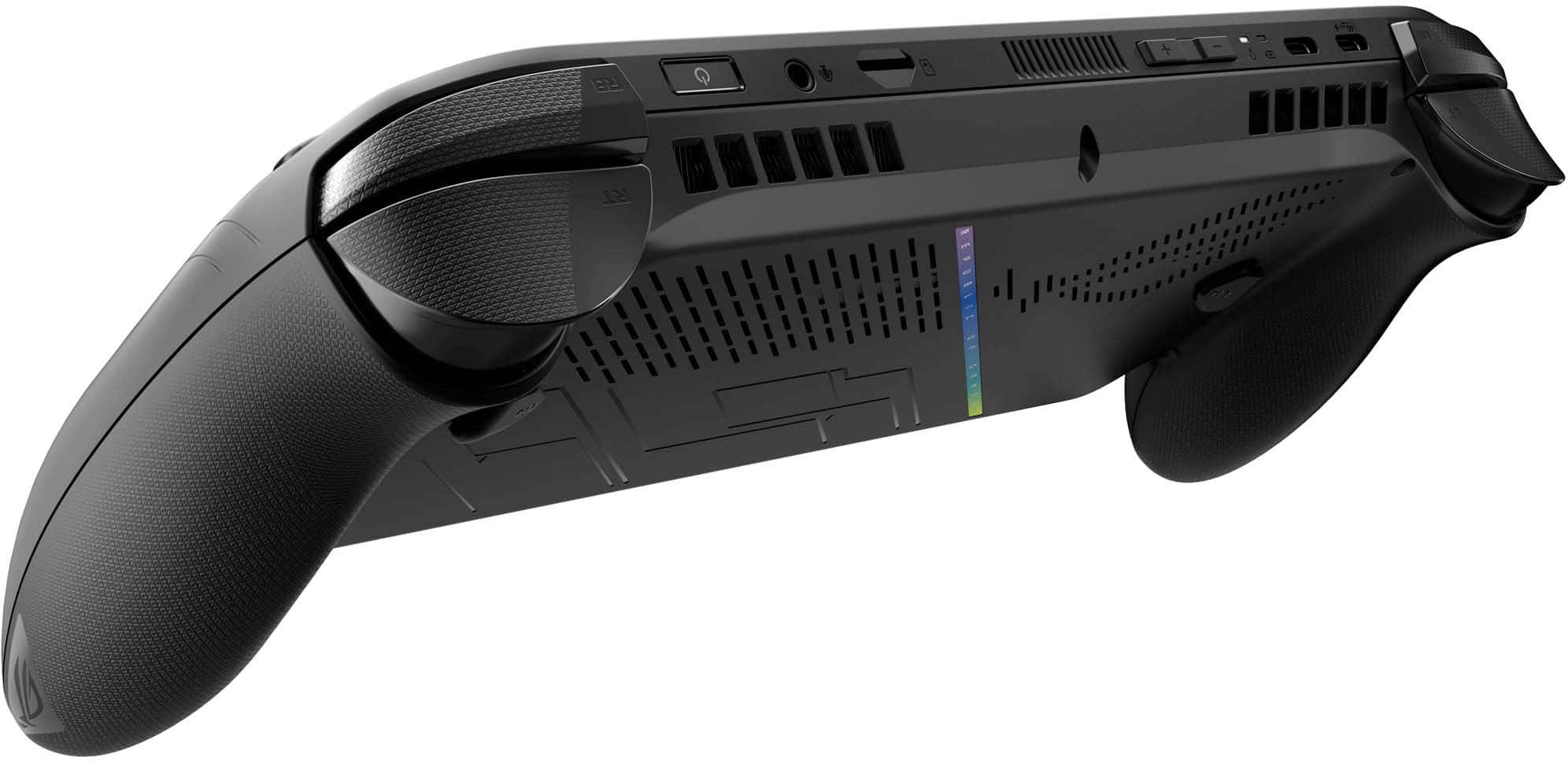
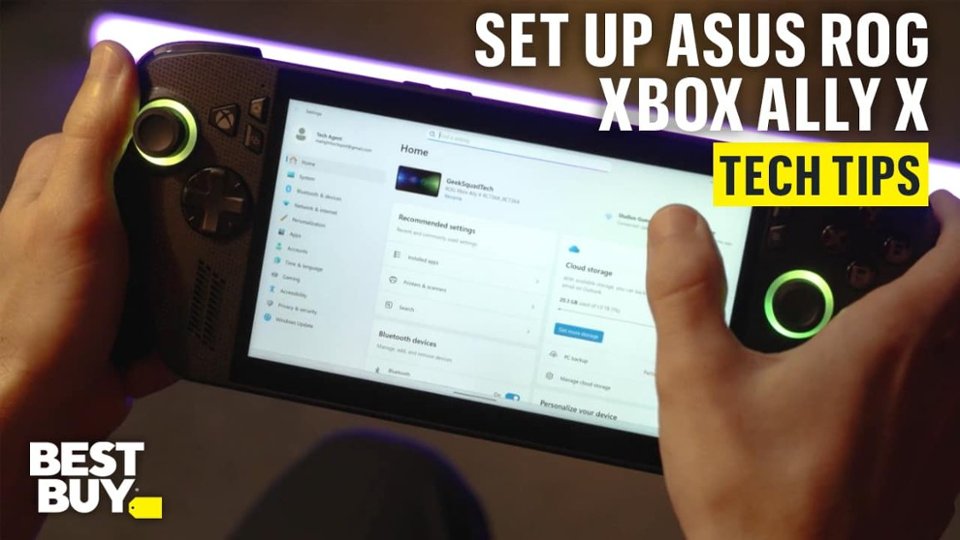
    I love the compact and sleek packaging. The box contains the Xbox Ally X (wrapped in plastic), a power supply, cardboard stand, and paper work. I do wish that the stand was plastic or some other material, but I would have rather had a case or a pouch. Device The ROG Xbox Ally X is a very sleek device, there’s a light texture on the body of the device along with small print along the front of the body. The device itself has some weight to it, it’s hefty but not obscenely hefty. The handles to me feel like they are of lower quality compared to the rest of the device. The grips feel hollow and a bit cheap, it reminds me of the xbox one’s windows controller. The grips are not bad, but not great, they could have been made better. It's almost as if the handles were an after thought/last minute addition. They feel out of place compared to the rest of the device. The grips took a bit for me to get used to, it was a bit odd holding them at first. After I get drawn into the game I forget about them. However I’d rather the handles had not been there just for case/transportation purposes, would have rather had them not stick out so much and be that could be added on when I am in the house or not taking it on the go. The grips make finding a case a bit difficult, it fits in my sling bag but takes up extra space. I have not had an issue with wrist pain or hand cramps while playing, which is due to the grips themselves. However when laying the device down on a table, the grips and angle of the screen causes the device not to lie flat which is a bit of a nuisance. While playing and focusing on the screen, the screen's angle has not caused an issue. I initially powered the device on with the power supply attached, it powered on right away and went straight into system set up, then right into an update. After the initial windows update and set up I went to desktop mode and checked for more updates. The ROG Xbox Ally X had a few updates to install. After the windows updates completed I went into Armory Crate which had several updates to complete, then I installed the Microsoft store update and finally went to MyAsus to do the registration of the device and updates there. The updates took me around 2 hours to complete. One thing to note: when I initially signed into the Microsoft account on set up, I used an account I use for all of my devices. However the Xbox Ally X came with three free months of Xbox premium. I use a different account for my Xbox account. So my free three months were set up and attached to the Microsoft account I initially signed in with. After setting up the device, you have an option to sign into your xbox app account. It's my own fault that I have too many accounts. I would suggest signing to the account you use for your Xbox account when setting up the device so you don't run into the same issue I did, If you want the free game pass linked to your existing Xbox account. Game launcher installs were in the xbox big picture mode as well as armoury crate. I chose to open all other launchers via the my apps in the xbox full screen experience (FSE) or via armoury crate rather than through the xbox full screen quick launcher options. Trying to do it through the Xbox short cut, steam would not always open. Steam would launch via the browser rather than the big picture mode. I went in and set the settings to try and get it to open in big picture mode but it would not consistently do this. Steam also would display improper aspect ratio and had the bottom tool bar cut off. The easiest fix to fix the aspect ratio was to go to armoury crate, quick settings with resolution, and cycle through the resolution options. This has corrected the issue each time. Game download speed via WiFi is slow. I would suggest if you have a dock with Ethernet use it for updates and game downloads. Smaller game download speeds were reasonable but larger games took a bit. I decided to let the games download overnight while on the charger. The next morning, the Xbox Ally X did not wake up after several power button pushes. I tried holding the power button for 5-10 seconds. The device finally woke up on the second attempt. I normally have had to have the device restart to get it to power on. Another option is to just power off after use instead of letting it sleep. When checking the game downloads, the Xbox app games downloaded but the Steam app crashed sometime during the night and did not finish the game download. Generally the game launchers opened right away. There were a few issues with Steam not launching the game or showing a loading screen, sometimes it would be stuck on a black screen or stuck in the games menu. After a day or two the games have been launching fine, there were a few updates that have come through from armoury crate. Steam still does not stay open overnight, each time I go to play the next day I have to relaunch steam. I tend to like to pick up and play in small intervals and this has not been possible with steam closing, and the device not always waking up from sleep. Games have run smoothly after tinkering with the operating mode. I created a manual mode at 20w, but most games have been running smoothly with the 13w or 17w setting. When connecting to power the turbo option is available at 35w. I tend to play handheld off power. Forza Horizon 5 has been the one that needed the most tinkering for me. Initially the game suggested high settings and was on the 17w option. It looked amazing but I kept experiencing lagging during some races or missions. I lowered the graphics to medium settings and it has been running much smoother with around 54 - 60 fps. HI Fi rush and Nickelodeon All Star Brawl 2 ran great at high and 17w no issues steady fps. I installed the Digimon time stranger demo. I'm trying to see if i want to get the full game and play it on the handheld, it's been running at 20w with no hiccups and bounces between 54 - 60w no issues. The print is super small though on the screen and can be a bit of a pain to see but i think that would happen on a regular monitor too. I have to mess with it to see if i can adjust the text size, but the game plays awesome one the handheld. Depending on what games I am playing ive gotten around 2 - 2 ½ hours so far of battery life. The sound on the device is great, it's loud and sounds open. I generally play with wired earbuds not wanting to disturb those around me. The Fan can get loud, just as loud as a laptop that sounds like it's about to take off but it hasn’t come on that frequently. The Xbox button and the armoury crate button are redundant to me, and add an extra non necessary button to the device, and could have been combined but I think that was a compromise that was probably made to get the xbox logo on the device. I generally just use it as an alt tab. Summary The device is sleek, runs the games I want it to, and has options for different launchers and games. The grips are something I can get used to. Xbox FSE is a good start, they are moving in the right direction but have a ways to go. But I am happy that they are at least making an effort to fix the bloat and constant marketing pitch. I would like to see them streamline the experience and fix the game pass home page/navigation/search, I prefer armoury crate. Updating the software for people who are new to handhelds should also be streamlined, making it simpler and easier to navigate. Experienced pc/handheld users are used to having to jump around so not a big deal. One last nib, for this price point the device really should come with a pouch/slim case. They sell a separate one for 70 bucks which is overpriced to me. All in all, It’s a nice collaboration for Asus and a test run for Xbox. The Rog Xbox Ally X is a nice device, it gives you a great gaming experience once in game.

    I would recommend this to a friend
  • Pros mentioned:
    Battery life, Overall performance
    Tech Insider Network Member

    Rated 5 out of 5 stars

    ROG + XBOX = WIN

    |
    Tech Insider Network Member
    Posted .
    This reviewer received promo considerations or sweepstakes entry for writing a review.

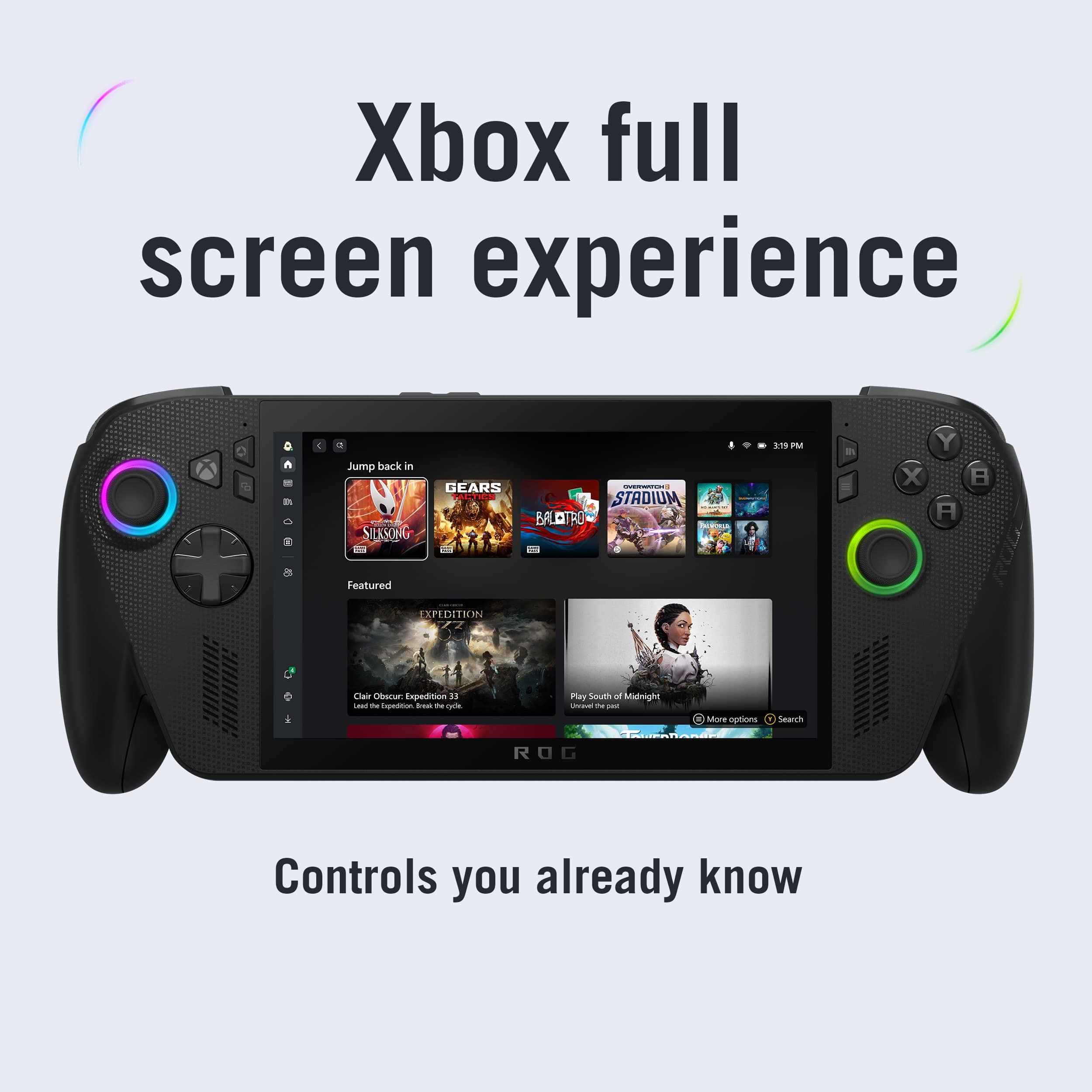
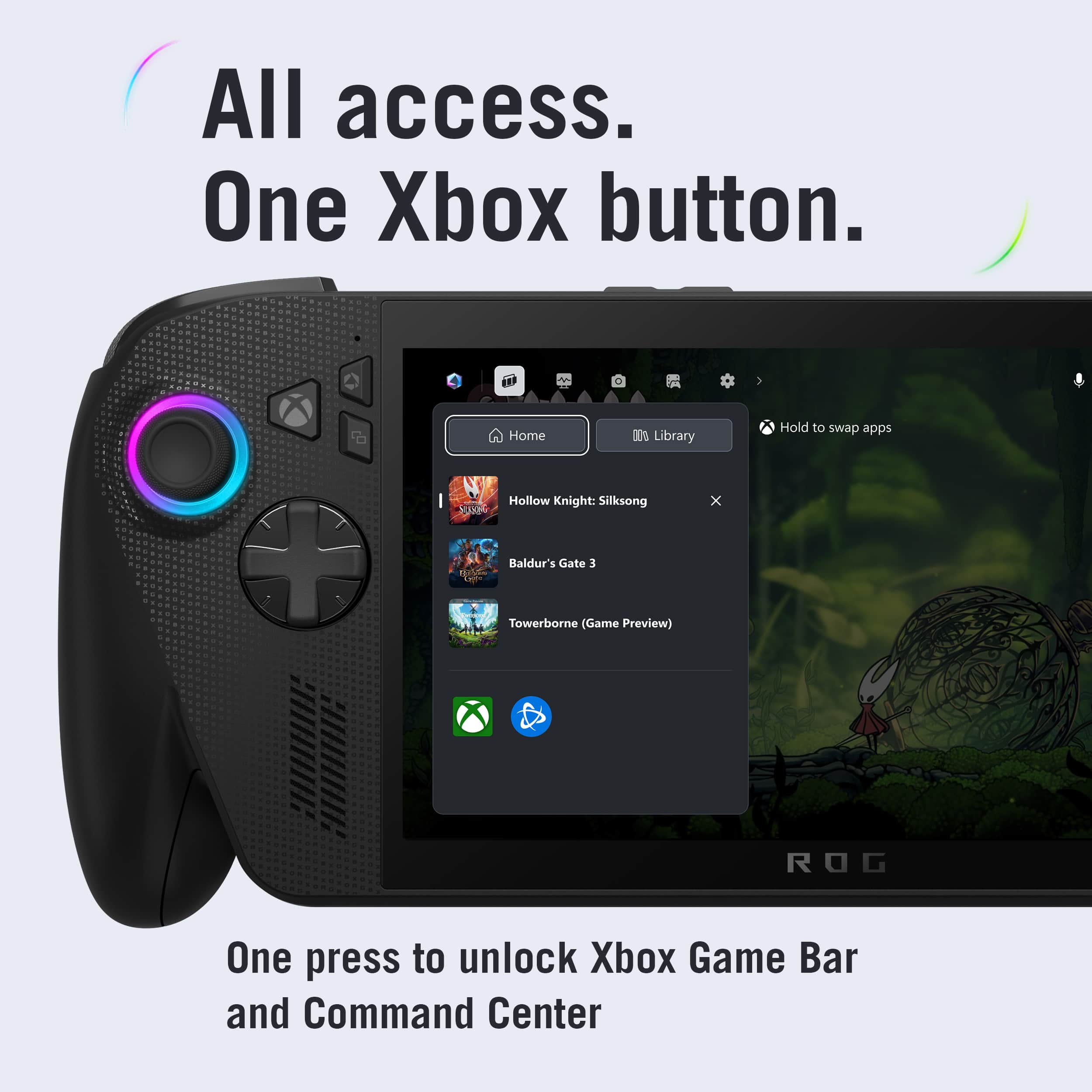
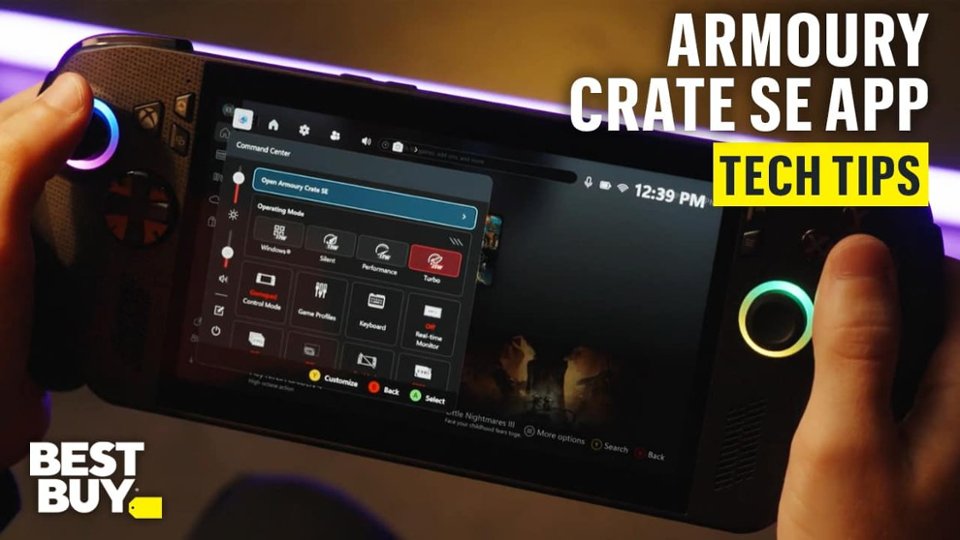
    The Closest Thing to a True Console Handheld After a week of moderate to heavy use, I can confidently say this is the definitive handheld experience for anyone who wants something that feels familiar to a home console. ASUS and Xbox have nearly delivered on the promise of bridging console comfort with PC flexibility. Also be prepared to update your device, a lot. It took me several hours to set up, before even playing my first game. This may vary based on individual experience. -Performance- I tested a wide range of titles from Vampire Survivors to Black Ops 6. While smaller indie titles should run flawlessly with this particular hardware, I wanted to see just how far I could push even some of the more demanding triple A titles. I maintained a solid 60 to 75 fps with high quality and AMD super res on average, in COD. With even reaching into the hundreds in games like Apex Legends. I mainly stayed within the Xbox Game Pass ecosystem but also explored my Steam and Epic Games libraries on this device. Performance has been excellent overall, and navigating between platforms is great when it works. There are some instances where clicking a button or opening apps has no visual response so you aren't sure if anything is working in the background and you just have to wait or try again. -UI/UX- The Xbox Full Screen Experience is a fantastic idea. A real step forward for making PC gaming approachable to console players, the way it boots to a console like interface. It can be intimidating if you’ve never used a windows handheld before, but this UI goes a long way toward easing that transition. All your games in one place makes it easier than ever to play anything you want from one screen. Everything will load in the background and just open the necessary application. The overall user experience still needs a bit of polish, but this feels like a strong baseline. You can also just switch out of the Xbox full screen experience and navigate from the windows start screen like a pc. And, even choose how the device should behave on boot up. There's even a dedicated button to access Asus's armoury crate command center. This is great for having quick access to important settings on the fly like operating modes and real time monitoring. It's handy when you want a detailed look at how the system is performing game to game. There's also the armoury crate app where you can customize all things from RGB lighting to game profiles and performance preferences as well as install necessary updates. -Display- As for the screen, while it’s not OLED, it’s still bright and crisp. Resolution is excellent, but I do wish the top and bottom bezels were a bit thinner for a more modern look. The touchscreen is great for normal use when you want to quickly switch in and out of apps but perriferals are recommended when using traditional windows mode. With a respectable 7 inch FHD display and 1920 by 1080 resolution, my games looked amazing even on medium settings. One down side is that some text can be difficult to read in certain areas. The system defaults to 150% resolution but then forces other apps to become too zoomed in, where navigating the epic games store, for example, was incomprehensible until reducing to 100%. -Battery Life- Battery life was surprisingly impressive compared to the original ROG Ally. I consistently got about 2–3 more hours of playtime per charge. My typical setup was Performance mode unplugged, and Turbo while charging. Since I mostly use it at home, battery life isn’t a major issue for me, but it’s great knowing the endurance has improved. I opted to turn off RGB all together because I aimed to squeeze as much battery life as possible, even if it was miniscule. -Ergonomics & Feel- This is hands down the most comfortable PC handheld I’ve used so far. The grip, button layout, and triggers make it feel almost identical to an Xbox Wireless Controller. Familiarity is a key selling point for me because I'm primarily an Xbox console user. It’s lightweight enough to feel premium without any fatigue during longer sessions. While the buttons themselves are clicky and responsive, they are noticeably loud in quiet environments. This may or may not effect your enjoyment. -Value- At the current price at release, the Ally X is undeniably expensive. The hardware and performance justify a lot of that price, but it’s not the most approachable option for newcomers to the handheld PC market. If this is something you want to use as your all in one device, I say go for it. For upgraders, the value really depends on how much you prioritize and raw performance gains and longevity of use. -Conclusion- Overall, the ROG Xbox Ally X feels like a true evolution of the handheld PC category. Powerful, comfortable, and thoughtfully designed for console players making the jump to PC gaming. It’s not perfect, but it’s an incredibly strong foundation that will only get better with updates.

    I would recommend this to a friend
  • Pros mentioned:
    Battery life, Screen quality
    Tech Insider Network Member

    Rated 5 out of 5 stars

    Pricey top tier windows handheld

    |
    Tech Insider Network Member
    Posted .
    This reviewer received promo considerations or sweepstakes entry for writing a review.

    Asus working with Microsoft to launch this handheld was not on my bingo card for 2025, but personally, I’m very glad they did! Ergonomics/controls/build - I have another very common handheld, and the ergonomics of this thing are SO much better, I’ve played for hours without hand issues. All of the needed buttons are easy to access and feel great. I played around with the RGB a bit, but it's neither here nor there for me, just having it “rainbow” through colors is enough for me, or even turn it off to get a touch more battery life. Display - The screen is very nice, but at 7”, it doesn’t have to try too hard, especially at 1080p. Brightness is fine, in my bright living room I usually run the brightness around 80-90%. Software/Xbox full screen - Not amazing, but works. I do like the fact that my other games show up in the library so I don’t have to switch over to steam/epic launcher unless I want to. The Xbox bar having Armoury Crate integrated is awesome, since with AAA games I use a custom 30w TDP setting with more aggressive fan curves, and then for others I might be able to get away with the 17w setting and then aim for more solid battery life. Gaming performance - I loaded up the Spacers Choice edition of the first Outer Worlds and Forza Horizon 5, plus a few benchmarks, just to see the kind of numbers it can push. I scored over 4000pts in 3DMark Timespy (3660 graphics, 9412 CPU). In Outer Worlds, running the TDP at 30w, I have it set to 1080p, 105fov, medium preset, FSR 2.2 performance, pulls between 50-80fps with a low to mid 60s average from what I can tell. FH5 I can run at 17w (performance preset) at 900p, medium settings, FSR 2.2 performance, and pull 60-80fps with the built in benchmark showing 72fps Battery - The battery life of the XB Ally X is completely dependent upon your usage. I can run Forza Horizon 5 at my above settings for 3-4 hours, but I’m lucky to get just over 2 playing Outer Worlds at 30w. From what I can tell, if you’re playing even lighter games/can run at the lowest TDP settings you should be able to get 6-8 hours! My only caveat for this handheld beast is the value. If you have second thoughts, really do your homework, as it is not a cheap device. If you have an older/much slower handheld, have the means, and want more like 60fps+ in most games instead of “I hope I can pull 30fps”, this collaboration between Microsoft and Asus is the one!

    I would recommend this to a friend
  • Pros mentioned:
    Screen quality
    Tech Insider Network Member

    Rated 4 out of 5 stars

    Little XBOX PC

    |
    Tech Insider Network Member
    Posted .
    This reviewer received promo considerations or sweepstakes entry for writing a review.

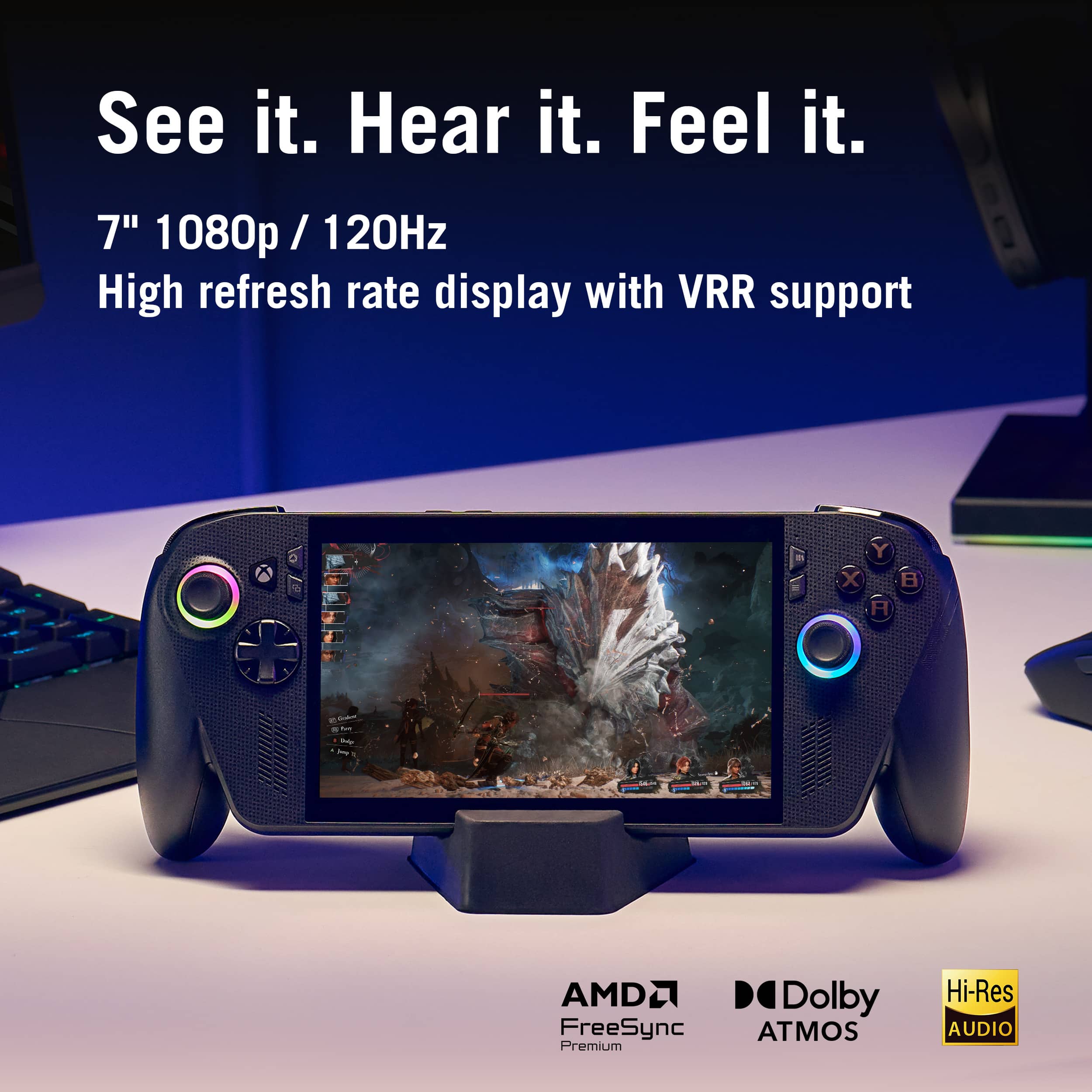
    I'm a BIG XBOX FAN i have been waiting for a long time for XBOX to come out with a handheld device and now it's here. The only thing is this is a mini computer not a XBOX console like you would get with another company. This can and will do a lot more than other handhelds. So first thing you must do i download the updates and there are some big one's. But don't worry with this you get a full 1TB of storage that is impressive so such a small device. You can go online and see what else you need to download as in steam or epic games so you can have a bigger game library. The screen on this is so awesome crystal clear you can see all of the details just as if you were watching this on your TV at home. The screen is 7inch 1080p it is a touch screen so a little extra not just for a display. The screen is gorilla glass so don't need to worry about little scratches or something rubbing on it your safe. For this being the X model it isn't that heavy at all kind of light weight the controls are just like the controller of the XBOX and same button config. It has the triggers and bumpers and 2 buttons under the unit. They did this justice the feel of this this in my hand is very comfortable. The speakers a clear and have a great sound to them i had it in party chat and could hear everyone so clear and the game sound at the sometime. You can connect Bluetooth headphones or earbuds to this. So overall this has a great screen clean and clear The speakers are clear and don't get distortion like some little speakers do. The unit is light weight and controls are comfortable The only downside to this is some games that you own on your XBOX can't be played on this the game must be Play anywhere title. You can play games on the cloud. Now i did hear that next year they are going to fix this issue with an update i don't want to buy a game twice to play it away from home.

    I would recommend this to a friend
  • Rated 1 out of 5 stars

    It stopped working

    |
    |
    Posted .
    This reviewer received promo considerations or sweepstakes entry for writing a review.

    I stopped working while playing Battlefield 6 It froze and then the screen went out and the lights were on

    No, I would not recommend this to a friend
    • Brand response from ASUS Answers
      Posted .

      Dear User116397,

      Thank you for sharing your experience with the ROG Xbox Ally X. We sincerely apologize for the issue you encountered while playing Battlefield 6. We understand how frustrating it can be when a device becomes unresponsive during use.

      To troubleshoot the issue, we recommend reviewing the steps in the troubleshooting guide linked below. If the issue continues, please contact our support team at https://www.asus.com/us/support/CallUs so we can assist you further or arrange repair service if necessary.

      We stand behind our products and continuously strive to improve our products and processes to achieve customer service excellence. For more information, email us at customerloyalty@asus.com and include the case number "N2510021587-0006" as a reference. We will do our best to resolve your case quickly. Your feedback is very important to us and enables us to improve our support channels. Thank you for choosing ASUS.

      Best Regards,
      Chantae
      ASUS Customer Loyalty US Support

      Troubleshooting - Device Boot Failure or No Display After Boot (Black Screen) -  https://www.asus.com/support/faq/1014276/ Asus

  • Pros mentioned:
    Overall performance, Portability, Screen quality

    Rated 5 out of 5 stars

    ⭐️⭐️⭐️⭐️⭐️ - Best Handheld

    |
    |
    Posted . Owned for 3 weeks when reviewed.
    This reviewer received promo considerations or sweepstakes entry for writing a review.

    I can’t say enough good things about the ROG Ally X. I installed a 2 TB microSD card, and the amount of storage and performance I’m getting is unreal. I have so many games loaded up, and they’re running smoother and faster than on my Alienware laptop — no exaggeration. The new design feels solid, the controls are tight and responsive, and the screen quality is just chef’s kiss. The performance boost over the original Ally is immediately noticeable — faster load times, better thermals, and longer battery life. It’s honestly wild having this much power in my hands wherever I go. If you’re on the fence about getting one, do it. Pair it with a high-speed SD card, tweak a few settings, and it’ll easily handle AAA titles without breaking a sweat. I’ve used gaming laptops and consoles for years, and this thing still impresses me every time I turn it on. 5/5 — Portable perfection. The best handheld gaming device I’ve ever owned.

    I would recommend this to a friend
  • Pros mentioned:
    Overall performance, Portability, Screen quality

    Rated 5 out of 5 stars

    Xbox Assus and Steam teamed up Wonderfully

    |
    |
    Posted . Owned for 2 weeks when reviewed.
    This reviewer received promo considerations or sweepstakes entry for writing a review.

    If you want to play games with little compromise on the go this is a device worth checking out. Your xbox game pass games are available & yes your steam library is available. In my opinion this is the best tech device of 2025. The next iteration of this will only be better. Pros. Xbox games can be downloaded direcrly to the system. Emulation works for older consoles. It can be a PC. Feels premium and comfortable. Storage is upgradable. Cons. Expensive im a realist but worth it for me personally. Requires PC tinkering for your personal game playing preference. Can be pkayed out the box but i do recommend watching some set up tutorials. Overall great experience, love it, no regret$. Was exactly what i expected.

    I would recommend this to a friend
  • Pros mentioned:
    Battery life
    Tech Insider Network Member

    Rated 5 out of 5 stars

    Getting better with each new generation.

    |
    Tech Insider Network Member
    Posted .
    This reviewer received promo considerations or sweepstakes entry for writing a review.

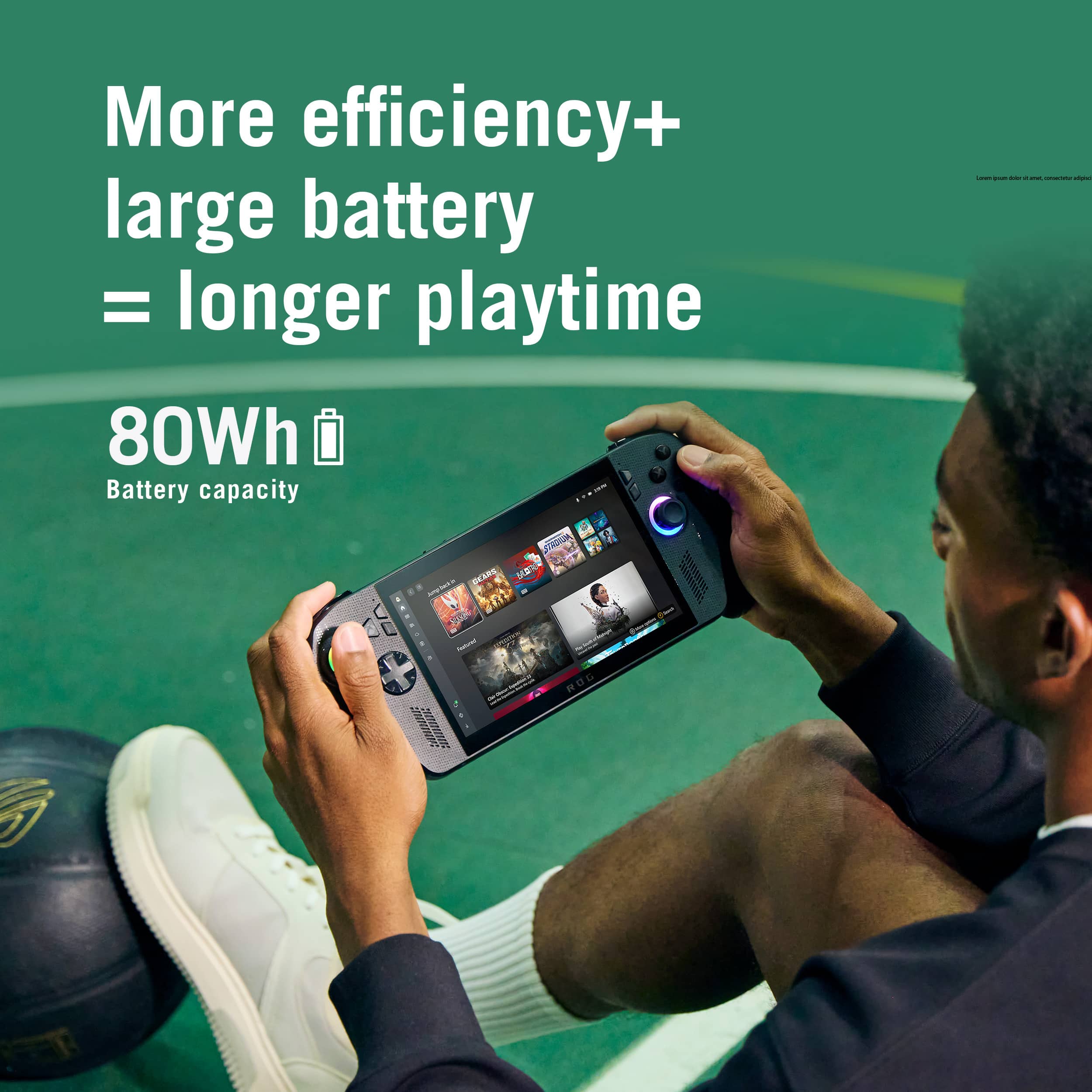
    The Asus ROG Xbox Ally X, whew that is a mouthful to try and say every time you talk about this thing. Anyway, this thing is Asus's 3rd go at making a PC Handheld, this time in partnership with Microsoft's Xbox team. From the start with the ROG Ally we were given a great windows-based handheld that performed well, but had a few stumbling blocks in its way, with less than stellar battery life, and a pretty common flaw leading to dead SD card readers. (Thankfully this was addressed with later revisions) Then our first major upgrade almost a year later with the Ally X, upping the RAM, both in quantity and speed giving a bit of a performance boost, while also doubling the battery life through the brute force of just straight up doubling the battery capacity. Slightly better ergonomics rounded the whole thing out for a great refinement of what the ROG Ally was truly meant to be. Now, another year has passed, and we now have the XBOX ROG Ally X, both a refinement to the form factor once again, as well as a significant upgrade to the APU on board. Visibly jarring at first glance with its 'controller' handles my first impressions really were "This looks so dumb." But getting my hands on it actually changed my mind. So, let's dig into the Wins and Losses of this new handheld. Starting with the Wins: Performance/Efficiency: The Ryzen AI Z2 Extreme APU gives a modest performance increase with faster RAM, and a little more top end grunt. However the true excellence here is how much performance it gets in the performance mode at 17Watts. At this setting your can expect the same or better overall performance as the ROG Ally or ROG Ally X has with the Z1 Extreme APU at 25Watts. Which is amazing and really let's this machine shine giving it the kind of battery life that will start letting you think more about the game you are playing than should I look for an outlet soon. Ergonomics: While I said they look dumb, those handles completely off set a negative of the new handheld, its weight, it clocks in heavier than previous models, but the way it's distributed in your hands almost makes it feel lighter, or at the very least makes it feel like it weighs about the same. I won't say the same things as I'm sure so many others have said about it "Feeling like an Xbox controller" because to me it doesn't really feel the same, but it does feel good in the hands, enough so that I think they could have gotten away with larger paddles on the back because there's more to hold onto it would be less likely to accidently press them even if they were bigger. The Losses: Moving buttons around: Not really an issue if you have never used one of the previous versions of the Ally before, but if your coming from the Ally or Ally X, they swapped the Start/Select buttons with the armory crate/menu buttons or whatever you want to call them here. That kind of messes with muscle memory a bit, not a big deal, but felt rude. Xbox Full Screen Experience: There is a lot of promise here. But as of right now it's a tad underbaked. The XBOX app on PC focuses too much on trying to sell to you than being a Hub for your games. And your not really getting any more performance here than you do in regular desktop mode. It's great that they are taking steps to make gaming a priority on windows, and giving us an option to cut the fat of the OS when we need/want to. But it's terribly limited. I would like to see the Full Screen Experience give me more control over it. Microsoft/Xbox is not subsidizing this from what I can gather, and Asus is handling the hardware. So the investment they made was just a windows update. Let me set my Home App to whatever I want. I want to launch into the Full Screen Experience right into Steam Big Picture mode without the xbox app running at all. Or launch into the Armory Crate Library without xbox running in the background. It's my PC let me set it up the way I want. Marketing: And the other big Loss for this is the marketing. Xbox's marketing of "This is an Xbox" has been a big push to say that basically anything with a screen is an Xbox thanks to their game streaming service. And that marketing is a bit misleading at best, and a downright lie at worst. What we have here is a PC Handheld. With a focus on Xbox style controls, a dedicated Xbox Button, and an Xbox themed front end. But that's where it ends. People want to think console with this marketing push. So when they crash into the foibles of managing a Windows machine, Windows Update, Armory Crate Updates, My Asus Updates. The several hours of setup and updating before you can really jump into a game, it turns them away before they've even really started. This partnership should have really pushed to consolidate all of that into a single update location within the XBOX app if that's really what they were trying to do as far as making this a console. Overall, I came into this knowing exactly what I was getting into as I also own the Ally, and Ally X handhelds that came before as well as the Steam Deck that really jumpstarted the Handheld PC form factor in the wider market. So for me this device is a total win, I love it. The ergonomics are amazing, performance is great for a handheld, and you can pick it up in a brick-and-mortar store. All big wins for me. It gets my recommendation, with some minor notes. If you already have a premium gaming handheld like the Ally X or the Legion Go, or something in that realm. Then unless your passing your current handheld on to someone else, or selling it to offset the cost of new hardware, then you can probably give this a pass. It's a great leap in battery life compared to a lot of other contemporary handhelds, but only a modest overall performance increase. Around 30% more than the Z1E when both are running at 17W, and only about a 10% or less increase when both are running at 25+ Watts. This is definitely a PC Handheld for the enthusiast who wants the best they can get. Because to get any better, you're paying an additional 50% more on top of it at least. Just remember, this is a PC handheld and comes with all the trappings of a Windows PC. Things are getting better, but some of the 'Jank' is still there.

    I would recommend this to a friend
  • Pros mentioned:
    Screen quality
    Tech Insider Network Member

    Rated 4 out of 5 stars

    Almost Perfect

    |
    Tech Insider Network Member
    Posted .
    This reviewer received promo considerations or sweepstakes entry for writing a review.

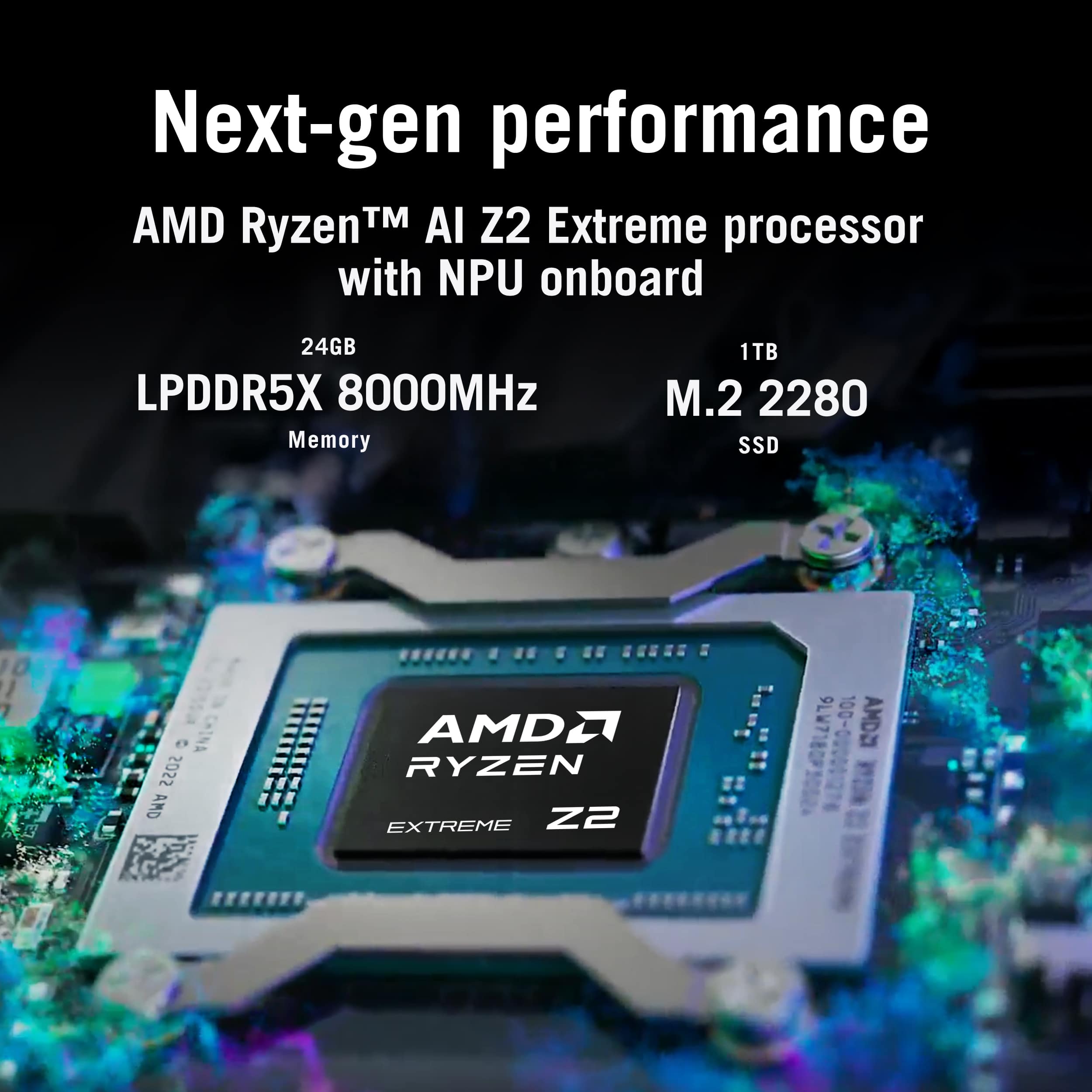
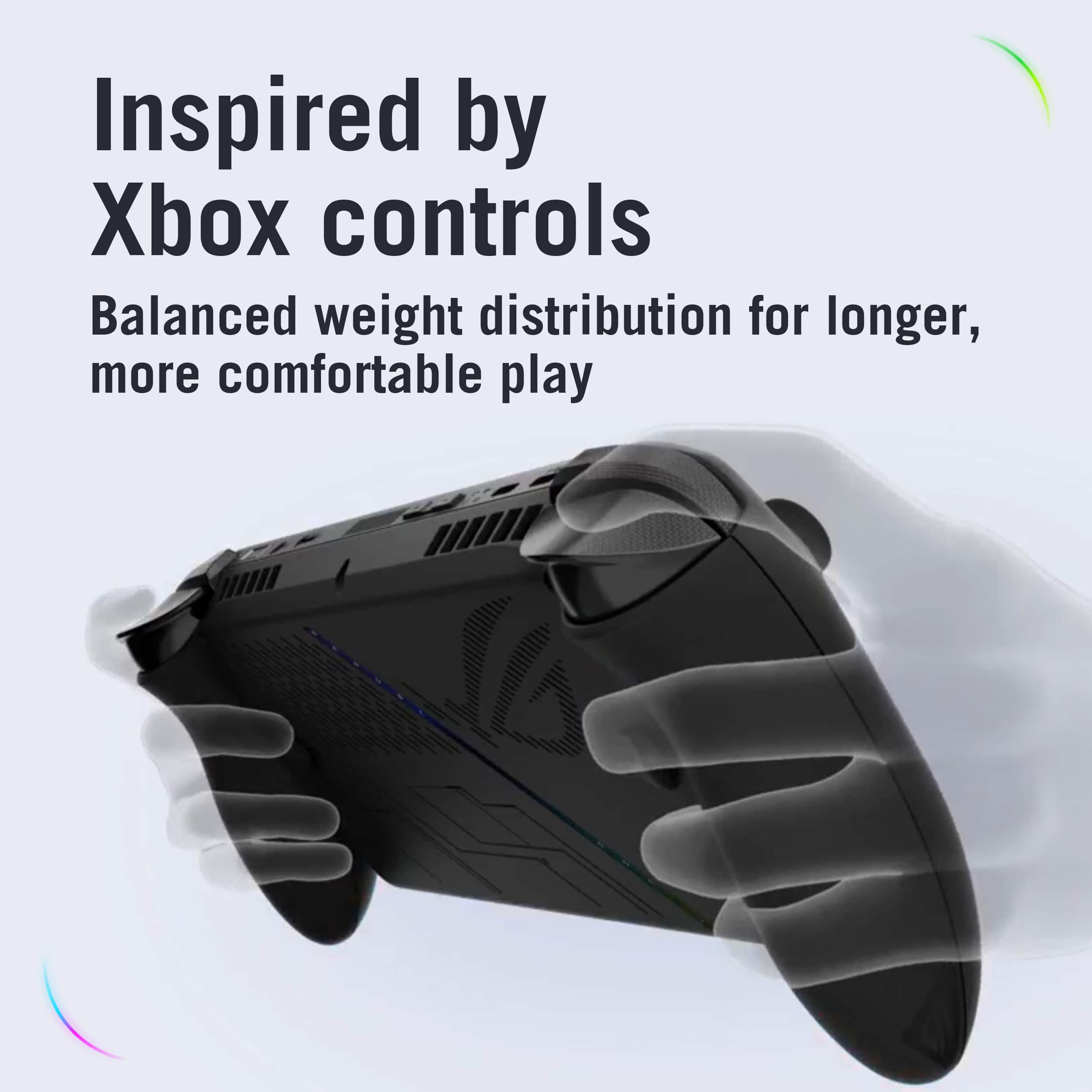
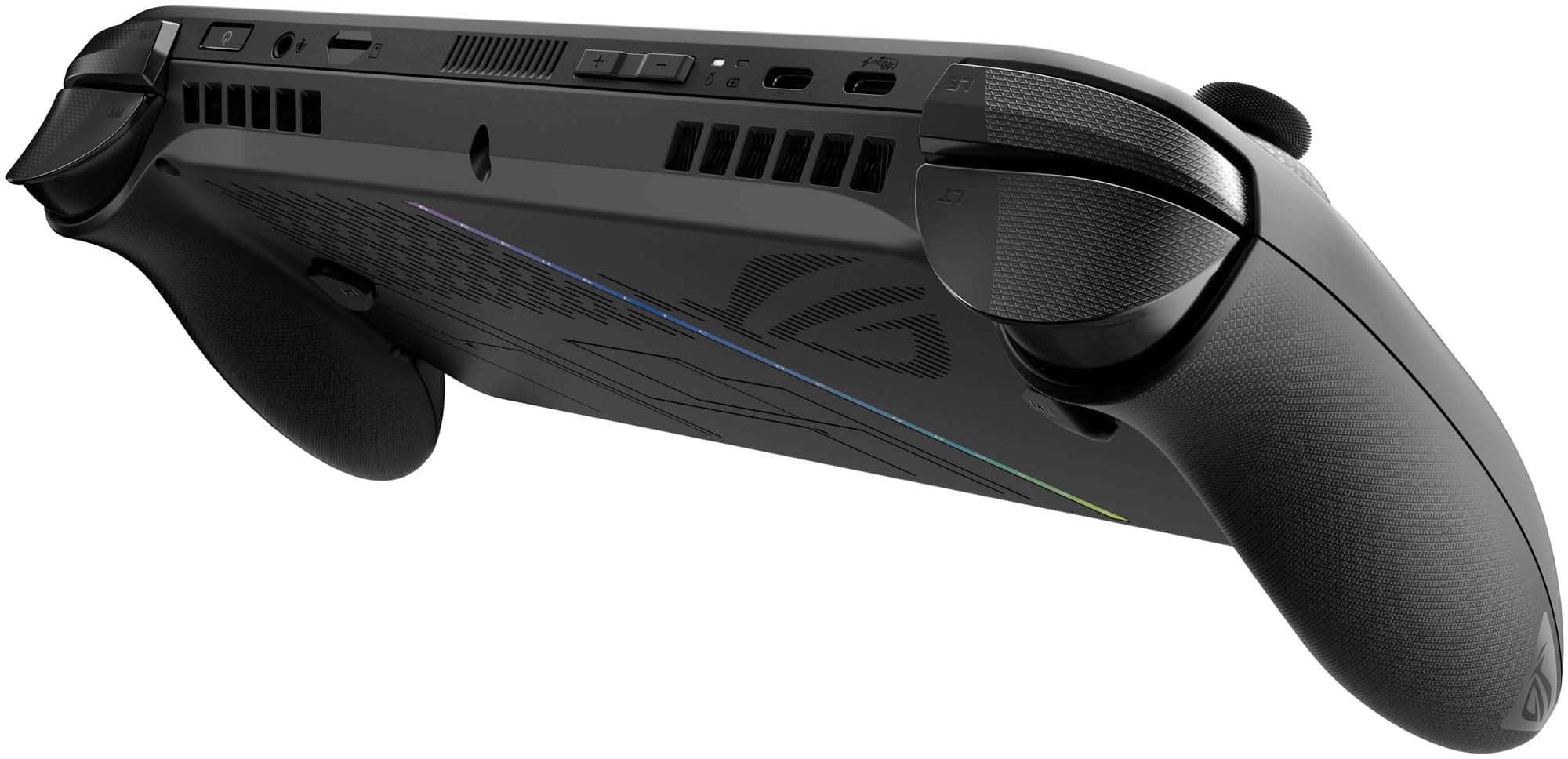
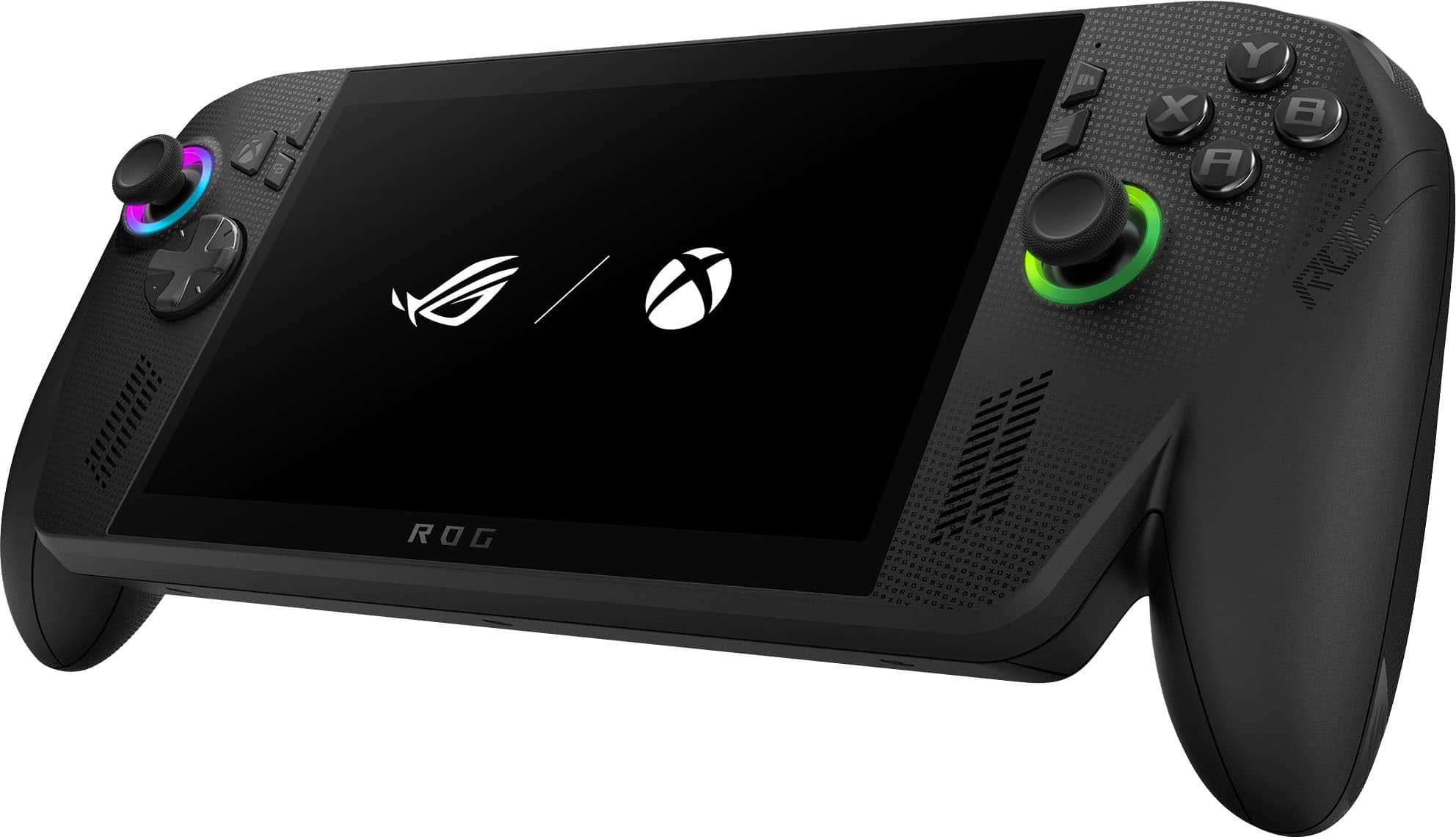
    The Asus ROG Xbox Ally X is an almost perfect Windows handheld. Had it not been for a particular component that I feel misses the mark (which I'll discuss later in this review), this would have been a five star product. With that said, the Xbox Ally X gets everything else right and delivers an impressive handheld gaming experience with some of the best gaming performance stats you'll find on the market. From unrivaled ergonomics, to the best speakers I've ever heard on any handheld, there's very few handheld consoles that will be able to go toe-to-toe with the Xbox Ally X. In terms of build quality and design, the Xbox Ally X not only feels premium in the hands, but it has the best ergonomics I've ever experienced on any handheld. This is of course due to the wonderful controller grips which were a result of a collaborative effort between Asus and Xbox. I've always praised Xbox for designing the best controller in console history and their years of experience are certainly showcased here. I'm able to game on the Xbox Ally X for hours due to how extremely comfortable the grips are to hold. The face buttons, as well as the shoulder buttons & D-pad, all feel premium. I'm a huge fan of the power button fingerprint unlock feature at the desktop screen login. Not once did I have an issue with the Xbox Ally X not detecting my fingerprint. The thumbsticks are an absolute dream. They feel very solid, articulate very smoothly, and I love that the rubber grips have a smooth surface on the concave section, while housing a coin-edge outer rim to ensure a non-slip experience. Huge praise to Asus for making the speakers front-firing. They are hands-down the best speakers I've ever heard on any handheld. They get loud! Not just that, but even at higher volumes, the mids and highs are very crisp and clear. Dialogue is full of depth and presence. Bass also has decent presence and it never distorted when at max volume. The only thing I would add is a small trackpad. I find it much more convenient when navigating through Windows, or closing game launcher pop-ups, versus having to take my hand off the grip to interact with the screen every time. I've spent the last week playing several AA/AAA titles at 1080p on medium settings. In terms of handheld performance, the Asus Xbox Ally X packs a serious punch. Under the hood, it's outfitted with the latest and greatest mobile APU/NPU from AMD: The Ryzen AI Z2 extreme processor. Another upgrade over the last generation ROG Allys is the 24GB of LPDDR5X RAM. Coming from the original Asus ROG Ally, it's nice to know that I have a larger unified memory pool for texture packs or mods. Combined with AMD Freesync, I had a very smooth and seamless gaming experience. I ran a few benchmarks and have included my average FPS stats below: All Games Were Ran in Turbo Mode in the Armoury Crate Software @ 1920x1080: Clair Obscur: Expedition 33 Location: Spring Meadows Graphics: Medium Preset Scaling Mode: Quality Avg FPS:41 Avg CPU/GPU temp: 65°C Alan Wake 2 Location: Initiation 2:Casey Graphics: Medium Preset Render Resolution: 1280x720 (Quality) Avg FPS: 42 Avg CPU/GPU temp: 68°C Doom The Dark Ages Location: Sentinel Command Station Upscaler: FSR FSR: Balanced Graphics Settings: Handheld Avg FPS: 61 Avg CPU/GPU temp: 73°C Time Spy Score: 3858 Graphics Score: 3518 CPU Score: 8556 Even with demanding AAA games, the Xbox Ally X delivers solid performance at 1080p on medium settings. The beauty here is that because it features a smaller 7-inch display, you can always lower the resolution to 900p or 720p, without sacrificing too much on visual fidelity. For example, I lowered the resolution on Alan Wake 2 to 900p and went from an average frame rate of 42 to 54. The game still looked fantastic in 900p on the 7-inch display! One important thing I'd like to note is that during a lot of the press release information, I read that the Xbox full screen experience on the Xbox Ally X would run your games more optimally and thus lead to better performance. After a ton of testing, I did not notice any performance differences when running games from the Xbox full screen experience mode (which requires a restart), versus running them in Windows directly from their game launcher (e.g. Steam, Epic Games, GOG, Battlenet). For reference, all armoury crate driver updates, Windows updates, and the latest BIOS update was performed. With that said, I do still prefer using the Xbox full screen experience during my gaming sessions as it provides a consolidated dashboard to launch all of my games from; regardless of platform. I also love that Xbox lists several handheld optimized games on their website that would run optimally on the Asus Xbox Ally X. And now, for the part where I feel that Asus missed the mark: No OLED display or HDR! Unfortunately, we are still getting the same 7-inch IPS display that we got with the original Asus ROG Ally back in June 2023. While it's by no means a bad display, it's age is starting to show. The IPS display does meet the 100% sRGB standard, and while it does have good color reproduction that one would expect from IPS, it is lacking that "color pop" and depth that you get with OLED and HDR. When it comes to dark scenes, you can tell that the contrast is just not on par with OLED and it's inky blacks. Since IPS relies on a backlight, sometimes blacks can appear a bit gray. It's not a huge deal since it is a handheld display after all, but I feel that we should have gotten OLED this time around; especially considering that this is Asus's flagship product. Despite the lack of OLED and HDR, the Asus ROG Xbox Ally X is still one of the best Windows handhelds on the market. The ergonomics are unrivaled, the Ryzen AI Z2 & 24GB of LPDDR5X RAM deliver solid handheld performance at 1080p, the front firing speakers are best in class, armoury crate software delivers incredible fine tuning & customizability, and the Xbox full screen experience provides a seamless user interface from which you can enjoy all of your games. If you've been on the hunt for a powerful Windows based handheld, and if you don't mind not having the absolute latest display technology, I highly recommend checking out the Asus ROG Xbox Ally X.

    I would recommend this to a friend
  • Pros mentioned:
    Battery life, Overall performance, Portability

    Rated 5 out of 5 stars

    Best handheld on the market

    |
    |
    Posted .
    This reviewer received promo considerations or sweepstakes entry for writing a review.

    I recently purchased the ROG Xbox Ally X from BestBuy and I couldn’t be happier. The performance is outstanding for a handheld — games run incredibly smooth, the screen is bright and sharp, and the build quality feels premium. Battery life is much improved compared to older models, and the ergonomics make long gaming sessions super comfortable. The integration with Xbox Game Pass is seamless, and the overall experience feels like having a powerful gaming PC in my hands. If you want portability without sacrificing performance, this device is absolutely worth it. Highly recommended!

    I would recommend this to a friend
  • Pros mentioned:
    Battery life, Overall performance, Screen quality

    Rated 5 out of 5 stars

    A month use

    |
    |
    Posted .
    This reviewer received promo considerations or sweepstakes entry for writing a review.

    I’ve been using the ASUS ROG Ally X for a while now, and overall it’s an impressive handheld gaming PC with excellent performance and lightning-fast game load times. It works smoothly across multiple platforms—Xbox Cloud Gaming, Steam, Battle.net, Epic, and more—making it incredibly versatile compared to a traditional console. As expected with any Windows-based device, you’ll encounter occasional bugs or small quirks, but nothing that truly interrupts the gaming experience. The built-in speakers on the base console deliver surprisingly rich and loud sound, which makes handheld gaming much more immersive. Visual quality is great as well, with fast refresh rates and sharp detail. I do wish it came with an OLED screen for deeper blacks and richer colors, but the DLCD display still looks very good and gets the job done. For users with larger hands, the controls might feel a bit small at first, but the issue is easily solved with a grip case or protective shell. Battery life and charging speed are solid, and the overall build quality feels premium and durable. The device also stays relatively cool thanks to an efficient cooling system, which is a big plus during long sessions. In short, the ROG Ally X is a powerful, flexible, and enjoyable handheld that delivers a near-PC experience in a compact form factor. It’s not perfect, but the strengths easily outweigh the minor drawbacks—making it a great choice for gamers who want portability without sacrificing power.

    I would recommend this to a friend
  • Pros mentioned:
    Battery life, Comfort, Overall performance

    Rated 4 out of 5 stars

    Great for PC/Xbox gamers. Needs work for everyone.

    |
    |
    Posted .
    This reviewer received promo considerations or sweepstakes entry for writing a review.

    The handheld is comfortable to use for long periods. Battery life is pretty good even in demanding games. When plugged in this thing performs really well, but hey that's not always available. I'm a Game Pass subscriber so if a game supports a PC install, I can install right on the device. If I play it through cloud I've had a lot of success. I played Borderlands 3 for a whole afternoon from cloud and it felt very native. I tried an older game Ori and the Blind Forest and it struggled via cloud. The new full screen Xbox experience is the big push and the big play from Microsoft here. If you're an experienced Windows user, you're going to be fine. If not, well, it has a long way to go. I think if they stick with it, it's going to work out. Right now trying to have two users on this thing is a little painful. I got it to work but I'm also an experienced Windows user. I'm getting a lot of use out of this. But it's not for everyone. If you think taking your PC games on the go is worth it, you get that with Steam, Epic, GOG, Xbox and really just whatever runs on Windows. Without hooking up more accessories, your games or apps really need to be controller friendly. But if you're willing to bind up keyboard and mouse it's possible to set it down and use those peripherals. That's not my use case. I want this to play games. I'm finding some Steam games are really great on here... ones more ready for a controller or Steam Big Picture experience. Xbox Remote Play (where it streams from your console over your home wifi) works really well. I dont use it much... I almost would rather just cloud stream. Overall I think if you are a PC and Xbox gamer and you think you might get value in a portable handheld, this is a powerful and useful device. If not, give this space more time. It's going to improve and we're going to see more offerings.

    I would recommend this to a friend
  • Pros mentioned:
    Battery life, Overall performance, Portability

    Rated 5 out of 5 stars

    Do not overthink it

    |
    |
    Posted .
    This reviewer received promo considerations or sweepstakes entry for writing a review.

    It runs excellent. I had my doubts due to complaints about it being unrefined software-wise but I feel with its current performance it is great. It runs everything I have thrown at it like a champ, and that includes some heavier titles. Battery is decent and the customization to run it with your own paramenters is pretty straightforward. Do you want the convenience of handheld gaming without worrying whether a game will run decently or not? This is it. It will run them fine out of the box, and if you know about performance optimization on PC gaming, you may be able to squeeze in better performance on certain games. I have played this thing for multiple hours a day and my grip never gets tired because I am holding a controller with a screen attached to it. Super happy with my purchase

    I would recommend this to a friend
  • Pros mentioned:
    Comfort, Portability, Screen quality

    Rated 5 out of 5 stars

    Awesome gaming handheld!

    |
    |
    Posted . Owned for 1 month when reviewed.
    This reviewer received promo considerations or sweepstakes entry for writing a review.

    This thing is amazing for people looking for a portable handheld gaming device. The Xbox Ally X is essentially a mini PC giving you the ability to play your favorite games on your gaming launcher of choice. The grips feel sturdy and comfortable just as you would holding and Xbox controller. The screen is a bit smaller than i would prefer, but still very clear and clean. If you’re a PC gamer looking for a portable option to gaming for trips away from you home PC, this is the best choice on the market today. You also have the option to expand memory by swapping the internal SSD or by simply inserting a micro SD into the corresponding slot.

    I would recommend this to a friend
  • Pros mentioned:
    Battery life, Overall performance, Portability

    Rated 5 out of 5 stars

    • Powerful, Portable, and Travel-Friendly

    |
    |
    Posted . Owned for 1 month when reviewed.
    This reviewer received promo considerations or sweepstakes entry for writing a review.

    ⭐️⭐️⭐️⭐️⭐️ Perfect for Weekly Hotel Travel I travel and stay in hotels every week, and this device has been a game-changer. It’s powerful enough to run everything I play smoothly, but still compact and easy to pack. Setup in hotels is quick, whether I’m playing handheld or docked to a TV. Battery life is solid for travel days, performance is impressive for the size, and it feels well-built and premium. It’s basically a full gaming setup that fits in my bag. If you travel often and still want a great gaming experience on the road, this is absolutely worth it. Highly recommend.

    I would recommend this to a friend
  • Pros mentioned:
    Battery life, Overall performance, Screen quality

    Rated 5 out of 5 stars

    Amazing PC gaming handheld!

    |
    |
    Posted . Owned for 3 weeks when reviewed.
    This reviewer received promo considerations or sweepstakes entry for writing a review.

    Upgrading from a launch Steam Deck to the ROG Xbox Ally X is a night-and-day difference. The performance is incredible. I’ve been playing Gears of War: Reloaded and consistently getting over 60fps. The battery life is also impressive compared to my Steam Deck, and the screen isn’t bad for a non-OLED panel. VRR is a game-changer on these devices. The Xbox full-screen experience definitely needs some work, but I’m excited to see how it evolves. If you’re considering buying this or upgrading from a Steam Deck, I highly recommend it. Definitely purchase before the inevitable price increases.

    I would recommend this to a friend
  • Pros mentioned:
    Overall performance
    Tech Insider Network Member

    Rated 3 out of 5 stars

    Ergonomics 10, interface 2, pricey

    |
    Tech Insider Network Member
    Posted .
    This reviewer received promo considerations or sweepstakes entry for writing a review.

    Review for ROG Xbox Ally X 7" FHD 120Hz Gaming Handheld Pros: Out of the box, the ergonomics are evident on this new handheld from Asus. The grips mirror those found on the Xbox and the touch screen is bright and responsive. Setting up the handheld takes a little effort, but you’re basically initializing a Windows PC, so time consuming, but not difficult. To be clear, this is a portable Windows PC, not a portable Xbox. The 7” display is great for handheld use and the 120 Hz display refresh makes for sweet gameplay without tearing. The 24 GB of high speed RAM and 1 TB storage made it easy for me to download my games for quick loading and offline play. In fairness, my game loaded quickly, AFTER a rather slow download over WiFi. The audio is sharp and clear for such a compact device and the haptics and the addition of the impulse triggers make for involving feedback. Cons: The integration of the various game platforms was difficult and confusing for me as a user new to this kind of handheld (I’m a PC gamer). I found buying a new Xbox game very frustrating. While using the Xbox app, I downloaded a game. The UI showed no indication I had a new game. It wasn’t in my games, owned games, nor the install queue although I received an email confirming my purchase. When I went to the game store, it showed I could purchase it. I shouldn’t be able to purchase the same game more than once and it should be clear how to find the game. Finally, in frustration, I closed the app and reopened it and my new game was there. I’ve attached a picture that shows you the extent to which a game is playable, which I found helpful. I wish there were filters when you search for compatibility to easily find games well suited for the device.

    No, I would not recommend this to a friend
    • Brand response from ASUS Answers
      Posted .

      Dear TechSavvy55Plus,
      We certainly understand your disappointment with the product. We certainly value your feedback on this matter, and I will be letting the related department know about the issues you are experiencing for continuous improvements to the product line. If you need any assistance, feel free to contact me at customerloyalty@asus.com. We'll be happy to provide a quick resolution to your case, and I will help you to the best of my abilities. I am here to assist our customers with our products and am dedicated to bringing resolution to all issues that they may come across. Your case for reference is [N2511009668-0002] for us to better assist you. Thank you for choosing ASUS!
      Best Regards,
      Schottky.S
      ASUS Customer Loyalty US Support Asus

  • Pros mentioned:
    Battery life, Comfort, Overall performance

    Rated 5 out of 5 stars

    Worth every penny

    |
    |
    Posted . Owned for 2 months when reviewed.
    This reviewer received promo considerations or sweepstakes entry for writing a review.

    Great performance, comfortable, easy to use. Bought when it first came out. Played every day since then. Batterly life is stil good. Recommoned for people on the go.

    I would recommend this to a friend