Customer Ratings & Reviews


- Model:
- 4660R
- |
- SKU:
- 5948006
Customer reviews
Rating 4.7 out of 5 stars with 1862 reviews
(1,862 customer reviews)Rating by feature
- Value4.7
Rating 4.7 out of 5 stars
- Quality4.8
Rating 4.8 out of 5 stars
- Ease of Use4.9
Rating 4.9 out of 5 stars
Customers are saying
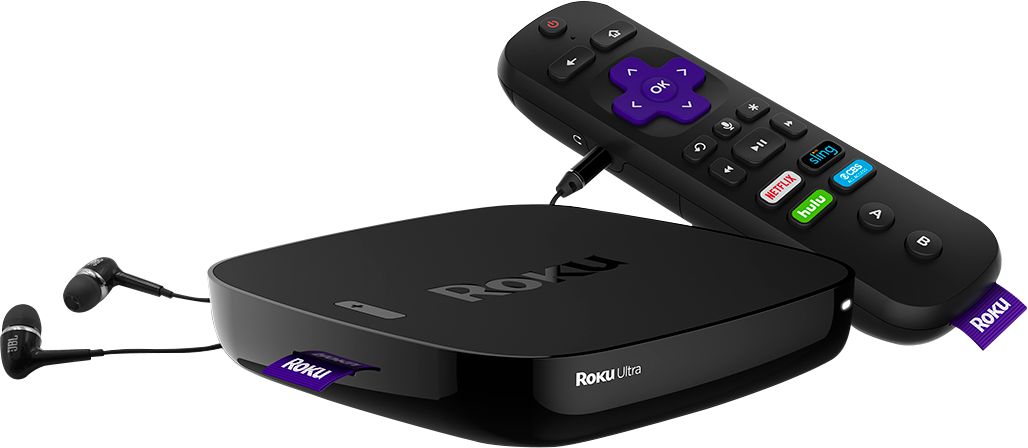
Customers express satisfaction with the Ultra Streaming Media Player's ease of use, picture quality, and performance. Many also praise the remote control, particularly its headphone jack and intuitive design. While some find the price a bit high, the positive feedback on features like 4K streaming and the user-friendly interface outweighs these concerns. The setup process is also frequently cited as quick and easy.
This summary was generated by AI based on customer reviews.
- Pros mentioned:Ease of use
Rated 5 out of 5 stars
Great alternative to cable
||Posted .This reviewer received promo considerations or sweepstakes entry for writing a review.I purchased the Roku primarily to support my first break from the traditional cable company. Very easy to setup and initialize. I was up and running in 10 minutes tops. So far, so good!
I would recommend this to a friend Rated 5 out of 5 stars
Works without Problems
||Posted .This reviewer received promo considerations or sweepstakes entry for writing a review.Installed Roku Ultra as a replacement for an old Roku that had died. The installation was easy to do, quickly done. Have had no hiccups or problems. The Roku Ultra has perform flawlessly.
I would recommend this to a friend- Pros mentioned:Streaming
Rated 5 out of 5 stars
Great streaming device
||Posted .This reviewer received promo considerations or sweepstakes entry for writing a review.I love the Roku Ultra, great streaming and the new power control for the TV is awesome. Wish I could program the two game buttons for some other purpose like raising and lowering the TV.
I would recommend this to a friend - Pros mentioned:Ease of use
Rated 5 out of 5 stars
Cord Cutting
||Posted . Owned for more than 2 years when reviewed.This reviewer received promo considerations or sweepstakes entry for writing a review.Finally got tired of paying Directv prices and cut the cord. Have been using this since. Very simply to use, simple to install, and get outstanding video.
I would recommend this to a friend Rated 5 out of 5 stars
Love it!
||Posted .This reviewer received promo considerations or sweepstakes entry for writing a review.Love my roku ultra!. Tried streaming first through a fire stick. Had to reboot it all the time. It finally just stopped working after a few months. Roku is solid. No glitches or reboots.
I would recommend this to a friend- Pros mentioned:Ease of use
Rated 5 out of 5 stars
Will pay for itself in one month!
||Posted .This reviewer received promo considerations or sweepstakes entry for writing a review.Roku device was purchased after cutting the cable and between it and a digital antennae, I can access all local and cable channels I want. Easy to set up, easy and intuitive to use.
I would recommend this to a friend - Pros mentioned:Ease of use
Rated 4 out of 5 stars
Easy to setup, not good for connecting 2 devices
||Posted .This reviewer received promo considerations or sweepstakes entry for writing a review.Very easy to set up and operate, but had problems connecting it so it could be displayed in to devices or to a home theater unit. I tried everything and in some cases started to work but then stop working after a day or two. Weird, but now I only have it connected directly to the TV and works perfectly.
I would recommend this to a friend Rated 5 out of 5 stars
Great way to stream
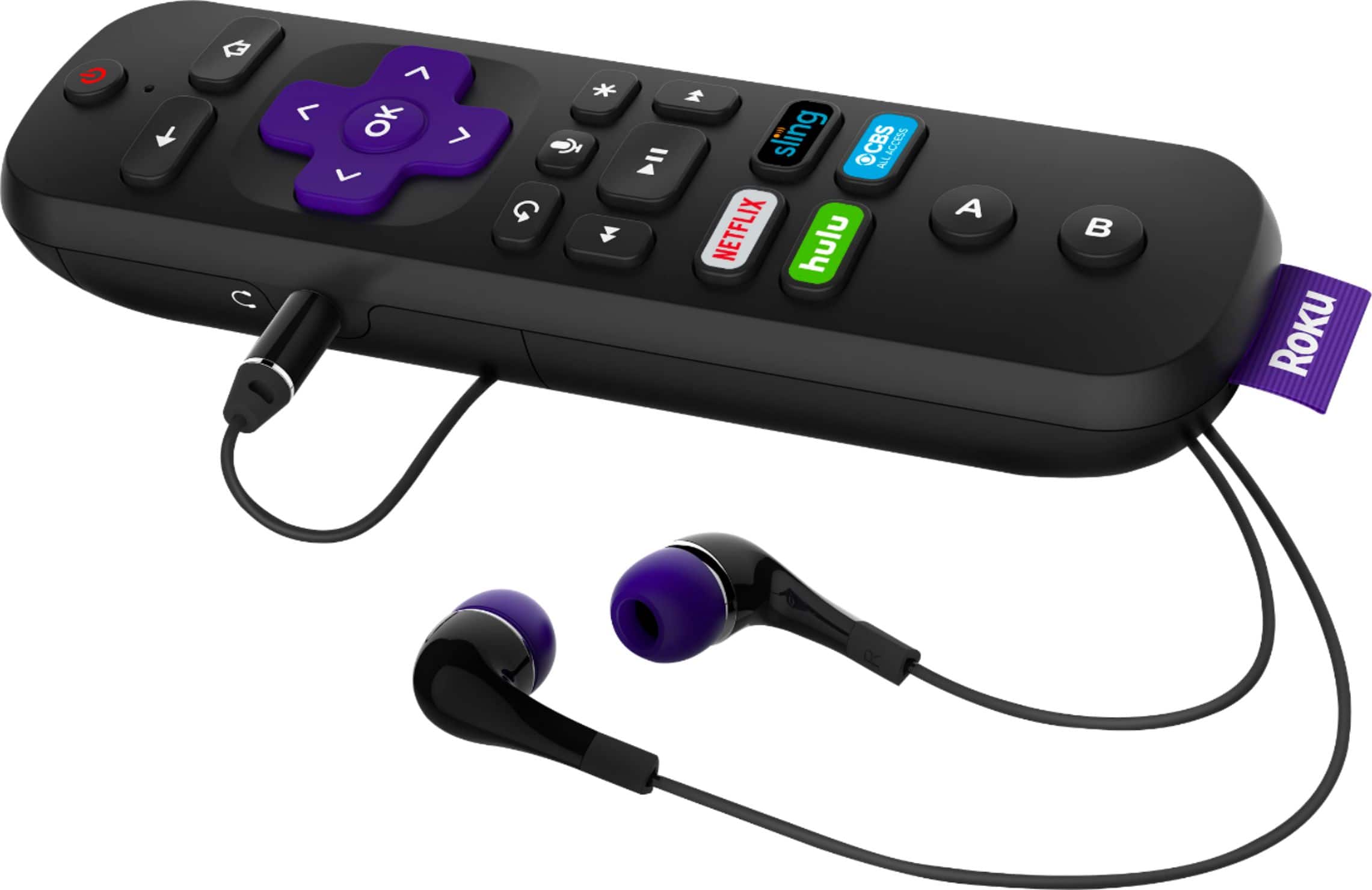
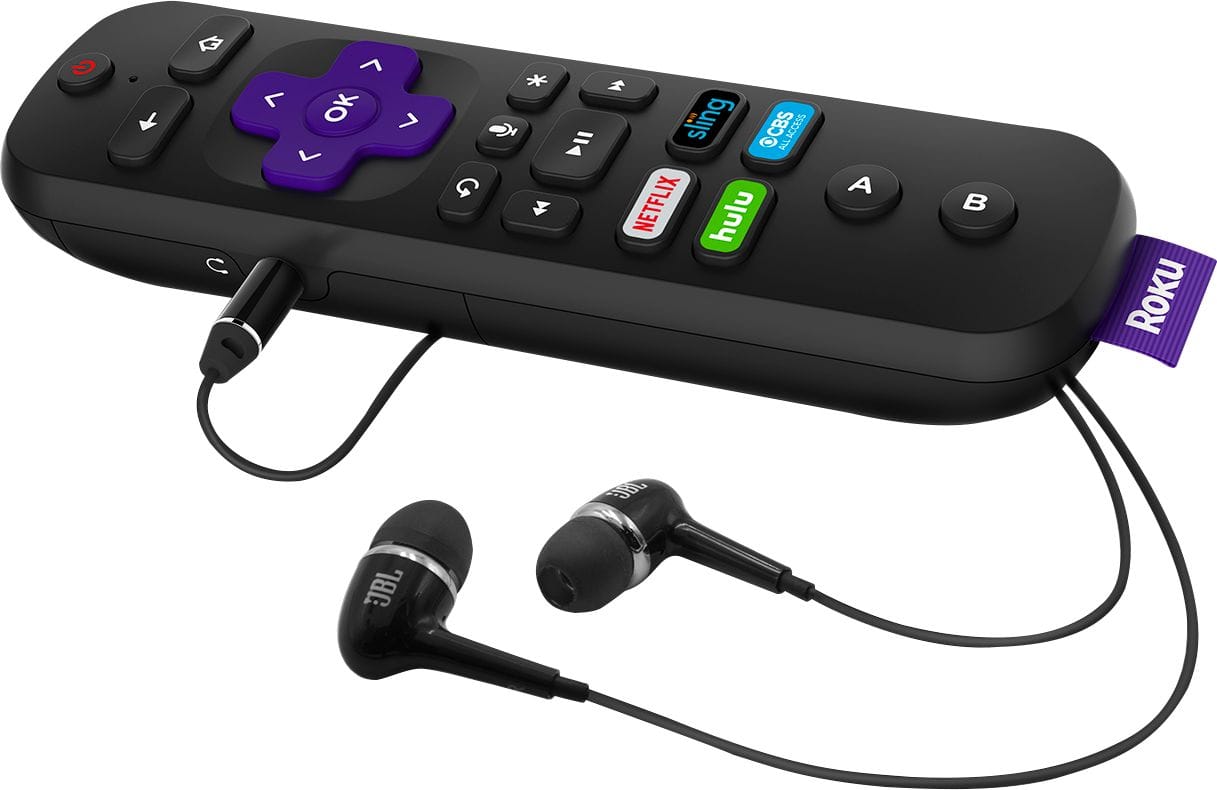
||Posted .This reviewer received promo considerations or sweepstakes entry for writing a review.The Roku Ultra provides things that Apple TV doesn't: namely, the ability to use headphones with the remote. This is a great feature that is very useful inside a family with kids scenario.
I would recommend this to a friendRated 4 out of 5 stars
Allows direct connect to Internet Router or WIFI
||Posted .This reviewer received promo considerations or sweepstakes entry for writing a review.Best thing about this Roku version is that allows the option to direct connect to cable/router or via WIFI. I chose it for the direct connect for better streaming. It Will do Ultra 4K HD. However, you must have a TV the supports HDCP of 2.2 to work the best. According to the Roku information on line is that you should see on one of the HDMI inputs marked with the HDCP 2.2 so you know that is the connection you want for the best picture streaming. I wasn't aware of this since I have a Ultra 4K TV that is a couple of years old. However, after having problems with getting the right picture I looked in my TV manual and found that I only have HDCP of 1.4. It took multiple times of resetting the picture before Roku would keep the setting and not give me an error message. I was able to get the Roku to do 1080i HD. I bought this to stream and watch Direct TV NOW which is a better deal than the Direct TV with the satellite dish. I didn't give it a 5 star just because of the problem it had with the Roku keeping the best setting for my TV.
I would recommend this to a friendRated 5 out of 5 stars
Works for streaming Comcast/Xfinity, but
||Posted .This reviewer received promo considerations or sweepstakes entry for writing a review.Was about to buy a Chromecast, when the surprisingly helpful gentleman in the department recommended this instead. Definitely works better than the Chromecast! Love the Ethernet connection, and the remote headphone jack has come in handy too. The 4k source from Amazon and Netflix works better than expected, the quality from the Xfinity app could be better- but that's on them. The live hd streaming from the Xfinity app does work but the resolution is not great, and things stored in the DVR (virtual) was pretty unwatchable. Netflix, Hulu, HBO: all very good. Xfinity: better than paying for a second box for sure, but the quality is noticably lossy
I would recommend this to a friendRated 5 out of 5 stars
ROKU Ultra
||Posted .This reviewer received promo considerations or sweepstakes entry for writing a review.This replaced my much older ROKU 2 (which still works great) but after purchasing my new tv I wanted to stream 4K UHD HDR this works great and I love the simplicity of the interface.
I would recommend this to a friend- Pros mentioned:Speed
Rated 5 out of 5 stars
Good product, although there's ChromCast out there
||Posted . Owned for more than 2 years when reviewed.This reviewer received promo considerations or sweepstakes entry for writing a review.A noticeable speed difference with this over the old model. Was great in using it every day, however, our Google ChromeCast 2020 is our new go-to!!!
I would recommend this to a friend - Pros mentioned:Ease of use
Rated 5 out of 5 stars
Does what its supposed to
||Posted .This reviewer received promo considerations or sweepstakes entry for writing a review.Easy setup and works great with my headset. I now don't have to turn the volume up to bother others because the sound is in my ear. Roku also has a great selection of sites to access
I would recommend this to a friend Rated 2 out of 5 stars
If it would always work...
||Posted .This reviewer received promo considerations or sweepstakes entry for writing a review.We had been using a Roku 3 for a long time, and were very happy with it, so when I upgraded to a 4K television, 4K capable sound bar and 4K blu-ray player it seemed obvious to upgrade to the "best" Roku player so we could stream 4K content. It didn't work out very well. From the very start we had issues with the remote control working, then not, then working, then only partially working with no rhyme or reason as to why it was acting up. Then we tried to stream some 4K content. Initially, the streaming seemed to go well, until the "purple screen of death" appeared that stated that HDCP 2.2 was unauthorized. The new equipment is all HDCP 2.2 compliant, so that shouldn't have been a problem. Roku's support site suggested a few "fixes" to try, so the fun began. First, I followed the directions to turn off everything, unplug the HDMI cables and reattach them, then turn everything back on. Streaming 4K content worked...for a little while. So the next thing was to switch the HDMI cables end to end. Again, it worked...for a little while. So next I bought "better" (ie more expensive) high quality HDMI cables and steaming worked...for a while. I tried tweaking the settings on all of the equipment to limited, short-term success. I switched HDMI inputs...yeah, right. And all the while the purple screen was coming sooner and sooner. If you search the internet for this problem, you find that this is a known issue that many, many people have had to deal with. The Roku Ultra works great for some--maybe most--buyers, but when it doesn't watch out. Surprisingly, however, when I searched for reviews of the Roku Streaming Stick Plus, I did not find any comments about the purple screen of HDCP 2.2 unauthorized even though it supposedly is equal to the Ultra but missing a few bells and whistles. So I returned the Ultra player and bought a Streaming Stick Plus and have been enjoying streaming 4K content ever since with no issues whatsoever. In short, If you are buying a Roku to stream 4K content I recommend avoiding the Roku Ultra and getting the Roku Streaming Stick Plus, unless you really want the extras that the Ultra provides. And if it doesn't work with only a little adjusting return it and don't spend all the time, money and frustration like I did.
No, I would not recommend this to a friend- Pros mentioned:Ease of use
Rated 5 out of 5 stars
Easy to set up and use
||Posted .This reviewer received promo considerations or sweepstakes entry for writing a review.Easy to set up and to use. Always on, but I do wish there was a way to turn off. Never loses the WiFi signal. We have several Roku units in our home and all work flawlessly.
I would recommend this to a friend - Pros mentioned:Ease of use
Rated 5 out of 5 stars
Best Roku ever
||Posted .This reviewer received promo considerations or sweepstakes entry for writing a review.This Roku ultra is the best ever, the unit is very user friendly and has a lot of great features with it that would you having paying extra from cable. Cut the cord and get a roku
I would recommend this to a friend - Pros mentioned:Remote control
Rated 5 out of 5 stars
Great Roku
||Posted .This reviewer received promo considerations or sweepstakes entry for writing a review.This Roku is great!! Also perfect if u need to have no noise in the room. The remote has a place for earphones which this comes with a pair!! I love the find my remote also!!
I would recommend this to a friend - Pros mentioned:Ease of use
Rated 5 out of 5 stars
Perfect!
||Posted .This reviewer received promo considerations or sweepstakes entry for writing a review.Easy to set up and use immediately. Pleasantly surprised by how much programming is automatically included with no monthly fees. Perfect alternative to cable television service.
I would recommend this to a friend - Pros mentioned:Ease of use
Rated 5 out of 5 stars
Great streaming player
||Posted .This reviewer received promo considerations or sweepstakes entry for writing a review.Roku's interface is easy to use, smooth and has access to plenty of apps. the remote is a plus as well. Only minor ding is that sometimes the audio via the remote can be choppy.
I would recommend this to a friend - Pros mentioned:Picture quality
Rated 5 out of 5 stars
Far better than I expected.
||Posted .This reviewer received promo considerations or sweepstakes entry for writing a review.Lots of internet streaming channels, good picture, very responsive and well-designed user interface. I find myself watching these channels more than those of my cable provider.
I would recommend this to a friend