Customer Ratings & Reviews

- Model:
- GO:LIVECAST
- SKU:
- 6424495
to a friend
Customers are saying
Customers appreciate the ability to add various sound effects, videos, microphone effects, instruments, and more. However, some users have concerns about the microphone's sensitivity, as it picks up background noise easily. Additionally, a few customers have experienced app crashing and connectivity issues, such as screen glitches during streaming.
This summary was generated by AI based on customer reviews.
- Pros mentioned:Audio quality, Ease of use, Satellite camera

Compact Live Streaming Device with many features!
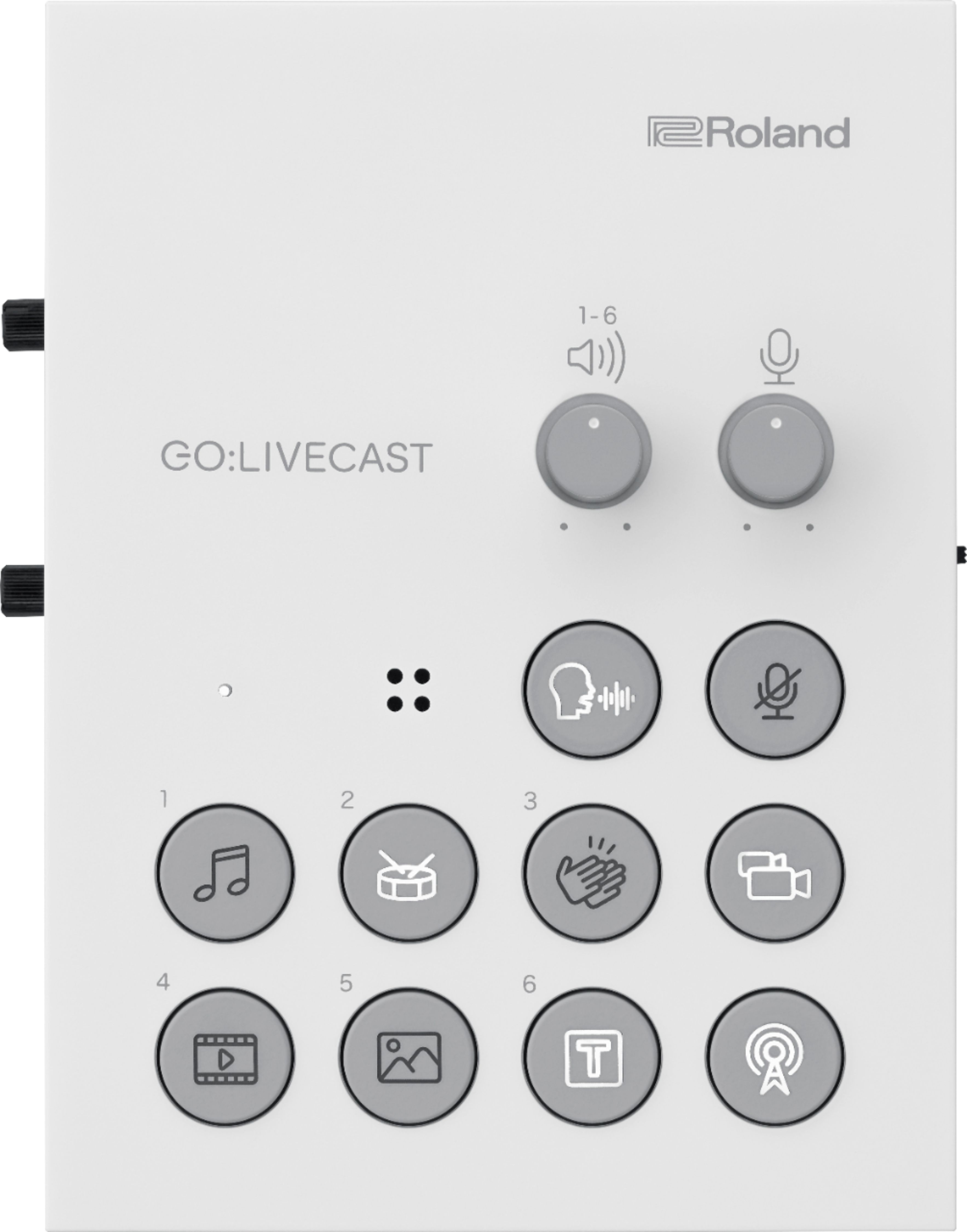
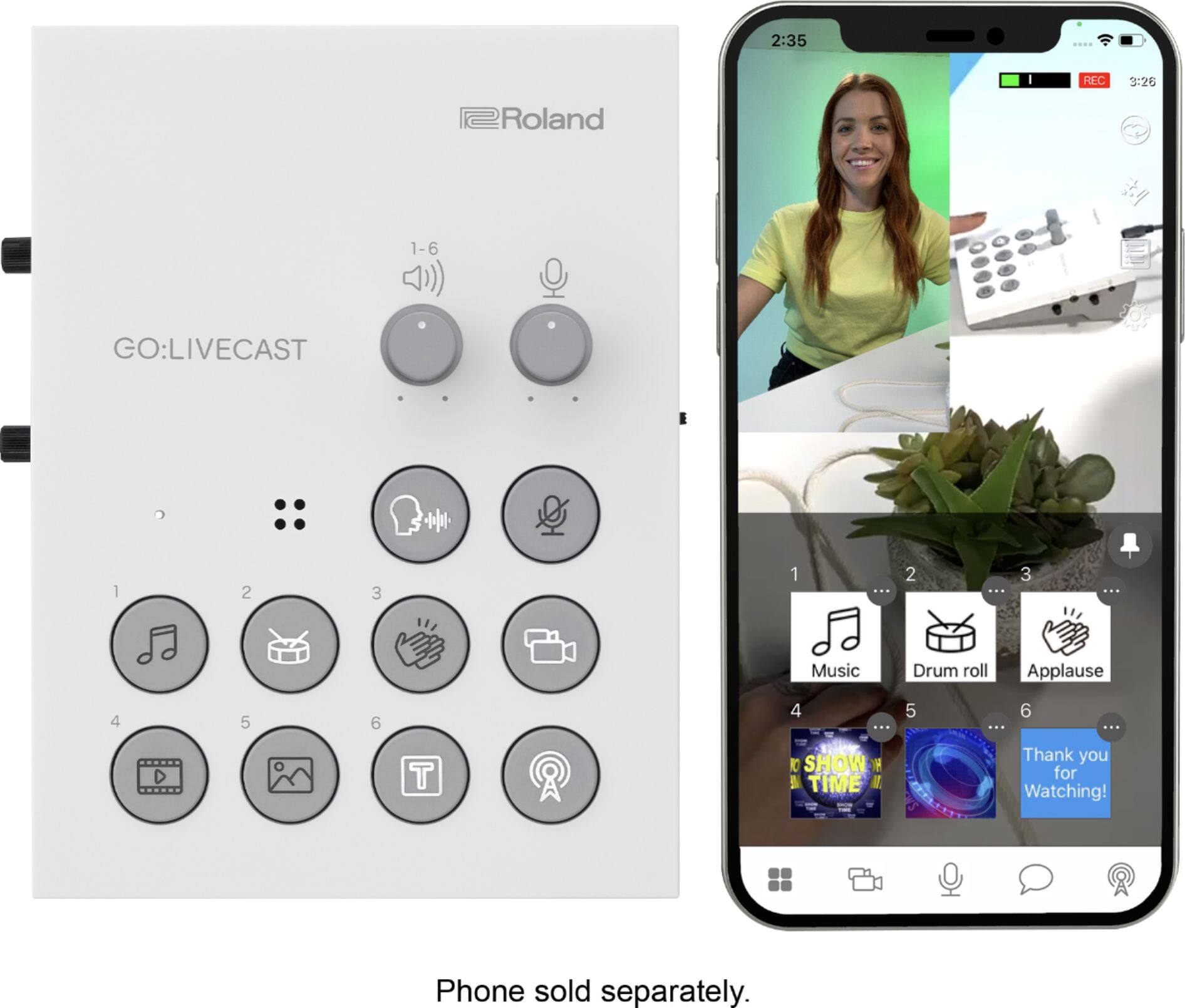
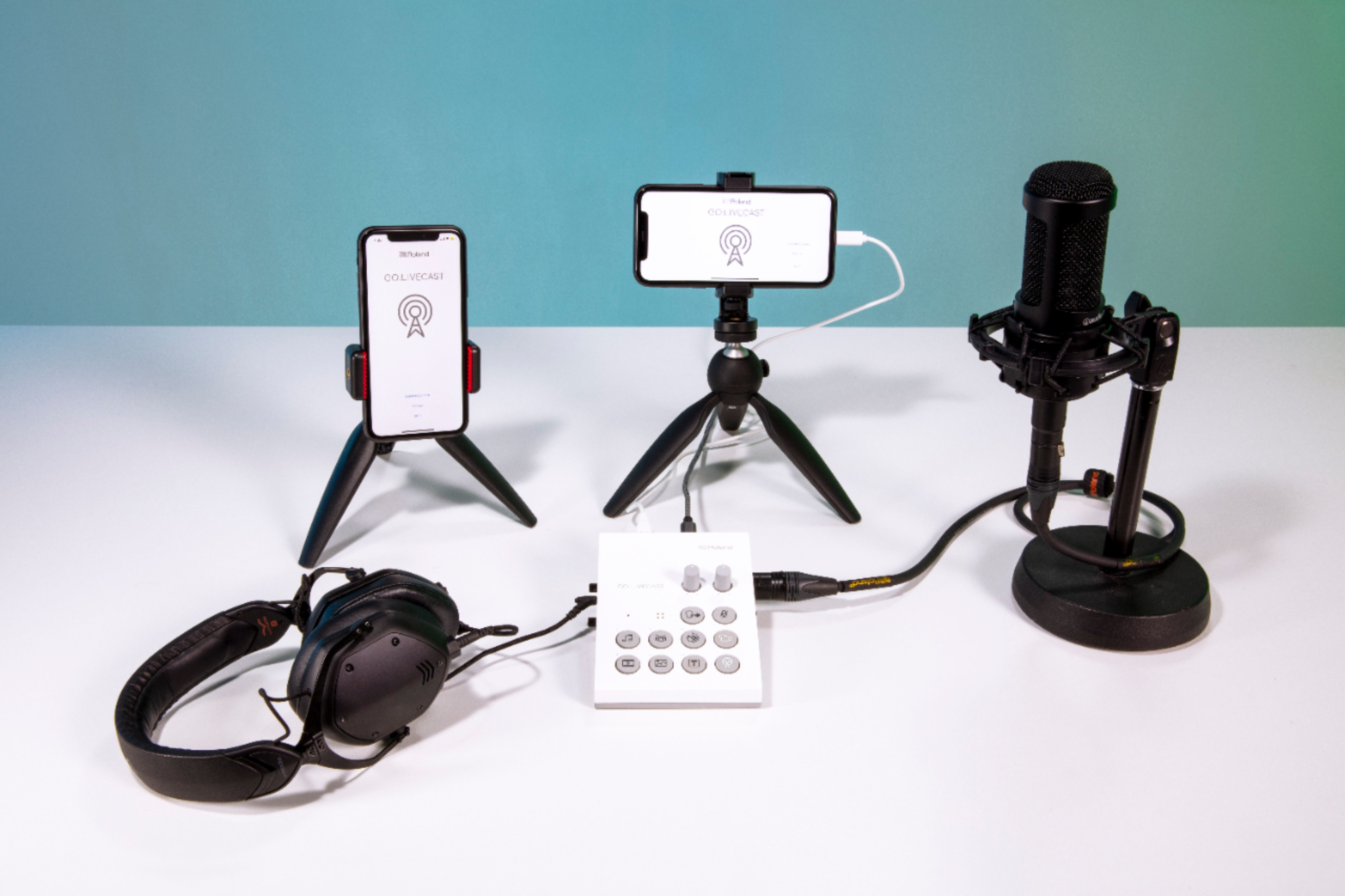
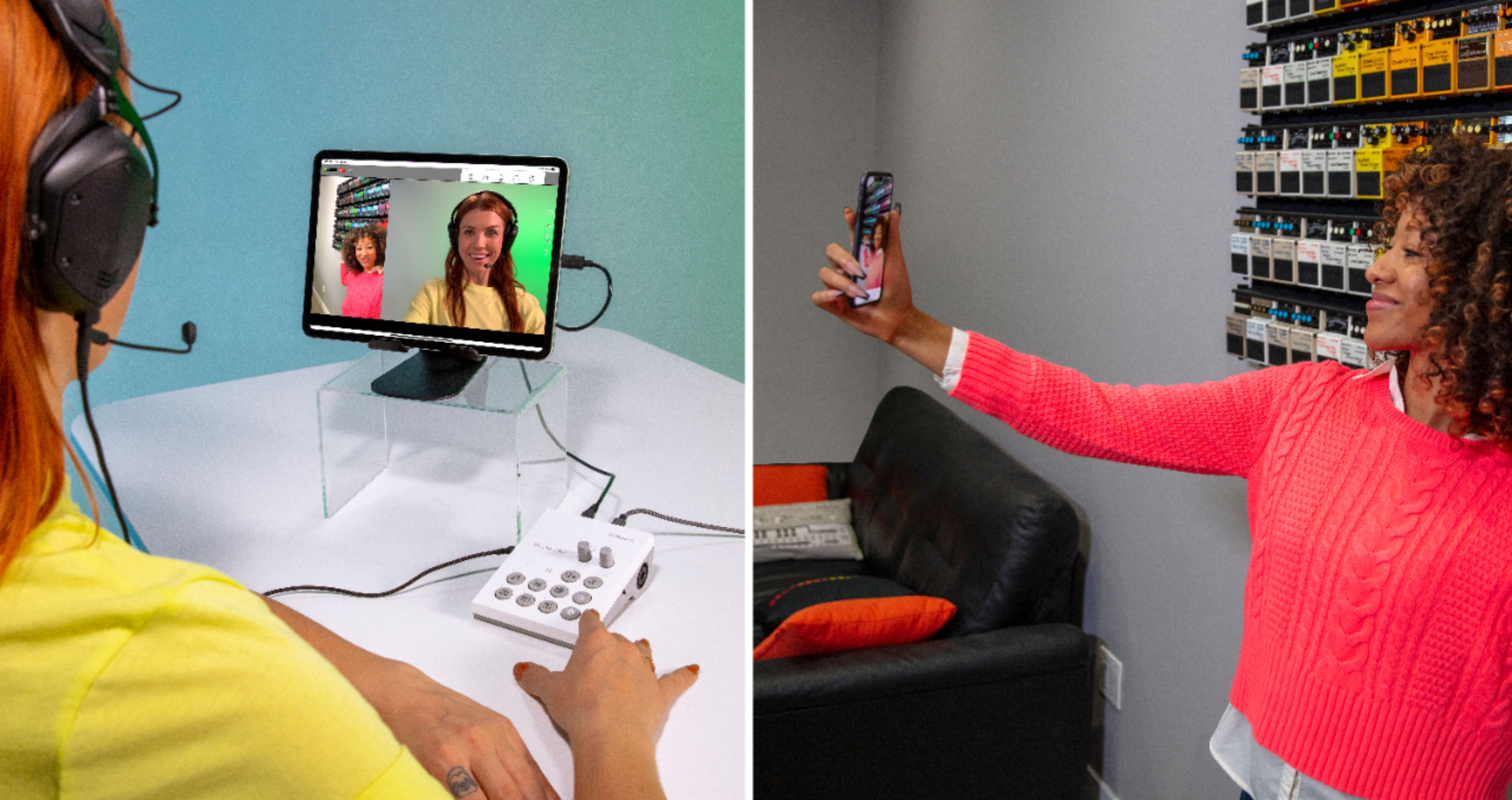
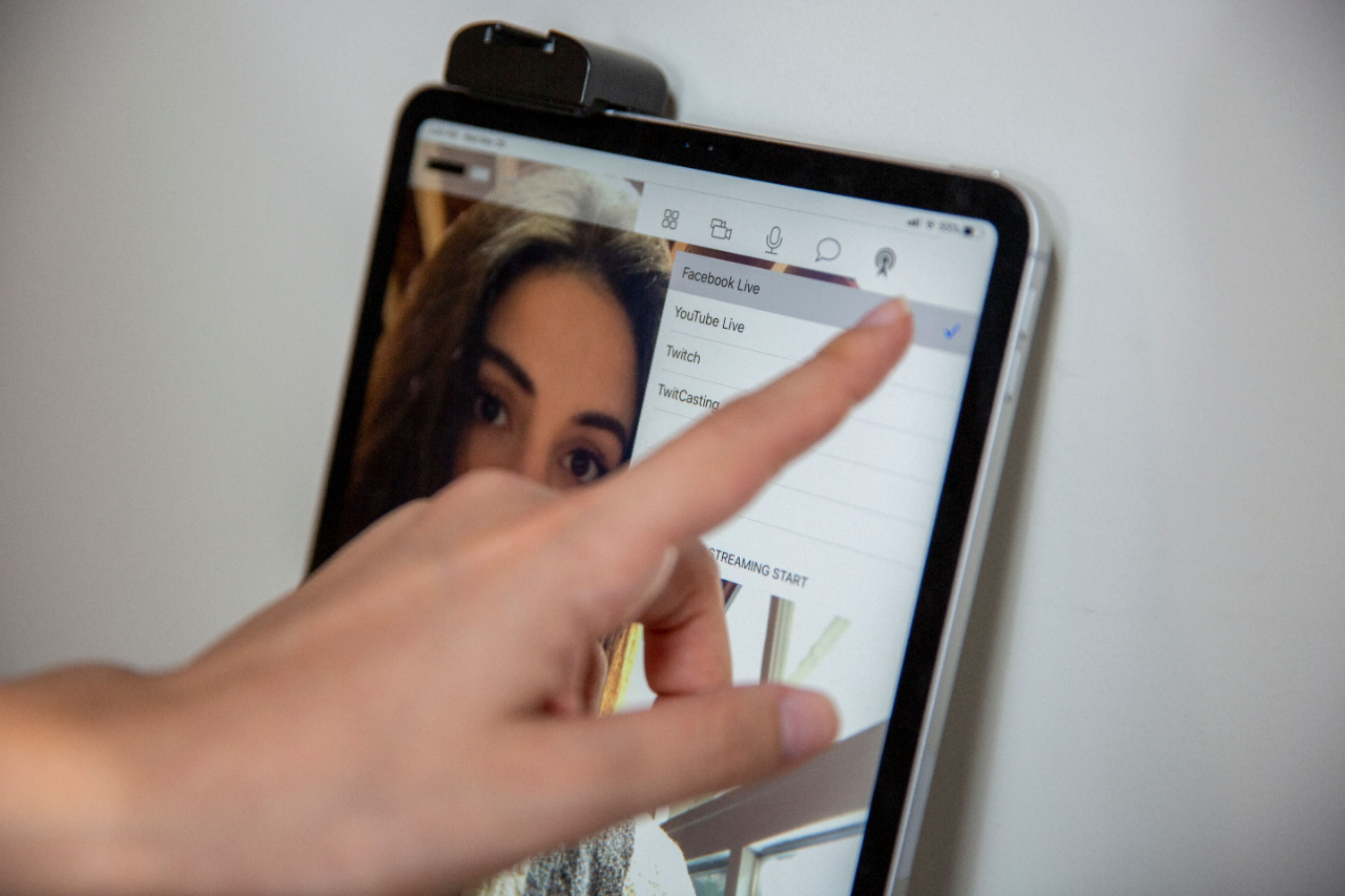
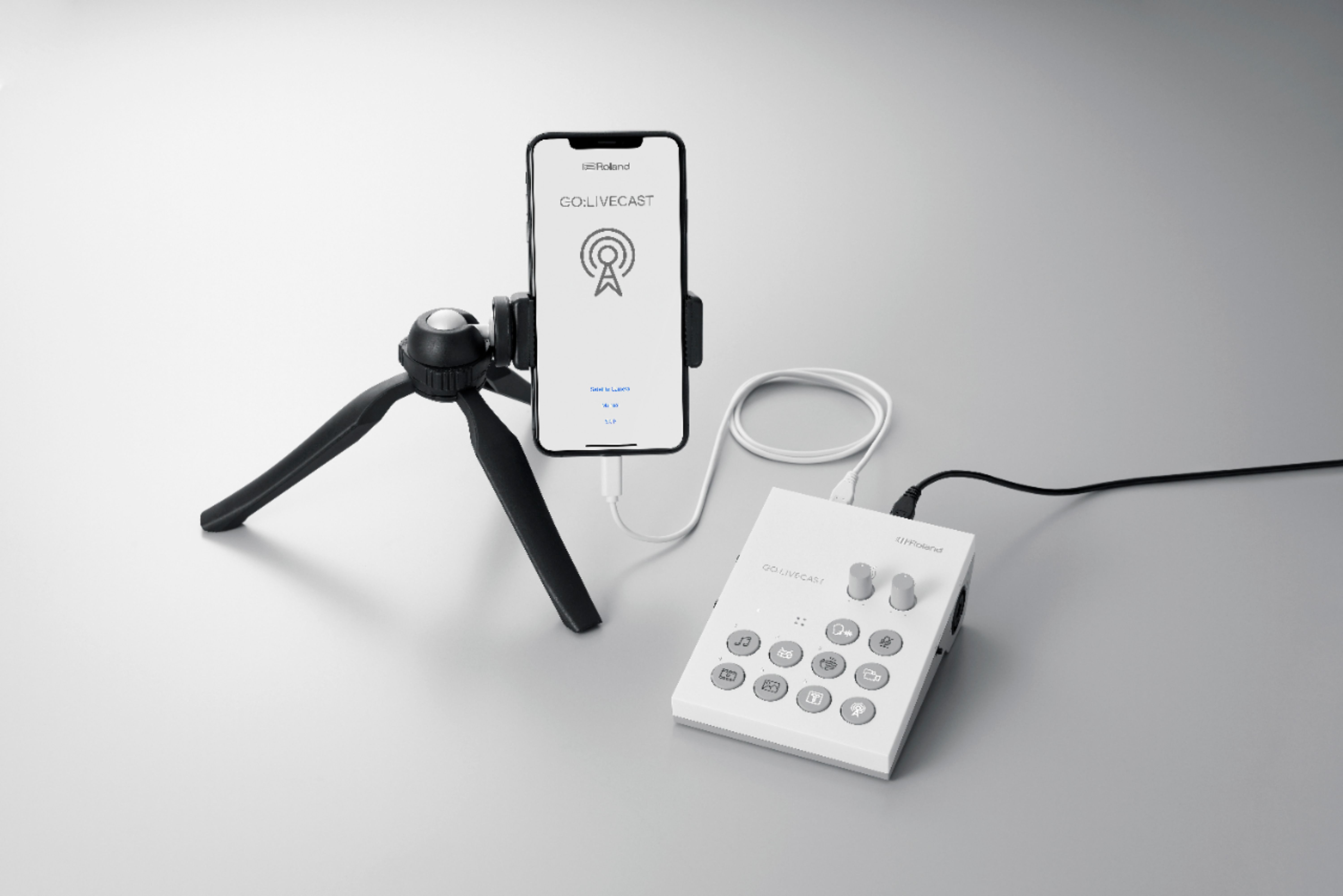
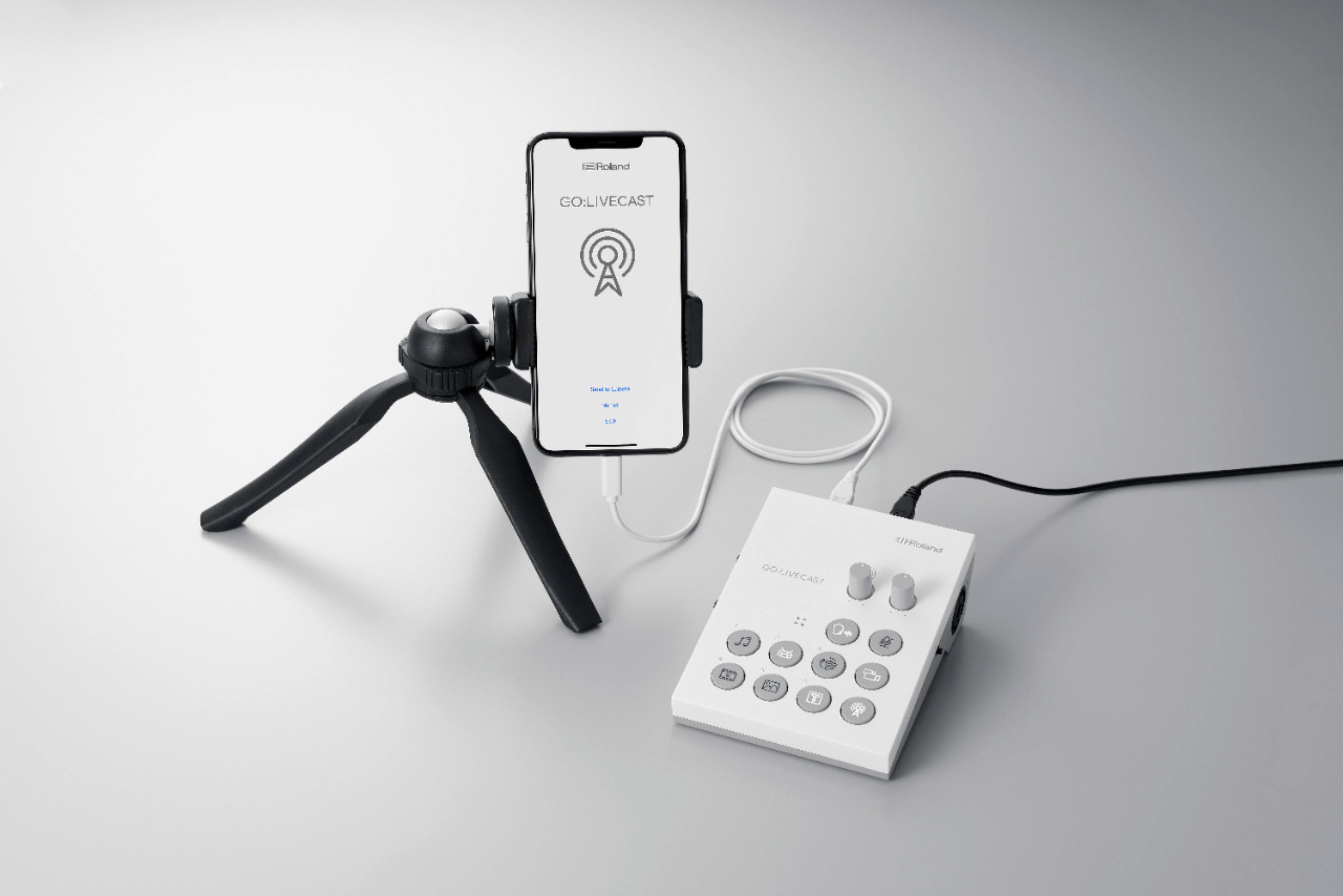
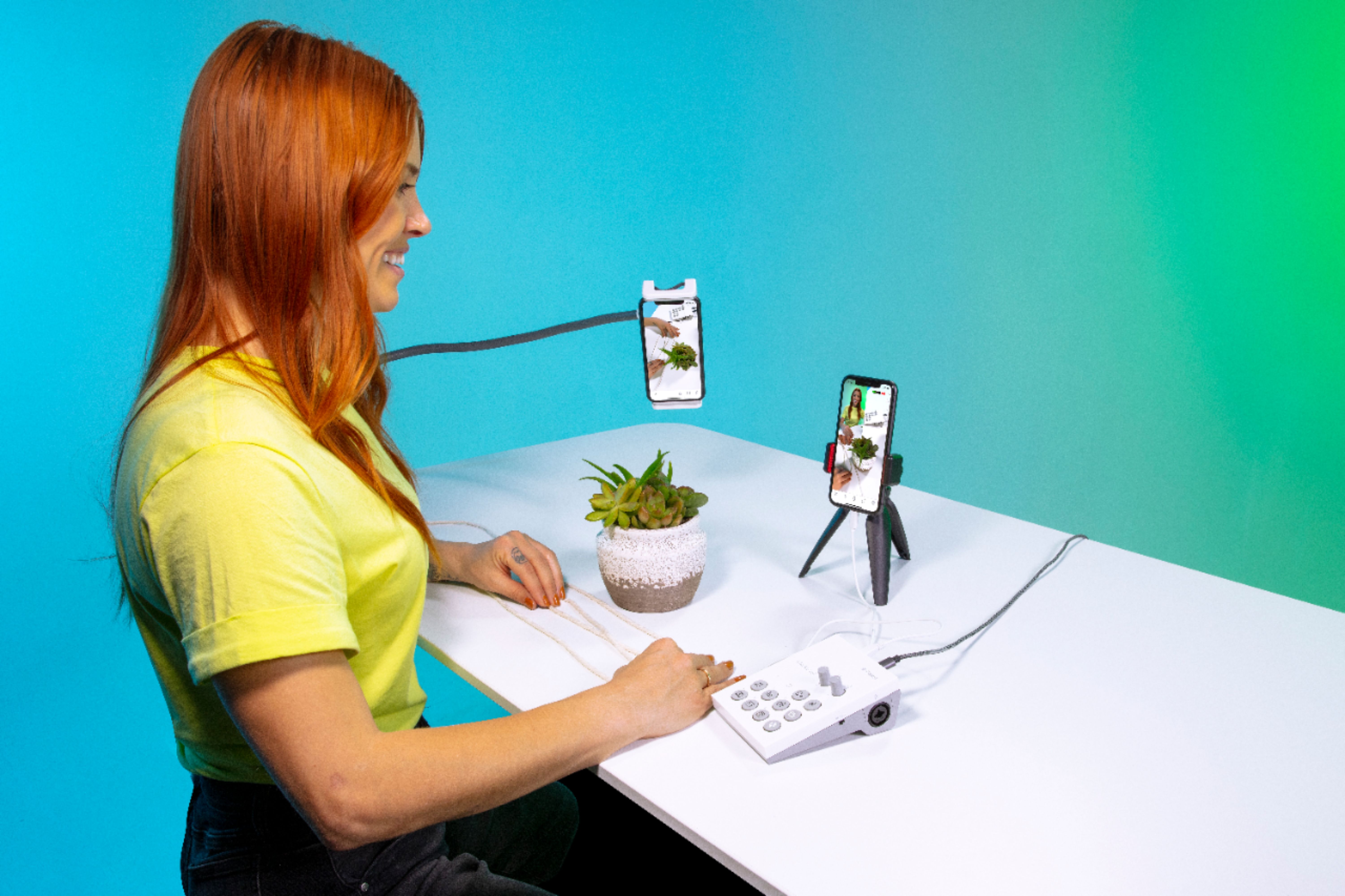
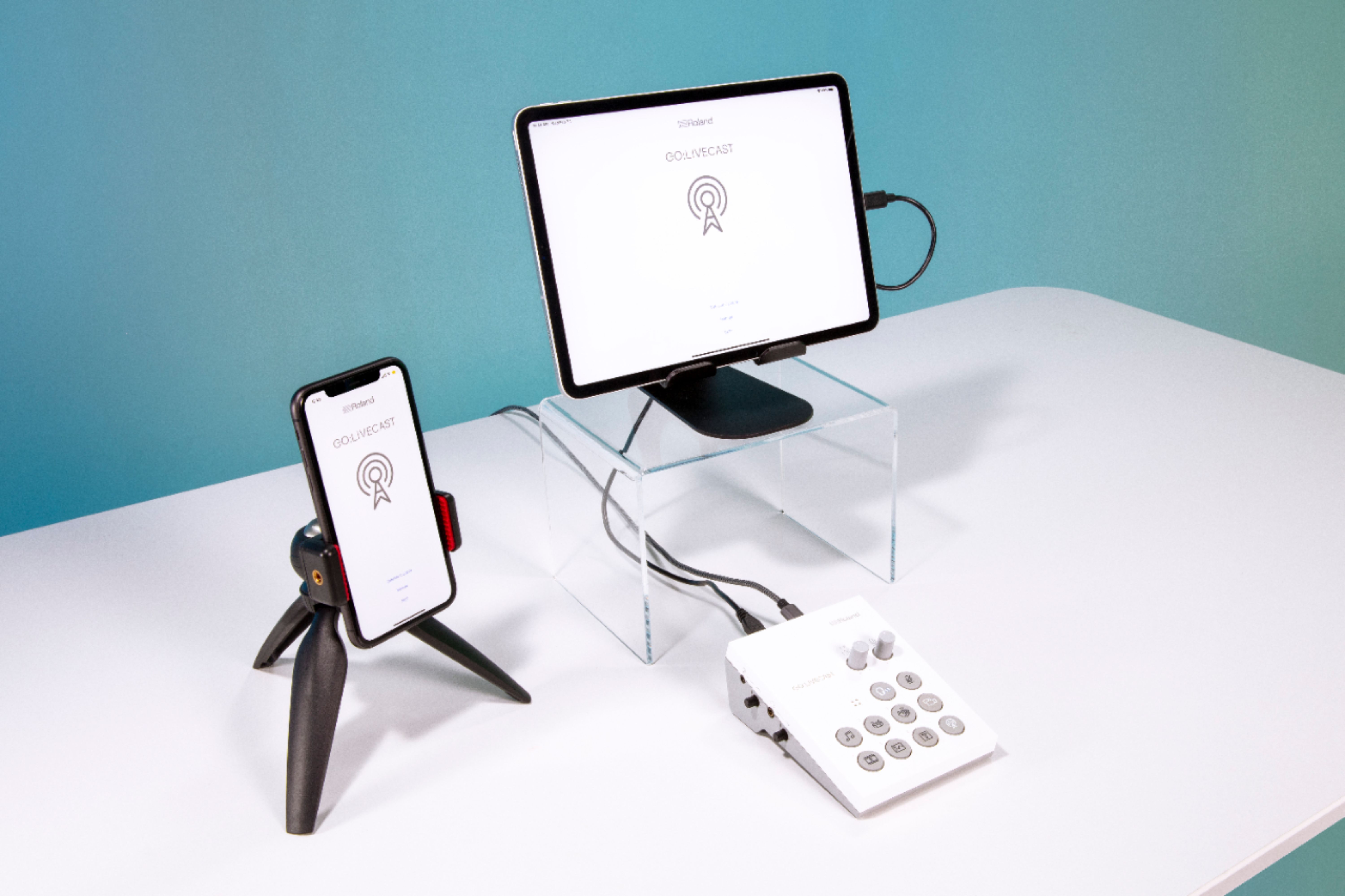
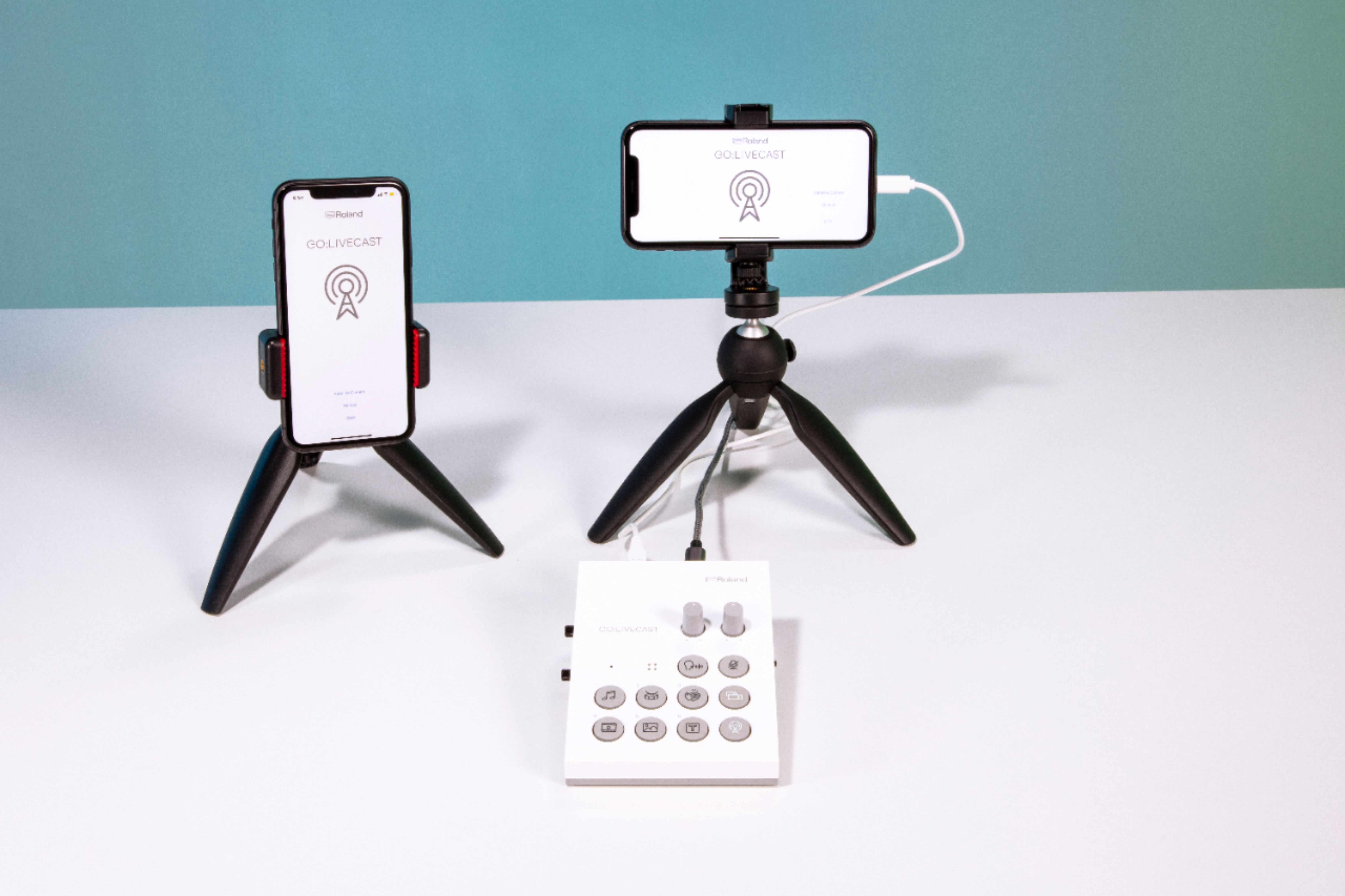
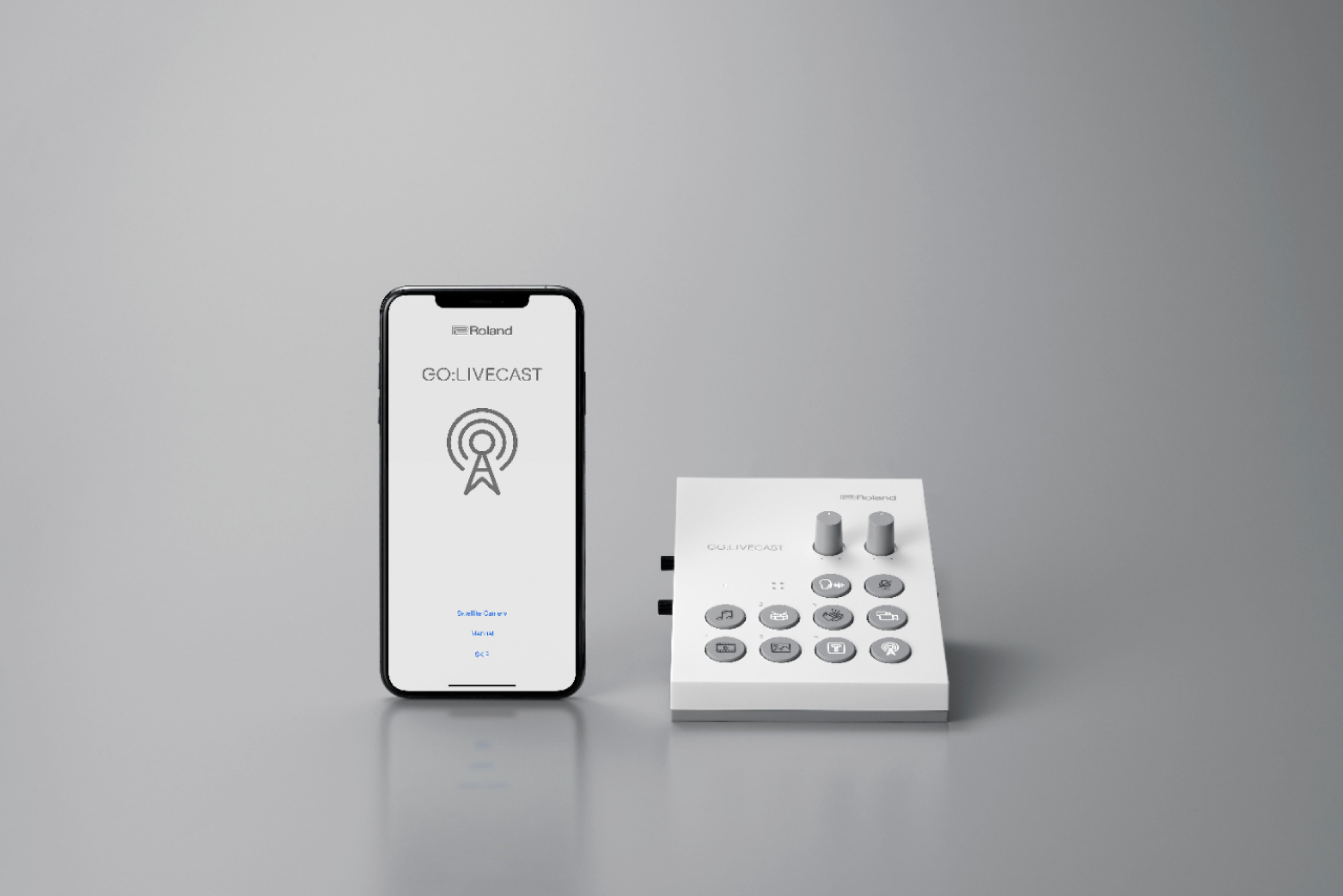
|Posted .This reviewer received promo considerations or sweepstakes entry for writing a review.I have been looking for a compact and easy to carry the device to do live streaming. Roland - Live Streaming Studio for Smartphones is a perfect choice. It came with GO: LIVECAST Streaming Studio for Smartphones, Lightning to USB Micro-B type cable, USB Type-A to USB Micro-B type cable, USB Type-C to USB Micro-B type cable, and QuickStart Guide. Setup is relatively easy. I have used a USB power adapter and connected a USB Micro B cable to the streaming studio and connected a lightning cable to my iPhone 11 Pro max, and connected the condenser mic via XLR input as well. There are two ways to provide the power supply. For outdoor use, it can be connected using a USB cable with a power bank. At home, it can be connected to a power outlet using the USB power adapter. All cables have been provided for iPhones or Android devices. I have downloaded Roland GO: LIVECAST app from the iOS app store. There are various buttons on the top of LIVECAST streaming studio to adjust mic sensitivity, mic effect on/off, Power indicator, adjust the pad volume, mute the mic, Satellite camera button, ON AIR button for live broadcasting or video recording. There are a set of buttons to show still images or videos, stream sound efforts, background music, etc. On the left side, there are options to connect headphones, headset, or monitor speakers. On the right side, there is a button to set 48V phantom power for condenser mics along with XLR input. If you are using a Dynamic microphone, please set it OFF. In the LIVECAST app, there are various options to set Beauty Filter, Live Set, ability to comment, Camera selection, Mic effect, Pad assign, and Broadcast. It will show the LIVE/Rec indicator, Elapsed time on the top. During live streaming, there are options to play background music, Drum roll, and Applause effects. Pad buttons can be configured with different settings. Screen orientation can be set as portrait or landscape mode during live streaming. The broadcast destination can be set as Facebook Live, YouTube, Twitch, and TwitCasting and authentication has to be done with user ID and password. In Facebook Live, there are ways to set the destination as TimeLine, Page, or Group. In YouTube Live, the options can be Public, Unlisted, or Private. I have tried live stream with Facebook Live and YouTube and the Streaming quality was outstanding with clear sound. There are tons of features in Roland Live Streaming Studio for Smartphones and the manual has very detailed information. It is compatible with many iOS and Android phones. I highly recommend Roland Live Streaming studio due to the compact factor and many built-in features.
I would recommend this to a friend - Pros mentioned:Ease of useCons mentioned:Compatibility
Adds Flair To Live Streams, But Costs WAY Too Much
|Posted .This reviewer received promo considerations or sweepstakes entry for writing a review.Roland’s GO:Livecast can certainly take your live streams to the next level, but it is extremely hard to justify the high price they are charging. The mobile app offers support for streaming via Facebook Live, YouTube, Twitch, TwitCasting, and a Custom RTMP, but sadly they do not allow quick and easy support for streaming on Instagram - which is a huge fail. I was also shocked that the package doesn’t come with all of the accessories required. The device comes with cables to connect the Go:LiveCast to an Apple or Android phone, but it does not come with a power brick/adapter - so, technically the device cannot even power on without additional accessories - Which is astounding considering the package costs hundreds of dollars. Also frustrating is that the power cable is only 16 inches - which is too short to reach down to an outlet while it is sitting on a table. The intention appears to be for the user to use a portable battery pack to power the device, but the battery pack is yet another accessory that is not included. The Go:LiveCast is easy to use and admittedly it is convenient to have access to physical buttons to add sound effects, play video clips/animations, etc. The best feature of the Go:LiveCast is the ability to sync a second phone to allow streaming from two cameras - which you can switch between at the press of a button. The trouble is that there can be difficulty with compatibility - don’t automatically assume that you can use an old phone as a second streaming device. The 6 buttons on the face of the Go:LiveCast can be customized within the app. The application/buttons can even be set to display pictures or videos from your phone’s memory. This means that the user can play a prerecorded introduction video - which truly adds a professional look. The Go:LiveCast really can improve the quality of live streams, but the features it offers may not be worth the money. And, these features are definitely not expected, even from those who are the most popular Live-Streamers. At the current price I simply cannot recommend the Go:LiveCast. The effects are limited, video effects do not adjust to fit in both vertical and landscape formats, the device doesn’t play mic audio within the headphones, there are mobile device compatibility issues, and the package doesn’t even come with all of the accessories needed to use the device. I personally feel that the cost of this device would be better spent on a Ring Light, a tripod, and a microphone.
No, I would not recommend this to a friend Good buy
||Posted . Owned for 1 month when reviewed.This reviewer received promo considerations or sweepstakes entry for writing a review.Item came in as described and works perfectly. Highly recommended.
I would recommend this to a friend- Cons mentioned:App stability
Could use some more customization
|Posted .This reviewer received promo considerations or sweepstakes entry for writing a review.Got a chance to use the Roland Go:Livecast for smart phones. I was really interested since could be easier to do live casting for youtube. Here's my thoughts with it. In the box: Roland Go:LiveCast USB cable for Android phones USB cable for power Setup: Setup was pretty easy, just download the Roland Go:LiveCast app and it will walk you through the process but manuals are on the app itself so could be frustrating to look on your phone and then go back to the app and back to the PDF file to reread the manuals Use: The Roland Go:LiveCast was as easy as I thought it would but, you have to set up a few thing and get familiar with the buttons and definitely read the user manual on the app, wish they gave you a paper quick guide. Once you get familiar it would be easy to setup a few quick shortcuts to little task like playing an intro video or showing B-Roll video or even cut to a quick picture and sound effects. Pros: Quick short cuts to small task Cons: limited customization, especially placement of photos or videos. requires extra phone or tablet on the same wifi for satellite video feed App kept on crashing when using custom videos or sounds In conclusion, I really can't recommend this at this time.
No, I would not recommend this to a friend - Pros mentioned:Satellite camera
A Travel Studio for the Less Tech Savvy
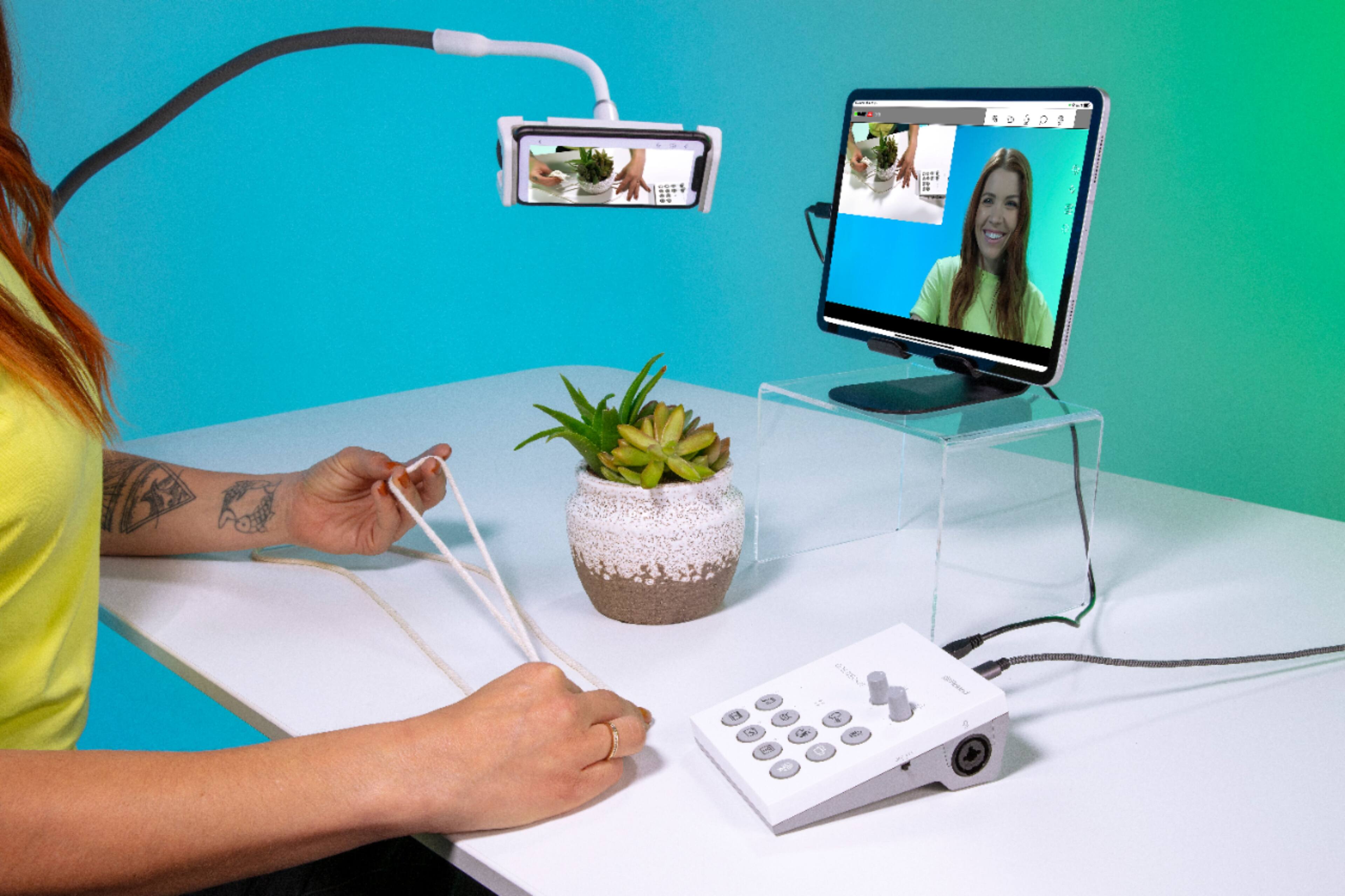
|Posted .This reviewer received promo considerations or sweepstakes entry for writing a review.--- SETUP --- The setup of Roland Live Streaming Studio initially takes about 30 minutes while you study what goes connected where. After your first setup, you will be able to connect everything in about 10 minutes or less. In order for this to work, you need to download the streaming app called GO:LIVECAST. You will also need to provide your own USB charger or you can use this with a traveling battery USB charger. None of my USB mics worked, so I used the embedded mic. I connected a micless pair of headphones (to test the internal mic), and I tested this product using an iPhone 12 Max Pro with iOS 14.2.1. --- FEATURES --- The key feature of this streaming studio is that you can make your live stream unique by adding video/photo transitions, music loops, sound effects, and text on screen all from just your phone, without the need of a computer. The studio also features an embedded microphone, mic monitoring, and a dedicated mute button. --- PERFORMANCE --- The performance of the studio was great. There are preset buttons that you can modify with the included video loops, music, sound effects and text. The text is editable so you can display what you want your viewers to read. From within the app itself, you can turn on both your outward facing camera and your selfie camera. This is great when you want to have a picture in picture mode that shows you and whatever it is you want your audience to see. You can also connect a second satellite camera, which requires that all devices being used be on the same Wi-Fi network. This will allow you to have a separate camera away from your mobile device to be able to aim it in a different direction other than straight ahead of where you are sitting. Using the satellite connection, you can also stream a satellite secondary mobile device, which you can use to stream a video game or whatever you are doing on that device. The mic monitoring works marvelously and so does the mute button. For picture in picture, it was great to show my audience what I wanted them to see (in this case, the Live Streaming Studio), while I talked about it. Changing from transition to transition or adding text on the screen was simple, but you are limited to the six buttons. You can always remove things you may not use, like the sound effects or music and add another video loop, transition, or text overlay, but since the buttons are pre-labeled with no way to modify them, you need to remember which button it is you relabeled. I was able to successfully stream to Facebook and Twitch from my phone, but I could not get YouTube to work even though through the app, I was able to log into YouTube. --- EXPECTATIONS --- The product has many wonderful features. However, if I am to be honest, some improvements could be made in how you plug things into the studio. For example, I own over 5 USB cameras and 4 USB microphones. Since they are all USB devices without a WiFi signal, I can’t use them. I have to rely on devices that would have access to WiFi like my iPad and my iPhone. What this means is that some ports go unused or my recording won’t be as high quality as what I can do from home. To be fair, this is meant to allow you to record away from home, but for a good quality stream, you need to buy devices that include a WiFi option to connect to and have access to WiFi wherever it is that you want to record. You are able to plug in headphones that include a microphone, so that’s one option that can work if you don’t want to use the embedded microphone on the studio itself. Additionally, you can plug in instruments or microphones that require a male to female or TS male to XLR male cables. You can also connect an alternative direct audio source, like a separate MP3/4 player with an auxiliary cable. I love the fact that I can make my own intro/exit video loops on my computer and add them to the app via my phone’s library. What I can’t do is add extra sound effects. I am limited to those in the app. There is a workaround, which is to create a sound effect and add it to your music library, but it seems like the process could have been simplified. --- VALUE --- There is definitely a value for some people in this device, I may just not be one of them, as most streams that I do are so much easier to set up with my USB mics/cameras, OBS, and a relatively cheap laptop. --- APPROVAL --- I highly recommend this product for musicians/podcasters/live-camera talk show hosts who may not be as tech savvy and want to be able to stream their work. If you are already used to doing a live-stream with your laptop, this may not be for you.
No, I would not recommend this to a friend - Pros mentioned:Ease of use
A Streamer's Little Helper
|Posted .This reviewer received promo considerations or sweepstakes entry for writing a review.I was thoroughly impressed by media tool. This device has so much functionality and helps streamline doing streams. While shooting video, I was able to transition to different cameras with ease and the app did prove to be quite useful in using the different features. The plastic material did feel cheap, but overall it was a great addition to help me creating web content.
I would recommend this to a friend - Pros mentioned:Audio qualityCons mentioned:Compatibility
Amazing, if you have the compatibility
|Posted .This reviewer received promo considerations or sweepstakes entry for writing a review.This device is amazing for making your casting a "one man band." You can easily add sound effects, videos, microphone effects, instruments, etc. It's the "Tonight Show" on your phone. As confusing as it may seem on paper, once you have the app installed, it becomes pretty straight forward. The buttons on the unit correlate with the screen. Touch the screen button and a sub menu appears with a default. Switch the default for whatever you like. Easy peasy. One feature that isn't mentioned enough, in my opinion, is that you can pre-record a show. So, if you want to do a really technical show for uploading at a later date, you can simply hit record, and boom, syndication when ready. The connections on the unit are fairly simple as well. The internal microphone does the trick, but can be a bit tinny if the reverb/volume isn't tinkered with before hand. For my recordings, I used the Phantom Power and connected a condenser, and I was impressed. Great little preamp on minimal power. Same goes with instruments, although if you use the preamp for a mic, and don't want to carry another mixer, you will need to use a 1/4" connecter for input. For a powered keyboard, no problem, but a guitar could be tricky. The unit itself is extremely light and can easily run on a mobile power pack if you're on the go. The buttons and build feels sturdy enough that I can toss it in my bag and go. I would have preferred a case, but not a big issue. In my casting, I usually have to carry around several pieces of equipment to replicate what this can do alone. For that, this is/can be amazing for limitless ideas. Now, why the loss of a star? Two main compatibility issues. Now these are indeed printed online, but they are not easy to find and should be more prominent. The first is no Instagram support. Being one of the top platforms in use, this should be a given, especially since Instagram TV is such a staple. I hope this is updated in the near future as this is a definite downside for the millions of Instagram content producers. Yes, you can pre-record and upload, but live is a key choice that's missing. Second, mobile compatibility. I am an Android user. I have 5 Android devices at my disposal, all manufactured within the last 2-3 years, and only 1 of them will work with this device. That is disheartening, as the use of a satellite camera will mean that you will two up-to-date, most likely current, devices. For many users, that isn't an option, which is a bit of a stalemate when wanting to use a satellite camera. Once again, this information is available if you hunt for it, but should be prominent with such limited compatibility. As a matter of fact, my phone isn't even listed, which shows the updating may be limited. For the record, I'm using a Note 20 Ultra. There's also a feature where you should be able to use both cell cameras at once. Roland states your phone may not have this feature. Other apps I have can do this on my phone, but apparently this can't…on a flagship brand new device. Odd. So, in summary, make sure your device is compatible. LG users…you're out. In closing, if you have a compatible device and the social media platforms you use are compatible, this is an amazing all-in-one producer. Just be sure all those boxes are checked before purchasing.
I would recommend this to a friend - Pros mentioned:Satellite camera
Sweet little streamer/recorder console
|Posted .This reviewer received promo considerations or sweepstakes entry for writing a review.The Roland Go: Livecast is a pretty unique piece of equipment. It provides a full set of actions, mic inputs, volume knobs and multiple cameras via smart devices. This device plus smart devices can make an entire live streaming solution. This review is written from the perspective on iOS usage. Specifically I used my iPhone XS and iPad Pro in tandem for some recordings. The ability to use the excellent video equipment built into these devices is awesome. I like using the recording functionality for processing, but the ability to stream directly to twitch, youtube, and facebook is the natural use case for many. Camera placement and adjustments were finicky, and the buttons to start/stop recording seemed odd due to the toast notifications confirming on the phone, but it took just a moment to realize pushing the button a second time would confirm the choice without needing to interact with the notification. The Go Livecast presents not just a 3.5mm mic jack (combo headset will work with mic), but a strange combo jack between half inch phono and XLR. Essentially this means almost any wired mic will work with the Go Livecast. This is an awesome feature, but the advent of USB mics changes that statement a bit, and unfortunately there is no support for wired mics. The plethora of other buttons include 6 scene buttons, mute, record, and camera switching. The scene buttons are customizable through the app, and essentially act as shortcuts for different effects. The top three buttons are dedicated to sound, while the bottom 3 are video related. There are a selection of stock assets, as well as the ability to use assets from your phone. The knobs for volume and mic are nicely placed, but feel a bit hollow. It would be nice to have a bit of resistance to make finer adjustments. Button feel was pretty natural, although I wish the buttons had some sort of texture to let you know what button is being pressed. The satellite camera feature made combining a self focused camera and a subject super easy, and that feature worked great between my iPhone and iPad. The app worked well enough. There isn’t a lot of depth here, and some features could be easier to understand. Iconography was a bit lost on me until I played around and learned it. The app isn’t super intuitive, but it is quite usable once learned. Video showed up in my photo feed immediately after creation. One big downside was that the included lightning cable doesn’t charge the phone when connected. This probably isn’t a big deal as long as you charge prior to recording, but it definitely would have been nice to see power delivered here. Overall, the Roland Go Livecast is a niche, but cool product. The ability to essentially do recording and live streaming without a computer, but still have excellent audio and mixing capabilities is pretty awesome. The advent of high end cameras in smartphones means that the Go Livecast is in a great position to capitalize on those assets. Especially if you’re using iOS, I can vouch that the Livecast is an excellent performer.
I would recommend this to a friend - Cons mentioned:Compatibility
SMARTPHONES
||Posted . Owned for 2 months when reviewed.This reviewer received promo considerations or sweepstakes entry for writing a review.PRODUCT DOES WHAT I WNATD IT TO DO ITS OK. WOULD LIKE TO SEE THEM BE MORE CAPATIBLE WITH MORE DEVICES. THE MIC IS LOW AND YOU HAVE TO HAVE THE VOLUME ALL THE WAY UP IN ORDER TO ENJOY IT TO ITS FULL CAPACITY
I would recommend this to a friend - Pros mentioned:Audio quality
CANON VPL
||Posted .This reviewer received promo considerations or sweepstakes entry for writing a review.Great way to stream audio to your phone at a very high quality!
I would recommend this to a friend - Cons mentioned:Compatibility
Awesome, Android users check compatibility
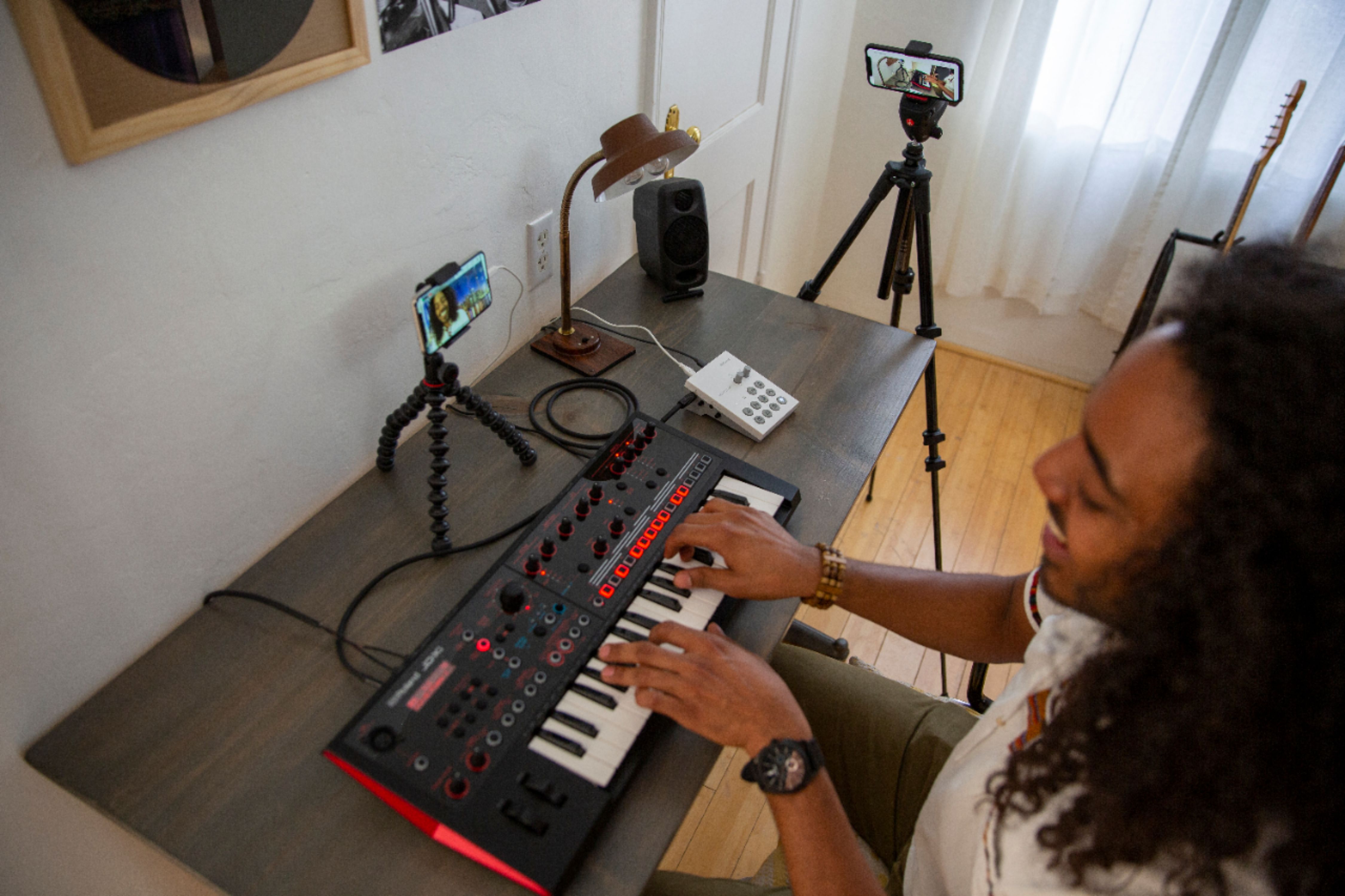
|Posted .This reviewer received promo considerations or sweepstakes entry for writing a review.Roland For some this might be exactly what you want it to be, best way I can say that is that is exactly what it says it is. For those of you that record everything with your smartphone and/or tablet, this is a pretty perfect device. There are some definite improvements but it gets the basic functionality down that you are probably looking for. If you are interested in recording you anything with a smartphone camera this does the trick. If you are wanting to put use this with while recording the screen on a second device this isn’t it, but I have a feeling most people that use their phones for recording aren’t really looking for that. This is perfect if you are doing makeup tutorial like they picture or if you are doing a skincare business through the social media channels like happens in my household. Also, if have an electric violin or other device and want to do some recordings to that effect, this works nicely for that (I usually just play for the fun of it but I gave recording a try just to see) Now onto the device. There are a few different Mic inputs: the headphone jack, a built in one, and a dedicated input, the input looked like just a 3 pin microphone or XLR but you can also insert a ¼” mic jack in there as well. Now for how well each of these work. Headset: This was the worst input, I know the mic works extremely well straight to my phone, but the quality was lacking or maybe a better way is that it seem to have no noise cancelation features, but if you want to use your headset mic why are you really looking at something like this in the first place? Built in: Surprisingly good, it is better than most phone’s built in mic and in a static environment might be more than sufficient. You’ll need to mess with the echo and input level to make it sound alright. Dedicated port: Really this depends on the quality of the mic you plug in, if you use the cheapest one you can find don’t expect much, but if you have a wireless set up this is perfect for integrating that into your smartphone. But to suffice to say if you use a good mic this adds a ton of capability to recording to your smartphone. A few improvements I could see would be the knobs that control volume to the headset and media input could be a little larger or easier to get too. I really wish a battery was built into the device but it can also be powered off of a regular phone battery pack so this isn’t that big of a deal and I wish the app could capture the phone screen (I have one use for this for my normal day job so not a exactly an in demand feature so I understand it not being there). Lastly compatibility, I have a Samsung Note 20, Samsung Tab s6, LG v60 thinq, and Microsoft Duo that I could have tried it on. Only the Note 20 was compatible, the other two came out this year and didn’t have compatibility (I kind of understand on the duo with its camera). I also tried it on an iPad and iPhone 11 pro and those worked perfectly. So if you are an android user definitely check for your devices that you want to use. I had zero issue using an android and apple device together, so there is that advantage. A surprise feature that I like was the ability to record. I was able to test everything before trying to actually do something live and I really didn’t see the record functionality advertised and wasn’t sure if it even had that ability. Also, when you hit the dedicated go live/record button it’ll pop up on the screen to say you’re just about to go live, you can select it on the screen or just hit the button again. Overall I would this is pretty easy to use and an awesome little device to make your phone a much better recorder and give you a second angle if you have a second compatible device.
I would recommend this to a friend - Pros mentioned:Audio quality
This thing is amazing
|Posted .This reviewer received promo considerations or sweepstakes entry for writing a review.So I've done streaming in various capacities for years. I have a huge streaming setup in my home, but sometimes it's just not easy to use that when I'm trying to do other things that limit me to my desk. Think of this as like a 'deck' for your phone. There are many streaming decks available for PC both in software and hardware forms but there isn't much if you want to stream from locations that are not tied to your desk. This device allows you to have a level of control over phone product live content that you just cannot achieve through apps or other means, especially if you want to attach external microphones (aside from bluetooth) or have other controls at your fingertips. Admittedly it isn't very 'advanced' when it comes down to it, but what can you expect if you're streaming from your phone. It's an unfair expectation to think that a phone will have all the features and software, even with an external device, as a desktop or multi-desktop streaming setup would have. That said, it does offer capabilities you just wont find on a phone or even with any app. Independent volume control, the capabilities of adding sound effects, transitions, and other one-touch options that are usually limited to larger streaming platforms are available here. Any gripes? Really just one. I feel like it was a miss that it does not have it's own internal battery. With as low power as it is, I dont think it would have been difficult for them to make it rechargeable so it's not relying on another power source to really help with it being more mobile. The only other issue is apparently there is some mention of some compatibility issues with Android phones. I used this with an iPhone XS and had no issues. Definitely recommended if you're looking to untether yourself from your desk.
I would recommend this to a friend - Pros mentioned:Ease of useCons mentioned:App stability
Good device, but more to be desired from app
|Posted .This reviewer received promo considerations or sweepstakes entry for writing a review.The Roland - Live Streaming Studio device pack so much into a small and portable device. If you are into livestreaming, and want to be able to take full control, this device gives you the ability to add sound effects, videos, , music, etc. to your livestreams. If you will be doing on-the-go livestreaming, and want to use this device, make sure to have a portable power source for it, as a USB power source is required. You can find portable USB power sources at an affordable price just about anywhere. The initial setup requires the downloading of their app. You link the account that you want to livestream to, and you will be up and running in a matter of minutes. The Roland - Live Streaming Studio really makes it easy to make your livestreams much more interesting with the push of a button. The only negative feedback that I have is the app itself. It can be a bit confusing trying to set things up, and there is just much to be desired out of it, in terms of functionality. This is not to say that the device will not be able to make livestreams better, but I feel like the app limits you through its lack of function. For the price, the Roland - Live Streaming Studio needs to work on its app to help get your money's worth.
I would recommend this to a friend - Pros mentioned:Audio quality, Ease of use
Amazing Streaming Studio Kit
|Posted .This reviewer received promo considerations or sweepstakes entry for writing a review.The Roland - Live Streaming Studio for Smartphones is an awesome device that can be used to create remarkable productions with your smartphone for your streaming or published content. It is easy to use. Only takes a few moments to setup and provides a popular assortment of audio and visual enhancement options. It's really cool to be able to add sound effects directly to your content from the Roland - Live Streaming Studio without having to modify the video post production. Your phone begins to feel like a full-scale professional studio thanks to the streaming studio. If you have content creators in your family, this would make a great gift for them. The design is really nice. The buttons are responsive, the chassis is resilient, and the layout is intuitive. Best of all, it's portable. You can easily take the Roland - Live Streaming Studio for Smartphones on the go if you stream content while away from a desk. I highly recommend the Roland - Live Streaming Studio for Smartphones. It's a fantastic device that makes creating & streaming content more enjoyable.
I would recommend this to a friend - Cons mentioned:App stability
It's good but can be way way better.
|Posted .This reviewer received promo considerations or sweepstakes entry for writing a review.I have an iPhone 12 Pro Max and this has worked pretty much flawlessly for me minus the app's occasional crashing. If it wasn't working for me, I'd probably give it 3 stars, which is unexpectedly disappointing. I was expecting this to be what I finally needed and hoped for. However the build quality seems pretty lackluster compared to an Elgato type of product (in my opinion). When it works, it works though. It's just the app can also be so much more too. It's simple but not in a good way. I don't even think I'll be using this much anymore...it's not a fun experience to be honest. To keep this short, get it if you want to try it out, but only if you have a really new phone and have good luck with not having the app crash on it. Even then, is it really worth it? Wait for a version 2.
No, I would not recommend this to a friend - Pros mentioned:Audio quality
Has ton of potential ruined by a horrible app
|Posted .This reviewer received promo considerations or sweepstakes entry for writing a review.I wanted to really love this device as my wife does a weekly podcast for her company and I wanted to do live events with my side business. I had to borrow a S20+ Ultra from a buddy to try this out, my Android phone would not work. From the experience with an app that worked, it was a neat device and has ton of potential. The connections were easy and the use of it was on point. We were able to switch the sounds around, use our good microphone and use my opener I paid to have made for my business. The performance was great using the S20+, everything worked and was smooth, the video and audio came out flawless and the effects were an awesome touch. This is perfect for a traveling podcast or going live at a public event doing interviews. I was honestly not able to do a full review because my buddy needed his phone back and I am not about to spend $1100 on a phone just to use this device.
No, I would not recommend this to a friend - Pros mentioned:Audio quality
Great product from a stellar company
|Posted .This reviewer received promo considerations or sweepstakes entry for writing a review.Roland has been a name I've relied on in the music arena for a long time, nearly 2 decades since making my first of many Roland purchases. This is the first non-music device of those purchases, and nothing has let me down yet. The build quality is top-notch given the materials used. Yes, there are plenty of plastic bits, but they don't feel cheap and the feedback and touch of all surfaces is that of quality. Button response is quick and solid, dials and plugs do not feel like they are going to pop off or anything like that. Just a nice, quality piece of tech. The app is simple and straight forward. There are plenty of options for each button as well as the ability to customize what goes where so you can move things around as needed. If you use this for recording or live sessions you're going to be very pleased. Highly recommended for anyone looking to expand the quality of their production(s).
I would recommend this to a friend - Cons mentioned:App stability
Great Device, Bad App
|Posted .This reviewer received promo considerations or sweepstakes entry for writing a review.I love the use of the Roland Live streaming device. It helped me with my live streams to bring the viewers in. I was able to be more creative and fun using the preset buttons. My only complaints are with the app constantly crashing. It will crash randomly mid stream and I have to force close and re open it. If Roland could fix the app, it'd be 5 starts.
No, I would not recommend this to a friend - Pros mentioned:Audio quality
All that and more
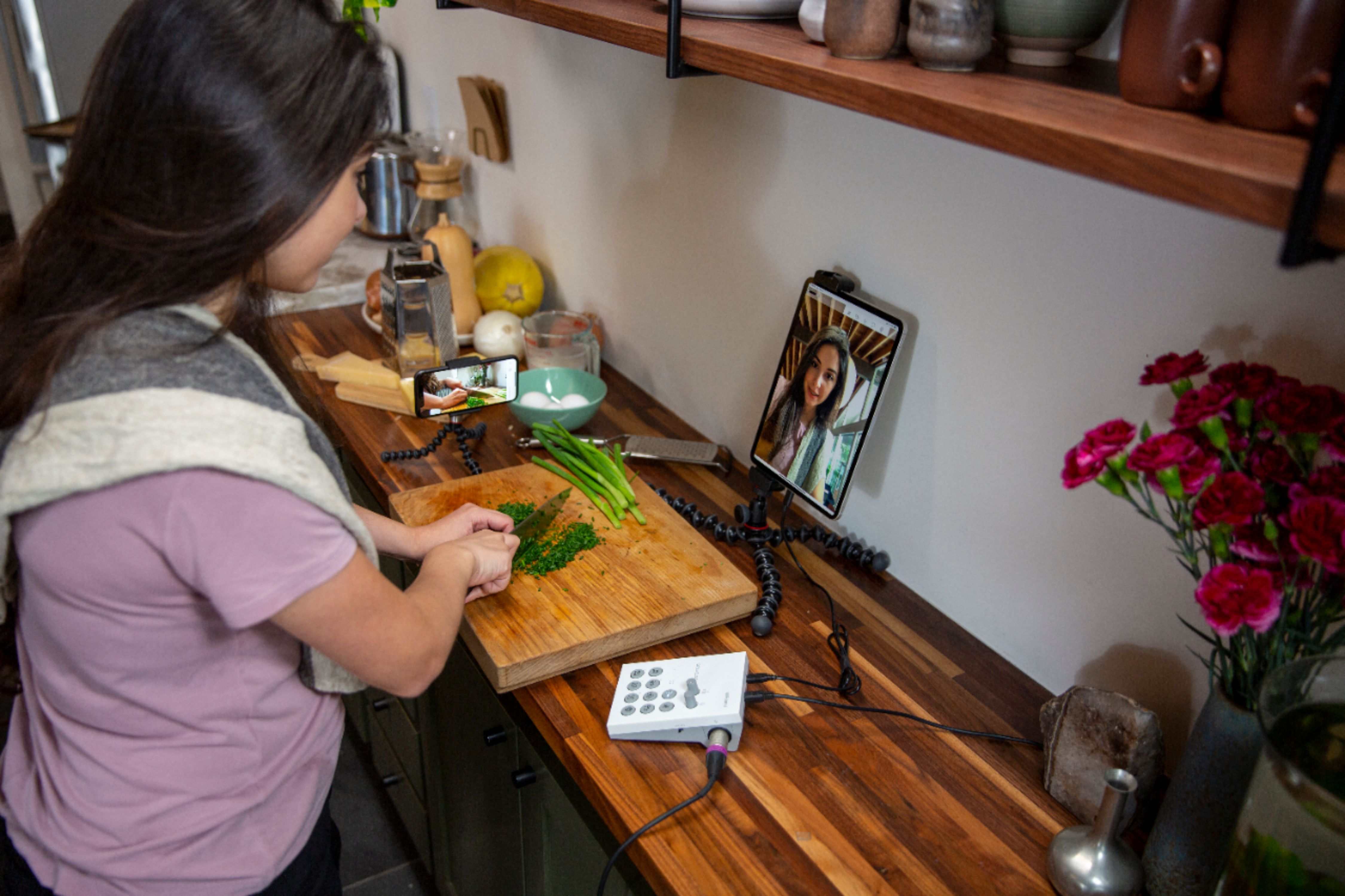
|Posted .This reviewer received promo considerations or sweepstakes entry for writing a review.Streaming has a lot of features and actions involved. Adding the Roland streaming companion made it so much simpler. I used it for my cooking show and it really was helpful in all my audio needs. The simple button presses made it more alive and interactive for my viewers. If you are looking to step up your streaming game get this device works and performs like it states!
I would recommend this to a friend - Cons mentioned:Compatibility
Cool idea poorly executed
|Posted .This reviewer received promo considerations or sweepstakes entry for writing a review.The feature set is neat. I struggled to get it to work with a wide variety of devices. I stream on twitch on a weekly basis and wanted to add mobile. Multiple microphones failed to work. Doesn’t seem to work with older iPhones, worked with my iPhone 12 but not iPad 6th gen, iPhone 7,8 or Samsung device. I’m sure this will work for many people, just be prepared to do some troubleshooting to make it work.
No, I would not recommend this to a friend