Customer Ratings & Reviews

- Model:
- EC-DFLT
- |
- SKU:
- 6521022
Customer reviews
Rating 4.5 out of 5 stars with 89 reviews
(89 customer reviews)Rating by feature
- Value4.6
Rating 4.6 out of 5 stars
- Quality4.5
Rating 4.5 out of 5 stars
- Ease of Use4.6
Rating 4.6 out of 5 stars
Customers are saying
Customers are positive about the docking station's data recovery capabilities, ease of use, compatibility with different operating systems, and affordable price. They appreciate how it makes data transfer and archiving simple, allowing them to save important pictures and documents from old hard drives. The docking station is recognized instantly by PCs and is compatible with various testing tools. Customers are negative about the drives not opening or working consistently. {END}
This summary was generated by AI based on customer reviews.
Rated 5 out of 5 stars
A lifesaver
||Posted . Owned for 1 week when reviewed.This reviewer received promo considerations or sweepstakes entry for writing a review.This was a life saver. I have two external drives that died on me and I was 100% sure it was a power failure. I purchased the Sabrent Docking Station and it worked instantly. Don’t waste time and money going to someone who could steal your information. Try this first and do it yourself. You could save hundreds of dollars and have the peace of mind that you did it yourself. One side note is that I recommend using with the door open. These drives get hot and having the door open on the device will keep it coo.
I would recommend this to a friendRated 5 out of 5 stars
A Handy Tool for Data Management
||Posted . Owned for 11 months when reviewed.This reviewer received promo considerations or sweepstakes entry for writing a review.The Sabrent Docking Station is a solid addition to my tech setup. It's a breeze to use, no drivers needed, and it works with both 2.5" and 3.5" SATA drives. The data transfer speeds are impressive because of the USB 3.0 interface, which makes large file transfers quick and easy. The only downside is that the flat design can cause overheating, so you need to make sure it's in a well-ventilated area, especially when you're using larger drives.
I would recommend this to a friend- Pros mentioned:Compatibility
Rated 5 out of 5 stars
Docking Station for hard drives
||Posted . Owned for 3 weeks when reviewed.This reviewer received promo considerations or sweepstakes entry for writing a review.This is good to be able to view old hard drives without adding them to another computer. It can use either a Sata Drive or a regular hard drive.
I would recommend this to a friend - Pros mentioned:Ease of use
Rated 5 out of 5 stars
Hard drive
||Posted . Owned for 1 month when reviewed.This reviewer received promo considerations or sweepstakes entry for writing a review.Very easy to use and the program associated with is very easy to download and work. I was able to seemlessly install a new hard drive.
I would recommend this to a friend - Pros mentioned:Data transfer
Rated 5 out of 5 stars
Very Useful Hard Drive Docking Station!
||Posted . Owned for 1 month when reviewed.This reviewer received promo considerations or sweepstakes entry for writing a review.This Sabrent docking station for SATA hard drives is so useful for retrieving files from an old hard drive or to use a hard drive as a backup drive for my files!
I would recommend this to a friend Rated 5 out of 5 stars
SABRENT solutions
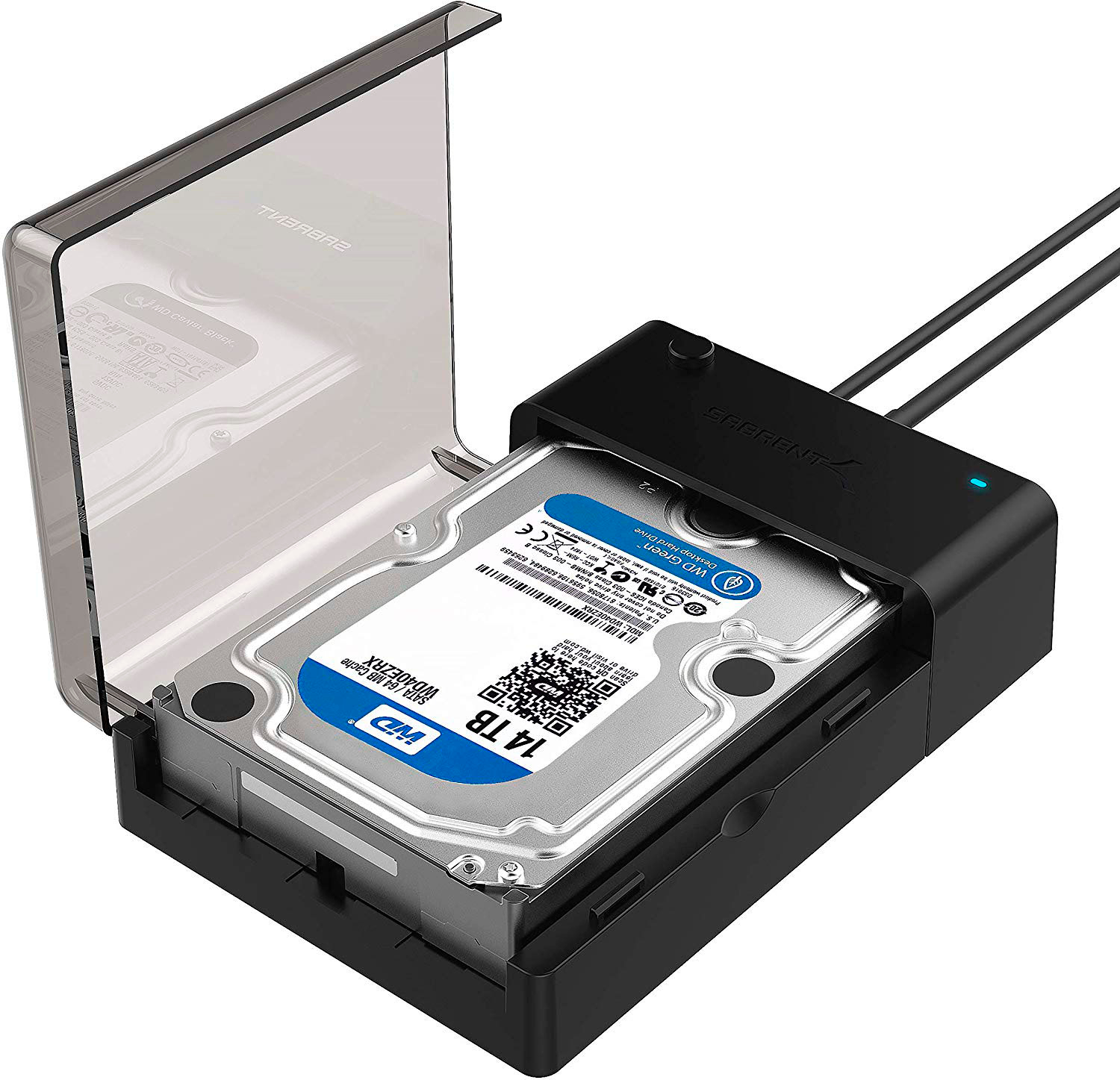
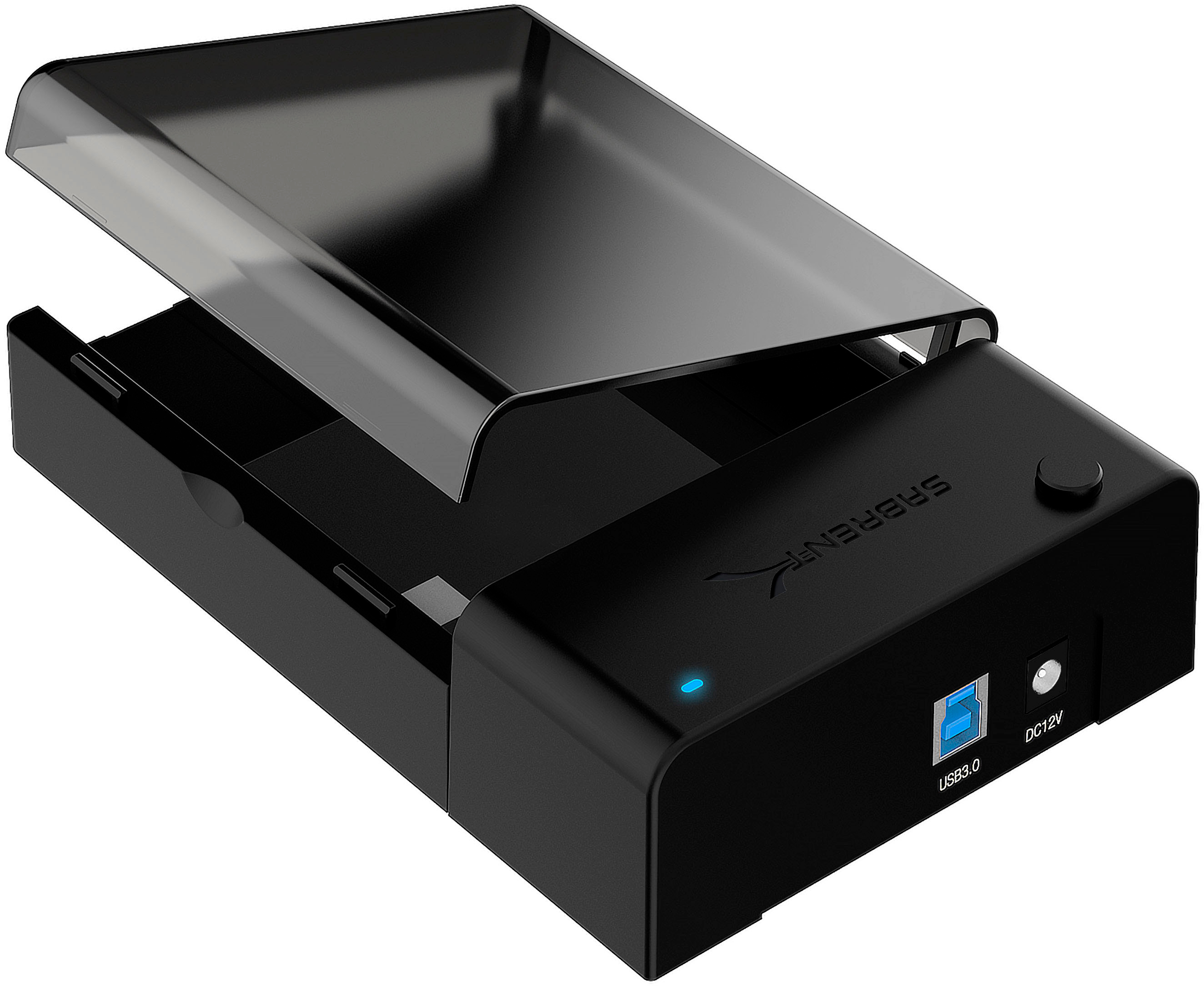
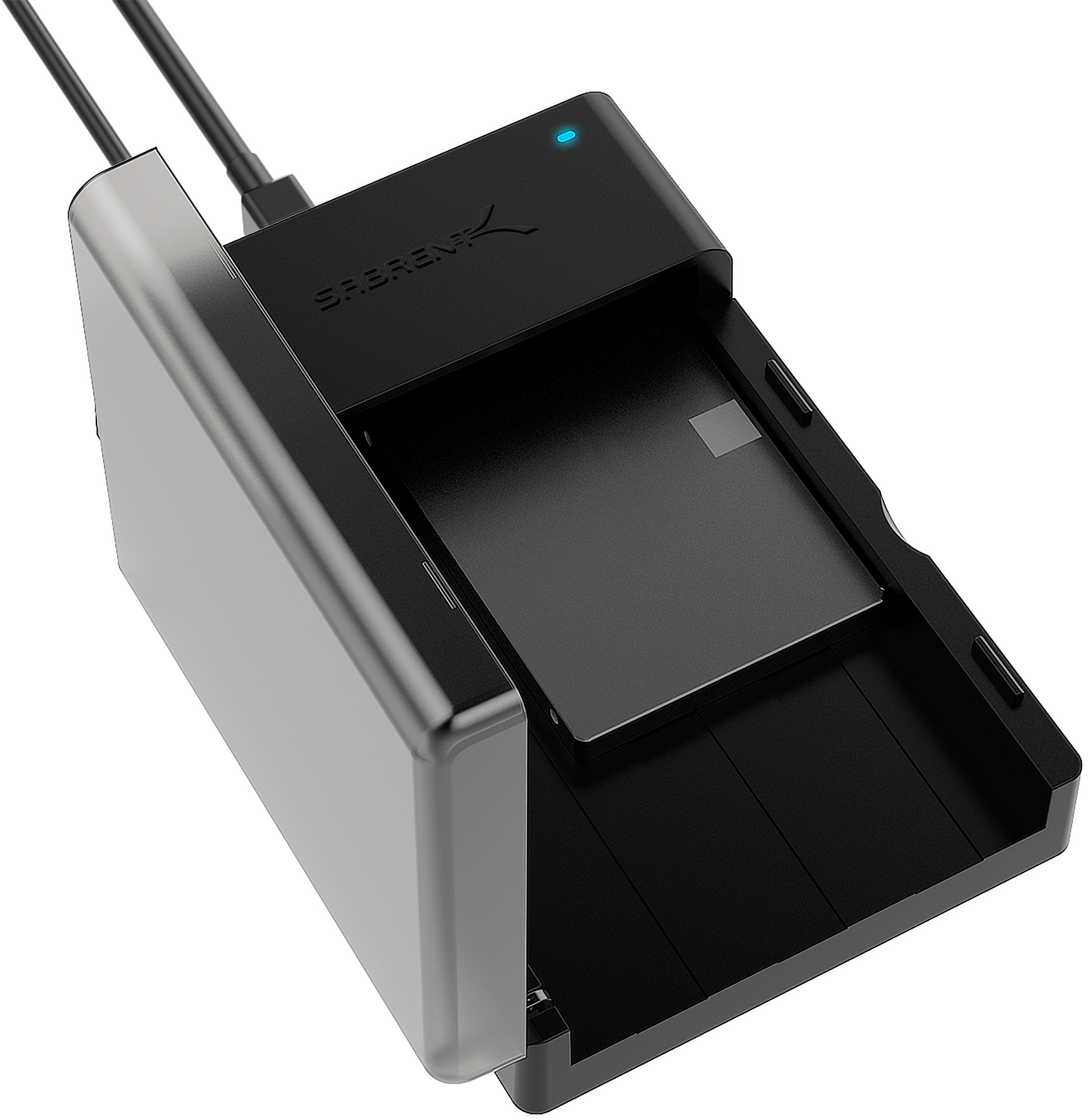
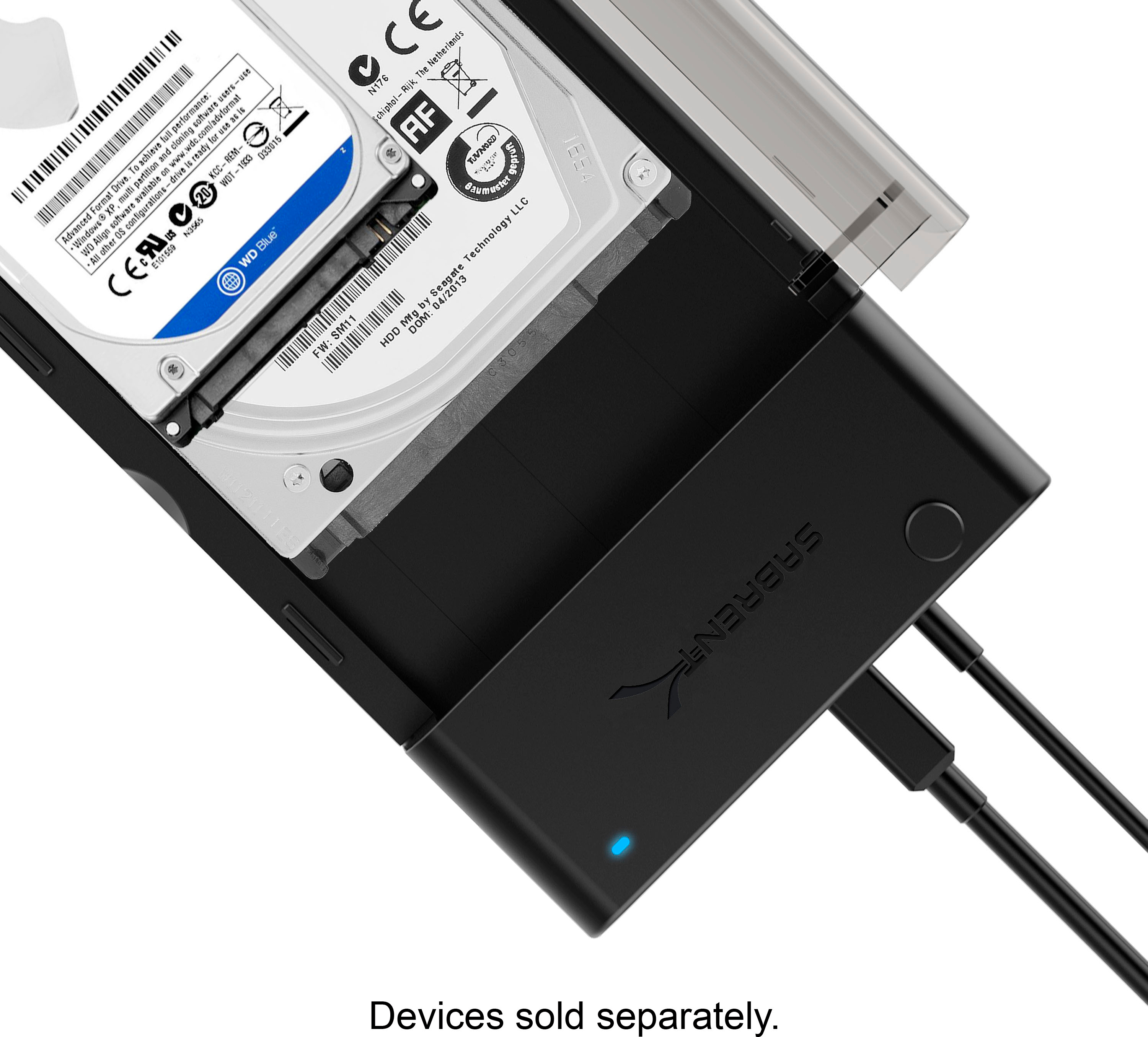
||Posted . Owned for 2 months when reviewed.This reviewer received promo considerations or sweepstakes entry for writing a review.Amazingly simple little device (: works perfectly for 2.5" AND 3.5" HDD's! It even supports newer SSD drives!! Photos attached are of ALL items included.
I would recommend this to a friendRated 1 out of 5 stars
It Won't Connect...Both units
||Posted . Owned for less than 1 week when reviewed.This reviewer received promo considerations or sweepstakes entry for writing a review.I purchased this unit, but can't seem to connect to my pc with USB 3.1. Does it have to be 3.0? I returned the first one as it didn't work either. It doesn't show up in Windows Explorer, but when disconnecting the USB, there is a reference to "SABRENT" without the drive letter. For sure, it doesn't even show up when connected to USB 2.0. I'm running Windows 10 with intel i7. I believe this is a pnp, so there is nothing to it as far as setup goes. The drive I inserted is a brand new WD Red 4TB 3.5" both times. The first time, I also returned the drive, since I didn't know which one was "bad." It also showed up in Task Manager, but again, without the drive letter. I disconnected another 4TB external drive that was connected, but it didn't make a difference.
No, I would not recommend this to a friend- Pros mentioned:Data transfer, Ease of use
Rated 4 out of 5 stars
Excellent value for my use case...
||Posted . Owned for 1 week when reviewed.This reviewer received promo considerations or sweepstakes entry for writing a review.My use case was pretty simple. I was doing a refresh of the drives in my 4-bay home NAS, and I needed a dock that would let me do burn-in testing on the new drives (WD Red Plus 4TB) before I installed them in the NAS. I'm a Linux user (Mint 20.3), so it was important, too, that the device work with the testing tools I was using, smartctl and badblocks. I am happy to say the Sabrent Docking Station for SATA Drives met those requirements, with no drama whatsoever. Installation is so easy it's barely worth mentioning. Just plug the accompanying USB cable from the dock to a USB 3 port on your computer (the port I used was a USB 3.2 gen 1), and provide power to the unit using the included power adapter and cable. Since I was only testing 3.5" drives, I just slid the drive into the unit's tray, made sure the drive was snug to the SATA connector, and hit the power button. The unit is supposed to work with 2.5" SATA drives, too, but I did not use that capability. lsusb identifies the dock as a JMicron JMS561U two-port SATA-to-USB bridge. smartctl was able to perform short, conveyance, and long SMART tests on the docked drive using basic parameters, i.e., "smartctl -t long /dev/sdc". badblocks worked as it should, completing a four-pass destructive read-write test on a 4TB drive in about 56 hours (~160MB/sec throughput). Semi-pro tip: leave the plastic door on the unit open while the drive is powered on. This unit has no active cooling, so heat buildup can be an issue if the docked drive is in use. As far as I'm concerned, this was thirty bucks well-spent, especially since the alternative was swapping the drives I wanted to test in and out of my desktop machine.
I would recommend this to a friend - Pros mentioned:Compatibility, Data transfer
Rated 4 out of 5 stars
A good product, minor issues
||Posted . Owned for 2 months when reviewed.This reviewer received promo considerations or sweepstakes entry for writing a review.Exceptional product by all means. I ordered a Seagate 22 terabyte drive and found its installation a little choppy. Formatting the drive through the USB connection as an external drive requires DOS skills. To put it mildly, it was disappointing to learn that Seagate no longer places phone numbers on its products for support. It was also unpleasant to receive a reminder from Seagate support after calling their number in order to remember the necessary DOS commands. Like most things that have become institutions over individuals, Seagate has joined this crowd. The operation of this device is exceptional; again, leave the plastic cover open when in use to release some of the heat since this device does not have fans or cooling systems. It's rather unusual plug for the USB 3 The attached 22 terabyte hard drive does not follow a reasonable power demand from this device, which initially caused the drive to realign its spindles when the power curve dropped too low. Despite this, the device's exceptional reliability comes from following power on top and data on bottom. A consistent power distribution or slightly underpowered Seagate drive and current case are not mentioned in the description, but I do wish it had mentioned their maximum power outage, which may not be 12 volts. It goes without saying that this is a small problem. Once the drive was working, it performed incredibly well. Using a unique USB 3 cable, I can transfer data at least 264 megabits per second. Though I doubt it would, I am tempted to find this unusual cable in a Gen. 2 times 2 format to see if speed improves.
I would recommend this to a friend - Pros mentioned:Data transfer, Ease of use
Rated 5 out of 5 stars
Great product, Great value!
||Posted . Owned for 3 weeks when reviewed.This reviewer received promo considerations or sweepstakes entry for writing a review.Great value! I had on old desktop computer (15 years old, to be exact) that has not worked in several years but i knew it had some data on it that i wanted to retrieve at some point. Since it was a SATA hard drive, i purchased this item with the hope of being score to retrieve my data. I was not disappointed. Simple hook up and equally simple retrieval of data. I would recommend this to anyone in need of a product that will assist in data retrieval for a SATA hard drive.
I would recommend this to a friend - Pros mentioned:Compatibility
Rated 5 out of 5 stars
Great External Hard Drive Option
||Posted . Owned for 6 months when reviewed.This reviewer received promo considerations or sweepstakes entry for writing a review.Great way to repurpose old computer hard drives fir record keeping and backups.. I bought a second of these. Works well with SSD and regular HD. Format, clean the old drives up, and wham. Good, and fast. A little bulky, and could use a little weight to not move so easily when bumped. No issues otherwise.
I would recommend this to a friend - Pros mentioned:Compatibility
Rated 4 out of 5 stars
Inexpensive and reliable
||Posted . Owned for 3 weeks when reviewed.This reviewer received promo considerations or sweepstakes entry for writing a review.I tested these on a Mac. From a speed and reliability perspective, they work well once you update the firmware. The drives heat up more with the top cover closed, so I find myself leaving it open.
No, I would not recommend this to a friend - Pros mentioned:Compatibility, Ease of use
Rated 5 out of 5 stars
Perfect!
||Posted . Owned for 2 weeks when reviewed.This reviewer received promo considerations or sweepstakes entry for writing a review.I bought this because I had an old computer with obsolete hardsware, but the hard drive was fine, and I wanted to use it as external storage for my newer computer. This was simple to connect, and it works perfectly!
I would recommend this to a friend - Pros mentioned:Price
Rated 5 out of 5 stars
Fantastic Device
||Posted . Owned for less than 1 week when reviewed.This reviewer received promo considerations or sweepstakes entry for writing a review.Great little device. My old PC failed to boot but luckily my data files, etc., were stored on the secondary 3.5" SATA drive. Removed drive from old PC, inserted into the Sabrent Docking Station, connected USB cable and power cord. Every thing saved! The only thing you might have to do is set the sharing on the drive in order to see everything on it. This device saved years of files. You can also connect your old primary SATA drive to recover data. Well worth the price (which is more than reasonable). I highly recommend it.
I would recommend this to a friend Rated 4 out of 5 stars
What was lost has been found!
||Posted . Owned for 2 weeks when reviewed.This reviewer received promo considerations or sweepstakes entry for writing a review.When windows 10 came out the popups about switching over or "UPGRADING" as they out it seemed less than optional. I avoided do so for a long time. One day i booted my machine and got busy with life and forgot my machine was running. Need less to say when i got back to my desktop somehow it was mid way through the "upgrade". I later found out my machine had only the bare minimum of requirements for the install and it failed for some unknown reason. This left my desktop useless, non functional and unrepairable with my limited knowledge of dos to bypass the win 10 boot and restore my old operating system, win 8. I lost my entire music collection that i had put together over my life. Having digitized all of it on my desktop and then donated all the CD's to my favorite 501 C3 organization. This external hard drive case allowed me to connect the hard drive, once removed from my desktop, to my laptop allowing me to salvage 26 GB of music and files.
I would recommend this to a friend- Pros mentioned:Compatibility
Rated 5 out of 5 stars
Great for accessing old HDDs periodically
||Posted . Owned for 10 months when reviewed.This reviewer received promo considerations or sweepstakes entry for writing a review.This enclosure is perfect for dealing with old HDDs hanging around from previous computer builds / teardowns. I found myself with about a dozen old drives and didn't want to invest in a bunch of enclosures to make periodic use of them. Bought this and I can easily use the old drives to archive stuff I don't need continually connected to my computers or NAS. Super practical and not too costly.
I would recommend this to a friend - Pros mentioned:Ease of use, Price
Rated 5 out of 5 stars
Very good desktop hard drive dock station!
||Posted . Owned for 3 weeks when reviewed.This reviewer received promo considerations or sweepstakes entry for writing a review.Very good desktop hard drive dock station! Easy to use and install. Affordable price on Best Buy!
I would recommend this to a friend - Pros mentioned:Ease of use
Rated 5 out of 5 stars
RW7
||Posted . Owned for 3 weeks when reviewed.This reviewer received promo considerations or sweepstakes entry for writing a review.Very easy to use. Had a Sata Hard drive from and old pc and wanted to format it and use as a backup drive. This enclosure made that process very simple. Installed my hard drive into enclosure, connected to computer with usb cable and was able to format drive and use it as a backup of important files.
I would recommend this to a friend Rated 5 out of 5 stars
Good Product, Wrong Application
||Posted .This reviewer received promo considerations or sweepstakes entry for writing a review.Product does function as intended however, it failed to perform in the application applied. I was attempting an FTP NAS via the USB on my RAX200. However, drives show up as Sabrent Docking USB Controller Hub. I attempted to connect directly with my mac, but showed up the same except the MBR was unreadable therefore the FS was unreadable and partitions. The docking station works fine, just not for my use case. I returned this item. Resolve was found by using the Insignia NS-PCHDEDS19. This passes the drive information through the usb without having to go through a controller hub. Both my Mac and router can view the same drive just fine. Furthermore, the RAX200 can even see and assign a second drive letter to a second drive, which is great! I plan on running a software RAID 1 with this setup. I would recommend this product for a far less complex setup. Either direct connection or through a shared NIC from USB.
I would recommend this to a friend- Pros mentioned:Data transfer
Rated 5 out of 5 stars
Works Great
||Posted . Owned for 2 weeks when reviewed.This reviewer received promo considerations or sweepstakes entry for writing a review.I had 2TB HD for several years and my power cord went bad. So I purchased the New Case with the Power supply built in and works Great. Transfering it into the New Case was easy. It took 3 Minutes.
I would recommend this to a friend