Customer Ratings & Reviews
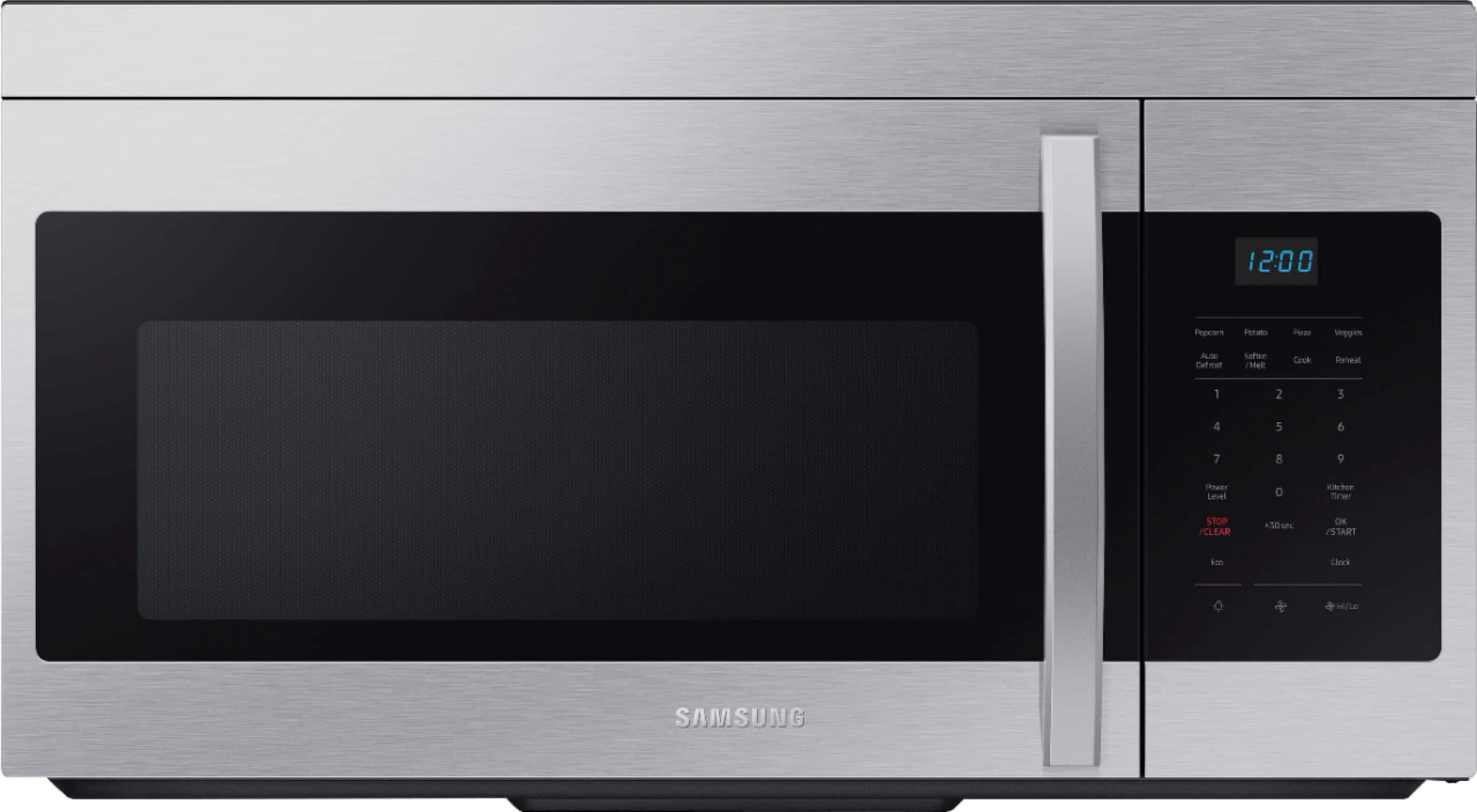
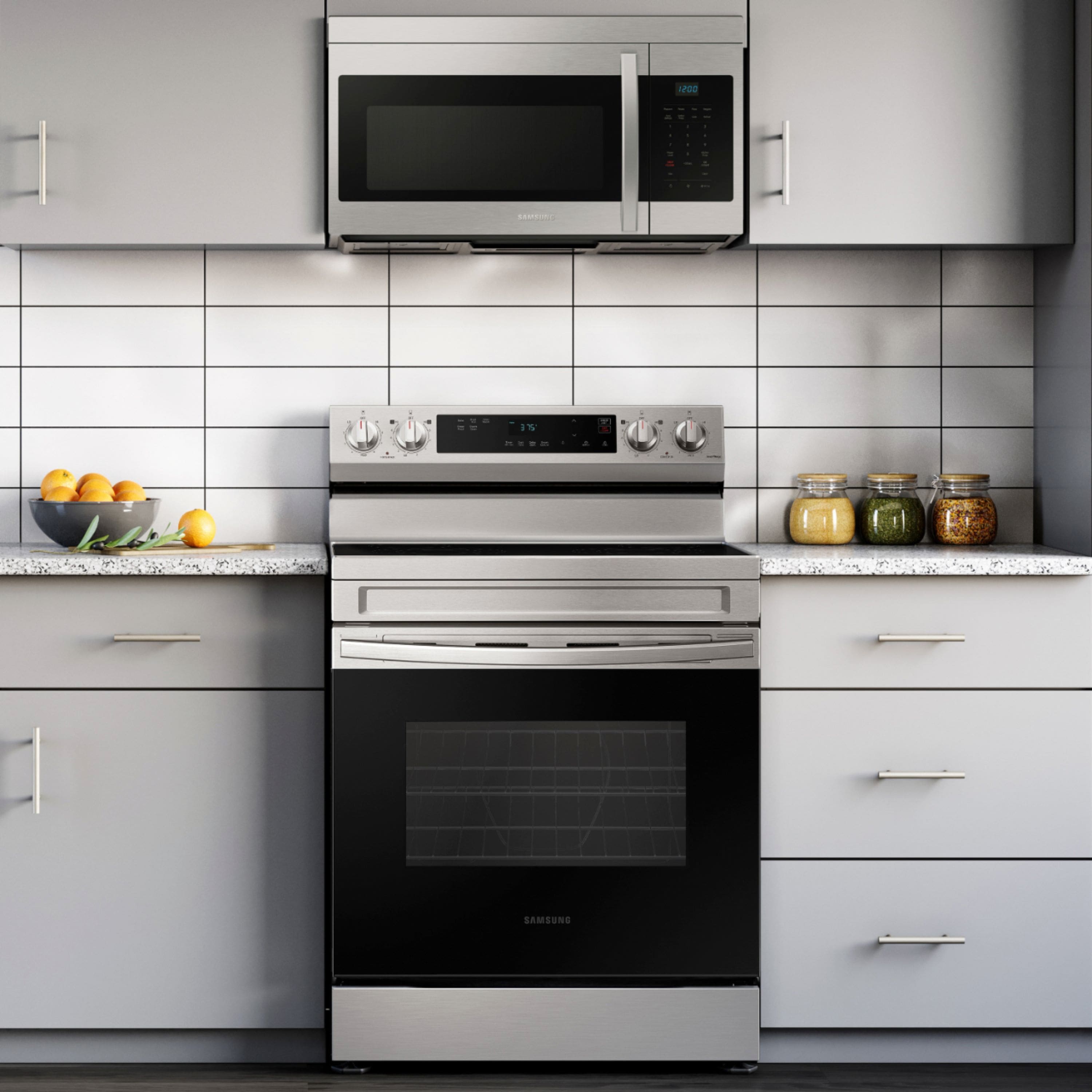

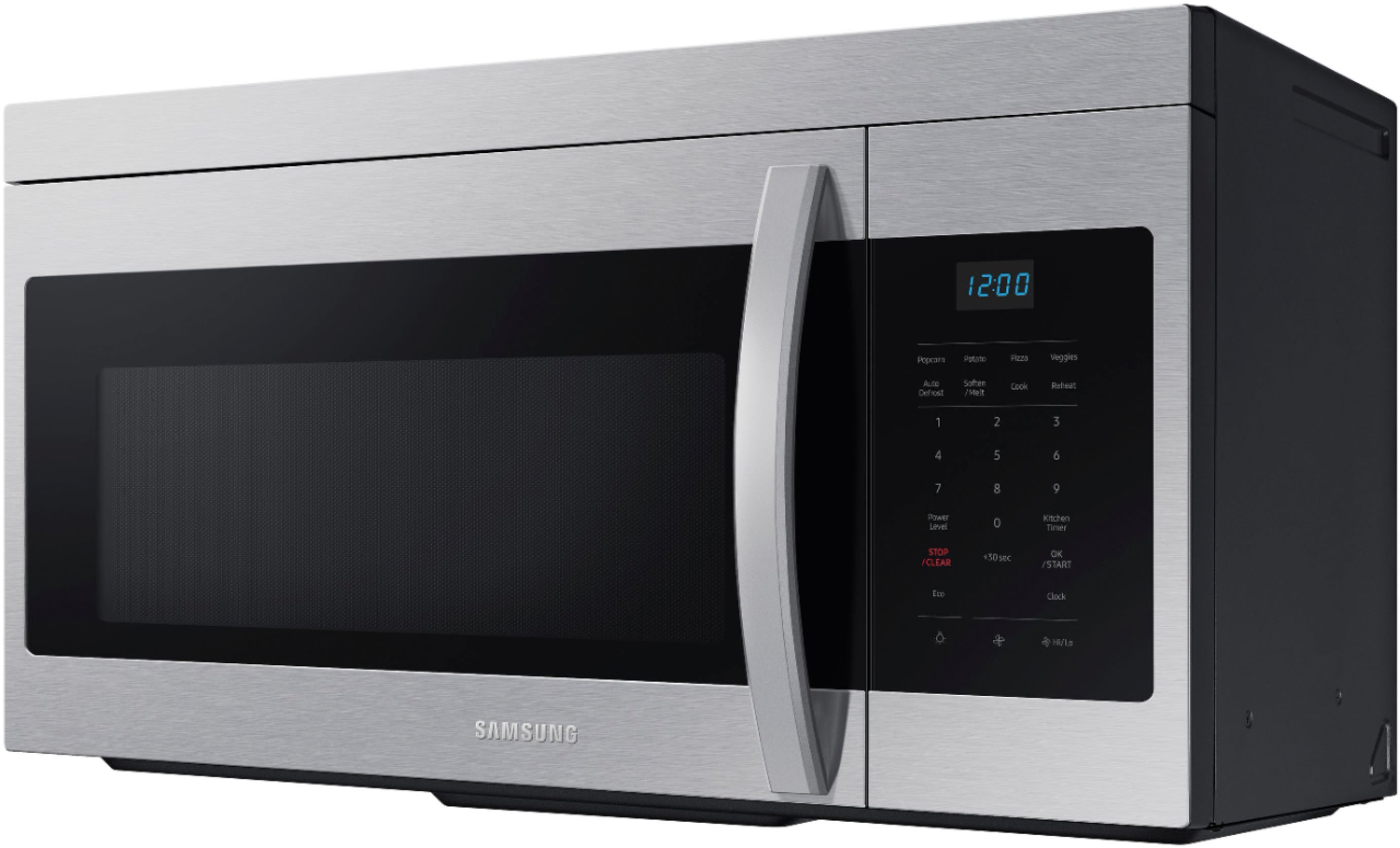
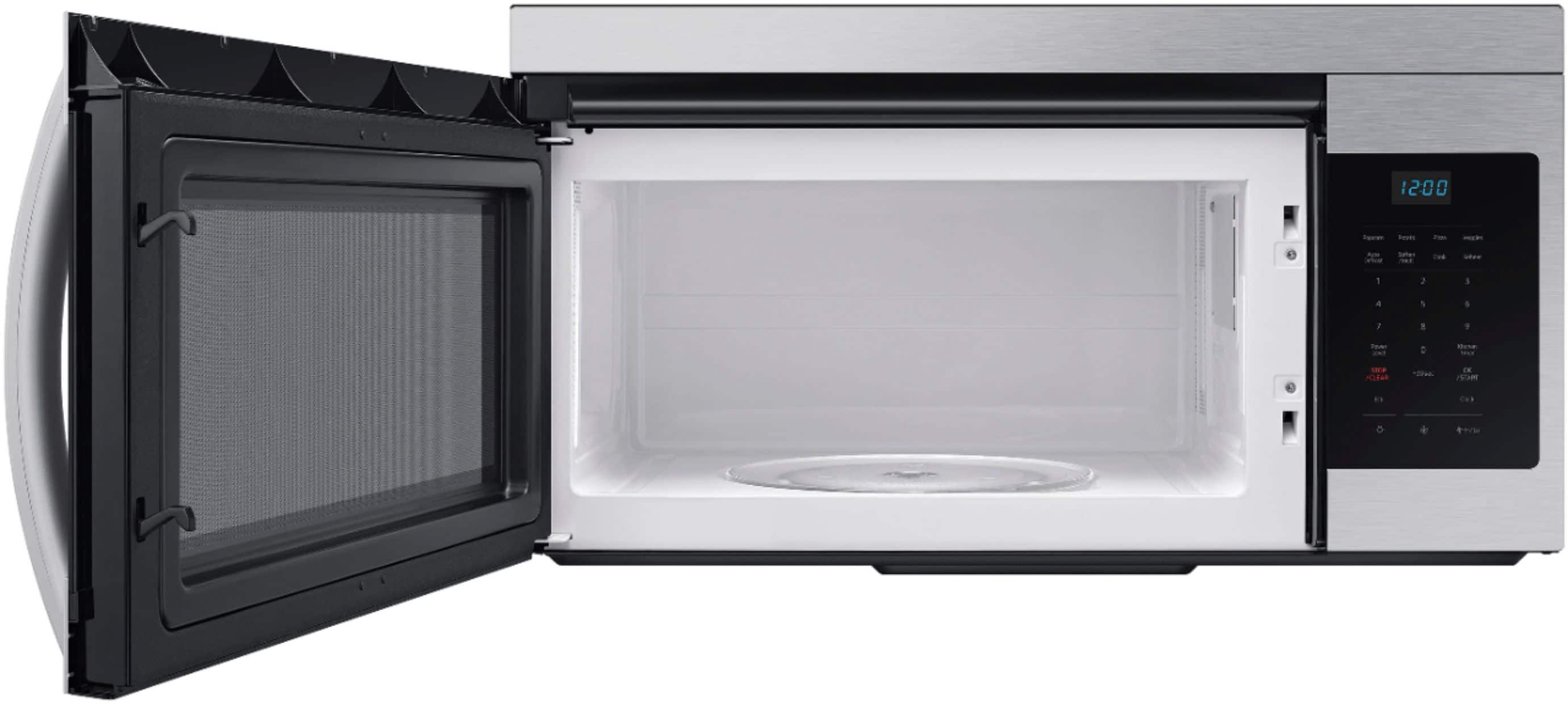
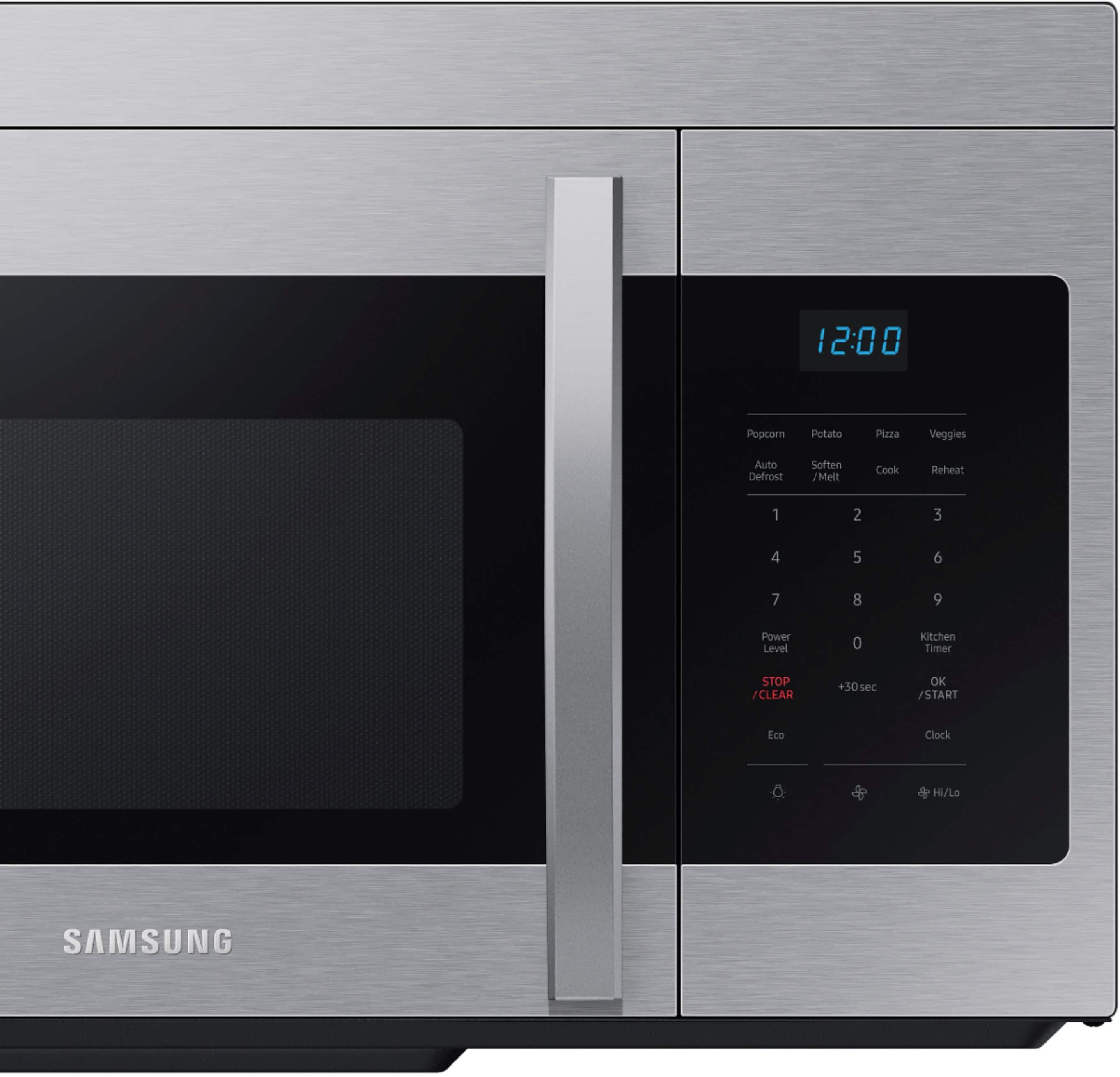
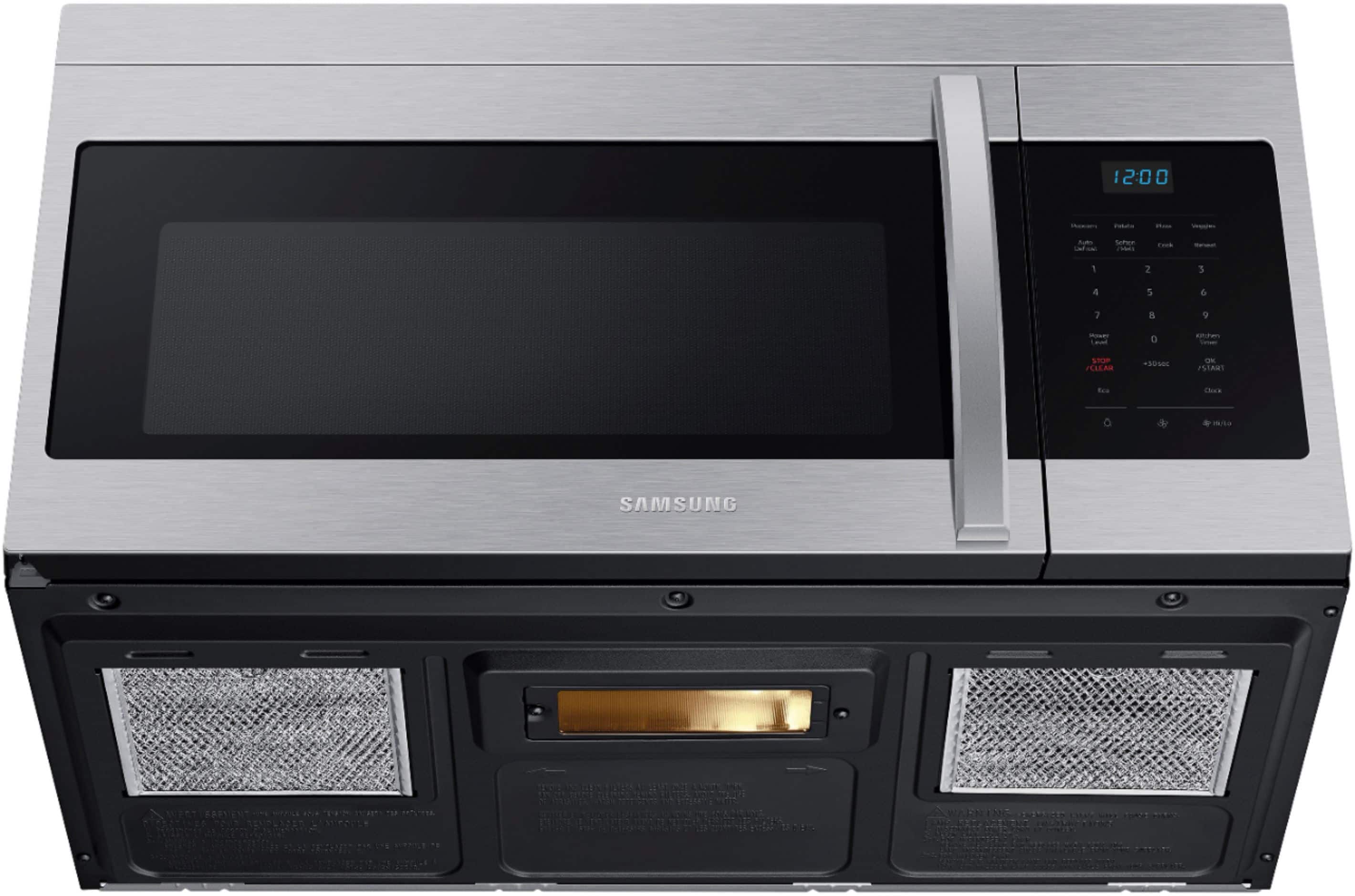
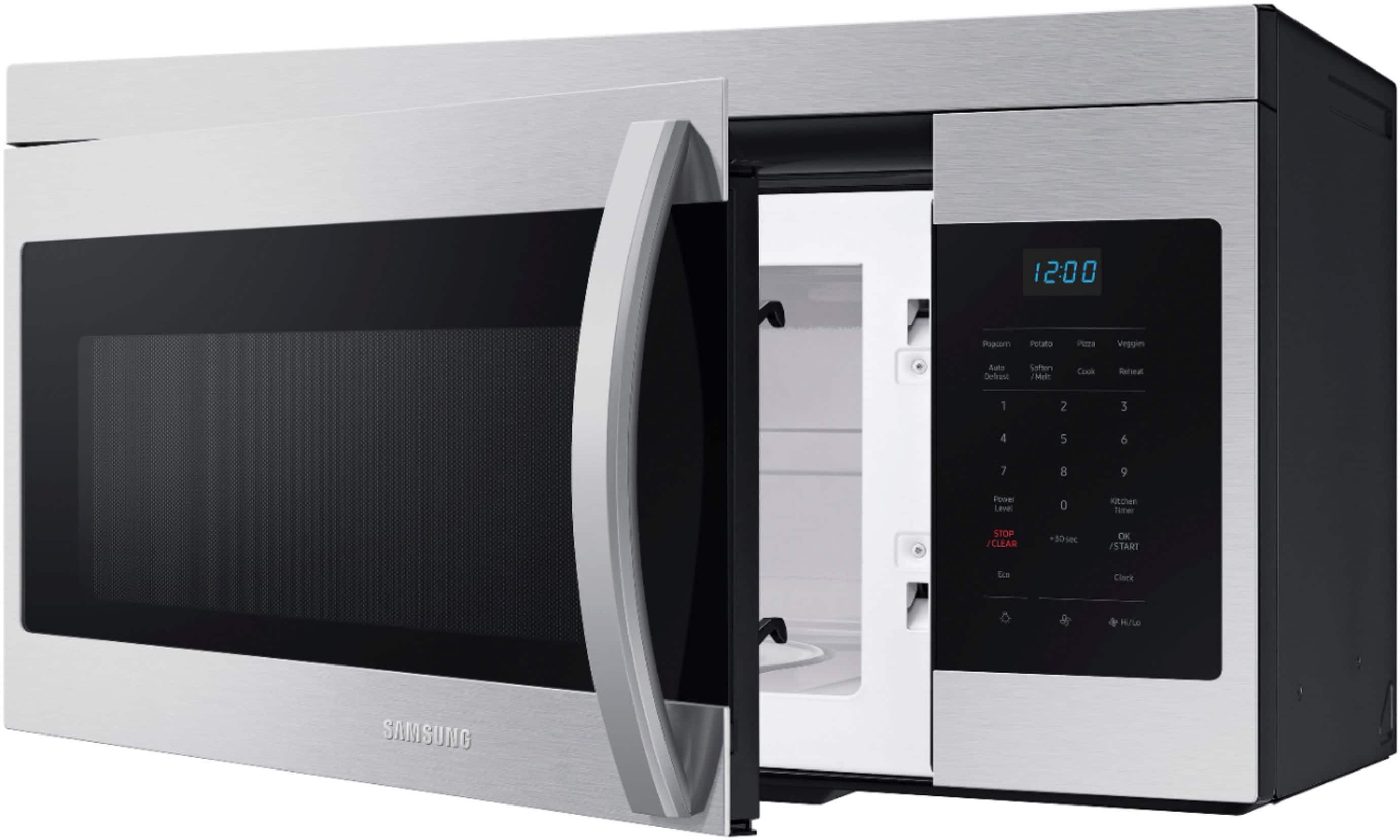
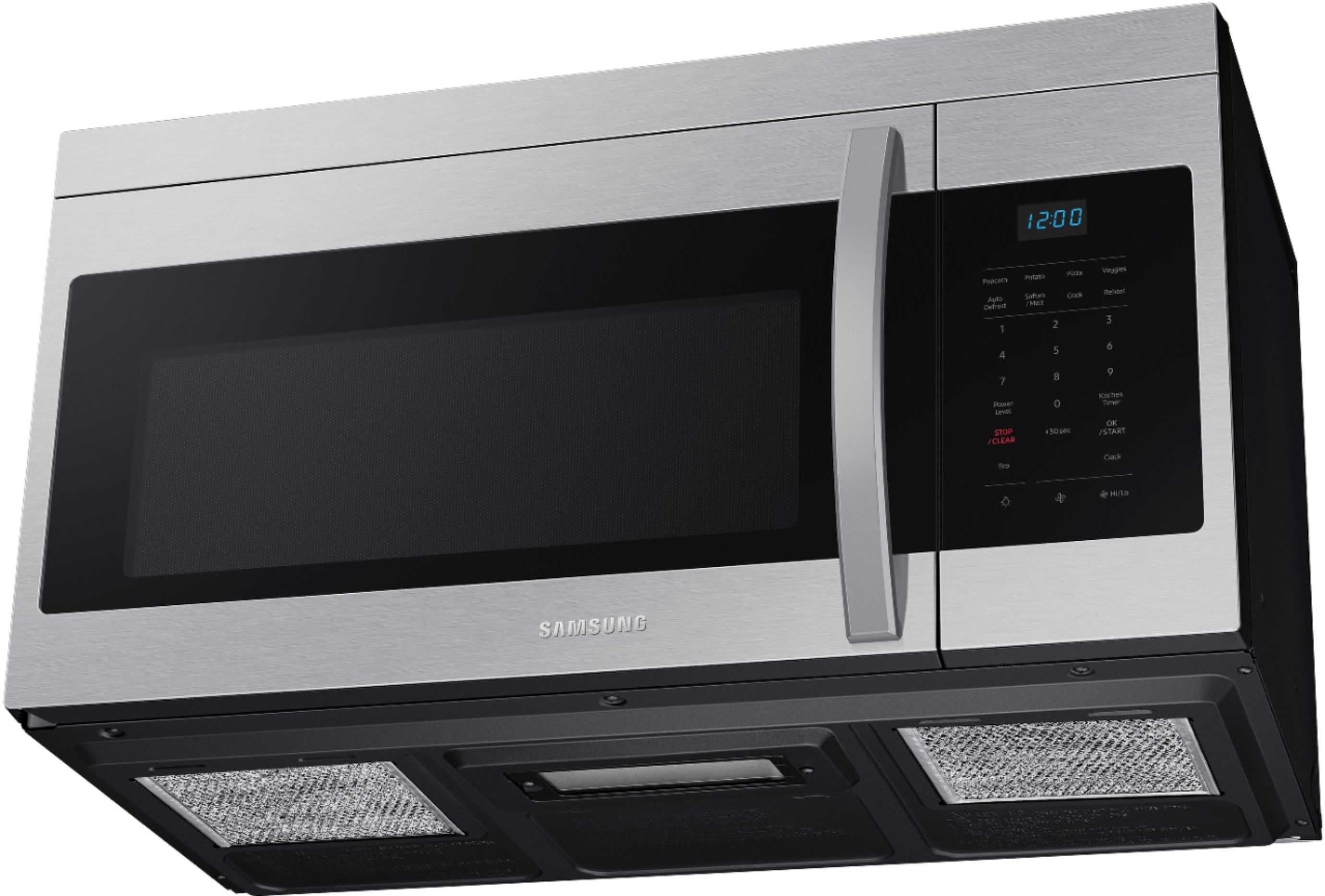

- Model:
- ME16A4021AS
- SKU:
- 6460795
Rating by feature
- Performance
Rating 4.6 out of 5 stars
- Cook Settings
Rating 4.6 out of 5 stars
- Quality
Rating 4.4 out of 5 stars
Customers are saying
Customers highly value the overall performance of the 1.6 cu. ft. Over-the-Range Microwave with Auto Cook. Users find the microwave easy to use, especially when setting the clock. The microwave is also appreciated for working well.
This summary was generated by AI based on customer reviews.
Good replacement
||Posted . Owned for 4 months when reviewed.This reviewer received promo considerations or sweepstakes entry for writing a review.I had one for 6 years until I decided to clean id and I put too much water so I replaced it by this model, my previous model had a bigger plate that my only complain
I would recommend this to a friendGreat new Samsung Microwave!
||Posted . Owned for 3 months when reviewed.This reviewer received promo considerations or sweepstakes entry for writing a review.Very happy with my new Samsung over the Stove Microwave. Very stylish and works perfectly. Appears to be sturdily built and should last a long time.
I would recommend this to a friendMrs.Blanton
||Posted . Owned for 3 weeks when reviewed.This reviewer received promo considerations or sweepstakes entry for writing a review.Hard to push in some of the buttons like start, timer and some other buttons . You can’t just push the button and it start .
No, I would not recommend this to a friendBest Microwave on the Market
||Posted . Owned for 1 month when reviewed.This reviewer received promo considerations or sweepstakes entry for writing a review.Love this product! I would highly recommend to anyone in the market!
I would recommend this to a friendI am happy with this purchase
||Posted . Owned for 2 months when reviewed.This reviewer received promo considerations or sweepstakes entry for writing a review.It’s very convenient to have the microwave and hood all in one unit. The delivery and installation were great, hook up was easy.
I would recommend this to a friendPure elation. Okay its just a microwave but its go
||Posted . Owned for 3 weeks when reviewed.This reviewer received promo considerations or sweepstakes entry for writing a review.Geeat so far. No complanlints. Doing what microwaves do. Just heating stuff up and telling me the time. Fan seems to work very well too. Overall pretty happy.
I would recommend this to a friendLooks good-works well
||Posted . Owned for 1 month when reviewed.This reviewer received promo considerations or sweepstakes entry for writing a review.This was a replacement for a 22 yo micro. It is sleek looking and works well. The controls are black and can be hard to see in a dimly lit kitchen.
I would recommend this to a friendSamsung microwave
||Posted . Owned for 1 month when reviewed.This reviewer received promo considerations or sweepstakes entry for writing a review.This over-the-range microwave is a perfect fit for my kitchen, and matches my other appliances.
I would recommend this to a friendIt works
||Posted . Owned for 3 months when reviewed.This reviewer received promo considerations or sweepstakes entry for writing a review.It works well. I do miss the auto cook buttons from my old microwave, but it works great and the vent fan is relatively quiet.
I would recommend this to a friendMicrowave
||Posted . Owned for 1 month when reviewed.This reviewer received promo considerations or sweepstakes entry for writing a review.Fit well and bring out the kitchen. Love this purchase.
I would recommend this to a friendGreat Price
||Posted . Owned for less than 1 week when reviewed.This reviewer received promo considerations or sweepstakes entry for writing a review.Got it during the year end appliance sale at Best Buy for less than the lower end models. It does what it was bought for and fits perfectly in the over the range spot.
I would recommend this to a friendUpgrade
||Posted . Owned for 1 month when reviewed.This reviewer received promo considerations or sweepstakes entry for writing a review.We needed this. It was absolutely worth the money. It heats faster than our old one.
I would recommend this to a friendSamsung for a Samsung
||Posted . Owned for 3 weeks when reviewed.This reviewer received promo considerations or sweepstakes entry for writing a review.I am very pleased with my Samsung microwave. This is a replacement for my previous Samsung microwave. I had to keep with a great product.
I would recommend this to a friendWhat’s missing
||Posted . Owned for 3 weeks when reviewed.This reviewer received promo considerations or sweepstakes entry for writing a review.Similarities with replaced unit. I do However miss my “beverage” on push for two cups of coffee.
I would recommend this to a friendNot Picked this Microwave
||Posted . Owned for 1 year when reviewed.This reviewer received promo considerations or sweepstakes entry for writing a review.This item till now I have not picked. But in your system submitted like picked. This is really very sad. Following up so many times till now no response.
I would recommend this to a friendGreat deal
||Posted . Owned for 1 week when reviewed.This reviewer received promo considerations or sweepstakes entry for writing a review.Excellent microwave for the money. Spacious And nice looking. You can’t beat the value.
I would recommend this to a friendNice microwave
||Posted . Owned for 1 month when reviewed.This reviewer received promo considerations or sweepstakes entry for writing a review.This microwave is a good size and works well. I also like the look of it.
I would recommend this to a friendGreat!
||Posted . Owned for 3 weeks when reviewed.This reviewer received promo considerations or sweepstakes entry for writing a review.Simple, yet solid microwave. Looks great in the kitchen. I like how the door is very easy to open - it doesn’t have a “sticky” feeling
I would recommend this to a friendUnhappy
||Posted . Owned for 8 months when reviewed.This reviewer received promo considerations or sweepstakes entry for writing a review.After having microwave for a couple of months the handle came lose from bottom and will not stay in place. All my appliances are Samsung and very disappointed with this one.
No, I would not recommend this to a friendBrand response from Samsung
Posted .Greetings,
We know the importance of each component of our Samsung appliances. We are here to help.
You can purchase a replacement part from our authorized distributor for Samsung parts and accessories at the link below.
https://samsungparts.com/
We would also like to speak to you directly and gather more information about your concern.
Please feel free to reach us via the options below, as we look forward to assisting you in the best possible way.
1. Facebook Messenger: http://m.me/samsungsupport
2. Twitter: https://twitter.com/messages/compose?recipient_id=18768513
3. Samsung Community: https://us.community.samsung.com/t5/Samsung-Community/ct-p/us
When you message us, please provide us with this reference number 1147460074, which will help our team pull up your information.
^Rainly
Microwave that works well!
||Posted . Owned for 3 months when reviewed.This reviewer received promo considerations or sweepstakes entry for writing a review.Microwave works fantastic and a great purchase for anyone looking for an over the range product! Good budget buy in my opinion!
I would recommend this to a friend