Customer Ratings & Reviews
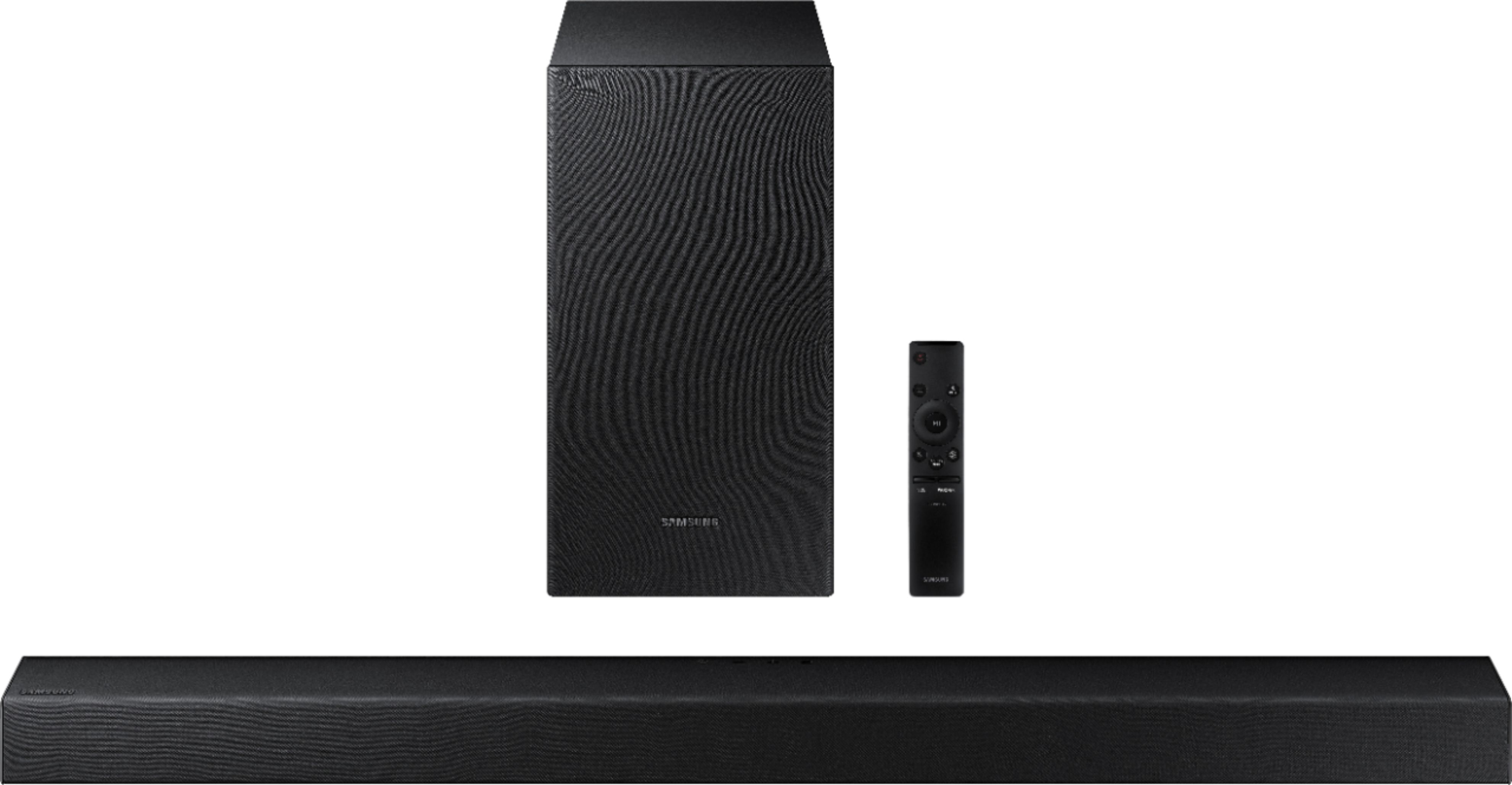
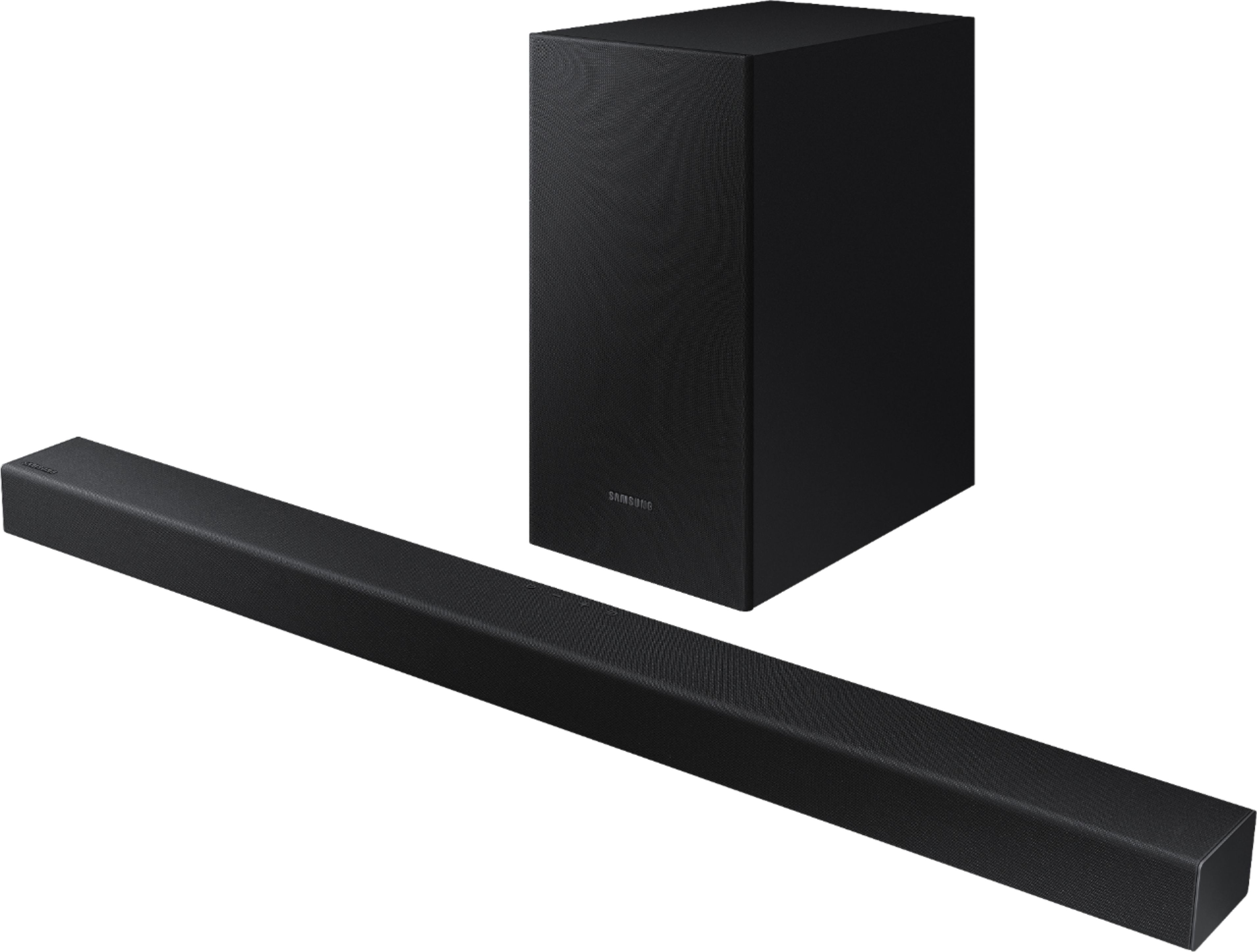
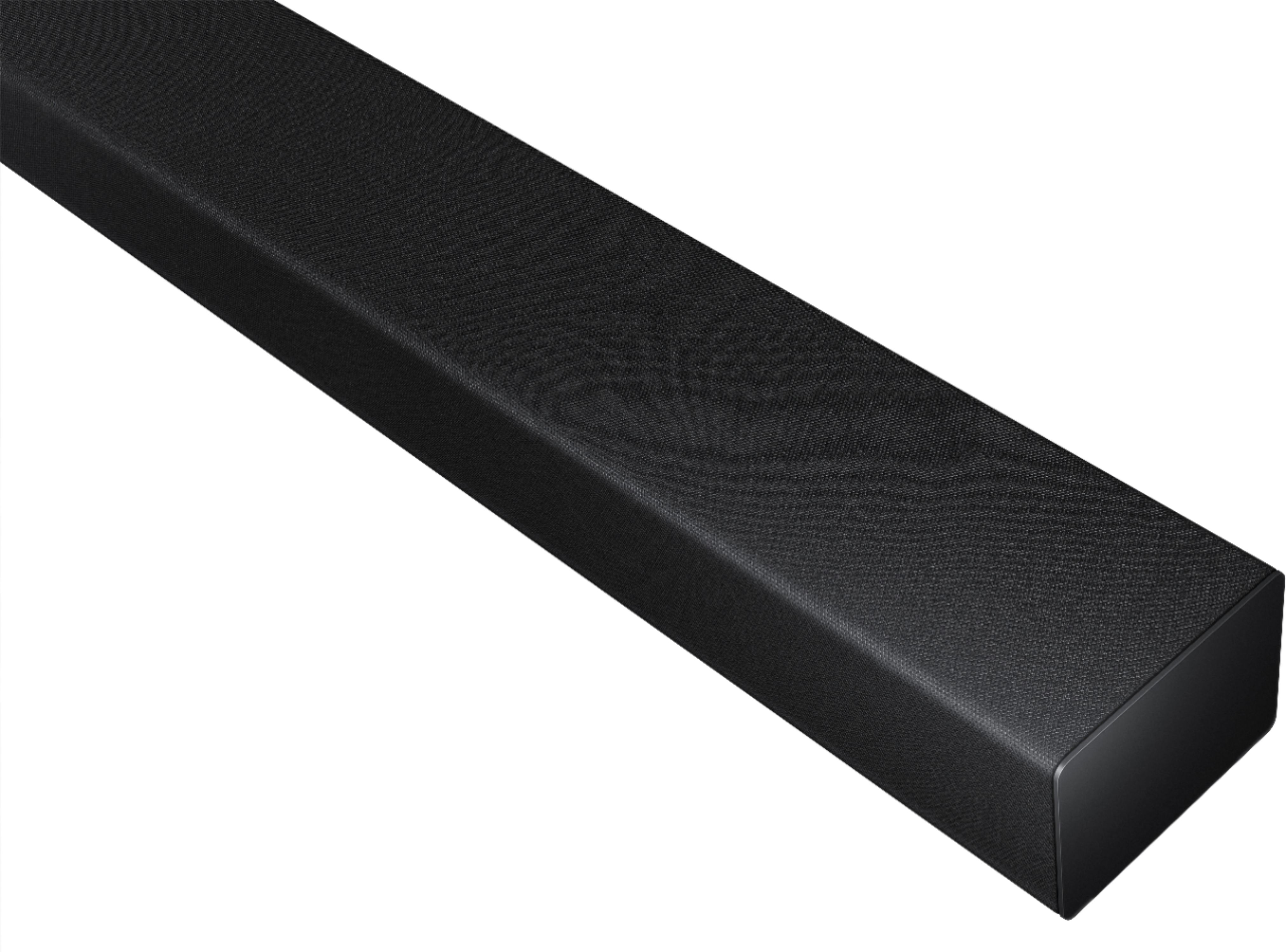
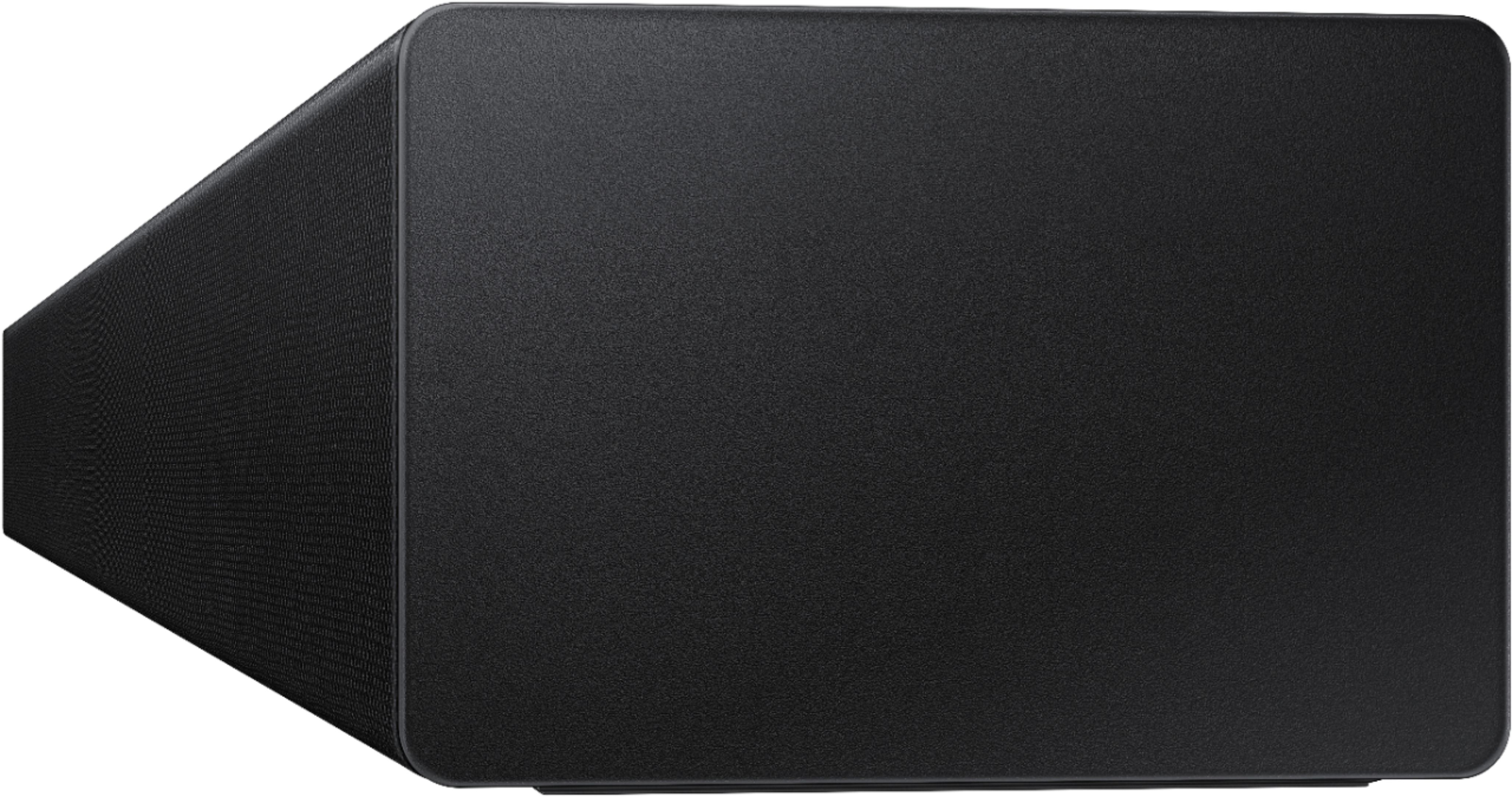



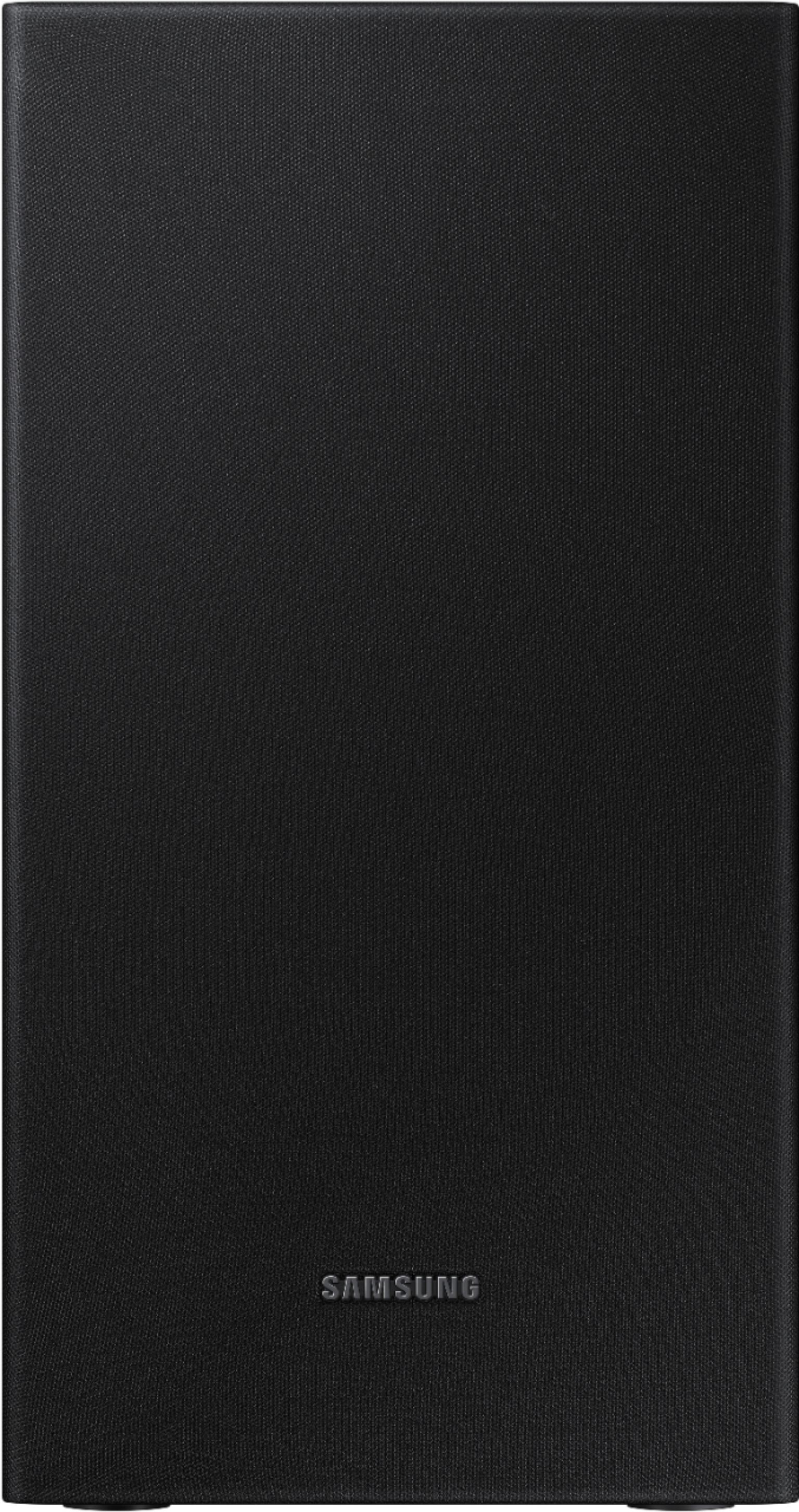
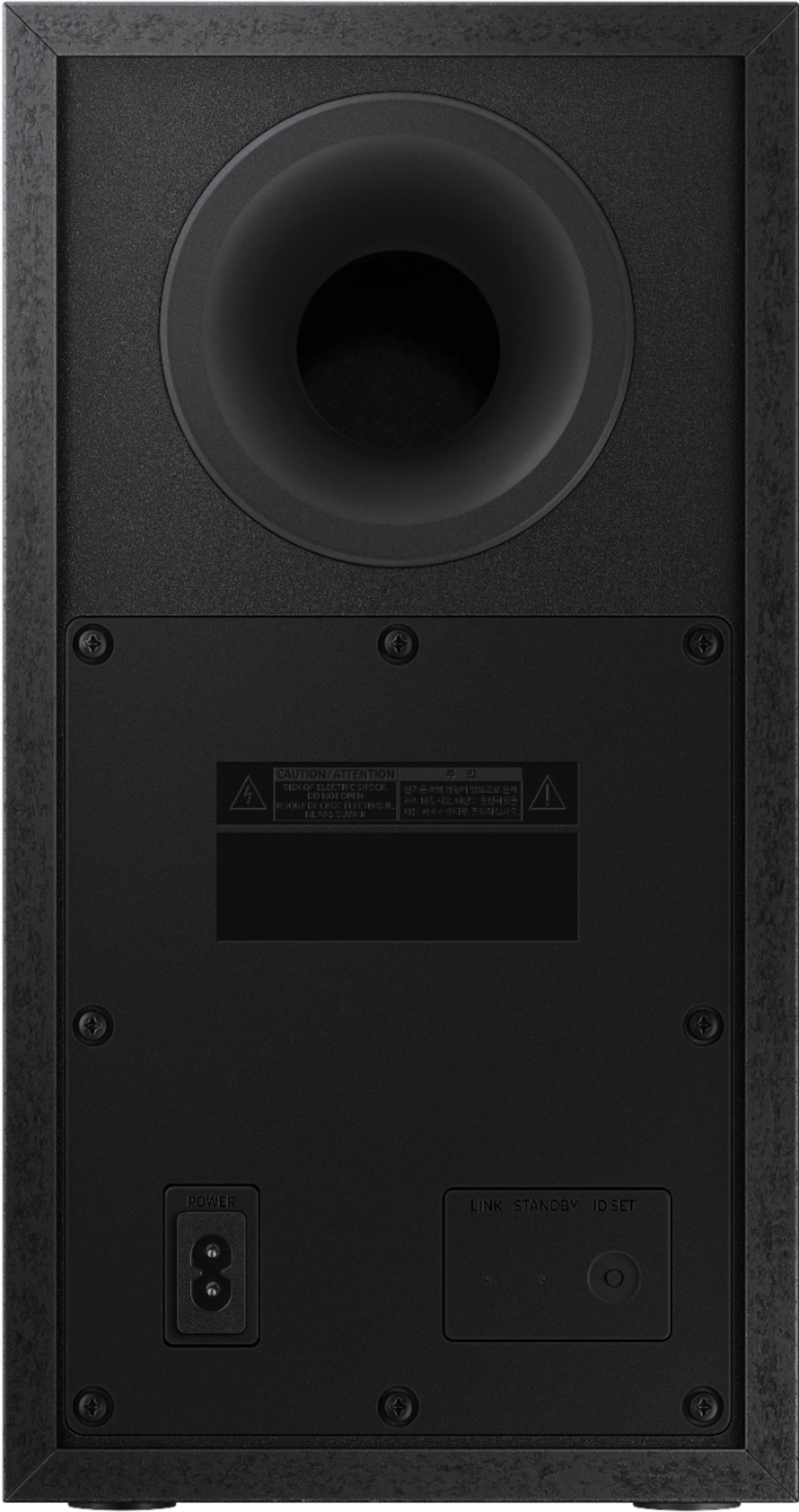
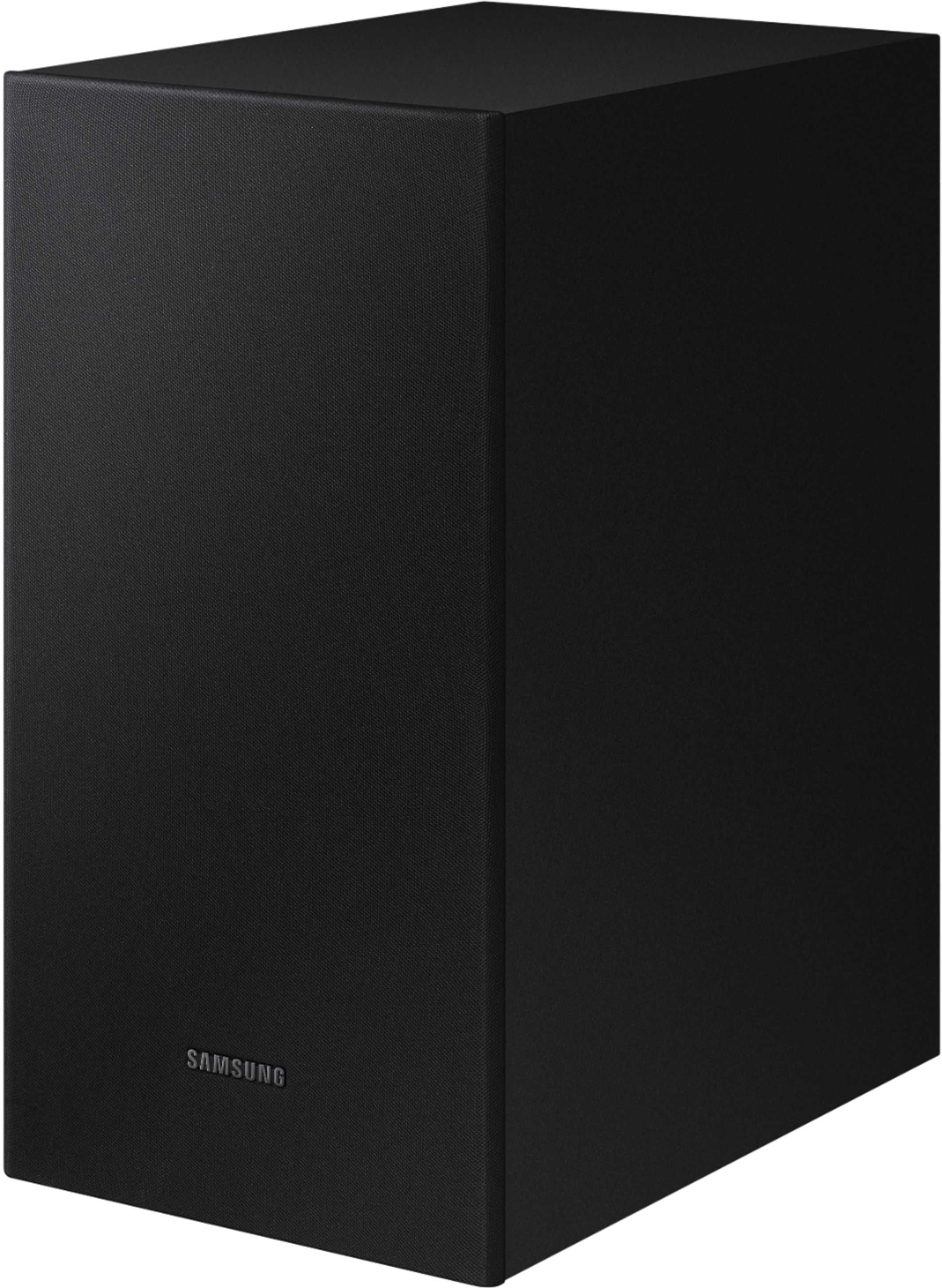
- Model:
- HW-T450/ZA
- SKU:
- 6400704
Rating by feature
- Value
Rating 4.3 out of 5 stars
- Quality
Rating 4.2 out of 5 stars
- Ease of Use
Rating 4.3 out of 5 stars
Customers are saying
Customers are pleased with the sound quality, easy setup, and price of the 2.1-Channel Soundbar with Wireless Subwoofer and Dolby Audio (2020). Many customers rave about the unexpectedly amazing bass and great sound system. However, some customers have experienced issues with Bluetooth connectivity, volume, compatibility, and power.
This summary was generated by AI based on customer reviews.
Only has optical connection
||Posted . Owned for less than 1 week when reviewed.This reviewer received promo considerations or sweepstakes entry for writing a review.I connected this soundbar to a new Samsung 65 inch TV. This bar can only be connected with the included optical cable. There was a sound delay that I tried to adjust for two weeks, using the settings on the tv as well as the soundbar. Nothing worked. I returned it and purchased the Samsung Q60T soundbar and connected it with the included HDMI cable and the sound was perfect.
No, I would not recommend this to a friendBrand response from Samsung
Posted .RetiredCaptain:
Thank you for sharing your review of the Samsung HW-T450 soundbar. I am very sorry that your experience with this soundbar was less than perfect, and you have decided to exchange it for a different model. Thank you for being a loyal Samsung customer.
Your feedback regarding this model is important to us and will be shared with our internal teams.
Should you have questions or need assistance with settings, setup, or features, with your new Samsung soundbar, please know we are always here to help.
For further assistance, please contact Samsung Customer Support.
1) Phone: 1-800-SAMSUNG, (available 8AM to 12AM EST - 7 days a week)
2) LiveChat: https://www.samsung.com/us/support/#contact_us_for_support
3) Facebook Messenger: https://www.facebook.com/samsungsupport
4) Twitter: https://twitter.com/SamsungSupport
5) The Samsung Members Community is also a great resource for getting help from Samsung moderators and customers: https://us.community.samsung.com
If you have not already done so, we invite you to register your new Samsung product at:
https://www.samsung.com/us/account/signin/?redirect=https%3A%2F%2Fwww.samsung.com%2Fus%2Fsupport%2Fregister%2F
Registering your product gives you access to easy warranty support, convenient opt-in to special promos and offers, faster troubleshooting and service, and quick notification of system updates.
~ Samsung Ambassador
- Cons mentioned:Bluetooth connectivity
Cheap
||Posted . Owned for 3 months when reviewed.This reviewer received promo considerations or sweepstakes entry for writing a review.No good do not buy cheap wont connect threw Bluetooth wont turn off bad sound
No, I would not recommend this to a friend - Pros mentioned:Easy setup
Unhappycamper
||Posted . Owned for 1 month when reviewed.This reviewer received promo considerations or sweepstakes entry for writing a review.It was easy to setup. Not loud enough. I returned it 2 days later.
No, I would not recommend this to a friendBrand response from Samsung
Posted .Hi Unhappycamper,
Thank you for your review of the Samsung HW-T40 Soundbar. I am sorry to hear that it did not work out for you and have returned your unit. I understand your disappointment.
Your feedback is very important to us and will be shared with our product team.
Please know that should you ever need assistance with settings or adjustments with a future Samsung purchase to optimize your sound experience, Samsung Customer Support is here to help.
1) Phone: 1-800-SAMSUNG, (available 8AM to 12AM EST - 7 days a week)
2) LiveChat: https://www.samsung.com/us/support/#contact_us_for_support
3) Facebook Messenger: https://www.facebook.com/samsungsupport
4) Twitter: https://twitter.com/SamsungSupport
5) The Samsung Members Community is also a great resource for getting help from Samsung moderators and customers: https://us.community.samsung.com
~ Samsung Ambassador
Soundbar
||Posted . Owned for 2 months when reviewed.This reviewer received promo considerations or sweepstakes entry for writing a review.I was not satisfied with this soundbar and purchased another one which I am satisfied with.
No, I would not recommend this to a friendSony vs Samsung
||Posted . Owned for 1 month when reviewed.This reviewer received promo considerations or sweepstakes entry for writing a review.It's a fair product at best. The Sony TV and sound bar, with bass speaker was a better option.
No, I would not recommend this to a friendBrand response from Samsung
Posted .Hello Troyzunhappy,
Thank you for your review of the Samsung T450 Soundbar. Your input is invaluable in our continuous pursuit of delivering the best in product and customer experience
You can try optimizing audio performance for your specific content by pressing the SOUND MODE button on your soundbar remote, and then selecting the desired sound effect by choosing STANDARD, SURROUND SOUND, GAME, or SMART.
You can also press the Sound Control button on the remote (looks like a gear) to adjust TREBLE and BASS.
Press and hold the Sound Control button for about 5 seconds to adjust the sound for each of seven frequency bands.
Using the WOOFER button on the remote, you can adjust the volume of the subwoofer between -6 to +6 by toggling the button up or down. To set the subwoofer volume level to 0, press the button down.
I hope this tip helps improve your sound experience. Should you need further assistance with features, functions, settings, or adjustments, please contact Samsung Customer Support at
1-800-SAMSUNG (ask for Soundbars), available 8AM -12AM EST, 7 days a week. Or text HELP to 62913.
For additional support resources, visit us on the Samsung website and click on the ‘Support’ link in the upper right corner of the homepage for:
1) More ‘Contact Us’ options – LiveChat, Facebook, Twitter, Samsung Community, Samsung Members app
2) Manuals & Software
3) Warranty Info
4) Product Registration: For access to easy warranty support, convenient opt-in to special promos and offers, faster troubleshooting and service, and quick notification of system updates.
We hope to hear from you soon.
~ Samsung Specialist
Horrible
||Posted . Owned for less than 1 week when reviewed.This reviewer received promo considerations or sweepstakes entry for writing a review.The sound bar worked good the first day, since the second day when connected to Bluetooth the sound doesn't match the picture and when I plug in the optical the volume doesn't go nearly as loud, I had it on 100 and it wasn't enough. I hesitated on buying another soundbar for a long time and this is what I ended up with. I have a 2020 samsung tv btw.
No, I would not recommend this to a friendBrand response from Samsung
Posted .Hi BruceC,
Thank you for purchasing the HW-T450 soundbar and for your review. I am very sorry for the sound synchronization issue you are experiencing.
If the video on the TV and audio from the soundbar are not synchronized, press the SOUND CONTROL button on the soundbar remote, until you see AUDIO SYNC on the display. You can then set the audio delay between 0~300 milliseconds by using the Up/Down buttons.
I am also very sorry to hear that you are not happy with the volume of your soundbar. Simply changing the Digital Output Audio Format to PCM can help. You may want to try changing the Digital Output Audio Format to PCM.
This can be found at Home > Settings > Sound > Expert Settings. (It can also be found in the Quick Settings.)
If your Digital Output Audio Format isn't set to PCM, like for instance if you have a Dolby option selected, then you will likely notice decreased maximum volume. Dolby options are designed for surround systems (like 5.1 or 7.1), whereas PCM provides great sound quality for stereo speakers.
If you don't have a surround system, you will probably want to select PCM. You'll get much louder volume that way, and potentially better sound quality.
I hope this helps. For further assistance with settings, features, or functions, please contact Samsung Customer Support at:
1) Phone: 1-800-SAMSUNG, (available 8AM to 12AM EST - 7 days a week)
2) LiveChat: https://www.samsung.com/us/support/#contact_us_for_support
3) Facebook Messenger: https://www.facebook.com/samsungsupport
4) Twitter: https://twitter.com/SamsungSupport
5) The Samsung Members Community is also a great resource for getting help from Samsung moderators and customers: https://us.community.samsung.com
If you have not already done so, we invite you to register your new Samsung product at:
https://www.samsung.com/us/account/signin/?redirect=https%3A%2F%2Fwww.samsung.com%2Fus%2Fsupport%2Fregister%2F
Registering your product gives you access to easy warranty support, convenient opt-in to special promos and offers, faster troubleshooting and service, and quick notification of system updates.
~ Samsung Ambassador
No Power!
||Posted .This reviewer received promo considerations or sweepstakes entry for writing a review.I'm very upset with this soundbar. I was so excited to unpack and setup this product today after seeing all the great reviews just to discover it will not power on. I tried multiple TVs and multiple outlets in my house and NOTHING. Now I have to wait a whole day to return it because Best Buy doesn't do same day returns or exchanges. So I'm very unhappy with this product.
No, I would not recommend this to a friendBrand response from Samsung
Posted .DomL:
Thank you for your review of the HW-T450 Soundbar. I am very sorry that you experienced issues with your unit.
If you will be replacing your unit with the same or similar model, please know that Samsung Customer Support is here to help you with troubleshooting or to answer any questions you may have.
1) Phone: 1-800-SAMSUNG (ask for Soundbars /or/ option #2), available 8AM - 9PM EST, Mon - Fri
2) LiveChat: https://www.samsung.com/us/support/#contact_us_for_support
3) Facebook Messenger: https://www.facebook.com/samsungsupport
4) Twitter: https://twitter.com/SamsungSupport
5) The Samsung Members Community is also a great resource for getting help from Samsung moderators and customers: https://us.community.samsung.com
~ Samsung Solutions
- Cons mentioned:Volume
Booo
||Posted . Owned for 1 month when reviewed.This reviewer received promo considerations or sweepstakes entry for writing a review.Poor sound. Very low. I returned it to the store within a few days
No, I would not recommend this to a friend Not fully wireless
||Posted . Owned for 1 year when reviewed.This reviewer received promo considerations or sweepstakes entry for writing a review.Not wireless as presented and expected. Returned items
No, I would not recommend this to a friendDied
||Posted . Owned for 1 year when reviewed.This reviewer received promo considerations or sweepstakes entry for writing a review.Lasted exactly one year and then died. It was very decent before that.
No, I would not recommend this to a friend- Cons mentioned:Bluetooth connectivity
Keep your money
||Posted . Owned for 1 month when reviewed.This reviewer received promo considerations or sweepstakes entry for writing a review.Won’t stay connected to the Bluetooth settings it’s trash!
No, I would not recommend this to a friendBrand response from Samsung
Posted .Angeleyez:
Thank you for your review of this Samsung HW-T450 Soundbar System. I am sorry to hear that you are experiencing connection issues.
There are a few things you may want to check:
1) The maximum wireless signal transmission distance is about 33 ft.
2) If there is a wall between the sound bar and the subwoofer it may cause interference or not work at all depending on the material in the wall.
3) If there is a device that uses the same wireless frequency (2.4 GHz) near the Soundbar, interference may cause some sound interruption.
4) Check all of the sources on the soundbar. If the audio is dropping while watching TV it could be an issue with the broadcast.
5) Also, please be sure you have the latest firmware update. You can update your firmware by Auto Update, using the SmartThings app, or by using a USB device. You can find the update here: https://www.samsung.com/us/support/owners/product/2020-t-series-soundbar-with-wireless-subwoofer-hw-t450
Should you need further assistance with this issue, or have any questions about features or operation, please know that Samsung is here to help.
1) Phone: 1-800-SAMSUNG, (available 8AM to 12AM EST - 7 days a week)
2) LiveChat: https://www.samsung.com/us/support/#contact_us_for_support
3) Facebook Messenger: https://www.facebook.com/samsungsupport
4) Twitter: https://twitter.com/SamsungSupport
5) The Samsung Members Community is also a great resource for getting help from Samsung moderators and customers: https://us.community.samsung.com
If you have not already done so, we invite you to register your new Samsung product at:
https://www.samsung.com/us/account/signin/?redirect=https%3A%2F%2Fwww.samsung.com%2Fus%2Fsupport%2Fregister%2F&user=dsr-registration
Registering your product gives you access to easy warranty support, convenient opt-in to special promos and offers, faster troubleshooting and service, and quick notification of system updates.
~ Samsung Solutions
It didn’t work properly
||Posted . Owned for 3 weeks when reviewed.This reviewer received promo considerations or sweepstakes entry for writing a review.I don’t know if I got a bad one from a bad batch, but this one kept turning off on us. It would just randomly turn off even though we installed correctly and followed the instructions. We ended up returning it and getting the Samsung 2.1 Ch 290W Sound Bar With Wireless Subwoofer Dolby Audio instead and it works perfectly!
No, I would not recommend this to a friendBrand response from Samsung
Posted .Hi Davey,
Thank you for sharing your review of the Samsung HW-T450 soundbar. I am very sorry that your experience with this soundbar was less than perfect, and you have decided to exchange it for a different model. Thank you for being a loyal Samsung customer.
Your feedback regarding this model is important to us and will be shared with our internal teams.
Should you have questions or need assistance with settings, setup, or features, with your new Samsung soundbar, please know we are always here to help.
For further assistance, please contact Samsung Customer Support.
1) Phone: 1-800-SAMSUNG, (available 8AM to 12AM EST - 7 days a week)
2) LiveChat: https://www.samsung.com/us/support/#contact_us_for_support
3) Facebook Messenger: https://www.facebook.com/samsungsupport
4) Twitter: https://twitter.com/SamsungSupport
5) The Samsung Members Community is also a great resource for getting help from Samsung moderators and customers: https://us.community.samsung.com
If you have not already done so, we invite you to register your new Samsung product at:
https://www.samsung.com/us/account/signin/?redirect=https%3A%2F%2Fwww.samsung.com%2Fus%2Fsupport%2Fregister%2F
Registering your product gives you access to easy warranty support, convenient opt-in to special promos and offers, faster troubleshooting and service, and quick notification of system updates.
~ Samsung Ambassador
Don’t buy
||Posted . Owned for 6 months when reviewed.This reviewer received promo considerations or sweepstakes entry for writing a review.This is my second one and it had to be sent of to be repaired. Would not recommend.
No, I would not recommend this to a friendBrand response from Samsung
Posted .Hi Wizdomjoy,
Thank you for your feedback on the Samsung HW-T450 Soundbar. I am very sorry for the issues you have encountered and understand your disappointment. Your user experience is very important to us and will be shared with our teams.
Should you wish to check the status of your repair or need any further assistance, please contact us:
1) Phone: 1-800-SAMSUNG, (available 8AM to 12AM EST - 7 days a week)
2) LiveChat: https://www.samsung.com/us/support/#contact_us_for_support
3) Facebook Messenger: https://www.facebook.com/samsungsupport
4) Twitter: https://twitter.com/SamsungSupport
5) The Samsung Members Community is also a great resource for getting help from Samsung moderators and customers: https://us.community.samsung.com
~ Samsung Ambassador
Not worth it
||Posted .This reviewer received promo considerations or sweepstakes entry for writing a review.Not even close to be a good sound. For the price I was expecting more from Samsung.
No, I would not recommend this to a friendBrand response from Samsung
Posted .Hi Good,
Thank you for sharing your review of the Samsung HW-T450. I am sorry to see that you are not completely happy with sound performance.
You can try optimizing audio performance for your specific content by pressing the SOUND MODE button on your soundbar remote, and then selecting the desired sound effect by choosing STANDARD, SURROUND SOUND, GAME, or SMART.
You can also press the Sound Control button on the remote (looks like a gear) to adjust TREBLE and BASS.
Press and hold the Sound Control button for about 5 seconds to adjust the sound for each of seven frequency bands.
Using the WOOFER button on the remote, you can adjust the volume of the subwoofer between -6 to +6 by toggling the button up or down. To set the subwoofer volume level to 0, press the button down.
I hope this tip helps improve your sound experience. Should you need further assistance with features, functions, settings, or adjustments, please contact Samsung Customer Support at:
1) Phone: 1-800-SAMSUNG, (available 8AM to 12AM EST - 7 days a week)
2) LiveChat: https://www.samsung.com/us/support/#contact_us_for_support
3) Facebook Messenger: https://www.facebook.com/samsungsupport
4) Twitter: https://twitter.com/SamsungSupport
5) The Samsung Members Community is also a great resource for getting help from Samsung moderators and customers: https://us.community.samsung.com
If you have not already done so, we invite you to register your new Samsung product at:
https://www.samsung.com/us/account/signin/?redirect=https%3A%2F%2Fwww.samsung.com%2Fus%2Fsupport%2Fregister%2F
Registering your product gives you access to easy warranty support, convenient opt-in to special promos and offers, faster troubleshooting and service, and quick notification of system updates.
~ Samsung Ambassador
Good
||Posted . Owned for 1 month when reviewed.This reviewer received promo considerations or sweepstakes entry for writing a review.Wish that it would automatically connected to Bluetooth I have to go in and manually do it.
I would recommend this to a friendBrand response from Samsung
Posted .Pezman:
Thank you for purchasing the Samsung HW-T450 soundbar and for your review.
Once you have connected your soundbar for the first time, use the “BT READY” mode to reconnect.
For detailed instructions on connecting your soundbar via Bluetooth, see pages 11-12 in the Full Manual: https://downloadcenter.samsung.com/content/UM/202004/20200417164803535/HW-T450_ZA_FullManual_00_ENG_200228.pdf
Should you have any questions or concerns, please contact Samsung Customer Support.
1) Phone: 1-800-SAMSUNG, Available 8AM -12AM EST (7 Days a Week)
2) LiveChat: https://www.samsung.com/us/support/#contact_us_for_support
3) Facebook Messenger: https://www.facebook.com/samsungsupport
4) Twitter: https://twitter.com/SamsungSupport
5) The Samsung Members Community is also a great resource for getting help from Samsung moderators and customers: https://us.community.samsung.com
If you have not already done so, we invite you to register your new Samsung product at: https://www.samsung.com/us/account/signin/?redirect=https%3A%2F%2Fwww.samsung.com%2Fus%2Fsupport%2Fregister%2F
Registering your product gives you access to easy warranty support, convenient opt-in to special promos and offers, faster troubleshooting and service, and quick notification of system updates.
~ Samsung Solutions
Disappointing
||Posted . Owned for 5 months when reviewed.This reviewer received promo considerations or sweepstakes entry for writing a review.I bought this in August 2020 and by December 2020 it failed. Can not use buttons on front of sound bar, disconnects itself from my series 8 Samsung tv, which this should be obviously compatible with. And the sound is subpar at best, even with the subwoofer. Super disappointed, I was hoping this would work much better.
No, I would not recommend this to a friendBrand response from Samsung
Posted .Hi BigE,
I am very sorry you are experiencing issues with your HW-T450 Soundbar after four months
Samsung is committed to providing the best possible product experience, quality, and value. We back this model with a 1-year limited manufacturer's warranty if purchased brand-new directly from an authorized seller.
Please reach out to Samsung Customer Support so we can better understand your issue and provide you with troubleshooting assistance or warranty service.
For further assistance, please contact Samsung Customer Support.
1) Phone: 1-800-SAMSUNG, (available 8AM to 12AM EST - 7 days a week)
2) LiveChat: https://www.samsung.com/us/support/#contact_us_for_support
3) Facebook Messenger: https://www.facebook.com/samsungsupport
4) Twitter: https://twitter.com/SamsungSupport
5) The Samsung Members Community is also a great resource for getting help from Samsung moderators and customers: https://us.community.samsung.com
If you have not already done so, we invite you to register your new Samsung product at:
https://www.samsung.com/us/account/signin/?redirect=https%3A%2F%2Fwww.samsung.com%2Fus%2Fsupport%2Fregister%2F
Registering your product gives you access to easy warranty support, convenient opt-in to special promos and offers, faster troubleshooting and service, and quick notification of system updates.
~ Samsung Ambassador
Limited inputs
||Posted . Owned for 1 week when reviewed.This reviewer received promo considerations or sweepstakes entry for writing a review.Sound was decent but had to return it because it does not have an HDMI (ARC) input.
No, I would not recommend this to a friendBrand response from Samsung
Posted .Spoon1:
Thank you for your review of the Samsung HW-T450 soundbar. I am sorry to hear that it did not work out for you and had returned your unit. I understand your disappointment.
Your feedback is very important to us and will be shared with our product team.
Please know that should you ever need assistance with settings or adjustments with a future Samsung purchase to optimize your sound experience, Samsung Customer Support is here to help.
1) Phone: 1-800-SAMSUNG, (available 8AM to 12AM EST - 7 days a week)
2) LiveChat: https://www.samsung.com/us/support/#contact_us_for_support
3) Facebook Messenger: https://www.facebook.com/samsungsupport
4) Twitter: https://twitter.com/SamsungSupport
5) The Samsung Members Community is also a great resource for getting help from Samsung moderators and customers: https://us.community.samsung.com
~ Samsung Ambassador
Probably good for very small room
||Posted . Owned for 1 month when reviewed.This reviewer received promo considerations or sweepstakes entry for writing a review.Disappointed in this item. Sound is soft and you need to increase volume super high to hear. Sales person should have advised on the size of room this will be used in. Probably works great in a very small room. Would return if my bf didn’t work so hard to assemble this for me. And the price was not worth it either.
No, I would not recommend this to a friendBrand response from Samsung
Posted .Aura,
Thank you for purchasing the Samsung HW-T450 Soundbar and for your review. I am very sorry that you are not happy with the volume of your soundbar. Simply changing the Digital Output Audio Format to PCM can help. You may want to try changing the Digital Output Audio Format to PCM.
This can be found at Home > Settings > Sound > Expert Settings. (It can also be found in the Quick Settings.)
If your Digital Output Audio Format isn't set to PCM, like for instance if you have a Dolby option selected, then you will likely notice decreased maximum volume. Dolby options are designed for surround systems (like 5.1 or 7.1), whereas PCM provides great sound quality for stereo speakers.
If you don't have a surround system, you will probably want to select PCM. You'll get much louder volume that way, and potentially better sound quality.
This soundbar features a powerful wireless subwoofer, as well as Game Mode, & Smart Sound which automatically detects what you're watching and optimizes the sound setting.
You can try manually optimizing your settings by pressing the SOUND MODE button on your remote, and then selecting the desired sound effect by choosing STANDARD, SURROUND SOUND, GAME, SMART, or DRC.
You can further adjust TREBLE and BASS via the SOUND CONTROL button (looks like a gear symbol).
I hope these tips help improve your sound experience. Should you need further assistance with features, functions, settings, or adjustments, please contact Samsung Customer Support via:
1) Phone: 1-800-SAMSUNG, (available 8AM to 12AM EST - 7 days a week)
2) LiveChat: https://www.samsung.com/us/support/#contact_us_for_support
3) Facebook Messenger: https://www.facebook.com/samsungsupport
4) Twitter: https://twitter.com/SamsungSupport
5) The Samsung Members Community is also a great resource for getting help from Samsung moderators and customers: https://us.community.samsung.com
~ Samsung Ambassador
Junk
||Posted .This reviewer received promo considerations or sweepstakes entry for writing a review.Crap. Don't waste your money. My tv itself was louder than the sound bar
No, I would not recommend this to a friendBrand response from Samsung
Posted .Hi Crapsguy77,
Thank you for purchasing the Samsung HW-T450 Soundbar and for your review. I am very sorry that you are not happy with the volume of your soundbar. Simply changing the Digital Output Audio Format to PCM can help. You may want to try changing the Digital Output Audio Format to PCM.
This can be found at Home > Settings > Sound > Expert Settings. (It can also be found in the Quick Settings.)
If your Digital Output Audio Format isn't set to PCM, like for instance if you have a Dolby option selected, then you will likely notice decreased maximum volume. Dolby options are designed for surround systems (like 5.1 or 7.1), whereas PCM provides great sound quality for stereo speakers.
If you don't have a surround system, you will probably want to select PCM. You'll get much louder volume that way, and potentially better sound quality.
I hope this helps. For further assistance with settings, features, or functions, please contact Samsung Customer Support at:
1) Phone: 1-800-SAMSUNG, (available 8AM to 12AM EST - 7 days a week)
2) LiveChat: https://www.samsung.com/us/support/#contact_us_for_support
3) Facebook Messenger: https://www.facebook.com/samsungsupport
4) Twitter: https://twitter.com/SamsungSupport
5) The Samsung Members Community is also a great resource for getting help from Samsung moderators and customers: https://us.community.samsung.com
If you have not already done so, we invite you to register your new Samsung product at:
https://www.samsung.com/us/account/signin/?redirect=https%3A%2F%2Fwww.samsung.com%2Fus%2Fsupport%2Fregister%2F
Registering your product gives you access to easy warranty support, convenient opt-in to special promos and offers, faster troubleshooting and service, and quick notification of system updates.
~ Samsung Ambassador
Samsung sound bar
||Posted . Owned for 1 month when reviewed.This reviewer received promo considerations or sweepstakes entry for writing a review.The sound bar does not maintain a constant level of sound. While watching a program the sound will, over a period of time, diminish. It, also does not maintain sound level when changing stations, one station will be very loud while another station will be inaudible. I am truly sorry I purchased this product.
No, I would not recommend this to a friendBrand response from Samsung
Posted .Samsungsoundbar:
Thank you for sharing your review of the Samsung HW-T450. I am sorry to see that you are not completely happy with your sound experience. Your soundbar features powerful bass with a 6.5” wireless subwoofer & Smart Sound which automatically optimizes the sound based on the content.
You can try adjusting audio performance to your liking by pressing the SOUND MODE button on your soundbar remote, and then selecting the desired sound effect by choosing STANDARD, SURROUND SOUND, GAME, or SMART.
You can also press the Sound Control button on the remote (looks like a gear) to adjust TREBLE and BASS.
Press and hold the Sound Control button for about 5 seconds to adjust the sound for each of seven frequency bands.
Using the WOOFER button on the remote, you can adjust the volume of the subwoofer between -6 to +6 by toggling the button up or down. To set the subwoofer volume level to 0, press the button down.
Should you need further assistance, please contact Samsung Customer Support and a representative will gladly help you.
For further assistance, please contact Samsung Customer Support.
1) Phone: 1-800-SAMSUNG, (available 8AM to 12AM EST - 7 days a week)
2) LiveChat: https://www.samsung.com/us/support/#contact_us_for_support
3) Facebook Messenger: https://www.facebook.com/samsungsupport
4) Twitter: https://twitter.com/SamsungSupport
5) The Samsung Members Community is also a great resource for getting help from Samsung moderators and customers: https://us.community.samsung.com
If you have not already done so, we invite you to register your new Samsung product at:
https://www.samsung.com/us/account/signin/?redirect=https%3A%2F%2Fwww.samsung.com%2Fus%2Fsupport%2Fregister%2F
Registering your product gives you access to easy warranty support, convenient opt-in to special promos and offers, faster troubleshooting and service, and quick notification of system updates.
~ Samsung Ambassador