Customer Ratings & Reviews
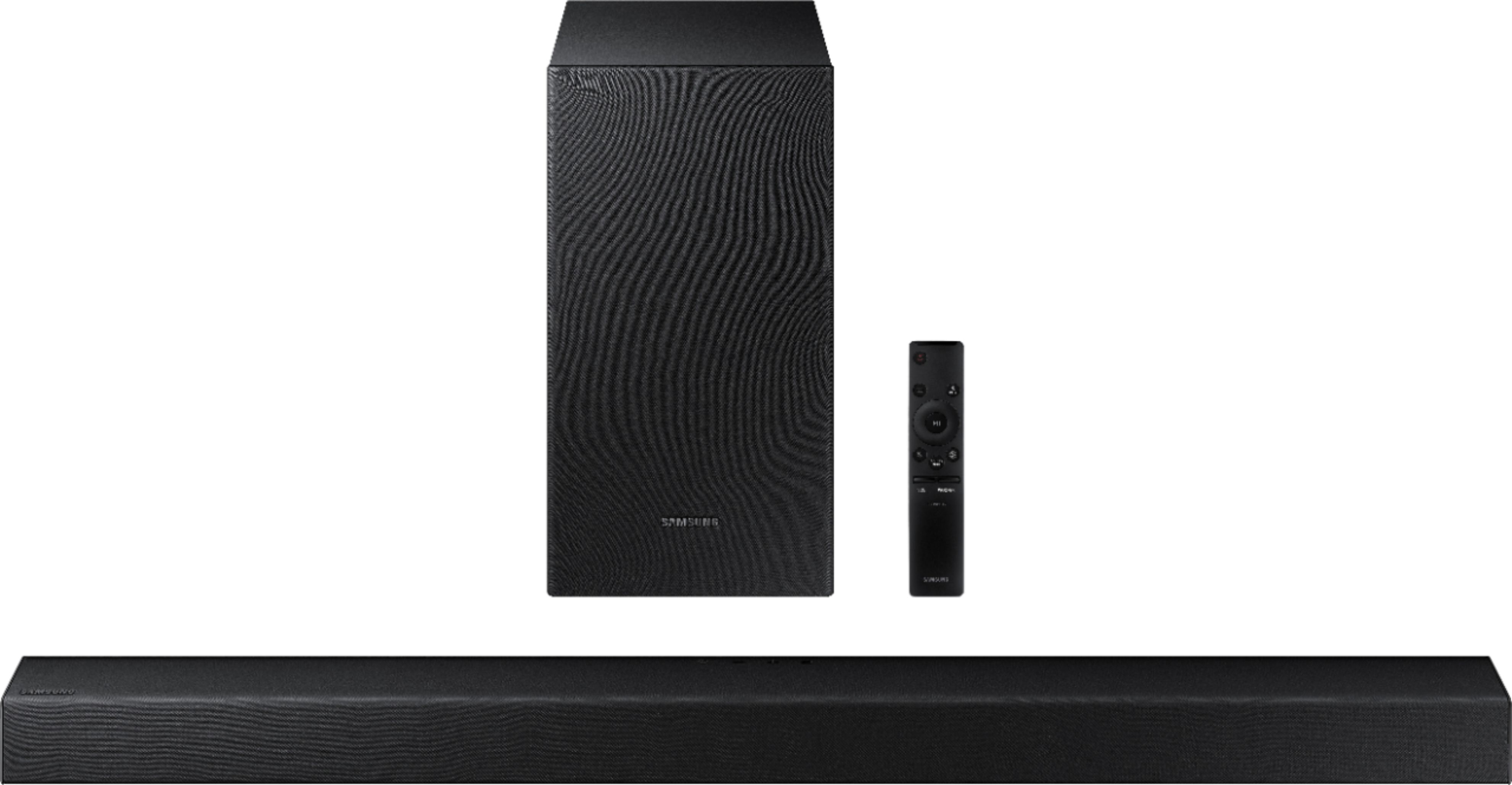
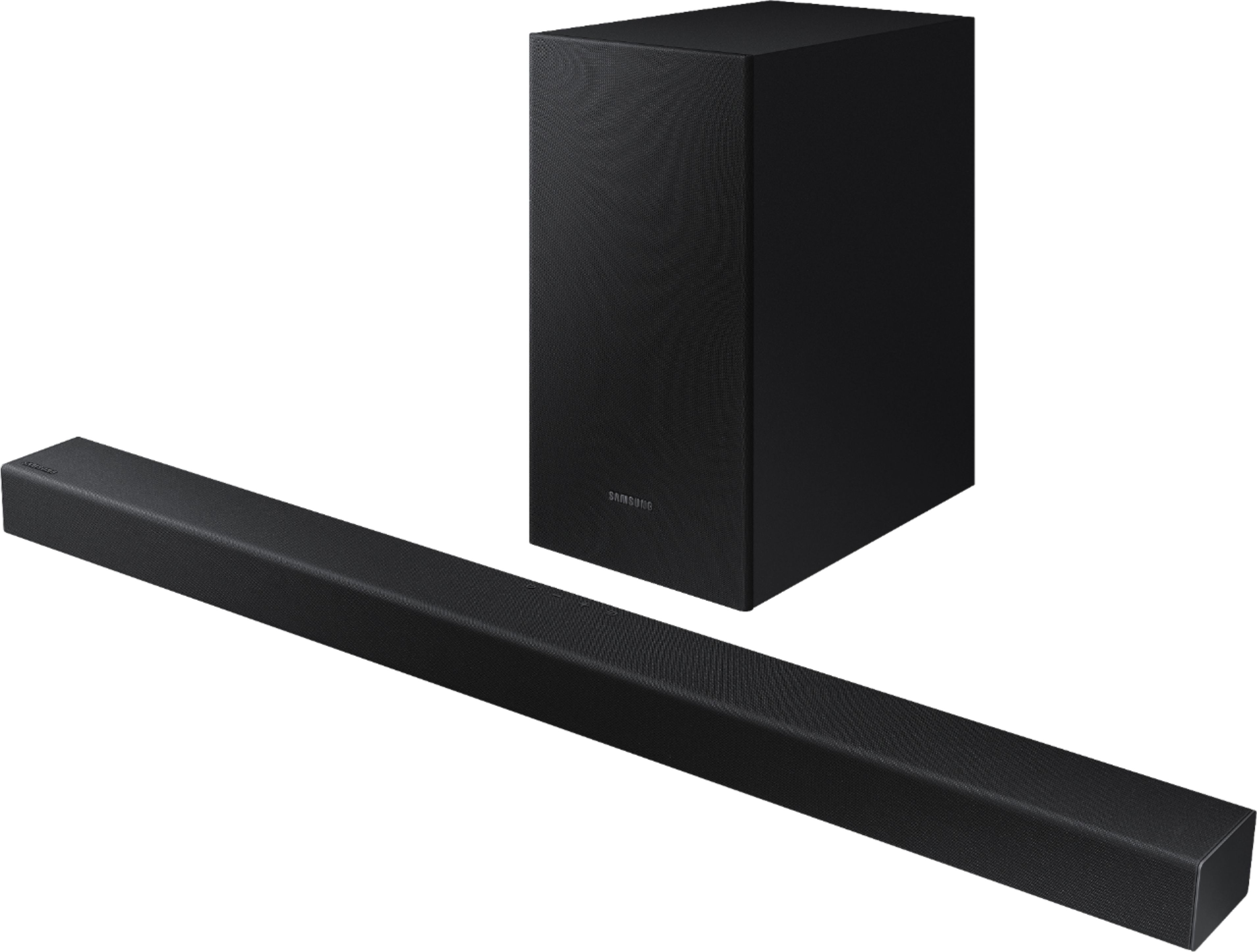



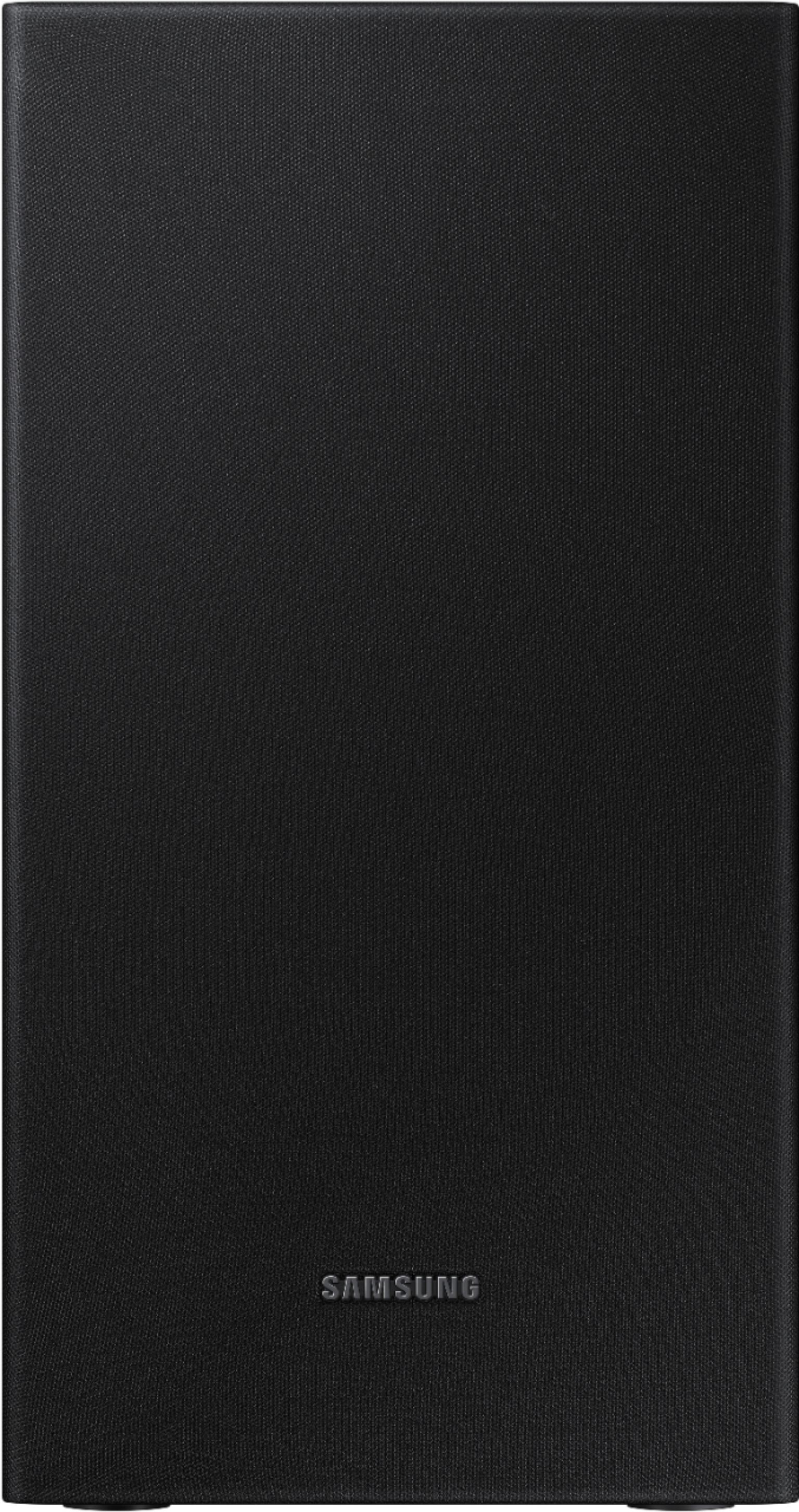
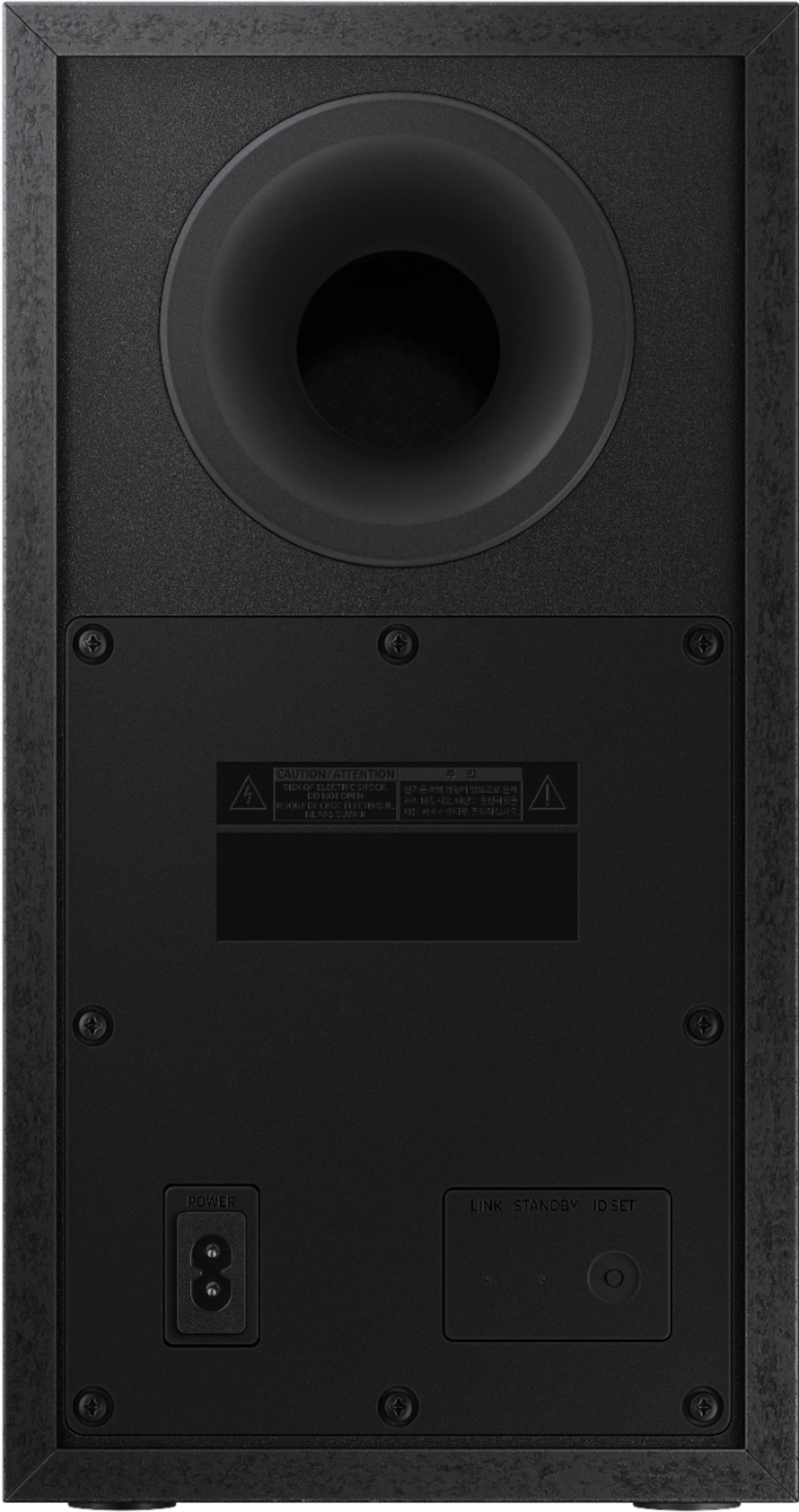
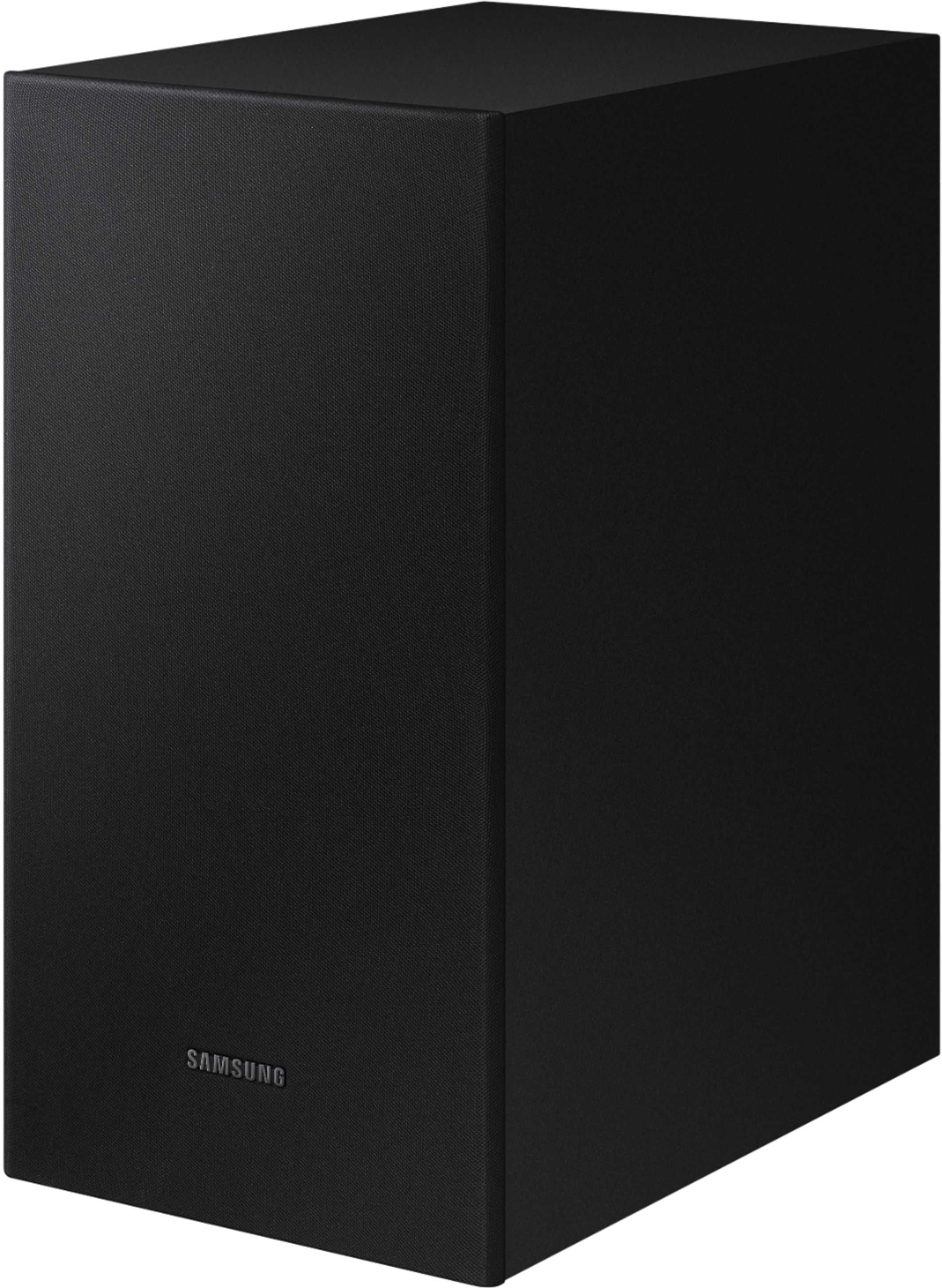
- Model:
- HW-T450/ZA
- SKU:
- 6400704
Rating by feature
- Value
Rating 4.3 out of 5 stars
- Quality
Rating 4.2 out of 5 stars
- Ease of Use
Rating 4.3 out of 5 stars
Customers are saying
Customers are pleased with the sound quality, easy setup, and price of the 2.1-Channel Soundbar with Wireless Subwoofer and Dolby Audio (2020). Many customers rave about the unexpectedly amazing bass and great sound system. However, some customers have experienced issues with Bluetooth connectivity, volume, compatibility, and power.
This summary was generated by AI based on customer reviews.
Sound bar.Very low end.
||Posted . Owned for 3 weeks when reviewed.This reviewer received promo considerations or sweepstakes entry for writing a review.Doesn't do much. Hard to tell when it's even on.definitely not worth the money.
No, I would not recommend this to a friendBrand response from Samsung
Posted .cheyenne:
Thank you for purchasing the Samsung HW-T450 Soundbar and for your review. I am very sorry that you are not happy with the volume of your soundbar. Simply changing the Digital Output Audio Format to PCM can help. You may want to try changing the Digital Output Audio Format to PCM.
This can be found at Home > Settings > Sound > Expert Settings. (It can also be found in the Quick Settings.)
If your Digital Output Audio Format isn't set to PCM, like for instance if you have a Dolby option selected, then you will likely notice decreased maximum volume. Dolby options are designed for surround systems (like 5.1 or 7.1), whereas PCM provides great sound quality for stereo speakers.
If you don't have a surround system, you will probably want to select PCM. You'll get much louder volume that way, and potentially better sound quality.
I hope this helps. For further assistance with settings, features, or functions, please contact Samsung Customer Support.
1) Phone: 1-800-SAMSUNG, (available 8AM to 12AM EST - 7 days a week)
2) LiveChat: https://www.samsung.com/us/support/#contact_us_for_support
3) Facebook Messenger: https://www.facebook.com/samsungsupport
4) Twitter: https://twitter.com/SamsungSupport
5) The Samsung Members Community is also a great resource for getting help from Samsung moderators and customers: https://us.community.samsung.com
If you have not already done so, we invite you to register your new Samsung product at:
https://www.samsung.com/us/account/signin/?redirect=https%3A%2F%2Fwww.samsung.com%2Fus%2Fsupport%2Fregister%2F&user=dsr-registration
Registering your product gives you access to easy warranty support, convenient opt-in to special promos and offers, faster troubleshooting and service, and quick notification of system updates.
~ Samsung Solutions
Terrible sound
||Posted . Owned for 3 weeks when reviewed.This reviewer received promo considerations or sweepstakes entry for writing a review.I bought it to replace my 2014 samsunhg hw450 sound bar and my older one sounds way better. Unlike the older one this one doesn't have a hdmi arc input , nor does it have decent mods and highs. I ultimately exchanged it for polk signa 2.
No, I would not recommend this to a friendDO NOT BUY "OPEN PRODUCTS"
||Posted .This reviewer received promo considerations or sweepstakes entry for writing a review.DO NOT BUY "Open box" things. I did with this item and literally only got the sound bar and woofer. No power cords,remotes, instruction. I will definitely be attempting to return it tomorrow. The one star is more for best buy than the product, because well the speaker it was not unable.
No, I would not recommend this to a friendMy best buy horrible experience.
||Posted .This reviewer received promo considerations or sweepstakes entry for writing a review.I ordered a open box sound bar Samsung supposedly in excellent condition and it was not it never worked and I had to pay to have it returned. This is one of the worst experiences I have ever been in with your company.
No, I would not recommend this to a friendReview
||Posted . Owned for 3 weeks when reviewed.This reviewer received promo considerations or sweepstakes entry for writing a review.The old version was better than these. The sound is horrible.
No, I would not recommend this to a friendBrand response from Samsung
Posted .Hi NessaJ,
Thank you for sharing your review of the Samsung HW-T450. I am sorry to see that you are not completely happy with the sound performance. This soundbar features a powerful wireless subwoofer, as well as Game Mode, & Smart Sound which automatically detects what you're watching and optimizes the sound setting.
You can try manually optimizing your settings by pressing the SOUND MODE button on your remote, and then selecting the desired sound effect by choosing STANDARD, SURROUND SOUND, GAME, SMART, or DRC.
You can further adjust TREBLE and BASS via the SOUND CONTROL button (looks like a gear symbol).
If you need further assistance, please know Samsung Customer Support is here to help.
1) Phone: 1-800-SAMSUNG, (available 8AM to 12AM EST - 7 days a week)
2) LiveChat: https://www.samsung.com/us/support/#contact_us_for_support
3) Facebook Messenger: https://www.facebook.com/samsungsupport
4) Twitter: https://twitter.com/SamsungSupport
5) The Samsung Members Community is also a great resource for getting help from Samsung moderators and customers: https://us.community.samsung.com
If you have not already done so, we invite you to register your new Samsung product at:
https://www.samsung.com/us/account/signin/?redirect=https%3A%2F%2Fwww.samsung.com%2Fus%2Fsupport%2Fregister%2F
Registering your product gives you access to easy warranty support, convenient opt-in to special promos and offers, faster troubleshooting and service, and quick notification of system updates.
~ Samsung Ambassador
Nopeeeee
||Posted . Owned for 2 months when reviewed.This reviewer received promo considerations or sweepstakes entry for writing a review.Bluetooth is horrible disconnects and doesn’t pair save your $
No, I would not recommend this to a friendBrand response from Samsung
Posted .eLLeDB,
Thank you for your review of this Samsung HW-T450 Soundbar System. I am sorry to hear that you are experiencing connection issues.
There are a few things you may want to check:
1) The maximum wireless signal transmission distance is about 33 ft.
2) If there is a wall between the sound bar and the subwoofer it may cause interference or not work at all depending on the material in the wall.
3) If there is a device that uses the same wireless frequency (2.4 GHz) near the Soundbar, interference may cause some sound interruption.
4) Check all of the sources on the soundbar. If the audio is dropping while watching TV it could be an issue with the broadcast.
5) Also, please be sure you have the latest firmware update. You can update your firmware by Auto Update, using the SmartThings app, or by using a USB device. You can find the update here: https://www.samsung.com/us/support/owners/product/2020-t-series-soundbar-with-wireless-subwoofer-hw-t450
Should you need further assistance with this issue, or have any questions about features or operation, please know that Samsung is here to help.
For further assistance, please contact Samsung Customer Support.
1) Phone: 1-800-SAMSUNG, (available 8AM to 12AM EST - 7 days a week)
2) LiveChat: https://www.samsung.com/us/support/#contact_us_for_support
3) Facebook Messenger: https://www.facebook.com/samsungsupport
4) Twitter: https://twitter.com/SamsungSupport
5) The Samsung Members Community is also a great resource for getting help from Samsung moderators and customers: https://us.community.samsung.com
If you have not already done so, we invite you to register your new Samsung product at:
https://www.samsung.com/us/account/signin/?redirect=https%3A%2F%2Fwww.samsung.com%2Fus%2Fsupport%2Fregister%2F
Registering your product gives you access to easy warranty support, convenient opt-in to special promos and offers, faster troubleshooting and service, and quick notification of system updates.
~ Samsung Ambassador
Not gooda Not bad ok ok
||Posted . Owned for 8 months when reviewed.This reviewer received promo considerations or sweepstakes entry for writing a review.Not a good buy with this price range . Works ok ok
No, I would not recommend this to a friendSpeaker
||Posted . Owned for 1 month when reviewed.This reviewer received promo considerations or sweepstakes entry for writing a review.The audio is not so good the quality is poor not like
No, I would not recommend this to a friendBrand response from Samsung
Posted .Hi Samsung,
Thank you for purchasing this Samsung HW-T650 Soundbar featuring a dedicated center channel for clear dialogue and a wireless subwoofer for deep bass. I am sorry to hear that you are not completely happy with performance.
Your soundbar features Smart Sound Mode to automatically analyze your content and optimize sound settings for the best audio delivery. You can also select from STANDARD, SURROUND SOUND, GAME, SMART, or DTS VIRTUAL:X effects by pressing the SOUND MODE button on the soundbar remote.
You can further adjust TREBLE and BASS via the SOUND CONTROL button (looks like a gear symbol).
I hope this tip helps improve your sound experience. Should you need further assistance with features, functions, settings, or adjustments, please contact Samsung Customer Support.
1) Phone: 1-800-SAMSUNG, (available 8AM to 12AM EST - 7 days a week)
2) LiveChat: https://www.samsung.com/us/support/#contact_us_for_support
3) Facebook Messenger: https://www.facebook.com/samsungsupport
4) Twitter: https://twitter.com/SamsungSupport
5) The Samsung Members Community is also a great resource for getting help from Samsung moderators and customers: https://us.community.samsung.com
If you have not already done so, we invite you to register your new Samsung product at:
https://www.samsung.com/us/account/signin/?redirect=https%3A%2F%2Fwww.samsung.com%2Fus%2Fsupport%2Fregister%2F
Registering your product gives you access to easy warranty support, convenient opt-in to special promos and offers, faster troubleshooting and service, and quick notification of system updates.
~ Samsung Ambassador
Pass on this one
||Posted . Owned for 6 months when reviewed.This reviewer received promo considerations or sweepstakes entry for writing a review.I swapped this out and still have the same issue. The sound does not match up to the video. There is a very notices delay between the video and audio sound. The system does allow you to adjust the delay to get it to sync, but it never works right.
No, I would not recommend this to a friendBrand response from Samsung
Posted .Hi Johmorga,
Thank you for your review of the HW-T450 Soundbar. We value your feedback regarding the sound synchronization issue you are experiencing.
If the video on the TV and audio from the soundbar are not synchronized, press the SOUND CONTROL button on the soundbar remote, until you see AUDIO SYNC on the display. You can then set the audio delay between 0~300 milliseconds by using the Up/Down buttons.
You can also try the below to minimize the delay:
1) Connect the source directly to the Soundbar’s HDMI input, then connect the Soundbar to the HDMI ARC input on the TV.
2) On the TV, set the Sound Delay level to 0. Home > Settings > Sound > Expert Settings > Digital Output Audio Delay: “0”
3) Change the audio format to PCM on both the source device and the TV.
For additional troubleshooting steps, please refer to this online guide:
https://www.samsung.com/us/support/troubleshooting/TSG01110022/
I hope the above helps to solve your issue. If you need further help, please reach out to Samsung Customer Support at 1-800-SAMSUNG (ask for Soundbars), available 8AM -12AM EST, 7 days a week. Or text HELP to 62913.
For additional support resources, visit us on the Samsung website and click on the ‘Support’ link in the upper right corner of the homepage for:
1) More ‘Contact Us’ options – LiveChat, Facebook, Twitter, Samsung Community, Samsung Members app
2) Manuals & Software
3) Warranty Info
4) Product Registration: For access to easy warranty support, convenient opt-in to special promos and offers, faster troubleshooting and service, and quick notification of system updates.
We hope to hear from you soon.
~ Samsung Specialist
Poor sound
||Posted . Owned for 8 months when reviewed.This reviewer received promo considerations or sweepstakes entry for writing a review.Even though I love my Samsung TV this sound bar is underwhelming. The detachable speakers that I purchased with this system were low powered and very disappointing. I returned them and purchased JBL sound bar with detachable speakers
No, I would not recommend this to a friendOpen box had cable connect issues.
||Posted . Owned for 2 weeks when reviewed.This reviewer received promo considerations or sweepstakes entry for writing a review.Bought as open box. Had to return as the cable access plug-ins were not working. It had no optical cable or USB cable connection. It did have blue tooth connection but it will drop and the sub-woffer would not connect properly.
No, I would not recommend this to a friendCan you hear me now...nope
||Posted . Owned for 1 month when reviewed.This reviewer received promo considerations or sweepstakes entry for writing a review.We threw away the box or we would return. Sound is garbled and sometimes at max volume you still can hardly hear it. Very unfortunate because it was not cheap. $300 I would like to have back for sure. One star...no choice for zero stars.
No, I would not recommend this to a friendBrand response from Samsung
Posted .Cyndi,
Thank you for purchasing the Samsung HW-T450 Soundbar and for your review. I am very sorry that you are not happy with the volume of your soundbar. Simply changing the Digital Output Audio Format to PCM can help. You may want to try changing the Digital Output Audio Format to PCM.
This can be found at Home > Settings > Sound > Expert Settings. (It can also be found in the Quick Settings.)
If your Digital Output Audio Format isn't set to PCM, like for instance if you have a Dolby option selected, then you will likely notice decreased maximum volume. Dolby options are designed for surround systems (like 5.1 or 7.1), whereas PCM provides great sound quality for stereo speakers.
If you don't have a surround system, you will probably want to select PCM. You'll get much louder volume that way, and potentially better sound quality.
To improve your sound experience, try using Dynamic Range Control (DRC). DRC lets you apply dynamic range control to Dolby Digital tracks. With DRC turned on, loud sounds will be reduced.
1) Turn off your Soundbar.
2) While the Soundbar is off, press and hold the Sound Mode button on the remote control for 6 seconds until you see “DRC ON” shown on the display.
3) To turn off DRC, repeat steps 1 and 2 above.
You can also try optimizing audio performance for your specific content by pressing the SOUND MODE button on your soundbar remote, and then selecting the desired sound effect by choosing STANDARD, SURROUND SOUND, GAME, or SMART.
If you need additional help with these issues, or have any questions or concerns with this soundbar, please reach out to us via any of the below options:
1) Phone: 1-800-SAMSUNG, (available 8AM to 12AM EST - 7 days a week)
2) LiveChat: https://www.samsung.com/us/support/#contact_us_for_support
3) Facebook Messenger: https://www.facebook.com/samsungsupport
4) Twitter: https://twitter.com/SamsungSupport
5) The Samsung Members Community is also a great resource for getting help from Samsung moderators and customers: https://us.community.samsung.com
If you have not already done so, we invite you to register your new Samsung product at:
https://www.samsung.com/us/account/signin/?redirect=https%3A%2F%2Fwww.samsung.com%2Fus%2Fsupport%2Fregister%2F
Registering your product gives you access to easy warranty support, convenient opt-in to special promos and offers, faster troubleshooting and service, and quick notification of system updates.
~ Samsung Ambassador
My sound bar
||Posted . Owned for 1 month when reviewed.This reviewer received promo considerations or sweepstakes entry for writing a review.Just bought this not even a month it worked fine. Now it hardly even works. The volume is so soft even when it is up to the max
No, I would not recommend this to a friendBrand response from Samsung
Posted .Unhappatbb:
Thank you for purchasing the Samsung HW-T450 Soundbar and for your review. I am very sorry that you are not happy with the volume of your soundbar. Simply changing the Digital Output Audio Format to PCM can help. You may want to try changing the Digital Output Audio Format to PCM.
This can be found at Home > Settings > Sound > Expert Settings. (It can also be found in the Quick Settings.)
If your Digital Output Audio Format isn't set to PCM, like for instance if you have a Dolby option selected, then you will likely notice decreased maximum volume. Dolby options are designed for surround systems (like 5.1 or 7.1), whereas PCM provides great sound quality for stereo speakers.
If you don't have a surround system, you will probably want to select PCM. You'll get much louder volume that way, and potentially better sound quality.
I hope this helps. For further assistance with settings, features, or functions, please contact Samsung Customer Support.
1) Phone: 1-800-SAMSUNG, (available 8AM to 12AM EST - 7 days a week)
2) LiveChat: https://www.samsung.com/us/support/#contact_us_for_support
3) Facebook Messenger: https://www.facebook.com/samsungsupport
4) Twitter: https://twitter.com/SamsungSupport
5) The Samsung Members Community is also a great resource for getting help from Samsung moderators and customers: https://us.community.samsung.com
~ Samsung Ambassador
Speakers did not work Samsung TV
||Posted . Owned for 1 month when reviewed.This reviewer received promo considerations or sweepstakes entry for writing a review.there was something wrong with the speakers when trying to connect to the TV using WIFI. The connection would cut in and out on the TV. Tried re-paring many times but always the same issue. I returned the speakers.
No, I would not recommend this to a friendBrand response from Samsung
Posted .MPH55:
Thank you for your review of this Samsung Soundbar System. I am sorry to hear that it did not work out for you and have returned your unit.
Your feedback is very important to us and will be shared with our product team.
Should you ever decide to give Samsung audio products another try and have concerns or questions, please know we are always here to help. You can contact Samsung Customer Support by any of the below options:
1) Phone: 1-800-SAMSUNG, available 8AM - 9PM EST, Mon - Fri
2) LiveChat: https://www.samsung.com/us/support/#contact_us_for_support
3) Facebook Messenger: https://www.facebook.com/samsungsupport
4) Twitter: https://twitter.com/SamsungSupport
5) The Samsung Members Community is also a great resource for getting help from Samsung moderators and customers: https://us.community.samsung.com
Again, thank you for taking the time to share your experience. We hope to regain you as a customer in the near future.
~ Samsung Solutions
This sucks!
||Posted . Owned for 3 months when reviewed.This reviewer received promo considerations or sweepstakes entry for writing a review.Have a great Samsung TV too and the sound bar never connects. Constantly unplugging and plugging back in. Do not buy this speaker. Every single day, unplug the speaker bar and plug the power back in.
No, I would not recommend this to a friendBrand response from Samsung
Posted .Hi Vllamas,
Thank you for your review of this Samsung HW-T450 Soundbar System. I am sorry to hear that you are experiencing connection issues.
There are a few things you may want to check:
1) The maximum wireless signal transmission distance is about 33 ft.
2) If there is a wall between the sound bar and the subwoofer it may cause interference or not work at all depending on the material in the wall.
3) If there is a device that uses the same wireless frequency (2.4 GHz) near the Soundbar, interference may cause some sound interruption.
4) Check all of the sources on the soundbar. If the audio is dropping while watching TV it could be an issue with the broadcast.
5) Also, please be sure you have the latest firmware update. You can update your firmware by using a USB device. You can find the update on the product page of your HW-T450 on the Samsung website.
Should you need further assistance with this issue, or have any questions about features or operation, please know that Samsung is here to help.
For further assistance, please contact Samsung Customer Support.
1) Phone: 1-800-SAMSUNG, (available 8AM to 12AM EST - 7 days a week)
2) LiveChat: https://www.samsung.com/us/support/#contact_us_for_support
3) Facebook Messenger: https://www.facebook.com/samsungsupport
4) Twitter: https://twitter.com/SamsungSupport
5) The Samsung Members Community is also a great resource for getting help from Samsung moderators and customers: https://us.community.samsung.com
If you have not already done so, we invite you to register your new Samsung product at:
https://www.samsung.com/us/account/signin/?redirect=https%3A%2F%2Fwww.samsung.com%2Fus%2Fsupport%2Fregister%2F
Registering your product gives you access to easy warranty support, convenient opt-in to special promos and offers, faster troubleshooting and service, and quick notification of system updates.
~ Samsung Ambassador
Poor performing sound bar
||Posted . Owned for 5 months when reviewed.This reviewer received promo considerations or sweepstakes entry for writing a review.This is below average nothing special. It didnt give me the rich bass sound or anything, Have to turn volume way up and looses connection from time to time and sub woofer is no help either
No, I would not recommend this to a friendBrand response from Samsung
Posted .Hi Karl,
Thank you for purchasing the Samsung T450 Soundbar and for your review. We appreciate your feedback regarding the performance of your soundbar.
Simply changing the Digital Output Audio Format to PCM can help increase your volume levels. You may want to try changing the Digital Output Audio Format to PCM.
This can be found at Home > Settings > Sound > Expert Settings. (It can also be found in the Quick Settings.)
If your Digital Output Audio Format isn't set to PCM, like for instance if you have a Dolby option selected, then you will likely notice decreased maximum volume. Dolby options are designed for surround systems (like 5.1 or 7.1), whereas PCM provides great sound quality for stereo speakers.
If you don't have a surround system, you will probably want to select PCM. You'll get much louder volume that way, and potentially better sound quality.
To optimize your audio experience, please try the various sound modes this model offers. Press the SOUND MODE button on your remote, and then select your desired sound effect: STANDARD, SURROUND SOUND, GAME, SMART, or DRC.
You can further adjust TREBLE and BASS via the SOUND CONTROL button (looks like a gear symbol).
I hope these tips help. Should you need further assistance in troubleshooting or have any questions, please contact Samsung Customer Support at 1-800-SAMSUNG (ask for Soundbars), available 8AM -12AM EST, 7 days a week. Or text HELP to 62913.
For additional support resources, visit us on the Samsung website and click on the ‘Support’ link in the upper right corner of the homepage for:
1) More ‘Contact Us’ options – LiveChat, Facebook, Twitter, Samsung Community, Samsung Members app
2) Manuals & Software
3) Warranty Info
4) Product Registration: For access to easy warranty support, convenient opt-in to special promos and offers, faster troubleshooting and service, and quick notification of system updates.
We look forward to hearing from you.
~ Samsung Specialist
Just DON’T
||Posted . Owned for 1 month when reviewed.This reviewer received promo considerations or sweepstakes entry for writing a review.I had the worst time with this and had to bring it back! It refused to pair and it would double the sound from the tv and bar. I couldn’t get it to stop and I consider myself tech savvy!
No, I would not recommend this to a friendBrand response from Samsung
Posted .Hi KK702,
Thank you for your review of the Samsung HW-T650 Soundbar. I am sorry to hear that it did not work out for you and have returned your unit. I understand your disappointment.
Your feedback is very important to us and will be shared with our product team.
Please know that should you ever need assistance with settings or adjustments with a future Samsung purchase to optimize your sound experience, Samsung Customer Support is here to help.
1) Phone: 1-800-SAMSUNG, (available 8AM to 12AM EST - 7 days a week)
2) LiveChat: https://www.samsung.com/us/support/#contact_us_for_support
3) Facebook Messenger: https://www.facebook.com/samsungsupport
4) Twitter: https://twitter.com/SamsungSupport
5) The Samsung Members Community is also a great resource for getting help from Samsung moderators and customers: https://us.community.samsung.com
~ Samsung Ambassador
Not happy
||Posted . Owned for 6 months when reviewed.This reviewer received promo considerations or sweepstakes entry for writing a review.Very disappointed, set up was not good and sound would not sync with video correctly. Very limited controls after taking out of box. Had to return it and upgrade to a better model.
No, I would not recommend this to a friendBrand response from Samsung
Posted .Hi DaddyB,
Thank you for your review of the Samsung T450 Soundbar. We appreciate your feedback regarding your set up experience, as well as the lip sync issues you experienced with this unit.
Please know that should you ever need assistance with settings or adjustments with a future Samsung purchase to optimize your sound experience, Samsung Customer Support is here to help. You can reach us at 1-800-SAMSUNG (ask for Soundbars), available 8AM -12AM EST, 7 days a week. Or text HELP to 62913.
For additional support resources, visit us on the Samsung website and click on the ‘Support’ link in the upper right corner of the homepage for:
1) More ‘Contact Us’ options – LiveChat, Facebook, Twitter, Samsung Community, Samsung Members app
2) Manuals & Software
3) Warranty Info
4) Product Registration: For access to easy warranty support, convenient opt-in to special promos and offers, faster troubleshooting and service, and quick notification of system updates.
We hope to hear from you soon.
~ Samsung Specialist
Missing cables
||Posted . Owned for less than 1 week when reviewed.This reviewer received promo considerations or sweepstakes entry for writing a review.Purchased this sound bar with my new tv and was so excited to have a family movie night. Opened the box and it was missing the power cable to the sound bar and the optical cable.
No, I would not recommend this to a friendBrand response from Samsung
Posted .Michael:
Thank you for purchasing the Samsung HW-T450 Soundbar. I am very sorry that your power cable and optical cable were missing from your box. If purchased brand-new and unopened, please contact Samsung Customer Support and a representative will gladly help you.
1) Phone: 1-800-SAMSUNG, (available 8AM to 12AM EST - 7 days a week)
2) LiveChat: https://www.samsung.com/us/support/#contact_us_for_support
3) Facebook Messenger: https://www.facebook.com/samsungsupport
4) Twitter: https://twitter.com/SamsungSupport
5) The Samsung Members Community is also a great resource for getting help from Samsung moderators and customers: https://us.community.samsung.com
If you have not already done so, we invite you to register your new Samsung product at:
https://www.samsung.com/us/account/signin/?redirect=https%3A%2F%2Fwww.samsung.com%2Fus%2Fsupport%2Fregister%2F&user=dsr-registration
Registering your product gives you access to easy warranty support, convenient opt-in to special promos and offers, faster troubleshooting and service, and quick notification of system updates.
~ Samsung Solutions
Wish I had purchased a different better sound bar.
||Posted . Owned for 1 month when reviewed.This reviewer received promo considerations or sweepstakes entry for writing a review.Flimsy connection; difficult to connect; very difficult to get the unit to work. Remote control won't work at all - wish I had brought these items back to the store. :o(
No, I would not recommend this to a friend