Customer Ratings & Reviews

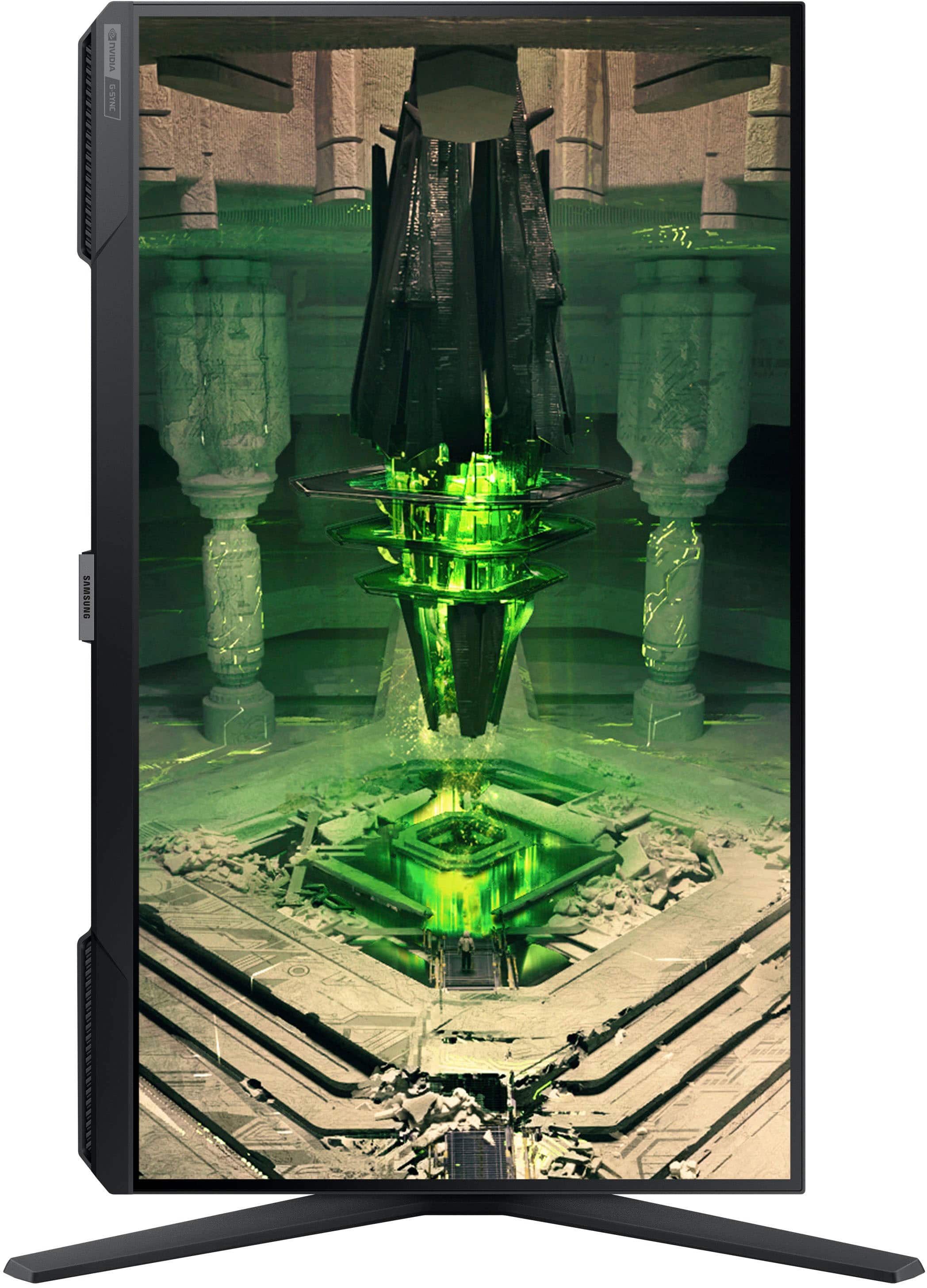
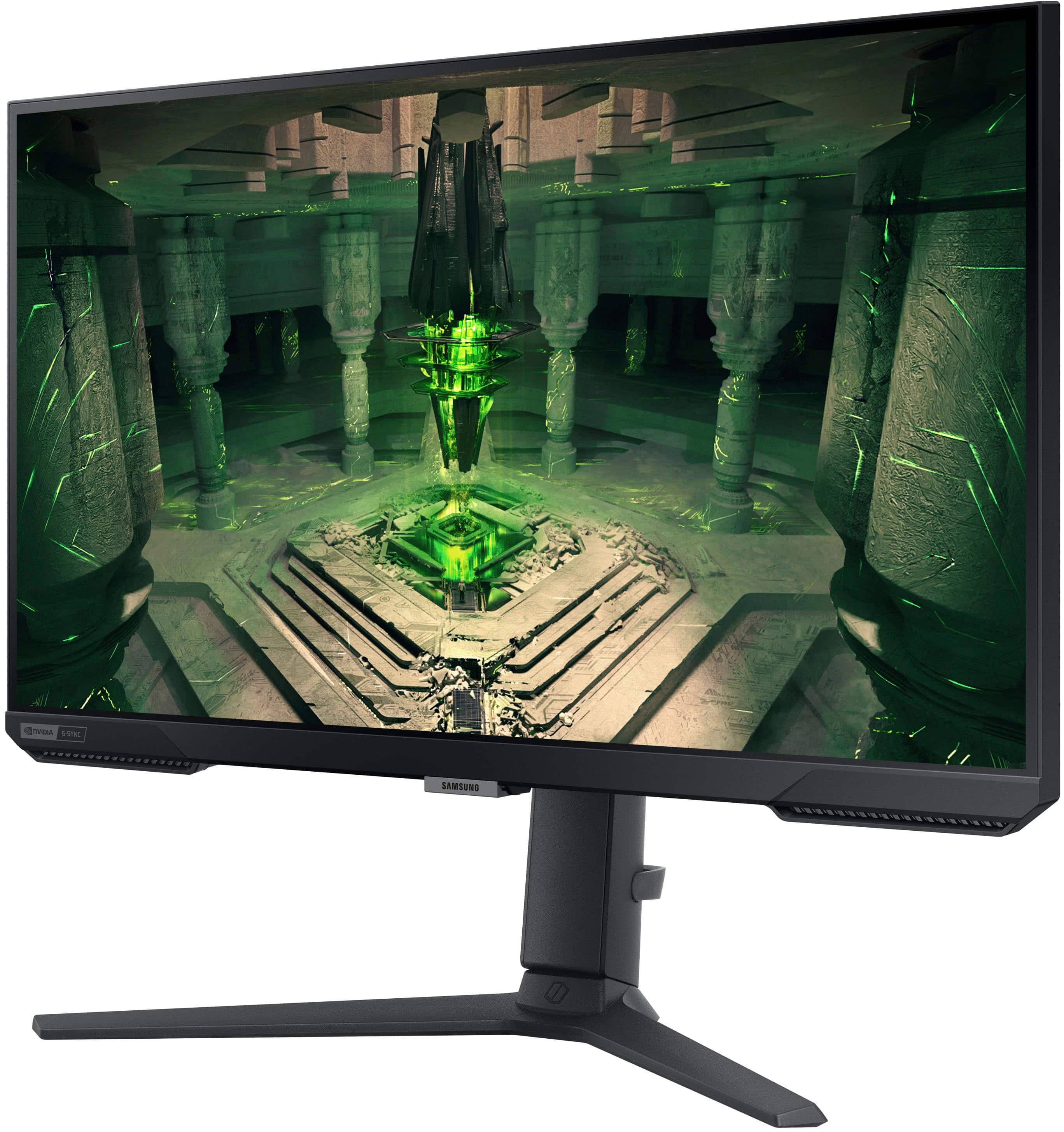
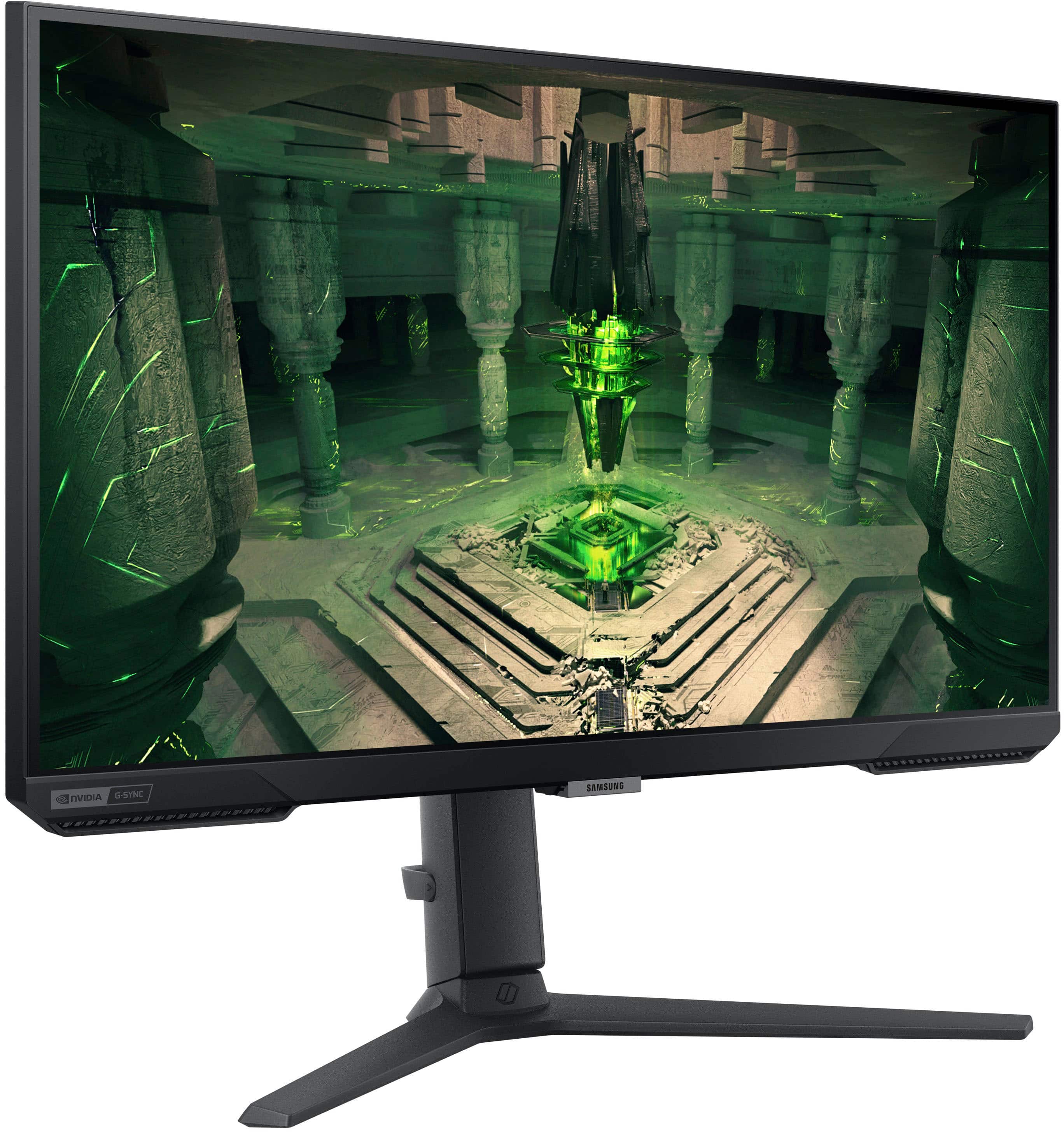
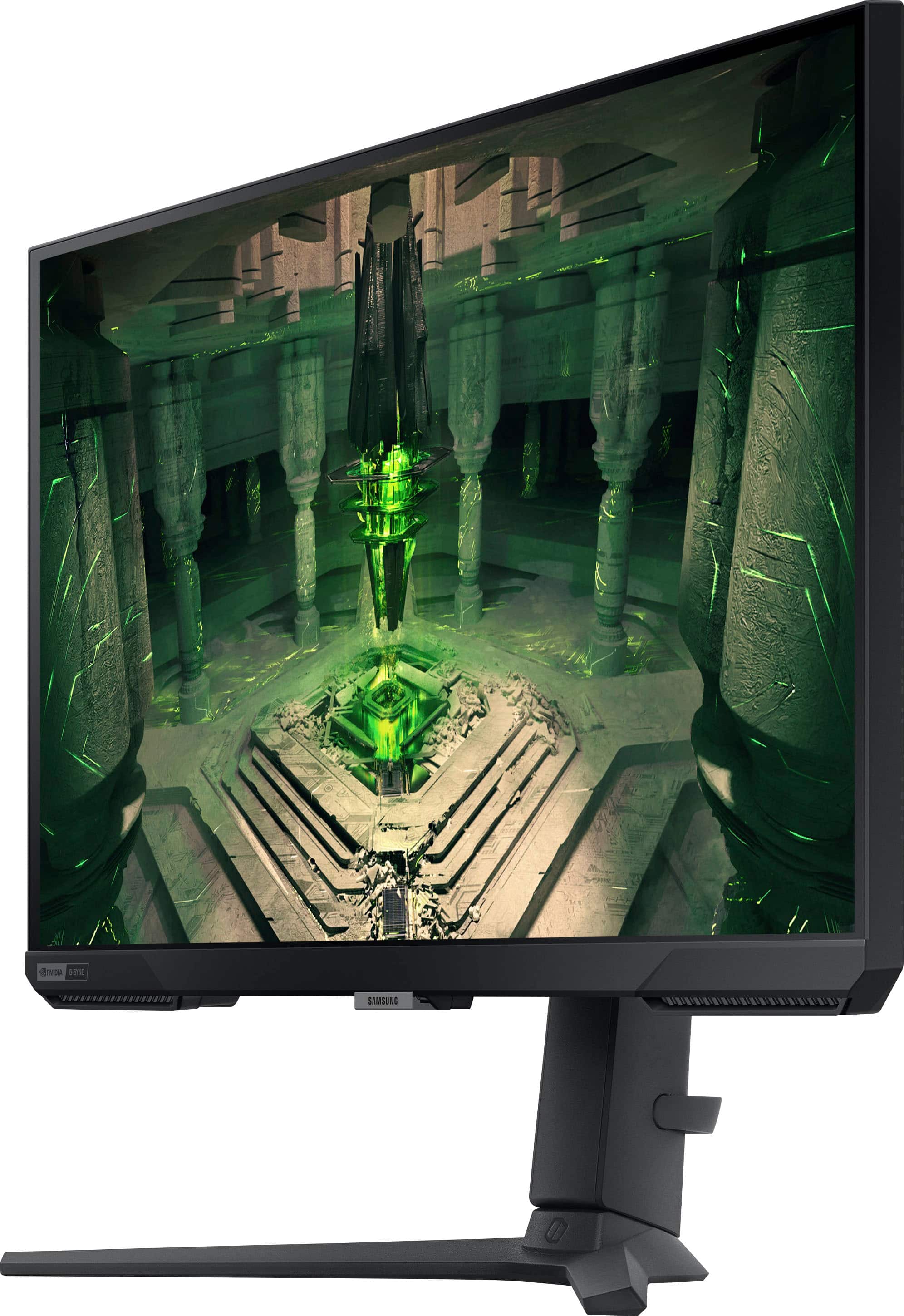
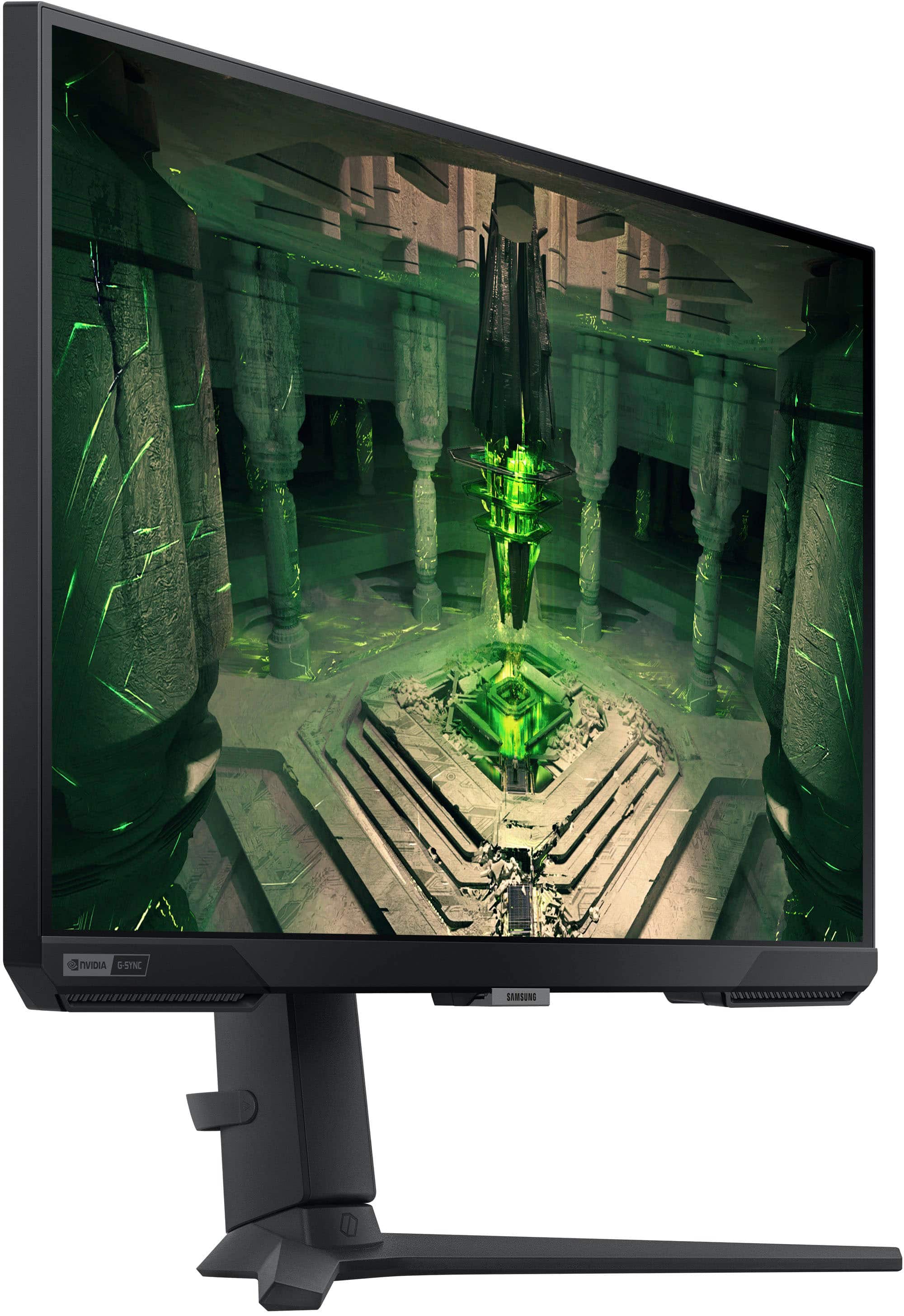
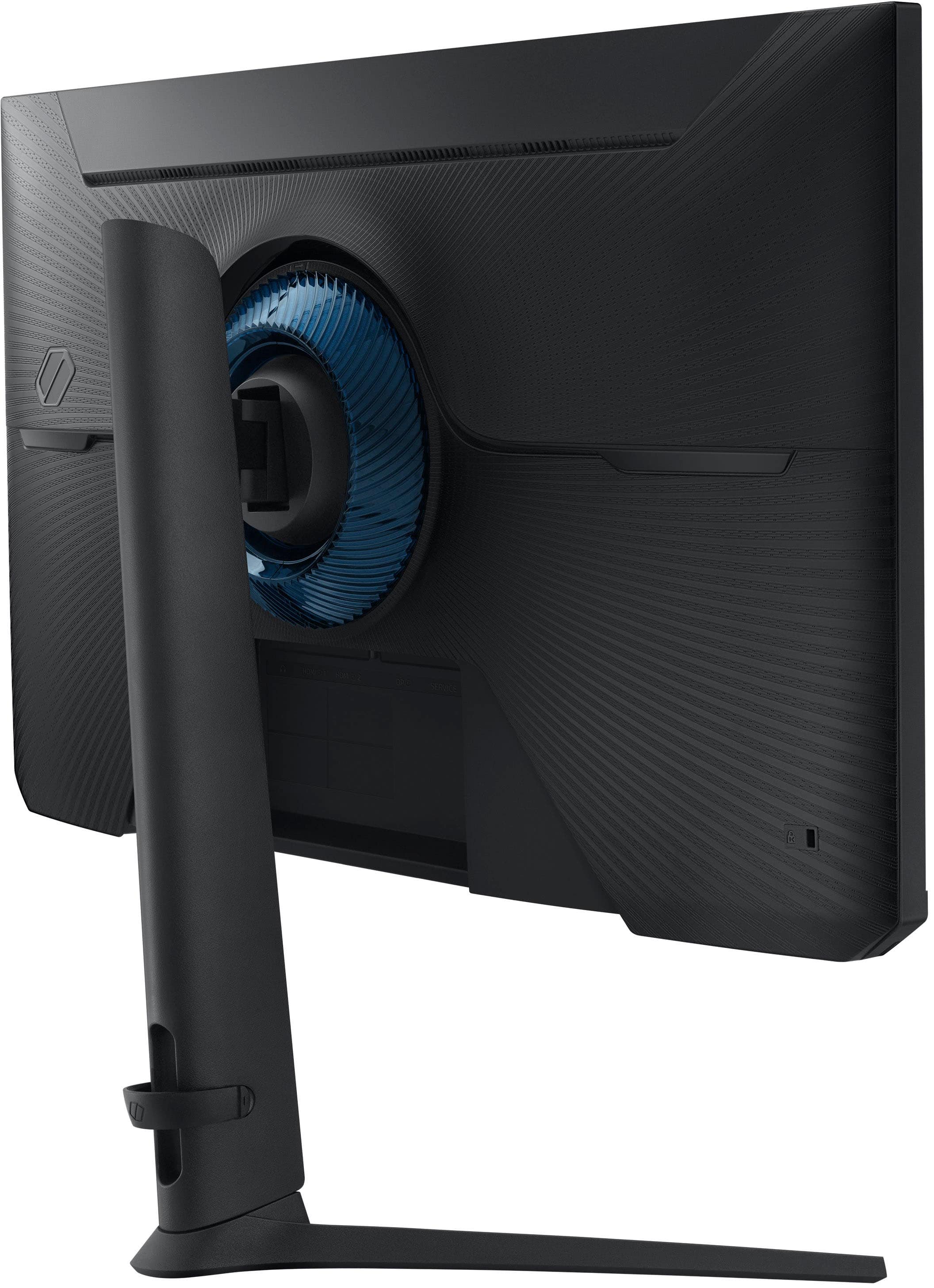
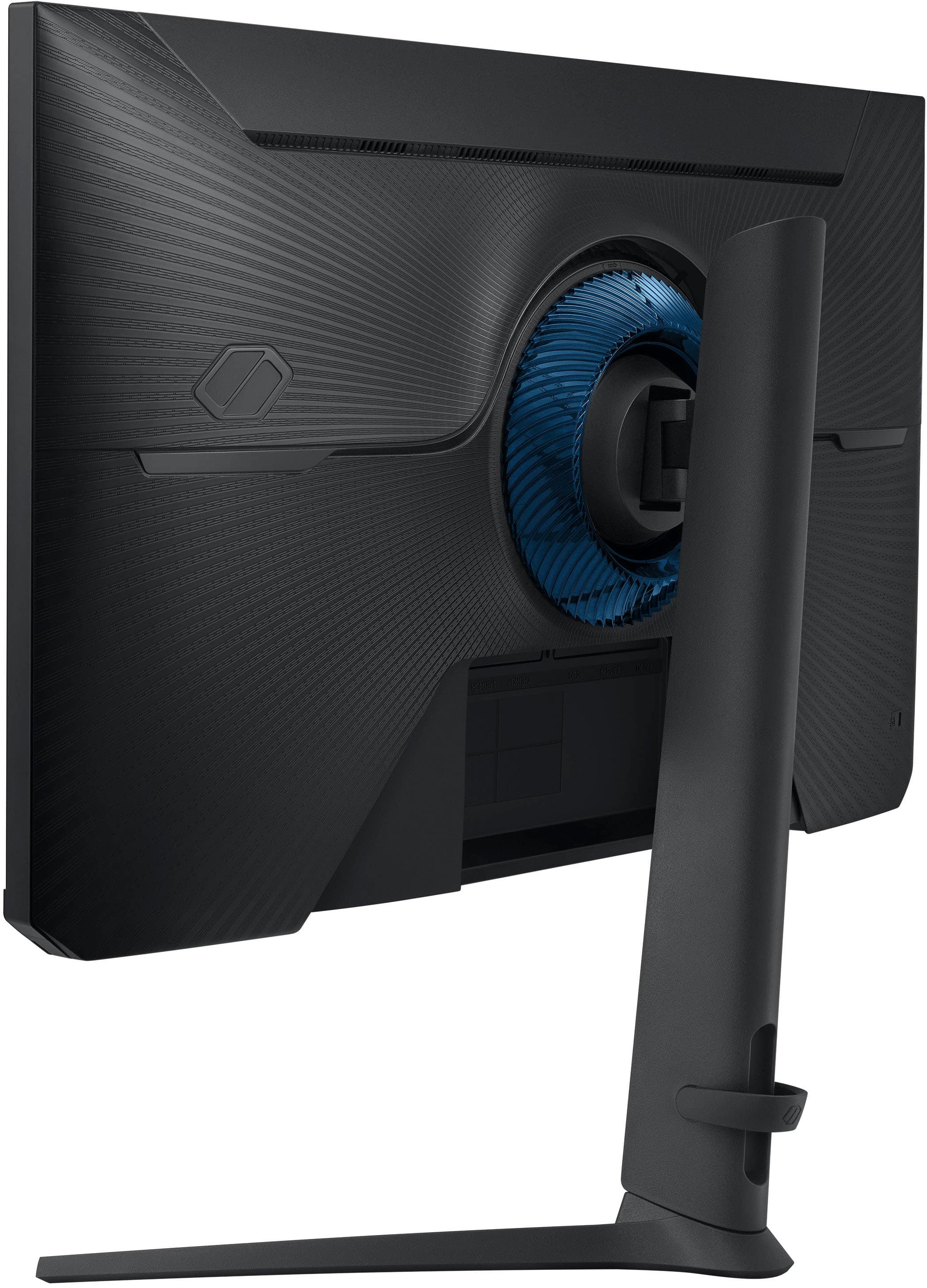
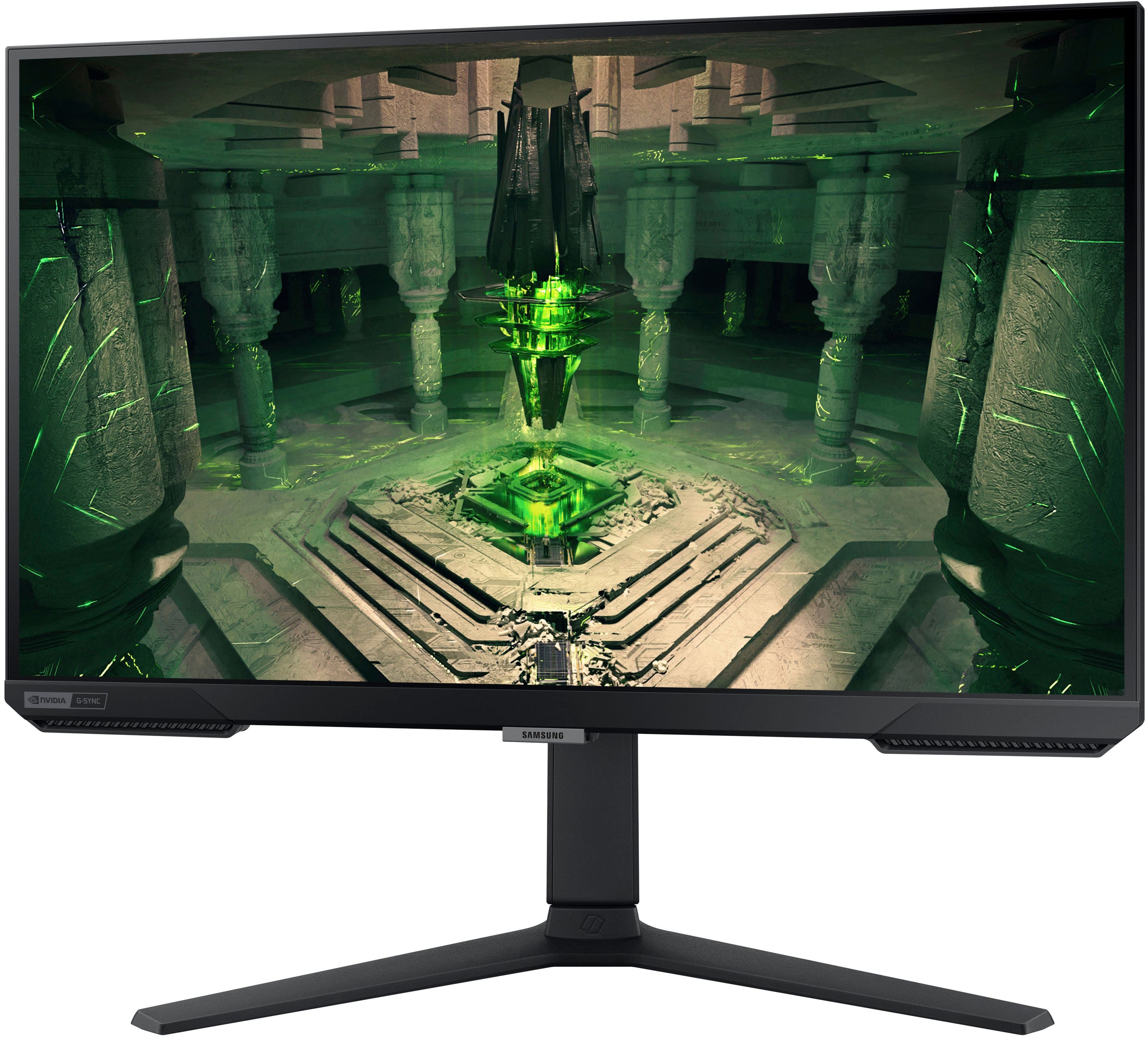
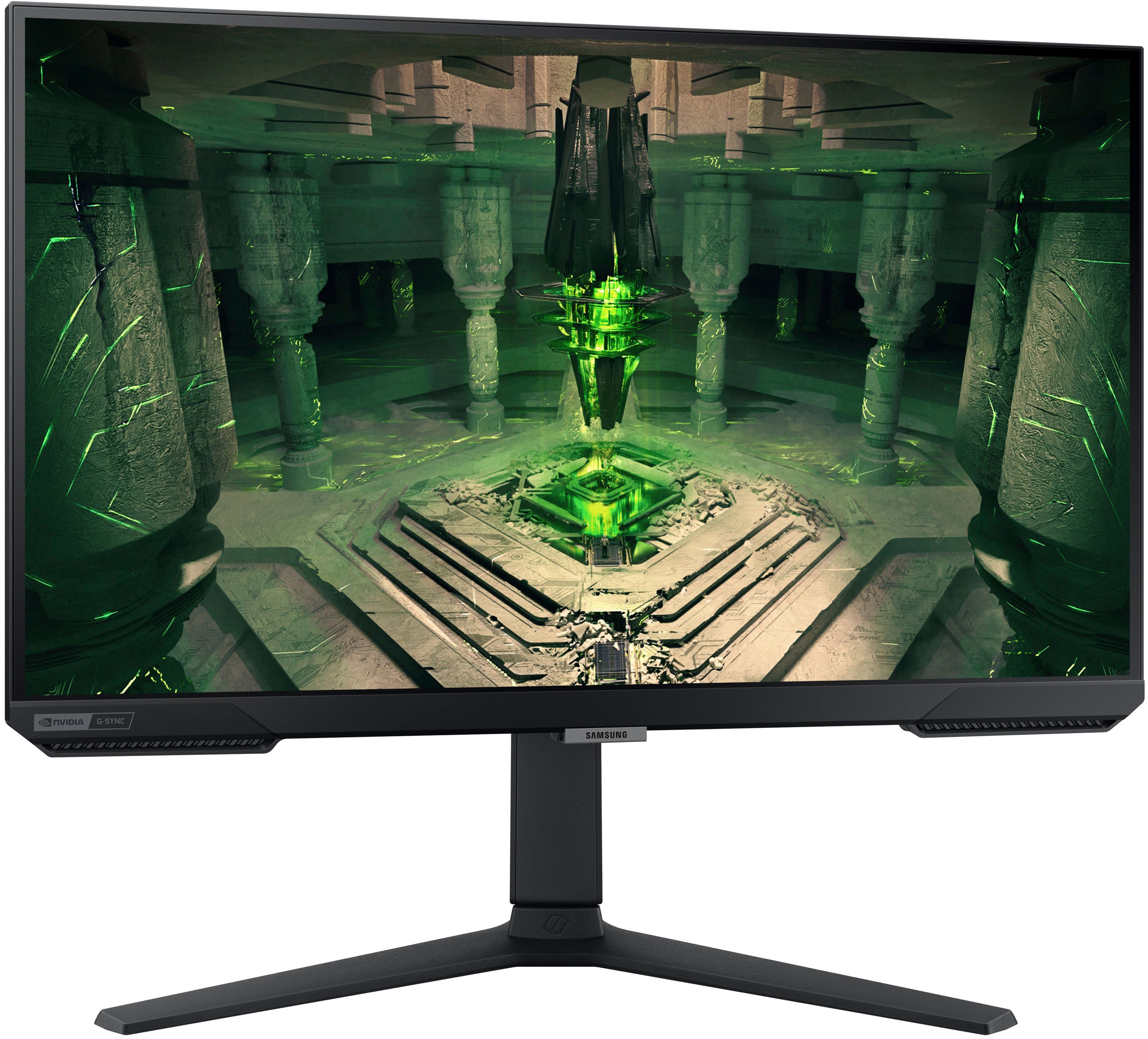
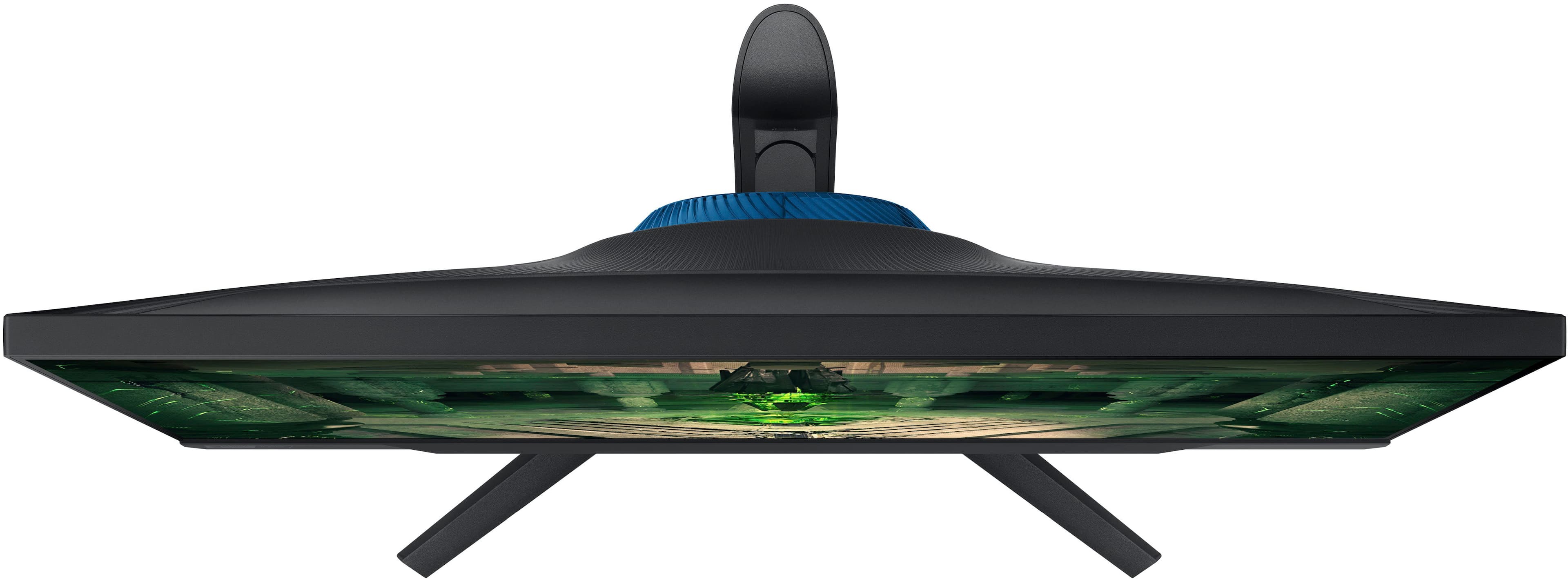
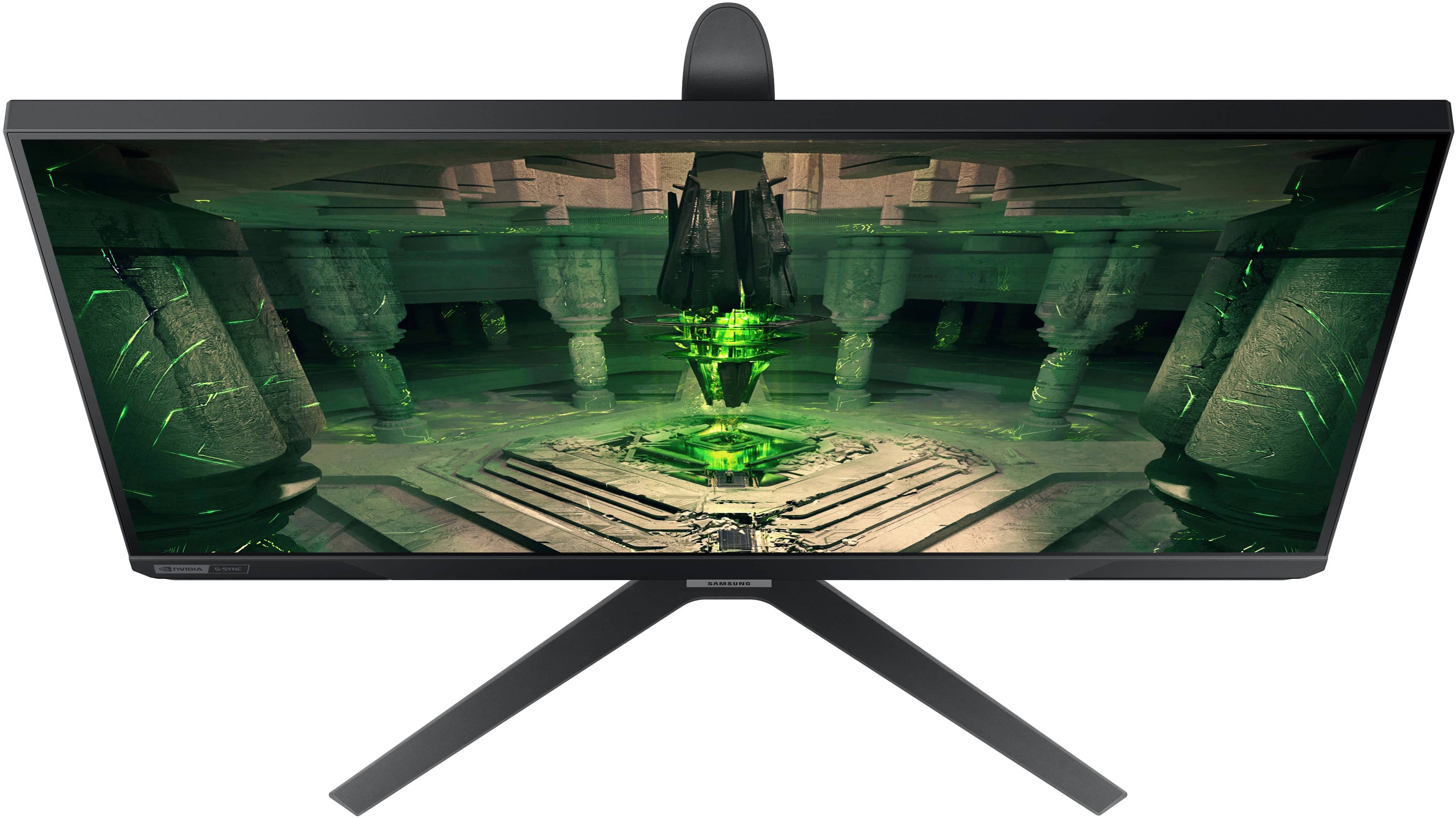


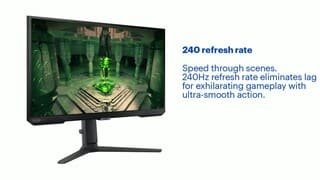
- Model:
- LS27BG402ENXGO
- SKU:
- 12374761
Rating by feature
- Display Quality
Rating 4.8 out of 5 stars
- Ease of Use
Rating 4.8 out of 5 stars
- Features
Rating 4.7 out of 5 stars
Good monitor and hdr
||Posted . Owned for 3 months when reviewed.This reviewer received promo considerations or sweepstakes entry for writing a review.Good monitor use it for my gaming pc with a Ryzen 7 5800x and 3060
I would recommend this to a friend- Pros mentioned:Refresh rate
Good
||Posted . Owned for 2 months when reviewed.This reviewer received promo considerations or sweepstakes entry for writing a review.I love this monitor for this price 240hz for fps and movies
I would recommend this to a friend Gaming monitor
||Posted .This reviewer received promo considerations or sweepstakes entry for writing a review.Not the best looks nice but visuals are not up to par as my viotek that was less but looks better im highly disappointed
No, I would not recommend this to a friendBrand response from Samsung
Posted .Please know you are leaving a review for the [series/model], not the service provided by a third party seller. Please follow up directly with the seller for further assistance. We hope your issue is resolved in a timely manner. Should you have questions regarding Samsung TVs, please contact Samsung Support at 1-800-SAMSUNG, 8AM - 12AM EST, 7 days a week. Our LiveChat agents are also available by clicking on the ‘Support’ link on our website.

“Excellent Condition 240hz Monitor” Lol
||Posted .This reviewer received promo considerations or sweepstakes entry for writing a review.I’ve never bought an “Open Box” item and I now see why. Products was caked in finger prints and smear marks and this is a gaming monitor. Never once did it mention it was a display model any where in the description it only listed it as excellent condition. Also I would have just bought a brand new one but this was the only one they had available as they canceled my original order stating it was out of stock. I may have been able to get past it and clean it off but when I happily got home and was ready to open the product I received a monitor, and stand. That’s it. No power cord no display cord no hdmi. So now what I’m supposed to go and buy one? Someone please let me know if this is typical because I’m so annoyed right now at this whole thing and a monitor does not run off of battery so I feel like it should have been included. Also I feel like you guys should mention it’s a display model instead of ripping people off and listing it under excellent. Guess I will just be using Amazon from now on. Way to waste my time and $300.
No, I would not recommend this to a friendBrand response from Samsung
Posted .Thank you for your review on your 27" Odyssey G40B Gaming Monitor.
We are sorry you were not satisfied with your experience. Your overall feedback is important to us and we will document your concerns.
We also recommend you contact BestBuy directly for assistance in correcting the situation.
If you ever need assistance with the monitor itself, please contact Samsung Customer Support and a rep will be happy to assist you:
1-800-SAMSUNG, available 8AM - 12AM EST (Mon-Fri) / 9AM - 11PM EST (Sat-Sun)
Samsung is committed to providing the best possible product experience, quality, and value, and we are always here to help with any of your questions or concerns.
You get what you pay for
||Posted . Owned for 1 month when reviewed.This reviewer received promo considerations or sweepstakes entry for writing a review.You get what you pay for. Best monitor for the cheapest price
I would recommend this to a friend- Pros mentioned:Refresh rate

Nice, Solid HD Monitor
|Posted .This reviewer received promo considerations or sweepstakes entry for writing a review.Solidly built monitor with some nice features. THE GOOD ~ Bright ~ Good size ~ 240Hz Refresh ~ Easy Buttons ~ Sturdy stand ~ Adjustable stand ~ Comes with HDMI and Display Port cables ~ IPS ~ Colors THE BAD ~ Sound? ~ Proprietary power ~ Bezel bigger than how it appears THE MEH (Could go either way) ~ Proprietary power ~ 1080p OVERALL Overall, the monitor is very good. It's 1080p and I knew that before I got it. I'm running a dual monitor system with a 2K 144Hz LED monitor and a 1080 IPS monitor. I got this originally to use with another computer, but I decided to set it up on this one first in order to compare it with the all the same hardware. Opening the box, I was impressed with how neatly it was packed. That may sound crazy, but a lot of things I open seem like they are jammed in there at strange angles or like they had someone try to create a brain teaser for the best way to get it into the box. This was neat and simple. The next thing that I appreciated is the inclusion of both an HDMI *and* Display Port cables. Unfortunately, I left the power for my old monitor plugged in because every monitor I've had since 1995 has used the same type power cord. This is totally different. I'm not a fan of proprietary cords because if you have something like a Rottweiler puppy living with you, things get chewed. It's so much easier (and cheaper) to be able to repurpose that old cord in the drawer. This seems to be a common practice now, manufacturers put a thin plastic bezel around the monitor and then use some of the screen itself as a bezel. In all, it creates about a 1/4" bezel. Putting the monitor together was simple. The vertical part of the base feels like something you could use to defend your house or hit a home run. It feels rock solid. The monitor fired right up as soon as I turned on my computer. It actually came to life faster than my main monitor. I got into my game and realized I had no sound. When I investigated, I saw the system changed my sound to the Samsung monitor. To be honest, I wonder why anyone puts sound in a monitor. The sound didn't work. I went into the settings, found "Volume" and turned it all the way up. Nothing. Doublechecking the website, it says there are no integrated speakers. That leads to another question, why is "Volume" in the GUI if it doesn't exist? There are some nice presets for the monitor to help you get the best use out of it. I checked them out until I settled on one. This monitor is bright! You can see in the pics the difference between the two. Gameplay was fast and fun. In 2k I normally average about 105-120 FPS. With the Samsung Odyssey, I have seen the counter go to about 200 FPS. Playing World of Tanks I saw no tearing whether I was playing a wheelie, brawling or observing someone else and spinning the free camera as fast as possible. I REALLY like the button placement and ease of use on this monitor. It is in the middle at the bottom and is very user friendly. My other monitor has them in a weird place and they aren't as easy to get to or navigate. ******** The Most Important Part: Would I recommend this top someone? Absolutely. It is a sharp looking monitor with a very good image quality and brightness. I have zero dead/stuck pixels and haven't seen any banding on black/dark videos like I do on my 2K monitor. The caveat, of course, is I would recommend it to someone who likes to game at 1080 or who doesn't need higher than HD. Definitely good enough for most people. In reality I would give this 4.5/5 stars because of the power cord and the volume issue. I think it's more fair to round up here because I really don't want sound and for many people the proprietary power won't even come into question.
I would recommend this to a friend Very good monitor
||Posted . Owned for 1 month when reviewed.This reviewer received promo considerations or sweepstakes entry for writing a review.Haven’t had a monitor for while since my cat broke line and this is the best choice especially on Black Friday
I would recommend this to a friendIts beautifull
||Posted . Owned for 2 weeks when reviewed.This reviewer received promo considerations or sweepstakes entry for writing a review.I like it completely its simply beautiful i have no complaints
I would recommend this to a friend43 Inch Samsung Tv sad quality
||Posted . Owned for 1 month when reviewed.This reviewer received promo considerations or sweepstakes entry for writing a review.Lack of memory to download apps o even to do upgrades.. Power button controlling is nonsense
No, I would not recommend this to a friendBrand response from Samsung
Posted .We are very sorry for the issues you have encountered with your new monitor.
Please contact Samsung Customer Support so that we can better understand your issue and assist with a solution.
You can reach us via any of the below options:
If you need further assistance, we are here to help. You can reach Samsung Support at 1-800-SAMSUNG, available 8AM - 12AM EST (Mon-Fri) / 9AM - 11PM EST (Sat-Sun).
Or visit our Samsung website and click on the SUPPORT link in the upper right corner for:
• Contact Us Options (LiveChat, Remote Support, Facebook, Twitter)
• Product Support
• Manuals and Downloads
• Warranty Info
• Product Registration: Registering your product gives you access to easy warranty support, convenient opt-in to special promos and offers, faster troubleshooting and service, and quick notification of system updates
• Samsung Community: A great resource for getting help from Samsung moderators and customers
Registering your product gives you access to easy warranty support, convenient opt-in to special promos and offers, faster troubleshooting and service, and quick notification of system updates.
Samsung stands behind the quality and performance of every product we manufacture, and we back this model with a 1-year manufacturer's limited warranty, if purchased brand-new directly from an authorized seller.
Again, we are very sorry for the inconveniences you have had and hope that we will hear from you soon.
- Pros mentioned:Refresh rate
Samsung
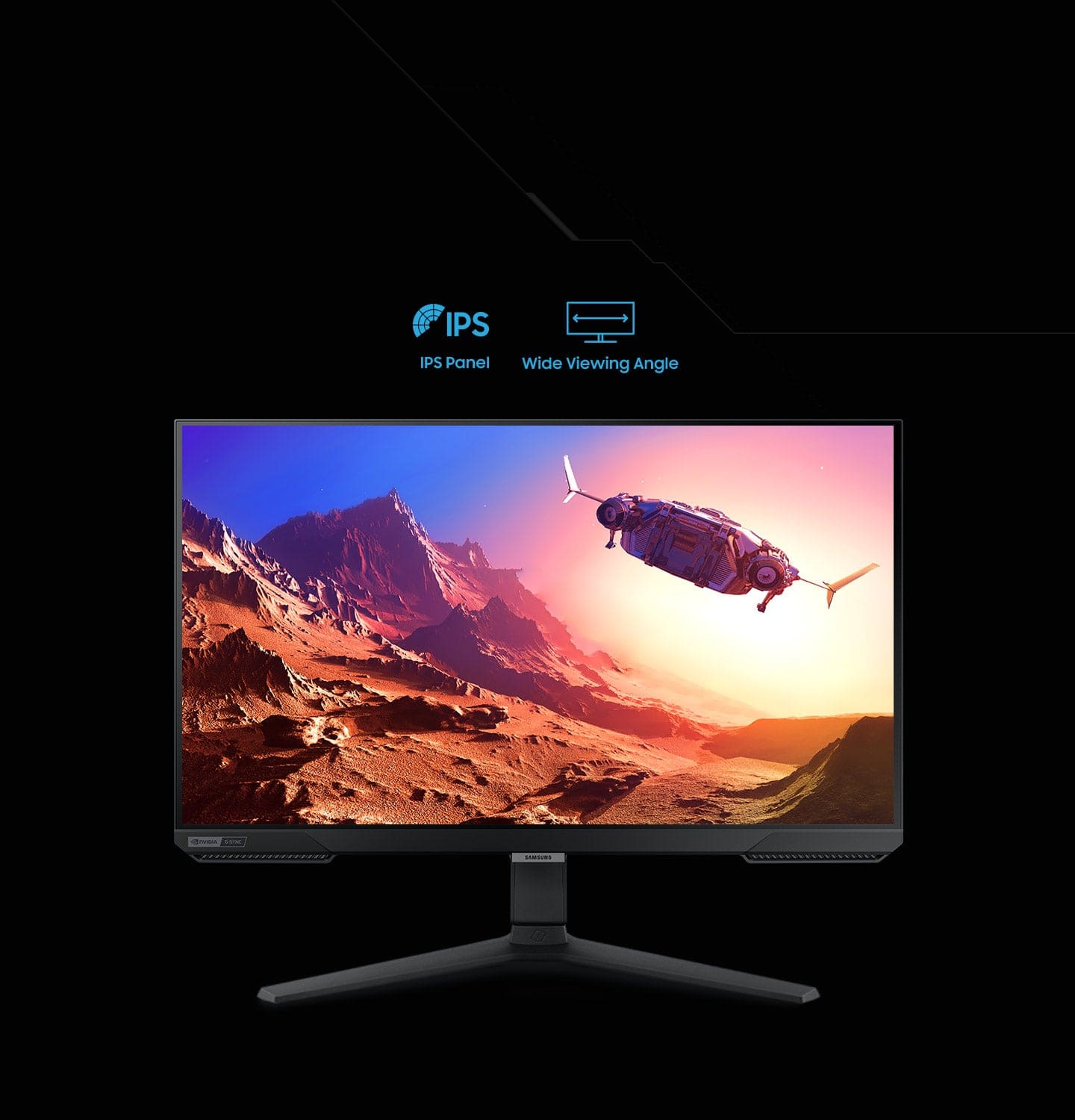
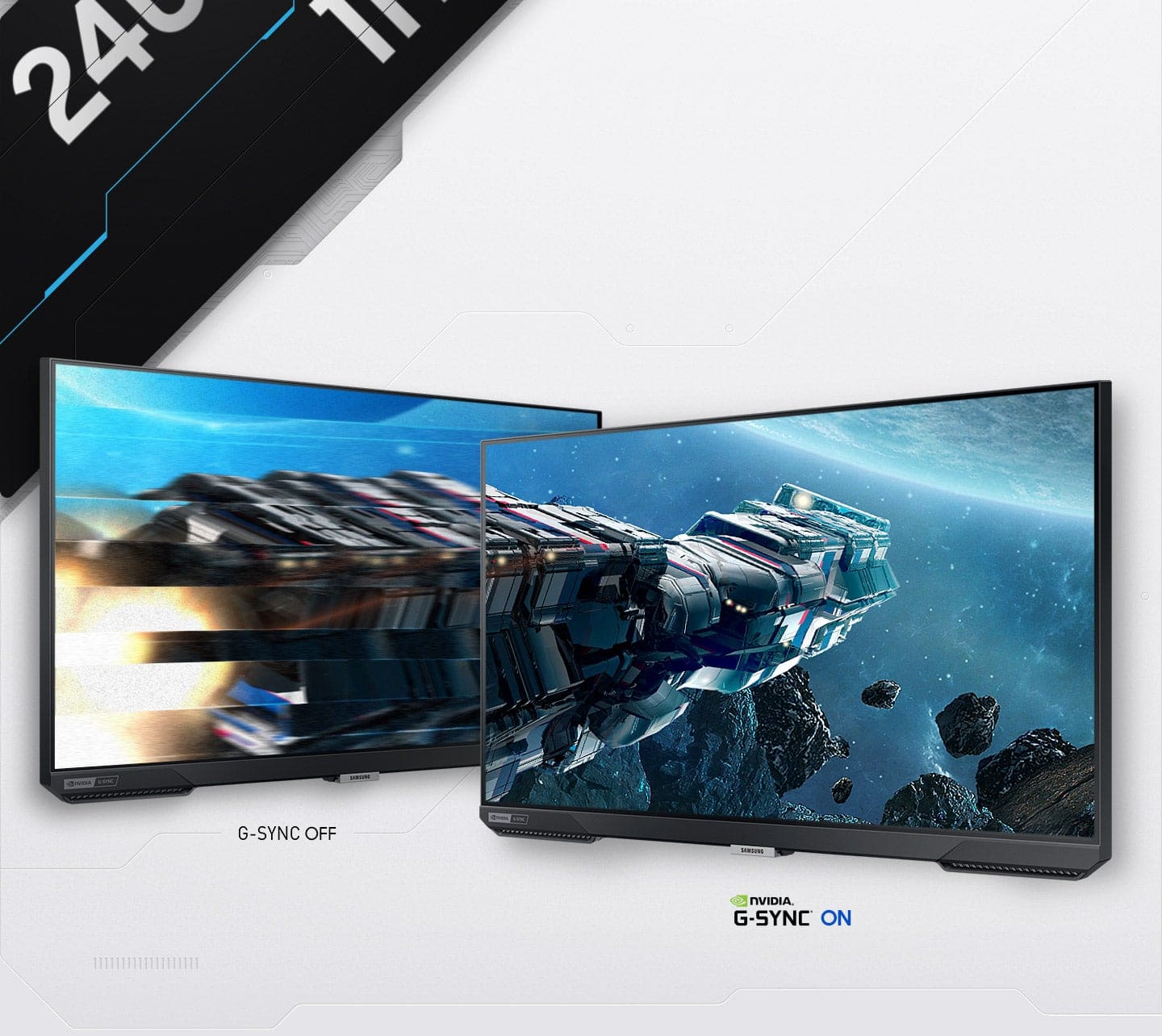
||Posted .This reviewer received promo considerations or sweepstakes entry for writing a review.I’m really impressed with the Samsung 27” Odyssey gaming monitor. The 240Hz refresh rate makes gameplay feel incredibly smooth and responsive — even fast action games look crisp with almost no motion blur. The Full HD resolution paired with the IPS panel gives great colors and wide viewing angles, so everything looks sharp whether I’m playing, streaming, or just browsing. Setting it up was easy, and I like the clean, minimal design that fits well with my setup. Having G-Sync support means fewer screen tearing issues, which is a big plus for competitive gaming. Overall, this monitor has made a noticeable difference in how games look and feel, and I’d recommend it to anyone who wants a fast, responsive screen without breaking the bank.
I would recommend this to a friend - Pros mentioned:Refresh rate
Ok monitor
||Posted . Owned for 1 month when reviewed.This reviewer received promo considerations or sweepstakes entry for writing a review.Great refresh rate but I wish it had ba better resolution.
I would recommend this to a friend Great but has a Red dot top center
||Posted . Owned for less than 1 week when reviewed.This reviewer received promo considerations or sweepstakes entry for writing a review.Will be returning this monitor due to the fact of the stuck pixels. For some reason I have extremely bad luck with monitors as the last two I’ve bought have came with dead pixels. I don’t get it and don’t understand how 400$ monitors even on sale have these consistent issues. Aside from that, when in dark settings in games, my monitors flashes terribly from gray to black. Don’t know if this can be fixed at all but have been tweaking the settings.
No, I would not recommend this to a friendBrand response from Samsung
Posted .We are very sorry for the issues you have encountered with your 27" Odyssey G40B.
Please contact Samsung Customer Support so that we can better understand your issue and assist with a solution.
You can reach us via any of the below options:
If you need further assistance, we are here to help. You can reach Samsung Support at 1-800-SAMSUNG, available 8AM - 12AM EST (Mon-Fri) / 9AM - 11PM EST (Sat-Sun).
Or visit our Samsung website and click on the SUPPORT link in the upper right corner for:
· Contact Us Options (LiveChat, Remote Support, Facebook, Twitter)
· Product Support
· Manuals and Downloads
· Warranty Info
· Product Registration: Registering your product gives you access to easy warranty support, convenient opt-in to special promos and offers, faster troubleshooting and service, and quick notification of system updates
· Samsung Community: A great resource for getting help from Samsung moderators and customers
· …and more
Registering your product gives you access to easy warranty support, convenient opt-in to special promos and offers, faster troubleshooting and service, and quick notification of system updates.
Samsung stands behind the quality and performance of every product we manufacture, and we back this model with a 1-year manufacturer's limited warranty, if purchased brand-new directly from an authorized seller.
Again, we are very sorry for the inconveniences you have had and hope that we will hear from you soon.
- Pros mentioned:Refresh rate
Beautiful Display
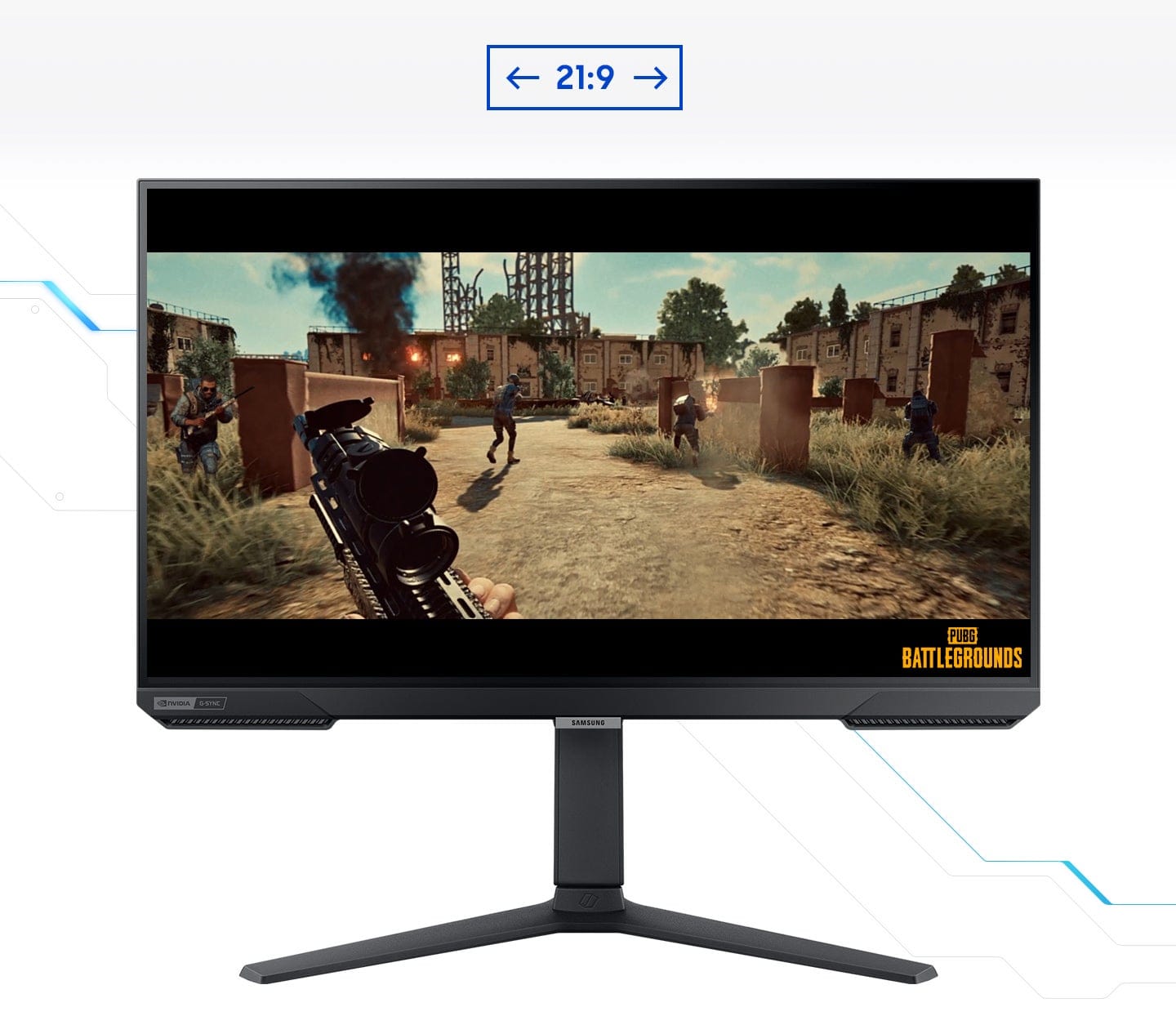
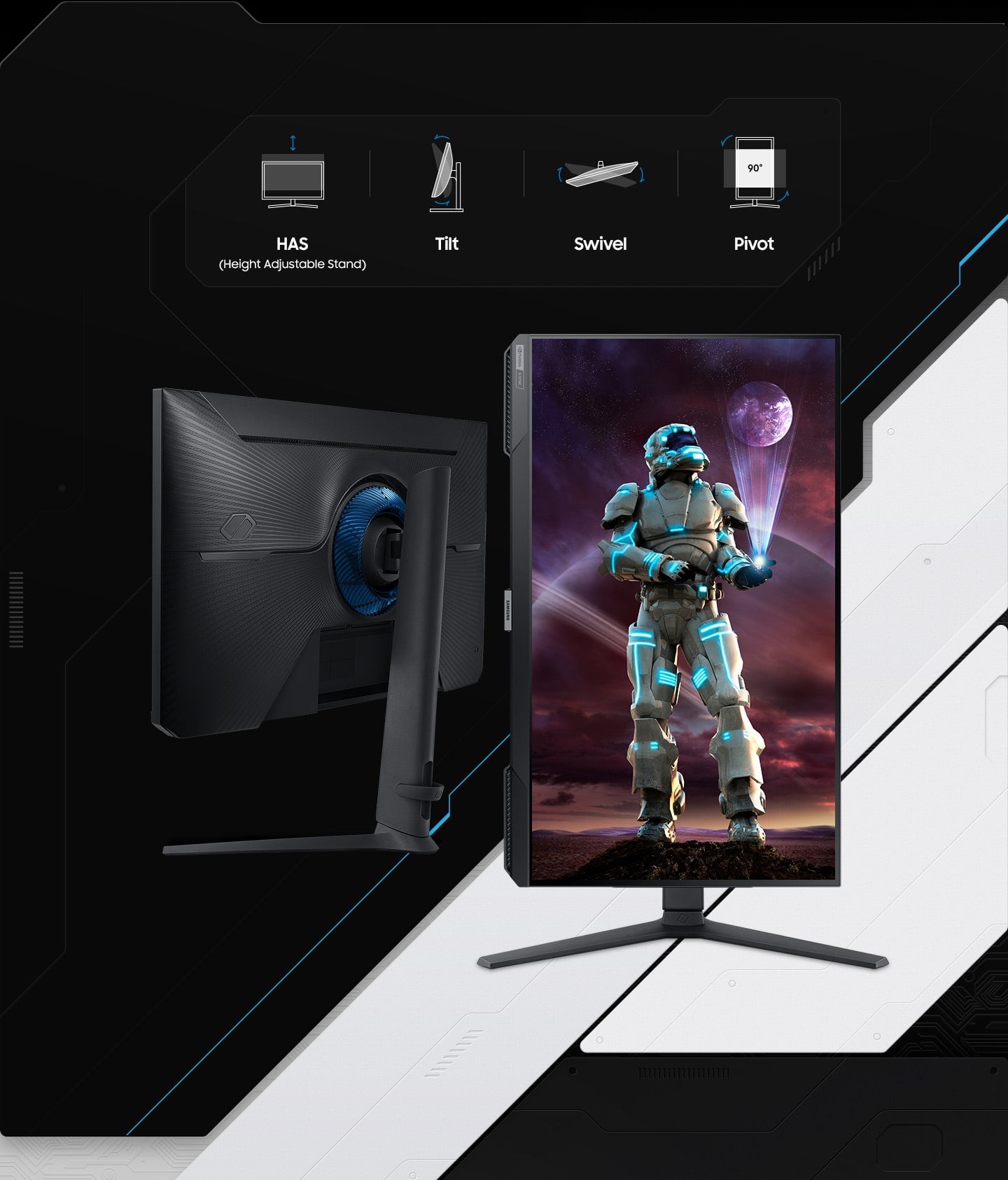
|Posted .This reviewer received promo considerations or sweepstakes entry for writing a review.Samsung has done an excellent job producing a display with beautiful picture quality, fast refresh rate, and lightning fast response time. I paired this monitor with my HP Omen gaming PC, and I'm really enjoying it so far. The unit comes securely and thoughtfully packaged, and includes the monitor, the stand, the power cord/power supply, an HDMI cable, and a display port cable. The stand is highly adjustable and is tall enough that the display can be easily used in portrait mode as well as the traditional landscape mode. The included cables feel very heavy-duty, and are of sufficient length for the average desktop setup. The power cable is proprietary, which is disappointing, since almost every PC and monitor (and printer, etc.) use the same type power plug, but this isn't my first Samsung monitor, and the other had a similar power cord/supply arrangement. Assembling the stand and attaching the monitor took just a few seconds and involved a single Phillips screw. I had the monitor setup and powered on in less than fie minutes. Initially, I watched some HD content from Netflix just to get an idea of the picture quality and I watched some college football footage to see how the monitor handles motion. I really love both the bright, colorful and very natural picture, and the almost blur-free and judder-less motion. Next I opened the Xbox app and played Fallout 76 to get a look at the contrast quality with the dark scenes at the beginning of the game. Again, I was impressed. Microsoft Flight Simulator also looked stunning and motion was smooth and natural. If you don't need a UHD display, and 1080p HD with a blazing fast refresh rate and instantaneous response time meets your needs, this will be a fabulous monitor. I think it will also be great for power users who need to have two windows open side by side, but don't have room for a multi-monitor setup, or those who work on legal-sized documents and need the portrait display capability.
I would recommend this to a friend Not for Gaming, Would not recommend
||Posted . Owned for 1 month when reviewed.This reviewer received promo considerations or sweepstakes entry for writing a review.Not for gaming at all unless your on a very tight budget i guess... only 1080p and horrible quality on fast movement images/video on your screen. I posted pictures comparing the monitor with my 4k laptop screen, my laptop wins hands down and its over 5 years old.
No, I would not recommend this to a friendBrand response from Samsung
Posted .We are very sorry for the issues you have encountered with your 27" Odyssey G40B.
Please contact Samsung Customer Support so that we can better understand your issue and assist with a solution.
You can reach us via any of the below options:
If you need further assistance, we are here to help. You can reach Samsung Support at 1-800-SAMSUNG, available 8AM - 12AM EST (Mon-Fri) / 9AM - 11PM EST (Sat-Sun).
Or visit our Samsung website and click on the SUPPORT link in the upper right corner for:
· Contact Us Options (LiveChat, Remote Support, Facebook, Twitter)
· Product Support
· Manuals and Downloads
· Warranty Info
· Product Registration: Registering your product gives you access to easy warranty support, convenient opt-in to special promos and offers, faster troubleshooting and service, and quick notification of system updates
· Samsung Community: A great resource for getting help from Samsung moderators and customers
· …and more
Registering your product gives you access to easy warranty support, convenient opt-in to special promos and offers, faster troubleshooting and service, and quick notification of system updates.
Samsung stands behind the quality and performance of every product we manufacture, and we back this model with a 1-year manufacturer's limited warranty, if purchased brand-new directly from an authorized seller.
Again, we are very sorry for the inconveniences you have had and hope that we will hear from you soon.
- Pros mentioned:Design, Refresh rate
Samsung Odyssey G4
||Posted . Owned for less than 1 week when reviewed.This reviewer received promo considerations or sweepstakes entry for writing a review.The Samsung Odyssey G4 is a fast, smooth, and reliable 240Hz gaming monitor that delivers excellent performance for competitive players, offering crisp motion, low input lag, and a clean, modern design, all at a strong value for the price.
I would recommend this to a friend - Pros mentioned:Refresh rate
Great High-Refresh Gaming Monitor with Minor Downs
||Posted . Owned for 3 weeks when reviewed.This reviewer received promo considerations or sweepstakes entry for writing a review.I’ve been using this Samsung 27” Odyssey FHD 240Hz monitor mainly for gaming, and overall it’s been a solid experience. The 240Hz refresh rate makes gameplay feel extremely smooth, especially in fast-paced shooters, and G-Sync works well with no noticeable tearing. Colors look good out of the box and motion clarity is excellent. That said, the 1080p resolution at 27 inches isn’t ideal for everyone, as text can look a bit soft compared to 1440p monitors. The stand is functional but not very premium, and HDR performance is fairly basic. Still, for competitive gaming and high refresh performance, it delivers great value.
I would recommend this to a friend - Pros mentioned:Refresh rate
Very good image quality, contrast and brightness
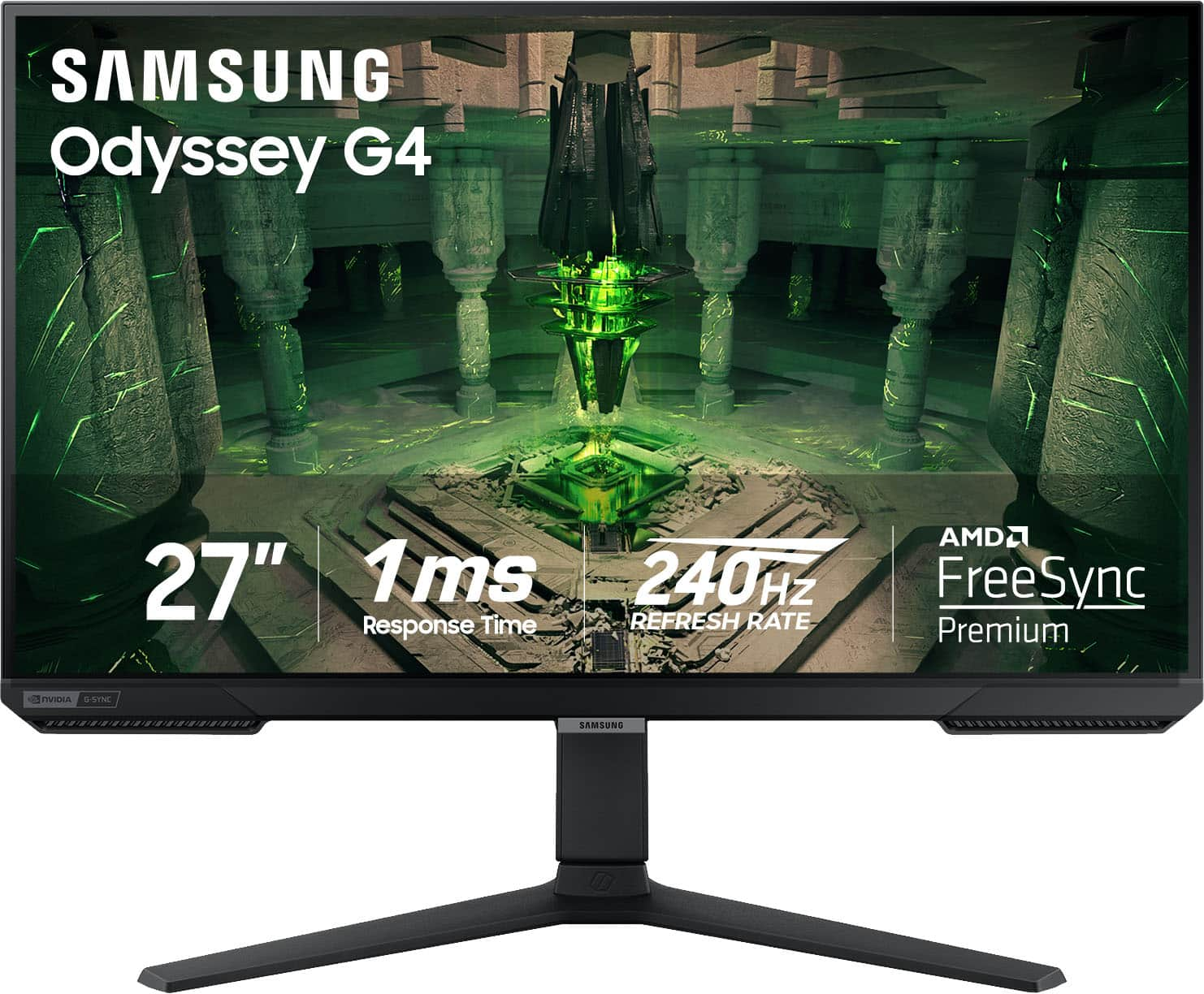
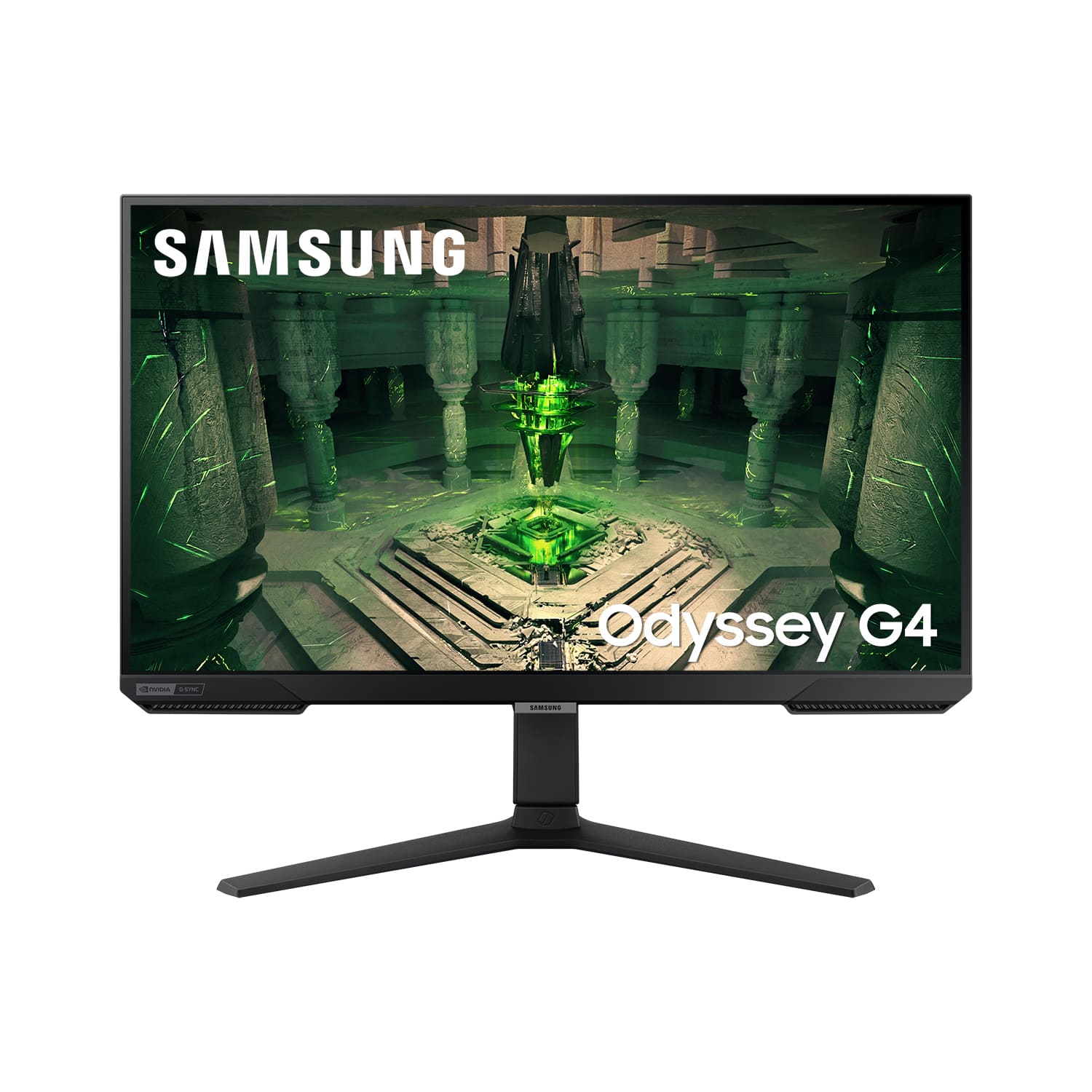
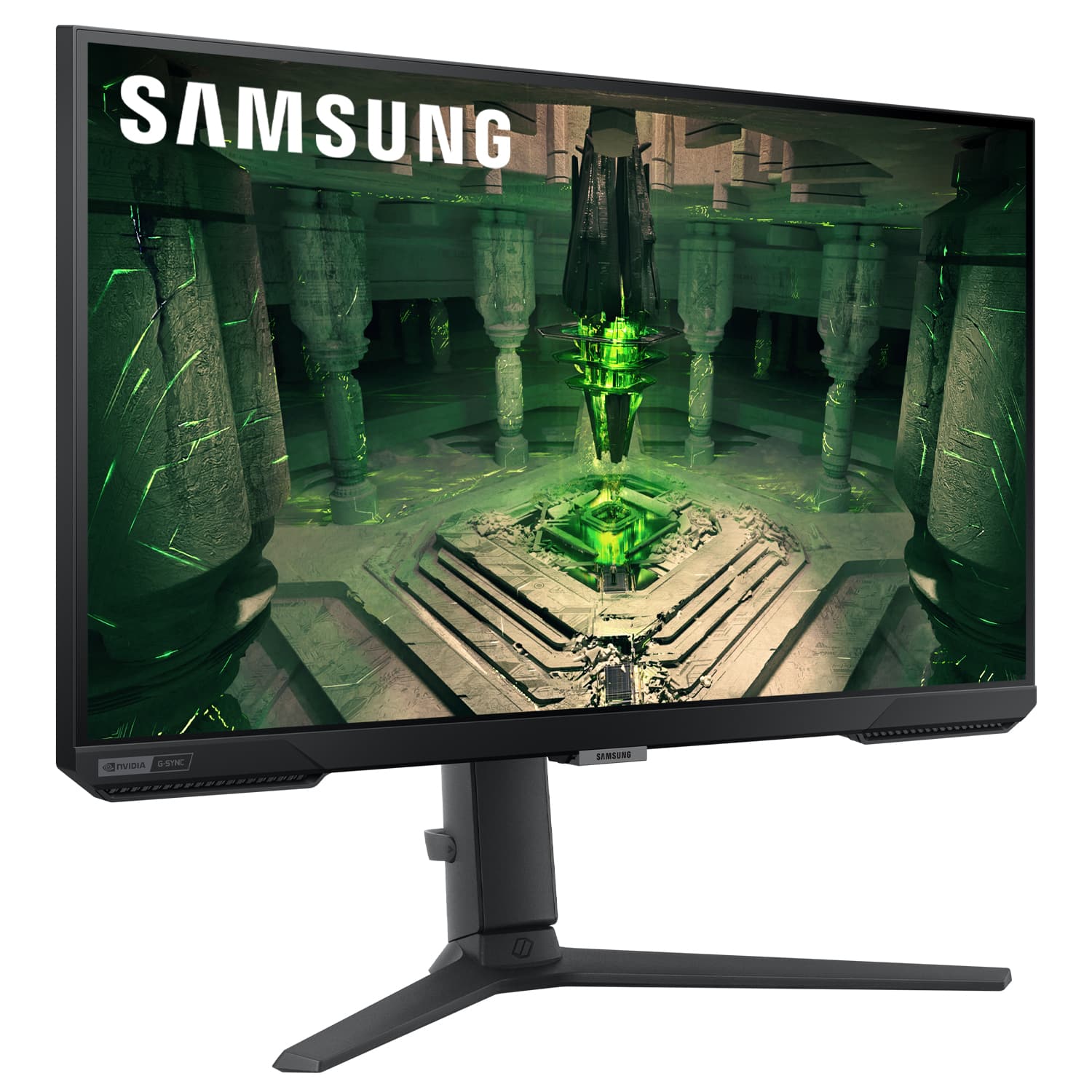
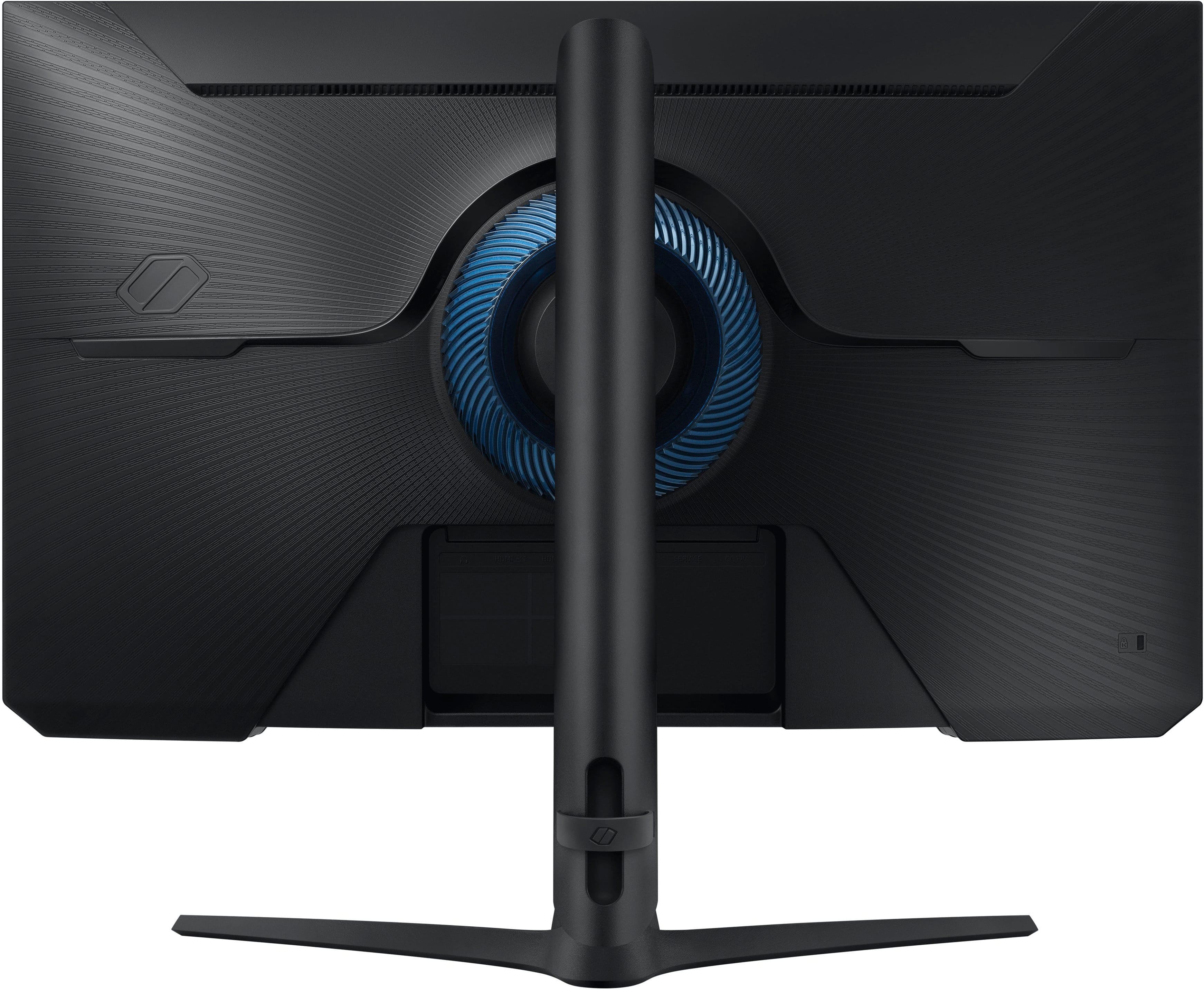
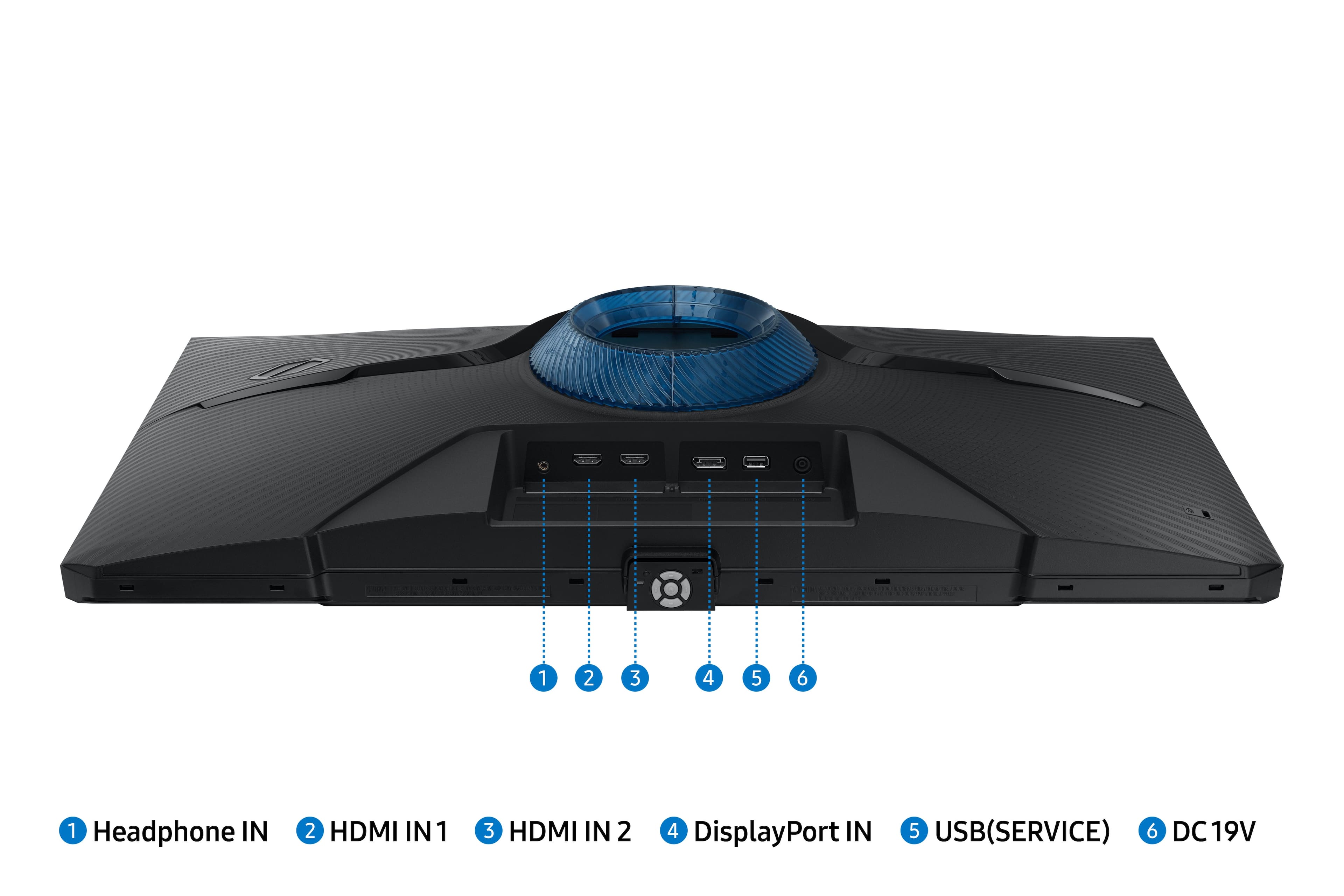
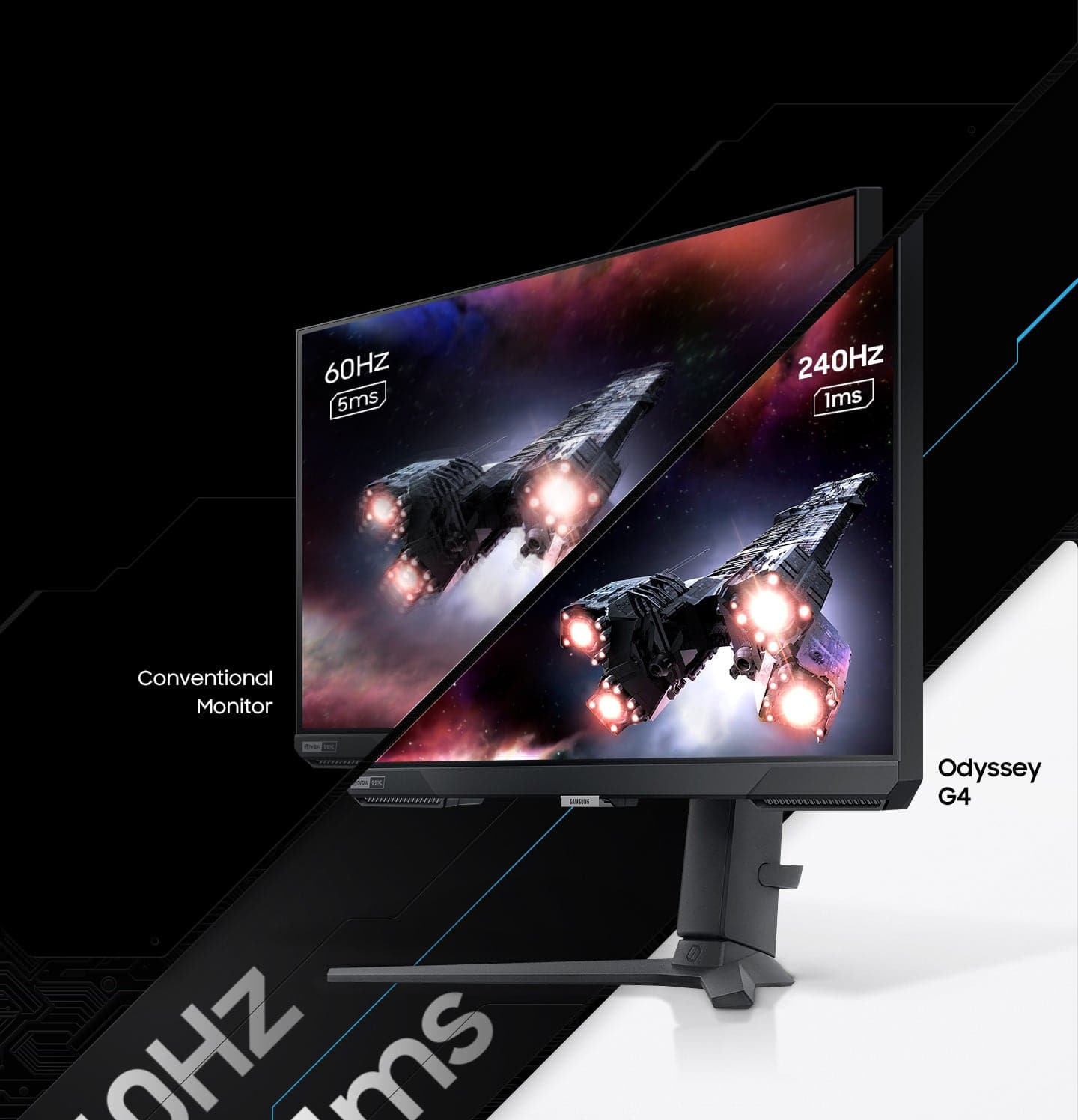
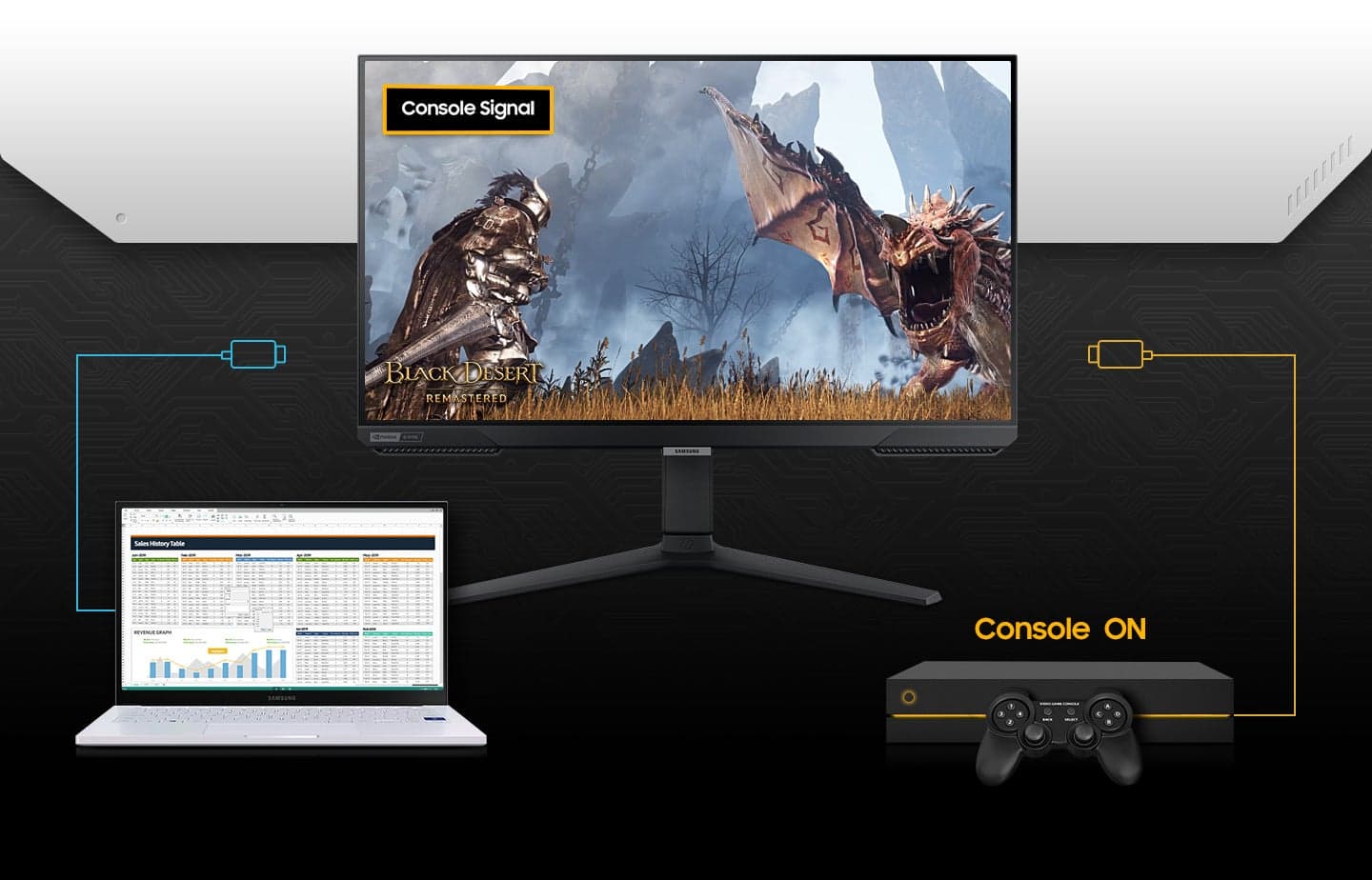
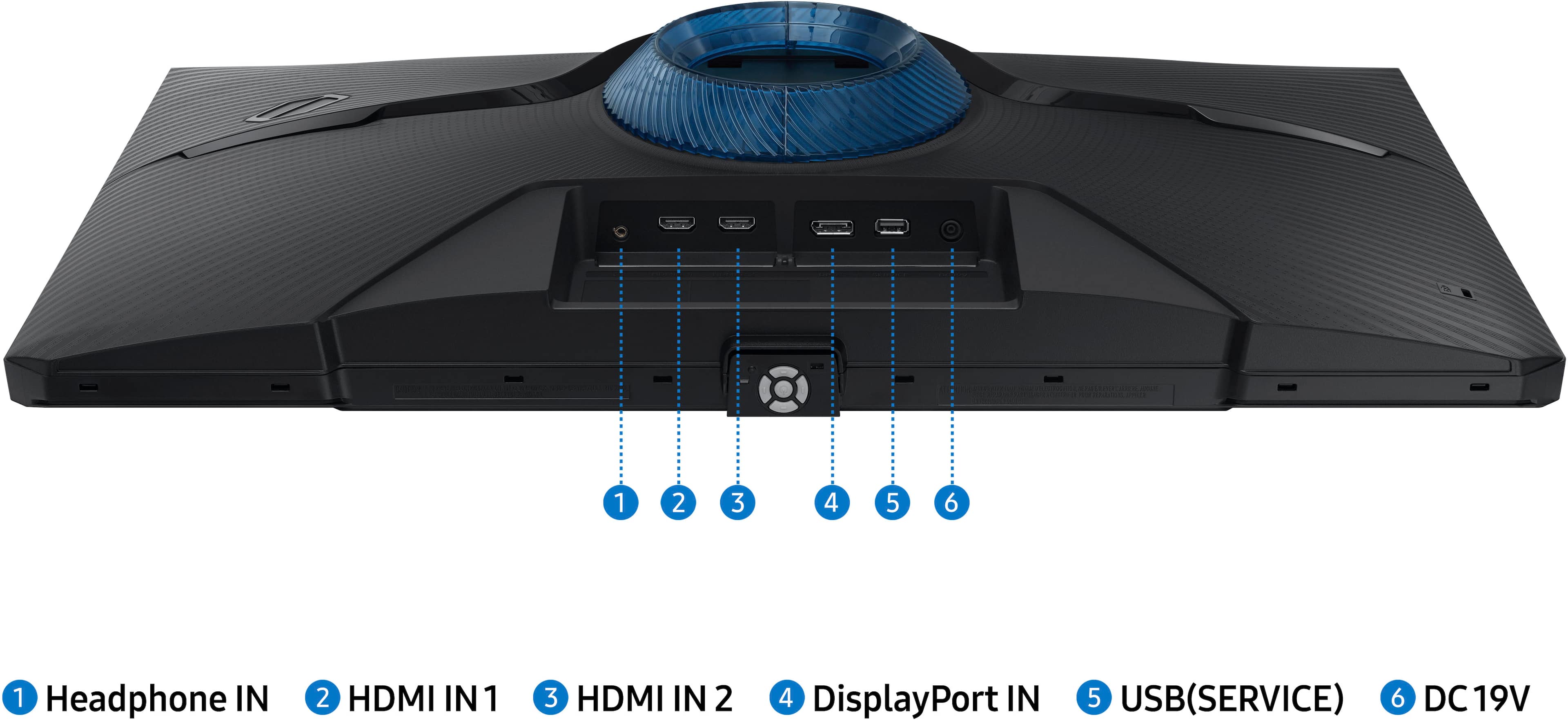
|Posted .This reviewer received promo considerations or sweepstakes entry for writing a review.27" FHD monitor IPS panel with 240Hz refresh rate and 1ms response time ! Wow! Very good image quality, very good contrast and very good brightness. A very good monitor for gaming. When playing games, it doesn't feel choppy due to the high refresh rate and the Nvidia G-sync feature. Tweaking the picture settings helps to find the perfect fit and the capability to adjust the brightness and contrast also allows you to tailor the lighting at the time. The adjustive picture mode under eye care section is a great feature. It adjusts the brightness of the monitor based on whatever is on the screen at the given time. This help protects our young eyes. Very easy to setup, just need a screw driver to attach the feet to the stand. Comes with display port cable and hdmi cable. And the stand is a full motion stand, you can adjust tilt and height, you can swivel left and rigt as well as rotate/pivot to vertival position. Very customizable and can help you use it for whatever purpose, be that gaming, or just as a vertical monitor for reading or streaming. The monitor is very versatile for whatever you need it to be. Has 2 hdmi input, 1 DP input and 1 audio output for headphone or external speaker. Control panel is at the bottom center of the monitor and I find it too small for my fat fingers. It consists of 5 buttons, front, rear, left, right and enter button at the center. Press the menu button to bring up the menu and it not only display all the settings you can change, it also display the status such as refresh rate, black level, G-sync status etc. Also very helpful, every setting comes with help text. Input AC power is 100 to 240V 50/60Hz so you can use this monitor anywhere in the world.
I would recommend this to a friend - Pros mentioned:Refresh rate
Colorful and Snappy
|Posted .This reviewer received promo considerations or sweepstakes entry for writing a review.Straight out of the box I knew I was going to like this monitor as I got it plugged in and powered up my gaming desktop computer. People will tell you that anything about a certain FPS doesn't matter, but I noticed an immediate difference making the jump from 144hz to 240. I replaced an FHD 24" monitor with this one and am loving the extra screen size. The Variable Refresh Rate worked immediately with my 6900XT graphics card and there was no extra work needed to mount the monitor to my existing double-mount setup. Aesthetically, the monitor has some extra clunk on the lower frame due to what I thought were front firing speakers, but a quick check told me that this monitor doesn't have integrated speakers. Maybe they are heat vents? These and the front center underneath mounted controls behind the Samsung logo interrupt an otherwise sleek frame. I did a side by side color comparison with my primary 1440p gaming monitor and the colors seemed richer on this Samsung monitor. The darker colors seemed a richer shade of black when using the high contrast mode and I've struggled with too dark or washed out dark flip-flopping on other monitors. This seems to have resolved it. The viewing angles aren't great, but I am using it as a secondary monitor so I keep it off to my left. If you're going to do serious gaming on it, keep it front and center for the best visuals. Overall I'm very happy with it.
I would recommend this to a friend This monitor has given me a competitive advantage
|Posted .This reviewer received promo considerations or sweepstakes entry for writing a review.The monitor in question offers so much more than other monitors at the price point. There are many options when it comes to adjusting the brightness, contrast, and sharpness of the images projected built into the monitor alone. This monitor is perfect for playing video games on. I am personally a Valorant player, top 1% in the game and I play on a team as well. This monitor compared to my old one (32" 165Hz) gives me a huge advantage in game. The movements in game feel so much smoother now than they have ever felt. The 1ms response time of the monitor is probably the next best thing behind the refresh rate. Every shot in game feels like it connects properly, which makes the game feel a lot better to play. While to some the fact that the 27" might feel small because it's a sub 30" monitor, I can personally confirm that the monitor does not feel small at all. Going from a 32 inch to a 27 inch is a big difference, however even with that difference I would make the switch over and over again just because it doesn't feel like it's that much smaller. Overall if you're looking for a monitor that will give you a competitive advantage in whatever game you decide to play, this monitor will suit your needs perfectly.
I would recommend this to a friend- Pros mentioned:Refresh rate
Gifted and Still Blown Away
||Posted . Owned for 1 month when reviewed.This reviewer received promo considerations or sweepstakes entry for writing a review.I bought this Samsung Odyssey 27″ monitor as a Christmas gift for my wife, and it’s turned into one of those surprises that keeps getting better. Although it’s marketed as a gaming monitor, she uses it primarily for work — and let me tell you, it’s perfect for both worlds. From the moment she set it up, the crisp Full HD IPS panel delivered bright, vibrant visuals that make spreadsheets, documents, and web browsing a joy instead of a chore. Colors are accurate, text is sharp, and the viewing angles are fantastic — far better than our old monitor. The 240Hz refresh rate seems overkill for office tasks, but once you experience how fluid everything feels — from scrolling through long pages to switching between apps — you start to appreciate it for everyday use, not just gaming. And hey, thanks to G‑SYNC compatibility, gamers in the house (including me) get buttery‑smooth gameplay when we plug in too. Setup was a breeze, the stand is solid and adjustable, and for the price, the performance really feels premium. Whether she’s powering through work or I’m diving into a late‑night gaming session, this monitor delivers — no compromises. Highly recommend if you want a versatile, future‑proof display that makes work feel a little more fun… and play even better.
I would recommend this to a friend