Customer Ratings & Reviews
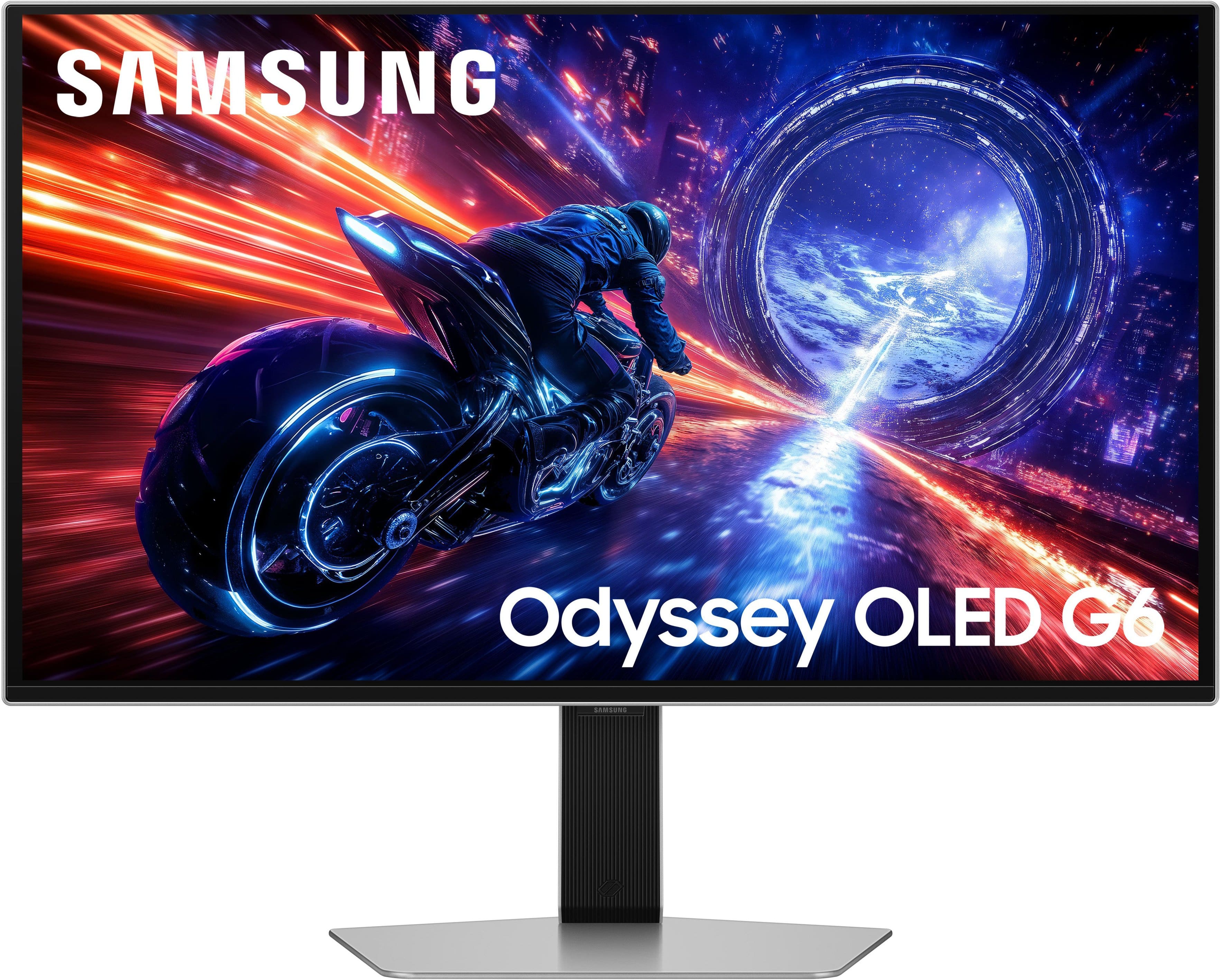
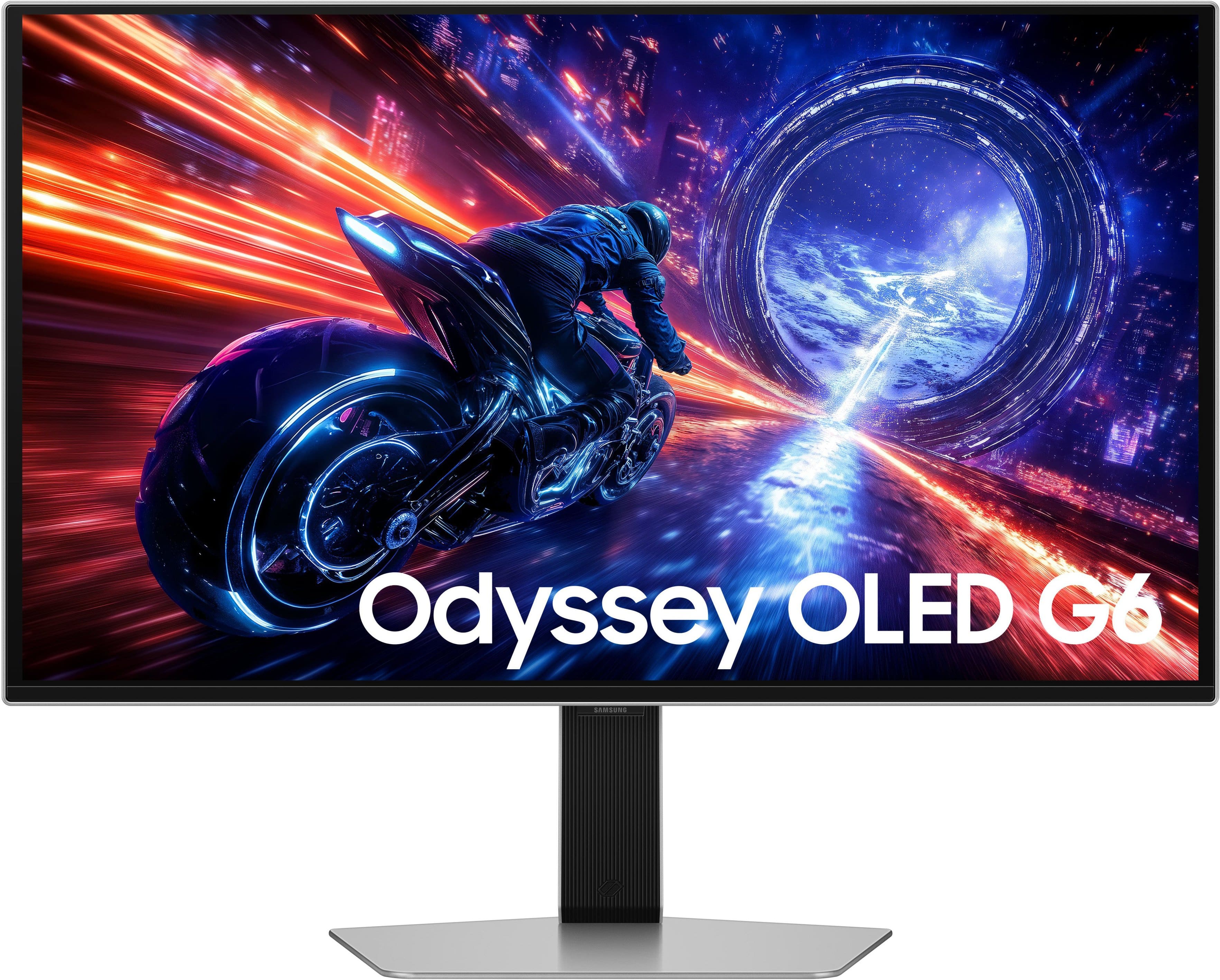
- Model:
- LS27FG602SNXZA
- SKU:
- 10995552
Rating by feature
- Display Quality
Rating 5.0 out of 5 stars
- Ease of Use
Rating 4.9 out of 5 stars
- Features
Rating 4.8 out of 5 stars
- Pros mentioned:Build quality, Oled quality, Performance

Blazing Gaming Refresh Rates
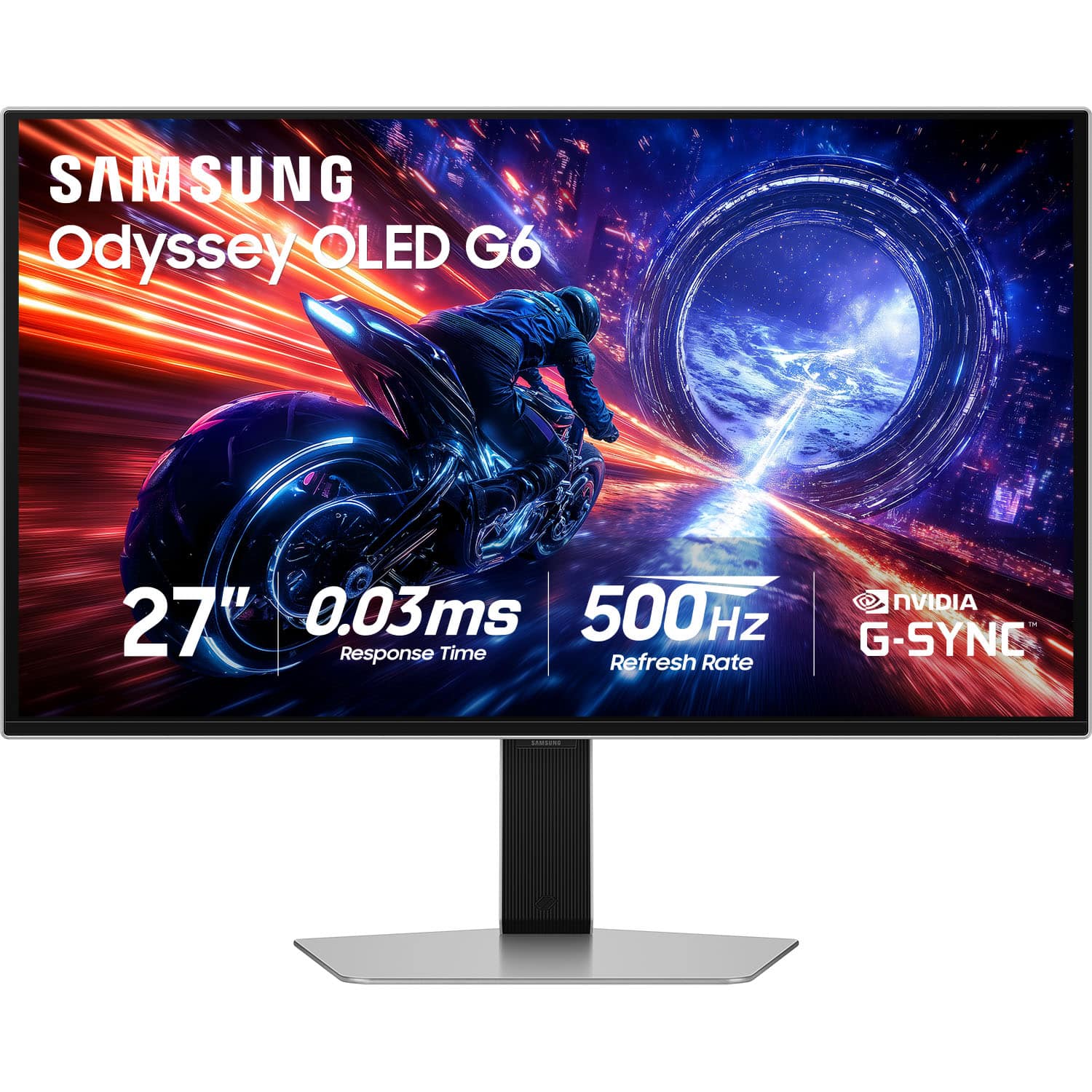
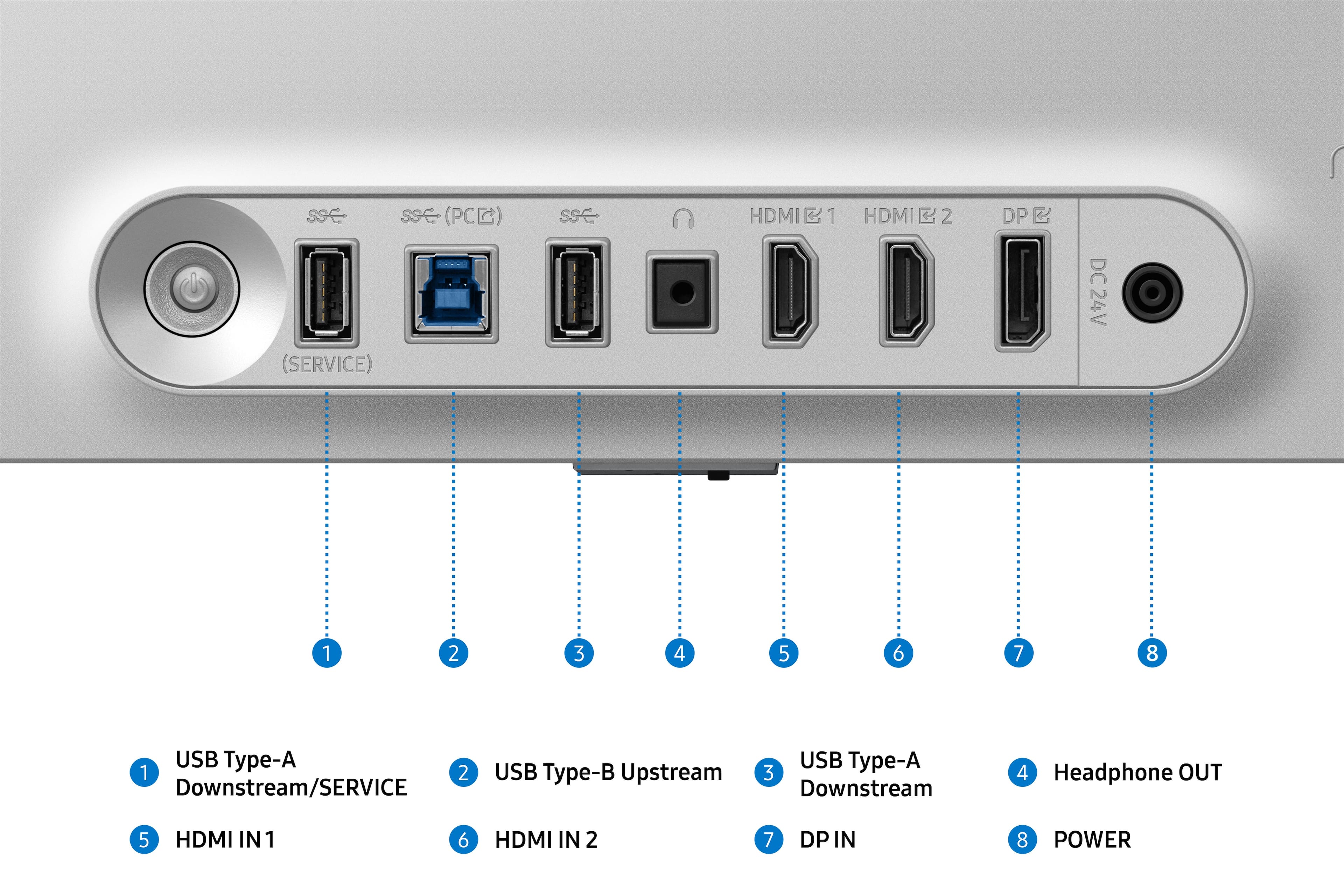
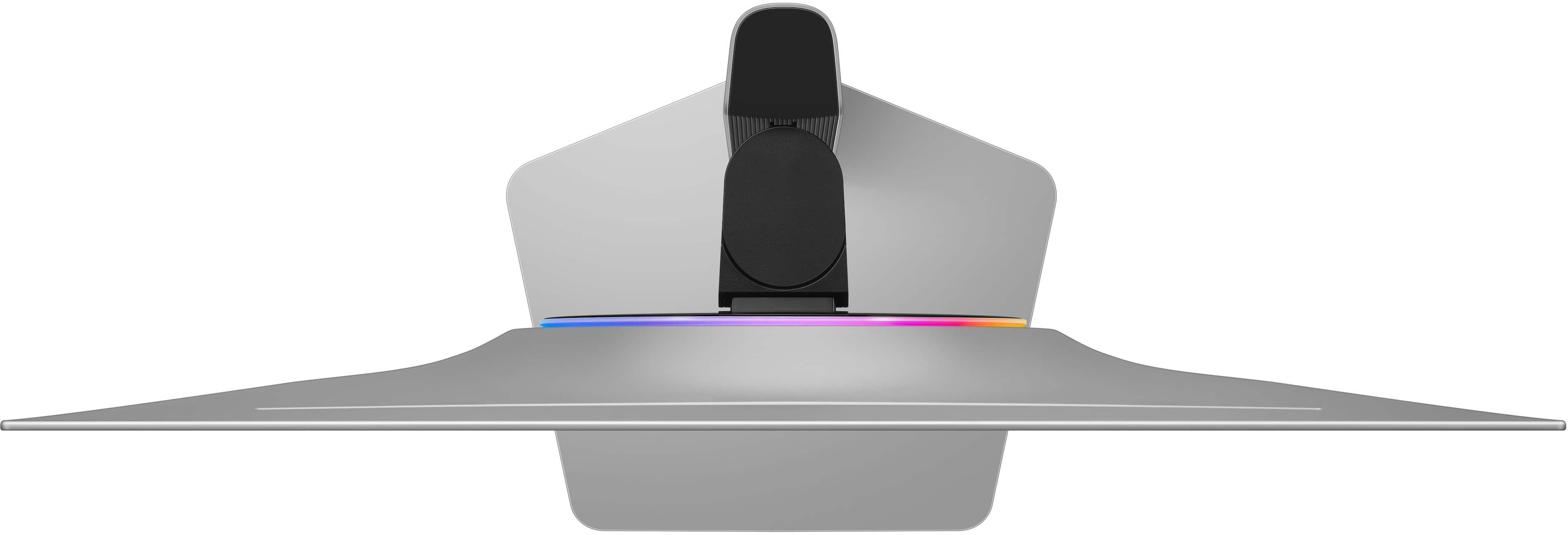
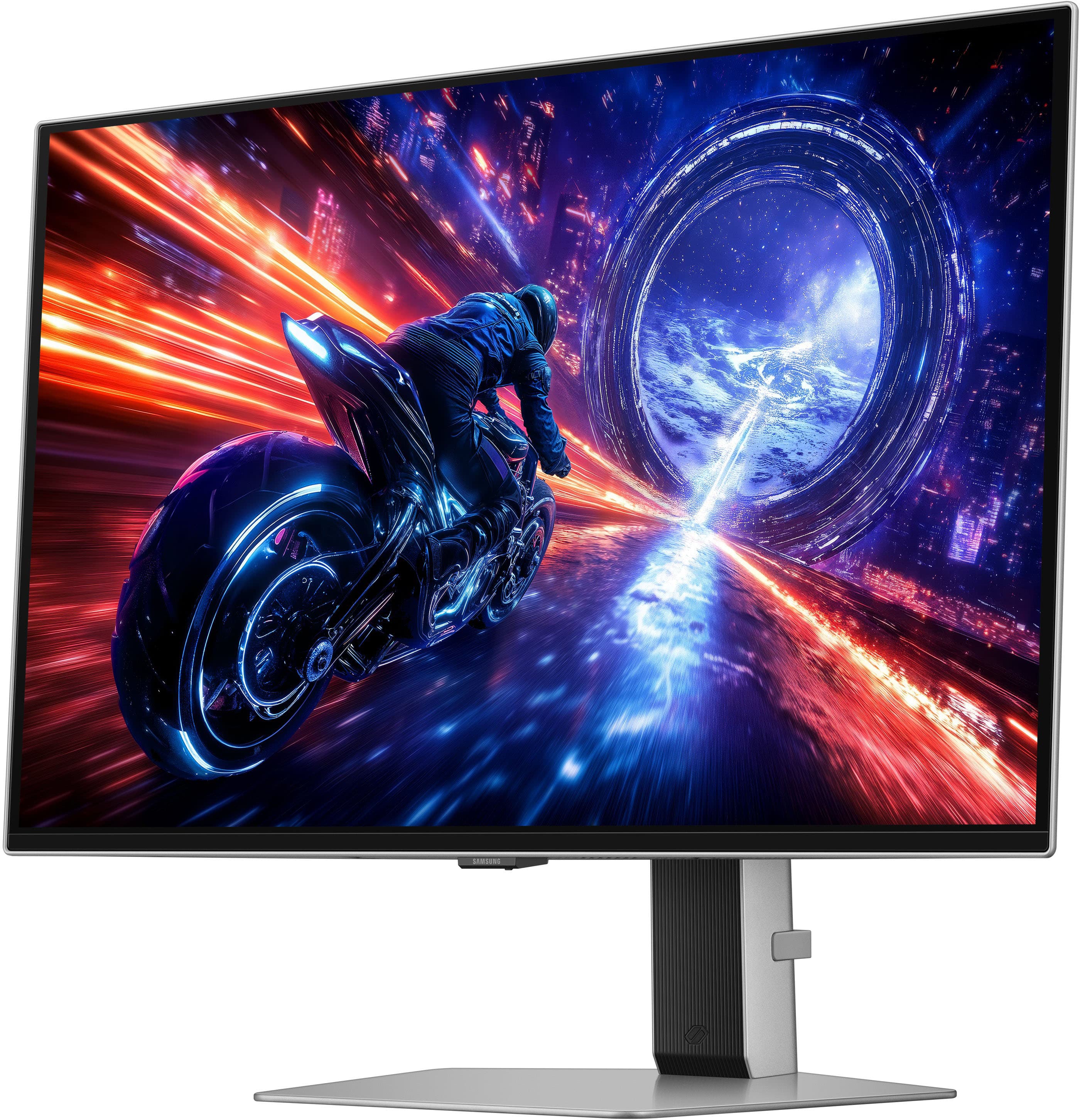
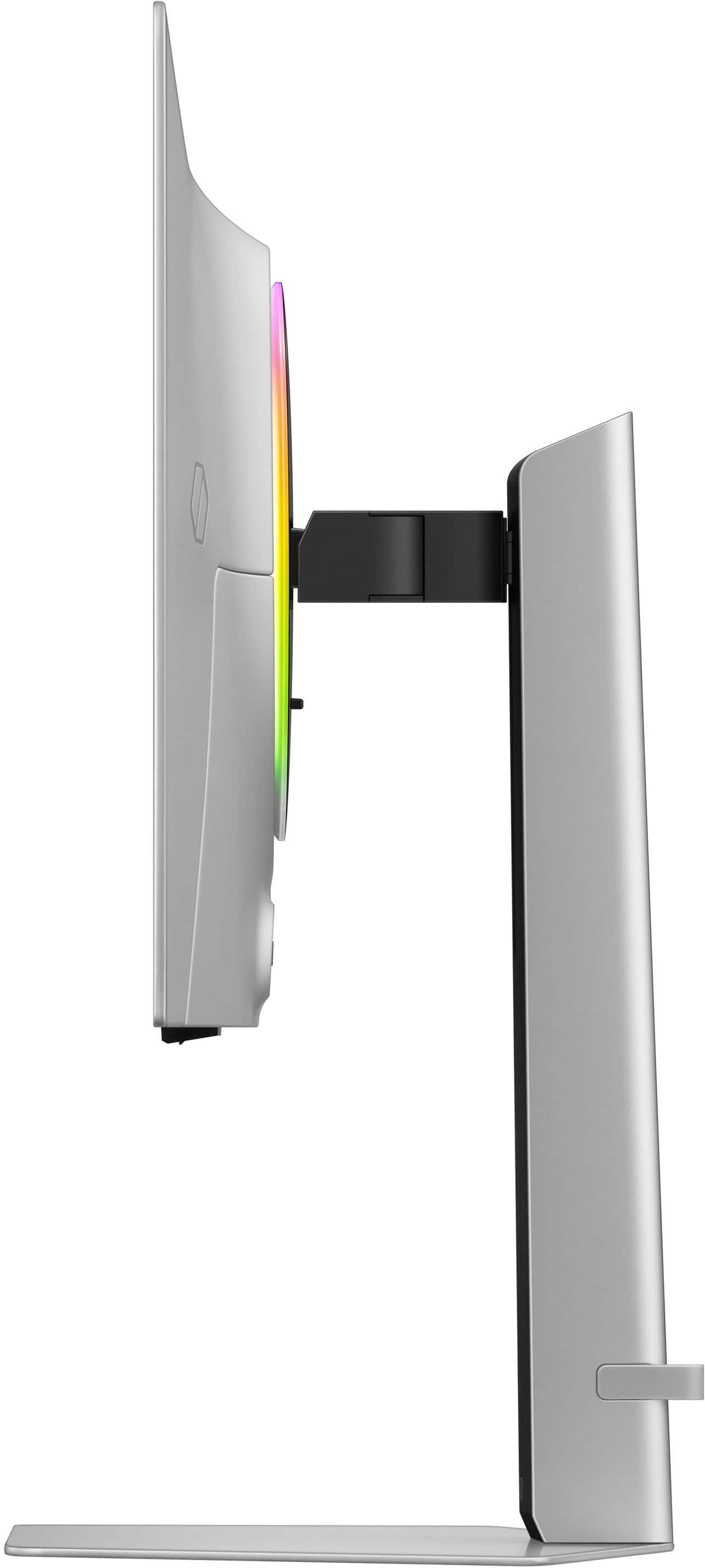
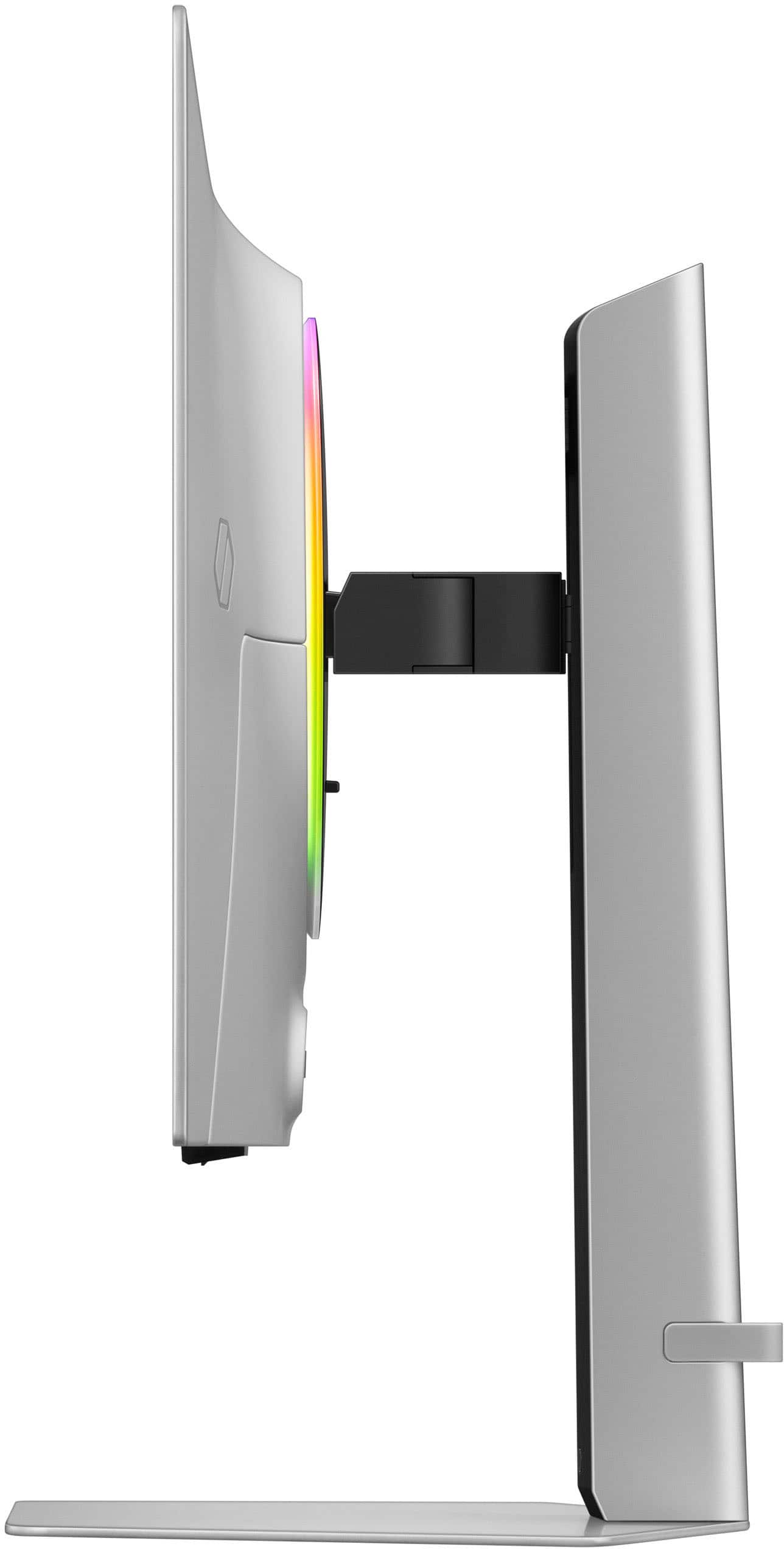
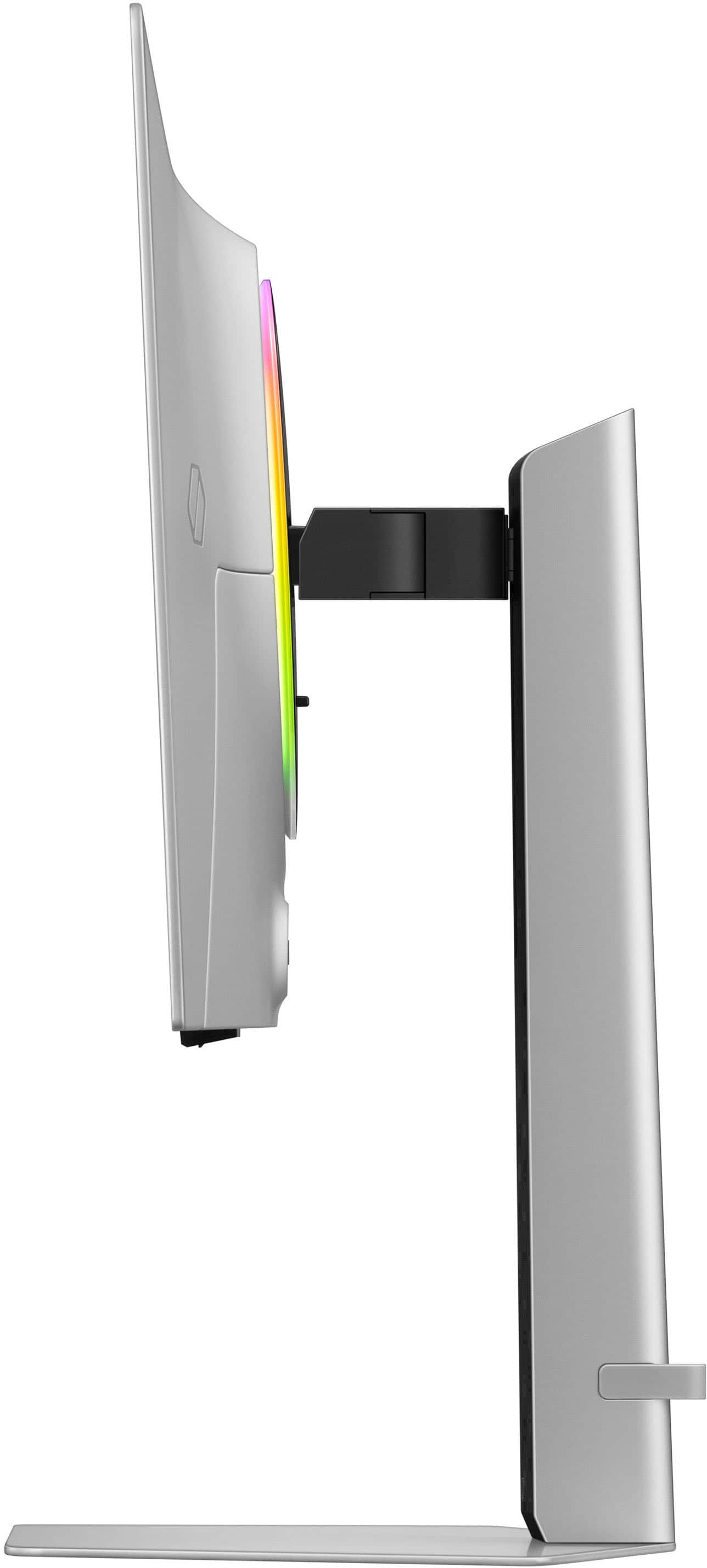
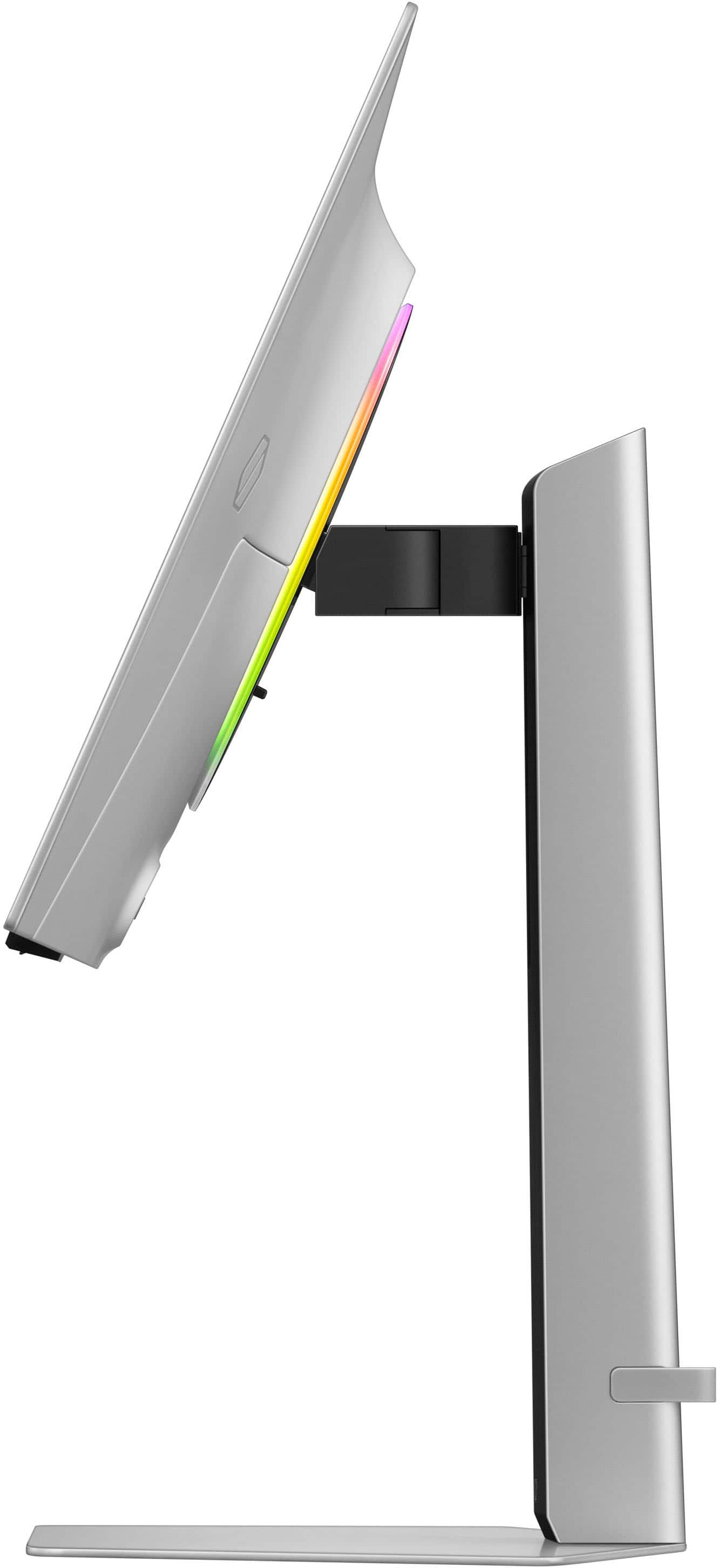
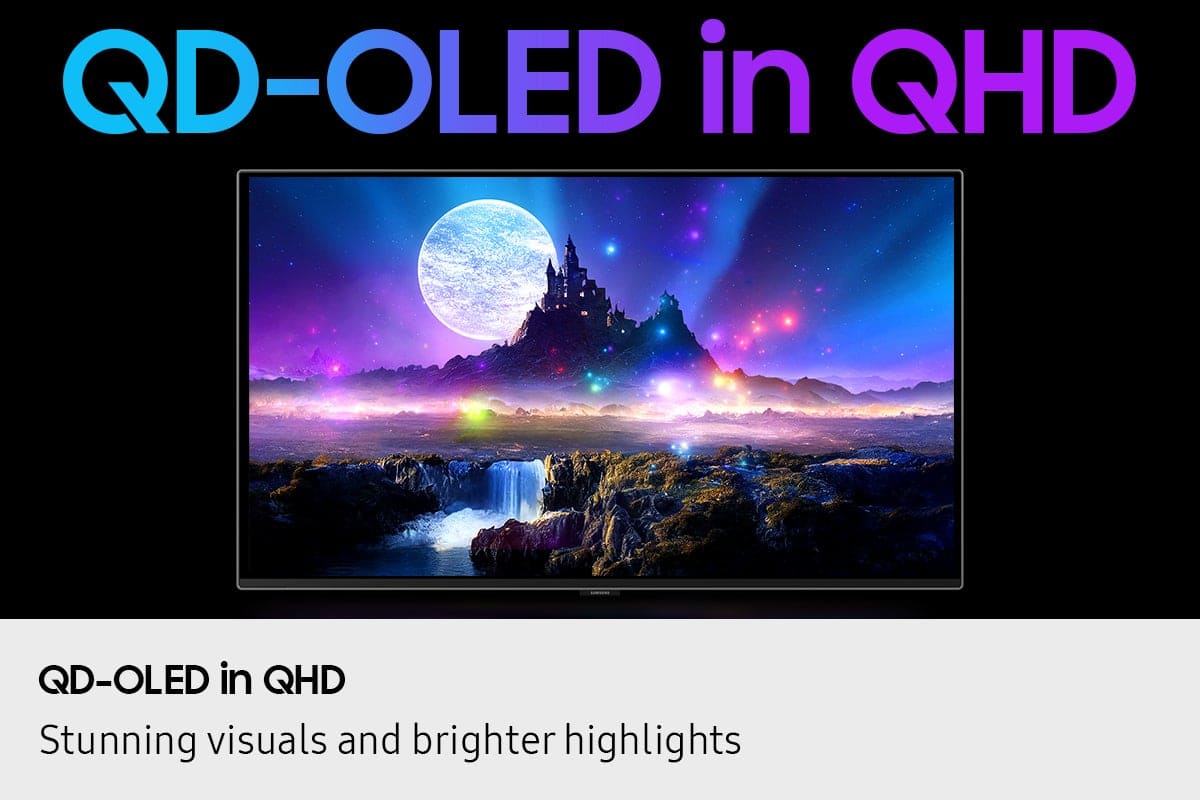
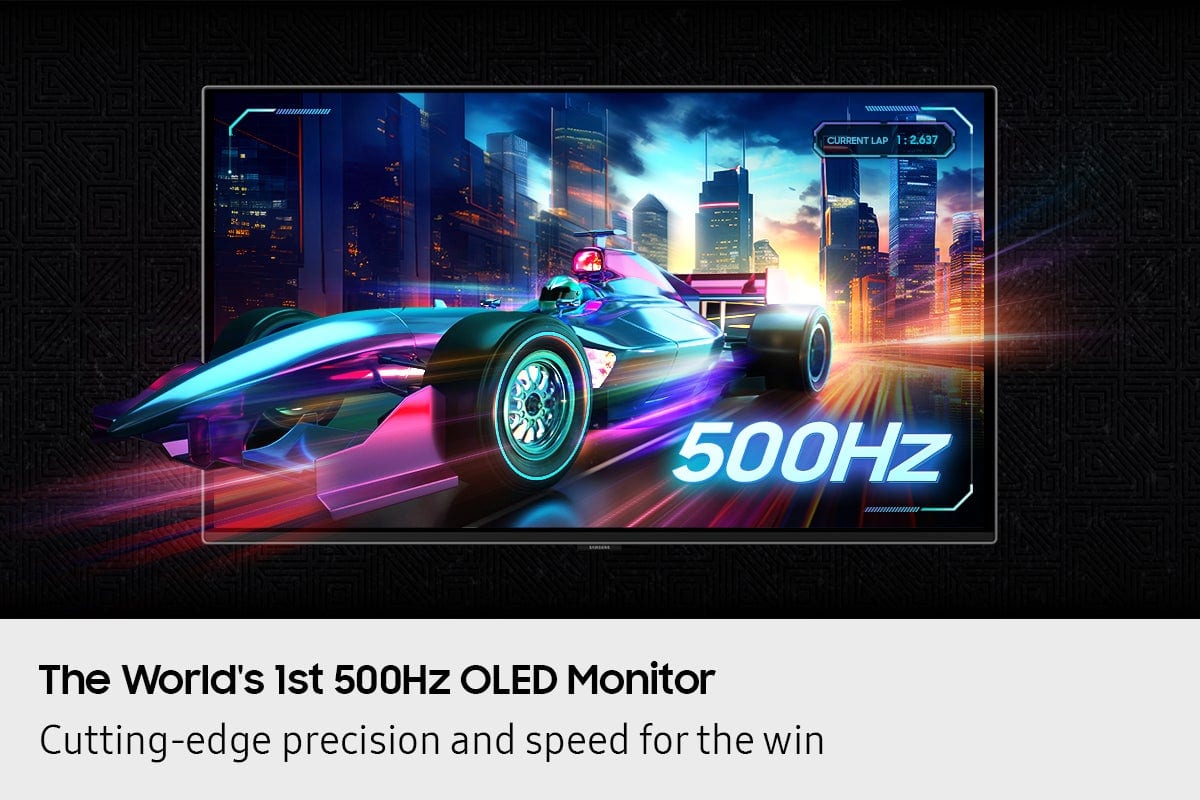
|Posted .This reviewer received promo considerations or sweepstakes entry for writing a review.The Samsung G60SF pushes the limits and bumps up refresh rates on gaming monitors from 360Hz to 500Hz. There are higher refresh rates for VA and TN panels at lower resolutions, but this G60SF boasts the highest OLED refresh rate as of now. Samsung continues with their QD-OLED panels and this is the latest version pushing 500Hz. In order to push that 500 FPS at 500Hz, you're going to need a beefy PC if you want to hit these frame rates in the latest games or competitive shooters or MOBAs. I paired the G60SF up with an RTX 5090 with 9800X3D CPU, and with some help from DLSS and Multi-Frame Generation 2-4x (MFG), I was able to hit 500 FPS in the games I tested. With MFGx4 however, you can likely use an RTX 5070 or better and still get great results with this game, you may also need DLSS:Quality or Performance in conjunction, which is fine and a great benefit of Nvidia 50-series cards right now. I'm no longer a competitive gamer, but I definitely noticed the increased refresh rates in games like Diablo 4 and ARC Raiders. I was able to max out FPS at 400 with just DLSS:Quality and MFGx2 in Diablo 4. You actually see more in the game as every animation is clear with no blurring or smudging, especially in motion. Name plates, damage numbers, hit point bars are also super crisp with excellent clarity in motion. In ARC Raiders, I was hitting 500Hz with MFGx4 and it made a game that was already great looking and very smooth, even smoother. This monitor does support 500Hz HDR (2560x1440p 10-bit color) over DP1.4, it also has 2x HDMI2.1 ports but they are not needed to hit 500Hz refresh. These ports also do not support HDMI e-ARC which is needed if you want to output HDMI audio from your GPU. You want to make sure to turn off Eco mode in the settings otherwise the colors look drab and brightness is low. I set it to Original or RPG gaming mode and results were good since brightness was already 50/max. Also, enable HDR in Windows and go through the calibration and make sure refresh rate is 500Hz. A few things to make note of. You may want to disable VRR in both the monitor settings and also disable FreeSync/G-Sync in your GPU settings. Why? Because OLEDs have VRR flicker when FPS hit certain breakpoints. Also, this is a high FPS monitor so the chances you actually need or notice VRR is less likely when you are cruising along at 240+FPS. In fact, with FPS this high you can just enable V-Sync and cap FPS just below your refresh rate and you're golden. Another major issue to note is that this monitor uses a MATTE screen. This is a controversial setting, especially with QD-OLED. The Matte layer in bright or daylight environments creates some light bounce between the film and the QD-OLED layer that results in a purplish hue. I notice it on my monitor but its not a deal-breaker for me since I'm usually working and not gaming during the day. The second thing is the matte screen kind of diffuses the pixel light and creates a mini-moire effect across the screen that makes it look less uniform. Glossy finishes generally make monitors, especially QD-OLED "pop" and really show off their dynamic color range. The panel looks and feels premium with a nice metal frame, solid metal stand, good looking finish and a LED ring that can be activated in the monitor settings under Infinity Core lighting. The menu joystick is a little higher than I'd like and the stick itself is kind of short, I kind of like monitors that put this on the bottom of the screen for easier access. While the bezels look nice and thin, there's a pretty large gap between the QD-OLED pixels and the edge of the monitor. The included cables are high-quality as they need to hit the rated specs and carry a 2560x1440px10bitx500Hz signal, but they are SHORT. Like maybe 5' max, so if you need longer cables either have some properly rated cables or be ready to order some. While the G60SF looks great, its not a great monitor for work or productivity. The matte screen makes text look fuzzier and less crisp, as does the QD-OLED subpixel structure. White backgrounds look pixelated and a sea of mini-green/red/blue instead of actual white. Text and fine icons also look grainier. And the 27" 1440p resolution just isn't that high compared to what you might already be using for work. Its also not great for movie watching because as mentioned, there's no eARC support for Dolby Atmos and Samsung just won't support Dolby Vision on anything choosing HDR10+ instead. Make no mistake, 2560x1440p at 500FPS with a system that can push those frame rates is a sight to behold and well worth the price of admission if you're playing games that can benefit from those high FPS. But there are some trade-offs to consider that make it less ideal for other applications beyond gaming.
I would recommend this to a friend - Pros mentioned:Glare reduction, Oled quality, Refresh rate
Fantastic monitor with stand out features!
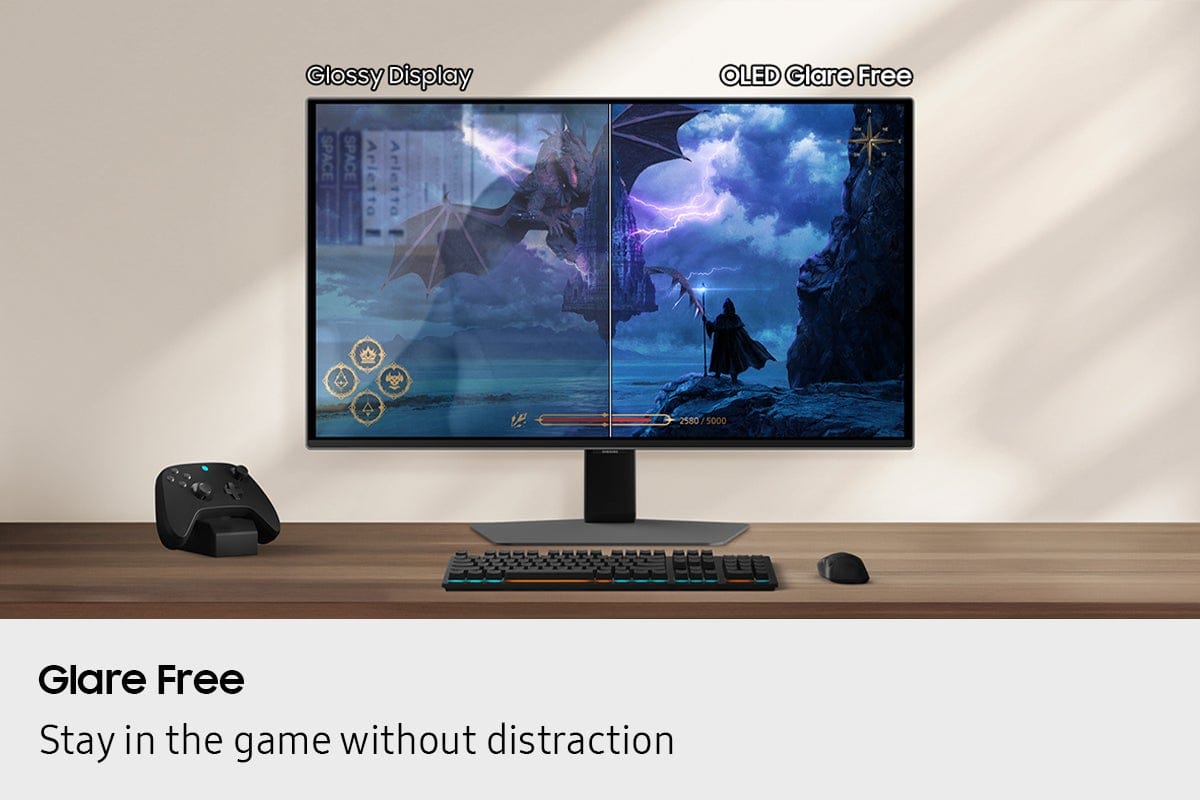
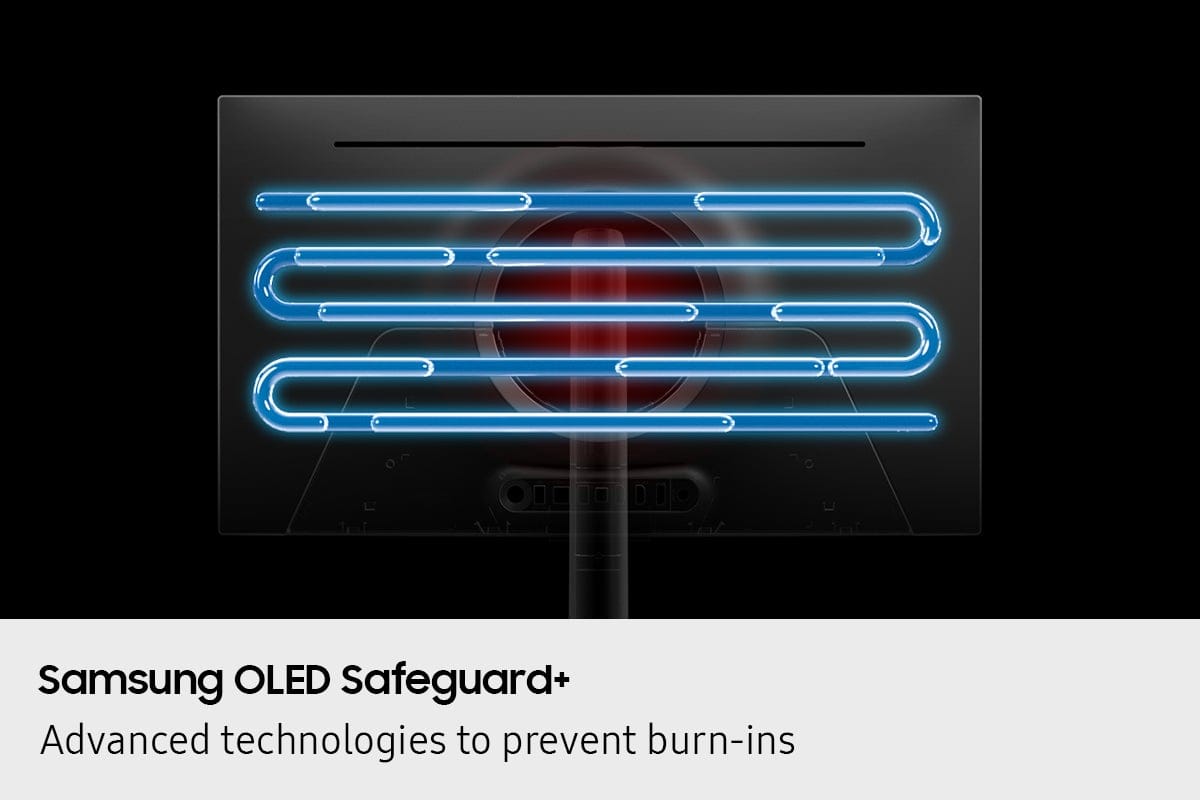
|Posted .This reviewer received promo considerations or sweepstakes entry for writing a review.This Samsung G6 OLED monitor is absolutely beautiful. I’ve owned some pretty good looking monitors but this is the most unique monitor from an aesthetic perspective. It was also wife approved which is nice! Let's talk about the most standout feature, the 500Hz refresh rate. Most monitors are 240Hz or 360Hz. This monitor is 500Hz! The motion clarity in fast paced games is uncanny. It doesn't even compare to my other monitors. It's ultra smooth! Not sure if I could go back to anything less to be honest now that I’ve experienced 500Hz. Combined with a GtG response time of .03ms, this is an absolute gaming BEAST! Color accuracy is something else I really look for in a monitor because I’m a photographer and color accuracy is paramount. This monitor is Pantone validated meaning its color accurate enough for professional work right out of the box. This is great if you are a videographer or photographer. The Quantum Dot OLED panel really enhances the gaming experience. The contrast is amazing because every pixel turns off providing true blacks which is great. This monitor also features VESA DisplayHDR TrueBlack 500. It can hit peaks of 1,000 nits in HDR mode making highlights like explosions and water reflections extremely realistic without washing out the shadows. One of my favorite features of this monitor is the OLED Glare-Free coating which provides a matte finish. It not only looks great, but performs extremely well. I have several windows in my game room which typically cause a nasty glare on my previous monitors. Not with this one. This solved that problem 100%. No glare. This is huge. Especially if you have windows and lights behind you. It's a complete game changer. Last but not least, this model includes the OLED Safeguard+ which is an advanced burn-in prevention technology for premium monitors in this class. It uses thermal management and static image detection to prevent burn-in. This gives you a great piece of mind as OLED panels typically have burn-in issues and it's one of the reasons I've stayed away from them in the past. Having this feature is great and takes the worry away. This is my first OLED monitor I’ve ever owned. Luckily, it has some great standout features and performs fantastic in all my FPS games. It looks beautiful, has built in burn-in safety features and doubles as my photography post processing monitor with fantastic color accuracy. If you are in the market for an OLED monitor, I would highly recommend this premium OLED monitor from Samsung. I absolutely love it!
I would recommend this to a friend - Pros mentioned:Build quality, Glare reduction, Refresh rate
Outstanding picture quality and performance.
|Posted .This reviewer received promo considerations or sweepstakes entry for writing a review.I always appreciated the elegance of Samsung monitors, and the G6 is no exception. I appreciate the silver finish which not only is sleek in my opinion but also looks great in an office setting. The stand has a black front that does not distract you when watching the screen. If there is a nitpick, it is the silver border, which can be distracting, especially in bright conditions. Interestingly, the RGB disk in the back is the only visual feature that makes it a “gamer” monitor. The monitor comes with a removable 2-part power brick and seems to be easily replaceable. There are enough ports to satisfy most setups. While the HDMI is 2.1, the DP is only 1.4, which is strange as I would have expected 2.1. Also, there is a USB-A port but no USB-C. This is odd, but not a deal breaker. I like that there is a 3.5mm audio aux jack. The On-Screen Display menu (OSD) is managed by a joystick on the lower back that can be tricky to find at first. It has good range and is easy to move. The OSD can be challenging to navigate as there is quite a lot of information and options available. The screen has an excellent matte glare-free finish that diffuses light evenly, especially overhead lights. While some may say that this may affect the picture quality, it has not been an issue in my experience. I actually prefer this now since reflections can be so distracting during fast-paced games. The picture quality out of the box is quite good. The color gamut is well represented. Most of the content looks natural. HDR is a bit muted, but SDR pops nicely. However, making some adjustments in the settings, such as tone mapping and peak brightness make this Q-OLED panel look outstanding. HDR is vibrant, and the contrast is fantastic. White looks bright and black is deep. I wish this panel had Dolby Vision implementation, though. The viewing angles are great, by the way. Being capable of delivering 500Hz (499.95 in Windows) refresh rates, this monitor can handle anything. To take advantage, you would need a high-end PC that can produce such performance at 1440p. Nevertheless, multiplayer games that require such high frame rates such as CS:GO and Fortnite, run ever so smoothly, especially with superb response times. For older games and pixelated games, I noticed no screen tearing or hiccups. While the price is up there, this is undoubtedly a premium monitor (at least to me). I would certainly recommend checking it out, especially if your rig is top-notch or you are into competitive e-sports.
I would recommend this to a friend - Pros mentioned:Build quality, Oled quality, Performance
Samsung’s 500Hz Monster!!!
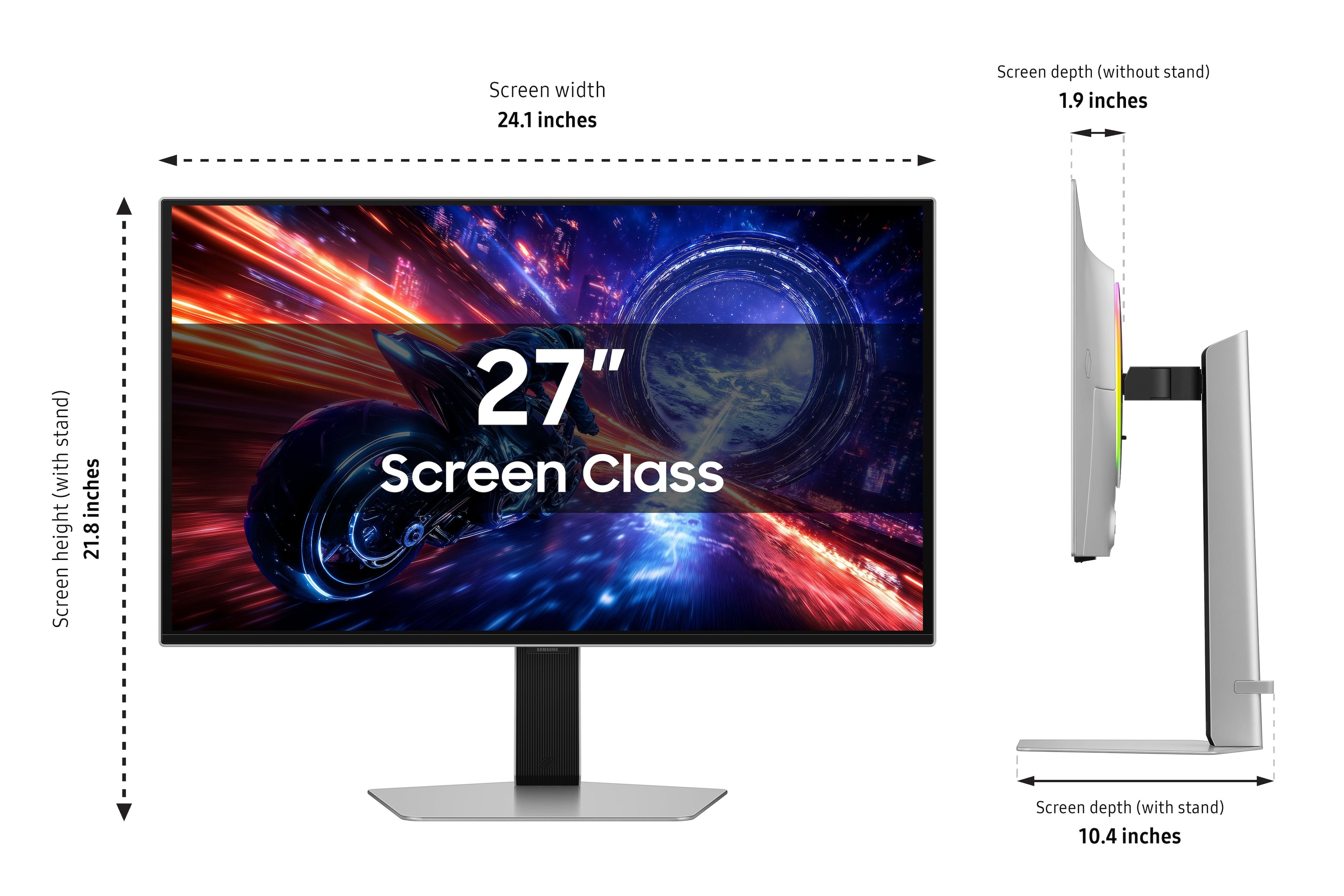
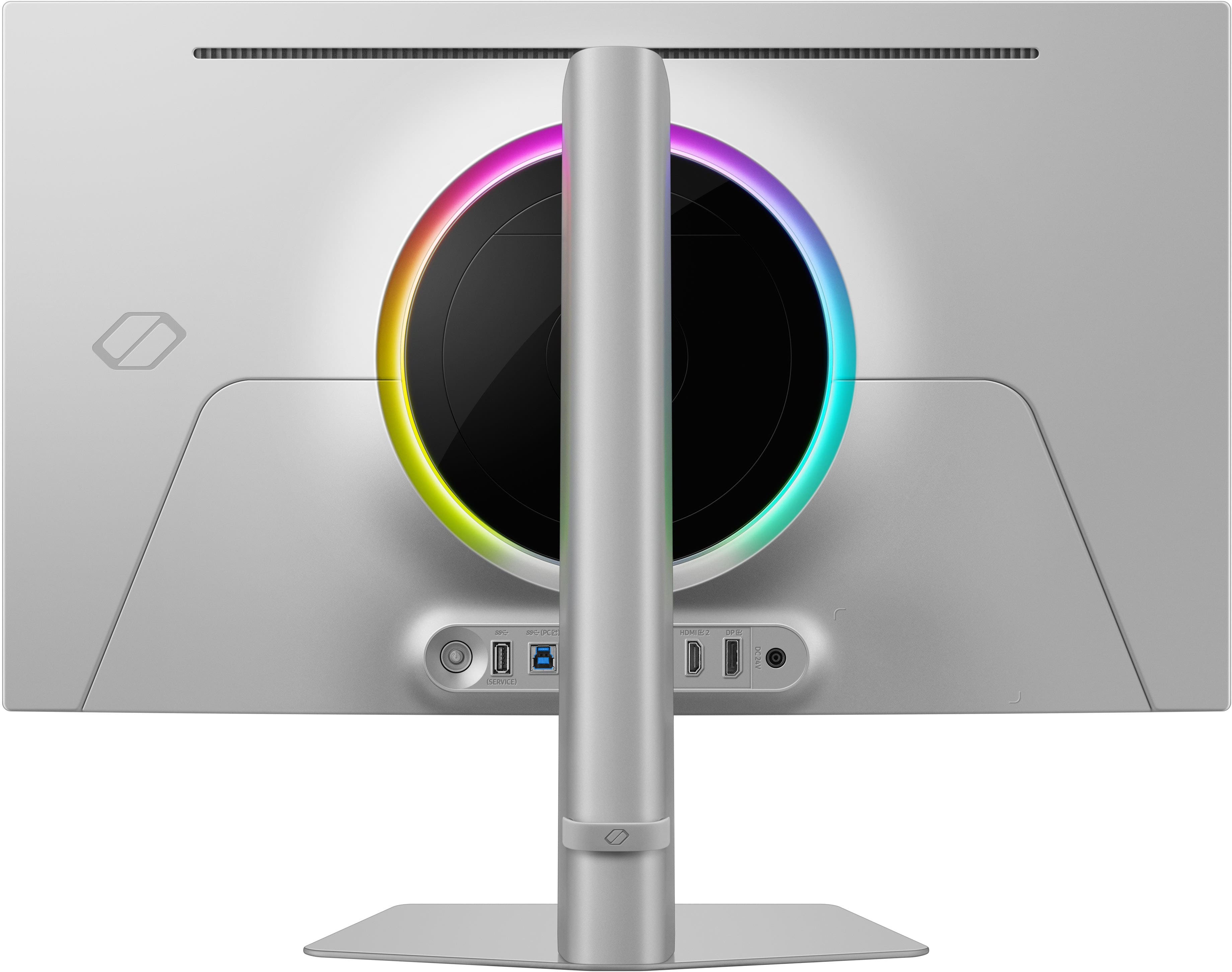
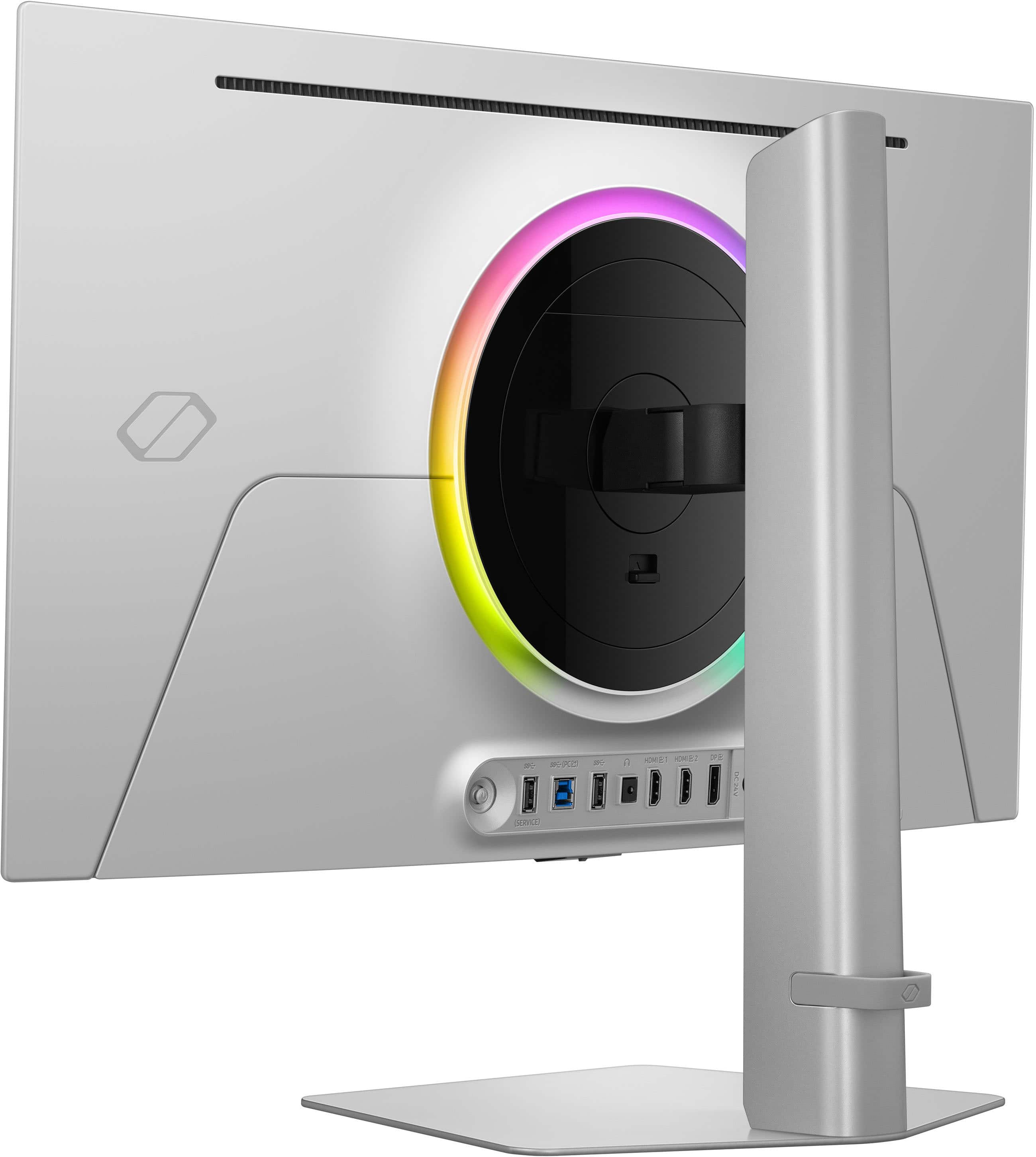
|Posted .This reviewer received promo considerations or sweepstakes entry for writing a review.If you told me a few years ago that I’d be using a 500Hz OLED monitor, I would’ve laughed and asked what spaceship you stole it from. But here we are and the Samsung - 27" Odyssey OLED G6 is very real and very ridiculous (in the best possible way). So, lets dive right in and see what the new Samsung G6 has to offer. First and foremost, the design. I just love how this monitor looks and feels. This monitor is about 2 inches thick (that is ridiculous), it’s sleek and minimalist but still looks like it came from the future. The aluminum and plastic construction adds a premium finish to the overall design. The RGB lighting on the back adds just the right amount of gamer flair without turning your room into a rave. This beast of monitor powered by a DC 24v adapter (140 watts) and offers plenty of port for all your little hearts desires. You get 2 x HDMI 2.1 and 1 x Display port 1.4, 1 x audio jack, 1 x USB-A and 1 x USB-B. The only port that it is missing is a USB-C port, but wasn’t really a big deal. Now, lets get to the guts and glory, 500Hz.with a 0.03ms Response time. That’s not a typo. This thing is smoother than any excuse you may come up with to buy this monitor. Paired with that absurd 0.03ms response time, it almost just feels unreal. I booted up COD and realized I had no hardware to blame for my losses. Painful? Yes. Impressive? Absolutely. It is almost surreal how smooth the gameplay experience is and you add the precise color reproduction (Deep Blacks and just beautiful vibrant colors) with the OLED display combined with G-Sync and FreeSync Premium Pro, everything stays perfectly synced—no lag, no tearing, just a beautiful work of art. Pictures and words here don’t really do this monitor justice, this is more of you have to experience it for yourself to believe it. Because this is an OLED display some of you may wonder about burn-ins with this monitor and with its price tag you have every right to be worried. Well, rest assured Samsung has thought of that and has added what is calls the “Dynamic Cooling System” which diffuses heat 5 times faster, and reducing the brightness on static images automatically to reduce burn-ins. In short, the Samsung Odyssey G6 is a monster—in the best way possible. It’s blisteringly fast, visually stunning, and packed with features that make it feel future-proof. If you’ve got the hardware to push it and the budget to grab it, this monitor doesn’t just raise the bar — it politely removes it and sprints past at 500 frames per second.
I would recommend this to a friend - Pros mentioned:Build quality, Oled quality, Refresh rate
The Odyssey G6 500mhz monster...
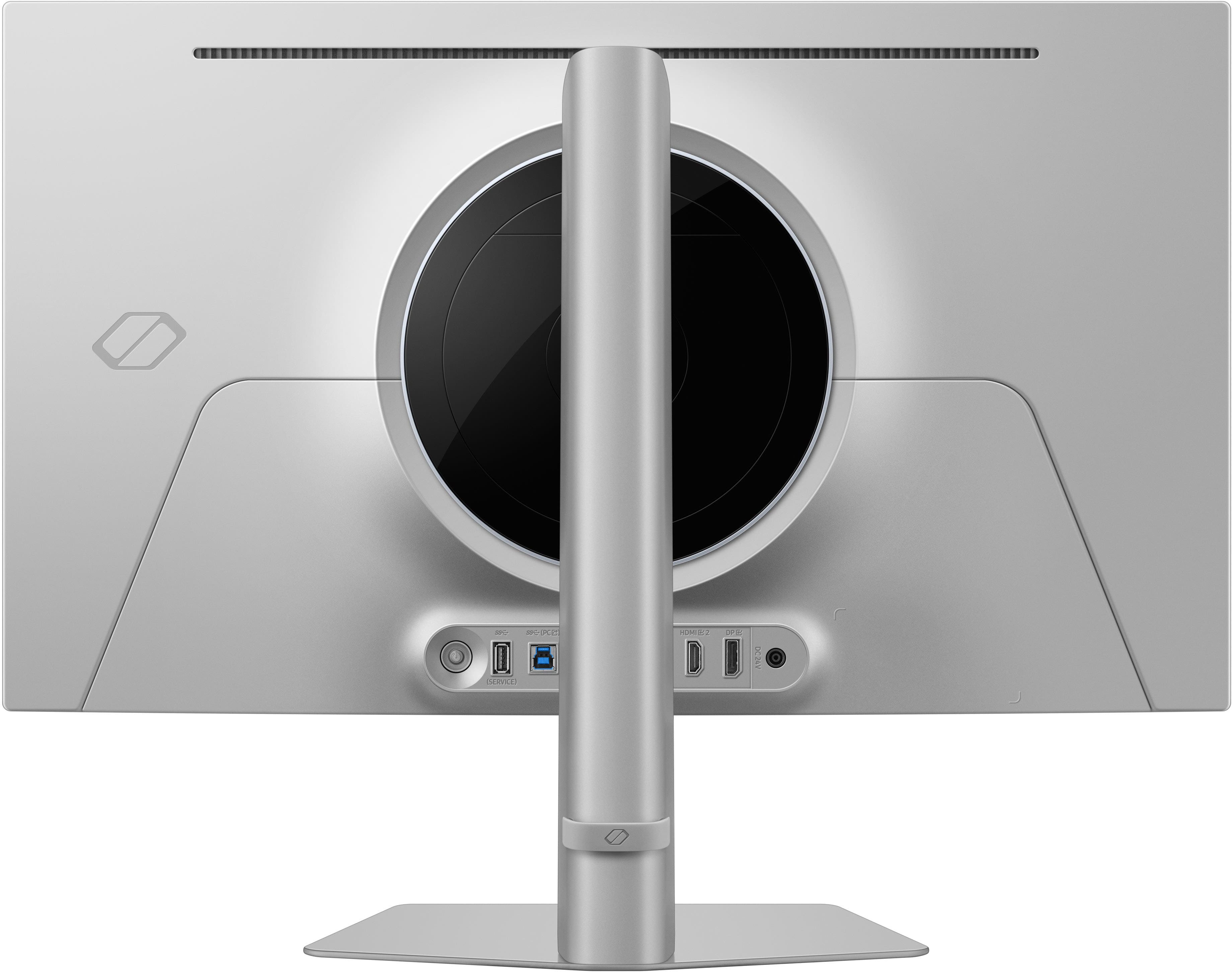
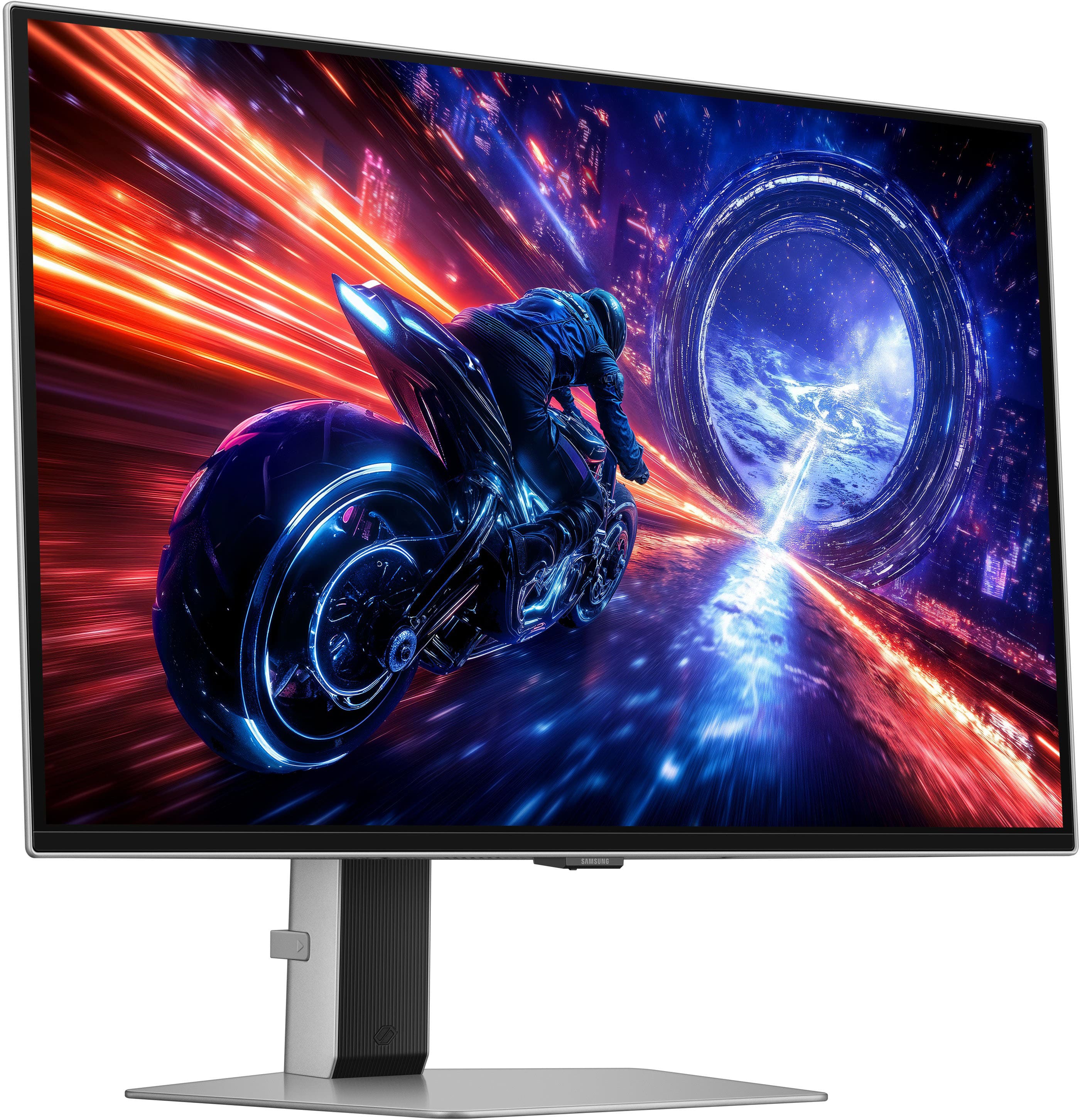
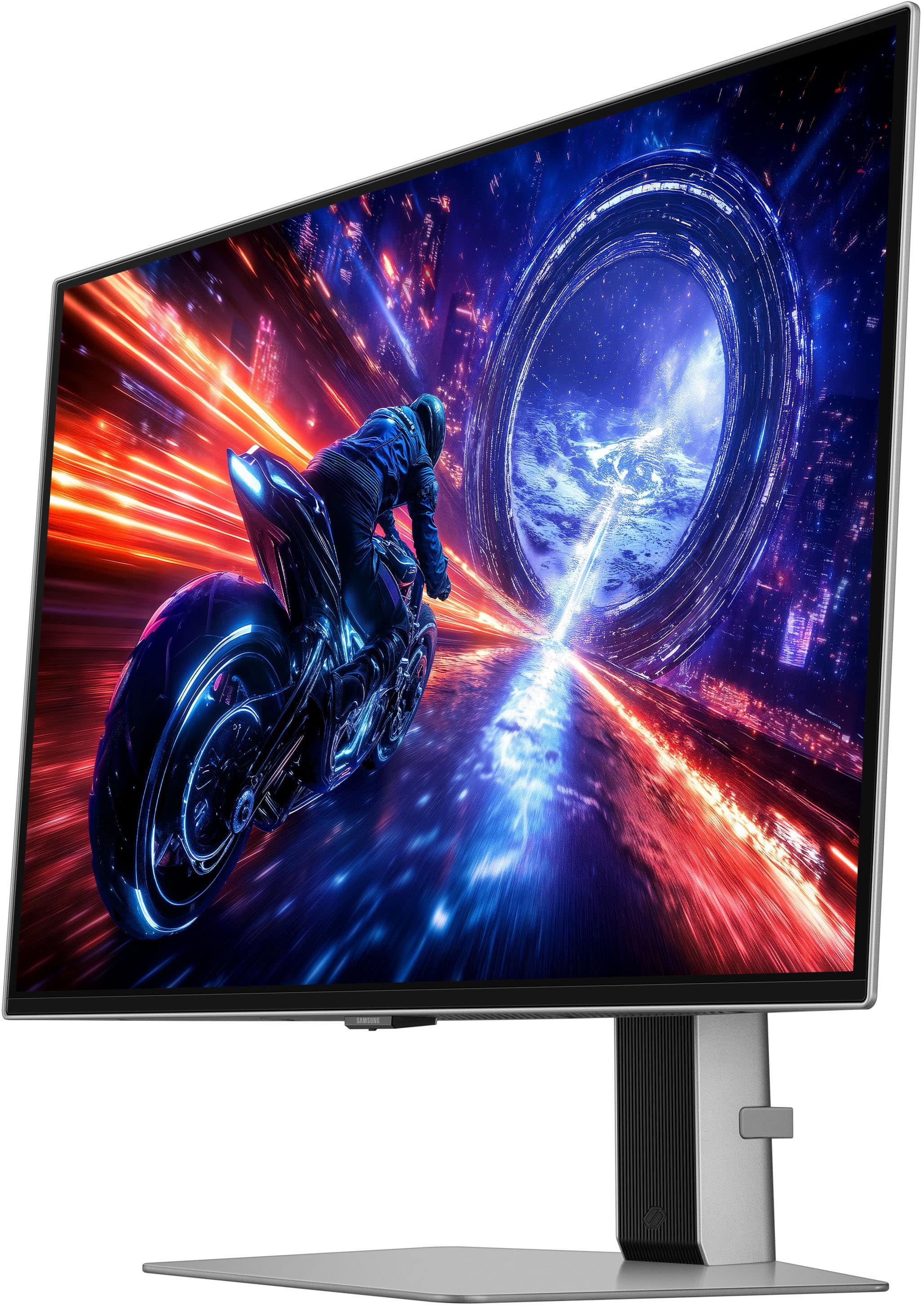
|Posted .This reviewer received promo considerations or sweepstakes entry for writing a review.I am an avid gamer and build my own computers, and for too long I ignored the value of updating my monitors as often as I did my components. While my current gaming computer isn’t cutting edge by most measurements, it has aged well at only a few years old. In terms of specs it is an Intel i9 13700K with 64 gigs DDR5 RAM and an Nvidia RTX 4070 graphics card that outputs to a Dell S2721DGF as my main monitor, which when purchased boasted a 165hz max refresh rate and a 1ms response time. A great IPS screen at that time for sure, designed to cater to color accuracy and color consistency with phenomenal view range, but Samsung’s most recent OLED offering is on a completely different planet from my five-year-old window to the gaming world. I should note (coming from a slightly aged setup) that as a consumer making decisions on high-end technology like the Odyssey OLED G6, you really want to make sure you have the proper amount of horsepower under the hood (primarily in your CPU and Graphics card) when considering this type of investment. While my CPU is within the current recommended range to maximize the settings, my graphics card is just a bit shy of range to push this monitor full throttle. After a bit or research, I found that you will want at least an RTX 4080 (more optimally a 4090) to realize the full potential of what the Odyssey G6 can do. Without top-tier current components, you will end up overpurchasing a monitor that will inevitably be under-utilized. Out of the box, the Odyssey OLED G6 is a gorgeous aesthetic in silver arriving in three pieces: a heavy but relatively thin metal plate serving as the foundation, a straightforward looking upright with a rubber cable tie on the rear, and the screen assembly itself. This is a quick and easy tool-less assembly, the upright mounts to the plate with a simple twist click through a hole in the base, and this connected stand is inserted and click-locked into the backplate of the screen where the VESA mount screws would otherwise go. It was made whole and upright in less than 10 seconds after unpackaging. The monitor housing itself is modern and sleek, the brushed silver casing becomes razor thin at the edges and barely wraps the front flush bezel, with a minimal black plastic ‘chin’ at the bottom. There is a barely noticeable protrusion at the bottom dead-center with the Samsung logo. On the reverse side, the smooth metal casing meets a large LED light ring surrounding the mount assembly. This light ring can express any color imaginable, with many cool pre-built lighting functions in Samsung’s settings menu, where they refer to it as the Infinity Core. At the bottom of the rear side is an input panel with a joystick, USB 3.2 ports, (2) HDMI 2.1 ports and a Displayport 1.4. The assembled stand provides ample room to tilt/swivel and adjust height, and the monitor can be set in landscape mode if desired. Also in the box are an external power supply with a right-angle connector, as well as included HDMI and Displayport cables. The settings menu itself is very gamer-centric, with a control panel topped by status indicators, and an array of submenus catering to gaming functions (you can add a virtual aim point, set adaptive sync or play with the Infinity Core lighting scheme as an independent design or synced to the environmental color scheme of the game being played), color tweaking in Picture Mode with attention to individual hue, contrast and color setting or using one of 10 preset picture modes, as well as on-screen display toggles and a few system settings. Back when I started to study and understand monitors more as a gamer, I personally put value on speed, refresh rate and minimal input lag as most important at that time, all of that works to generates a higher frames per second (fps) outcome with buttery smooth action. The 165hz and 1ms speed I came from had felt so fluid and fast, but now having experienced the Odyssey G6 clocking in at ridiculous 500hz and .03ms on an OLED canvas, the experience is just other-worldly. Deep inky blacks, truly accurate and super-vibrant colors that pop off the screen with essentially an infinite contrast ratio provides the user a high dynamic range (HDR) experience that puts OLED screens in a category with few peers. The color presets are so good out of the box, it really does not need further calibration, but it certainly can be tweaked further as you see fit. The viewing angles are wild, you lose virtually nothing shifting off of the perpendicular almost to the extreme edges. I should also note the anti-glare coating on the screen is pretty stunning, my office is supported mostly with overhead light, but the screen basically ignores that distraction. It auto-dims after 10 minutes as one of a few functions to cut any potential burn-in, which is a very welcome feature. I bench tested it on a few competitive FPS games such as Valorant, Overwatch 2 and Fortnite and easily averaged between 450 and just over 500 FPS with some downshifting of the settings (this is where my GPU capped me a little). I had to sacrifice some resolution and graphic settings to get there, for most of these titles if I were playing with graphic settings auto-calibrated to my machine with Ultra or Epic settings and full 2560x1440 and V-Sync enabled, I was achieving 200+FPS easily with no visual stuttering, tearing or presence of artifacts at all, it was buttery smooth frames and the full graphic experience each game offered. When I played games with what I consider more immersive graphic experiences, like Cyberpunk 2077, Red Dead Redemption 2, or even recently released Battlefield 6, I really had to dial down the graphic settings to even get close to a 300 FPS ceiling, there was no real shot of me hitting 500 with the limitations of my card. With BF6, I actually determined that it was more valuable to me as an experience to allow the game to auto-scale the graphics up to match my system, I am not good enough a player that I was squeezing out more kills with an additional 50 FPS, and it was like playing a movie leaving some of the higher-rendered settings on. I imagine with a RTX 5080 you will sacrifice much less while gaining more responsive low-latency fast-twitch visual reactions, that card is now the sole item on my Christmas list. Regardless of the actual ceiling of my hardware, the experience was still a major graduation from the old screen specs, providing an entirely upgraded visual environment. This is an outstanding gaming monitor that combines the highest level of fluid speed with a new universe of color. Honesty, my biggest challenge in reviewing the outcomes of the monitor (mostly based on my hardware’s inability to maximize the settings and FPS) is determining what I enjoyed most about different types of gaming that I do and picking different lanes. I think the Odyssey G6 OLED overwhelmingly supports both ‘sides’ of my gaming desires in that regard. In the instances where the games graphic ‘ceiling’ isn’t the most appealing aspect to me- like an Overwatch 2, Valorant or Fortnite - I am more than willing to sacrifice resolution and setting levels to achieve maximum FPS. In other titles with incredible world design, like a Battlefield 6, Cyberpunk 2077 or others, I easily traded insane levels of FPS for immersion and felt like I sacrificed nothing. This monitor is primarily aimed at achieving true competitive advantage, with unmatched motion clarity and almost-zero latency. It is perfect for first person shooters, but don’t lose sight of the immense visual opportunity for action-packed world exploring.
I would recommend this to a friend - Pros mentioned:Build quality, Glare reduction, Oled quality
Gorgeous Screen & Ultimate Black Levels
|Posted .This reviewer received promo considerations or sweepstakes entry for writing a review.TLDR: OLED screens are game changers. Though often offered at a premium price point, the images and displays are worth it. PROS OLED Blacks 1000 nits Peak Brightness 500Hz Refresh Just enough RGB Reduced Glare w/o Looking Matte CONS Not 4k No USB-C for Power or Input No Speakers INPUTS 1 x USB-B 1 x USB-A 1 x 3.5mm Headphone 2 x HDMI (2.1) 1 x DP (1.4) GAMING QUALITY I have zero complaints about the Samsung image quality. OLED monitors are the latest and greatest monitors to hit the market. Although they often cost a premium over conventional VA and IPS LED monitors, they are totally worth it. I don't know of any apps, programs, or games that do not benefit from an OLED monitor. If your go-to games are ones like Call of Duty, Cyberpunk, Doom, etc., OLED's are your friend. Their ability to reach to complete black without crushing are musts. Anyone that has been frustrated by hard to see enemies in dimly lit scenarios will absolutely love an OLED monitor. No other technology offers the ability to reproduce such deep, dark scenes without distortion. Samsung's new "OLED Glare Free" screen is very nice. Using it back-to-back with a competitor's 27" OLED gaming monitor, the reduction in glare and reflections is quite noticeable. The best part of the new screen is that it doesn't have the traditional matte looking finish like most anti-glare screens. That is good, as you get a reduction in glare, but still get to enjoy all those beautifully saturated colors. COLOR REPRODUCTION If you are springing for an OLED monitor, it better be able to deliver the goods when it comes to color reproduction and accuracy. The new G6 delivers. I measured color accuracy with my X-Rite i1 Display Pro. Photos attached show color reproduction accuracy. The G6 is extremely accurate with colors below the limit for visual errors, aka a Delta Error less than 2. Excellent work Samsung. NEGATIVES I know built-in speakers aren't often used with gaming monitors, but I still like to have them built-in. I don't always want my headphones on when surfing or just doing work. The option to use a monitor's speakers would be a welcome addition. I wish the monitor offered provisions for USB-C, both for data and for power. The Samsung power brick is annoying, not to mention feels like it's going to break every time I have to plug in the barrel connector to the back of the monitor. I really prefer competitors' gaming monitors that take a basic 3-conductor computer power cable. FINAL THOUGHTS It's hard to find major faults with the Samsung G6. With a blistering 500Hz refresh rate, .03ms response time, and OLED black levels that are second to none, what's not to like? The silver stand and back look very nice and there is just enough RGB to satisfy those that want the feature without being over-bearing and obnoxious. If you are in the market for a new monitor, the G6 should be on your shopping list. Pricier than VA or IPS panels, but so worth it. RECOMMENDED
I would recommend this to a friend - Pros mentioned:Build quality, Performance, Refresh rate
Epic gaming monitor for 1440P players
|Posted .This reviewer received promo considerations or sweepstakes entry for writing a review.Samsung is imho king of the hill when it comes to OLED gaming monitors. Never had any issues with them and the performance always blows my expectations out of the water. 27inch 1440P is the sweet spot for me when gaming. In the box is the panel, base, arm (all toolless btw!), power brick, paperwork and all the cables you need to get started. HDMI, DP, USB B to A etc. The toolless design is great and makes assembly a snap. Twist the arm into the base and then the arm into the back of the panel (making sure to hear the clicks) and lift it right out the box. Inputs are great to good. You get 2x HDMI, 1 DP, 1 headphone jack, 2 USB A (though 1 is for service) and a USB B. The absence of USB C to me is a miss for a "top end premium" product. Since everyone will have different experiences depending on your build, I'll give a quick rundown of my rig. This G6 is being used on my 9800X3D, 5080 /w 96 GB DDR5 6000 RAM CL 30. All the games I through at it look amazing. Everything from WoW, Subnautica, CoD, CS2 to Expedition 33 is just fantastic. The .03 ms GTG with a crazy 500MHz refresh is insanely godlike (if your rig can handle it) Absolutely uniform colors with no ghosting at all. If you want the current best of the best in the 1440P category, the Odyssey G60SF is the way to go.
I would recommend this to a friend - Pros mentioned:Build quality, Performance, Refresh rate
Monitor
||Posted . Owned for 1 week when reviewed.This reviewer received promo considerations or sweepstakes entry for writing a review.The Samsung Odyssey G6 500Hz 1440p monitor is an absolute game-changer, especially for competitive gaming. The 500Hz refresh rate is incredibly smooth — motion clarity is on another level compared to 240Hz or even 360Hz displays. Fast-paced games feel more responsive, and tracking targets is noticeably easier. The 1440p resolution is a perfect balance between sharp visuals and high frame rates. Image quality is crisp, colors look great out of the box, and the screen stays clear even during intense action. Input lag is practically nonexistent, and the monitor handles high FPS consistently without stuttering or tearing. Build quality is solid, the stand is sturdy and fully adjustable, and setup was quick and easy. Overall, this monitor delivers elite-level performance and absolutely lives up to the hype. If you’re serious about competitive gaming and want the smoothest experience possible, this is one of the best monitors you can buy.
I would recommend this to a friend - Pros mentioned:Build quality, Oled quality, Refresh rate
Top tier 1440p OLED, near zero compromises
|Posted .This reviewer received promo considerations or sweepstakes entry for writing a review.Samsung has knocked it out of the park once again with their OLED monitors. The second I got this G60SF setup with my desktop (running a 7800x3D, RX9070, 32GB DDR5), I jumped into BF6. Ran the settings down a bit with FSR set to ultra performance, without frame gen, and played a bunch. It’s CRAZY how fast this monitor reacts, not that I am good, but it definitely helped my old eyes get a sight on targets quicker and may actually slightly help my KD. I also jumped into rocket league, and mixing some lower settings kept my FPS over 500, and I’ve never seen the game running faster. 500hz plus .03ms response time is legit if your hardware can pump the FPS! Easily the fastest monitor I’ve ever had! The overall quality of the G60SF is top notch too, ultra thin, looks great. Stand is solid and easily adjustable. The power adapter is a chonky beast, but at least you can hide it under your desk. Randomly, I’m glad it does not have any “smart” stuff, a gaming monitor should be just that, without fluff. Top tier 1440p monitor if your system can push the frames!
I would recommend this to a friend - Pros mentioned:Refresh rate
Beautiful QD OLED PQ,not so great QC
|Posted .This reviewer received promo considerations or sweepstakes entry for writing a review.I’ve been wanted to upgrade my wife’s gaming pc set up and replace her old 27 inch 4k ips monitor as I just upgraded her PC with a new case and new GPU. Her GPU can and can’t run 4k (nvidia 5050 8gb). So I decided to check out this Samsung g6 QD OLED monitor since it’s a 500hz panel and a resolution of 1440p which is easier to run on the entry level 5050. She plays simple girly games and she always wanted an oled for the beautiful colors. This monitor fits that description to a T. The panel itself is beautiful not just oled but quantum dot oled which gives better colors and saturation compared to a WOLED panel. Very fast response times as you come to expect from oled. Plenty of brightness and a matte screen that rejects most of the external lights in our house. 500 hz is very high and possible to hit but you need a powerful gpu. But if you play semi easy to run games you can almost get there. Better to have than not. On screen display works great no issues aside from the button placement. Plenty of customization everything you need and expect out of any gaming monitor. RGB ring on the back of the monitor is actually one of the nicest and brightest Ive seen thus far and I’ve seen plenty of RGB lighting on gaming monitors. Nice. No built in speakers which is typical and fine. Most folks have computer speakers. Stand is easy to attach just be patient and it looks nice and has plenty of adjustability. Samsung makes great products but I have to be honest here. The quality control is lacking. Screen is fine but the housing&rear panel seems a bit cheap and the ports(main board) has some give when connecting the power and display port cables. It’s not a big deal or a deal breaker by any means because I handled it moved it around and it was good plus these things you literally set it and forget it. It’ll be good for years to come so I’m not worried. Just wanted to throw this negative out there. But other than that, this is a beautiful panel(what you are paying) and it’s just the right size and resolution so I still recommend.
I would recommend this to a friend A truly great gaming monitor!
|Posted .This reviewer received promo considerations or sweepstakes entry for writing a review.The Samsung G6 Odyssey will be happy to show you how pathetic your old monitor is- for gaming. I thought my last monitor was amazing. It was a fast IPS monitor with a lovely picture and good gaming performance. So I thought. Colors pop, explosions flash light they’re in the room with me, and I am consistently better in my FPS games. Make no mistake, I’m bad at FPS games, but now I’m better- for what that’s worth. No perceptible input lag. It really is amazing. This is the best 27” GAMING monitor I can imagine is available anywhere. I have used competitors OLED displays, but this panel has a more refined, polished presentation that puts it in a league of it’s own. For gaming. I’m running with a Ryzen 5800X and a RX7800 XT, and I am seeing “only” 95 fps with the pretties all cranked up, but those 95 frames on this monitor are way different than the same frame rate on my IPS panels. It’s like a free GPU upgrade, suddenly everything is clearer, faster, easier. It’s lovely on my Macintosh as well, it responds well to brightness adjustments within the OS and the colors are vivid and accurate. Gaming on the Mac isn’t really worth talking about, but suffice to say, this monitor is overkill for the Mac. Working on documents with this monitor is a bit overwhelming, the blazing brights and insane contrast ratio are grating and cause me eye fatigue. There are settings in the monitor for different levels of eye care, which helps immensely with the blazing blue and white light. However, as I’m working on a document…such as this one, just typing, the monitor gets dimmer and dimmer and dimmer. So I turned that off. So, a great gaming monitor, not so great for office productivity. There are issues. The build quality feels terribly cheap for a monitor in this stratospheric price point. The little button on the back of the monitor that lets you navigate the on-screen menus feels like a toy from a gumball machine. I have used primarily monitors from a very large computer company that have been durable and presentable, never giving a “cheap” feeling. The G6 Odyssey feels cheap. The body of this monitor is used to passively cool the display and there is no fan, which is nice. If you are putting this monitor where the rear of the panel will be visible, be prepared to be disappointed. Thin is super nice, but not when it compromises functionality. All of the connections on the back are perpendicular to the panel, so when you plug in your cables, they stick straight out of the back. Ugly, and it adds torque stress to each of those connections. The cord management is pathetic, a rubber band strap. The monitor might look good in pictures, but it’s pretty messy on my desk. The power cable has a 90 degree connector, which is nice in theory, but it then does not match with all of the other cables that are sticking straight out. Maybe if all of the provided cables also had 90 degree connectors, it might be more presentable and less likely to apply torque to the connections. The USB ports are both USB-A. It’s 2026, pretty lame. Once again, this is a 1K “premium” monitor. The light ring on the back is fun to look at for a bit, but just brings more attention to the amateurish cable mess on the back. If you’re looking for the best monitor purely for gaming, this is the one. If you’re looking for an all-around monitor, you might want to go for something a little more tame or invest in some blue-blocking glasses. If you want something that doesn’t look like it belongs in a toy box, there are better options. Recommended, with reservations.
I would recommend this to a friendA Great Monitor Cranked to 11
|Posted .This reviewer received promo considerations or sweepstakes entry for writing a review.The Samsung OLED G6 G60SF monitor feels a bit familiar. As it should as this is an upgrade from the Samsung OLED G6 G60SD. I love that monitor, and this model is even better. A few of my lingering nitpicks from the G60SD such as G-Sync compatibility out of the box have been addressed. The G60SF has a 500hz refresh rate compared to the G60SD’s 360hz. But the stands, the bezel, and the displays themselves look so similar that this feels like taking a remarkable thing and cranking it up to eleven rather than a complete refresh. As such, Samsung has made an already great gaming monitor better. Setup: The monitor comes with the stand, a DP 1.4 cable, and an HDMI 2.1 cable. I have this unit hooked up to my PC currently via DP, but HDMI works well. Experience: New monitors are always too bright for me out of the box. I crank the brightness down quite a bit and let my eyes rest before settling in on my preferred settings. I prefer the “Graphic” preset with around 27 brightness and 44 contrast. The monitor has a built-in headphone jack, two HDMI 2.1 ports, a Display Port 1.4, and two USB ports. Samsung’s stand has some cable management built-in but is limited to just swiveling left and right with height adjustment. If you prefer to use your own stand, you will need a VESA 100x100 mount. Image Quality: FANTASTIC. I love this display. Samsung OLED displays look amazing and the G60SF is great. Colors are great. HDR works well. I never had any screen tearing in gaming thanks to the monitor’s G-SYNC compatibility. One of the first questions my friends ask about OLED monitors is burn-in. Samsung has screen optimization features built into their displays. When you shut off the computer and the monitor ceases to receive a signal, it begins an optimization process. I have not had this monitor long enough to notice any burn-in, but my other Samsung OLED has not had any burn-in in a year and a half of use. I realize the concern exists, but I type, game, and edit photos and videos on my monitors and have never had a problem with Samsung OLED monitors experiencing burn-in. Is the 500hz better than the 360hz? I cannot tell. I think so? There appears to be a bit more clarity and smoothness in movements. It is rare I ever get close to pushing 300fps on any application. Things could be slightly smoother, but, again, it is hard for me to tell if I am noticing something or if it is just a placebo. Still, with NVIDIA’s DLSS 4.5 Frame Generation, it is quite possible that users with 5000 series NVIDIA GPUs will get close to pushing those limits. Frame Generation has been a game changer in applications that use it and Samsung’s decision to officially support Nvidia’s G-Sync will be great for owners of NVIDIA GPUs. Compared to the G60SD, the G60SF is a bit brighter. Nitpicks: 1. Power brick is huge. The monitor consumes quite a bit of power. If energy efficiency is a goal, you may need to look at other display options. 2. Power button is located on the back side of the display and feels a bit flimsy to me. It is the same as the G60SD and I never had problems with that button, I wished for that monitor to have better controls, too. Thankfully, there is the Samsung Windows 11 application. 3. Display Port is limited to DP 1.4. That means there might be some compression at the higher refresh rates. I never noticed any graphical anomalies with DP versus HDMI 2.1, but there are limitations with the DP 1.4. But, again, so far, I have not seen those limitations impact the display quality or experience in any way. 4. I wish the CoreSync light was brighter. Conclusion: This is a great display. Nitpicks aside, this is one of my favorite OLED monitors that has been made better. It looks and performs great and is about as easy of a monitor to recommend as it gets. 5/5
I would recommend this to a friendExpensive, but well worth the price for gamers!
|Posted .This reviewer received promo considerations or sweepstakes entry for writing a review.I've owned a few Samsung monitors over the years and have always been pleased with their performance. This display is on the higher-end of what I'm used to, so I expected it to really impress me. It did. Pros: - The 27" OLED display presented vibrant colors and crisp graphics to go along with it's high-end specs. After using it for basic purposes (web browsing, show streaming) I put it to the test with some FPS games and other titles that require a lot of fast-motion and quick reactions. The incredible refresh rate (500 Hz) and response time (.03ms) allowed me to perform better than usual in most gaming sessions. The extra space that the large screen provides also helped give me a better field of vision. - The stand is designed well and easy to assemble. It has a swivel design that allows you to pivot the screen to give you the best angle based on where you are sitting, and the telescoping stand allows you to easily raise and lower the monitor by about 6 inches. This is a great feature for a home computer than might be used by multiple people of different heights. The stand also has a handy cord guide to help conceal cords behind itself. - There are more than enough ports to allow you to hook up your rig as you please. With a display port and 2 HDMI ports (and more), it's hard to find anything you wish it had but doesn't. The inclusion of cables is also appreciated so no need to bring your own. The headphone port is also appreciated and useful if you like to keep your PC rig tucked away under a desk. Cons: - While two USB-A ports are included, I'd love to see modern devices start including a USB-C port as well since it's always useful to have convenient ports to charge our phones and other devices. - The power brick is fairly large so be prepared to have a place to conveniently place it. While on the pricey side, this is a fantastic monitor that is designed for gamers that are looking for an edge and love a smooth and fast gaming experience. I have thoroughly enjoyed my first week with it.
I would recommend this to a friend- Pros mentioned:Refresh rate
Great picture quality, bad QC
|Posted .This reviewer received promo considerations or sweepstakes entry for writing a review.The Samsung Odyssey G6 is a beautiful display that decided to put all effort into the the actual screen technology and almost no effort into the casing. The monitor is a nice 27" QD-OLED QHD (2560 × 1440) display with a refresh rate up to 500Hz, all of which combined puts out vibrant colors, deep blacks, and a 0.03ms response time, making games look fast and smooth.The refresh rate and response time will be ideal for FPS but I liked it alot for my single player games where the smooth motion made games like Red Dead 2, Elden Ring, and Sons of the Forest feel more cinematic. I tried it out with my PC and PS5 and it worked perfectly fine, although its display power would not be fully utilized on my PS5. My biggest issue with the Odyssey G6 is the outer shell. When setting up I found that the top edge/border of the frame was was loose and was not clasped onto the screen. I checked on the other edges/borders and there was no other opening or loose points. The gap is wide enough to slide a quarter behind the screen and spans about 3" to the left and to the right from the center of the top edge, so roughly 6" total Such an oversight in QC really begs the question of what is Samsung doing letting such mistakes get through the finish line. I will be honest and admit that the gap did not affect performance but it is more of an issue that creates the potential for bigger problems if dust, or pests, or anything gets in the back of the screen and causes damage. Overall the Samsung Odyssey G6 is a beautiful gaming monitor that fumbles the ball by having subpar quality control, the amazing picture quality is why it still gets 3 stars, but I expect better finished product quality from a big name tech brand.
No, I would not recommend this to a friendBrand response from Samsung
Posted .BryBryJ:
Thanks for sharing your review of Samsung’s G60SF Monitor. We value your feedback regarding the panel and will share it with our teams.
Should you need further assistance or have questions, please contact Samsung Customer Support at 1-800-SAMSUNG, available daily from 8AM - 9PM EST Monday - Friday, and 8AM - 6PM Saturday and Sunday. You can also visit the Samsung website and click on ‘Support’ for:
• Live Chat
• Manuals, Software, & Warranty Info
~ Samsung Monitors
Really good and smoth monitor
||Posted . Owned for 2 weeks when reviewed.This reviewer received promo considerations or sweepstakes entry for writing a review.The monitor was really good with a fluid image, the brightness was perfect, the game looked more realistic, and the movement was much better. Unfortunately, the button on the back for the menu broke, but overall, it was the best monitor I've ever bought.
I would recommend this to a friend- Pros mentioned:Build quality

Samsung monitor
|Posted . Owned for 3 weeks when reviewed.This reviewer received promo considerations or sweepstakes entry for writing a review.[Employee of bestbuy] Great monitor the display is insane and the quality is superb
I would recommend this to a friend - Pros mentioned:Oled quality
Oled oled oled
||Posted . Owned for 1 week when reviewed.This reviewer received promo considerations or sweepstakes entry for writing a review.Amazing monitor. Oled screen is on another level for colors.
I would recommend this to a friend First OLED
||Posted . Owned for 1 month when reviewed.This reviewer received promo considerations or sweepstakes entry for writing a review.Honestly coming from a 1080p 144HZ monitor to this 1440p OLED display basically has ruined other displays that are not OLED. If you’ve been thinking of upgrading your monitor don’t hesitate, this one has a stunning image
I would recommend this to a friend- Pros mentioned:Build quality
Best monitor
||Posted .This reviewer received promo considerations or sweepstakes entry for writing a review.Big difference love it amazing quality super easy to install
I would recommend this to a friend Greatest monitor on the planet!
||Posted . Owned for 1 month when reviewed.This reviewer received promo considerations or sweepstakes entry for writing a review.One of the best monitors I ever purchased the one I had before was the Samsung T 55 which they discontinued but this one is above & beyond highly recommend you will not be disappointed!
I would recommend this to a friend