Samsung - 27" Odyssey OLED G6 (G60SF) QHD 500Hz 0.03ms GSync Compatible and FreeSync Prem Pro Gaming Monitor with HDR 500 - Silver
Customers are saying
Customers praise the monitor for its exceptional refresh rate and high-quality build, which users find truly impressive. The OLED display delivers spectacular, bright colors that enhance the overall visual experience. Furthermore, users are highly satisfied with the device's top-tier performance and its uncanny motion clarity during fast-paced gaming.
Highlights
OLED in QHD
Experience breathtaking realism in your games. Samsung OLED offers enhanced brightness and a wide range of colors, making scenes crisp and vibrant in QHD resolution.
Glare Free
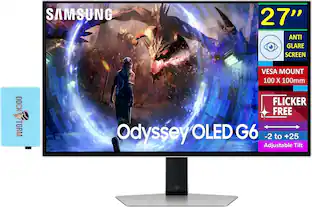
Keep playing, uninterrupted. Glare Free technology makes your screen 54% less glossy than conventional Anti-Reflection film, keeping it clear of reflections from external light sources. Now you can get the drop on your enemies even when daylight is streaming in.¹
VESA DisplayHDR TrueBlack 500
Immerse yourself in realistic gaming visuals. With TrueBlack 500 certification, the monitor delivers ultra-deep blacks and 1000-nit peak brightness for stunning contrast, vibrant highlights, and rich color — bringing every frame to life with sharper, more immersive detail.²
Pantone Validated
Enjoy immersive gaming with precise color reproduction. Our Pantone Validated screen can accurately reproduce 2100+ colors and 110+ SkinTone shades from Pantone's library. Plus, the brilliant OLED display helps bring games to life as intended by developers — for an engaging gaming experience.
Dynamic Cooling System
Built into a monitor, Pulsating Heat Pipe uses a coolant that evaporates and condenses to diffuse heat five times faster than a graphite sheet, reducing core temperature and helps prevent burn-ins.
Thermal Modulation System
Thermal Modulation System uses algorithms to automatically control brightness and prevent overheating.³
Logo & Taskbar Detection
The brightness on static images, like logos and taskbars, is automatically reduced to prevent burn-ins.⁴
Screen Saver
The screen dims itself after 10 minutes of inactivity and comes back to regular brightness with any input.
500Hz Refresh Rate
Say goodbye to stutter and lag. With the first-ever 500Hz OLED screen, you can experience smooth gameplay with lightning-fast responsiveness and stay ahead in every frame.⁵
0.03ms Response Time
Take your most intense gaming sessions to new heights. OLED technology delivers a near-instant reaction time of 0.03ms GtG, allowing you to secure wins in fast-paced games with crisp, razor-sharp visuals.⁶
G-Sync Compatible
G-Sync compatibility syncs the GPU and panel to reduce choppiness, screen lag and image tearing. Along with AMD FreeSync Premium Pro, it creates ultra-smooth scenes that let you game with a competitive edge.⁷
Slim Metal Design
Upgrade your gaming station with a razor-sharp design. Real metal adds a premium finish to Odyssey OLED's modern design that matches your style.
CoreSync & CoreLighting+
Set the mood for your gaming. CoreSync technology projects your game's on-screen colors into the real world with 16.7 million colors. Thanks to CoreLighting+, get fully immersed with vibrant colors that instantly shift the vibe.
Ergonomic Stand
Reach the height of winning in total comfort. Simply tilt and adjust your monitor until all enemies are in perfect view.
- Refresh Rate500HzMaximum Resolution2560 x 1440Response Time0.03 millisecondsSynchronization TechnologyFreeSync Premium Pro (AMD Adaptive Sync)Screen Size27 inches
Reviews
Rating 4.8 out of 5 stars with 84 reviews
- Refresh Rate (40)
- Build Quality (33)
- OLED Quality (25)
- Performance (16)
- Brightness (15)
Customer Images
The vast majority of our reviews come from verified purchases. Reviews from customers may include My Best Buy members, employees, and Tech Insider Network members (as tagged). Select reviewers may receive discounted products, promotional considerations or entries into drawings for honest, helpful reviews.
Compare similar products
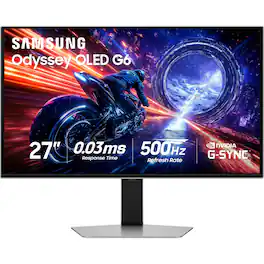
Samsung’s 27" Odyssey G6 QHD Gaming Monitor is the world’s first OLED monitor to feature a 500Hz Refresh Rate for lightning-fast responsiveness with a near-instant reaction time of 0.03ms GtG for crisp, razor-sharp visuals. OLED offers enhanced brightness and a wide range of colors for vibrant scenes in QHD resolution. Glare Free technology keeps screen clear of reflections from external light sources. VESA DisplayHDR TrueBlack 500 delivers ultra-deep blacks and 1000nits peak brightness. Samsung OLED Safeguard+ reduces core temperature, helps prevent burn-ins and overheating, and automatically controls brightness. G-Sync compatibility reduces screen lag and image tearing, creating ultra-smooth scenes along with AMD FreeSync Premium Pro. The slim metal design with a premium finish upgrades any gaming station while the Ergonomic Stand enables the monitor to be tilted, height adjusted, and pivoted for total gaming comfort. CoreSync technology & CoreLighting+ project vibrant on-screen colors into the real world for a fully immersive experience.
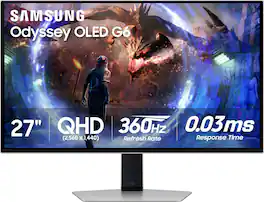
Samsung's OLED G6 Gaming Monitor delivers superior brightness with an expansive spectrum of colors and nearly limitless shades. The 360Hz refresh rate and 0.03ms response time (GtG), along with AMD FreeSync Premium Pro, allow ultra-fast & smooth gaming action. OLED Safeguard+ technology includes a groundbreaking Dynamic Cooling System and thermal modulation that auto-controls brightness to prevent burn-in. OLED Glare Free technology significantly reduces glare from external light sources, and deep black levels with dynamic contrast enable supreme depth expression. Features a sleek metal design and ergonomic stand for optimal comfort when playing for extended periods of time. 3-Year Warranty.
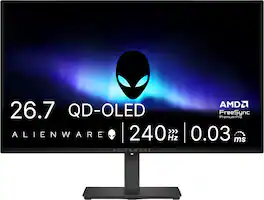
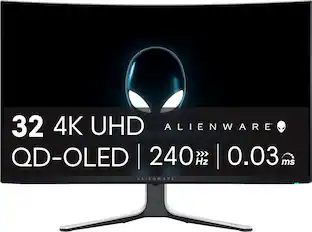
Alienware 27 240Hz QD-OLED Gaming Monitor. Take in superb QD-OLED visuals and fluid gameplay on the 27" flat panel monitor featuring a fast 240Hz refresh rate.

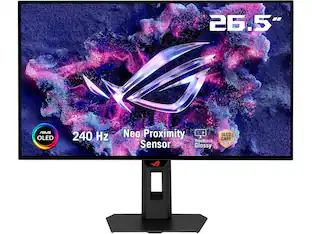
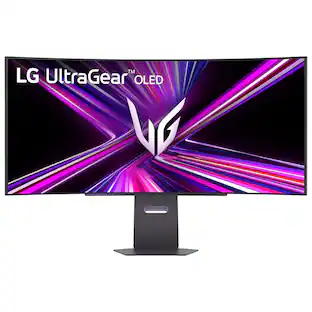
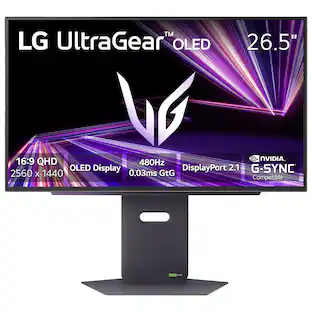
Experience astounding speed with up to a blistering 480Hz refresh rate¹ and 0.03ms response time on a 27" QHD OLED monitor. Dive into immaculate OLED visuals with up to 98.5% of DCI-P3 color coverage and a 1,500,000:1 contrast ratio for stunning blacks and vibrant colors. With next gen connectivity via DisplayPort 2.1, enjoy ultra-fast data transfer supporting higher resolutions at fast refresh rates with razor-sharp visuals and zero lag. Adaptive sync technologies FreeSync Premium Pro and NVIDIA G-SYNC compatibility ensure tear-free, stutter-free performance, whether you're on PC or next-gen consoles. Plus, the UltraGear's 2-year OLED limited warranty and OLED Care features give you peace of mind, keeping your UltraGear monitor in top shape. Designed and built for gamers, the monitor's virtually bezel-less screen brings you into the action while the RBG backlighting creates the mood for the centerpiece of your ultimate battlestation.
| Pros for Samsung - 27" Odyssey OLED G6 (G60SF) QHD 500Hz 0.03ms GSync Compatible and FreeSync Prem Pro Gaming Monitor with HDR 500 - Silver | |||
|---|---|---|---|
| Refresh Rate, OLED Quality, Build Quality, Performance, Brightness | Overall Performance, Refresh Rate, Design, Resolution | OLED Quality, Overall Performance, Refresh Rate, Stand Adjustability | Refresh Rate, Design, Color Quality, Gaming Performance |
| Cons for Samsung - 27" Odyssey OLED G6 (G60SF) QHD 500Hz 0.03ms GSync Compatible and FreeSync Prem Pro Gaming Monitor with HDR 500 - Silver | |||
| There were no cons for this product— | Brightness, Cable Management, Text Clarity, OLED Quality, Screen Finish | Brightness, Audio Output, USB Ports, Connectivity | Cable Management |
Specs
Does this monitor use DCS to reach the refresh rate and does it have a 24.5” mode for competitive gaming?
Answered by SamsungDCS: Yes, the Samsung G60SF monitor uses Display Stream Compression (DSC) to hit its native 500Hz refresh rate over a DisplayPort 1.4 connection. It also natively includes an Image Size setting in its menu, allowing you to shrink the screen area to a 24.5-inch mode - Samsung Monitors
Does this monitor have a matte coating over the screen area? Like I see it has a "glare free" oled display, but I prefer glossy screens because they keep more of the picture vibrancy.
Answered by SamsungHotStonerChick: Yes, the Samsung G60SF features a matte anti-reflective coating over the screen area. - Samsung Monitors
Is this 4K or 5K resolution?
Answered by SamsungK: The Samsung G60SF monitor is neither 4K nor 5K resolution. It features a QHD (2,560 x 1,440) resolution, which is also commonly referred to as 1440p or 2K. - Samsung Monitors
Does the monitor have anti-glare functionality?
Yes, the monitor has anti-glare functionality.
This question and answer was generated by AI based on customer and product data.Does this monitor have a headphone jack?
Yes, this monitor includes a headphone jack.
This question and answer was generated by AI based on customer and product data.

Customers often buy these together
Monitor Stands


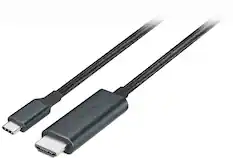
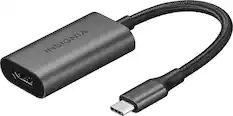
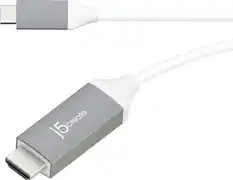
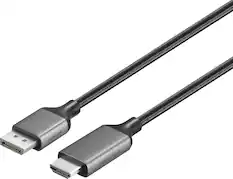
Monitor and Video Cables




More recommended items
 Computer Speakers
 Web Cameras
 Cables and Adapters
 PC Gaming Headsets
More to consider
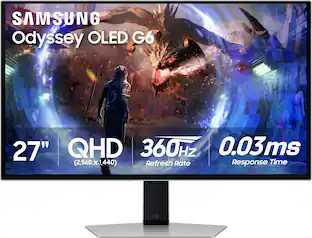 $649.99The price was $899.99
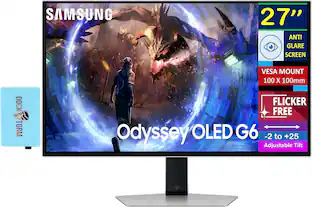 $769.99The price was $779.99
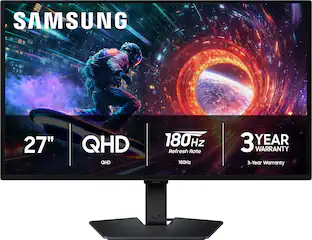 $349.99The price was $499.99
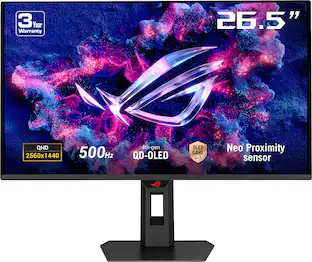 Top Deal$679.99The price was $849.99
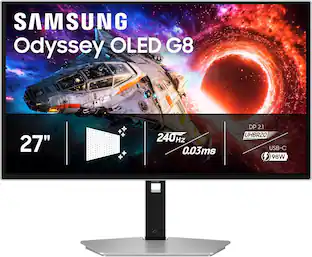 $949.99The price was $979.99
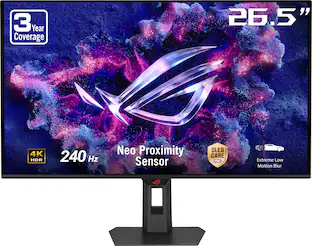 Top Deal$699.99The price was $799.99
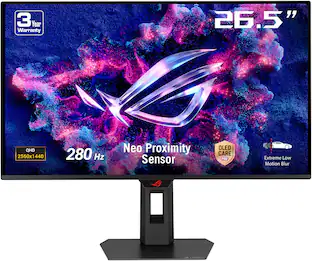 Top Deal$499.99The price was $649.99
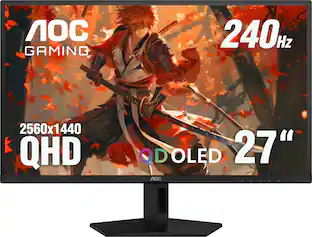 Top Deal$329.99The price was $499.99
 $394.99The price was $399.99

Explore tech essentials Sponsored
 Top Deal$219.99The price was $349.99
 $229.99The price was $249.99
 Top Deal$779.99The price was $999.99
 $1,534.99The price was $1,924.99
Discover related products
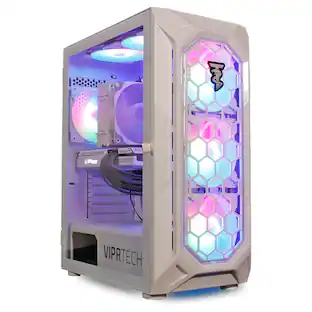 $999.99The price was $1,049.99
 $459.99The price was $535.78




Keep exploring
 $299.99The price was $329.99
 $431.99The price was $453.31