Customer Ratings & Reviews

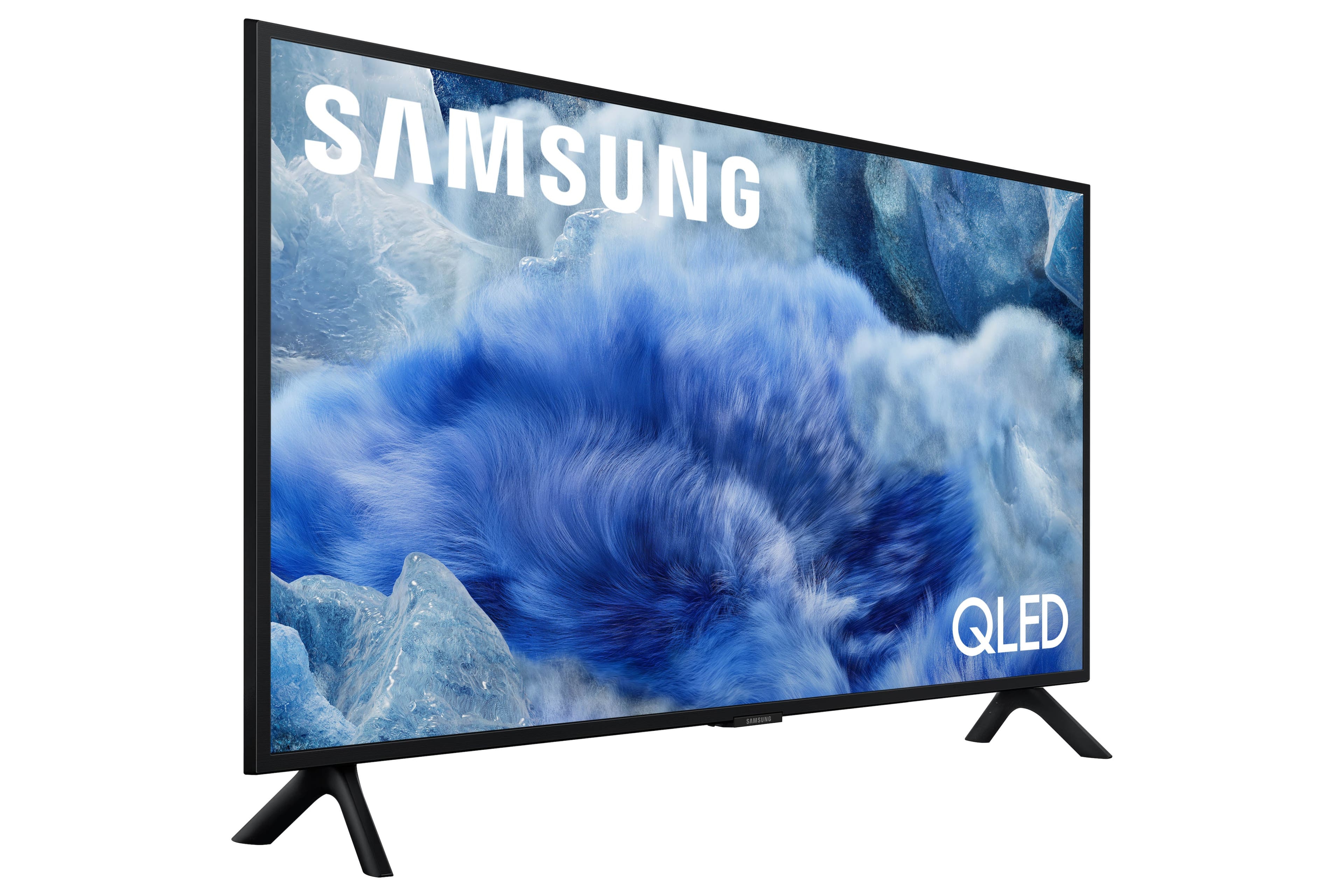
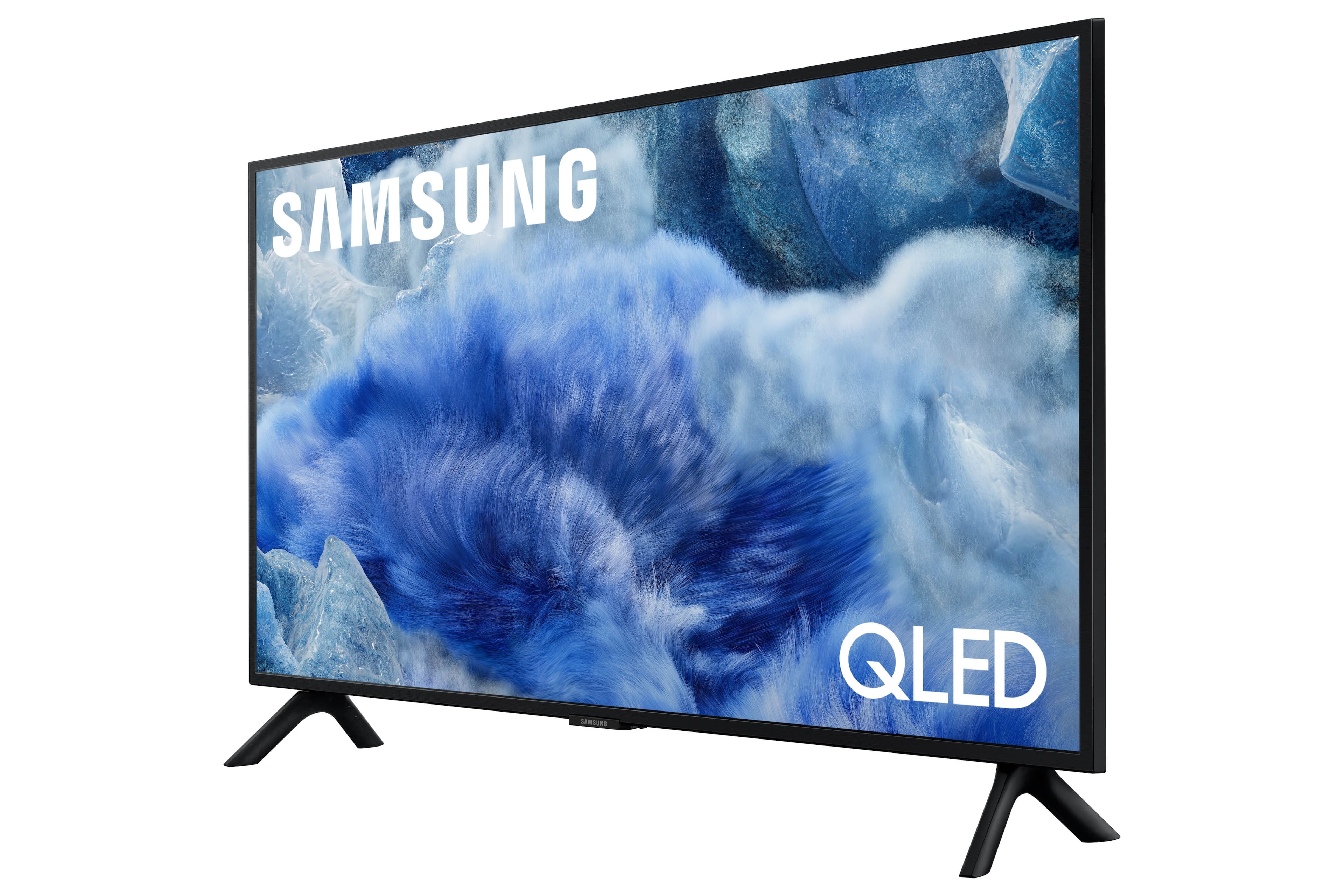
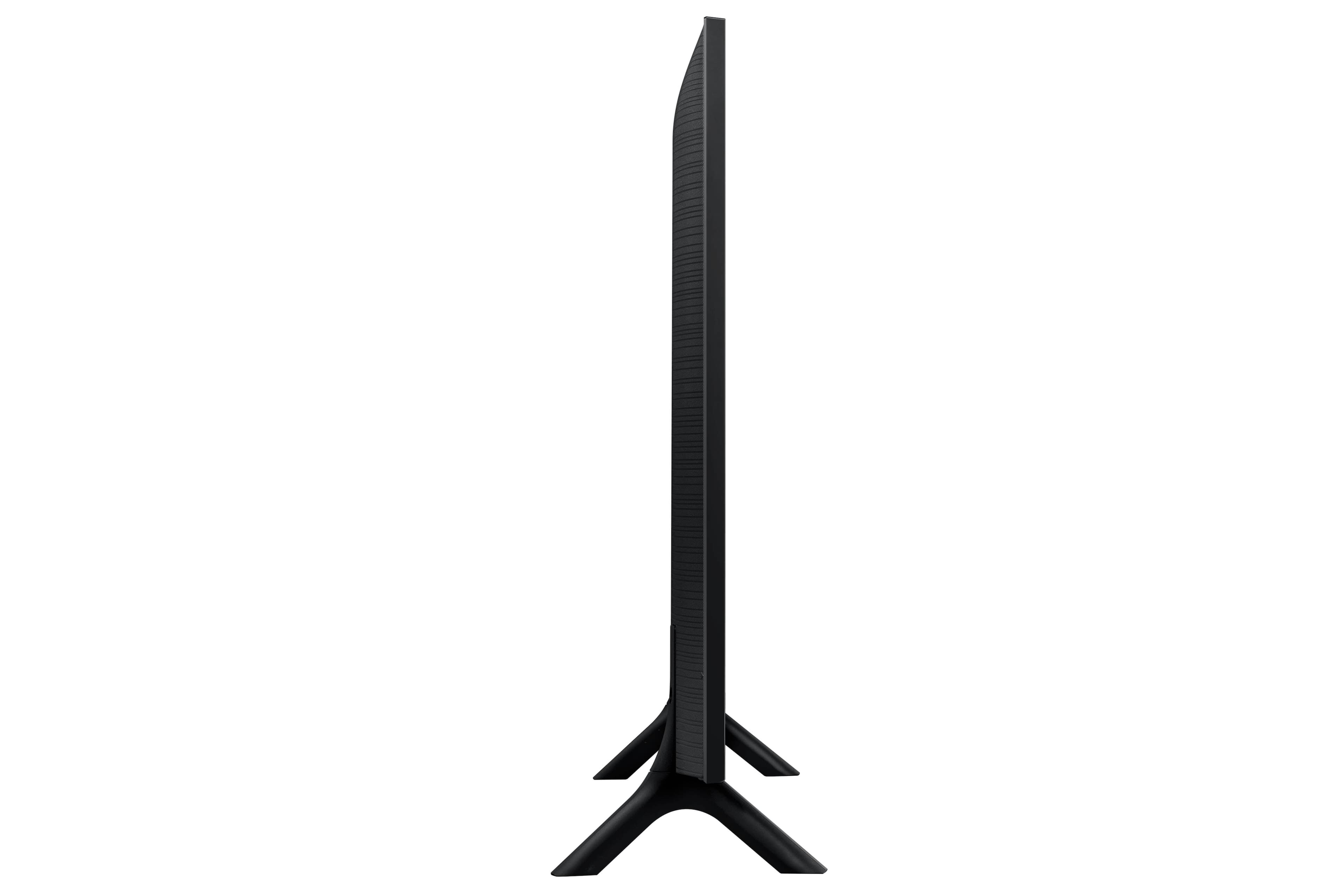

 100% Color Volume 100% Color Volume with Quantum Dot Over a billion colors that don't fade, even in the brightest scenes *QLED televisions can produce 100% Volume in the DCI-PS colorspace, the format most cinema screens and HDR movies for television.](https://pisces.bbystatic.com/image2/BestBuy_US/images/products/684f880e-f8dd-4c6c-91d9-5f55b1534a3c.jpg)







- Model:
- QN32Q8FAAFXZA
- SKU:
- 6617418
Rating by feature
- Picture Quality
Rating 4.8 out of 5 stars
- Sound Quality
Rating 4.5 out of 5 stars
- Brightness
Rating 4.8 out of 5 stars
Customers are saying
Customers commend the 32” Class Q8F Series QLED 4K UHD SamsungVision AI Smart Tizen TV (2025) for its excellent picture quality and easy setup compared to older models. Users appreciate the TV's size and lightweight design. Overall, the TV is well-received for its picture and user-friendly features.
This summary was generated by AI based on customer reviews.
- Pros mentioned:Picture quality
great
||Posted . Owned for 3 weeks when reviewed.This reviewer received promo considerations or sweepstakes entry for writing a review.spectacular. this tv may have the best picture ive ever had and I hear the old is even better
I would recommend this to a friend - Pros mentioned:Picture quality, Weight
Good TV Probably
||Posted .This reviewer received promo considerations or sweepstakes entry for writing a review.I own 6 of these little TVs dating 2022-2025. 1 in each bedroom, office, and lodge. I love them small, lite weight, easy to hang anywhere, great picture, decent sound, and pretty responsive other than the solar remotes which you can buy a battery remote for cheaply to fix. The latest one, this one, I purchased for the store has the worst set up process I've ever seen. Using my S24 Ultra Samsung phone on wifi 7 right next to a access point and within 2 feet of the TV it took 25 minutes to get through the app set up to initially fire up the TV, and that's not logging into any apps yet. Every screen of the set up took 3 minutes to load, even the done screen took 3 minutes to load before you could exit it just to tell you your done. I(t also doesn't seem to load in the background when setting up. I'm not sure who designed this, but it sucks enough for me to make a bad review about it. It used to be great and fast, but the new phone app since cutting smart support for certain Samsung products is definitely not ready for prime time and needed another year in the oven before it should have been adopted. If I ever need to replace these I'll probably go LG. LGs wifi sucks, but everything else is great I already use them for my larger TVs. just wanted to vent at the frustration this caused. I can't recommend this product till this is fixed.
No, I would not recommend this to a friendBrand response from Samsung
Posted .LarryA,
We appreciate your feedback regarding your Q8F TV’s performance. If you're experiencing freezing or lag, please try the following steps:
1. Check for firmware updates – Keeping your TV up to date can resolve many performance issues: Home > left directional key > Settings > Support > Software Update > Update Now
2. Run Device Care – This tool checks system memory, frees up cached data, and closes background apps that could be slowing things down: Home > left directional key > Settings > Support > Device Care > Start Device Care
3. Cold boot your TV – With the TV powered on, press and hold the Power button on your remote for 5+ seconds until the TV restarts. This helps refresh the system.
If you're still noticing performance snags after these steps, please contact Samsung Support at 1-800-SAMSUNG, 8AM – 12AM EST, 7 days a week. You can also connect with a LiveChat agent via the ‘Support’ link on our website.
~ Samsung Specialist
- Pros mentioned:Picture quality
Great Picture
||Posted .This reviewer received promo considerations or sweepstakes entry for writing a review.Picture is great. We are still getting use to the smart functions and the different remote.
I would recommend this to a friend Kitchen TV
||Posted . Owned for 3 weeks when reviewed.This reviewer received promo considerations or sweepstakes entry for writing a review.We only purchase Samsung TV's. It was a great size for the kitchen.
I would recommend this to a friendSamsung QLED 32”
||Posted . Owned for 2 weeks when reviewed.This reviewer received promo considerations or sweepstakes entry for writing a review.We always buy Samsung now. This was no exception…. Neerd a small smart tv and this was perfect.
I would recommend this to a friend- Pros mentioned:Picture quality
Great TV
||Posted . Owned for 3 weeks when reviewed.This reviewer received promo considerations or sweepstakes entry for writing a review.Great TV for the kitchen. Easy to setup. Nice picture and sound.
I would recommend this to a friend - Pros mentioned:Picture quality
Samsung Q 32-in
||Posted . Owned for 1 month when reviewed.This reviewer received promo considerations or sweepstakes entry for writing a review.I made a great purchase I love it things are going well working great
I would recommend this to a friend Great purchase..
||Posted . Owned for 1 month when reviewed.This reviewer received promo considerations or sweepstakes entry for writing a review.I would buy again love this tv. I wanted a smaller 4k. This fit perfectly.
I would recommend this to a friendNice tv
||Posted . Owned for 1 month when reviewed.This reviewer received promo considerations or sweepstakes entry for writing a review.Very good image quality and sound, also very compact.
I would recommend this to a friendThe ultimate TV for bedrooms
||Posted . Owned for 1 month when reviewed.This reviewer received promo considerations or sweepstakes entry for writing a review.Excellent TV quality performance and app download excellent
I would recommend this to a friendFrom hopeless to Gladness
||Posted . Owned for 1 month when reviewed.This reviewer received promo considerations or sweepstakes entry for writing a review.I had purchased an out of the box Oled TV, and when I got it, it was damaged. I called the call center, and they were not helpful. the msg i got was to move on. I then went to the Reynoldsburg store in Columbus, Ohio, and was helped by a very genuine caring woman. I ended up getting a gift card for $307. She made my day. That was on 07/16/25 @ 14:53.
I would recommend this to a friend- Pros mentioned:Size
32” boss
||Posted .This reviewer received promo considerations or sweepstakes entry for writing a review.Know this is one heck of a 32” tv for its size it’s definitely a winner.
I would recommend this to a friend - Pros mentioned:Picture quality
Love it
||Posted .This reviewer received promo considerations or sweepstakes entry for writing a review.Absolutely love the picture quality is great and i love all of the feathers.
I would recommend this to a friend Samsung TV
||Posted . Owned for 3 weeks when reviewed.This reviewer received promo considerations or sweepstakes entry for writing a review.I really enjoy Samsung TV products; this is my fourth TV, and they are all Samsung.
I would recommend this to a friend- Pros mentioned:Picture quality
QUALITY AT ITS BEST
||Posted . Owned for 2 months when reviewed.This reviewer received promo considerations or sweepstakes entry for writing a review.Very clear colorful picture,easy on your eyes,many features.
I would recommend this to a friend It only gets better!
||Posted . Owned for 3 weeks when reviewed.This reviewer received promo considerations or sweepstakes entry for writing a review.This television is great. The clarity on the set makes the people look real! I can’t believe how much televisions have improved over the years. We had the same tv but older model and we thought the clarity was great with it ! Thank you for selling products that are quality!
I would recommend this to a friend- Pros mentioned:Picture quality
Amazing TV set for a reasonable price!
||Posted . Owned for 1 month when reviewed.This reviewer received promo considerations or sweepstakes entry for writing a review.The image is beautiful and the sound is excellent.
I would recommend this to a friend New smart TV
||Posted . Owned for 1 month when reviewed.This reviewer received promo considerations or sweepstakes entry for writing a review.It seems to be working just fine at the current time.
I would recommend this to a friendNew TV
||Posted . Owned for 3 months when reviewed.This reviewer received promo considerations or sweepstakes entry for writing a review.My son is totally thrilled with this new TV he got!!
I would recommend this to a friendSamsung Smart TV is the best!
||Posted .This reviewer received promo considerations or sweepstakes entry for writing a review.My thanks to the Best Buy team for their assistance in choosing my Samsung TV. They were extremely helpful given all of the choices and they also gave me assistance with the set up. Excellent experience all around!
I would recommend this to a friend