Customer Ratings & Reviews

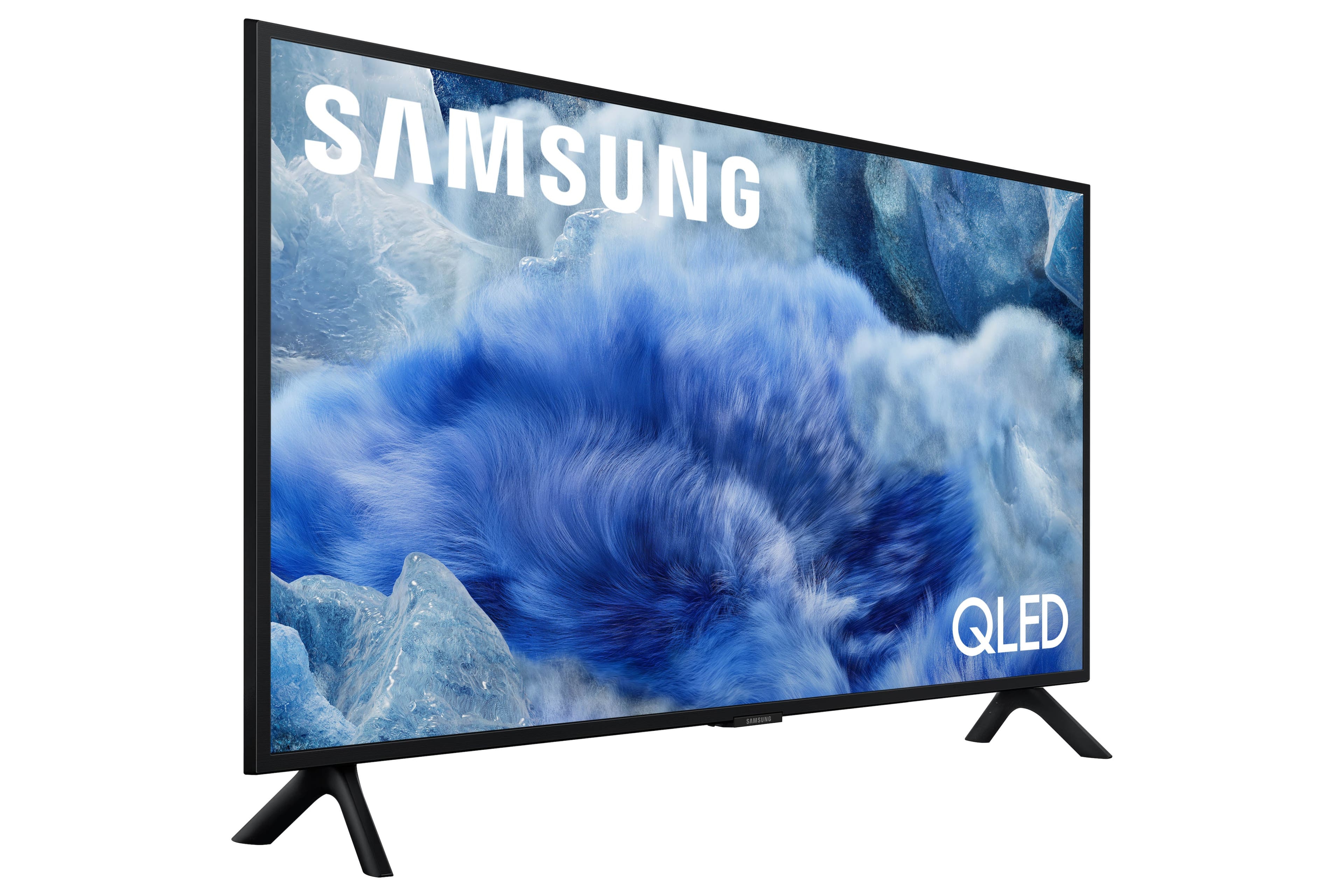
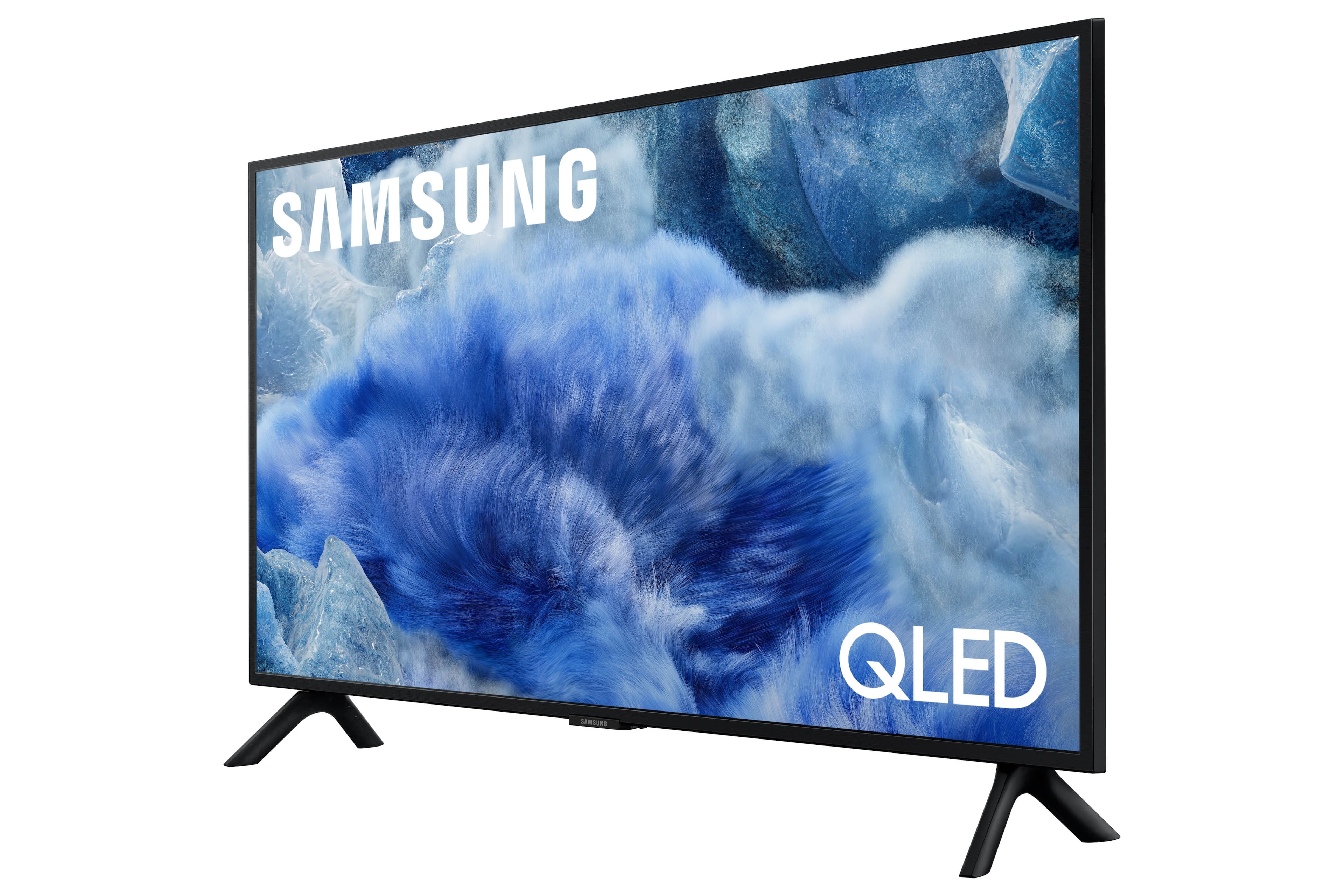

 100% Color Volume 100% Color Volume with Quantum Dot Over a billion colors that don't fade, even in the brightest scenes *QLED televisions can produce 100% Volume in the DCI-PS colorspace, the format most cinema screens and HDR movies for television.](https://pisces.bbystatic.com/image2/BestBuy_US/images/products/684f880e-f8dd-4c6c-91d9-5f55b1534a3c.jpg)







- Model:
- QN32Q8FAAFXZA
- SKU:
- 6617418
Rating by feature
- Picture Quality
Rating 4.8 out of 5 stars
- Sound Quality
Rating 4.5 out of 5 stars
- Brightness
Rating 4.8 out of 5 stars
Customers are saying
Customers commend the 32” Class Q8F Series QLED 4K UHD SamsungVision AI Smart Tizen TV (2025) for its excellent picture quality and easy setup compared to older models. Users appreciate the TV's size and lightweight design. Overall, the TV is well-received for its picture and user-friendly features.
This summary was generated by AI based on customer reviews.
- Pros mentioned:Setup ease
A great upgrade for me
||Posted . Owned for 1 week when reviewed.This reviewer received promo considerations or sweepstakes entry for writing a review.It was easy to set up the features to my wants for my use .
I would recommend this to a friend - Pros mentioned:Picture quality
Samsung
||Posted .This reviewer received promo considerations or sweepstakes entry for writing a review.Soo happy good cuality Thans ......................m
I would recommend this to a friend Nice tv
||Posted . Owned for 2 weeks when reviewed.This reviewer received promo considerations or sweepstakes entry for writing a review.It’s a nice smart tv with good quality The sound is not super clear but ok
I would recommend this to a friendRecommend
||Posted .This reviewer received promo considerations or sweepstakes entry for writing a review.I’m a Samsung gal all the way. QLED isn’t quite as good as OLED, but still a very nice TV. It’s always a good idea to upgrade your tech every 5 years. Great Black Friday price, too!
I would recommend this to a friendPleasant experience
||Posted . Owned for 1 month when reviewed.This reviewer received promo considerations or sweepstakes entry for writing a review.Purchased for our Daughter. The rep was super helpful in directing us to a tv that is good quality and worth the price tag.
I would recommend this to a friend- Pros mentioned:Picture quality
Just wanted a monitor!
||Posted .This reviewer received promo considerations or sweepstakes entry for writing a review.Great picture.Its to busy,you turn it on and you dont get just the channel your watching.that makes it slow.
I would recommend this to a friendBrand response from Samsung
Posted .RandyW,
We appreciate you sharing your user experience. To help you get the most from your TV, you can download the full e-Manual and more by visiting Samsung’s website then navigating to: Support > Manual & Software > TVs & Home Theater. From there, you can search for and select your Q8F TV model to view or download the available guides.
The e-Manual and Remote Control Guide are also conveniently built into your TV: Settings > Support > Tips and User Guides
If you need additional help, please contact Samsung Support at 1-800-SAMSUNG, 8AM – 12AM EST, 7 days a week. LiveChat agents are also available through the ‘Support’ link on our website.
~ Samsung Specialist
- Pros mentioned:Picture quality
Good buy
||Posted . Owned for 3 weeks when reviewed.This reviewer received promo considerations or sweepstakes entry for writing a review.Tv specs offer good balance for movies and gaming.
I would recommend this to a friend nice tv
||Posted .This reviewer received promo considerations or sweepstakes entry for writing a review.I love the tv, but the clock is off by 3 hours and I can't figure out how to correct it.
I would recommend this to a friendSamsung 32 QLED
||Posted . Owned for 1 month when reviewed.This reviewer received promo considerations or sweepstakes entry for writing a review.TV is excellent but you do need a sound bar to get quality sound.
I would recommend this to a friendGreat TV
||Posted . Owned for 3 months when reviewed.This reviewer received promo considerations or sweepstakes entry for writing a review.Best 32 inch you can buy! Expensive but it shows on the screen.
I would recommend this to a friendFantastic TV
||Posted .This reviewer received promo considerations or sweepstakes entry for writing a review.Thought this Best Buy purchase was a no brainer for what I needed.
I would recommend this to a friendGreat Small QLED
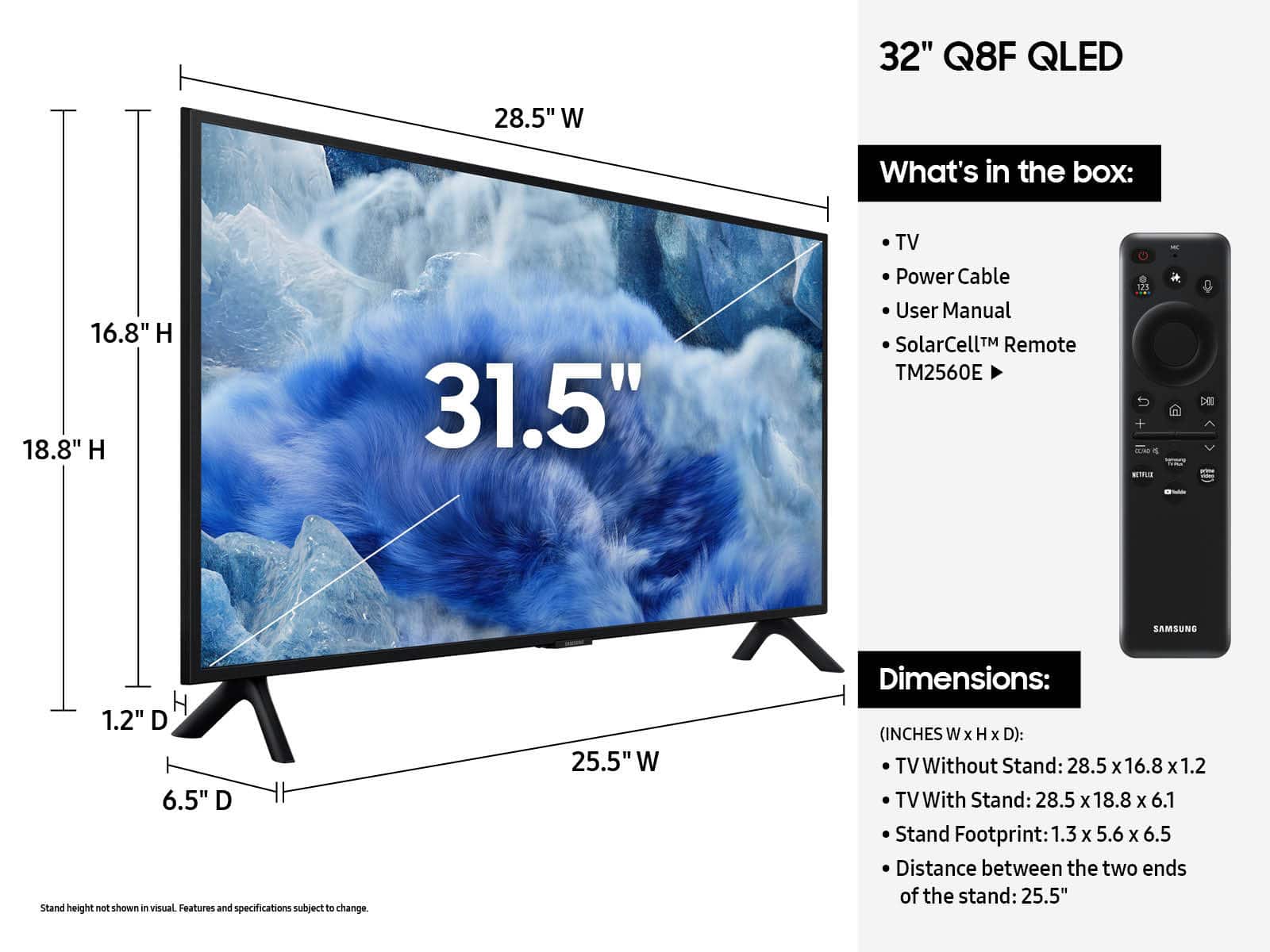
||Posted . Owned for 2 weeks when reviewed.This reviewer received promo considerations or sweepstakes entry for writing a review.Fantastic colors and picture on this 32" QLED. Full area local dimming is evident. Blacks are black. TV supports HDR 10+. Great choice for a small size set. Fits in small spaces.
I would recommend this to a friendTiny but mighty
||Posted . Owned for 3 weeks when reviewed.This reviewer received promo considerations or sweepstakes entry for writing a review.Awesome 32 inch Samsung 4K TV clarity is superior to even 43 inch TVs definitely worth the purchase, especially if you play Call of Duty®
I would recommend this to a friend- Cons mentioned:Remote control
Bad tv remote
||Posted . Owned for 3 weeks when reviewed.This reviewer received promo considerations or sweepstakes entry for writing a review.Remote on this tv is needlessly complex. Inhibits the use of the the tv. Default settings are to the samsung network, so you have go through that to connect to your service. Pretty disappointed with this tv
No, I would not recommend this to a friendBrand response from Samsung
Posted .Lpro,
We appreciate you sharing your experience with the included remote. To help you get the most from your TV and remote functions, you can download the full e-Manual and more by visiting Samsung’s website then navigating to: Support > Manual & Software > TVs & Home Theater. From there, you can search for and select your TV model to view or download the available guides.
The e-Manual & Remote Control Guide are also conveniently built into your TV: Settings > Support > Tips and User Guides
Learn TV Remote is another feature designed to help users become familiar with the layout and function of each button on the Samsung remote. When enabled, pressing any button (except the Power button, which will still turn off the TV) will prompt the TV to announce the button’s name and its purpose – without affecting TV operation.
This teaching mode is especially useful for users who are visually impaired or new to Samsung remotes. To enable this feature, go to: Settings > All Settings > General & Privacy > Accessibility > Learn TV Remote. To exit, simply press the Return key twice.
If you’d like more assistance with this feature, please reach Samsung Support at 1-800-SAMSUNG, available 8AM – 12AM EST, 7 days a week. LiveChat agents are also available through the ‘Support’ link on our website.
~ Samsung Specialist
Not worth the $$$
||Posted . Owned for 2 weeks when reviewed.This reviewer received promo considerations or sweepstakes entry for writing a review.Had high hopes for this as I was replacing a 1080p Samsung 32 inch. The picture is great only if you're view is directly in front. The color drains if viewed from the side. My Roku and old Samsung didn't suffer from this problem and I this TV was the most costly. On a positive note, the setup was very easy.
No, I would not recommend this to a friendBrand response from Samsung
Posted .DEBORAHC,
Thank you for your review of Samsung’s Q8F TV and for sharing your thoughts on the viewing angle. This model features Dual LED technology, which helps balance color and brightness more accurately than conventional edge-lit displays. It also contributes to a wider viewing angle, making it easier for everyone in the room to enjoy the picture.
Starting with the QN70F Neo QLED Series, Samsung TVs are equipped with Wide Viewing Angle technology to maintain vibrant color and detail - even when you're not seated directly in front of the screen.
For even greater off-angle performance, models from the S85F OLED and QN900F Neo QLED 8K Series and above feature Ultra Viewing Angle. This advanced layer helps preserve brightness and contrast, delivering a consistent and detailed image from nearly any angle.
If you have questions or need help optimizing your setup, Samsung Support is here to assist at 1-800-SAMSUNG (8AM – 9PM EST Mon – Fri, 8AM – 6PM Sat – Sun). LiveChat and additional support resources are also available through the Support link on our website.
~ Samsung Specialist
Samsung TV
||Posted . Owned for 3 weeks when reviewed.This reviewer received promo considerations or sweepstakes entry for writing a review.Great for the price. Easy installation, easy set up. Plug and play.
I would recommend this to a friendVery happy
||Posted . Owned for 1 month when reviewed.This reviewer received promo considerations or sweepstakes entry for writing a review.Wall mounted and installers were excellent. Highly recommend Geek Squad.
I would recommend this to a friendtv and your reviews page is nonsensical
||Posted . Owned for 1 month when reviewed.This reviewer received promo considerations or sweepstakes entry for writing a review.very nice. strange that sometimes it shuts itself off and sometimes then also turns itself back on.
I would recommend this to a friendBrand response from Samsung
Posted .Hi ROGERS,
Thank you for sharing your experience. We’re sorry to hear your Q8F TV is turning on and off unexpectedly. This kind of power cycling can often be resolved with a few troubleshooting steps:
1. Check the power cable for secure connection and signs of damage. If it’s bent, pinched, pressed by furniture, or shows wear, replacing it may resolve the issue.
2. Unplug the TV from the wall outlet for 30 seconds, then plug it back in and test operation.
3. Update the TV’s software (if the TV remains on long enough). Note that a power interruption during an update can cause further issues, so only proceed if the TV is staying on reliably. Go to: Settings > Support > Software Update > Update Now
4. If your TV is connected to SmartThings, it may be turning on from a signal sent through the network. You can disable this feature by going to: Home > left directional key > Settings > All Settings > Connection > Network > Expert Settings > Power On with Mobile = Off
If none of these steps resolve the issue, your TV may need service. Please give us a call at 1-800-SAMSUNG, 8AM – 12AM EST, 7 days a week. Our LiveChat agents are also available at the ‘Support’ link on our website.
~ Samsung Advisor
Horrible remote control
||Posted . Owned for 1 month when reviewed.This reviewer received promo considerations or sweepstakes entry for writing a review.TV has a great picture, sound is fair. Reason for a 1 star is the remote that comes with the TV is the worst remote I have ever used. I am a big person with big hands. This remote is so small it is almost impossible to use. I have owned this TV for 1 month and already the remote stopped working. Spent an hour on the phone with Samsung and they finally got it to work again. The other reason for the 1 star is the manuals that come with this are useless. If they had posted information about trouble shooting the remote I would not have wasted an hour + on the phone today. I cannot recommend the TV
No, I would not recommend this to a friendBrand response from Samsung
Posted .MichaelC,
We appreciate you taking the time to let us know about your experience. So that we can better troubleshoot this issue and provide steps towards a solution, please contact Samsung Support at 1-800-SAMSUNG (8AM – 9PM EST Mon – Fri, 8AM – 6PM Sat – Sun), or visit our website for LiveChat.
~ Samsung Specialist
Title
||Posted . Owned for 3 weeks when reviewed.This reviewer received promo considerations or sweepstakes entry for writing a review.Salesperson was very polite, informed, and friendly
I would recommend this to a friend