Customer Ratings & Reviews
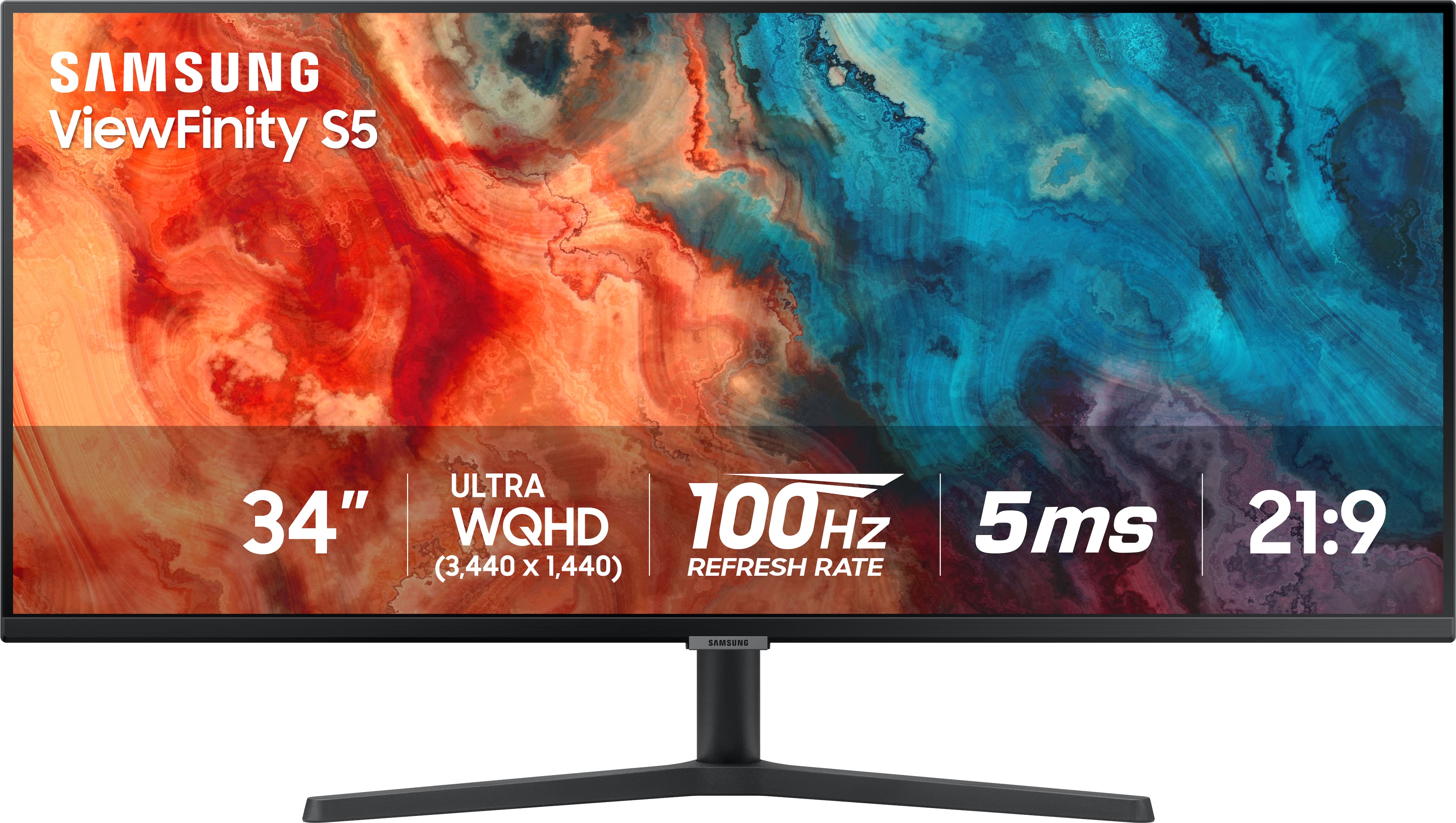
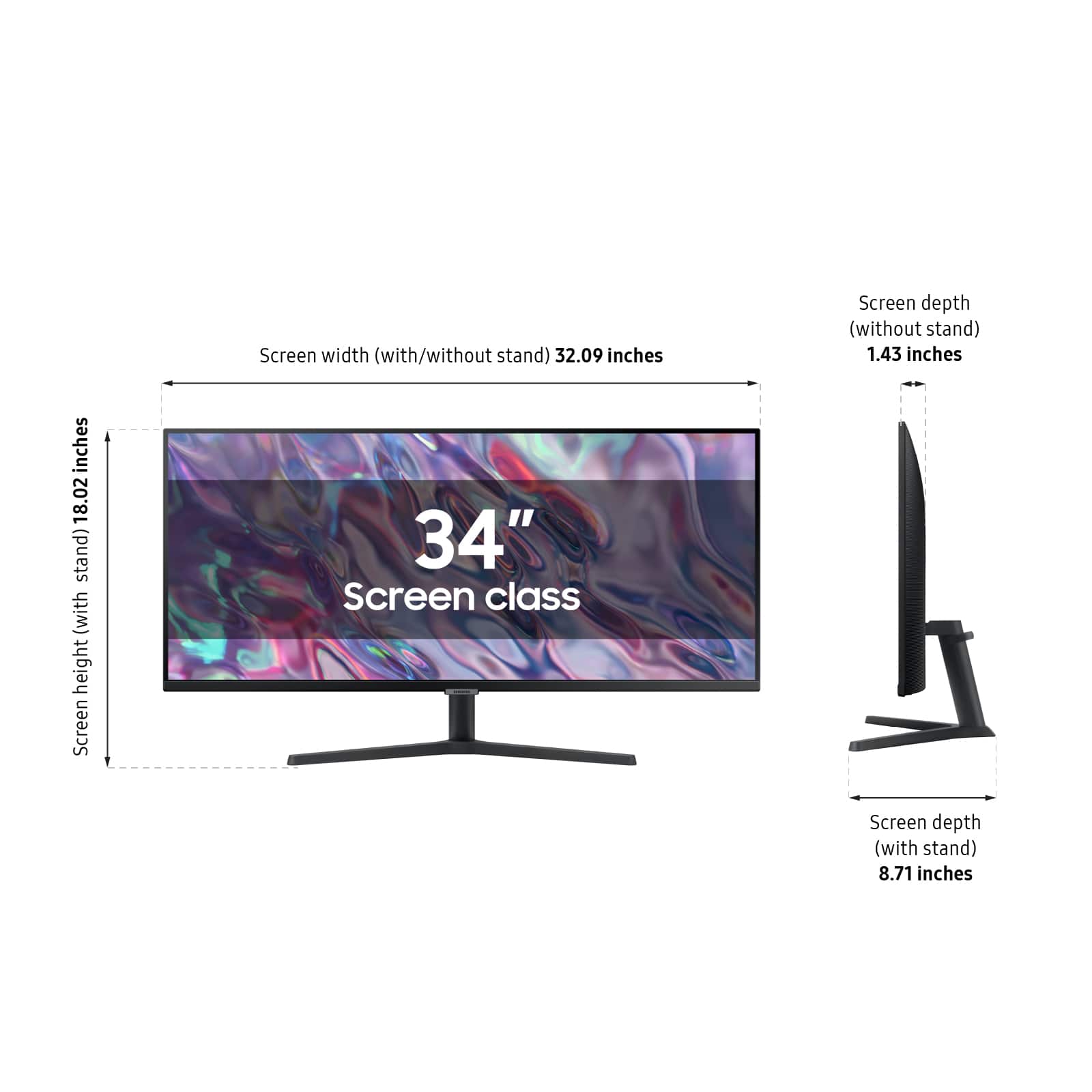
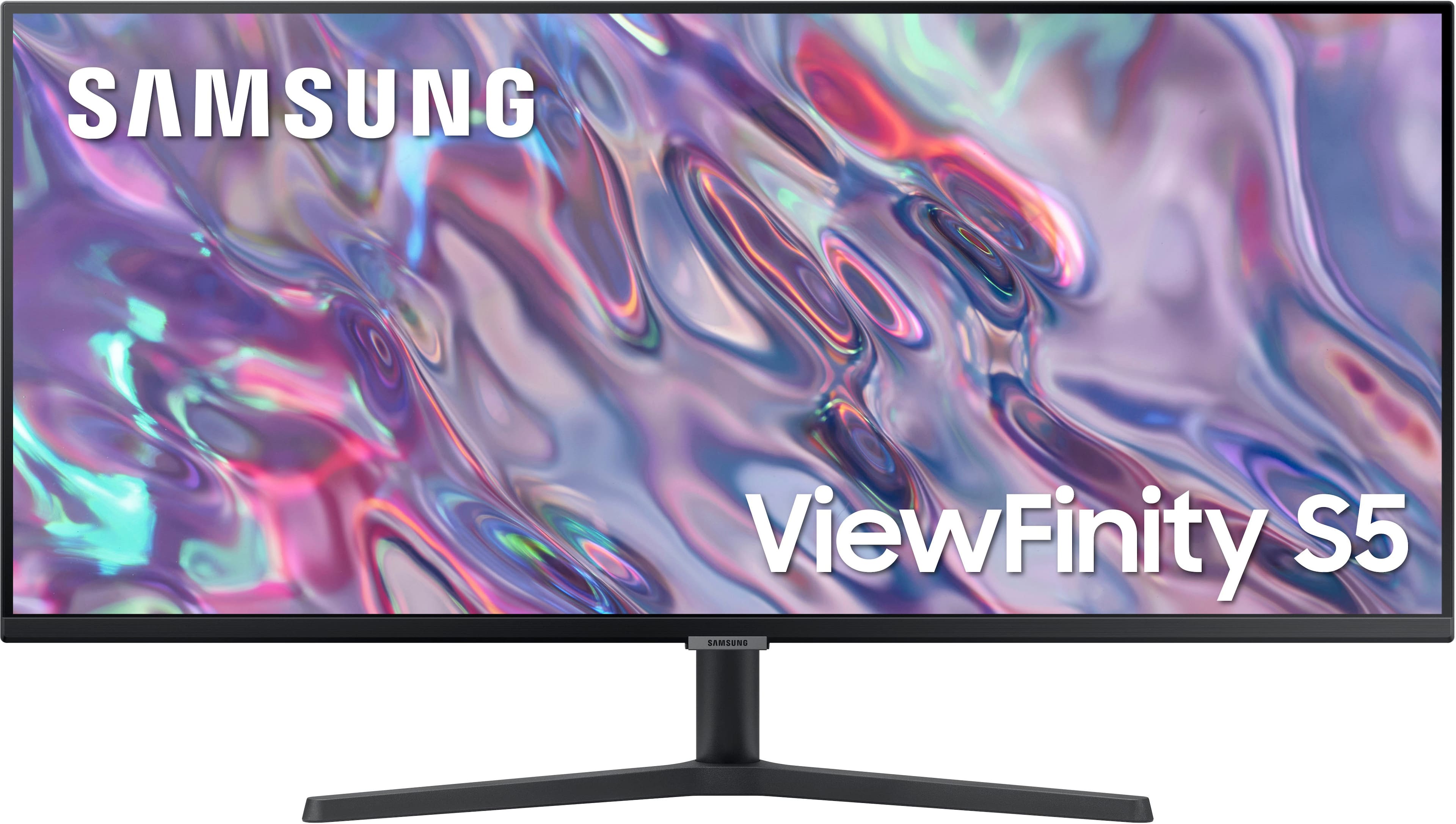
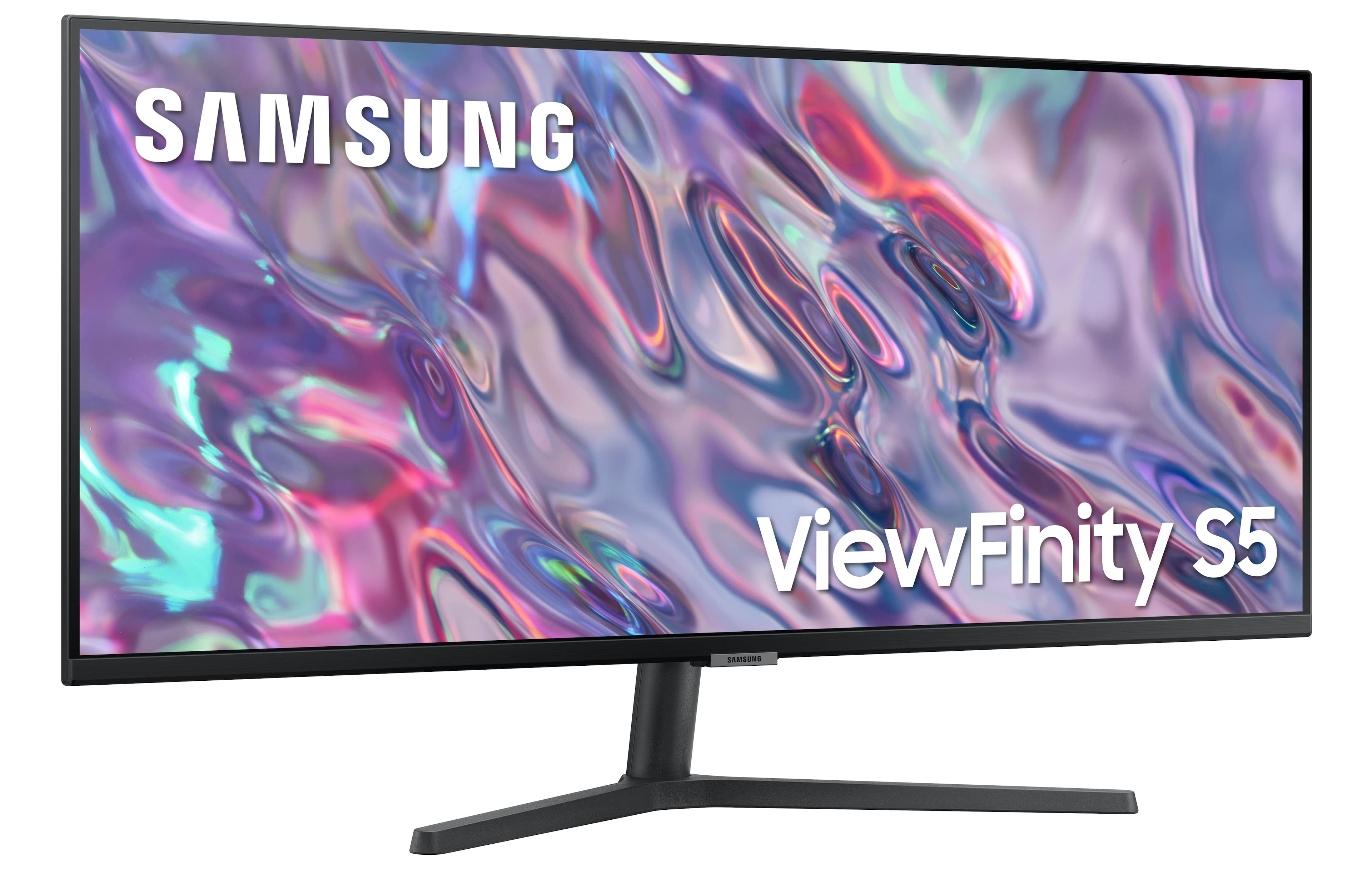
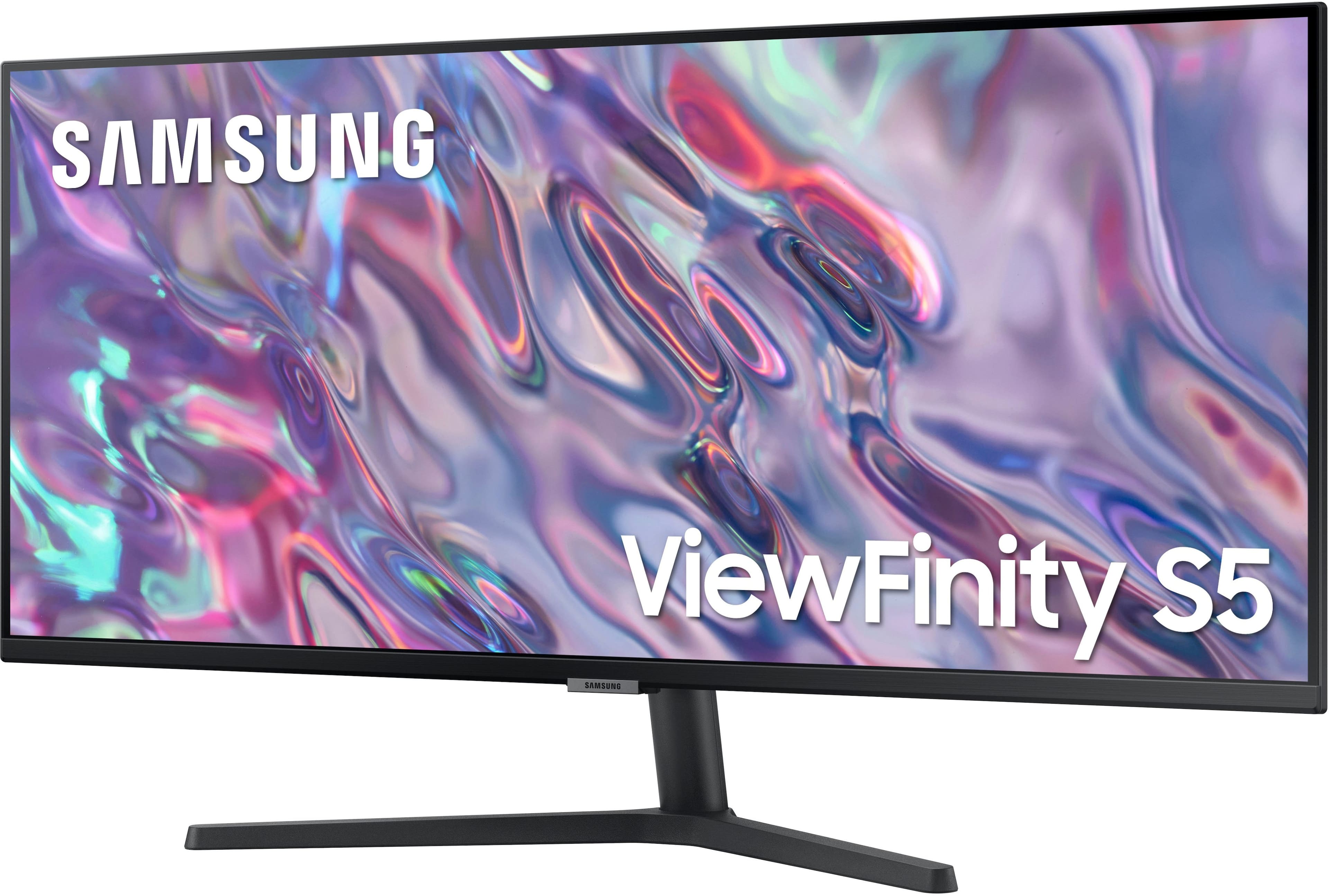

- Model:
- LS34C502GANXZA
- |
- SKU:
- 6532277
Customer reviews
Rating 4.6 out of 5 stars with 971 reviews
(971 customer reviews)Rating by feature
- Display Quality4.7
Rating 4.7 out of 5 stars
- Ease of Use4.7
Rating 4.7 out of 5 stars
- Features4.5
Rating 4.5 out of 5 stars
Customers are saying
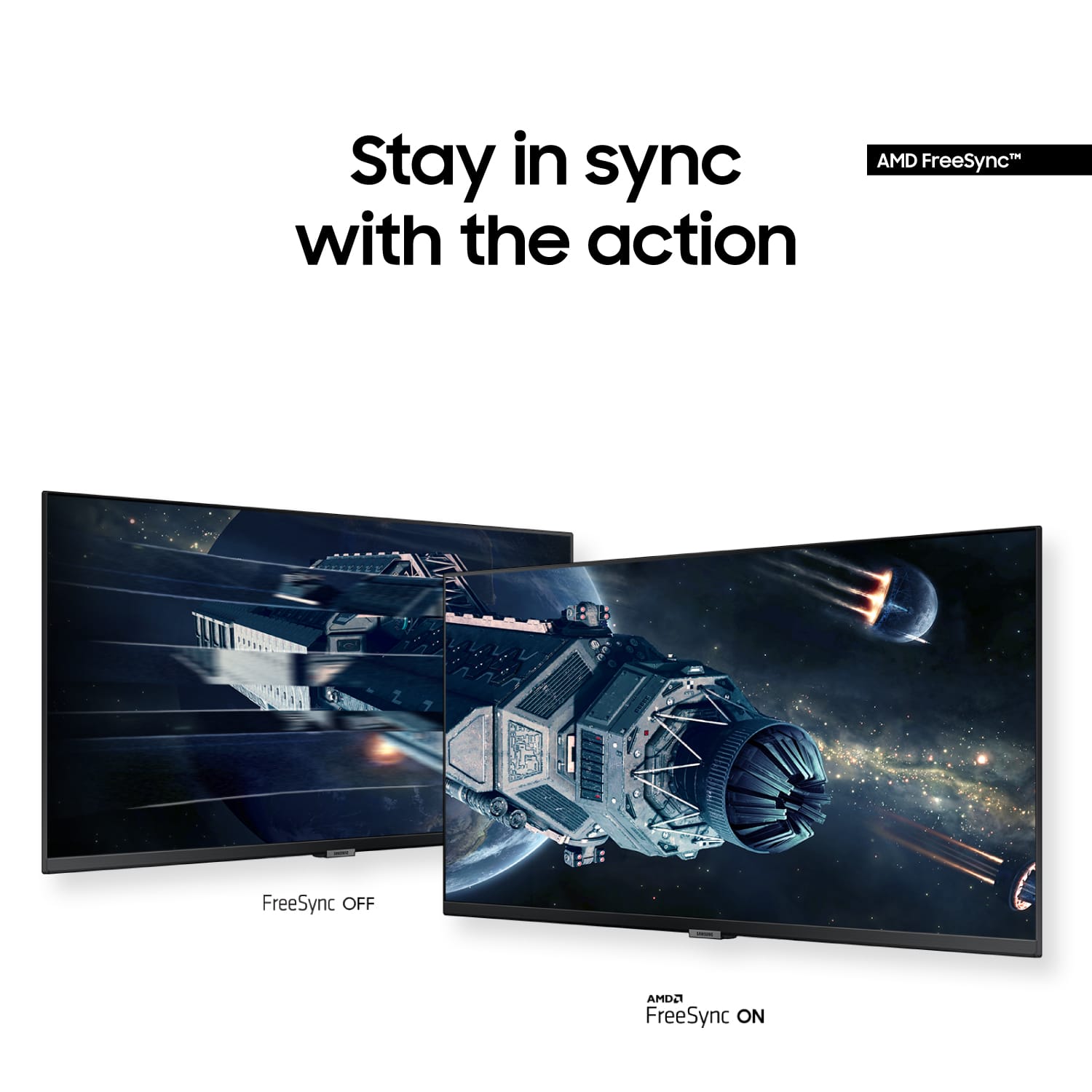
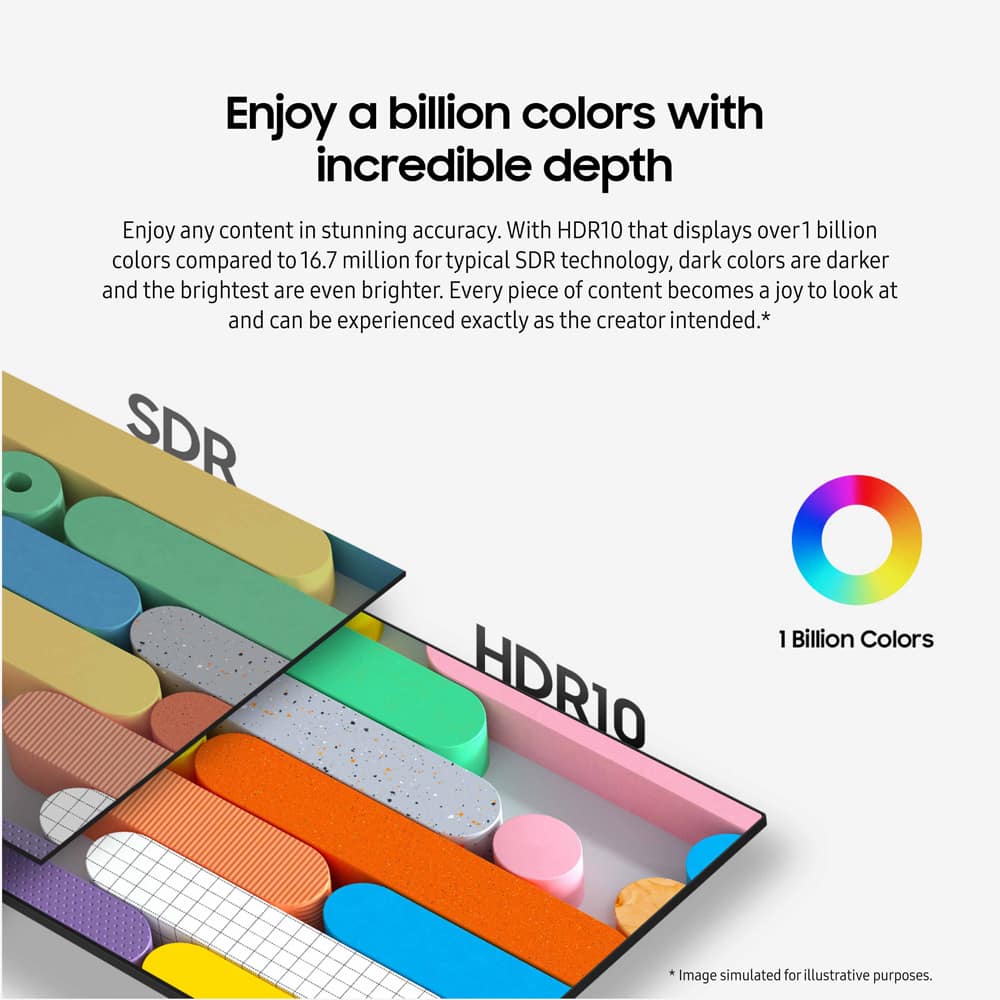
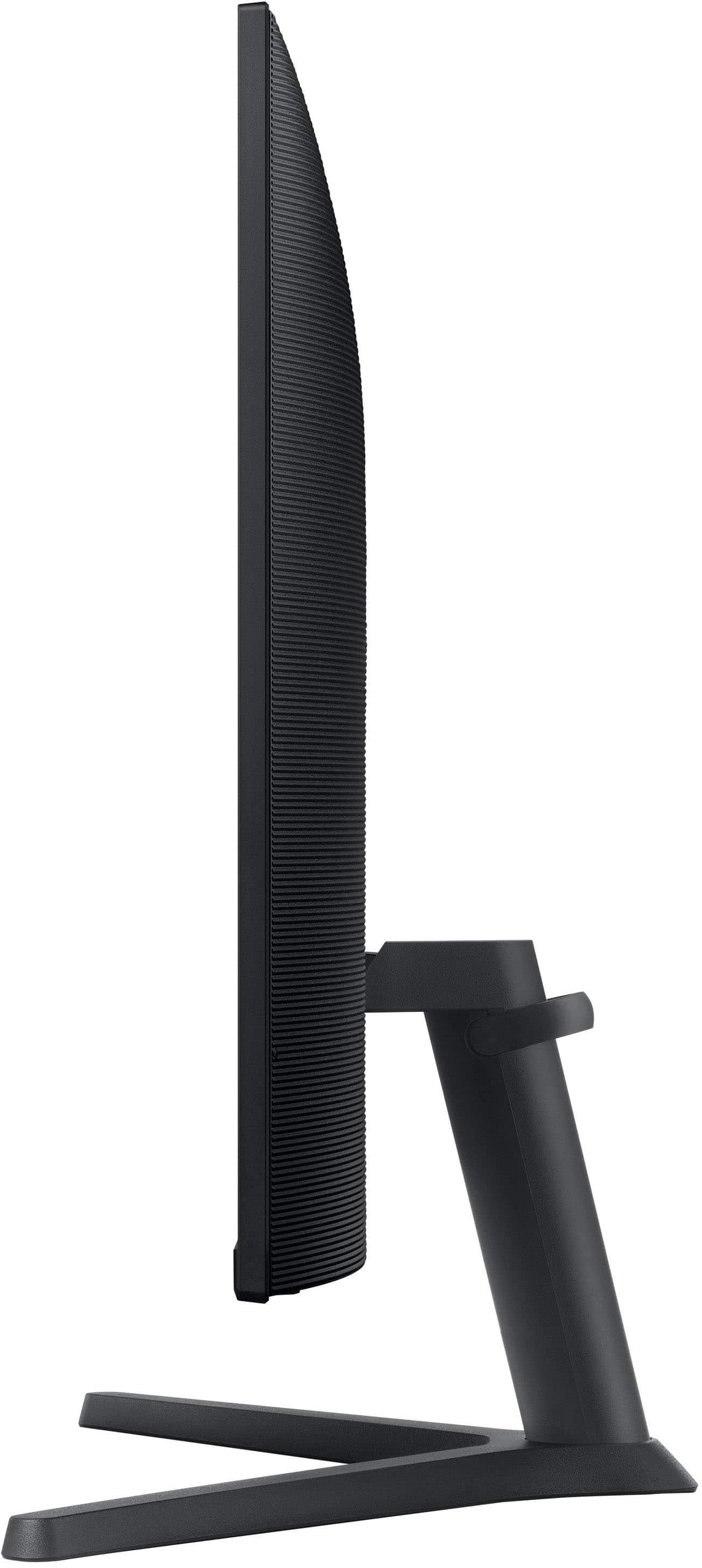
Customers are delighted by the 34” ViewFinity S5 Ultrawide monitor's screen size, overall performance, and resolution. Many also appreciate its ease of use, price, and refresh rate, with some noting the HDR10 feature. Some customers noted the monitor lacks built-in speakers and consider the stand to be of lower quality.
This summary was generated by AI based on customer reviews.
- Pros mentioned:Overall performance
Rated 5 out of 5 stars
Great monitor
||Posted . Owned for 3 weeks when reviewed.This reviewer received promo considerations or sweepstakes entry for writing a review.Great monitor 5 star ⭐️ in my opinion really love the monitor.
I would recommend this to a friend - Pros mentioned:Resolution, Screen size
Rated 5 out of 5 stars
Great gaming monitor
||Posted . Owned for 3 weeks when reviewed.This reviewer received promo considerations or sweepstakes entry for writing a review.Bought this for my 15 year old who enjoys online gaming. Now the entire game fits! Great resolution and a happy 15 year old.
I would recommend this to a friend - Pros mentioned:Screen size
Rated 5 out of 5 stars
Perfect monitor for efficiency
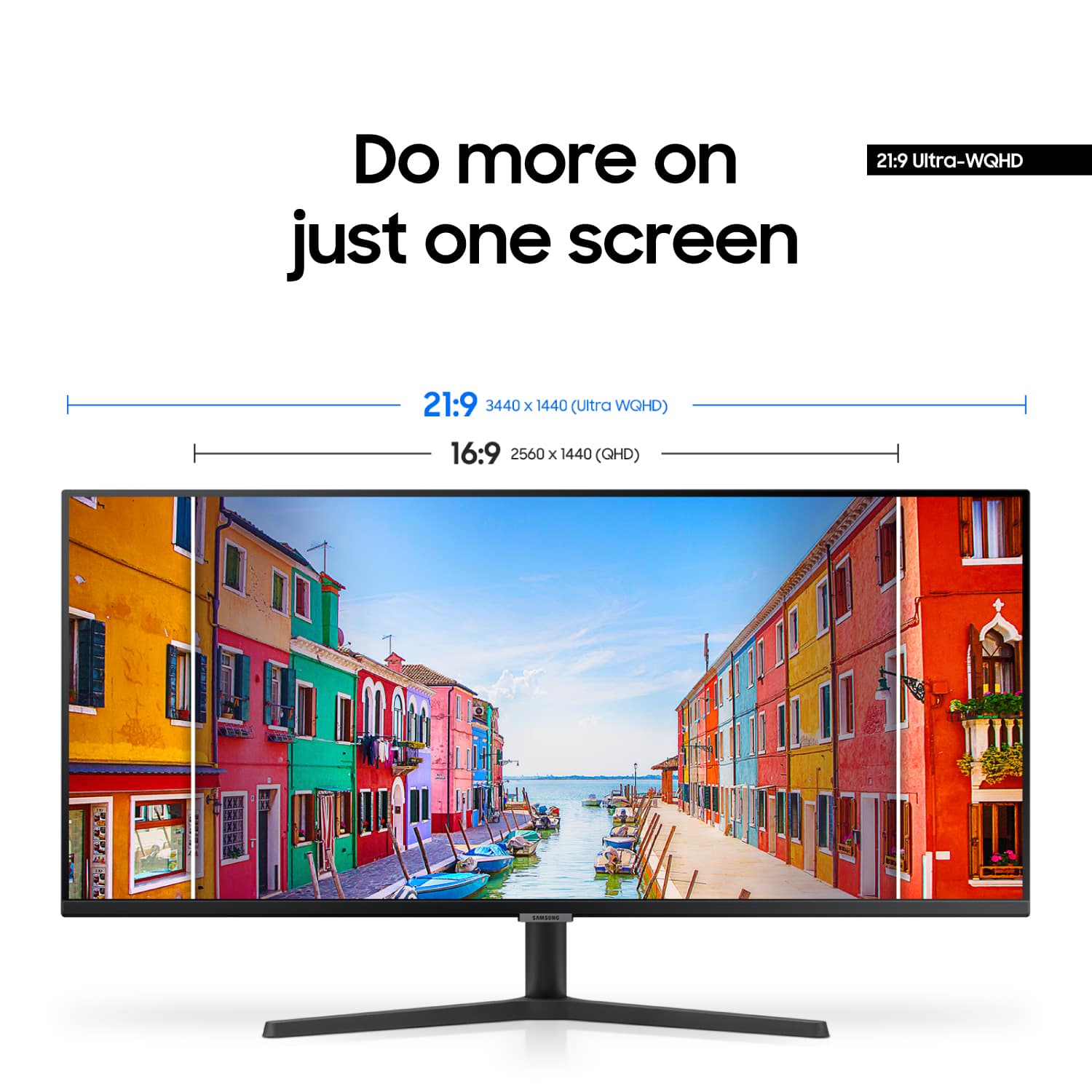
||Posted . Owned for 2 weeks when reviewed.This reviewer received promo considerations or sweepstakes entry for writing a review.What an incredible display! Once you use this aspect ratio, you won’t go back to a standard 16 x 9 monitor. You can have several windows open side-by-side and not feel cramped! One hack I discovered is to leave the protective film on, and it actually enhances the vibrancy and contrast of images.
I would recommend this to a friend - Pros mentioned:Overall performance
Rated 5 out of 5 stars
Great monitor
||Posted . Owned for 3 weeks when reviewed.This reviewer received promo considerations or sweepstakes entry for writing a review.For the money I don’t think you can find a better monitor A++++
I would recommend this to a friend - Pros mentioned:Resolution
Rated 5 out of 5 stars
Great upgrade
||Posted . Owned for 3 weeks when reviewed.This reviewer received promo considerations or sweepstakes entry for writing a review.Love this monitor. For years I was a 1080p peon, and figured it was just good enuff. Then I got this monitor and moved to the world of 1440p. Doesn't sound like much of a upgrade does it? But the graphic upgrade with games on ultra sold me. Now I got a 49" ultra wide monitor just sitting in the closet.... This monitor is light weight and has decent calibration features. I think it has speakers but I don't use them so... Overall a cheap and satisfying upgrade from 1080p.
I would recommend this to a friend - Pros mentioned:Overall performance
Rated 5 out of 5 stars
Monitor
||Posted .This reviewer received promo considerations or sweepstakes entry for writing a review.Love this monitor, was definitely worth the cost in my opinion.
I would recommend this to a friend - Pros mentioned:Ease of use, Screen size
Rated 5 out of 5 stars
Great
||Posted . Owned for 9 months when reviewed.This reviewer received promo considerations or sweepstakes entry for writing a review.Great product. Easy to set up and use. Also a good size!
I would recommend this to a friend - Pros mentioned:Screen size
Rated 5 out of 5 stars
Great Monitor!
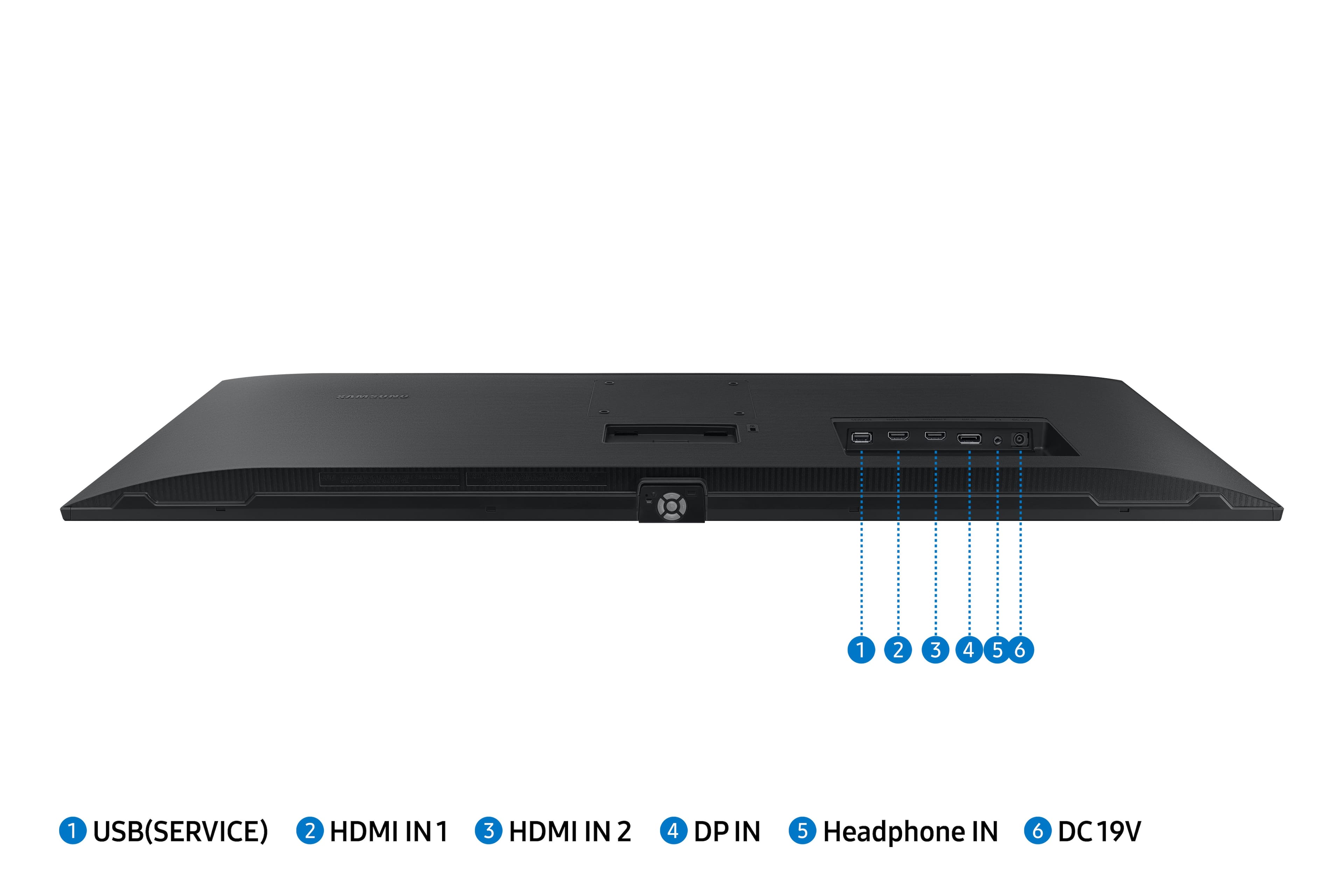
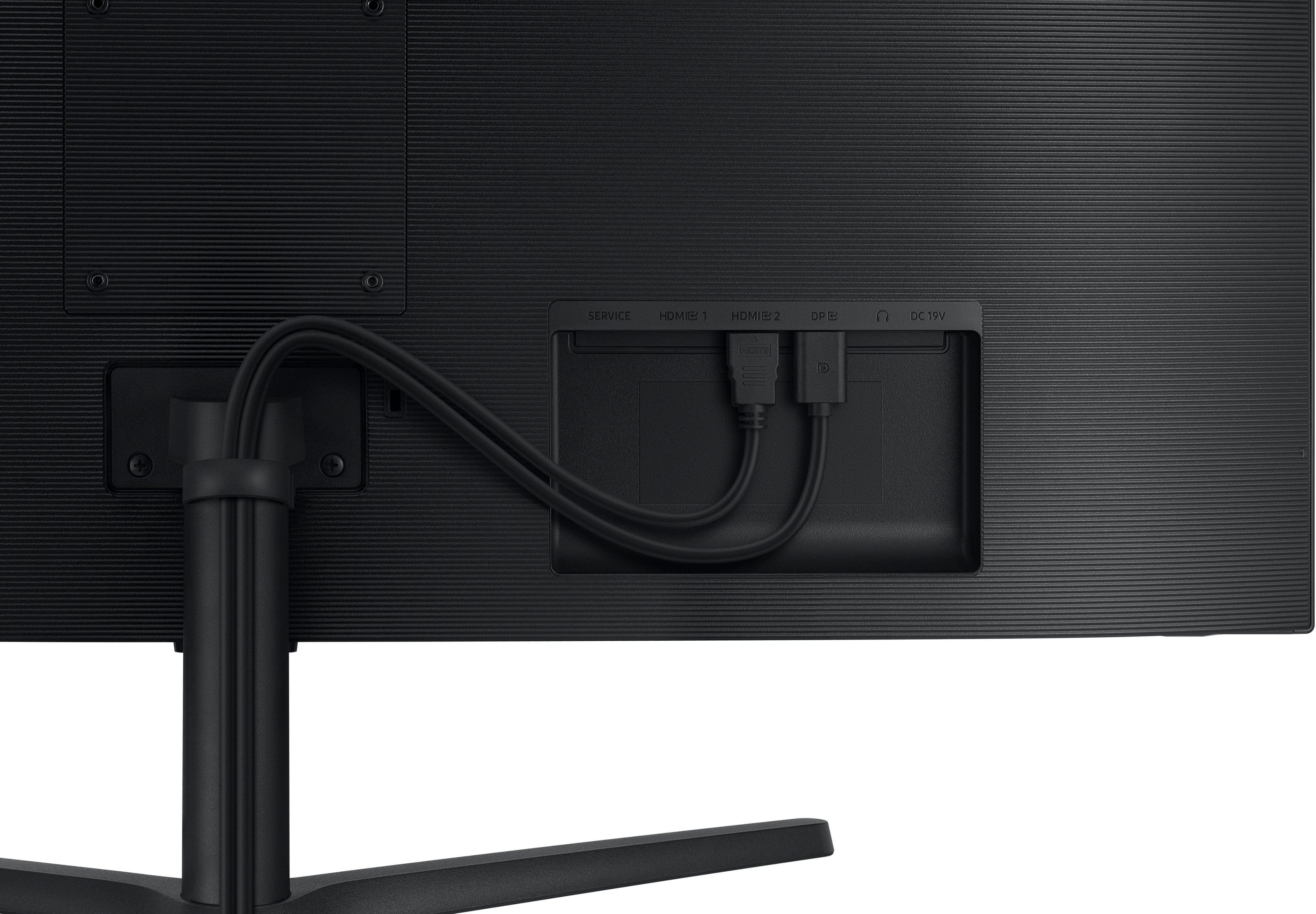
||Posted . Owned for 1 week when reviewed.This reviewer received promo considerations or sweepstakes entry for writing a review.I’m a software developer that worked fully remote and needed an upgrade from my outdated 24 inch monitors. So far, I love not having to drag windows between multiple screens. I also appreciate the multiple sources available on the monitor and the ability to switch between inputs. I typically use the display port for work, but switch to hdmi throughout the day whenever I need a little game break!
I would recommend this to a friend Rated 5 out of 5 stars
Great Monitor
||Posted . Owned for 1.5 years when reviewed.This reviewer received promo considerations or sweepstakes entry for writing a review.Bought two for work and they are working great. Recommend buying.
I would recommend this to a friendRated 4 out of 5 stars
Perfect for thinkorswim and TradingView
||Posted . Owned for 4 months when reviewed.This reviewer received promo considerations or sweepstakes entry for writing a review.Use as my backup monitor. Works as expected couldn’t be happier with the price and product I received
I would recommend this to a friendRated 4 out of 5 stars
Good Monitor
||Posted . Owned for 1 month when reviewed.This reviewer received promo considerations or sweepstakes entry for writing a review.This monitor is good, especially if you find it on sale. However, there are some things that might concern some users, such as the VA panel type, which can cause ghosting. That said, it can be reduced by lowering the FPS. I also wouldn't recommend using HDR in games due to the panel's limitations. Still, there are some things I liked: gaming feels very different and great. For productivity, the split screen is great, and cable management is easier, especially since I've used two monitors before and the borders were annoying.
I would recommend this to a friend- Pros mentioned:Overall performance, Screen size
Rated 5 out of 5 stars
Amazing monitor
||Posted . Owned for 1 month when reviewed.This reviewer received promo considerations or sweepstakes entry for writing a review.Fantastic monitor!! Super wide! Came super fast and is holding up well so far!
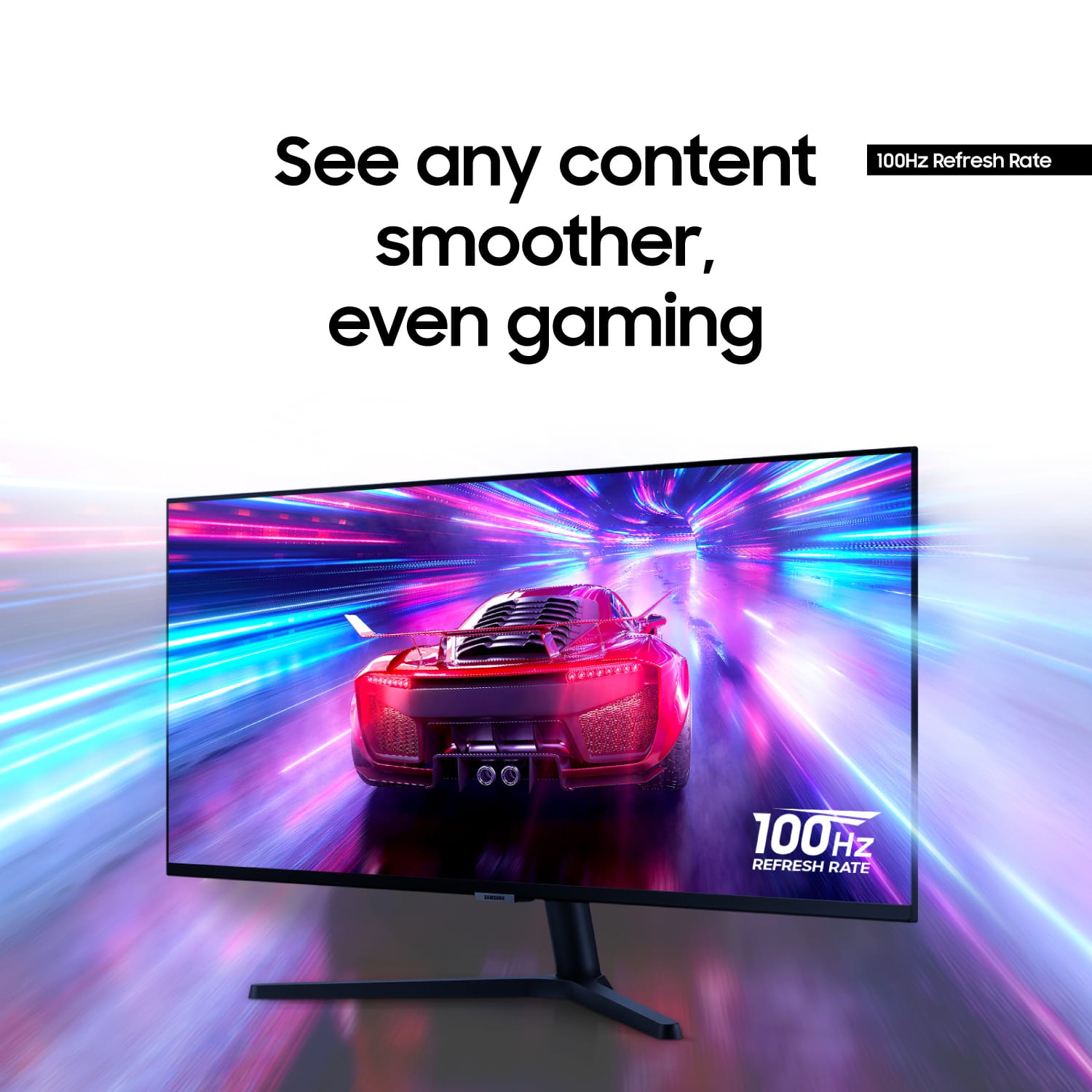
I would recommend this to a friend - Pros mentioned:Refresh rate, Screen size
Rated 5 out of 5 stars
Samsung High Quality Product
||Posted . Owned for 1 month when reviewed.This reviewer received promo considerations or sweepstakes entry for writing a review.Beautiful and detailed pictures in Ultrawide look great! High refresh rate as well!
I would recommend this to a friend - Pros mentioned:Screen size
Rated 5 out of 5 stars
Glad that I got it!
||Posted .This reviewer received promo considerations or sweepstakes entry for writing a review.Great computer monitor for audio and video editing. Displays nicely with a wide view of the software transport and controls UI. Got it on sale at $229!
I would recommend this to a friend - Pros mentioned:Screen size
Rated 4 out of 5 stars
Great picture quality. But no height adjustment
||Posted . Owned for 1 month when reviewed.This reviewer received promo considerations or sweepstakes entry for writing a review.Great mid tier curved monitor and overall very happy with the quality. Very aesthetically pleasing. It’s also great that I can have a display port connected to my PC for gaming as well as a second one with hdmi to USB-C connected to my MacBook, so that I can easily switch between the two. The size of the monitor is also perfect for the size of my desk, which is 62 inches. Only negative is that I wish there was the height adjustment capability.
I would recommend this to a friend - Pros mentioned:Resolution
Rated 5 out of 5 stars
WFH must have
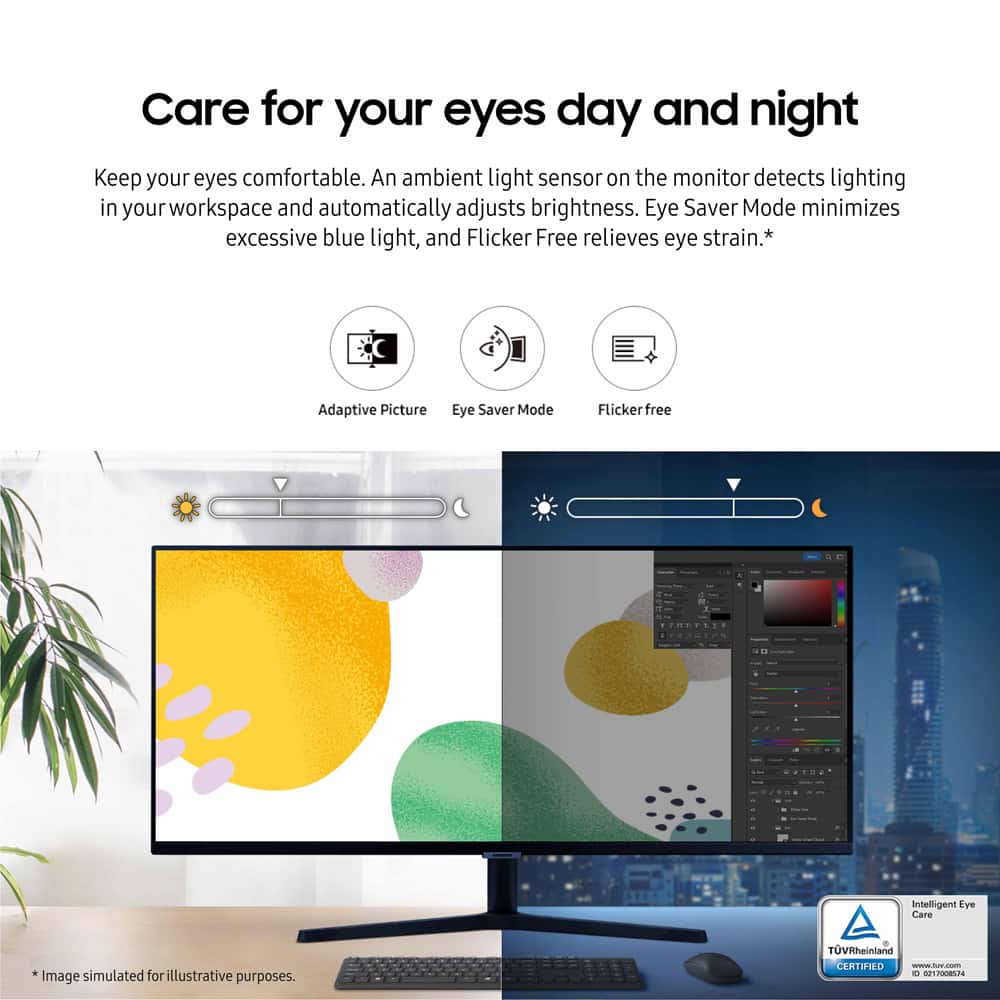
||Posted . Owned for 1.5 years when reviewed.This reviewer received promo considerations or sweepstakes entry for writing a review.The resolution on the screen is really nice. And it’s really low profile. I like using it as it is comfortable on the eyes, equivalent to having 2 1/2 monitors.
I would recommend this to a friend - Pros mentioned:Screen size
Rated 5 out of 5 stars
For trading
||Posted .This reviewer received promo considerations or sweepstakes entry for writing a review.Great monitor Perfect Image Easy to use Feels, Craig quality. It looks durable.
I would recommend this to a friend - Pros mentioned:Screen size
Rated 5 out of 5 stars
Good for my trading desk
||Posted . Owned for 1 week when reviewed.This reviewer received promo considerations or sweepstakes entry for writing a review.Tried using a 48” oled but the constant dimming was frustrating so found these on sale open box and look great ordering 2 more for a total of 6
I would recommend this to a friend Rated 4 out of 5 stars
Great and affordable option
||Posted .This reviewer received promo considerations or sweepstakes entry for writing a review.Great and affordable option for a decent price. Excellent resolution. It is not compatible with my older video card an AMD radeon HD 6700 where the image will shows wider due to the low resolutions capable with the card, but, after swtiching the a more capable computer with a better graphics card everything worked perfectly.
I would recommend this to a friend- Pros mentioned:Screen size
Rated 5 out of 5 stars
Big and clear
||Posted . Owned for 1 month when reviewed.This reviewer received promo considerations or sweepstakes entry for writing a review.I was not expecting It to be this big, but It exceeded my expectations. I really enjoy It.
I would recommend this to a friend