Customer Ratings & Reviews
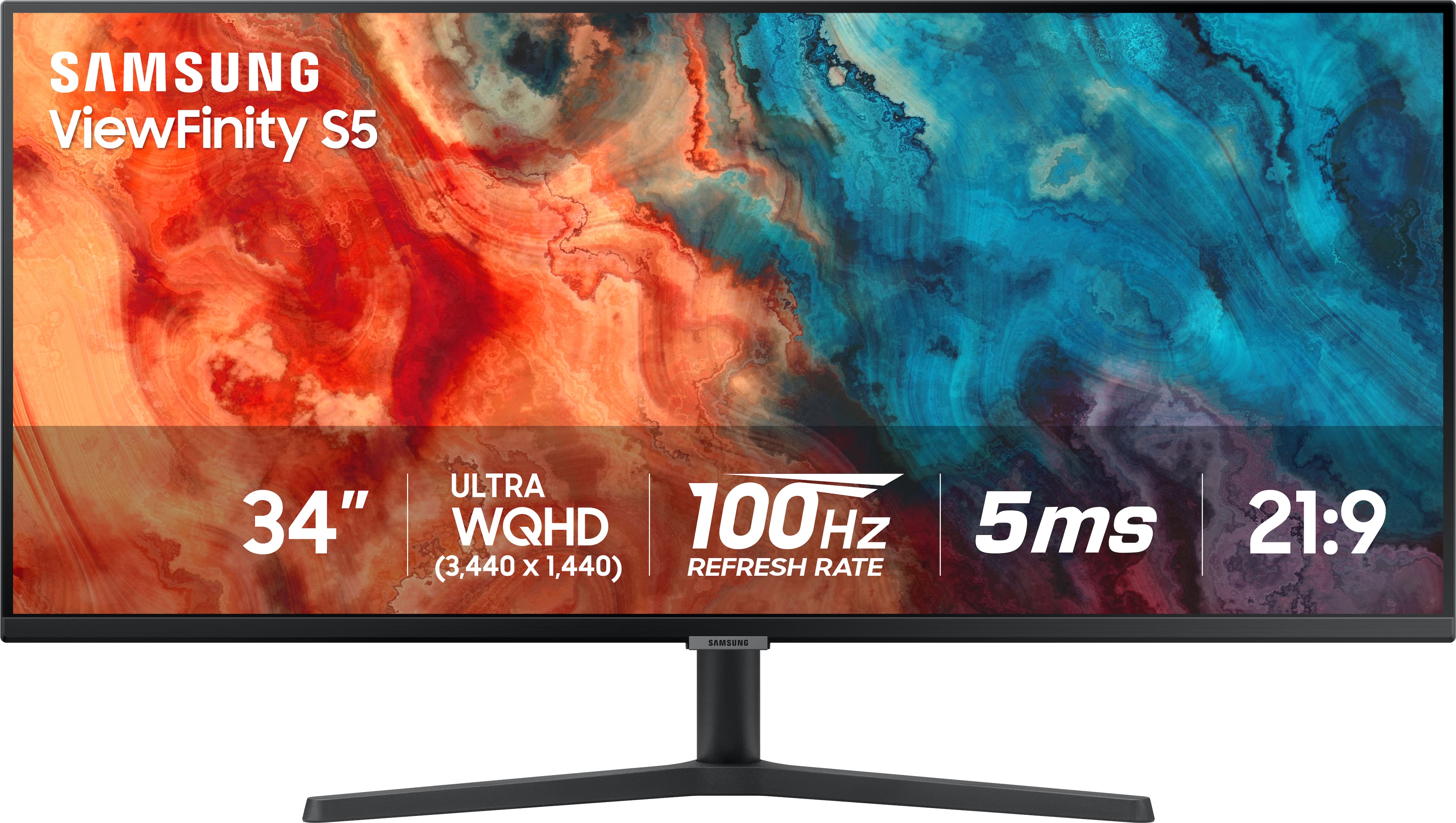
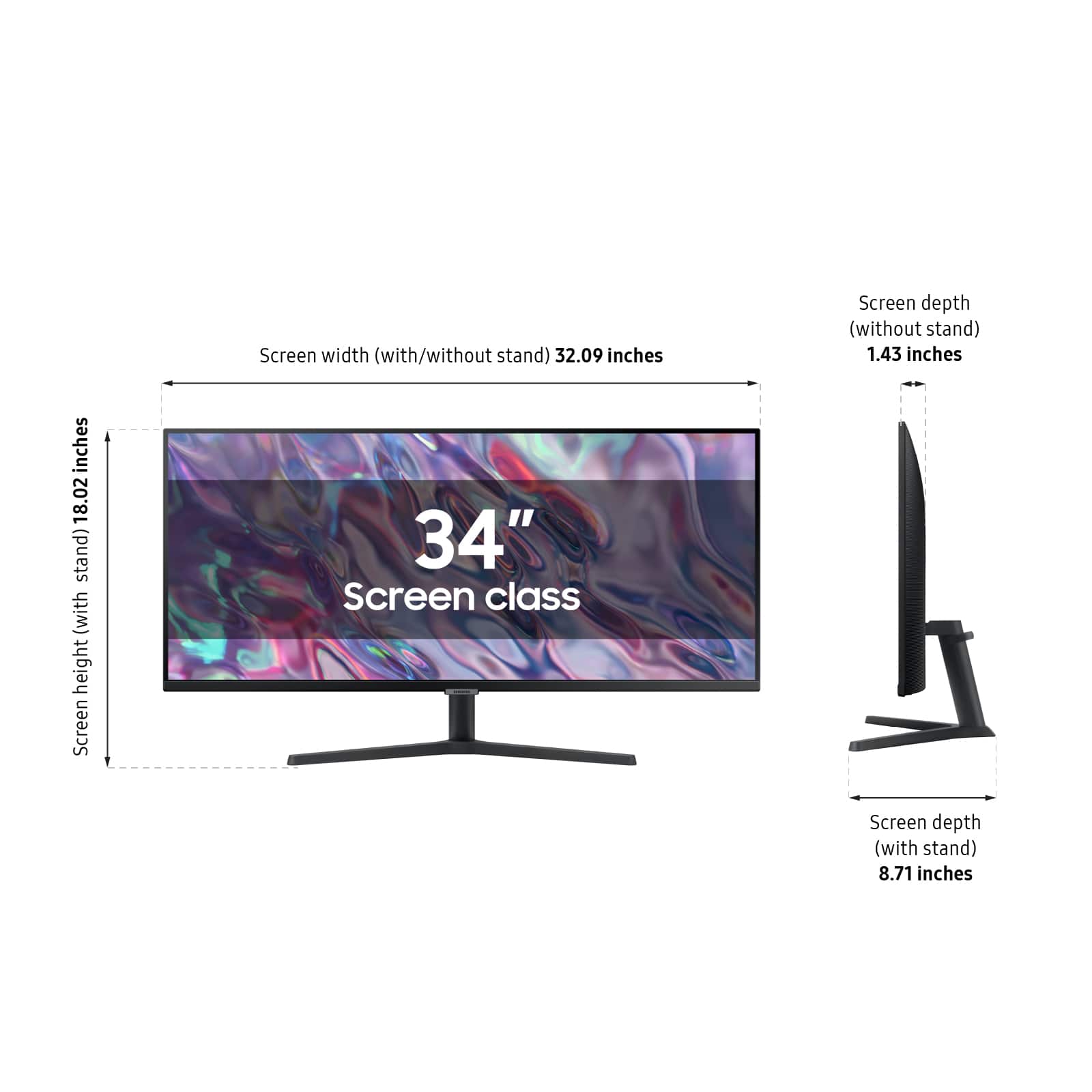
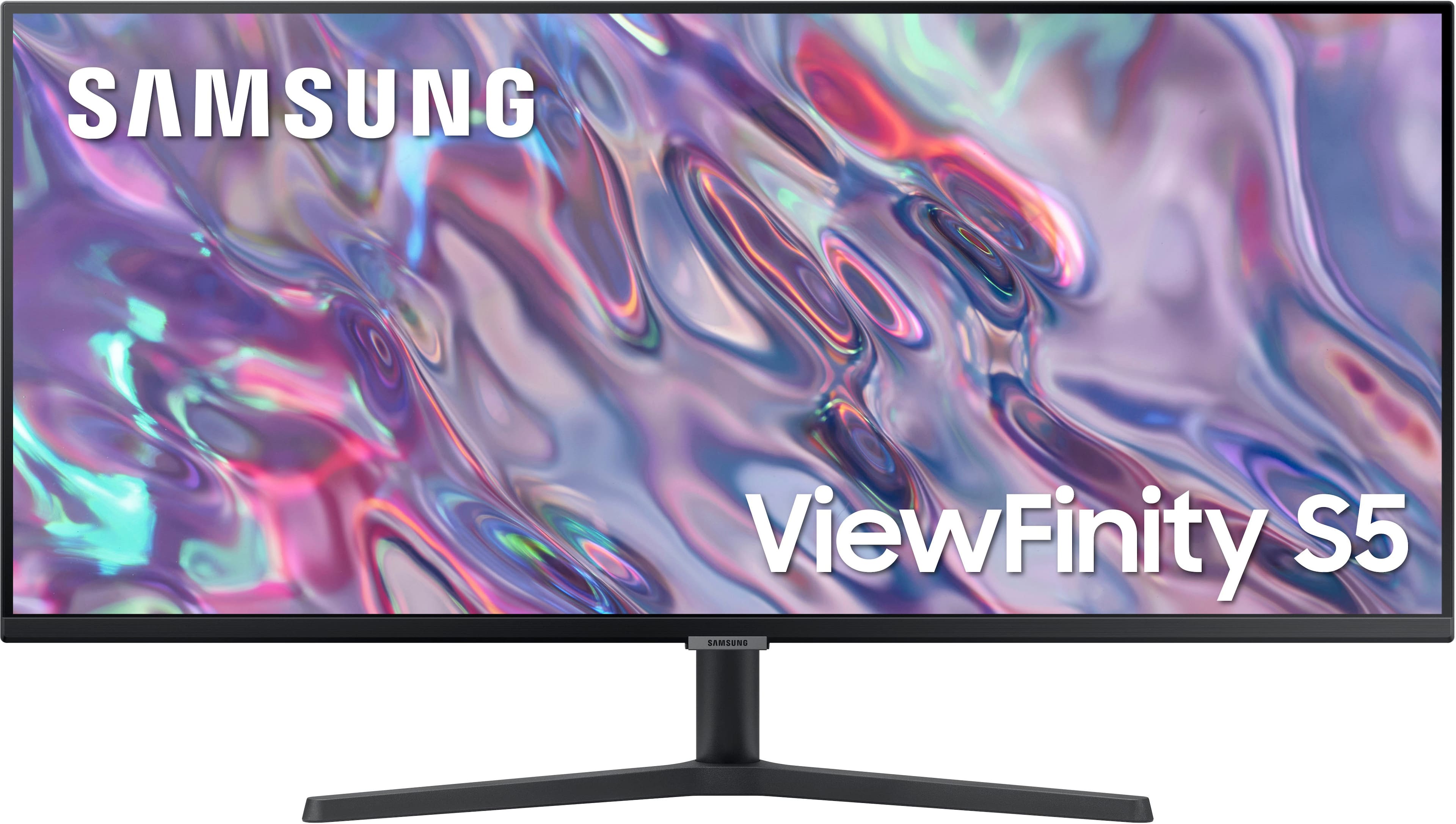
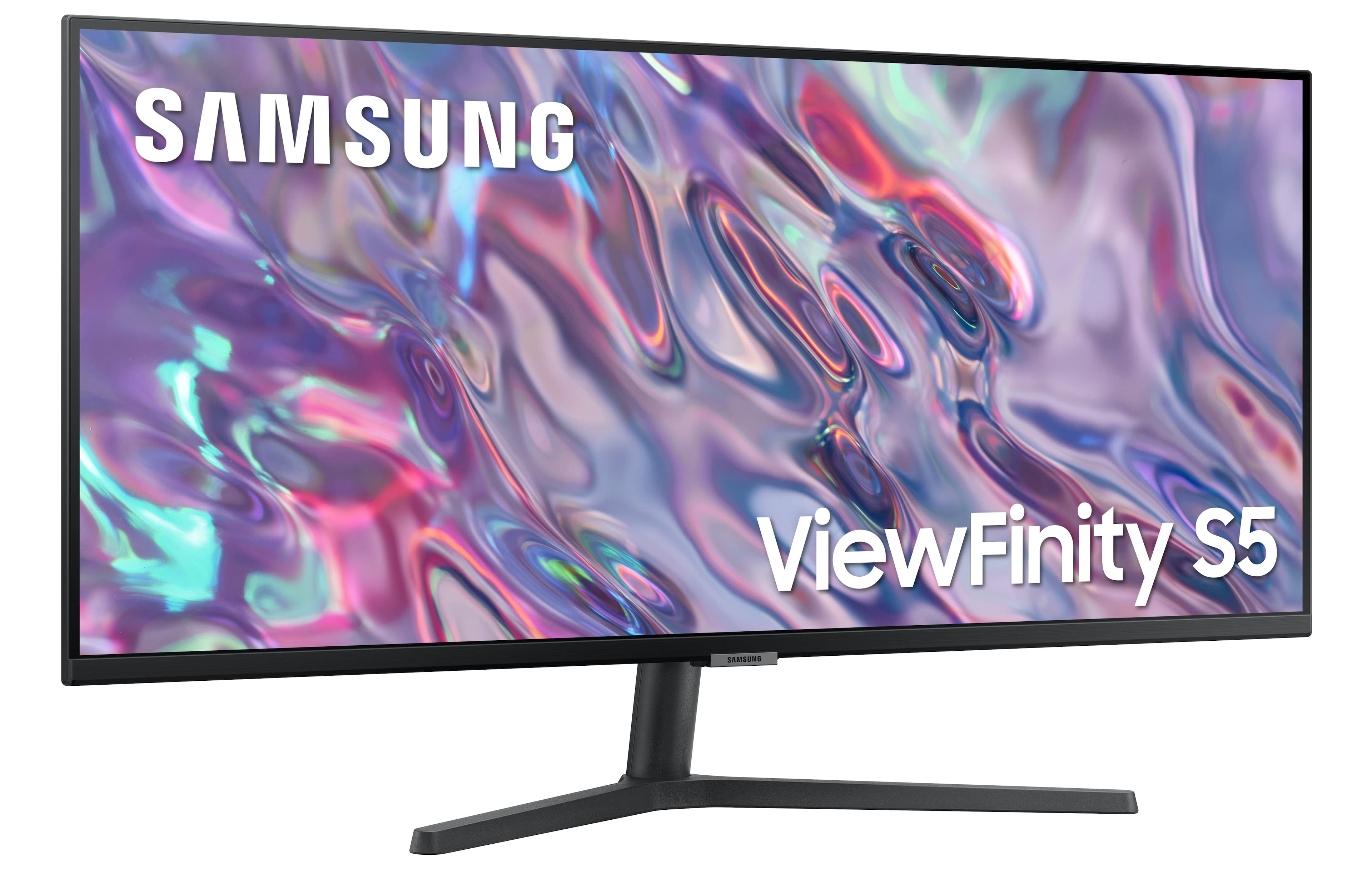
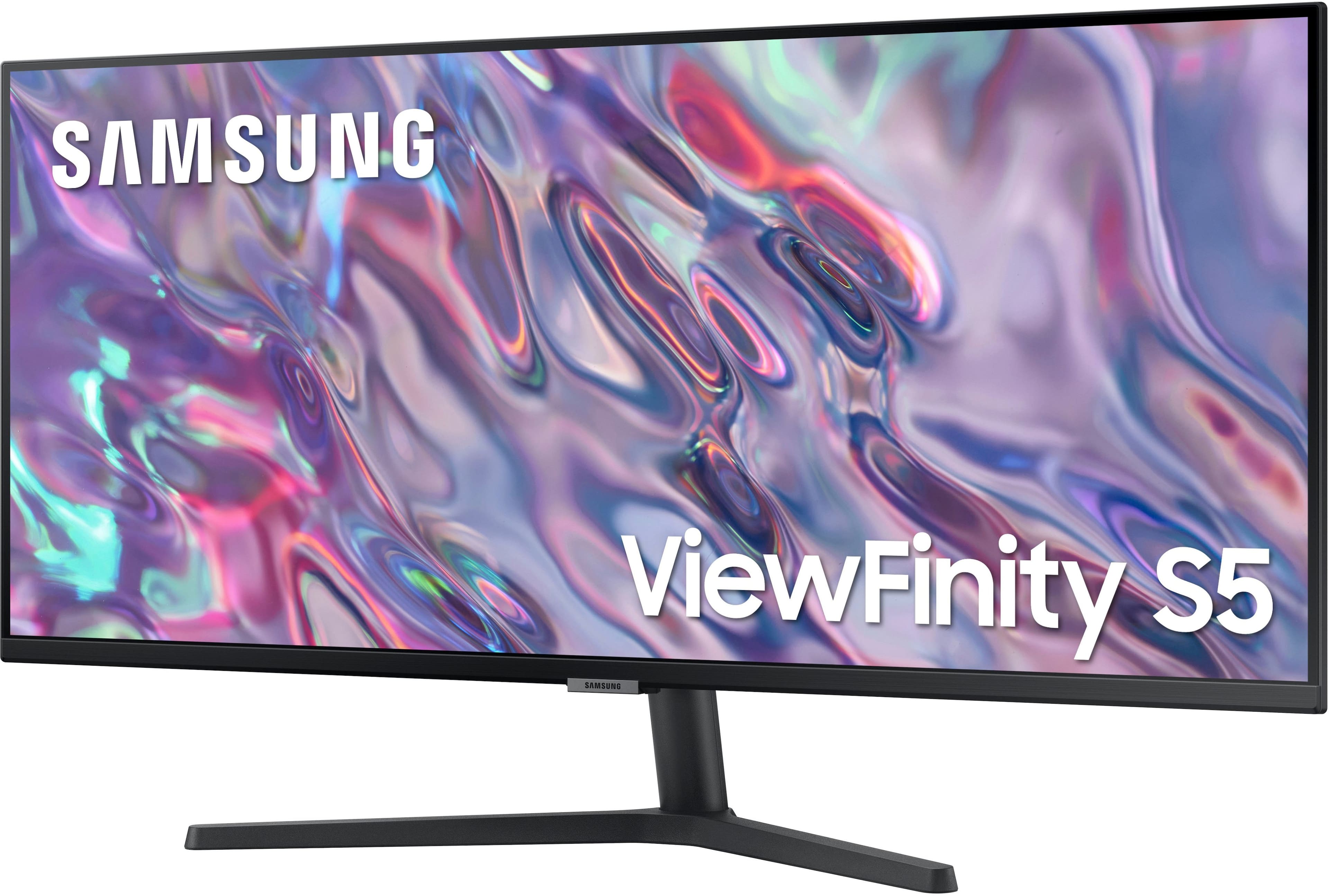

- Model:
- LS34C502GANXZA
- |
- SKU:
- 6532277
Customer reviews
Rating 4.6 out of 5 stars with 971 reviews
(971 customer reviews)Rating by feature
- Display Quality4.7
Rating 4.7 out of 5 stars
- Ease of Use4.7
Rating 4.7 out of 5 stars
- Features4.5
Rating 4.5 out of 5 stars
Customers are saying
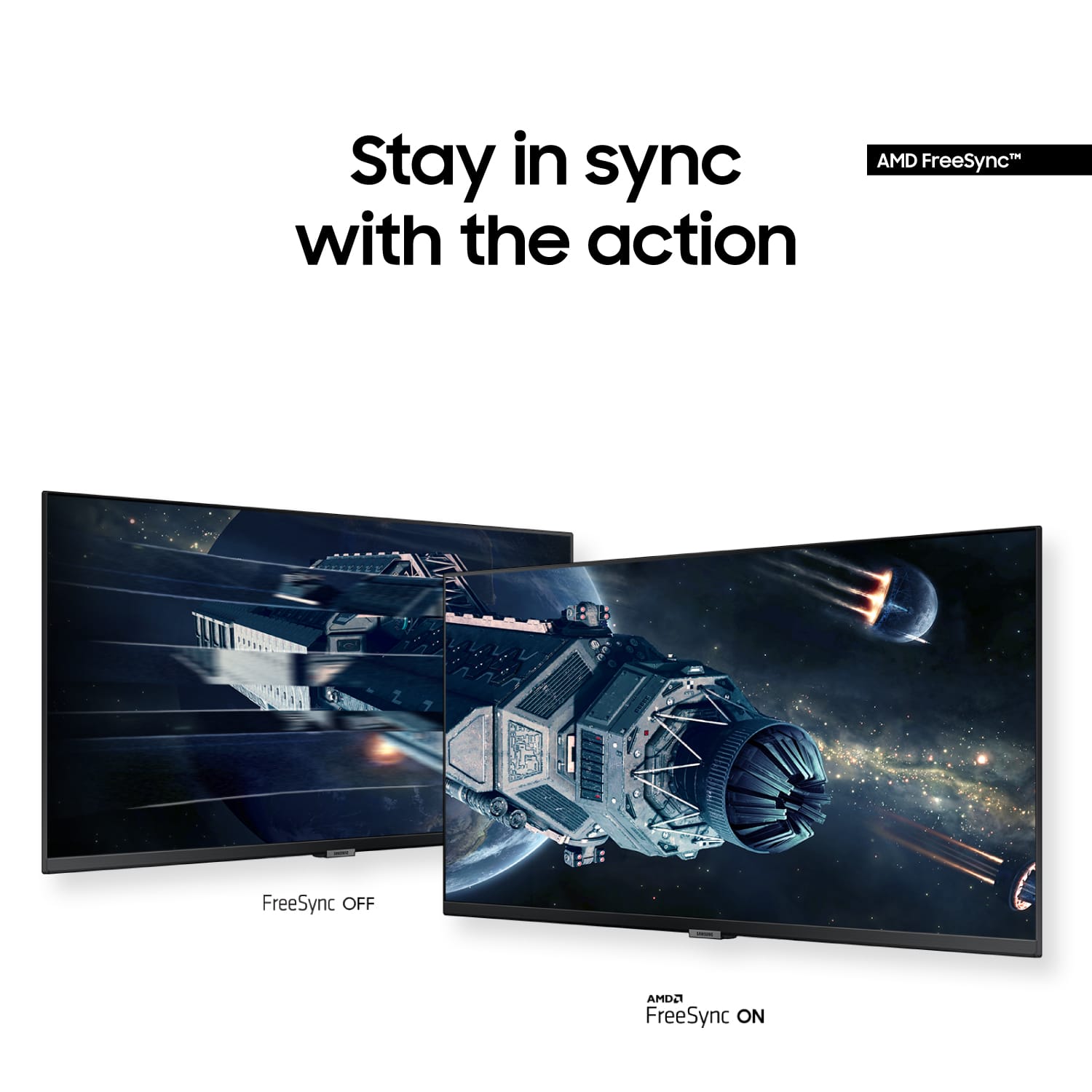
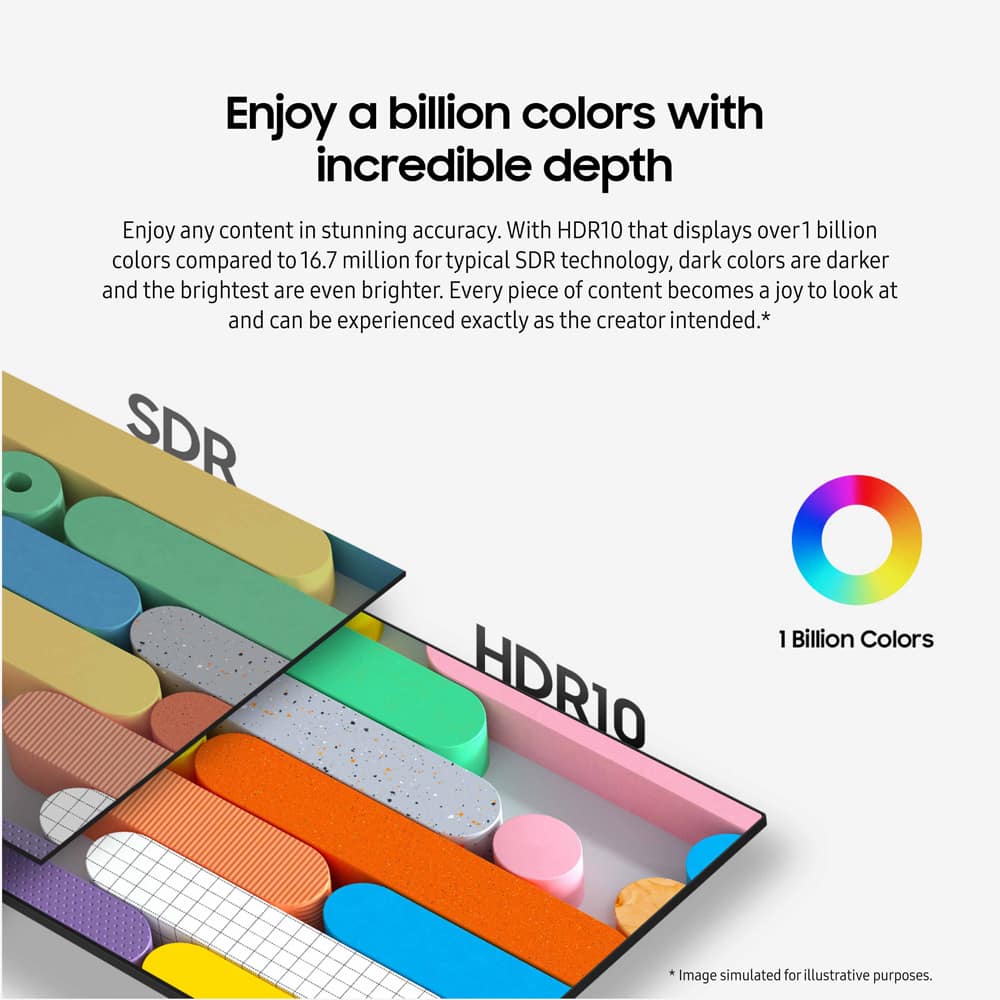
Customers are delighted by the 34” ViewFinity S5 Ultrawide monitor's screen size, overall performance, and resolution. Many also appreciate its ease of use, price, and refresh rate, with some noting the HDR10 feature. Some customers noted the monitor lacks built-in speakers and consider the stand to be of lower quality.
This summary was generated by AI based on customer reviews.
- Pros mentioned:Screen size
Rated 5 out of 5 stars
Absolutely Love It
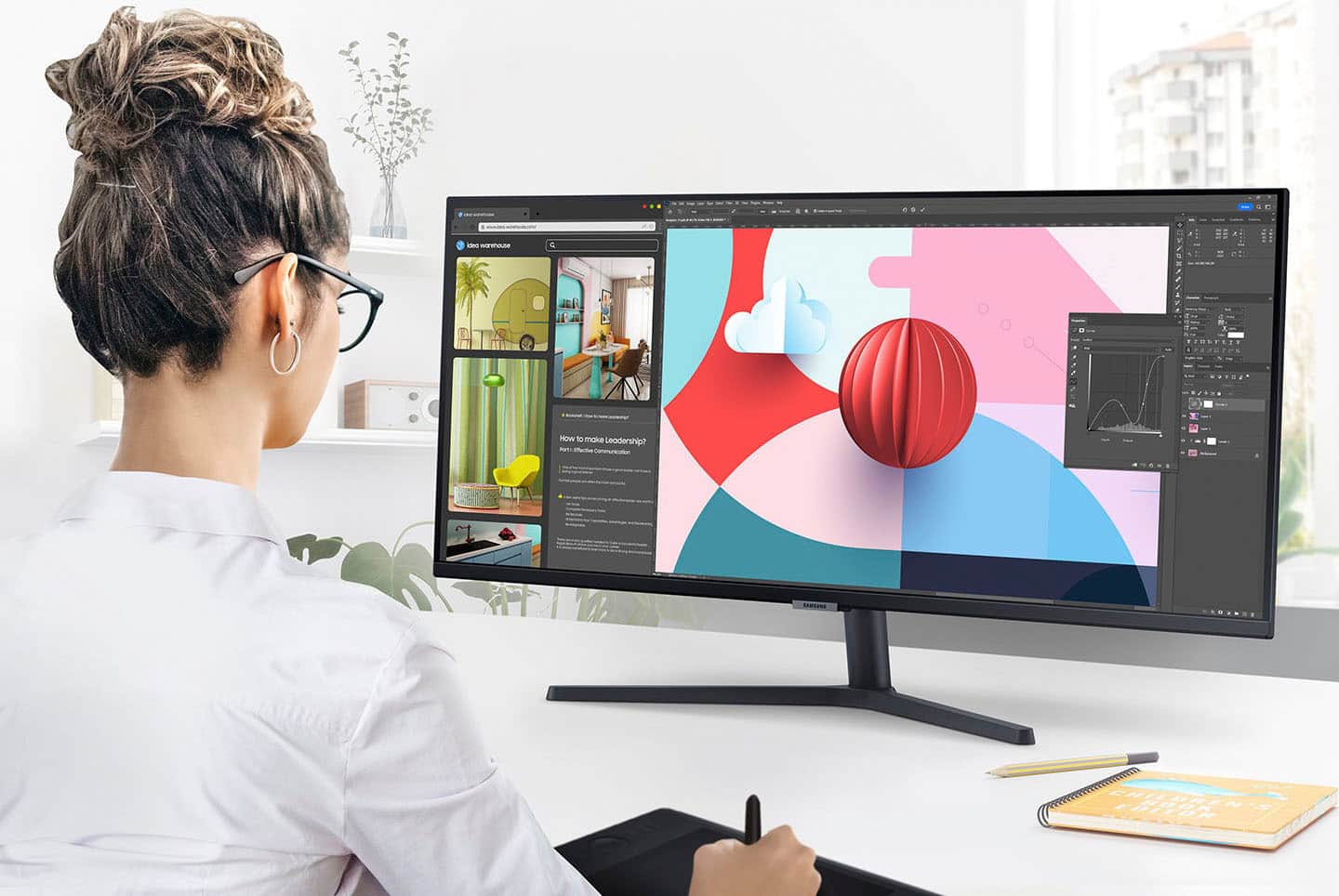
||Posted . Owned for 1 week when reviewed.This reviewer received promo considerations or sweepstakes entry for writing a review.Absolutely love it. Perfect when working with multiple applications, whereas I can have two or three different apps open on one screen. Some of my work involves using Premier and Photoshop and this wide area monitor makes workflow much easier.
I would recommend this to a friend - Pros mentioned:Screen size
Rated 5 out of 5 stars
Highly Recommend
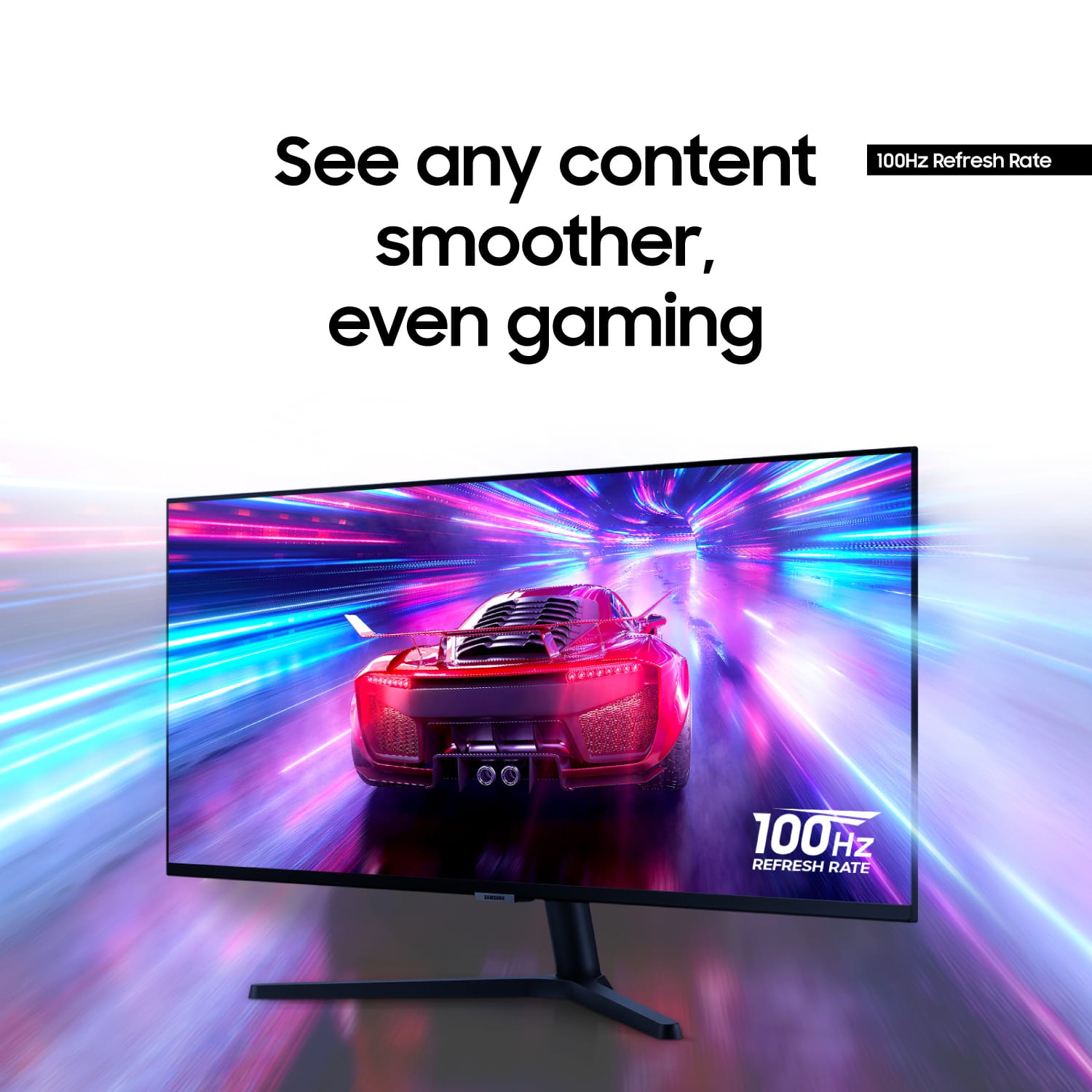
||Posted . Owned for 3 weeks when reviewed.This reviewer received promo considerations or sweepstakes entry for writing a review.This monitor is perfect for a single monitor set up if you have the space. It works well with MAC and Windows and the frame rate spec is no joke. Highly recommend (plus I got mine on sale)
I would recommend this to a friend - Pros mentioned:Screen size
Rated 5 out of 5 stars
Perfect for WFH Setup
||Posted . Owned for 3 weeks when reviewed.This reviewer received promo considerations or sweepstakes entry for writing a review.Perfect monitor for my WFH life. Needed to have one at another spot than my main WFH setup so i could stop lugging 2 monitors supplied by work back n forth. This big screen does the work of both and has clarity 10x fold. Perfect buy!!
I would recommend this to a friend - Cons mentioned:Stand
Rated 5 out of 5 stars
Great Panel. Less than great stand. Still recommen
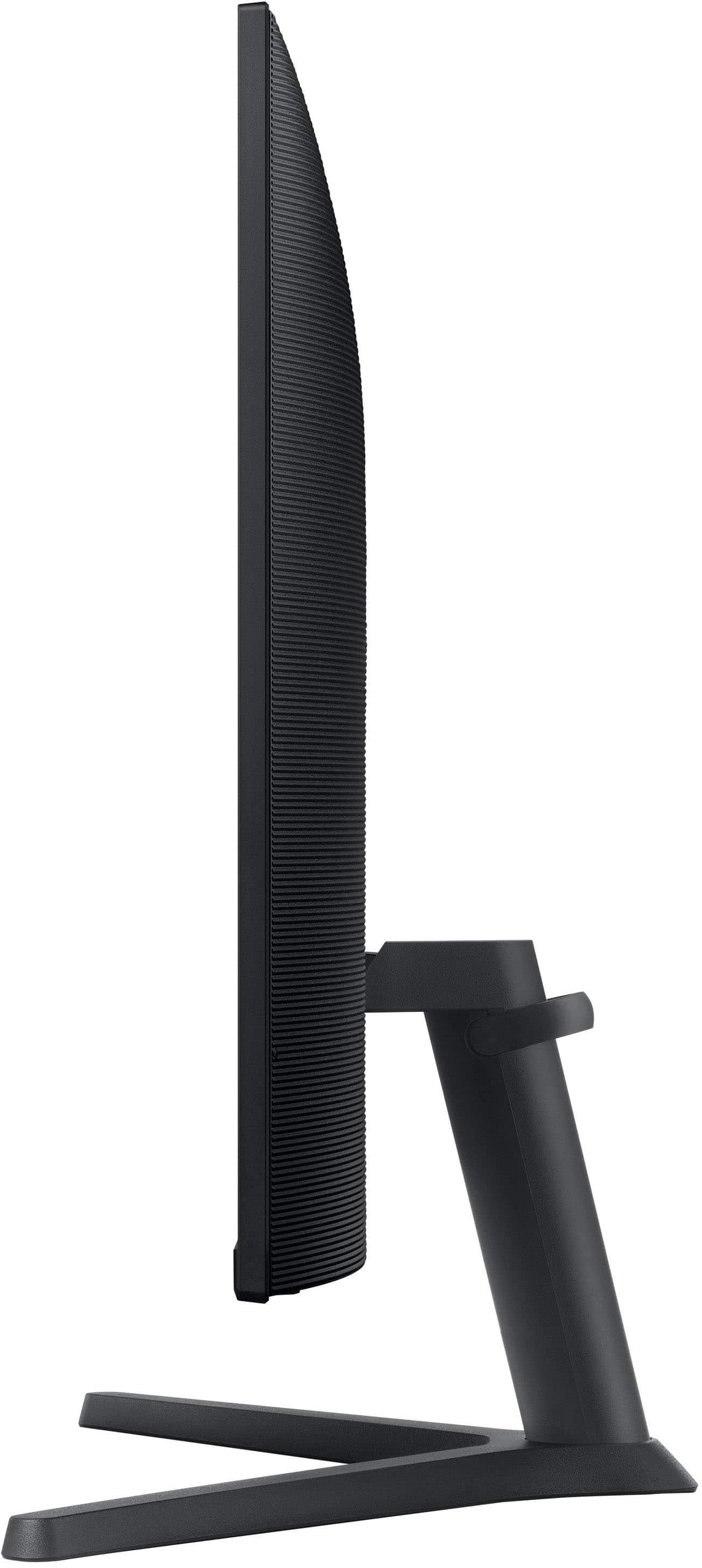
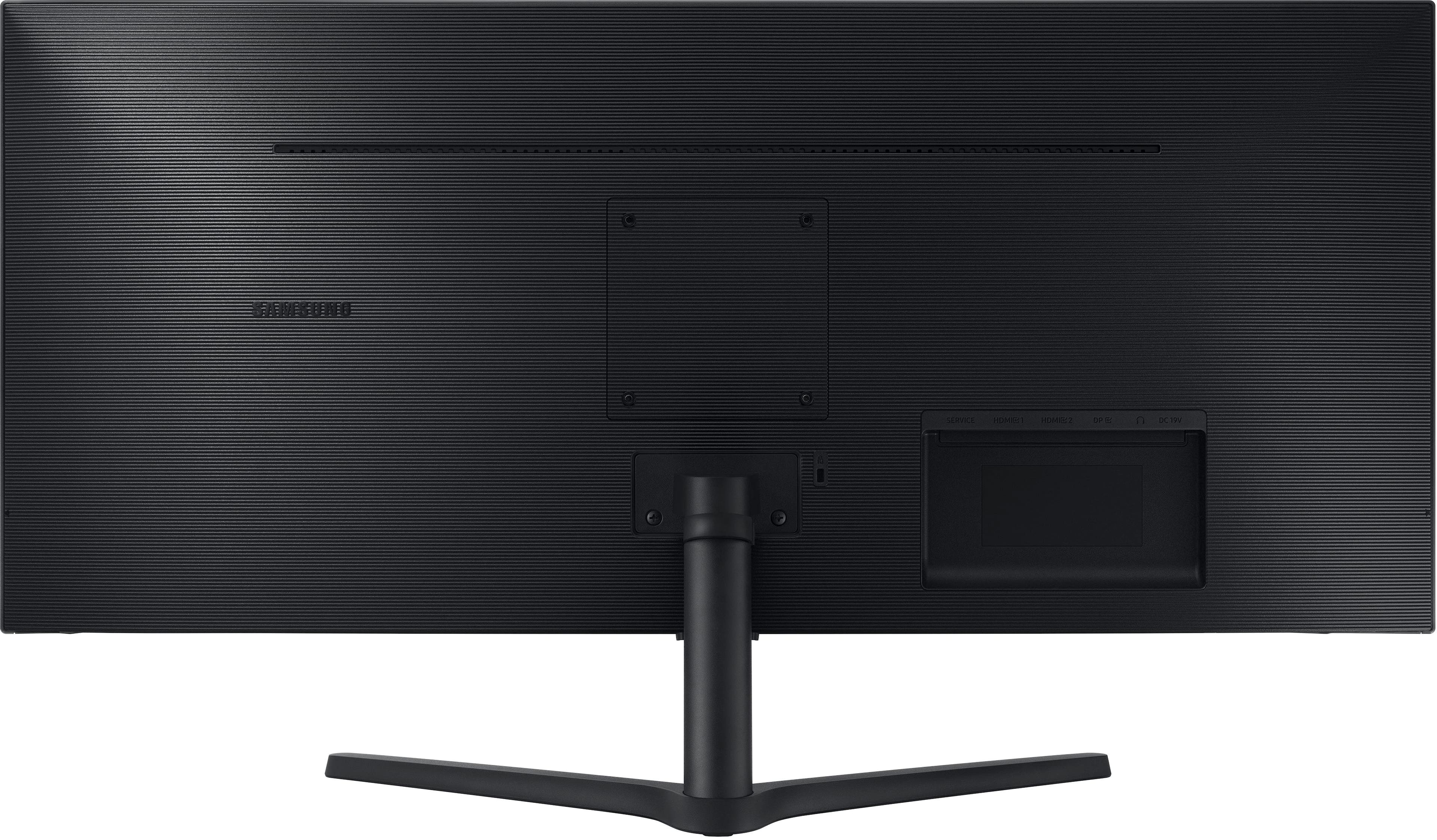
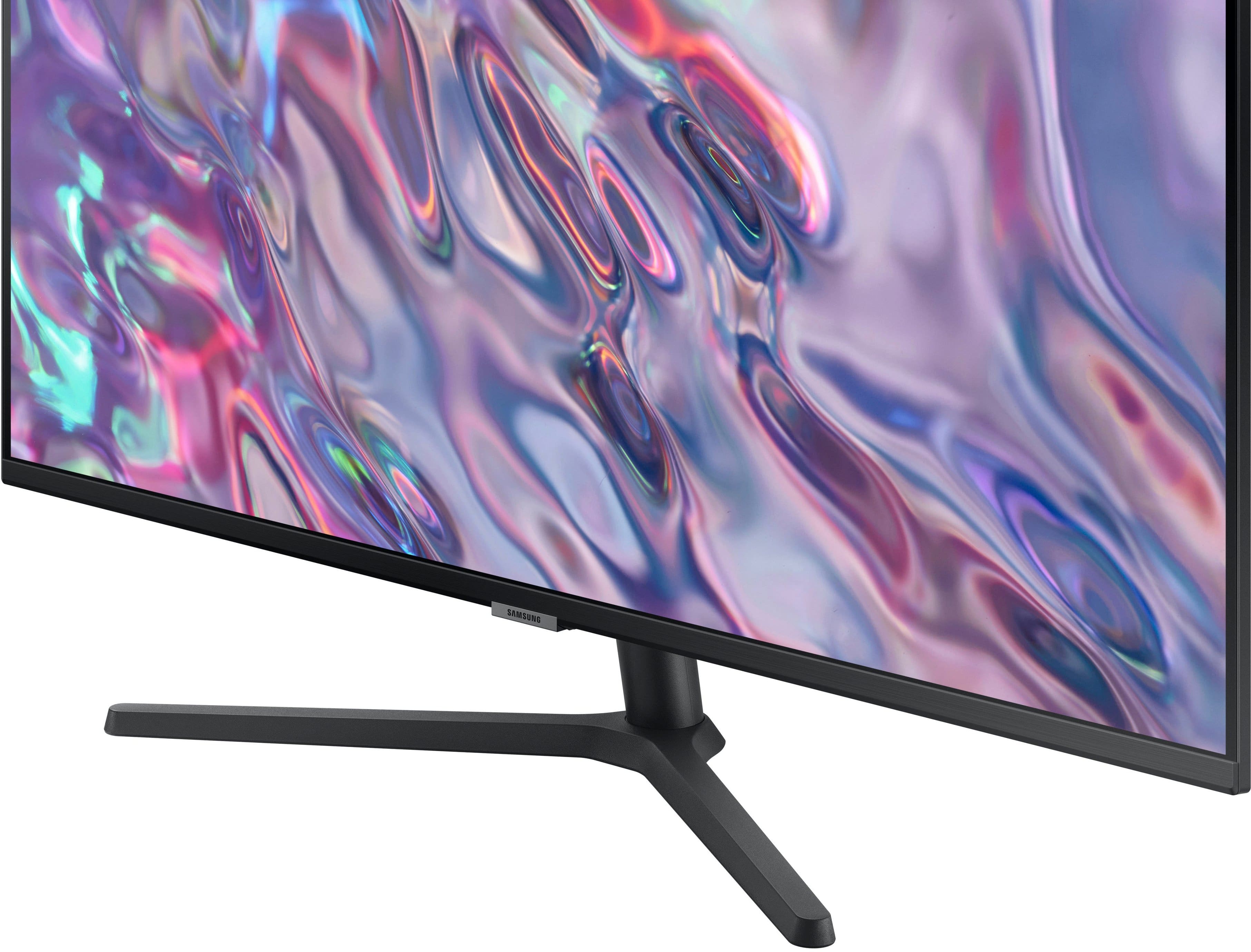
||Posted . Owned for 1 month when reviewed.This reviewer received promo considerations or sweepstakes entry for writing a review.Panel is beautiful and performs well. The only drawback is the stand which is clunky and isnt adjustable. I took it off and mounted it ... has universal mounting compatability so was easy but just be forewarned.
I would recommend this to a friend Rated 5 out of 5 stars
Worth the money
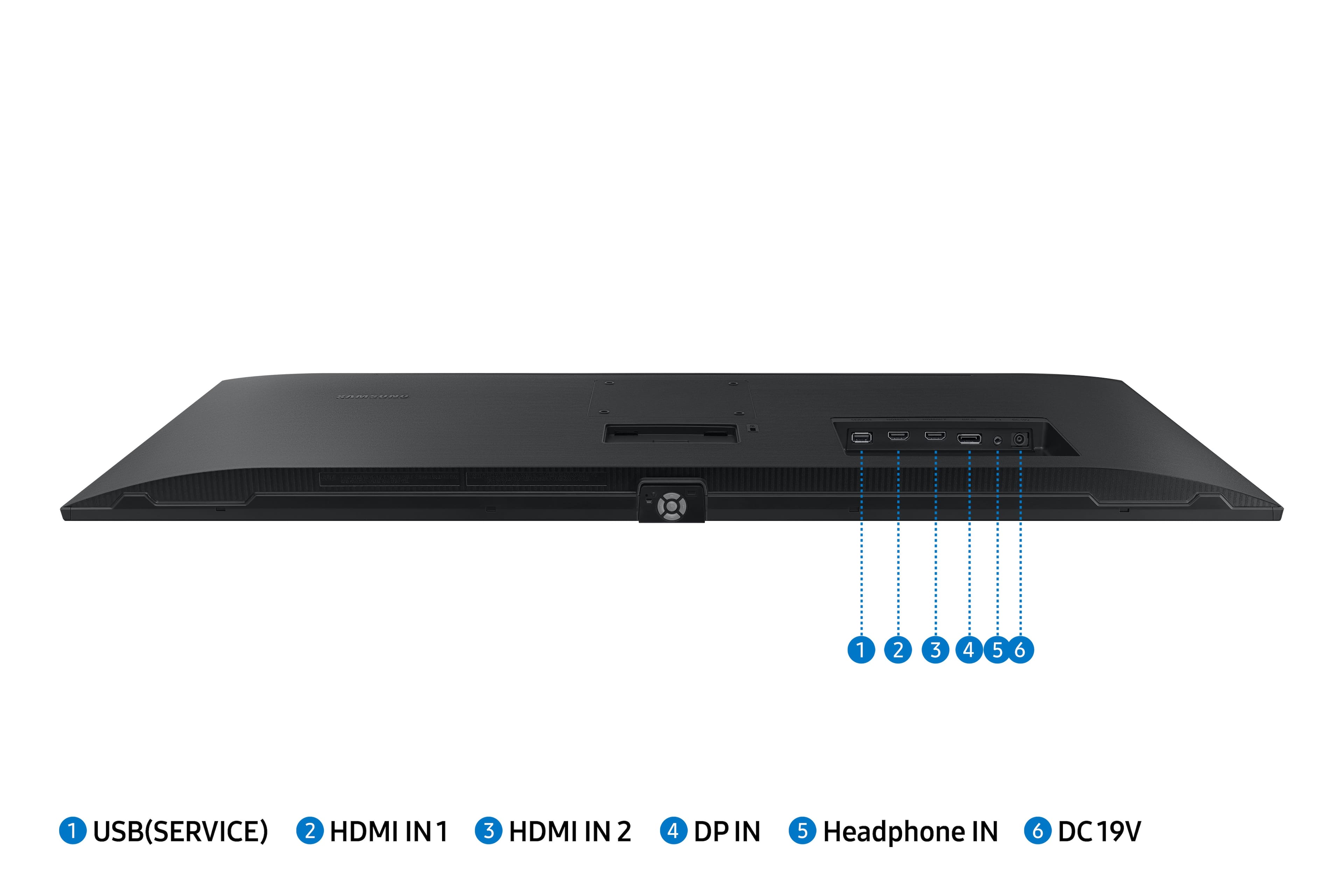
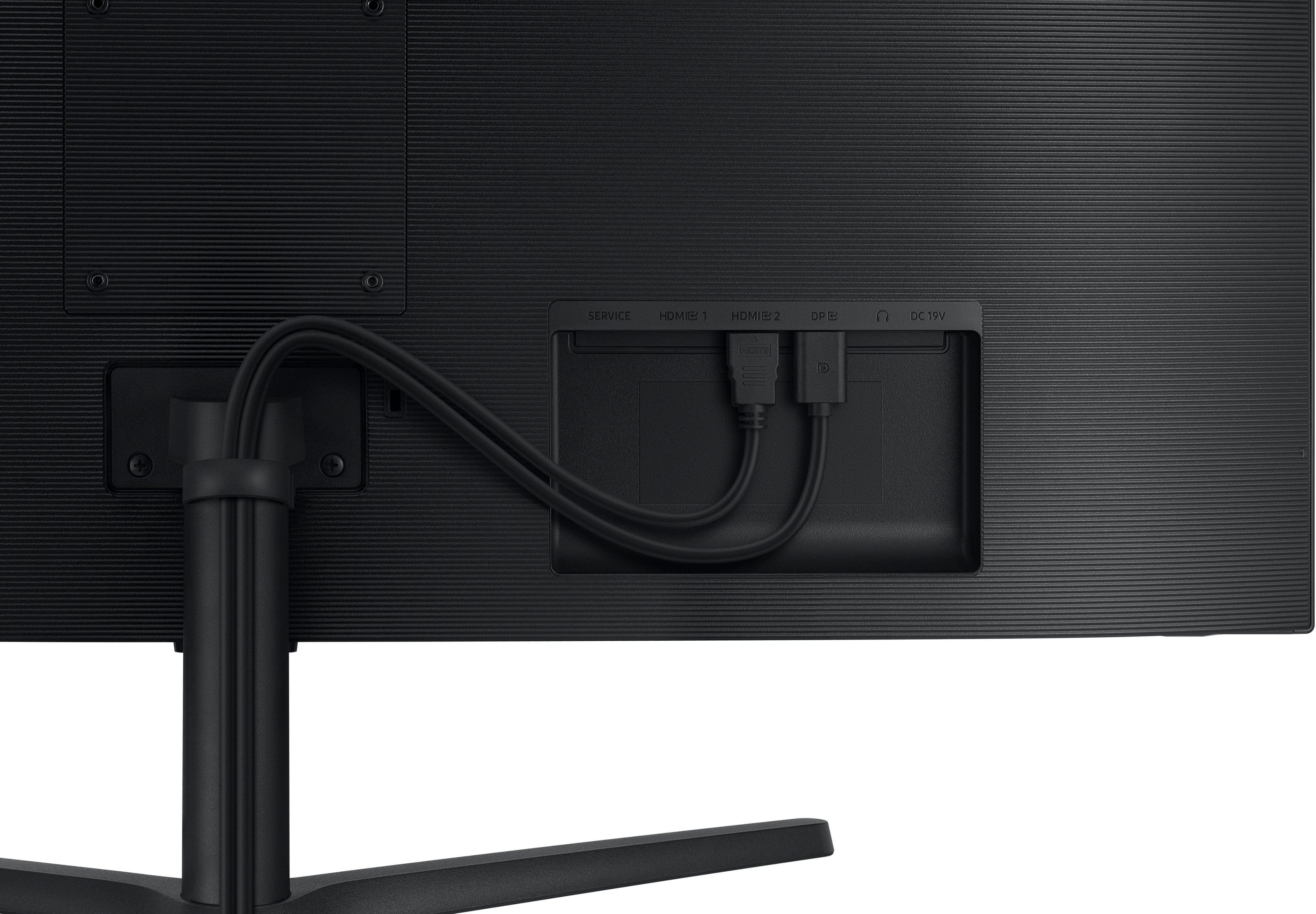
||Posted . Owned for 3 weeks when reviewed.This reviewer received promo considerations or sweepstakes entry for writing a review.I'm very pleased with this monitor . The display port makes gaming on this monitor brings the games to life. I got this on a great sale.
I would recommend this to a friend- Pros mentioned:Screen size
Rated 4 out of 5 stars
Pretty good
||Posted . Owned for 4 months when reviewed.This reviewer received promo considerations or sweepstakes entry for writing a review.The picture isn't crystal clear but it's still good. I can split screen with this one monitor so very useful. No need for 2 monitors
I would recommend this to a friend - Pros mentioned:Screen size
Rated 5 out of 5 stars
Why I like my Samsung S5.
||Posted .This reviewer received promo considerations or sweepstakes entry for writing a review.Very solid. Great for my big desk. Colors are great and it’s very bright.
I would recommend this to a friend - Pros mentioned:Screen size
Rated 5 out of 5 stars
Liked it so much, I bought two
||Posted . Owned for 3 weeks when reviewed.This reviewer received promo considerations or sweepstakes entry for writing a review.Not only for the size but the color quality. The contrast is not as crisp compared to by Macbook Pro but really close.
I would recommend this to a friend - Pros mentioned:Screen size
Rated 5 out of 5 stars
34" Monitor
||Posted . Owned for 1 month when reviewed.This reviewer received promo considerations or sweepstakes entry for writing a review.I have enjoyed the monitor more than expected. The colors are bright and the size has worked out great. everything I wanted and more..
I would recommend this to a friend Rated 5 out of 5 stars
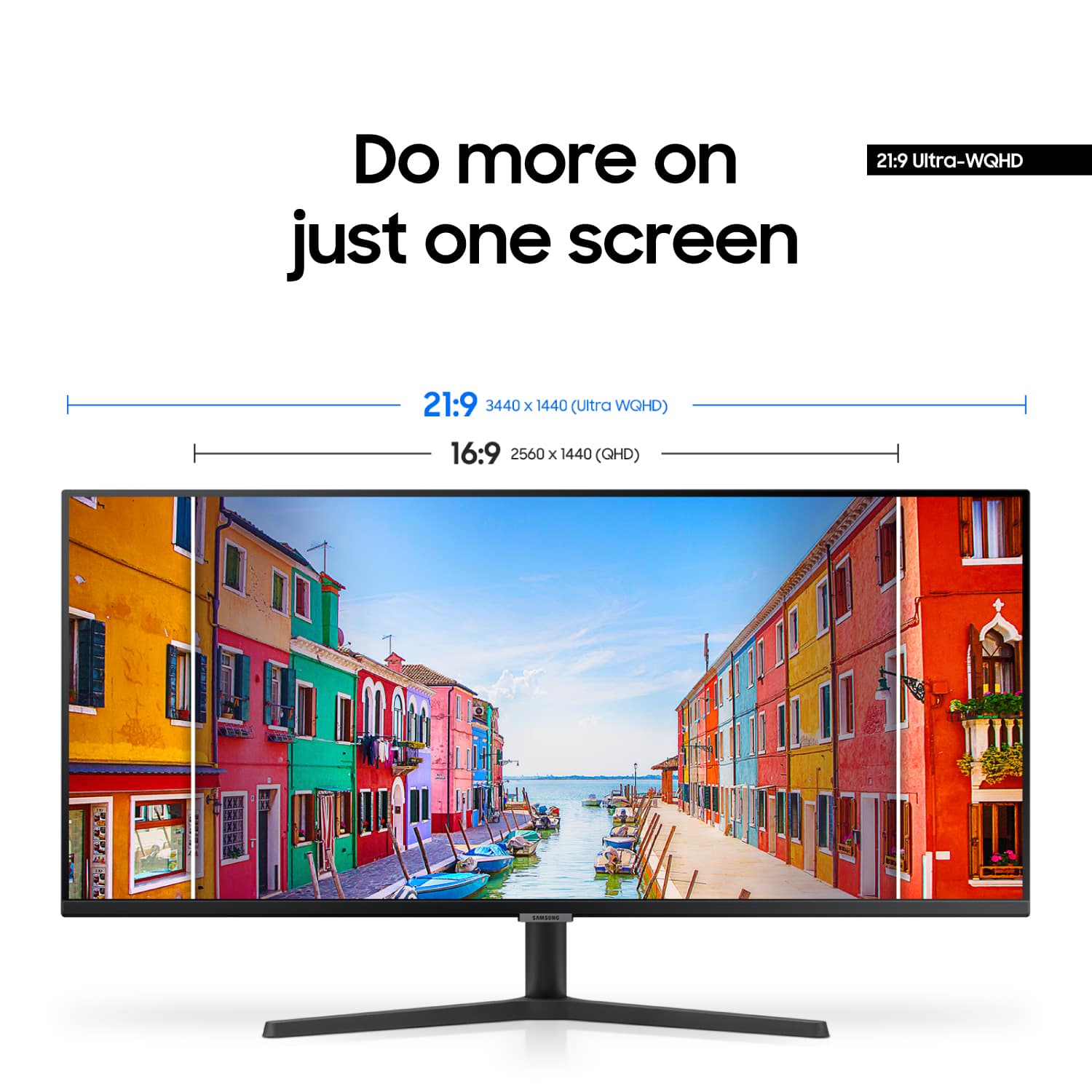
Awesome 3440 x 1440 monitor
||Posted . Owned for 3 weeks when reviewed.This reviewer received promo considerations or sweepstakes entry for writing a review.Very nice monitor, The main use is for work, the colors are nice, I would recommend it for color its fidelity, for designers, photographers and maybe video editors too
I would recommend this to a friend- Pros mentioned:Screen size
Rated 5 out of 5 stars
Good Samsung 34" monitor
||Posted . Owned for 3 weeks when reviewed.This reviewer received promo considerations or sweepstakes entry for writing a review.It's a really good monitor for the price. Does well with my MacBook Pro. Excellent display quality for what I'm using it for, which is school, and work.
I would recommend this to a friend - Pros mentioned:Screen size
Rated 5 out of 5 stars
Great for Home Office
||Posted . Owned for 3 weeks when reviewed.This reviewer received promo considerations or sweepstakes entry for writing a review.This is a great monitor for home office. I can have multiple documents or programs open across the screen. Much better setup than multiple monitors.
I would recommend this to a friend - Pros mentioned:Screen size
Rated 5 out of 5 stars
Samsung tv
||Posted . Owned for 1 month when reviewed.This reviewer received promo considerations or sweepstakes entry for writing a review.Exelent tv perfect size and very good colors and definition
I would recommend this to a friend - Pros mentioned:Screen size
Rated 5 out of 5 stars
A Must buy Samsung ultrawide 34" monitors
||Posted . Owned for 1 month when reviewed.This reviewer received promo considerations or sweepstakes entry for writing a review.These Samsung ultraview monitors are fantastic. I'm currently using them for work since i work on massive excel sheets i can see over 30 column at a time.
I would recommend this to a friend - Pros mentioned:Overall performance
Rated 5 out of 5 stars
Great product
||Posted . Owned for 2 weeks when reviewed.This reviewer received promo considerations or sweepstakes entry for writing a review.Can’t complain, easy setup and it works well whole my whole ensemble. Color vibrancy is great and navigating the menu for tweeking is easy. The auto HDR is a nice feature and works semlessly.
I would recommend this to a friend - Pros mentioned:Screen size
Rated 4 out of 5 stars
Great monitor
||Posted . Owned for 1 month when reviewed.This reviewer received promo considerations or sweepstakes entry for writing a review.Amazing monitor I have it set up as a sim rig with my Xbox I’m just waiting on some speakers so I don’t always have to use my headset when watching shows or movies
I would recommend this to a friend - Pros mentioned:Screen size
Rated 5 out of 5 stars
Awesome
||Posted . Owned for 4 months when reviewed.This reviewer received promo considerations or sweepstakes entry for writing a review.Great monitor looks great no issues so far refresh rate could be a bit better but all in all good
I would recommend this to a friend - Pros mentioned:Screen size
Rated 5 out of 5 stars
Excellent Upgrade
||Posted . Owned for 1 week when reviewed.This reviewer received promo considerations or sweepstakes entry for writing a review.Great monitor and even better view. I can now wear my contacts without issue since i am near sided and previous monitor was blurred. Defibitely recommend.
I would recommend this to a friend - Pros mentioned:Resolution
Rated 5 out of 5 stars
Samsung - ViewFinity S5 34" Ultra-WQHD Monitor
||Posted . Owned for 1 month when reviewed.This reviewer received promo considerations or sweepstakes entry for writing a review.Wonderful. Extremely clear. Display will definitely achieve 3440 x 1440. Just ensure your video card is capable of such resolution.
I would recommend this to a friend - Pros mentioned:Overall performance
Rated 5 out of 5 stars
Best Monitor I ever had
||Posted . Owned for 2 weeks when reviewed.This reviewer received promo considerations or sweepstakes entry for writing a review.The quality of this monitor is off the charts. 5 star rating
I would recommend this to a friend