Customer Ratings & Reviews
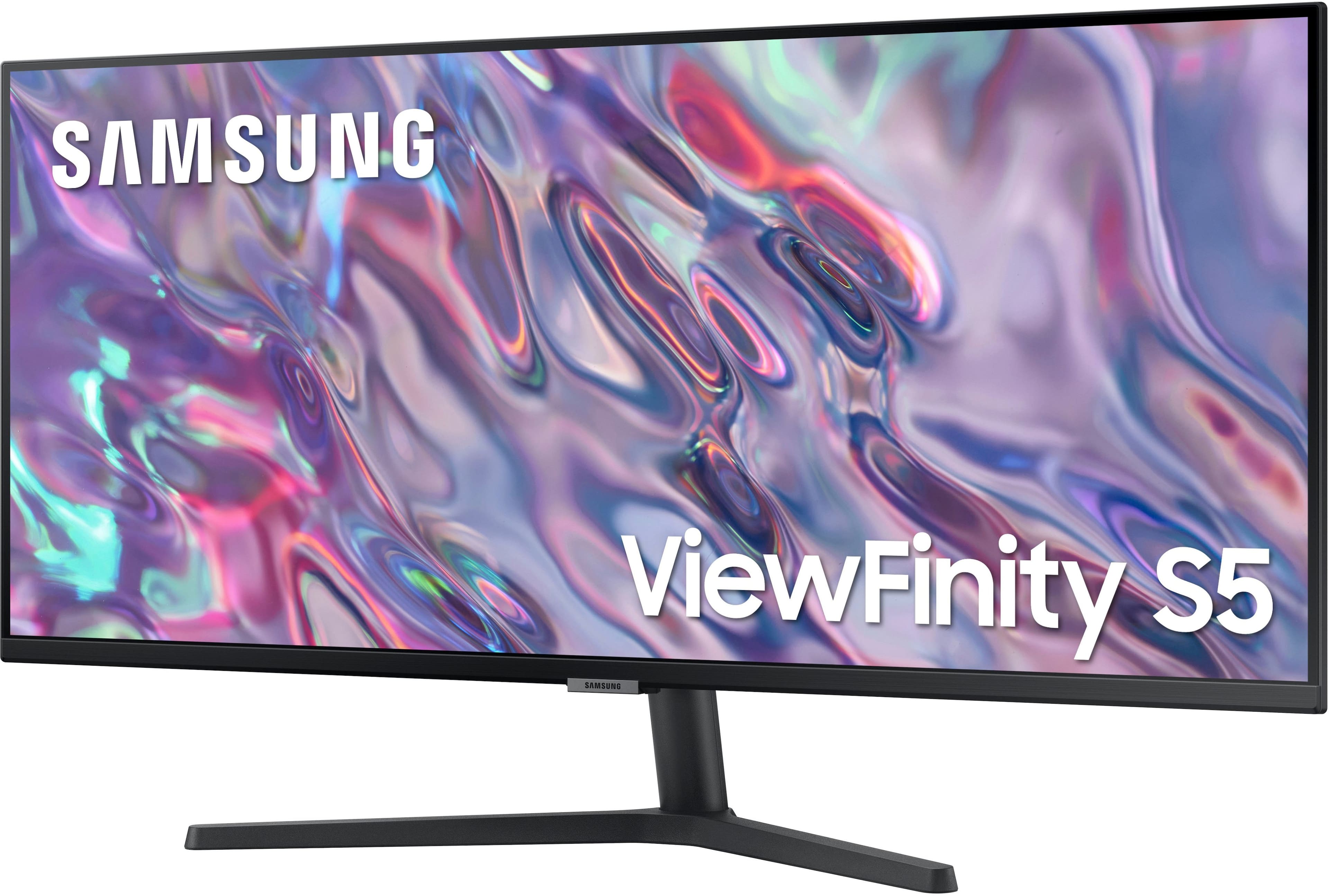

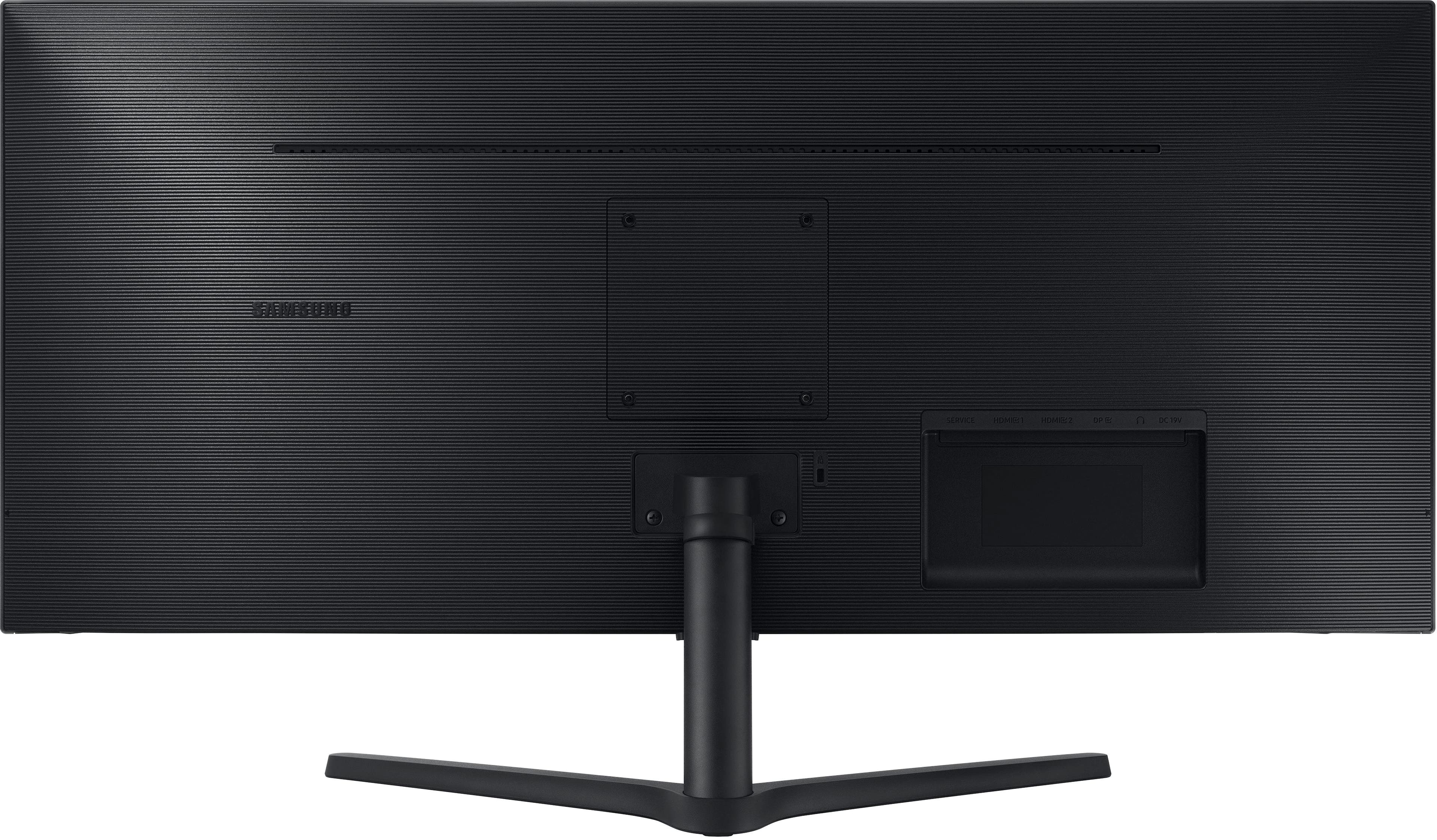
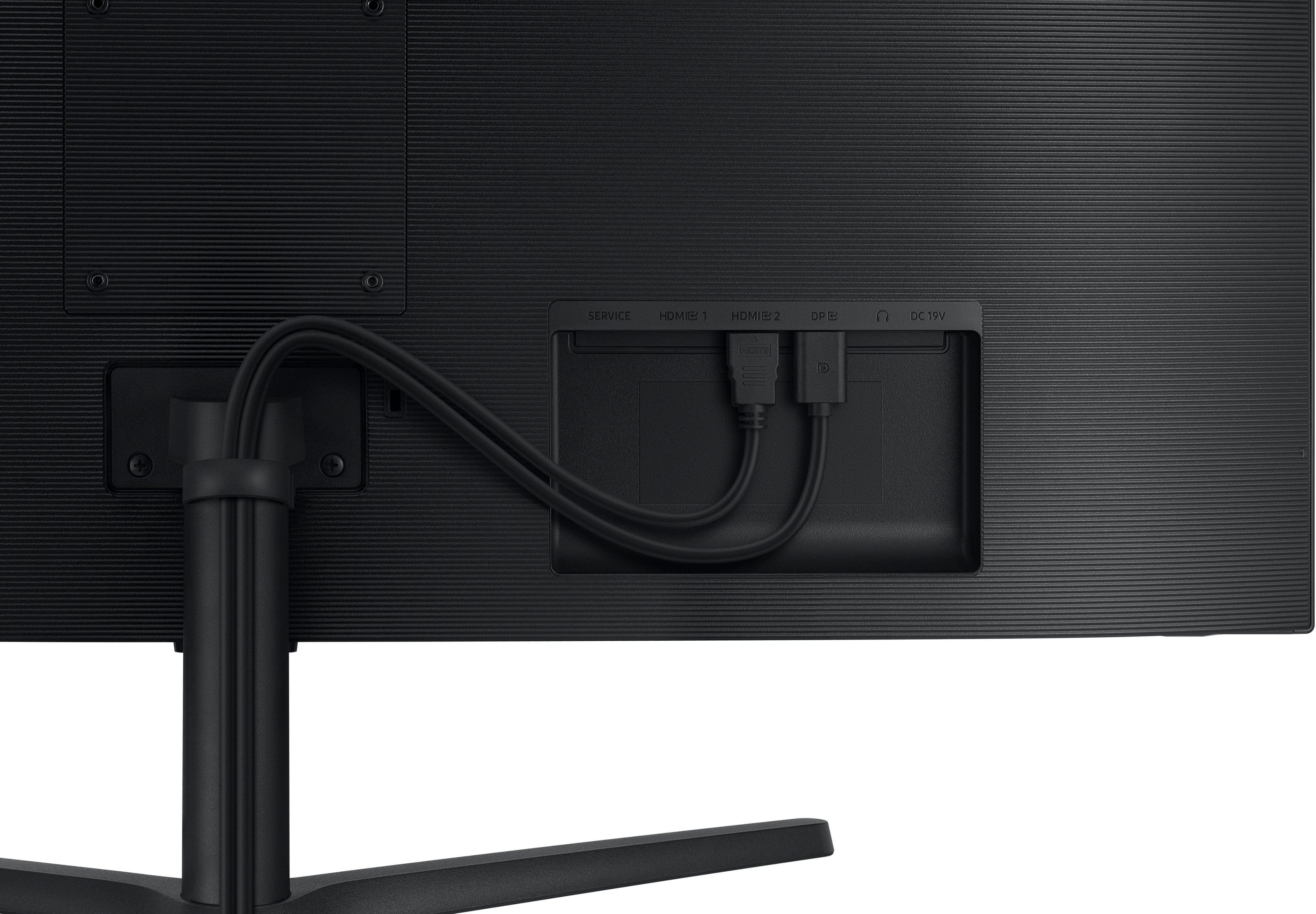
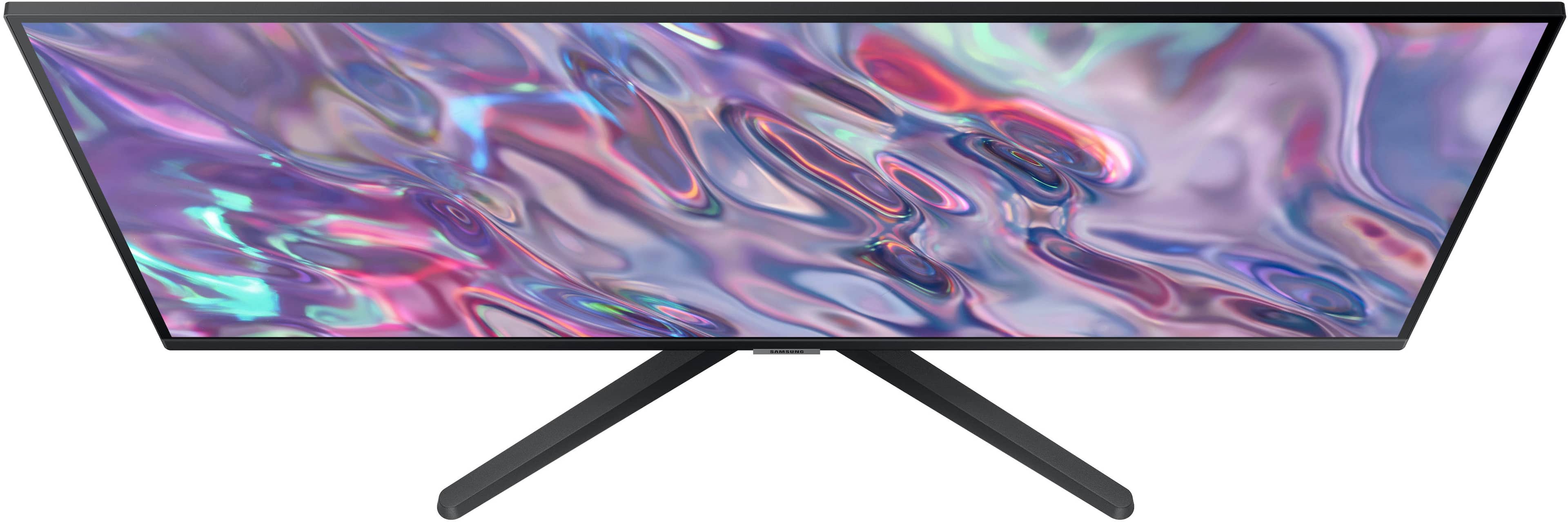
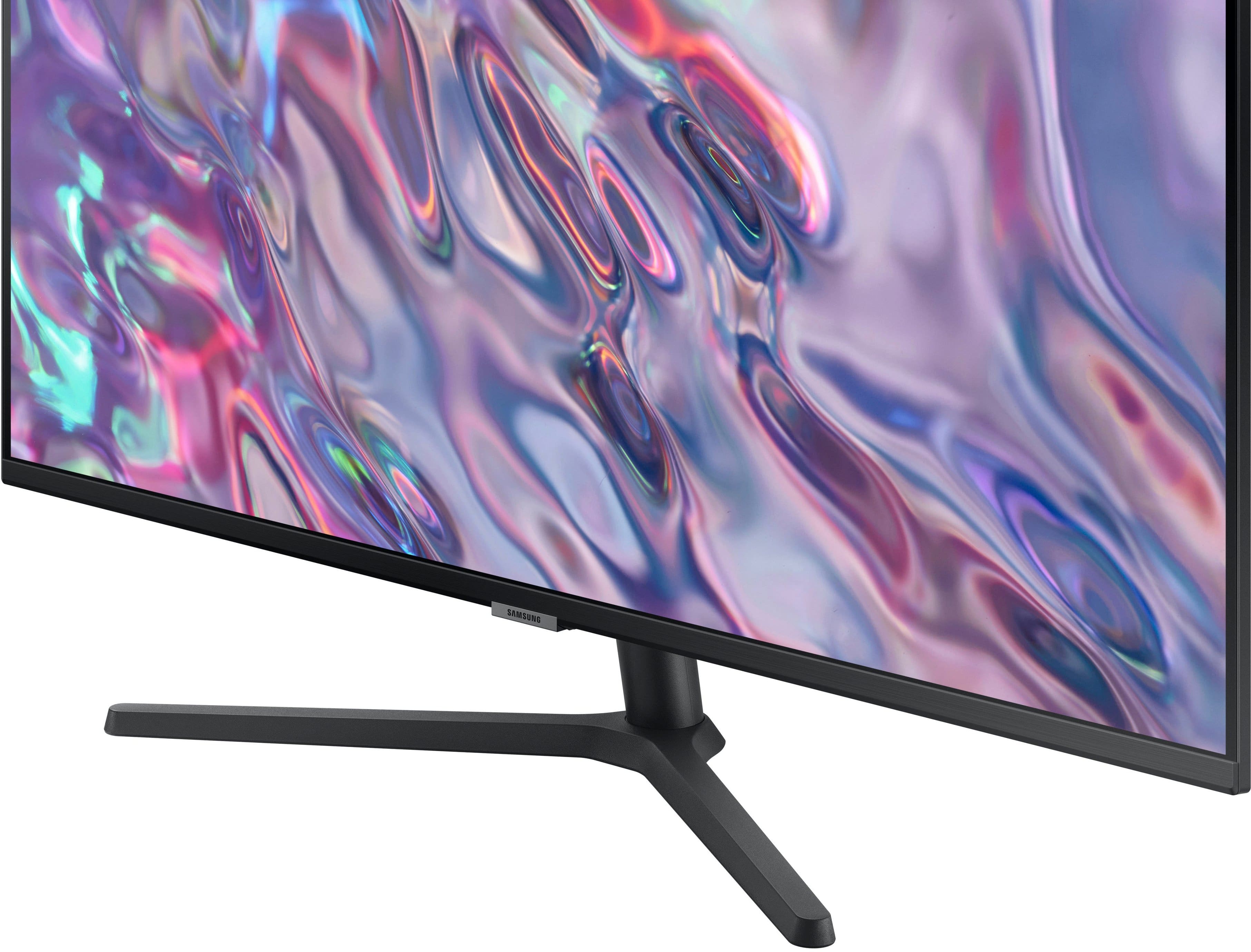
- Model:
- LS34C502GANXZA
- |
- SKU:
- 6532277
Customer reviews
Rating 4.6 out of 5 stars with 924 reviews
(924 customer reviews)Rating by feature
- Display Quality4.7
Rating 4.7 out of 5 stars
- Ease of Use4.7
Rating 4.7 out of 5 stars
- Features4.5
Rating 4.5 out of 5 stars
Customers are saying
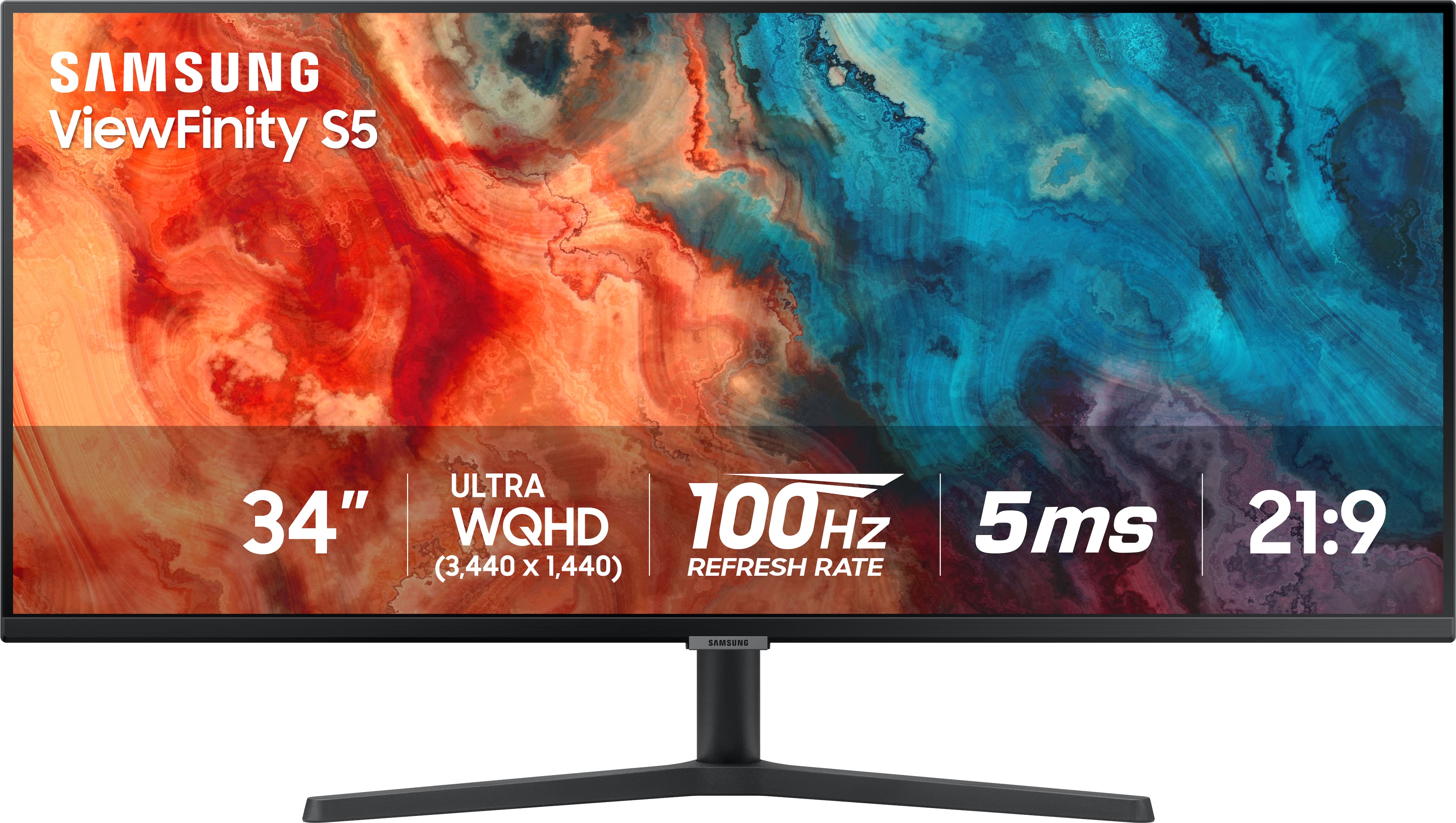
Customers are delighted by the 34” ViewFinity S5 Ultrawide monitor's screen size, overall performance, and resolution. Many also appreciate its ease of use, price, and refresh rate, with some noting the HDR10 feature. Some customers noted the monitor lacks built-in speakers and consider the stand to be of lower quality.
This summary was generated by AI based on customer reviews.
Rated 5 out of 5 stars
Good monitor
||Posted . Owned for 3 weeks when reviewed.This reviewer received promo considerations or sweepstakes entry for writing a review.The monitor has good color and good viewing angles.
I would recommend this to a friendRated 4 out of 5 stars
Good, can be annoying to maintaine
||Posted . Owned for 1 week when reviewed.This reviewer received promo considerations or sweepstakes entry for writing a review.You have to turn it on with a button which is kinda hidden and can get annoying
I would recommend this to a friendRated 1 out of 5 stars
Poor Quality; Won’t Last a Year
||Posted .This reviewer received promo considerations or sweepstakes entry for writing a review.Bought this in Feb 2025 for $230, during the President’s Day sale and it was great. But by Aug 2025 the screen has started flickering and the screen quality drastically dropped. I’ve tried new HDMI and Display Port cables, a new power supply, did a factory reset, and nothing has helped. I would not recommend this monitor. It’s not worth the hassle to send it off for repair and I’m already looking for something new. Sometimes cheapest isn’t always the best.
No, I would not recommend this to a friendRated 4 out of 5 stars
A very good monitor for the price
||Posted . Owned for 1 month when reviewed.This reviewer received promo considerations or sweepstakes entry for writing a review.Got this one on a sale. Worth the price with good features and resolution. Overall a worthy purchase
I would recommend this to a friendRated 5 out of 5 stars
Perfect Monitor.
||Posted . Owned for 3 weeks when reviewed.This reviewer received promo considerations or sweepstakes entry for writing a review.Amazing graphics. My wife loves it. Feels bigger than it is.
I would recommend this to a friendRated 5 out of 5 stars
Great monitor
||Posted . Owned for 2 weeks when reviewed.This reviewer received promo considerations or sweepstakes entry for writing a review.Looks gelreat supernlight weight well worth the money
I would recommend this to a friendRated 5 out of 5 stars
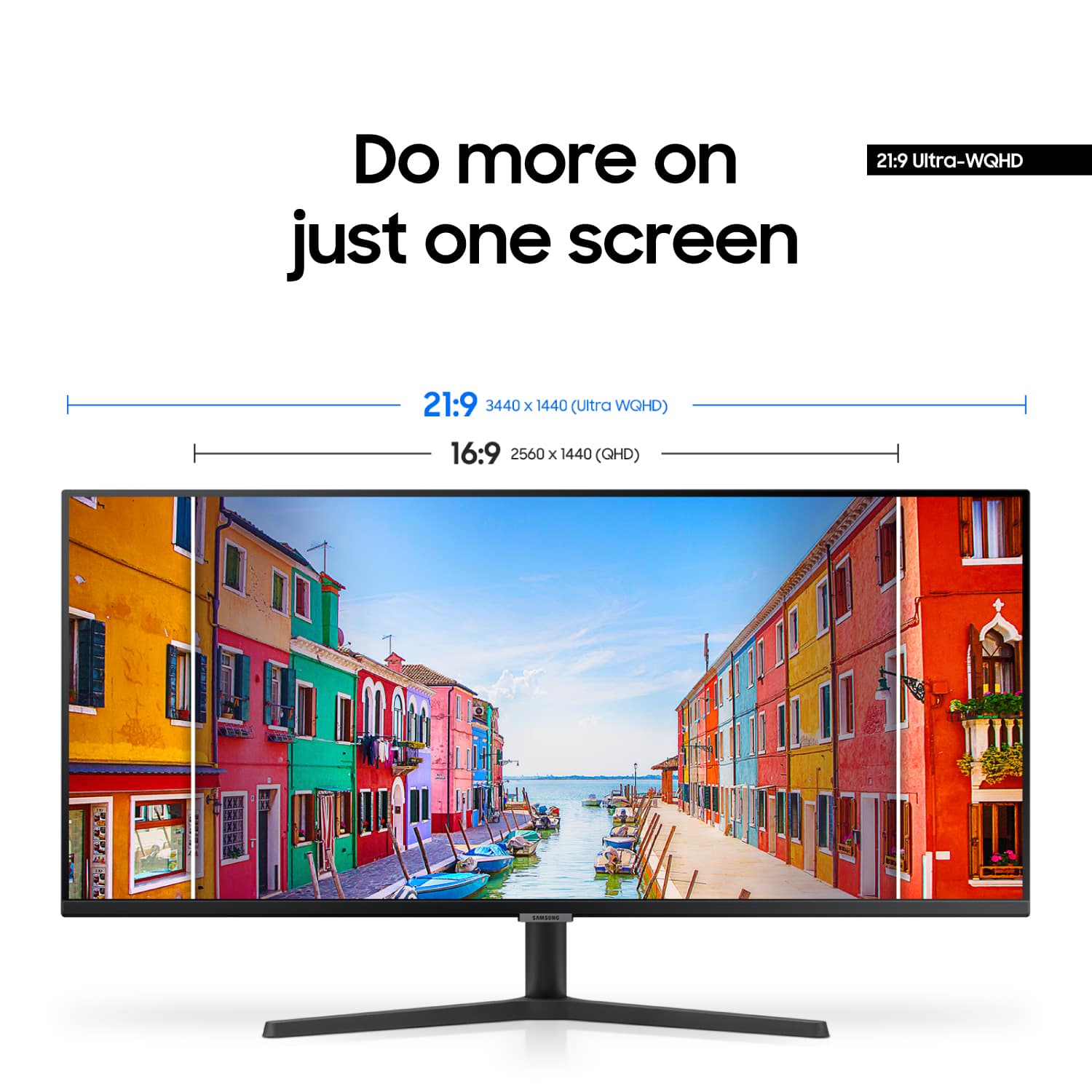
Great alternative to dual monitors
||Posted . Owned for less than 1 week when reviewed.This reviewer received promo considerations or sweepstakes entry for writing a review.Great alternative to dual monitors if you're limited on space.
I would recommend this to a friendRated 4 out of 5 stars
Can’t split screen.
||Posted . Owned for 1 month when reviewed.This reviewer received promo considerations or sweepstakes entry for writing a review.Wished the screen had the ability to split screen other than that it’s great.
I would recommend this to a friendRated 4 out of 5 stars
It’s aight
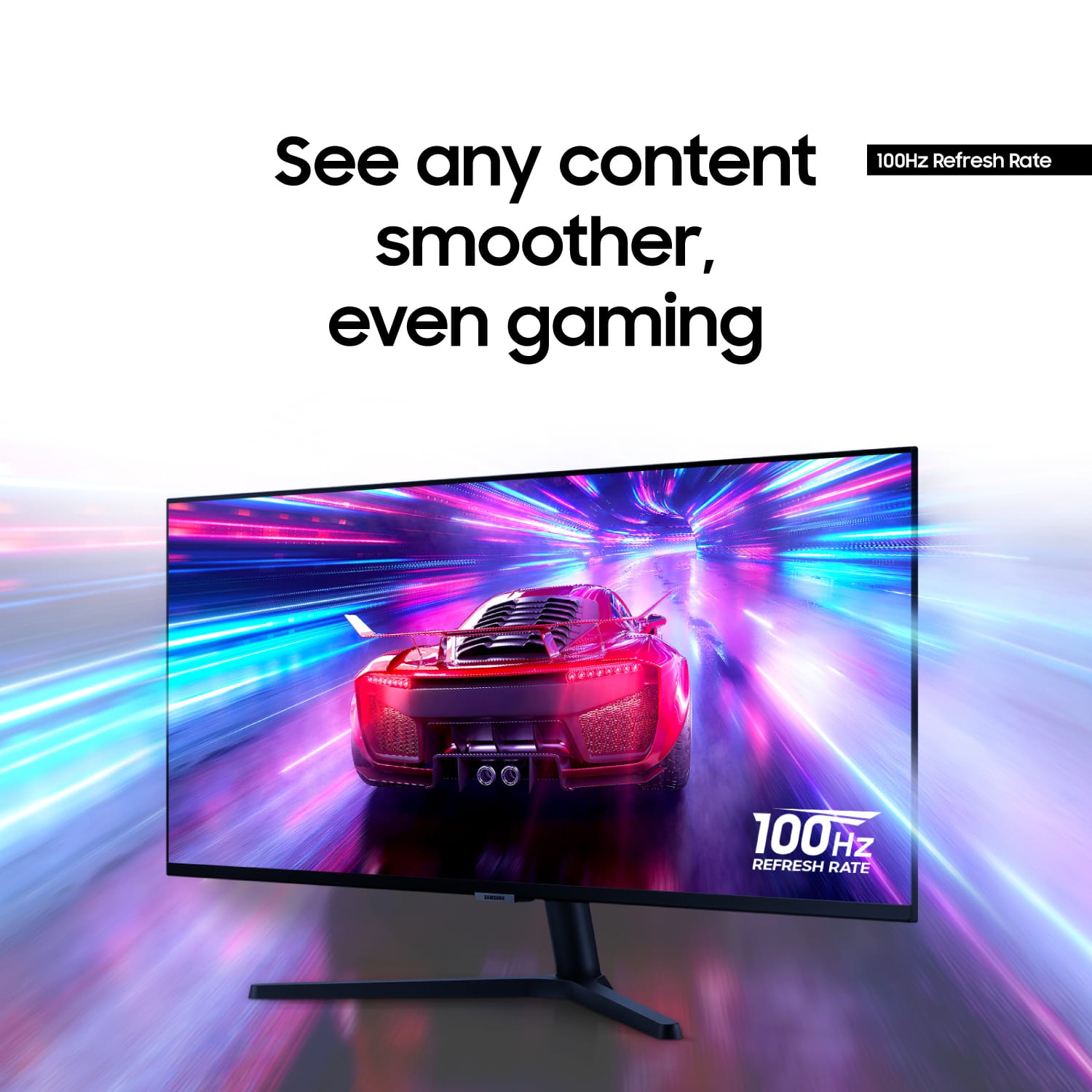
||Posted . Owned for 1 month when reviewed.This reviewer received promo considerations or sweepstakes entry for writing a review.It’s aight a lil too wide. The graphics are ok the hertz thing is kinda low for gaming
No, I would not recommend this to a friendRated 2 out of 5 stars
Dead pixels everywhere again
||Posted . Owned for 1 week when reviewed.This reviewer received promo considerations or sweepstakes entry for writing a review.Second time in a row a Samsung monitor was purchased only to be covered in dead pixels. Seems to be a very common issue here. Returning this and gonna try a different brand this time.
No, I would not recommend this to a friendRated 5 out of 5 stars
Great value
||Posted . Owned for 3 weeks when reviewed.This reviewer received promo considerations or sweepstakes entry for writing a review.Hard to beat for the price. No complaints whatsoever
I would recommend this to a friendRated 4 out of 5 stars
Good Monitor for Trading Stocks.
||Posted . Owned for 1 month when reviewed.This reviewer received promo considerations or sweepstakes entry for writing a review.So far...happy with the performance. Use it as a Trading Monitor.
I would recommend this to a friendRated 4 out of 5 stars
Good monitor
||Posted . Owned for 1 week when reviewed.This reviewer received promo considerations or sweepstakes entry for writing a review.Decent monitor. Brighter than most Samsung monitors.
I would recommend this to a friendRated 4 out of 5 stars
It’s oj
||Posted . Owned for 3 weeks when reviewed.This reviewer received promo considerations or sweepstakes entry for writing a review.Not bad , not super great but good enough, but worth the price
I would recommend this to a friendRated 4 out of 5 stars
Gaming Monitor
||Posted . Owned for 3 weeks when reviewed.This reviewer received promo considerations or sweepstakes entry for writing a review.Perfect gaming monitor for entry to mid- level gamer.
I would recommend this to a friendRated 3 out of 5 stars
Very mediocre.
||Posted . Owned for 1 month when reviewed.This reviewer received promo considerations or sweepstakes entry for writing a review.Not a great resolution quality. Have tried various resolution settings on my laptop but the fonts and type are grainy at best. Not great for heavy text setting work.
No, I would not recommend this to a friendRated 3 out of 5 stars
Curved is the way to go. Not flat
||Posted . Owned for 3 months when reviewed.This reviewer received promo considerations or sweepstakes entry for writing a review.Can’t say good or bad. I returned it the next day. I am used to curved monitors but bought this for my home office to supplement my 3 other monitors. Did not like it at all. If you use curved you will not like this.
No, I would not recommend this to a friendRated 2 out of 5 stars
Poor color
||Posted . Owned for 1 month when reviewed.This reviewer received promo considerations or sweepstakes entry for writing a review.Colors are washed out. Tried it on three different computers and just could not get the color to look good. Tried several color adjustments, tones, etc. and never was satisfied. I was looking for a larger display to use with a laptop for general work and this wasn't it. My older Dell monitor that was being used on my home computer has a better picture.
No, I would not recommend this to a friendRated 4 out of 5 stars
Not to bad ….
||Posted . Owned for 1 month when reviewed.This reviewer received promo considerations or sweepstakes entry for writing a review.Ok monitor for the money. Nothing spectacular but good.
I would recommend this to a friendRated 1 out of 5 stars
Disappointed
||Posted . Owned for 1 week when reviewed.This reviewer received promo considerations or sweepstakes entry for writing a review.Came with screen pixled was happy to find an affordable large monitor but when I went to return it there was no choices as I settled for a 27”
No, I would not recommend this to a friend