Customer Ratings & Reviews
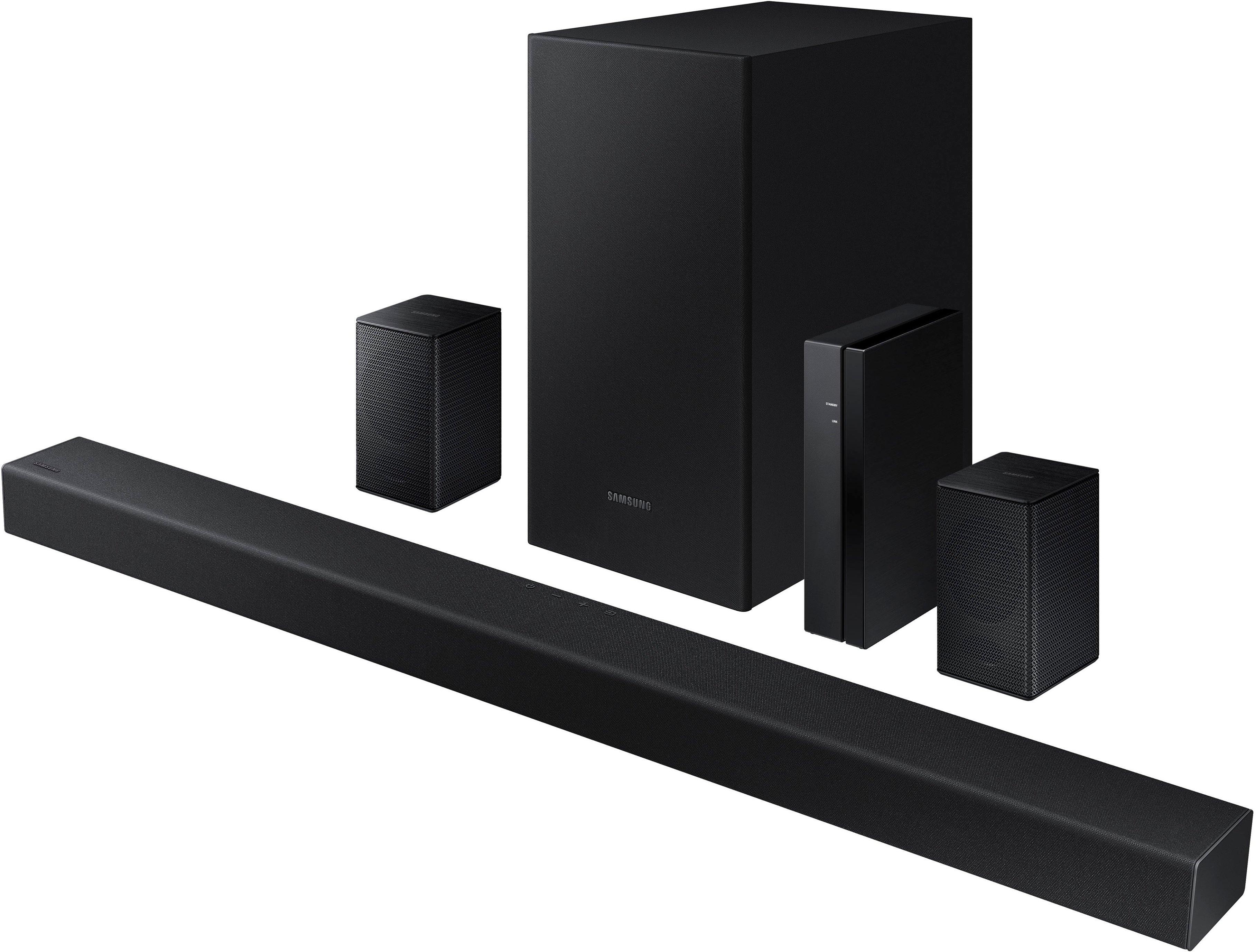
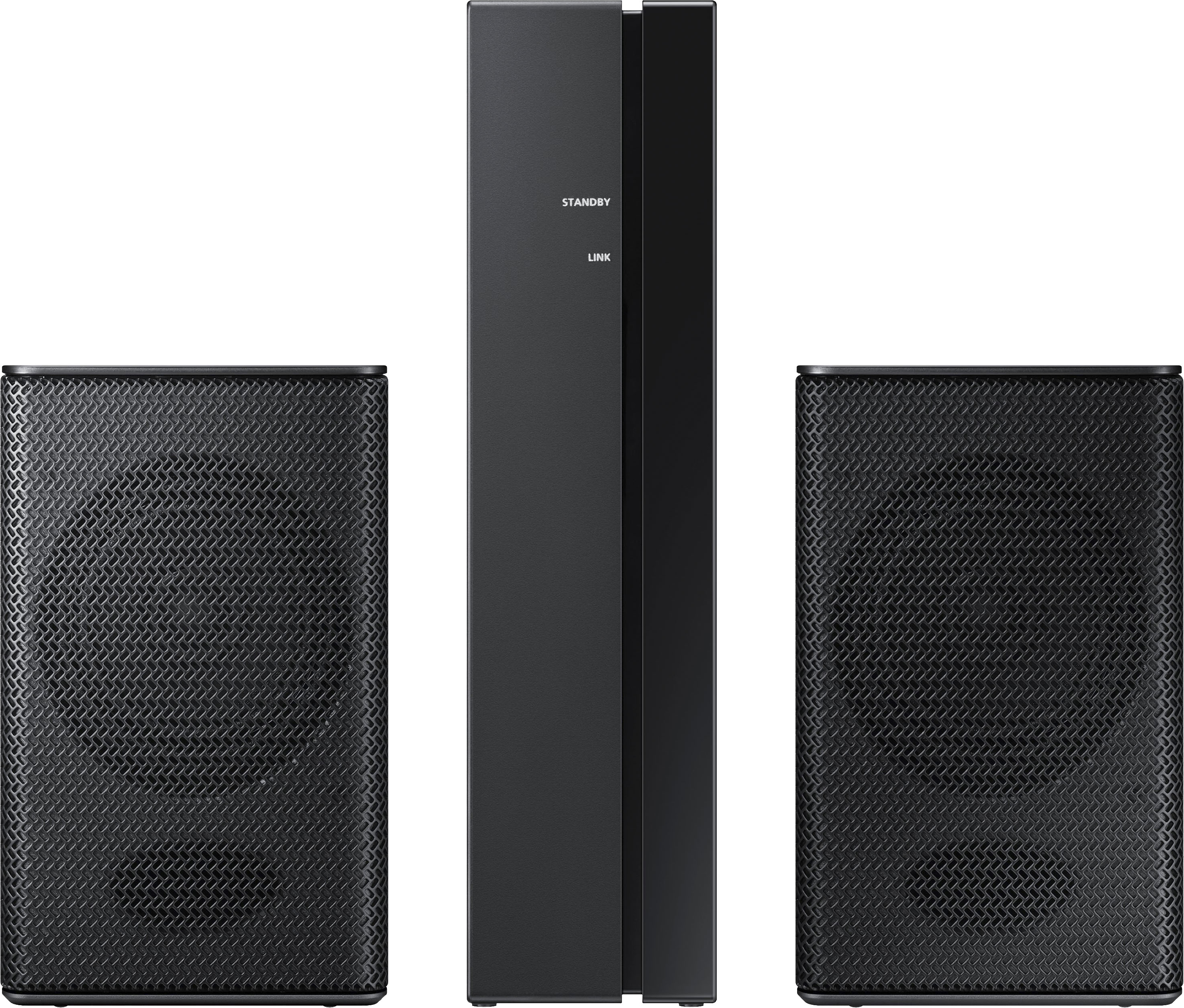

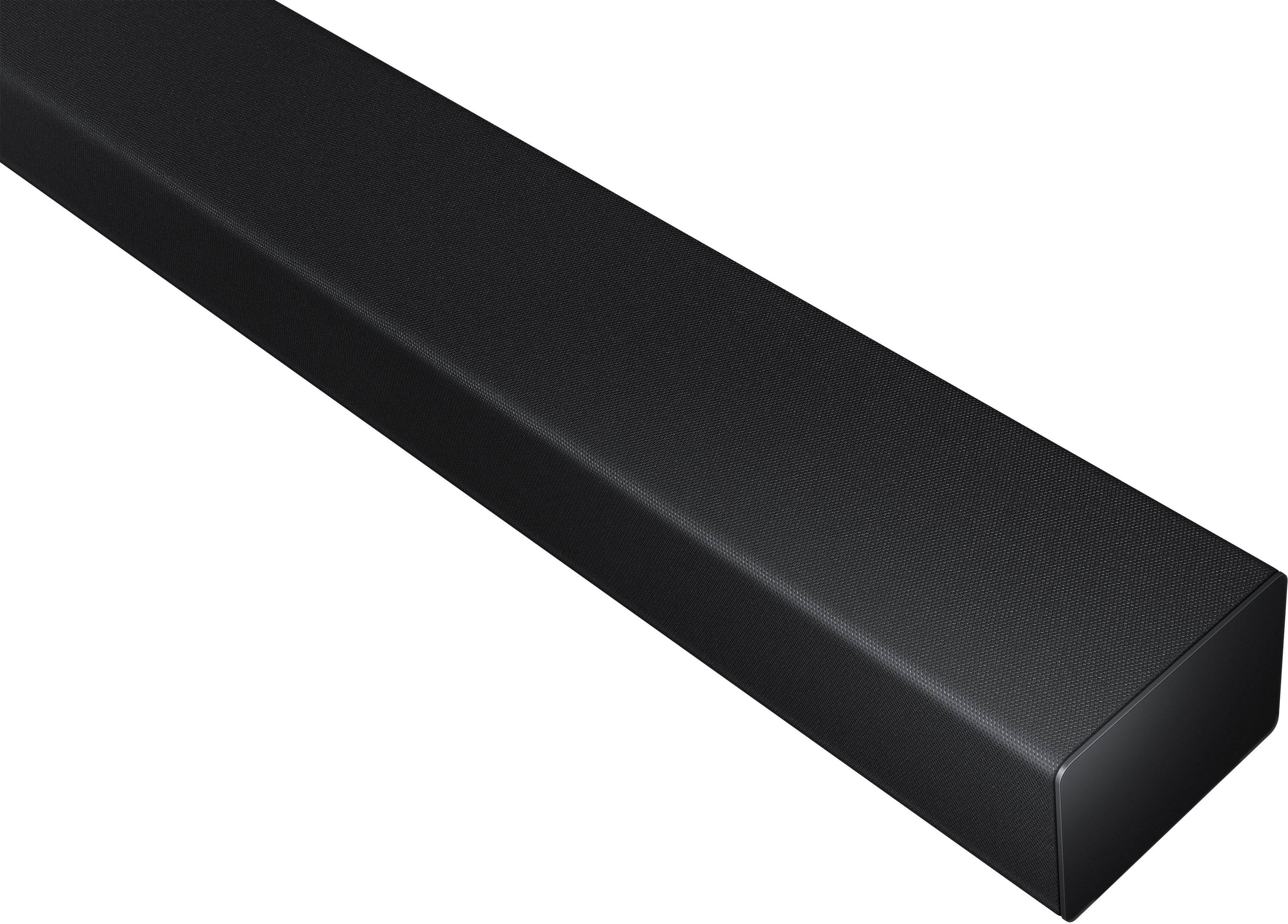

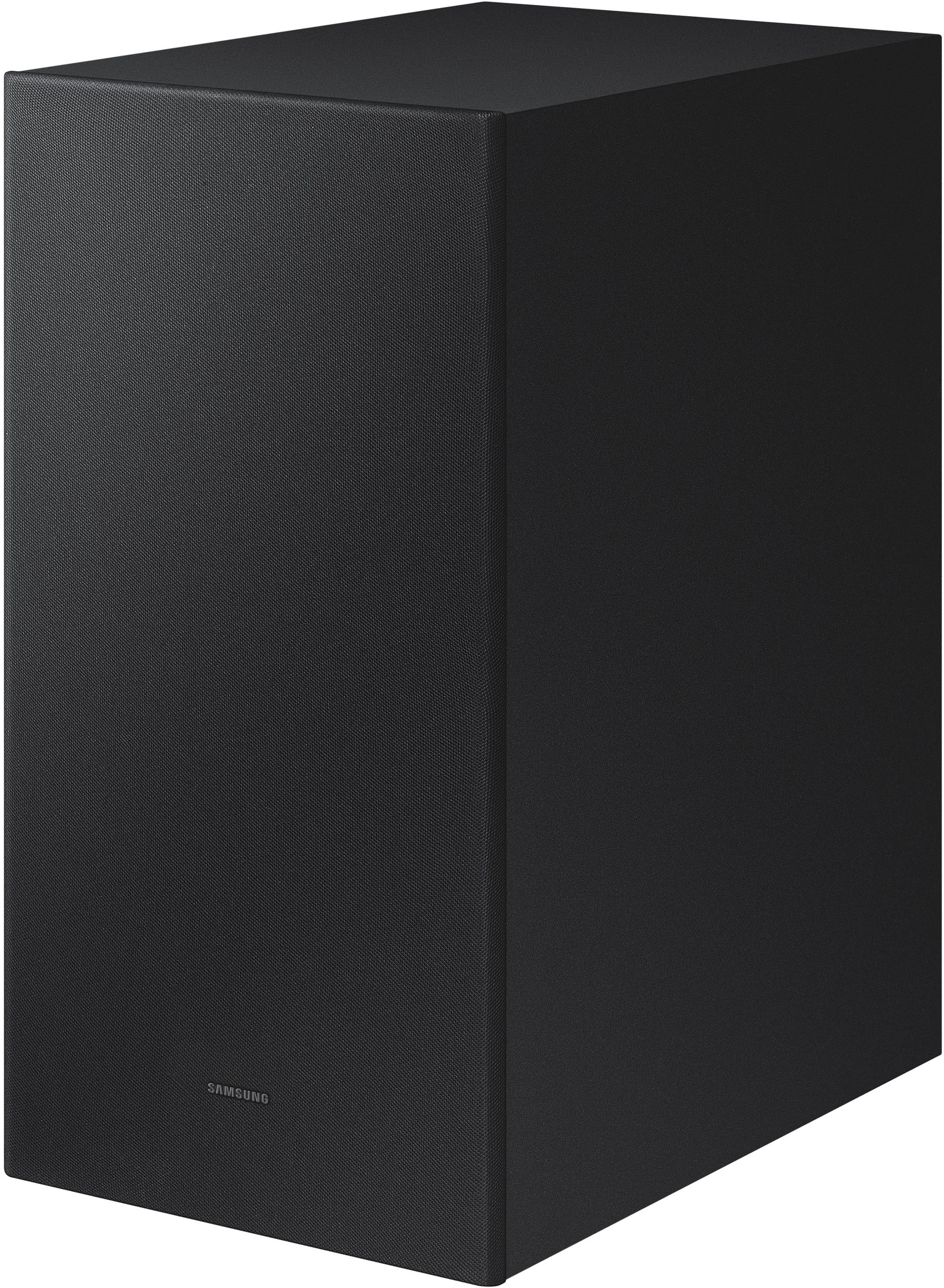
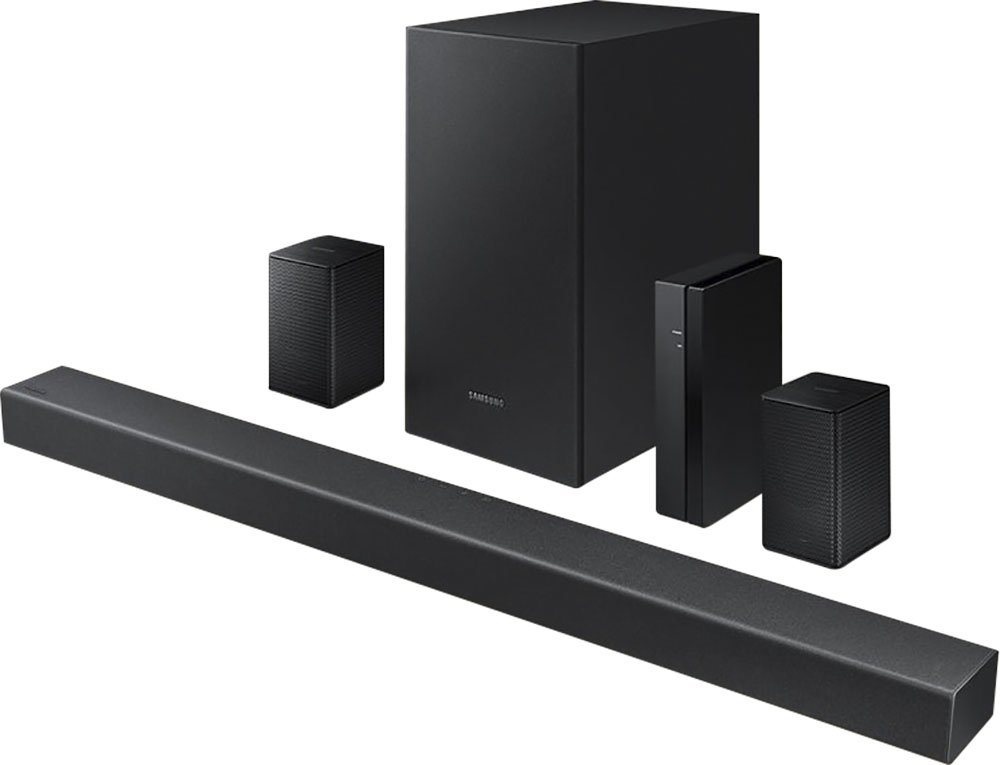
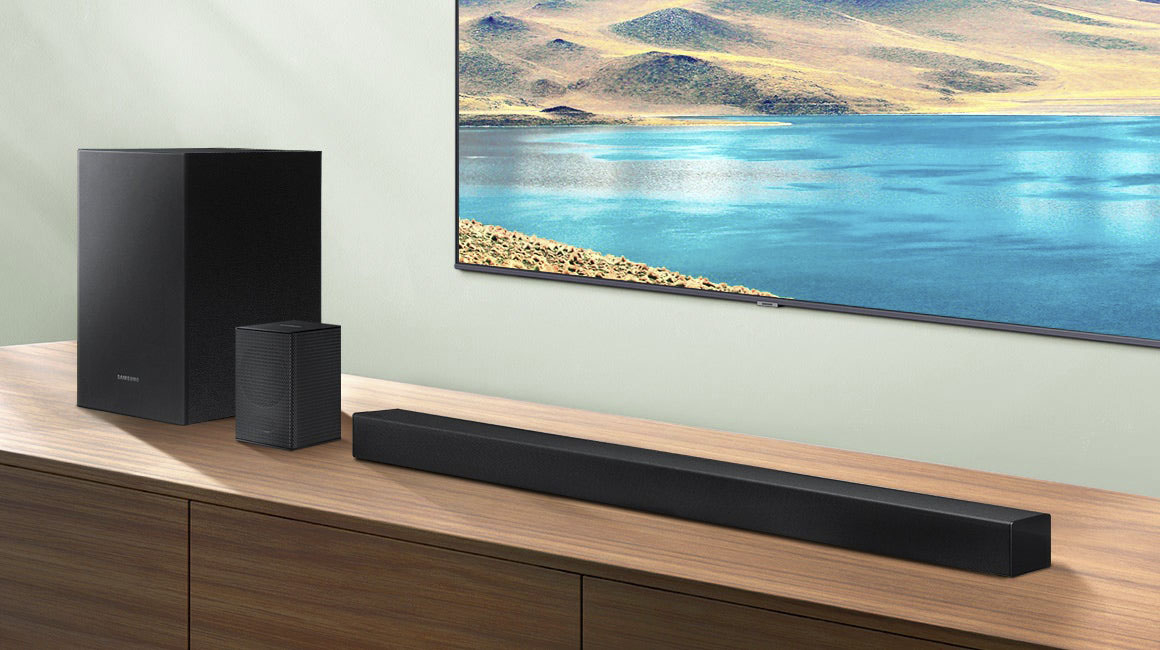
- Model:
- HW-A470/ZA
- SKU:
- 6478240
Rating by feature
- Value
Rating 4.3 out of 5 stars
- Quality
Rating 4.2 out of 5 stars
- Ease of Use
Rating 4.1 out of 5 stars
Customers are saying
Customers commend the 4.1-Channel Soundbar for its exceptional sound quality, easy setup, and affordable price. Many users rave about the immersive surround sound and crystal-clear audio, while others appreciate the hassle-free installation process. While some users have concerns about occasional wireless connectivity issues and weak rear speakers, the overall sentiment is positive, with many praising the soundbar's excellent sound definition and value for money.
This summary was generated by AI based on customer reviews.
- Pros mentioned:Easy setup
Good surround system
||Posted . Owned for 6 months when reviewed.This reviewer received promo considerations or sweepstakes entry for writing a review.Works good. Set up was easy. Recommend you purchase.
I would recommend this to a friend - Pros mentioned:Sound quality
Sound system
||Posted . Owned for 3 weeks when reviewed.This reviewer received promo considerations or sweepstakes entry for writing a review.Great sound we like it very much, I will recommend to is very decent
I would recommend this to a friend Good deal for the price!
||Posted . Owned for 1 month when reviewed.This reviewer received promo considerations or sweepstakes entry for writing a review.It sounds great for the price, although it never seems to be $279, the "was" price. The bass is good, and you just have to learn how to use the remote. Rear speakers are never looud on any system, so don't expect them to be.
I would recommend this to a friend- Pros mentioned:Sound quality
Adding a great soundbar to a t v
||Posted . Owned for 1 month when reviewed.This reviewer received promo considerations or sweepstakes entry for writing a review.Exactly what I needed to make our bedroom t v sound better. We both have hearing problems when listening and the speakers on the t v did not produce a good sound. Now we hear every word even on the old b/w movies
I would recommend this to a friend - Pros mentioned:Easy setup
Good sound bar system
||Posted . Owned for 3 weeks when reviewed.This reviewer received promo considerations or sweepstakes entry for writing a review.Got it on sale and I had just purchased a Samsung hdtv so it was a good combo. Was vey easy to setup and use. Enhanced my movie experience Great sound.good quality
I would recommend this to a friend - Pros mentioned:Sound quality
Nice sound.
||Posted . Owned for 1 month when reviewed.This reviewer received promo considerations or sweepstakes entry for writing a review.Nice sound bar. Surround sound is the way to enjoy tv.
I would recommend this to a friend - Pros mentioned:Sound quality
Ok
||Posted . Owned for 1 month when reviewed.This reviewer received promo considerations or sweepstakes entry for writing a review.Good sound quality not really wireless though.....
I would recommend this to a friend Optical sound cable dead on arrival
||Posted . Owned for less than 1 week when reviewed.This reviewer received promo considerations or sweepstakes entry for writing a review.Optical sound cable was dead on arrival and I had to spend a while troubleshooting to figure that out. Once I replaced it the system seems to work fine. Was easy to wirelessly connect the subwoofer and surround sound speakers. Subwoofer base is OK, but won't blow you away. The system is perfect for a normal size bedroom.
I would recommend this to a friendSounds like perfection!
||Posted . Owned for less than 1 week when reviewed.This reviewer received promo considerations or sweepstakes entry for writing a review.I read all of the reviews before I took the risk to purchase this system. For everyone that said they couldn't hear out of the small speakers properly, those are only going to pick up subtle sounds of movies or games and enhance that. Not make the regular content louder. I also had GeekSquad install it since I heard so many people had an issue with installation. It's perfect! It's in the living room and I could hear it in the next room with no problems, we had to turn it down some. It gives a great movie theater sound at home! Wondering if it would be overkill to have one in the bedroom now? Also, the remote is easy! You just don't push the volume button unless you are muting. It's up or down.
I would recommend this to a friend- Pros mentioned:Sound quality
Samsung Sound Bar
||Posted . Owned for 1 month when reviewed.This reviewer received promo considerations or sweepstakes entry for writing a review.Great Surround Sound goes great with the Samsung 85 inch TV the sound makes you feel like you are in a movie theater. Definitely recommend.
I would recommend this to a friend - Pros mentioned:Price
The price is right.
||Posted . Owned for 1 month when reviewed.This reviewer received promo considerations or sweepstakes entry for writing a review.Very pleased with this soundbar. It is more than adequate for quality of sound, ease of set up and cost. For the price you can't go wrong.
I would recommend this to a friend - Pros mentioned:Easy setup
Great Speaker Bar System
||Posted . Owned for 3 weeks when reviewed.This reviewer received promo considerations or sweepstakes entry for writing a review.Sounds great and was easy to setup. Did not realize, initially, that the rear speakers were wired to a receiver. Overall a great product.
I would recommend this to a friend My second unit of this brand.
||Posted . Owned for 3 weeks when reviewed.This reviewer received promo considerations or sweepstakes entry for writing a review.Arrived before time, It’s my second one first one is a bit bigger then this one too. But I haven’t had the chance to hook this one up yet, but I’m sure it’s the same great quality. Can’t give this one five stars because I haven’t actually gotten it set up yet. But I’ll return with an update.
I would recommend this to a friend- Cons mentioned:Wireless
Wireless description is Very misleading!
||Posted . Owned for 1 month when reviewed.This reviewer received promo considerations or sweepstakes entry for writing a review.It is a great low-cost sound system, but calling it wireless is a huge deception. I purchased it for one reason and one reason only, That it was WIRELESS! The control unit is wireless but that's it, the speakers still require wire.
I would recommend this to a friendBrand response from Samsung
Posted .Hi reopen,
Thank you for purchasing the Samsung HW-A470 Soundbar System which comes with a subwoofer and rear speaker kit. We appreciate you sharing your thoughts about the wireless description of the rear speakers.
Occasionally, customers have trouble hiding and running speaker wires from the front of the room (where their soundbar is) to the back of their room (where they have their rear speakers). The Rear Speaker Kit eliminates that hassle. Connect the rear speakers to its wireless module and place these three in the back of your room. One wire is required to connect each rear speaker to the wireless module. Then plug in the power cable to the module. The “wireless” convenience is in connecting your soundbar and any other speakers at the front of the room to the rear speakers – this can now be done via Wi-Fi through the wireless module, eliminating any clutter of long wires running the length of your room.
Should you ever have questions or need help, please call us at 1-800-SAMSUNG (ask for Soundbars), available 8AM - 12AM EST, 7 days a week.
For additional support resources, visit us on the Samsung website and click on the ‘Support’ link in the upper right corner of the homepage for:
1) Chat with Us/Product Help: To begin a chat or find solutions, choose ‘TVs & Home Theater’ and select your model & topic.
2) Manuals & Software
3) Warranty Info
4) Register a Product: For access to easy warranty support, convenient opt-in to special promos and offers, faster troubleshooting and service, and quick notification of system updates
5) Contact Us
~ Samsung Solutions
- Cons mentioned:Rear speakers
Not Thrilled!
||Posted . Owned for 3 weeks when reviewed.This reviewer received promo considerations or sweepstakes entry for writing a review.The small speakers behind me don't really add much sound. I don't like having to use the volume on the sound bar remote rather than my television remote & I don't like to have to use the sound bar remote to completely turn it off.
No, I would not recommend this to a friendBrand response from Samsung
Posted .Hi Glory,
Thank you for purchasing the HW-A470 Soundbar with Wireless Rear Speaker Kit. As long as your soundbar is connected to your TV with an optical cable, you can control the volume and mute the soundbar using your Samsung TV's remote. The soundbar should also turn on and off with the TV.
Other manufacturer’s remotes may have to be enabled on your soundbar. First, turn Off the Soundbar. Once powered off, push up and hold the WOOFER button for 5 seconds. Each time you push the WOOFER button up and hold it for 5 seconds, the mode switches in the following order: “OFF-TV REMOTE” (Default mode), “SAMSUNG-TV REMOTE”, “ALL-TV REMOTE”. Please also make sure your speaker settings on the TV are set to External Speaker.
By design, the surround speakers are supposed to simulate sounds happening behind the viewer. Therefore, most of the time the surround channels are only used for ambient sounds, which are naturally lower in volume. However, there are a few settings you can change to adjust the surround effect to your preference:
1) Make sure that the source (e.g. TV output) is sending surround channels to the Soundbar. If the source is not capable of surround, then set the Surround mode to OFF on the Soundbar by pressing the Surround button on the remote.
2) If the source has surround channels, select the desired Sound Mode from the Soundbar remote.
3) Increase the volume level of the surround speakers using the Sound Control button on the Soundbar remote control. Press the Sound Control button on the soundbar remote (looks like a gear), then select REAR LEVEL and use the Up/Down buttons to adjust the volume within a -6 to +6 range.
I hope these tips help to enhance your audio enjoyment. Should you need further assistance with this issue or have any questions, please contact Samsung Customer Support at 1-800-SAMSUNG (ask for Soundbars), available 8AM - 12AM EST, 7 days a week.
For additional support resources, visit us on the Samsung website and click on the ‘Support’ link in the upper right corner of the homepage for:
1) Chat with Us/Product Help: To begin a chat or find solutions, choose ‘TVs & Home Theater’ and select your model & topic.
2) Manuals & Software
3) Warranty Info
4) Register a Product: For access to easy warranty support, convenient opt-in to special promos and offers, faster troubleshooting and service, and quick notification of system updates
5) Contact Us
~ Samsung Solutions
Not impressed
||Posted . Owned for less than 1 week when reviewed.This reviewer received promo considerations or sweepstakes entry for writing a review.If you are an audiophile, keep shopping. If you want equalizer type control, you'll have to have that functionality on your TV. The surround sound is so only in the sense that there is the soundbar in front of you & speakers playing the exact same thing, at considerably lower volume, behind you. The remote has 3 buttons that work. There are other buttons that should allow for customization but they do nothing. There is no display nor on screen menu because it does nothing that you can change besides power, source & volume. I'm using my setup in a small space & it works fine enough but I was quite surprised to find this is pretty much a stereo speaker package with a little oomph from the woofer. 3 stars because I'm keeping it but I'm not impressed by anything this "system" does.
No, I would not recommend this to a friendBrand response from Samsung
Posted .Hi JoeM,
Thank you for purchasing the Samsung HW-A470 and for sharing your review. The detailed feedback you have provided regarding the audio quality and lack of features is important to us and will be shared with our product teams.
Please know, the HW-A470 has a wide range of audio settings you can adjust using the remote. To adjust the built in equalizer, press and hold the (Sound Control) button for about 5 seconds to adjust the sound for each frequency band. 150Hz, 300Hz, 600Hz, 1.2kHz, 2.5kHz, 5kHz, and 10kHz are selectable using the Left/Right buttons and each can be adjusted to a setting between -6 to +6 using the Up/Down buttons. (Make sure the Sound mode is set to“STANDARD”.)
By design, the surround speakers are supposed to simulate sounds happening behind the viewer. Therefore, most of the time the surround channels are only used for ambient sounds, which are naturally lower in volume. However, there are a few settings you can change to adjust the surround effect to your preference:
1) Make sure that the source (e.g. TV output) is sending surround channels to the Soundbar. If the source is not capable of surround, then set the Surround mode to OFF on the Soundbar by pressing the Surround button on the remote.
2) If the source has surround channels, select the desired Sound Mode from the Soundbar remote.
3) Turn off Dynamic Range Control. This is done by pressing and holding the Sound Mode button while the Soundbar is in standby mode.
4) Increase the volume level of the surround speakers using the Sound Control button on the Soundbar remote control. Press the Sound Control button on the soundbar remote (looks like a gear), then select REAR LEVEL and use the Up/Down buttons to adjust the volume within a -6 to +6 range.
I hope these tips help you further enjoy your new Samsung Soundbar. Should you ever have questions or need help, please call us at 1-800-SAMSUNG (ask for Soundbars), available 8AM - 12AM EST, 7 days a week.
For additional support resources, visit us on the Samsung website and click on the ‘Support’ link in the upper right corner of the homepage for:
1) Chat with Us/Product Help: To begin a chat or find solutions, choose ‘TVs & Home Theater’ and select your model & topic.
2) Manuals & Software
3) Warranty Info
4) Register a Product: For access to easy warranty support, convenient opt-in to special promos and offers, faster troubleshooting and service, and quick notification of system updates
5) Contact Us
~ Samsung Solutions
I guess you get what you pay four
||Posted . Owned for less than 1 week when reviewed.This reviewer received promo considerations or sweepstakes entry for writing a review.Saw this sound system on sale and thought “Wow! What a great price to include the rear wireless speakers”. After 48 hours, I understand the pricing. Firstly, I was unable to get any sound from the rear speakers initially. After no help from Best Buy despite my protection plan, I monkeyed around with it enough to get them to work. Wire placement is very finicky. Took several tries to seat them just so into the clips on the back of the speakers. After finally getting the speakers connected, I found that very little sound emanates from them even if you have the speakers level set to Max. So unless you are sitting in a recliner with end tables on either side you won’t really notice them and it sucks to be everyone else in the room. These are NOT true surround sound speakers (or virtual surround for that matter) regardless of what the display says they will do. You will basically get the same sound from every speaker including the sub woofer due to the lack of channels. I didn’t expect DOLBY X but I was hopeful that there would be at least the sound differential that I had from a 40.00 shelf stereo unit I had been using previously. Songs like Skyfall simply come at you from all directions and fall flat. Instead of higher notes or softer notes making you feel encompassed in the music coming from the rear speakers. Again, the rear speakers are useless in this set up. I purchased this unit to use via BT with a projector because it seemed to make sense seeing that a projector is generally behind you and you want sound from the front and sides. Looks like I will be returning this and continuing my hunt for sound. For now I will just keep using the shelf unit that actually does the job although it wasn’t even marketed as such
No, I would not recommend this to a friendBrand response from Samsung
Posted .Hi Brammy,
Thank you for your review of this Samsung HW-A470 Soundbar System. We appreciate you sharing your audio experience with us. Your feedback is very important to us and will be shared with our product team.
By design, the surround speakers are supposed to simulate sounds happening behind the viewer. Therefore, most of the time the surround channels are only used for ambient sounds, which are naturally lower in volume. If the volume levels seem to low for your preference after adjusting the volume levels, please be aware of the following:
1) Make sure that the source (e.g. TV output) is sending surround channels to the Soundbar. If the source is not capable of surround, then set the Surround mode to OFF on the Soundbar by pressing the Surround button on the remote.
2) If the source has surround channels, select the Surround Sound Mode from the Soundbar remote.
3) Turn off Dynamic Range Control. This is done by pressing and holding the SURROUND button for 5 seconds.
If there is anything we can do to improve your sound such as helping to optimize settings, please let us know. You can reach Samsung Customer Support at: 1-800-SAMSUNG (ask for Soundbars), available 8AM - 12AM EST, 7 days a week.
For additional support resources, visit us on the Samsung website and click on the ‘Support’ link in the upper right corner of the homepage for:
1) Contact Us: For additional Chat & Text options, choose ‘TVs & Home Theater’ and select your model & topic.
2) Manuals & Software
3) Warranty Info
4) Register a Product: For access to easy warranty support, convenient opt-in to special promos and offers, faster troubleshooting and service, and quick notification of system updates
~ Samsung Solutions
- Pros mentioned:Sound quality
Sounds system
||Posted . Owned for 10 months when reviewed.This reviewer received promo considerations or sweepstakes entry for writing a review.Love this product the sound is not bad at all,makes my watching movies like a real life sound.I can highly recommend to anyone it’s great.
I would recommend this to a friend - Cons mentioned:Wireless
Wireless
||Posted . Owned for 1 month when reviewed.This reviewer received promo considerations or sweepstakes entry for writing a review.We purchased these wireless speakers for the back of our room, but they are not wireless. There were wires across our floor. How could you advertise wireless?
No, I would not recommend this to a friendBrand response from Samsung
Posted .Hi there,
We appreciate you sharing your thoughts and feedback regarding the description of the included Wireless Rear Speaker kit.
Occasionally, customers have trouble hiding and running speaker wires from the front of the room (where their soundbar is) to the back of their room (where they have their rear speakers). The Rear Speaker Kit eliminates that hassle. Connect the rear speakers to its wireless module and place these three in the back of your room. One wire is required to connect each rear speaker to the wireless module. Then plug in the power cable to the module. The “wireless” convenience is in connecting your soundbar and any other speakers at the front of the room to the rear speakers – this can now be done via Wi-Fi through the wireless module, eliminating any clutter of long wires running the length of your room.
We would love the opportunity to provide assistance to help your further enjoy your product experience. Should you have questions about optimizing the audio specific to your environment, or need assistance with settings or features, please contact Samsung Customer Support at 1-800-SAMSUNG (ask for Soundbars), available 8AM - 12AM EST, 7 days a week.
For additional support resources, visit us on the Samsung website and click on the ‘Support’ link in the upper right corner of the homepage for:
1) Chat with Us/Product Help: To begin a chat or find solutions, choose ‘TVs & Home Theater’ and select your model & topic.
2) Manuals & Software
3) Warranty Info
4) Register a Product: For access to easy warranty support, convenient opt-in to special promos and offers, faster troubleshooting and service, and quick notification of system updates
5) Contact Us
~ Samsung Solutions
- Pros mentioned:Sound quality
Movie Night
||Posted . Owned for 5 months when reviewed.This reviewer received promo considerations or sweepstakes entry for writing a review.love my surround sound, it's like being at the movies. Once in a while it sounds fuzzy; I turn it off and back on and that seams to do the trick
I would recommend this to a friend