Outlet EventEnds Jan. 19. Limited quantities. No rainchecks.Shop now

Main Content

Customer Ratings & Reviews
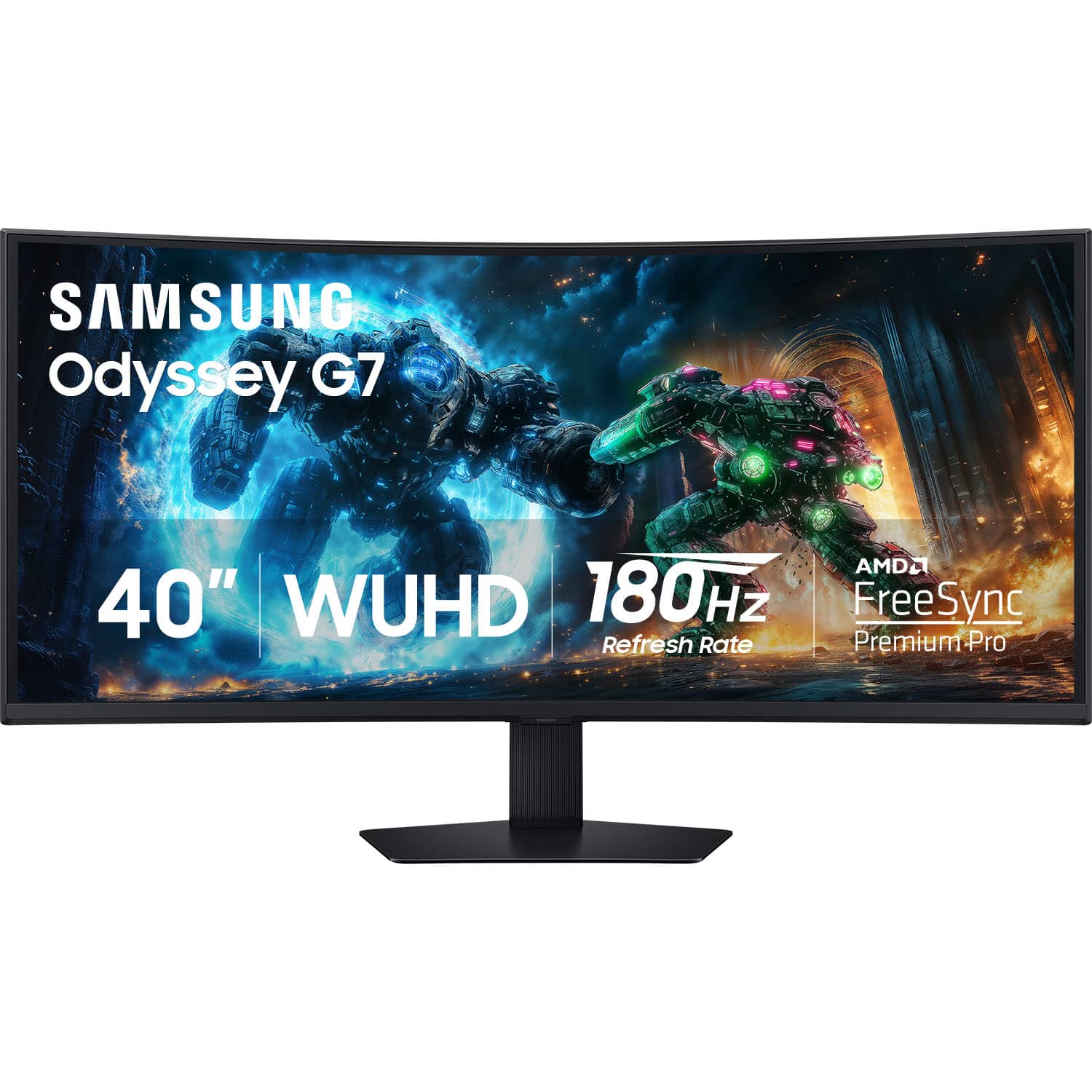
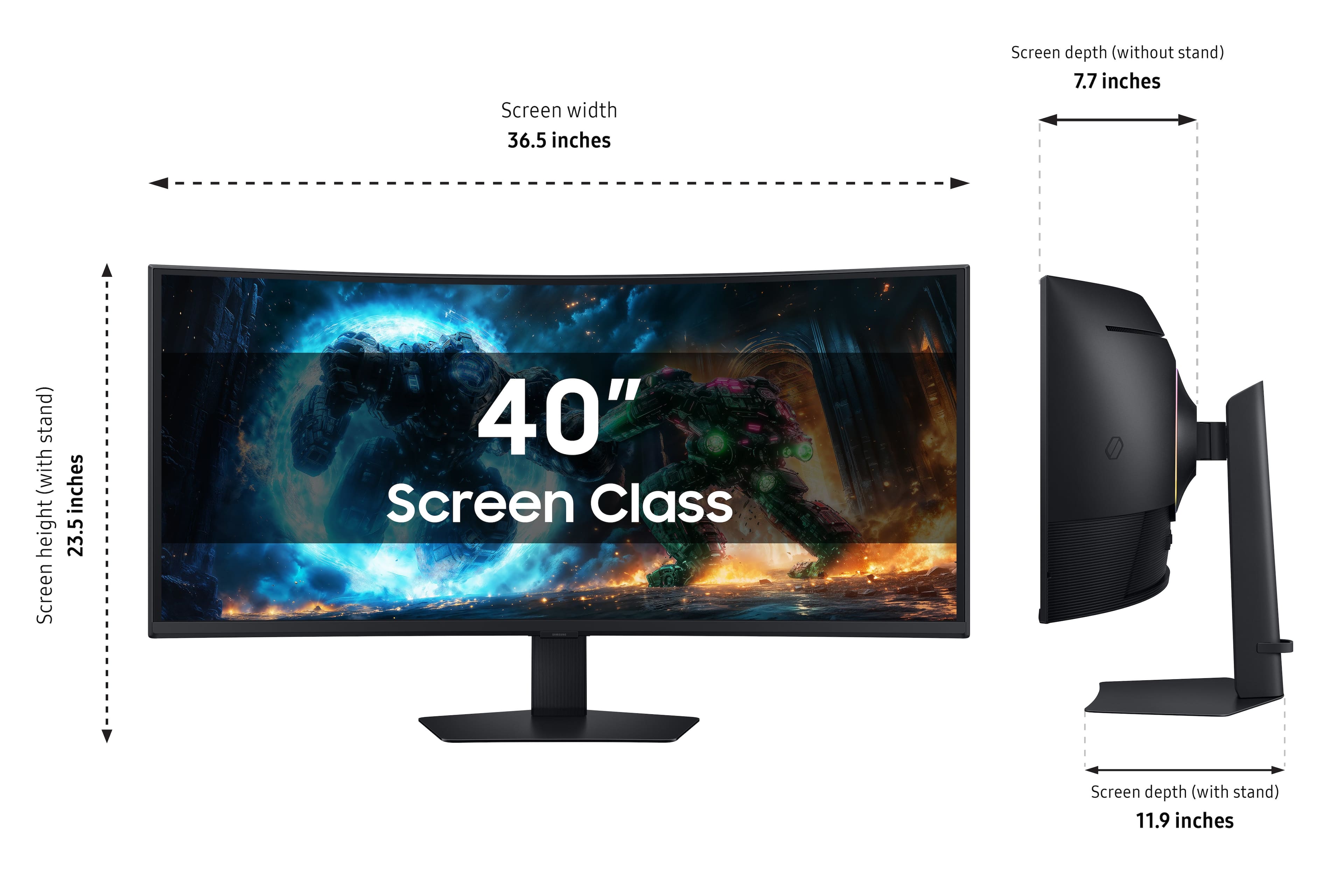
Your price for this item is $749.99
The comparable value price is $1,199.99

Customer reviews

Rating 4.7 out of 5 stars with 55 reviews

Rating Filter

Rating by feature

  • Display Quality

    Rating 4.9 out of 5 stars

  • Ease of Use

    Rating 4.5 out of 5 stars

  • Features

    Rating 4.6 out of 5 stars

Pros mentioned filter

Cons mentioned filter

96%would recommend to a friend

Customers are saying

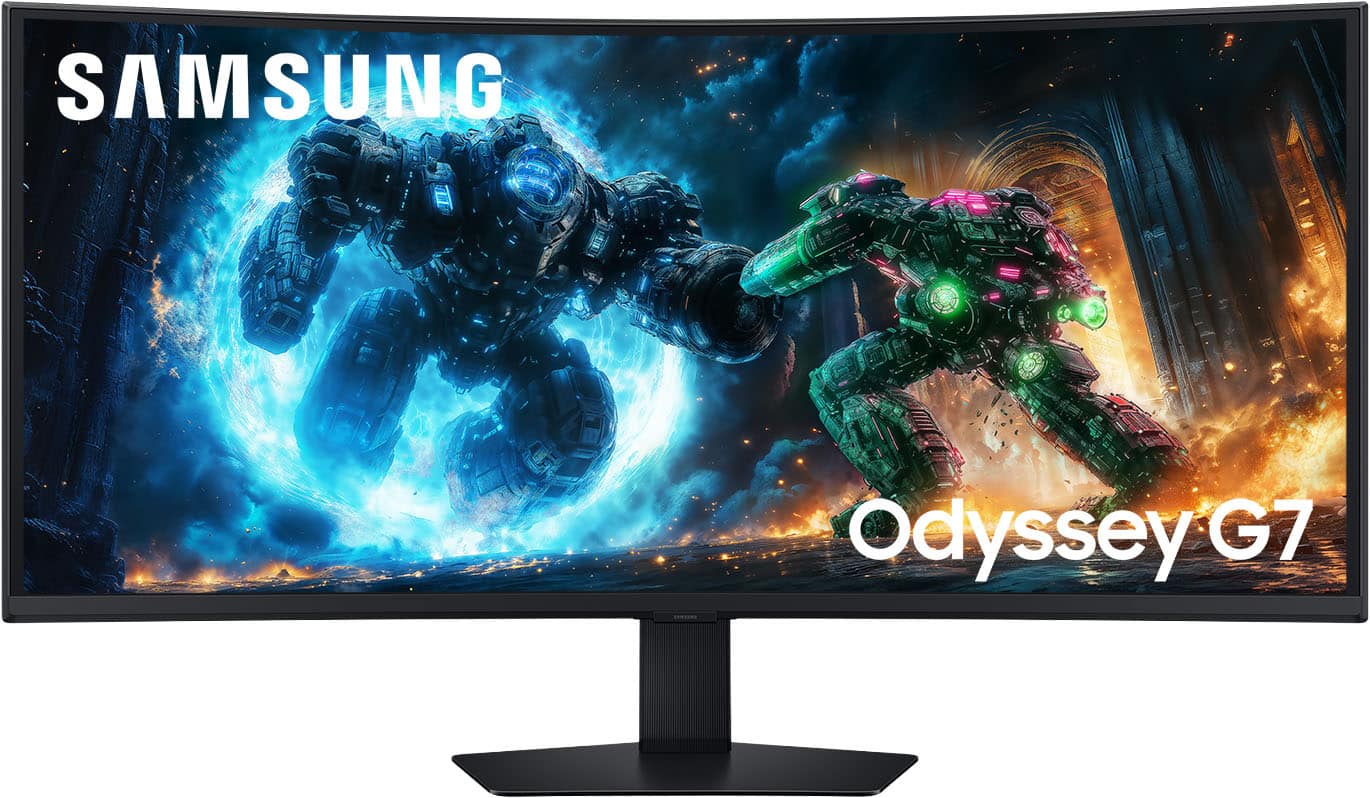
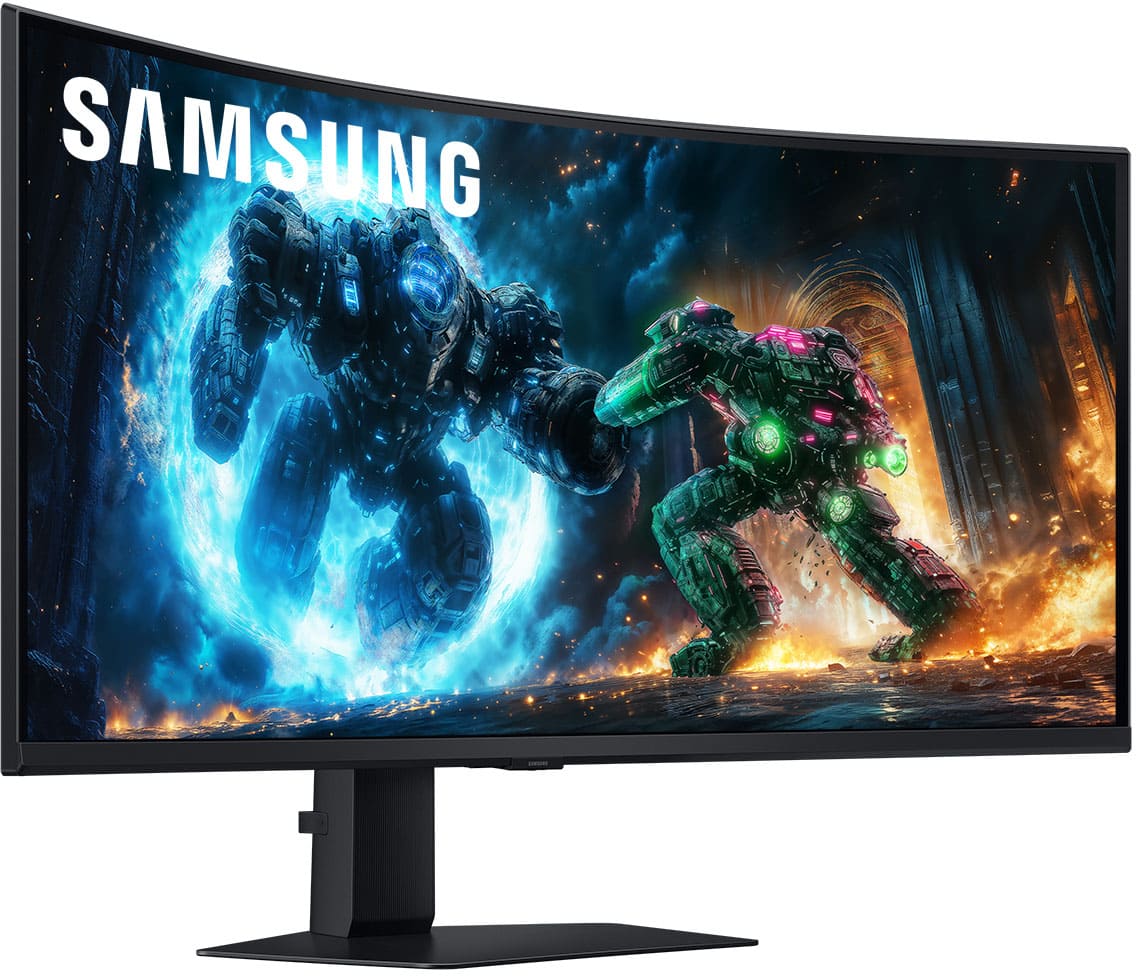
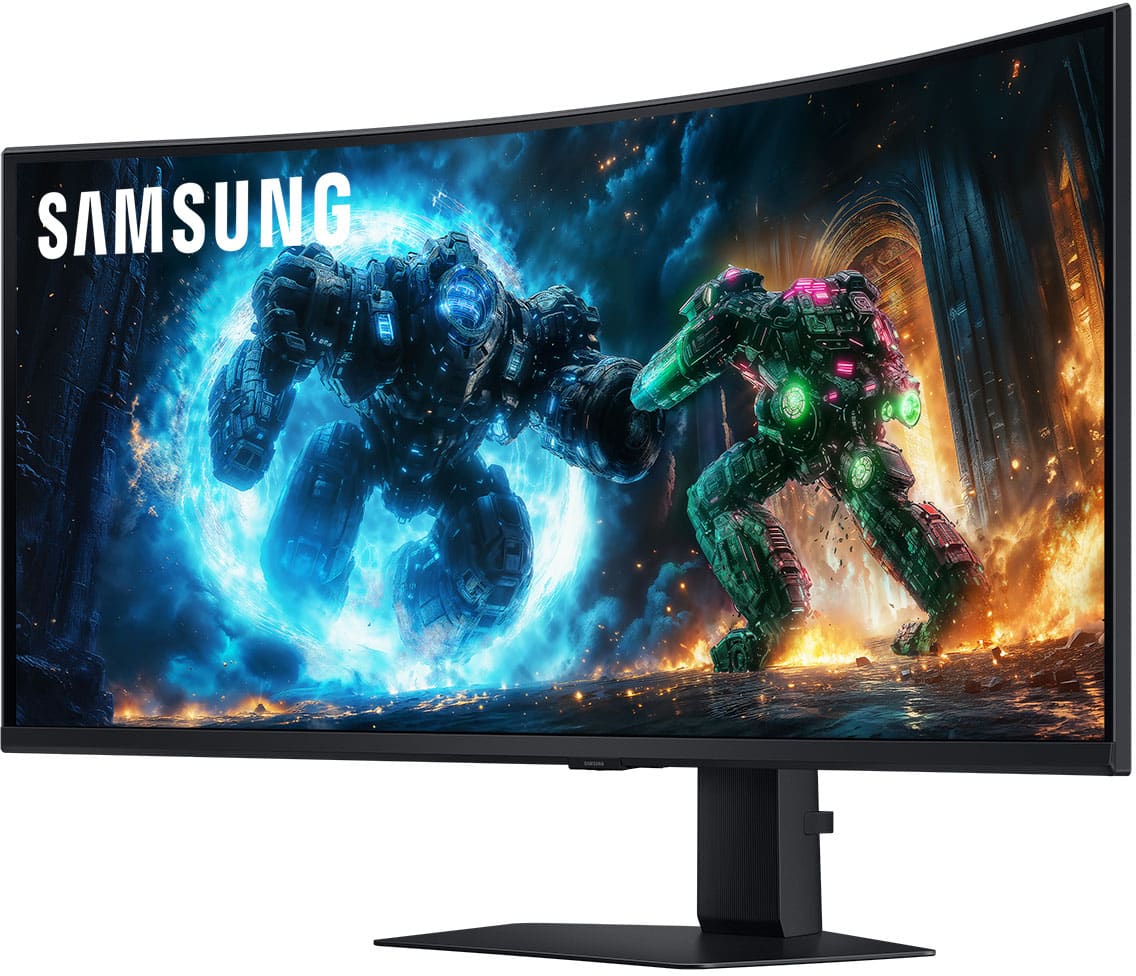
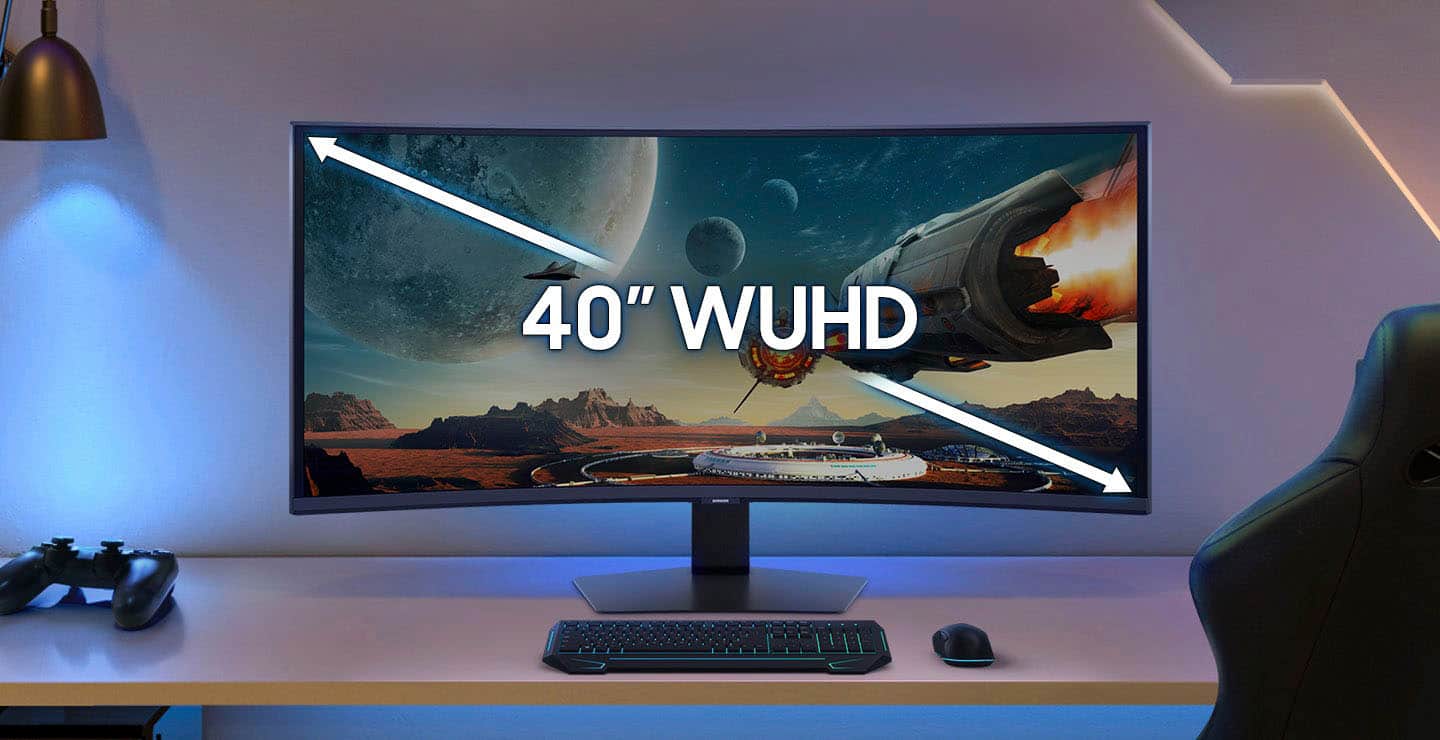
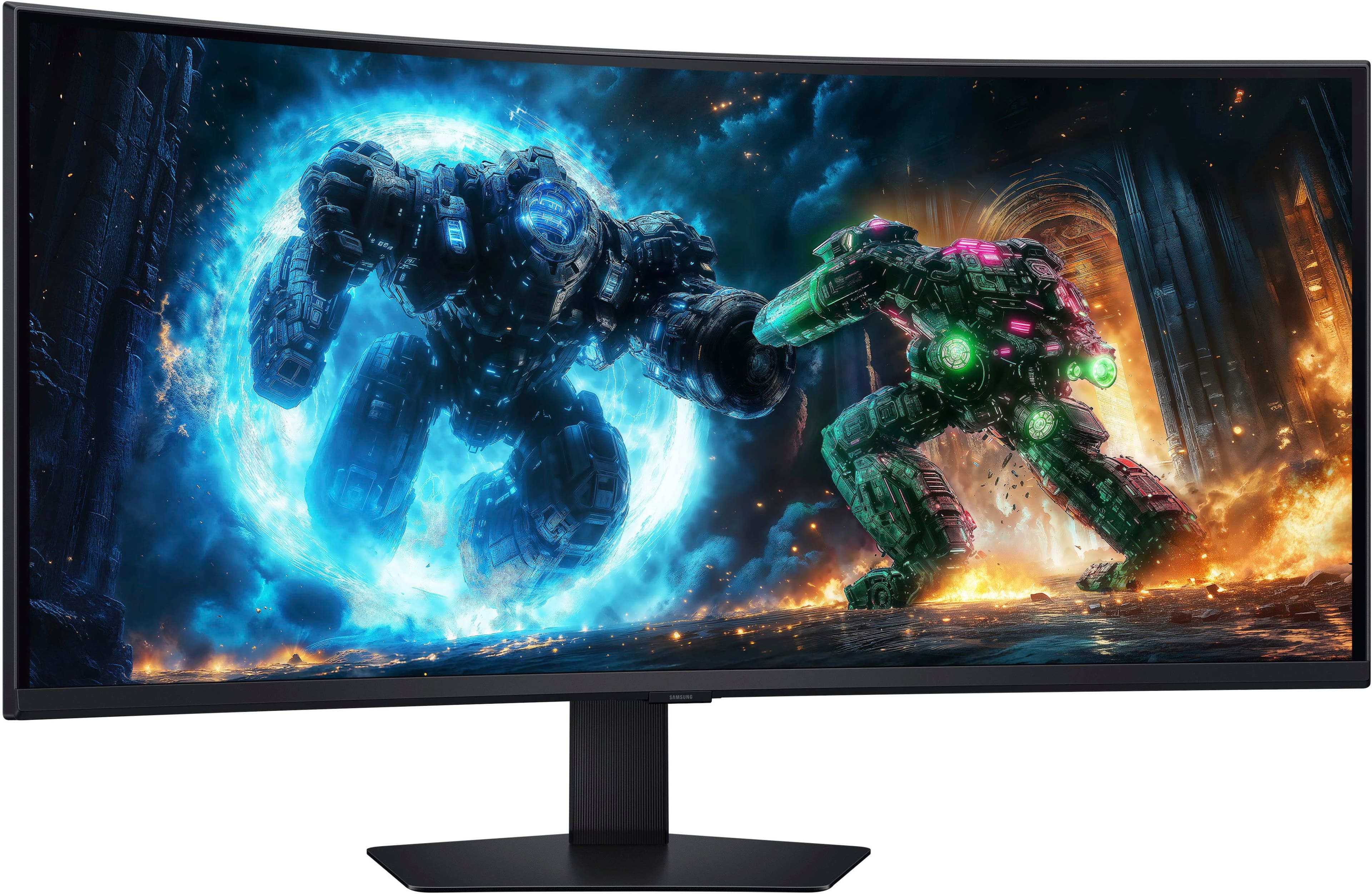
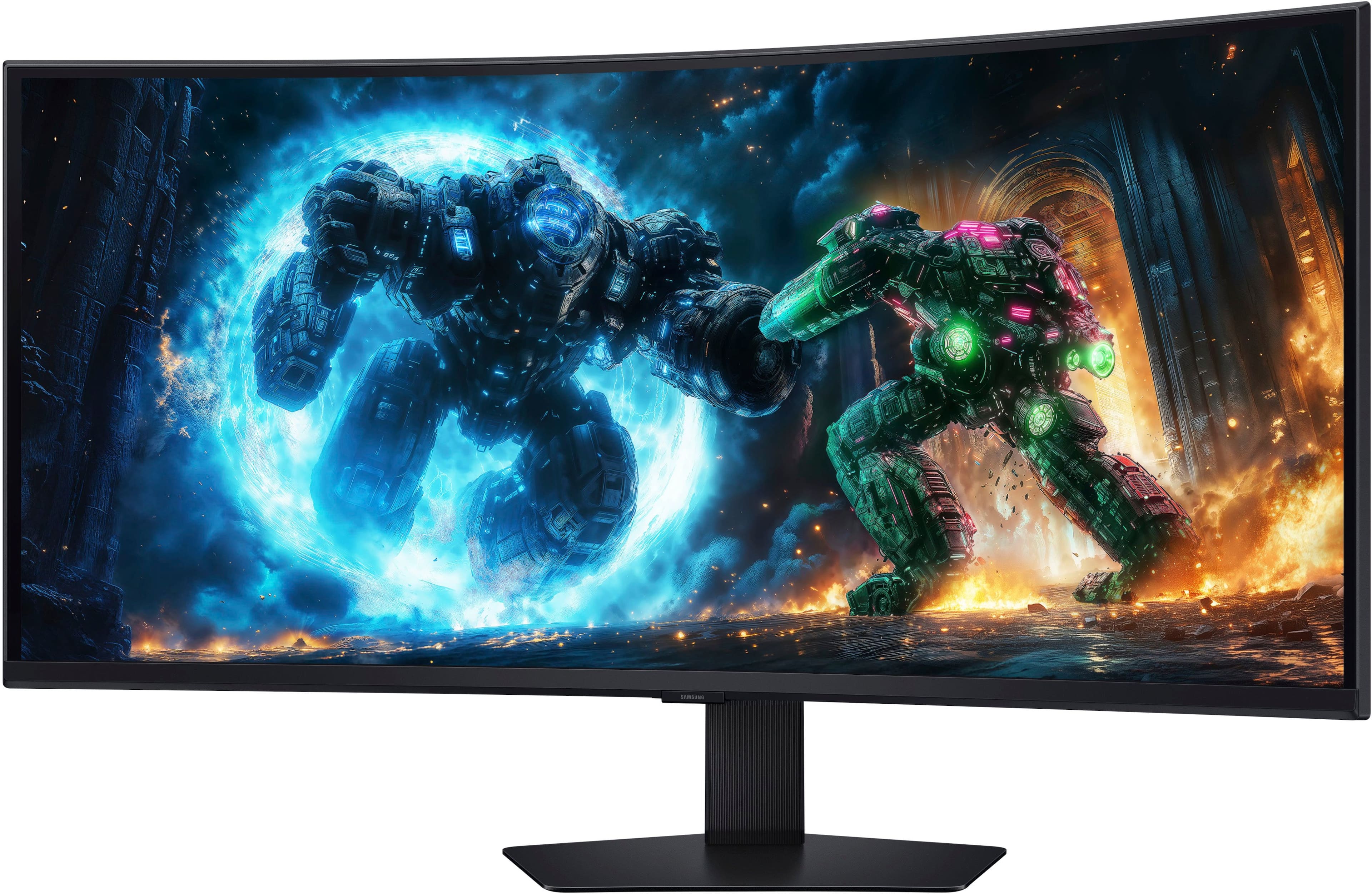
Customers are enthusiastic about the 40" Odyssey G75F monitor's high refresh rate, vibrant color quality, and immersive screen curvature, making gaming experiences more captivating. The monitor's connectivity options and high resolution are also appreciated for both gaming and productivity. Some users noted a slight improvement when enabling HDR.

This summary was generated by AI based on customer reviews.

The vast majority of our reviews come from verified purchases. Reviews from customers may include My Best Buy members, employees, and Tech Insider Network members (as tagged). Select reviewers may receive discounted products, promotional considerations or entries into drawings for honest, helpful reviews.
Page 3 Showing 41-55 of 55 reviews
  • Rated 4 out of 5 stars

    Great monitor, it’s VA panel though

    |
    |
    Posted .
    This reviewer received promo considerations or sweepstakes entry for writing a review.

    Fast, clear, crisp, and 5k ultrawide. The VA panel is good for a VA, and the viewing angles are mediocre, but if you sit in the middle area it’s fine.

    I would recommend this to a friend
  • Rated 5 out of 5 stars

    Awesome monitor

    |
    |
    Posted . Owned for 1 month when reviewed.
    This reviewer received promo considerations or sweepstakes entry for writing a review.

    Great monitor. The size is perfect for my desk and the clarity is amazing.

    I would recommend this to a friend
  • Rated 5 out of 5 stars

    Highly Recommend

    |
    |
    Posted . Owned for 2 weeks when reviewed.
    This reviewer received promo considerations or sweepstakes entry for writing a review.

    Amazing quality, refresh rate, and appearance overall. Highly recommend.

    I would recommend this to a friend
  • Rated 5 out of 5 stars

    Perfect 5k 2k

    |
    |
    Posted .
    This reviewer received promo considerations or sweepstakes entry for writing a review.

    Excellent monitor for the cost 5k 2k at its best!!

    I would recommend this to a friend
  • Pros mentioned:
    Color quality, Connectivity, Performance
    Tech Insider Network Member

    Rated 5 out of 5 stars

    Samsung Excellence

    |
    Tech Insider Network Member
    Posted .
    This reviewer received promo considerations or sweepstakes entry for writing a review.

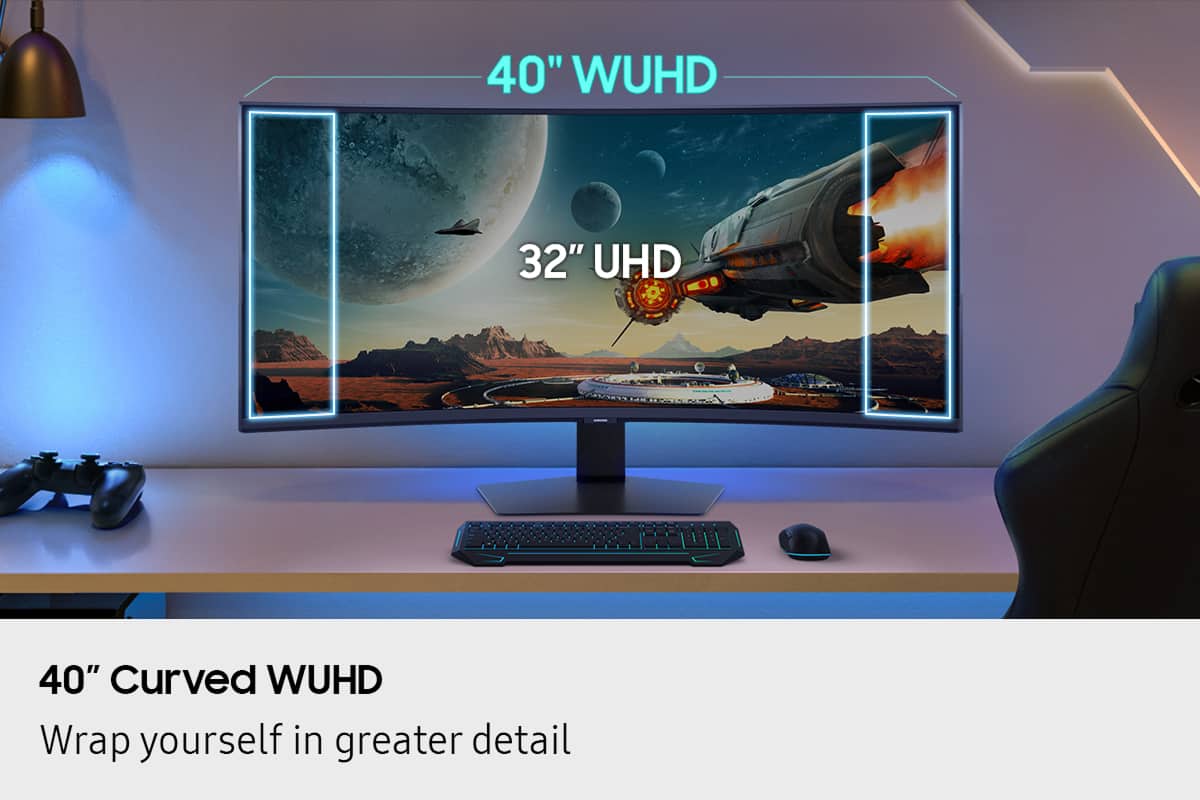
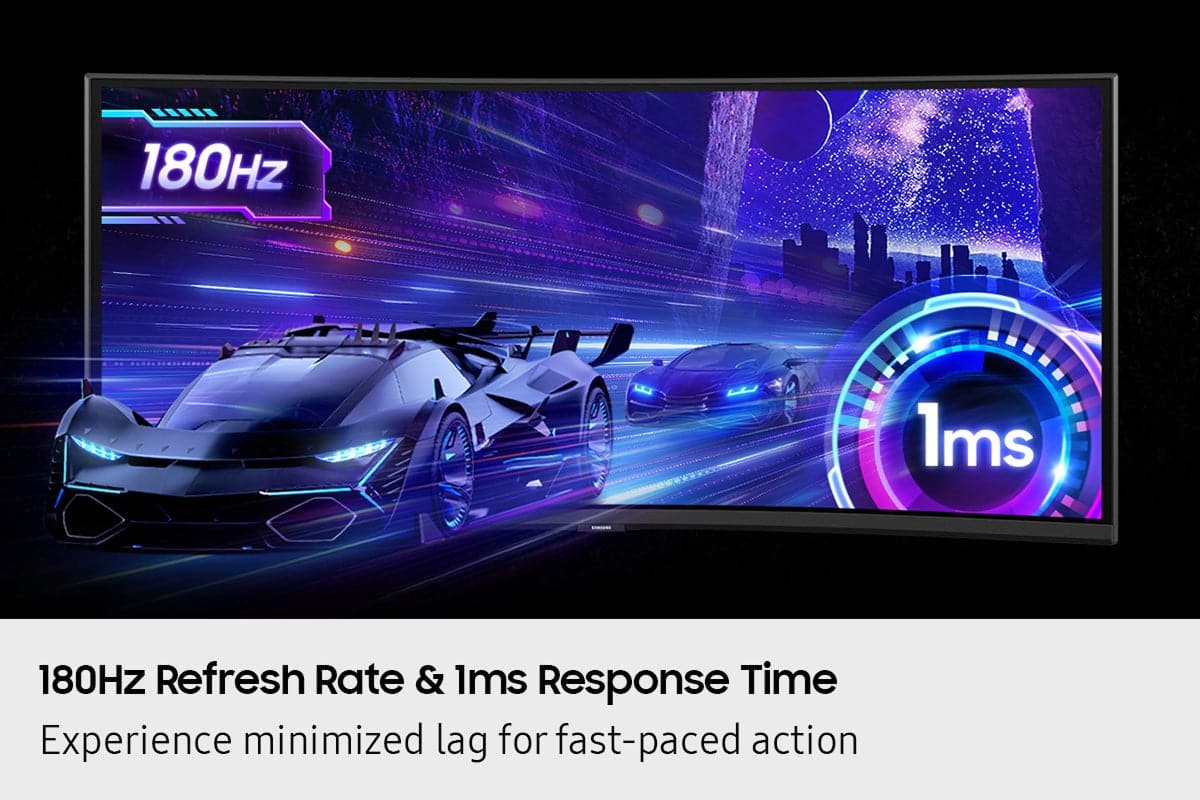
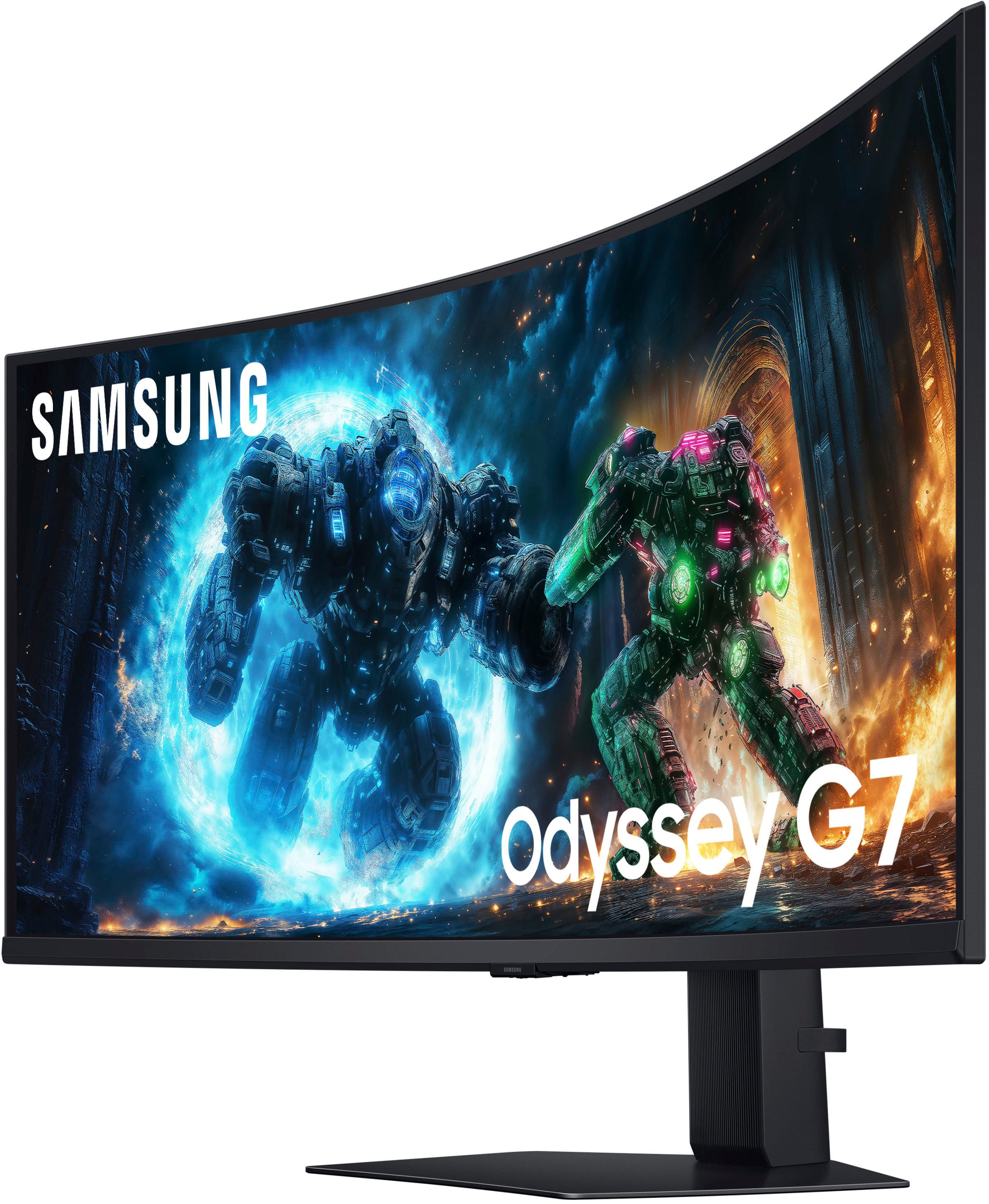
    Ive been on the fence for awhile about curved displays. Expecially when they were so popular as TV's. I didnt see the advantage or reason until now. Now that its used as my gaming and PC monitor I “get it” now. First off the build is amazing. It just looks like something off of a starship. And it being 40” I see no reason to have to run multiple monitors anymore. It elegantly wraps around the desk and immerses you in like no other has for me. I do wish it was an OLED like my main TV is. But its not far off. The colors and blacks look great. And at 180Hz the performance is tops. It easily handles all I throw at it and asks for more! And with 1ms response time you will never have any sort of input lag at all. It has plenty of ports to connect your PC and gaming consoles. One extra HDMI would have been nice. But I have an auto HDMI switcher that works well so thats not a big issue. The picture quality is very good as well. Ive been spoiled by the black levels of OLED but its not a deal breaker. It has some of the best graphics Ive seen. Overall I am absolutely loving this monitor. The way you just fall in and get immersed is amazing. I now get why this was a fad for TV's years ago. But with a monitor it actually makes sense. Love it.

    I would recommend this to a friend
  • Pros mentioned:
    Performance, Refresh rate, Resolution
    Tech Insider Network Member

    Rated 5 out of 5 stars

    This is a must have for serious gamers

    |
    Tech Insider Network Member
    Posted .
    This reviewer received promo considerations or sweepstakes entry for writing a review.

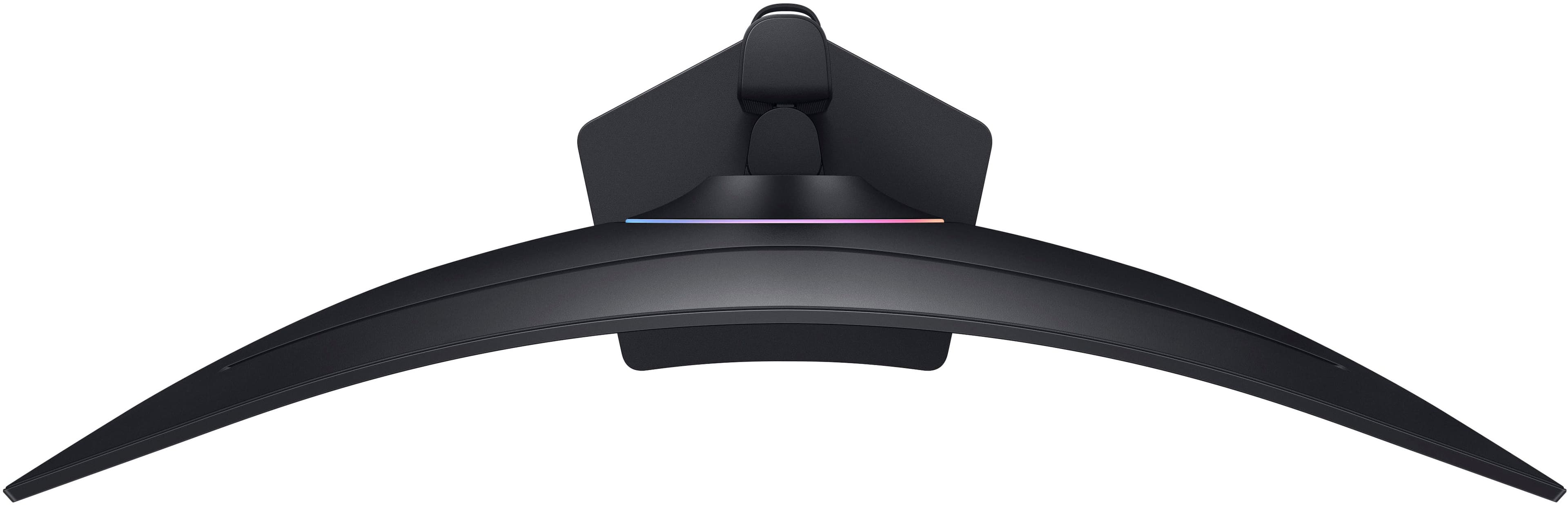
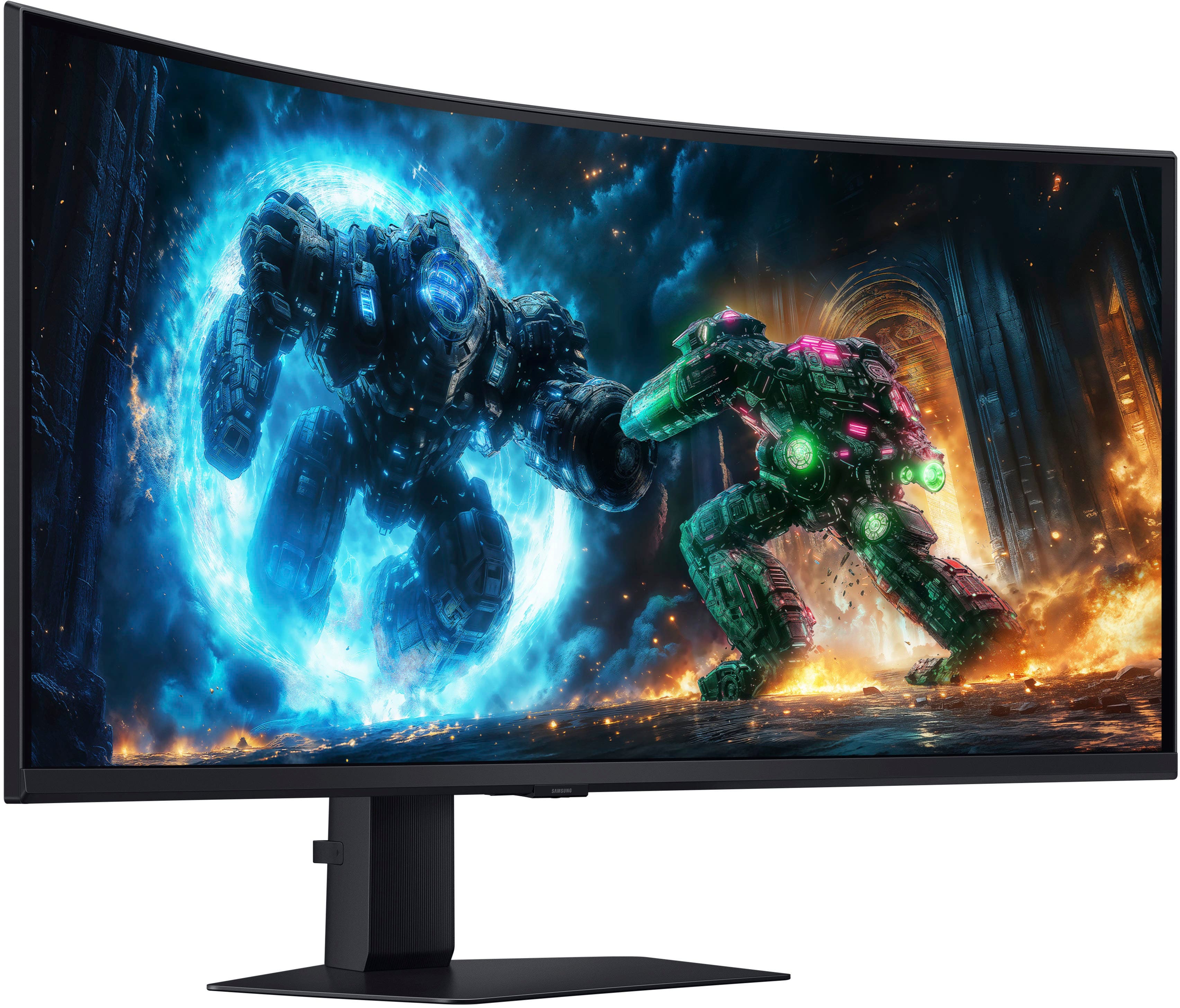
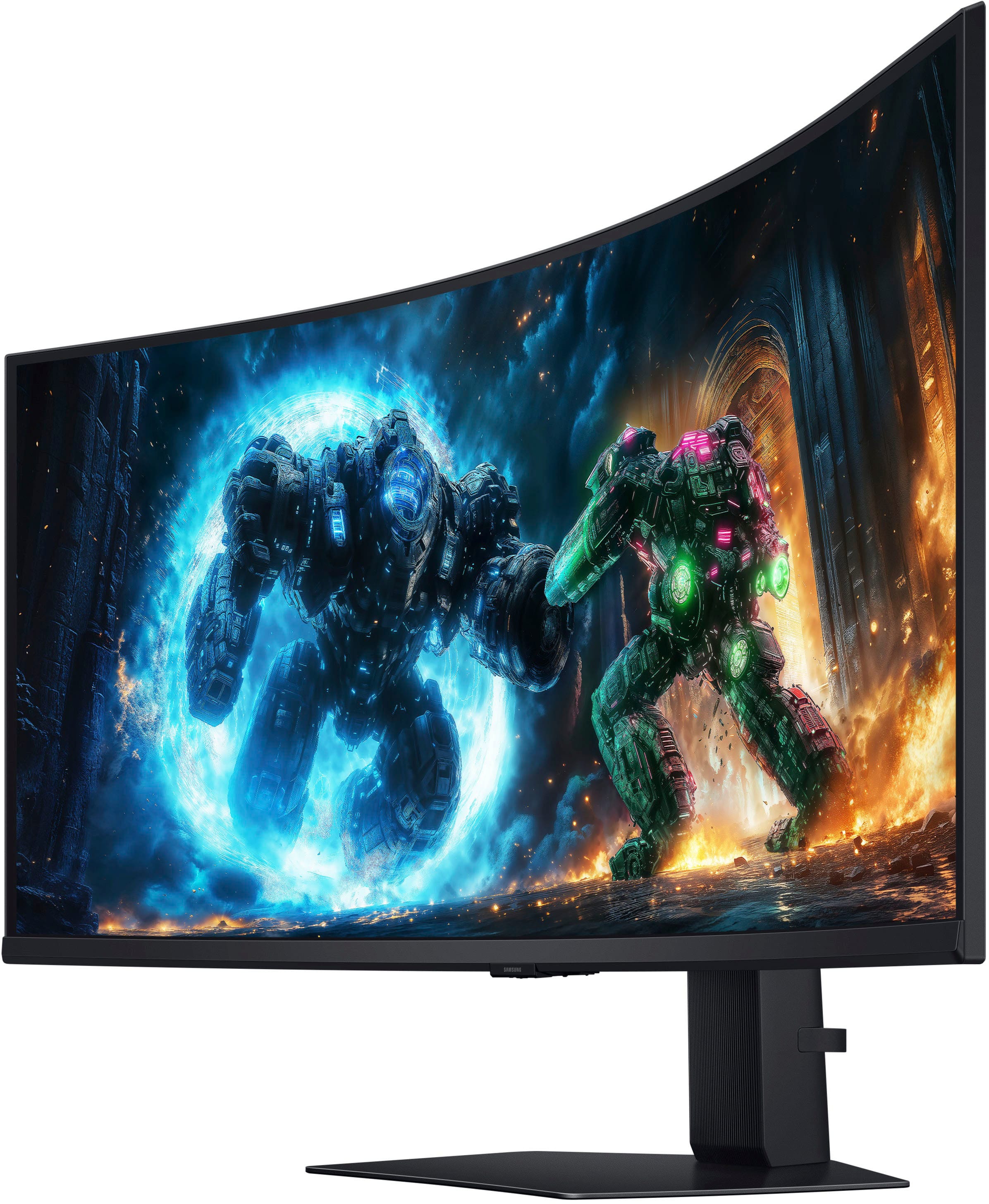
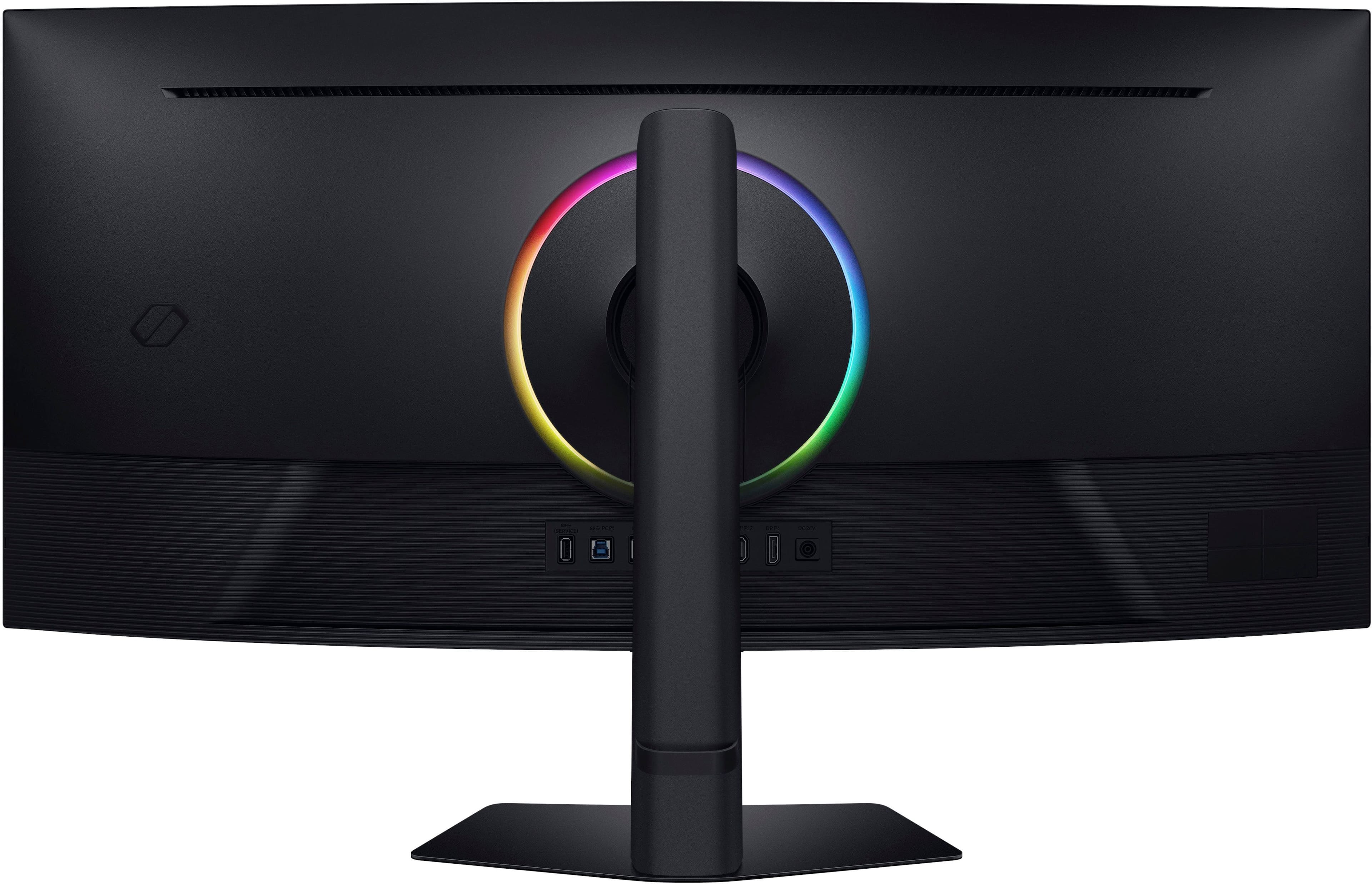
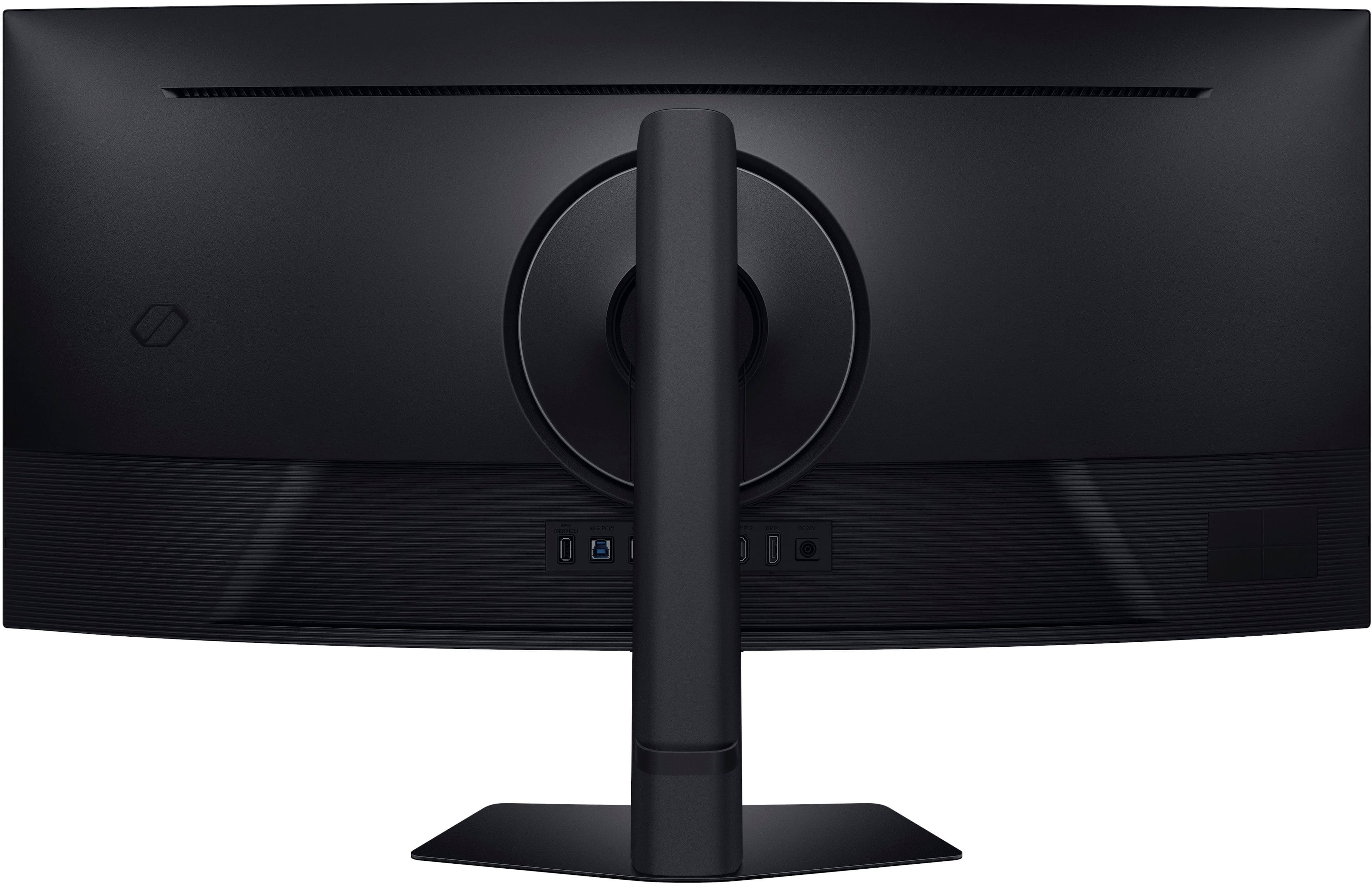
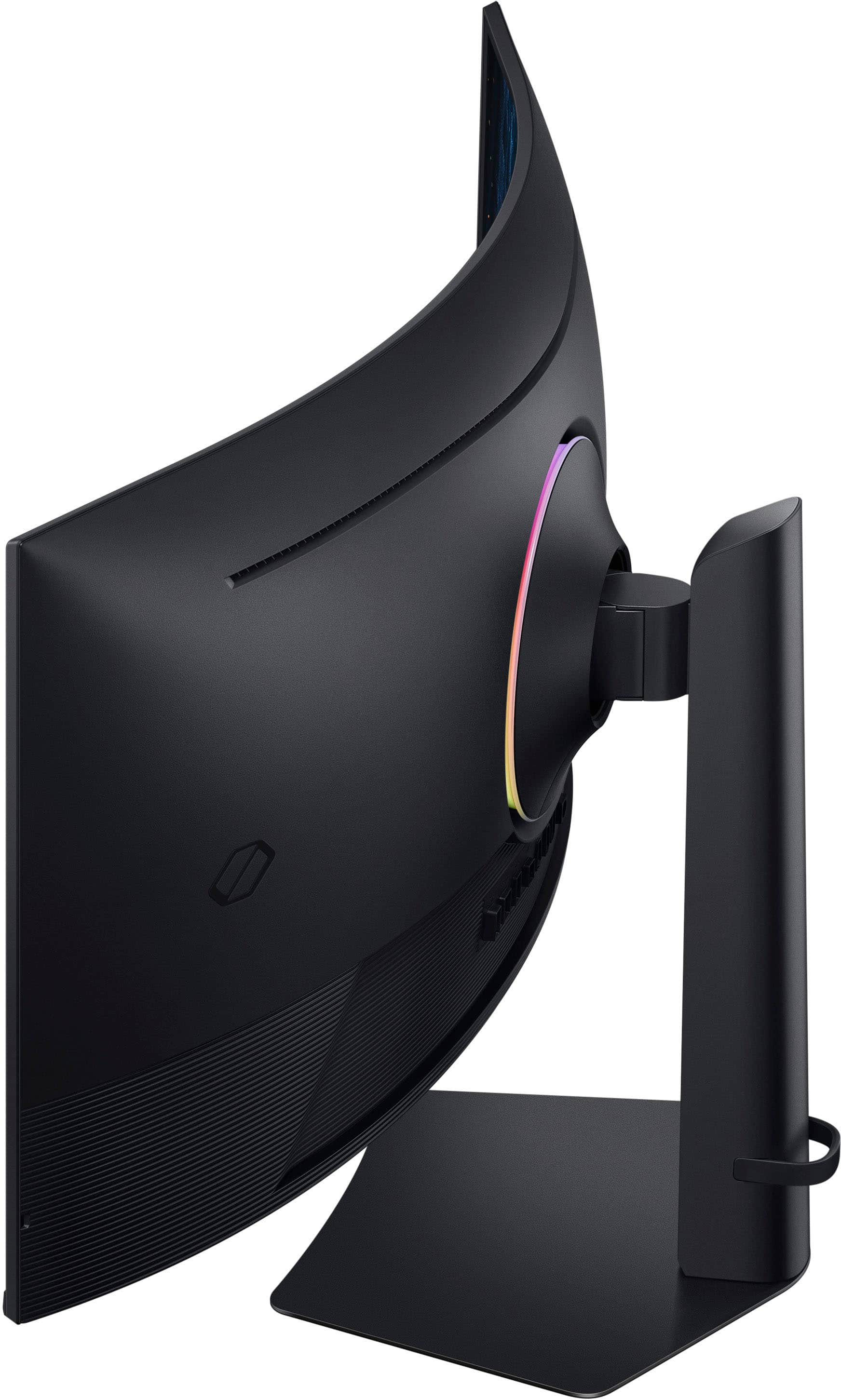
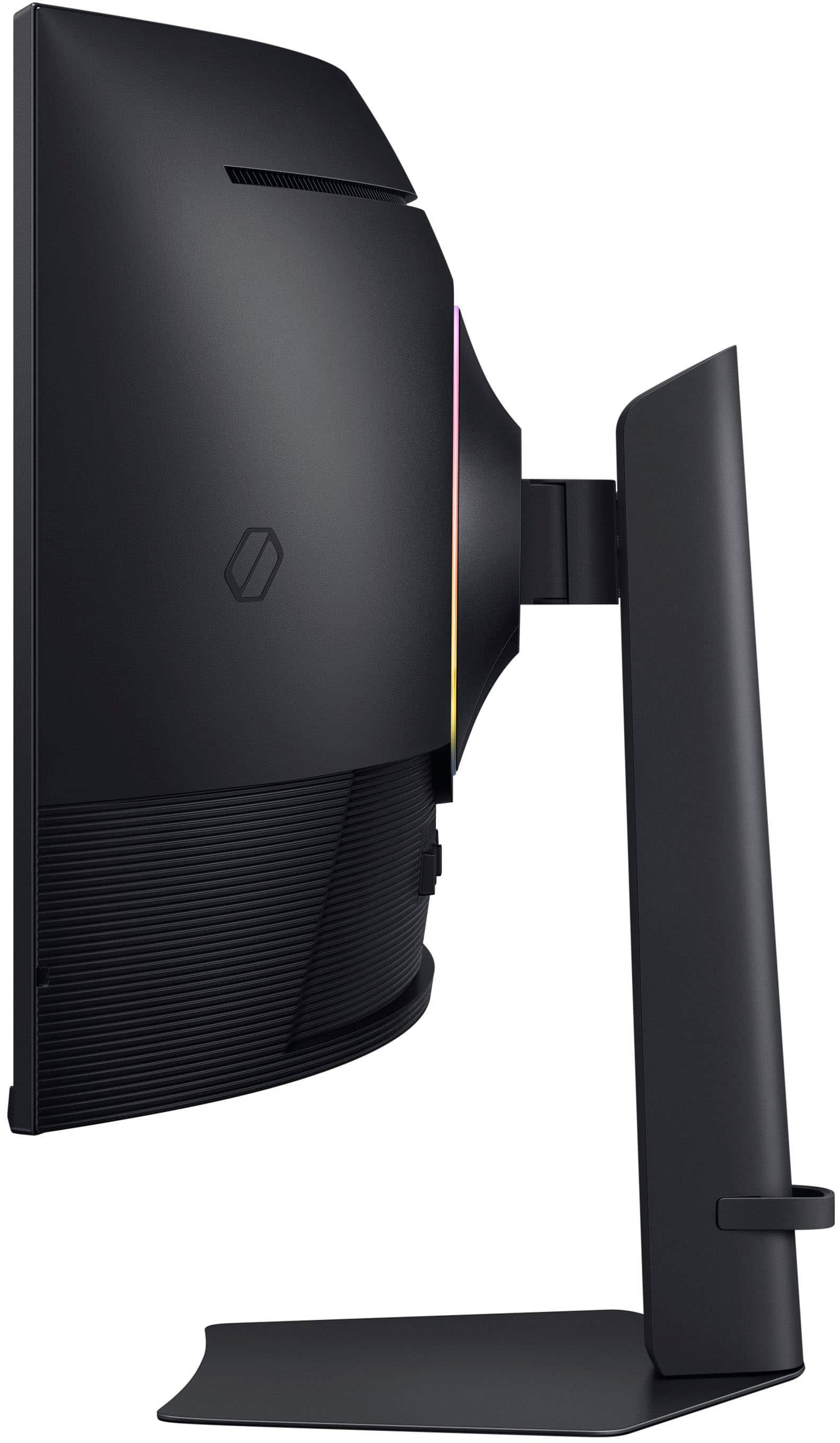
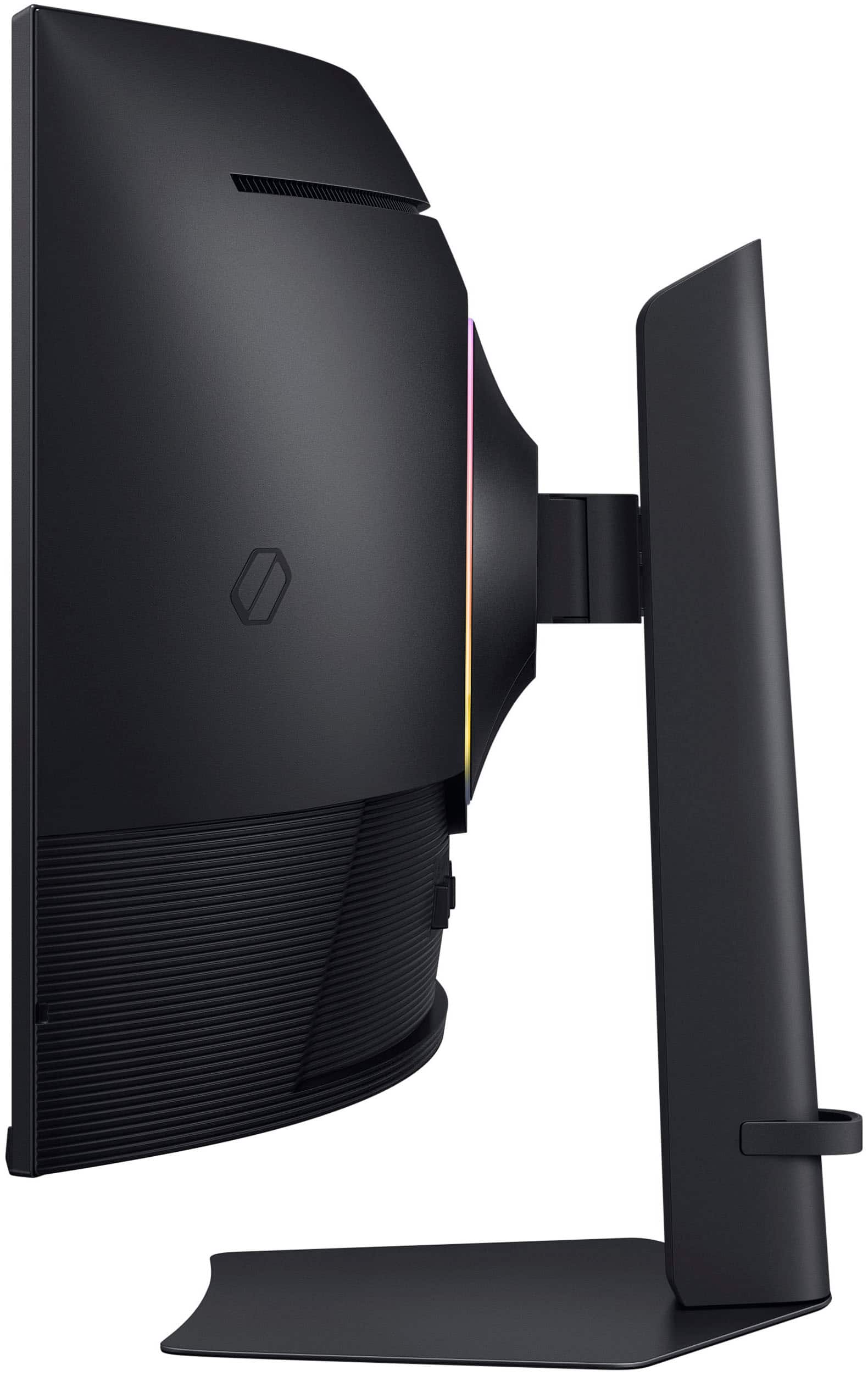
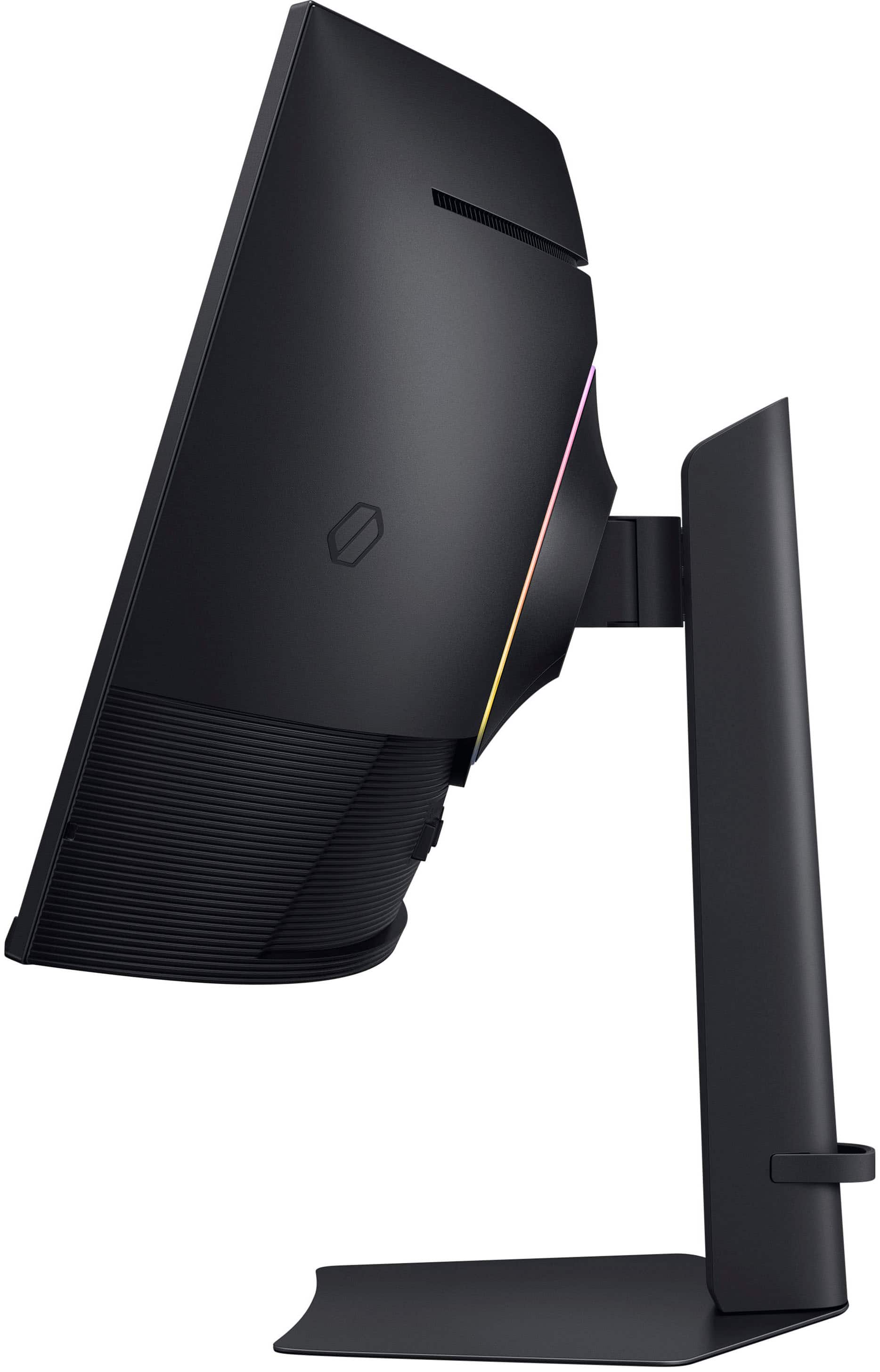
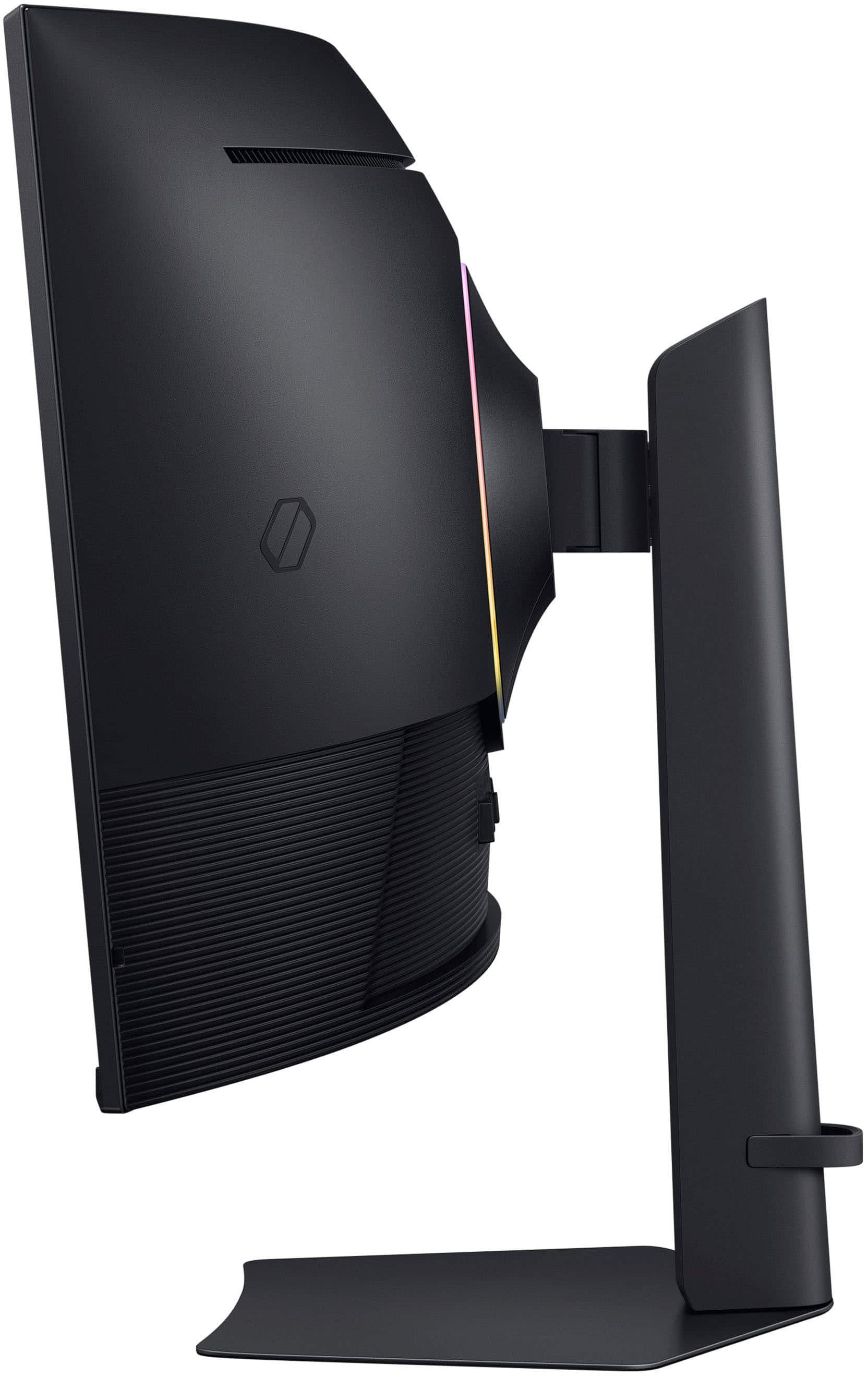
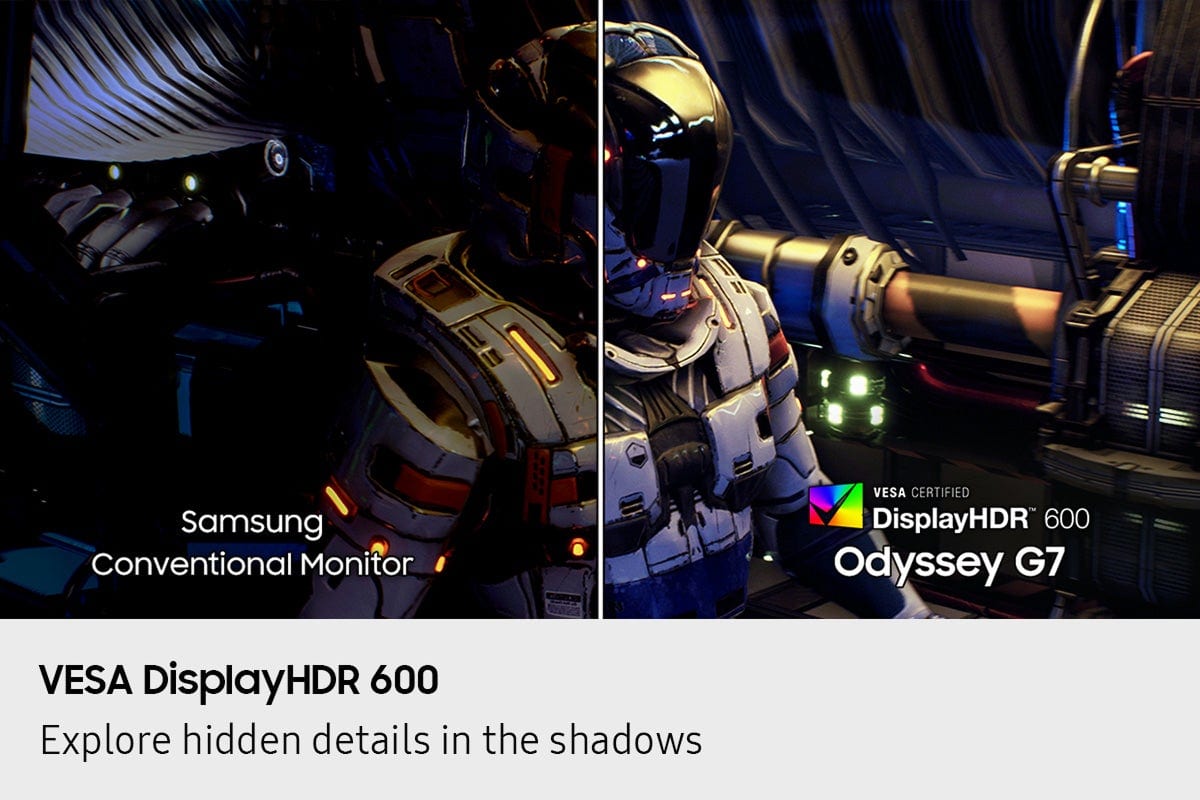
    Samsung is one of the leaders in the display market. They have been making displays for phones, TVs, and monitors for a very long time. I believe they are leading the market in balancing affordability with quality. The Odyssey G75F is Samsung’s latest ultra-wide 40 in gaming monitor, and it does not disappoint. Starting off with the design, this is curved monitor with a 1000R curve which is a large curve. It makes the screen feel like it is wrapping around you. Although I do not currently have a simulator, I believe this would be the perfect monitor for someone running a simulator. The stand is an ergonomic stand which allows you to easily adjust the screen in any direction and make it taller or shorter. The screen adjusts easily without pressing any extra buttons. The back of the monitor has RGB lighting which projects your game's on-screen colors into the real world with what Samsung claims to be 16.7 million different colors. You are probably most interested in the screen itself. Samsung has included a 40 in wide ultra-HD 5K x 2K screen. This ultra-high resolution will allow you to view games, and movies in the most realistic way possible. The display includes DisplayHDR 600 which has deeper blacks and brighter whites. This makes the colors look more realistic than ever with more contrast. It has a 180 hz refresh rate with 1ms response time. This allows you to play video games without experiencing lag. One of the reasons I have been hesitant to switch to a large, curved monitor rather than two side by side monitors, is having enough real estate for multitasking. The Odyssey G75F includes picture in picture which allows for split screen that can pull from two different inputs. This is great for having your game on one side and then pulling up chats/videos on a secondary side of the screen. This monitor also has auto switch for your sources. Meaning it will detect which source is on if you have more than one computer/system plugged into it. The Odyssey G75F is a must have for gamers, content creators, streamers, and anyone who wants to get the most out of their productivity. I believe it is the perfect size monitor for someone who is currently running a two-monitor set up. It has the latest technology to make your gaming experience much better.

    I would recommend this to a friend
  • Rated 2 out of 5 stars

    Not for weak laptops. Need a strong PC

    |
    |
    Posted . Owned for 1 week when reviewed.
    This reviewer received promo considerations or sweepstakes entry for writing a review.

    Unusable with HDMI on a laptop. This monitor looked fantastic when connected via display port or to a powerful PC. But when connecting it to an average laptop, then I couldn't get the full 4k resolution and had to downgrade it to 1440p and a stretched screen. But also, even after I messed with the display settings, I wasn't able to get a full screen in windows again. There was always this black border around the windows OS. But when connected to a capable PC, then everything looked good.

    I would recommend this to a friend
    • Brand response from Samsung
      Posted .

      "Thank you for your review.

      We are sorry you were not satisfied with your experience. Your overall feedback is important to us and we will document your concerns.

      We also recommend you contact Best Buy directly for assistance in correcting the situation.

      If you ever need assistance with the monitor itself, please contact Samsung Customer Support and a rep will be happy to assist you:
      1-800-SAMSUNG, available 8AM - 12AM EST (Mon-Fri) / 9AM - 11PM EST (Sat-Sun)

      Samsung is committed to providing the best possible product experience, quality, and value, and we are always here to help with any of your questions or concerns.
      " Samsung

  • Pros mentioned:
    Resolution
    Cons mentioned:
    Speakers
    Tech Insider Network Member

    Rated 5 out of 5 stars

    Impressively Massive and Feature-Rich

    |
    Tech Insider Network Member
    Posted .
    This reviewer received promo considerations or sweepstakes entry for writing a review.

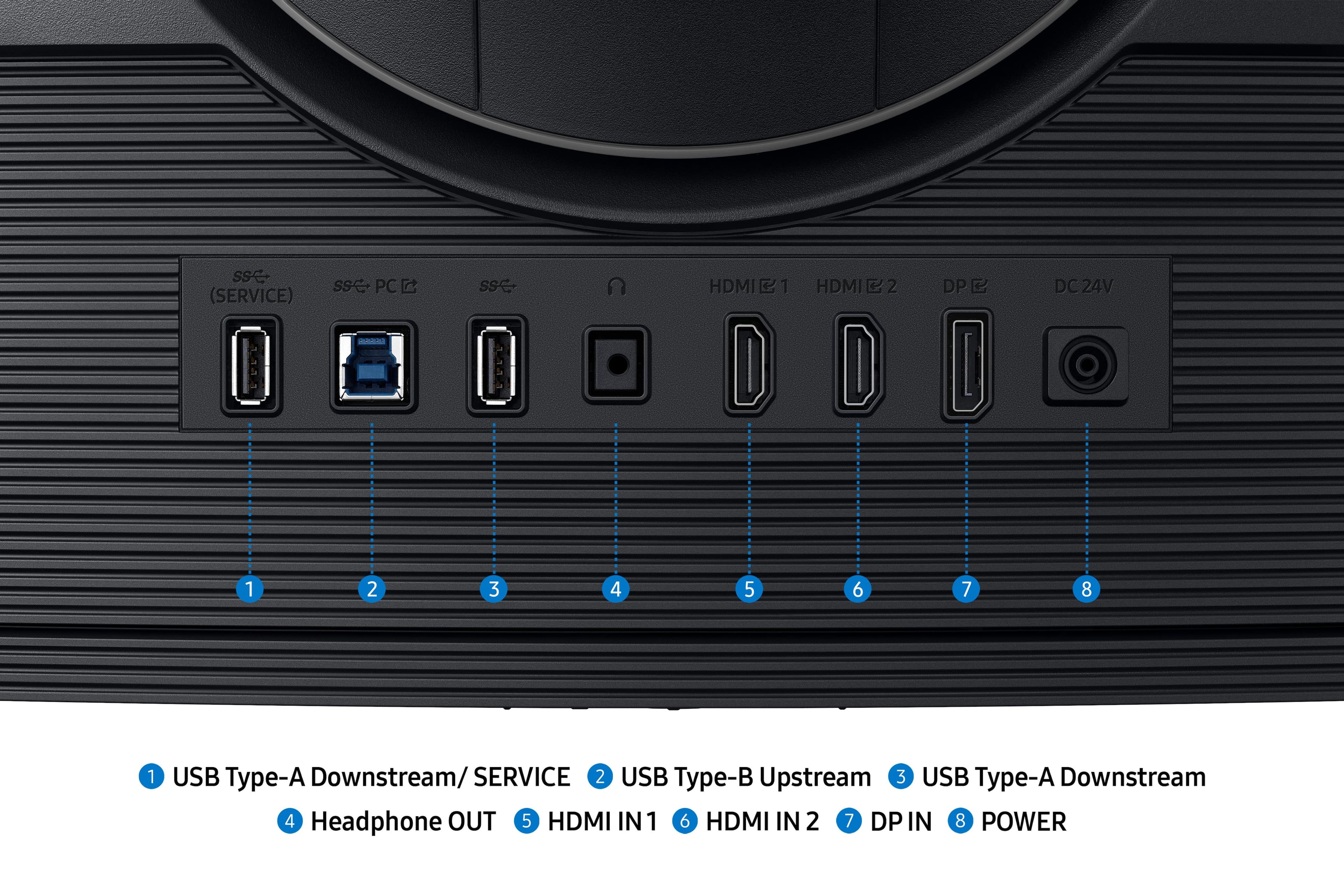
    To begin, I was thoroughly impressed with this screen from the moment I turned it on. To begin, the screen is massive at 40" diagonal. What makes the experience even better, though, is the curved display. The curve is not as subtle as I would have thought initially, but it works well given the overall size of the screen. Unlike my previous monitor, I was able to set this one back a little further on my desk, yet still feel "enveloped" by it. When flanked by a couple vertical (portrait) monitors on both sides, my workstation is impressive with plenty of screen real estate for everything I need to do. (While I am a gamer, I also use my computer for work and productivity.) The controls of the monitor are within easy reach on the underside of the monitor. The push buttons are intuitive and easy to use. One minor annoyance is that I am using a VESA arm with my desk, as opposed to the stand that was included with the monitor, and when I push any of the buttons, the monitor does wobble a bit because a firm push is required. I am not sure if there is any solution for this, however, as the pressure required to push the buttons is, in my opinion, about right (without being too stiff or soft/mushy). I do appreciate the location of the controls as well. They are in easy reach, as opposed to some monitors where I have to reach around the side or the back (which would be a problem for me given that I have additional monitors on both sides of the screen). The bezels of the monitor are a little wide compared to some other monitors I have seen, but that is not a big deal to me as a "seamless" transition between my multiple screens is not critical. (When gaming, I use this screen as my primary and only monitor; I do not extend the displays. Given the 40" of real estate with this monitor, there really is no reason to extend the display.) The monitor has a few inputs including 2 HDMI and 1 DisplayPort. One feature that would have been nice is a Thunderbolt/USB-C port that would support video and laptop charging (preferably at 90 to 100 Watts). If I want to plug in my laptop, I need to use a bulky HDMI cable and still need a separate cable to charge my laptop at the same time. Given that this is designed to be a gaming monitor, I understand why such a feature was not a design priority. Still, it would have been nice. The monitor was packed safely and securely within the box and installation of the included stand is relatively easy and straightforward. The stand allows for some vertical (up/down) adjustment of the monitor, along with a reasonable degree of tilt. A DisplayPort and an HDMI cable were included in the box. One omission I noticed is that there were no screws included with the monitor to accommodate a separate VESA mount. (Most mounts do come with screws, so it was not a huge deal. Would have been a nice inclusion, however, especially when repurposing a mount. There is no guarantee that the previously used screws are appropriate for this screen.) The monitor does not have any speakers, which is okay. Again, this is a gaming monitor and most gamers would prefer a stand alone speaker system (or wear headphones). The resolution and refresh rate of the monitor is impressive and, personally, I found myself actually not using the full resolution because the resultant text was too small. One thing I did notice is the flat finish of the screen is somewhat of a contrast to the other monitors I am using that have a glossy finish. My wallpaper appears "dull" in comparison to the adjacent screens as a result. (I am guessing I would never have noticed this if I was using this screen on its own.) The firmware of the monitor also includes a "picture-in-picture" option that is customizable. Side-by-side is an option, along with true picture-in-picture. When using picture-in-picture, the location can be changed to any one of the corners of the screen, and there are a few size settings available as well. The monitor also includes some gaming options within its firmware, such as a virtual aim point, adaptive-sync, and black equalizer. There is also an LED on the back of the monitor that can be turned on or off (with a few preset customized color settings). Overall, while I have some minor suggestions for improvement, this monitor does check a lot of boxes and, for my use, the 40" curved screen with 180 Hz refresh rate, 1 ms response time, and HDR support are light years above my previous monitor. I have to say... I am pretty happy with this monitor.

    I would recommend this to a friend
  • Pros mentioned:
    Refresh rate
    Tech Insider Network Member

    Rated 4 out of 5 stars

    Great product ruined by clunky interface

    |
    Tech Insider Network Member
    Posted .
    This reviewer received promo considerations or sweepstakes entry for writing a review.

    UNBOXING AND INSTALLATION I have never owned a Samsung monitor before. So my experience is a genuine newbie one. This unit is huge so be careful. I pulled out all of the supporting hardware, power source, and other items and carefully unwrapped them. I found the instructions to be woeful - and finding them on the Samsung website to see a clearer representation was not easy. Contrary re-directs did not help and there were contrary user manuals - one "user manual" - one "user manual (PC)". Of course since I'm using a PC I went there. Confusing and this is where I was taken away back to the monitor page, not support. I then went for just the user manual and it seemed more logical. Hooking up the monitor to the stand was tedious. I somehow managed to get the monitor on the arm but I still don't know if it is secure. But it didn't fall off after a few days so I guess it is okay. Clunky experience at best and below average compared to other manufacturer installation procedures. THE DEAL BREAKER Being able to use the monitor and its features is why one gets a monitor. The control part in the bottom underside (middle) is so clunky and awkward that I rate it the worst monitor experience I've ever had. I still don't know how to turn the monitor off. To turn it on, I move the mouse. No power indicator light is even visible even though the instructions say there is a light. How can a manufacturer take a good monitor and clunk it up like this? It is hard to find the button that does things and even in various attempts I haven't had an experience that finds what I want. Different screens pop up that I have no idea how to navigate. OVERALL EXPERIENCE Beautiful display and colors - thankfully my graphics card had a menu where i could adjust brightness and contrast etc, but never could I do this directly from the monitor. Refresh rate is very fluid and there appear to be no distortions on the actual monitor curve (something I was worried about). As a newbie to Samsung I am not impressed with the use experience. At night I just let the monitor turn itself off since I can't find how to do it with that awful button navigation finger dance the navigation area requires. My suggestion is to go to a store and to try this to see if you can figure out how to use a monitor. This is the worst monitor use experience I've ever encountered. I guess with this monitor it will be set it and forget it.

    No, I would not recommend this to a friend
  • Pros mentioned:
    Color quality, Refresh rate
    Tech Insider Network Member

    Rated 4 out of 5 stars

    One of the Better Ultra-Wides Out

    |
    Tech Insider Network Member
    Posted .
    This reviewer received promo considerations or sweepstakes entry for writing a review.

    I have been using the new Samsung Odyssey G7 40" (G75F) for a little less than two weeks now and overall I am impressed with it. This is the first Samsung monitor I have had and I also generally lean OLED too, but Samsung has crafted a pretty nice ultra wide with the G75F. Out of the gate, build quality seems good and the included stand feels stable (or as stable as it can for it's wide berth). The VA panel has good color and contrast when sitting in the middle and that is partially due to the 1000R curve. VA panels tend to have color/contrast problems off axis and with the 40" diagonal on the 1000R curve much of that is mitigated, but it becomes more noticeable as you get off center. Overall, it wasn't anything that bothered me and unless you are just looking for it or sitting off center all the time you wouldn't be bothered by it. The 180hz refresh rate is nice in a screen this size, but I did notice some overshoot at that speed. Dialing it back to 165hz helped solve the issue and I couldn't really tell the difference in speed either. Also, keep in mind that playing games at the native resolution or 5120 x 2160 means bringing some heavy duty GPU requirements as well. I played on an RTX 5090 and as expected found the monitor and GPU to be a great match for just about anything I threw at it. It is also important to note that Samsung does not officially support G-Sync as this is a FreeSync monitor, but Nvidia plays nice with it anyways. The HDR600 rating is really more of a checkbox as the HDR didn't exactly knock my socks off, but it does support it and it is marginally noticeable. This monitor just doesn't have the brightness/contrast to really bring the 'Wow!' factor to play. I might be a little jaded here as I usually play on an OLED and the HDR is far more notifiable thanks to the crazy contrast. Overall, this is a solid entry for Samsung and if you are looking for a good, higher resolution ultra wide than most this is a no-brainer even with it being LCD based. Text is good, blacks are black, and the refresh rate is good too. It will serve well for productivity and gaming for the vast majority of people. If you got the GPU horsepower than this monitor will be a great addition. Now Samsung... how about QD-OLED version?

    I would recommend this to a friend
  • Tech Insider Network Member

    Rated 5 out of 5 stars

    Next level gaming

    |
    Tech Insider Network Member
    Posted .
    This reviewer received promo considerations or sweepstakes entry for writing a review.

    The Samsung Odyssey G7 offers a immersive gaming experience with rich and vibrant colors, all while being maintain a stable refresh rate. At a hefty price point i guess the question becomes rather or not its the right fit for your needs. Out the box you get everything you need to get you set up including a provided stand and mount. One thing i will say is i highly recommend a vesa wall mount as this monitor will take up a lot of desk space. So i didn't want to waste any time so i got to gaming right away to see what sets this monitor apart from the very many that are on the current market. The first noticeable difference that i found with the G7 vs my current monitor was the addition of AMD Freesync Premium Pro. I noticed a big improvement of the consistency of my colors during high pace gaming with no screen tear. If im being honest i never really experience screen tear and i don't think most of you will unless your monitor is severally underpowered. But what you can notice, or at least i do, is the consistency of colors during high pace gaming environments such Apex or COD(Call of Duty). COD was the worst for me due to the fact the colors would dull and dim out during extreme action scenes with my old monitor. The Odyssey G7 with AMD Pro eliminated this issue completely but at a slight cost. This does put some load, or at least did for me, on both my cpu and gpu. And to give some context im running a 12th gen intel i9 with a Gigabyte 4070ti super. All im saying is make sure your hardware isn't outdated. The next feature i really liked alot was the CoreSync technology. What this does is it syncs up the RGB ring you have behind your monitor with compatible games. The color then shifts based on your current in game environment to help set the immersion factor. Keep in mind not all games support this feature and it needs to be played in a dark room to get the full effect. One of my favorite games i been playing lately has been 'The Medium'. Its a horror/thriller game, but what made the game more immersive is when i was running from a boss my character had got hit and their heart was beating in the game, all while the led light turned red to indicate my dying state and started to flash in sync with my characters heartbeat. Not gonna lie, that feature caught me off guard but was a very pleasant and cool surprise for me. Here's the bottom line, rather or not to buy this monitor depends truly on what your trying to achieve. Like i said very few of you are going to experience screen tearing as long as your rocking a 5ms response time with a 120hz refresh rate. I've gamed on $200 monitors with no issues whatsoever during ranked games or high paced cut scenes. But for me this monitor is a must have and i'll tell you why. Im the kind of person that prefers story driven games with high graphic content. Im trying to escape the reality of life and dive deep in to my game. This monitor won't break colors and won't dim on you, which helps you stay in that current moment of your game. And if your current game supports CoreSync the immersion factor is going to become even deeper. If your looking for a monitor thats fast and won't tear or cause input lag issues then pass, as there are monitors at half the price that due the job the same as the Odyssey. But if your looking for something to enhance your deep gaming immersion factor, then 100% this is worth every single penny.

    I would recommend this to a friend
  • Pros mentioned:
    Refresh rate
    Tech Insider Network Member

    Rated 5 out of 5 stars

    Love the curve and inputs

    |
    Tech Insider Network Member
    Posted .
    This reviewer received promo considerations or sweepstakes entry for writing a review.

    Short review: holy moly yeah just get it! Little bit longer review: I knew I was going to enjoy this monitor from the moment I opened the box. The packaging and included cables/stand alone I knew this was quality. Then after I took it out, I knew: I love this age where a big screen TV on a desk in front of you is acceptable. The setup is easy and like what you would expect. The stand easily is installed, and just a couple cables and you’re up and running. The more powerful a gaming computer you have the better, as this supports UHD and AMD (but NOT G) sync, as well as having 180hz refresh rate and a blazing 1 ma response time. Basically, it can handle anything you throw at it. With 40” and a beautiful curved display, you’ll enjoy sitting in front of it. Also, minor but I loved, is the inputs are straight out and not a weird angle or behind panels. I understand 180 hz is slower than some, but at 5K2K resolution you’d need a powerhouse to get higher or faster than that. It was negligible for me. The curve on this curved display is, well, curvier than I expected, but that’s a good thing. Sometimes curved monitors are not really curved very much. I will say, though, that the viewing angle is a little narrow. There is a sweet spot in the middle, which usually isn’t a problem. If you move your head too much though it will get washed out pretty quickly. Since this is not an OLED screen, blacks and colors aren’t as deep as you might expect. Local LED dimming helps, but it’s not perfect. It’s good don’t get me wrong, but it’s not OLED. A programmable RGB ring on the back is a neat touch, but it’s slightly slow to respond. Still need. Overall, great monitor especially for the price. I love the actual curve, and for a non OLED it is top tier

    I would recommend this to a friend
  • Pros mentioned:
    Color quality
    Tech Insider Network Member

    Rated 4 out of 5 stars

    Big and immersive.

    |
    Tech Insider Network Member
    Posted .
    This reviewer received promo considerations or sweepstakes entry for writing a review.

    The Samsung Odyssey G75F is an excellent, massive and immersive gaming monitor. The huge 40” curved display is so good at immersing you into the game. I typically use a 27” monitor which is great, but jumping to this monitor was crazy. Playing FPS games are great on this Samsung display, but I feel it really shines with MMO’s or playing any campaign style game. You get so much screen just kind of feels like you’re there. The picture quality is good. OLED would have been the cherry on top but the VA panel does a good job. The panel is bright and color representation is great. The picture by picture function is really cool. You can split the screen with two different inputs which is awesome! Setting up the display is very straight forward. You may want a second set of hands to help though. This display is large and a bit awkward to handle so take your time. Overall this display is really great. It provides true immersion with an excellent picture and fast response time. If you’re thinking about a larger, curved display, give this one a shot.

    I would recommend this to a friend
  • Pros mentioned:
    Refresh rate
    Tech Insider Network Member

    Rated 5 out of 5 stars

    Samsung makes great monitors, PERIOD!

    |
    Tech Insider Network Member
    Posted .
    This reviewer received promo considerations or sweepstakes entry for writing a review.

    I've had a couple of Samsung 49" Odyssey monitors over the years not to mention the multitude of TVs and soundbars. I've been extremely happy with the quality of their products and I've never had a product failure. While the 49" ultrawide is equivalent to 2 @ 27" monitors you need a bit of desktop space to accommodate the 40" is closer to 2 @ 24" monitors and can fit on a smaller desk. I put the 40" in the guest room with a spare desktop computer and it fits fine on a student's desk. Now that size is taken care of now to the specs. Performance-wise the G75F is a beast with a 1ms response time and 180Hz refresh rate and supports FreeSync. The curved screen Crazy high resolution at 5120 x 2160, so much so that I find I have to dial that down some otherwise the text and icons are too small for my old eyes. There are 2 HDMI ports and 1 DisplayPort. Switching between ports is easy with a under center switch. Even better the Auto Source Switch detects what port is connected to a powered on device and automatically switches. Besides input selection the switch also controls fine tuning the display's warmth, contrast, brightness, among others. It provides quick and easy adjustments on the fly. It also has a USB connection offering a couple of ports. I love the easy split screen where you can have up to 4 windows/apps open and displaying at the same time. On top of that the coolest feature for me is Picture-by-Picture where you can display 2 different inputs at the same time. Having a PC connected into one port and maybe a laptop/handheld/tablet into another port for simultaneous display, kinda like picture in picture in some TVs. All I need now is the 55" for my main gaming/work setup :)

    I would recommend this to a friend
  • Pros mentioned:
    Refresh rate
    Tech Insider Network Member

    Rated 5 out of 5 stars

    Amazing Monitor and Amazimg Display

    |
    Tech Insider Network Member
    Posted .
    This reviewer received promo considerations or sweepstakes entry for writing a review.

    Monitors keep getting better and better. As graphics cards and CPUs increase power it’s important to have a monitor that makes the most of that power. This monitor does that with room to spare. First, the design is excellent. The curved wraps around your field of vision and pulls you more into the action. I typically play sports games and this allows me to see the full field of play better. While it the screen is large is svelt from a thickness standpoint so you can use it without needing a great deal of room behind. Second, screen and detail. Samsung is known for its displays. Whether it be on a phone, tablet, or monitor, Samsung is king. This monitor proves that once again. It has an amazing 5120x2160 WUHD resolution and provides amazing detail. Flight Simulator 2024 looks even more amazing. When a I play a game that can have darker tones like DOOM the dark Ages, I am able to see more setail without having to mess with contrast or brightness. It also has a 180hz refresh with 1ms response so when you make a move it registers immediately. Finally, one feature I really like is the Picture in Picture. You can be playing a game and have something else on the screen as well. I am a big fan of this monitor. If you are looking for the best picture loaded with features, this is for you!

    I would recommend this to a friend
Sponsored