Customer Ratings & Reviews
- Model:
- LS40FG75DENXZA
- SKU:
- 6625136
Rating by feature
- Display Quality
Rating 4.9 out of 5 stars
- Ease of Use
Rating 4.7 out of 5 stars
- Features
Rating 4.7 out of 5 stars
Customers are saying
Customers appreciate the product's excellent image quality and fluid refresh rate. They also value its good connectivity options, strong HDR performance, immersive experience, and ideal size. However, some customers have noted concerns regarding the mediocre viewing angles. Additionally, the built-in speakers are considered unremarkable, and black levels could be improved.
This summary was generated by AI based on customer reviews.
Very good monitor for the price
||Posted . Owned for 1 month when reviewed.This reviewer received promo considerations or sweepstakes entry for writing a review.Very good monitor for the price. Use this monitor mainly for work. Text is very clear even at 100% scale
I would recommend this to a friendIts great
||Posted . Owned for 3 weeks when reviewed.This reviewer received promo considerations or sweepstakes entry for writing a review.Its an amazing monitor. I use this for work, its a lot easier to use one large monitor then having two.
I would recommend this to a friendGood for gaming
||Posted . Owned for 1 month when reviewed.This reviewer received promo considerations or sweepstakes entry for writing a review.It was good. We couldnt use it because it distorted the word documents. But would be good only for gaming
I would recommend this to a friendGreat Monitor
||Posted . Owned for 1 month when reviewed.This reviewer received promo considerations or sweepstakes entry for writing a review.This a fun monitor that is so clear, easy on the eyes.
I would recommend this to a friendExceptional Quality
||Posted . Owned for 1 month when reviewed.This reviewer received promo considerations or sweepstakes entry for writing a review.I use this for my office for work and school. I used to use 3 monitors this lets me do all my work on one monitor and its soooo smooth.
I would recommend this to a friendGreat Monitor
||Posted . Owned for 1 week when reviewed.This reviewer received promo considerations or sweepstakes entry for writing a review.For th eprice this monitor is good! It is sleek looking and has a good picture.
I would recommend this to a friendWorks as advertised
||Posted . Owned for 2 weeks when reviewed.This reviewer received promo considerations or sweepstakes entry for writing a review.The monitor is working well with MacBook Pro M4 Max using a usb-c to DP cable. I do wish it had USB-C connectivity. Hopefully in the next update.
I would recommend this to a friendSamsung Odyssey 5K2K Monitor
||Posted .This reviewer received promo considerations or sweepstakes entry for writing a review.Excellent product at an excellent price, I bought it as an open item in excellent condition. Thank you BestBuy!
I would recommend this to a friendGood monitor but only at sale price
||Posted .This reviewer received promo considerations or sweepstakes entry for writing a review.This monitor is great but at more of the 700 price for value… definitely not worth it at 1100 dollar but great monitor ocerall
I would recommend this to a friend- Pros mentioned:Image quality
Not for weak laptops. Need a strong PC
||Posted . Owned for 1 week when reviewed.This reviewer received promo considerations or sweepstakes entry for writing a review.Unusable with HDMI on a laptop. This monitor looked fantastic when connected via display port or to a powerful PC. But when connecting it to an average laptop, then I couldn't get the full 4k resolution and had to downgrade it to 1440p and a stretched screen. But also, even after I messed with the display settings, I wasn't able to get a full screen in windows again. There was always this black border around the windows OS. But when connected to a capable PC, then everything looked good.
I would recommend this to a friendBrand response from Samsung
Posted ."Thank you for your review.
We are sorry you were not satisfied with your experience. Your overall feedback is important to us and we will document your concerns.
We also recommend you contact Best Buy directly for assistance in correcting the situation.
If you ever need assistance with the monitor itself, please contact Samsung Customer Support and a rep will be happy to assist you:
1-800-SAMSUNG, available 8AM - 12AM EST (Mon-Fri) / 9AM - 11PM EST (Sat-Sun)
Samsung is committed to providing the best possible product experience, quality, and value, and we are always here to help with any of your questions or concerns.
"
Fantastic Monitor!
||Posted .This reviewer received promo considerations or sweepstakes entry for writing a review.Fantastic Monitor for it to not be an OLED. I been using it for BF6, Sim Racing, and work. It met my needs and I am very satisfied.
I would recommend this to a friendIncredible!
||Posted . Owned for 1 month when reviewed.This reviewer received promo considerations or sweepstakes entry for writing a review.Absolutely amazing, best monitor I've ever had. 5 stars!
I would recommend this to a friendLightweight monitor super clear
||Posted .This reviewer received promo considerations or sweepstakes entry for writing a review.Great price, super clear monitor. Great for gaming
I would recommend this to a friendSamsung Odysey 40" - great monitor
||Posted . Owned for less than 1 week when reviewed.This reviewer received promo considerations or sweepstakes entry for writing a review.Great monitor and no issues (other than the depth space it takes up)
I would recommend this to a friendIt was good
||Posted . Owned for 1 month when reviewed.This reviewer received promo considerations or sweepstakes entry for writing a review.It’s is pretty good loved it it was just too big for us
I would recommend this to a friendgreat monitor
||Posted . Owned for 3 weeks when reviewed.This reviewer received promo considerations or sweepstakes entry for writing a review.awesome monitor good for gaming and for muti tasking
I would recommend this to a friend- Pros mentioned:Connectivity, Image quality, Immersion

Excellent Choice for Any Gaming PC or Console
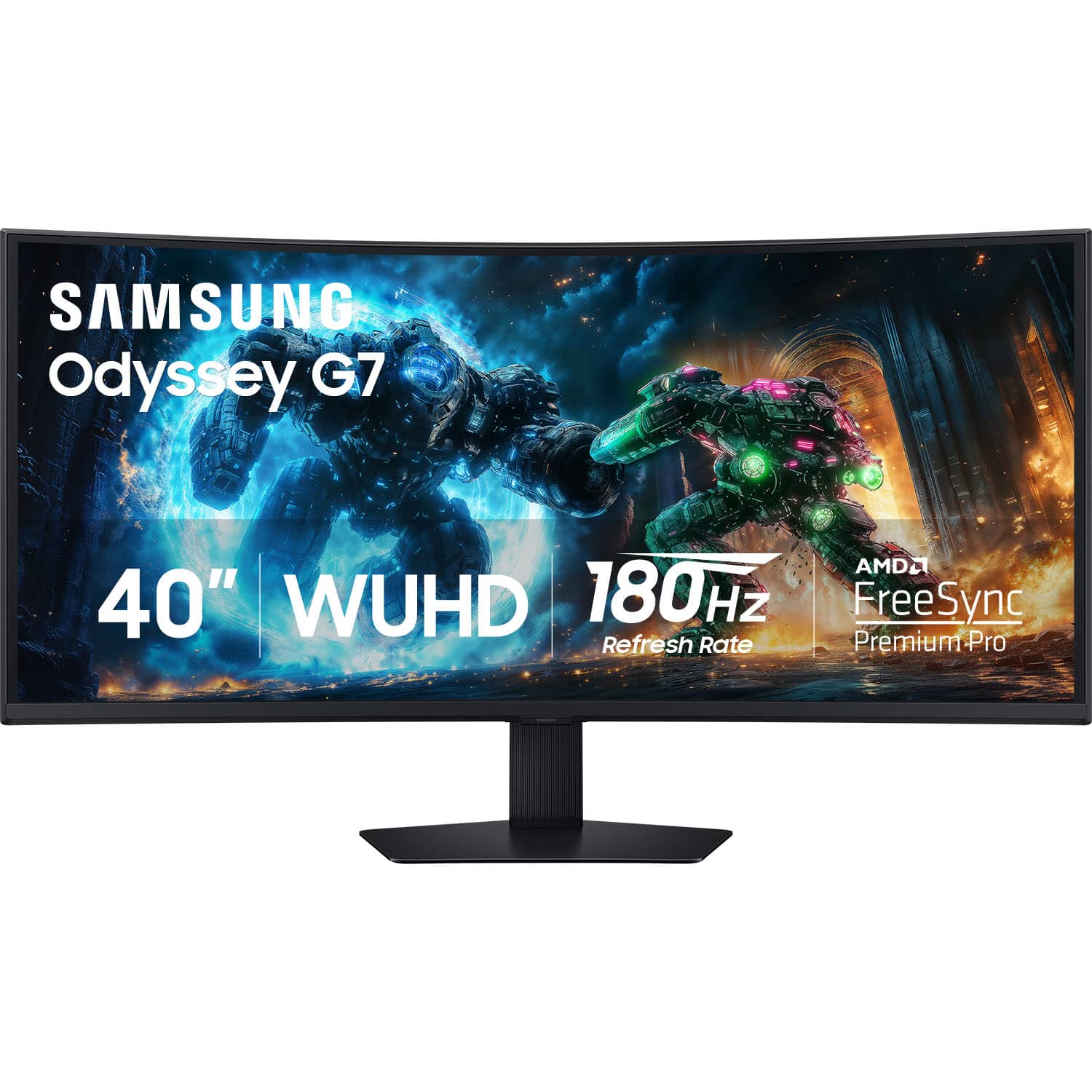
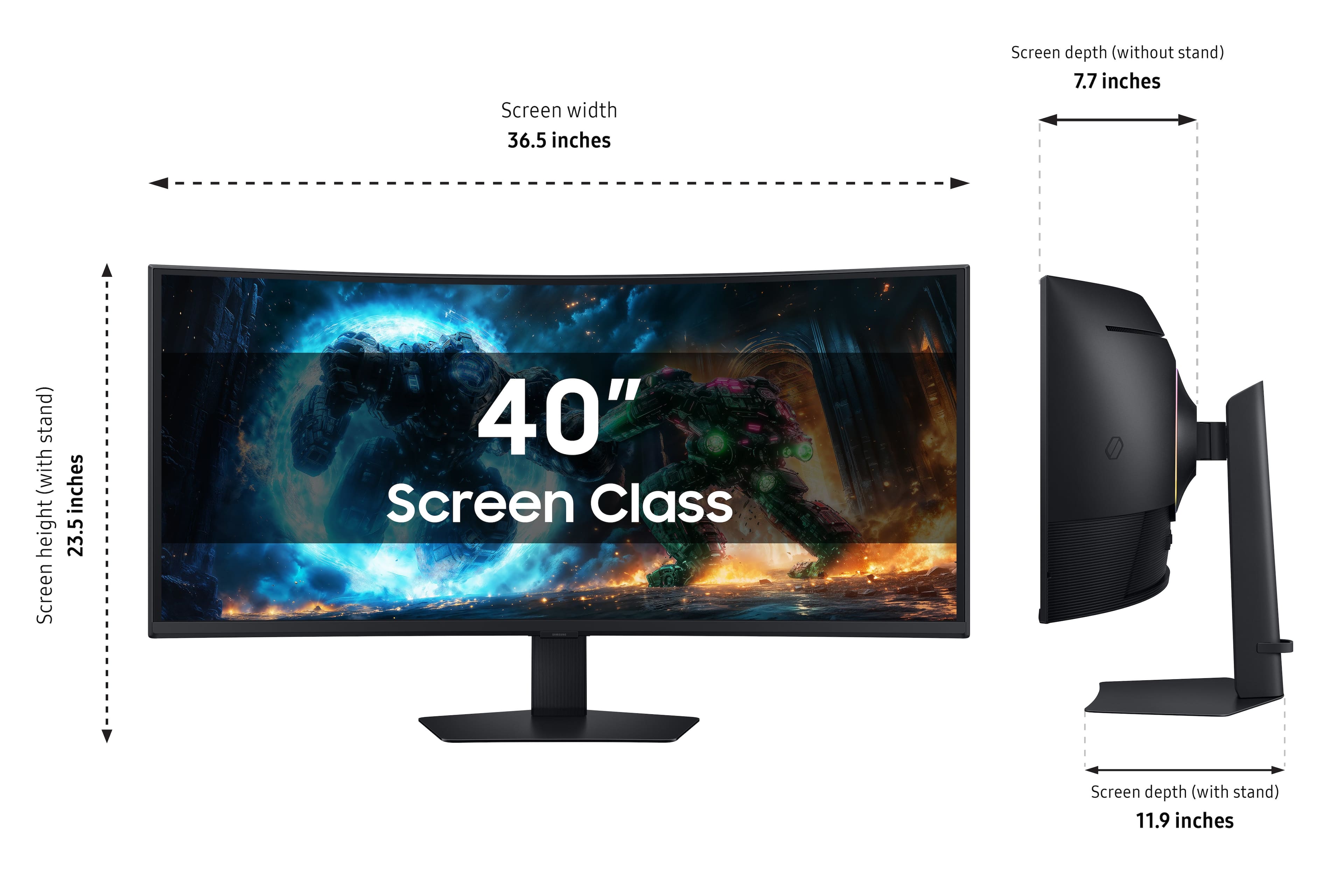
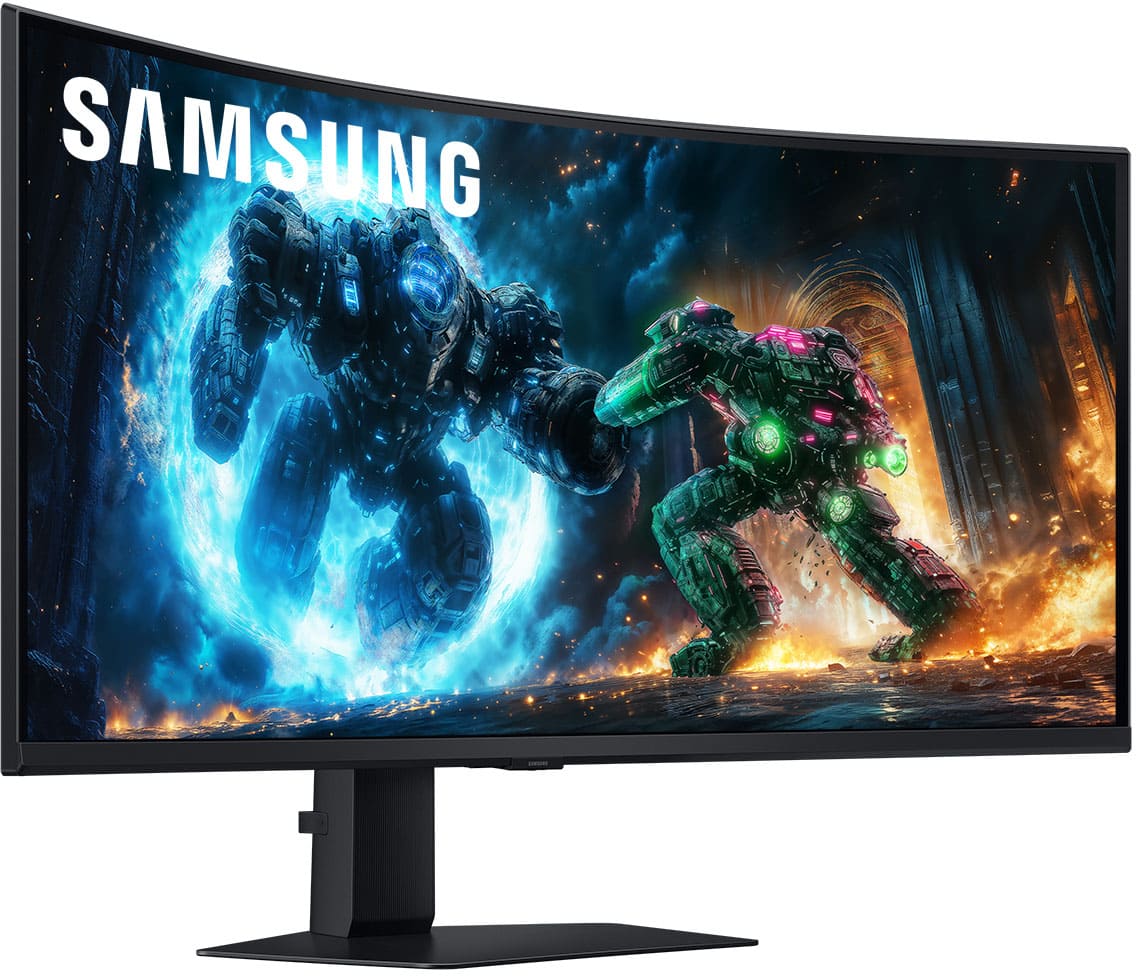
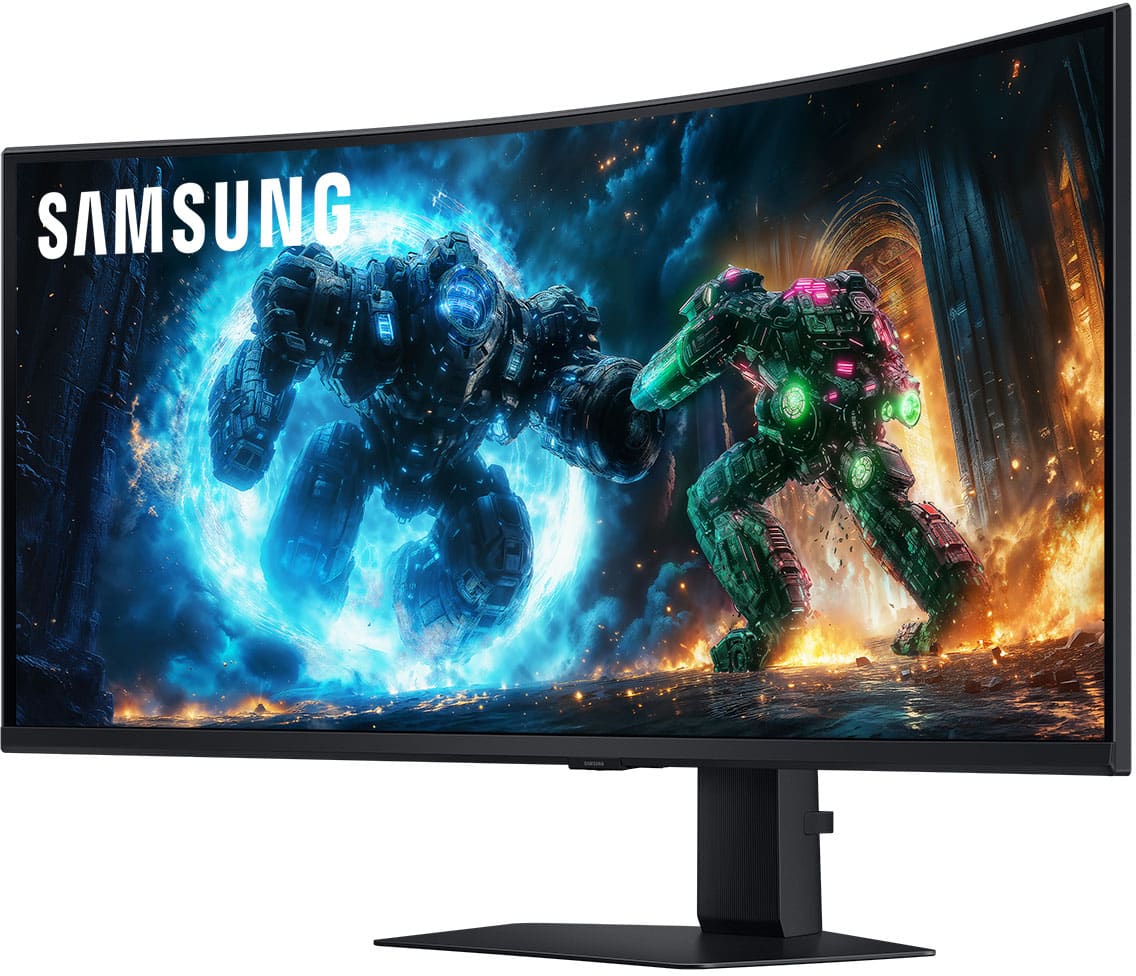
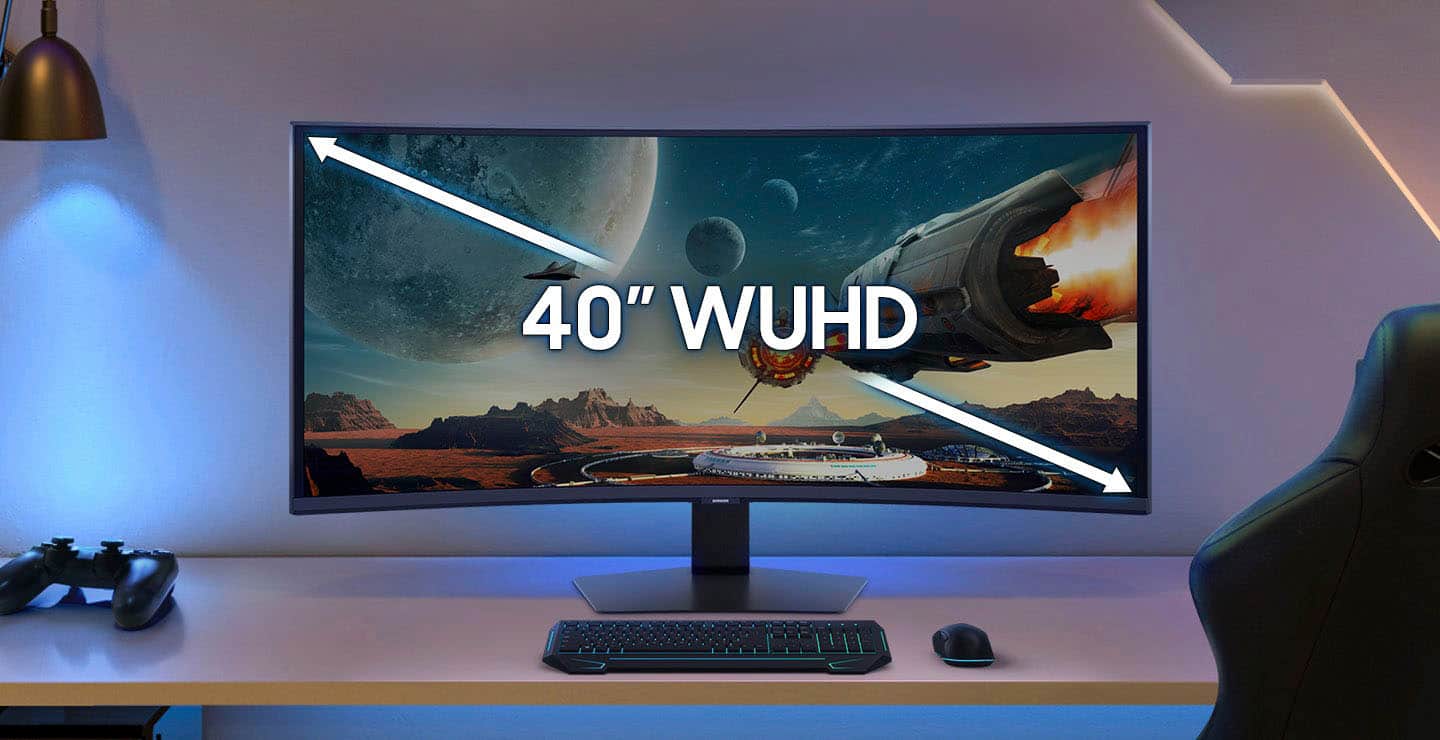
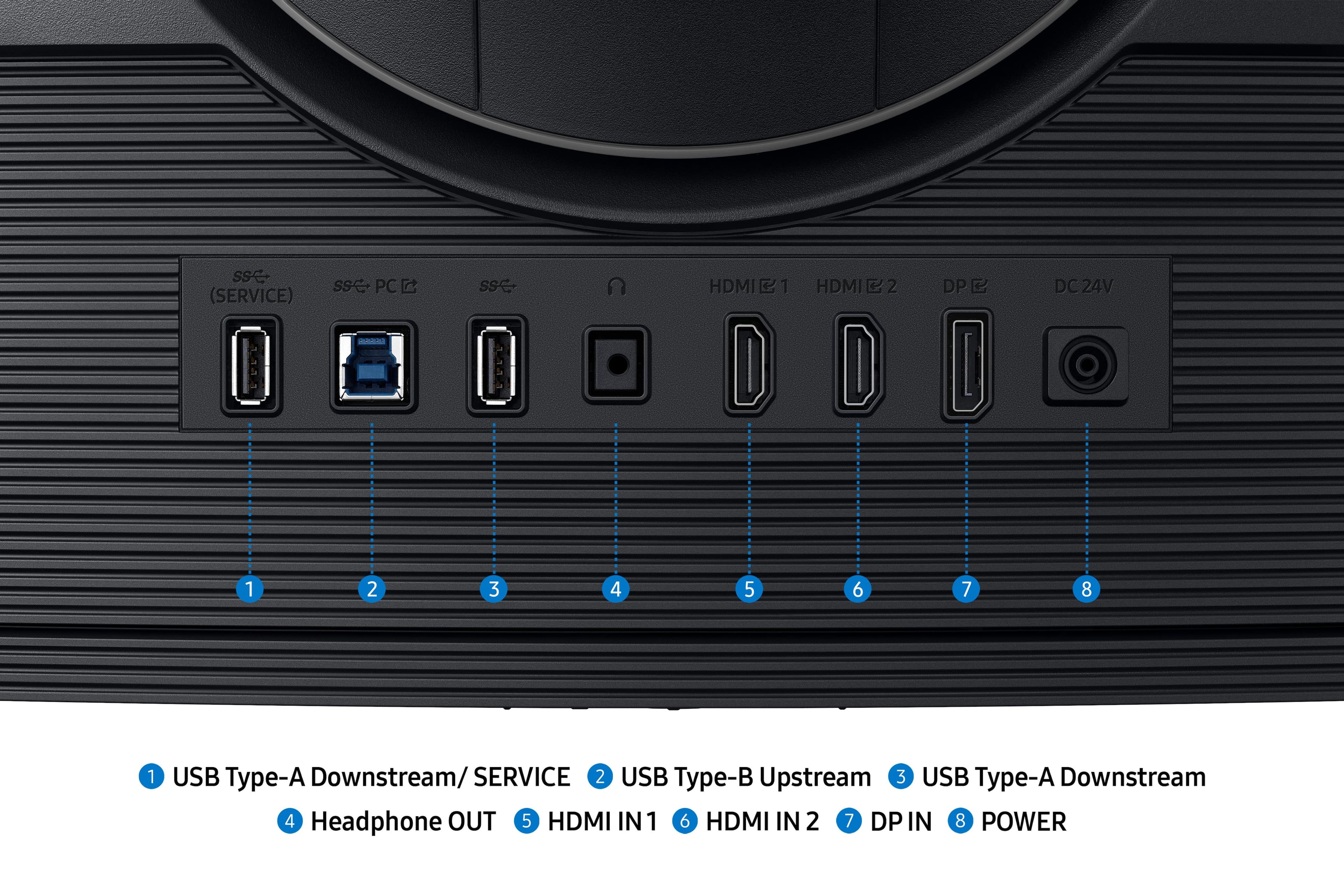
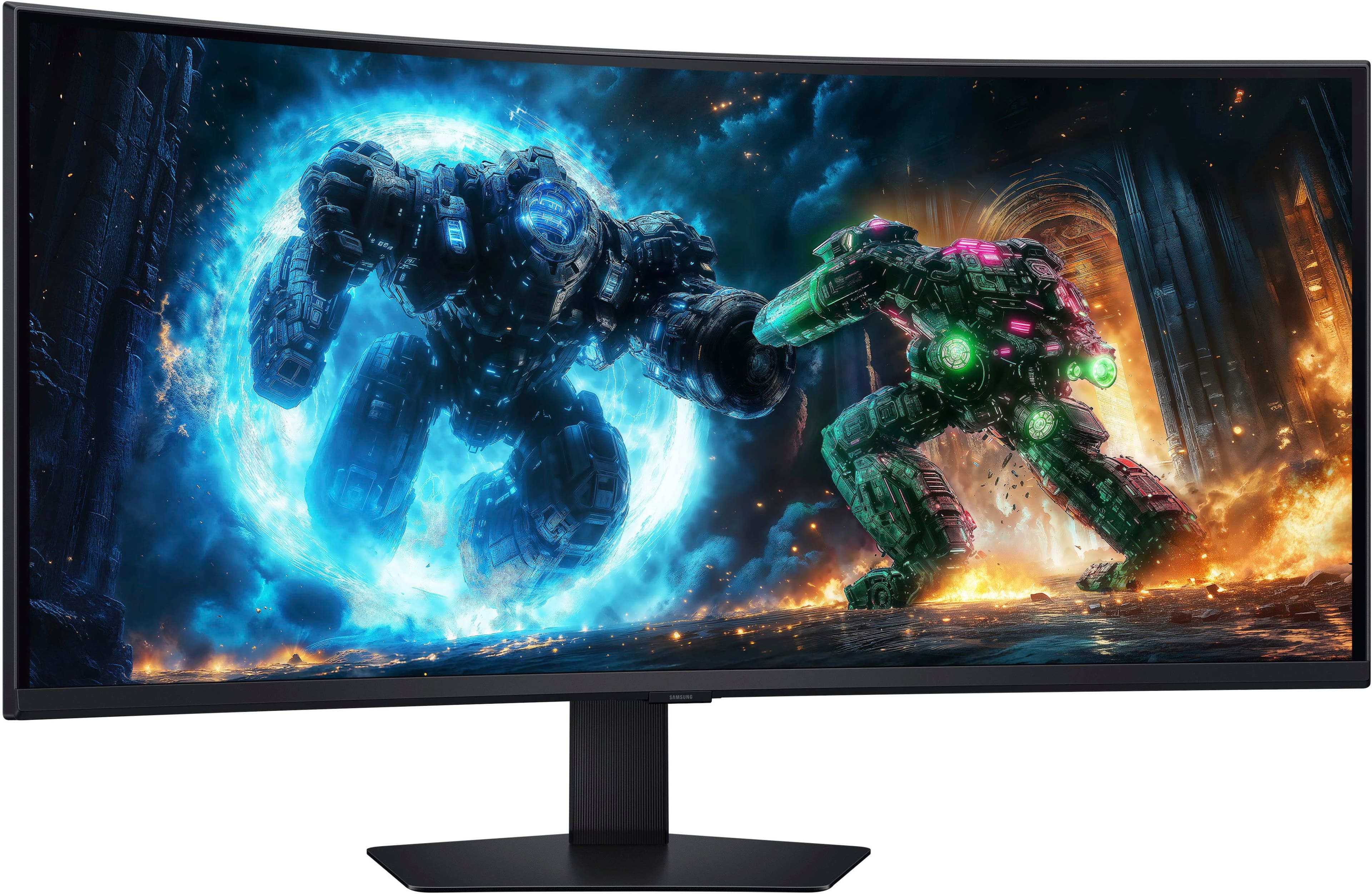
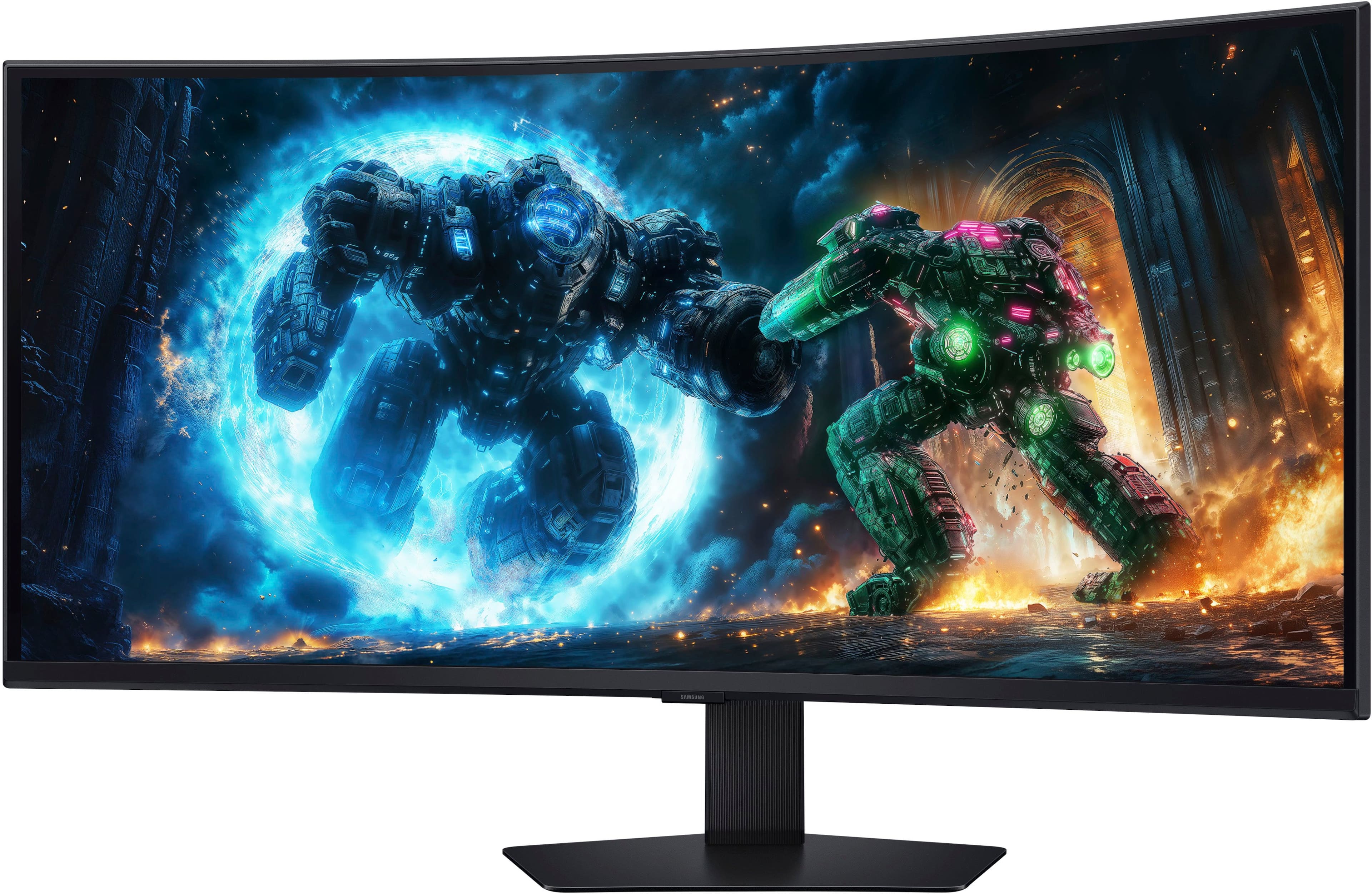
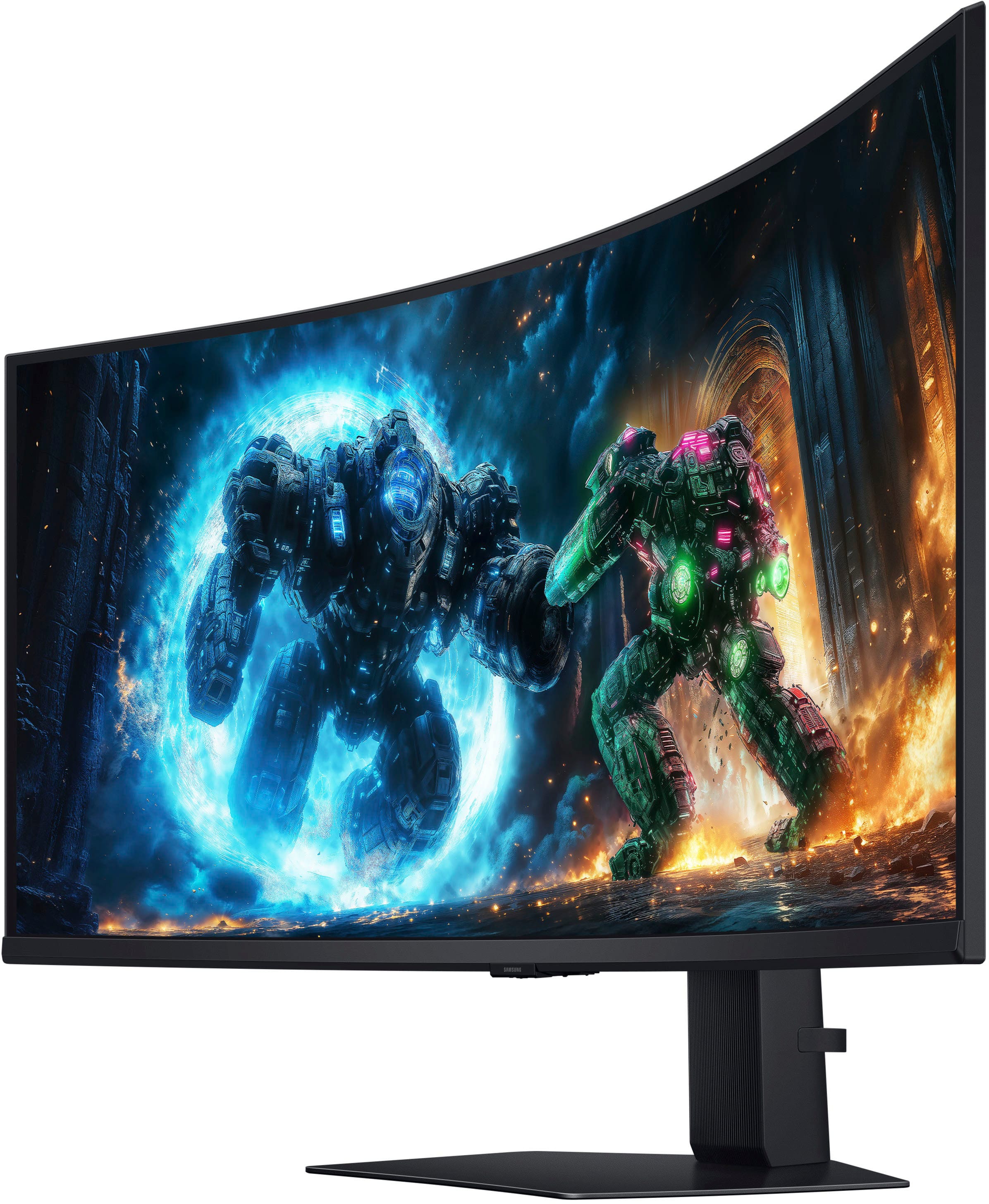
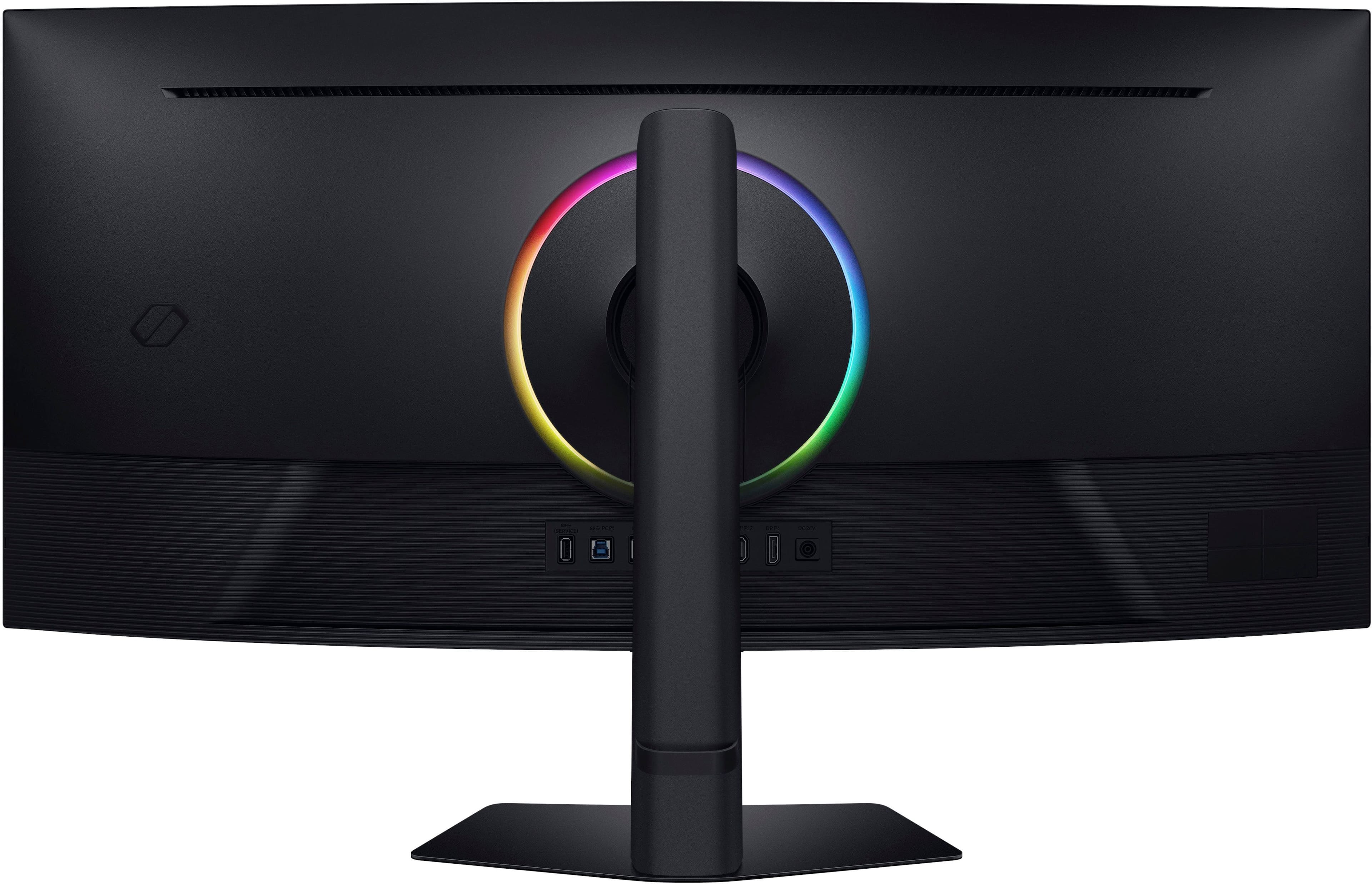
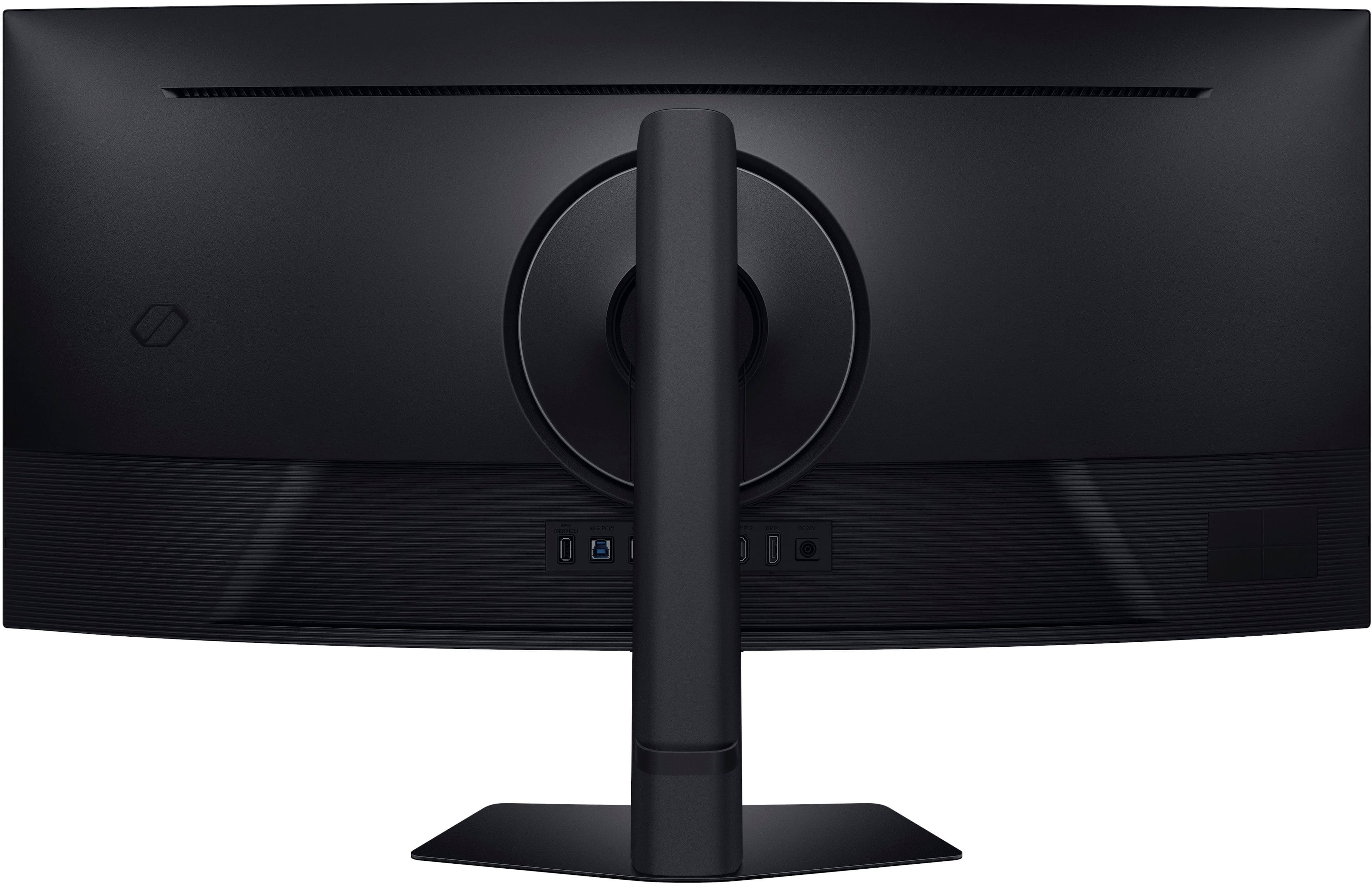
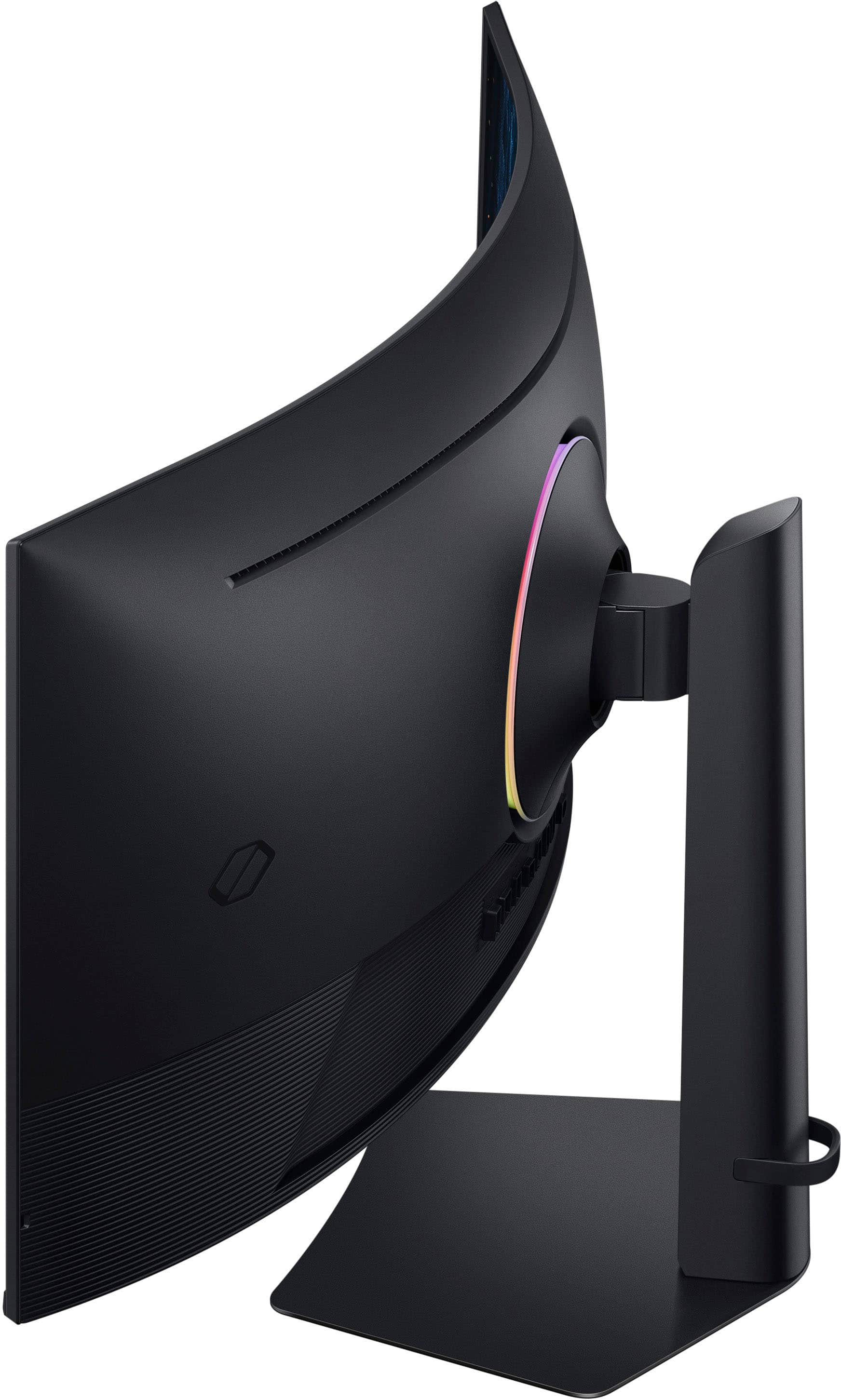
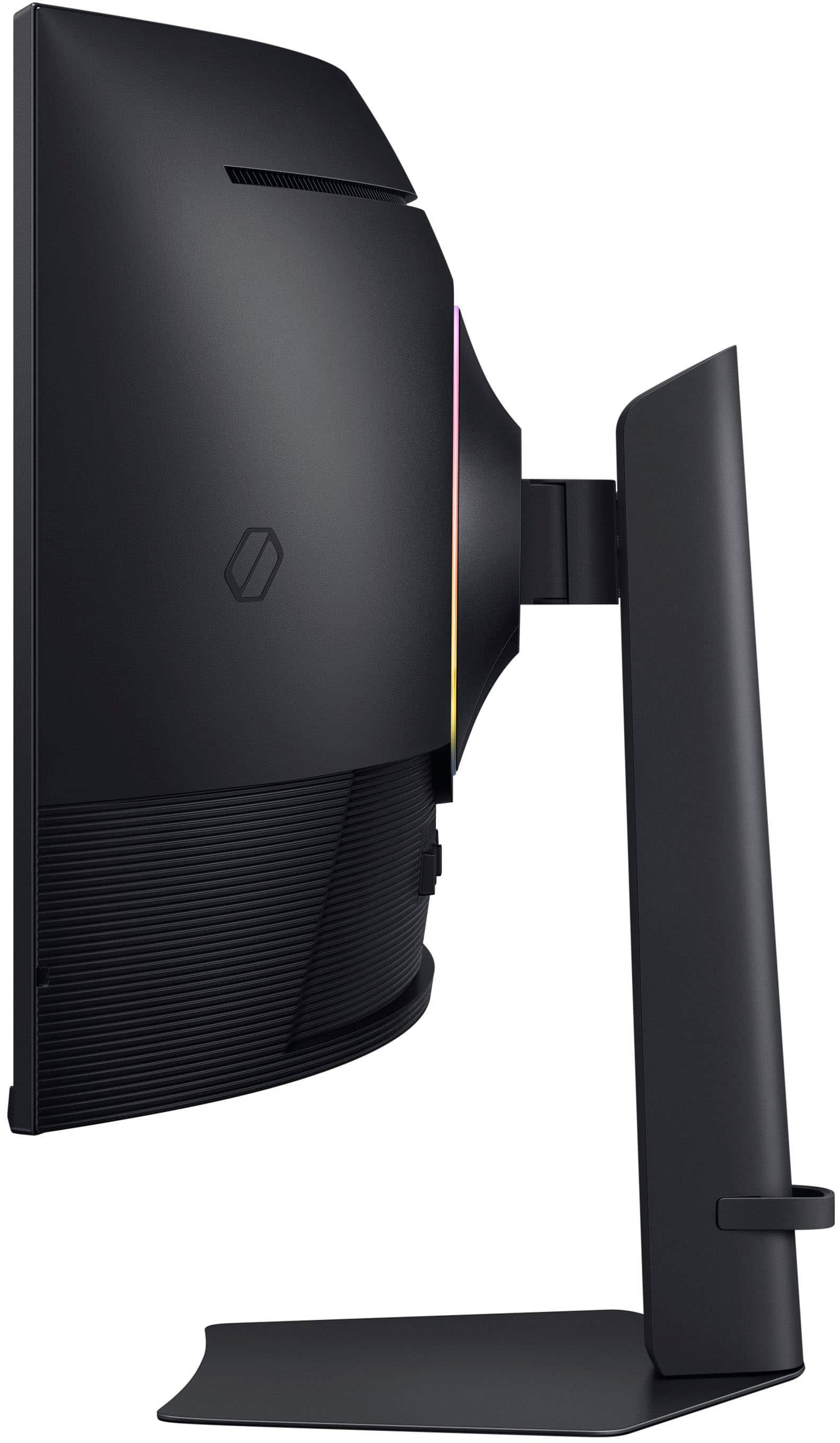
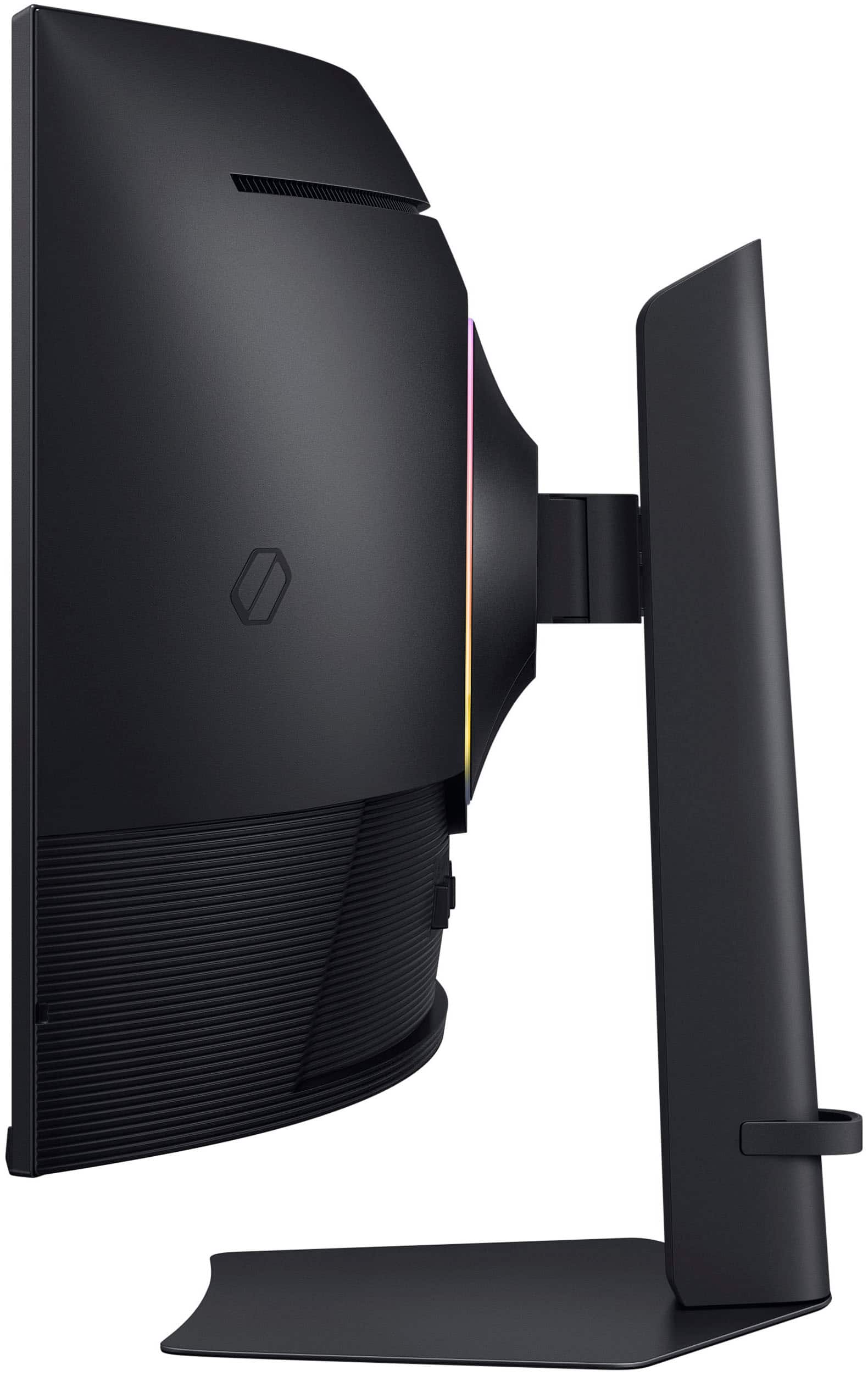
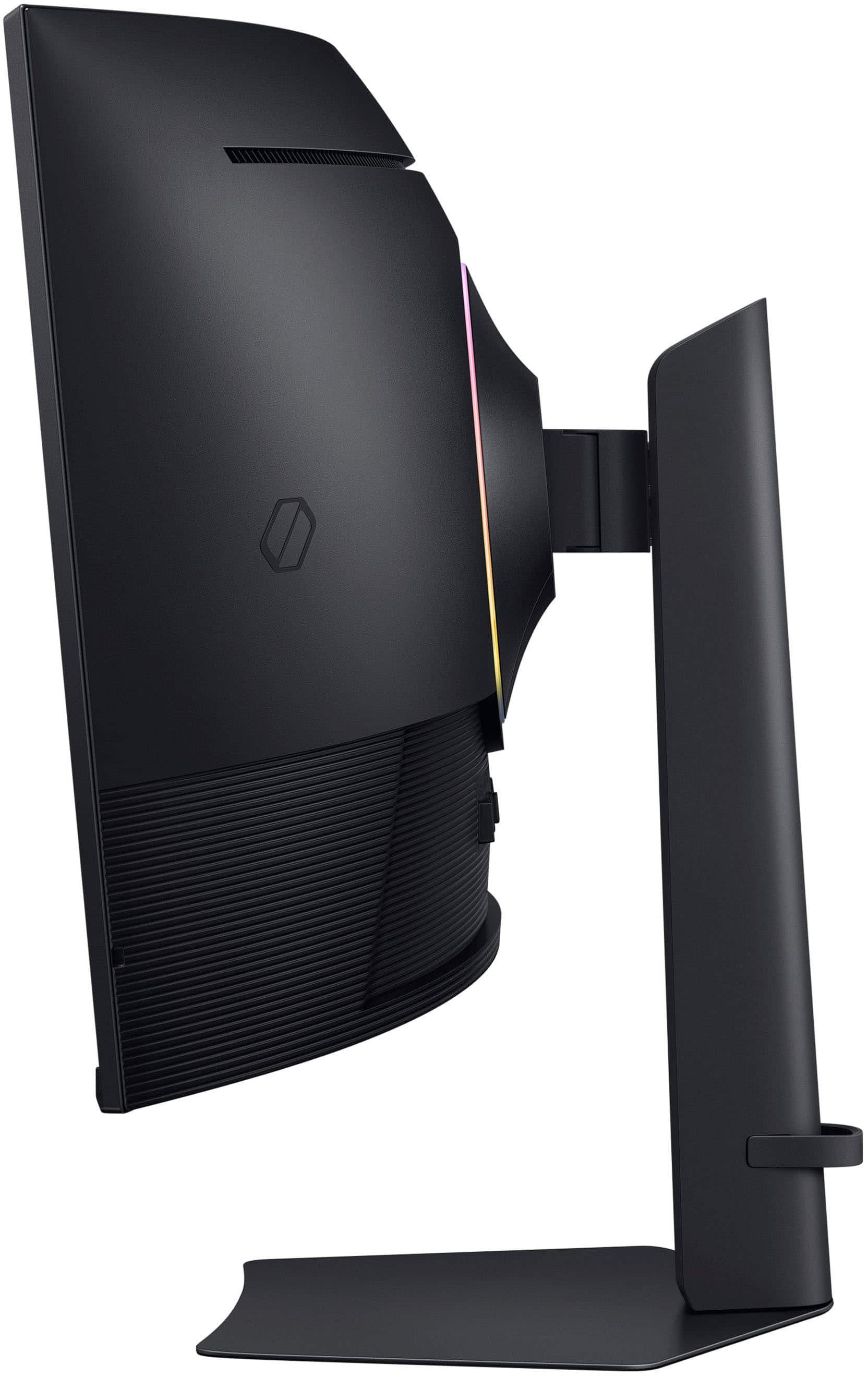
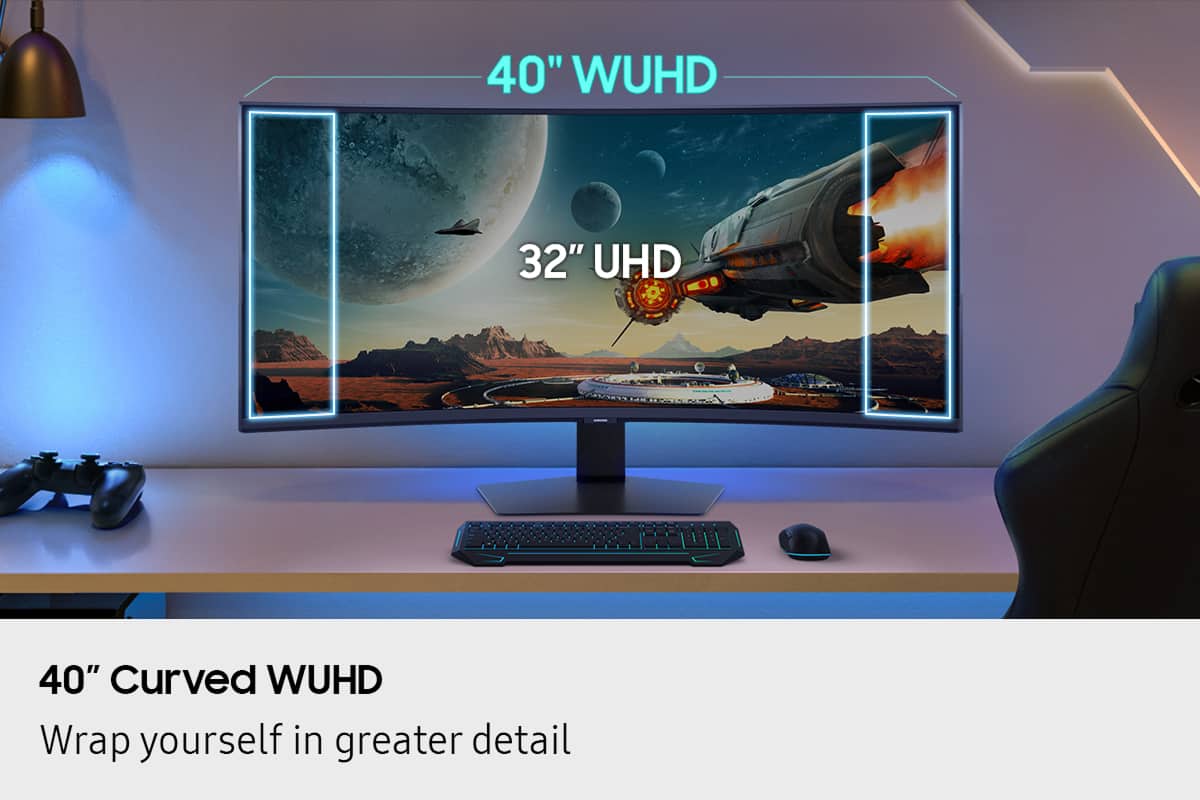
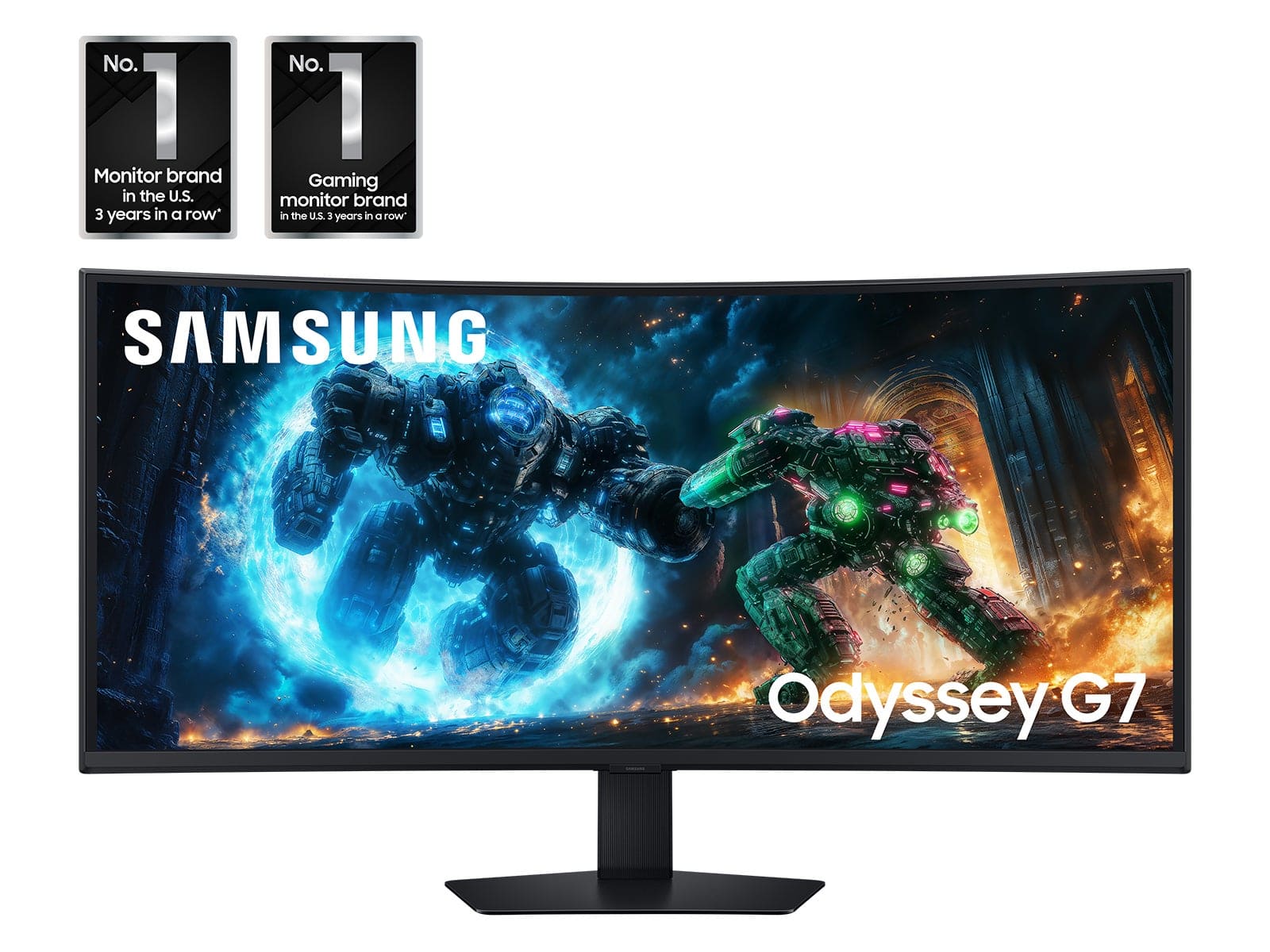
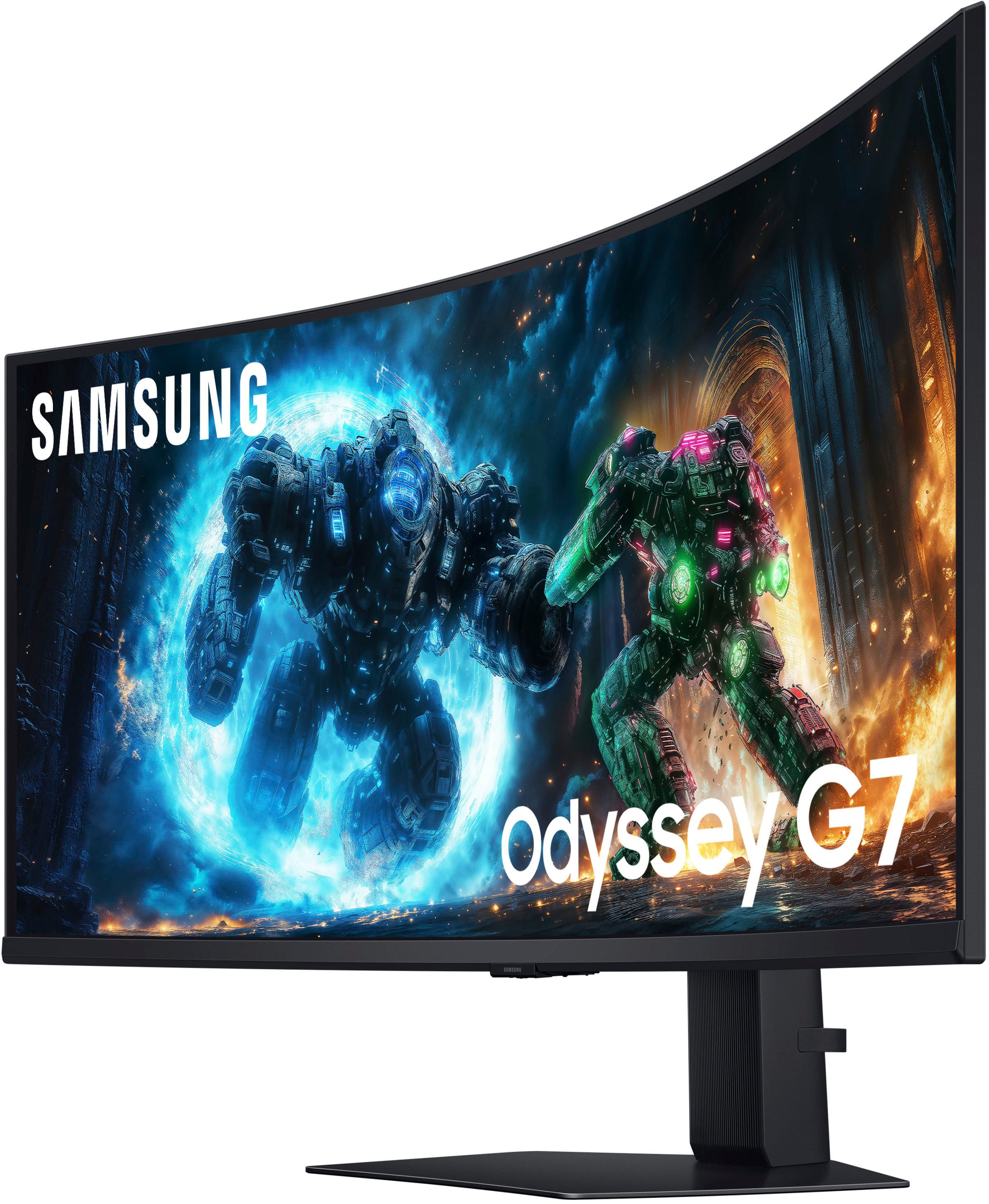
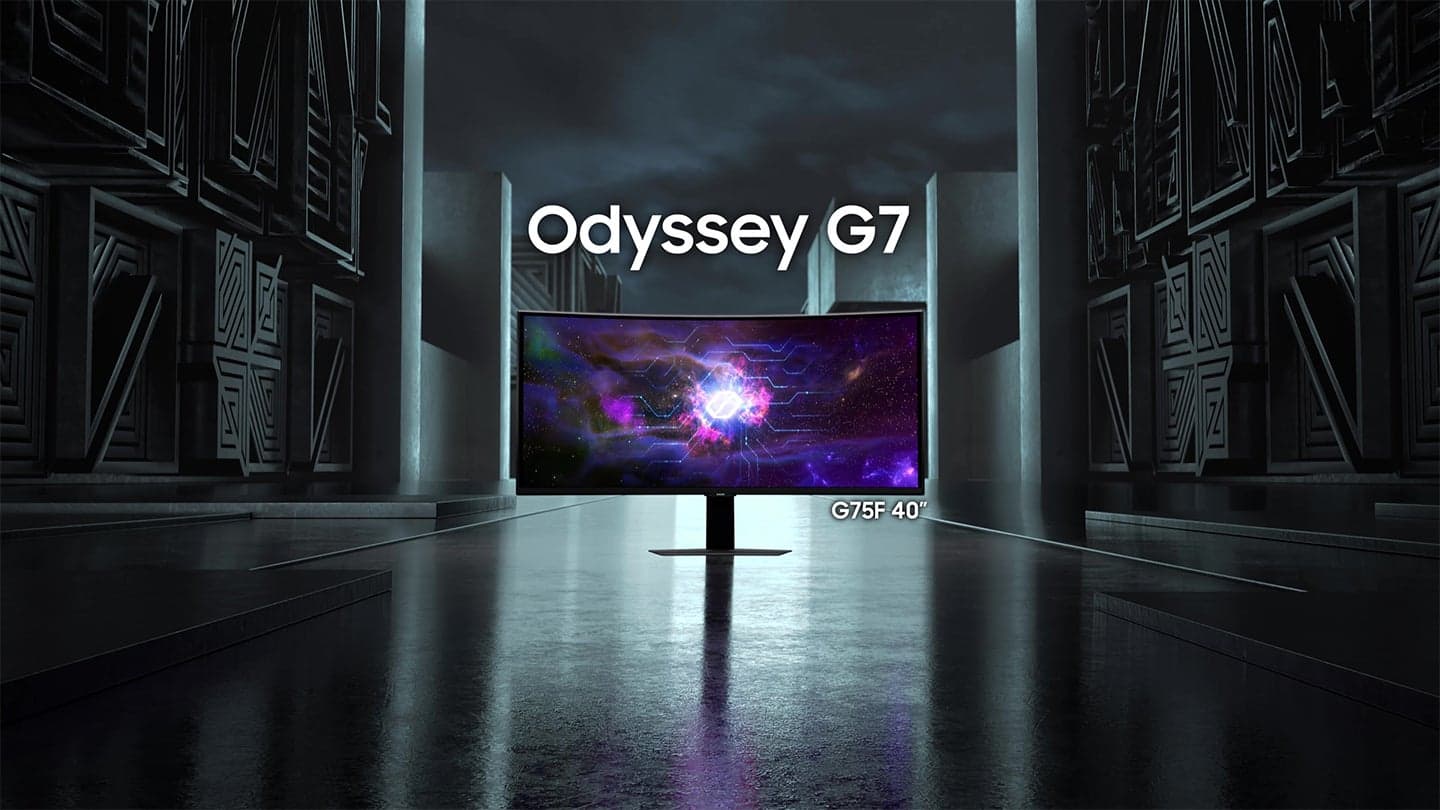
|Posted .This reviewer received promo considerations or sweepstakes entry for writing a review.Every year, seems like Samsung has been producing better monitors geared to Gaming and productivity and this year is no different. I have had my older Samsung curved 32" monitor for several years now and when I was given an opportunity to upgrade to a 40" screen, I jumped on it. Here are a few things I wanted to share with those who are looking to get this monitor. So this is 40" Odyssey G75F WUHD 180Hz 1ms AMD FreeSync Prem Pro Curved Gaming Monitor with HDR 600 - I am sure all this tech wording may make someone pretty confused. Let's unpack it some. First of all, since it is a bigger display, it comes in a big box, well protected. The assembly is pretty straightforward and easy - attach the arm to the main display and to the base stand and you are done. This gaming monitor packs a very nice VA panel, which simply means it a type of LCD display known for its high contrast ratio, that can produce nice blacks and excellent images, making it ideal for gaming and content watching. It is also a Curved display which again aims to envelope you as a gamer and help you immerse into its graphics. Monitor: I like the size of this model as at 40" it is still not too huge and does not take a ton of space on my desk. All the connections are conveniently located on the back of the LCD, you got your usual DisplayPort 1.4 and two HDMI 2.1 ports (it also has a headphone input, and 2 USB-A connections). It is a 4K resolution monitor that can output at 5120X2160 with Refresh rate of 180 Hz which made my gaming experience smoother. My PC games as well as PS5 games were vibrant and uniform however HDR was a bit on a weaker side (I am sure if it was one of their OLED models, it would have been perfect). Interestingly, you can mount this monitor on the wall if you want to, I have seen it done before as it completely frees your desk space, I am glad this feature is available as I might consider mounting it on a swivel bracket. One negative is - it is a bit pricey, and I am sure the price will go down later on as this is a new model. There are other Samsung OLED models in this category that are similarly priced. If you are looking for a good monitor with a Curved screen, this would be the one to consider. It has all the bells and whistles to output a beautiful 4K image, smooth gaming which will result in your enjoyment at the end of the day.
I would recommend this to a friend - Pros mentioned:Image quality, Refresh rateCons mentioned:Viewing angle
A really good all-rounder
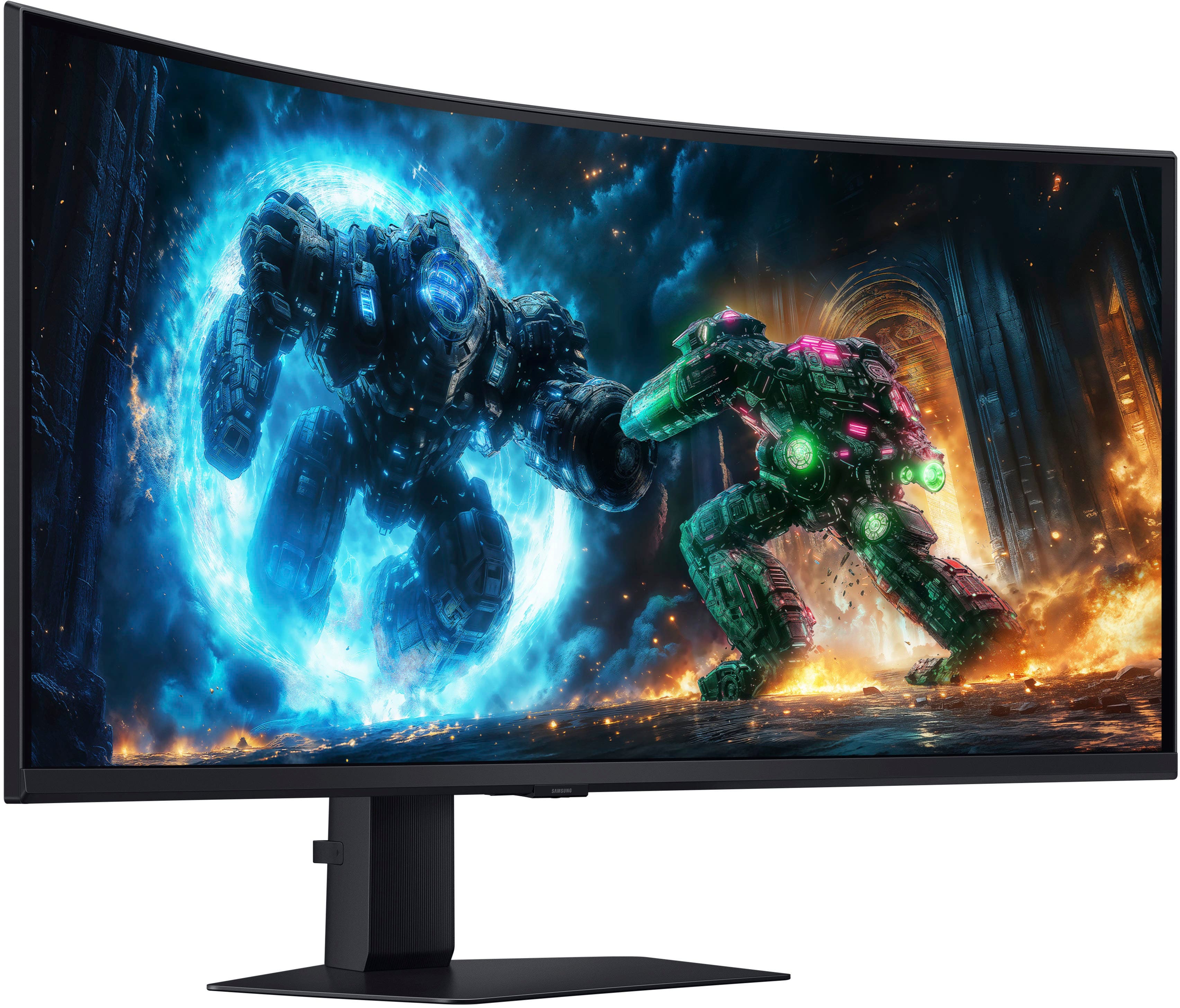
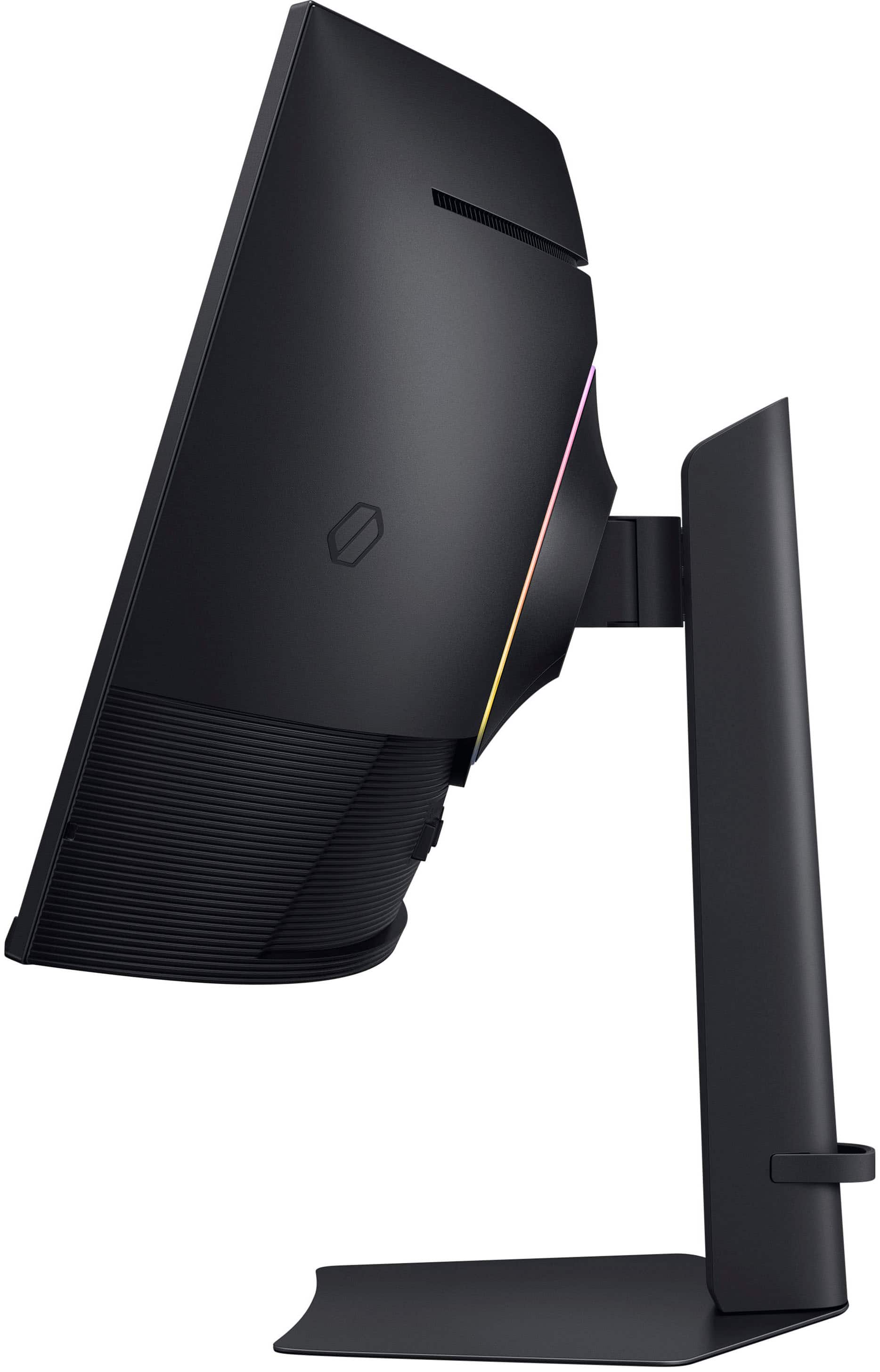
|Posted .This reviewer received promo considerations or sweepstakes entry for writing a review.So far, I've really liked what I've seen from this monitor. The button controls are nice - there's actually multiple buttons to press rather than just some weird joystick thing. The inputs on the back are positioned really well for fiddling with, and aren't in some weird cramped position. The stand has good range of motion, and feels sturdy enough to handle the panel. It's nice to look at, and I haven't really had any connection issues or technical problems with it. I appreciate the multiple inputs as well - I haven't needed this feature in a long time as I currently have my productivity computers hooked up in other places, but it is really nice to have the option to plug other things in without having to unplug my gaming desktop. The menu is pretty functional and easy to navigate, and the software on the monitor stays out of my way and doesn't feel obtrusive. It wakes up from sleep quick enough that, for example, I don't end up missing BIOS prompts on my computer when booting. As for the panel itself. It's very large. It's like having dual monitors without the "dual" part. There's so much space for multitasking on this screen. As far as gaming goes, it's got a pretty respectable refresh rate (especially for such a high resolution) and I haven't had any issues with latency or anything. It being wide 4K rather than 1080p or something is also really nice - it can be demanding on your GPU to crank up the settings to take full advantage of this monitor but if you've got powerful enough hardware you can make things look *really* good on here. Admittedly, even the Windows desktop just kind of generally looks really good and crisp in 4K. I've tried many games from old titles like Borderlands 2 to modern titles like Stellar Blade, and I've done a variety of heavy multitasking on this monitor. I've never once had issues with the image quality, so overall I'm pretty pleased with that. I kind of also like the curve on this panel - usually I feel like it's a silly gimmick, but in this case the monitor was wide enough that I feel like it actually is useful, and it does follow a good arc. After some time sitting in front of this monitor, it did start to feel pretty natural. Though, I did notice that the monitor heavily encouraged me to sit exactly in front of it, as it looked really off if I sat off-centered or at odd angles. This isn't an issue I have with other monitors, however, I'm not too upset about it since the stand has enough freedom of movement to allow me to easily adjust it so I'm looking at it head-on. It moves with very little effort, too - I don't have to apply a lot of force to adjust the screen. Overall, I've found this to be a fantastic addition to my gaming setup. I don't think I've found any flaws that particularly annoy me, and while it's not the perfect monitor I wouldn't consider any of the flaws I've seen to be fatal. I'd highly recommend it either for gamers with powerful computers, or for people who want the multitasking ability of two monitors but hate dealing with that sort of added complexity.
I would recommend this to a friend - Pros mentioned:Refresh rateCons mentioned:Black levels, Viewing angle
Love the curve and inputs
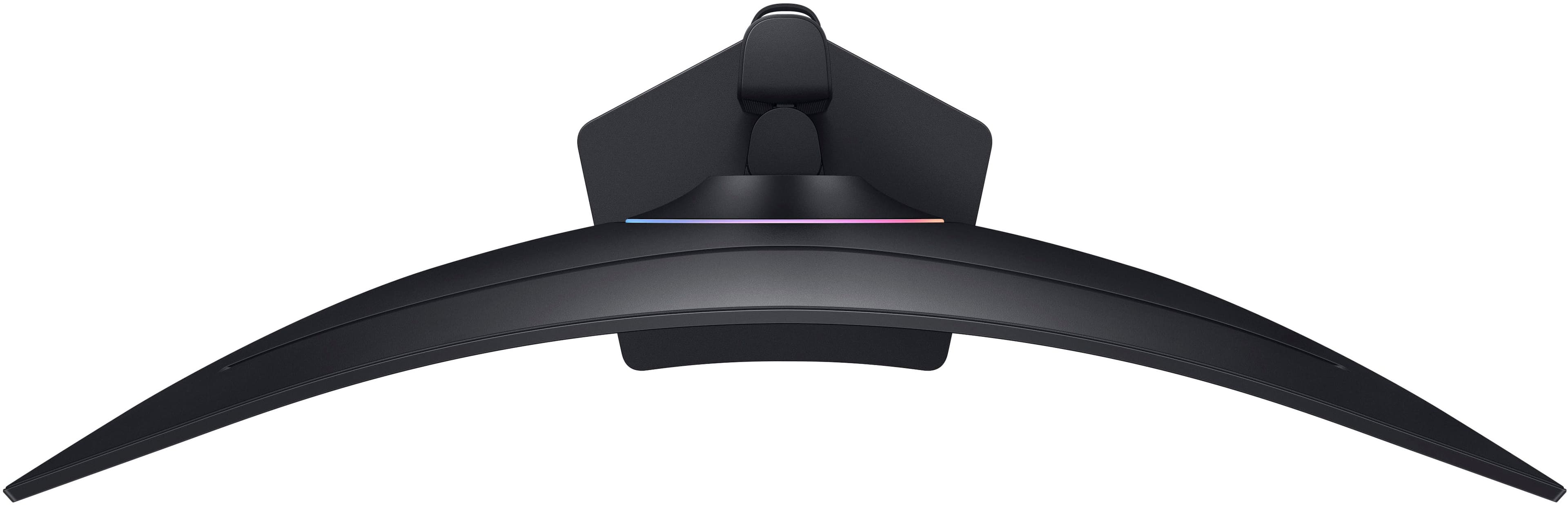
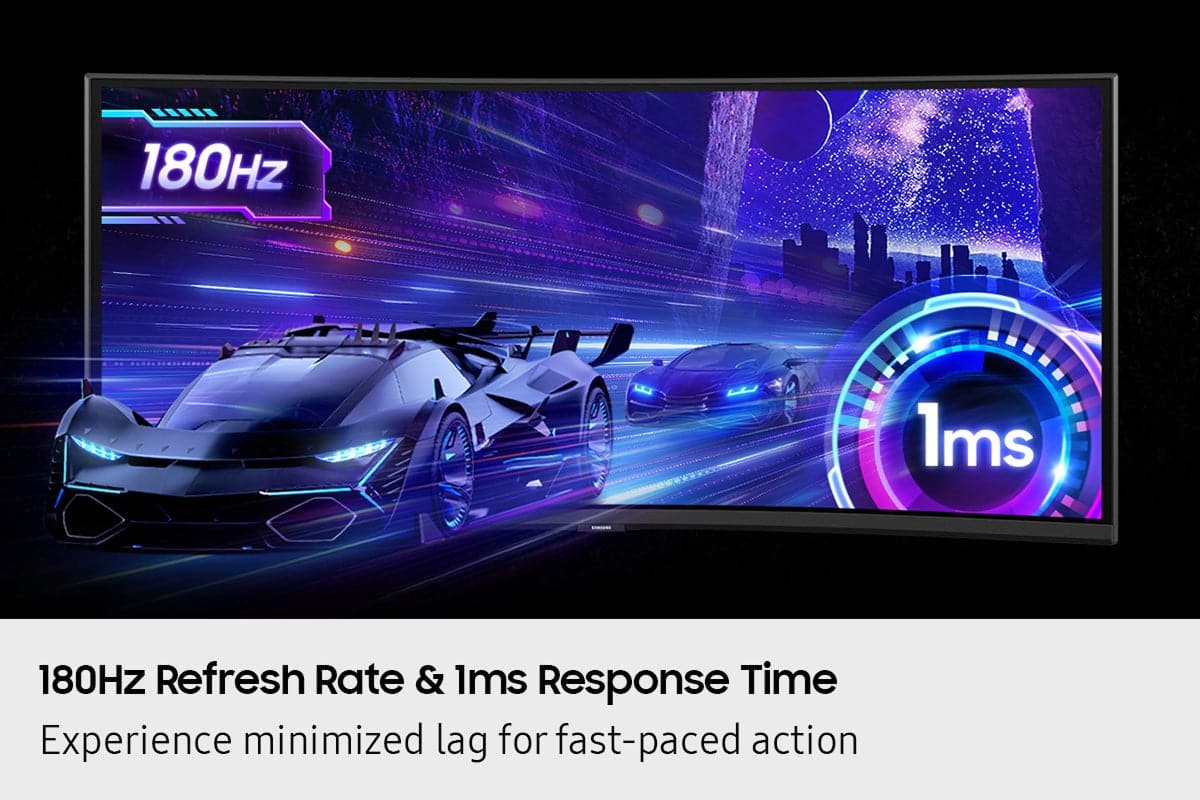
|Posted .This reviewer received promo considerations or sweepstakes entry for writing a review.Short review: holy moly yeah just get it! Little bit longer review: I knew I was going to enjoy this monitor from the moment I opened the box. The packaging and included cables/stand alone I knew this was quality. Then after I took it out, I knew: I love this age where a big screen TV on a desk in front of you is acceptable. The setup is easy and like what you would expect. The stand easily is installed, and just a couple cables and you’re up and running. The more powerful a gaming computer you have the better, as this supports UHD and AMD (but NOT G) sync, as well as having 180hz refresh rate and a blazing 1 ma response time. Basically, it can handle anything you throw at it. With 40” and a beautiful curved display, you’ll enjoy sitting in front of it. Also, minor but I loved, is the inputs are straight out and not a weird angle or behind panels. I understand 180 hz is slower than some, but at 5K2K resolution you’d need a powerhouse to get higher or faster than that. It was negligible for me. The curve on this curved display is, well, curvier than I expected, but that’s a good thing. Sometimes curved monitors are not really curved very much. I will say, though, that the viewing angle is a little narrow. There is a sweet spot in the middle, which usually isn’t a problem. If you move your head too much though it will get washed out pretty quickly. Since this is not an OLED screen, blacks and colors aren’t as deep as you might expect. Local LED dimming helps, but it’s not perfect. It’s good don’t get me wrong, but it’s not OLED. A programmable RGB ring on the back is a neat touch, but it’s slightly slow to respond. Still need. Overall, great monitor especially for the price. I love the actual curve, and for a non OLED it is top tier
I would recommend this to a friend - Pros mentioned:Connectivity, Image quality, Refresh rate
Samsung Excellence
|Posted .This reviewer received promo considerations or sweepstakes entry for writing a review.Ive been on the fence for awhile about curved displays. Expecially when they were so popular as TV's. I didnt see the advantage or reason until now. Now that its used as my gaming and PC monitor I “get it” now. First off the build is amazing. It just looks like something off of a starship. And it being 40” I see no reason to have to run multiple monitors anymore. It elegantly wraps around the desk and immerses you in like no other has for me. I do wish it was an OLED like my main TV is. But its not far off. The colors and blacks look great. And at 180Hz the performance is tops. It easily handles all I throw at it and asks for more! And with 1ms response time you will never have any sort of input lag at all. It has plenty of ports to connect your PC and gaming consoles. One extra HDMI would have been nice. But I have an auto HDMI switcher that works well so thats not a big issue. The picture quality is very good as well. Ive been spoiled by the black levels of OLED but its not a deal breaker. It has some of the best graphics Ive seen. Overall I am absolutely loving this monitor. The way you just fall in and get immersed is amazing. I now get why this was a fad for TV's years ago. But with a monitor it actually makes sense. Love it.
I would recommend this to a friend