Customer Ratings & Reviews
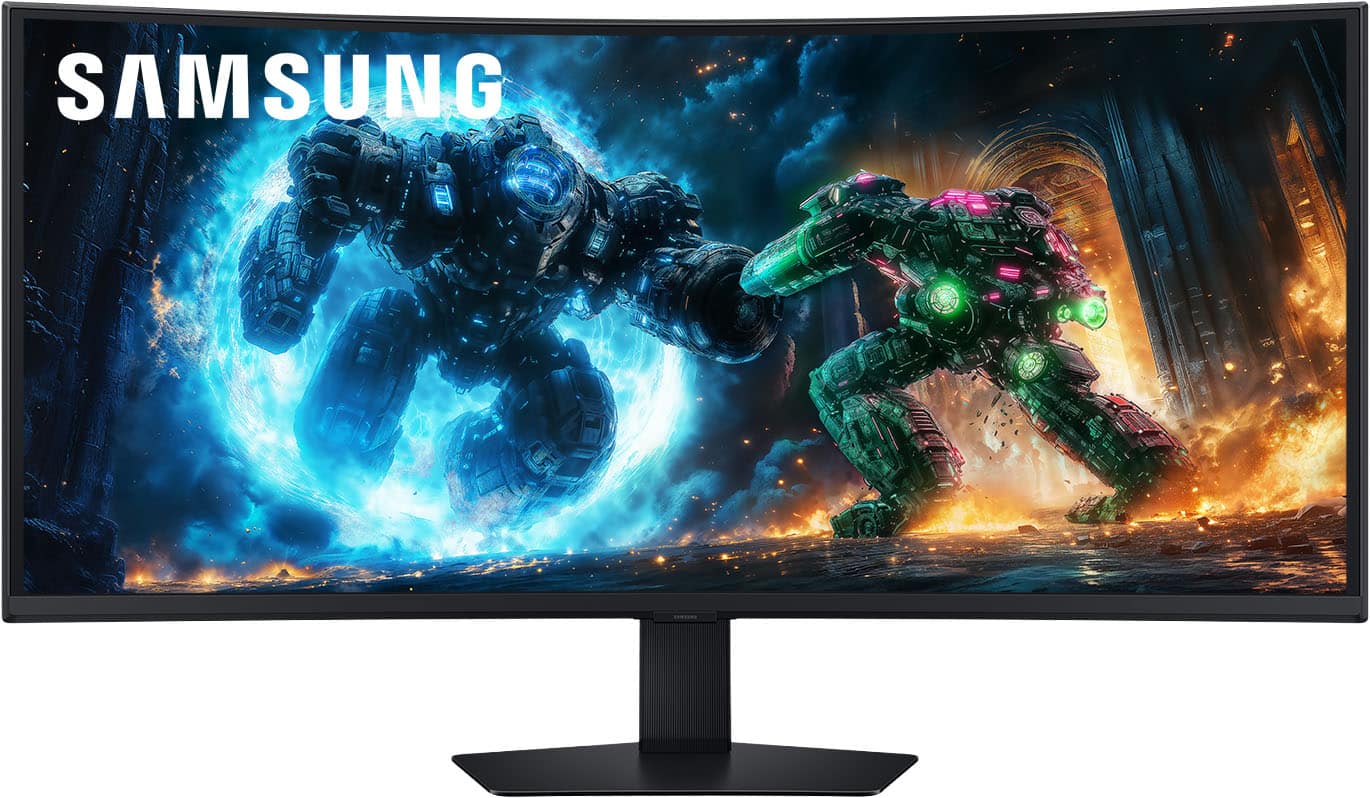
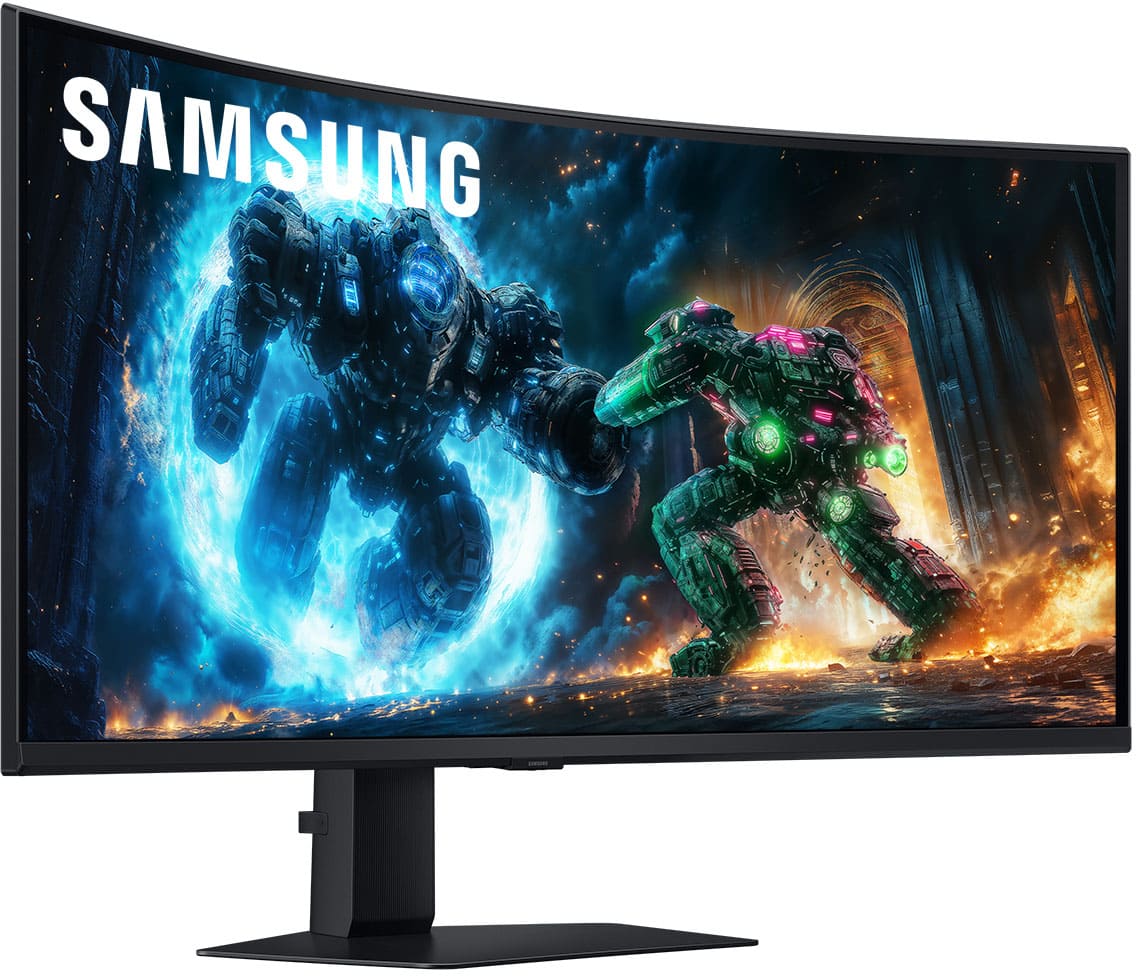
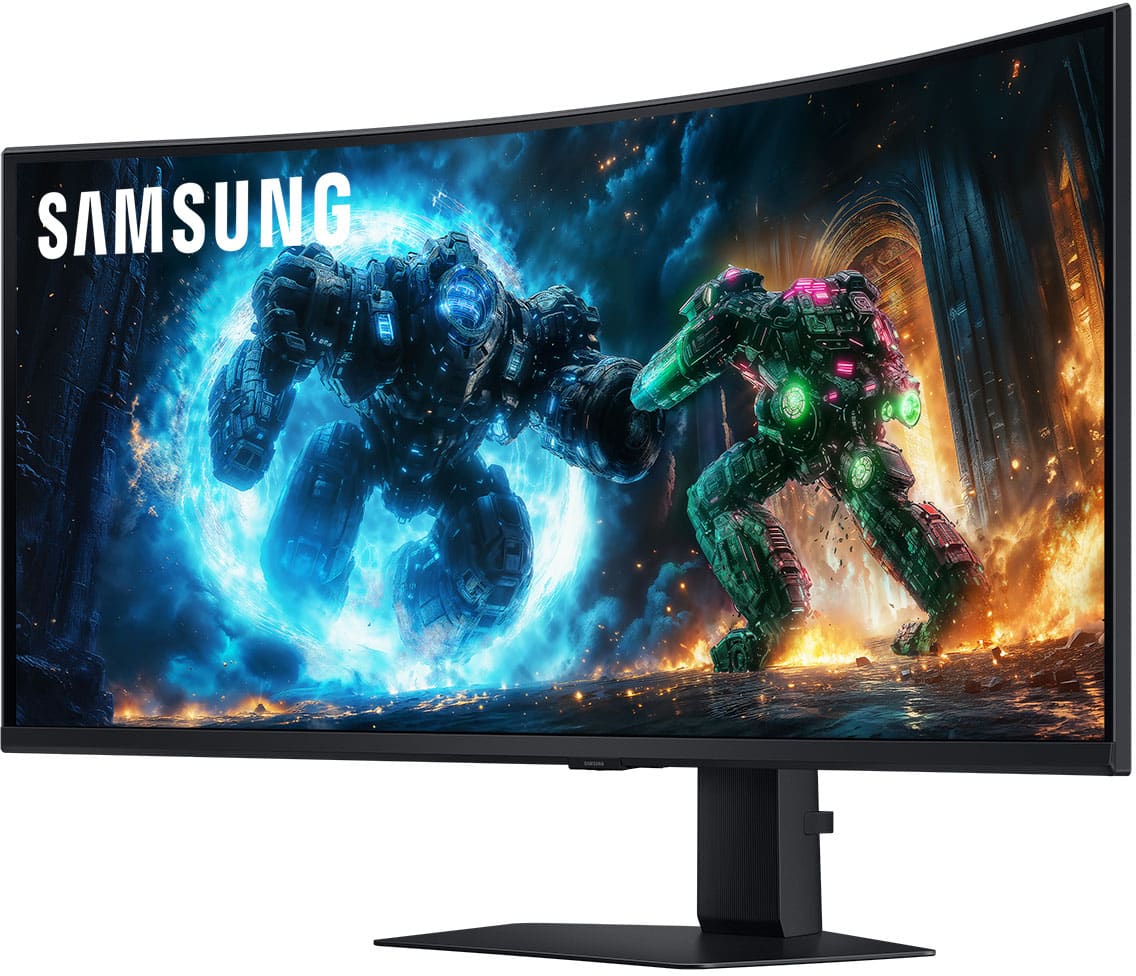
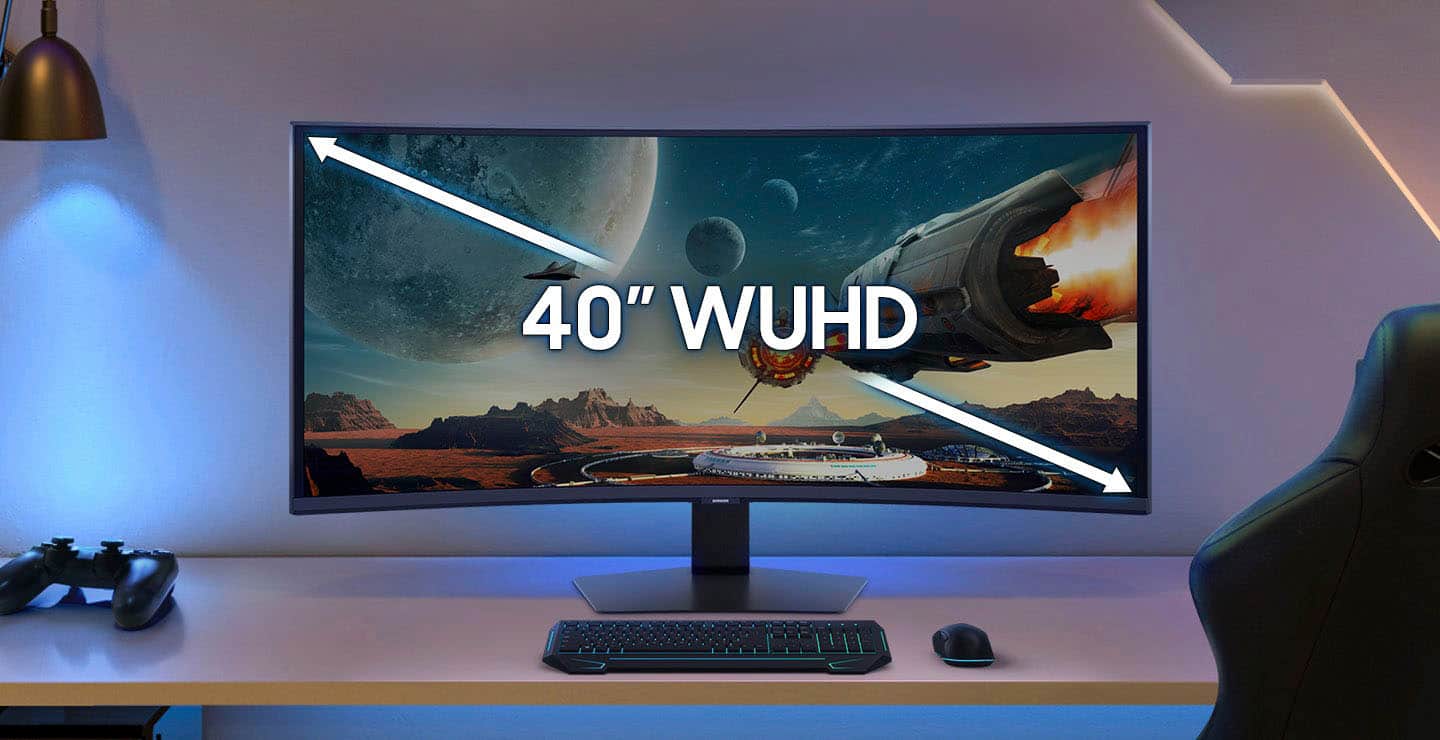
- Model:
- LS40FG75DENXZA
- SKU:
- 6625136
Rating by feature
- Display Quality
Rating 4.9 out of 5 stars
- Ease of Use
Rating 4.7 out of 5 stars
- Features
Rating 4.7 out of 5 stars
Customers are saying
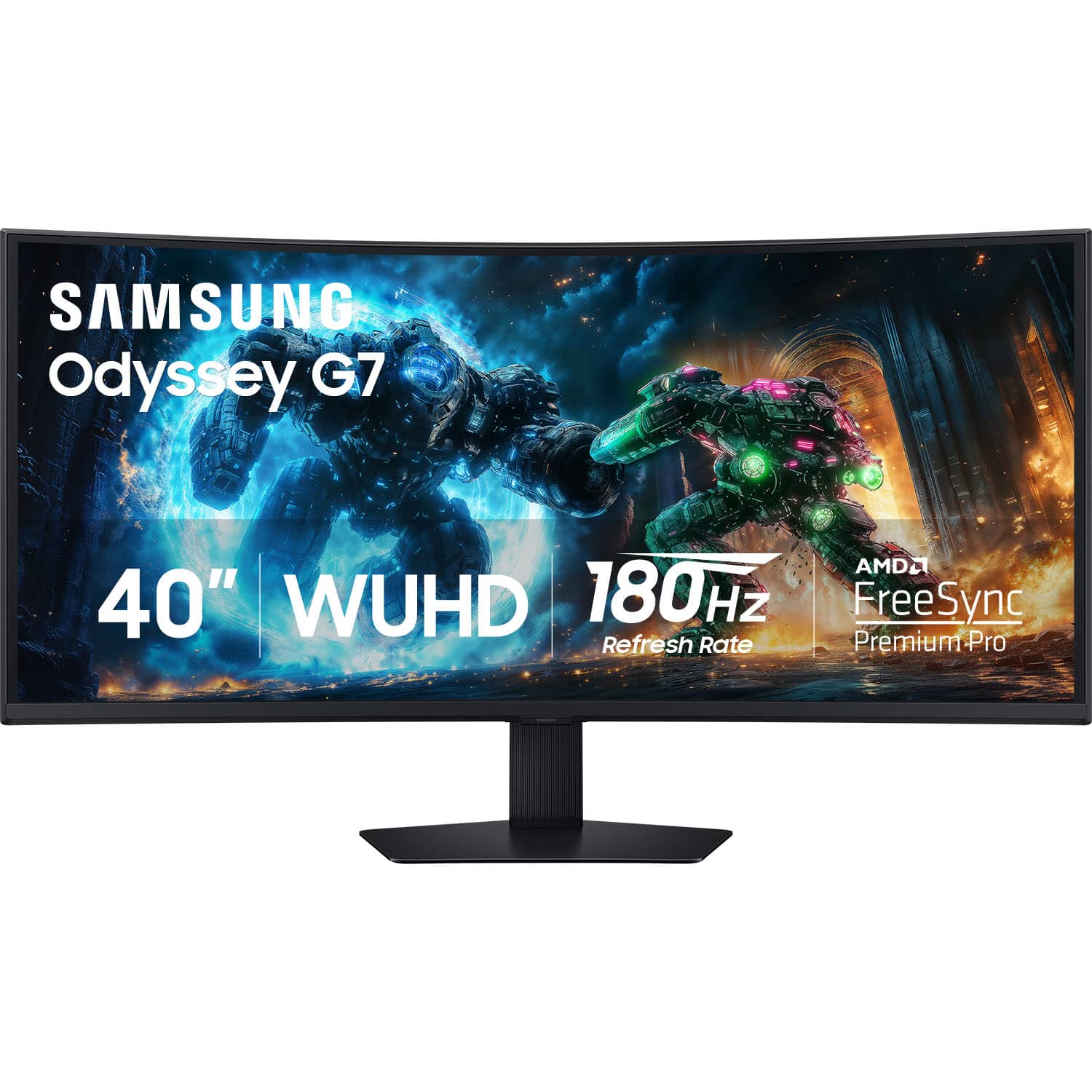
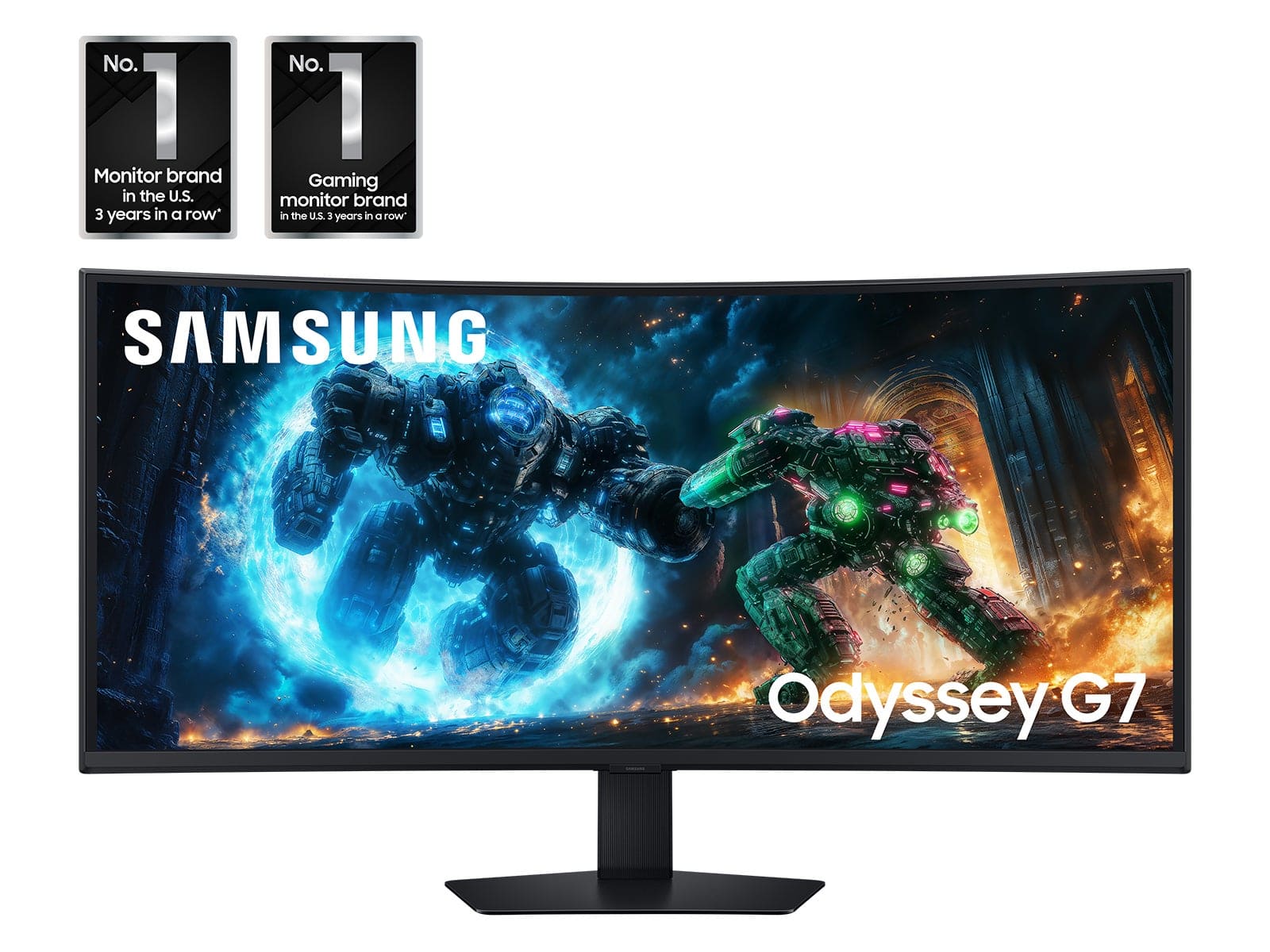
Customers value the fluid refresh rate and sharp color quality of the 40" Odyssey G75F monitor. Users appreciate the monitor's performance, good resolution, and suitable connectivity options. The screen curvature enhances immersion, while the stand provides stability. Some customers noted that the built-in speakers are unremarkable.
This summary was generated by AI based on customer reviews.
- Pros mentioned:Connectivity, Image quality

Nice curved design with good features
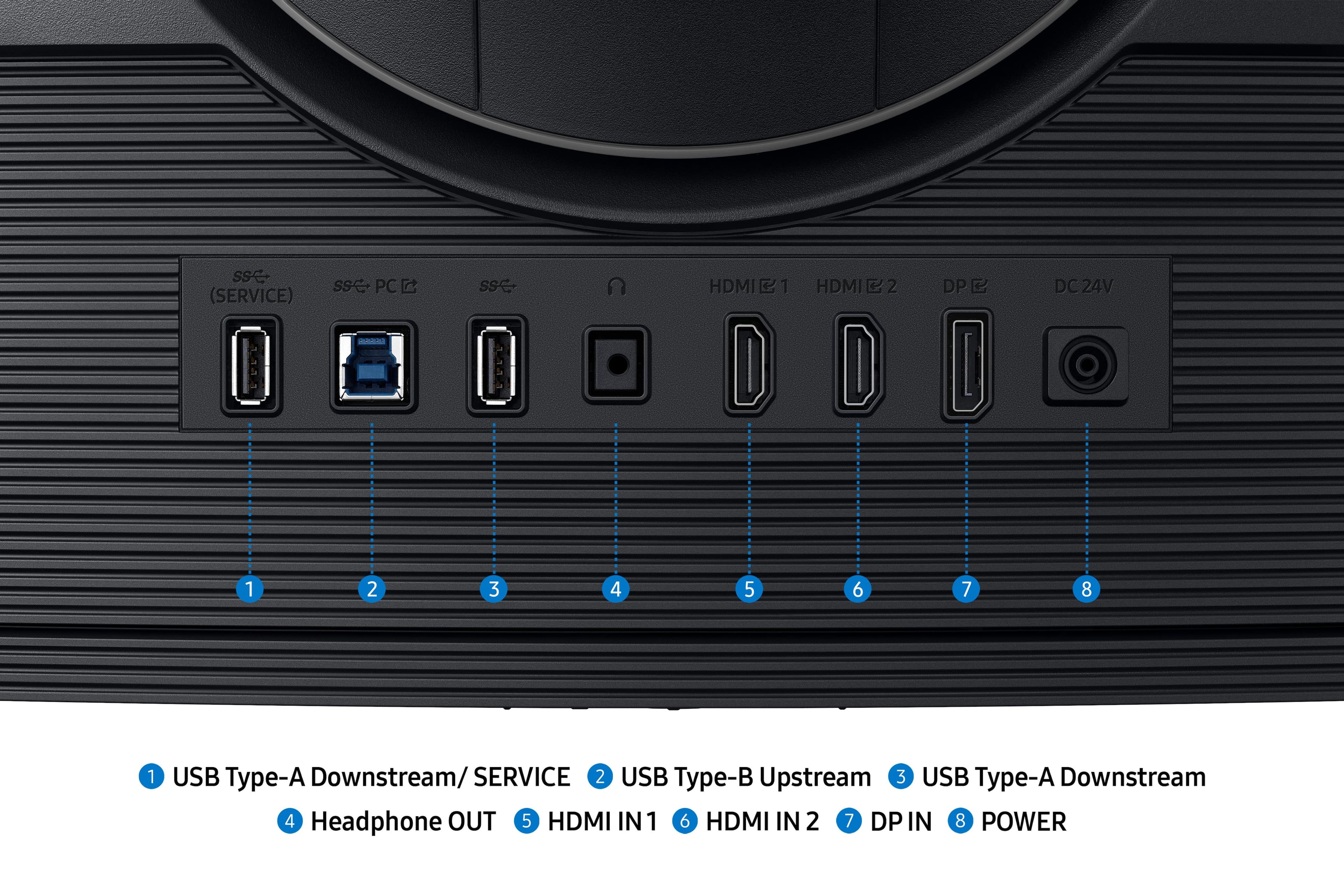
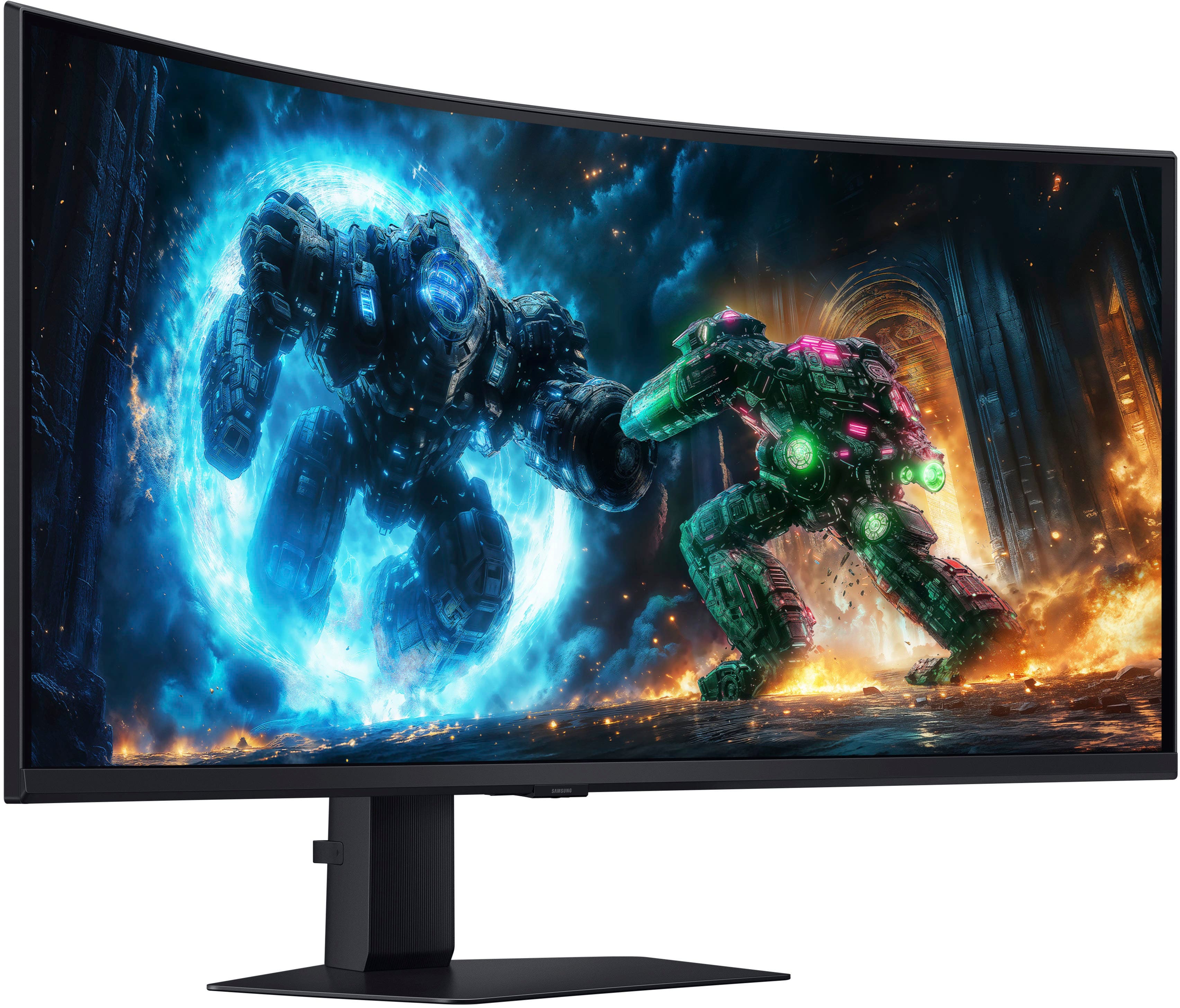
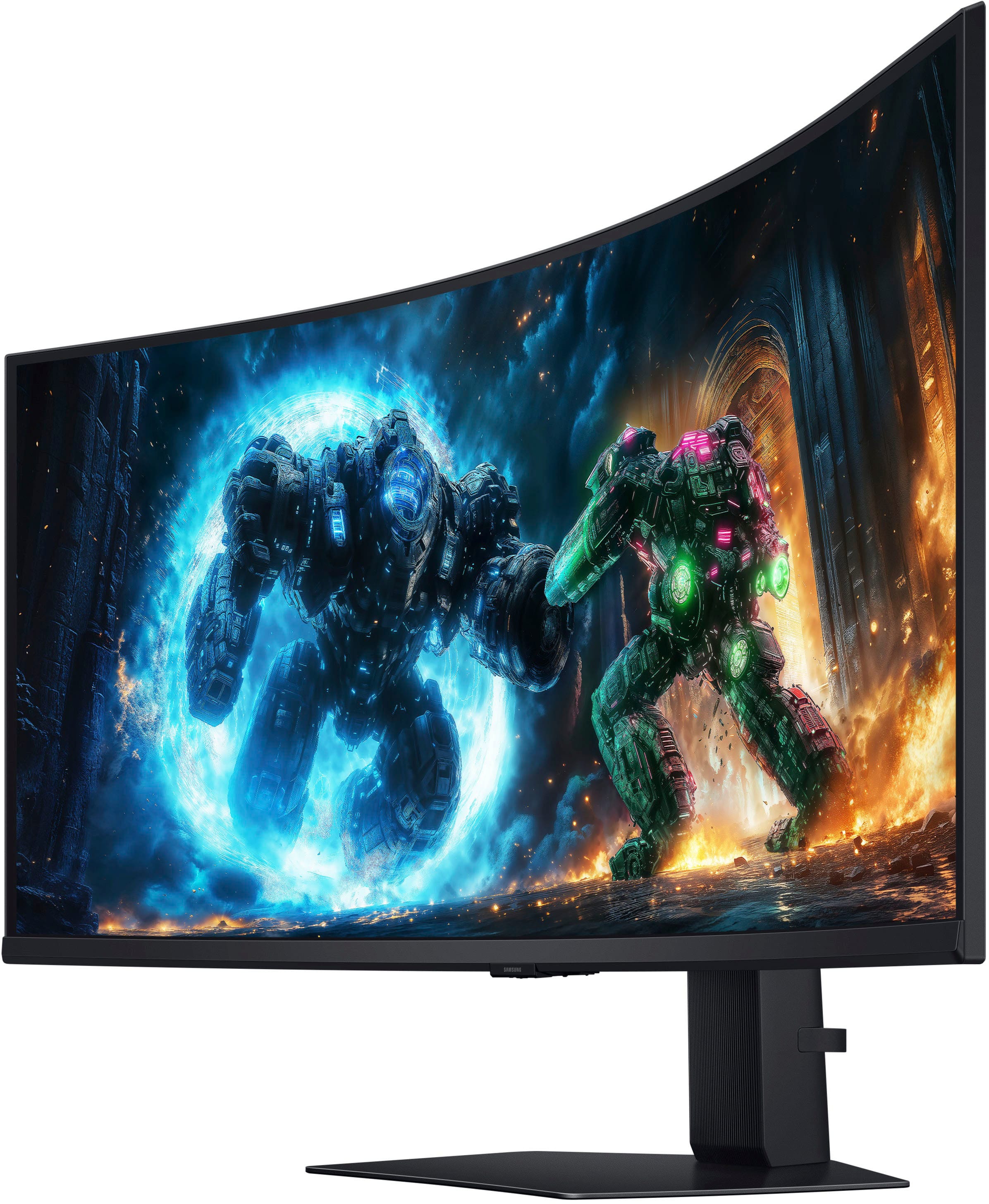
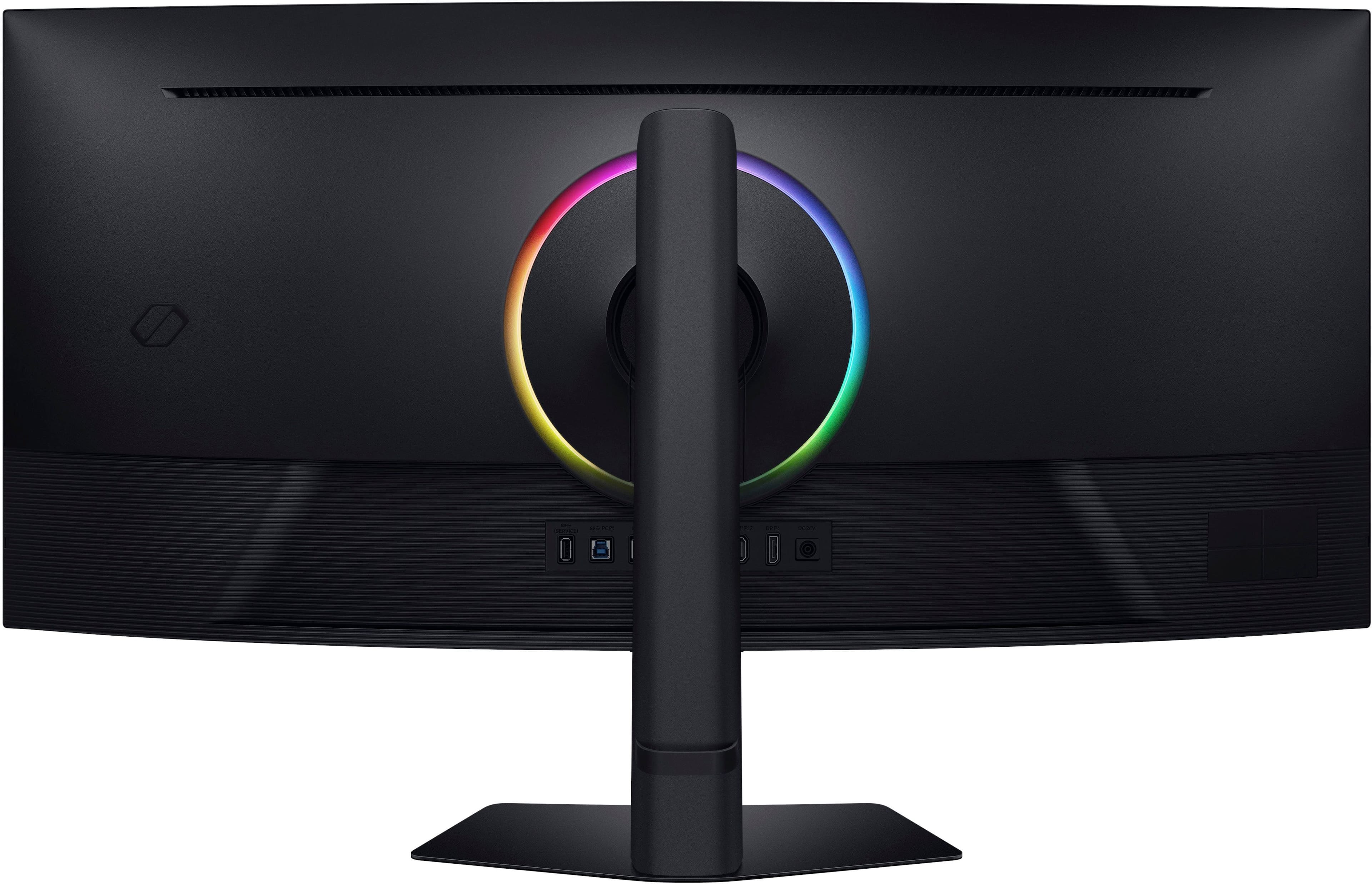
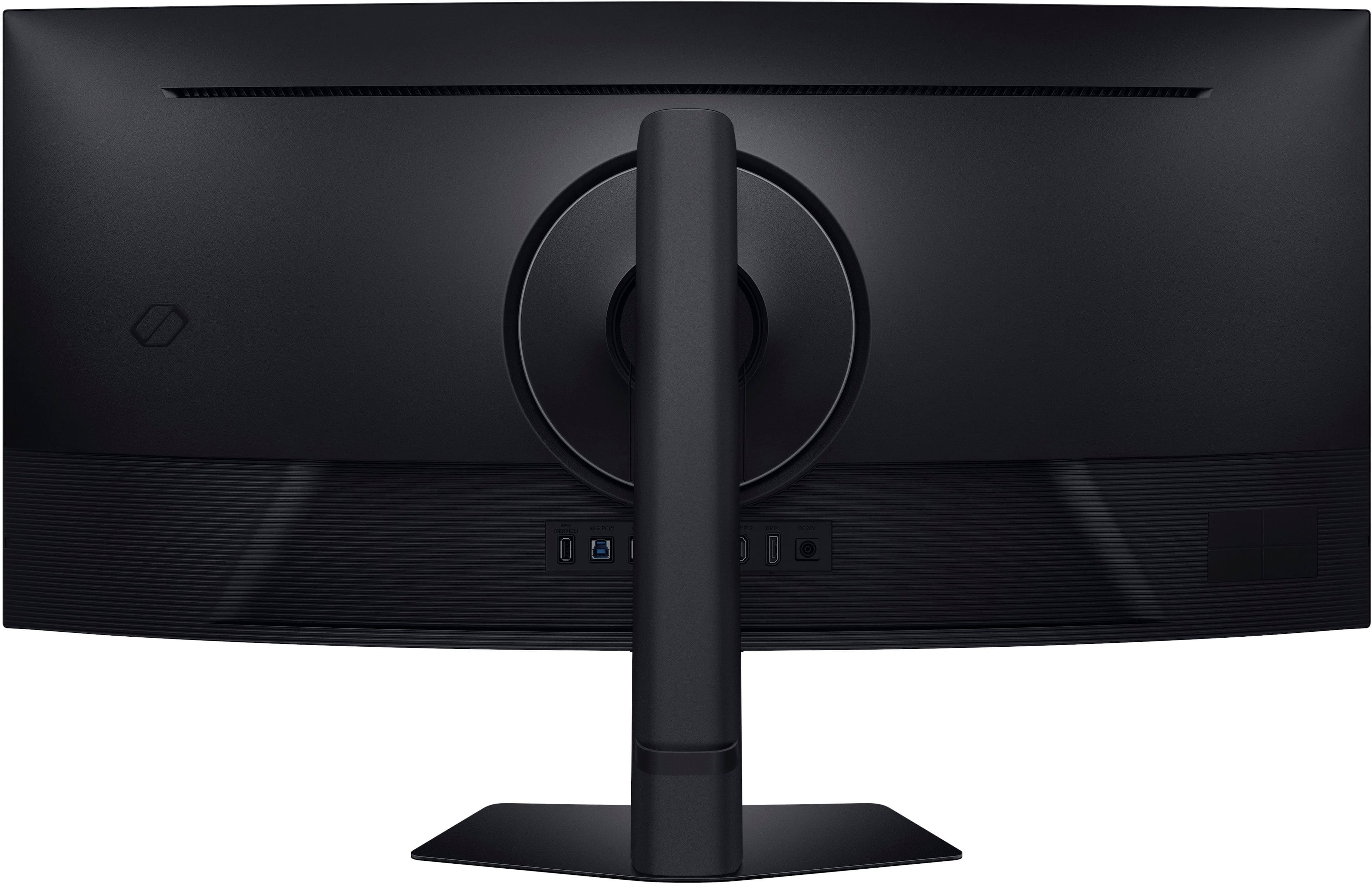
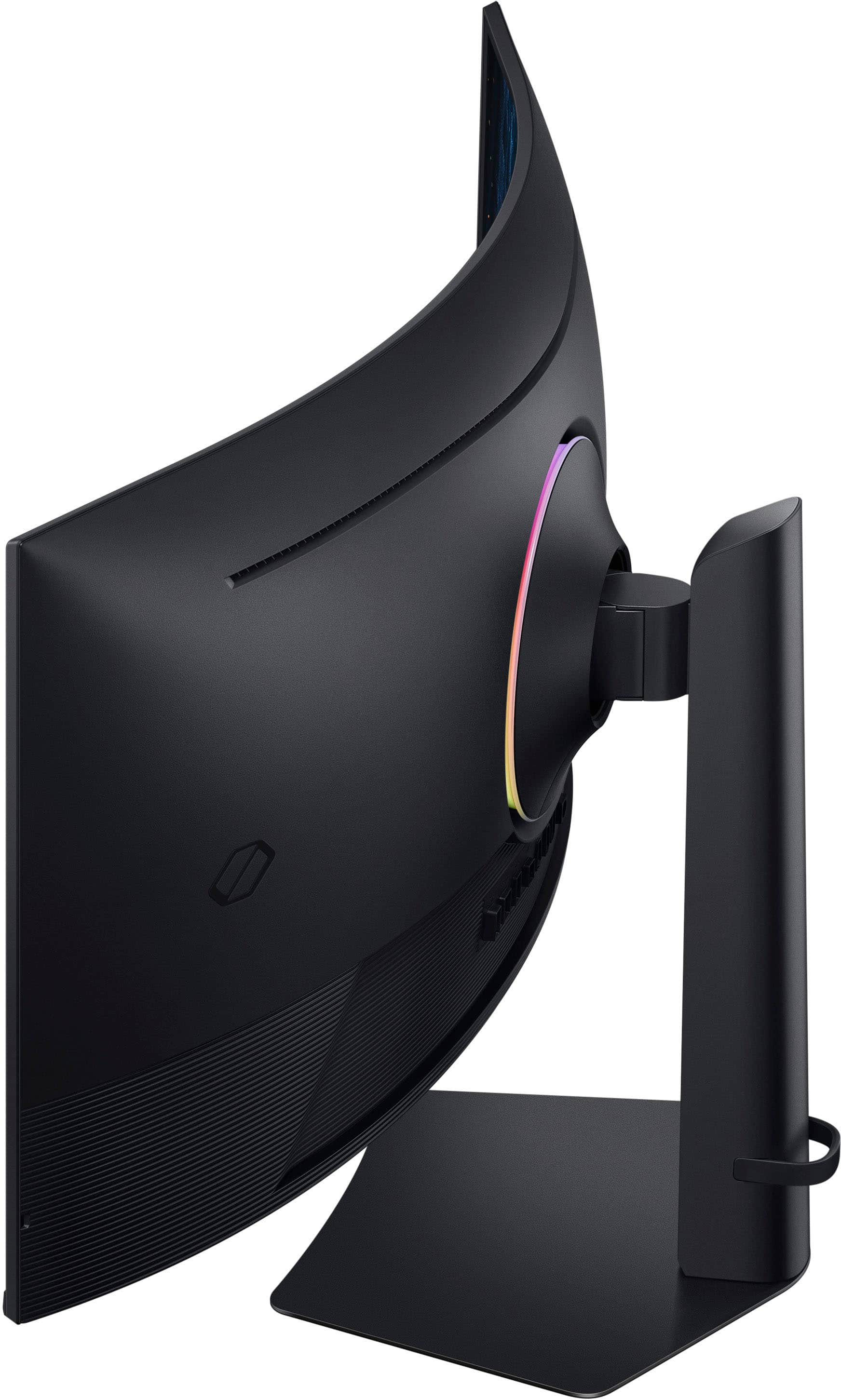
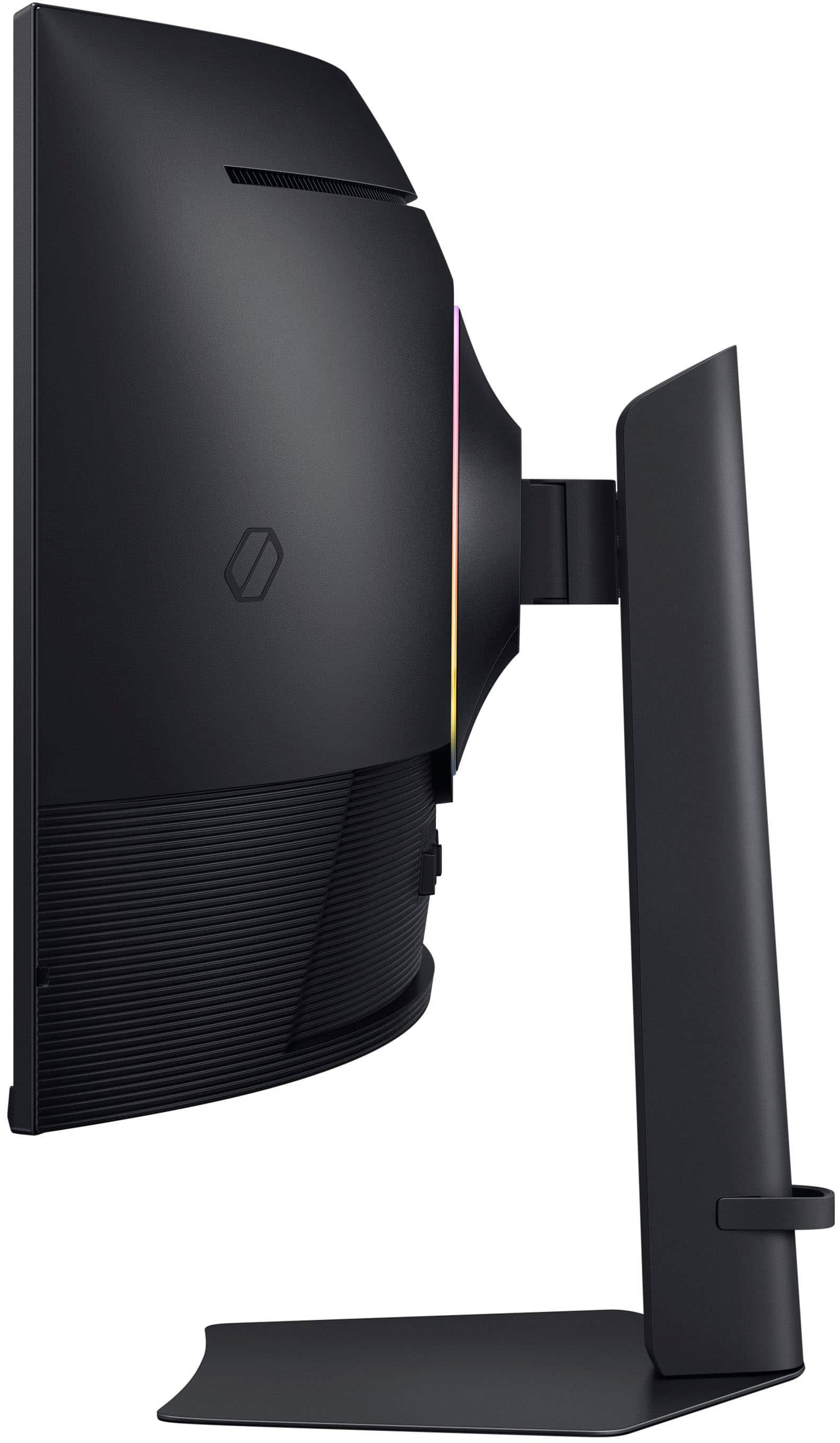
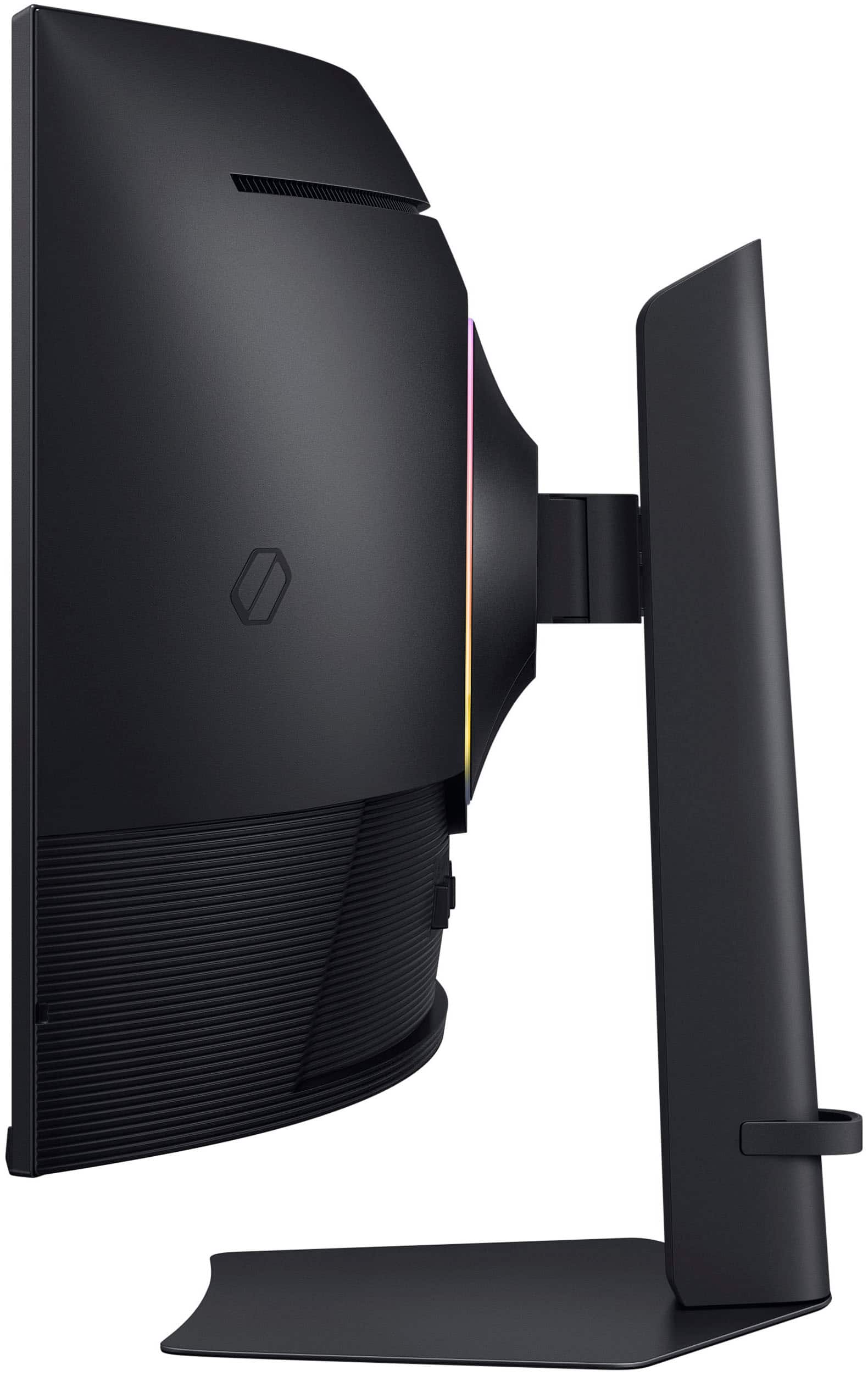
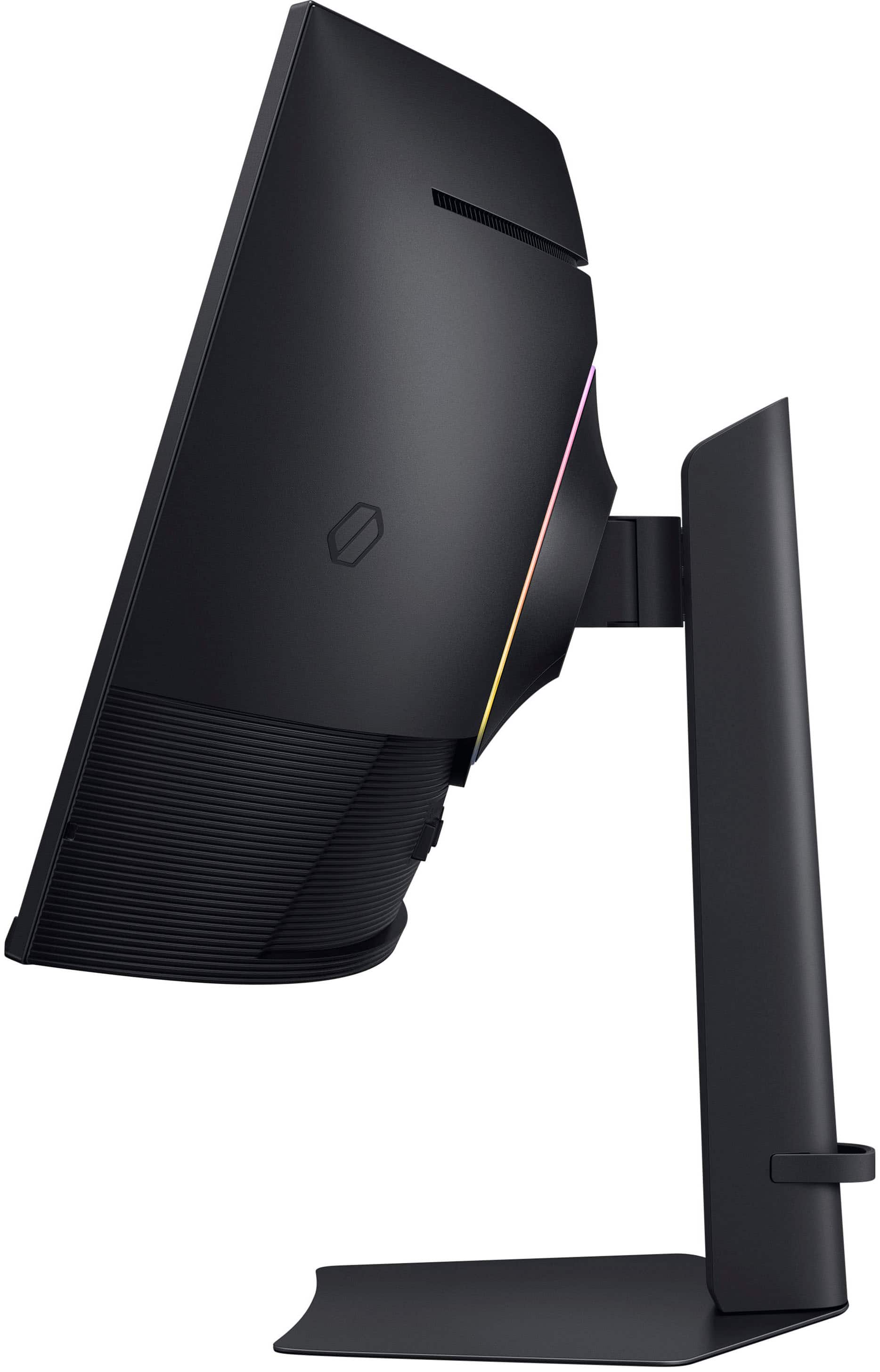
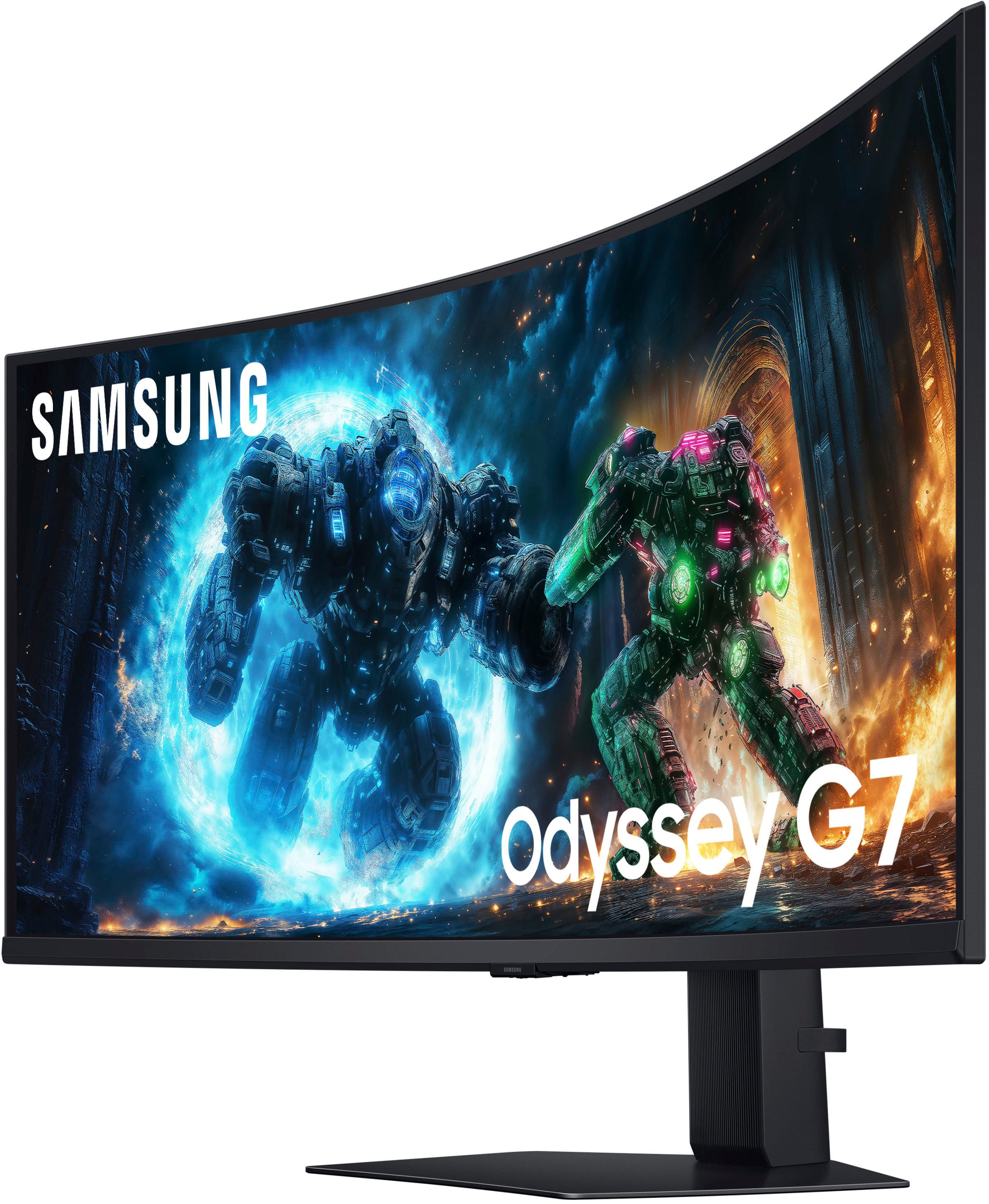
|Posted .This reviewer received promo considerations or sweepstakes entry for writing a review.I'm replacing a Samsung 34” curved OLED monitor with this 40” Odyssey. Between the two, the 40” has a much more dramatic curve to it. Given it's size (width), it actually works well. It does take a little getting used to, and I'm no stranger to curved displays. I use a 48” curved monitor at work all day so this isn't new to me and this curve actually works well for my home office workspace. I've always used an after market desk mounted monitor arm. I find I can push the monitor back further this way rather than using the included stand, which would put the monitor in several inches from the back of my desk, which doesn't work well for my setup and brings the monitor way to close. The G75F does allow you to use a desk or wall mount arm and offers VESA 75 or VESA 100 mounting options. While you can certainly use an arm like this, the included trim ring will only work with the included Samsung stand. Not a deal breaker but very disappointing as I have the back of my desk facing into the room. I loosely fit the trim ring in place which works ok, but they clearly don't provide any alternative trim ring options to finish off your look. Given that my previous monitor was an OLED, I was used to very rich, clear colors. The G75F does produce some pretty good colors and after monkeying around with all the settings, I was able to achieve some really decent results. Very close to what I experienced with my 34”. The display is quite clear, but take the time to go through all the different mode settings in the monitor menu to get the one that looks best for you. I have an NVIDIA RTX 3080 graphics card, and I chose the “Graphic” mode. That seemed to work the best for me. After getting everything tweaked to my liking, I found that my games looked really good. My go to game lately is Doom The Dark Ages. It has tons of great light and dark chapters that really let a monitor shine in terms of shadows and contrast, not to mention color depth. The G75F performed really well with FreeSync Premium Pro enabled and HDR. The monitor was able to keep up with the Gameplay and I didn't notice any tearing or unreasonable blurring. The graphics looked quite good and the screen curve offered a realistic view of the action without turning my head more than slightly. It offered a really good gaming experience. The adjustment buttons on most monitors I've used are at best, quasi-intuitive. Most of them leave you guessing how to change options and save what you've selected. The G75F really shines here. The center bottom placement of the menu input select control doesn't leave you hanging, and when you use the up, down left or right keys, it actually shows you what each one does, removing the guesswork. It goes one step further by showing a brief explanation of the menu options as you cycle through them. This is great. So many times name brand companies just assume you're familiar with all their quirky little buzz words but leave you wondering what changing a setting will actually do. This is truly something that I've seen Samsung struggle with in the past and it's nice to see this emphasis on the user interface for a change. The input ports are just what's needed, offering you 2-HDMI 2.1 ports, a Display Port 1.4, 2-USB-A ports and a headphone jack. Audio speakers are thankfully omitted, which didn't however, prevent Windows from wanting to set the monitor up as the sound source (presumably the headphone jack). This became annoying so I just removed the monitor as a sound source altogether from the sound options setup screen. Overall, this is a nice monitor. The size is perfect for my home setup, and the curved design makes games feel very immersive. I will say that the farther off center you view it from, the colors do start to wash out quite a bit. This may be inherent with a curved monitor, but I don't really notice it with my monitor at work or my 34” curved, at least not as much. I do like the fact that the G75F doesn't try to do anything but be a good monitor. By that I mean there's no “smart” features like streaming channels or wanting to be your music streamer. It's happy just being your trusty monitor and that's all. If you're looking for a monitor this size, it's a display that won't break the bank while still offering the important options a lot of people look for.
I would recommend this to a friend - Pros mentioned:Image quality, Refresh rateCons mentioned:Speakers
Great 4K curved monitor for gaming and work
||Posted . Owned for 3 weeks when reviewed.This reviewer received promo considerations or sweepstakes entry for writing a review.This Samsung curved monitor has been a great upgrade for both gaming and productivity. The 4K image is sharp, colors are vibrant, and the 165 Hz refresh rate makes games feel very smooth, especially fast-paced titles and flight simulators. The curve helps immersion and makes the screen easier to read from edge to edge. The menu takes a little time to get used to and the stand is quite large, so you need enough space on the desk. Built-in speakers are also nothing special, so I still prefer using external audio. Overall, it’s an excellent monitor with strong performance and image quality, just a few small drawbacks that keep it from being perfect.
I would recommend this to a friend - Pros mentioned:Image quality
Always a decent product
|Posted .This reviewer received promo considerations or sweepstakes entry for writing a review.I have an older Samsung widescreen monitor I am coming from. There are some nice updates and overall this is a solid monitor for work and gaming. On the business side, I used to run a dual monitor setup. Having a super wide monitor makes workflow so much easier owner dual monitors. Unless you had 2 of the exact same monitor I always had issues with moving data from One screen to the other. I can run to full screens side by side.i have run one full page on one side and 2 apps on top of each other on the other side of the monitor. There is no included webcam. The connections on the back are much better than previous monitors. We had to squeeze the cables into a tiny port area. Now we have much better access to the ports. I think the backlight is good. O can’t say I totally notice it when playing a game. For gaming the super wide screen can be good or bad. For steam games, having the super wide monitor does not seem to distort the graphics. I still have a great picture. I have noticed some native games don’t like the wide screen and you may need to play in a single pane on your monitor and not use the full screen. My refresh rate is good, no lag. I am using a GeForce RTX 3080 One complaint. Same as previous versions of this. The monitor will randomly shut off. It may flicker. It has even tripped the computer to reboot
I would recommend this to a friend - Pros mentioned:Image quality
Great monitor, it’s VA panel though
||Posted .This reviewer received promo considerations or sweepstakes entry for writing a review.Fast, clear, crisp, and 5k ultrawide. The VA panel is good for a VA, and the viewing angles are mediocre, but if you sit in the middle area it’s fine.
I would recommend this to a friend - Pros mentioned:Image quality
Great monitor one on sale
||Posted . Owned for 2 weeks when reviewed.This reviewer received promo considerations or sweepstakes entry for writing a review.Very nice 5K2K monitor. My GeForce RTX 5080 rocks with this resolution and everything looks crisp and clear. Great monitor to have. With the resolution this monitor should last me five years at least.
I would recommend this to a friend Fantastic Monitor!
||Posted .This reviewer received promo considerations or sweepstakes entry for writing a review.Fantastic Monitor for it to not be an OLED. I been using it for BF6, Sim Racing, and work. It met my needs and I am very satisfied.
I would recommend this to a friendIt was good
||Posted . Owned for 1 month when reviewed.This reviewer received promo considerations or sweepstakes entry for writing a review.It’s is pretty good loved it it was just too big for us
I would recommend this to a friend- Pros mentioned:Connectivity, Image quality, Refresh rate
Excellent Choice for Any Gaming PC or Console
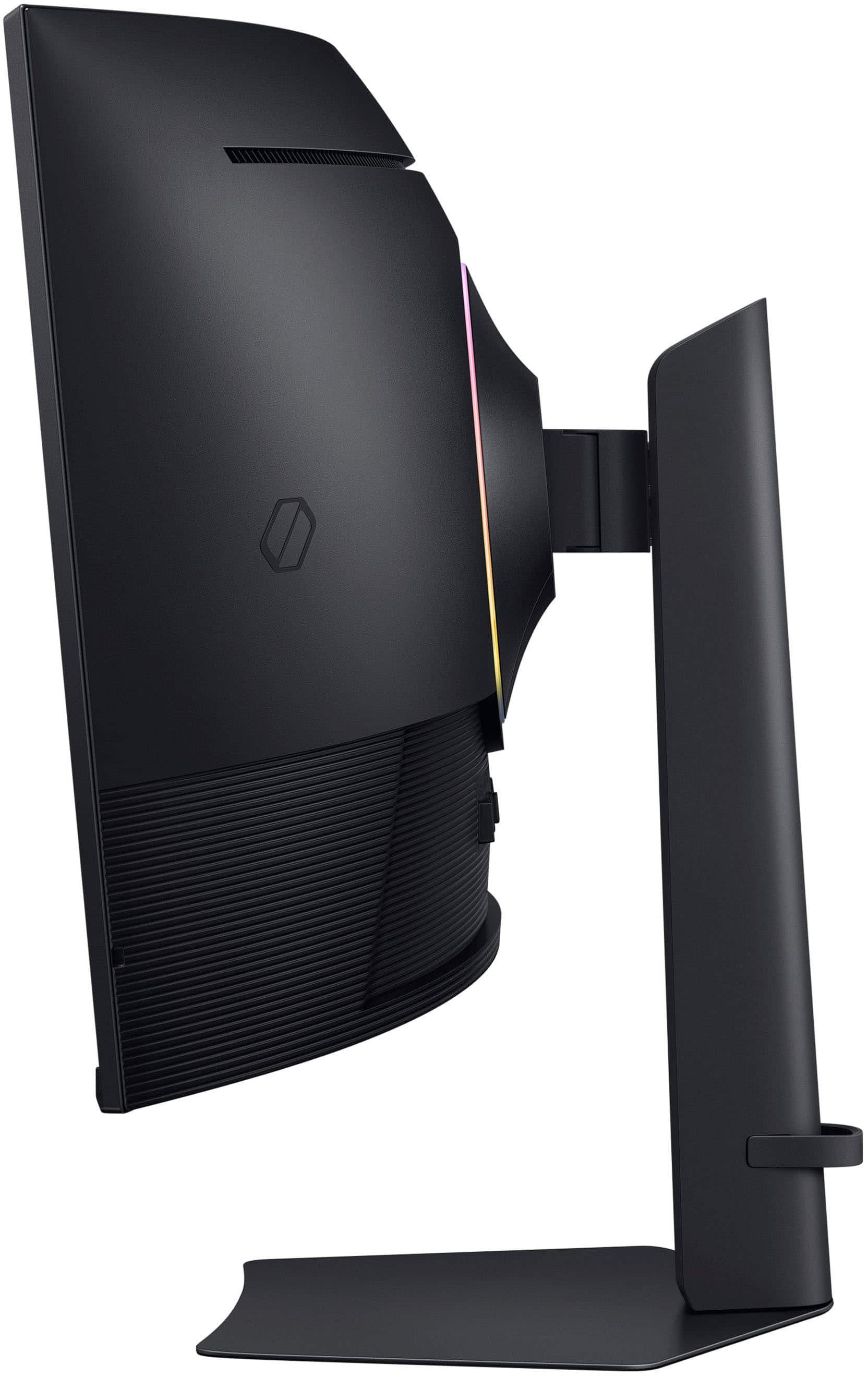
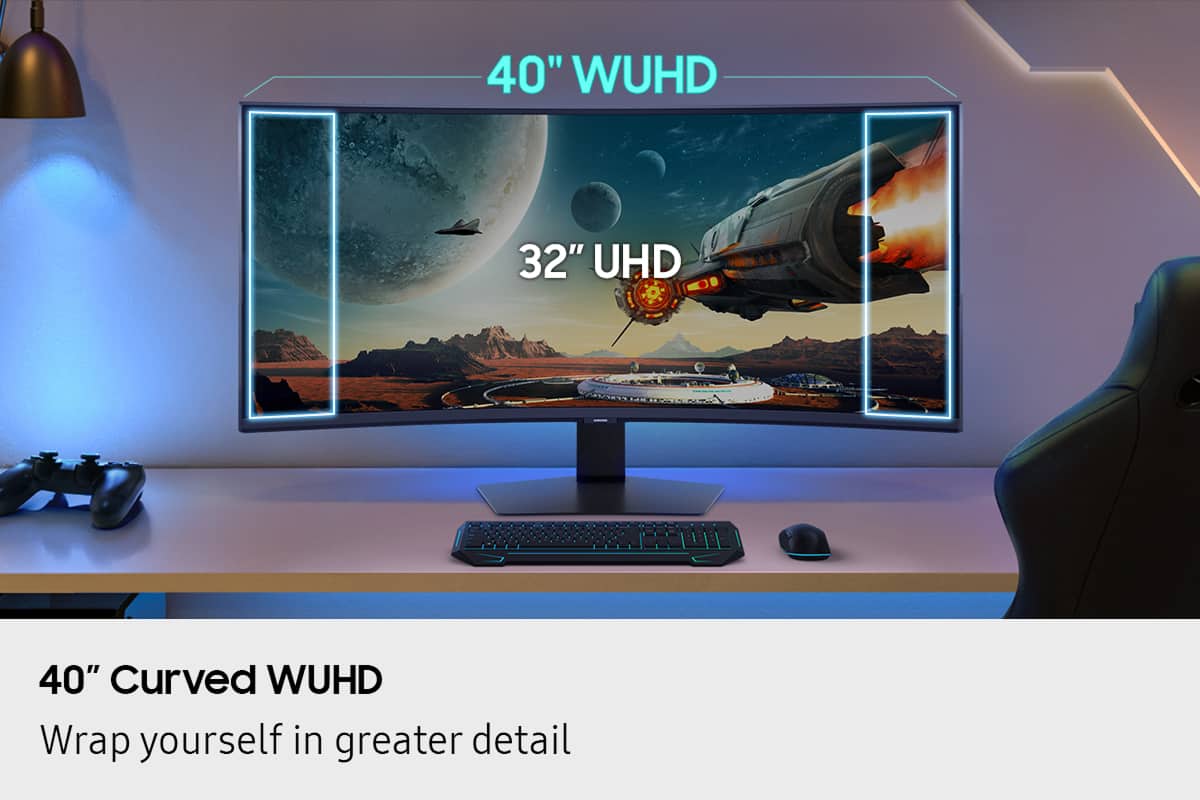
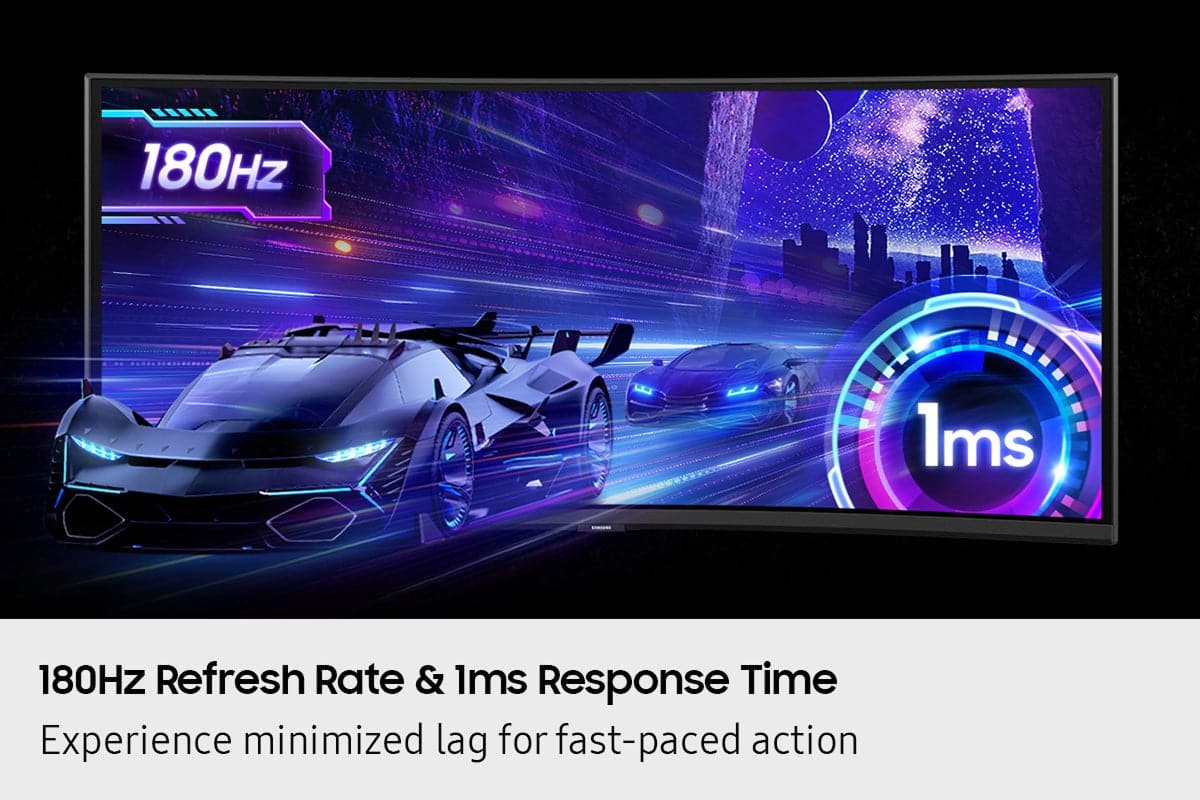
|Posted .This reviewer received promo considerations or sweepstakes entry for writing a review.Every year, seems like Samsung has been producing better monitors geared to Gaming and productivity and this year is no different. I have had my older Samsung curved 32" monitor for several years now and when I was given an opportunity to upgrade to a 40" screen, I jumped on it. Here are a few things I wanted to share with those who are looking to get this monitor. So this is 40" Odyssey G75F WUHD 180Hz 1ms AMD FreeSync Prem Pro Curved Gaming Monitor with HDR 600 - I am sure all this tech wording may make someone pretty confused. Let's unpack it some. First of all, since it is a bigger display, it comes in a big box, well protected. The assembly is pretty straightforward and easy - attach the arm to the main display and to the base stand and you are done. This gaming monitor packs a very nice VA panel, which simply means it a type of LCD display known for its high contrast ratio, that can produce nice blacks and excellent images, making it ideal for gaming and content watching. It is also a Curved display which again aims to envelope you as a gamer and help you immerse into its graphics. Monitor: I like the size of this model as at 40" it is still not too huge and does not take a ton of space on my desk. All the connections are conveniently located on the back of the LCD, you got your usual DisplayPort 1.4 and two HDMI 2.1 ports (it also has a headphone input, and 2 USB-A connections). It is a 4K resolution monitor that can output at 5120X2160 with Refresh rate of 180 Hz which made my gaming experience smoother. My PC games as well as PS5 games were vibrant and uniform however HDR was a bit on a weaker side (I am sure if it was one of their OLED models, it would have been perfect). Interestingly, you can mount this monitor on the wall if you want to, I have seen it done before as it completely frees your desk space, I am glad this feature is available as I might consider mounting it on a swivel bracket. One negative is - it is a bit pricey, and I am sure the price will go down later on as this is a new model. There are other Samsung OLED models in this category that are similarly priced. If you are looking for a good monitor with a Curved screen, this would be the one to consider. It has all the bells and whistles to output a beautiful 4K image, smooth gaming which will result in your enjoyment at the end of the day.
I would recommend this to a friend - Pros mentioned:Image quality, Screen curvature
Big and immersive.
|Posted .This reviewer received promo considerations or sweepstakes entry for writing a review.The Samsung Odyssey G75F is an excellent, massive and immersive gaming monitor. The huge 40” curved display is so good at immersing you into the game. I typically use a 27” monitor which is great, but jumping to this monitor was crazy. Playing FPS games are great on this Samsung display, but I feel it really shines with MMO’s or playing any campaign style game. You get so much screen just kind of feels like you’re there. The picture quality is good. OLED would have been the cherry on top but the VA panel does a good job. The panel is bright and color representation is great. The picture by picture function is really cool. You can split the screen with two different inputs which is awesome! Setting up the display is very straight forward. You may want a second set of hands to help though. This display is large and a bit awkward to handle so take your time. Overall this display is really great. It provides true immersion with an excellent picture and fast response time. If you’re thinking about a larger, curved display, give this one a shot.
I would recommend this to a friend - Pros mentioned:Refresh rate
Great product ruined by clunky interface
|Posted .This reviewer received promo considerations or sweepstakes entry for writing a review.UNBOXING AND INSTALLATION I have never owned a Samsung monitor before. So my experience is a genuine newbie one. This unit is huge so be careful. I pulled out all of the supporting hardware, power source, and other items and carefully unwrapped them. I found the instructions to be woeful - and finding them on the Samsung website to see a clearer representation was not easy. Contrary re-directs did not help and there were contrary user manuals - one "user manual" - one "user manual (PC)". Of course since I'm using a PC I went there. Confusing and this is where I was taken away back to the monitor page, not support. I then went for just the user manual and it seemed more logical. Hooking up the monitor to the stand was tedious. I somehow managed to get the monitor on the arm but I still don't know if it is secure. But it didn't fall off after a few days so I guess it is okay. Clunky experience at best and below average compared to other manufacturer installation procedures. THE DEAL BREAKER Being able to use the monitor and its features is why one gets a monitor. The control part in the bottom underside (middle) is so clunky and awkward that I rate it the worst monitor experience I've ever had. I still don't know how to turn the monitor off. To turn it on, I move the mouse. No power indicator light is even visible even though the instructions say there is a light. How can a manufacturer take a good monitor and clunk it up like this? It is hard to find the button that does things and even in various attempts I haven't had an experience that finds what I want. Different screens pop up that I have no idea how to navigate. OVERALL EXPERIENCE Beautiful display and colors - thankfully my graphics card had a menu where i could adjust brightness and contrast etc, but never could I do this directly from the monitor. Refresh rate is very fluid and there appear to be no distortions on the actual monitor curve (something I was worried about). As a newbie to Samsung I am not impressed with the use experience. At night I just let the monitor turn itself off since I can't find how to do it with that awful button navigation finger dance the navigation area requires. My suggestion is to go to a store and to try this to see if you can figure out how to use a monitor. This is the worst monitor use experience I've ever encountered. I guess with this monitor it will be set it and forget it.
No, I would not recommend this to a friend - Pros mentioned:Refresh rate
One of the Better Ultra-Wides Out
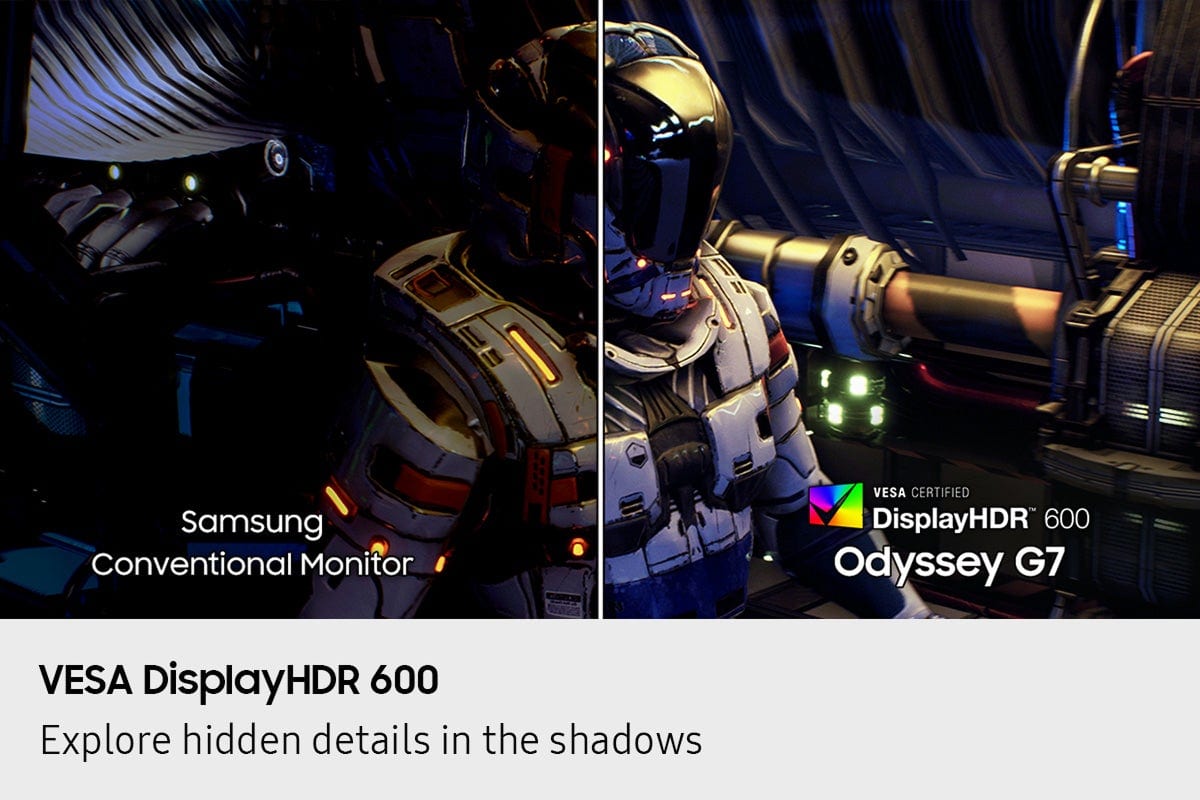
|Posted .This reviewer received promo considerations or sweepstakes entry for writing a review.I have been using the new Samsung Odyssey G7 40" (G75F) for a little less than two weeks now and overall I am impressed with it. This is the first Samsung monitor I have had and I also generally lean OLED too, but Samsung has crafted a pretty nice ultra wide with the G75F. Out of the gate, build quality seems good and the included stand feels stable (or as stable as it can for it's wide berth). The VA panel has good color and contrast when sitting in the middle and that is partially due to the 1000R curve. VA panels tend to have color/contrast problems off axis and with the 40" diagonal on the 1000R curve much of that is mitigated, but it becomes more noticeable as you get off center. Overall, it wasn't anything that bothered me and unless you are just looking for it or sitting off center all the time you wouldn't be bothered by it. The 180hz refresh rate is nice in a screen this size, but I did notice some overshoot at that speed. Dialing it back to 165hz helped solve the issue and I couldn't really tell the difference in speed either. Also, keep in mind that playing games at the native resolution or 5120 x 2160 means bringing some heavy duty GPU requirements as well. I played on an RTX 5090 and as expected found the monitor and GPU to be a great match for just about anything I threw at it. It is also important to note that Samsung does not officially support G-Sync as this is a FreeSync monitor, but Nvidia plays nice with it anyways. The HDR600 rating is really more of a checkbox as the HDR didn't exactly knock my socks off, but it does support it and it is marginally noticeable. This monitor just doesn't have the brightness/contrast to really bring the 'Wow!' factor to play. I might be a little jaded here as I usually play on an OLED and the HDR is far more notifiable thanks to the crazy contrast. Overall, this is a solid entry for Samsung and if you are looking for a good, higher resolution ultra wide than most this is a no-brainer even with it being LCD based. Text is good, blacks are black, and the refresh rate is good too. It will serve well for productivity and gaming for the vast majority of people. If you got the GPU horsepower than this monitor will be a great addition. Now Samsung... how about QD-OLED version?
I would recommend this to a friend