Customer Ratings & Reviews
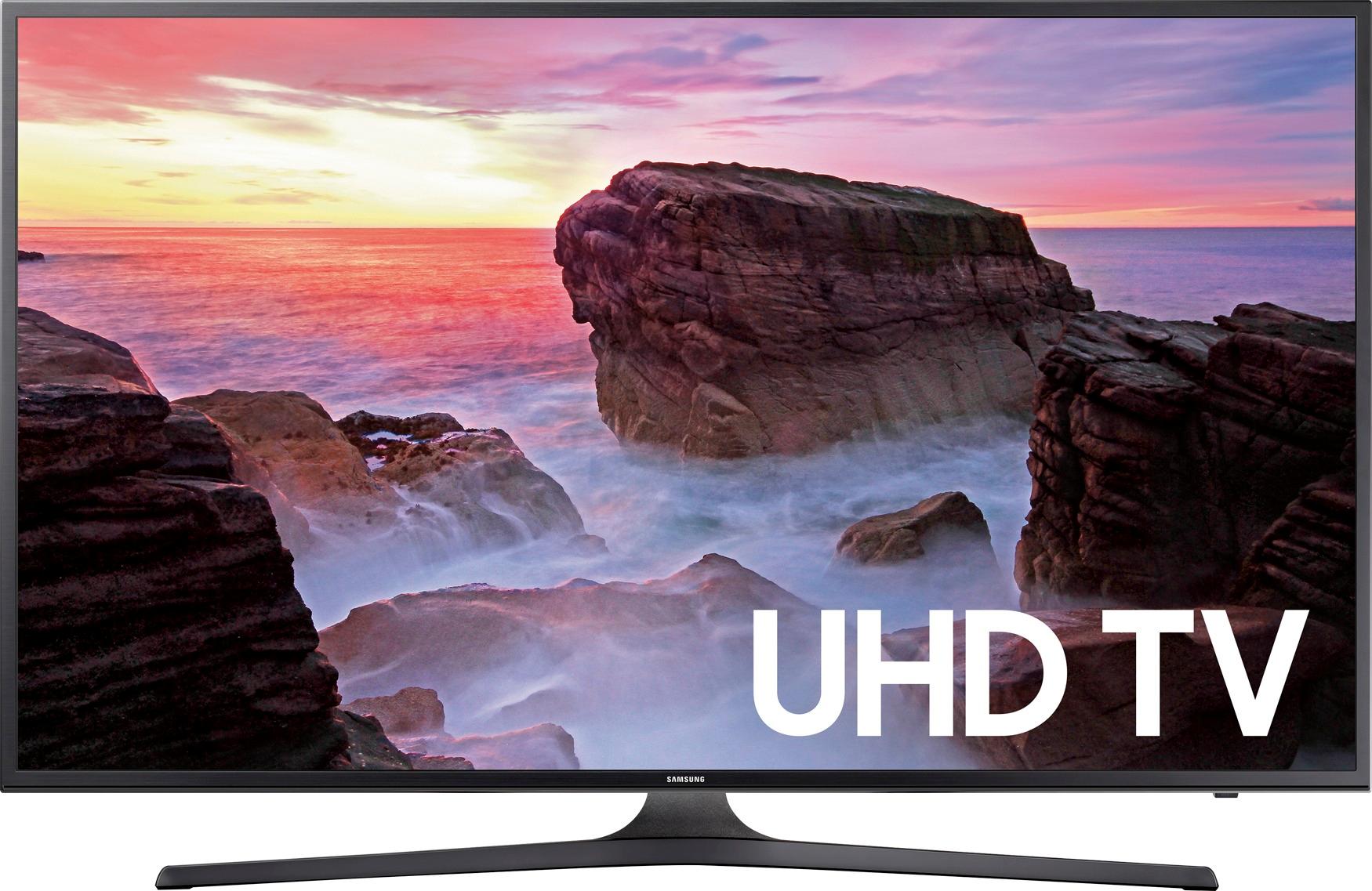
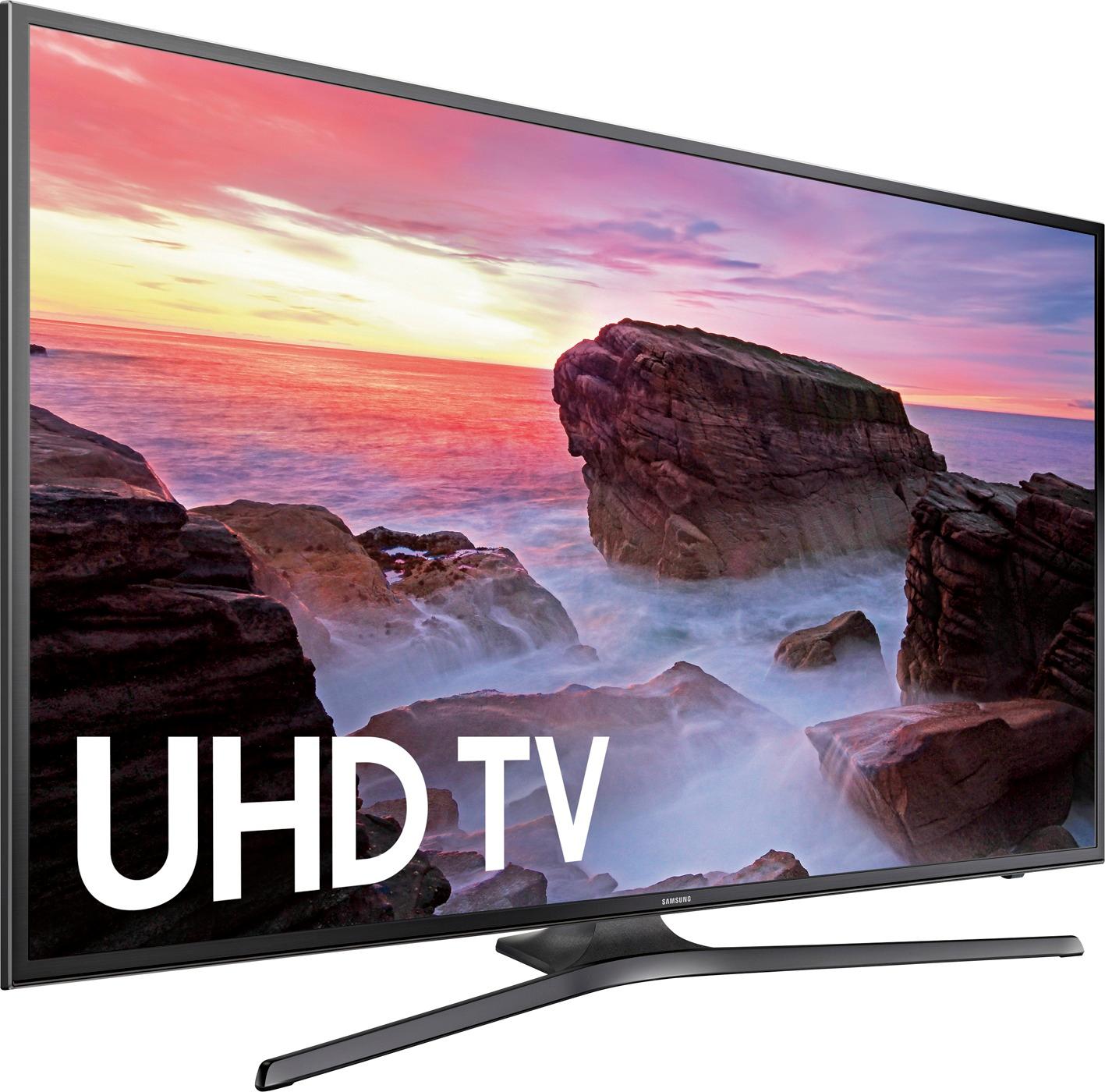



- Model:
- UN43MU6300FXZA
- SKU:
- 5768501
Rating by feature
- Value
Rating 4.8 out of 5 stars
- Quality
Rating 4.9 out of 5 stars
- Ease of Use
Rating 4.7 out of 5 stars
Customers are saying
Customers find value in the 43" Class (42.5" Diag.) - LED - 2160p - Smart - 4K Ultra HD TV for its excellent picture quality, easy setup, and affordable price point. Many customers rave about the vibrant colors and sharp images, while others appreciate the user-friendly interface and lightweight design. While some users have concerns about the remote control and viewing angles, the overall positive feedback suggests that this TV offers great value for its price.
This summary was generated by AI based on customer reviews.
- Pros mentioned:Picture quality
Samsung 4k 43" tv
||Posted .This reviewer received promo considerations or sweepstakes entry for writing a review.Ok quality. Work ok with my phone.Good size for bedroom.Remote is kinda small.
I would recommend this to a friend Awesome tv
||Posted .This reviewer received promo considerations or sweepstakes entry for writing a review.Samung makes the best tv in my book. No complaints!!
I would recommend this to a friendScreen darkens after 7:00 p.m.
||Posted .This reviewer received promo considerations or sweepstakes entry for writing a review.The TV is very good with one major exception - screen darkens every evening after sunset. Impossible to watch any TV
No, I would not recommend this to a friendBrand response from MrSamsung
Posted .Bobbie,
Thank you for your review of this Samsung 43" Class MU6300 UHD TV. It sounds like this might be due to the ECO Sensor or Motion Lighting features.
ECO Sensor automatically adjusts the brightness level of the TV according to ambient light level, reducing power consumption. If the ECO Sensor has adjusted the screen’s brightness level, you can select Min. Backlight to manually adjust the minimum screen brightness.
Motion Lighting adjusts brightness in response to on-screen movements to reduce power consumption.
To control these features, please go to Home > Settings > System > Eco Solution
I hope this helps to solve your issue.
For further assistance, please contact Samsung Customer Support toll-free at 1-800-SAMSUNG and a representative will gladly help you.
You can also contact Samsung via LiveChat or email. Please copy-paste this link into your browser: http://www.samsung.com/us/support/contact
We are likewise reachable on our Samsung Support Facebook page at: https://www.facebook.com/samsungsupport/app/158125230916392/
-Samsung Ambassador
I love it.
||Posted .This reviewer received promo considerations or sweepstakes entry for writing a review.I really do like it, am very happy with my purchase.
I would recommend this to a friendBeautiful picture
||Posted .This reviewer received promo considerations or sweepstakes entry for writing a review.I love this tv. samsung Won't disappoint. I recommend
I would recommend this to a friend- Cons mentioned:Hdr
Not compatible with new Apple TV
||Posted .This reviewer received promo considerations or sweepstakes entry for writing a review.I bought this since I had just bought a 4K TV and a new AppleTV 4K. Also have a roku. HDR will not work through this for the ATV. I spoke to Yamaha and they say it is a known issue and there may have a fix sometime in the future but no promises. They seemed to claI’m his issue was across all of their 4K receivers.
No, I would not recommend this to a friend Love it!
||Posted .This reviewer received promo considerations or sweepstakes entry for writing a review.For the price and features, this is a great 4K HD television. I am using it as my primary display for my PC.
I would recommend this to a friendGreat Picture Quality and Value for the Money
||Posted .This reviewer received promo considerations or sweepstakes entry for writing a review.Upgrading to a Smart LED TV in an RV. Perfect Fit.
I would recommend this to a friendUltra Def Low Refresh Rate
||Posted .This reviewer received promo considerations or sweepstakes entry for writing a review.The resolution is amazing, but the low refresh rate makes CG special effects painfully obvious. If you watch mainly dramas that require little to no CG, it's an awesome TV. If you love action movies especially comic book movies, you meed to shovel out more cash to get a tv with a higher recresh rate.
I would recommend this to a friendBrand response from MrSamsung
Posted .SoCalBoy99,
Thank you for your review of this 43" Class Samsung MU6300 TV.
I am sorry to see that you are not completely satisfied with the viewing experience.
You can try adjusting the judder control on your TV until you find a satisfactory setting. To do this, please follow these instructions: Home – Settings – Picture – Expert Settings – Auto Motion Plus – Change to “Custom” and adjust to your liking.
For further assistance with adjusting settings, please contact Samsung Customer Support toll-free at 1-800-SAMSUNG or via LiveChat or email. Please copy-paste this link into your browser: http://www.samsung.com/us/support/contact
Samsung is committed to providing the best possible product experience, quality, and value, and we greatly appreciate your feedback on user experience.
-Samsung Ambassador
Sanyo Flat screen
||Posted .This reviewer received promo considerations or sweepstakes entry for writing a review.Great TV for the price. Screen dims at night- not sure if it’s supposed to do that? Happy with purchase.
I would recommend this to a friendThe products we purchased are quite nice.
||Posted .This reviewer received promo considerations or sweepstakes entry for writing a review.Service with our local store was terrible. It took almost 3 weeks to get the purchase delivered.
I would recommend this to a friend- Pros mentioned:Smart tv
Good TV with a lot of options
||Posted .This reviewer received promo considerations or sweepstakes entry for writing a review.Great smart TV . I like all the options that are available
I would recommend this to a friend Nice Tv, Worth the price
||Posted .This reviewer received promo considerations or sweepstakes entry for writing a review.Tv quality has been great. Only con would be it doesn’t always recognise my receiver as on.
I would recommend this to a friendTV is great. Remote useless.
||Posted .This reviewer received promo considerations or sweepstakes entry for writing a review.The remote is too small, not self explanatory and is hard to figure out. It doesn't light up.
I would recommend this to a friend- Pros mentioned:Picture quality
Nice Picture, Poor Sound & Remote
||Posted .This reviewer received promo considerations or sweepstakes entry for writing a review.This TV presents a very nice UHD Picture, but needs to be set to 'Dynamic' screen mode to work well even in a darkened setting. The sound level, even turned all the way up, is low, and the remote is not usable in the dark, so be sure to use the voice control if you can.
No, I would not recommend this to a friendBrand response from MrSamsung
Posted .Willybird,
Thank you for purchasing the Samsung MU6300 4K Smart TV. I am sorry to hear that you are experiencing issues.
The most common reason for constant low volume is that the internal volume control of the external device is set too low. If this is the case, the TV's speakers usually make a hiss when the volume is turned up. To raise the volume on the external device, follow these steps:
1.Turn the volume on the TV down to a reasonable level (around 15).
2.Press [Volume Up] on the connected device (not the remote) until it is all of the way up.
Example: on most cable boxes they will have volume controls for their internal volume settings on the front of the device. Press the volume + button on the device to raise the internal volume of the unit.
Note: A volume bar may appear on the screen while raising the volume, it will look different from the television's volume bar.
3.Adjust the TVs volume to the preferred level.
Important: Not turning the volume on the TV down, before adjusting the volume on the connected device, could damage the speakers in the TV.
Please do reach out to us should you need further assistance, or have any other questions.
You can contact Samsung Customer Support toll-free at 1-800-SAMSUNG.
Or by LiveChat or email. Please copy-paste this link into your browser: http://www.samsung.com/us/support/contact
We are likewise reachable via Facebook Messenger at: http://m.me/samsungsupport
You can also find us on Twitter at: https://twitter.com/messages/compose?recipient_id=18768513
-Samsung Ambassador.
- Pros mentioned:Picture quality
Good TV
||Posted .This reviewer received promo considerations or sweepstakes entry for writing a review.Pretty cool tv shows clear and well built for the price.
I would recommend this to a friend - Pros mentioned:Picture quality
Great 2160 TV
||Posted .This reviewer received promo considerations or sweepstakes entry for writing a review.Great TV, perfect for all uses including gaming and movies
I would recommend this to a friendBrand response from MrSamsung
Posted .Leonidas,
Thank you for purchasing this Samsung 43" Class MU6300 TV. I am glad that you are happy with the viewing experience.
Should you need assistance with features or usage, please contact Samsung Customer Support toll-free at 1-800-SAMSUNG and a representative will gladly help you.
You can also contact Samsung via LiveChat or email. Please copy-paste this link into your browser: http://www.samsung.com/us/support/contact
We are likewise reachable on our Samsung Support Facebook page at: https://www.facebook.com/samsungsupport/app/158125230916392/
-Samsung Ambassador
improvement over previous model
||Posted .This reviewer received promo considerations or sweepstakes entry for writing a review.5th Samsung. easier set up, quicker start when unit is cold or been off for extended
I would recommend this to a friendGood size for a 10X16’ room
||Posted .This reviewer received promo considerations or sweepstakes entry for writing a review.Do wish I had speakers instead of a sound bar as it is a separate controller etc.
I would recommend this to a friendGreat tv
||Posted .This reviewer received promo considerations or sweepstakes entry for writing a review.Loved but no the remote control. I don't know how to use it, but I will learn soon.
I would recommend this to a friend