Customer Ratings & Reviews
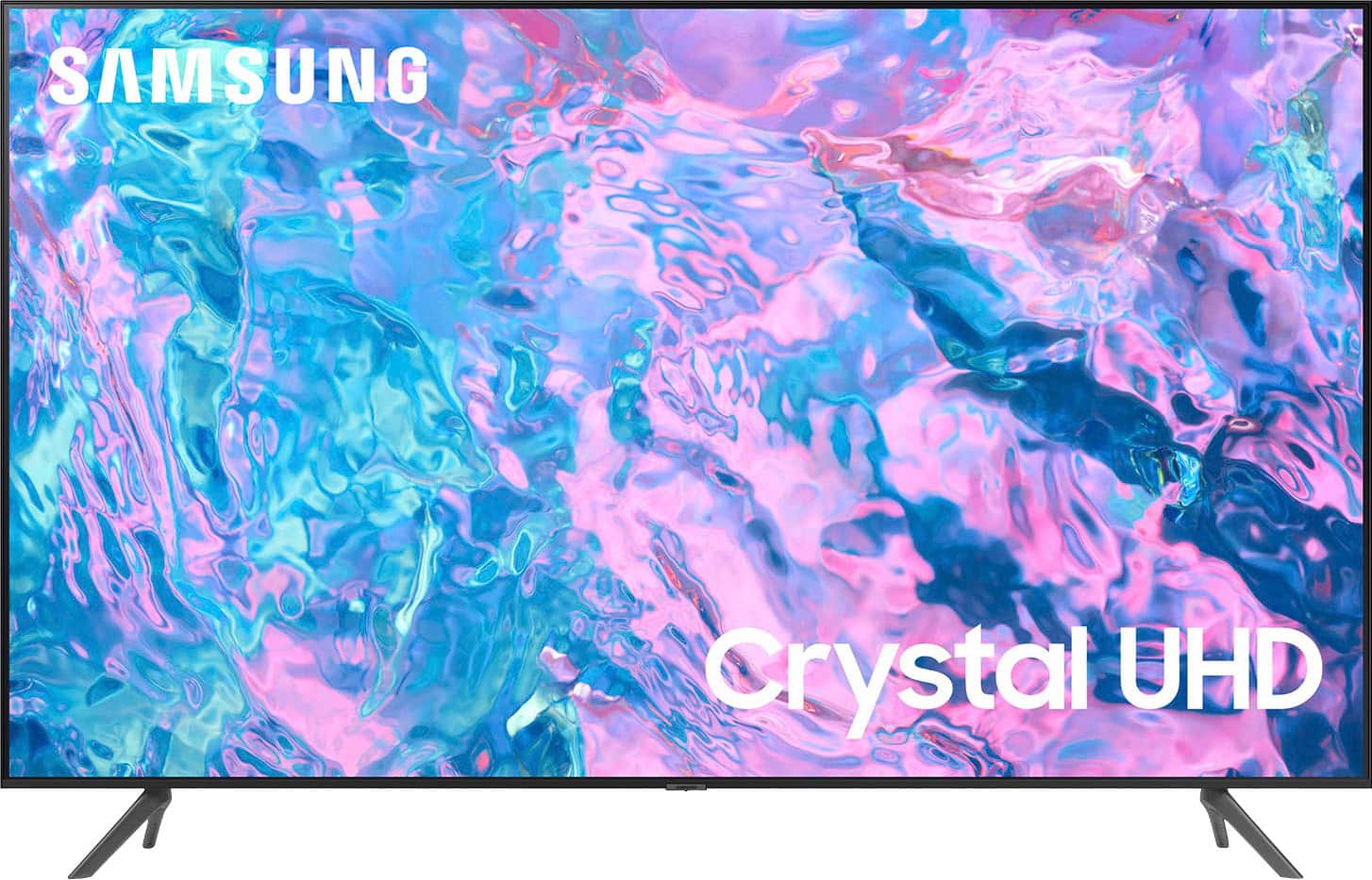
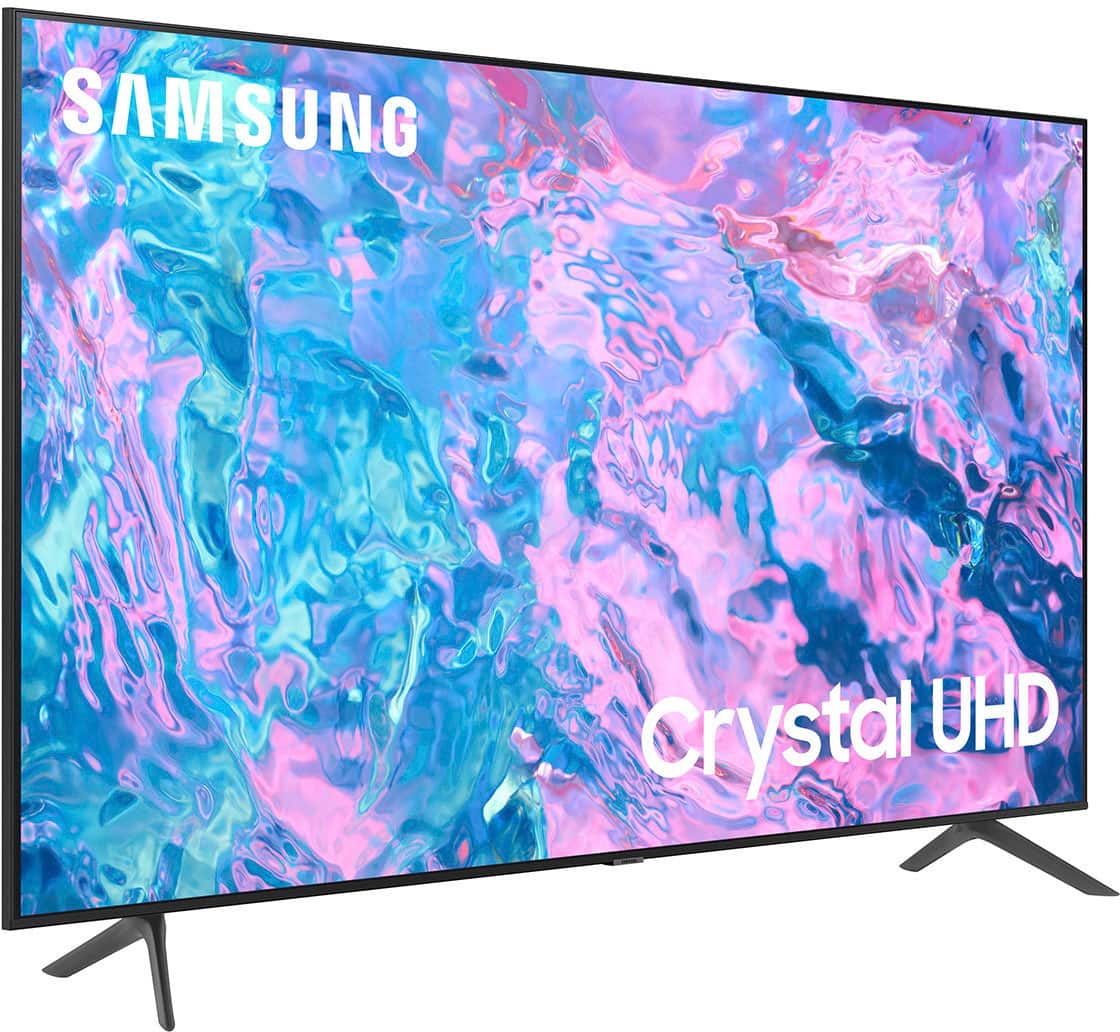
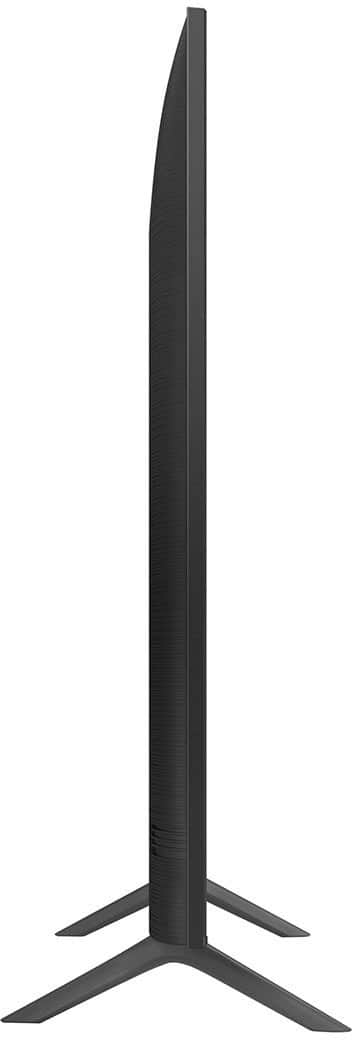
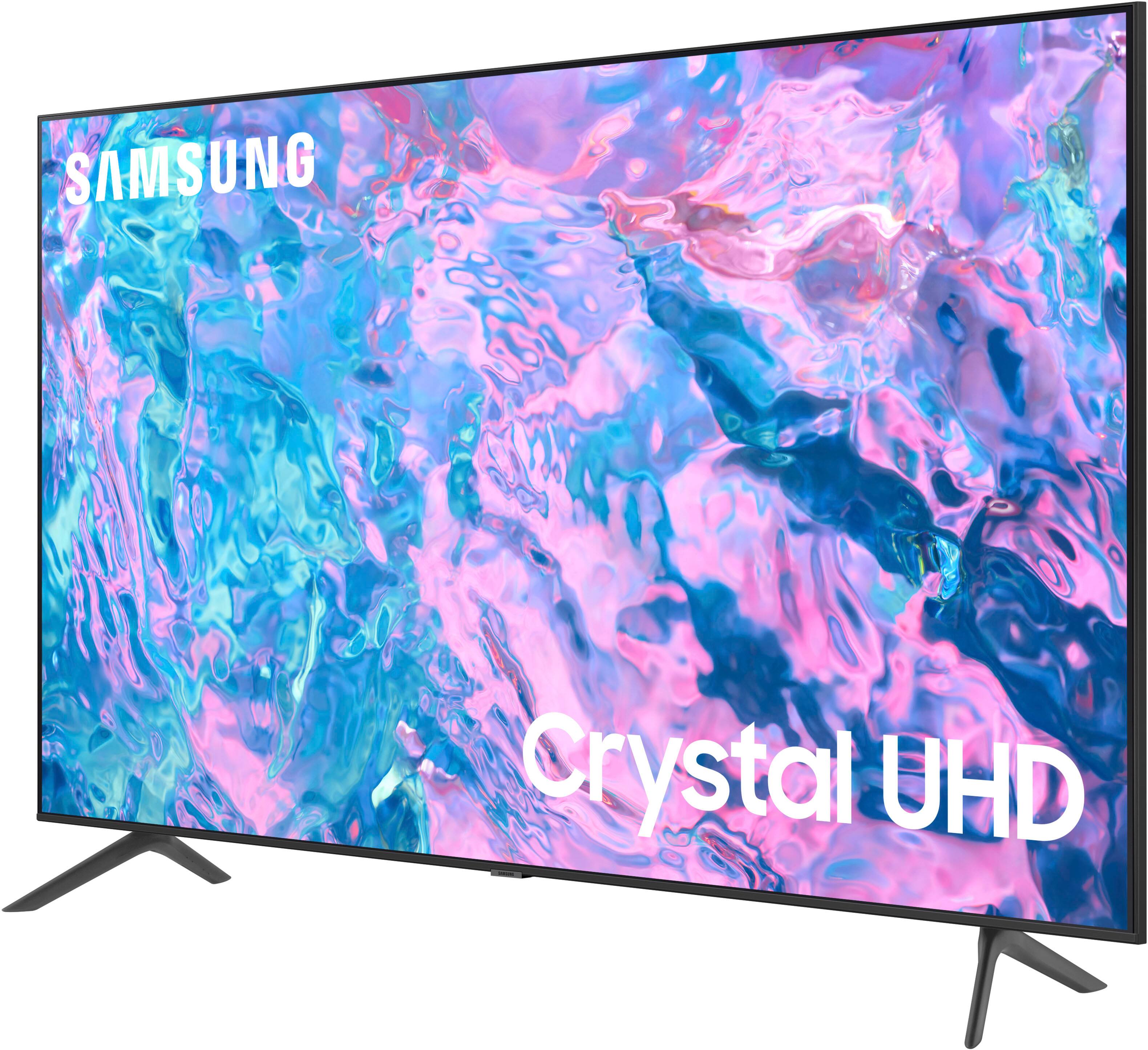
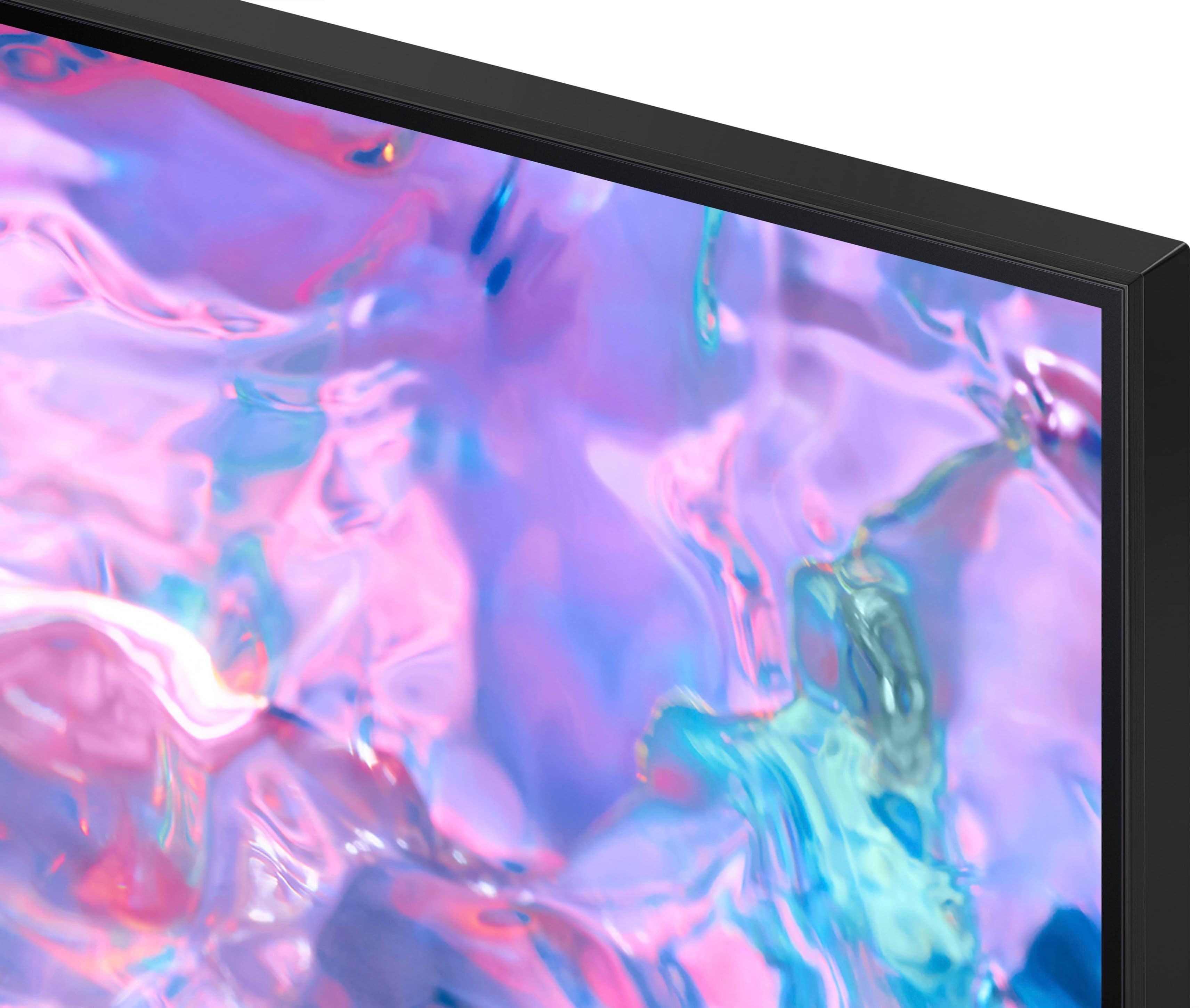



- Model:
- UN43CU7000FXZA
- SKU:
- 6537422
Rating by feature
- Picture Quality
Rating 4.8 out of 5 stars
- Sound Quality
Rating 4.5 out of 5 stars
- Brightness
Rating 4.8 out of 5 stars
Customers are saying
Customers find value in the 43” Class CU7000 Crystal UHD 4K Smart Tizen TV (2023)'s superb picture quality, ease of use, and attractive price point. Many appreciate the vibrant colors and straightforward setup process. However, some users express dissatisfaction with the remote control's design and the TV's volume capabilities. Overall, the positive feedback on picture quality and ease of use outweighs the negative comments regarding the remote and volume.
This summary was generated by AI based on customer reviews.
As expected
||Posted . Owned for 3 weeks when reviewed.This reviewer received promo considerations or sweepstakes entry for writing a review.Its a good tv. Contrast and lighting is good. Honestly for a 4k tv, this isnt too expensive considering its a samsung. Fits nicely in my room
I would recommend this to a friend- Pros mentioned:Picture quality
My tv
||Posted . Owned for 1 month when reviewed.This reviewer received promo considerations or sweepstakes entry for writing a review.Clear picture. Would like to see icons a bit bigger.
I would recommend this to a friend - Pros mentioned:Ease of use
Samsung 45” TV
||Posted . Owned for 3 weeks when reviewed.This reviewer received promo considerations or sweepstakes entry for writing a review.Easy to set up, even for a non-tech person like me.
I would recommend this to a friend No volume controls on remote
||Posted . Owned for 1 week when reviewed.This reviewer received promo considerations or sweepstakes entry for writing a review.Everything is good about this TV except for the fact that you really can’t control the volume from your room. You could only mute and unmute. If you want to do that you would need to get up control it from the tv or from you phone.
I would recommend this to a friendBrand response from Samsung
Posted .Hi TasneemA,
Thank you for your purchase. It's great to hear you are enjoying the 4K quality. Please know the Volume button is moved UP/DOWN to adjust the volume, and to MUTE the sound, you need to PRESS it in. If that same button is pressed for more than 1 second, the Accessibility Shortcuts appear. If the remote is not working, please ensure nothing is blocking the line of sight from your remote to the IR sensor which is located below the Samsung Logo at the bottom of your TV.
You can learn how to use your Samsung Remote by going to Home> (left directional button) Settings> Support> Remote Control Guide.
If you need more help, Samsung is here for you. Please call us at 1-800-SAMSUNG, 8 AM - 12 AM EST, seven days a week. Our LiveChat agents are also available by clicking on the ‘Support’ link on our website.
~Samsung Advisor
TELEVISION PURCHASE
||Posted . Owned for 3 weeks when reviewed.This reviewer received promo considerations or sweepstakes entry for writing a review.WAS EASY TO MAKE AND PICK UP MY PURCHASE, EMPLOYEES WERE PLEASANT, ONLY ISSUE WAS, THEY CHARGED MY CARD AN EXTRA $23 AND SOME CENTS. NOT SUE WHY
I would recommend this to a friend- Cons mentioned:Remote control
Worst tv I have ever owned. Period.
||Posted . Owned for 1 month when reviewed.This reviewer received promo considerations or sweepstakes entry for writing a review.I’ve recently used every brand of tv that is currently available and this tv is the most frustrating tv to use. Everything you try to do has to go through the main menu. The main menu is laggy and full of ads. You want to change inputs? Has to be done on the main menu on a sub menu! Connect a new device? Forces you back to the main menu! Why is there no input on the remote? They just want you to constantly go back to the min menu to advertise to you. Turn on gaming mode? Back to the main menu!!! All gaming mode does is disable most features and over sharpen the image and makes things look awful! Most games blur the image on purpose to get rid of jagged sharp lines, so sharpening the image after that is done makes the image look terrible. It’s obvious why they do this, they want you to think the tv is super good.
No, I would not recommend this to a friendBrand response from Samsung
Posted .Hi NickS,
Thank you for taking the time to provide feedback on your CU7000 TV. Please know that your feedback is important to us and will be shared with our internal product teams. We take pride in our products and are sorry to hear that your experience was not up to our high standards.
If there’s anything we can ever help with, please call us at 1-800-SAMSUNG, 8 AM - 12 AM EST, seven days a week. Or visit us on the Samsung website and click on the ‘Support’ link for:
1) LiveChat
2) Manuals, Software, & Warranty Info
~ Samsung Advisor
- Cons mentioned:Remote control
Missing volume control on remote
||Posted . Owned for 1 month when reviewed.This reviewer received promo considerations or sweepstakes entry for writing a review.I like Samsung TV, and the quality of picture is super...just one problem. The remote has no volume control on it. HUH? Had to use a different remote, for Tivo, programmed to Samsung that did
No, I would not recommend this to a friend Too 'smart', and sepia style display, but good box
||Posted . Owned for 1 week when reviewed.This reviewer received promo considerations or sweepstakes entry for writing a review.So far, the display looks washed out, almost sepia tone. The 'intelligence' is also getting in the way of use. I use it with an HDMI input, and that intelligence pops up and necessitates me clicking the enter button on the remote. (At least it seems to require it so far, although once it powered on and automatically had that source full screen) I'm looking for ways to adjust the video. (Maybe it's the brightness?) My old Samsung had a 'Cinema' mode that provided a more rich and slightly darker display, but this one still looks too 'retro', washed and almost comic strip coloring. Hard to describe... Still, the 4k is awesome as the original one was HD only. (Is it ridiculous to say I can tell the difference?)
I would recommend this to a friendBrand response from Samsung
Posted .Hi ChargerDrama,
We appreciate your purchase and feedback on the CU7000 TV. I have a few recommendations that may improve your experience. First, let's ensure you are running the latest Firmware update. Go to Settings> Support> Software Update.
Next, I recommend running a picture test to confirm that the issue is with the TV and not with the input you are using. Home > Settings > Support > Device Care > Self Diagnosis > Picture Test.
If the issue is not the same on all inputs, I recommend changing out the HDMI Cable. If it is the same on all inputs, you can fine-tune your picture with expert settings such as brightness, contrast, sharpness, and more (All Settings > Picture > Expert Settings).
Finally, you can utilize the Autorun Last App feature to automatically start the last app you used once the TV is turned on. To enable this feature, follow the steps below:
1) Navigate to Settings > All Settings> General > Smart Features > Autorun Smart Hub
2) Enable the Autorun Smart Hub feature
3) Navigate to Settings > General > Smart Features > Autorun Last App
4) Enable the Autorun Last App feature
For further assistance with settings adjustments, please contact Samsung Customer Support at 1-800-SAMSUNG, 8 AM - 12 AM EST, seven days a week. Our LiveChat agents are also available by clicking on the ‘Support’ link on our website.
~ Samsung Advisor
- Cons mentioned:Remote control
Samsung CU7000
||Posted . Owned for 3 weeks when reviewed.This reviewer received promo considerations or sweepstakes entry for writing a review.Love the TV but the remote not so much very hard to use and it has very few functions no numerical key pad and that makes some of the streaming apps are hard to use . Also the unit I bought went on sale for less a little over 14 days after my purchase and you would do a price adjustment
I would recommend this to a friendBrand response from Samsung
Posted .Hi AnthonyfG,
Thank you for your review and purchase of the CU7000 TV. Please know your feedback regarding the remote control will be sent to our internal design teams.
Please know that many of the buttons on your remote have multiple functions. For example, the Volume button is moved UP/DOWN to adjust the volume, and to MUTE the sound; you need to PRESS it in. If that same button is pressed for more than 1 second, the Accessibility Shortcuts appear. You can find more information regarding the remote on pages 24-26 of the full user manual.
If you have any issues or questions about pricing, I recommend reaching out to your local Best Buy, where you made the purchase. If you have any more questions about settings or need any help, please call Samsung Customer Support at 1-800-SAMSUNG, 8 AM - 12 AM EST, seven days a week. Our LiveChat agents are also available by clicking on the ‘Support’ link on our website.
~ Samsung Advisor
Samsung 43” Smart TV Great buy.
||Posted . Owned for 3 weeks when reviewed.This reviewer received promo considerations or sweepstakes entry for writing a review.This Samsung TV has Beautiful Clear Colors. It was so easy to set up, practically did it on its own. Great Apps already on it and lots of others could be added/download. Very happy with it!
I would recommend this to a friendSamsung TV delivers!
||Posted . Owned for 1 month when reviewed.This reviewer received promo considerations or sweepstakes entry for writing a review.We chose the Samsung because of the quality of its screen images. A little bit more is involved than merely plugging it into a wall socket! But once installed, it has proven very satisfactory.
I would recommend this to a friendRecommend
||Posted . Owned for 7 months when reviewed.This reviewer received promo considerations or sweepstakes entry for writing a review.Best TV for its cost definitely recommend if you are looking for a new TV
I would recommend this to a friendDOC
||Posted . Owned for 3 weeks when reviewed.This reviewer received promo considerations or sweepstakes entry for writing a review.I had no problems at all when I installed this TV. Everything I needed came with the TV exccept a longer HDMI cable, The sound could be louder.
I would recommend this to a friend- Pros mentioned:Picture quality
Good tv
||Posted . Owned for 3 weeks when reviewed.This reviewer received promo considerations or sweepstakes entry for writing a review.This television has great picture quality for the price
I would recommend this to a friend I couldn’t be happier
||Posted . Owned for 3 weeks when reviewed.This reviewer received promo considerations or sweepstakes entry for writing a review.I had a great experience in picking out my new tv. The staff was very friendly and attentive to my questions in what tv would work best for my gaming consol. The tv is fantastic and works very well for me
I would recommend this to a friendNew flat screen Samsung 43 inch
||Posted . Owned for 3 weeks when reviewed.This reviewer received promo considerations or sweepstakes entry for writing a review.The customer service at Best Buy in Mechanicsburg was above and beyond. I was treated so professionally and so efficiently that I would highly recommend this store. Ty
I would recommend this to a friend- Cons mentioned:Remote control
Review
||Posted . Owned for 3 weeks when reviewed.This reviewer received promo considerations or sweepstakes entry for writing a review.Not what I expected. Menus & home screen confusing. Remote misses every other channel when viewing guide. I'd take it back but threw the box out. Can't hear half the channels & can find no place in settings to adjust volume
No, I would not recommend this to a friendBrand response from Samsung
Posted .Hi KelH,
We appreciate your purchase and review of the CU7000 TV. Please try the below troubleshooting steps to resolve the issues you are experiencing.
First, let's ensure you are running the latest Firmware. Go to Settings> Support> Software Update.
Next, please ensure the line between the remote and the IR sensor located at the bottom of your TV is not blocked.
Finally, ensure the Remote Button Setting is turned off. To do so, go to Settings> All Settings> Accessibility> Remote Button Repeat Settings.
To adjust the sound on your TV, go to Settings > All Settings> Sound > Sound Mode or customize the sound with Expert Settings by going to Settings > All Settings> Sound > Expert Settings.
If you’d like more help with settings, please know we’re here to help! Call us at 1-800-SAMSUNG, 8 AM - 12 AM EST, seven days a week. Or visit us on the Samsung website and click on the ‘Support’ link for:
1) LiveChat
2) Manuals, Software, & Warranty Info
~ Samsung Advisor
A great experience.
||Posted . Owned for 3 weeks when reviewed.This reviewer received promo considerations or sweepstakes entry for writing a review.A great experience. The sales woman was knowledgeable and pleasant. Fast and easy. I can’t say enough about how easy the experience was. And I love the tv.
I would recommend this to a friendThe sound is really low
||Posted . Owned for 2 months when reviewed.This reviewer received promo considerations or sweepstakes entry for writing a review.It's a great TV but the sound is really bad I have to put it up to 65 on volume to be able to understand what they're saying when there's a movie on or when there's a TV series and they're talking really low but besides that everything is great on the TV And also to be quality color is really low it's too dim.
No, I would not recommend this to a friendChristmas gift
||Posted . Owned for 1 month when reviewed.This reviewer received promo considerations or sweepstakes entry for writing a review.I got it for my granddaughter for Christmas. She's loving it, great graphics for games and movies. If it lasts as long as her last Samsung, we'll be well pleased!
I would recommend this to a friend