Customer Ratings & Reviews
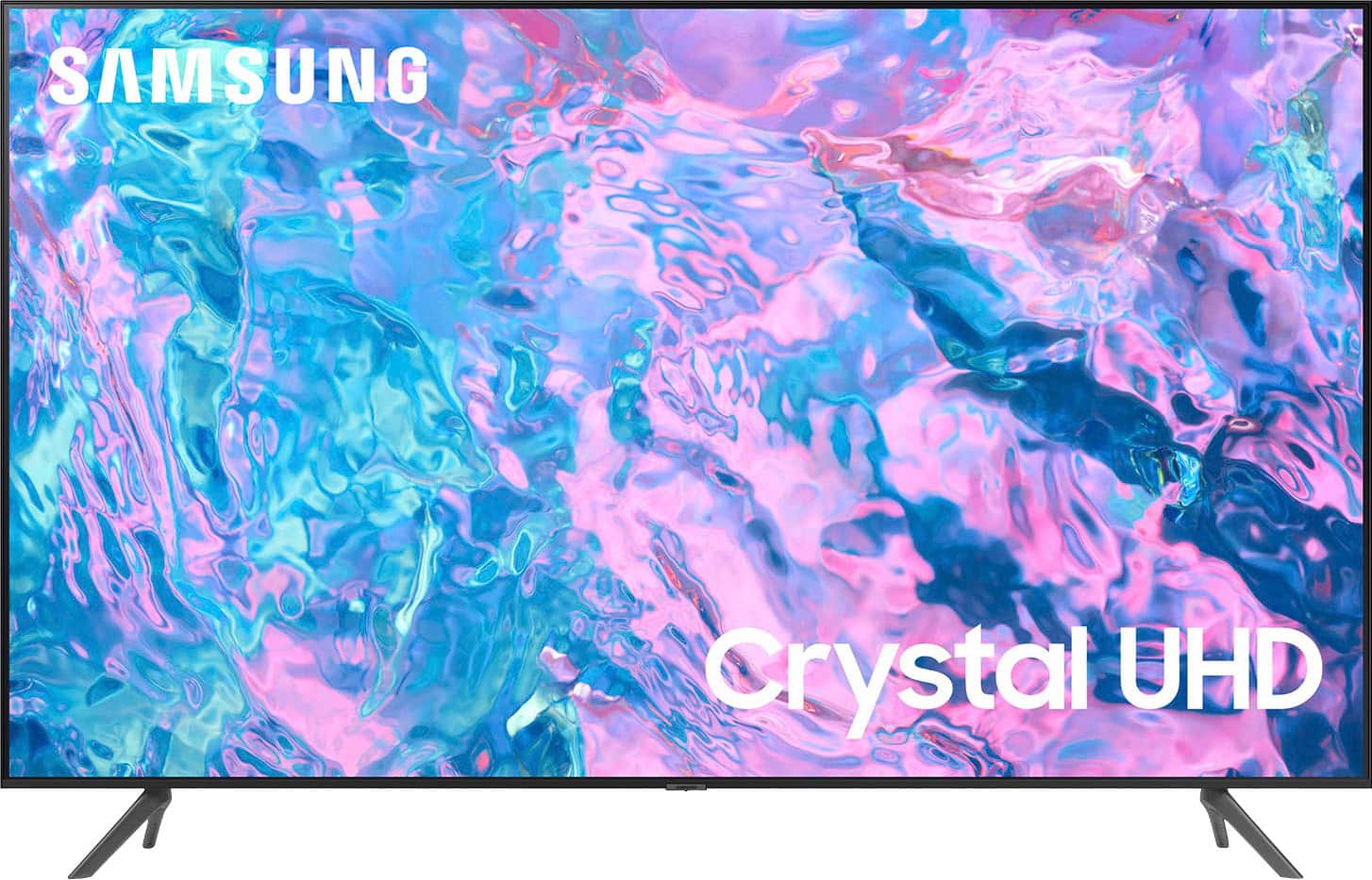
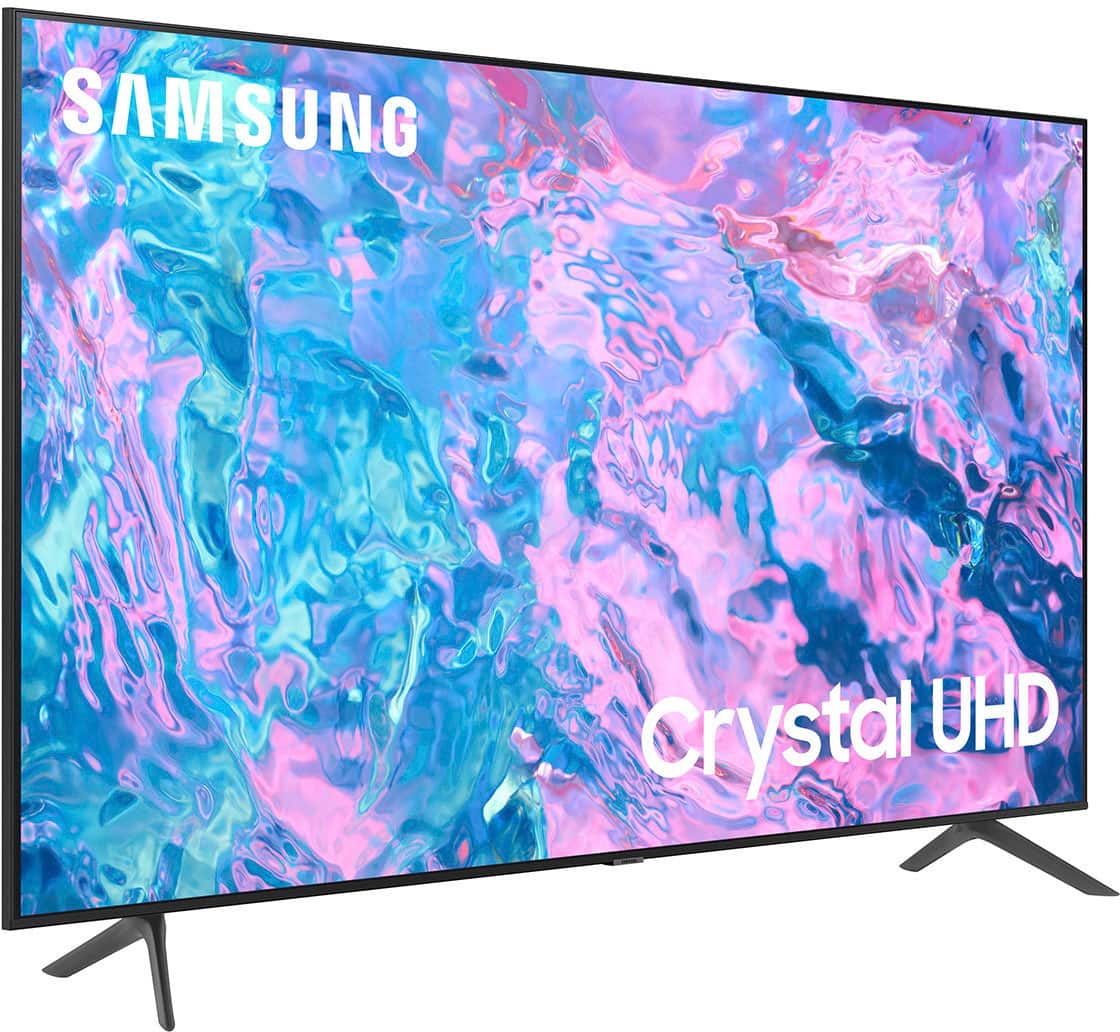
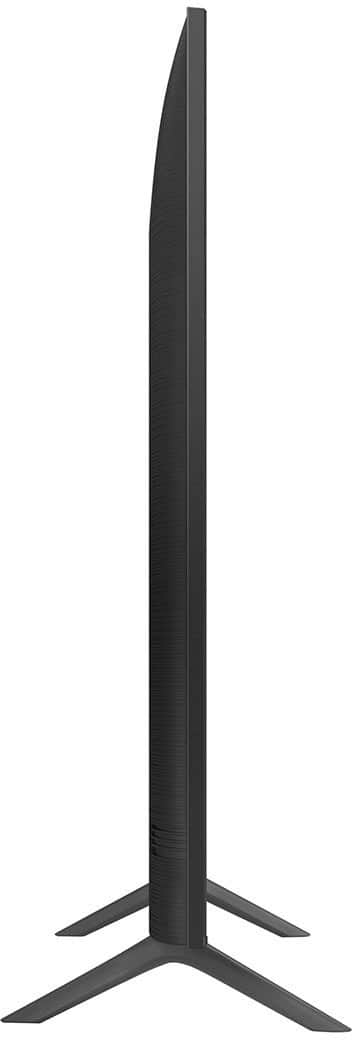
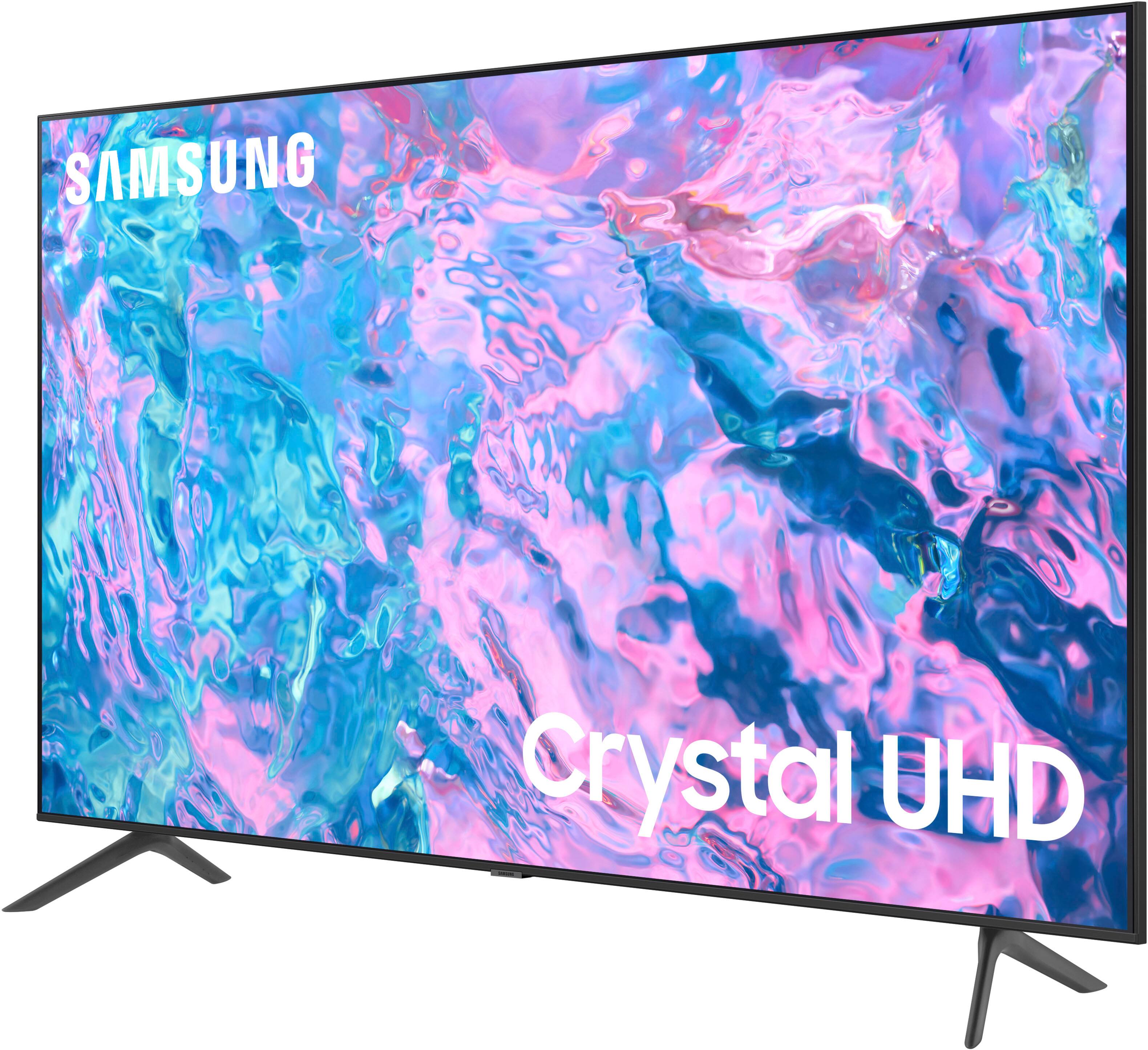
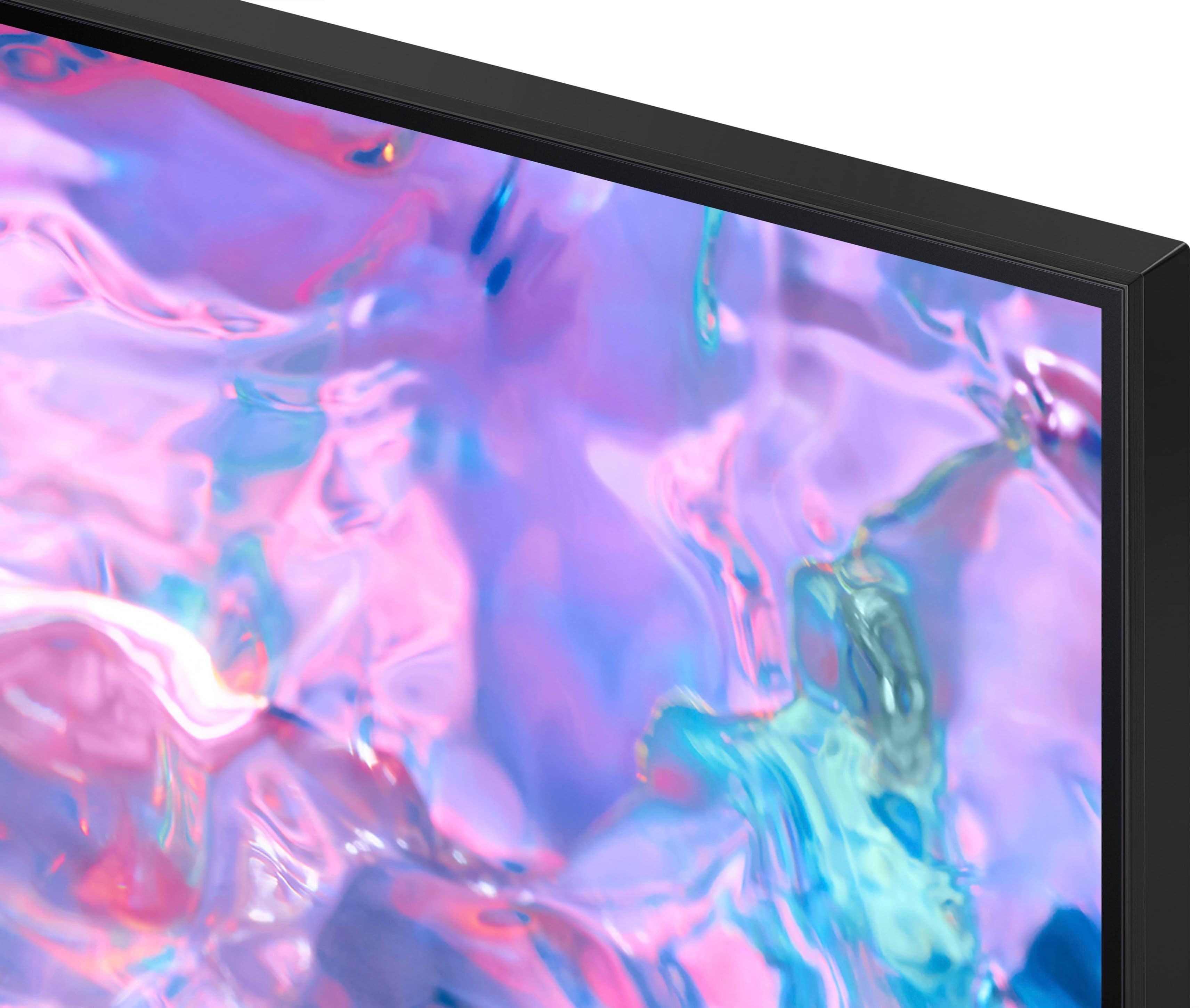



- Model:
- UN43CU7000FXZA
- SKU:
- 6537422
Rating by feature
- Picture Quality
Rating 4.8 out of 5 stars
- Sound Quality
Rating 4.5 out of 5 stars
- Brightness
Rating 4.8 out of 5 stars
Customers are saying
Customers find value in the 43” Class CU7000 Crystal UHD 4K Smart Tizen TV (2023)'s superb picture quality, ease of use, and attractive price point. Many appreciate the vibrant colors and straightforward setup process. However, some users express dissatisfaction with the remote control's design and the TV's volume capabilities. Overall, the positive feedback on picture quality and ease of use outweighs the negative comments regarding the remote and volume.
This summary was generated by AI based on customer reviews.
Great buy
||Posted . Owned for 3 weeks when reviewed.This reviewer received promo considerations or sweepstakes entry for writing a review.Great product. Does amazing with amazon app. Does not overheat like cheaper makes.
I would recommend this to a friendGood value
||Posted . Owned for 5 months when reviewed.This reviewer received promo considerations or sweepstakes entry for writing a review.The operating system in this tv works very well. Easy to set up
I would recommend this to a friendGreat!
||Posted . Owned for 11 months when reviewed.This reviewer received promo considerations or sweepstakes entry for writing a review.Such a great TV. Samsung is my go to for TVs and they’ve never failed me!
I would recommend this to a friendGood tv at reasonable price
||Posted . Owned for 1 week when reviewed.This reviewer received promo considerations or sweepstakes entry for writing a review.The display is bright and sharp. Speaker sound is excellent. The samsung tv software is quick to response with samsung phone and apple airplay.
I would recommend this to a friendSamsung TV the best
||Posted . Owned for 3 weeks when reviewed.This reviewer received promo considerations or sweepstakes entry for writing a review.Great T.V very familiar with the model as I have a 50” and a 70” also. Must have in my house!
I would recommend this to a friendLg tv
||Posted . Owned for 1 month when reviewed.This reviewer received promo considerations or sweepstakes entry for writing a review.Great TV but remote buttons for TV are too small for older people. They need to provide a basic remote for them.
I would recommend this to a friendSamsung CU7000
||Posted . Owned for 2 weeks when reviewed.This reviewer received promo considerations or sweepstakes entry for writing a review.Awesome service. My Samsung televisions. They were ready in a timely manner and price was just right. I will purchase from Best Buy again. Thank you
I would recommend this to a friendBest Buy Rocks!
||Posted . Owned for 4 months when reviewed.This reviewer received promo considerations or sweepstakes entry for writing a review.Best customer service. Ill never go anywhere else forcmy electrics!
I would recommend this to a friendSamsung 43 inch.
||Posted . Owned for 3 weeks when reviewed.This reviewer received promo considerations or sweepstakes entry for writing a review.But this brand all the time. Have purchased several of these and always happy with my purchase.
I would recommend this to a friend- Cons mentioned:Remote control
Average
||Posted . Owned for 1 month when reviewed.This reviewer received promo considerations or sweepstakes entry for writing a review.Not impressed. Got this based on the recommendation of the salesman. The screen freezes up on occasion and the remote doesn't work at times.
No, I would not recommend this to a friendBrand response from Samsung
Posted .Hi there,
Thank you for letting us know about the issues you are having with your CU7000 TV freezing up. To ensure performance is fully optimized, please make sure your TV is running the latest firmware. To do so, go to Settings> Support> Software Update. You can easily update from there if necessary.
Next, I recommend utilizing the self-diagnostic tool, which checks memory, frees unused cached memory, and closes background apps. Go to Settings > Support > Device Care > Start Device Care.
Finally, if your TV freezes again, please try running a cold boot. To do so, hold down the Power button on the Samsung TV remote until the TV turns off and then on again. This should take about 5 seconds.
If you continue to have issues, please call us at 1-800-SAMSUNG, 8 AM - 12 AM EST, seven days a week. LiveChat with an agent, as well as manuals, software, and warranty info, can be found at the ‘Support’ link on our Samsung website.
~ Samsung Advisor
Nice tv
||Posted . Owned for 3 months when reviewed.This reviewer received promo considerations or sweepstakes entry for writing a review.I bought this for my kids room. They love it and it has all the apps they want.
I would recommend this to a friendBest TV
||Posted . Owned for 1 month when reviewed.This reviewer received promo considerations or sweepstakes entry for writing a review.Samsung has always been my go to brand. I love the setup. Great picture & sound quality
I would recommend this to a friendMr
||Posted . Owned for 3 weeks when reviewed.This reviewer received promo considerations or sweepstakes entry for writing a review.this is my 3rd samsung tv purchased from best buy and I could'nt be happier with best buy and samsung!
I would recommend this to a friendExcellent Picture
||Posted . Owned for 3 weeks when reviewed.This reviewer received promo considerations or sweepstakes entry for writing a review.Excellent clarity and response. Was a little more expensive but worth the price difference.
I would recommend this to a friendTv
||Posted . Owned for 1 month when reviewed.This reviewer received promo considerations or sweepstakes entry for writing a review.One of the easiest purchases. Navigating the site smooth. Emails and messages when tv was ready for pickup.
I would recommend this to a friendNot thrilled with this tv and audio bar
||Posted . Owned for 1 month when reviewed.This reviewer received promo considerations or sweepstakes entry for writing a review.Was not told that there were streaming sites not compatable with Samsung. I can not stream PBS or CW. I do not know if there are other sites not compatable. I specifically said I wanted something I could watch in a bright room. I have a hard time seeing the picture during certain times of the day with this. My Vizio tv never had this problem. I had to get a audio bar and I don't feel that it is all that great either. I was told that commercials would dont get loud like other tv's, well it is worse than my old Vizio tv. Wish I had gotten the LG tv that was a little bit more expensive.
No, I would not recommend this to a friendBrand response from Samsung
Posted .Hi Techchallenged,
We appreciate your feedback on the CU7000 TV. Please know we are here to assist you.
First, I recommend ensuring your Firmware is up to date. Go to Settings> Support> Software Update.
Next, when utilizing an external Antenna, if certain channels are not appearing, I recommend rescanning. To do so, go to following the below instructions:
1) Make sure your Antenna or Cable box is set up, and then connect it to the TV via the ANT IN.
2) Go to Source> TV
3) Press Setting> All Settings> Broadcasting> Auto Program
4) Start to begin Auto-Programming, and then select either Air, Cable, or Both
5) Your TV will begin to scan for channels. After it's done, select Close to finish
Next, If the colors on your TV are correct but just a little too dark or bright, you can try adjusting Picture Modes, Contrast, Brightness, or Sharpness settings.
For darker scenes, I recommend Dynamic Picture Mode, which makes pictures brighter and clearer in bright viewing environments. Go to Settings > All Settings> Picture > Picture Mode > Dynamic.
Or you can manually adjust the Brightness by pressing the HOME button on your remote, then navigating to Settings > All Settings> Picture > Expert Settings.
You may also want to disable Power Saving Mode, which automatically adjusts the brightness to reduce the TV’s power consumption. Go to Settings > All Settings> General > Eco Solution> Power Saving Mode.
Regarding the volume increasing during commercials, I recommend checking to see if the Auto Volume is enabled. The Auto Volume function automatically adjusts the sound to a certain level when changing channels or switching to another external input. Go to Settings > All Settings> Sound > Expert Settings > Auto Volume.
If you need more help, Samsung is here for you. Please call us at 1-800-SAMSUNG, 8 AM - 12 AM EST, seven days a week. Our LiveChat agents are also available by clicking on the ‘Support’ link on our website.
~ Samsung Advisor
Best buy is the best
||Posted . Owned for 3 weeks when reviewed.This reviewer received promo considerations or sweepstakes entry for writing a review.Nice tv.. sales help was very informed on products that led me to my decision of my purchase.
I would recommend this to a friendIt’s probably a great TV
||Posted . Owned for 1 month when reviewed.This reviewer received promo considerations or sweepstakes entry for writing a review.I don’t know how this tv looks or operates, because I never took it out of the box.
I would recommend this to a friendSamsung TV
||Posted . Owned for 3 weeks when reviewed.This reviewer received promo considerations or sweepstakes entry for writing a review.Easy buy at best buy, quality of item is 10/10, staff were so nice and helpful, would come back here to buy
I would recommend this to a friendLove the apps.
||Posted . Owned for 3 weeks when reviewed.This reviewer received promo considerations or sweepstakes entry for writing a review.Great TV. I dont have cable or satellite so all the apps and the apps I can add make it perfect. Many are free!
I would recommend this to a friend