Customer Ratings & Reviews
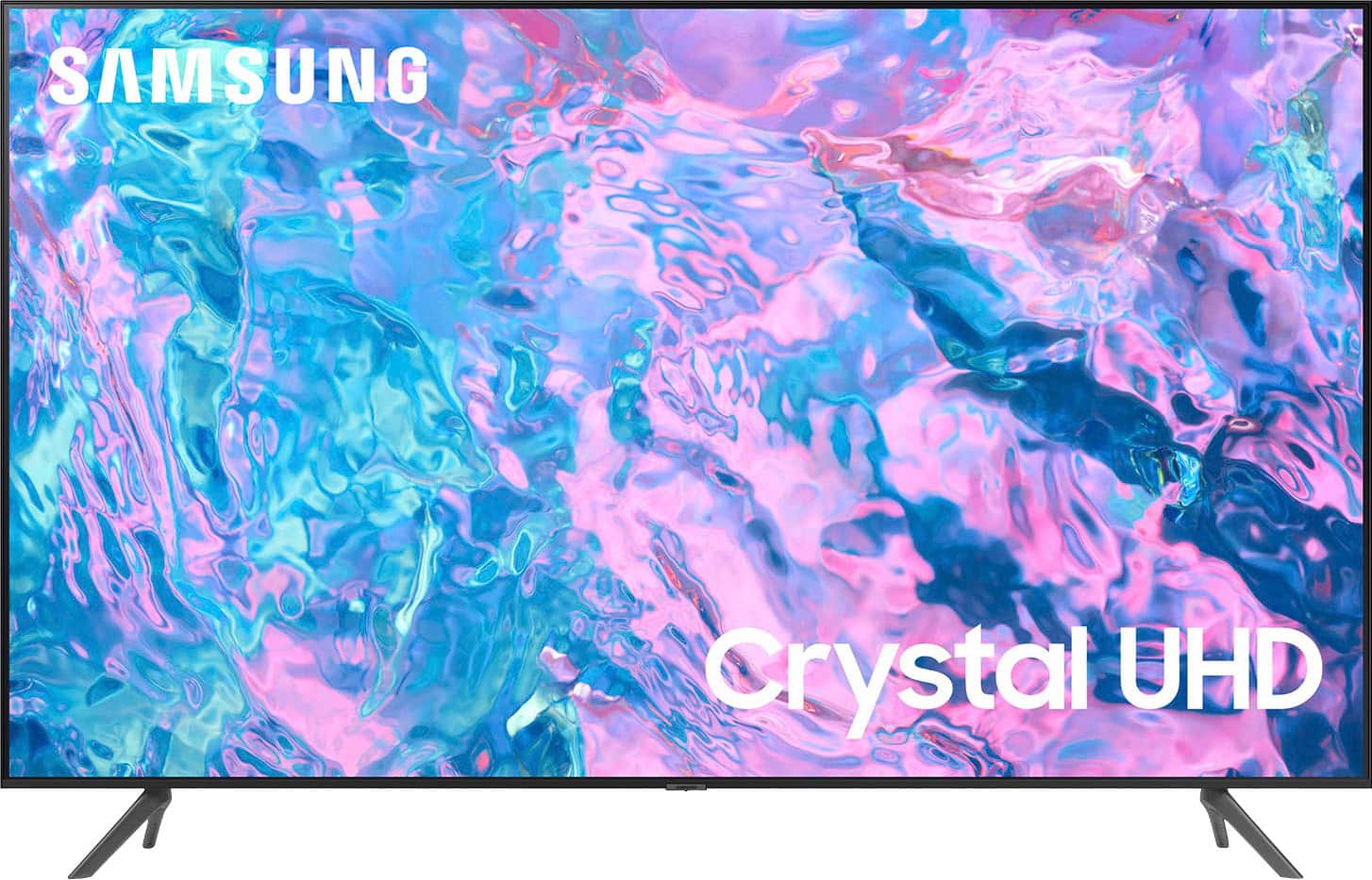
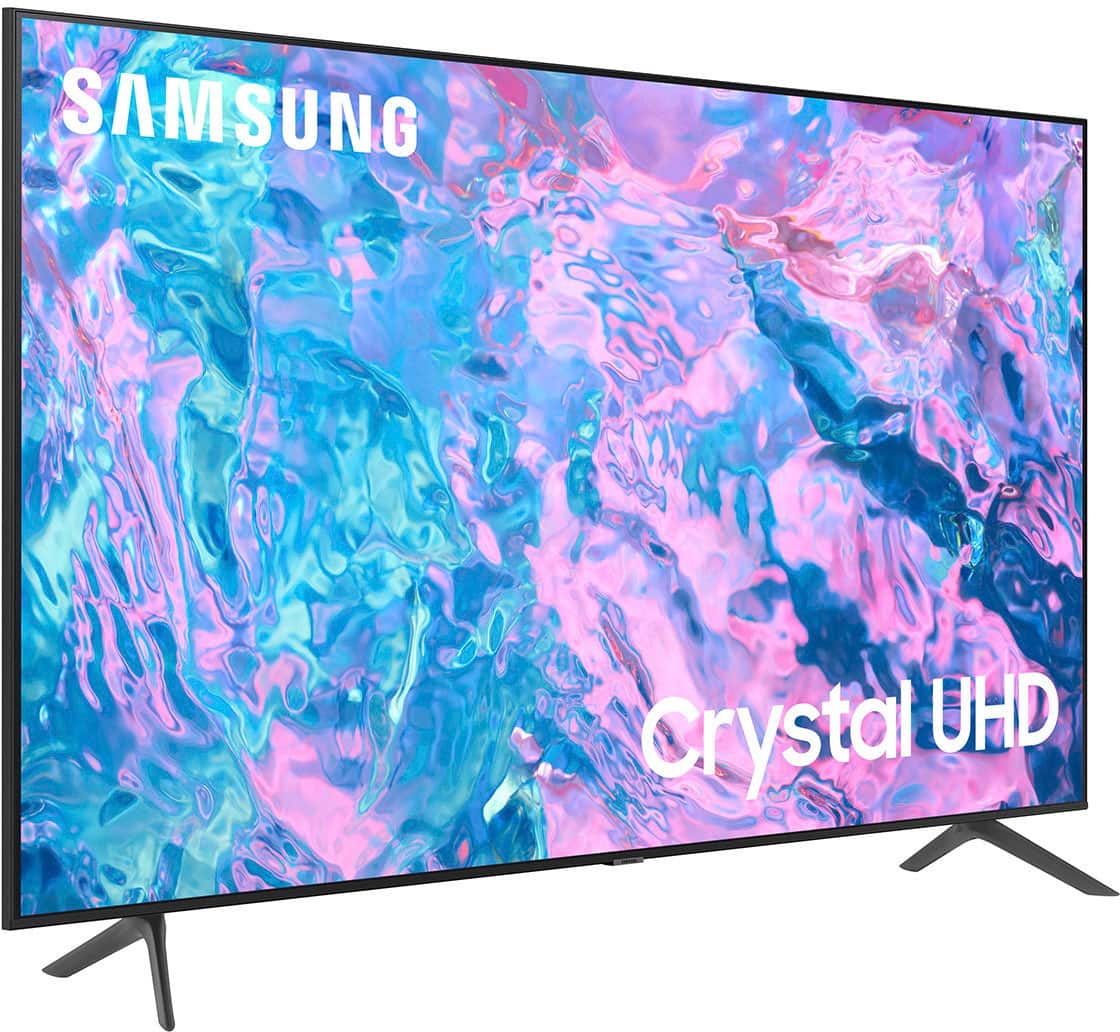
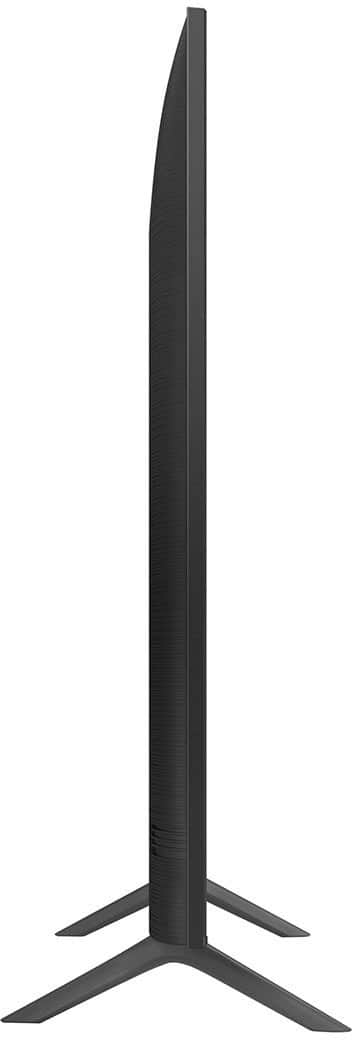
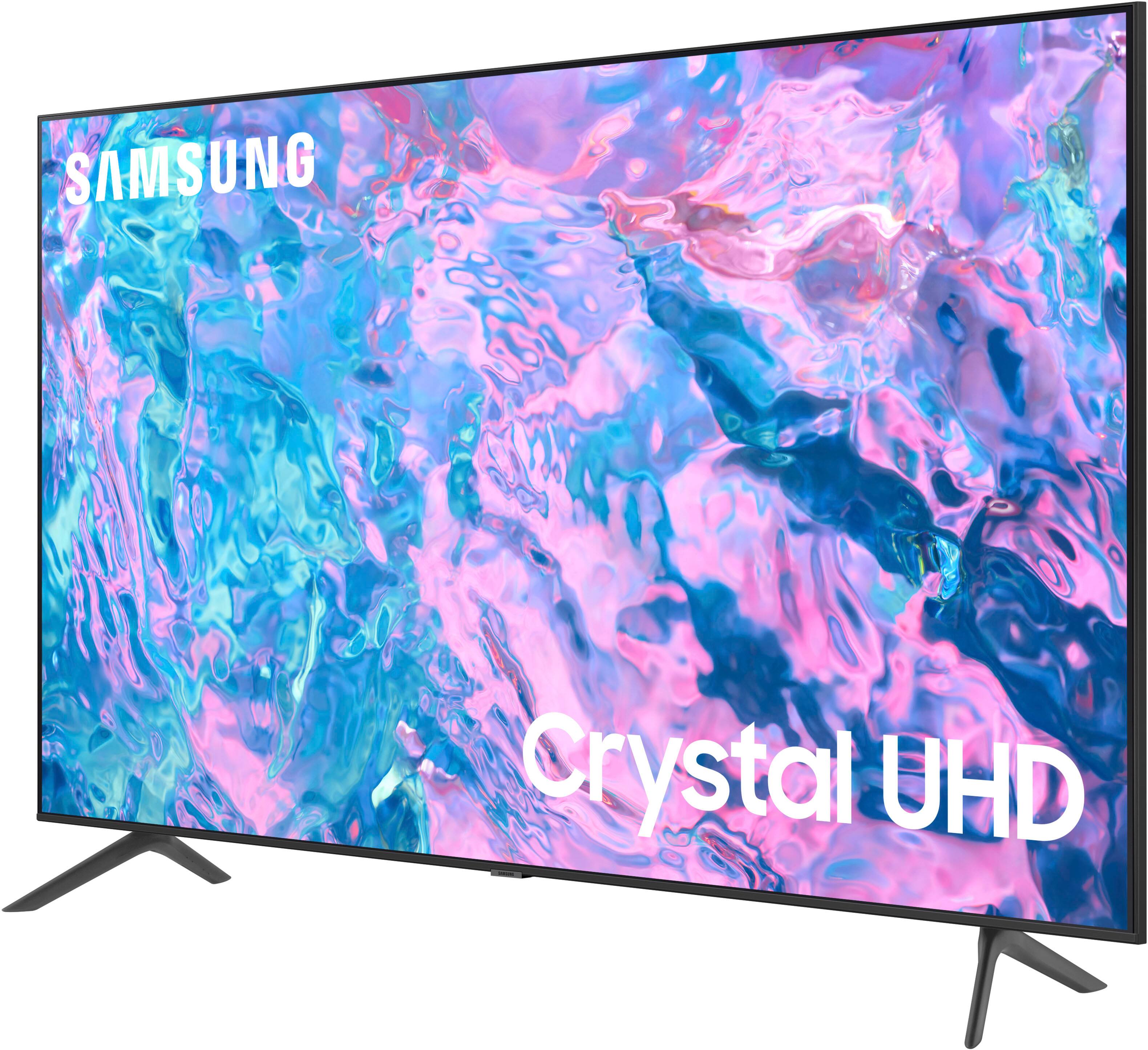
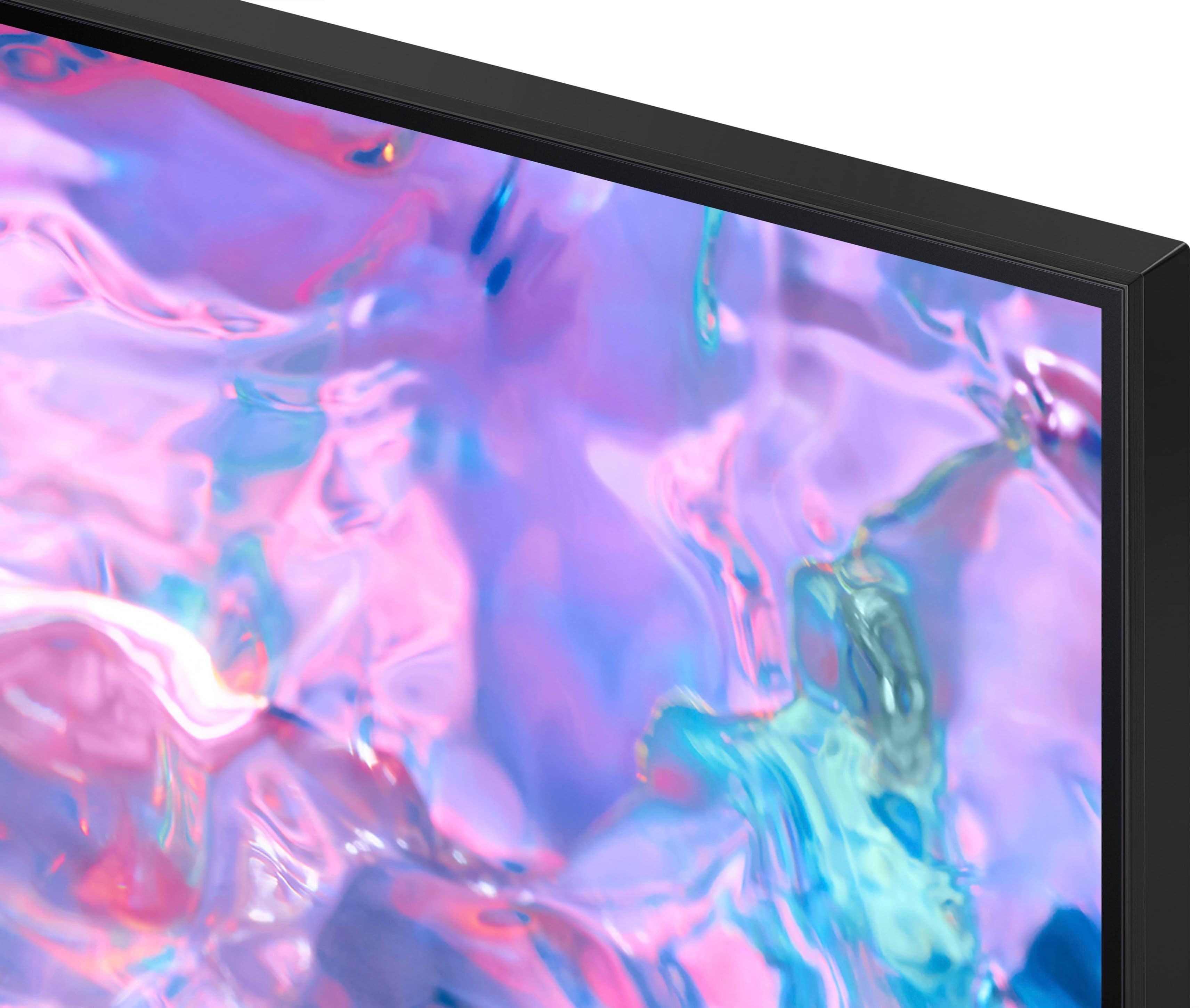



- Model:
- UN43CU7000FXZA
- SKU:
- 6537422
Rating by feature
- Picture Quality
Rating 4.8 out of 5 stars
- Sound Quality
Rating 4.5 out of 5 stars
- Brightness
Rating 4.8 out of 5 stars
Customers are saying
Customers find value in the 43” Class CU7000 Crystal UHD 4K Smart Tizen TV (2023)'s superb picture quality, ease of use, and attractive price point. Many appreciate the vibrant colors and straightforward setup process. However, some users express dissatisfaction with the remote control's design and the TV's volume capabilities. Overall, the positive feedback on picture quality and ease of use outweighs the negative comments regarding the remote and volume.
This summary was generated by AI based on customer reviews.
Great quality for the price
||Posted . Owned for 3 weeks when reviewed.This reviewer received promo considerations or sweepstakes entry for writing a review.Very affordable TV and great quality for the price
I would recommend this to a friendDecent
||Posted . Owned for 9 months when reviewed.This reviewer received promo considerations or sweepstakes entry for writing a review.Colors are not its strength. But good quality for the price.
I would recommend this to a friendSamsung 43 inch CU7000
||Posted . Owned for less than 1 week when reviewed.This reviewer received promo considerations or sweepstakes entry for writing a review.Quality product and satifies my entertainment needs
I would recommend this to a friendGreat Tv
||Posted . Owned for 1 month when reviewed.This reviewer received promo considerations or sweepstakes entry for writing a review.Great Tv Great Price Best Buy is a great choice for all your electronic needs
No, I would not recommend this to a friend- Pros mentioned:Picture quality
Good picture while it lasts
||Posted . Owned for 1 year when reviewed.This reviewer received promo considerations or sweepstakes entry for writing a review.Picture is nice quality and easy to set up. Main issue is that a year and a half after purchase the picture and back light went out.
No, I would not recommend this to a friend Happy overall
||Posted . Owned for 1 month when reviewed.This reviewer received promo considerations or sweepstakes entry for writing a review.Nice TV. Not perfectly crisp but given the affordable price, it works for me.
I would recommend this to a friendSamsung
||Posted . Owned for 1 month when reviewed.This reviewer received promo considerations or sweepstakes entry for writing a review.I am extremely pleased with my purchase, I’m happy.
I would recommend this to a friend- Pros mentioned:Picture quality
samsung's new Tizen acts more like a trap
||Posted . Owned for 3 weeks when reviewed.This reviewer received promo considerations or sweepstakes entry for writing a review.Nice picture but a brand new Tizen interface does not allow the viewer to access channels by the channel's number. Designed to make you look at their pay tv offerings more than you would like. Overall the tv is clumsy and slow.
No, I would not recommend this to a friendBrand response from Samsung
Posted .Hi JamesB,
Thank you for choosing Samsung and for sharing your feedback regarding the Tizen interface with us. Please know that you can select the channel you wish to visit directly from your remote. Press the gear/123 button on the top left corner of your remote> Press the down directional button> then enter the number channel you wish to visit.
If you do not wish to utilize the Samsung Plus channels, please know you can disable them, which removes the channels from your default guide. Should you want to disable TV Plus, follow the steps below:
1) Navigate to the Samsung TV Plus app and press and hold the enter or select button on the remote. This will bring up two options. ‘Move’ and ‘Remove.’
2) Navigate to ‘Remove’ and select. This option brings up the ability to remove the app icon or disable the service.
3) Navigate to ‘Disable’ and select. This will remove the service from the launcher bar and the channels from the TV Guide.
Alternatively, you can leave TV Plus enabled and utilize the Autorun Last App feature to automatically start the last app you used once the TV is turned on. To enable this feature, follow the steps below:
1) Navigate to Settings > All Settings> General > Smart Features > Autorun Smart Hub
2) Enable the Autorun Smart Hub feature
3) Navigate to Settings > General > Smart Features > Autorun Last App
4) Enable the Autorun Last App feature
If you’d like more help with settings, we are always happy to help! Call us at 1-800-SAMSUNG, 8 AM - 12 AM EST, seven days a week. Or visit us on the Samsung website and click on the ‘Support’ link for:
1) LiveChat
2) Manuals, Software, & Warranty Info
~ Samsung Advisor
Pretty good tv
||Posted . Owned for 2 weeks when reviewed.This reviewer received promo considerations or sweepstakes entry for writing a review.Good tv for the price. Cant expect top quality or speeds but does a good job at both
I would recommend this to a friendPretty Good TV
||Posted . Owned for 3 weeks when reviewed.This reviewer received promo considerations or sweepstakes entry for writing a review.Looks so good! The colors are also very bright, just wish the sound was louder
I would recommend this to a friendSamsung Review
||Posted . Owned for 1 month when reviewed.This reviewer received promo considerations or sweepstakes entry for writing a review.Paramount + does not work properly all of the time
I would recommend this to a friendGood
||Posted . Owned for 3 weeks when reviewed.This reviewer received promo considerations or sweepstakes entry for writing a review.I was looking for a tv for my toddler daughter's room, and a Best Buy employee helped me choose this one.
I would recommend this to a friend- Pros mentioned:Picture quality
Breaks after 6 months
||Posted . Owned for 5 months when reviewed.This reviewer received promo considerations or sweepstakes entry for writing a review.I have had this tv for 6 months and it totally just broke down on me. The Screen is black and shows no picture or light. I can hear the tv and its still connected to my devices and my internet. The picture quality and sound were very good. The features itself are really good aside from the 6 month lifespan
No, I would not recommend this to a friend Good TV good price
||Posted . Owned for 1 month when reviewed.This reviewer received promo considerations or sweepstakes entry for writing a review.Good TV good price. Easy setup but wish it came with a longer power cord.
I would recommend this to a friendsamsung review
||Posted . Owned for 3 weeks when reviewed.This reviewer received promo considerations or sweepstakes entry for writing a review.i wish i were still able to have letter box on this new tv
I would recommend this to a friend- Cons mentioned:Volume
Remote
||Posted . Owned for 3 weeks when reviewed.This reviewer received promo considerations or sweepstakes entry for writing a review.Remo te wont increase or decrease volume, it only goes to caption.
No, I would not recommend this to a friendBrand response from Samsung
Posted .Hi Deborahturner,
Thank you for reaching out and letting us know about the issue you are experiencing with the Samsung remote. Please try the following troubleshooting steps.
First, let's ensure you are running the latest Firmware. Go to Settings> Support> Software Update.
Next, let's reset your remote. First, remove the batteries and then press Power for 8 seconds to reset the remote. Then reinsert the batteries and try to use the remote again.
If you continue to have issues, Samsung is here for you! Give us a call at 1-800-SAMSUNG, 8 AM - 12 AM EST, seven days a week. Our LiveChat agents are also available by clicking on the ‘Support’ link on our website.
Thanks for being a part of the Samsung family!
~ Samsung Advisor
Very frustrating and disappointing!
||Posted .This reviewer received promo considerations or sweepstakes entry for writing a review.I purchased this tv in February 2024. The tv will change channels on its own when the remote control is across the room and with new batteries. What a waste of $300.00.
No, I would not recommend this to a friendA really good tv
||Posted . Owned for 3 weeks when reviewed.This reviewer received promo considerations or sweepstakes entry for writing a review.My 11 year old grandson loves this tv for his video games and apps like Netflix.
I would recommend this to a friend- Pros mentioned:Picture quality
T.V
||Posted . Owned for 1 month when reviewed.This reviewer received promo considerations or sweepstakes entry for writing a review.I like this tv because has a great imagen & great song
I would recommend this to a friendBrand response from Samsung
Posted .Hi IngridG,
Thank you for purchasing Samsung’s Crystal UHD 4K CU7000 Smart TV. The Crystal Processor 4K transforms everything you watch into 4K. Its crisp, clear picture is 4x the resolution of Full HD.
If you should have any questions or concerns with usage, features, or how to best optimize your settings, Samsung Customer Support is here to help. You can call us at 1-800-SAMSUNG, 8 AM - 12 AM EST, seven days a week. Our LiveChat agents are also available by clicking on the ‘Support’ link on our website.
~ Samsung Advisor
Good TV
||Posted . Owned for 3 weeks when reviewed.This reviewer received promo considerations or sweepstakes entry for writing a review.Good TV. Decent speakers but lack bass. A good choice for small room.
I would recommend this to a friend