Customer Ratings & Reviews
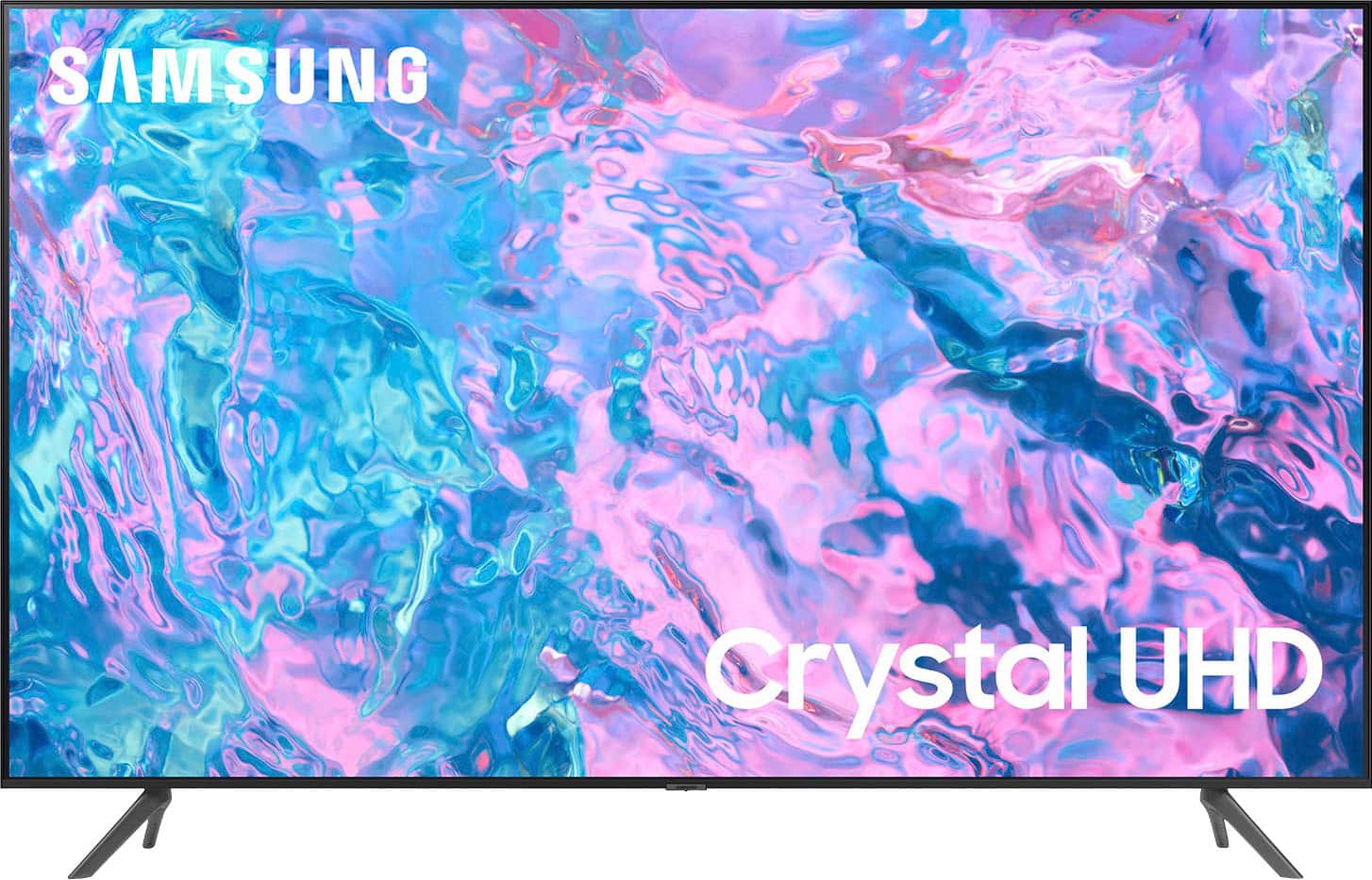
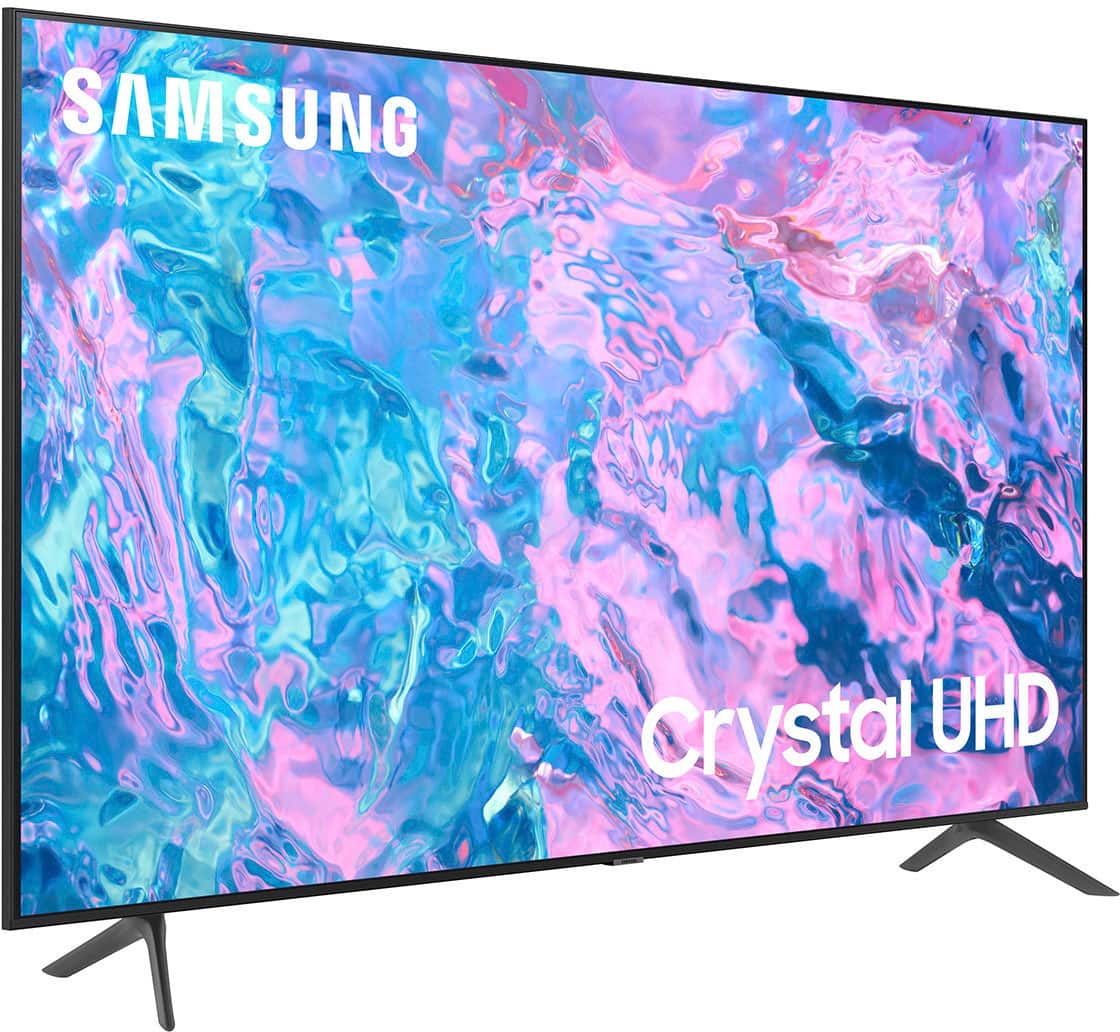
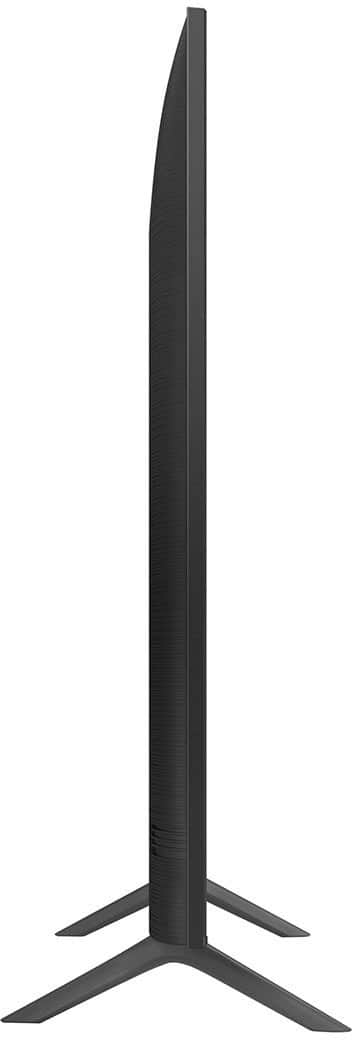
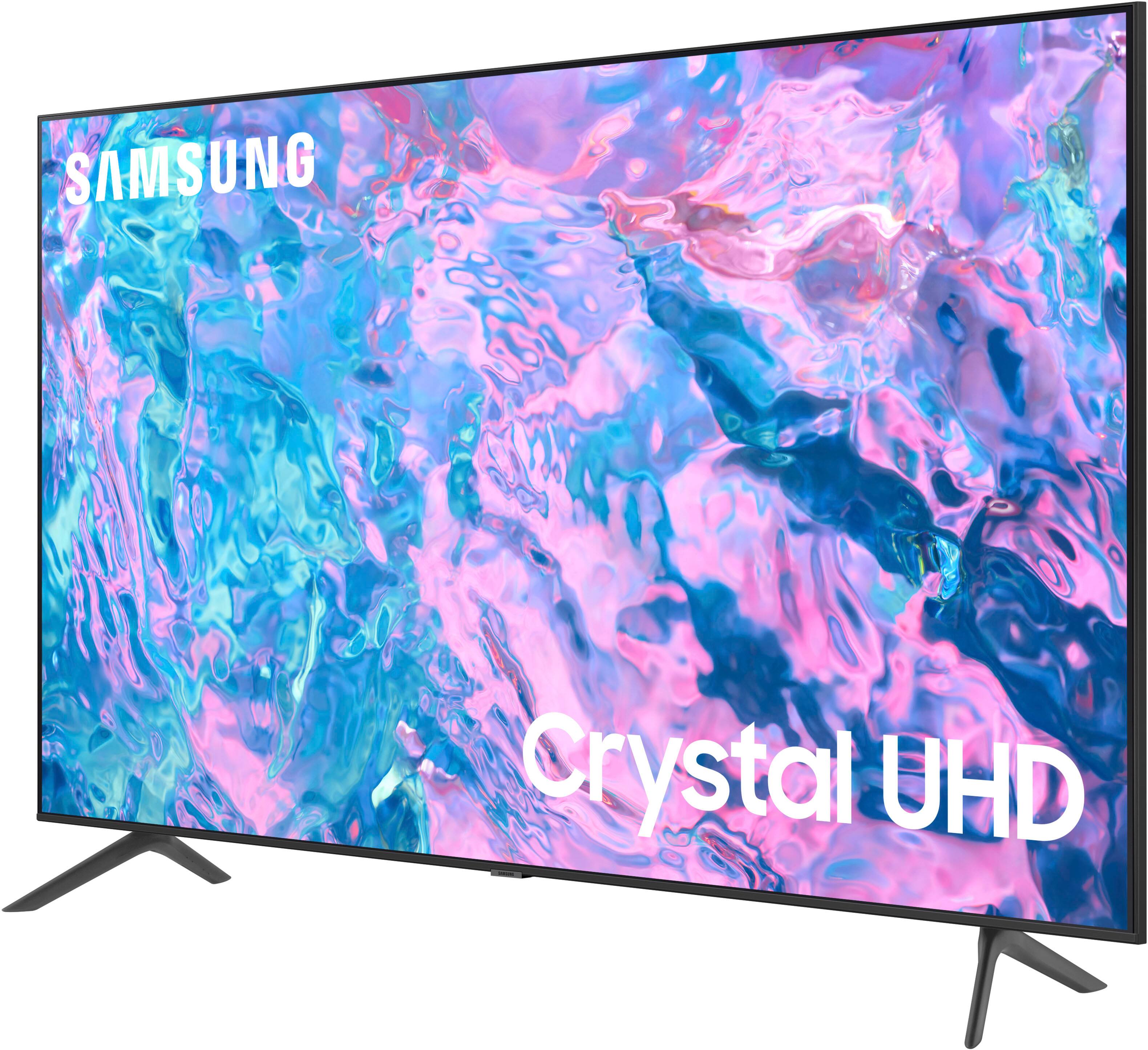
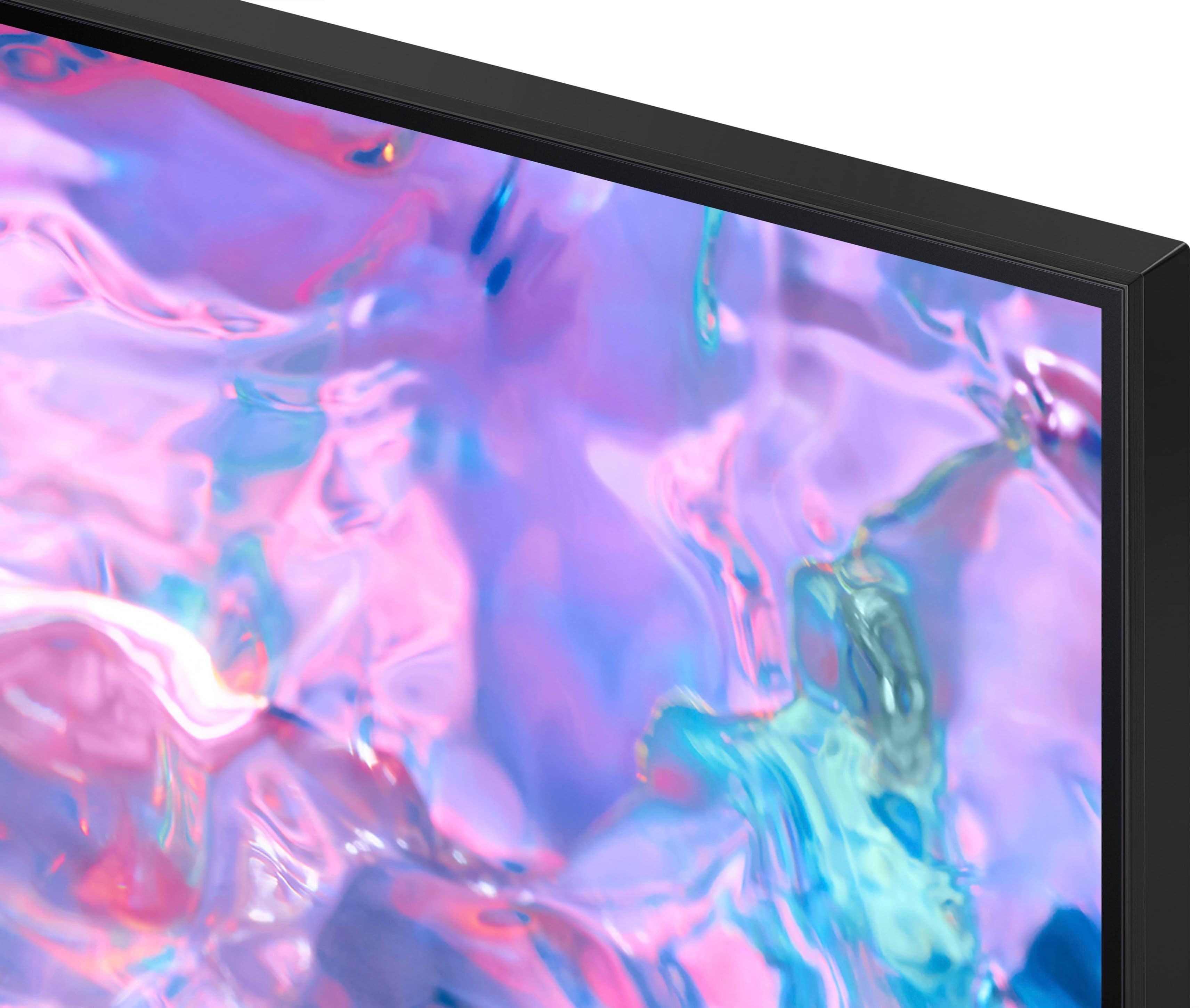



- Model:
- UN43CU7000FXZA
- SKU:
- 6537422
Rating by feature
- Picture Quality
Rating 4.8 out of 5 stars
- Sound Quality
Rating 4.5 out of 5 stars
- Brightness
Rating 4.8 out of 5 stars
Customers are saying
Customers find value in the 43” Class CU7000 Crystal UHD 4K Smart Tizen TV (2023)'s superb picture quality, ease of use, and attractive price point. Many appreciate the vibrant colors and straightforward setup process. However, some users express dissatisfaction with the remote control's design and the TV's volume capabilities. Overall, the positive feedback on picture quality and ease of use outweighs the negative comments regarding the remote and volume.
This summary was generated by AI based on customer reviews.
Samsung TV
||Posted . Owned for 3 weeks when reviewed.This reviewer received promo considerations or sweepstakes entry for writing a review.Great product for the price. Easy transaction. Best buy is the best!
I would recommend this to a friend- Cons mentioned:Remote control
Not recommended
||Posted . Owned for 3 weeks when reviewed.This reviewer received promo considerations or sweepstakes entry for writing a review.It was hard to set up, hate the remote which I have to use whenever I turn on TV, picture pixilates and sound has to be set louder. Couldn't afford a better TV but will later buy a better one, not Samsung. Very disappointed after my previous Samsung.
No, I would not recommend this to a friendBrand response from Samsung
Posted .Hi Diane,
We appreciate your feedback on the CU7000 TV; please know it will be shared with our internal design teams. I do have a few suggestions which may improve your experience with the remote, picture, and sound.
First, let's ensure you are running the latest Firmware. Go to Settings> Support> Software Update.
Next, please know that you can use your Android or Apple device as a remote via the SmartThings App. Also, to learn how to use your Samsung Remote, go to Home> (left directional button) Settings> Support> Remote Control Guide.
For optimal motion image performance, you may want to adjust the picture clarity setting by going to Settings > All Settings> Picture > Expert Settings > Picture Clarity Settings.
- Off: Picture Clarity Settings will always be off
- Auto: Picture Clarity Settings will automatically activate and deactivate based on the type of program being watched
- Custom: Allows custom adjustments and settings to be used. By selecting the Custom option, you can access these advanced settings for Judder Reduction, LED Clear Motion, and Noise Reduction.
You can change the Sound Mode by going to Settings > All Settings> Sound > Sound Mode.
I hope these tips help you enjoy your new product. You can contact us for further help at 1-800-SAMSUNG, 8 AM - 12 AM EST, seven days a week. Our LiveChat agents are also available by clicking on the ‘Support’ link on our website.
~ Samsung Advisor
Motion blur & low brightness
||Posted . Owned for less than 1 week when reviewed.This reviewer received promo considerations or sweepstakes entry for writing a review.Bought yesterday, calibrated and turned off all the image processing settings including eco and power modes. No matter what ive tried, motion blur is the worst ive seen in a long time. This tv is meant for my Office. But when i turn on the lights in the room, the screen washes out. I should have bought a 120 hz sony.
No, I would not recommend this to a friendBrand response from Samsung
Posted .Hi Bryan,
Thank you for your honest feedback on the CU7000 Tv's Motion Image. You mentioned adjusting a few settings, but I have one more I would like for you to try. For optimal motion image performance, you may want to adjust the picture clarity setting by going to Settings > All Settings> Picture > Expert Settings > Picture Clarity Settings.
- Off: Picture Clarity Settings will always be off
- Auto: Picture Clarity Settings will automatically activate and deactivate based on the type of program being watched
- Custom: Allows custom adjustments and settings to be used. By selecting the Custom option, you can access these advanced settings for Judder Reduction, LED Clear Motion, and Noise Reduction.
I hope this improves your experience! If you need more help, call us at 1-800-SAMSUNG, 8 AM - 12 AM EST, seven days a week. Our LiveChat agents are also available by clicking on the ‘Support’ link on our website.
~ Samsung Advisor
No frills, but good.
||Posted . Owned for 2 weeks when reviewed.This reviewer received promo considerations or sweepstakes entry for writing a review.No frills, but good.................................
I would recommend this to a friendSANSUNG SMART TV
||Posted . Owned for 3 weeks when reviewed.This reviewer received promo considerations or sweepstakes entry for writing a review.great tv not easy to set up. COST TO HIGHT TO HIRE A PROFESSIONAL SET UP
I would recommend this to a friendGood TV
||Posted . Owned for 5 months when reviewed.This reviewer received promo considerations or sweepstakes entry for writing a review.Great TV but gets glitchy and loses connection sometimes.
I would recommend this to a friendBrand response from Samsung
Posted .Hi BBCustomer,
We appreciate your feedback on the Samsung CU7000 TV. I'm sorry to hear you are experiencing issues with your TV losing connection. Please try the below troubleshooting tips to resolve this issue:
First, let's ensure you are running the latest Firmware. Go to Settings> Support> Software Update. To ensure you do not miss any Firmware Updates, I recommend enabling Auto Updates. Go to Settings> Support> Software Update> then select Auto Update.
Next, let's try running a cold boot on your TV. To do so, hold down the Power button on the Samsung TV remote until the TV turns off and then on again. This should take about 5 seconds.
I hope these tips help resolve your concerns. You can call us at 1-800-SAMSUNG, 8 AM - 12 AM EST, seven days a week. Our LiveChat agents are also available by clicking on the ‘Support’ link on our website.
~ Samsung Advisor
tv
||Posted . Owned for 1 month when reviewed.This reviewer received promo considerations or sweepstakes entry for writing a review.working fine. Got a great price on the tv. technicians very helpful
I would recommend this to a friendBusiness olive ttc
||Posted . Owned for 1 week when reviewed.This reviewer received promo considerations or sweepstakes entry for writing a review.Great tv Samsung, it work good and strongest I advised people to buy
I would recommend this to a friendPerfect TV for budget
||Posted . Owned for 1 month when reviewed.This reviewer received promo considerations or sweepstakes entry for writing a review.Its a super solid TV, a bit of a slow OS but i can deal with it
I would recommend this to a friend- Pros mentioned:Picture quality
Picture is Amazing but sound disappoints
||Posted . Owned for 3 weeks when reviewed.This reviewer received promo considerations or sweepstakes entry for writing a review.I bought this TV specially for the built in surround sound. The sound is horrible. My Hisense with built in surround sound is better than this one, and half the cost. Wish I hadn't of missed the 15 day return period as I would have returned it.
No, I would not recommend this to a friendBrand response from Samsung
Posted .Hi DylanK,
Thank you for sharing your thoughts regarding the CU7000 TV’s sound quality. We recommend adjusting the Sound Settings to improve your experience. You can change the Sound Mode by going to Settings > All Settings> Sound > Sound Mode.
You can also customize the sound with Expert Settings by going to Settings > All Settings> Sound > Expert Settings.
To assist you with possible sound settings adjustments for a better audio experience or choosing a Samsung Soundbar to complement your viewing enjoyment, please reach out to us at 1-800-SAMSUNG, 8 AM - 12 AM EST, seven days a week. Our LiveChat agents are also available by clicking on the ‘Support’ link on our website.
~ Samsung Advisor
na
||Posted . Owned for 3 weeks when reviewed.This reviewer received promo considerations or sweepstakes entry for writing a review.no issues with this purchase. I have nothing to add
I would recommend this to a friendGifted TV
||Posted . Owned for 1 month when reviewed.This reviewer received promo considerations or sweepstakes entry for writing a review.I bought this TV for a friend and she tells me she loves it!
I would recommend this to a friendMs
||Posted . Owned for 1 month when reviewed.This reviewer received promo considerations or sweepstakes entry for writing a review.It’s ok for a cheaper model, not overly happy with it
I would recommend this to a friendSamsung 43"
||Posted . Owned for 3 weeks when reviewed.This reviewer received promo considerations or sweepstakes entry for writing a review.We love this television and got it for an affordable price.
I would recommend this to a friendSamsung tv
||Posted . Owned for 3 weeks when reviewed.This reviewer received promo considerations or sweepstakes entry for writing a review.The tv is midrange. The tv could use better speakers.
I would recommend this to a friendOk
||Posted . Owned for 3 weeks when reviewed.This reviewer received promo considerations or sweepstakes entry for writing a review.I may need to return it. It is very heavy!!.,,,,,,,,,,,,……..!.???….mmmm,Mm
No, I would not recommend this to a friendBrand response from Samsung
Posted .Hi MaryY,
So we can better understand the issues you are experiencing, please give us a call at 1-800-SAMSUNG, 8 AM - 12 AM EST, seven days a week. Or visit us on the Samsung website and click on the ‘Support’ link for:
1) LiveChat
2) Manuals, Software, & Warranty Info
~ Samsung Advisor
Screen good but slow interface
||Posted . Owned for 3 weeks when reviewed.This reviewer received promo considerations or sweepstakes entry for writing a review.On such a small screen it looks good, the interface is very slow tho
I would recommend this to a friendCan’t go Wrong
||Posted . Owned for 3 weeks when reviewed.This reviewer received promo considerations or sweepstakes entry for writing a review.It a great tv. Worth every penny. Lots of apps available
I would recommend this to a friendValue for money TV
||Posted . Owned for 1 month when reviewed.This reviewer received promo considerations or sweepstakes entry for writing a review.It is good for the price you pay, value for money TV.
I would recommend this to a friendABC
||Posted . Owned for 1 month when reviewed.This reviewer received promo considerations or sweepstakes entry for writing a review.I have problem to hear well even I raise the volume to 95.
No, I would not recommend this to a friend