Customer Ratings & Reviews
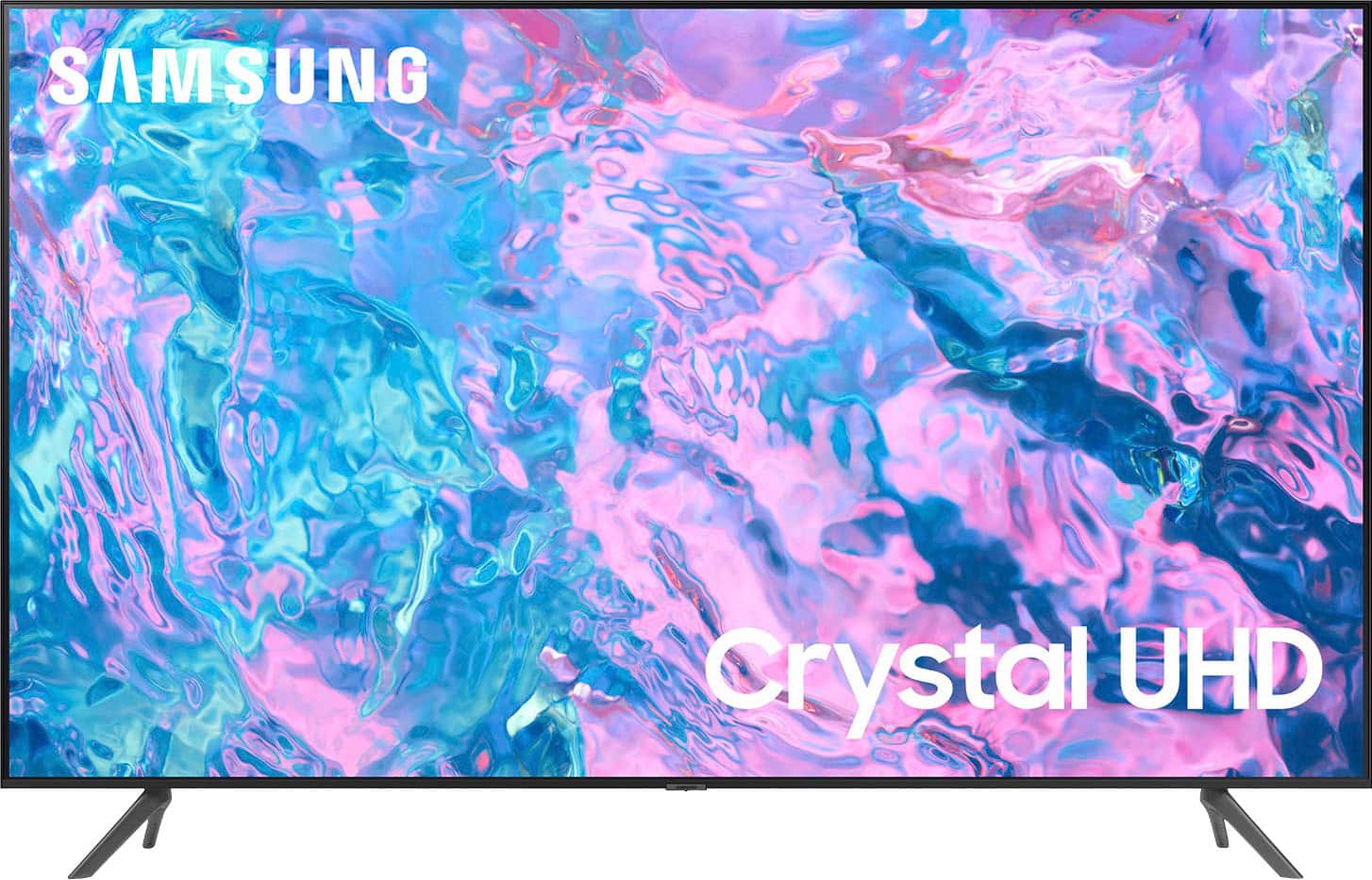
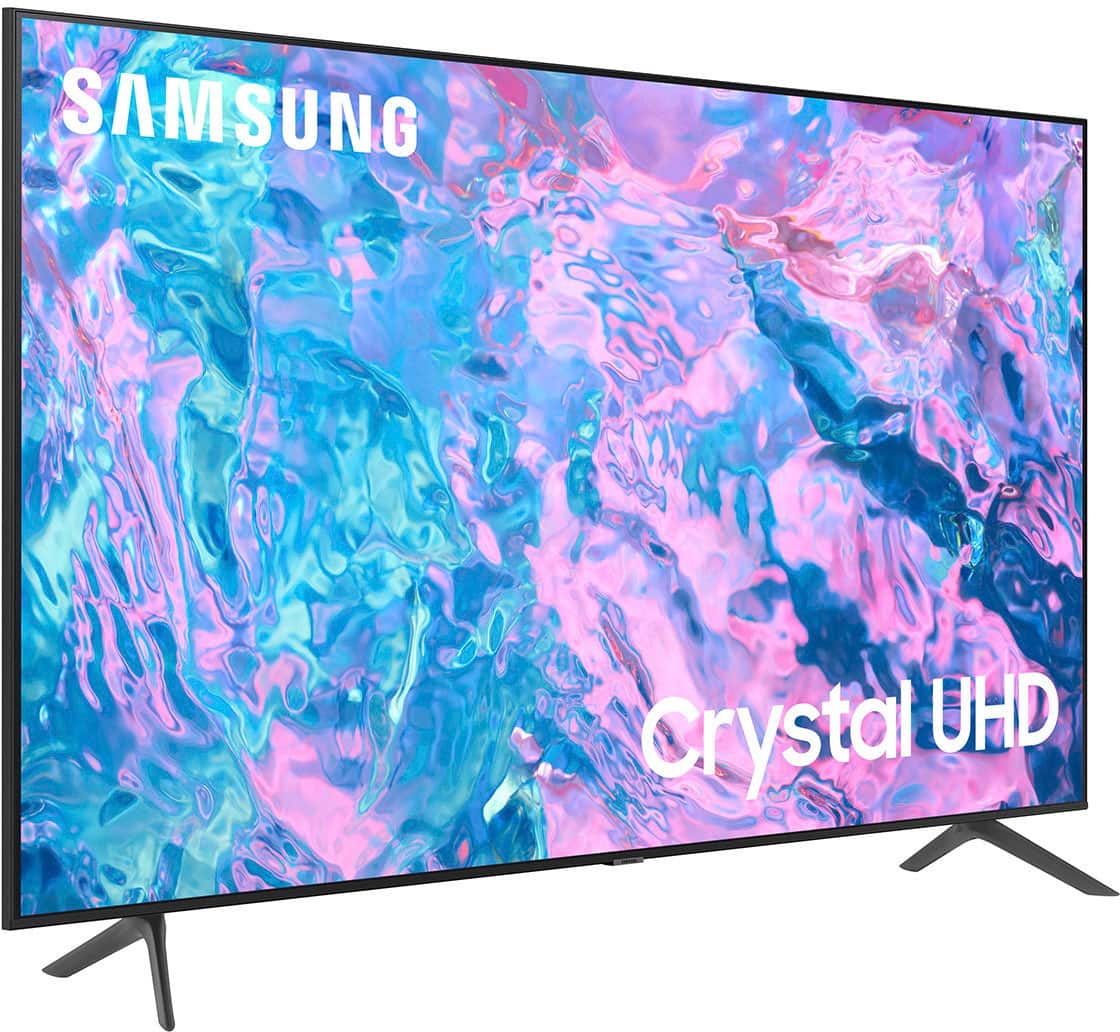
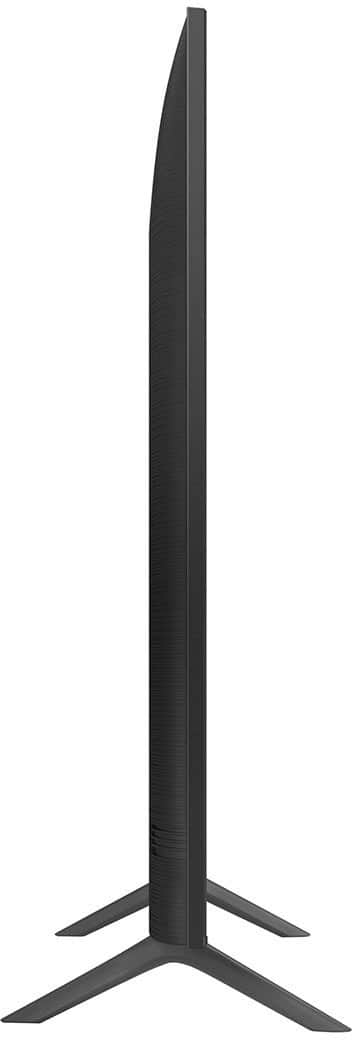
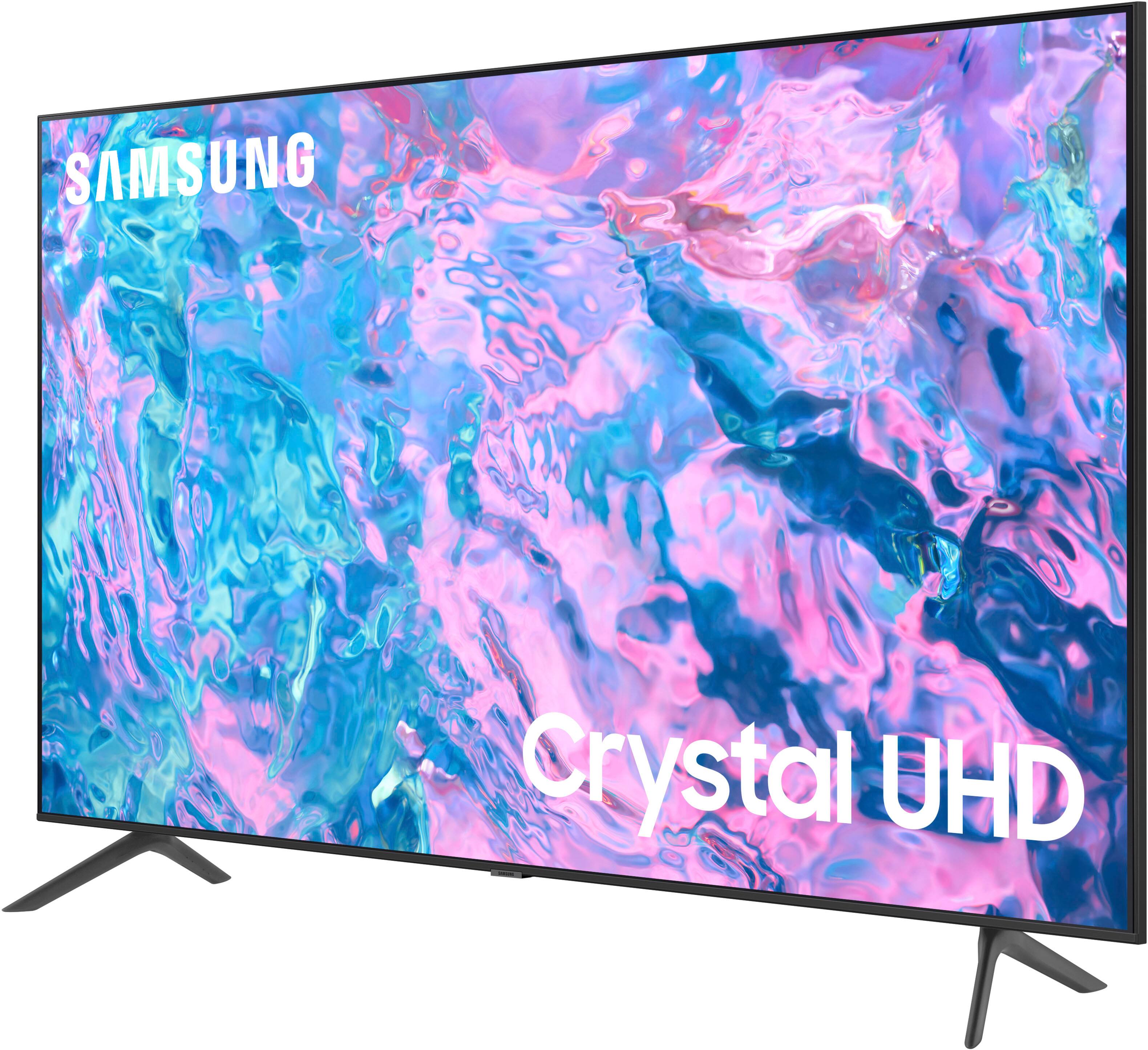



- Model:
- UN43CU7000FXZA
- SKU:
- 6537422
Rating by feature
- Picture Quality
Rating 4.8 out of 5 stars
- Sound Quality
Rating 4.5 out of 5 stars
- Brightness
Rating 4.8 out of 5 stars
Customers are saying
Customers find value in the 43” Class CU7000 Crystal UHD 4K Smart Tizen TV (2023)'s superb picture quality, ease of use, and attractive price point. Many appreciate the vibrant colors and straightforward setup process. However, some users express dissatisfaction with the remote control's design and the TV's volume capabilities. Overall, the positive feedback on picture quality and ease of use outweighs the negative comments regarding the remote and volume.
This summary was generated by AI based on customer reviews.
HORRIBLE NON-DELIVERY & POOR CUSTOMER SERVICE
||Posted . Owned for 3 weeks when reviewed.This reviewer received promo considerations or sweepstakes entry for writing a review.Best Buy was HORRIBLE!!! I used the online chat agent to help me purchase my tv for next day delivery. Despite me ensuring the agent had my condo # for accurate delivery, she still forgot it which caused a FRUSTRATING chain of events. FedEx could not deliver my tv because Best Buy left off my condo #. For over a week I had to deal with Best Buy for my tv that they kept saying it would be coming the following day but never did. Ultimately I told them to cancel my order.
No, I would not recommend this to a friendBrand response from Samsung
Posted .Hi KimG,
I'm very sorry to hear about your delivery experience with Best Buy. Please know you are leaving a review for the CU7000 TV, not the service provided by a third-party seller. Please follow up directly with the seller for further assistance. We hope your issue is resolved in a timely manner.
Should you have questions regarding Samsung TVs, please contact Samsung Support at 1-800-SAMSUNG, 8 AM - 12 AM EST, seven days a week. Our LiveChat agents are also available by clicking on the ‘Support’ link on our website.
~Samsung Advisor
Samsung tv
||Posted . Owned for 1 week when reviewed.This reviewer received promo considerations or sweepstakes entry for writing a review.Not very good price is higher than TCL or Toshiba quality is same or les
No, I would not recommend this to a friendBrand response from Samsung
Posted .Hello,
We appreciate you sharing your experience with the 43" CU7000F TV. Your feedback regarding image quality is essential to us and will be shared with our internal teams. If the image you’re seeing isn’t to your liking, there are several picture settings you may want to adjust.
Go to Home > left direction button > Settings > All Settings > Picture > Picture Mode and select the mode that best fits your usage:
1. Standard: Is the default mode suitable for general viewing environments
2. Dynamic: Makes the picture brighter and clearer in bright viewing environments
3. Eco: Provided to save energy
4. Movie: Suitable for watching TV or movies in a dark room
5. Filmmaker Mode: Provides source content just as the creators intended. If the image is defined as Filmmaker Mode, it’ll automatically switch to Filmmaker Mode while watching.
You can also fine-tune your picture with expert settings such as brightness, contrast, sharpness and more (All Settings > Picture > Expert Settings).
If you need more help, Samsung is here for you. Please call us at 1-800-SAMSUNG, 8 AM - 12 AM EST, seven days a week. Our LiveChat agents are also available by clicking on the ‘Support’ link on our website.
~ Samsung Advisor
Bad HDMI connection
||Posted . Owned for 2 weeks when reviewed.This reviewer received promo considerations or sweepstakes entry for writing a review.Not q good signal with video game consoles like ps4 and nintendo switch
No, I would not recommend this to a friendBrand response from Samsung
Posted .Hello JuanC,
Thank you for sharing your experiences with Samsung's CU7000 TV. We appreciate your review, and it will be shared among our internal teams.
So we can offer step-by-step troubleshooting or warranty assistance, please know we are here for you. Just call us at 1-800-SAMSUNG, 8 AM - 12 AM EST, seven days a week. Our LiveChat agents are also available by clicking on the ‘Support’ link on our website.
~ Samsung Advisor
Samsung tv
||Posted . Owned for 1 month when reviewed.This reviewer received promo considerations or sweepstakes entry for writing a review.We are remodeling our kitchen and haven't installed this tv yet.
I would recommend this to a friendBrand response from Samsung
Posted .Hi Tickim1,
Thank you for your purchase and review! We hope when you have installed and are using your TV, you will update us on your experience.
If you ever have questions or need help, Samsung is here for you! Give us a call at 1-800-SAMSUNG, 8 AM - 12 AM EST, seven days a week. Our LiveChat agents are also available by clicking on the ‘Support’ link on our website.
Thanks for being a part of the Samsung family!
~ Samsung Advisor
- Cons mentioned:Remote control
Ugh...
||Posted . Owned for 1 month when reviewed.This reviewer received promo considerations or sweepstakes entry for writing a review.This is the most frustrating tv ever! The remote is terrible and difficult to use with Xfinity Stream. My 76 yr old mom who lives with us struggles with it every day and I am about to scream! I am losing my mind! Do not recommend!
No, I would not recommend this to a friendBrand response from Samsung
Posted .Hi evsma,
I'm sorry to hear that you are not satisfied with your experience with the CU7000 TV remote. Please know your feedback will be shared with our internal product design teams.
If the Samsung remote that came with the TV is not to your liking, you are able to use a third-party remote such as the Xfinity remote instead.
If you need help with programming or have any other questions, please do not hesitate to reach out to us at 1-800-SAMSUNG, 8 AM - 12 AM EST, seven days a week. Our LiveChat agents are also available by clicking on the ‘Support’ link on our website.
~ Samsung Advisor
Television
||Posted . Owned for less than 1 week when reviewed.This reviewer received promo considerations or sweepstakes entry for writing a review.The television inadvertently shuts off while watching .
No, I would not recommend this to a friendBrand response from Samsung
Posted .Hi ArmeliaS,
Thank you for reaching out and letting us know you are experiencing issues with your CU7000 TV shutting off randomly. Please try the below troubleshooting steps to resolve this issue:
1. Unplug the TV from the wall outlet or surge protector and leave it unplugged for 30 seconds.
2. Check the power cord to see if there is any visible damage.
3. Plug the TV power cord back into the wall outlet. If you were using a surge protector, bypass it for now and use a wall outlet.
4. Try to update the software. In some cases, a software update can correct the problem. There is a risk, however. If the TV turns off during the software update, it could damage the TV. Updates can take up to 30 minutes, depending on network speed, so if the TV is not turning off too frequently, try updating the software.
5. See if Sleep Timer has been enabled. The Sleep Timer automatically turns the TV off after a specific period of time. Go to: Settings > All Settings> General > System Manager > Time > Sleep Timer
6. If the Sleep Timer has not been enabled, see if Auto Power Off or Off Timer has been enabled and disable it.
- Settings > All Settings> General > Power and Energy Saving > Auto Power Off
- Settings > All Settings> General > System Manager > Time > Off Timer
If the TV continues to turn off by itself continuously, please get in touch with Samsung Customer Support at 1-800-SAMSUNG, 8 AM - 12 AM EST, seven days a week. Our LiveChat agents are also available by clicking on the ‘Support’ link on our website.
~ Samsung Advisor
Disappointed
||Posted . Owned for 4 months when reviewed.This reviewer received promo considerations or sweepstakes entry for writing a review.I bought this TV 3 months ago and just recently it suddently wouldnt turn on anymore. Black screen red light on but does not turn on. Tried everything to see if it might be the outlet or power source or remote control but all of that was fine. I was sold a faulty TV. Im very disappointed as i was very excited when making this purchase.
No, I would not recommend this to a friendSamsung 43" CU7000
||Posted . Owned for 1 month when reviewed.This reviewer received promo considerations or sweepstakes entry for writing a review.The sound quality is not very good. The picture could clearer.
No, I would not recommend this to a friendBrand response from Samsung
Posted .Hi TVWatcher21,
Thank you for sharing your thoughts regarding the CU7000 TV’s sound and picture quality. We recommend adjusting the Sound Settings to improve your experience. You can change the Sound Mode by going to Settings > All Settings> Sound > Sound Mode.
You can also customize the sound with Expert Settings by going to Settings > All Settings> Sound > Expert Settings.
To adjust the image you are seeing on your screen, Go to Home > Settings > All Settings > Picture > Picture Mode and select the mode that best fits your usage.
If you’d like more help with settings, please know we’re here to help! Call us at 1-800-SAMSUNG, 8 AM - 12 AM EST, seven days a week. Or visit us on the Samsung website and click on the ‘Support’ link for:
1) LiveChat
2) Manuals, Software, & Warranty Info
~ Samsung Advisor
Tv didn’t last
||Posted . Owned for 1 year when reviewed.This reviewer received promo considerations or sweepstakes entry for writing a review.Worked great at first. Broke after 15 months. Had invalid MAC address and wouldn’t connect to internet
No, I would not recommend this to a friendNot worth the money
||Posted . Owned for 1 year when reviewed.This reviewer received promo considerations or sweepstakes entry for writing a review.Good tv for about a year but then the backlight went out and no longer works
No, I would not recommend this to a friendDisappointed in this model
||Posted . Owned for 3 weeks when reviewed.This reviewer received promo considerations or sweepstakes entry for writing a review.I was disappointed in the picture quality. It lacked sharpness and it was not what I expected from a Samsung. It also seemed "laggy" in its internet connection.
No, I would not recommend this to a friendBrand response from Samsung
Posted .Hi AnneL,
Thank you for sharing your thoughts on your CU7000 TV’s image quality. The TV will upscale any content sent to it as best as possible. The closer your content is to 4K, the better the image will look on the screen.
Here are some tips to help improve picture clarity:
1) HDMI cables are recommended for optimal HD viewing.
2) If you have an analog cable box or satellite box, upgrade to a digital cable box or satellite box.
3) Change the output resolution of your devices, such as digital broadcast receivers, IPTV, and set-top boxes, to UHD or HD.
4) You can further adjust your sharpness, brightness, contrast, color, and more by going to Settings > All Settings> Picture > Expert Settings
5) Choose a Picture Mode by going to Settings > All Settings> Picture > Picture Mode and choose from Dynamic, Standard, Natural, Movie, or Filmmaker Mode.
You may also want to check to ensure your TV runs the latest Firmware. Go to Settings> Support> Software Update.
Should you ever have questions or need help with TV features, specs, or operations, we are here to help. You can call us at 1-800-SAMSUNG, 8 AM - 12 AM EST, seven days a week. Our LiveChat agents are also available by clicking on the ‘Support’ link on our website.
~ Samsung Advisor
Wouldn't recommend it!
||Posted . Owned for 1 year when reviewed.This reviewer received promo considerations or sweepstakes entry for writing a review.After a year of owning it, the sounds started crakling and then gave out. Took it to Best Buy, and they have to send it out to repair. Now i have to wait 4-5weeks to get it back. Even with bestbuy total membership had to pay $50 for repair. Wish they would of given me store credit to just buy a better TV. I dont recoment buying this tv.
No, I would not recommend this to a friendBrand response from Samsung
Posted .Hi Jesse,
Thank you for your feedback on the Samsung CU7000 TV. We appreciate your patience while waiting for your TV to be repaired. If you ever have questions or need help, Samsung is here for you! Give us a call at 1-800-SAMSUNG, 8 AM - 12 AM EST, seven days a week. Our LiveChat agents are also available by clicking on the ‘Support’ link on our website.
Thanks for being a part of the Samsung family!
~ Samsung Advisor
Wouldn't Buy Again
||Posted . Owned for 10 months when reviewed.This reviewer received promo considerations or sweepstakes entry for writing a review.Had this TV for about a year now. The "smart" TV UI is pretty frustrating to connect with external devices like chromecast and the Xbox. What makes it a one star TV is the audio. The speakers have a ton of issues and if it gets remotely loud the TV audio cuts out entirely. Seems like a lot of Samsung TVs have this issue or similar ones.
No, I would not recommend this to a friendPiece of junk
||Posted . Owned for 1 month when reviewed.This reviewer received promo considerations or sweepstakes entry for writing a review.Just bought this TV. It’s horrible. Freezes, stutters, drops apps, can’t load anything well. I reboot several times a day, reload several times a day. Oh - and the picture is always dark no matter how many times I reset it. Fed up. Can’t return it - past the date. It’s going in the trash. Will buy a SONY. Can I give ZERO stars?
No, I would not recommend this to a friendBrand response from Samsung
Posted .Hi DISAPPOINTED,
I’m sorry to hear about the issues you’re experiencing with a slow processor. Please know we are here to help you and have a few troubleshooting suggestions.
First, to ensure performance is fully optimized, please make sure your TV is running the latest firmware. To do so, go to Settings> Support> Software Update. You can easily update from there if necessary.
Next, I recommend utilizing the self-diagnostic tool, which checks memory, frees unused cached memory, and closes background apps. Go to Settings > Support > Device Care > Start Device Care.
Then please try running a cold boot on your TV. To do so, hold down the Power button on the Samsung TV remote until the TV turns off and then on again. This should take about 5 seconds.
If the colors on your TV are correct but just a little too dark or bright, you can try adjusting Picture Modes, Contrast, Brightness, or Sharpness settings.
For darker scenes, I recommend Dynamic Picture Mode, which makes pictures brighter and clearer in bright viewing environments. Go to Settings > All Settings> Picture > Picture Mode > Dynamic.
Or you can manually adjust the Brightness by pressing the HOME button on your remote, then navigating to Settings > All Settings> Picture > Expert Settings.
You may also want to disable Power Saving Mode, which automatically adjusts the brightness to reduce the TV’s power consumption. Go to Settings > All Settings> General > Eco Solution> Power Saving Mode.
If you need more help, Samsung is here for you. Please call us at 1-800-SAMSUNG, 8 AM - 12 AM EST, seven days a week. Our LiveChat agents are also available by clicking on the ‘Support’ link on our website.
~ Samsung Advisor
Not Worth The Money
||Posted . Owned for 3 weeks when reviewed.This reviewer received promo considerations or sweepstakes entry for writing a review.Terrible TV! I don’t like being made to keep apps that I won’t use. Since I can’t unload the apps, the storage is almost full after adding the apps I want. The internet capacity is poor. The router and modem are in the same wrong and I still have connectivity issues. The tv will drop the internet intermittently, for no reason. The picture quality is fine. The sound is fine. Neither are worth writing home about. Overall, this tv scores 1/10; it does turn on, so that’s a plus.
No, I would not recommend this to a friendBrand response from Samsung
Posted .Hello BrittneyC,
Thank you for sharing your experience with Internet connectivity. If you’re experiencing issues with the Wi-Fi connection, we suggest you try the following:
1. Use 5Ghz Wi-Fi if possible
2. Try wired LAN if available
3. Try repositioning the router, so there are no obstacles between your TV and the router
4. Try running a cold boot on your TV. To do so, hold down the Power button on the Samsung TV remote until the TV turns off and then on again. This should take about 5 seconds.
Please also be sure you are running the latest firmware. You can check to see what software version your TV is using and if there is an available update through the settings on your TV. Go to: Settings > Support > Software Update.
You can enable automatic updates for convenience.
Go to Settings > Support > Software Update, then select Auto Update.
If we can help with anything else, please call us at 1-800-SAMSUNG, 8 AM - 12 AM EST, seven days a week. LiveChat with an agent, as well as manuals, software, and warranty info, can be found at the ‘Support’ link on our Samsung website.
~ Samsung Advisor
Blurry image
||Posted . Owned for 1 month when reviewed.This reviewer received promo considerations or sweepstakes entry for writing a review.After a month of using the tv the image became fuzzier, the image was not as crisp as when I purchased it. Dark images are dark. The sound is low. You need a sound bar.
No, I would not recommend this to a friendBrand response from Samsung
Posted .Hi TaniaF,
Thank you for your purchase and feedback on the CU7000 TV. Please know we are here to help.
First, let's ensure you are running the latest Firmware Update. Go to Settings> Support> Software Update.
Next, here are some tips to help improve picture clarity:
1) HDMI cables are recommended for optimal HD viewing.
2) If you have an analog cable box or satellite box, upgrade to a digital cable box or satellite box.
3) Change the output resolution of your devices, such as digital broadcast receivers, IPTV, and set-top boxes, to UHD or HD.
4) You can further adjust your sharpness, brightness, contrast, color, and more by going to Settings > All Settings> Picture > Expert Settings
5) Choose a Picture Mode by going to Settings > All Settings> Picture > Picture Mode and choose from Dynamic, Standard, Natural, Movie, or Filmmaker Mode.
For darker scenes, I recommend Dynamic Picture Mode, which makes pictures brighter and clearer in bright viewing environments. Go to Settings > All Settings> Picture > Picture Mode > Dynamic.
Or you can manually adjust the Brightness by pressing the HOME button on your remote, then navigating to Settings > All Settings> Picture > Expert Settings.
You may also want to disable Power Saving Mode, which automatically adjusts the brightness to reduce the TV’s power consumption. Go to Settings > All Settings> General > Eco Solution> Power Saving Mode.
There are several volume features you can adjust, which may improve your audio experience.
1) Auto Volume automatically adjusts the sound to a certain level when changing channels or switching to another external input. Go to Settings > All Settings> Sound > Expert Settings > Auto Volume.
2) Adaptive Sound automatically adjusts to a specific volume level while watching TV. The TV analyzes your volume usage history by time period to automatically adjust the volume when you use an app or switch to an external input source. Go to Settings> All Settings> Sound> Sound Mode> Adaptive Sound.
3) Several Sound Modes are likewise available to meet your personal preferences: Home > Settings > All Settings> Sound > Sound Mode.
I hope these tips help. If you need more help, Samsung is here for you. Please call us at 1-800-SAMSUNG, 8 AM - 12 AM EST, seven days a week. Our LiveChat agents are also available by clicking on the ‘Support’ link on our website.
~ Samsung Advisor
- Cons mentioned:Remote control
mistake
||Posted . Owned for 3 weeks when reviewed.This reviewer received promo considerations or sweepstakes entry for writing a review.I do not like this tv because of the remote not all of use have and can afford cable so I bought a tv i can watch.
No, I would not recommend this to a friendBrand response from Samsung
Posted .Hi YolandaF,
Thank you for your feedback on the CU7000 TV. Your feedback regarding the remote control will be sent to our internal design teams.
Please know that many of the buttons on your remote have multiple functions. For example, the Volume button is moved UP/DOWN to adjust the volume, and to MUTE the sound; you need to PRESS it in. If that same button is pressed for more than 1 second, the Accessibility Shortcuts appear. You can find more information regarding the remote on pages 24-26 of the full user manual.
If you ever have questions or need help, Samsung is here for you! Give us a call at 1-800-SAMSUNG, 8 AM - 12 AM EST, seven days a week. Our LiveChat agents are also available by clicking on the ‘Support’ link on our website.
Thanks for being a part of the Samsung family!
~ Samsung Advisor
Samsung 43” tv
||Posted . Owned for 3 weeks when reviewed.This reviewer received promo considerations or sweepstakes entry for writing a review.The most complicated to operate tv that I have ever owned. Would not recommend this to anyone unless you have a masters in cyber engineering.
No, I would not recommend this to a friendBrand response from Samsung
Posted .Hi Maggie,
I'm very sorry to hear that you are finding the CU7000 TV difficult to use. To learn more about your TV with our step-by-step guides, go to https://www.samsung.com/us/support/answer/ANS00062199/.
You can also call us, and we will be happy to help you navigate your new TV! Please call us at 1-800-SAMSUNG, 8 AM - 12 AM EST, seven days a week. Our LiveChat agents are also available by clicking on the ‘Support’ link on our website.
~Samsung Advisor
Worsr tv and services.
||Posted . Owned for 6 months when reviewed.This reviewer received promo considerations or sweepstakes entry for writing a review.Tv arrived broken. Sound not working 8n oct 2023. Repairs going on since January. A new story every time. Best buy is dragging out the process to replaxe thsi broken tv. Cant stream services while paying doe all these services!! Waited all day for a tech to.never show adter being told this is the last repair and new tv would come. Bow theyee saying otherwise. BAD SERVICE. BAD TV.
No, I would not recommend this to a friendBrand response from Samsung
Posted .Hi TraciH,
I'm very sorry to hear about the issues with the CU7000 TV you have experienced. We appreciate all of your patience while waiting for a service appointment. For an update on your exchange, please reach out to us at 1-800-SAMSUNG, 8 AM - 12 AM EST, seven days a week. Our LiveChat agents are also available by clicking on the ‘Support’ link on our website.
~ Samsung Advisor
No Alexa or Google
||Posted . Owned for 11 months when reviewed.This reviewer received promo considerations or sweepstakes entry for writing a review.I bought this tv because it says it works with Alexa, no it does not. I went to the settings to set it up, and not only does it not have anything about Alexa, no Google assist or anything it claims to have. So now I have no Alexa or voice remote. Never again.
No, I would not recommend this to a friend