Customer Ratings & Reviews
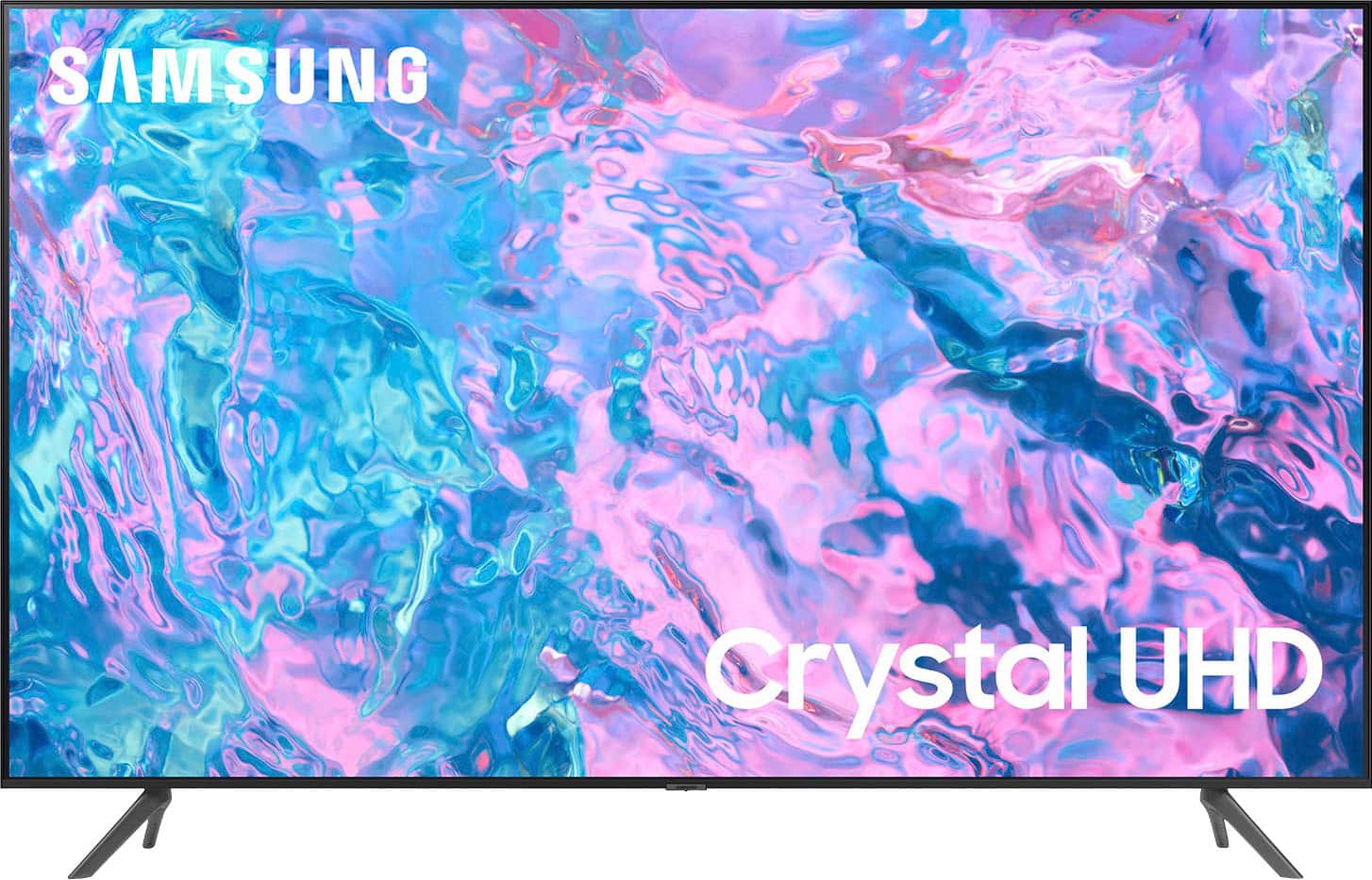
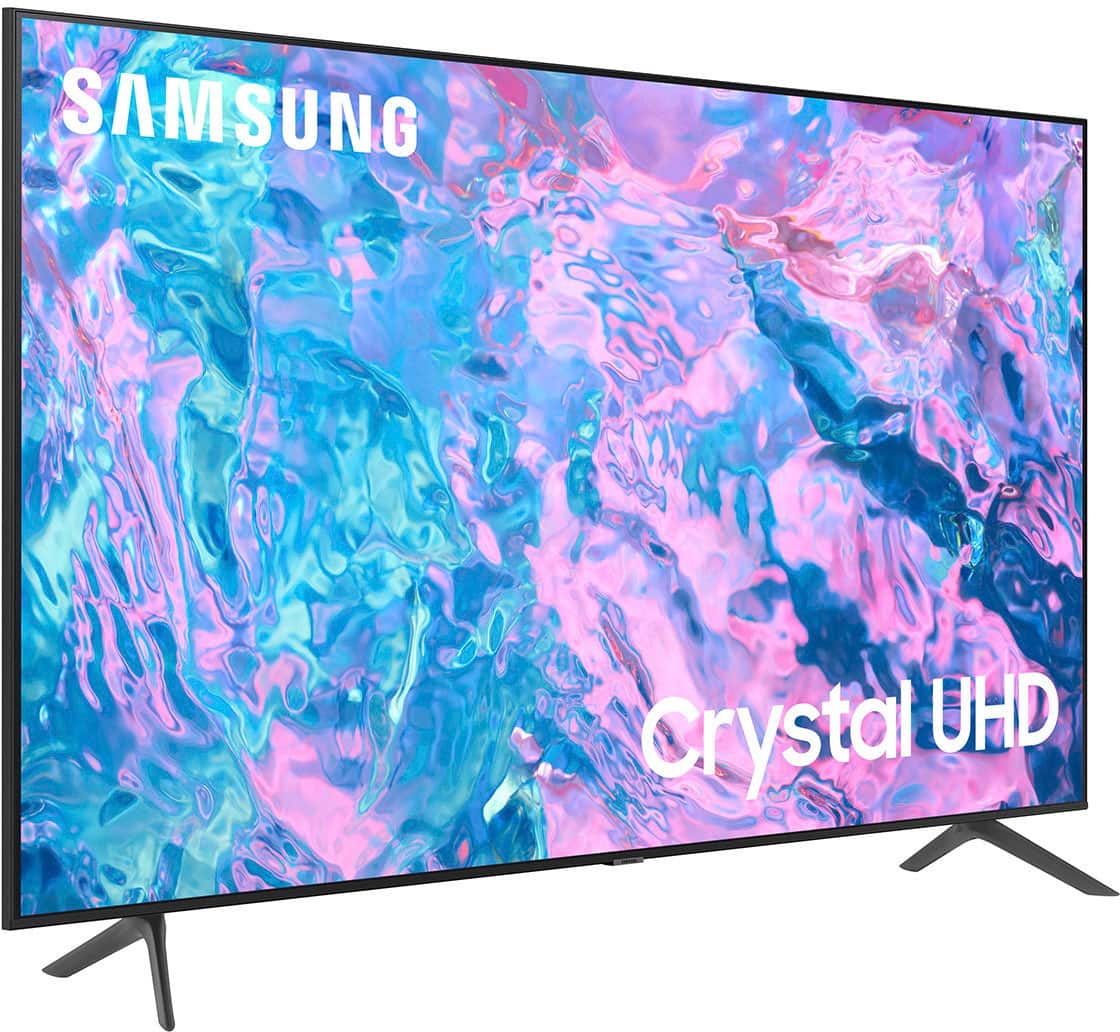
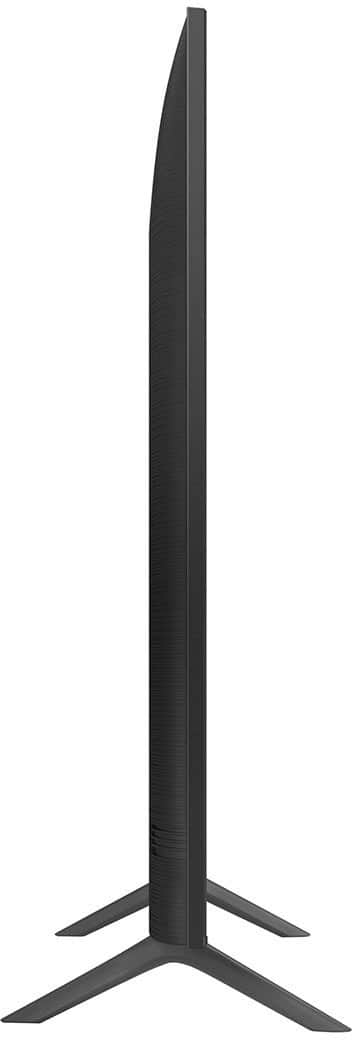
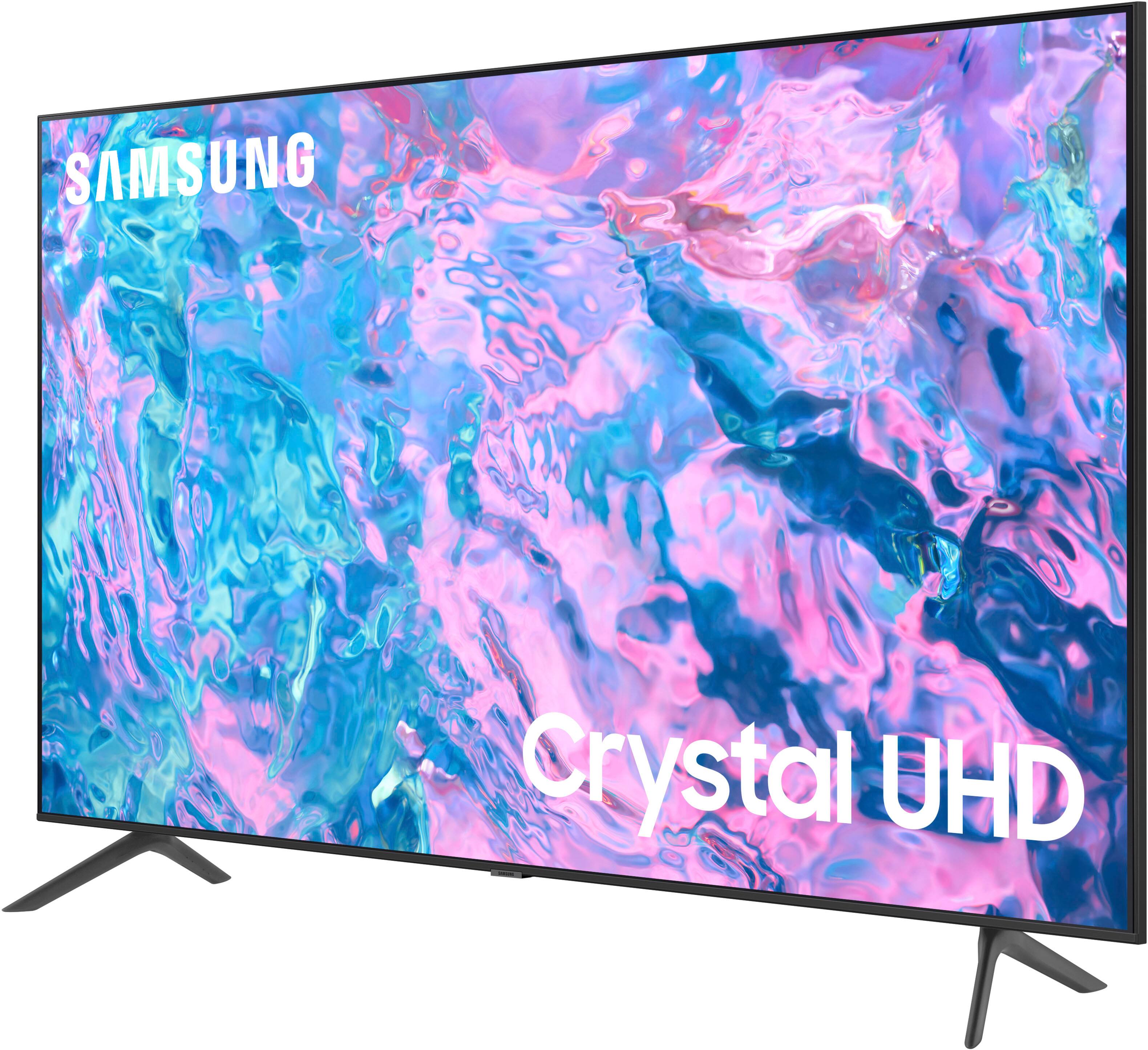
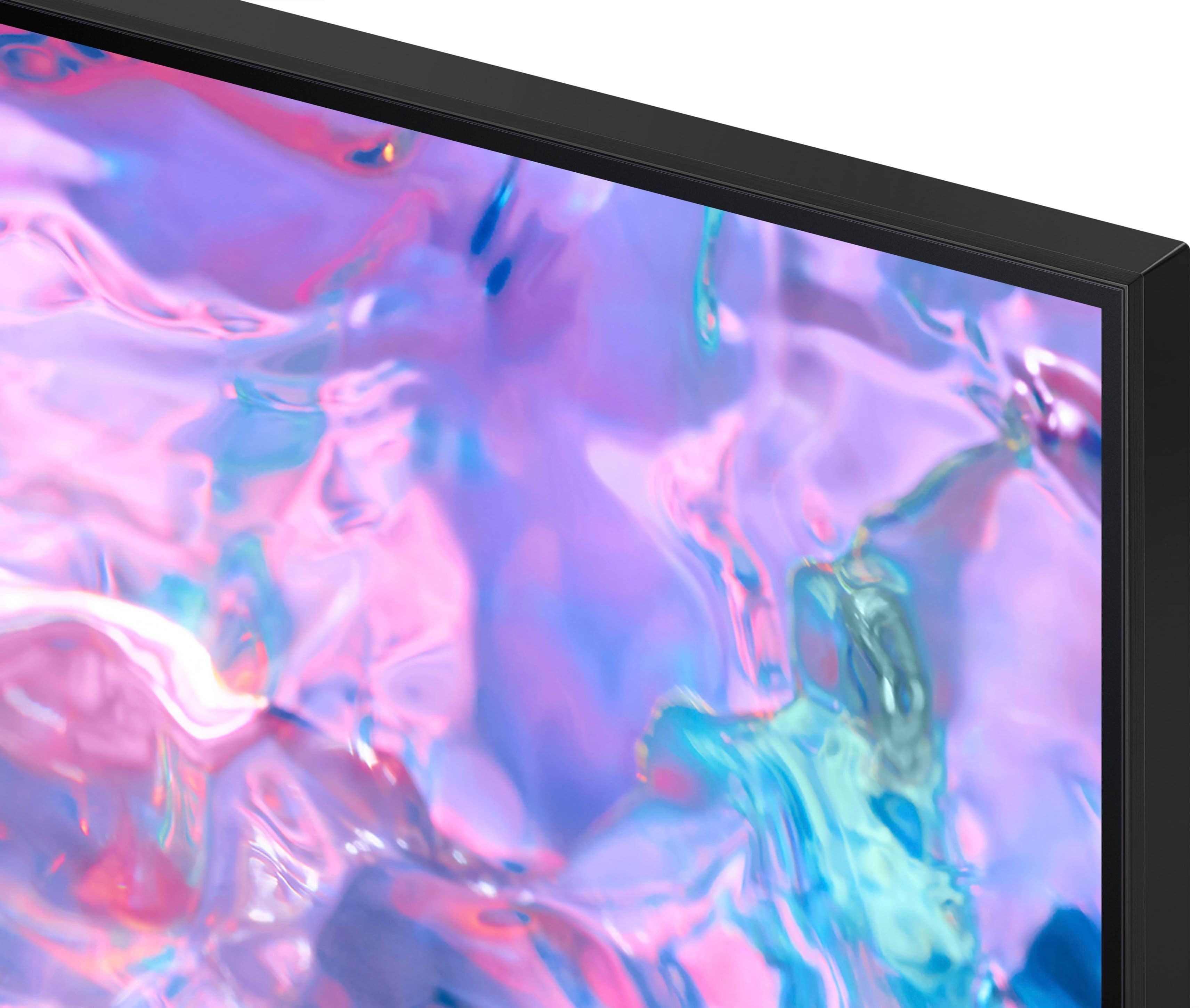



- Model:
- UN43CU7000FXZA
- SKU:
- 6537422
Rating by feature
- Picture Quality
Rating 4.8 out of 5 stars
- Sound Quality
Rating 4.5 out of 5 stars
- Brightness
Rating 4.8 out of 5 stars
Customers are saying
Customers find value in the 43” Class CU7000 Crystal UHD 4K Smart Tizen TV (2023)'s superb picture quality, ease of use, and attractive price point. Many appreciate the vibrant colors and straightforward setup process. However, some users express dissatisfaction with the remote control's design and the TV's volume capabilities. Overall, the positive feedback on picture quality and ease of use outweighs the negative comments regarding the remote and volume.
This summary was generated by AI based on customer reviews.
Samsung scammed me
||Posted .This reviewer received promo considerations or sweepstakes entry for writing a review.The tv stopped working almost immediately after the warranty expired.
No, I would not recommend this to a friendLemon
||Posted . Owned for 7 months when reviewed.This reviewer received promo considerations or sweepstakes entry for writing a review.Have to re-establish DirectTV status every day in order to watch from the Direct TV box. Frustrating.
No, I would not recommend this to a friendBrand response from Samsung
Posted .Hi RichardG,
Thank you for reaching out and letting us know about the issues you are having with your DIRECTV status and the CU7000 TV. I recommend ensuring your Firmware is up to date with the latest update.
To do so, go to Settings> Support> Software Update. If you continue to have issues, please call us at 1-800-SAMSUNG, 8 AM - 12 AM EST, seven days a week. Or visit us on the Samsung website and click on the ‘Support’ link for:
1) LiveChat
2) Manuals, Software, & Warranty Info
~ Samsung Advisor
Way to hard to set up.
||Posted . Owned for 1 month when reviewed.This reviewer received promo considerations or sweepstakes entry for writing a review.I usually buy Samsung equipment ut this and the last tablet I purchased are not up to Samsung quantity.
No, I would not recommend this to a friendBrand response from Samsung
Posted .Hi QUALITYISAMUST,
Thank you for your feedback on the CU7000 TV.. Your user experience is very much valued, and we would love to get in touch with you about how we can make it even better next time. Please get in touch with Samsung Customer Support at 1-800-SAMSUNG, 8 AM - 12 AM EST, seven days a week. Our LiveChat agents are also available by clicking on the ‘Support’ link on our website.
It is our customers’ concerns and opinions that drive our continuous efforts toward delivering world-class service and products. We hope to hear from you.
~Samsung Advisor
Review of Samsung
||Posted . Owned for 3 weeks when reviewed.This reviewer received promo considerations or sweepstakes entry for writing a review.Picture quality for hockey was very poor. It made the players flutter and shook.
No, I would not recommend this to a friend- Cons mentioned:Volume
Can not hear normal
||Posted . Owned for 1 month when reviewed.This reviewer received promo considerations or sweepstakes entry for writing a review.Ihave to turn the volume all the way up to 95 to hear.
No, I would not recommend this to a friendBrand response from Samsung
Posted .Hi WandaW,
Thank you for sharing your experience with low volume. There are several volume features you can adjust, which may improve your audio experience.
1) Auto Volume automatically adjusts the sound to a certain level when changing channels or switching to another external input. Go to Settings > All Settings> Sound > Expert Settings > Auto Volume.
2) Adaptive Sound automatically adjusts to a specific volume level while watching TV. The TV analyzes your volume usage history by time period to automatically adjust the volume when you use an app or switch to an external input source. Go to Settings> All Settings> Sound> Sound Mode> Adaptive Sound.
3) Several Sound Modes are likewise available to meet your personal preferences: Home > Settings > All Settings> Sound > Sound Mode.
Also, some sources have their own volume control, which might need to be set higher. Please check the volume control of the external device (cable box or satellite box, DVD, Blu-ray, etc.) connected to your TV. Also, check the cable connection between an external device and the TV and then try the cable connection again.
I hope these tips help you enjoy your new product.
You can contact us for further help at 1-800-SAMSUNG, 8 AM - 12 AM EST, seven days a week. Our LiveChat agents are also available by clicking on the ‘Support’ link on our website.
~ Samsung Advisor
Cmon Samsung
||Posted .This reviewer received promo considerations or sweepstakes entry for writing a review.Only lasted a year. Backlight already went out in june of 2025 after purchase in july 2024
No, I would not recommend this to a friendProblem
||Posted . Owned for 3 weeks when reviewed.This reviewer received promo considerations or sweepstakes entry for writing a review.The sound went out 15 days later i replaced it with a cu8000
No, I would not recommend this to a friendJunk, Trash, waste of money
||Posted . Owned for 11 months when reviewed.This reviewer received promo considerations or sweepstakes entry for writing a review.Junk. Lasted just over the warranty of 12 months and now it is burnt out. Very little use I might add.
No, I would not recommend this to a friendMr
||Posted . Owned for 3 weeks when reviewed.This reviewer received promo considerations or sweepstakes entry for writing a review.I am shocked that it has no voice command capability
No, I would not recommend this to a friendBrand response from Samsung
Posted .Hi SteveR,
We appreciate your purchase and are sorry for any confusion regarding voice assistants. You are correct; the CU7000 does not have voice assistants built in. However, they do work with Alexa. You can connect them to your existing Alexa device to ask them to turn on your TV, change channels, control volume, and more.
Our CU8000 TV Series and above offer voice command and built-in voice assistants.
If you need assistance connecting your external Alexa device or if there’s anything we can ever help with, please call us at 1-800-SAMSUNG, 8 AM - 12 AM EST, seven days a week. Or visit us on the Samsung website and click on the ‘Support’ link for:
1) LiveChat
2) Manuals, Software, & Warranty Info
~ Samsung Advisor
Don’t Buy It
||Posted . Owned for 1.5 years when reviewed.This reviewer received promo considerations or sweepstakes entry for writing a review.It was great, but died in less than two years of ownership.
No, I would not recommend this to a friendSamsung Tv
||Posted . Owned for 1 month when reviewed.This reviewer received promo considerations or sweepstakes entry for writing a review.It was alright but also a big thing I didn’t like was the sound of the tv.
No, I would not recommend this to a friendBrand response from Samsung
Posted .Hi EdwinR,
Thank you for sharing your thoughts regarding the CU7000 TV’s sound quality. We recommend adjusting the Sound Settings to improve your experience. You can change the Sound Mode by going to Settings > All Settings> Sound > Sound Mode.
You can also customize the sound with Expert Settings by going to Settings > All Settings> Sound > Expert Settings.
To assist you with possible sound settings adjustments for a better audio experience or choosing a Samsung Soundbar to complement your viewing enjoyment, please reach out to us at 1-800-SAMSUNG, 8 AM - 12 AM EST, seven days a week. Our LiveChat agents are also available by clicking on the ‘Support’ link on our website.
~ Samsung Advisor
Could be nice.
||Posted . Owned for 3 weeks when reviewed.This reviewer received promo considerations or sweepstakes entry for writing a review.This TV is still not set up. I have found it to be very unintuitive. I wish I had bought the next model up with the microphone in the remote. Hours later I am still frustrated- so much so that I bought a Roku and will need to find a place for this!
No, I would not recommend this to a friendBrand response from Samsung
Posted .Hi ileslie,
We appreciate you sharing your frustration while setting up the Samsung CU7000 TV. Please know we are here and happy to help you.
First, we have an online step-by-step guide available to help you set up your TV: https://www.samsung.com/us/support/answer/ANS00062199/
Or, please reach out to us directly us at 1-800-SAMSUNG, 8 AM - 12 AM EST, seven days a week. LiveChat with an agent, as well as manuals, software, and warranty info, can be found at the ‘Support’ link on our Samsung website.
~ Samsung Advisor
NOT GREAT
||Posted . Owned for 7 months when reviewed.This reviewer received promo considerations or sweepstakes entry for writing a review.DID NOT LAST HAD ISSUE IN THE FIRST WEEK. RETURNED
No, I would not recommend this to a friendBrand response from Samsung
Posted .Hi JosephN,
I'm sorry that your Samsung CU7000 TV had issues and needed to be returned. We appreciate your patience in having to deal with the hassle of an exchange. If there’s anything we can ever help with, please call us at 1-800-SAMSUNG, 8 AM - 12 AM EST, seven days a week. Or visit us on the Samsung website and click on the ‘Support’ link for:
1) LiveChat
2) Manuals, Software, & Warranty Info
~ Samsung Advisor
Terrible sound quality
||Posted . Owned for 3 weeks when reviewed.This reviewer received promo considerations or sweepstakes entry for writing a review.The sound quality is terrible. The Samsung tv was supposed to not have any crackles with the audio sound. The tv sound crackles frequently such as every other minute and disrupts from experience of listening to the sound.
No, I would not recommend this to a friendBrand response from Samsung
Posted .Hi JennyJ,
Thank you for reaching out and sharing your audio issues with us. Please know we are here to help.
If you are hearing a loud static noise, it could be caused by electrical feedback. I recommend the following:
1. Arranging the cables and making sure the TV has good ventilation will keep it quiet.
2. Check the cables. Make sure all cables are connected firmly to the proper, color-coded inputs on the TV and on the external devices.
3. Replace the audio connection cable.
Replace the audio connection cable, even if it is an HDMI or RF coaxial cable. Then test again to see if the issue still occurs.
4. Try connecting a different external device to the same input on the TV.
Connect a different device to the same input on the TV using the same connection cables.
For example, if a cable box is connected using the component connections, try connecting a DVD player to the same input with the same cables.
If there is no buzzing, crackling, or humming with the second external device connected, the original device (the cable box in this example) is the source of the noise.
I hope this helps. Should your issue persist, please contact Samsung Customer Support at 1-800-SAMSUNG, 8 AM - 12 AM EST, seven days a week. Our LiveChat agents are also available by clicking on the ‘Support’ link on our website.
~ Samsung Advisor
Samsung poor quality
||Posted . Owned for 3 weeks when reviewed.This reviewer received promo considerations or sweepstakes entry for writing a review.Not a good tv bad sound problem had to return this tv
No, I would not recommend this to a friendBrand response from Samsung
Posted .Hi Appraiser,
It’s unfortunate to hear of the sound issues that have caused you to return your CU7000 TV. Your experience is very important to us and will be shared with our product team.
Should you ever decide to give Samsung TVs another try and have questions or need help with settings, setup, or features, please know we’re here to help. Call us at 1-800-SAMSUNG, 8 AM – 12 AM EST, seven days a week. LiveChat with an agent, as well as manuals, software, and warranty info, can be found at the ‘Support’ link on our Samsung website.
We hope to regain you as a customer in the future.
~Samsung Advisor
Disappointed
||Posted . Owned for 2 weeks when reviewed.This reviewer received promo considerations or sweepstakes entry for writing a review.It won't stream all apps such as Paramount+. I ended up having to purchase a Roku stick just to stream Paramount + and now I can't get the free Samsung+ TV streaming app.
No, I would not recommend this to a friendBrand response from Samsung
Posted .Hi Satisfied,
We appreciate your feedback on the CU7000 TV and are sorry to hear that you are experiencing issues. If the apps on your TV are not working correctly, we recommend first checking for firmware updates on your TV. Go to Home > Settings > Support > Software Update.
If you do have the latest firmware, then you can next try a cold boot. There are two ways to cold boot your TV:
1) Using the Remote: For most people, the easiest way is to hold down the Power button on the Samsung TV remote until the TV turns off and then on again. This should take about 5 seconds.
2) Using the Plug: If you do not have the remote, unplug your TV from the wall outlet or surge protector, leave it unplugged for 30 seconds, and then plug it back in.
For more help, please contact Samsung TV Support at 1-800-SAMSUNG, available 8 AM – 12 AM EST, seven days a week. For more contact options, click here: https://www.samsung.com/us/support/contact/
We look forward to hearing from you.
~Samsung Advisor
Samsung Smart TV
||Posted . Owned for 6 months when reviewed.This reviewer received promo considerations or sweepstakes entry for writing a review.I hate this TV. Find it difficult to use. it is much to complicated for an older technologically challenged adult. Iwould give anything to be abe to exchange for a TLC with Roku.!!
No, I would not recommend this to a friendBrand response from Samsung
Posted .Hi there,
We are very sorry to hear that you are finding the CU7000 TV difficult to use. Please know your feedback will be sent to our internal design teams. A few things that may help when using our TVs:
Many of the buttons on your remote have multiple functions. For example, the Volume button is moved UP/DOWN to adjust the volume, and to MUTE the sound, you need to PRESS it in. If that same button is pressed for more than 1 second, the Accessibility Shortcuts appear. You can find more information regarding the remote on pages 24-26 of the full user manual.
You can also learn how to use your remote directly from your TV. Just go to Home> (left directional button) Settings> Support> Remote Control Guide.
If you ever have questions or need help, Samsung is here for you! Give us a call at 1-800-SAMSUNG, 8 AM - 12 AM EST, seven days a week. Our LiveChat agents are also available by clicking on the ‘Support’ link on our website.
Thanks for being a part of the Samsung family!
~ Samsung Advisor
Lasted a month then died.
||Posted . Owned for 1 month when reviewed.This reviewer received promo considerations or sweepstakes entry for writing a review.The TV last a little over a month. Now it will not even turn on. According to Best Buy, I cannot return it. I wasted $270. I won't buy a TV from Best Buy again.
No, I would not recommend this to a friendBrand response from Samsung
Posted .Hi JasonF,
I'm truly sorry your new CU7000 TV will not turn on. Please know we back this TV with a 1-year limited manufacturer's warranty, including authorized repair for manufacturer defect, if purchased brand-new directly from an authorized seller.
Please give us the chance to make this right by contacting Samsung Customer Support at 1-800-SAMSUNG, 8 AM - 12 AM EST, seven days a week. Our LiveChat agents are also available by clicking on the ‘Support’ link on our website.
~Samsung Advisor
Very disappointed. Piercing sound.
||Posted . Owned for 3 weeks when reviewed.This reviewer received promo considerations or sweepstakes entry for writing a review.The sound on this tv is awful. I don't know if they gave me a return or refurbished tv. I paid more for a Samsung. There's a high pitched sound. I've reset, called CS, bought new cords. So unhappy.
No, I would not recommend this to a friendBrand response from Samsung
Posted .Hi there,
I'm very sorry to hear that you are experiencing issues with the sound on your CU7000 TV. It's possible the loud noise you are hearing is being caused by electrical feedback. I recommend the following:
1. Arranging the cables and making sure the TV has good ventilation will keep it quiet.
2. Check the cables. Make sure all cables are connected firmly to the proper, color-coded inputs on the TV and on the external devices.
3. Replace the audio connection cable. Replace the audio connection cable, even if it is an HDMI or RF coaxial cable. Then test again to see if the issue still occurs. (I know you mentioned already replacing cables, but I want to confirm you replaced this specific cable)
4. Try connecting a different external device to the same input on the TV.
Connect a different device to the same input on the TV using the same connection cables.
For example, if a cable box is connected using the component connections, try connecting a DVD player to the same input with the same cables.
If there is no buzzing, crackling, or humming with the second external device connected, the original device (the cable box in this example) is the source of the noise.
I also recommend going to our self-diagnosis tool, which can help you determine the source of the sound. Go to Settings > Support> Device Care > Start Device Care.
If you continue to have issues, please give us another call at 1-800-SAMSUNG, 8 AM - 12 AM EST, seven days a week. Our LiveChat agents are also available by clicking on the ‘Support’ link on our website.
~ Samsung Advisor
Bad Backlighting
||Posted . Owned for 1 year when reviewed.This reviewer received promo considerations or sweepstakes entry for writing a review.The Backlight burnt out after 2 years, do not buy.
No, I would not recommend this to a friend