Customer Ratings & Reviews
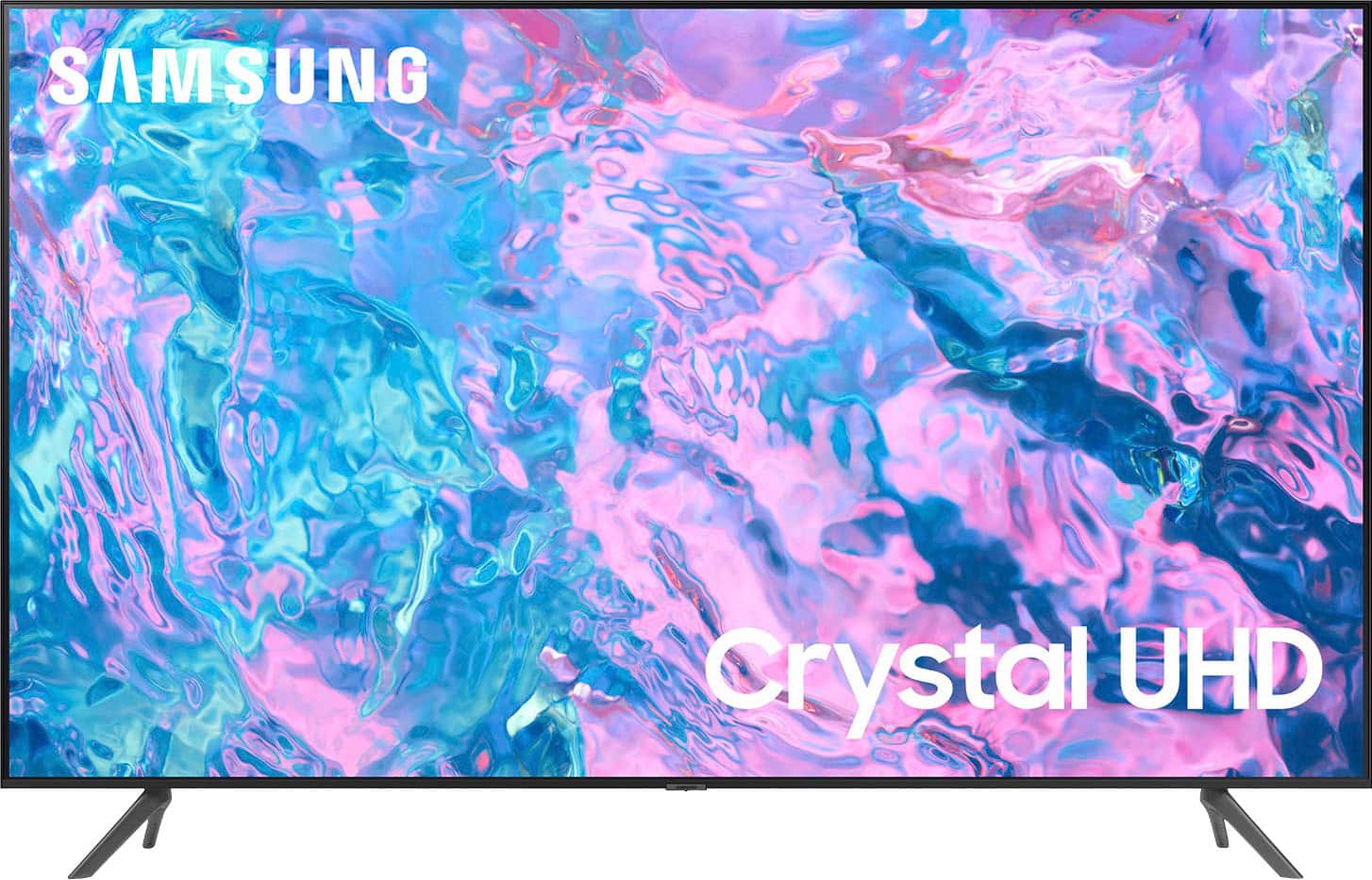
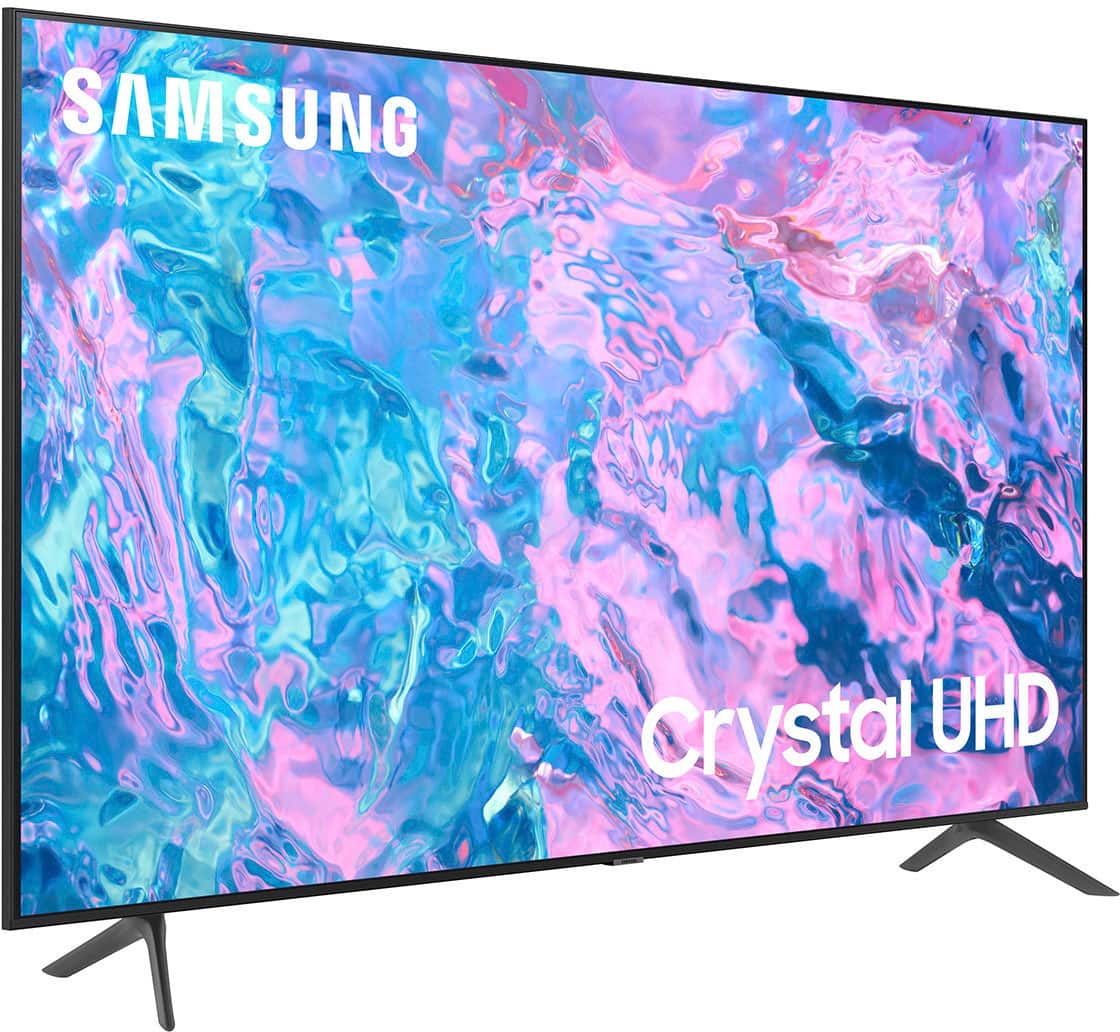
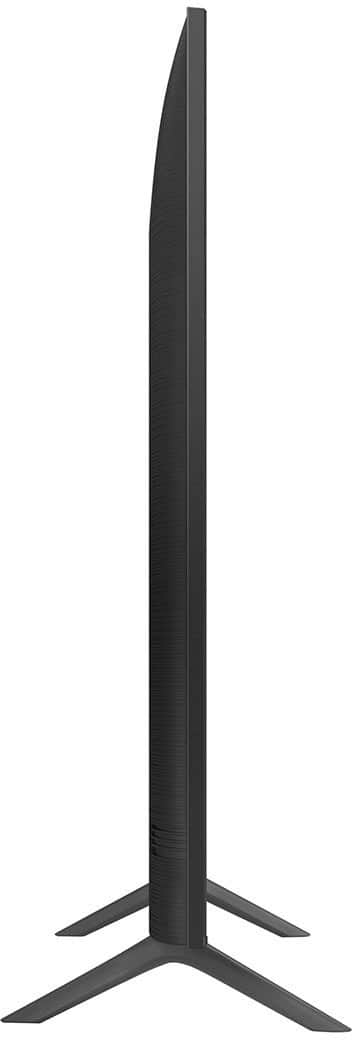
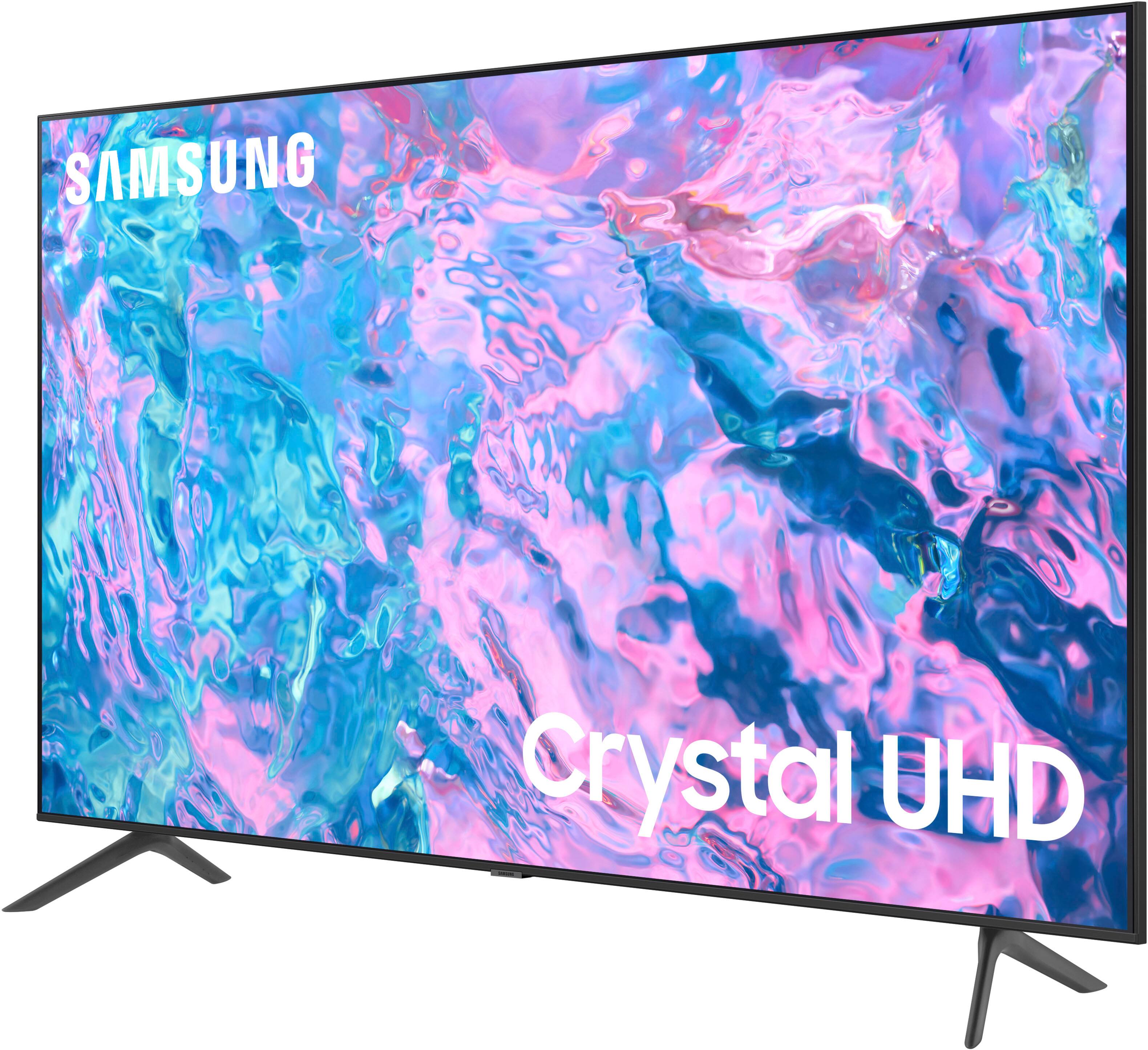
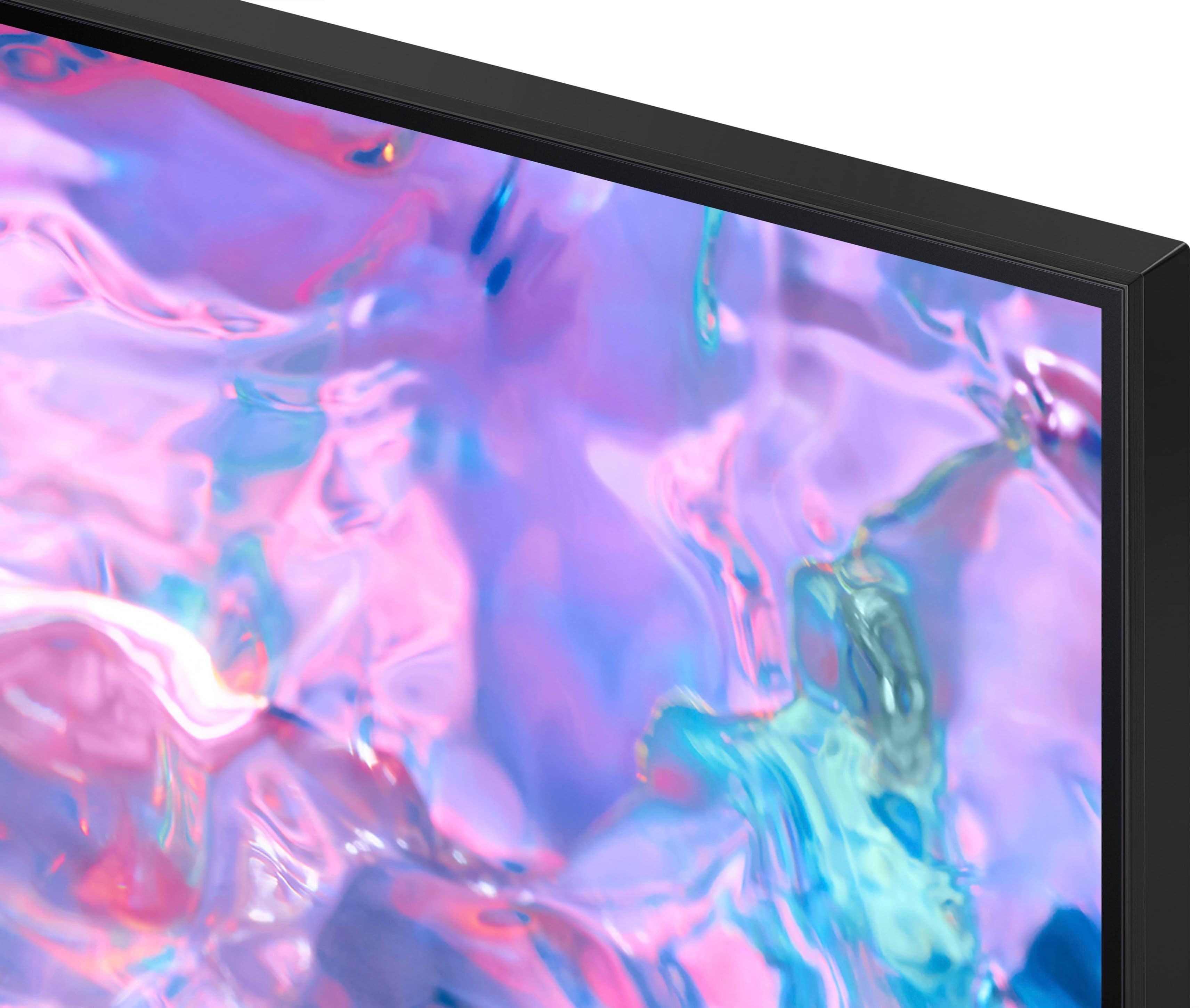



- Model:
- UN43CU7000FXZA
- SKU:
- 6537422
Rating by feature
- Picture Quality
Rating 4.8 out of 5 stars
- Sound Quality
Rating 4.5 out of 5 stars
- Brightness
Rating 4.8 out of 5 stars
Customers are saying
Customers find value in the 43” Class CU7000 Crystal UHD 4K Smart Tizen TV (2023)'s superb picture quality, ease of use, and attractive price point. Many appreciate the vibrant colors and straightforward setup process. However, some users express dissatisfaction with the remote control's design and the TV's volume capabilities. Overall, the positive feedback on picture quality and ease of use outweighs the negative comments regarding the remote and volume.
This summary was generated by AI based on customer reviews.
Nefarious Company
||Posted . Owned for 1 month when reviewed.This reviewer received promo considerations or sweepstakes entry for writing a review.Horrible television and even a horrible company. I would never shop here again. The television was faulty and the company blame me.
No, I would not recommend this to a friendDefective
||Posted . Owned for 1 month when reviewed.This reviewer received promo considerations or sweepstakes entry for writing a review.The connection to the netflix app fails frequently even though other apps connect just fine. I also didn't love the color quality, even after manually adjusting it.
No, I would not recommend this to a friendBrand response from Samsung
Posted .Helena,
Thank you for sharing details of your experience with the Netflix app. This may be related to your network connection and quality. We suggest you try the following:
1. Use 5G Wi-Fi if possible
2. Try wired LAN if available
3. Try repositioning the router so there are no obstacles between your TV and the router
Please also be sure you are running the latest firmware. You can check to see what software version your TV is using and if there is an available update through the settings on your TV. Go to: Settings > Support > Software Update.
You may want to enable automatic updates for conveniences.
Go to Settings > Support > Software Update, then select Auto Update.
Additionally, to optimize the TV’s performance, please also try running Device Care, which improves your apps performance by freeing up unused cached memory and closes background apps. Go to: Settings > Support > Open e-Manual, then select Device Care.
If the image you’re seeing isn’t to your liking, there are several picture settings you may want to adjust.
Go to Home > left direction button > Settings > All Settings > Picture > Picture Mode
...and select the mode that best fits your usage:
1. Standard: Is the default mode suitable for general viewing environments
2. Dynamic: Makes the picture brighter and clearer in bright viewing environments
3. Eco: Provided to save energy
4. Movie: Suitable for watching TV or movies in a dark room
5. Filmmaker Mode: Provides source content just as the creators intended. If the image is defined as Filmmaker Mode, it’ll automatically switch to Filmmaker Mode while watching.
You can also fine-tune your picture with expert settings such as brightness, contrast, sharpness and more (All Settings > Picture > Expert Settings).
For further assistance with settings adjustments, please contact Samsung Customer Support at 1-800-SAMSUNG, 8AM - 12AM EST, 7 days a week. Or visit us on the Samsung website and click on the ‘Support’ link for:
• LiveChat
• Manuals, Software, & Warranty Info
~ Samsung Specialist
Tv
||Posted . Owned for 3 weeks when reviewed.This reviewer received promo considerations or sweepstakes entry for writing a review.Advice people to not order from best buy online haven't received my items or a refund been almost a month from now very disappointed
No, I would not recommend this to a friendBrand response from Samsung
Posted .Hi CharlesG,
I'm sorry you haven't received your CU7000 TV yet. For further assistance, please follow up directly with Best Buy. If you ever have questions or need help, Samsung is here for you! Give us a call at 1-800-SAMSUNG, 8 AM - 12 AM EST, seven days a week. Our LiveChat agents are also available by clicking on the ‘Support’ link on our website.
~Samsung Advisor
Poor product quality
||Posted . Owned for 1 month when reviewed.This reviewer received promo considerations or sweepstakes entry for writing a review.Poor viewing quality visual quality is very blurry. Contacted Samsung technical support. Viewing quality continues to be poor
No, I would not recommend this to a friendBrand response from Samsung
Posted .Hi CharlesB,
I am very sorry you are experiencing issues with a distorted picture. The issue may be due to not connecting correctly with an external device. Please check your connection with these steps:
1. Disconnect and reconnect the power cables and HDMI cables on the back of your TV, then unplug the power cord and plug it back into the wall outlet.
2. If the external device supports UHD video, use a dedicated HDMI cable (4K) for HDMI video playback.
3. If a component cable is used, make sure that the colored connectors are connected to the matching connectors on the external device and the TV.
4. If you are using a set-top box, check the cable connection. The cable you need to check depends on the type of set-top box.
5. Make sure that your access point is connected to the Internet. If not, disconnecting and reconnecting its power cable may be required.
6. If the problem persists, check the video output settings in the settings menu of the external device and ensure that your TV supports the video output mode.
The compression of video content may cause picture distortions, especially in fast-moving pictures from sports programs and action movies.
- If the signal reception is weak or poor, screen distortion may be visible, but it is not a malfunction.
- Mobile phones used close to the TV (within 3.2 ft) may cause noise on analog and digital channels.
If you need more help, Samsung is here for you! Please call us at 1-800-SAMSUNG, 8 AM - 12 AM EST, seven days a week. Our LiveChat agents are also available by clicking on the ‘Support’ link on our website.
~ Samsung Advisor
Not the right tv
||Posted . Owned for 1 month when reviewed.This reviewer received promo considerations or sweepstakes entry for writing a review.I called into the sanford best buy and gave the lady the sku code from this website to make sure it had a 2.1 hdmi and it did not. I returned it
No, I would not recommend this to a friendBrand response from Samsung
Posted .Hi Thomas,
We apologize for any confusion regarding the HDMI 2.1 specs on the CU7000 TV. Because HDMI 2.1 is a complicated spec, we hope that focusing on TV features will be more helpful to you when deciding on the best model for your usage scenario.
The CU7000 TV has 3 HDMI ports, all of which support Auto Low Latency Mode (ALLM) and Dynamic Metadata (HDR10+). “HDMI In 3” port further supports eARC. If you’re looking for a TV capable of 4K@120fps (FRL), please consider the 85” CU8000 Series and above.
Should you ever decide to give Samsung TVs another try and have questions or need help with settings, setup, or features, please know we’re here to help. Call us at 1-800-SAMSUNG, 8 AM – 12 AM EST, seven days a week. LiveChat with an agent, as well as manuals, software, and warranty info, can be found at the ‘Support’ link on our Samsung website.
We hope to regain you as a customer in the future.
~Samsung Advisor
Very disappointed!
||Posted . Owned for 3 weeks when reviewed.This reviewer received promo considerations or sweepstakes entry for writing a review.Stopped working 3 weeks after purchase. Best Buy would not take it back.
No, I would not recommend this to a friendBrand response from Samsung
Posted .Hi LisaV,
I'm sorry that your CU7000 TV stopped working 3 weeks after purchase. Samsung is committed to providing the best possible product experience, quality, and value. We back this Samsung TV with a 1-year limited manufacturer's warranty, including authorized repair for manufacturer defect, if purchased brand-new directly from an authorized seller. You can see the full details of your warranty here: https://www.samsung.com/us/support/service/warranty/UN43CU7000FXZA.
Please give us the chance to make this right by contacting Samsung Customer Support at 1-800-SAMSUNG, 8 AM - 12 AM EST, seven days a week. Our LiveChat agents are also available by clicking on the ‘Support’ link on our website.
~ Samsung Advisor
Samsung 43 inch Crystal TV
||Posted . Owned for 1 week when reviewed.This reviewer received promo considerations or sweepstakes entry for writing a review.Poor picture quality, color/tint/brightness/etc does not adjust well, very difficult to navigate through menu, returned TV, I do not recommend buying this TV
No, I would not recommend this to a friendBrand response from Samsung
Posted .Hi JosephK,
We always aim to deliver a great experience, and it’s unfortunate to hear the picture quality of Samsung’s CU7000 TV did not meet your expectations. We greatly value your feedback and will share it with our product team.
Should you ever decide to give Samsung TVs another try and have questions or need help with settings, setup, or features, please know we’re here to help. Call us at 1-800-SAMSUNG, 8 AM – 12 AM EST, seven days a week. LiveChat with an agent, as well as manuals, software, and warranty info, can be found at the ‘Support’ link on our Samsung website.
We hope to regain you as a customer in the future.
~ Samsung Advisor
Thomas Slabiak
||Posted . Owned for 1 month when reviewed.This reviewer received promo considerations or sweepstakes entry for writing a review.Had trouble with finding local channels . Tried a Roku stick but no luck. Very disappointed in the new technology that has been incorporated in Samsung.
No, I would not recommend this to a friendBrand response from Samsung
Posted .Hi ThomasS,
Thank you for reaching out and letting us know you are experiencing issues finding local channels. To access local channels, you need an external antenna that you connect to your CU7000 TV, and then you follow the below steps:
1) Make sure your Antenna or Cable box is set up, and then connect it to the TV vis the ANT IN.
2) Go to Source> TV
3) Press Setting> All Settings> Broadcasting> Auto Program
4) Start to begin Auto-Programming, and then select either Air, Cable, or Both
5) Your TV will begin to scan for channels. After it's done, select Close to finish
I hope this helps! If you need more help, please call us at 1-800-SAMSUNG, 8 AM - 12 AM EST, seven days a week. Our LiveChat agents are also available by clicking on the ‘Support’ link on our website.
~ Samsung Advisor
TV is awful
||Posted . Owned for 3 weeks when reviewed.This reviewer received promo considerations or sweepstakes entry for writing a review.The TV keeps falling off of Wifi. Needs to be unplug from the wall to get it to reconnect
No, I would not recommend this to a friendBrand response from Samsung
Posted .Hi Bobcozzens,
We appreciate your feedback on the Samsung CU7000 TV. I'm sorry to hear you are experiencing issues with your Wi-Fi disconnecting from the TV.
First, let's ensure you are running the latest Firmware. Go to Settings> Support> Software Update. To ensure you do not miss any Firmware Updates, I recommend enabling Auto Updates. Go to Settings> Support> Software Update> then select Auto Update.
Next, let's try running a cold boot on your TV. To do so, hold down the Power button on the Samsung TV remote until the TV turns off and then on again. This should take about 5 seconds.
I hope these tips help resolve your concerns. If you need more help, Samsung is here for you. Please call us at 1-800-SAMSUNG, 8 AM - 12 AM EST, seven days a week. Our LiveChat agents are also available by clicking on the ‘Support’ link on our website.
~ Samsung Advisor
Speakers dead after 4 months
||Posted . Owned for 3 months when reviewed.This reviewer received promo considerations or sweepstakes entry for writing a review.The speaker volume was loud for some things and super low for others. Then after four months they stopped working altogether.
No, I would not recommend this to a friendBrand response from Samsung
Posted .Hi JohnV,
Thank you for sharing your experience with the CU7000 TV. We back this Samsung TV with a 1-year limited manufacturer's warranty, including authorized repair for manufacturer defect, if purchased brand-new directly from an authorized seller. Please give us a call so we can schedule a warranty appointment.
You can contact us at 1-800-SAMSUNG, 8 AM - 12 AM EST, seven days a week. Our LiveChat agents are also available by clicking on the ‘Support’ link on our website.
~ Samsung Advisor
Not satisfied
||Posted . Owned for 3 weeks when reviewed.This reviewer received promo considerations or sweepstakes entry for writing a review.Low quality I didn’t know it was so small Then I had trouble exchanging it
No, I would not recommend this to a friendCracked screen from the store
||Posted . Owned for 2 weeks when reviewed.This reviewer received promo considerations or sweepstakes entry for writing a review.Had to return the first unit they gave me because the screen was cracked. The new one now works fine.
I would recommend this to a friendBrand response from Samsung
Posted .Hi Humphreyr,
Thank you for your feedback on the CU7000 TV. We appreciate your patience in having to deal with the hassle of an exchange. If there’s anything we can ever help with, please call us at 1-800-SAMSUNG, 8 AM - 12 AM EST, seven days a week. Or visit us on the Samsung website and click on the ‘Support’ link for:
1) LiveChat
2) Manuals, Software, & Warranty Info
~ Samsung Advisor
Remote is awful
||Posted . Owned for 3 weeks when reviewed.This reviewer received promo considerations or sweepstakes entry for writing a review.The remote is poor quality for the volume. It goes to mute when turning up or down the volume. Annoying!
No, I would not recommend this to a friendBrand response from Samsung
Posted .Hi Cheesecake,
Thank you for your feedback regarding the CU7000 TV. Please know that many of the buttons on your remote have multiple functions. For example, the Volume button is moved UP/DOWN to adjust the volume, and to MUTE the sound, you need to PRESS it in. If that same button is pressed for more than 1 second, the Accessibility Shortcuts appear. You can find more information regarding the remote on pages 24-26 of the full user manual.
If you ever have questions or need help, Samsung is here for you! Give us a call at 1-800-SAMSUNG, 8 AM - 12 AM EST, seven days a week. Our LiveChat agents are also available by clicking on the ‘Support’ link on our website.
Thanks for being a part of the Samsung family!
~Samsung Advisor
samsung
||Posted . Owned for 2 weeks when reviewed.This reviewer received promo considerations or sweepstakes entry for writing a review.got a samsung t v it didnt work took it back got anyother one it didnt work
No, I would not recommend this to a friendBrand response from Samsung
Posted .Hi lrrygraber,
It’s unfortunate to hear of the issues that have caused you to return your CU7000 TV. Your experience is very important to us and will be shared with our product team. Please know that we are always here to help and we would have been happy to troubleshoot any issues you were having.
Should you ever decide to give Samsung TVs another try and have questions or need help with settings, setup, or features, please know we’re here to help. Call us at 1-800-SAMSUNG, 8 AM – 12 AM EST, seven days a week. LiveChat with an agent, as well as manuals, software, and warranty info, can be found at the ‘Support’ link on our Samsung website.
We hope to regain you as a customer in the future. If there’s anything we can ever help with, please call us at 1-800-SAMSUNG, 8 AM - 12 AM EST, seven days a week. Or visit us on the Samsung website and click on the ‘Support’ link for:
1) LiveChat
2) Manuals, Software, & Warranty Info
~ Samsung Advisor
Lost color
||Posted . Owned for less than 1 week when reviewed.This reviewer received promo considerations or sweepstakes entry for writing a review.Constant problems trying to get closed captioning; went from color to black and white
No, I would not recommend this to a friendBrand response from Samsung
Posted .Hi NIck,
We appreciate your feedback on the CU7000 TV and are sorry you are experiencing issues with your TV turning black and white. Please give us a call so we can better assist you. You can contact us at 1-800-SAMSUNG, 8 AM - 12 AM EST, seven days a week. Our LiveChat agents are also available by clicking on the ‘Support’ link on our website.
~ Samsung Advisor
Bad tv
||Posted . Owned for 1 month when reviewed.This reviewer received promo considerations or sweepstakes entry for writing a review.Awful that’s the worst Samsung tv I ever brought suck
No, I would not recommend this to a friendBrand response from Samsung
Posted .Hi CynthiaH,
I’m sorry to hear that your experience with Samsung’s CU7000 TV has fallen short of your expectations. Please know we are here and happy to help you with any issues you are having with your TV. You can reach Samsung Customer Support at 1-800-SAMSUNG, 8 AM - 12 AM EST, seven days a week. Our LiveChat agents are also available by clicking on the ‘Support’ link on our website.
~ Samsung Advisor
No languages for keyboard
||Posted . Owned for 1 month when reviewed.This reviewer received promo considerations or sweepstakes entry for writing a review.Horrible. It doesnt have all the languages for the keyboard.
No, I would not recommend this to a friendBrand response from Samsung
Posted .Hi MostafaH,
Thank you for reaching out and letting us know that you are experiencing issues changing the language on your keyboard. To change the language go to Settings> All Settings> Connection> External Device Manager> Input Device Manager> Keyboard Language.
If you need more help, Samsung is here for you. Please call us at 1-800-SAMSUNG, 8 AM - 12 AM EST, seven days a week. Our LiveChat agents are also available by clicking on the ‘Support’ link on our website.
~ Samsung Advisor
- Pros mentioned:Ease of use, Picture qualityCons mentioned:Remote control
Very Good Buy
Posted .This reviewer received promo considerations or sweepstakes entry for writing a review.Excellent television for the money. Clear, crystal picture. Easy to navigate. Sufficient HMDI ports - we don't have ancillary equipment at this point, but might add some in the future. The only thing keeping this from 4 stars is the remote, which I found difficult to figure out - the volume control is strange and no clear explanations of color buttons, etc.
I would recommend this to a friend - Pros mentioned:Ease of use, Picture qualityCons mentioned:Remote control
Great Smart TV!
Posted .This reviewer received promo considerations or sweepstakes entry for writing a review.Great Smart TV. Good quality picture, easy to set up and the size is perfect for my bedroom. The only negative is the remote. I am using my old Samsung remote which works fine. Not sure why Samsung thought the new remote had better functionality, if that's what the thought was behind "streamlining" it. Sure, it's smaller but other than that, I don't understand the value.
I would recommend this to a friend - Pros mentioned:Ease of use, Picture quality
Samsung for the win!
Posted .This reviewer received promo considerations or sweepstakes entry for writing a review.Best TV I ever owned. Everything is so easy to find, great picture, easy to program. Light weight and great price.
I would recommend this to a friend