Customer Ratings & Reviews
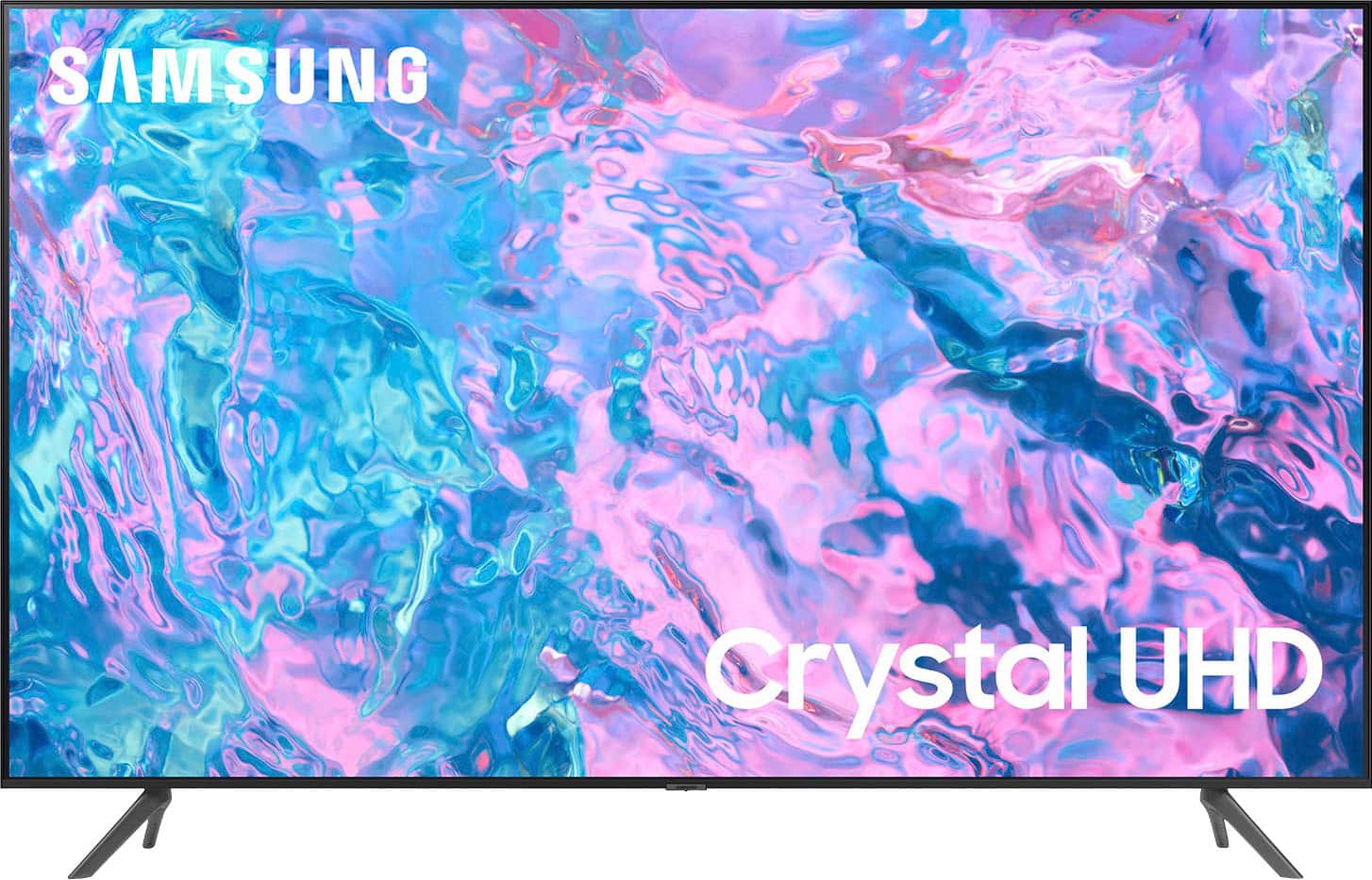
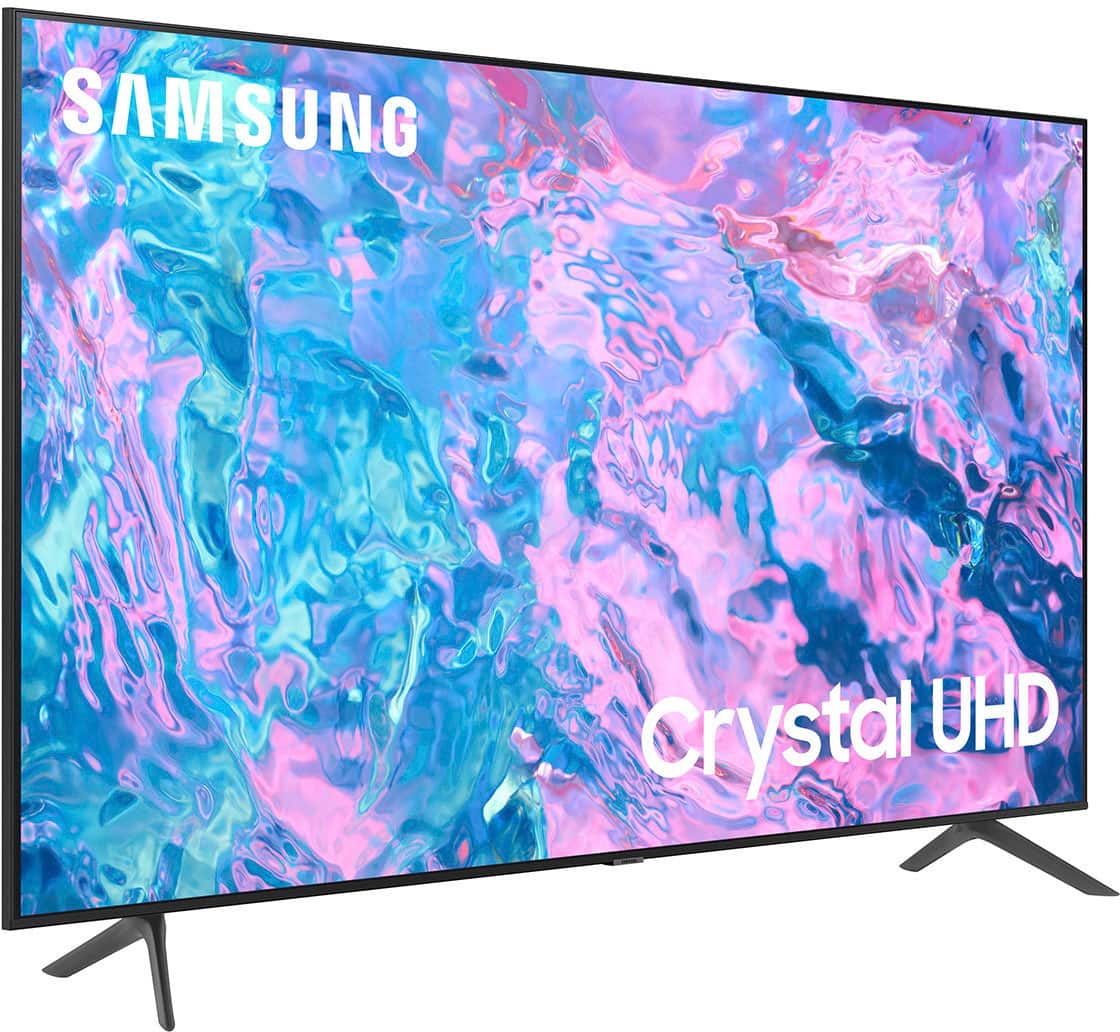
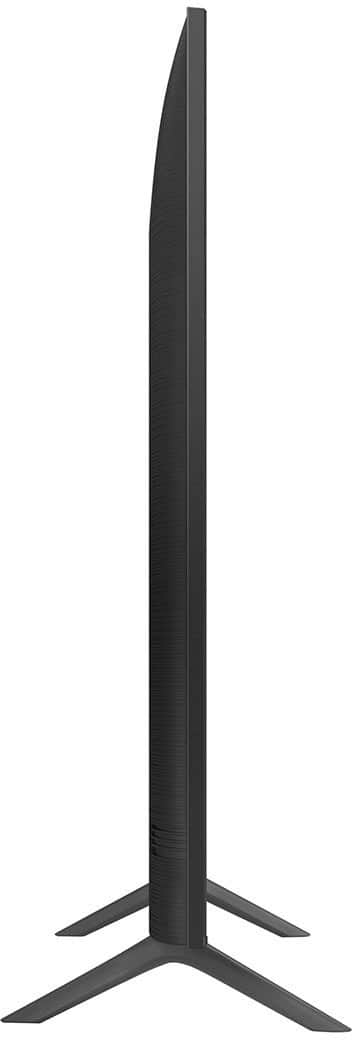
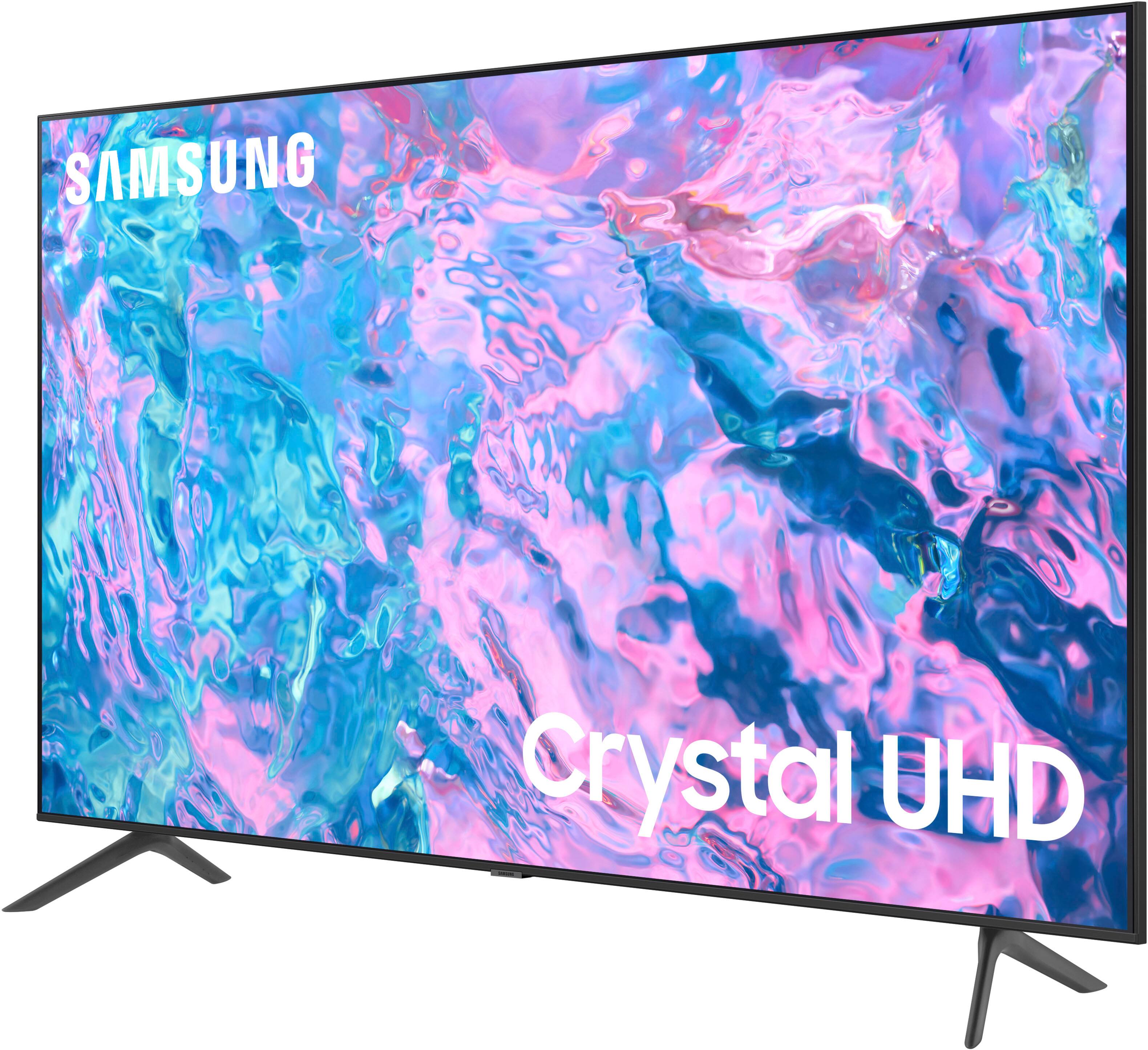
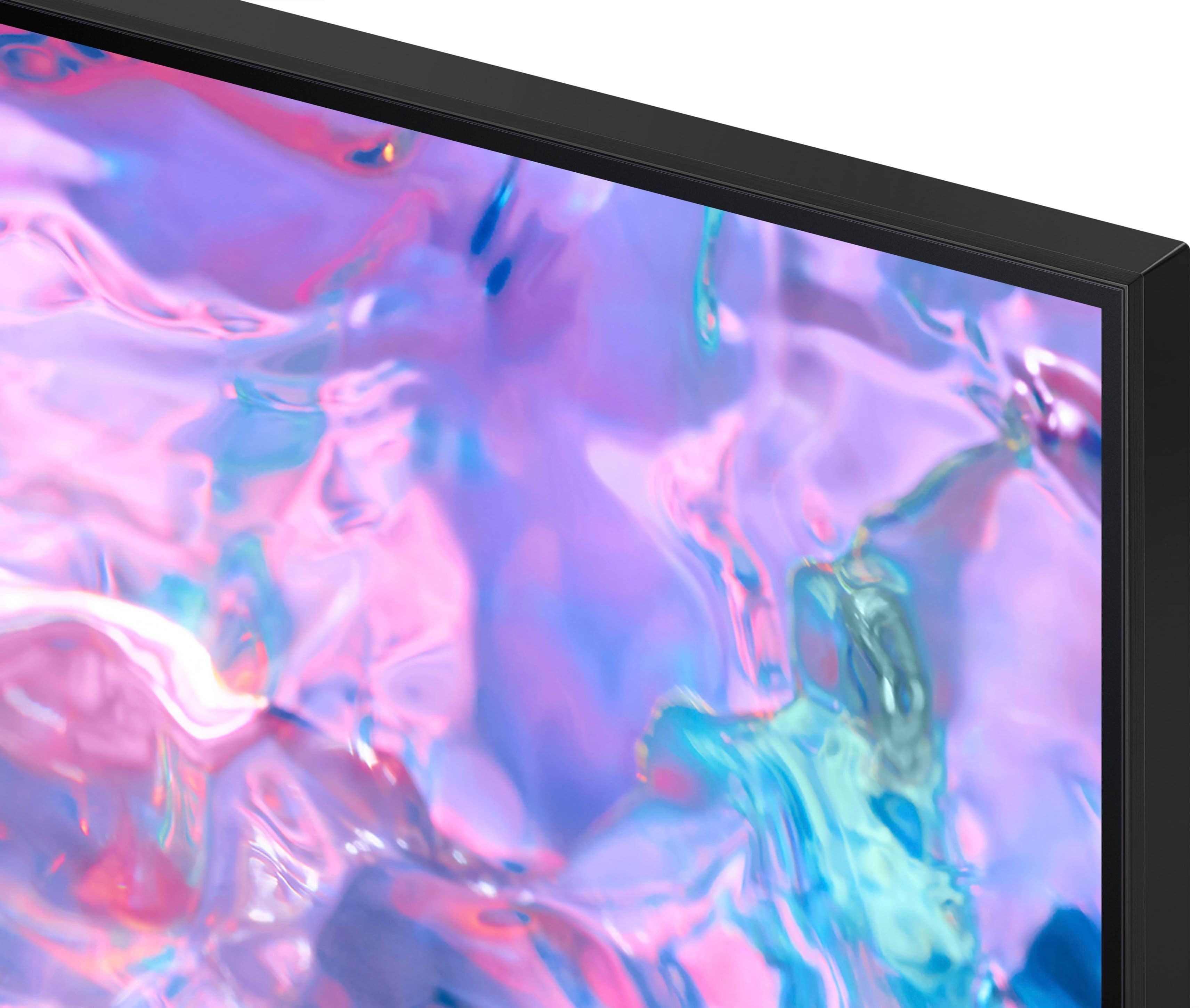



- Model:
- UN43CU7000FXZA
- SKU:
- 6537422
Rating by feature
- Picture Quality
Rating 4.8 out of 5 stars
- Sound Quality
Rating 4.5 out of 5 stars
- Brightness
Rating 4.8 out of 5 stars
Customers are saying
Customers find value in the 43” Class CU7000 Crystal UHD 4K Smart Tizen TV (2023)'s superb picture quality, ease of use, and attractive price point. Many appreciate the vibrant colors and straightforward setup process. However, some users express dissatisfaction with the remote control's design and the TV's volume capabilities. Overall, the positive feedback on picture quality and ease of use outweighs the negative comments regarding the remote and volume.
This summary was generated by AI based on customer reviews.
I Tv for gaming and Xbox
Posted .This reviewer received promo considerations or sweepstakes entry for writing a review.very good tv me likey. Good for gaming. And has great refresh rate.
I would recommend this to a friendGreat buy.
Posted .This reviewer received promo considerations or sweepstakes entry for writing a review.I'm very happy with my TV. I absolutly recomment this item.
I would recommend this to a friendtitle?
Posted .This reviewer received promo considerations or sweepstakes entry for writing a review.very good.........................................
I would recommend this to a friendTV Review
Posted .This reviewer received promo considerations or sweepstakes entry for writing a review.So far, so good. Would recommend. That's all for now.
I would recommend this to a friendNew TV
Posted .This reviewer received promo considerations or sweepstakes entry for writing a review.Wish it came with more instructions as how to set it up. I had to have my son help
I would recommend this to a friend32" Samsung
Posted .This reviewer received promo considerations or sweepstakes entry for writing a review.Replaced an old Sharp tv. Performing as expected.
I would recommend this to a friendAwesome Product
Posted .This reviewer received promo considerations or sweepstakes entry for writing a review.This is an awesome product where we will be satisfied
I would recommend this to a friendI like the TV a bit
Posted .This reviewer received promo considerations or sweepstakes entry for writing a review.I have not really had a chance to set up this TV and connect it to my internet yet.
I would recommend this to a friendGood TV
Posted .This reviewer received promo considerations or sweepstakes entry for writing a review.Very good TV, but the sound quality is not the best.
I would recommend this to a friendGood
Posted .This reviewer received promo considerations or sweepstakes entry for writing a review.It good I just need a bigger one next time for my living room
I would recommend this to a friendGood tv bad sound.
Posted .This reviewer received promo considerations or sweepstakes entry for writing a review.So far so good. Only thing I can say bad is the sound it's sucks.
I would recommend this to a friendGood value, need improved sound
Posted .This reviewer received promo considerations or sweepstakes entry for writing a review.smaller than hoped, but decent. I think the sound good improve
No, I would not recommend this to a friendDisappointment
Posted .This reviewer received promo considerations or sweepstakes entry for writing a review.This TV has to be an older model and doesn't "play well" with 2 of my newest LG TV's. I am replacing it with the newest model.
No, I would not recommend this to a friend- Pros mentioned:Picture quality
samsung - 43 winner
Posted .This reviewer received promo considerations or sweepstakes entry for writing a review.highly impressed with product clarity and numerous connections: bluetooth,ethernet, hdmi,wireless and etc although have only used hdmi/wireless for some cad work which proved quite useful forl size and resolution. e-manual appears quite inclusive !
I would recommend this to a friendBrand response from Samsung
Posted .Hi use777,
Thanks for reviewing Samsung’s CU7000 TV. It's great to hear you are enjoying the ultra-fast Crystal Processor 4K. If you’re experiencing specific issues that prevented this TV from receiving a higher star rating, please know Samsung Customer Support is here to help. You can call us at 1-800-SAMSUNG, 8 AM - 12 AM EST, seven days a week. Our LiveChat agents are also available by clicking on the ‘Support’ link on our website.
~ Samsung Advisor
Poor resolution.
Posted .This reviewer received promo considerations or sweepstakes entry for writing a review.Poor graphics I know it was cheap but other brands have similar prices for better quality.
No, I would not recommend this to a friendBrand response from Samsung
Posted .Hi user810669,
We appreciate your feedback on your CU7000 TV’s graphics. I have a few suggestions that may improve your picture.
First, let's make sure you are running the latest Firmware. Go to Settings> Support> Software Update.
For optimal motion image performance, you may want to adjust the picture clarity setting by going to Settings > All Settings> Picture > Expert Settings > Picture Clarity Settings.
- Off: Picture Clarity Settings will always be off
- Auto: Picture Clarity Settings will automatically activate and deactivate based on the type of program being watched
- Custom: Allows custom adjustments and settings to be used. By selecting the Custom option, you can access these advanced settings for Judder Reduction, LED Clear Motion, and Noise Reduction.
If you are seeing a distorted picture, I recommend the follow troubleshooting steps.
1. Disconnect and reconnect the power cables and HDMI cables on the back of your TV, then unplug the power cord and plug it back into the wall outlet.
2. If the external device supports UHD video, use a dedicated HDMI cable (4K) for HDMI video playback.
3. If a component cable is used, make sure that the colored connectors are connected to the matching connectors on the external device and the TV.
4. If you are using a set-top box, check the cable connection. The cable you need to check depends on the type of set-top box.
5. Make sure that your access point is connected to the Internet. If not, disconnecting and reconnecting its power cable may be required.
6. If the problem persists, check the video output settings in the settings menu of the external device, and ensure that your TV supports the video output mode.
I hope these tips help you enjoy your new product.
You can contact us for further help at 1-800-SAMSUNG, 8 AM - 12 AM EST, seven days a week. Our LiveChat agents are also available by clicking on the ‘Support’ link on our website.
~ Samsung Advisor
Mrs.
Posted .This reviewer received promo considerations or sweepstakes entry for writing a review.It’s ok, it was so easy to hook up. I give that a 10.
I would recommend this to a friendBrand response from Samsung
Posted .Hello,
Thanks for reviewing Samsung’s CU7000 TV. If you’re experiencing specific issues which prevented this TV from receiving a higher star rating, please know Samsung Customer Support is here to help.
Samsung is here for you. Please call us at 1-800-SAMSUNG, 8 AM - 12 AM EST, seven days a week. Our LiveChat agents are also available by clicking on the ‘Support’ link on our website.
~ Samsung Advisor
No sound!
Posted .This reviewer received promo considerations or sweepstakes entry for writing a review.Set just outside the warranty and the sound doesn’t come on. It’s cheaper to buy a new one than try to get it fixed for $210 and no guarantee! I’ve always had good luck with Samsung. I guess every dog has its day.
No, I would not recommend this to a friendBrand response from Samsung
Posted .Hi MadDogofME,
We appreciate you sharing details of the sound issue you’re experiencing on your CU7000 TV. There are a few troubleshooting steps I recommend trying:
1) Please check the volume control of your TV, and then check the volume control of any external devices (cable box or satellite box, DVD, Blu-ray, etc.) connected to your TV. Also, check the cable connection between any external device and the TV and then try the cable connection again.
2) Set Sound Output to the TV Speaker by going to Settings > All Settings> Sound > Sound Output.
3) Check whether Digital Output Audio Format is set to Pass-Through by going to Settings > All Settings> Sound > Expert Settings > Digital Output Audio Format > Auto.
I hope this helps. If you need more help, Samsung is here for you. Please call us at 1-800-SAMSUNG, 8 AM - 12 AM EST, seven days a week. Our LiveChat agents are also available by clicking on the ‘Support’ link on our website.
~ Samsung Advisor
Disappointment
Posted .This reviewer received promo considerations or sweepstakes entry for writing a review.Color adjustments are poor. Sound is not consistent with all the channels. It is a very difficult TV to maneuver through. I will never buy another Smart TV again nor a Samsung product.
No, I would not recommend this to a friendBrand response from Samsung
Posted .Hi EsterE,
Thank you for bringing your concerns to our attention. There are several settings available that may resolve the issues you mentioned.
First, let's ensure your TV is running the latest Firmware. Go to Settings> Support> Software update.
Next to adjust the picture you are seeing, go to Home > Settings > All Settings > Picture > Picture Mode and select the mode that best fits your usage:
1) Standard: Default mode suitable for general viewing environments.
2) Natural: Reduces eye strain for a comfortable viewing experience.
3) Movie: Most suitable for watching TV or movies in a dark room.
4) Dynamic: Makes the picture brighter and clearer in bright viewing environments.
5) Filmmaker Mode: You can watch the source content (e.g., movie) as it is. If the image is defined as Filmmaker Mode, it will automatically switch to Filmmaker Mode while watching.
You can also go to Settings > All Settings> Picture > Expert Settings > to manually fine-tune your image.
If you are experiencing inconsistent volume, please adjust the Auto Volume function, which automatically adjusts the sound to a certain level when changing channels or switching to another external input. Go to Settings > All Settings> Sound > Expert Settings > Auto Volume.
You may also want to perform a Sound Test under Support > Self Diagnosis > Start Sound Test.
I hope these tips help you enjoy your new product. You can contact us for further help at 1-800-SAMSUNG, 8 AM - 12 AM EST, seven days a week. Our LiveChat agents are also available by clicking on the ‘Support’ link on our website.
~ Samsung Advisor
Disappointed
Posted .This reviewer received promo considerations or sweepstakes entry for writing a review.Right out of the box, this TV was a dud! Don't know why since we have 2 more of these at home but this one was no good! Returned for a different brand.
No, I would not recommend this to a friendBrand response from Samsung
Posted .Hi CarolL,
Thank you for taking the time to provide feedback on your CU7000 TV. Please know that your feedback will be shared with our internal product teams. We take pride in our products and are sorry to hear that your experience was not up to our high standards.
We do hope you will give Samsung another chance when purchasing your next TV. If there’s anything we can ever help with, please call us at 1-800-SAMSUNG, 8 AM - 12 AM EST, seven days a week. Or visit us on the Samsung website and click on the ‘Support’ link for:
1) LiveChat
2) Manuals, Software, & Warranty Info
~ Samsung Advisor