Customer Ratings & Reviews





- Model:
- UN43CU8000FXZA
- SKU:
- 6537421
Rating by feature
- Picture Quality
Rating 4.8 out of 5 stars
- Sound Quality
Rating 4.5 out of 5 stars
- Brightness
Rating 4.8 out of 5 stars
Customers are saying
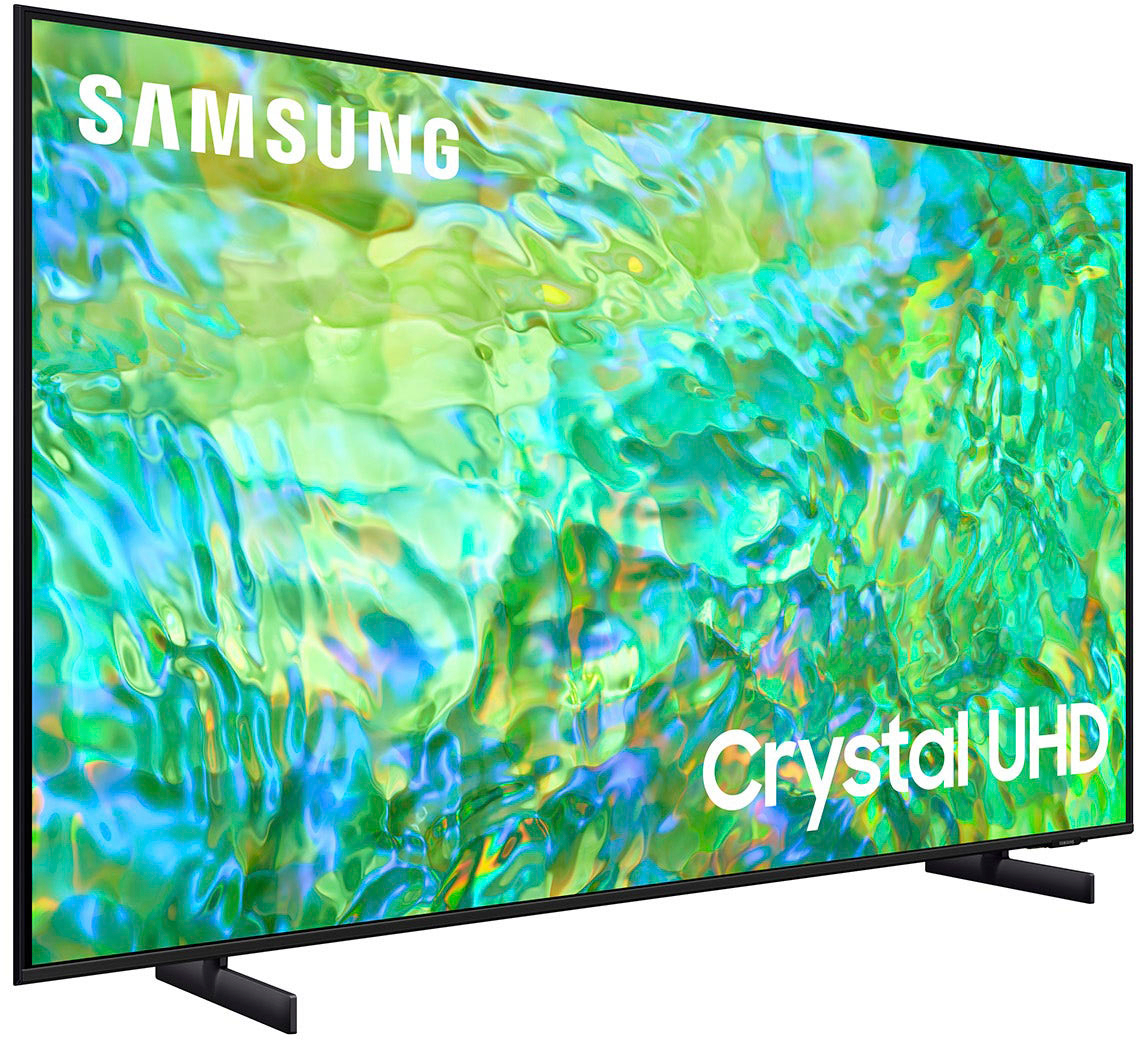
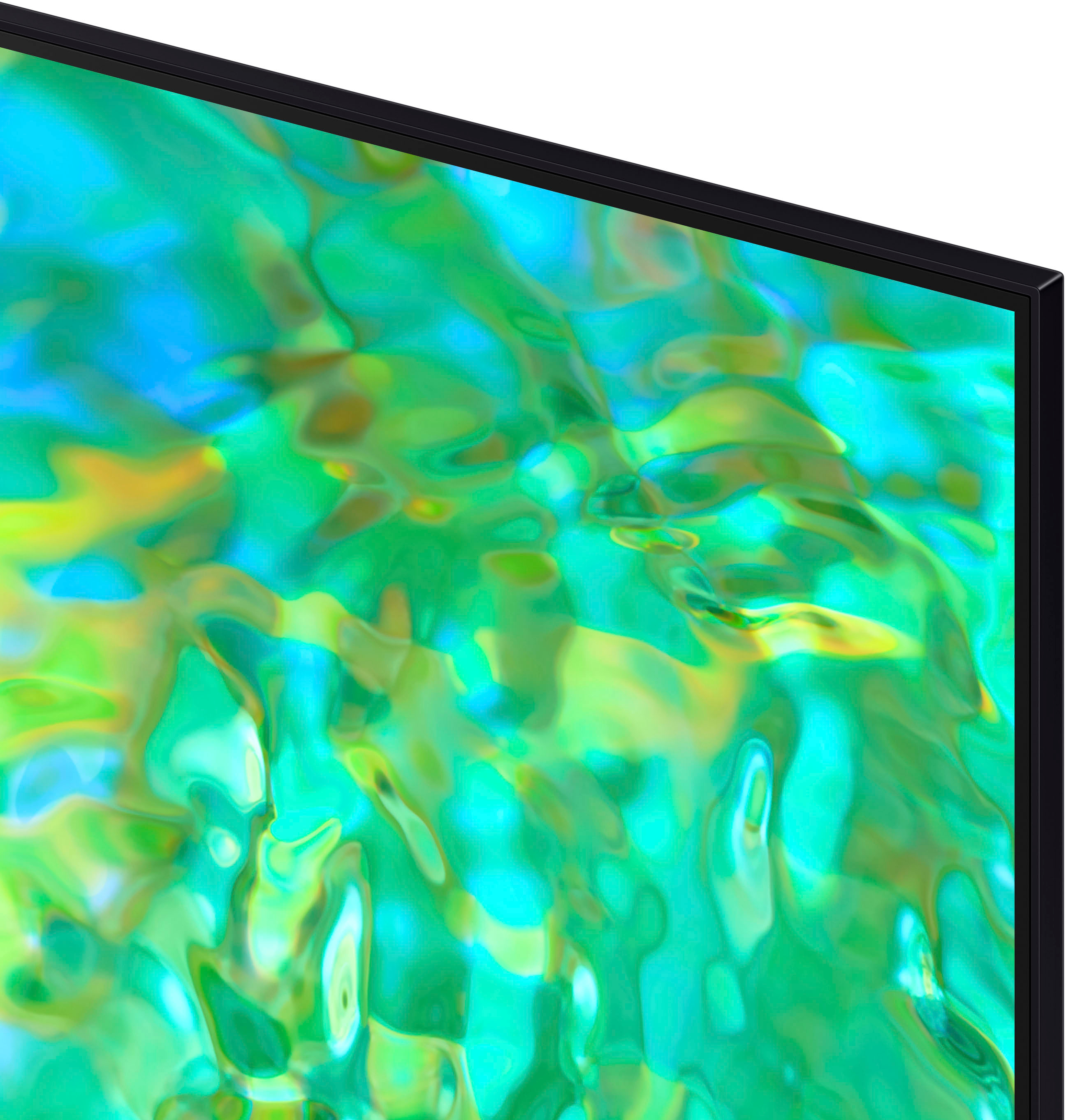
Customers praise the 43" Class CU8000 Crystal UHD 4K Smart Tizen TV (2023) for its exceptional picture quality, ease of use, and vibrant colors. Many also appreciate the TV's size and affordability. However, some users find the remote control less than ideal and the menu system could be improved for better intuitiveness. The sleek design is another frequently cited positive aspect.
This summary was generated by AI based on customer reviews.
My New TV
||Posted . Owned for 3 weeks when reviewed.This reviewer received promo considerations or sweepstakes entry for writing a review.Best Buy had the TV that I needed. The sales person was good. I am happy with my purchase!
I would recommend this to a friendVoice remote very limited
||Posted . Owned for 1 month when reviewed.This reviewer received promo considerations or sweepstakes entry for writing a review.The voice remote is Alexa or google based. Not really worth it because if you are wanting to navigate to an app installed on the tv and use voice commands to search for and watch a specific tv show. It isn’t designed for that. Glad I had an older remote for a Samsung TV because changing the channel using Dish was impossible
No, I would not recommend this to a friendBrand response from Samsung
Posted .Hi Robert,
We appreciate your feedback on the CU8000 TV remote. Please know your review will be shared with our internal teams. If you ever have questions or need help, Samsung is here for you! Give us a call at 1-800-SAMSUNG, 8 AM - 12 AM EST, seven days a week. Our LiveChat agents are also available by clicking on the ‘Support’ link on our website.
~Samsung Advisor
Beautiful Crisp Picture
||Posted . Owned for 3 weeks when reviewed.This reviewer received promo considerations or sweepstakes entry for writing a review.Love everything about this TV. My only complaint is it seems to take up alot of bandwidth which slows down use of my computer while watching TV.
I would recommend this to a friendIwanttfc
||Posted . Owned for 3 weeks when reviewed.This reviewer received promo considerations or sweepstakes entry for writing a review.I like my tv because it is compatible with The Filipino Channel, Now i can watch in bigger screen which i enjoy & love .
I would recommend this to a friendPerfect second TV
||Posted . Owned for 3 weeks when reviewed.This reviewer received promo considerations or sweepstakes entry for writing a review.Works well. Easy set up and very light. Thinking of getting another one.
I would recommend this to a friendNew Samsung!!!
||Posted . Owned for 3 weeks when reviewed.This reviewer received promo considerations or sweepstakes entry for writing a review.Excellent Samsung television!! I've learned to use the apps and can get a lot of great channels.
I would recommend this to a friendSamsung smart 4K Tv
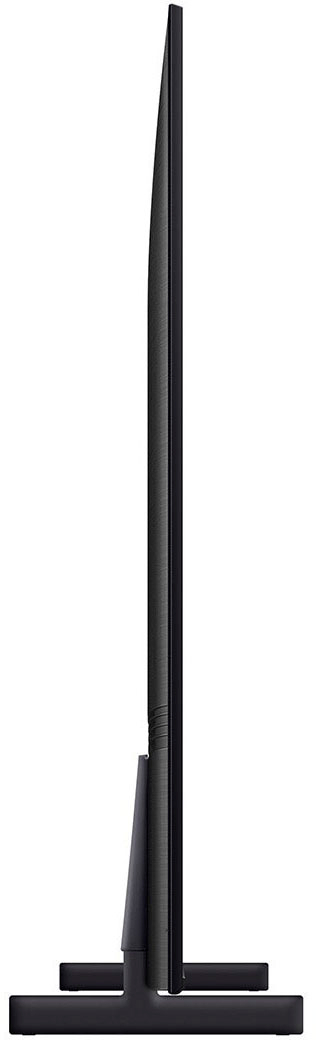
||Posted . Owned for 2 weeks when reviewed.This reviewer received promo considerations or sweepstakes entry for writing a review.Great Tv, thin and has awesome colors. Cant beat the price.
I would recommend this to a friendTelevision review
||Posted . Owned for 1 month when reviewed.This reviewer received promo considerations or sweepstakes entry for writing a review.I am very happy with my new television. I have many program choices.
I would recommend this to a friendMenu System totally baffles
||Posted . Owned for 1 month when reviewed.This reviewer received promo considerations or sweepstakes entry for writing a review.Disappointed is my best response. The picture is fine and the sound while predictably tinny is adequate. We live in an area with no cable so the "smart" part connects o.k. through the house's WiFi. We previously had used an antenna and the local stations come and go with the weather. The promise of the "smart" TV was that we could reliably receive the local stations. It's been two months and we have not figured that out yet. The reason is the control and menu systems are totally baffling. The channels are not even displayed in numerical order, and if you nudge the controller wrong it jumps you to the midst of all those trash channels that come free from Samsung. Early on we stumbled on the PBS Passport, entered our ID and PW, and watched something; but we have never again been able to find it. The menu system and controller are a total mess, no logic to them. Of course, there was no manual with guidance or instructions in the box, either. We are glad that the old "dumb" TV is still here, it's likely will swap it back in. Most of what we would like to watch is available on my laptop and an HDMI cable gets it to the big screen.
No, I would not recommend this to a friendBrand response from Samsung
Posted .Hi TaconicBear,
Thank you for taking the time to provide detailed feedback on your experience with the Samsung 43" CU8000 TV. Please know your feedback is important to us and will be shared with our product teams. I have a few recommendations that may improve your experience.
First, I recommend ensuring your Firmware is up to date. Go to Settings> Support> Software Update.
Next, if you are not utilizing the Samsung TV Plus channels, you can disable them.
1) Navigate to the Samsung TV Plus app and press and hold the enter or select button on the remote. This will bring up two options. ‘Move’ and ‘Remove.’
2) Navigate to ‘Remove’ and select. This option allows you to remove the app icon or disable the service.
3) Navigate to ‘Disable’ and select. This will remove the service from the launcher bar and the channels from the TV Guide.
To access the PBS app, go to Home> Apps> Search> PBS. You can add the PBS app to your Home Menu so you do not have to search for it. Go to Home> Apps> Select App of choice> Long hold return key> Add to Home Menu.
Finally, to learn more about your TV with our step-by-step guides, go to https://www.samsung.com/us/support/answer/ANS00062199. You can also learn how to use your Samsung remote right from your TV! Just go to Home> (left directional button) Settings> Support> Remote Control Guide
If you ever have questions or need help, Samsung is here for you! Give us a call at 1-800-SAMSUNG, 8 AM - 12 AM EST, seven days a week. Our LiveChat agents are also available by clicking on the ‘Support’ link on our website.
Thanks for being a part of the Samsung family!
~ Samsung Advisor
Overall Good
||Posted . Owned for 2 months when reviewed.This reviewer received promo considerations or sweepstakes entry for writing a review.Overall is good. Getting to Youtube TV is a little annoying. Have had for a couple months now and no real complaints.
I would recommend this to a friendSamsung is hard to beat!
||Posted . Owned for 1 month when reviewed.This reviewer received promo considerations or sweepstakes entry for writing a review.Great picture as usual for a Samsung TV. Have owned Samsung in the past.
I would recommend this to a friendGreat stuff
||Posted . Owned for 3 weeks when reviewed.This reviewer received promo considerations or sweepstakes entry for writing a review.Excelente service and great items! I liked a lot thank you
I would recommend this to a friend- Pros mentioned:Picture quality
Samsung tv review
||Posted . Owned for 3 weeks when reviewed.This reviewer received promo considerations or sweepstakes entry for writing a review.Sound quality is poor, picture is good only when viewing straight on
No, I would not recommend this to a friendBrand response from Samsung
Posted .Hi KenH,
Thank you for sharing your thoughts on the picture quality of your CU8000 TV. I have a few recommendations that may improve your visual experience:
Go to Home > Settings > All Settings > Picture > Picture Mode and select the mode that best fits your usage:
1) Standard: Default mode suitable for general viewing environments.
2) Natural: Reduces eye strain for a comfortable viewing experience.
3) Movie: Most suitable for watching TV or movies in a dark room.
4) Dynamic: Makes the picture brighter and clearer in bright viewing environments.
5) Filmmaker Mode: You can watch the source content (e.g., movie) as it is. If the image is defined as Filmmaker Mode, it will automatically switch to Filmmaker Mode while watching.
You can also go to Settings > All Settings> Picture > Expert Settings > to manually fine-tune your image.
For sound adjustments, go to Settings> All Settings> Sound.
If you need more help, Samsung is here for you. Call us at 1-800-SAMSUNG, 8 AM - 12 AM EST, seven days a week. Our LiveChat agents are also available by clicking on the ‘Support’ link on our website.
~ Samsung Advisor
TV
||Posted . Owned for 2 weeks when reviewed.This reviewer received promo considerations or sweepstakes entry for writing a review.Good product. I would buy again. Good product. I would buy again
I would recommend this to a friendTV
||Posted . Owned for 3 weeks when reviewed.This reviewer received promo considerations or sweepstakes entry for writing a review.This is a very good buy for this TV and it performs well.
I would recommend this to a friendGreat
||Posted . Owned for 4 months when reviewed.This reviewer received promo considerations or sweepstakes entry for writing a review.Great Center TV, Great Resolution, i am going to use a Fire TV Cube with it
I would recommend this to a friendSolid TV
||Posted . Owned for 1 month when reviewed.This reviewer received promo considerations or sweepstakes entry for writing a review.Always make sure to get at least an 8000 series in the Samsung.
I would recommend this to a friendTV is great!
||Posted . Owned for 3 weeks when reviewed.This reviewer received promo considerations or sweepstakes entry for writing a review.We really like our TV... service was great!........
I would recommend this to a friendGreat Bedroom TV!
||Posted . Owned for 1 month when reviewed.This reviewer received promo considerations or sweepstakes entry for writing a review.Perfect bedroom TV. Smart TV functions are great and easy to use. Would recommend for ant bedroom type application.
I would recommend this to a friendTv
||Posted . Owned for 2 months when reviewed.This reviewer received promo considerations or sweepstakes entry for writing a review.Great service would highly recommend to anyone looking for a great tv.
I would recommend this to a friend