Customer Ratings & Reviews




- Model:
- UN43CU8000FXZA
- SKU:
- 6537421
Rating by feature
- Picture Quality
Rating 4.8 out of 5 stars
- Sound Quality
Rating 4.5 out of 5 stars
- Brightness
Rating 4.8 out of 5 stars
Customers are saying
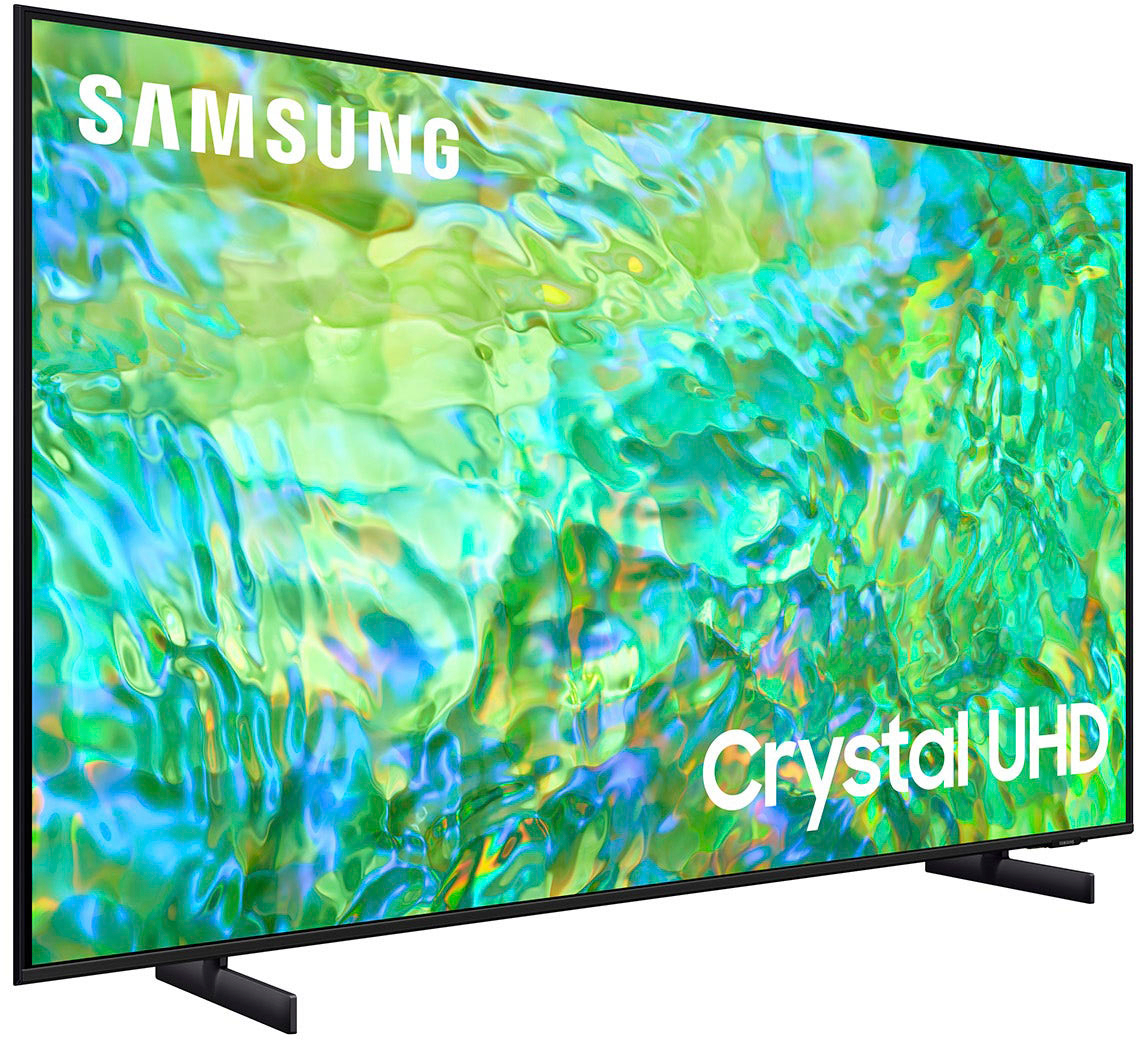
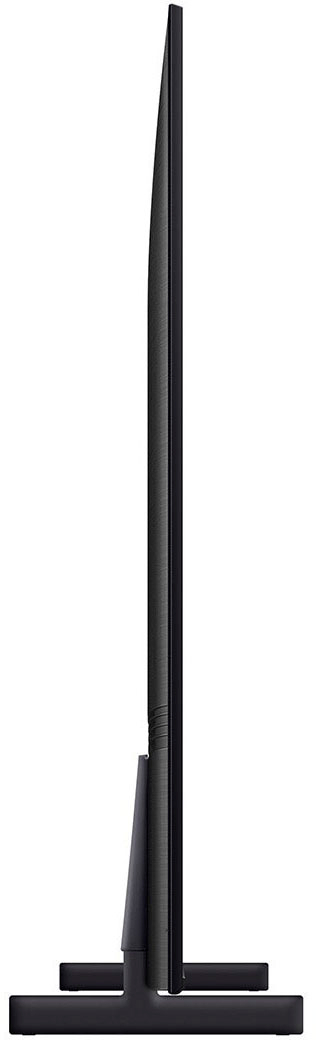
Customers praise the 43" Class CU8000 Crystal UHD 4K Smart Tizen TV (2023) for its exceptional picture quality, ease of use, and vibrant colors. Many also appreciate the TV's size and affordability. However, some users find the remote control less than ideal and the menu system could be improved for better intuitiveness. The sleek design is another frequently cited positive aspect.
This summary was generated by AI based on customer reviews.
Good value
||Posted . Owned for 1 month when reviewed.This reviewer received promo considerations or sweepstakes entry for writing a review.User friendly. Prefer this selection to the LG it replaces in MBR.
I would recommend this to a friend5 star item
||Posted . Owned for 3 weeks when reviewed.This reviewer received promo considerations or sweepstakes entry for writing a review.Great for the price well worth it. Love everything about it
I would recommend this to a friendTv purchase
||Posted . Owned for 3 weeks when reviewed.This reviewer received promo considerations or sweepstakes entry for writing a review.Great tv I would highly recommend Best Buy and this tv to anyone
I would recommend this to a friend3rd Samsung in the house
||Posted . Owned for 1 month when reviewed.This reviewer received promo considerations or sweepstakes entry for writing a review.Works like a charm! Replaced an older model Vizio
I would recommend this to a friendGood TV for a bedroom.
||Posted . Owned for 3 weeks when reviewed.This reviewer received promo considerations or sweepstakes entry for writing a review.Good TV for a bedroom. TV needs to be calibrated because the colors washout.
I would recommend this to a friendSamsung and Best Buy, the perfect combination.
||Posted . Owned for 1 month when reviewed.This reviewer received promo considerations or sweepstakes entry for writing a review.Wow! An outstanding value at an extremely low price.
I would recommend this to a friendBest TV
||Posted . Owned for 1 month when reviewed.This reviewer received promo considerations or sweepstakes entry for writing a review.Great Product Love it and it's quality of display.
I would recommend this to a friendDecent quality for the money
||Posted . Owned for 3 weeks when reviewed.This reviewer received promo considerations or sweepstakes entry for writing a review.So far so good. Seems like good quality for the $$.
I would recommend this to a friendImproper packaging - destroyed tv
Posted .This reviewer received promo considerations or sweepstakes entry for writing a review.Poorly packed and damaged in shipping. Associates did horrible job of packaging for shipping. No padding underneath tv and no foam on screen side. As a result bottom frame got cracked and back lighting did not work properly. Unit was in excellent condition before shipping. Returned unit which is now in saleable.
No, I would not recommend this to a friendBrand response from Samsung
Posted .Hi PeterP,
I'm very sorry to hear that your CU8000 TV was delivered damaged. Please know you are leaving a review for the CU8000 TV, not the service provided by Best Buy. I recommend providing feedback directly to Best Buy. Should you have questions regarding Samsung TVs, please contact Samsung Support at 1-800-SAMSUNG, 8 AM – 12 AM EST, seven days a week. Our LiveChat agents are also available by clicking on the ‘Support’ link on our website.
~Samsung Advisor
Love
||Posted . Owned for 8 months when reviewed.This reviewer received promo considerations or sweepstakes entry for writing a review.Very good i love the item and will review it to other
I would recommend this to a friendGerry
||Posted . Owned for 3 weeks when reviewed.This reviewer received promo considerations or sweepstakes entry for writing a review.Found instructions difficult to understand how to set up the picture mode.
I would recommend this to a friendTelevision
||Posted . Owned for 8 months when reviewed.This reviewer received promo considerations or sweepstakes entry for writing a review.I just needed a television for a bedroom, This turned out well.
I would recommend this to a friendSamsung TV
||Posted . Owned for 1 month when reviewed.This reviewer received promo considerations or sweepstakes entry for writing a review.Nice TV after I got it figured out!! Took about a week to get everything right.
I would recommend this to a friendPicture OK
||Posted . Owned for 1 month when reviewed.This reviewer received promo considerations or sweepstakes entry for writing a review.Picture OK. You will need to spend time in setup to dial in.
No, I would not recommend this to a friendLove Samsung
||Posted . Owned for 3 weeks when reviewed.This reviewer received promo considerations or sweepstakes entry for writing a review.Pretty good TV. Not as good as the last two I bought…from the same brand.
No, I would not recommend this to a friendNot Exactly
||Posted . Owned for 1 month when reviewed.This reviewer received promo considerations or sweepstakes entry for writing a review.Not Exactly, what I thought it would be. OS controlled by Samsung require that you set up another account with more passwords. Color had more brightness, but not enough spareness. Returned ok for office but not main room.
No, I would not recommend this to a friendBrand response from Samsung
Posted .Hi JDMH,
Thank you for taking the time to provide feedback on your CU8000 TV. Please know that your feedback will be shared with our internal product teams. We take pride in our products and are sorry to hear that your experience was not up to our high standards.
Please know that there are multiple sound settings available on the CU8000, such as Expert Settings and various Picture Modes, which could have been adjusted to your personal preferences.
We do hope you will give Samsung another chance when purchasing your next TV. If there’s anything we can ever help with, please call us at 1-800-SAMSUNG, 8 AM - 12 AM EST, seven days a week. Or visit us on the Samsung website and click on the ‘Support’ link for:
1) LiveChat
2) Manuals, Software, & Warranty Info
~ Samsung Advisor
Not happy
||Posted . Owned for 3 weeks when reviewed.This reviewer received promo considerations or sweepstakes entry for writing a review.Wanted a tv to work with alexa like my fire tv did. Salesman said Samsung cu8000 was it. Well it does everything Alexa except turn it on. If you have to pick up remote anyway to turn on . Might just as well continue wirh it.
No, I would not recommend this to a friendBrand response from Samsung
Posted .Hi DavidnP,
Thank you for choosing Samsung and for reaching out to us. When using Alexa on your CU8000, please know your TV needs to be connected to the Internet to receive voice commands. When it's powered off, the Internet disconnects, and your TV cannot receive commands. To turn on your TV with Alexa, you will need a standalone Alexa device (such as an Echo Show). From there, you will need to ensure:
1. Your CU8000 is added to the SmartThings app, which can be downloaded on your Smartphone.
2. Your Alexa device is connected to the Internet.
3. The SmartThings Skill is enabled within the Alexa app.
Should you have further questions, please contact Samsung Support on Facebook or Chat with us on the Samsung website. You can also reach us at 1-800-SAMSUNG / Available 8 AM - 12 AM EST, seven days a week.
~Samsung Advisor
Samsung -43" class cu8000
||Posted . Owned for 3 weeks when reviewed.This reviewer received promo considerations or sweepstakes entry for writing a review.the picture quality is average. Picture look better in the store. i had a sound bar so the sound is great. for the price of $379.99 its ok
I would recommend this to a friendBrand response from Samsung
Posted .Hi rosey,
Thank you for sharing your thoughts on the picture quality of your CU8000 TV. I have a few recommendations that may improve your visual experience:
Go to Home > Settings > All Settings > Picture > Picture Mode and select the mode that best fits your usage:
1) Standard: Default mode suitable for general viewing environments.
2) Natural: Reduces eye strain for a comfortable viewing experience.
3) Movie: Most suitable for watching TV or movies in a dark room.
4) Dynamic: Makes the picture brighter and clearer in bright viewing environments.
5) Filmmaker Mode: You can watch the source content (e.g., movie) as it is. If the image is defined as Filmmaker Mode, it will automatically switch to Filmmaker Mode while watching.
You can also go to Settings > All Settings> Picture > Expert Settings > to manually fine-tune your image.
If you need more help, Samsung is here for you. Call us at 1-800-SAMSUNG, 8 AM - 12 AM EST, seven days a week. Our LiveChat agents are also available by clicking on the ‘Support’ link on our website.
~ Samsung Advisor
Remote
||Posted . Owned for 3 weeks when reviewed.This reviewer received promo considerations or sweepstakes entry for writing a review.The Tv as good as you can buy, but I purchased it to get a TV with voice controlled remote THE REMOTE DOESN'T UNDERSTAND ENGLISH
No, I would not recommend this to a friendBrand response from Samsung
Posted .Hi CNCJIM,
Thank you for choosing Samsung’s CU8000 TV and sharing your experience with built-in Voice Assistant functionality. Please know that voice commands may differ with each voice assistant.
We suggest you check the command examples for each voice assistant. Go to Settings > All Settings> General > Voice.
When the TV is far from you or the ambient noise is too loud, the TV may be unable to recognize your voice. You will need to be within 10 feet of your TV for the best results. Please look at your TV screen and speak.
If voice recognition does not work at all with your remote and there is no response, even if the Voice Assistant button is pressed, the connection between the remote control and the TV may be lost. Try pairing the remote control with the TV:
1) Long press the RETURN key and ENTER key together for about 10 seconds.
2) The RETURN key is on the left side of your remote and looks like a curved, backward-pointing arrow.
3) The ENTER key is the button in the center of your directional ring.
If your remote is still not working properly or its response is slow, please check the remaining battery of the Smart Remote by going to Settings > All Settings> General > Power and Energy Saving > Available Remote Battery.
For further assistance with this feature, please get in touch with Samsung Customer Support. You can call us at 1-800-SAMSUNG, 8 AM - 12 AM EST, seven days a week. Our LiveChat agents are also available by clicking on the ‘Support’ link on our website.
~ Samsung Advisor
Picture is just ok
||Posted . Owned for less than 1 week when reviewed.This reviewer received promo considerations or sweepstakes entry for writing a review.Love the form factor. Picture is just ok. Color and picture settings are minimalist. Not as realistic color as I had hoped.
No, I would not recommend this to a friendBrand response from Samsung
Posted .Hi JeffM,
Thank you for sharing your thoughts on the picture quality of your CU8000 TV. I have a few recommendations that may improve your visual experience:
Go to Home > Settings > All Settings > Picture > Picture Mode and select the mode that best fits your usage:
1) Standard: Default mode suitable for general viewing environments.
2) Natural: Reduces eye strain for a comfortable viewing experience.
3) Movie: Most suitable for watching TV or movies in a dark room.
4) Dynamic: Makes the picture brighter and clearer in bright viewing environments.
5) Filmmaker Mode: You can watch the source content (e.g., movie) as it is. If the image is defined as Filmmaker Mode, it will automatically switch to Filmmaker Mode while watching.
You can also go to Settings > All Settings> Picture > Expert Settings > to manually fine-tune your image.
If you need more help, Samsung is here for you. Call us at 1-800-SAMSUNG, 8 AM - 12 AM EST, seven days a week. Our LiveChat agents are also available by clicking on the ‘Support’ link on our website.
~ Samsung Advisor