Customer Ratings & Reviews




- Model:
- UN43CU8000FXZA
- SKU:
- 6537421
Rating by feature
- Picture Quality
Rating 4.8 out of 5 stars
- Sound Quality
Rating 4.5 out of 5 stars
- Brightness
Rating 4.8 out of 5 stars
Customers are saying
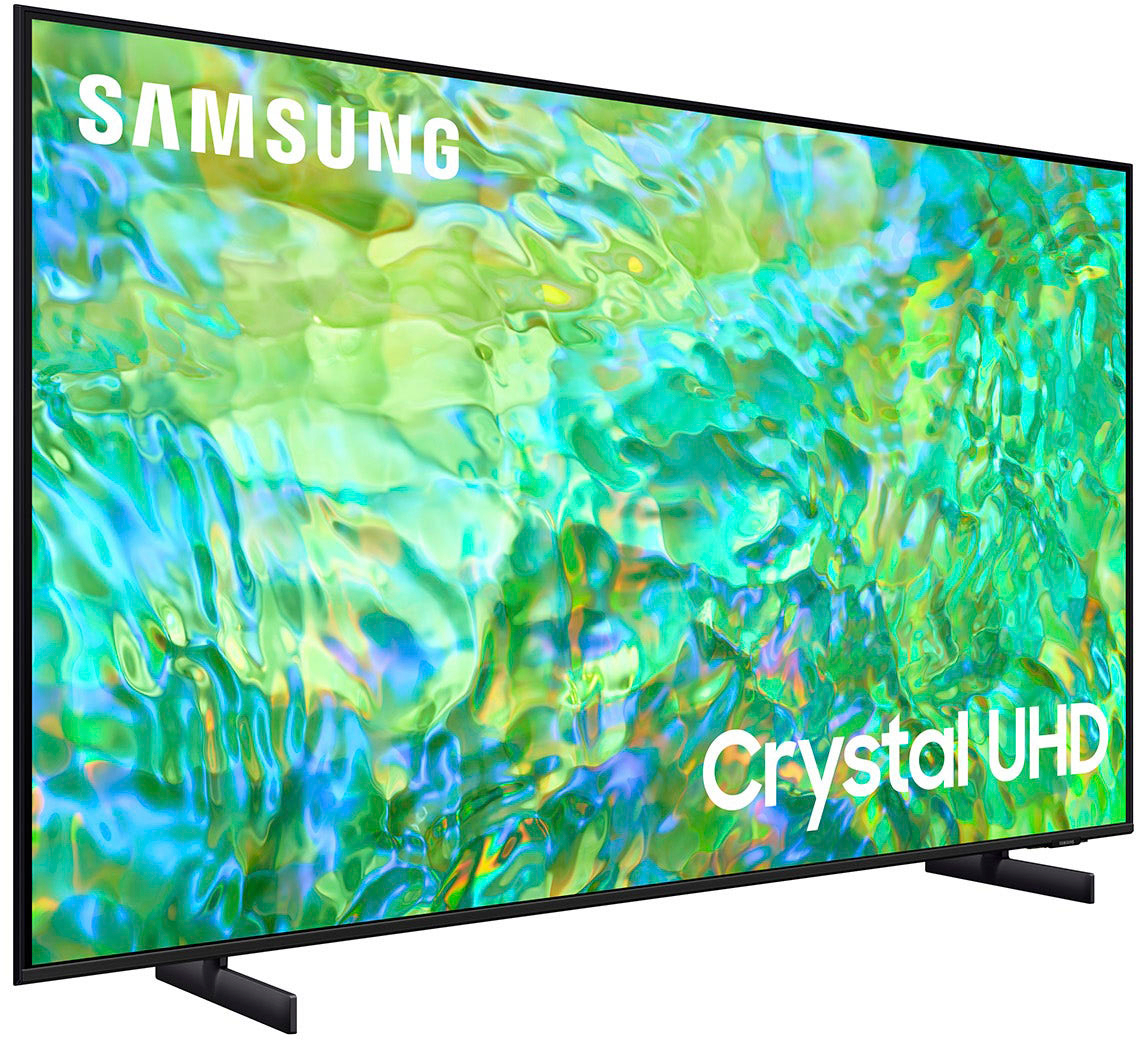
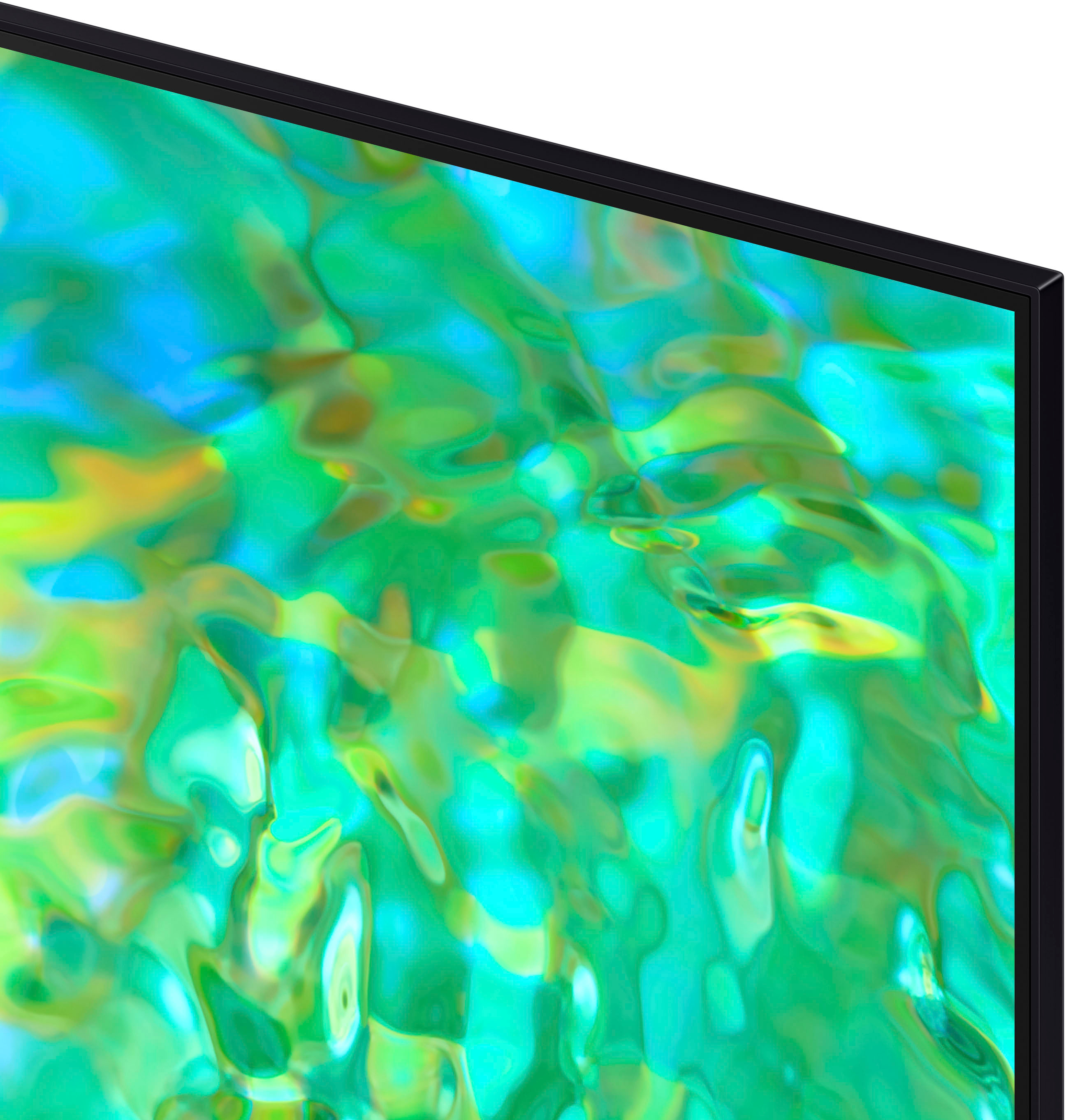
Customers praise the 43" Class CU8000 Crystal UHD 4K Smart Tizen TV (2023) for its exceptional picture quality, ease of use, and vibrant colors. Many also appreciate the TV's size and affordability. However, some users find the remote control less than ideal and the menu system could be improved for better intuitiveness. The sleek design is another frequently cited positive aspect.
This summary was generated by AI based on customer reviews.
Review
||Posted . Owned for 3 weeks when reviewed.This reviewer received promo considerations or sweepstakes entry for writing a review.The sound volume is not great. As a result we miss a lot of conversations on some programs
No, I would not recommend this to a friendBrand response from Samsung
Posted .Hi PaulC,
We appreciate your feedback on the CU8000 TV volume. Please know we are here to help and have a few volume features you can adjust, which may improve your audio experience.
1) Auto Volume automatically adjusts the sound to a certain level when changing channels or switching to another external input. Go to Settings > All Settings> Sound > Expert Settings > Auto Volume.
2) Adaptive Sound automatically adjusts to a specific volume level while watching TV. The TV analyzes your volume usage history by time period to automatically adjust the volume when you use an app or switch to an external input source. Go to Settings> All Settings> Sound> Sound Mode> Adaptive Sound.
3) Several Sound Modes are likewise available to meet your personal preferences: Home > Settings > All Settings> Sound > Sound Mode
Also, some sources have their own volume control, which might need to be set higher. Please check the volume control of the external device (cable box or satellite box, DVD, Blu-ray, etc.) connected to your TV. Also, check the cable connection between an external device and the TV and then try the cable connection again.
If you need more help, Samsung is here for you. Please call us at 1-800-SAMSUNG, 8 AM - 12 AM EST, seven days a week. Our LiveChat agents are also available by clicking on the ‘Support’ link on our website.
~ Samsung Advisor
Newer Doesn't Mean Better
||Posted . Owned for less than 1 week when reviewed.This reviewer received promo considerations or sweepstakes entry for writing a review.Purchased an open box CU8000 TV described as excellent in like new condition. None of the HDMI ports would recognize my devices (PC, Tivo mini). Returned for a new CU8000 TV. Issues with HDMI port recognizing my PC when it powers up. No issues with HDMI port if a device never powers down. The picture quality and sound weren't as good as my Samsung 43 inch J5202. I don't like the interface of the CU8000. Have to go through too many steps just to get to the source I want. The J5202 stays on the source it was last on until I change it. Took the new one back and will stick with my J5202. Newer TVs should be better not worse. Samsung please make TVs that are more user friendly, have a great picture and sound. Buyers should not have to purchase a soundbar to compensate for poor speakers. Also wish Samsung made more non start TVs since I rarely use those features. Best Buy was great about refunding my money each time.
No, I would not recommend this to a friendBrand response from Samsung
Posted .Hi JackieB,
We appreciate you taking the time to let us know about your experience with Samsung’s CU8000 TV. Samsung is committed to providing the best possible product experience, quality, and value, and your feedback will be shared with our product teams.
Should you ever decide to give Samsung TVs another try and have questions or need assistance with settings, setup, or features, please know we are always here to help. You can call us at 1-800-SAMSUNG, 8 AM - 12 AM EST, seven days a week. Our LiveChat agents are also available by clicking on the ‘Support’ link on our website.
~ Samsung Advisor
So So TV
||Posted . Owned for 1 month when reviewed.This reviewer received promo considerations or sweepstakes entry for writing a review.It was an "OK" picture but wasnt wowing me so I returned.
No, I would not recommend this to a friendI won’t be buying anything else from you again.
||Posted . Owned for 3 weeks when reviewed.This reviewer received promo considerations or sweepstakes entry for writing a review.The TV screen went pink the third time that I turned it on. My cousin was over and said that the same thing happened to her with a TV from Best Buy. And, because it’s beyond your two week window, I have to send it back to the manufacturer. I won’t be buying anything else from you again.
No, I would not recommend this to a friendBrand response from Samsung
Posted .Hi JamesC,
I'm sorry to hear that you are experiencing issues with a pink screen on your CU8000 TV. I have a few troubleshooting tips that may resolve this display issue.
1. Disconnect and reconnect the power cables and HDMI cables on the back of your TV, then unplug the power cord and plug it back into the wall outlet.
2. If the external device supports UHD video, use a dedicated HDMI cable (4K) for HDMI video playback.
3. If a component cable is used, make sure that the colored connectors are connected to the matching connectors on the external device and the TV.
4. If you are using a set-top box, check the cable connection. The cable you need to check depends on the type of set-top box.
5. Make sure that your access point is connected to the Internet. If not, disconnecting and reconnecting its power cable may be required.
6. If the problem persists, check the video output settings in the settings menu of the external device, and ensure that your TV supports the video output mode.
If you continue to have issues, please call us at 1-800-SAMSUNG, 8 AM - 12 AM EST, seven days a week. LiveChat with an agent, as well as manuals, software, and warranty info, can be found at the ‘Support’ link on our Samsung website.
~ Samsung Advisor
Cheap
||Posted . Owned for 3 weeks when reviewed.This reviewer received promo considerations or sweepstakes entry for writing a review.TV is 3 weeks old and the Judder Reduction setting went bad causing a flickering blob in the screen. It can be turned off but the picture quality is poor without it.
No, I would not recommend this to a friendBrand response from Samsung
Posted .Hi Randy,
Thank you for letting us know about your experience with the CU8000 TV having issues with poor motion image. I have a few recommendations that may resolve the issue you are experiencing.
First, let's ensure you are running the latest Firmware. Go to Settings> Support> Software Update.
Next, let's try running a cold boot on your TV. To do so, hold down the Power button on the Samsung TV remote until the TV turns off and then on again. This should take about 5 seconds.
If the same problem persists, run a diagnostic test. (Home > Settings > Support > Device Care > Self Diagnosis > Picture Test)
Otherwise, please know we back this TV with a 1-year limited manufacturer's warranty, including authorized repair for manufacturer defect, if purchased brand-new directly from an authorized seller. To schedule service, please reach out to us at 1-800-SAMSUNG, 8 AM - 12 AM EST, seven days a week. Our LiveChat agents are also available by clicking on the ‘Support’ link on our website.
~ Samsung Advisor
Unhappy shopper
||Posted . Owned for 1 month when reviewed.This reviewer received promo considerations or sweepstakes entry for writing a review.Poor customer services Every service worker lied to me
No, I would not recommend this to a friendBrand response from Samsung
Posted .Hi NoreenE,
I'm very sorry to hear that you had a negative shopping and customer service experience. If there is anything we can do to help, please do not hesitate to reach out to Samsung Customer Support at 1-800-SAMSUNG, 8 AM - 12 AM EST, seven days a week. Our LiveChat agents are also available by clicking on the ‘Support’ link on our website.
~ Samsung Advisor
Lasted 2 Weeks!
||Posted . Owned for 2 weeks when reviewed.This reviewer received promo considerations or sweepstakes entry for writing a review.The TV blew out after 2 weeks, picture went purple and the tv was replaced by a LG brand
No, I would not recommend this to a friendBrand response from Samsung
Posted .Hi BillF,
Thank you for sharing your review, and we’re sorry to hear that your experience with the CU8000 TV was not up to our high-quality standards.
Should you ever decide to give Samsung TVs another try and have questions or need help with settings, setup, or features, please know we’re here to help. Call us at 1-800-SAMSUNG, 8 AM – 12 AM EST, seven days a week. LiveChat with an agent, as well as manuals, software, and warranty info, can be found at the ‘Support’ link on our Samsung website.
We hope to regain you as a customer in the future.
~ Samsung Advisor
Not great
||Posted . Owned for 5 months when reviewed.This reviewer received promo considerations or sweepstakes entry for writing a review.It started crashing after 5 months, now it will not turn on.
No, I would not recommend this to a friendMr.
||Posted . Owned for less than 1 week when reviewed.This reviewer received promo considerations or sweepstakes entry for writing a review.Intermittent power connection.Returned to store for full replacement
I would recommend this to a friendBrand response from Samsung
Posted .Hi JohnF,
Thank you for sharing your experience on the CU8000 TV. We appreciate your patience in having to deal with the hassle of an exchange.
If you ever have questions or need help, Samsung is here for you! Give us a call at 1-800-SAMSUNG, 8 AM - 12 AM EST, seven days a week. Our LiveChat agents are also available by clicking on the ‘Support’ link on our website.
Thanks for being a part of the Samsung family!
~ Samsung Advisor
- Pros mentioned:Color, Picture quality
Great TV!
Posted .This reviewer received promo considerations or sweepstakes entry for writing a review.Amazing TV, great picture quality, rich color, sleek design, very light weight so easy to pick up and mount.
I would recommend this to a friend - Pros mentioned:Picture qualityCons mentioned:Remote control
Nice picture and good price.
Posted .This reviewer received promo considerations or sweepstakes entry for writing a review.Tv has a nice picture. I had to disable something in the settings that caused “soap opera effect”. Easy to do. Stand is much sturdier than I thought it would be. My only complaint is the remote control is hard to figure out. Nobody but me knows how to use it.
I would recommend this to a friend - Pros mentioned:Picture qualityCons mentioned:Menu
Samsung - 43" Class CU8000
Posted .This reviewer received promo considerations or sweepstakes entry for writing a review.Beautiful picture, Easy to setup. Menus could be a little mor intuitive. Not able to set an auto start item. It always starts on the menu, and you have to select an item to view.
I would recommend this to a friend - Pros mentioned:Ease of use, Picture quality
Buy samsung you want regret
Posted .This reviewer received promo considerations or sweepstakes entry for writing a review.Very easy to set up. Great picture i have samsungs alround the house people buy this tv
I would recommend this to a friend - Pros mentioned:Ease of use, Picture quality
Samsung Smart TV
Posted .This reviewer received promo considerations or sweepstakes entry for writing a review.Love this TV!! Sharp, crystal clear picture, easy to use features & it comes with a solar powered remote!!!
I would recommend this to a friend - Pros mentioned:Ease of use, Picture quality
Very happy purchase
Posted .This reviewer received promo considerations or sweepstakes entry for writing a review.Its a great tv for price. The picture is clear as well as the sound. Easy to set up too
I would recommend this to a friend - Pros mentioned:Tv size
GREAT REALLY SLIM TV.
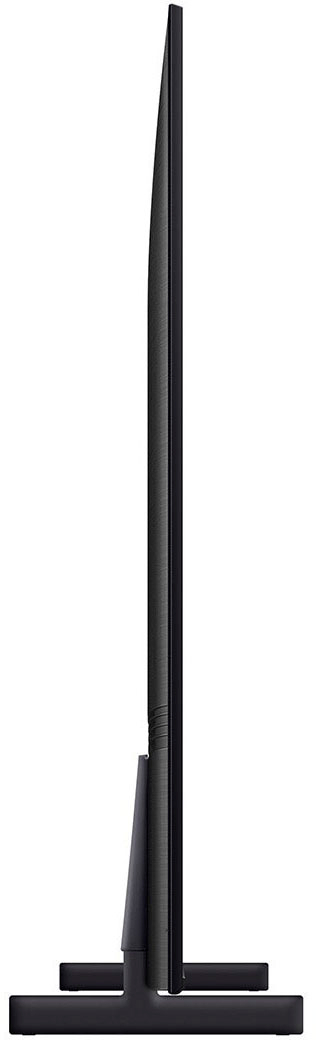
Posted .This reviewer received promo considerations or sweepstakes entry for writing a review.I bought this TV to use vertically on the wall as a magic mirror type "info" display. I bought it because it is very thin almost like the frame style TVs. However, I did buy a similar hanging hardware online that comes with the frames so that it could be right against the wall. Used the Dakboard CPU mini PC for the info-center software. I TRIED TO ADD A PHOTO TO THE REVIEW, BUT IT WOULDN'T LET ME.
I would recommend this to a friend - Pros mentioned:Ease of use, Picture quality
An Excellent Value.
Posted .This reviewer received promo considerations or sweepstakes entry for writing a review.Excellent value. Very nice picture, and easy to set-up.
I would recommend this to a friend - Pros mentioned:Picture quality
Happy
Posted .This reviewer received promo considerations or sweepstakes entry for writing a review.Overall very happy.The quality is great.I don't like that you cannot merge it with other streaming sources.If you switch to cable or Roku you have to use separate remotes.
I would recommend this to a friend - Pros mentioned:Color
Amazing
Posted .This reviewer received promo considerations or sweepstakes entry for writing a review.Verses other similar models, this one has better color and Brightness
I would recommend this to a friendBrand response from Samsung
Posted .Hi TheEric,
Thank you for your review of the CU8000 TV's color and brightness. We are happy that you are enjoying the Dynamic Crystal Color, offering fine-tuned crystal-clear colors to deliver a naturally crisp and vivid picture.
Please know we are here for you if you have any questions about your new TV. Just call us at 1-800-SAMSUNG, 8 AM - 12 AM EST, seven days a week. Our LiveChat agents are also available by clicking on the ‘Support’ link on our website.
Thanks for being a part of the Samsung family!
~ Samsung Advisor
- Pros mentioned:Picture quality
Worth the money
Posted .This reviewer received promo considerations or sweepstakes entry for writing a review.Great picture definition and color. Very thin profile. 2nd Samsung TV now.
I would recommend this to a friend