Customer Ratings & Reviews




- Model:
- UN43CU8000FXZA
- SKU:
- 6537421
Rating by feature
- Picture Quality
Rating 4.8 out of 5 stars
- Sound Quality
Rating 4.5 out of 5 stars
- Brightness
Rating 4.8 out of 5 stars
Customers are saying
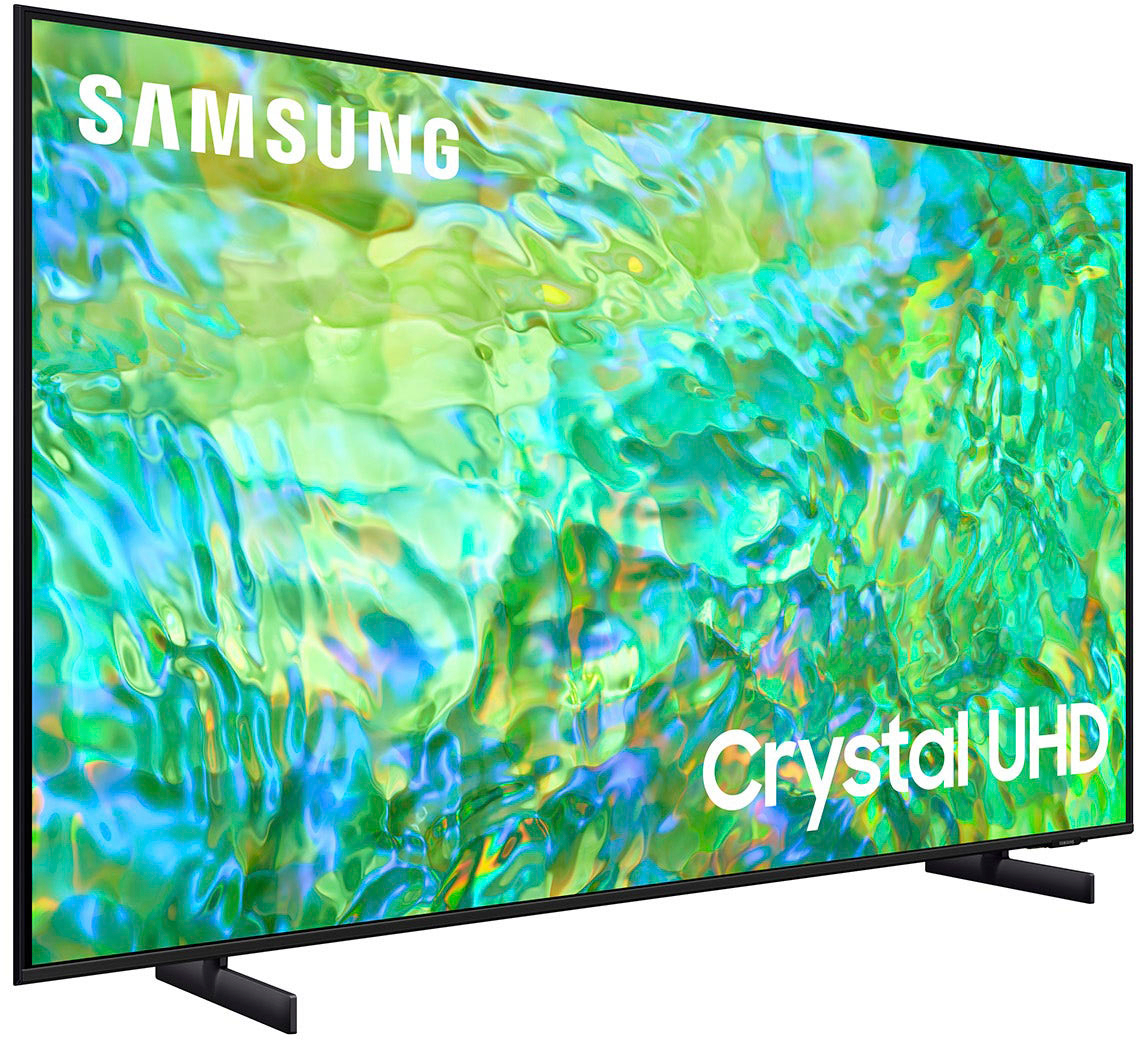
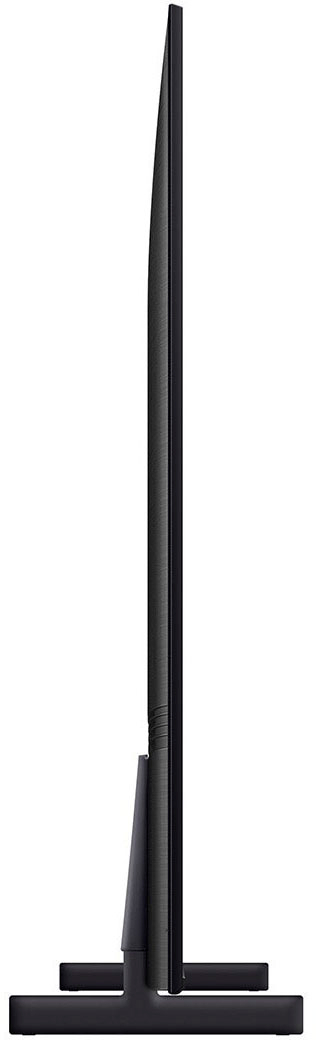
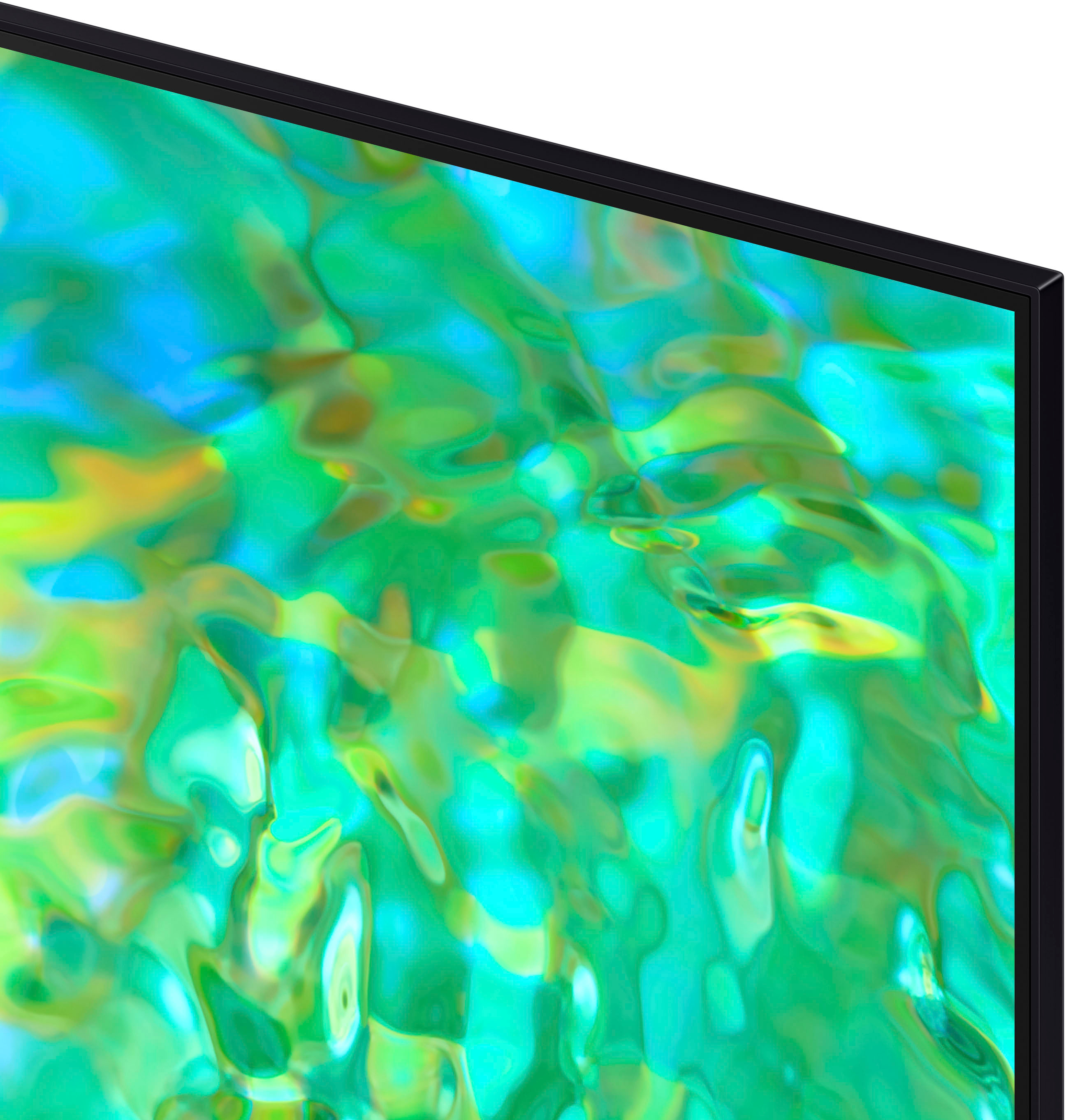
Customers praise the 43" Class CU8000 Crystal UHD 4K Smart Tizen TV (2023) for its exceptional picture quality, ease of use, and vibrant colors. Many also appreciate the TV's size and affordability. However, some users find the remote control less than ideal and the menu system could be improved for better intuitiveness. The sleek design is another frequently cited positive aspect.
This summary was generated by AI based on customer reviews.
- Pros mentioned:Picture quality
New TV
Posted .This reviewer received promo considerations or sweepstakes entry for writing a review.Awesome price as well as picture screen. It’s like your right there with the actors. Best purchase I ever made!!!
I would recommend this to a friend - Pros mentioned:Picture quality
A good tv for a small area
Posted .This reviewer received promo considerations or sweepstakes entry for writing a review.This tv is perfect for what I need. It’s the perfect size and the quality is good
I would recommend this to a friend TV
Posted .This reviewer received promo considerations or sweepstakes entry for writing a review.So far the TV has been great and fit in motorhome perfectly .
I would recommend this to a friend- Pros mentioned:Picture quality
My tv
Posted .This reviewer received promo considerations or sweepstakes entry for writing a review.Great picture and easy to set up! Very satisfied!,
I would recommend this to a friend Samsung Smart TV
Posted .This reviewer received promo considerations or sweepstakes entry for writing a review.Like all of the smart features especially the Samsung TV
I would recommend this to a friendDisappointed
Posted .This reviewer received promo considerations or sweepstakes entry for writing a review.My old samsung Qtv died after 3 years. Im handicapped so hard to just pick one up. I decided on this on thinking its a good middle tv. Best buy loaded my car. I paid a friend to bring it in set it up. The picture is a disappointment. Kinda cant get sharp. To hard to bring back. Probably my last Samsung. There not making them the way they used to.
No, I would not recommend this to a friendBrand response from Samsung
Posted .Hi Maynard,
Thank you for sharing your thoughts on the picture quality of your CU8000 TV. I have a few recommendations that may improve your visual experience:
First, let's ensure you are running the latest Firmware. Go to Settings> Support> Software Update.
Next, there are several modes available I recommend trying out:
Go to Home > Settings > All Settings > Picture > Picture Mode and select the mode that best fits your usage:
1) Standard: Default mode suitable for general viewing environments.
2) Natural: Reduces eye strain for a comfortable viewing experience.
3) Movie: Most suitable for watching TV or movies in a dark room.
4) Dynamic: Makes the picture brighter and clearer in bright viewing environments.
5) Filmmaker Mode: You can watch the source content (e.g., movie) as it is. If the image is defined as Filmmaker Mode, it will automatically switch to Filmmaker Mode while watching.
You can also go to Settings > All Settings> Picture > Expert Settings > to manually fine-tune your image.
If you need more help, Samsung is here for you. Call us at 1-800-SAMSUNG, 8 AM - 12 AM EST, seven days a week. Our LiveChat agents are also available by clicking on the ‘Support’ link on our website.
~ Samsung Advisor
Poor Volume- Settings get wiped out frequently
Posted .This reviewer received promo considerations or sweepstakes entry for writing a review.Volume quality is poor. Favorites channels keep getting wiped out. APP get wiped out. You are constantly starting setup from scratch.
No, I would not recommend this to a friend