Customer Ratings & Reviews



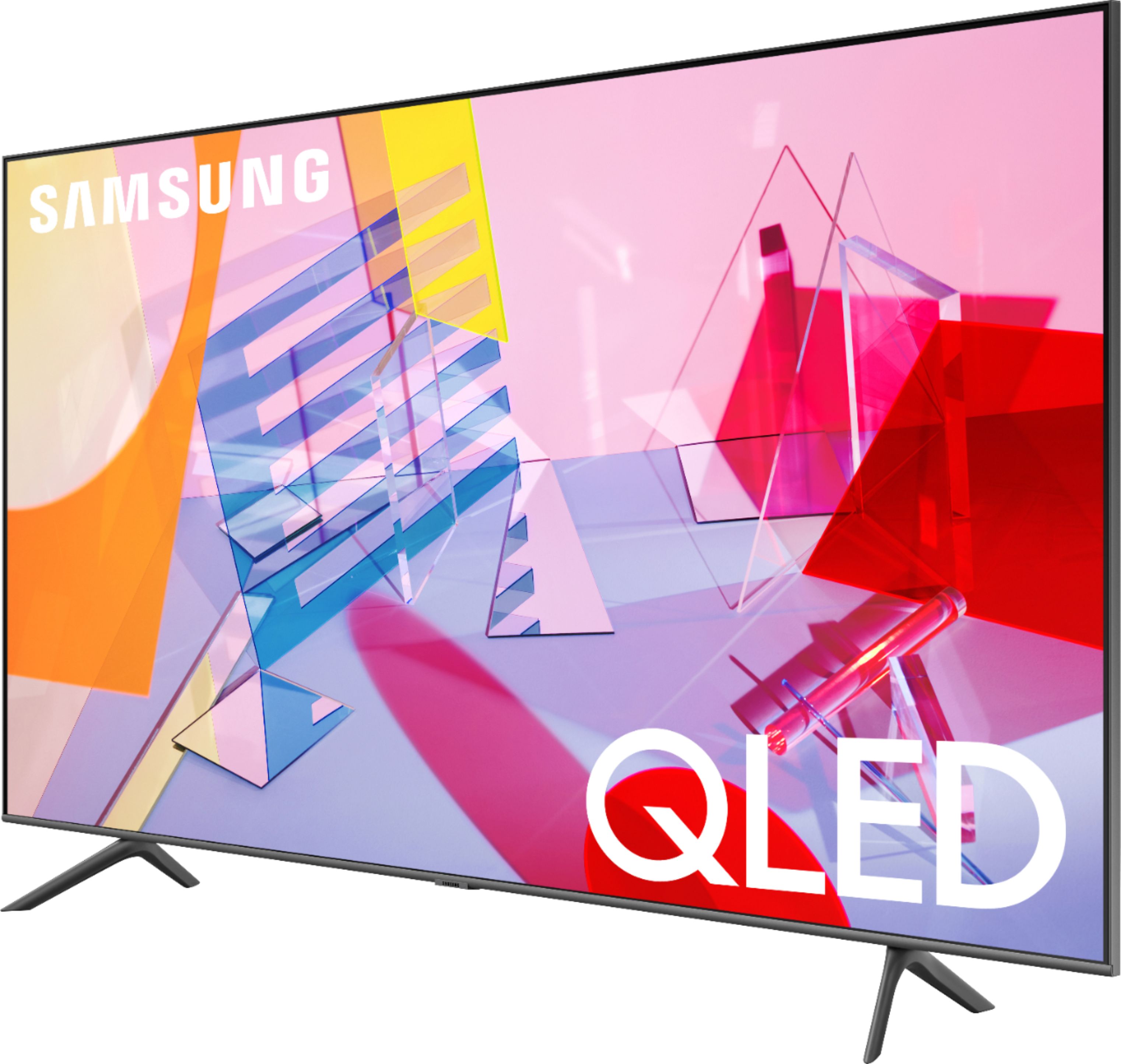
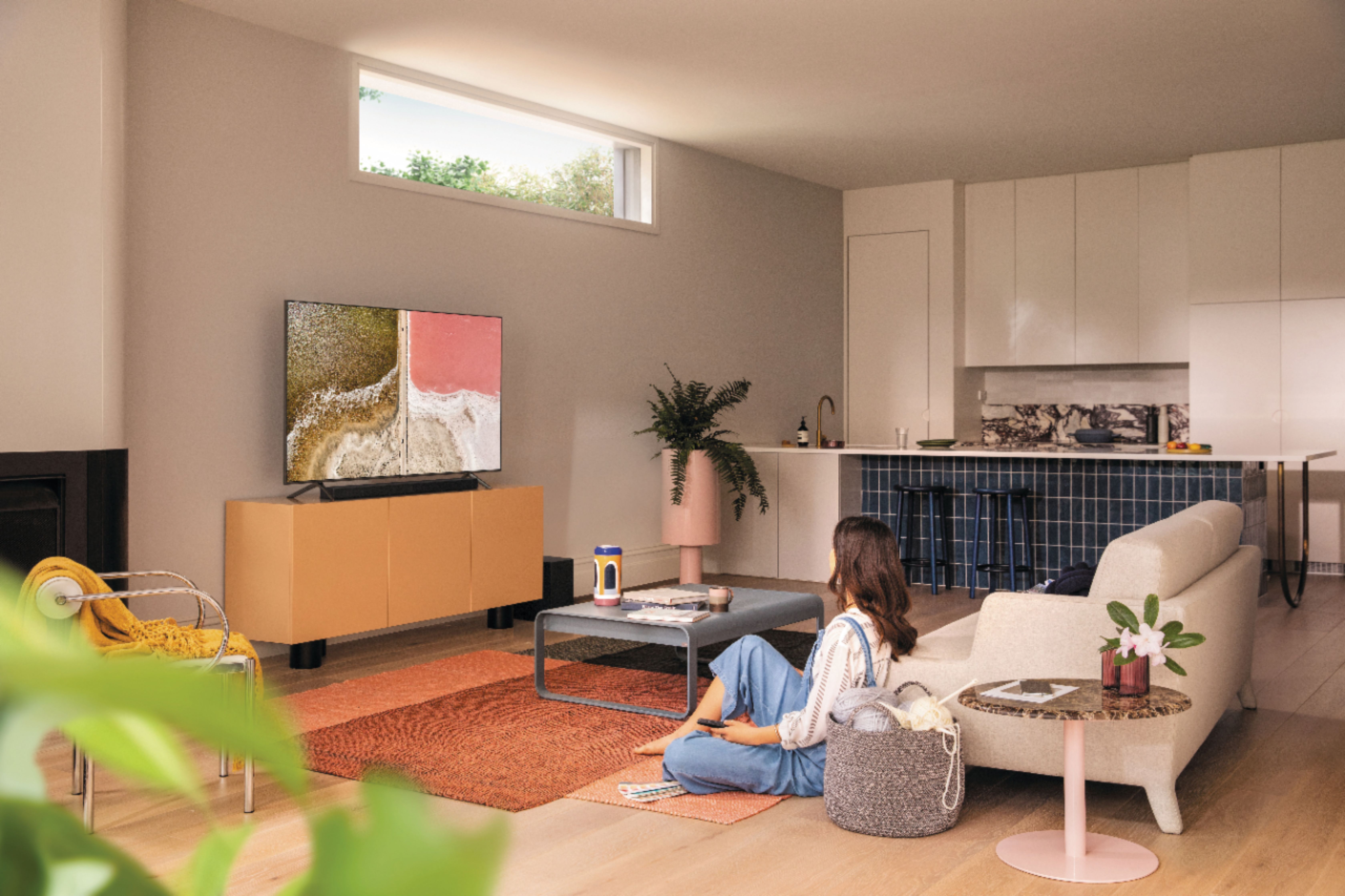
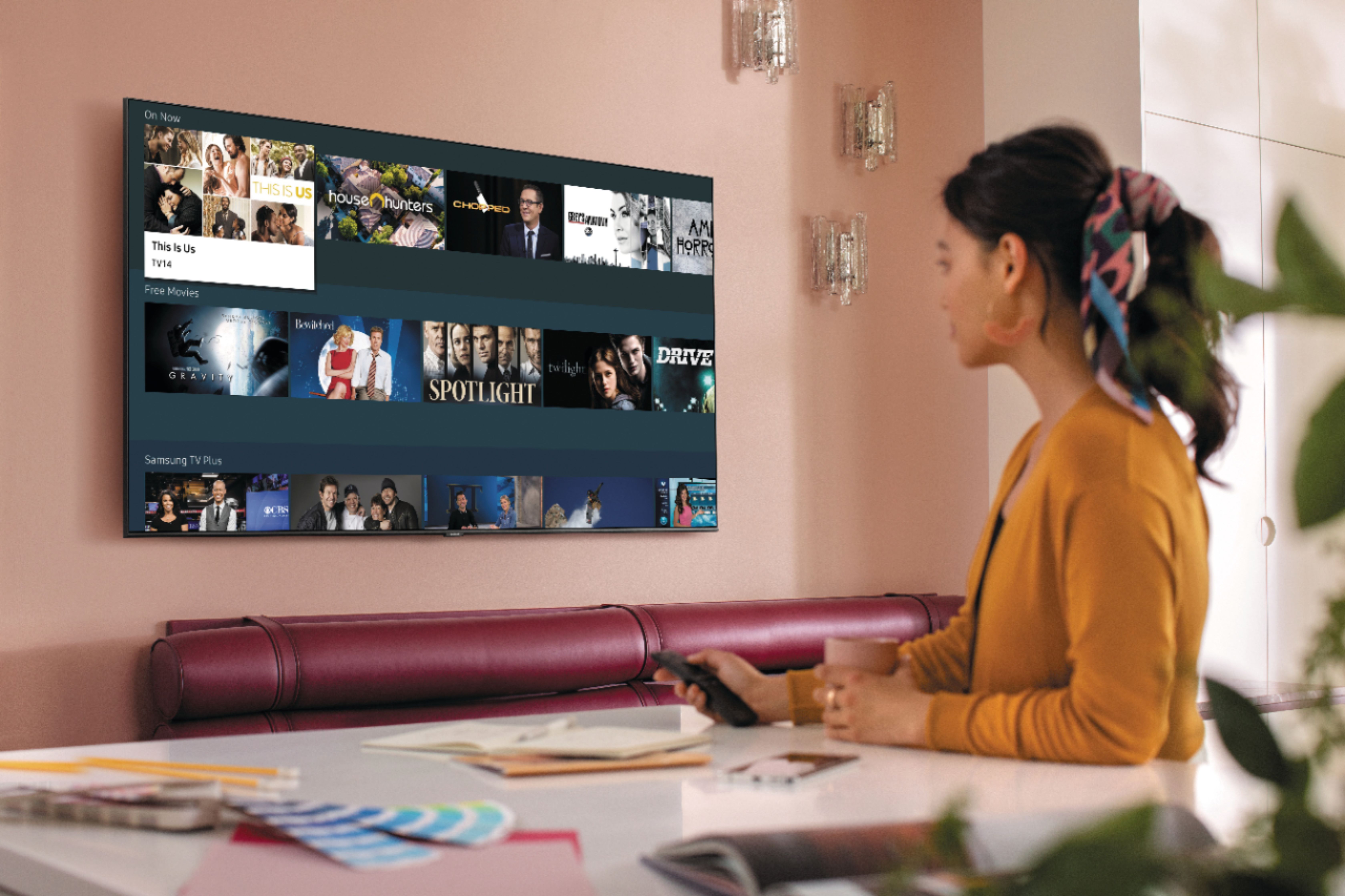
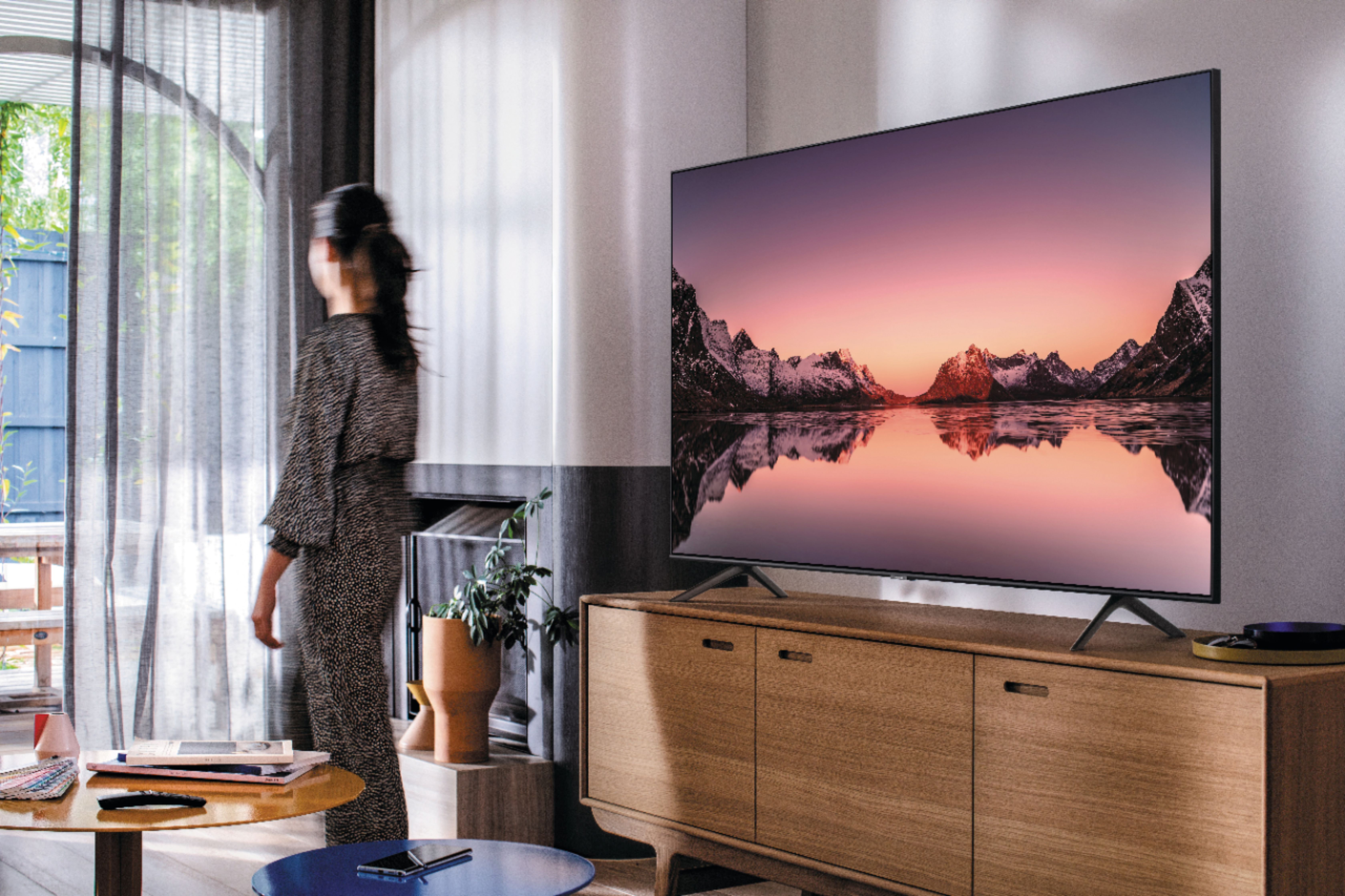







- Model:
- QN43Q60TAFXZA
- SKU:
- 6401760
Rating by feature
- Picture Quality
Rating 4.7 out of 5 stars
- Sound Quality
Rating 4.5 out of 5 stars
- Brightness
Rating 4.6 out of 5 stars
Customers are saying
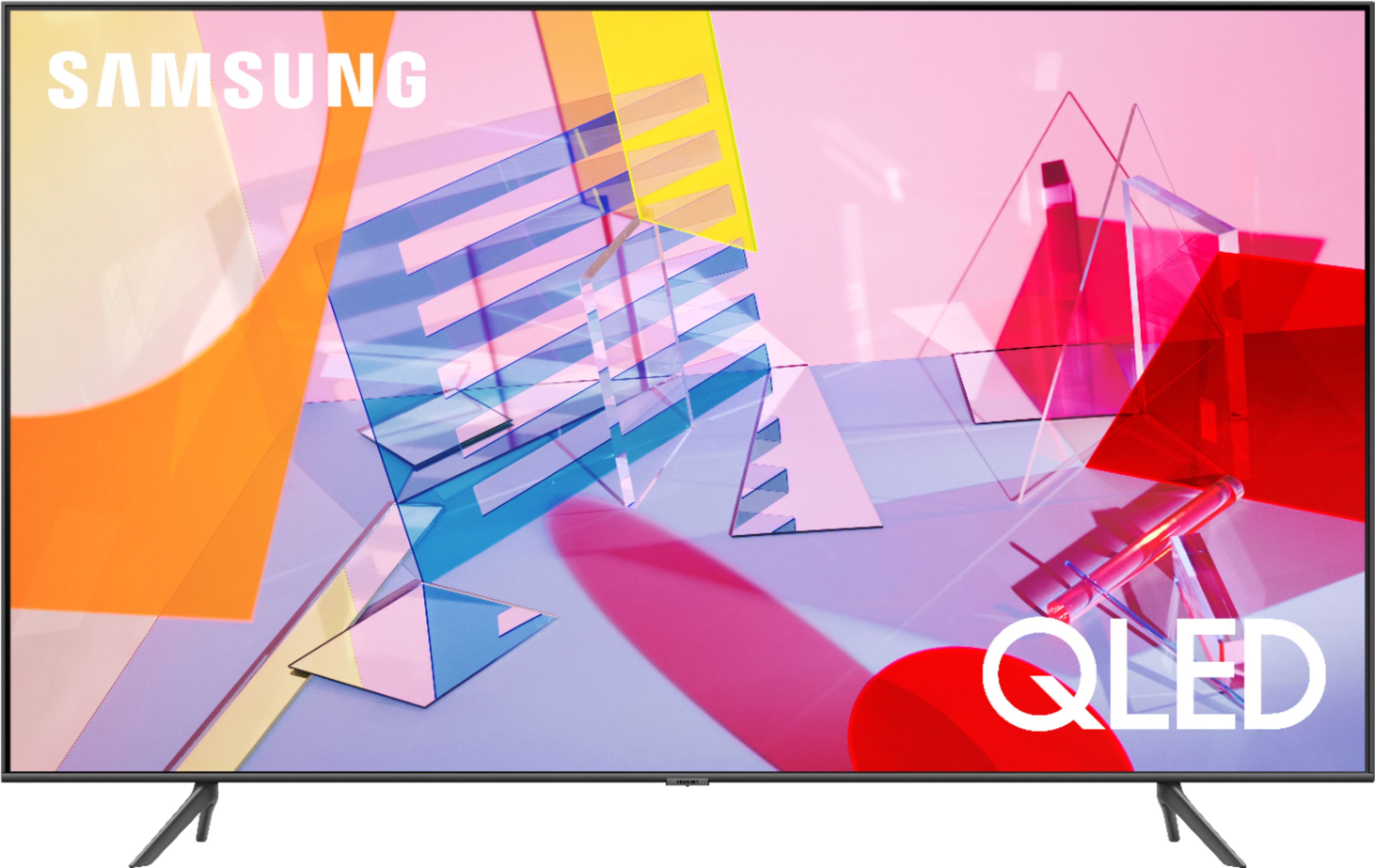
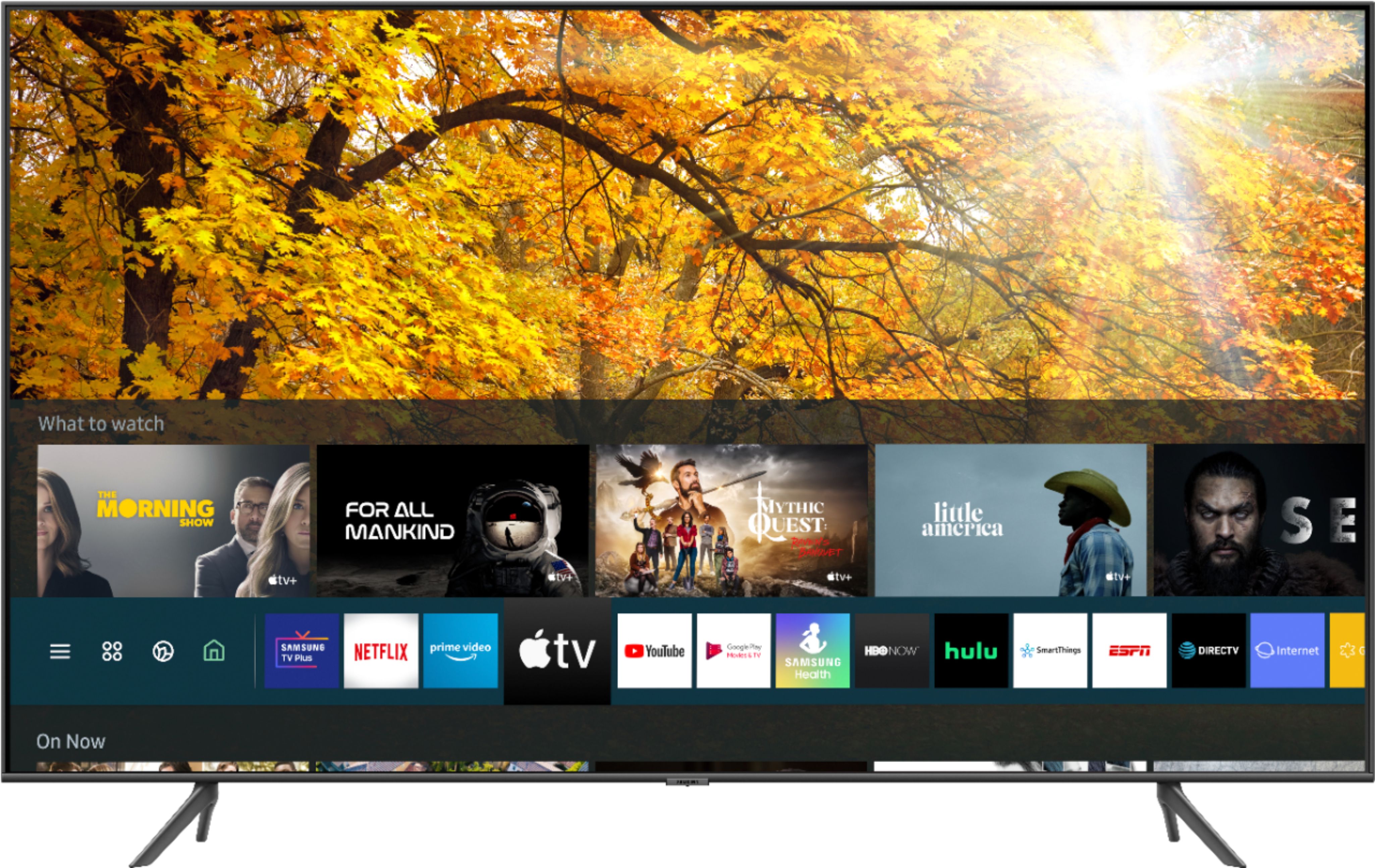
Customers commend the 43" Class Q60T Series QLED 4K UHD Smart Tizen TV for its exceptional picture quality, easy setup, and affordable price. Many users rave about the vibrant colors and sharp images, while others appreciate the user-friendly interface and smooth gaming experience. However, some users express dissatisfaction with the remote control and viewing angles.
This summary was generated by AI based on customer reviews.
Not as expected from Samsung
||Posted . Owned for 1 month when reviewed.This reviewer received promo considerations or sweepstakes entry for writing a review.Picture quality: always has a hazy look and not a clean look. Constant greenish tint to all stations viewed. I used expert settings trying to get a natural look to faces and back grounds but couldn't get this tv to get a great picture. I have a 65" SUHDR Samsung and the picture always looks excellent and clean. Just gave up on trying to get this tv looking good.
No, I would not recommend this to a friendAwesome tv
||Posted . Owned for 3 months when reviewed.This reviewer received promo considerations or sweepstakes entry for writing a review.Good video quality looks awesome super light. Enjoy playing video games on it
I would recommend this to a friendVery happy with this new TV.
||Posted . Owned for 1 month when reviewed.This reviewer received promo considerations or sweepstakes entry for writing a review.the install team installed the wall mount, tv, and sound bar. The team was excellent.
I would recommend this to a friendChristmas Prize for my hubby
||Posted . Owned for 2 months when reviewed.This reviewer received promo considerations or sweepstakes entry for writing a review.Had the geeks install and explain how to use the "smart" features. Perfect gift.
I would recommend this to a friendSamsung Television
||Posted . Owned for 1 month when reviewed.This reviewer received promo considerations or sweepstakes entry for writing a review.Great product. I will recommend this product and probably make another purchase.
I would recommend this to a friendPleased with all components. Installation great
||Posted . Owned for 3 weeks when reviewed.This reviewer received promo considerations or sweepstakes entry for writing a review.Everything went smoothly. Tech was very knowledgeable and very helpful. Thanks so much.
I would recommend this to a friendFound the TV about 15 miles from my house, Love TV
||Posted . Owned for 1 month when reviewed.This reviewer received promo considerations or sweepstakes entry for writing a review.All went well with drive up service, except mount they shipped it wasn't on my drive up.
I would recommend this to a friendGreat TV
||Posted . Owned for 3 months when reviewed.This reviewer received promo considerations or sweepstakes entry for writing a review.Great purchase! Bought 2 and couldn’t be more pleased! Great price!
I would recommend this to a friendGreat Service, Great TV!
||Posted . Owned for 2 weeks when reviewed.This reviewer received promo considerations or sweepstakes entry for writing a review.Excellent Curbside Pick Up Service. The associate was very quick! Excellent TV!
I would recommend this to a friendok
||Posted . Owned for 1 month when reviewed.This reviewer received promo considerations or sweepstakes entry for writing a review.as with all samsung good quality have several of this brand. have them at home office and lake place.
I would recommend this to a frienddisappointed in the picture quality -same as LED
||Posted . Owned for 1 month when reviewed.This reviewer received promo considerations or sweepstakes entry for writing a review.I bought this at almost twice what an LED costs because I thought that the picture quality would be close to an OLED. It isn't. My old Sony's picture is almost as good. The TV also does it own thing switching from the channel that you are watching to something else if you watch the same channel long enough.
No, I would not recommend this to a friendBrand response from Samsung
Posted .Dee1,
Thank you for sharing your thoughts.
There are several preset picture modes and many custom settings that can optimize image quality to your viewing scenario.
Go to HOME > SETTINGS > PICTURE > PICTURE MODE and choose:
1) Dynamic: Makes the picture brighter and clearer in bright viewing environments.
2) Standard: This is the default mode suitable for general viewing environments.
3) Natural: Reduces eye strain for a comfortable viewing experience.
4) Movie: Suitable for watching TV or movies in a dark room.
5) Filmmaker: Watch the source content (e.g., movie) as it is.
Here is a link to the downloadable eManual, where you can find a detailed guide to configuring advanced picture setting (pages 92-93):
http://downloadcenter.samsung.com/content/UM/202004/20200403095308351/NIKATSCT-3.0.1_EM_NIKE_USA_ENG_200323.0.pdf
In addition, the quality of the image on your screen depends on the source and the connection.
HDMI cables are recommended for optimal HD viewing; and when possible, 4K content will provide the best picture quality. The TV will upscale as best as possible any content sent to it. The closer the signal is to 4K, the better it will look coming out.
The quality of the streaming content depends largely on the speed of your internet, as most content providers have adaptive streaming that will automatically adjust the image quality based on the network bandwidth.
I hope the above tips hep to improve your viewing enjoyment.
Should you need further assistance with features or other product usage, please reach out to Samsung Support and an agent will gladly assist you.
You can reach us via any of the below options:
1) Phone: 1-800-SAMSUNG (ask for TVs) Available 8AM – 9PM EST (Mon-Fri)
2) LiveChat: https://www.samsung.com/us/support/#contact_us_for_support
3) Facebook Messenger: https://www.facebook.com/samsungsupport
4) Twitter: https://twitter.com/SamsungSupport
If you have not already done so, we invite you to register your new Samsung product at: https://www.samsung.com/us/account/signin/?redirect=https%3A%2F%2Fwww.samsung.com%2Fus%2Fsupport%2Fregister%2F
Registering your product gives you access to easy warranty support, convenient opt-in to special promos and offers, faster troubleshooting and service, and quick notification of system updates.
Again, thank you for bringing the issue to our attention – we greatly value your feedback and utilize your concerns and opinions towards delivering best-in-class service and products.
-Samsung Ambassador
New Upgraded TV
||Posted . Owned for 3 weeks when reviewed.This reviewer received promo considerations or sweepstakes entry for writing a review.Had and exchange for a different size TV. Everyone was helpful and went smooth.
I would recommend this to a friendGreat TV for our main viewing area.
||Posted . Owned for 1 month when reviewed.This reviewer received promo considerations or sweepstakes entry for writing a review.TV fits perfectly in our living room and gives us excellent viewing for the family.
I would recommend this to a friend- Pros mentioned:Picture quality
SAMSUNG 43inch QLED REVIEW
||Posted .This reviewer received promo considerations or sweepstakes entry for writing a review.Great picture Hearing a booming sound occasionally, but do not know why
I would recommend this to a friendBrand response from Samsung
Posted .GILL:
Thank you for your review of the Q60T TV. I am very sorry to hear that you are hearing an abnormal sound. Please make sure that the audio cable is connected to the correct audio output connector on the external device.
Run a Sound Test by going to : Settings > Support > Device Care > Self Diagnosis > Sound Test
For antenna or cable connections, check the Signal Information. A low signal level may cause sound distortions. Go to: Settings > Support > Device Care > Self Diagnosis > Signal Information
Should your issue persist, please contact Samsung Customer Support.
1) Phone: 1-800-SAMSUNG (ask for TVs), available 8AM – 12AM EST 7 days a week
2) LiveChat: https://www.samsung.com/us/support/#contact_us_for_support
3) Facebook Messenger: https://www.facebook.com/samsungsupport
4) Twitter: https://twitter.com/SamsungSupport
5) The Samsung Members Community is also a great resource for getting help from Samsung moderators and customers: https://us.community.samsung.com
If you have not already done so, we invite you to register your new Samsung product at: https://www.samsung.com/us/account/signin/?redirect=https%3A%2F%2Fwww.samsung.com%2Fus%2Fsupport%2Fregister%2F
Registering your product gives you access to easy warranty support, convenient opt-in to special promos and offers, faster troubleshooting and service, and quick notification of system updates.
~ Samsung Solutions
Great size for bedroom
||Posted . Owned for 3 weeks when reviewed.This reviewer received promo considerations or sweepstakes entry for writing a review.Bought for grandson to take to college.Has worked out well for him with his gaming.
I would recommend this to a friend- Pros mentioned:Color
Poor response time
||Posted . Owned for 1 month when reviewed.This reviewer received promo considerations or sweepstakes entry for writing a review.Tv has decent overall brightness but really lacks when it comes to motion response time. Especially for gaming. Rtings gave it a low score here to and personally I don’t like to see ghost trails while gaming. For being an entry level qled ...the nu6900, tu7000 and tu8000 all have better response times
No, I would not recommend this to a friendBrand response from Samsung
Posted .ErrorCode:
Thank you for your review of the Q60T TV. When you use Auto Game Mode, your screen will automatically optimize your screen giving you a smoother gaming experience without motion blur and judder.
You may want to set the optimal resolution based on the brightness for HDR game content by going to: Settings > General > External Device Manager > HGiG
By going to: Settings > General > External Device Manager > Game Mode Settings , you can adjust Surround Sound, Dynamic Black Equalizer, and Game Motion Plus Settings.
I hope this improves your gaming experience. Please contact Samsung Customer Support should you need assistance with other features, functions, or setup:
1) Phone: 1-800-SAMSUNG (ask for TVs), available 8AM – 12AM EST 7 days a week
2) LiveChat: https://www.samsung.com/us/support/#contact_us_for_support
3) Facebook Messenger: https://www.facebook.com/samsungsupport
4) Twitter: https://twitter.com/SamsungSupport
5) The Samsung Members Community is also a great resource for getting help from Samsung moderators and customers: https://us.community.samsung.com
If you have not already done so, we invite you to register your new Samsung product at: https://www.samsung.com/us/account/signin/?redirect=https%3A%2F%2Fwww.samsung.com%2Fus%2Fsupport%2Fregister%2F
Registering your product gives you access to easy warranty support, convenient opt-in to special promos and offers, faster troubleshooting and service, and quick notification of system updates.
~ Samsung Solutions
Great "Buy"
||Posted . Owned for 1 month when reviewed.This reviewer received promo considerations or sweepstakes entry for writing a review.I like this very much, I have the 57in in the living room, I'm enjoying them both.
I would recommend this to a friendSamsung Qled 43
||Posted . Owned for 3 weeks when reviewed.This reviewer received promo considerations or sweepstakes entry for writing a review.So far so good. It is intended to one one of the rooms and it works perfectly
I would recommend this to a friendSpace bar Sub par
||Posted . Owned for 1 month when reviewed.This reviewer received promo considerations or sweepstakes entry for writing a review.Over all great computer. One major flaw...the space bar is very finicky and more than half the time does not produce a space. The person using this computer does type with his index fingers only but this is the first computer that does not accommodate different styles of typing. If the space bar is 3 inches it should produce a space no matter where it is touched.
No, I would not recommend this to a friendBrand response from Samsung
Posted .Penguin:
You are leaving a review for the 2020 Samsung Q60T Series TV. From your description, I believe your review was intended for a computer.
Should you ever need a TV in the future, the Q60T would be an excellent choice. Information on entire lineup of TVs can be found at www.Samsung.com. Samsung Customer Support is available to answer any questions or concerns regarding our TV products.
1) Phone: 1-800-SAMSUNG (available 8AM -12AM EST, 7 days a week)
2) LiveChat: https://www.samsung.com/us/support/#contact_us_for_support
3) Facebook Messenger: https://www.facebook.com/samsungsupport
4) Twitter: https://twitter.com/SamsungSupport
5) The Samsung Members Community is also a great resource for getting help from Samsung moderators and customers: https://us.community.samsung.com
Thank you again for taking the time to share your thoughts. Your feedback helps us continuously deliver best-in-class products and service.
~ Samsung Solutions
Good, but picture quality better in store
||Posted . Owned for 3 weeks when reviewed.This reviewer received promo considerations or sweepstakes entry for writing a review.It’s good, but I think the picture quality was clearer in store than at my home when set on Dynamic mode.
I would recommend this to a friend