Customer Ratings & Reviews
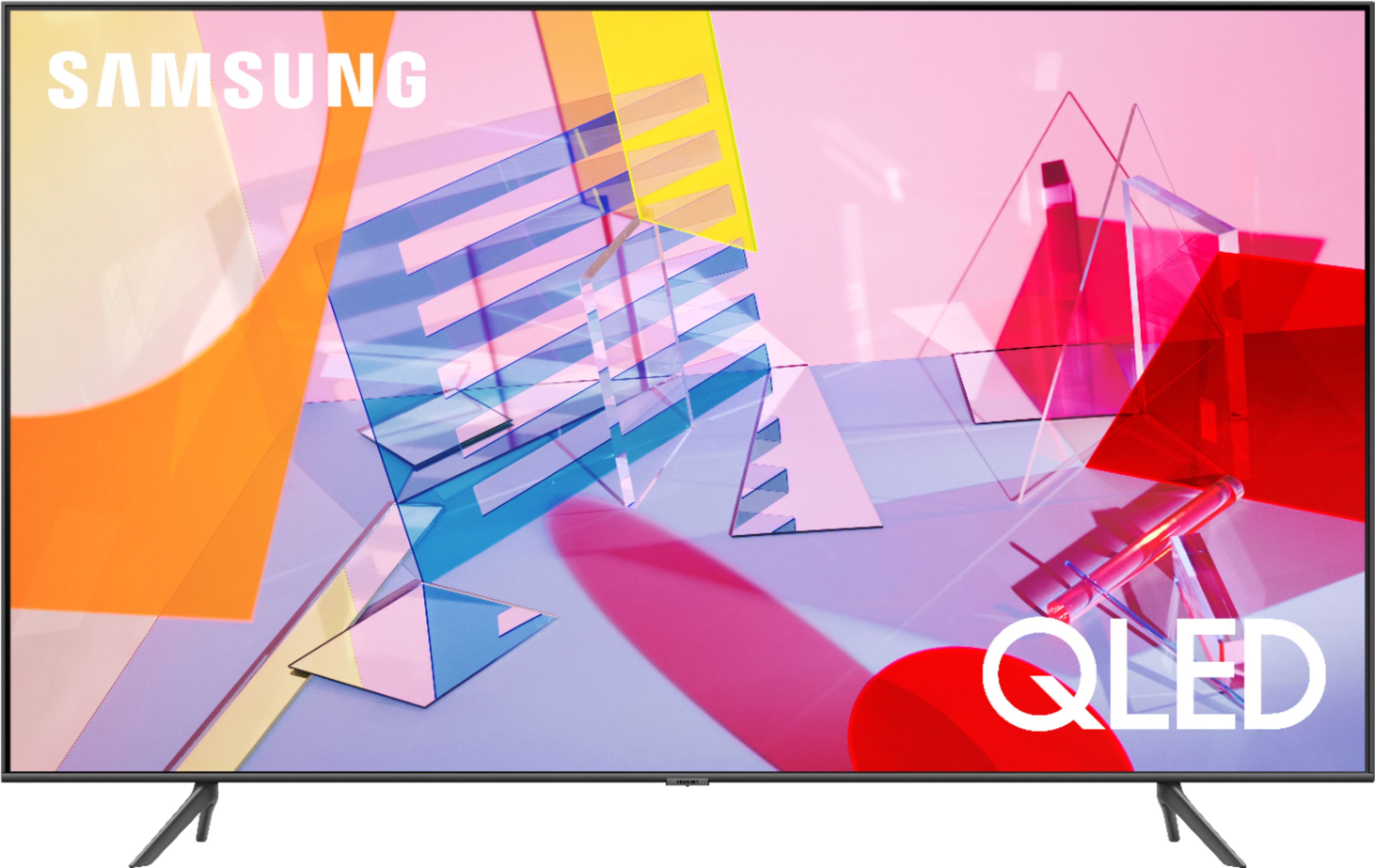
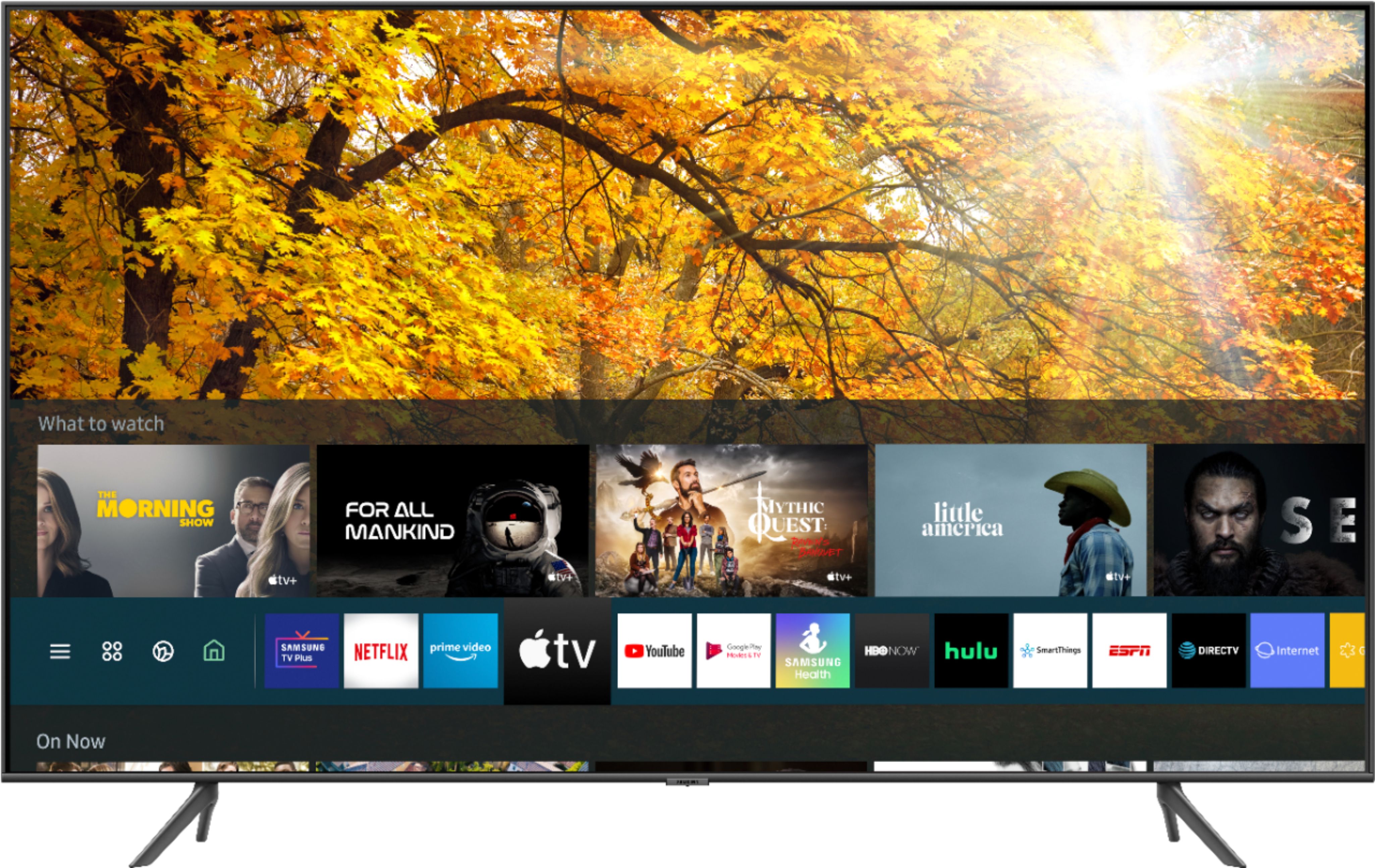
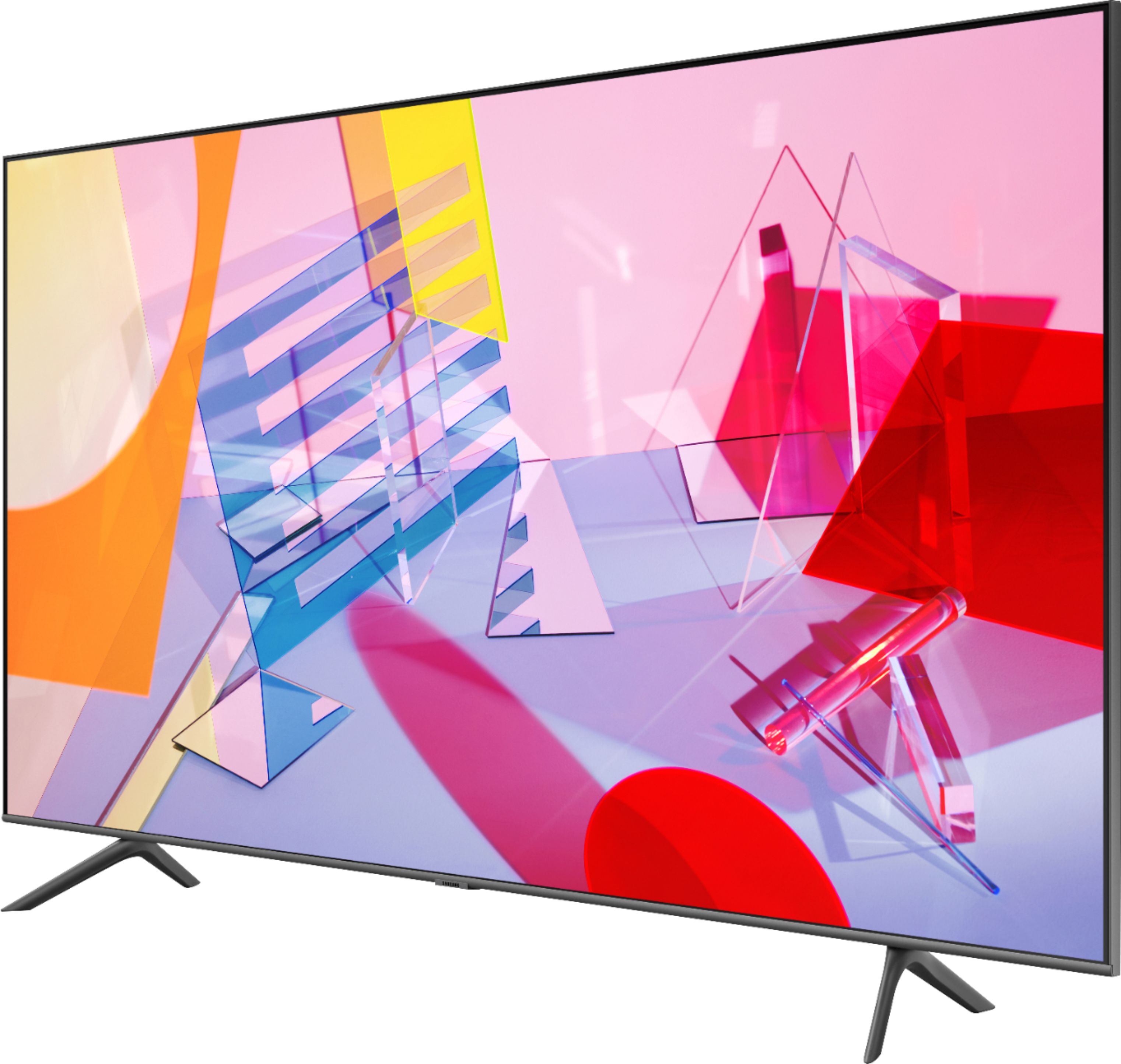
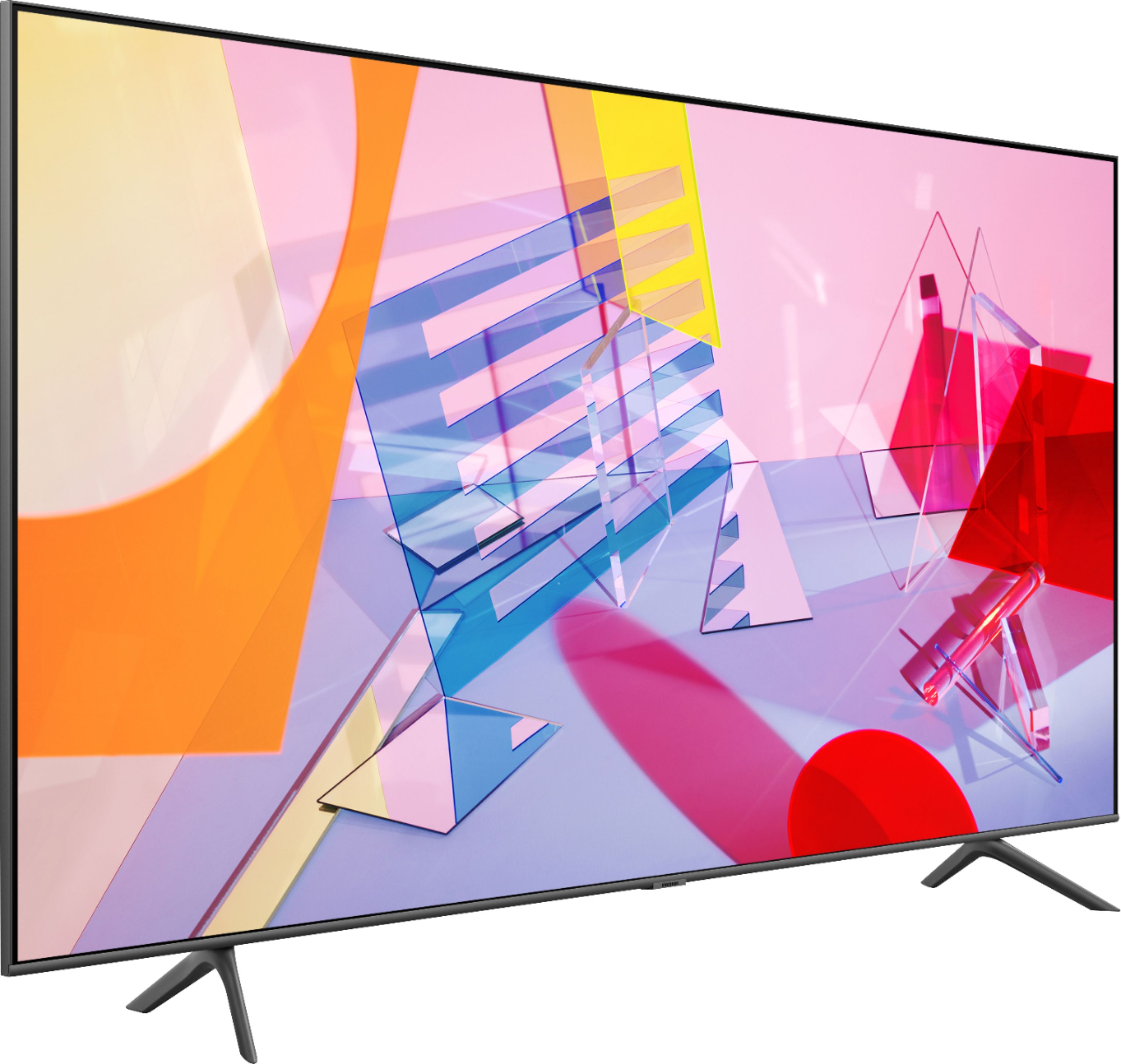
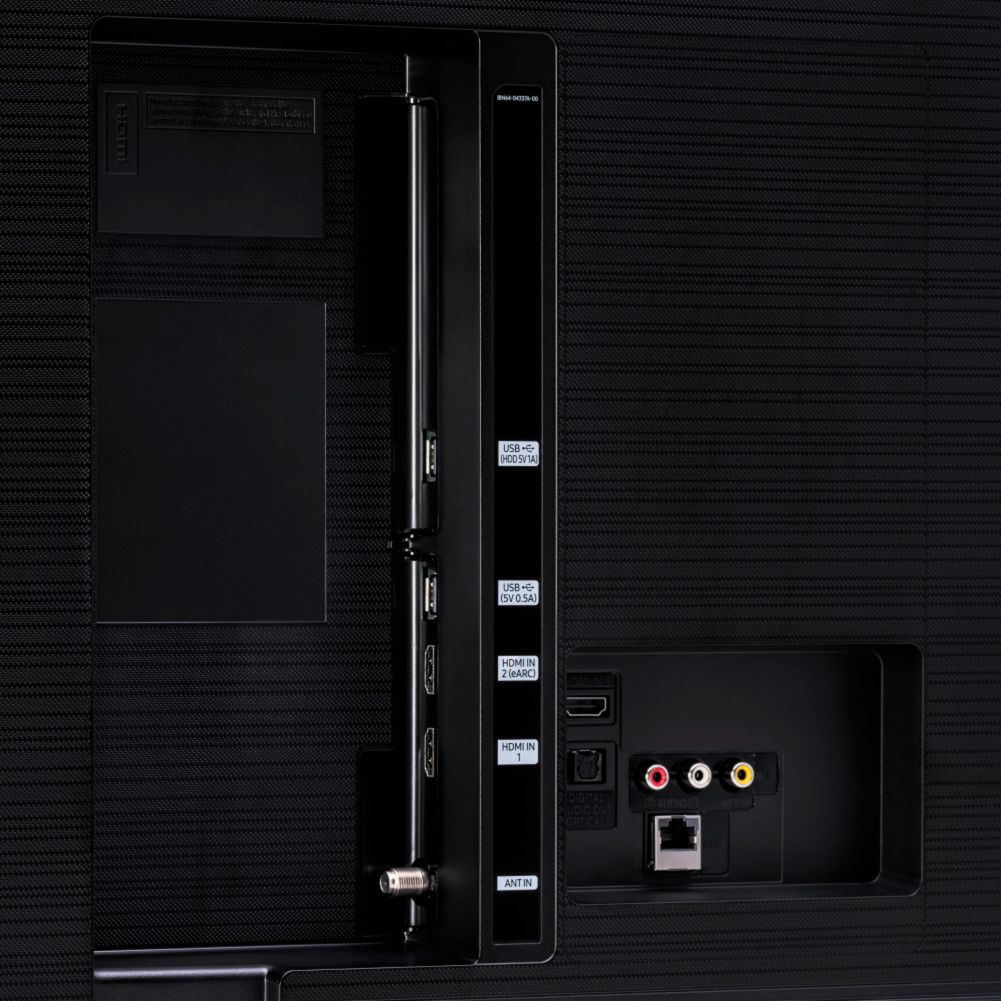
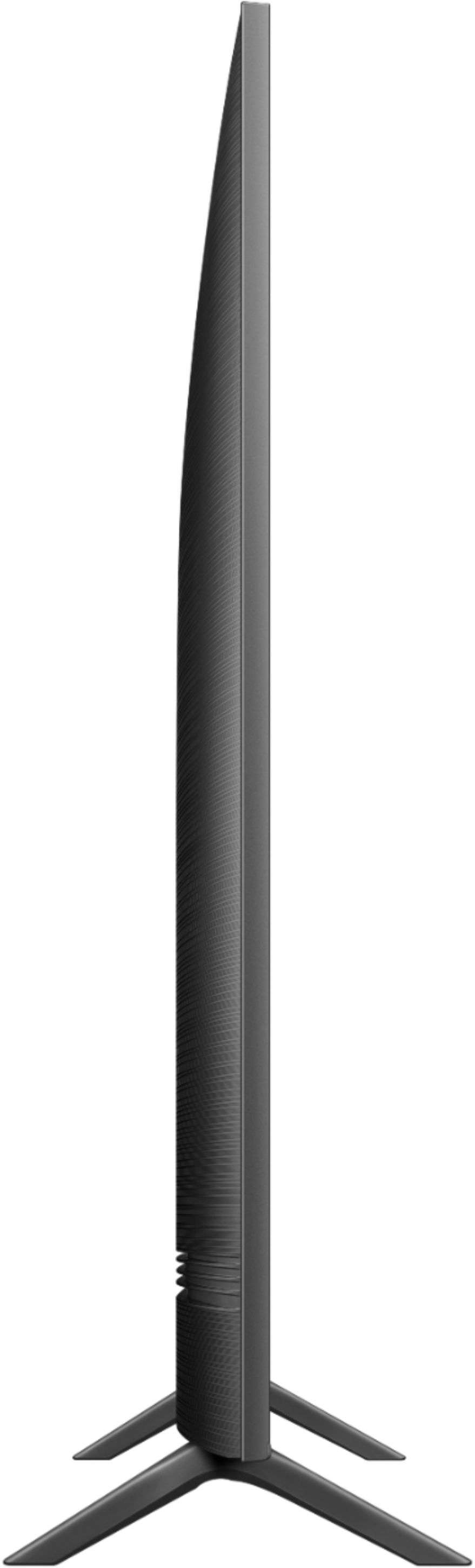
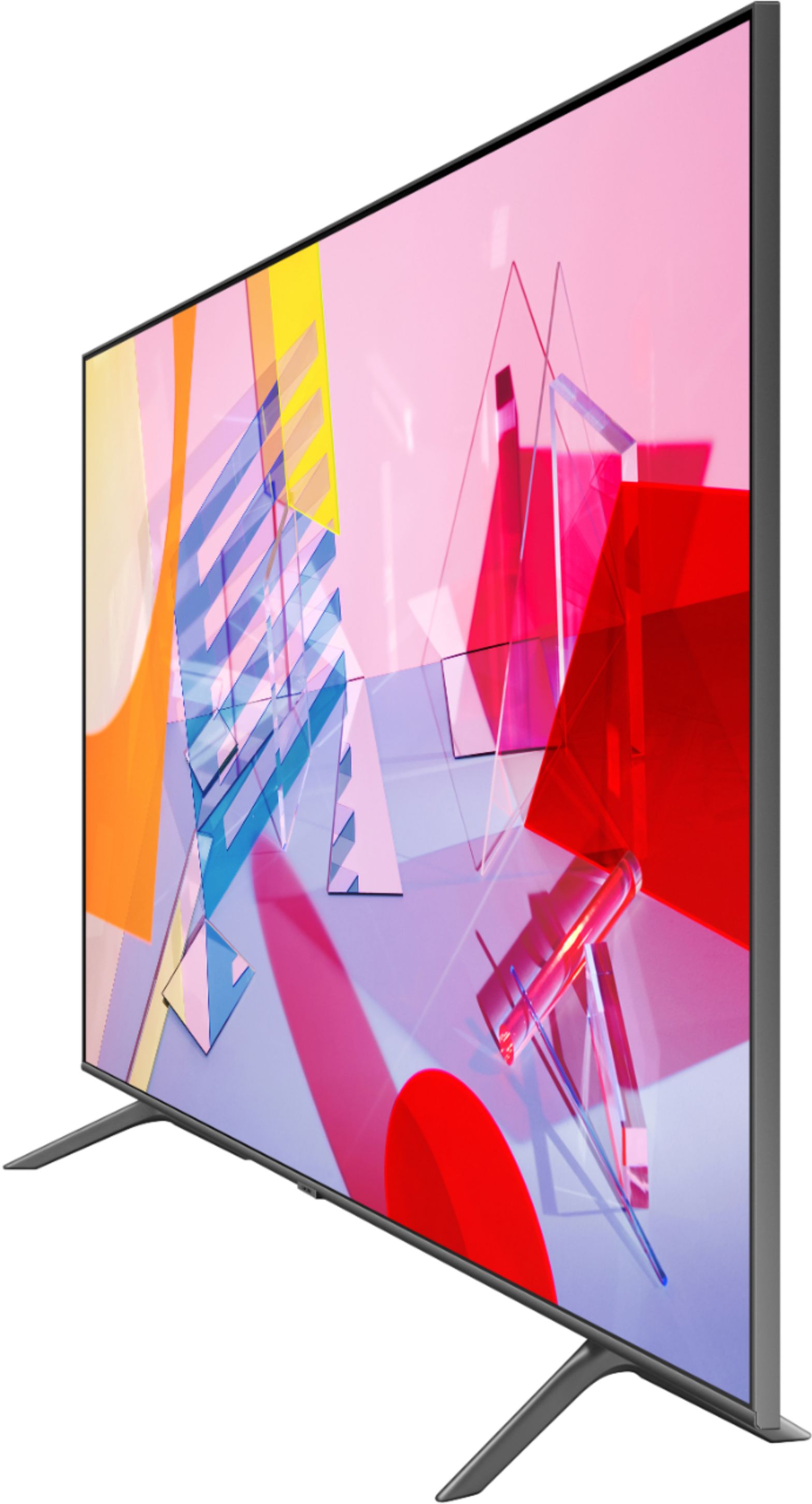



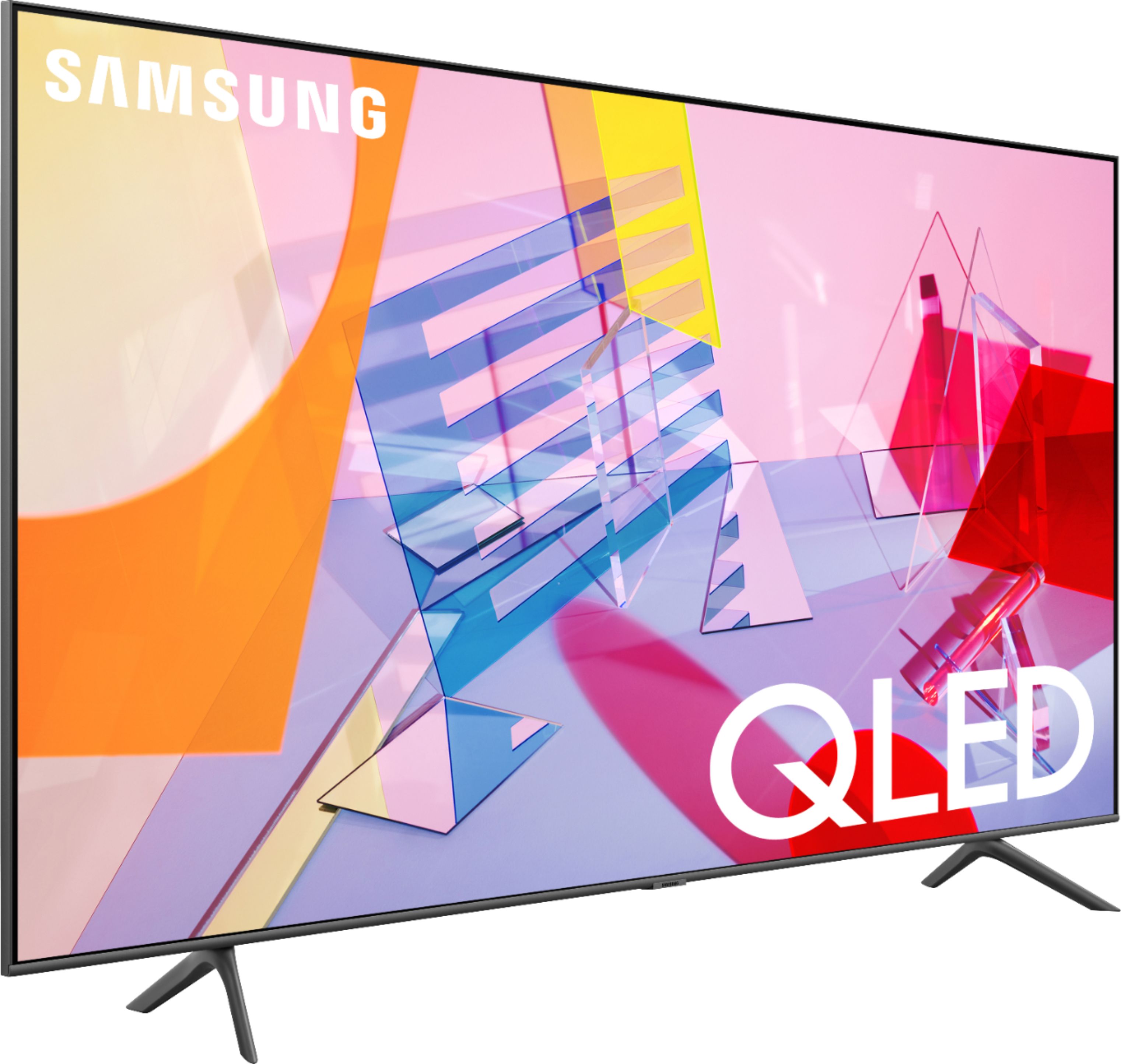
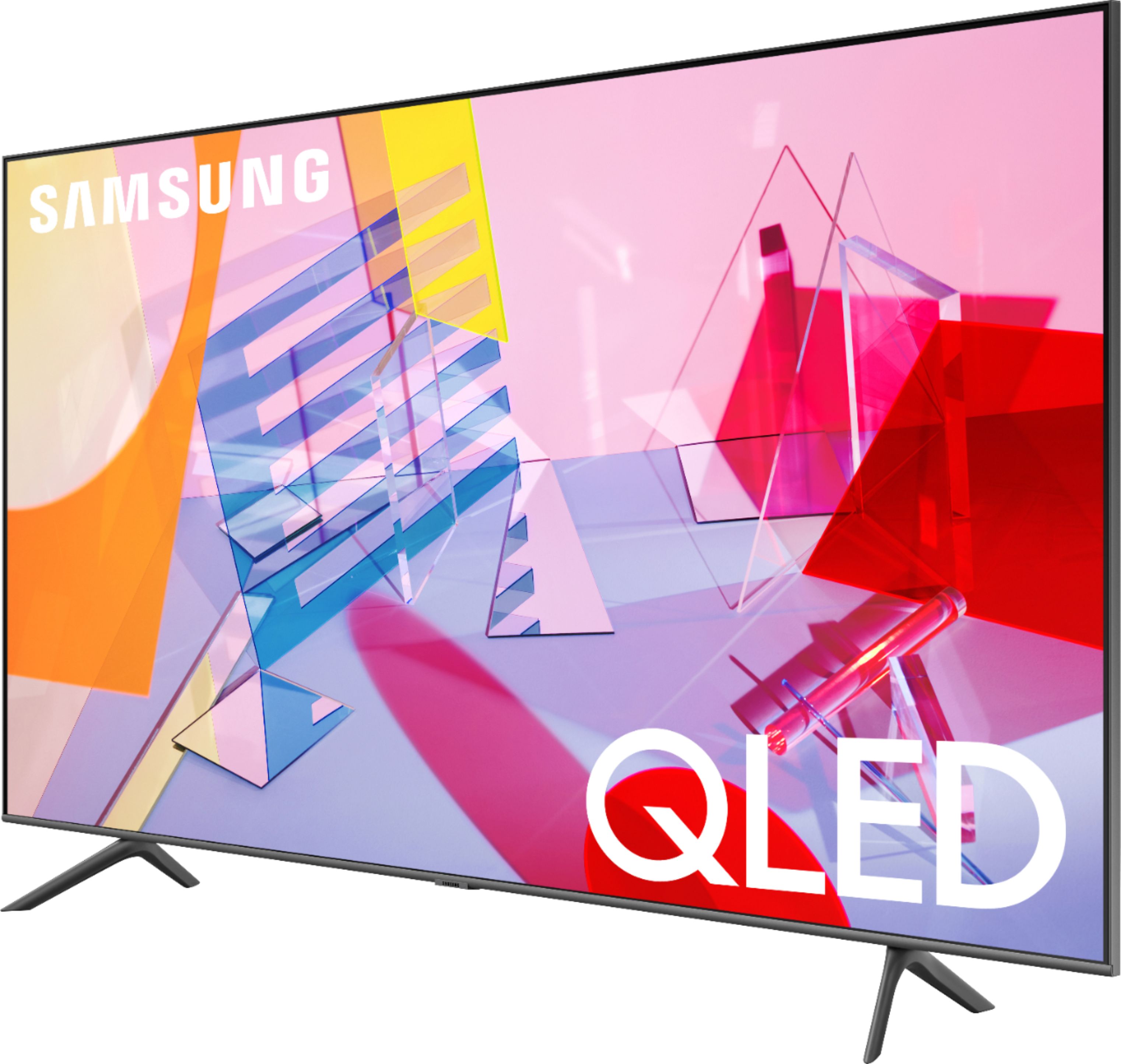
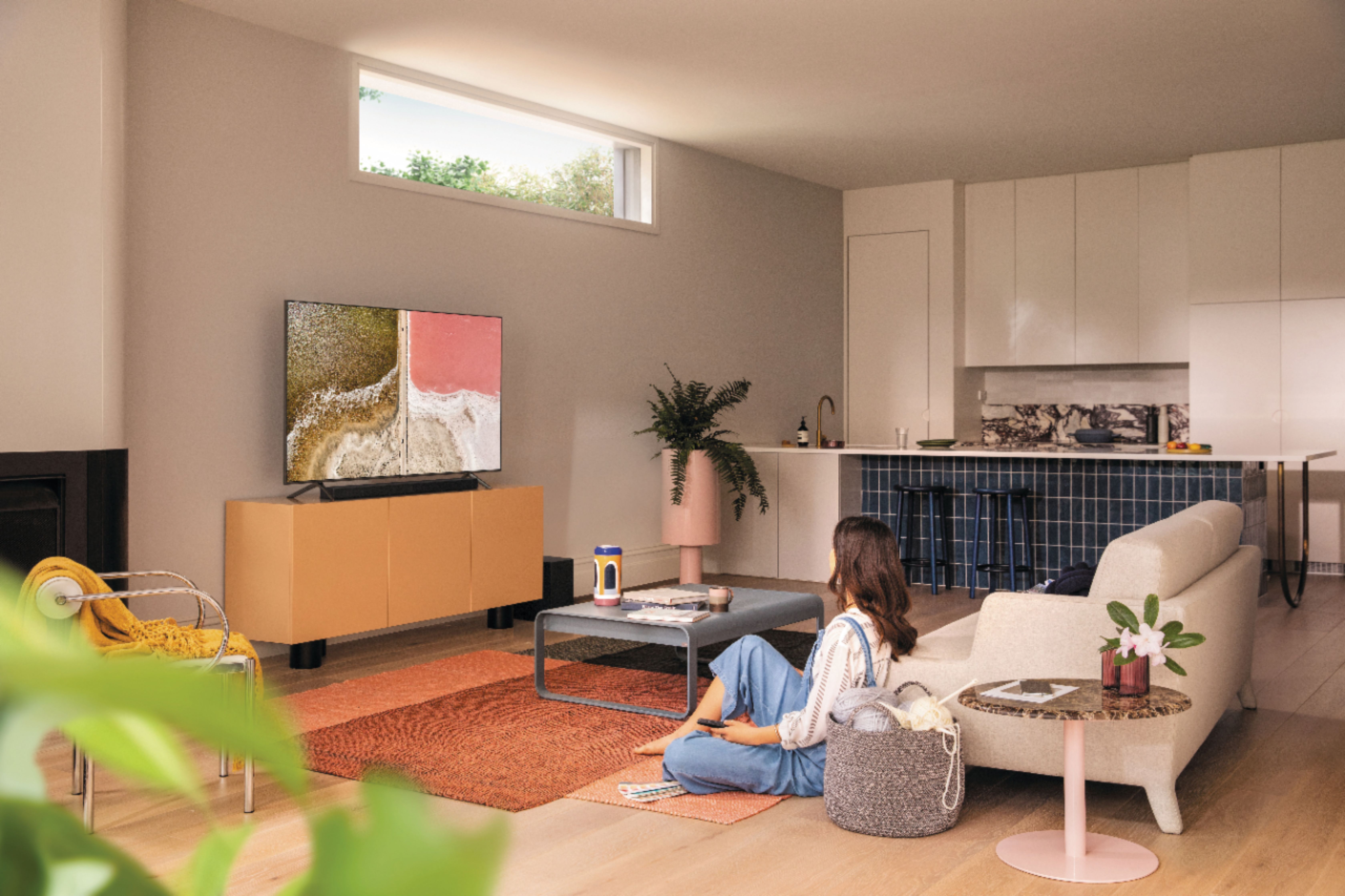
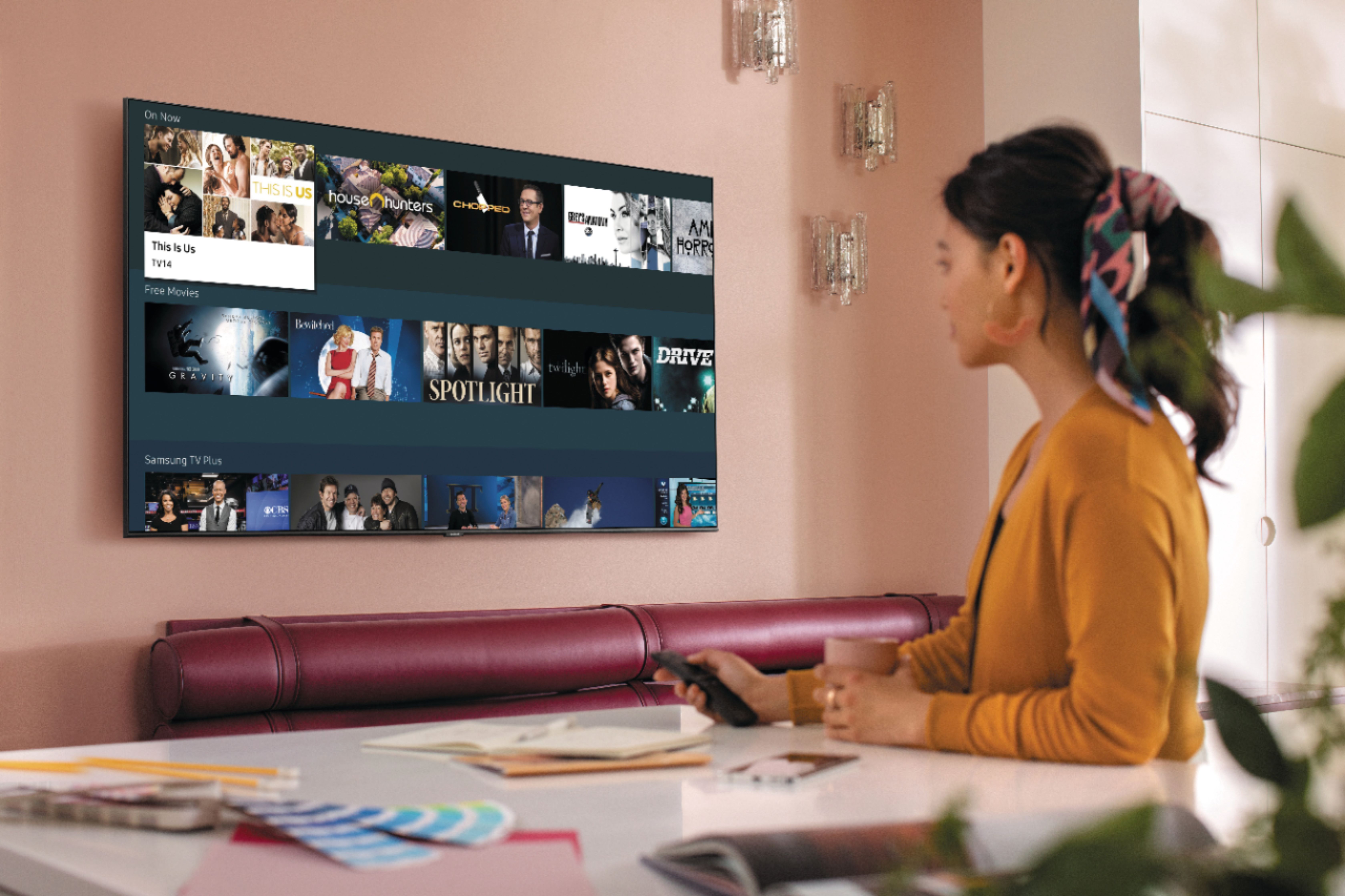
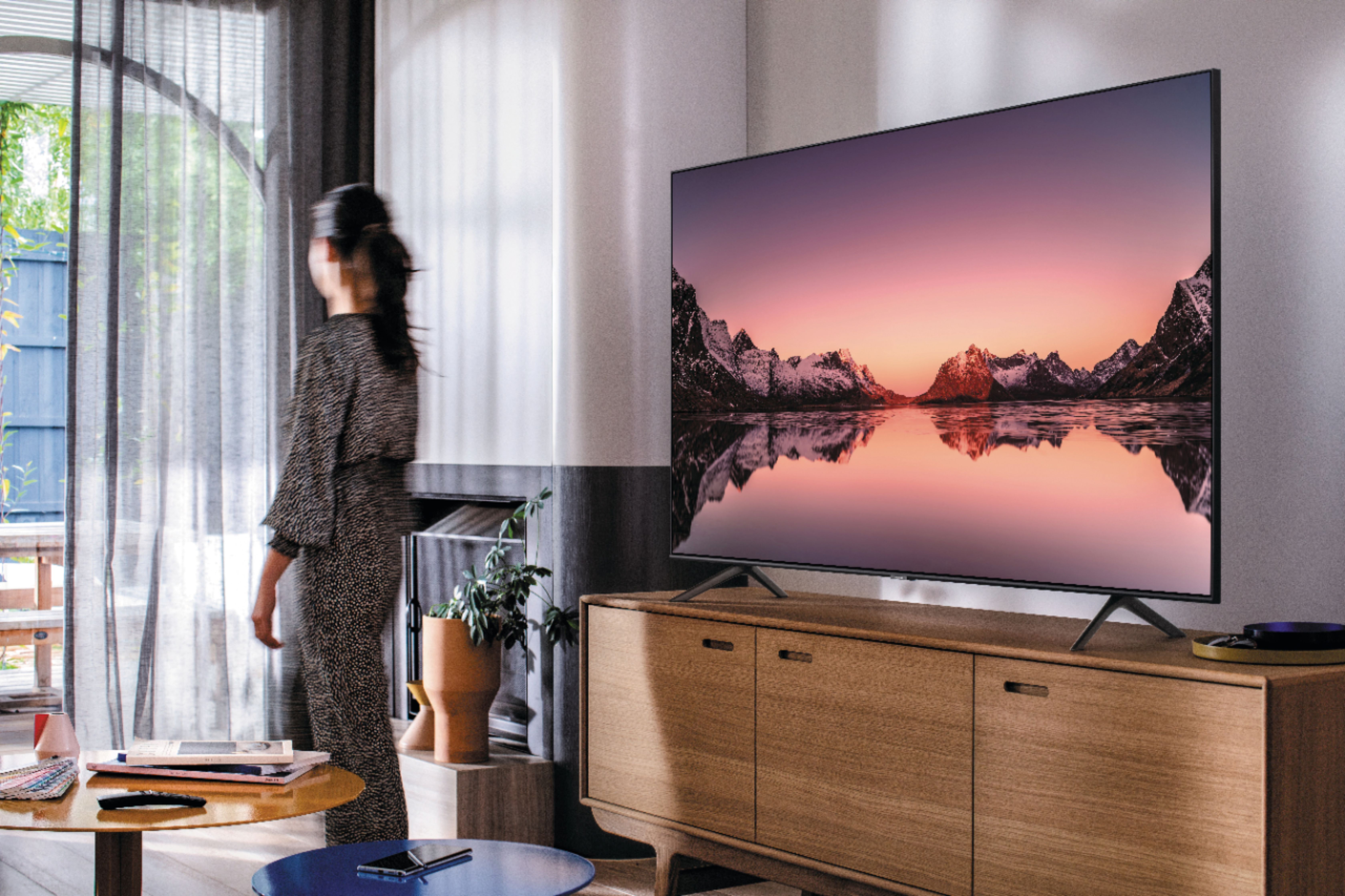







- Model:
- QN43Q60TAFXZA
- SKU:
- 6401760
Rating by feature
- Picture Quality
Rating 4.7 out of 5 stars
- Sound Quality
Rating 4.5 out of 5 stars
- Brightness
Rating 4.6 out of 5 stars
Customers are saying
Customers commend the 43" Class Q60T Series QLED 4K UHD Smart Tizen TV for its exceptional picture quality, easy setup, and affordable price. Many users rave about the vibrant colors and sharp images, while others appreciate the user-friendly interface and smooth gaming experience. However, some users express dissatisfaction with the remote control and viewing angles.
This summary was generated by AI based on customer reviews.
Decent 4k tv
||Posted . Owned for 4 months when reviewed.This reviewer received promo considerations or sweepstakes entry for writing a review.Decent tv if you looking for afford 4k and nothing else.
I would recommend this to a friendJes
||Posted . Owned for 1 month when reviewed.This reviewer received promo considerations or sweepstakes entry for writing a review.Store tv is on a loop of movies bites and other snippets that are crystal clear but when you get home it is totally different. The quality of the image you see is nothing like the store. OLED would be best. However, if you wont or cant shell out the $$$ then this would be an option.
I would recommend this to a friendBrand response from Samsung
Posted .Jessiej:
Thank you for purchasing the Samsung Q60T TV and for your review. I am sorry to hear that you are not completely happy with your TV’s picture. There are several image settings you can adjust to your liking such as Picture Mode and Expert Settings.
Choose a Picture Mode by going to Settings > Picture > Picture Mode and choose from Dynamic, Standard, Natural, Movie, or Filmmaker Mode.
You can further adjust your sharpness, brightness, contrast, color, tint, contrast, white balance, and more by going to Settings > Picture > Expert Settings
Please also give us the opportunity to assist you with image quality adjustments tailored to your preferred viewing experience. You can reach us via any of the following options:
1) Phone: 1-800-SAMSUNG (ask for TVs), available 8AM – 12AM EST 7 days a week
2) LiveChat: https://www.samsung.com/us/support/#contact_us_for_support
3) Facebook Messenger: https://www.facebook.com/samsungsupport
4) Twitter: https://twitter.com/SamsungSupport
5) The Samsung Members Community is also a great resource for getting help from Samsung moderators and customers: https://us.community.samsung.com
~ Samsung Solutions
Miscommunication
||Posted . Owned for 1 week when reviewed.This reviewer received promo considerations or sweepstakes entry for writing a review.I thought I had purchased a 120 Motion Rate TV which is what I wanted and conveyed to the store advocate, until upon installation by the Geeks on December 2nd 2020, I found out 43" TV was a 60 motion rate tv. Also, I was not told that a 120 motion rate only comes with the size 55" TVs.
No, I would not recommend this to a friendBrand response from Samsung
Posted .Misty:
Thank you for purchasing the Samsung 43” Q60T TV. I am sorry to hear that you experienced some miscommunication during your purchase regarding the motion rate.
For optimal motion image performance, you may want to adjust the picture clarity setting by going to: Settings > Picture > Expert Settings > Picture Clarity Settings
- Off: Picture Clarity Settings will always be off
- Auto: Picture Clarity Settings will automatically activate and deactivate based on the type of program being watched
- Custom: Allows custom adjustments and settings to be used. By selecting the Custom option, you can access these advanced settings for Judder Reduction, LED Clear Motion, and Noise Reduction.
Should you need further assistance with features or other product usage, please reach out to Samsung Support via any of the below options:
1) Phone: 1-800-SAMSUNG (ask for TVs), available 8AM – 12AM EST 7 days a week
2) LiveChat: https://www.samsung.com/us/support/#contact_us_for_support
3) Facebook Messenger: https://www.facebook.com/samsungsupport
4) Twitter: https://twitter.com/SamsungSupport
5) The Samsung Members Community is also a great resource for getting help from Samsung moderators and customers: https://us.community.samsung.com
If you have not already done so, we invite you to register your new Samsung product at: https://www.samsung.com/us/account/signin/?redirect=https%3A%2F%2Fwww.samsung.com%2Fus%2Fsupport%2Fregister%2F
Registering your product gives you access to easy warranty support, convenient opt-in to special promos and offers, faster troubleshooting and service, and quick notification of system updates.
~ Samsung Solutions
Q60T
||Posted . Owned for 1 month when reviewed.This reviewer received promo considerations or sweepstakes entry for writing a review.For the price and all of the features it has- it's hard to beat.
I would recommend this to a friendSamsung tv
||Posted . Owned for 1 week when reviewed.This reviewer received promo considerations or sweepstakes entry for writing a review.This Samsung TV is perfect for me and I would recommend this .
I would recommend this to a friend- Cons mentioned:Viewing angle
Disappointing
||Posted . Owned for 2 weeks when reviewed.This reviewer received promo considerations or sweepstakes entry for writing a review.Viewing angle is terrible This tv should be viewed looking directly facing it More of just a good tv than great. Hoping to find something else before the return by date A let down for about a $500 TV including sales tax
No, I would not recommend this to a friendBrand response from Samsung
Posted .Olderwerebetter:
I am very sorry to see that you are not completely happy with the viewing angle of your Samsung Q60T. We appreciate you sharing your viewing experience and will be passing along your feedback to our internal teams.
You may want to consider our Q80T and Q90T Series, featuring Ultra Viewing Angle engineered to reduce glare and enhance color for a vibrant picture no matter where you sit.
Should you ever have questions or need help with TV features, specs, or operation, we are here to help.
1) Phone: 1-800-SAMSUNG (ask for TVs), available 8AM – 12AM EST 7 days a week
2) LiveChat: https://www.samsung.com/us/support/#contact_us_for_support
3) Facebook Messenger: https://www.facebook.com/samsungsupport
4) Twitter: https://twitter.com/SamsungSupport
5) The Samsung Members Community is also a great resource for getting help from Samsung moderators and customers: https://us.community.samsung.com
If you have not already done so, we invite you to register your new Samsung product at: https://www.samsung.com/us/account/signin/?redirect=https%3A%2F%2Fwww.samsung.com%2Fus%2Fsupport%2Fregister%2F
Registering your product gives you access to easy warranty support, convenient opt-in to special promos and offers, faster troubleshooting and service, and quick notification of system updates.
~ Samsung Solutions
Okay, but Sony better.
||Posted . Owned for 1 month when reviewed.This reviewer received promo considerations or sweepstakes entry for writing a review.It's not a bad TV, but I wish I'd bought the Sony instead.
No, I would not recommend this to a friendNext try at better television.
||Posted . Owned for 3 weeks when reviewed.This reviewer received promo considerations or sweepstakes entry for writing a review.So far so good, see if it lasts longer than the last tv.
I would recommend this to a friendUnsound sound....
||Posted .This reviewer received promo considerations or sweepstakes entry for writing a review.Best Buy is a terrific, efficient retailer, and I did my "homework" on televisions beforehand. That being said, I found this Samsung television to be quite inferior in terms of sound quality. I wish I had spent a little more and purchased the same-size Sony set.
No, I would not recommend this to a friendBrand response from Samsung
Posted .MixPix:
Thank you for sharing your user experience with the Q60T TV. I am sorry that you are not completely satisfied with its sound performance.
You may select from several Sound Modes and advanced settings to meet your personal preferences. Press the Home button on your remote, and then navigate to Settings > Sound > Sound Mode
You can also customize the sound with Expert Settings. Home > Settings > Sound > Expert Settings.
To assist you with possible sound settings adjustments for a better audio experience, or choosing a Samsung Soundbar to complement your viewing enjoyment, please reach out to us at:
1) Phone: 1-800-SAMSUNG (ask for TVs), available 8AM – 12AM EST 7 days a week
2) LiveChat: https://www.samsung.com/us/support/#contact_us_for_support
3) Facebook Messenger: https://www.facebook.com/samsungsupport
4) Twitter: https://twitter.com/SamsungSupport
5) The Samsung Members Community is also a great resource for getting help from Samsung moderators and customers: https://us.community.samsung.com
If you have not already done so, we invite you to register your new Samsung product at: https://www.samsung.com/us/account/signin/?redirect=https%3A%2F%2Fwww.samsung.com%2Fus%2Fsupport%2Fregister%2F
Registering your product gives you access to easy warranty support, convenient opt-in to special promos and offers, faster troubleshooting and service, and quick notification of system updates.
~ Samsung Solutions
Good price for a tv
||Posted . Owned for 1 month when reviewed.This reviewer received promo considerations or sweepstakes entry for writing a review.It’s a great TV for its price and a good TV for its quality.
I would recommend this to a friendCoo
||Posted . Owned for 1 month when reviewed.This reviewer received promo considerations or sweepstakes entry for writing a review.Very nice and smooth tv, not too big not too small!
I would recommend this to a friendProbably a good TV
||Posted . Owned for 3 weeks when reviewed.This reviewer received promo considerations or sweepstakes entry for writing a review.This TV has some very cool features and is easy to use but I still haven't figured out how to get the color to look really good. It's not bad enough to return but it either seems washed out or overdriven. Or maybe I'm just used to older, less accurate pictures.
No, I would not recommend this to a friendBrand response from Samsung
Posted .Hobobob:
Thank you for purchasing the Samsung Q60T QLED TV and for your review. Our innovative Dual LED backlight technology enables the Q60T to deliver vivid images with improved contrast, off-axis viewing, and color accuracy. There are several image settings you can adjust to your liking such as Picture Mode and Expert Settings.
Choose a Picture Mode by going to Settings > Picture > Picture Mode and choose from Dynamic, Standard, Natural, Movie, or Filmmaker Mode.
You can further adjust your sharpness, brightness, contrast, color, and more by going to Settings > Picture > Expert Settings
For further information regarding Image Settings, please see this article:
https://www.samsung.com/us/support/answer/ANS00079295/
Should you need further assistance with settings, features, or functions, please contact Samsung Customer Support.
1) Phone: 1-800-SAMSUNG (ask for TVs), available 8AM – 12AM EST 7 days a week
2) LiveChat: https://www.samsung.com/us/support/#contact_us_for_support
3) Facebook Messenger: https://www.facebook.com/samsungsupport
4) Twitter: https://twitter.com/SamsungSupport
5) The Samsung Members Community is also a great resource for getting help from Samsung moderators and customers: https://us.community.samsung.com
If you have not already done so, we invite you to register your new Samsung product at: https://www.samsung.com/us/account/signin/?redirect=https%3A%2F%2Fwww.samsung.com%2Fus%2Fsupport%2Fregister%2F
Registering your product gives you access to easy warranty support, convenient opt-in to special promos and offers, faster troubleshooting and service, and quick notification of system updates.
~ Samsung Solutions
- Pros mentioned:Picture quality
Pretty picture but a nightmare to use
||Posted .This reviewer received promo considerations or sweepstakes entry for writing a review.Picture is fantastic - when you can finally get to it. This thing is not a TV, its click bait for paid for streaming apps. Switching between live tv and hdmi is a NIGHTMARE. The tuner performs poorly compared to the tv we are replacing. The "smart" hdmi tries to interrogate the source rather than playing the video. And if it can't interrogate the source you have to push the back button to finally get the hdmi input to work. The home button is a horrible nightmare of useless, distracting apps. Nobody wants to use this garbage and there is no way to remove this crap. This tv sucks !
No, I would not recommend this to a friendBrand response from Samsung
Posted .ThisTVSucks:
Thank you for purchasing the Samsung Q60T QLED TV and sharing your review. We value your feedback and will share it with our teams.
Please know that you can customize the Smart Hub by removing apps from or adding apps to the home screen. You can also rearrange apps to your liking.
Simply select an app, press, and hold the Enter key. You’ll see a popup menu with options to move or remove it.
If there is anything we can do to improve your enjoyment such as helping to optimize settings for your specific usage scenario, please contact Samsung Customer Support.
1) Phone: 1-800-SAMSUNG (ask for TVs), available 8AM – 12AM EST 7 days a week
2) LiveChat: https://www.samsung.com/us/support/#contact_us_for_support
3) Facebook Messenger: https://www.facebook.com/samsungsupport
4) Twitter: https://twitter.com/SamsungSupport
5) The Samsung Members Community is also a great resource for getting help from Samsung moderators and customers: https://us.community.samsung.com
If you have not already done so, we invite you to register your new Samsung product at: https://www.samsung.com/us/account/signin/?redirect=https%3A%2F%2Fwww.samsung.com%2Fus%2Fsupport%2Fregister%2F
Registering your product gives you access to easy warranty support, convenient opt-in to special promos and offers, faster troubleshooting and service, and quick notification of system updates.
~ Samsung Solutions
Great picture
||Posted . Owned for 1 month when reviewed.This reviewer received promo considerations or sweepstakes entry for writing a review.The features to program the TV was way to complicated.
I would recommend this to a friend- Cons mentioned:Internet connectivity
Good tv with problems
||Posted . Owned for 2 months when reviewed.This reviewer received promo considerations or sweepstakes entry for writing a review.This tv is great when it's working but the only problem I have with it is that it's always losing the internet connection every other day I tried everything but it keeps on happening this is ridiculous!
No, I would not recommend this to a friendBrand response from Samsung
Posted .Tony:
Thank you for purchasing the Samsung Q60T TV and for your review. I am very sorry that you are experiencing internet connection issues.
You may want to go through these steps to check your network connection:
1) First, please be sure you have the latest firmware update. (1460.9 released on 12/7/20)
Using your TV's remote, navigate to Settings, and select Support. Select Software Update, and then select Update Now. New updates will be downloaded and installed on your TV. Updates usually take a few minutes; please do not turn off the TV until the update is complete. When the update is finished, the TV will restart automatically.
You may also want to enable automatic updates for future convenience.
Select Settings > Support > Software Update, then select Auto Update.
2) Check the distance between the TV and your modem or access point. The distance should not exceed 50 ft. (15.2 m).
3) Minimize interference by not using or turning off wireless devices. Also, verify that there are no obstacles between the TV and the modem or access point. (WiFi strength can be decreased by appliances, cordless phones, stone walls/fireplaces, etc.)
4) Perform a network test to check if there is a network problem.
Press the Home button on your remote. Navigate to Settings > Support > Device Care > Self Diagnosis> Smart Hub Connection Test
5) Try a cold reboot of your TV by pressing and holding the power button for 5+ seconds until the TV turns off and on again.
For further assistance or service, please contact us via any of the following options:
1) Phone: 1-800-SAMSUNG (ask for TVs), available 8AM – 12AM EST 7 days a week
2) LiveChat: https://www.samsung.com/us/support/#contact_us_for_support
3) Facebook Messenger: https://www.facebook.com/samsungsupport
4) Twitter: https://twitter.com/SamsungSupport
5) The Samsung Members Community is also a great resource for getting help from Samsung moderators and customers: https://us.community.samsung.com
If you have not already done so, we invite you to register your new Samsung product at: https://www.samsung.com/us/account/signin/?redirect=https%3A%2F%2Fwww.samsung.com%2Fus%2Fsupport%2Fregister%2F
Registering your product gives you access to easy warranty support, convenient opt-in to special promos and offers, faster troubleshooting and service, and quick notification of system updates.
~ Samsung Solutions
Meh TV
||Posted . Owned for 3 weeks when reviewed.This reviewer received promo considerations or sweepstakes entry for writing a review.Picture quality is not that great. Not bright enough and blacks are not deep enough. The menu at the bottom is a tad bit confusing to use but I see it seems to be the standard on Samsung and saw it on an LG model too.
No, I would not recommend this to a friendBrand response from Samsung
Posted .Annejog23:
Thank you for purchasing the Q60T TV and for your review. We appreciate your feedback regarding the menu and picture quality.
If the colors on your TV are correct but just a little too dark or bright you can try Dynamic Picture Mode, or manually adjust the Brightness settings to your liking.
Dynamic Picture Mode will make pictures brighter and clearer in bright viewing environments. Go to: Settings > Picture > Picture Mode > Dynamic
Or manually adjust the Brightness and other settings to your liking. Go to: Settings> Picture> Expert Settings
Please give us the opportunity to assist you with image quality adjustments tailored to your preferred viewing experience. You can reach us via any of the following options:
1) Phone: 1-800-SAMSUNG (ask for TVs), available 8AM – 12AM EST 7 days a week
2) LiveChat: https://www.samsung.com/us/support/#contact_us_for_support
3) Facebook Messenger: https://www.facebook.com/samsungsupport
4) Twitter: https://twitter.com/SamsungSupport
5) The Samsung Members Community is also a great resource for getting help from Samsung moderators and customers: https://us.community.samsung.com
If you have not already done so, we invite you to register your new Samsung product at: https://www.samsung.com/us/account/signin/?redirect=https%3A%2F%2Fwww.samsung.com%2Fus%2Fsupport%2Fregister%2F
Registering your product gives you access to easy warranty support, convenient opt-in to special promos and offers, faster troubleshooting and service, and quick notification of system updates.
~ Samsung Solutions
- Cons mentioned:Interface
Overpriced not so Smart TV
||Posted . Owned for less than 1 week when reviewed.This reviewer received promo considerations or sweepstakes entry for writing a review.After getting it home and unpacked then painfully working my way through setting it up I discovered that it can't play video through embedded web content. Through searching the forums I found out that Samsung has removed the flash player. Vimeo is not available in their app store so no way to view the content I was interested in. For the same money, I can buy a Sony with a much more intuitive interface plus the capability and applications I'm interested in. Maybe Samsung can do better in the future, or maybe not?.
No, I would not recommend this to a friendBrand response from Samsung
Posted .TomCatTexan,
Thank you for your purchase and review.
Here is a link to the eManual.
You can find detailed list of all Video codec supported by Q60T on page 124-125:
https://downloadcenter.samsung.com/content/UM/202004/20200403095308351/NIKATSCT-3.0.1_EM_NIKE_USA_ENG_200323.0.pdf
We value your user feedback on Vimeo app and will share it with our product team.
If you need further assistance with settings or features, please know we are here to help and can be reached at:
1) Phone: 1-800-SAMSUNG (Ask for TVs)
Available 8AM – 9PM EST (Mon-Fri)
2) LiveChat: https://www.samsung.com/us/support/#contact_us_for_support
3) Facebook Messenger: https://www.facebook.com/samsungsupport
4) Twitter: https://twitter.com/SamsungSupport
5) The Samsung Members Community is also a great resource for getting help from Samsung moderators and customers: https://us.community.samsung.com
If you have not already done so, we invite you to register your new Samsung product at: https://www.samsung.com/us/account/signin/?redirect=https%3A%2F%2Fwww.samsung.com%2Fus%2Fsupport%2Fregister%2F
Registering your product gives you access to easy warranty support, convenient opt-in to special promos and offers, faster troubleshooting and service, and quick notification of system updates.
-Samsung Ambassador
Why no tabletop stand?
||Posted . Owned for 1 week when reviewed.This reviewer received promo considerations or sweepstakes entry for writing a review.The TV is fine, but if you are looking for a tabletop stand, good luck! The only one I’ve found looks like a rickety tripod. The legs are too narrow for a sound bar to go under them. Significant design flaw!
No, I would not recommend this to a friendBrand response from Samsung
Posted .JuliannR:
Thank you for purchasing the Q60T TV and for your review. I am sorry to hear that the included legs are too narrow for your soundbar. The included legs of your 43” model are 32.6” apart.
Samsung TVs are VESA Compliant and work with any tabletop stand that is also VESA Compliant and designed for the TV's size. For your 43” TV, you would need a VESA bolt pattern of 200 mm x 200 mm.
If there is anything we can do to assist you or provide solutions to improve your experience, please contact Samsung Support.
1) Phone: 1-800-SAMSUNG (ask for TVs), available 8AM – 12AM EST 7 days a week
2) LiveChat: https://www.samsung.com/us/support/#contact_us_for_support
3) Facebook Messenger: https://www.facebook.com/samsungsupport
4) Twitter: https://twitter.com/SamsungSupport
5) The Samsung Members Community is also a great resource for getting help from Samsung moderators and customers: https://us.community.samsung.com
If you have not already done so, we invite you to register your new Samsung product at: https://www.samsung.com/us/account/signin/?redirect=https%3A%2F%2Fwww.samsung.com%2Fus%2Fsupport%2Fregister%2F
Registering your product gives you access to easy warranty support, convenient opt-in to special promos and offers, faster troubleshooting and service, and quick notification of system updates.
~ Samsung Solutions
Not very user friendly. Picture is graded a C.
||Posted . Owned for 1 month when reviewed.This reviewer received promo considerations or sweepstakes entry for writing a review.This picture is no better than a 10 year old Panasonic I replaced. Also, has so many bells and whistles it is hard to watch TV when you just want to watch TV. I have an LG Smart TV that is much more user friendly.
No, I would not recommend this to a friendBrand response from Samsung
Posted .jjord,
Thank you for buying and reviewing your new Q60T QLED 4K Smart TV.
There are several preset picture modes and many custom settings that can optimize image quality for your viewing scenario.
Go to HOME > SETTINGS > PICTURE > PICTURE MODE and choose:
1) Dynamic: Makes the picture brighter and clearer in bright viewing environments.
2) Standard: This is the default mode suitable for general viewing environments.
3) Natural: Reduces eye strain for a comfortable viewing experience.
4) Movie: Suitable for watching TV or movies in a dark room.
5) Filmmaker: Watch the source content (e.g., movie) as it is.
Here is a link to the downloadable eManual, where you can find a detailed guide to configuring advanced picture setting (pages 92-93) and step-by-step guide of other features:
https://downloadcenter.samsung.com/content/UM/202006/20200618112841534/NIKATSCT-3.0.7_EM_NIKE_USA_ENG_200527.0.pdf
In addition, the image quality on your screen depends on the source and the connection.
HDMI cables are recommended for optimal HD viewing; and when possible, 4K content will provide the best picture quality. The TV will upscale as best as possible any content sent to it. The closer the signal is to 4K, the better it will look coming out.
The quality of the streaming content depends largely on the speed of your internet, as most content providers have adaptive streaming that will automatically adjust the image quality based on the network bandwidth.
Please also give us the opportunity to assist you with image quality adjustments tailored to your preferred viewing experience. You can reach us via any of the following options
1) Phone: 1-800-SAMSUNG (ask for TVs), available 8AM – 12AM EST 7 days a week
2) LiveChat: https://www.samsung.com/us/support/#contact_us_for_support
3) Facebook Messenger: https://www.facebook.com/samsungsupport
4) Twitter: https://twitter.com/SamsungSupport
5) The Samsung Members Community is also a great resource for getting help from Samsung moderators and customers: https://us.community.samsung.com
If you have not already done so, we invite you to register your new Samsung product at:
https://www.samsung.com/us/account/signin/?redirect=https%3A%2F%2Fwww.samsung.com%2Fus%2Fsupport%2Fregister%2F&user=dsr-registration
Registering your product gives you access to easy warranty support, convenient opt-in to special promos and offers, faster troubleshooting and service, and quick notification of system updates.
Again, thank you for taking the time to share your thoughts. Your feedback helps us continuously deliver best-in-class products and service.
-Samsung Ambassador
Glitching
||Posted .This reviewer received promo considerations or sweepstakes entry for writing a review.Was working fine up till a couple of months ago. Tv Started glitching turning on and off by its self and just stopped working.
No, I would not recommend this to a friend