Customer Ratings & Reviews
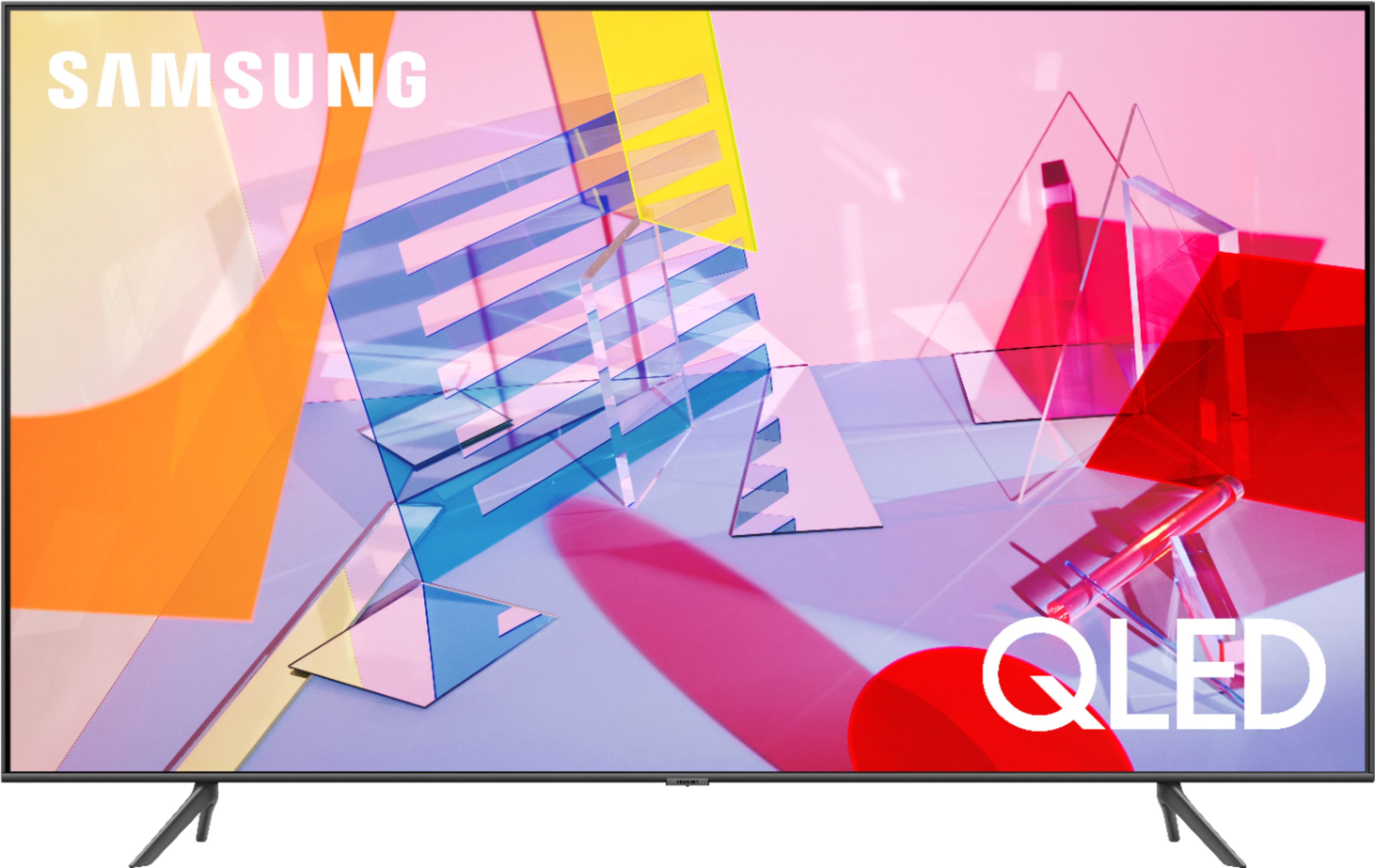
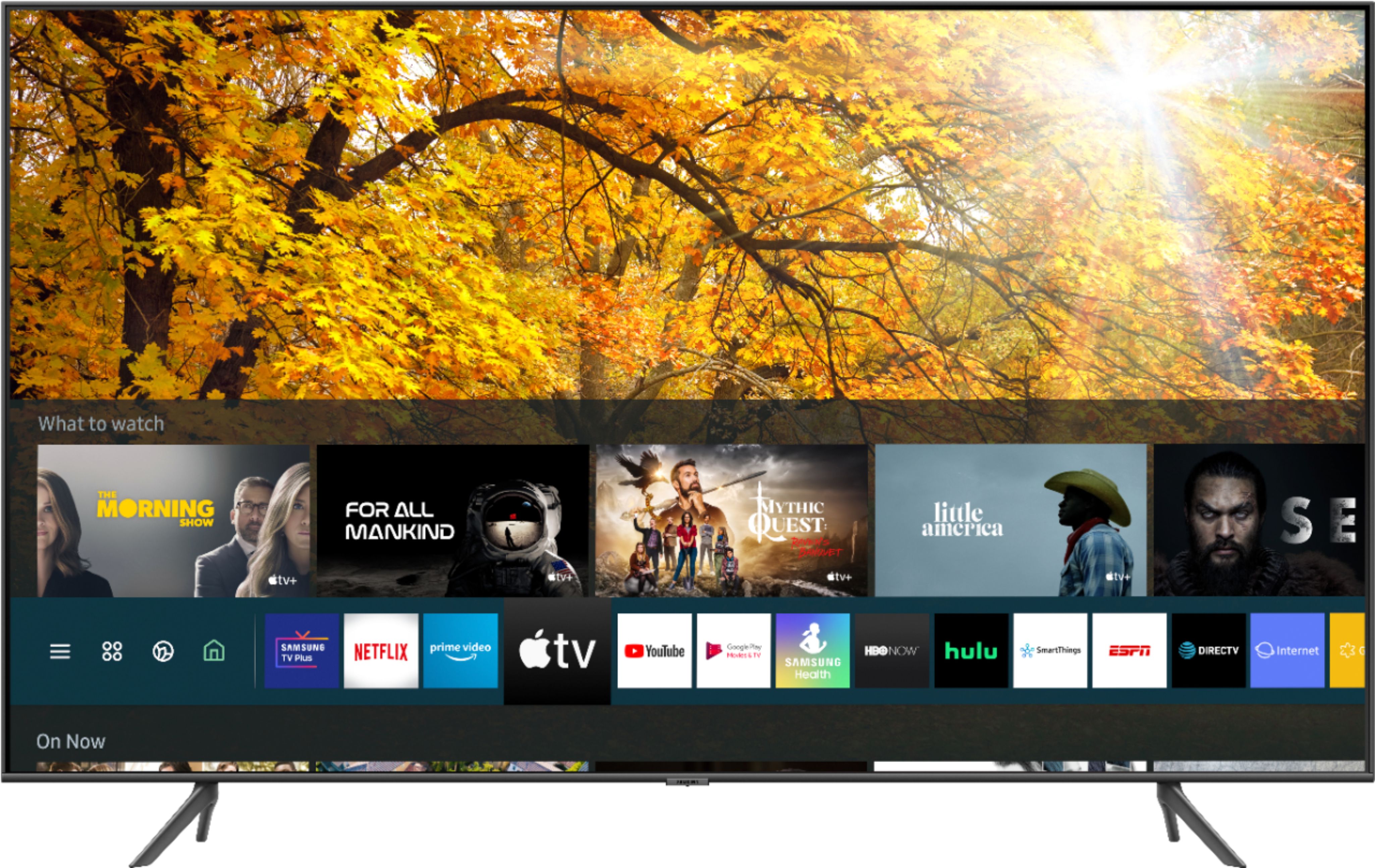
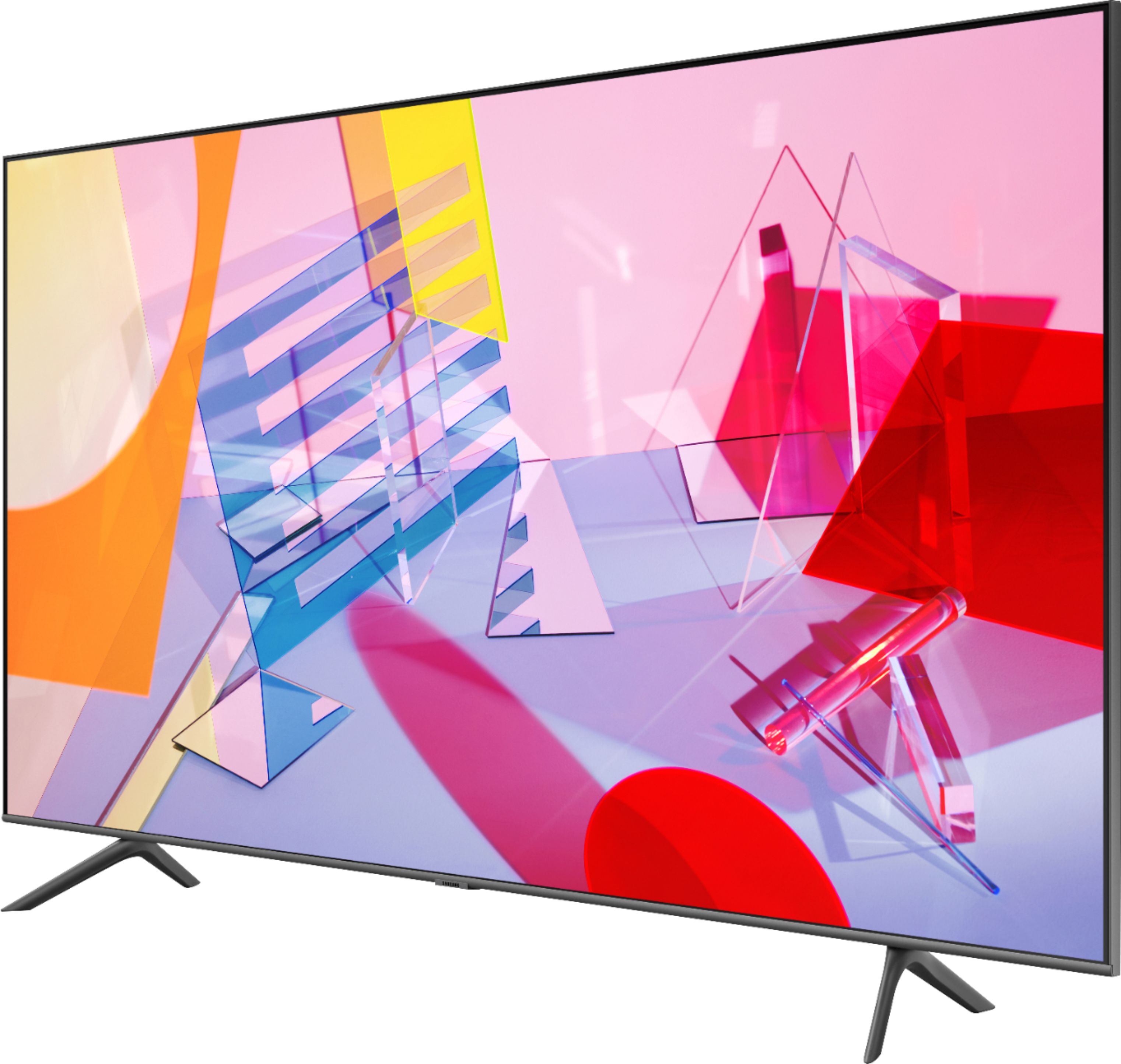
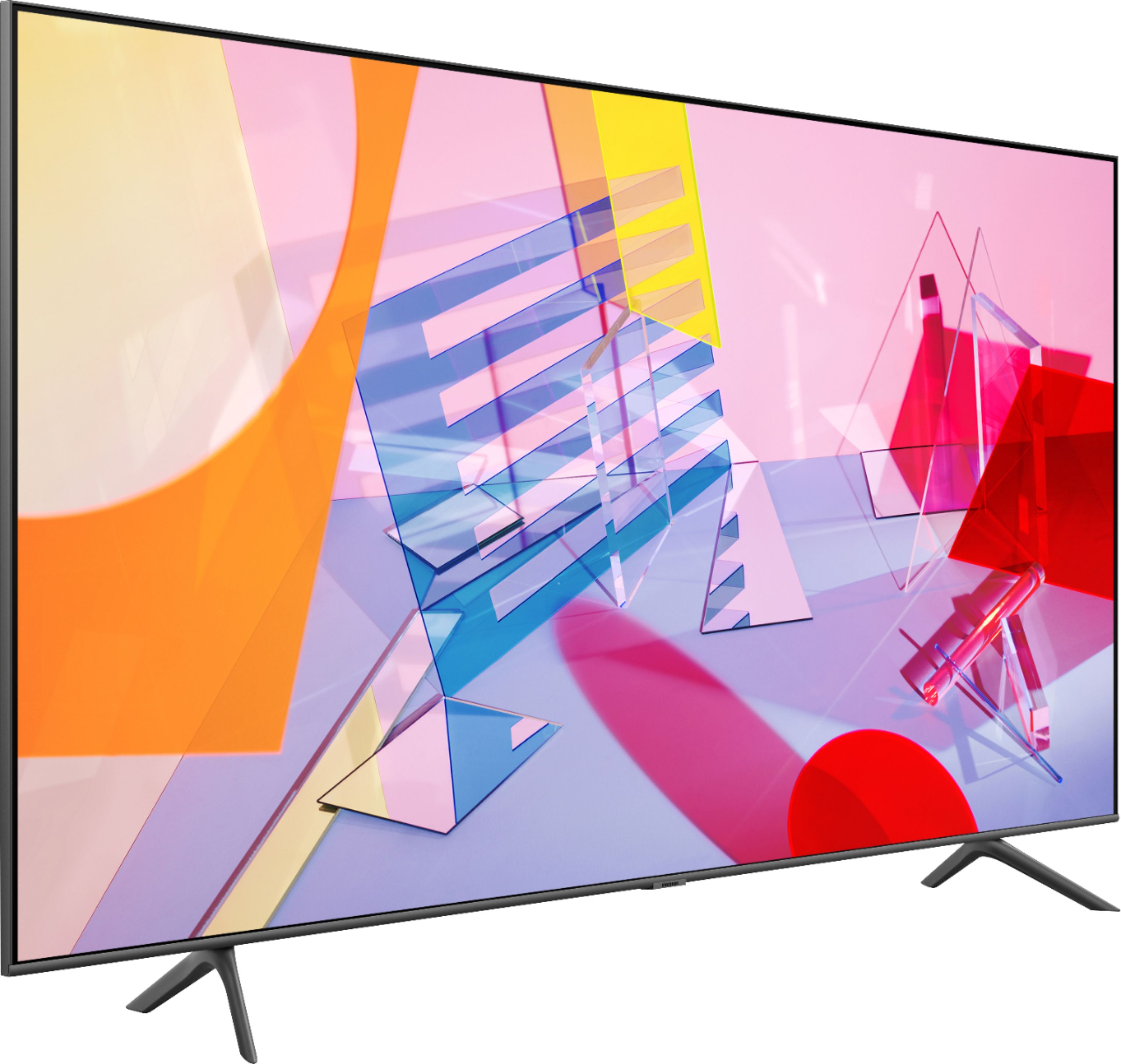
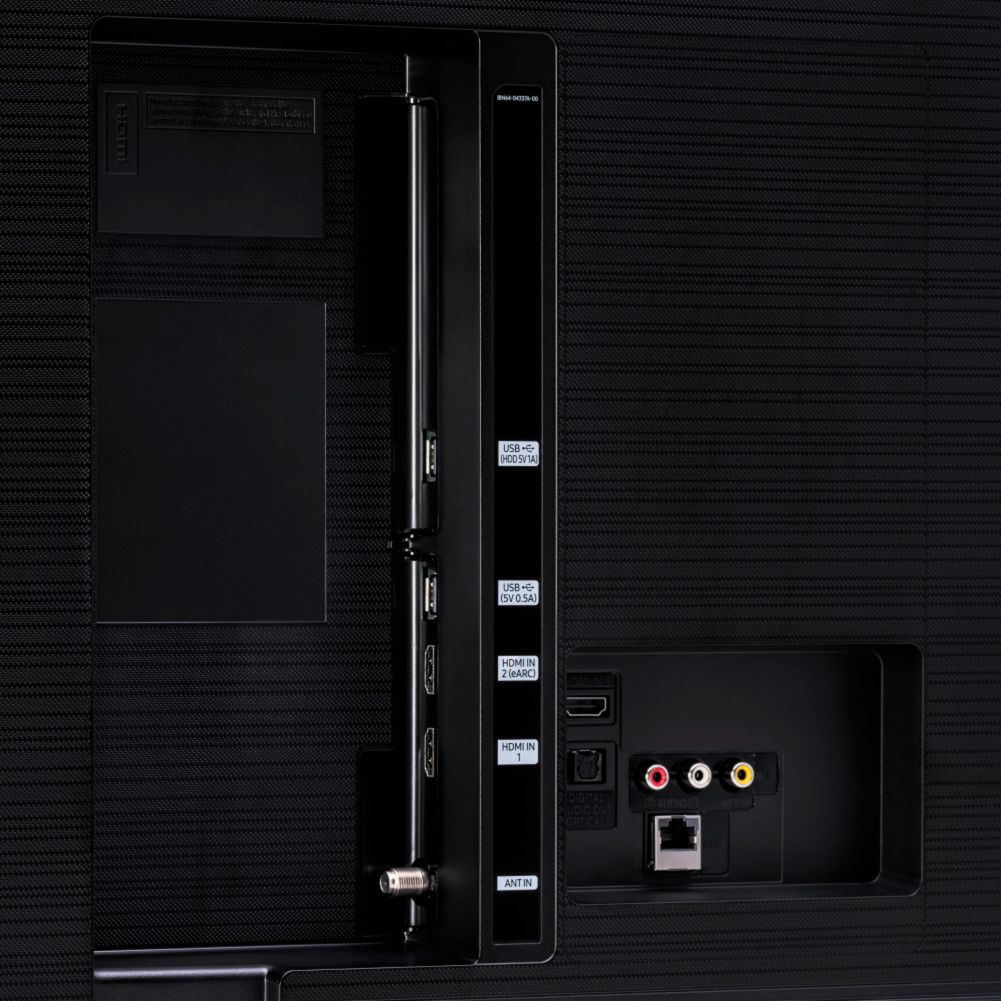
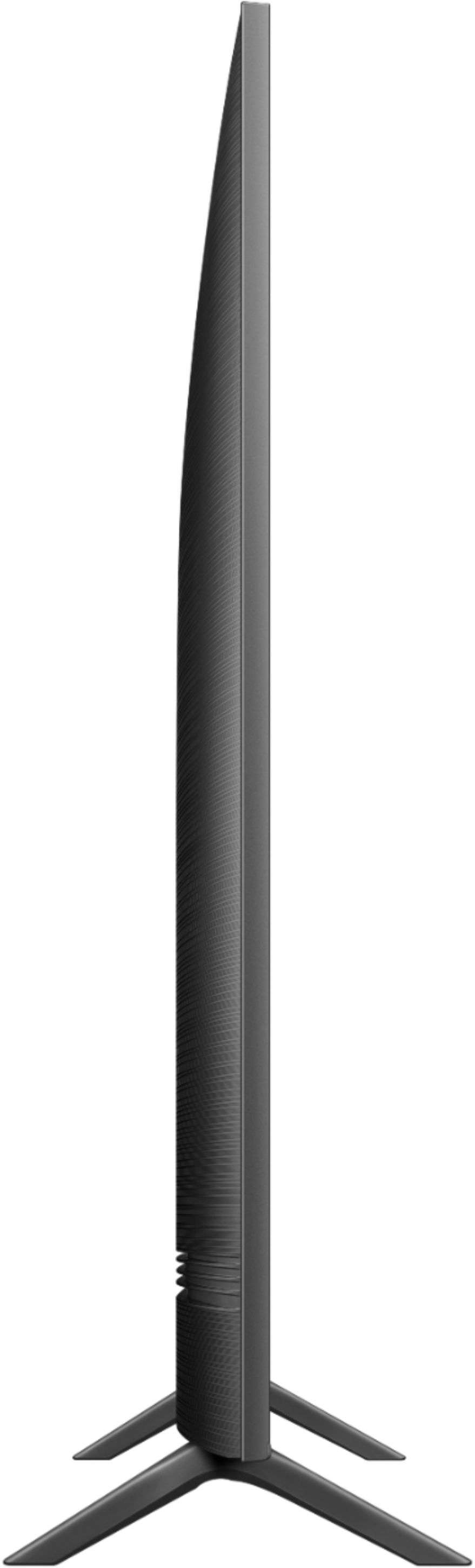
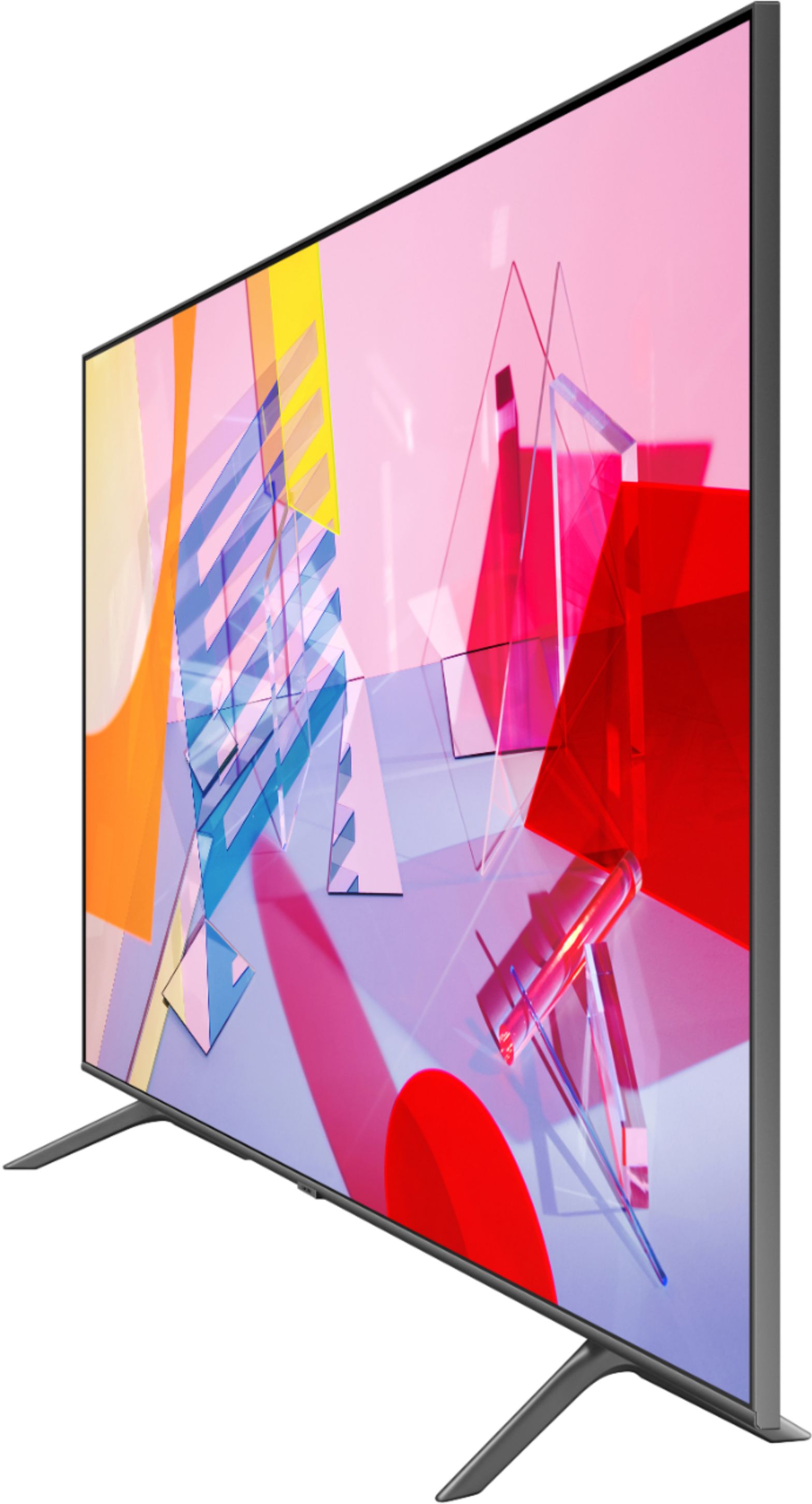



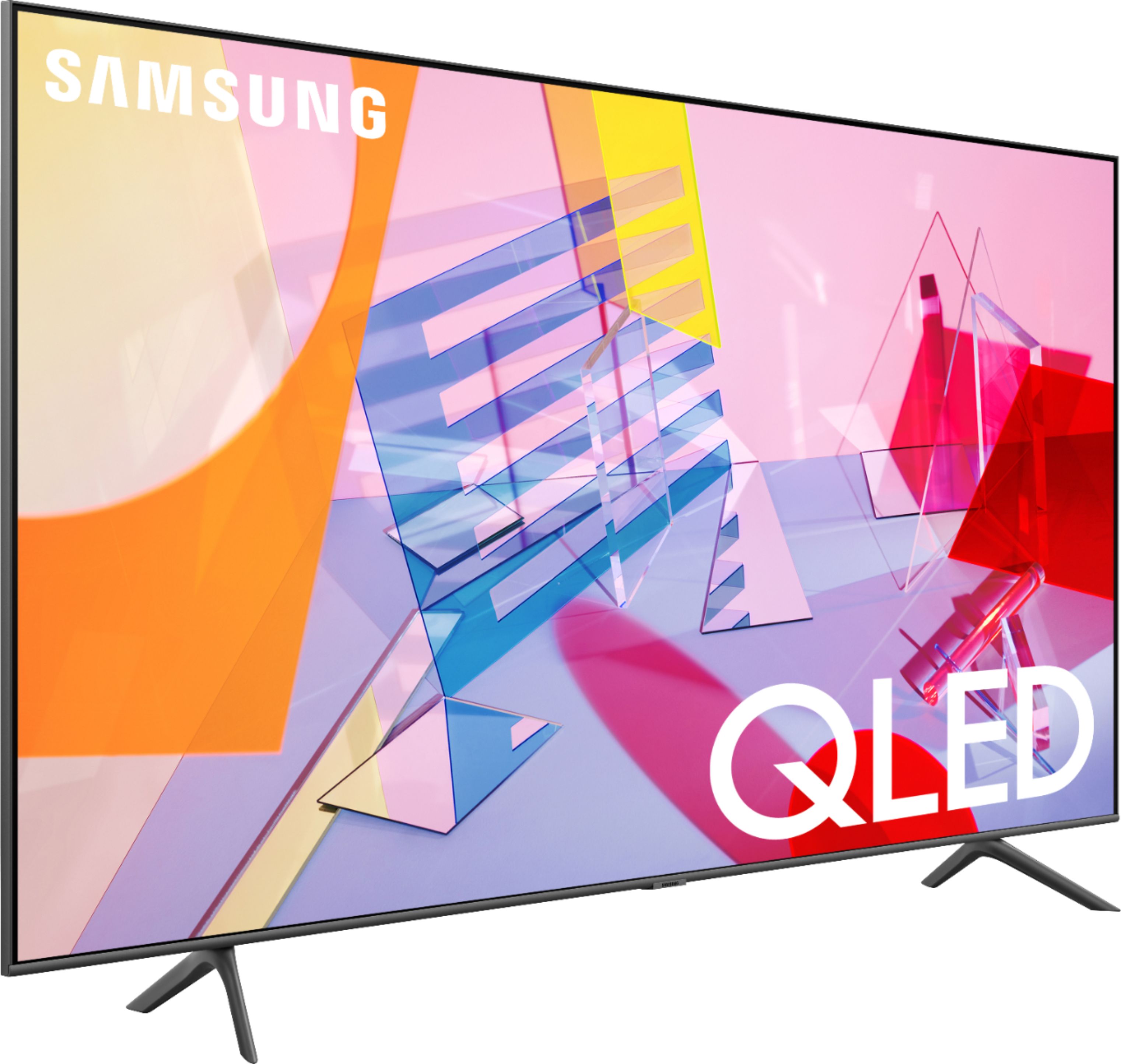
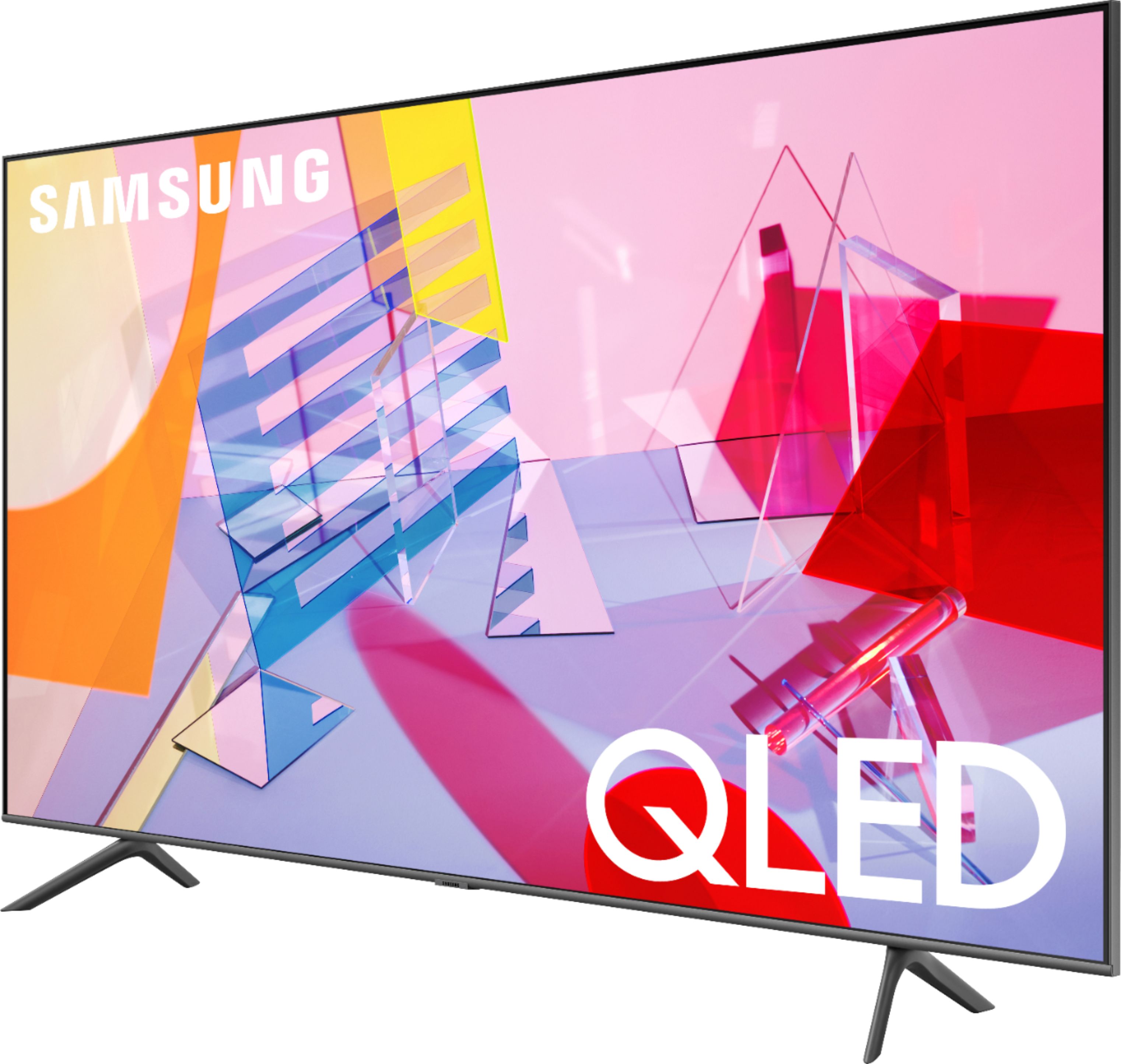
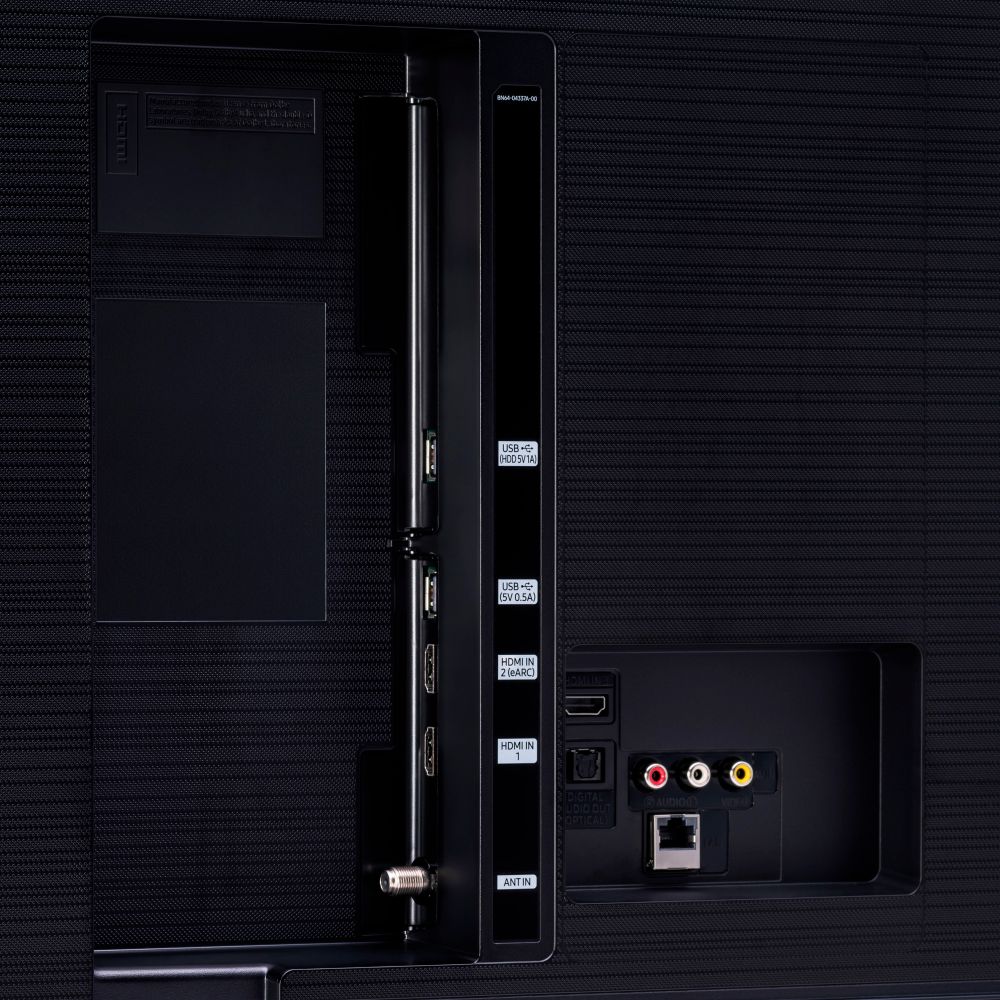







- Model:
- QN43Q60TAFXZA
- SKU:
- 6401760
Rating by feature
- Picture Quality
Rating 4.7 out of 5 stars
- Sound Quality
Rating 4.5 out of 5 stars
- Brightness
Rating 4.6 out of 5 stars
Customers are saying
Customers commend the 43" Class Q60T Series QLED 4K UHD Smart Tizen TV for its exceptional picture quality, easy setup, and affordable price. Many users rave about the vibrant colors and sharp images, while others appreciate the user-friendly interface and smooth gaming experience. However, some users express dissatisfaction with the remote control and viewing angles.
This summary was generated by AI based on customer reviews.
- Cons mentioned:Viewing angle
Expected more
||Posted .This reviewer received promo considerations or sweepstakes entry for writing a review.I expected more from this Samsung TV. Off angle viewing was poor and contrast not great. Returned it for a less expensive Insignia TV.
No, I would not recommend this to a friendBrand response from Samsung
Posted .MikeM,
Thank you for sharing your review of the Samsung Q60T QLED 4K TV. I am very sorry that your experience with this TV was less than perfect, and I completely understand your disappointment.
Our Q60T series are powered by Quantum Processor 4K, Quantum HDR, and deliver over a billion shades of color with sharp details, and fine-tuned black level.
It is possible that your particular set was either defective or required adjustments in settings. Nonetheless, I do sincerely apologize for the let-down.
Should you ever decide to give Samsung TVs another try, and have questions or need help, please know that we are always here for you.
You can contact us via:
1) Phone: 1-800-SAMSUNG (ask for TVs), available 8AM – 12AM EST 7 days a week
2) LiveChat: https://www.samsung.com/us/support/#contact_us_for_support
3) Facebook Messenger: https://www.facebook.com/samsungsupport
4) Twitter: https://twitter.com/SamsungSupport
-Samsung Ambassador
Faded picture
||Posted . Owned for 1 month when reviewed.This reviewer received promo considerations or sweepstakes entry for writing a review.Nice tv but picture is faded out in the 43". The larger screens of this model do not seem to have this issue. Love the easy set up and smart tv features though.
No, I would not recommend this to a friendBrand response from Samsung
Posted .AAHC:
Thank you for purchasing the Samsung Q60T TV and for your review. I am sorry to hear that you are not completely happy with your TV’s picture. There are several image settings you can adjust to your liking such as Picture Mode and Expert Settings.
Choose a Picture Mode by going to Settings > Picture > Picture Mode and choose from Dynamic, Standard, Natural, Movie, or Filmmaker Mode.
You can further adjust your sharpness, brightness, contrast, color, tint, contrast, white balance, and more by going to Settings > Picture > Expert Settings
Please also give us the opportunity to assist you with image quality adjustments tailored to your preferred viewing experience. You can reach us via any of the following options:
1) Phone: 1-800-SAMSUNG (ask for TVs), available 8AM – 12AM EST 7 days a week
2) LiveChat: https://www.samsung.com/us/support/#contact_us_for_support
3) Facebook Messenger: https://www.facebook.com/samsungsupport
4) Twitter: https://twitter.com/SamsungSupport
5) The Samsung Members Community is also a great resource for getting help from Samsung moderators and customers: https://us.community.samsung.com
If you have not already done so, we invite you to register your new Samsung product at: https://www.samsung.com/us/account/signin/?redirect=https%3A%2F%2Fwww.samsung.com%2Fus%2Fsupport%2Fregister%2F
Registering your product gives you access to easy warranty support, convenient opt-in to special promos and offers, faster troubleshooting and service, and quick notification of system updates.
~ Samsung Solutions
Colors are a bit washed
||Posted . Owned for 5 months when reviewed.This reviewer received promo considerations or sweepstakes entry for writing a review.It's ok. Colors are a bit washed. Blacks are not super black. The larger versions of the Q series are much better. I ended up returning this and buying the Sony.
No, I would not recommend this to a friendBrand response from Samsung
Posted .Montman:
Thank you for sharing your review of the Samsung Q60T TV. I am very sorry that you were not completely happy with image quality and have decided to return it.
Should you ever decide to give Samsung TVs another try and have questions or need assistance with settings, setup, or features, please know we are always here to help. Again, my sincerest apologies. We hope to regain you as a customer in the future.
1) Phone: 1-800-SAMSUNG (available 8AM -12AM EST, 7 days a week)
2) LiveChat: https://www.samsung.com/us/support/#contact_us_for_support
3) Facebook Messenger: https://www.facebook.com/samsungsupport
4) Twitter: https://twitter.com/SamsungSupport
Thank you again for taking the time to share your thoughts. Your feedback helps us continuously deliver best-in-class products and service.
~ Samsung Solutions
Move on. Mediocre picture.
||Posted . Owned for 3 weeks when reviewed.This reviewer received promo considerations or sweepstakes entry for writing a review.I expected a great picture improvement over my old 1080p tv. The picture is no better. Really disappointed I spent the extra for this QLED. I should have just gone with the lower priced model. I’ve had it for a month now and tried several tutorials to improve the picture, to no avail. Also the menu bar across the bottom with ads is annoying. If it wasn’t so much trouble taking it off the wall mount and schlepping it back to the store, I would return it.
No, I would not recommend this to a friend- Cons mentioned:Viewing angle
Samsung 43 Class Q60T
||Posted . Owned for 3 weeks when reviewed.This reviewer received promo considerations or sweepstakes entry for writing a review.The angle view was terrible. The view from the front was great but from the side the colors were very off.
No, I would not recommend this to a friendBrand response from Samsung
Posted .will:
I am very sorry to see that you are not completely happy with the Samsung TU7000. Your thoughts regarding the viewing angle are important to us and will be shared with our internal teams.
You may want to consider our Q80T and Q90T Series, featuring Ultra Viewing Angle engineered to reduce glare and enhance color for a vibrant picture no matter where you sit.
Should you ever have questions or need help with TV features, specs, or operation, we are here to help.
1) Phone: 1-800-SAMSUNG (ask for TVs), available 8AM – 12AM EST 7 days a week
2) LiveChat: https://www.samsung.com/us/support/#contact_us_for_support
3) Facebook Messenger: https://www.facebook.com/samsungsupport
4) Twitter: https://twitter.com/SamsungSupport
5) The Samsung Members Community is also a great resource for getting help from Samsung moderators and customers: https://us.community.samsung.com
If you have not already done so, we invite you to register your new Samsung product at: https://www.samsung.com/us/account/signin/?redirect=https%3A%2F%2Fwww.samsung.com%2Fus%2Fsupport%2Fregister%2F
Registering your product gives you access to easy warranty support, convenient opt-in to special promos and offers, faster troubleshooting and service, and quick notification of system updates.
~ Samsung Solutions
Two Years to Black Screen
||Posted . Owned for more than 2 years when reviewed.This reviewer received promo considerations or sweepstakes entry for writing a review.Loved this TV....until 2 years later the picture simply went black. Very disappointed.
No, I would not recommend this to a friendMany problems with this TV, returned one.
||Posted . Owned for 1 month when reviewed.This reviewer received promo considerations or sweepstakes entry for writing a review.Purchased Samsung QLED TV and had to return for major problems. Purchased second one thinking first one was a LEMON. The second one is having problems also, screen goes black about every 3 to 4 minutes. Have followed online videos to correct problem but nothing works. Past the 14 day return policy so I guess I'll have to call Samsung and wait for repair person to show up. Several reviews have said this could take months.
No, I would not recommend this to a friendBrand response from Samsung
Posted .SUSU,
Thank you for bringing your concerns to our attention.
I am sorry that your Q60T TV screen goes black often.
Please try these troubleshooting steps:
1. Press the Home (Menu) button on the remote.
If the menu appears, the TV is powered on, but is either not on the correct source or not receiving a signal.
If the menu does not appear, the TV may be having power issues.
Check the red standby light, a little red light at the edge of the TV that you aim the remote at. In normal use, the red standby light is on when the TV is off (indicating the TV is on standby), and the red standby light is off when the TV is in use (or doesn't have power).
2. Confirm the TV is set to the same source as the external device.
For instance, if your cable box is connected to HDMI 1, set the TV source to HDMI 1.
If the TV is set to the correct source, but there is still no image, unplug and reconnect the AV connections one cable at a time, from both ends of each cable. If there's any damage to the cable, it will need to be replaced.
After you've reconnected the external device, turn it off and then back on.
3. Test the HDMI cable.
Some TVs have an HDMI cable test. Some models only have this test after a software update, and older models do not have it. If your model does not have this test, or is not connected by HDMI, skip to the next step.
The test is designed for HDMI cords less than 6 feet long and may not give accurate results on longer cords.
To perform the test, make sure the TV's source is still on the HDMI setting for the cable you want to test, and then navigate to Settings > Support > Self Diagnosis > Signal Information > HDMI Cable Test > Start Test.
If the test says the cable is bad, replace the cable. Service is not required.
4. Test different external devices.
The final thing to rule out is the external device you're using. Try connecting a different device or using a different source port. If you were unable to test the cable in the previous step, then try swapping the cable, too.
If the TV can display a picture in any other setup, then you've ruled the TV out as the cause of the issue. Keep trying various setups until you identify the device or cable that is not working and troubleshoot or replace it.
I hope this helps to solve your concerns.
If the issues persist, please reach out to Samsung Customer Support for warranty service.
You can reach us via:
1) Phone: 1-800-SAMSUNG, available 8AM – 12AM EST 7 Days A Week
2) LiveChat: https://www.samsung.com/us/support/#contact_us_for_support
3) Facebook Messenger: https://www.facebook.com/samsungsupport
4) Twitter: https://twitter.com/SamsungSupport
Have you registered your new Samsung TV with us? If not, we invite you to do so at: https://www.samsung.com/us/account/signin/?redirect=https%3A%2F%2Fwww.samsung.com%2Fus%2Fsupport%2Fregister%2F, and gain access to easy warranty support, convenient opt-in to special promos & offers, faster troubleshooting & service, and quick notification of system updates.
-Samsung Ambassador
Connection problems
||Posted . Owned for 1 week when reviewed.This reviewer received promo considerations or sweepstakes entry for writing a review.I just returned a Samsung TU8000 for a Q60T to get rid of light bleed problems. The Q60T is a great tv besides the fact that every time I turn my tv on again after leaving it off for a couple of hours it says internet connection problem every time. No other tv in the house did this. I have to un plug or reboot my tv every time this happens. Anyone else having this problem? It’s every time I have my tv off for a couple of hours.
No, I would not recommend this to a friendBrand response from Samsung
Posted .Johnny,
I am sorry for the internet connection issue you have had. Please make sure that your TV has the latest firmware update, which should resolve it.
You can find the update at: https://www.samsung.com/us/support/owners/product/qled-tv-q60t-2020
Here is a link to firmware update instructions: samsung.com/us/support/answer/ANS00062224/
If you need further assistance, please know that Samsung Customer Support is here to help, and can be reached via any of the below options:
1) Phone: 1-800-SAMSUNG (Ask for TVs)
Available 8AM – 9PM EST (Mon-Fri)
2) LiveChat: https://www.samsung.com/us/support/#contact_us_for_support
3) Facebook Messenger: https://www.facebook.com/samsungsupport
4) Twitter: https://twitter.com/SamsungSupport
5) The Samsung Members Community is also a great resource for getting help from Samsung moderators and customers: https://us.community.samsung.com
If you have not already done so, we invite you to register your new Samsung product at: https://www.samsung.com/us/account/signin/?redirect=https%3A%2F%2Fwww.samsung.com%2Fus%2Fsupport%2Fregister%2F
Registering your product gives you access to easy warranty support, convenient opt-in to special promos and offers, faster troubleshooting and service, and quick notification of system updates.
-Samsung Ambassador
It's okay
||Posted . Owned for 10 months when reviewed.This reviewer received promo considerations or sweepstakes entry for writing a review.It's ok. I had it for less than a year before it developed a white vertical line on the right side.
No, I would not recommend this to a friendDecent tv
||Posted . Owned for less than 1 week when reviewed.This reviewer received promo considerations or sweepstakes entry for writing a review.Decent tv, no local dimming and there’s a bug where auto motion plus won’t turn off unless you go to game mode
I would recommend this to a friendSamsung TV
||Posted .This reviewer received promo considerations or sweepstakes entry for writing a review.Great TV but can be a bit slow. It takes a minute sometime longer to catch up to what you are selecting.
I would recommend this to a friendBrand response from Samsung
Posted .Zeena:
Thank you for sharing your review of the Q60T TV. I am sorry that you are finding your unit to be slow when navigating your selection.
To optimize the smart TV performance, please try Device Care option under the Support Menu. Go to Settings > Support> Device Care > Start Device Care
This service checks memory and frees up unused cached memory and closes background apps.
Should you need further assistance, please contact Samsung Customer Support.
1) Phone: 1-800-SAMSUNG (ask for TVs), available 8AM – 12AM EST 7 days a week
2) LiveChat: https://www.samsung.com/us/support/#contact_us_for_support
3) Facebook Messenger: https://www.facebook.com/samsungsupport
4) Twitter: https://twitter.com/SamsungSupport
5) The Samsung Members Community is also a great resource for getting help from Samsung moderators and customers: https://us.community.samsung.com
If you have not already done so, we invite you to register your new Samsung product at: https://www.samsung.com/us/account/signin/?redirect=https%3A%2F%2Fwww.samsung.com%2Fus%2Fsupport%2Fregister%2F
Registering your product gives you access to easy warranty support, convenient opt-in to special promos and offers, faster troubleshooting and service, and quick notification of system updates.
~ Samsung Solutions
I will get a LG tv the next time!!!!!
||Posted . Owned for 1.5 years when reviewed.This reviewer received promo considerations or sweepstakes entry for writing a review.I bought THIS tv over a year ago and I HAVEN'T liked it a bit. The VOICE command DOES NOT hear what I am saying. I guess ENGLISH is NOT its language. You can get Netflix and Hulu on it but you CAN NOT get Philo. The Philo people said that samsung will only let CERTAIN networks. This tv is WAY TO COMPLICATED for me,
No, I would not recommend this to a friendGood tv
||Posted .This reviewer received promo considerations or sweepstakes entry for writing a review.Just got setup the geek guy did a great job still learning tv controls and how to dial in settings
I would recommend this to a friendOpen box buy
||Posted . Owned for less than 1 week when reviewed.This reviewer received promo considerations or sweepstakes entry for writing a review.Didn't come with A power cord. They don't have A replacement to send you. Had to purchase another one.
No, I would not recommend this to a friendUnsatisfied
||Posted . Owned for 3 weeks when reviewed.This reviewer received promo considerations or sweepstakes entry for writing a review.I thought I was upgrading but this tv is just like the other 2 I had and gave away.
No, I would not recommend this to a friendBrand response from Samsung
Posted .DarlinD:
I am very sorry to see that your Q60T TV did not meet your needs, and you have given it away. Should you ever decide to give Samsung TVs another try and have questions or need assistance with settings, setup, or features, please know we are always here to help.
1) Phone: 1-800-SAMSUNG (available 8AM -12AM EST, 7 days a week)
2) LiveChat: https://www.samsung.com/us/support/#contact_us_for_support
3) Facebook Messenger: https://www.facebook.com/samsungsupport
4) Twitter: https://twitter.com/SamsungSupport
5) The Samsung Members Community is also a great resource for getting help from Samsung moderators and customers: https://us.community.samsung.com
Thank you again for taking the time to share your thoughts. Your feedback helps us continuously deliver best-in-class products and service.
~ Samsung Solutions
Samsung QLED
||Posted . Owned for 2 weeks when reviewed.This reviewer received promo considerations or sweepstakes entry for writing a review.I think we got a TV with a bad connection in the TV on the HDMI cable connection.
I would recommend this to a friendBrand response from Samsung
Posted .Q60TV:
Thank you for purchasing the Samsung Q60T TV. I am sorry to hear that you are experiencing issues with your HDMI cable connection. Please give us the opportunity to assist you by contacting Samsung Customer Support.
1) Phone: 1-800-SAMSUNG (ask for TVs), available 8AM – 12AM EST 7 days a week
2) LiveChat: https://www.samsung.com/us/support/#contact_us_for_support
3) Facebook Messenger: https://www.facebook.com/samsungsupport
4) Twitter: https://twitter.com/SamsungSupport
5) The Samsung Members Community is also a great resource for getting help from Samsung moderators and customers: https://us.community.samsung.com
If you have not already done so, we invite you to register your new Samsung product at: https://www.samsung.com/us/account/signin/?redirect=https%3A%2F%2Fwww.samsung.com%2Fus%2Fsupport%2Fregister%2F
Registering your product gives you access to easy warranty support, convenient opt-in to special promos and offers, faster troubleshooting and service, and quick notification of system updates.
~ Samsung Solutions
Needs better sound
||Posted . Owned for 1 month when reviewed.This reviewer received promo considerations or sweepstakes entry for writing a review.TV has a great picture, but the sound quality is very poor. I can barely hear some TV programs at full volume. The guy who installed it suggested that I add a sound bar. It's ridiculous that a brand new TV needs anything to improve the sound! Sadly, this was purchased during the pandemic, so I couldn't view it at the store.
No, I would not recommend this to a friendBrand response from Samsung
Posted .BmoreBL,
I am sorry that you are not happy with the sound volume of your Q60T QLED 4K Smart TV.
One possible cause for the low volume is the source. Some sources have their own volume control which might be set too low.
We recommend you try a Sound Test under Support > Self Diagnosis > Start Sound Test.
Another way to check the source volume is to test an internal streaming source like Netflix or YouTube to compare.
If your issue persists, please reach out to us so that we can provide further troubleshooting.
You can contact us via:
1) Phone: 1-800-SAMSUNG (ask for TVs), available 8AM – 12AM EST 7 days a week
2) LiveChat: https://www.samsung.com/us/support/#contact_us_for_support
3) Facebook Messenger: https://www.facebook.com/samsungsupport
4) Twitter: https://twitter.com/SamsungSupport
5) The Samsung Members Community is also a great resource for getting help from Samsung moderators and customers: https://us.community.samsung.com
If you have not already done so, we invite you to register your new Samsung product at: https://www.samsung.com/us/account/signin/?redirect=https%3A%2F%2Fwww.samsung.com%2Fus%2Fsupport%2Fregister%2F
Registering your product gives you access to easy warranty support, convenient opt-in to special promos and offers, faster troubleshooting and service, and quick notification of system updates.
Again, thank you for taking the time to share your thoughts. Your feedback helps us continuously deliver best-in-class products and service.
-Samsung Ambassador
My new TV
||Posted . Owned for 1 month when reviewed.This reviewer received promo considerations or sweepstakes entry for writing a review.Nice tv but not easy to use as my vizio! It's new but I need to use it.
I would recommend this to a friendBrand response from Samsung
Posted .Samsung:
Thank you for sharing your review of the Q60T TV and its ease of use. We value your feedback and will share it with our teams.
If there is anything we can do to improve your enjoyment such as helping to optimize settings for your specific usage scenario, please contact Samsung Customer Support.
1) Phone: 1-800-SAMSUNG (ask for TVs), available 8AM – 12AM EST 7 days a week
2) LiveChat: https://www.samsung.com/us/support/#contact_us_for_support
3) Facebook Messenger: https://www.facebook.com/samsungsupport
4) Twitter: https://twitter.com/SamsungSupport
5) The Samsung Members Community is also a great resource for getting help from Samsung moderators and customers: https://us.community.samsung.com
If you have not already done so, we invite you to register your new Samsung product at: https://www.samsung.com/us/account/signin/?redirect=https%3A%2F%2Fwww.samsung.com%2Fus%2Fsupport%2Fregister%2F
Registering your product gives you access to easy warranty support, convenient opt-in to special promos and offers, faster troubleshooting and service, and quick notification of system updates.
~ Samsung Solutions
43 Q60T
||Posted . Owned for 1 week when reviewed.This reviewer received promo considerations or sweepstakes entry for writing a review.does not have the detailed picture you would expect from a q series
No, I would not recommend this to a friendWall mounting screwed not included
||Posted . Owned for 3 weeks when reviewed.This reviewer received promo considerations or sweepstakes entry for writing a review.Mounting screws not included. When the tv arrived, I took down my old one and unboxed my new tv, found out samsung does not include the required mounting screws and best buy does not sell them. Have to get them from amazon and it will take 5 days. To make it worse, I went back to best buy and talked to one of the reps. He said he was sure they were included and I must have received a defective box and to bring it back and they would exchange. I told him to show me the screws in a boxed version and he would not until I brought the other one back. In the meantime i have a mess in my bedroom or i have to remount the old one. this is a terrible customer experience. spending $500 on a tv and they don't include the screws or even let you know they aren't included is absolutely insane.
No, I would not recommend this to a friendBrand response from Samsung
Posted .Disappointed:
Thank you for purchasing the Samsung Q60T QLED TV. I am very sorry for the inconvenience you had with installation because wall mount screws were not included.
Please understand that we do not include wall mount screws or adapters because not every wall will require the same type of hardware. Each customer’s mounting situation can be very different, requiring specific hardware to ensure the best, most secure fit. A generic hardware type included in the box might be inappropriate for a customer’s wall; the result could be the customer inadvertently mounting his TV insecurely.
For further assistance, please contact Samsung TV Support at:
1) Phone: 1-800-SAMSUNG (ask for TVs), available 8AM – 12AM EST 7 days a week
2) LiveChat: https://www.samsung.com/us/support/#contact_us_for_support
3) Facebook Messenger: https://www.facebook.com/samsungsupport
4) Twitter: https://twitter.com/SamsungSupport
5) The Samsung Members Community is also a great resource for getting help from Samsung moderators and customers: https://us.community.samsung.com
If you have not already done so, we invite you to register your new Samsung product at: https://www.samsung.com/us/account/signin/?redirect=https%3A%2F%2Fwww.samsung.com%2Fus%2Fsupport%2Fregister%2F
Registering your product gives you access to easy warranty support, convenient opt-in to special promos and offers, faster troubleshooting and service, and quick notification of system updates.
~ Samsung Solutions