Customer Ratings & Reviews
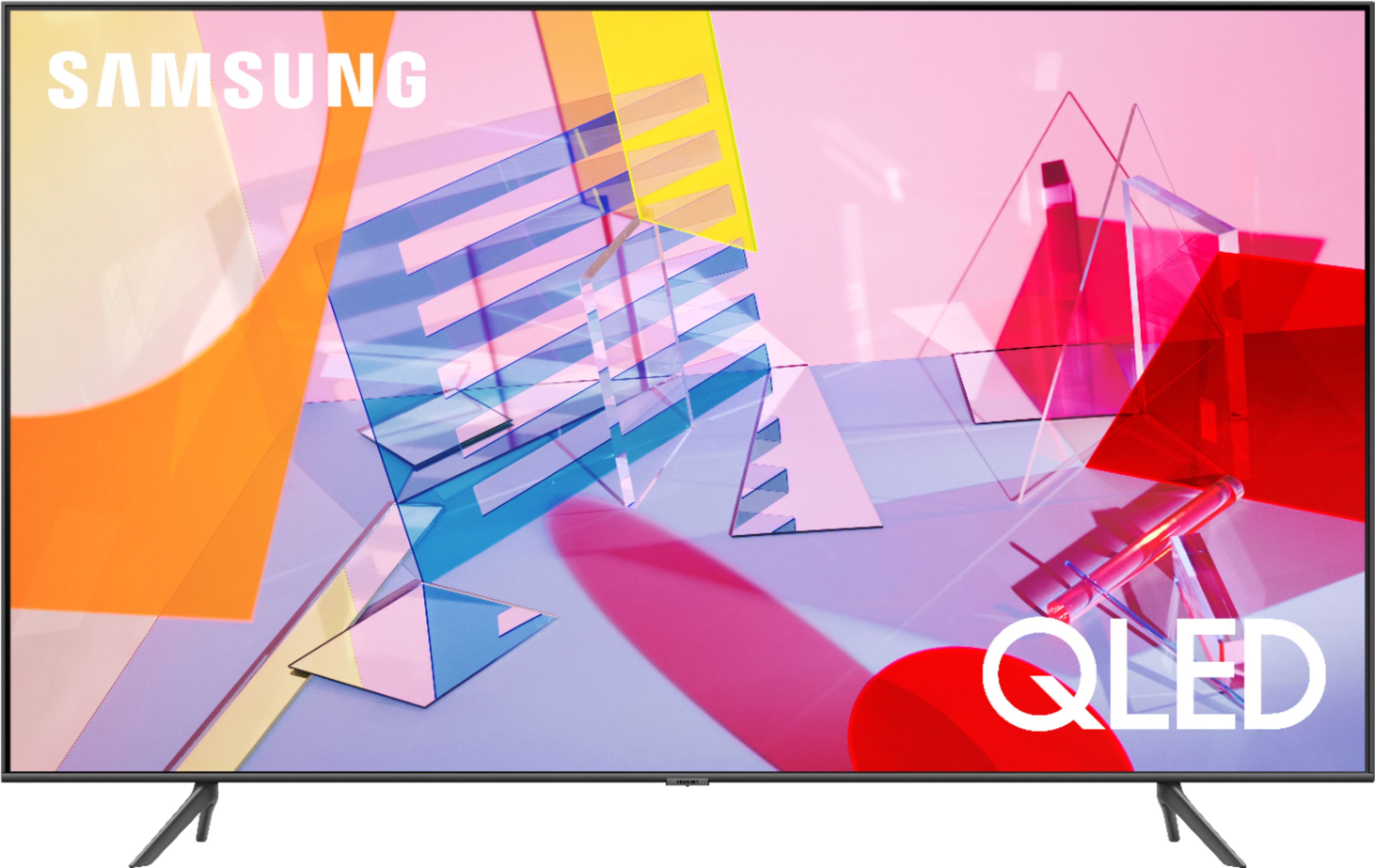
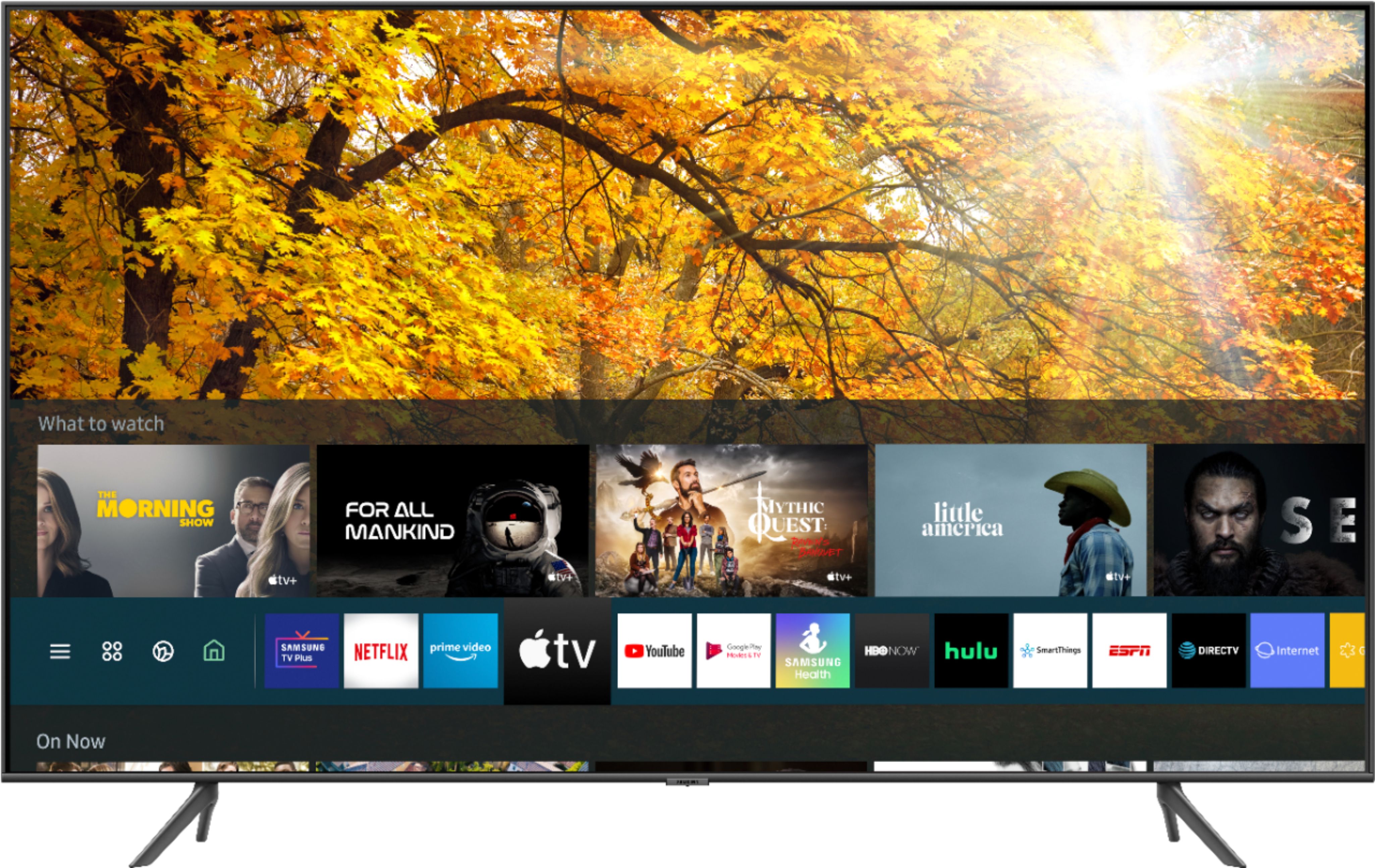
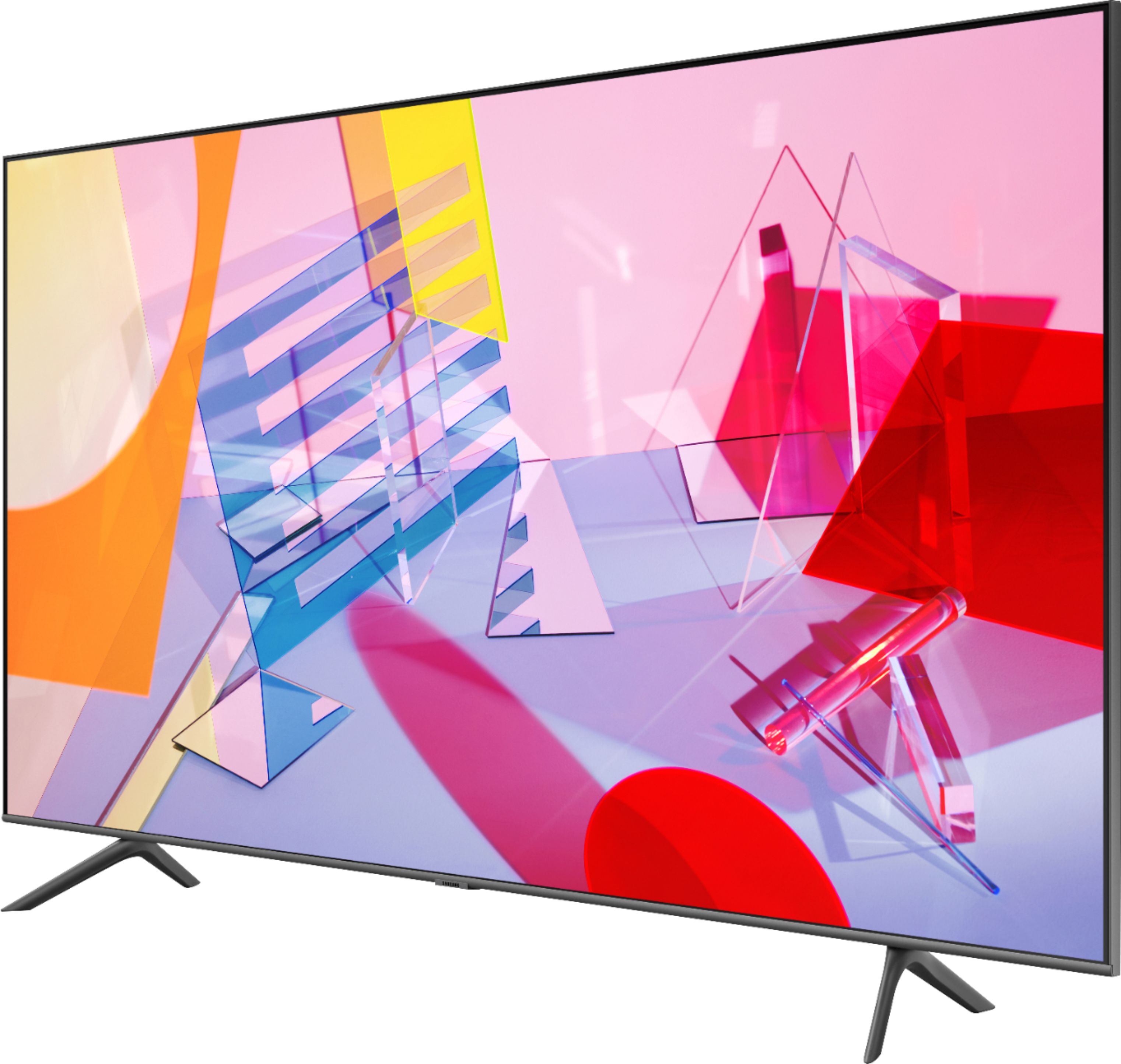
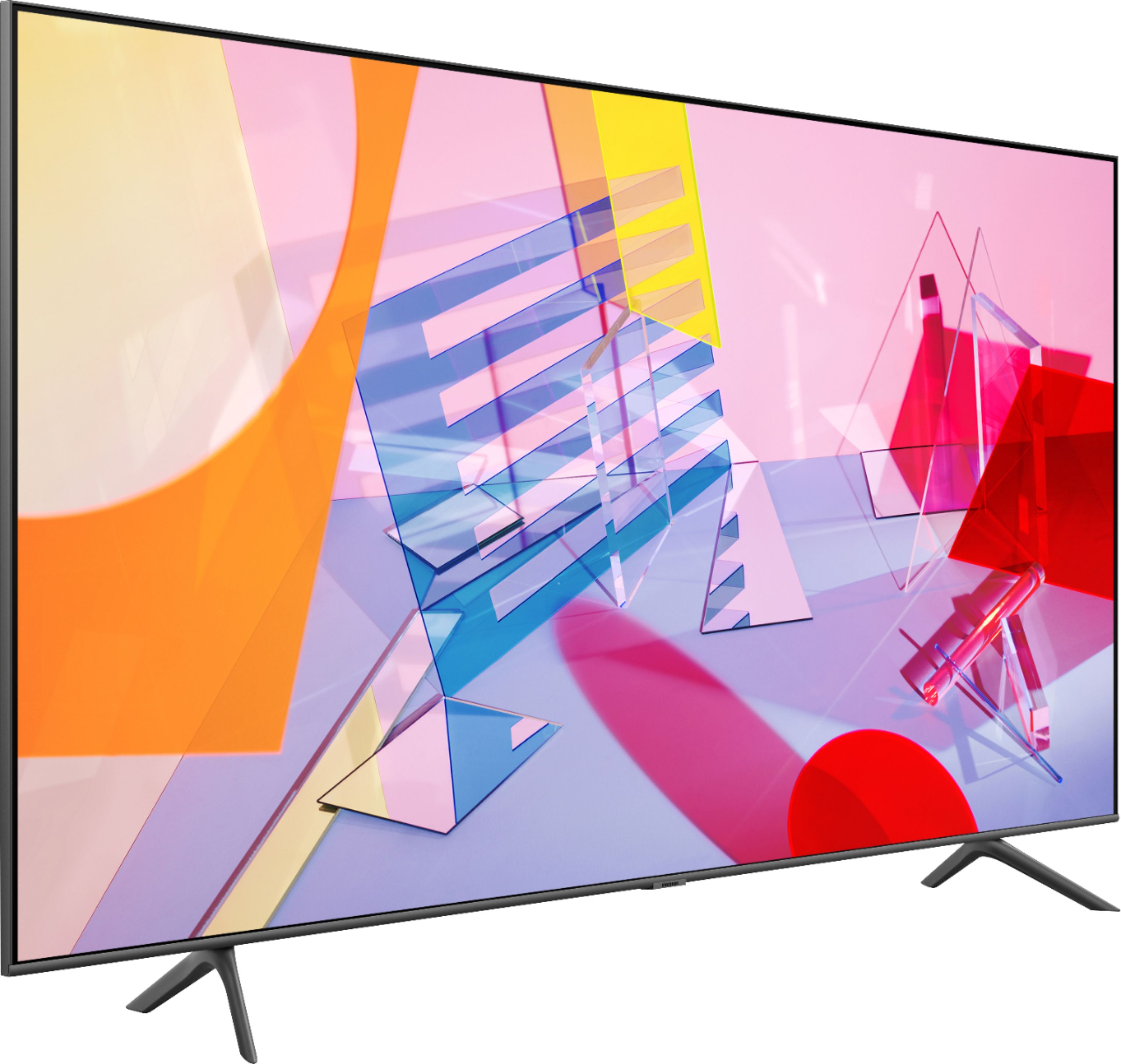
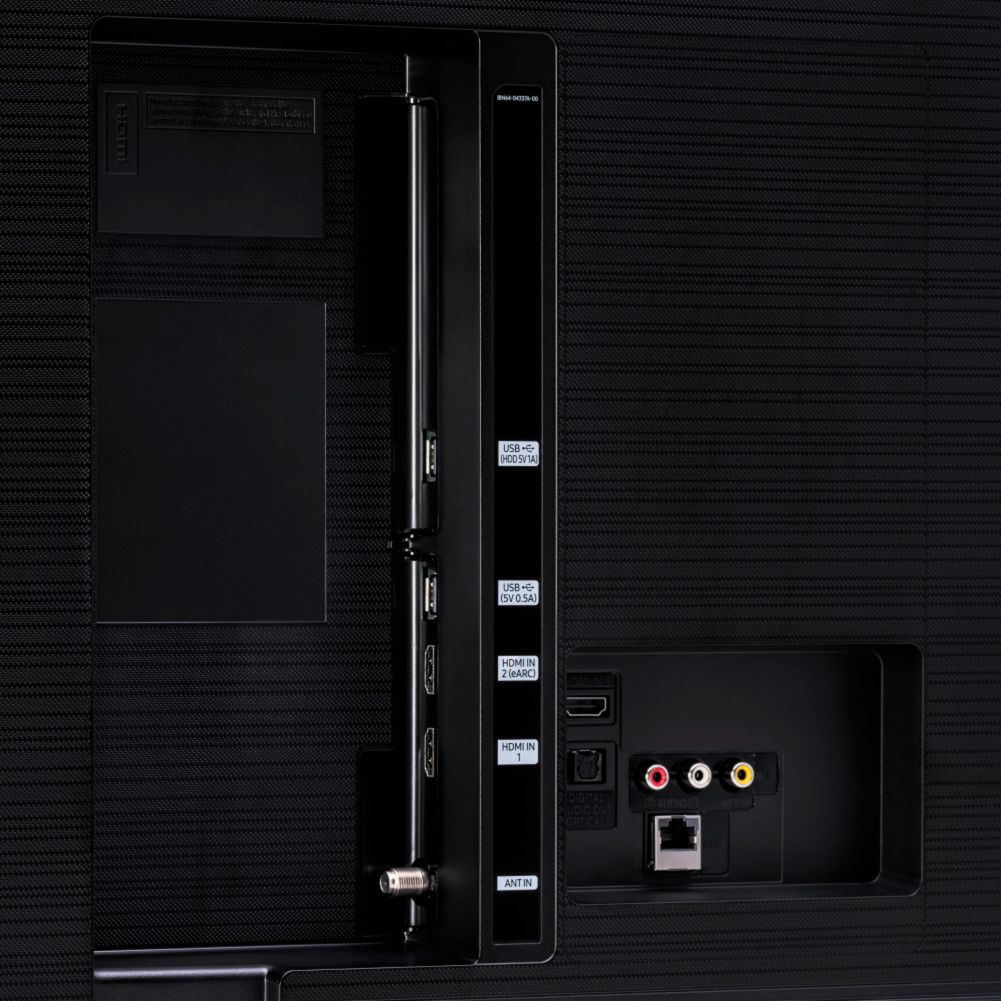
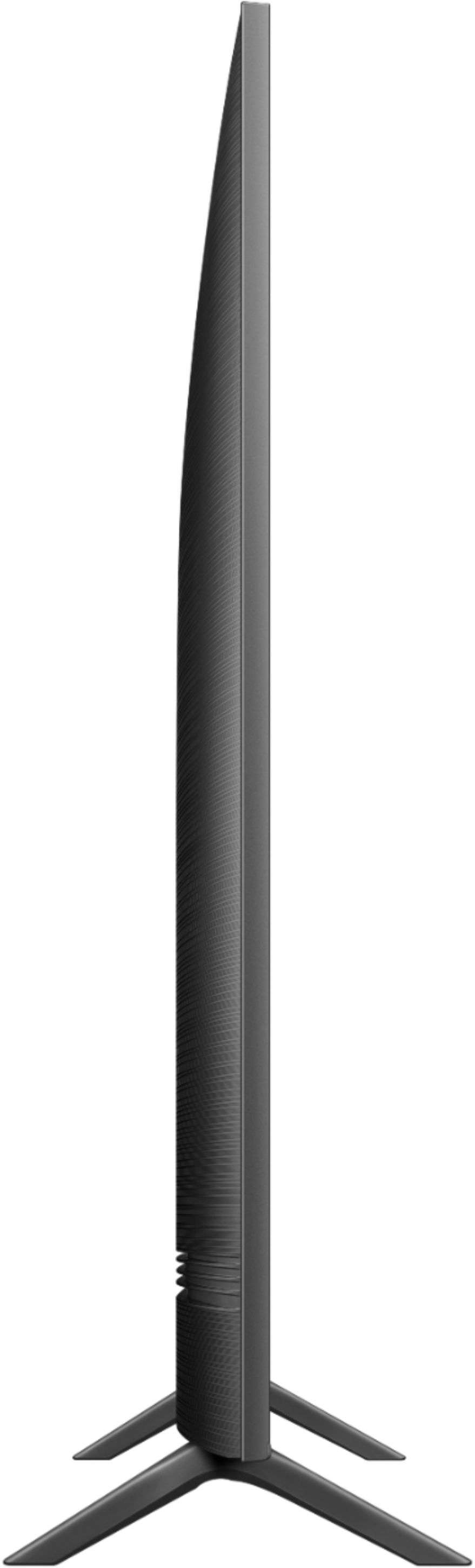
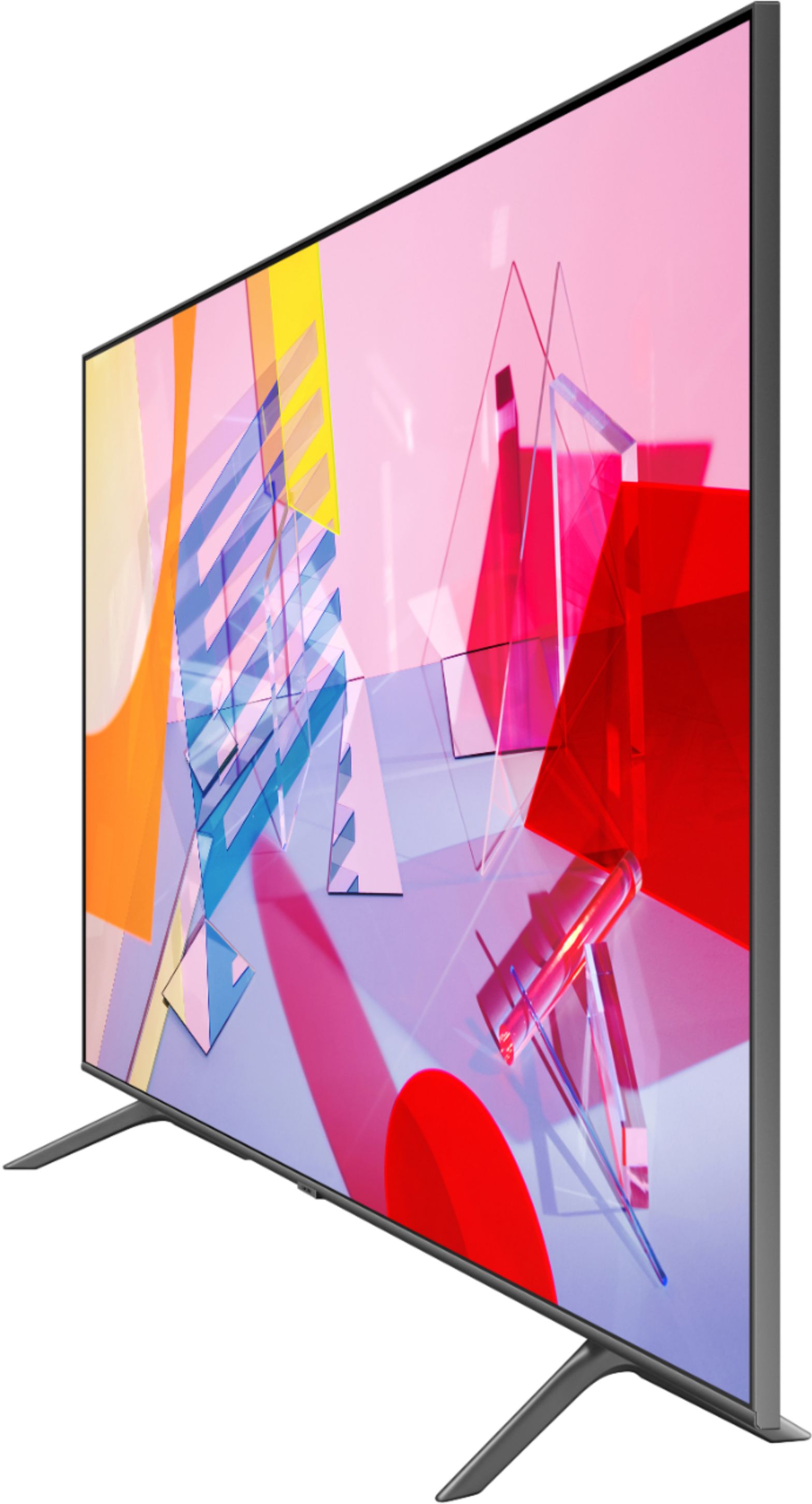



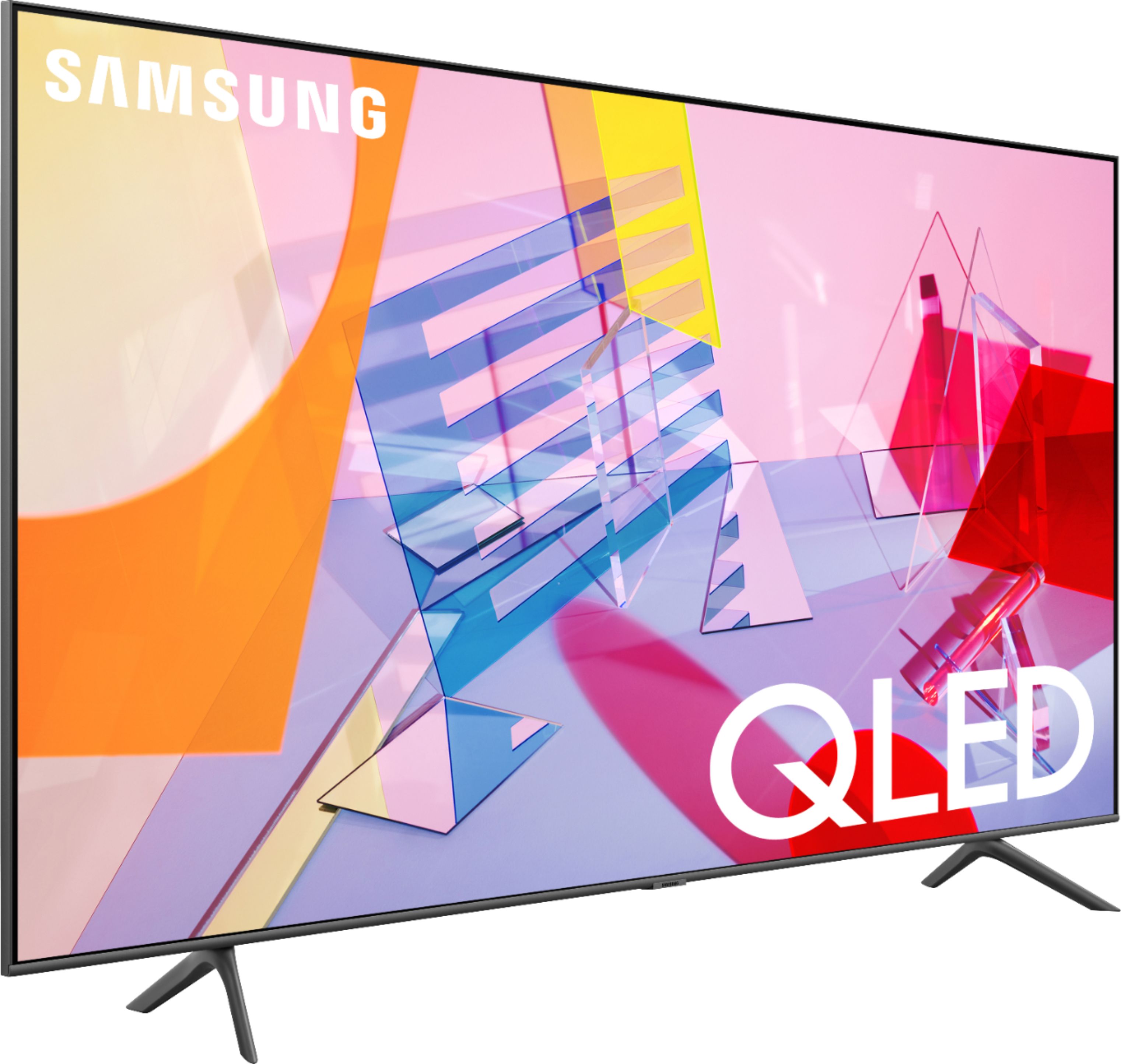
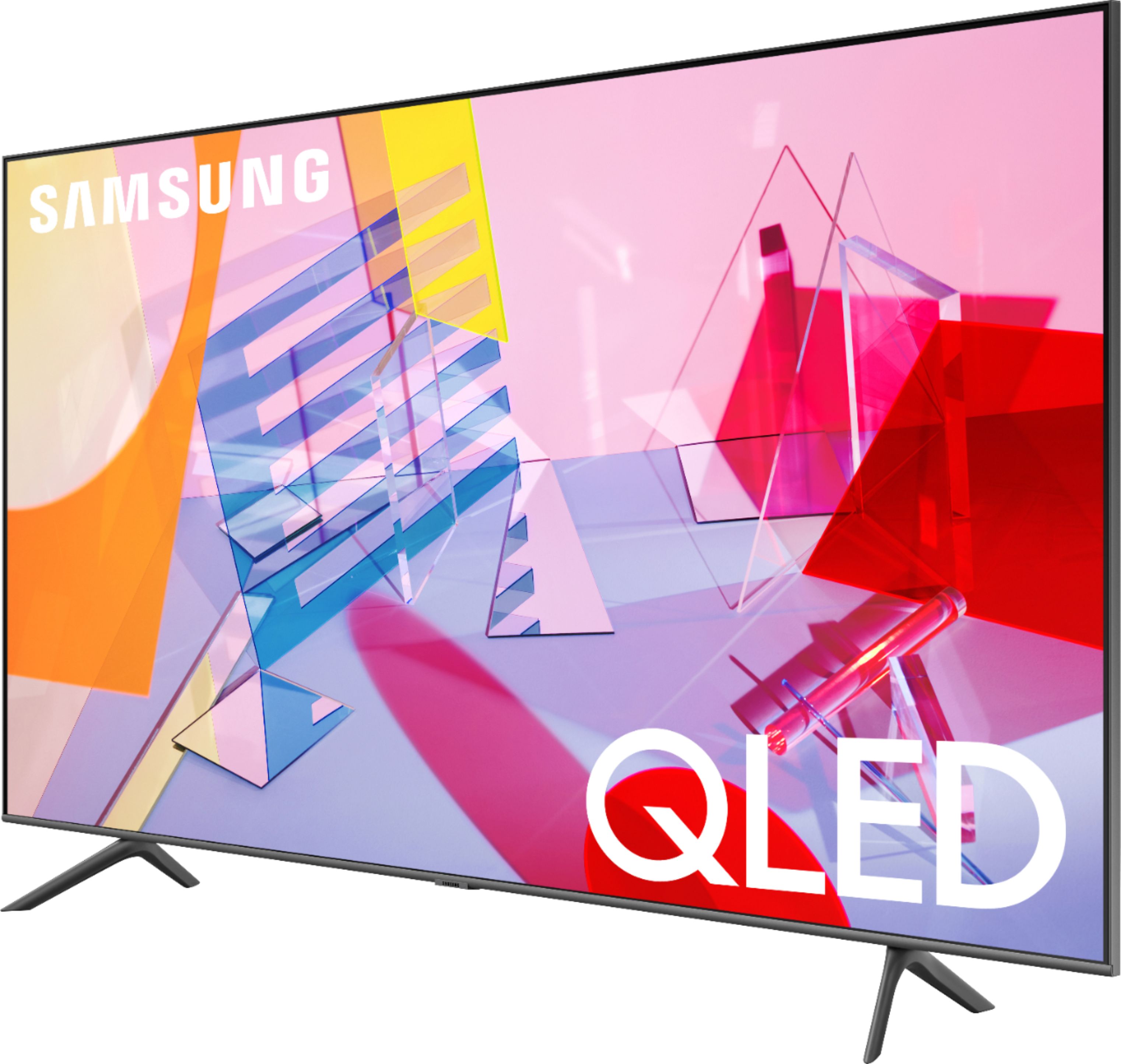







- Model:
- QN43Q60TAFXZA
- SKU:
- 6401760
Rating by feature
- Picture Quality
Rating 4.7 out of 5 stars
- Sound Quality
Rating 4.5 out of 5 stars
- Brightness
Rating 4.6 out of 5 stars
Customers are saying
Customers commend the 43" Class Q60T Series QLED 4K UHD Smart Tizen TV for its exceptional picture quality, easy setup, and affordable price. Many users rave about the vibrant colors and sharp images, while others appreciate the user-friendly interface and smooth gaming experience. However, some users express dissatisfaction with the remote control and viewing angles.
This summary was generated by AI based on customer reviews.
Ok
||Posted . Owned for 3 weeks when reviewed.This reviewer received promo considerations or sweepstakes entry for writing a review.Tv is pretty average but good deal if you get black friday prices.
I would recommend this to a friendBrand response from Samsung
Posted .Gabriel:
Thank you for purchasing the Q60T TV and for your review. Our innovative Dual LED backlight technology enables the Q60T to deliver vivid images with improved contrast, off-axis viewing, and color accuracy.
If there is anything we can do to assist you or provide solutions to improve your experience, please contact Samsung Support.
1) Phone: 1-800-SAMSUNG (ask for TVs), available 8AM – 12AM EST 7 days a week
2) LiveChat: https://www.samsung.com/us/support/#contact_us_for_support
3) Facebook Messenger: https://www.facebook.com/samsungsupport
4) Twitter: https://twitter.com/SamsungSupport
5) The Samsung Members Community is also a great resource for getting help from Samsung moderators and customers: https://us.community.samsung.com
If you have not already done so, we invite you to register your new Samsung product at: https://www.samsung.com/us/account/signin/?redirect=https%3A%2F%2Fwww.samsung.com%2Fus%2Fsupport%2Fregister%2F
Registering your product gives you access to easy warranty support, convenient opt-in to special promos and offers, faster troubleshooting and service, and quick notification of system updates.
~ Samsung Solutions
My43inch
||Posted . Owned for 2 weeks when reviewed.This reviewer received promo considerations or sweepstakes entry for writing a review.Sound keeps dropping irradically, picture jumps sometimes
No, I would not recommend this to a friendGood tv
||Posted . Owned for 1 month when reviewed.This reviewer received promo considerations or sweepstakes entry for writing a review.tv is ok could be better I have no more questions 2 ask
I would recommend this to a friend- Pros mentioned:Picture quality
Disappointed
||Posted . Owned for 3 months when reviewed.This reviewer received promo considerations or sweepstakes entry for writing a review.TV worked great picture beautiful then stated having issues 2 months after purchase, TV keeps shutting off and have issues getting the TV to come back on. Very disappointed and past return date.
No, I would not recommend this to a friend Poor Installation Manual
||Posted .This reviewer received promo considerations or sweepstakes entry for writing a review.There was no General installation manual. Still trying to figure out how to use some of the buttons on the remote. I don't like the volume control with the voice of the TV. Going NUTS can't disconnect that feature, especially at night when volume is very loud.
No, I would not recommend this to a friendHas not measured up
||Posted .This reviewer received promo considerations or sweepstakes entry for writing a review.There is a glare like a mirror almost and I am wondering if there is a film covering the screen. If so I cannot get it off. If there isn’t a film then there is something not right with this tv.
No, I would not recommend this to a friendBoy do you get what you pay for !
||Posted . Owned for 1 month when reviewed.This reviewer received promo considerations or sweepstakes entry for writing a review.My mistake for not driving the 80 miles to nearest Best Buy. This Samsung is is far from being what i expect from Samsung. My old 32" Samsung ( made in sept. 2006 ) picture is 10 times that of this one. Hard to judge online. Lesson learned.
No, I would not recommend this to a friendUnhappy
||Posted . Owned for 3 weeks when reviewed.This reviewer received promo considerations or sweepstakes entry for writing a review.Got it set up. Called Geek Squad with questions and on hold for 25 minutes and finally hung up. Wall mounting bracket I was told was for this TV didn't have the proper bolts. Had 35 mm needed 45 mm length bolts. Not impressed
No, I would not recommend this to a friendBrand response from Samsung
Posted .Neveragain:
I am very sorry to hear that you had a frustrating experience with the setup and mounting of your Q60T TV. I hope you are able to resolve it quickly with Best Buy.
Should you need assistance or have questions about setup, using this product, features, or functions please reach out to Samsung Support at:
1) Phone: 1-800-SAMSUNG (ask for TVs), available 8AM – 12AM EST 7 days a week
2) LiveChat: https://www.samsung.com/us/support/#contact_us_for_support
3) Facebook Messenger: https://www.facebook.com/samsungsupport
4) Twitter: https://twitter.com/SamsungSupport
5) The Samsung Members Community is also a great resource for getting help from Samsung moderators and customers: https://us.community.samsung.com
If you have not already done so, we invite you to register your new Samsung product at: https://www.samsung.com/us/account/signin/?redirect=https%3A%2F%2Fwww.samsung.com%2Fus%2Fsupport%2Fregister%2F
Registering your product gives you access to easy warranty support, convenient opt-in to special promos and offers, faster troubleshooting and service, and quick notification of system updates.
~ Samsung Solutions
Horrible!!!
||Posted . Owned for 3 weeks when reviewed.This reviewer received promo considerations or sweepstakes entry for writing a review.The TV alerts every time I open the microwave, the refrigerator, bump the counter, open / close the front door, lock the front door, unlock the front door, and on and on and on!!! I have combed through the setting, the support menue turning settings on and off and testing the results. Nothing helps. I even reset the TV and rescended privacy permissions, and still nothing helps. I am going to junk it as I do not wish to pass on this product. I am done with Samsung TV's Phones, and every product they make!!! There should be a solution, good luck finding it!!! Good Riddance
No, I would not recommend this to a friendBrand response from Samsung
Posted .Done,
Thank you for your purchase and review of this Samsung Q60T QLED Smart TV.
You can simply turn Notification off in SmartThings app for devices that you do not wish to receive notifications from.
If there is anything we can do to further assist and improve your user experience, please do let us know by contacting Samsung Customer Support via the following options:
1) Phone: 1-800-SAMSUNG (ask for TVs)
Available 8AM – 9PM EST (Mon-Fri)
2) LiveChat: https://www.samsung.com/us/support/#contact_us_for_support
3) Facebook Messenger: https://www.facebook.com/samsungsupport
4) Twitter: https://twitter.com/SamsungSupport
5) The Samsung Members Community is also a great resource for getting help from Samsung moderators and customers: https://us.community.samsung.com
If you have not already done so, we invite you to register your new Samsung product at: https://www.samsung.com/us/account/signin/?redirect=https%3A%2F%2Fwww.samsung.com%2Fus%2Fsupport%2Fregister%2F
Registering your product gives you access to easy warranty support, convenient opt-in to special promos and offers, faster troubleshooting and service, and quick notification of system updates.
-Samsung Ambassador
- Cons mentioned:Internet connectivity
Not recommended
||Posted .This reviewer received promo considerations or sweepstakes entry for writing a review.Keeps losing the internet connection. Needs to constantly be reset to connect to wifi. Turns off randomly.
No, I would not recommend this to a friendBrand response from Samsung
Posted .Tv2020:
Thank you for purchasing the Samsung Q60T TV and for your review. I am very sorry you are experiencing WiFi connection issues. A recent firmware update is available which may help improve your connection. (1460.9 released on 12/7/20)
Using your TV's remote, navigate to Settings, and select Support. Select Software Update, and then select Update Now. New updates will be downloaded and installed on your TV. Updates usually take a few minutes; please do not turn off the TV until the update is complete. When the update is finished, the TV will restart automatically.
You may also want to enable automatic updates for future convenience.
Select Settings > Support > Software Update, then select Auto Update.
If your TV appears to turn off by itself, try disabling some of the TV's energy efficiency functions.
See if Sleep Timer has been enabled. The Sleep Timer automatically turns the TV off after a specific period of time. Go to: Settings > General > System Manager > Time > Sleep Timer
If the Sleep Timer has not been enabled, see if Auto Power Off or Off Timer has been enabled and disable it.
- Settings > General > Eco Solution > Auto Power Off
- Settings > General > System Manager > Time > Off Timer
If the TV continues to turn off by itself continuously, please contact our TV Support via:
1) Phone: 1-800-SAMSUNG (ask for TVs), available 8AM – 12AM EST 7 days a week
2) LiveChat: https://www.samsung.com/us/support/#contact_us_for_support
3) Facebook Messenger: https://www.facebook.com/samsungsupport
4) Twitter: https://twitter.com/SamsungSupport
5) The Samsung Members Community is also a great resource for getting help from Samsung moderators and customers: https://us.community.samsung.com
If you have not already done so, we invite you to register your new Samsung product at: https://www.samsung.com/us/account/signin/?redirect=https%3A%2F%2Fwww.samsung.com%2Fus%2Fsupport%2Fregister%2F
Registering your product gives you access to easy warranty support, convenient opt-in to special promos and offers, faster troubleshooting and service, and quick notification of system updates.
~ Samsung Solutions
Xfinity app and Samsung :(
||Posted . Owned for 1.5 years when reviewed.This reviewer received promo considerations or sweepstakes entry for writing a review.Many many issues with xfinity app on this television. It is a pain to try to sync again and again.
No, I would not recommend this to a friendWon’t connect to home WiFi
||Posted . Owned for 2 weeks when reviewed.This reviewer received promo considerations or sweepstakes entry for writing a review.I have owned this TV for less than a month and now it won’t connect to my home WiFi. Used Samsung’s online service tech chat help and every technique that we tried did not work. I also went to watch YouTube videos looking for help and nothing works. I currently own Samsung and LG smart tv’s and both work great so I am returning this tv and going with either of those two brands...NOT PLEASED AT ALL!
No, I would not recommend this to a friendBrand response from Samsung
Posted .Deh404,
I am sorry to hear that WiFi connection issue had developed and caused you to return the Q60T QLED TV.
Should you ever decide to give Samsung TVs another try and have questions or need assistance with settings, setup, or features, please know we are always here to help.
You can contact our Customer Support via any of these options:
1) Phone: 1-800-SAMSUNG (ask for TVs), available 8AM – 12AM EST 7 days a week
2) LiveChat: https://www.samsung.com/us/support/#contact_us_for_support
3) Facebook Messenger: https://www.facebook.com/samsungsupport
4) Twitter: https://twitter.com/SamsungSupport
Again, my sincerest apologies. We hope to regain you as a customer in the future.
-Samsung Ambassador
Not a long life span
||Posted . Owned for 1 year when reviewed.This reviewer received promo considerations or sweepstakes entry for writing a review.I bought this TV in May 24,2020 and it broke down in January 10, 2022 making this Samsung TV last only 17 months, That's not a good quality TV, in the past I had only Sony TV's and they lasted close to 8 years or longer because I always gave them away working.
No, I would not recommend this to a friendOled is MUCH better
||Posted . Owned for 2 months when reviewed.This reviewer received promo considerations or sweepstakes entry for writing a review.I ended up returning this and bought an OLED instead, such better quality!! If you can afford it, go oled.
No, I would not recommend this to a friendBrand response from Samsung
Posted .Kevin:
I am very sorry to see that your Q60T TV did not meet your needs, and you have returned it.
Should you ever decide to give Samsung TVs another try and have questions or need assistance with settings, setup, or features, please know we are always here to help.
1) Phone: 1-800-SAMSUNG (available 8AM -12AM EST, 7 days a week)
2) LiveChat: https://www.samsung.com/us/support/#contact_us_for_support
3) Facebook Messenger: https://www.facebook.com/samsungsupport
4) Twitter: https://twitter.com/SamsungSupport
5) The Samsung Members Community is also a great resource for getting help from Samsung moderators and customers: https://us.community.samsung.com
Thank you again for taking the time to share your thoughts. Your feedback helps us continuously deliver best-in-class products and service.
~ Samsung Solutions
no universal wall mount
||Posted .This reviewer received promo considerations or sweepstakes entry for writing a review.Good TV. If you want to wall mount this you have actually call the company and order their mount from Samsung. This TV does not support a universal wall mount. Good luck being stuck on the phone trying to order the mount. You're better off going with another brand than this hassle.
No, I would not recommend this to a friendBrand response from Samsung
Posted .xxxx:
Thank you for purchasing the 43” Q60T TV. Please know that Samsung TVs are VESA Compliant and work with any wall mount that is also VESA Compliant and designed for the TV's size. For your 43” TV, you will need a VESA bolt pattern 200 mm x 200 mm.
For further assistance, please contact Samsung TV Support at:
1) Phone: 1-800-SAMSUNG (ask for TVs), available 8AM – 12AM EST 7 days a week
2) LiveChat: https://www.samsung.com/us/support/#contact_us_for_support
3) Facebook Messenger: https://www.facebook.com/samsungsupport
4) Twitter: https://twitter.com/SamsungSupport
5) The Samsung Members Community is also a great resource for getting help from Samsung moderators and customers: https://us.community.samsung.com
If you have not already done so, we invite you to register your new Samsung product at: https://www.samsung.com/us/account/signin/?redirect=https%3A%2F%2Fwww.samsung.com%2Fus%2Fsupport%2Fregister%2F
Registering your product gives you access to easy warranty support, convenient opt-in to special promos and offers, faster troubleshooting and service, and quick notification of system updates.
~ Samsung Solutions
Dud TV. Had to exchange.
||Posted .This reviewer received promo considerations or sweepstakes entry for writing a review.This was a 2nd TV purchased on the same date. Wireless network would not connect to the TV despite calls to Samsung & AT&T and multiple attempts involving hours extending into days. We finally returned & exchanged it for the same make & model. We installed the exact same make & model just days previous to this one with no problems.
No, I would not recommend this to a friendBrand response from Samsung
Posted .Dazed,
Thank you for choosing Samsung and for sharing your feedback with us.
We are sincerely sorry for the issues you have faced. Please do try reaching out to us again with the Service/Call-In Ticket # we issued you during your initial contact with Samsung Service.
You can contact us via any of these options:
1) Phone: 1-800-SAMSUNG (ask for TVs), available 8AM – 12AM EST 7 days a week
2) LiveChat: https://www.samsung.com/us/support/#contact_us_for_support
3) Facebook Messenger: https://www.facebook.com/samsungsupport
4) Twitter: https://twitter.com/SamsungSupport
5) The Samsung Members Community is also a great resource for getting help from Samsung moderators and customers: https://us.community.samsung.com
If you have not already done so, we invite you to register your new Samsung product at:
https://www.samsung.com/us/account/signin/?redirect=https%3A%2F%2Fwww.samsung.com%2Fus%2Fsupport%2Fregister%2F&user=dsr-registration
Registering your product gives you access to easy warranty support, convenient opt-in to special promos and offers, faster troubleshooting and service, and quick notification of system updates.
Again, thank you for taking the time to share your thoughts. Your feedback helps us continuously deliver best-in-class products and service.
-Samsung Ambassador
Samsung smart TV is a bad choice
||Posted . Owned for 4 months when reviewed.This reviewer received promo considerations or sweepstakes entry for writing a review.Audio quality bass vibrates. T.V. Freezes all around should have went with Sony
No, I would not recommend this to a friendBrand response from Samsung
Posted .TheChicanoViking:
Thank you for sharing your experience with the Q60T TV. I am sorry that your TV is freezing periodically. To optimize the smart TV performance, please try Device Care option under the Support Menu. Go to Settings > Support> Device Care > Start Device Care
This service checks memory and frees up unused cached memory and closes background apps.
You may select from several Sound Modes and advanced settings to meet your personal preferences. Press the Home button on your remote, and then navigate to Settings > Sound > Sound Mode
You can also customize the sound with Expert Settings. Home > Settings > Sound > Expert Settings.
For assistance with these features or choosing a Samsung Soundbar to complement your viewing enjoyment, please reach out to us at:
1) Phone: 1-800-SAMSUNG (ask for TVs), available 8AM – 12AM EST 7 days a week
2) LiveChat: https://www.samsung.com/us/support/#contact_us_for_support
3) Facebook Messenger: https://www.facebook.com/samsungsupport
4) Twitter: https://twitter.com/SamsungSupport
5) The Samsung Members Community is also a great resource for getting help from Samsung moderators and customers: https://us.community.samsung.com
If you have not already done so, we invite you to register your new Samsung product at: https://www.samsung.com/us/account/signin/?redirect=https%3A%2F%2Fwww.samsung.com%2Fus%2Fsupport%2Fregister%2F
Registering your product gives you access to easy warranty support, convenient opt-in to special promos and offers, faster troubleshooting and service, and quick notification of system updates.
~ Samsung Solutions
Not happy
||Posted . Owned for 1 month when reviewed.This reviewer received promo considerations or sweepstakes entry for writing a review.We returned this TV because it did not have the capabilities to communicate with our cable company screen adjustment. We even had the cable company representative come out. Also, the TV is still on our account - returned Dec 2020. We were told by Citibank it would eventually come off ... seriously??? Bad!!!
No, I would not recommend this to a friendBrand response from Samsung
Posted .Goody:
I am very sorry to see that your Q60T TV did not communicate with your cable company screen adjustment as expected, and you have returned it.
Should you ever decide to give Samsung TVs another try and have questions or need assistance with settings, setup, or features, please know we are always here to help.
1) Phone: 1-800-SAMSUNG (ask for TVs), available 8AM – 12AM EST 7 days a week
2) LiveChat: https://www.samsung.com/us/support/#contact_us_for_support
3) Facebook Messenger: https://www.facebook.com/samsungsupport
4) Twitter: https://twitter.com/SamsungSupport
5) The Samsung Members Community is also a great resource for getting help from Samsung moderators and customers: https://us.community.samsung.com
If you have not already done so, we invite you to register your new Samsung product at: https://www.samsung.com/us/account/signin/?redirect=https%3A%2F%2Fwww.samsung.com%2Fus%2Fsupport%2Fregister%2F
Registering your product gives you access to easy warranty support, convenient opt-in to special promos and offers, faster troubleshooting and service, and quick notification of system updates.
~ Samsung Solutions
Unhappy with my TV
||Posted . Owned for 1 month when reviewed.This reviewer received promo considerations or sweepstakes entry for writing a review.I am very unhappy with my TV. It is far too advanced for a senior as myself. I only wanted quality. The instructions are very unclear. After spending almost $600 a manual isn't even included. You have to print it ... 200 pages. i wish I had saved my box so that I could return it.
No, I would not recommend this to a friendBrand response from Samsung
Posted .jeancosta:
Thank you for purchasing the Q60T TV. I am very sorry that you are not completely happy with your TV and are finding it difficult to use. Please know that you do not need to print out the e-Manual. The manual is available directly on your TV at: Settings > Support > Open e-Manual
Should you need assistance with features or usage, please contact Samsung Customer Support via any of the below options:
1) Phone: 1-800-SAMSUNG (ask for TVs), available 8AM – 12AM EST 7 days a week
2) LiveChat: https://www.samsung.com/us/support/#contact_us_for_support
3) Facebook Messenger: https://www.facebook.com/samsungsupport
4) Twitter: https://twitter.com/SamsungSupport
5) The Samsung Members Community is also a great resource for getting help from Samsung moderators and customers: https://us.community.samsung.com
If you have not already done so, we invite you to register your new Samsung product at: https://www.samsung.com/us/account/signin/?redirect=https%3A%2F%2Fwww.samsung.com%2Fus%2Fsupport%2Fregister%2F
Registering your product gives you access to easy warranty support, convenient opt-in to special promos and offers, faster troubleshooting and service, and quick notification of system updates.
~ Samsung Solutions
Size not to good.
||Posted . Owned for 1 month when reviewed.This reviewer received promo considerations or sweepstakes entry for writing a review.I measure the TV and it is only 39 In not 43 I did not like this.
No, I would not recommend this to a friendBrand response from Samsung
Posted .Nega,
I am sorry that you are not happy with your purchase.
Please know that TV sizes are based on diagonal measurement.
Shuold you need further assistance with measurement or other features, please contact us via any of the following options:
1) Phone: 1-800-SAMSUNG
Available 8AM – 12AM EST 7 days a week
2) LiveChat: https://www.samsung.com/us/support/#contact_us_for_support
3) Facebook Messenger: https://www.facebook.com/samsungsupport
4) Twitter: https://twitter.com/SamsungSupport
We hope to hear from you soon and assist you with a satisfactory solution.
-Samsung Ambassador