Customer Ratings & Reviews
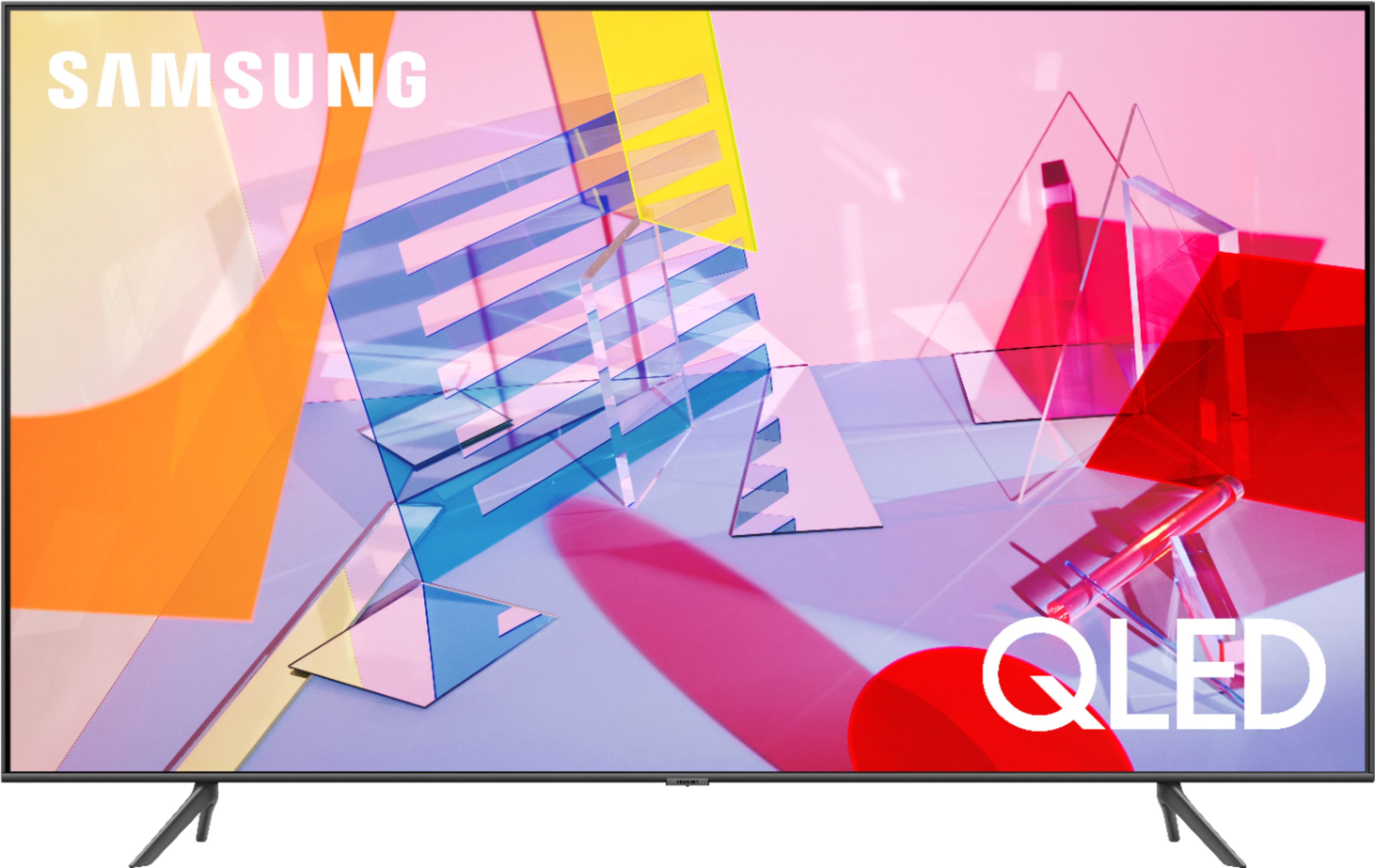
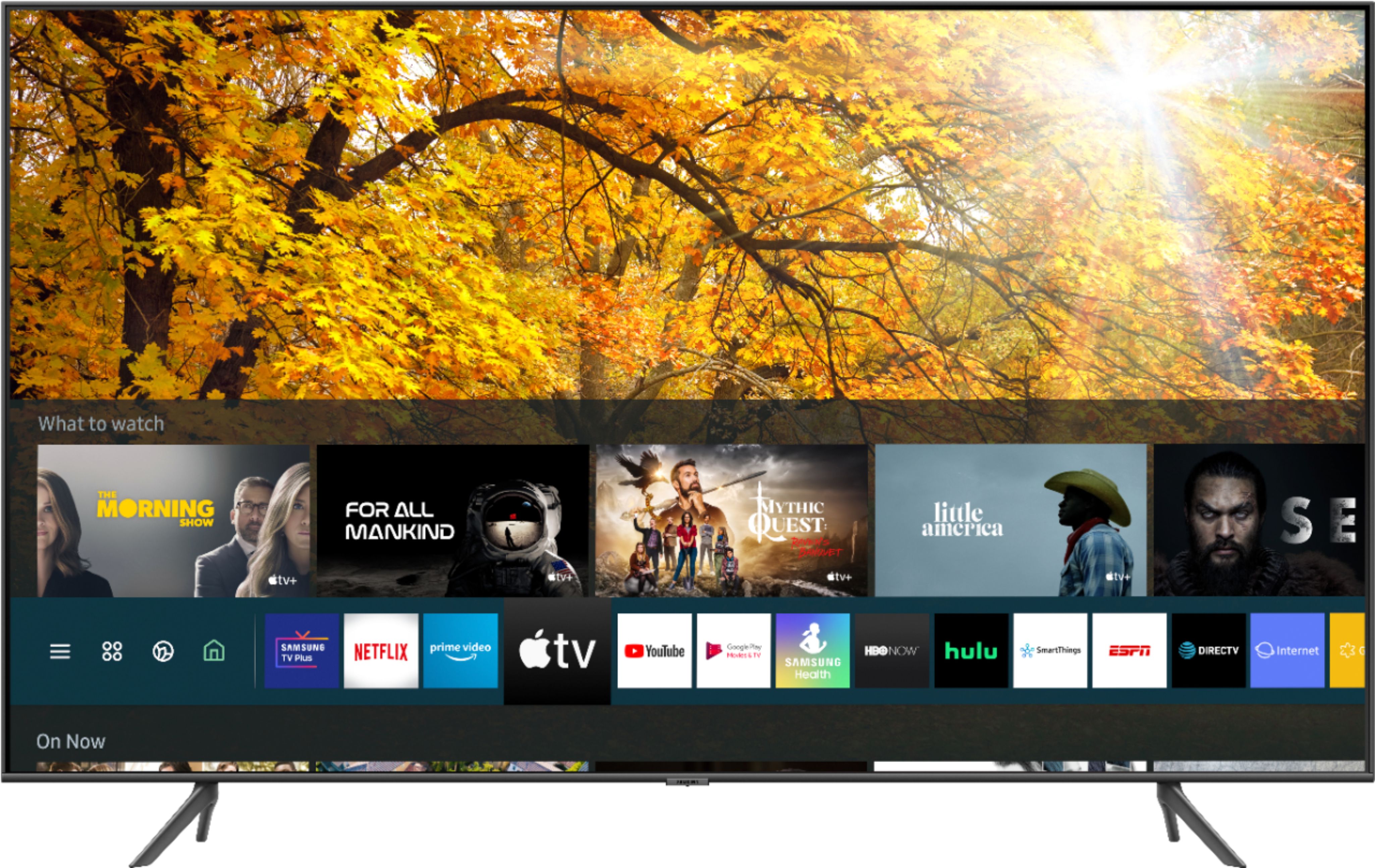



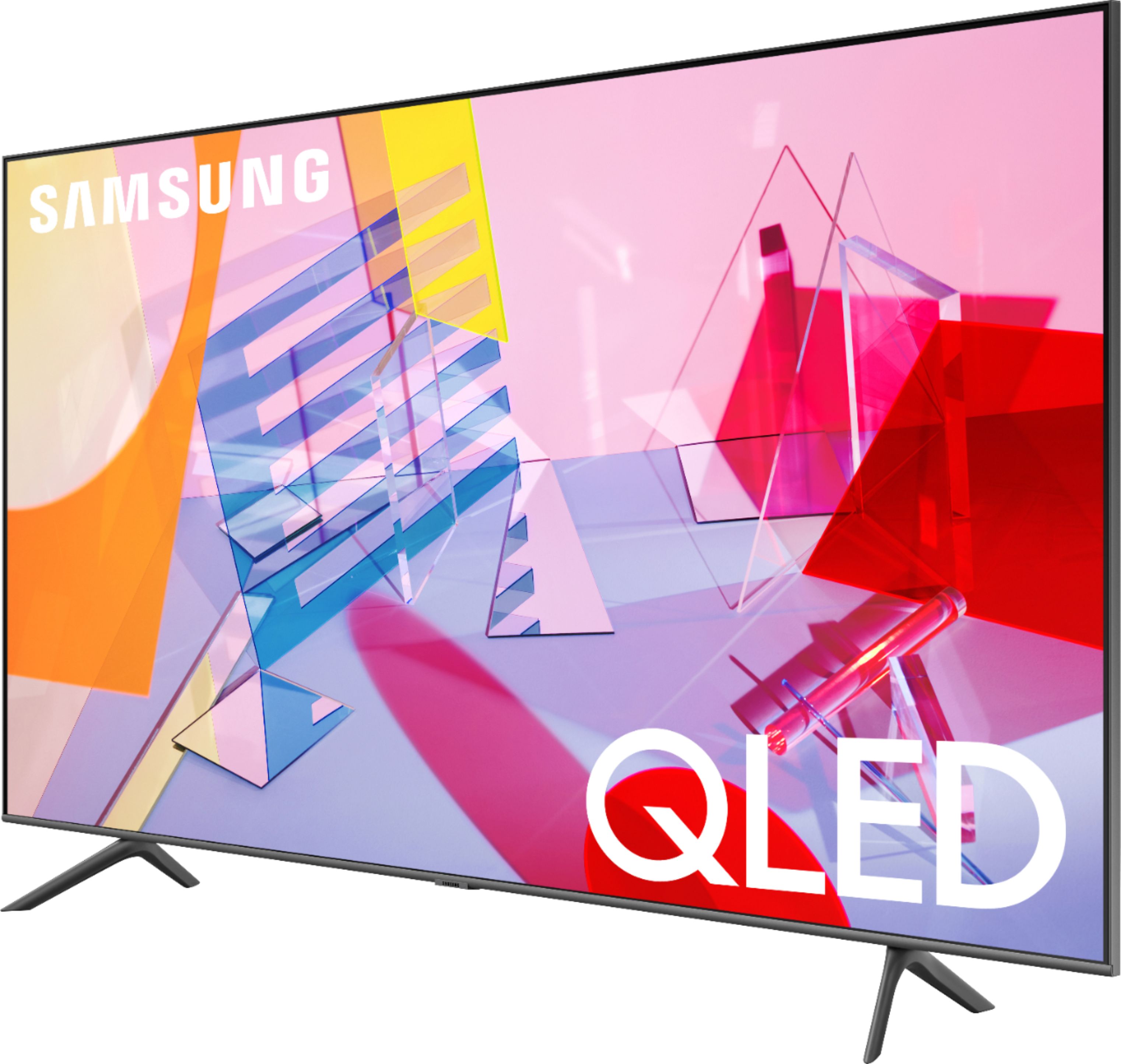







- Model:
- QN43Q60TAFXZA
- SKU:
- 6401760
Rating by feature
- Picture Quality
Rating 4.7 out of 5 stars
- Sound Quality
Rating 4.5 out of 5 stars
- Brightness
Rating 4.6 out of 5 stars
Customers are saying
Customers commend the 43" Class Q60T Series QLED 4K UHD Smart Tizen TV for its exceptional picture quality, easy setup, and affordable price. Many users rave about the vibrant colors and sharp images, while others appreciate the user-friendly interface and smooth gaming experience. However, some users express dissatisfaction with the remote control and viewing angles.
This summary was generated by AI based on customer reviews.
WEAK sauce
||Posted . Owned for 1 month when reviewed.This reviewer received promo considerations or sweepstakes entry for writing a review.Do not purchase this if you want to game or use a PC or MAC. Bought two of these. Connected to Mac Pro, MacBook Pro, XBOX, Switch, and huge lag time. Samsung support was lackluster, and told me I should not hook up a PC to their tv's, I should instead buy a monitor.
No, I would not recommend this to a friendBrand response from Samsung
Posted .NoYouMayNot:
Thank you for sharing your review of the Samsung Q60T TV. I am sorry that you are experiencing some lag when connecting your external PCs and gaming consoles and did not find your initial contact with support to be helpful.
To optimize the smart TV performance, you may want to try Device Care option under the Support Menu. Go to Settings > Support> Device Care > Start Device Care
This service checks memory and frees up unused cached memory and closes background apps.
You may also want to try HDMI Troubleshooting; you can check the connection to HDMI cable and external devices (takes approx. 2 minutes) Source > Connection Guide > Video Device > HDMI Troubleshooting
For further assistance, please contact Samsung TV Support.
1) Phone: 1-800-SAMSUNG (ask for TVs), available 8AM – 12AM EST 7 days a week
2) LiveChat: https://www.samsung.com/us/support/#contact_us_for_support
3) Facebook Messenger: https://www.facebook.com/samsungsupport
4) Twitter: https://twitter.com/SamsungSupport
5) The Samsung Members Community is also a great resource for getting help from Samsung moderators and customers: https://us.community.samsung.com
If you have not already done so, we invite you to register your new Samsung product at: https://www.samsung.com/us/account/signin/?redirect=https%3A%2F%2Fwww.samsung.com%2Fus%2Fsupport%2Fregister%2F
Registering your product gives you access to easy warranty support, convenient opt-in to special promos and offers, faster troubleshooting and service, and quick notification of system updates.
~ Samsung Solutions
Best Buy shipped open box
||Posted . Owned for less than 1 week when reviewed.This reviewer received promo considerations or sweepstakes entry for writing a review.Shipped open box. Paid for new! Called. Said emailed confirmation the 1st time. None. Called back not reordered. Oh, reorder 2 day shipping. Ends up 10 days. No email confirmation. Called back. Waited 1.5 hrs for call back. They hung up on me. 3rd time 1.5 hrs for call back. Cancel!
No, I would not recommend this to a friendBrand response from Samsung
Posted .Rosie,
Thank you for your review on this Samsung TV.
I am sorry you had issues with the purchase experience of your TV and had to cancel the oder. Your feedback is important to us and we will document your concerns.
Should you ever decide to try another Samsung TV products and have concerns or questions, please know we are always here to help. You can contact our Customer Support toll-free at 1-800-SAMSUNG (ask for TVs) Available 8AM – 9PM EST (Mon-Fri)
Simply copy-paste this link into your browser to LiveChat with us: https://www.samsung.com/us/support/#contact_us_for_support
We are likewise reachable by Facebook Messenger at: https://www.facebook.com/samsungsupport
Or find us on Twitter at https://twitter.com/SamsungSupport
Again, my sincerest apologies. We hope to regain you as a customer in the future.
-Samsung Ambassador
Trying to get it wall mounted for a long time now!
||Posted . Owned for 1 month when reviewed.This reviewer received promo considerations or sweepstakes entry for writing a review.Finally got right one sent to me, a comedy of errors by Best Buy. Way to long in getting it right on their part and very, very frustrating after my recent Stroke and increased stress after losing my job because of COVID 19 + 2 week hospitalization/now rehab + no TV.
No, I would not recommend this to a friendBrand response from Samsung
Posted .None,
Thank you for your review on this Samsung Q60T QLED TV.
I am sorry you had issues with the purchase experience. Your feedback is important to us and we will document your concerns.
If you ever need assistance with the TV itself, please reach out to Samsung Customer Support.
You can contact our Customer Support toll-free at 1-800-SAMSUNG (ask for TVs) Available 8AM – 12AM EST 7 days a week
Simply copy-paste this link into your browser for LiveChat: https://www.samsung.com/us/support/#contact_us_for_support
We are likewise reachable by Facebook Messenger at: https://www.facebook.com/samsungsupport
Or find us on Twitter at https://twitter.com/SamsungSupport
Again, thank you for bringing the issue to our attention – we greatly value your feedback.
It is our customers’ concerns and opinions that drive our continuous efforts towards delivering world-class service and products.
- Samsung Ambassador
Worse tv I've owned. Broken black screen twice in
||Posted . Owned for 3 months when reviewed.This reviewer received promo considerations or sweepstakes entry for writing a review.Cheapest tv I've ever owned. Broken down twice since i purchased. Turns on but no picture just black screen twice already.
No, I would not recommend this to a friendStill don't have it.
||Posted .This reviewer received promo considerations or sweepstakes entry for writing a review.Bought a Samsung tv and a sound bar tv stand. Still haven't been delivered / set-up after 2 no show appointments. Beware, best buy uses an unknown company to do their deliveries and installations, unless you demand actual Geeksquad staff.
No, I would not recommend this to a friendBrand response from Samsung
Posted .Moses,
I am very sorry that you experienced issues with the delivery of your Q60T QLED 4K TV.
We recommend you share your concerns and feedback directly with Best Buy.
Should you ever need assistance or have questions about using the TV, please know we are here to help. You can reach Samsung Support via:
1) Phone: 1-800-SAMSUNG (ask for TVs), available 8AM – 12AM EST 7 days a week
2) LiveChat: https://www.samsung.com/us/support/#contact_us_for_support
3) Facebook Messenger: https://www.facebook.com/samsungsupport
4) Twitter: https://twitter.com/SamsungSupport
5) The Samsung Members Community is also a great resource for getting help from Samsung moderators and customers: https://us.community.samsung.com
If you have not already done so, we invite you to register your new Samsung product at:
https://www.samsung.com/us/account/signin/?redirect=https%3A%2F%2Fwww.samsung.com%2Fus%2Fsupport%2Fregister%2F&user=dsr-registration
Registering your product gives you access to easy warranty support, convenient opt-in to special promos and offers, faster troubleshooting and service, and quick notification of system updates.
-Samsung Ambassador
Delivered and set up a broken tv&charging meextra
||Posted . Owned for 1 month when reviewed.This reviewer received promo considerations or sweepstakes entry for writing a review.brand new in the box 55" tv, geek guys were paid $300 to install for us. tv is broken. their solution includes charging me another $150.00 to fix "their problem!" very disappointed. will never purchase from them again.
No, I would not recommend this to a friendBrand response from Samsung
Posted .disappointed,
Thank you for purchasing the Samsung 43" Class Q60T QLED 4K TV and for bringing your concerns to our attention.
I apologize for the unfortunate experience you had with the broken TV and extra service charge.
Our products leave the factory after passing numerous rigorous quality checks. Nonetheless, a TV is a very fragile device and damage could have been incurred during shipping and handling.
We recommend you contact Best Buy directly for assistance.
If your TV was not damaged in deilvery, but arrived malfunction, please contact our Customer Support for assessment and warranty service.
You can reach us via any of these options:
1) Phone: 1-800-SAMSUNG (ask for TVs), available 8AM – 12AM EST 7 days a week
2) LiveChat: https://www.samsung.com/us/support/#contact_us_for_support
3) Facebook Messenger: https://www.facebook.com/samsungsupport
4) Twitter: https://twitter.com/SamsungSupport
If you have not already done so, we invite you to register your new Samsung product at:
https://www.samsung.com/us/account/signin/?redirect=https%3A%2F%2Fwww.samsung.com%2Fus%2Fsupport%2Fregister%2F&user=dsr-registration
Registering your product gives you access to easy warranty support, convenient opt-in to special promos and offers, faster troubleshooting and service, and quick notification of system updates.
-Samsung Ambassador
Bad Customer Service
||Posted . Owned for 1 month when reviewed.This reviewer received promo considerations or sweepstakes entry for writing a review.Your Stores never pick up the phone then when you have to drive in Lo and behold wow look at all the jovial employees not one picking up the phone while I come in with 2 cell phones listening to on hold music.
No, I would not recommend this to a friendBrand response from Samsung
Posted .NUNYA:
Thank you for purchasing the Samsung Q60T QLED TV and sharing your review. I hope setup went smoothly with your new TV, and you are now enjoying the picture brought to you by the Dual LED backlight technology.
I am sorry to hear of your poor purchase experience. You may want to consider providing feedback directly to the Best Buy store where you made your purchase.
If you should ever have questions on setup, features or operation, Samsung is ready to help you with enjoying your new TV. You can reach Samsung Support at:
1) Phone: 1-800-SAMSUNG (ask for TVs), available 8AM – 12AM EST 7 days a week
2) LiveChat: https://www.samsung.com/us/support/#contact_us_for_support
3) Facebook Messenger: https://www.facebook.com/samsungsupport
4) Twitter: https://twitter.com/SamsungSupport
5) The Samsung Members Community is also a great resource for getting help from Samsung moderators and customers: https://us.community.samsung.com
If you have not already done so, we invite you to register your new Samsung product at: https://www.samsung.com/us/account/signin/?redirect=https%3A%2F%2Fwww.samsung.com%2Fus%2Fsupport%2Fregister%2F
Registering your product gives you access to easy warranty support, convenient opt-in to special promos and offers, faster troubleshooting and service, and quick notification of system updates.
~ Samsung Solutions
smart tvs are junk
||Posted . Owned for 3 months when reviewed.This reviewer received promo considerations or sweepstakes entry for writing a review.smart tvs are smart enough to break so if you want another tv you have to purchase the warranty tv less then 6 months old about $500 for a junk smart tv.
No, I would not recommend this to a friendKeeps freezing
||Posted . Owned for 1 week when reviewed.This reviewer received promo considerations or sweepstakes entry for writing a review.Every single day since I’ve bought it the apps keep freezing. I have to unplug the tv for a few seconds just to get everything working again. Will be returning soon.
No, I would not recommend this to a friendBrand response from Samsung
Posted .Jenn,
I am sorry that you are experiencing stalling and freezing with your apps.
To optimize the smart TV performance, please try Device Care option under the Support Menu.
Go to Settings > Support> Device Care > Start Device Care.
This service checks memory and frees up unused cached memory and closes background apps.
I hope this helps to solve your concerns.
If the issues persist, please reach out to Samsung Customer Support at:
1) Phone: 1-800-SAMSUNG (ask for TVs) Available 8AM - 12AM EST (Mon-Fri) / 9AM - 11PM EST (Sat-Sun)
2) LiveChat: https://www.samsung.com/us/support/#contact_us_for_support
3) Facebook Messenger: https://www.facebook.com/samsungsupport
4) Twitter: https://twitter.com/SamsungSupport
Have you registered your new Samsung TV with us? If not, we invite you to do so at: https://www.samsung.com/us/account/signin/?redirect=https%3A%2F%2Fwww.samsung.com%2Fus%2Fsupport%2Fregister%2F, and gain access to easy warranty support, convenient opt-in to special promos & offers, faster troubleshooting & service, and quick notification of system updates.
-Samsung Ambassador
Tv blew
||Posted . Owned for 1 month when reviewed.This reviewer received promo considerations or sweepstakes entry for writing a review.Tv went out after only having it for less than two months. It's been a week and still waiting on Samsung to come fix my tv.
No, I would not recommend this to a friendBrand response from Samsung
Posted .Mrfreeze21:
I am very sorry that you experienced issues with your Q60T TV and are currently waiting for it to be serviced. I understand your frustration and appreciate your patience. Should you have any issues with your TV after service is complete, please contact Samsung Customer Support.
1) Phone: 1-800-SAMSUNG (ask for TVs), available 8AM – 12AM EST 7 days a week
2) LiveChat: https://www.samsung.com/us/support/#contact_us_for_support
3) Facebook Messenger: https://www.facebook.com/samsungsupport
4) Twitter: https://twitter.com/SamsungSupport
5) The Samsung Members Community is also a great resource for getting help from Samsung moderators and customers: https://us.community.samsung.com
If you have not already done so, we invite you to register your new Samsung product at: https://www.samsung.com/us/account/signin/?redirect=https%3A%2F%2Fwww.samsung.com%2Fus%2Fsupport%2Fregister%2F
Registering your product gives you access to easy warranty support, convenient opt-in to special promos and offers, faster troubleshooting and service, and quick notification of system updates.
~ Samsung Solutions
Not hyped
||Posted .This reviewer received promo considerations or sweepstakes entry for writing a review.does anyone else’s tv just lose brightness. I change the picture mode and then it just slowly gets darker. pretty infuriating.
No, I would not recommend this to a friendBrand response from Samsung
Posted .stevisfilmz:
Thank you for your review of the Samsung Q60T TV. If your TV is dimming on its own, you may want to disable some of the energy efficiency features.
Disable Ambient Light Detection, Power Saving Mode, Motion Lighting, or Contrast Enhancer.
Settings > General> Eco Solution> Ambient Light Detection
Settings > General> Eco Solution> Power Saving Mode
Settings > General> Eco Solution> Motion Lighting
Settings > Picture > Expert Settings > Contrast Enhancer
You may also want to Run Picture Test. When the tested image quality is normal, check the signal of the connected device.
Settings > Support > Device Care > Self Diagnosis > Picture Test
I hope this helps. If your issue persists, please reach out to Samsung Customer Support, and a representative will gladly assist you.
1) Phone: 1-800-SAMSUNG (ask for TVs), available 8AM – 12AM EST 7 days a week
2) LiveChat: https://www.samsung.com/us/support/#contact_us_for_support
3) Facebook Messenger: https://www.facebook.com/samsungsupport
4) Twitter: https://twitter.com/SamsungSupport
5) The Samsung Members Community is also a great resource for getting help from Samsung moderators and customers: https://us.community.samsung.com
If you have not already done so, we invite you to register your new Samsung product at: https://www.samsung.com/us/account/signin/?redirect=https%3A%2F%2Fwww.samsung.com%2Fus%2Fsupport%2Fregister%2F
Registering your product gives you access to easy warranty support, convenient opt-in to special promos and offers, faster troubleshooting and service, and quick notification of system updates.
~ Samsung Solutions
Quality but blurry
||Posted .This reviewer received promo considerations or sweepstakes entry for writing a review.Great quality on still images but terrible blur on any faster moving content. Returned within 2 days of trying to cope.
No, I would not recommend this to a friendBrand response from Samsung
Posted .aaa8:
Thank you for sharing your review of the Samsung Q90T TV. I am very sorry that you were not completely happy with image quality and have decided to return it.
Should you ever decide to give Samsung TVs another try and have questions or need assistance with settings, setup, or features, please know we are always here to help.
1) Phone: 1-800-SAMSUNG (available 8AM -12AM EST, 7 days a week)
2) LiveChat: https://www.samsung.com/us/support/#contact_us_for_support
3) Facebook Messenger: https://www.facebook.com/samsungsupport
4) Twitter: https://twitter.com/SamsungSupport
5) The Samsung Members Community is also a great resource for getting help from Samsung moderators and customers: https://us.community.samsung.com
Thank you again for taking the time to share your thoughts. Your feedback helps us continuously deliver best-in-class products and service.
~ Samsung Solutions
Don't purchase
||Posted . Owned for 1 month when reviewed.This reviewer received promo considerations or sweepstakes entry for writing a review.It was terrible I returned it the next day.The picture was dark.
No, I would not recommend this to a friendBrand response from Samsung
Posted .Donotbuy:
Thank you for sharing your review of the Samsung Q60T TV. I am very sorry that you were not completely happy with image quality and have decided to return it.
Should you ever decide to give Samsung TVs another try and have questions or need assistance with settings, setup, or features, please know we are always here to help.
Again, my sincerest apologies. We hope to regain you as a customer in the future.
1) Phone: 1-800-SAMSUNG (available 8AM -12AM EST, 7 days a week)
2) LiveChat: https://www.samsung.com/us/support/#contact_us_for_support
3) Facebook Messenger: https://www.facebook.com/samsungsupport
4) Twitter: https://twitter.com/SamsungSupport
5) The Samsung Members Community is also a great resource for getting help from Samsung moderators and customers: https://us.community.samsung.com
Thank you again for taking the time to share your thoughts. Your feedback helps us continuously deliver best-in-class products and service.
~ Samsung Solutions
Unable to watch
||Posted . Owned for 1 month when reviewed.This reviewer received promo considerations or sweepstakes entry for writing a review.It was not connected correctly to the wireless. So it is useless.
No, I would not recommend this to a friendBrand response from Samsung
Posted .GaryR,
I am very sorry that you are having some Wi-Fi connection issues with your Q60T QLED Smart TV.
We suggest you to try these steps:
1) Check the distance between the TV and your modem or access point. The distance should not exceed 50 ft. (15.2 m).
2) Minimize interference by not using or turning off wireless devices. Also, verify that there are no obstacles between the TV and the modem or access point. (WiFi strength can be decreased by appliances, cordless phones, stone walls/fireplaces, etc.)
3) Perform a network test to check if there is a network problem.
Press the Home button on your remote. Navigate to Settings >Support> Device Care> Self Diagnosis> Smart Hub Connection Test
If the test concludes that the unit needs service, please contact us via any of the following options:
1) Phone: 1-800-SAMSUNG (ask for TVs), available 8AM – 12AM EST 7 days a week
2) LiveChat: https://www.samsung.com/us/support/#contact_us_for_support
3) Facebook Messenger: https://www.facebook.com/samsungsupport
4) Twitter: https://twitter.com/SamsungSupport
5) The Samsung Members Community is also a great resource for getting help from Samsung moderators and customers: https://us.community.samsung.com
If you have not already done so, we invite you to register your new Samsung product at: https://www.samsung.com/us/account/signin/?redirect=https%3A%2F%2Fwww.samsung.com%2Fus%2Fsupport%2Fregister%2F
Registering your product gives you access to easy warranty support, convenient opt-in to special promos and offers, faster troubleshooting and service, and quick notification of system updates.
-Samsung Ambassador
30 days and stop working
||Posted . Owned for 1 month when reviewed.This reviewer received promo considerations or sweepstakes entry for writing a review.best buy will not help you have to go through Samsung
No, I would not recommend this to a friendBrand response from Samsung
Posted .tucson,
I am very sorry for the issues you encountered with your Q60T QLED Smart TV. Please know that your comments on product and service are greatly valued and will be shared with our internal teams.
Should you wish to check the status of your repair or need any further assistance, please contact us:
1) Phone: 1-800-SAMSUNG (ask for TVs), available 8AM – 12AM EST 7 days a week
2) LiveChat: https://www.samsung.com/us/support/#contact_us_for_support
3) Facebook Messenger: https://www.facebook.com/samsungsupport
4) Twitter: https://twitter.com/SamsungSupport
5) The Samsung Members Community is also a great resource for getting help from Samsung moderators and customers: https://us.community.samsung.com
If you have not already done so, we invite you to register your new Samsung product at:
https://www.samsung.com/us/account/signin/?redirect=https%3A%2F%2Fwww.samsung.com%2Fus%2Fsupport%2Fregister%2F&user=dsr-registration
Registering your product gives you access to easy warranty support, convenient opt-in to special promos and offers, faster troubleshooting and service, and quick notification of system updates.
-Samsung Ambassador
- Cons mentioned:Remote control
Samsung 43" TV
Posted .This reviewer received promo considerations or sweepstakes entry for writing a review.Love the TV but second time having to replace the remote , some of the buttons stop working. I have a warranty . Yes I would buy the TV again.
I would recommend this to a friend - Pros mentioned:Picture quality
Producer
Posted .This reviewer received promo considerations or sweepstakes entry for writing a review.Bought this TV for my child a couple of years ago. Never a problem, great picture. Very happy with the purchase.
I would recommend this to a friend New Samsung Q60T Model Has Too Many Quirks!
Posted .This reviewer received promo considerations or sweepstakes entry for writing a review.This TV takes a long time to watch apps as it first has to upload the app, then the app has to load as well. Each time you select an app, first there's a blue line that has to fill across the bottom of the screen like an update on the computer. Once that completes, you wait for an icon that spins as the app itself loads. If you accidently touch the remote and the channel changes, usually the back button or app button on the remote allows you to return to the channel you were watching. However, on this TV you have to start all over - choose the app and wait for the loading all over again. Finally, the TV freezes on the channel from time to time and does not respond to pressing the buttons. This "updated version" of the QLED 60 is a hassle for someone who just wants to easily navigate from the basic Samsung TV channels to the apps.
No, I would not recommend this to a friend- Pros mentioned:Picture quality
Great TV
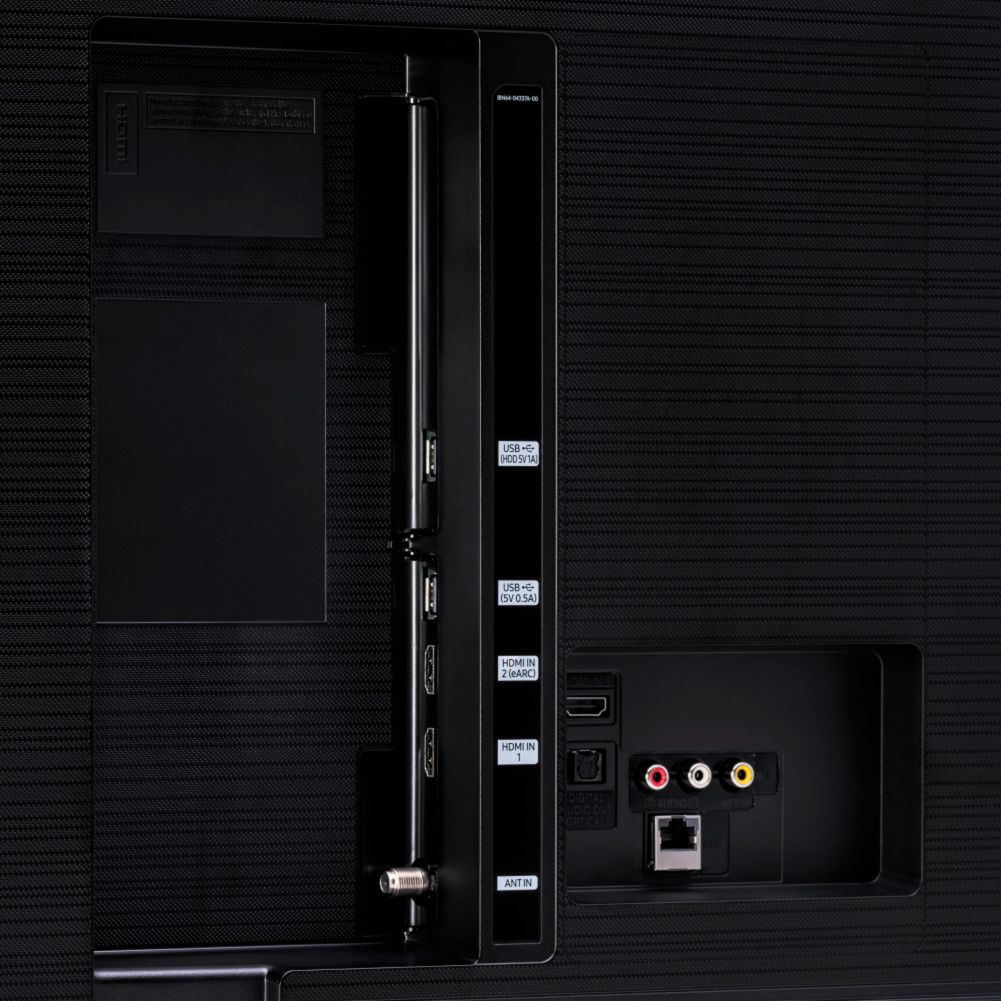
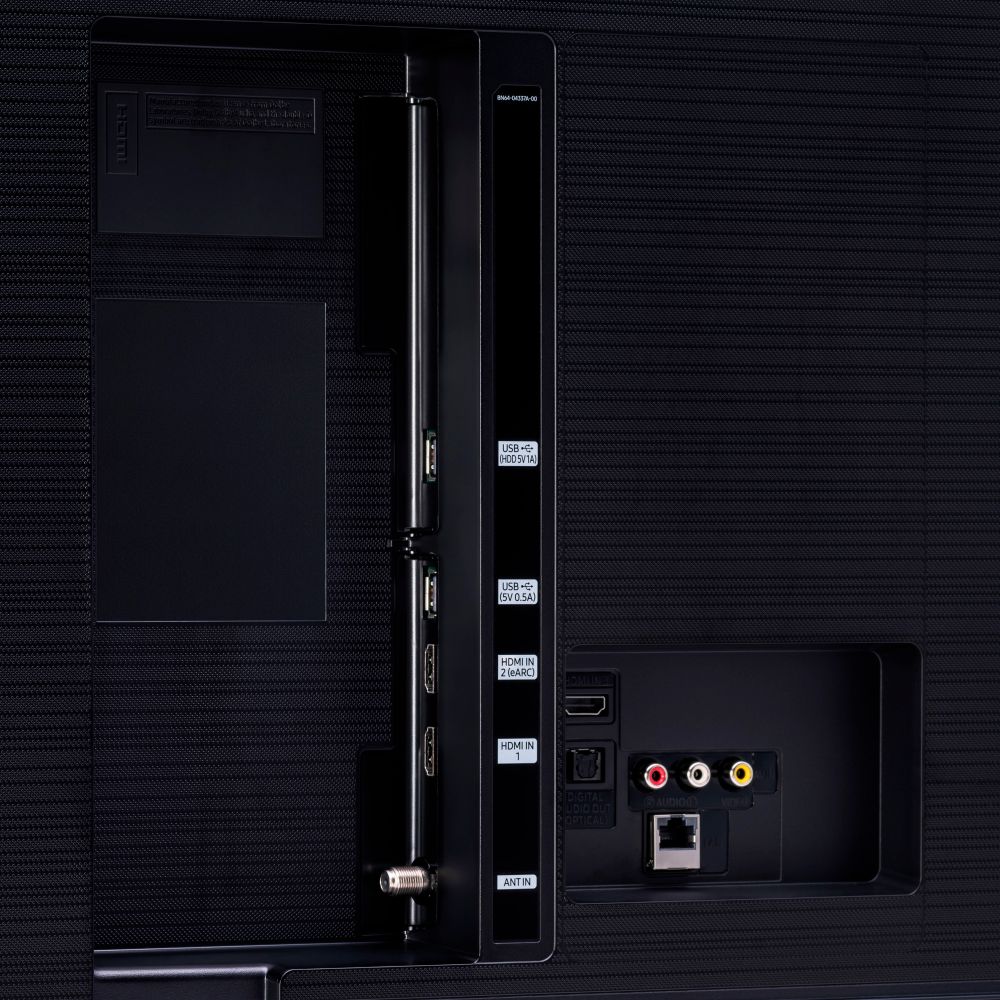
Posted .This reviewer received promo considerations or sweepstakes entry for writing a review.Great TV for the price; the picture quality is beautiful, and the sound is good too. I have read a lot of 'professional reviews' where they discuss the "greyed out" blacks and darks, I don't have that issue. The blacks are black, the greys are greys, and the darks are dark--just a good picture overall!! On the flip side of this coin, the menu can have a bit of a learning curve, however once you learn it, it's not that bad...same with the remote as well. As for the app they recommend you use with this TV; I have the app downloaded on my phone, but I don't use it and so far it seems optional to use it (at least in my experience). The set up took a moment for me, because I was learning the menu at the same time and figuring out where everything was. Further this TV doesn't have many HDMI ports, which in my case, isn't an issue. However if one has many peripherals this can be an issue. Lastly, my One X looks good on this TV!
I would recommend this to a friend Great TV! A little pricey but worth it
Posted .This reviewer received promo considerations or sweepstakes entry for writing a review.Tv looks great and has a ton of features such as the ability to automatically detect what device you have plugged into the hdmi ports and setup a little icon like my nintendo switch and PS5.
I would recommend this to a friend