Customer Ratings & Reviews
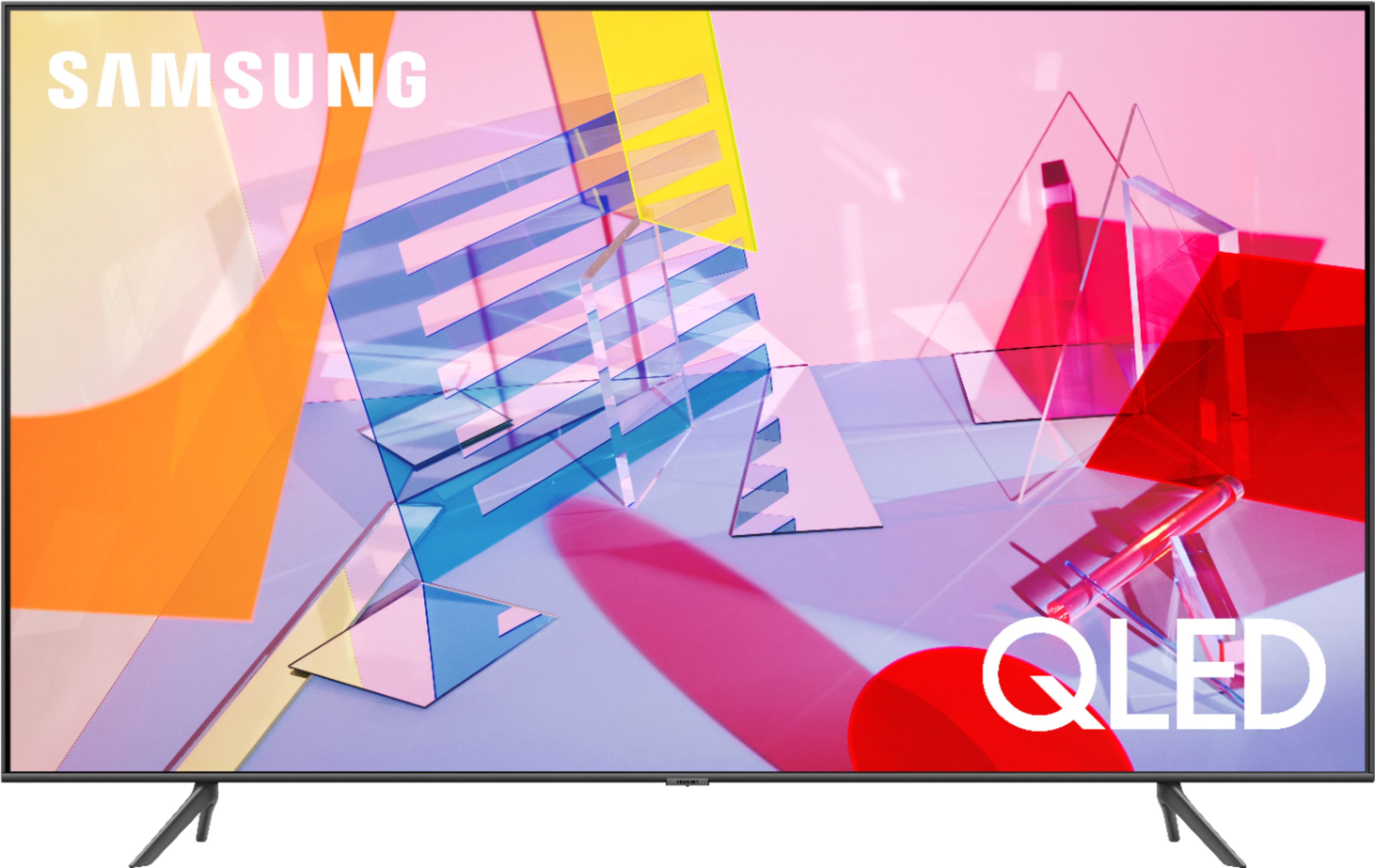
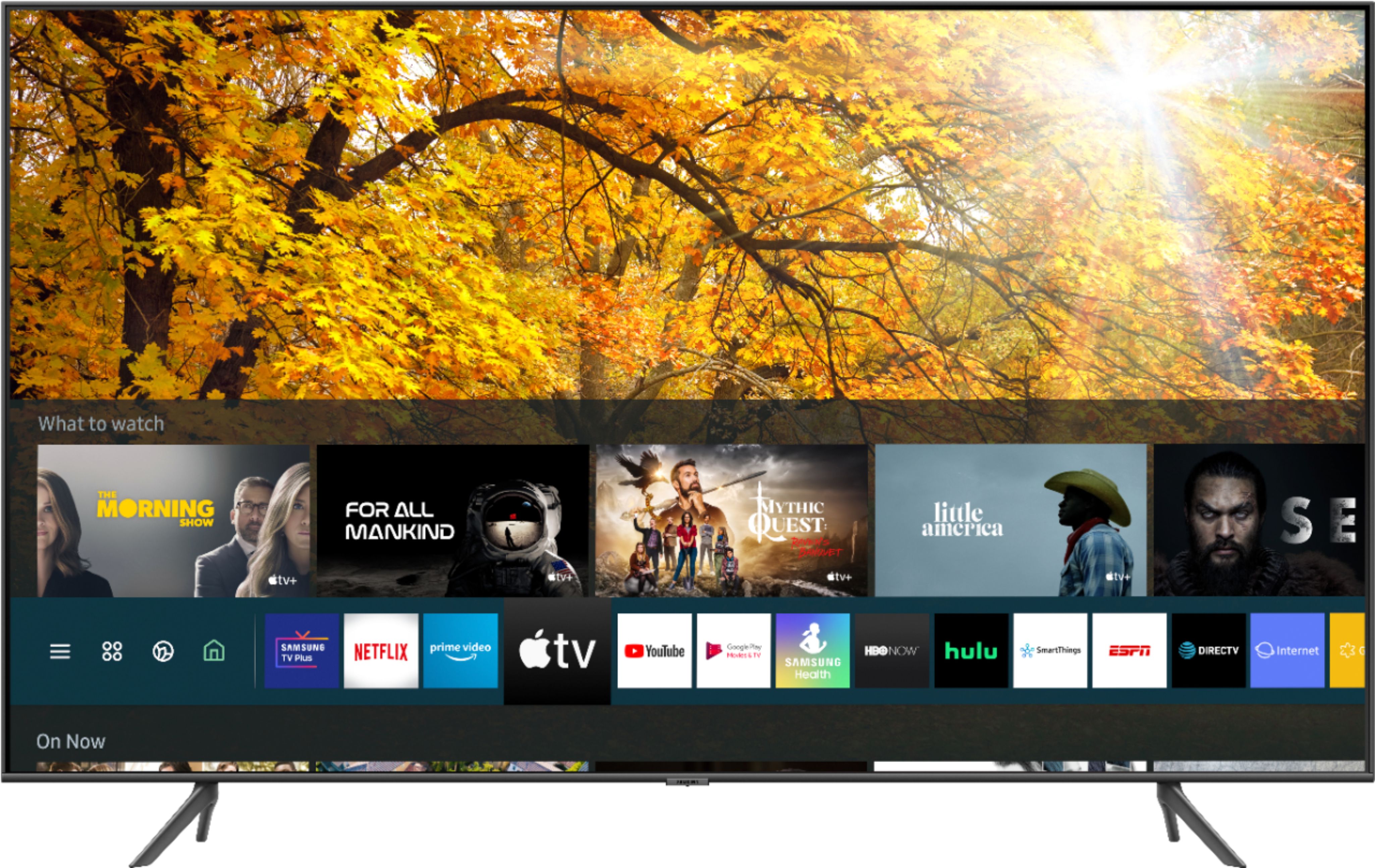










- Model:
- QN43Q60TAFXZA
- SKU:
- 6401760
Rating by feature
- Picture Quality
Rating 4.7 out of 5 stars
- Sound Quality
Rating 4.5 out of 5 stars
- Brightness
Rating 4.6 out of 5 stars
Customers are saying
Customers commend the 43" Class Q60T Series QLED 4K UHD Smart Tizen TV for its exceptional picture quality, easy setup, and affordable price. Many users rave about the vibrant colors and sharp images, while others appreciate the user-friendly interface and smooth gaming experience. However, some users express dissatisfaction with the remote control and viewing angles.
This summary was generated by AI based on customer reviews.
Great TV
Posted .This reviewer received promo considerations or sweepstakes entry for writing a review.Great bedroom TV, bought it for my son and he loves it.
I would recommend this to a friendAmaizng TV
Posted .This reviewer received promo considerations or sweepstakes entry for writing a review.If they still sold this TV i would absolutely buy another 100%
I would recommend this to a friend- Pros mentioned:Picture quality
Very Good
Posted .This reviewer received promo considerations or sweepstakes entry for writing a review.I loved the service I received at this location. They helped me find exactly what I was looking for without pressuring me to purchase something I couldn't afford. Overall, I loved the quality the T.V. has. You can see all images very clear and it is very fast. I couldn't complain, I am a satisfied customer.
I would recommend this to a friend - Pros mentioned:Picture quality
Good quality
Posted .This reviewer received promo considerations or sweepstakes entry for writing a review.I have the 49inch Samsung QLED Tv Q60 series, the picture quality is amazing but the one thing I can not get is for my IPhone XS MAX to screen mirror or airplay to my tv, does anybody know how to cast things off of your phone to the tv without having to buy an app?
I would recommend this to a friendBrand response from Samsung
Posted .Brittney,
I am glad that you are enjoying the picture quality of your Q60T QLED Smart TV.
Here is a tutorial of setting up and using Airplay 2:
https://www.samsung.com/us/support/answer/ANS00082643/
You can also reach out to Samsung Support for step-by-step assistance with setup, features, and operation:
1) Phone: 1-800-SAMSUNG (ask for TVs) Available 8AM – 9PM EST (Mon-Fri)
2) LiveChat: https://www.samsung.com/us/support/#contact_us_for_support
3) Facebook Messenger: https://www.facebook.com/samsungsupport
4) Twitter: https://twitter.com/SamsungSupport
Have you registered your new Samsung TV with us? If not, we invite you to do so at: https://www.samsung.com/us/account/signin/?redirect=https%3A%2F%2Fwww.samsung.com%2Fus%2Fsupport%2Fregister%2F.
Registration gives you access to easy warranty support, convenient opt-in to special promos & offers, faster troubleshooting & service, and quick notification of system updates.
-Samsung Ambassador
- Cons mentioned:Remote control
Didn't love the picture quality
Posted .This reviewer received promo considerations or sweepstakes entry for writing a review.We bought the 43". I didn't love the picture, it was "glowy" for regular TV, unnaturally sharp for movies, esp. old movies. The TV remote couldn't control my Frontier cable box no matter what. We ended up returning it for a Sony Bravia 65" X950H, the picture quality is excellent and we have ONE remote for TV, cable box, sound bar.
No, I would not recommend this to a friendBrand response from Samsung
Posted .Kbtx,
Thank you for your review of this Samsung Q60T QLED 4K Smart TV. I am sorry that it did not work out for you.
Your overall customer experience feedback is important to us and will be shared with the product team.
Should you ever decide to give Samsung TV products another try and have concerns or questions, please know we are always here to help. You can contact our Customer Support via any of these options:
1) Phone: 1-800-SAMSUNG (ask for TVs), available 8AM – 12AM EST 7 days a week
2) LiveChat: https://www.samsung.com/us/support/#contact_us_for_support
3) Facebook Messenger: https://www.facebook.com/samsungsupport
4) Twitter: https://twitter.com/SamsungSupport
Again, my sincerest apologies. We hope to regain you as a customer in the future.
-Samsung Ambassador
- Pros mentioned:Picture quality
Samsung has the worst customer service
Posted .This reviewer received promo considerations or sweepstakes entry for writing a review.I have several Samsung products (e.g., 10+ phone, earbuds, smart watch, tablet, TV, soundbar), but I will never buy another Samsung again after this ordeal. First off, I already had a Samsung 43" MU6290 4K UHD TV in the master bedroom, which is about 2-1/2 years old and it works fine. I had it paired with a Sony soundbase, but decided to get the Samsung HW-Q60T/ZA soundbar with SWA-8500S/ZA rear speakers. I hooked everything up the way everything was supposed to be hooked up, but the Dolby options on the Samsung TV were grayed out, so I called tech support. After being on hold and then explaining the problem, we got disconnected, so I called back and explained the situation again. After 30 minutes of the tech not being able to solve the problem, even after remotely accessing the TV, she said she would call me back in 15 to 20 minutes. Seven hours later I still hadn’t heard from her, so I called tech support and, once again, explained the situation. After about an hour the tech told me the problem was with the TV and there was nothing else he could try. Even though the picture quality on that TV was fine, I purchased a Samsung 43” QLED Q60T TV, which should match up perfectly with the Q60T soundbar. Not so. I could not get the Symphony function to work (i.e., soundbar synced with TV speakers), so I had to call tech support. Once again, after being on hold and explaining the problem, we were disconnected. It’s literally like they do this to see just how angry they can make their customers. Regardless, I called back and started from square one. After about 30 minutes of the tech not having any success, he wanted to connect to my TV and I said that was fine. Then we got disconnected AGAIN. Oh, and BTW, even though they had my phone number all three times that I got disconnected, not one of the three tech support reps had the common courtesy to call me back. As I said, I WILL NEVER BUY ANOTHER SAMSUNG PRODUCT.
No, I would not recommend this to a friend Smart features sucks. Wi-Fi connection unstable
Posted .This reviewer received promo considerations or sweepstakes entry for writing a review.This TV sucks. Don’t waste your money. Samsung is terrible with TVs staying connected to Wi-Fi. Not a home network issue, just an issue with this TV
No, I would not recommend this to a friendgood price
Posted .This reviewer received promo considerations or sweepstakes entry for writing a review.not TOO bad. Rather would have this one but hey http://aspedrom.com/24424807/samsung85classq90tseries
I would recommend this to a friendSlow processor
Posted .This reviewer received promo considerations or sweepstakes entry for writing a review.Tv is really slow connecting to apps. Youtube tv works fine, until you try to rewind then it freezes up and have to do a hard reset to get it back going again. Big inconvenience. Read other reviews this is a common problem on select samsung tvs.
No, I would not recommend this to a friendMotion is horrible!
Posted .This reviewer received promo considerations or sweepstakes entry for writing a review.I’m taking this back for the TU8000. The motion handling is far better on the TU8000 for $200 less. This tv is literally unwatchable. So disappointed.. I used to think that Samsung was the best. Guess that’s just not the case anymore.
No, I would not recommend this to a friendBrand response from Samsung
Posted .Mike,
I am sorry to see that you are not happy with the motion image performance of your Samsung Q60T QLED TV.
This TV comes with a feature called Auto Motion Plus that helps to optimize motion image quality.
You can change Auto Motion Plus settings by following these steps:
1) With the TV powered on, press the Home button on the Samsung remote to open the Home screen
2) Then select Settings > Picture > Expert Settings > Picture Clarity Settings
3) Then you will see the following three options:
a) Off: Picture Clarity Settings will always be off
b) Auto: Picture Clarity Settings will automatically activate and deactivate based on the type of program being watched
c) Custom: Allows custom adjustments and settings to be used
4) By selecting the Custom option, you can access these advanced settings:
a) Judder Reduction: Use the directional keys on the remote to adjust the Judder setting
b) LED Clear Motion: Select to turn On/Off/Auto
c) Noise Reduction: Select to turn Auto/Off
I hope this helps you to start enjoying the full benefit of your Q60T TV.
Should you need further assistance with features or usage, please do reach out to our Customer Service by calling 1-800-SAMSUNG, or by LiveChat or email. Simply copy-paste this link into your browser: http://www.samsung.com/us/support/contact
We are likewise reachable via Facebook Messenger at: http://m.me/samsungsupport
You can also find us on Twitter at: https://twitter.com/messages/compose?recipient_id=18768513
-Samsung Ambassador
Educator
Posted .This reviewer received promo considerations or sweepstakes entry for writing a review.Sales person was great and I had a positive experience!
I would recommend this to a friendToo dark using built-in apps
Posted .This reviewer received promo considerations or sweepstakes entry for writing a review.I saw lots of reviews saying how bright the colors are on this TV. And then I got it home and tried to watch episode 13 of The Mandalorian on the built-in Disney+ app. It was unwatchable because the picture was so dark. I tried several changes to the settings but nothing made it better. I searched for this particular problem and found several forum posts with the same complaint but no real solution, including upgrading the firmware. Apparently if you use an external source like a Roku then the TV picture is great. Then what is the point of a Smart TV? Returning this set tomorrow.
No, I would not recommend this to a friendBrand response from Samsung
Posted .davemac:
Thank you for purchasing the Q60T TV and for your review. I am sorry to hear that you are not happy with the brightness levels of your picture. If the colors on your TV are correct but just a little too dark or bright you can try Dynamic Picture Mode, or manually adjust the Brightness settings to your liking.
Dynamic Picture Mode will make pictures brighter and clearer in bright viewing environments. Go to: Settings > Picture > Picture Mode > Dynamic
Or manually adjust the Brightness settings to your liking. Go to: Settings> Picture> Expert Settings> Brightness
You may also want to disable Power Saving Mode which automatically adjusts the brightness to reduce the TV’s power consumption.
Go to Settings> General> Eco Solution> Power Saving Mode.
Ambient Light Detection will also automatically adjust the brightness level of the TV, according to the ambient light level, to reduce power consumption. If Ambient Light Detection has adjusted the screen brightness to a too bright or dark level, you can select Minimum Brightness to manually adjust the minimum screen brightness.
Go to Settings> General> Eco Solution> Ambient Light Detection
I hope this helps to improve your picture. Should you need further assistance, please contact Samsung Customer Support.
1) Phone: 1-800-SAMSUNG (ask for TVs), available 8AM – 12AM EST 7 days a week
2) LiveChat: https://www.samsung.com/us/support/#contact_us_for_support
3) Facebook Messenger: https://www.facebook.com/samsungsupport
4) Twitter: https://twitter.com/SamsungSupport
5) The Samsung Members Community is also a great resource for getting help from Samsung moderators and customers: https://us.community.samsung.com
If you have not already done so, we invite you to register your new Samsung product at: https://www.samsung.com/us/account/signin/?redirect=https%3A%2F%2Fwww.samsung.com%2Fus%2Fsupport%2Fregister%2F
Registering your product gives you access to easy warranty support, convenient opt-in to special promos and offers, faster troubleshooting and service, and quick notification of system updates.
~ Samsung Solutions
Tv wifi and network connection suck
Posted .This reviewer received promo considerations or sweepstakes entry for writing a review.This tv has been nothing but trouble since we got an great deal from bestbuy. The wifi and network connection drop all the time. Everytime i turn the tv off it turns itself back on then If i want to use apps I have to run the troubleshooting program. Samsung has the worst tech support. Don't buy this junk
No, I would not recommend this to a friendBrand response from Samsung
Posted .F150guy,
Thank you for bringing your concerns to our attention.
For your WiFi issue, please:
1) Check the distance between the TV and your modem or access point. The distance should not exceed 50 ft. (15.2 m).
2) Minimize interference by not using or turning off wireless devices. Also, verify that there are no obstacles between the TV and the modem or access point. (WiFi strength can be decreased by appliances, cordless phones, stone walls/fireplaces, etc.)
3) Perform a network test to check if there is a network problem.
Press the Home button on your remote. Navigate to Settings > General. Then, select Network > Network Status. The network status test will finish and show the status of your network connection.
If the test concludes that the unit needs service, please contact us via any of the following options:
1) Phone: 1-800-SAMSUNG (ask for TVs), available 8AM – 12AM EST 7 days a week
2) LiveChat: https://www.samsung.com/us/support/#contact_us_for_support
3) Facebook Messenger: https://www.facebook.com/samsungsupport
4) Twitter: https://twitter.com/SamsungSupport
5) The Samsung Members Community is also a great resource for getting help from Samsung moderators and customers: https://us.community.samsung.com
If you have not already done so, we invite you to register your new Samsung product at: https://www.samsung.com/us/account/signin/?redirect=https%3A%2F%2Fwww.samsung.com%2Fus%2Fsupport%2Fregister%2F
Registering your product gives you access to easy warranty support, convenient opt-in to special promos and offers, faster troubleshooting and service, and quick notification of system updates.
Again, thank you for taking the time to share your thoughts. Your feedback helps us continuously deliver best-in-class products and service.
-Samsung Ambassador
Hulu and Prime apps don't work on this TV
Posted .This reviewer received promo considerations or sweepstakes entry for writing a review.I've been in circles with Samsung, Best Buy, Hulu for a month with each blaming someone else. I'm getting money back with credit card purchase protection - don't buy anything Samsung, their service is appalling.
No, I would not recommend this to a friendBrand response from Samsung
Posted .Zazzle,
I am sorry for the issue you are having with Amazon Prime and Hulu apps.
Samsung is aware of the issue, and is working towards a solution.
In the meantime, please try power-cycling your TV:
1) Power off your TV using the remote or by pressing the power button on the TV.
2) Next, unplug your TV from the power source. If your TV is connected to a surge protector, power it off.
3) Wait 30 seconds, and then plug your TV back in.
4) Power on the TV using the remote or the power button.
Please reach out to us if the issue persists via one of the following options:
1) Phone: 1-800-SAMSUNG (ask for TVs), available 8AM – 12AM EST 7 days a week
2) LiveChat: https://www.samsung.com/us/support/#contact_us_for_support
3) Facebook Messenger: https://www.facebook.com/samsungsupport
4) Twitter: https://twitter.com/SamsungSupport
5) The Samsung Members Community is also a great resource for getting help from Samsung moderators and customers: https://us.community.samsung.com
-Samsung Ambassador