Customer Ratings & Reviews
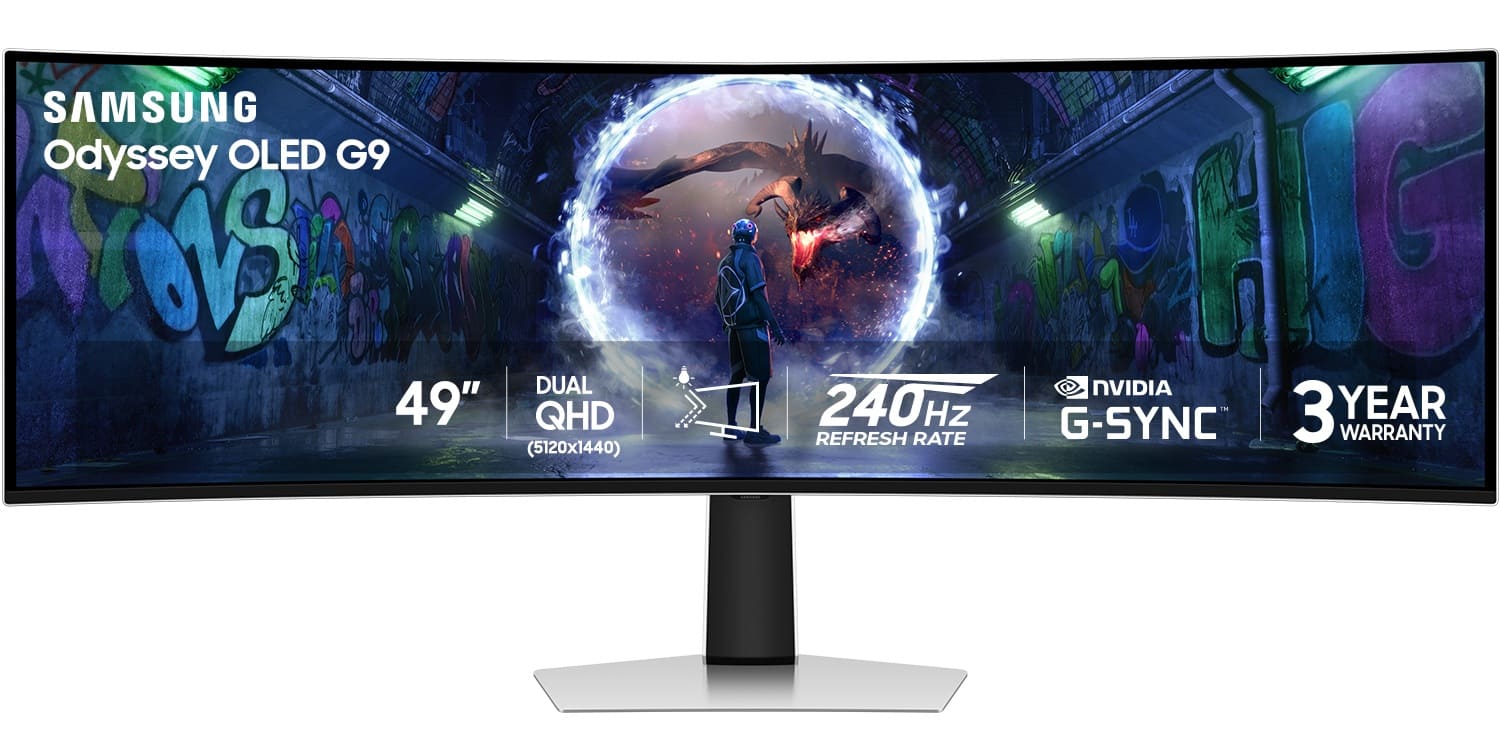
- Model:
- LS49DG934SNXGO
- |
- SKU:
- 6599654
Customer reviews
Rating 4.7 out of 5 stars with 247 reviews
(247 customer reviews)Rating by feature
- Display Quality4.8
Rating 4.8 out of 5 stars
- Ease of Use4.7
Rating 4.7 out of 5 stars
- Features4.6
Rating 4.6 out of 5 stars
Customers are saying
Customers are pleased with the expansive screen size and the exceptional refresh rate of the 49" Odyssey OLED G9 monitor. The monitor's overall performance and OLED quality, particularly its impressive contrast and deep black levels, receive high praise. Glare reduction and curvature also contribute positively to the immersive gaming experience, however, some customers have reported issues with the internal speakers.
This summary was generated by AI based on customer reviews.
Rated 5 out of 5 stars
Best Computer Monitor
||Posted . Owned for 1 month when reviewed.This reviewer received promo considerations or sweepstakes entry for writing a review.The monitor has transformed my work productivity from home.
I would recommend this to a friendRated 3 out of 5 stars
Great monitor but mine was defective
||Posted .This reviewer received promo considerations or sweepstakes entry for writing a review.Would give it 5 stars but my monitor screen detached on the bottom right corner. After an hour with Samsung support they wanted me to mail it then said someone will fix here. Nobody followed up. BestBuy of course does nothing as it’s over 30 days
I would recommend this to a friendRated 3 out of 5 stars
Looks great, but experienced issues
||Posted . Owned for 1 month when reviewed.This reviewer received promo considerations or sweepstakes entry for writing a review.I had to return this monitor, due to what appeared to be a defective HDMI port. I've read there can be reliability issues. For the price, I want something that just works, and it should work for a long time.
No, I would not recommend this to a friendRated 2 out of 5 stars
Bad screen
||Posted .This reviewer received promo considerations or sweepstakes entry for writing a review.had an issue with the screen in 1st week owning. had to return and got an LG 45" same specs, better monitor for less cost
No, I would not recommend this to a friend- Cons mentioned:Port selection
Rated 2 out of 5 stars
Should be much better at this price point
||Posted . Owned for 1 week when reviewed.This reviewer received promo considerations or sweepstakes entry for writing a review.No ports, missing hdmi cable. I regret this purchase. Did not even come with smart features or a remote.
No, I would not recommend this to a friendBrand response from Samsung
Posted .Thank you for your review. Samsung is committed to providing the best possible product experience, quality, and value. Samsung greatly values our customers’ feedback and we utilize your concerns and opinions in our relentless efforts towards delivering world-class products. We are very sorry to hear this product didn't meet your expectations and hope to have you back as a customer again. If there is anything we can do to assist you and improve your product experience, please don't hesitate to contact Samsung Customer Support via: 1-800-SAMSUNG, available 8AM - 12AM EST (Mon-Fri) / 9AM - 11PM EST (Sat-Sun)
Rated 3 out of 5 stars
monitor
||Posted . Owned for 3 weeks when reviewed.This reviewer received promo considerations or sweepstakes entry for writing a review.this monitor was cheap but it was just to skinny and small
No, I would not recommend this to a friendBrand response from Samsung
Posted .Thank you for your review of the 49" Odyssey OLED gaming monitor. Samsung is committed to providing the best possible product experience, quality, and value. If there is anything we can do to assist you and improve your product experience, please don't hesitate to contact Samsung Customer Support via: 1-800-SAMSUNG, available 8AM - 12AM EST (Mon-Fri) / 9AM - 11PM EST (Sat-Sun).
- Cons mentioned:Speakers
Rated 2 out of 5 stars
Speakers Didn’t Work
||Posted . Owned for less than 1 week when reviewed.This reviewer received promo considerations or sweepstakes entry for writing a review.Seemed like a decent monitor, however the internal speakers never worked. I returned it.
No, I would not recommend this to a friendBrand response from Samsung
Posted .Thank you for bringing this issue to our attention as Samsung is committed to providing the best possible product experience, quality, and value. Samsung greatly values our customers’ feedback and we utilize your concerns and opinions in our relentless efforts towards delivering world-class products. We are very sorry to hear that you returned this product and hope to have you back as a customer again.
If you ever need assistance in the future, please contact Samsung Customer Support and a rep will be happy to assist you:
1-800-SAMSUNG, available 8AM - 12AM EST (Mon-Fri) / 9AM - 11PM EST (Sat-Sun)
- Pros mentioned:Refresh rate, Resolution, Screen size
Rated 5 out of 5 stars
Superb Monitor, Great Gaming Experience
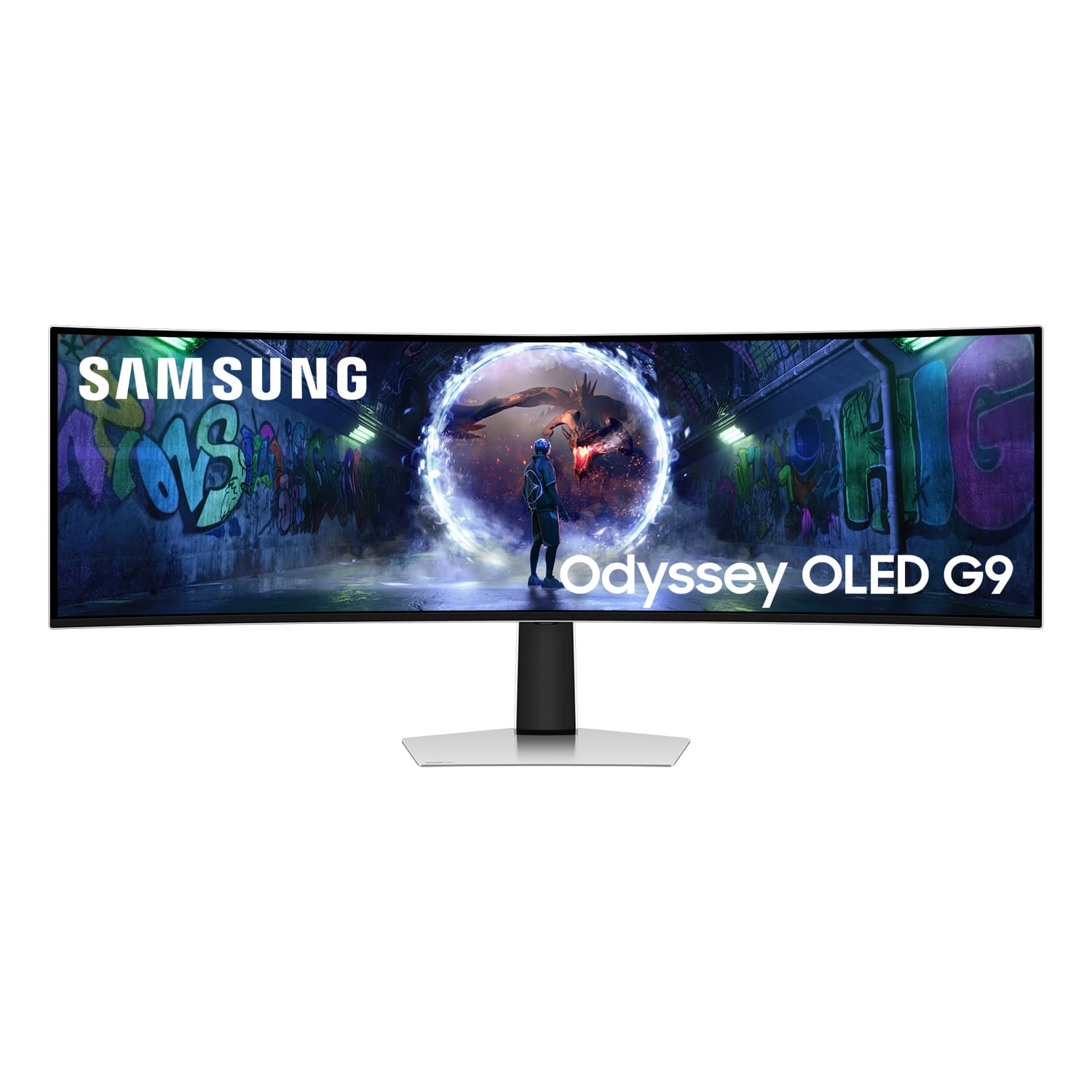
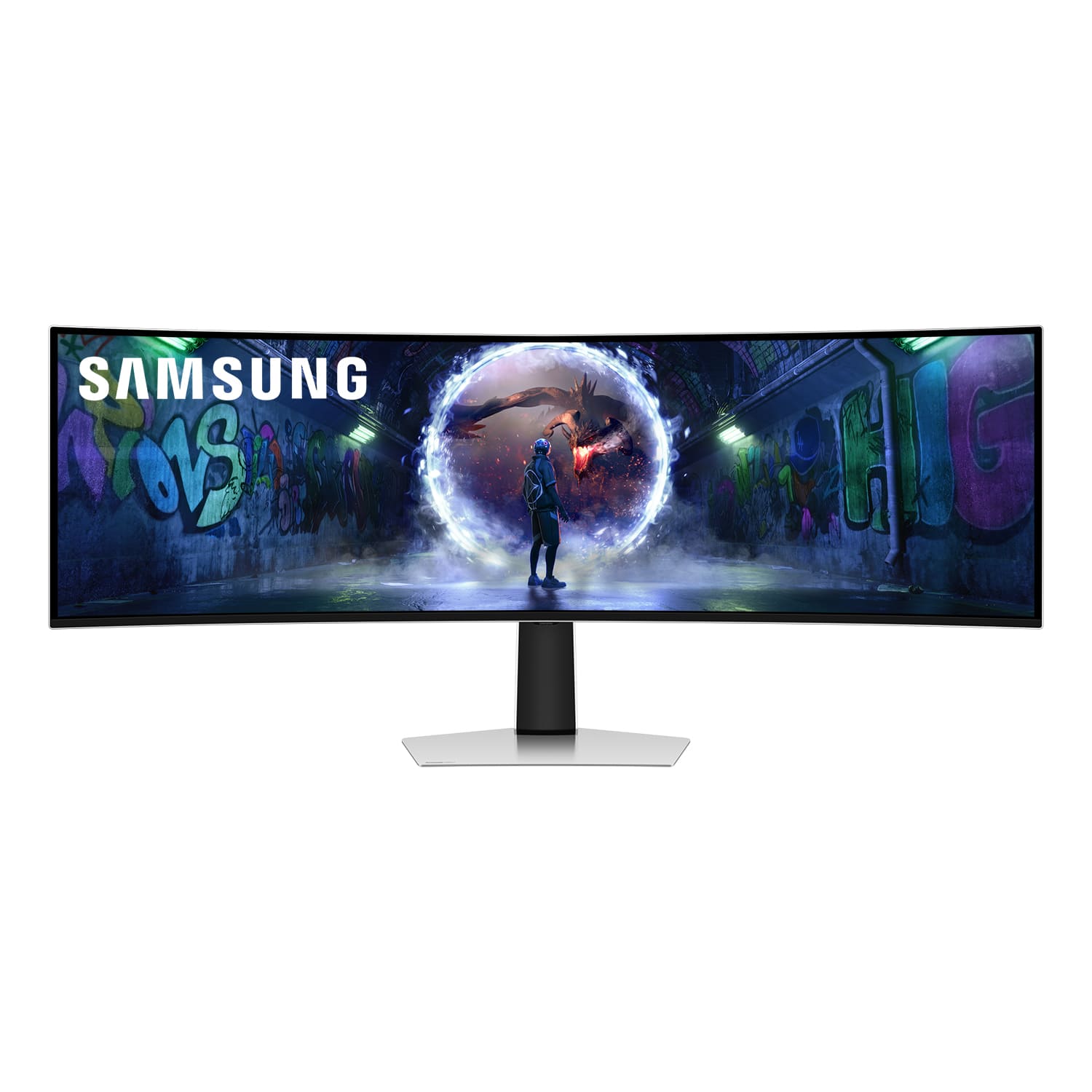
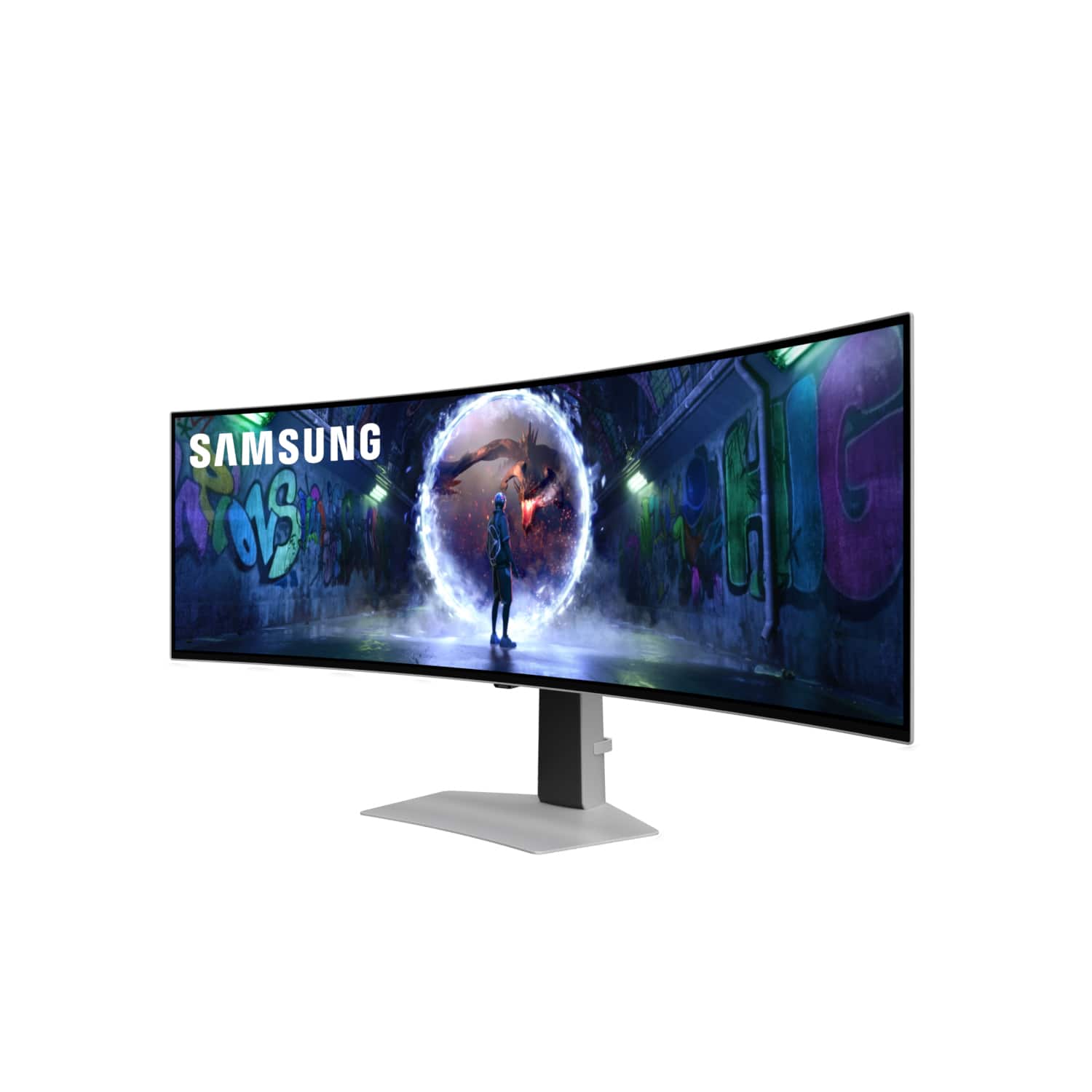
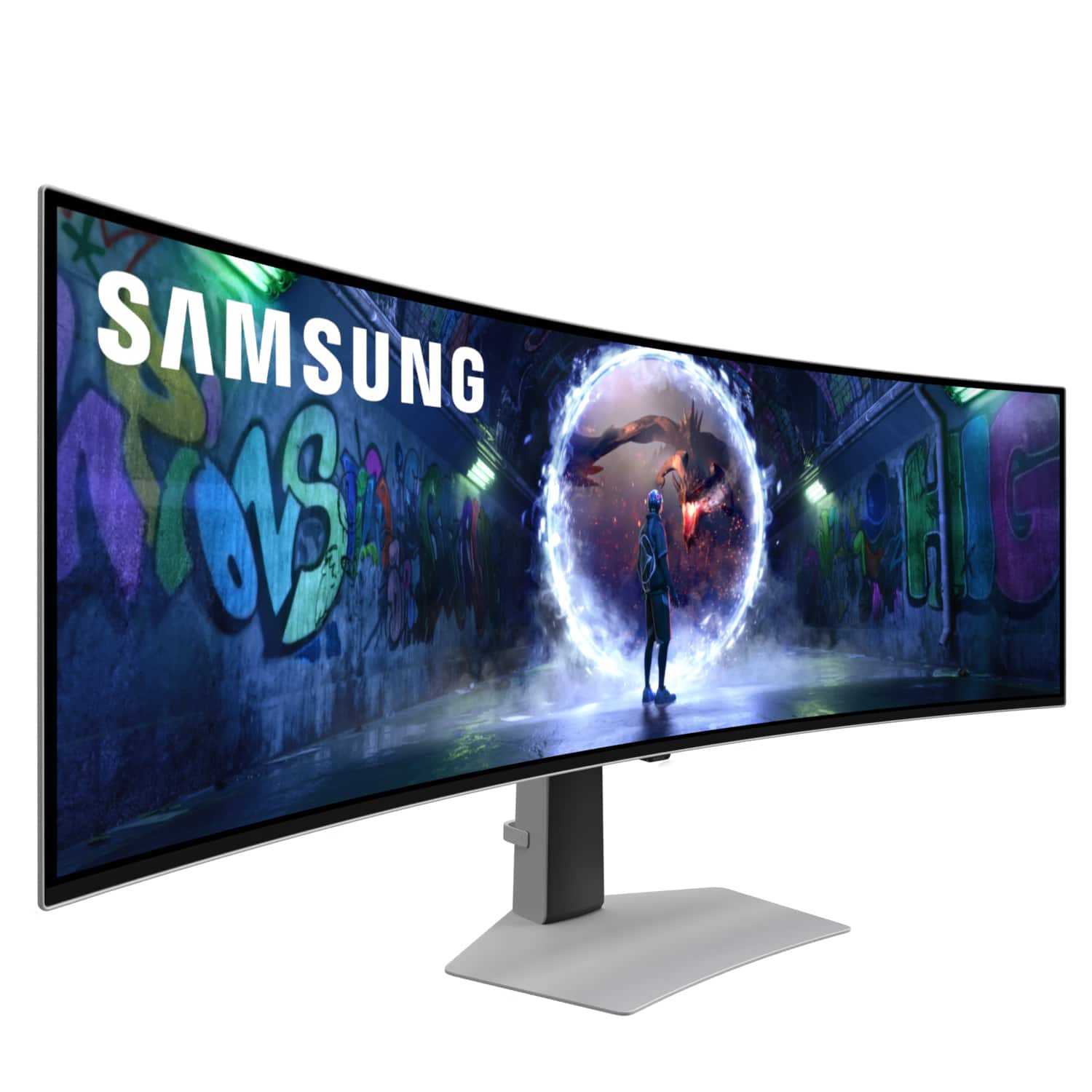
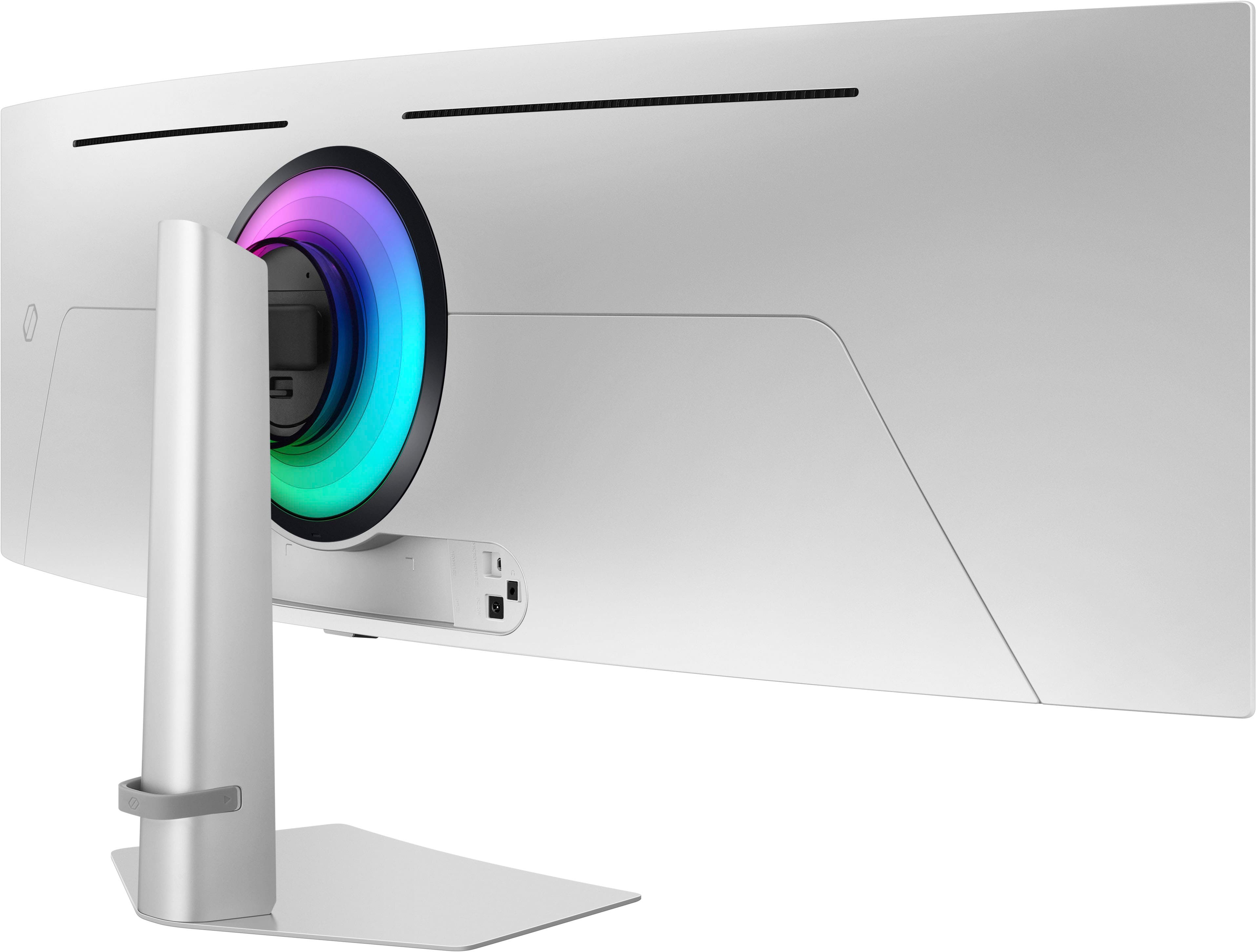
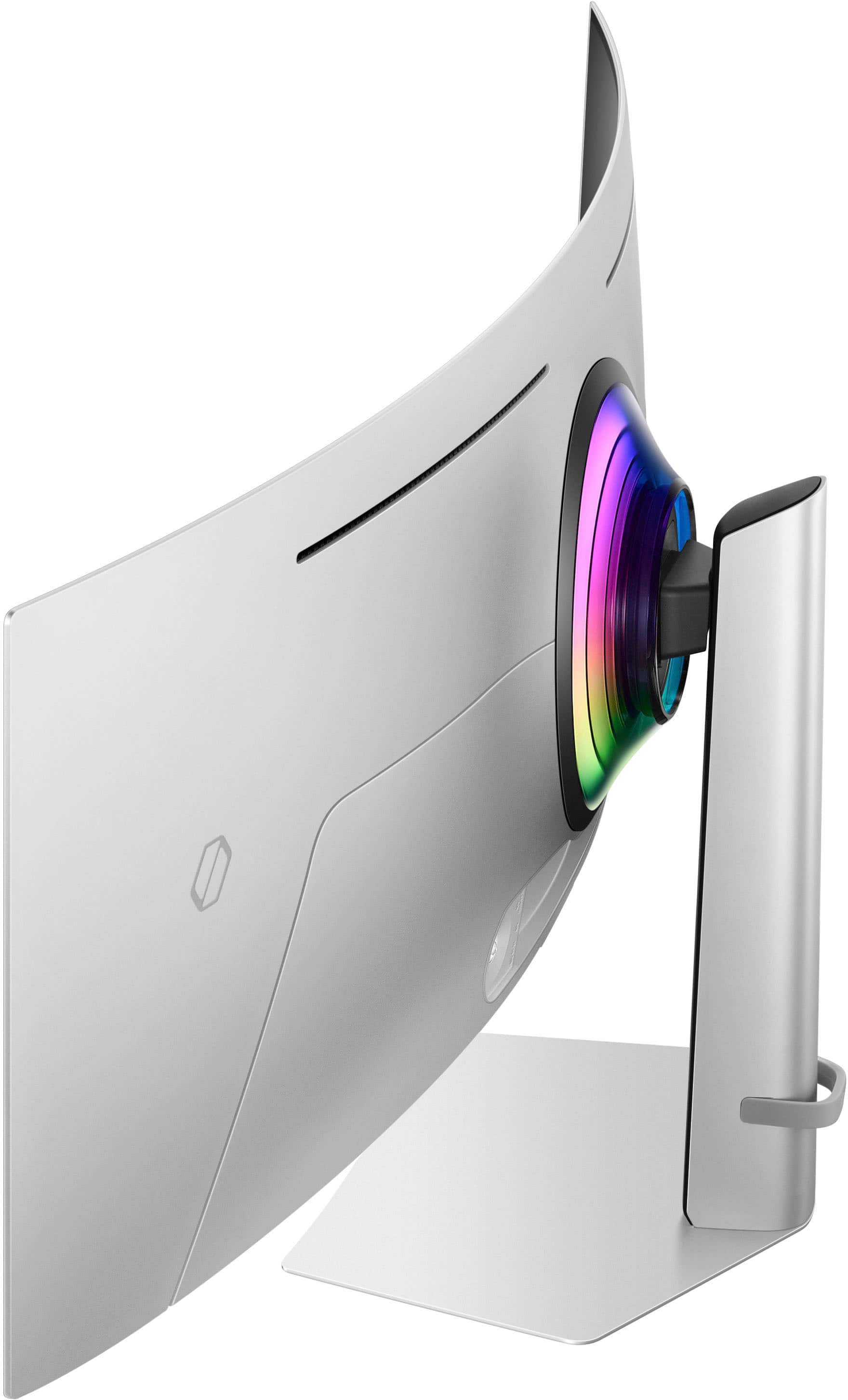
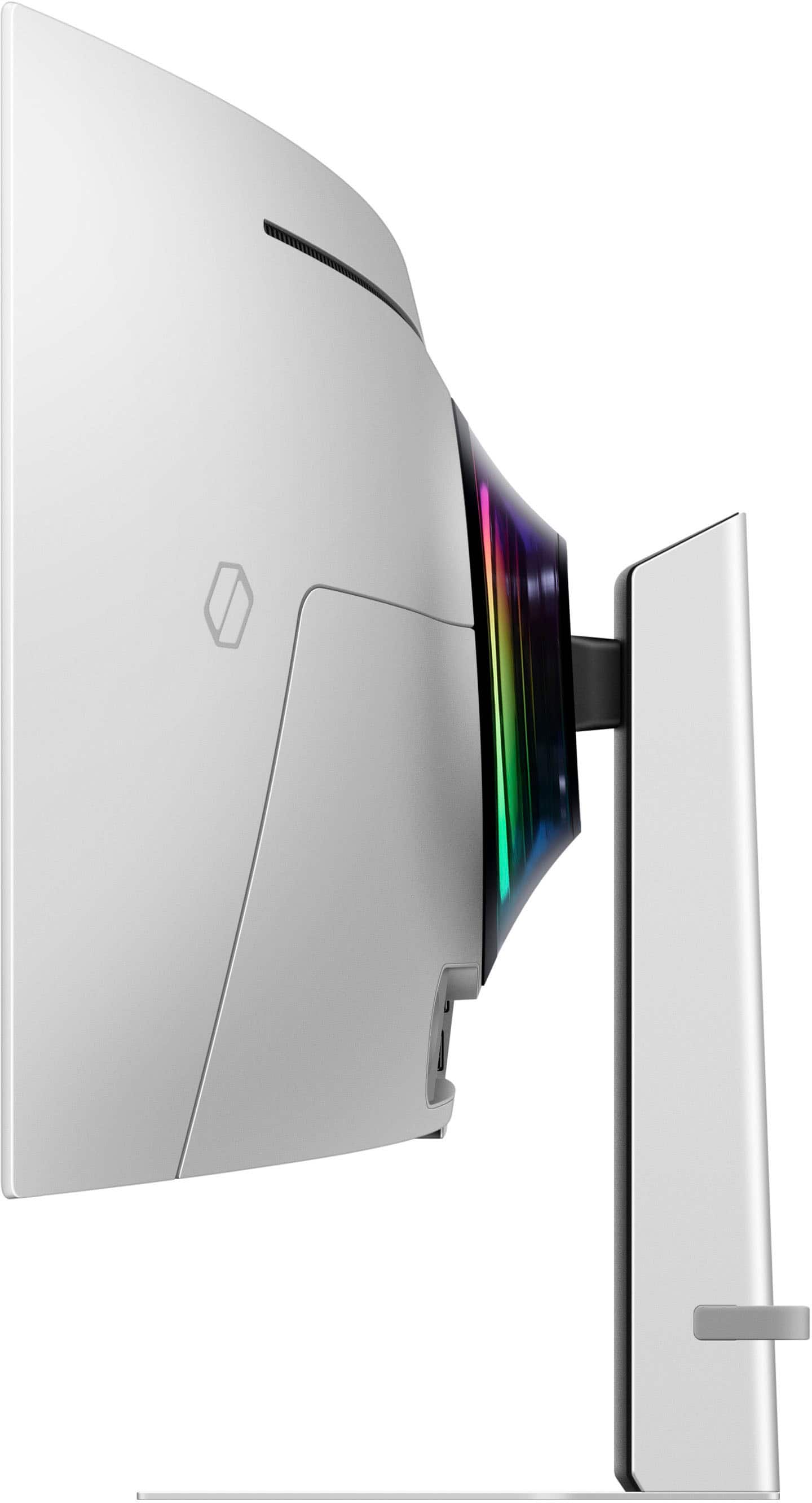
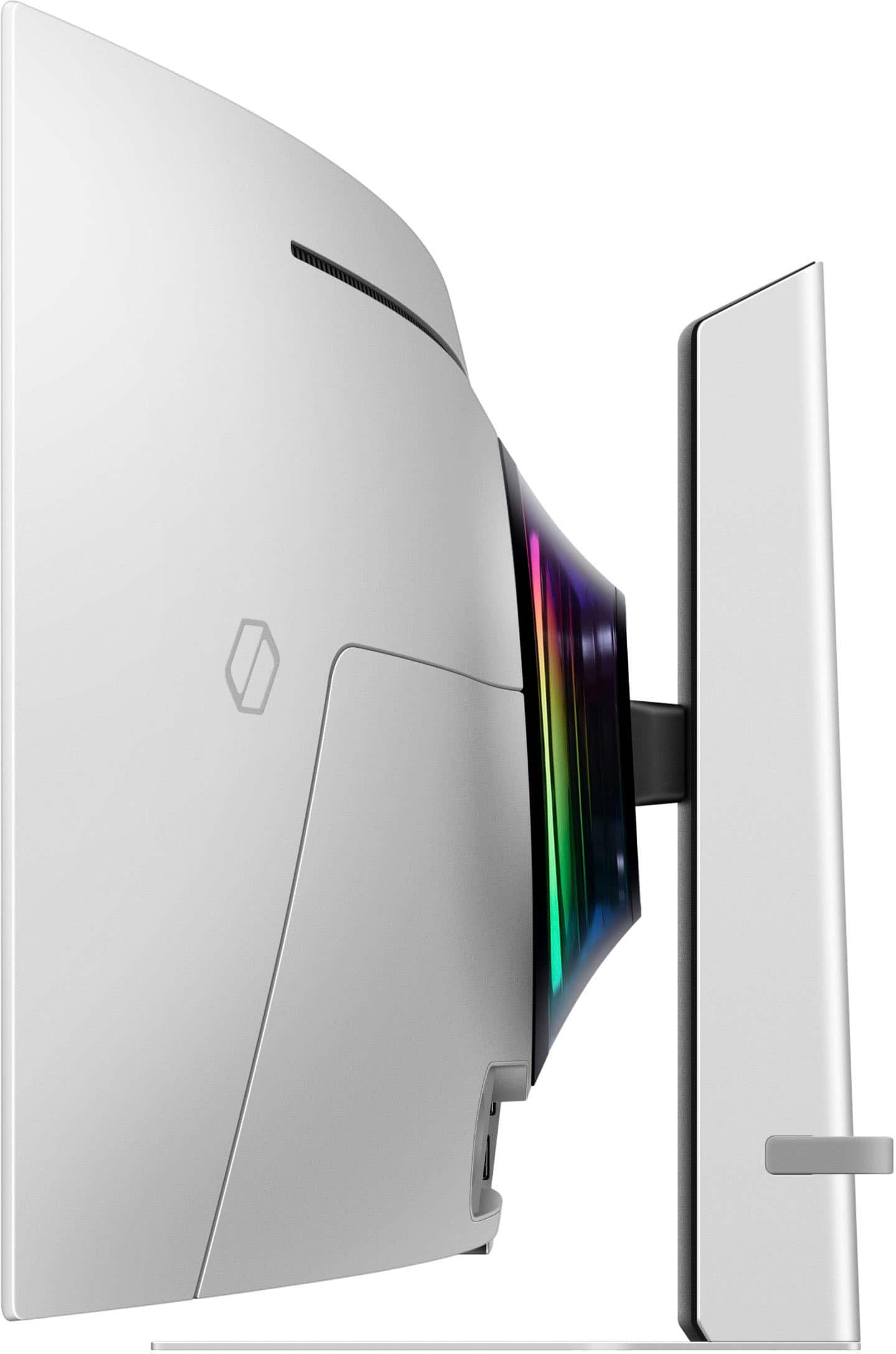
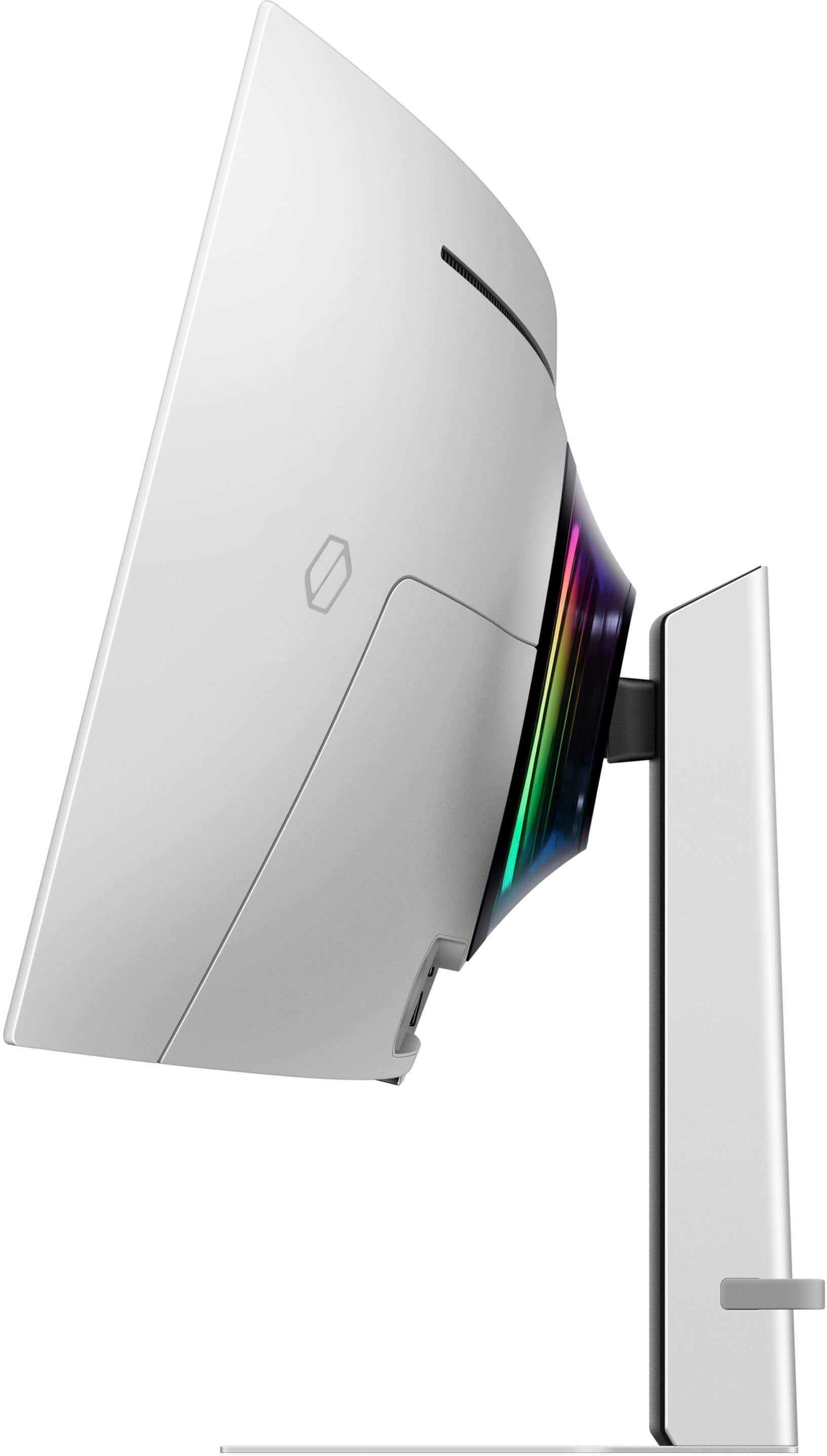
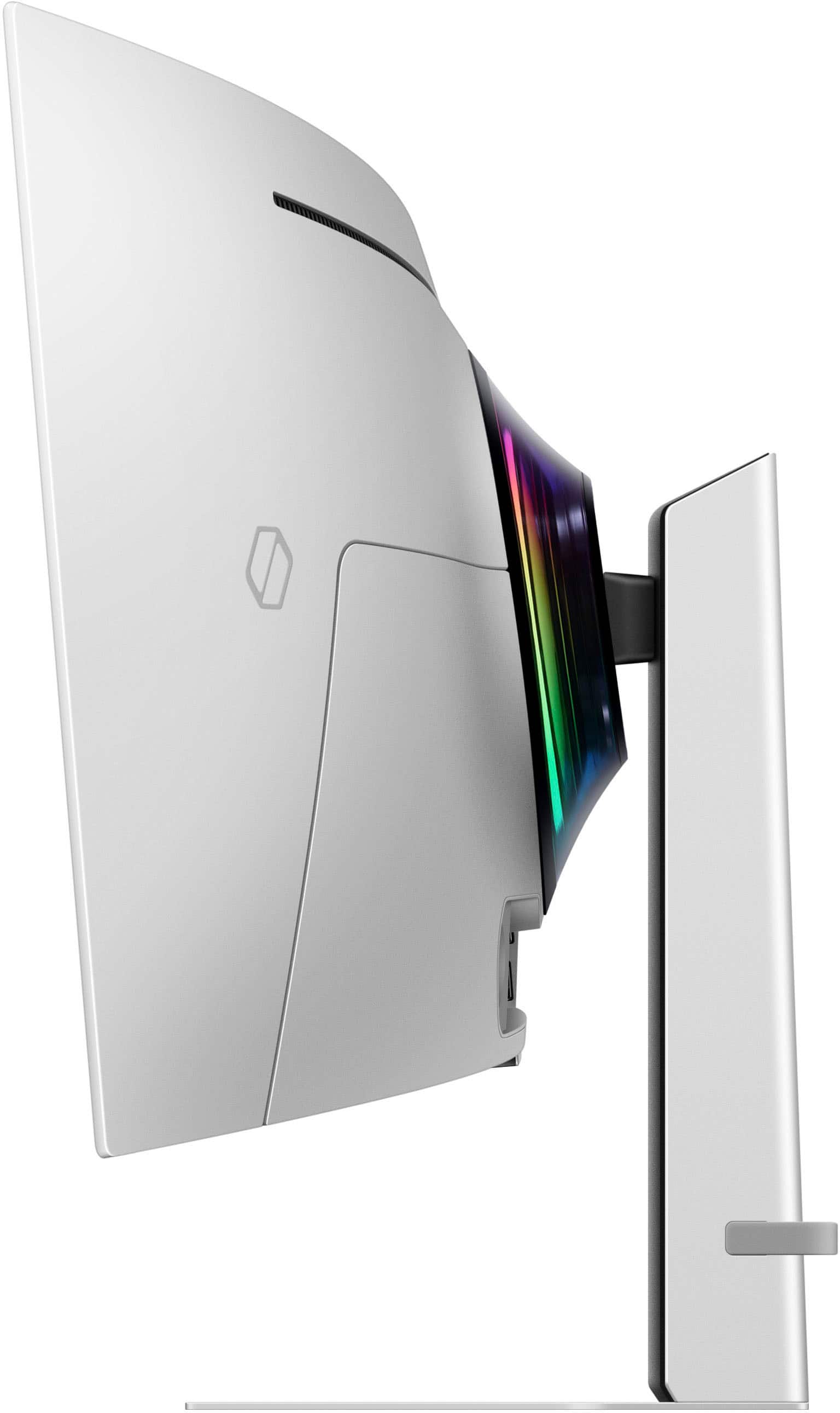
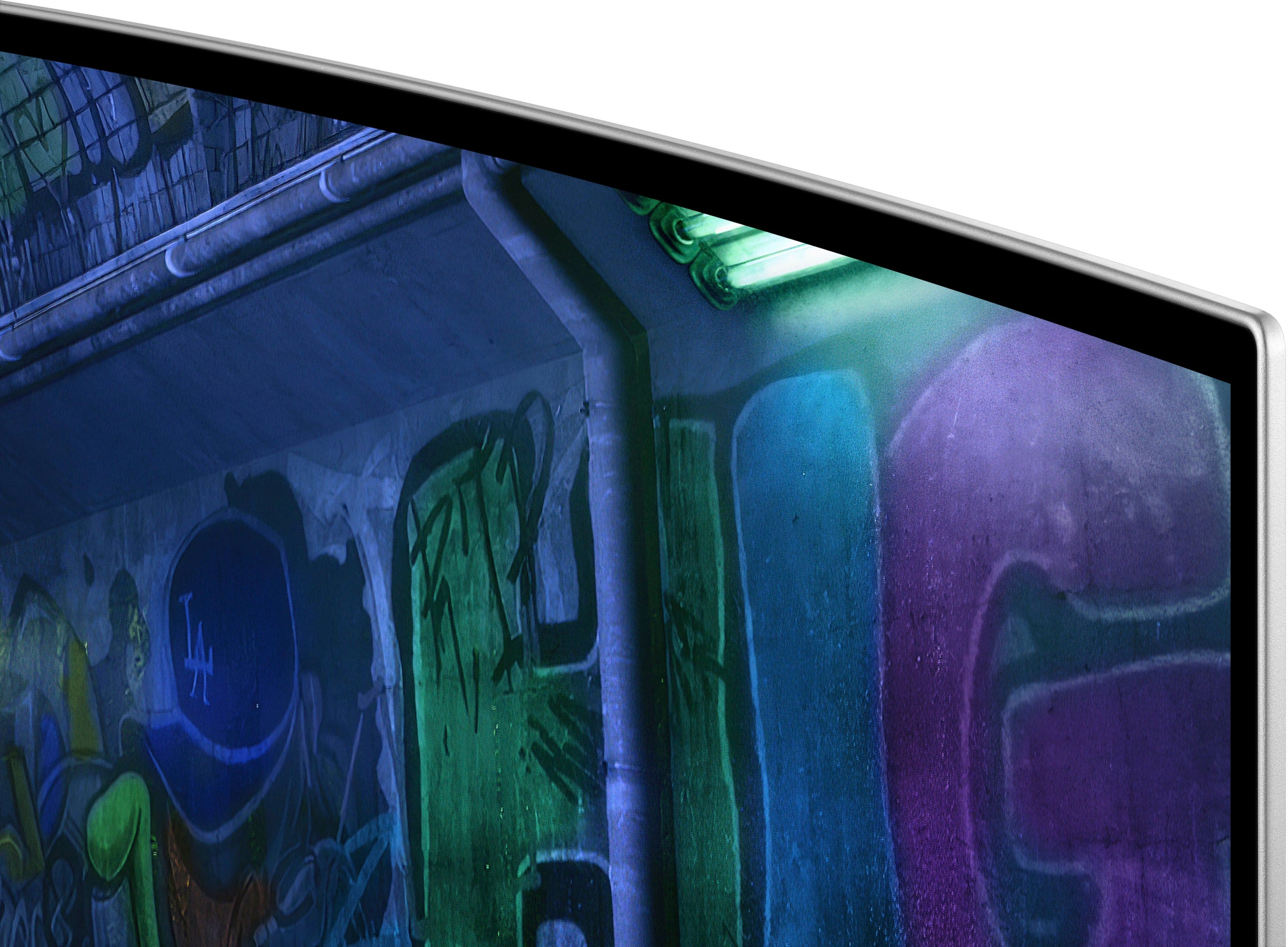
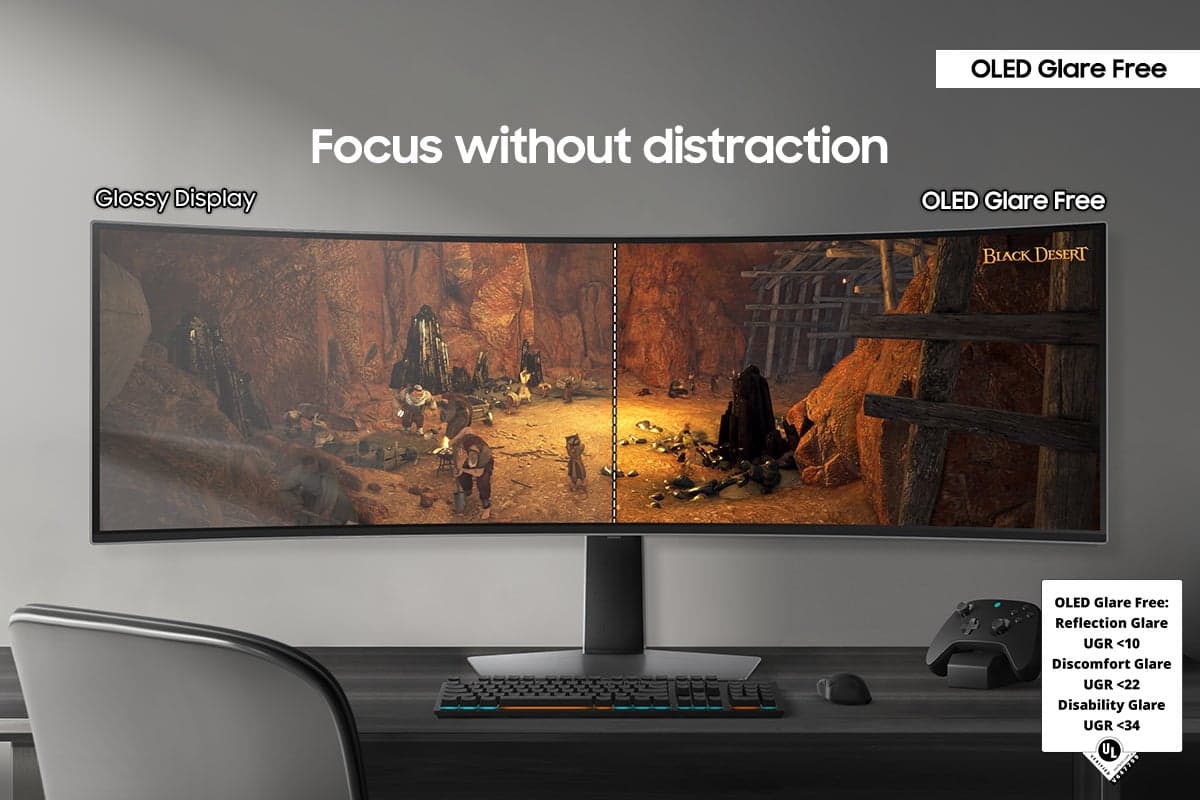
|Posted .This reviewer received promo considerations or sweepstakes entry for writing a review.The Samsung G93SD monitor makes for an excellent gaming experience. It has a more than generous ultra wide 49-inch curved display screen, with razor-thin bezels and an super thin casing. This monitor is just SO thin, it practically disappears when viewing it from the sides. It is a nice silver color with a sturdy height-adjustable stand, and it can both tilt and swivel as well. The base is wide and flat and not bulky at all, so it does not take up any additional space on your table or desk (you can comfortably place items on top of the flat base). Assembly was quick and super easy, with no tools needed whatsoever. Just put together the two-part base, then attach to the monitor/screen (it clicks into place) and boom—done. (It is also VESA compatible to mount on a wall if you so desire.) I tried out the HDMI port and Display Port connections, both individually and together via utilization of the picture-by-picture feature. Either way the output was excellent. The OLED display had incredible rich colors and deep inky blacks, with crystal clear images. Oh, and this monitor has a glare-free screen that really helps when gaming, along with its 4K resolution and high 240Hz refresh rate. It all equals a superb response time with minimal to no lag or tearing. And Samsung also has a 36 month/3 year warranty labor period and warranty parts period on this monitor as well. All in all, a good solid choice for a serious gamer or really for any gamer, and/or for anyone who would like to utilize multiple screens in one convenient monitor.
I would recommend this to a friend Rated 1 out of 5 stars
Dont buy from bestbuy
||Posted . Owned for 1 week when reviewed.This reviewer received promo considerations or sweepstakes entry for writing a review.Will stop all purchases from best buy period. Spent over 3 hours trying to purchase this monitor ad bestbuy had it listed $100 on the website. The store wouldnt match the price and told me to pound sand. The store manager was uselss.
No, I would not recommend this to a friendBrand response from Samsung
Posted .Please know you are leaving a review for the Samsung 49" Odyssey OLED G9 (G93SD), not the service provided by a third party seller. Please follow up directly with the seller for further assistance. We hope your issue is resolved in a timely manner. Should you have questions regarding Samsung TVs, please contact Samsung Support at 1-800-SAMSUNG, 8AM - 12AM EST, 7 days a week. Our LiveChat agents are also available by clicking on the ‘Support’ link on our website.
Rated 2 out of 5 stars
Inferior construction
||Posted . Owned for 3 weeks when reviewed.This reviewer received promo considerations or sweepstakes entry for writing a review.Cheaply made. Screen is coming unglued from the frame
No, I would not recommend this to a friendBrand response from Samsung
Posted .Thank you for your review. Samsung is committed to providing the best possible product experience, quality, and value. Samsung greatly values our customers’ feedback and we utilize your concerns and opinions in our relentless efforts towards delivering world-class products. We are very sorry to hear this product didn't meet your expectations and hope to have you back as a customer again. If there is anything we can do to assist you and improve your product experience, please don't hesitate to contact Samsung Customer Support via: 1-800-SAMSUNG, available 8AM - 12AM EST (Mon-Fri) / 9AM - 11PM EST (Sat-Sun)
- Pros mentioned:Refresh rate, Screen size
Rated 5 out of 5 stars
Spectacular display – some things to keep in mind
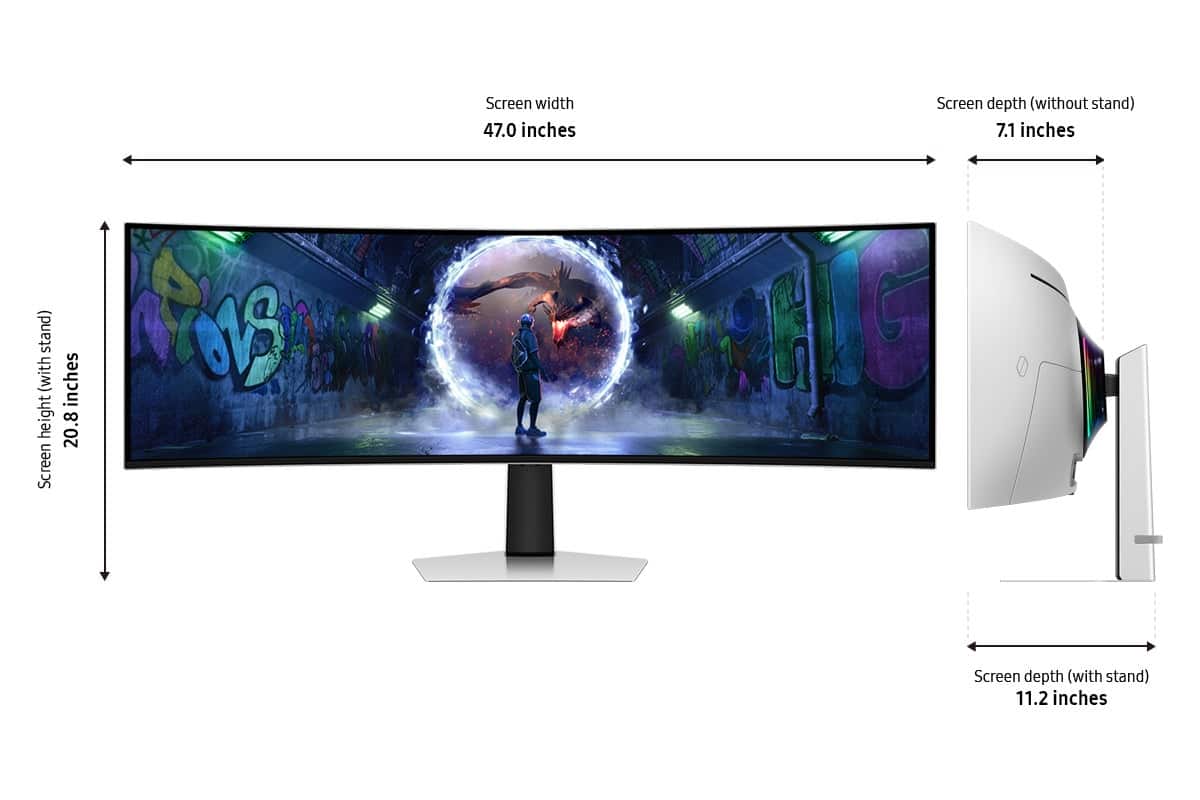
|Posted .This reviewer received promo considerations or sweepstakes entry for writing a review.This Samsung G9 ultrawide display is nothing short of truly spectacular. From the vastness of the 49” wide angle aspect ratio to the incredible deep blacks and contrast that an OLED screen provides, it is a total joy to use. It doesn’t hurt that the industrial design and build quality are also both first rate. Furthermore, the QHD 1440p resolution provides great clarity for work or gaming and allows you to use GPU power for better rendering quality and a wide field of view vs. the usually pointless extra resolution of a typical 4K display. I use mine for work during the day, where I can lay out wide spreadsheets and documents side by side, and play in the evening where the fast response time, wide aspect, and incredible color quality make it a brilliant companion for any game. I’ve played everything from city builders to shooters and sims and it’s handled them all beautifully. Pros: - Sharp, beautiful, wide aspect display with the incredible color and contrast depth possible with an OLED display. - Fast refresh rates (as high as 240Hz, although I was happy with 120Hz) and Adaptive Sync mean no ghosting or tearing in games and video. - Equally incredible for productivity and for gaming. - Excellent off-axis visibility and gentle curve make for comfortable viewing despite the wide angle. - Supports NVIDIA G-Sync. - Attractive design and construction. - Supports a wide variety of display adjustments, including blue light reduction, low latency gaming modes, A/V optimized modes, etc. The video processor does an excellent job of translating the input signal into smooth, tear-free video. - Solid HDR support that looks good in both desktop and gaming modes. - No “smart TV” apps, menus, or other software clutter – just a monitor with a super fast image processor and a simple on-screen menu that doesn’t even require a remote. - 2 x HDMI and 1x DisplayPort connections (one HDMI is micro) + multiple USB-C ports built in. The monitor can be set to automatically switch between sources or not. - The display can automatically scale to the correct aspect ratio for signals that don’t run the full native width, providing good support for games which don’t support 5120x1440 resolution. The result in these cases is totally black side bars. - Multi-color LED lighting on the back for added (and optional) ambience. Things to keep in mind: - OLED displays are all potentially subject to burn in, especially with desktop computing use where icons and task bars are relatively static. Samsung has addressed this in multiple ways, but it’s something to keep in mind. - This display is VERY big. Measure your work area to make sure the ~ 4 foot width will work in your setting. - The native resolution of 5120 x 1440 may not be supported by all graphics cards, especially those in laptops. My two-year-old Surface Pro 9 drives it just fine, but I advise checking your system specs just in case. You can use a lower resolution, but will lose some of the scale, clarity, or both. - You need a 4K or 8K HMDI or DisplayPort cable to support the native resolution. A good quality cable is important for combining high resolution with high refresh rates. Cons: - This display will spoil you for life, making anything else seem small and dull in comparison. You’ve been warned. I absolutely love this display. Samsung have done a great job of making something truly special for enthusiasts. My only fear is that burn in may eventually diminish the experience, but aside from this concern and the need for enough space and computing power to make use of it, this is a display that should make anybody short of people needing professional reference displays extremely happy.
I would recommend this to a friend - Pros mentioned:Oled quality, Refresh rate
Rated 5 out of 5 stars
Immersive Experience
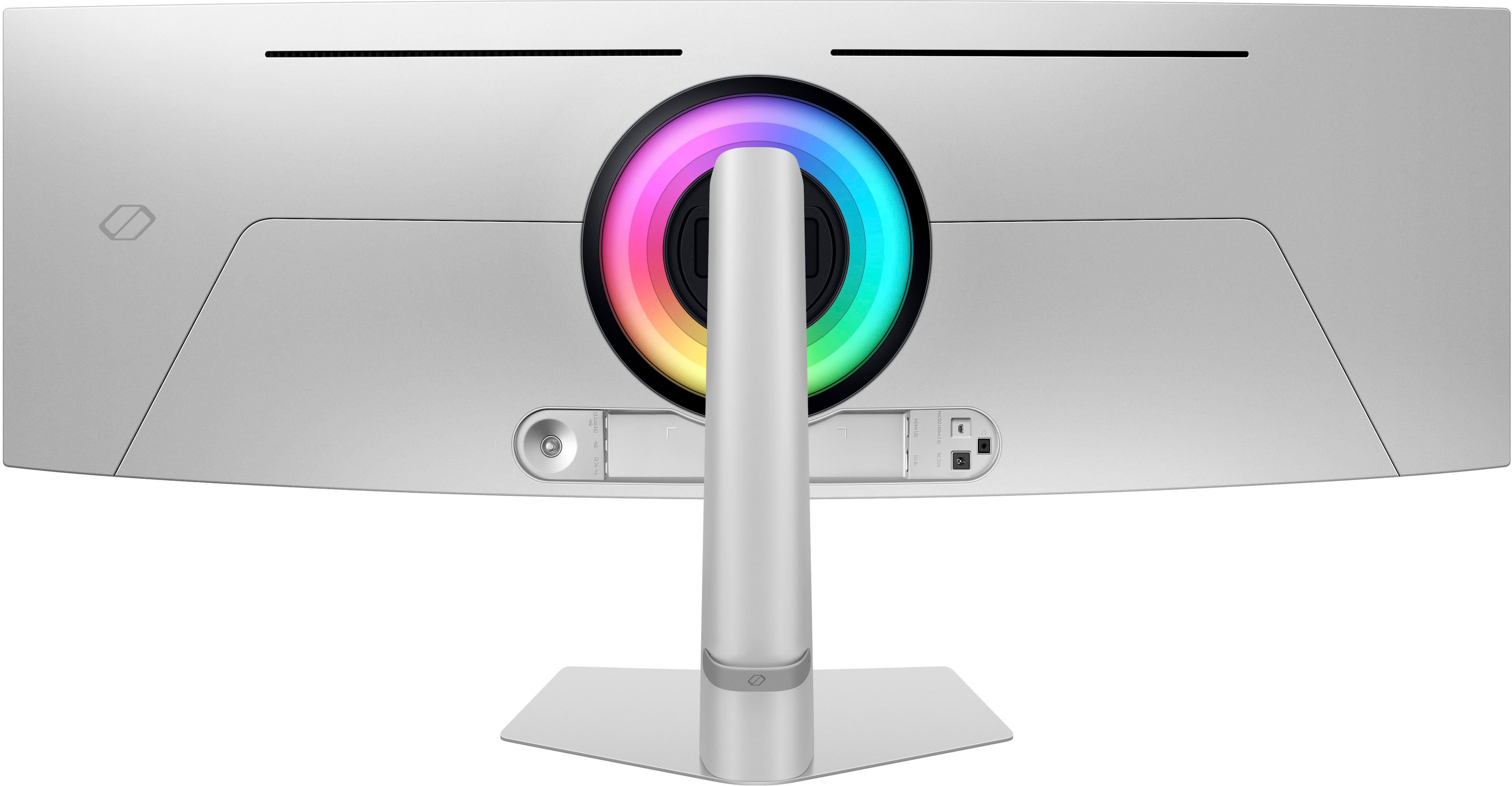
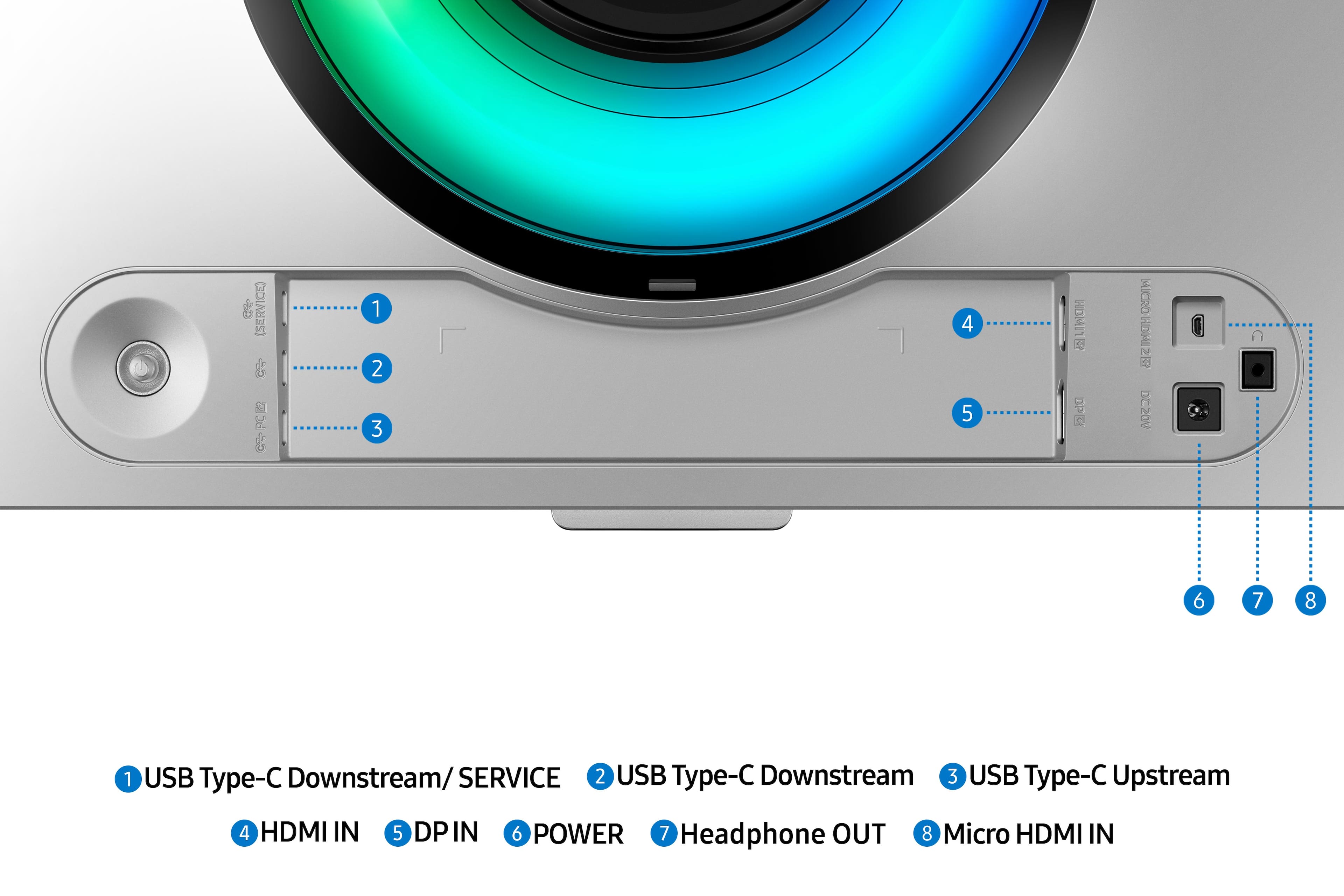
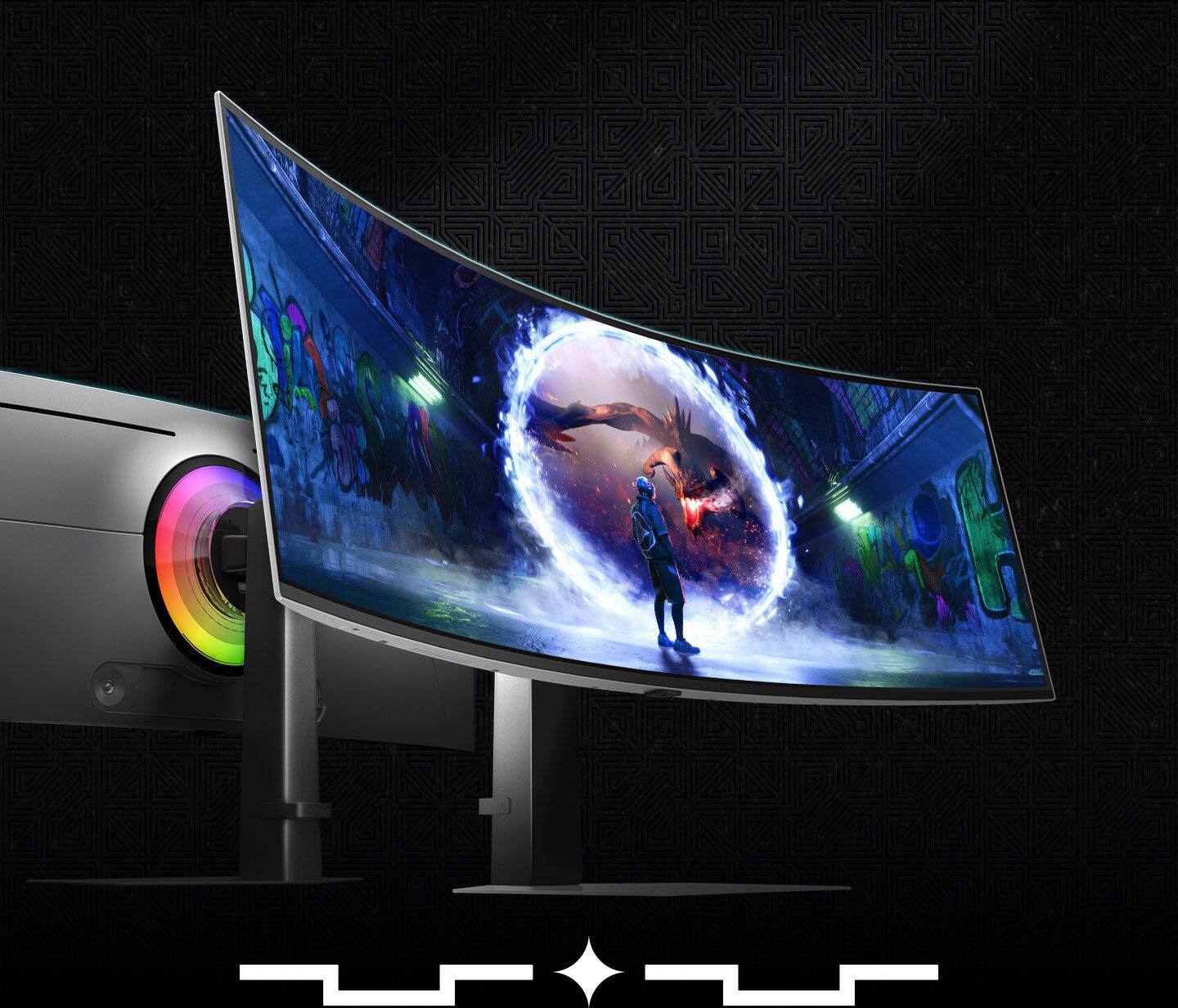
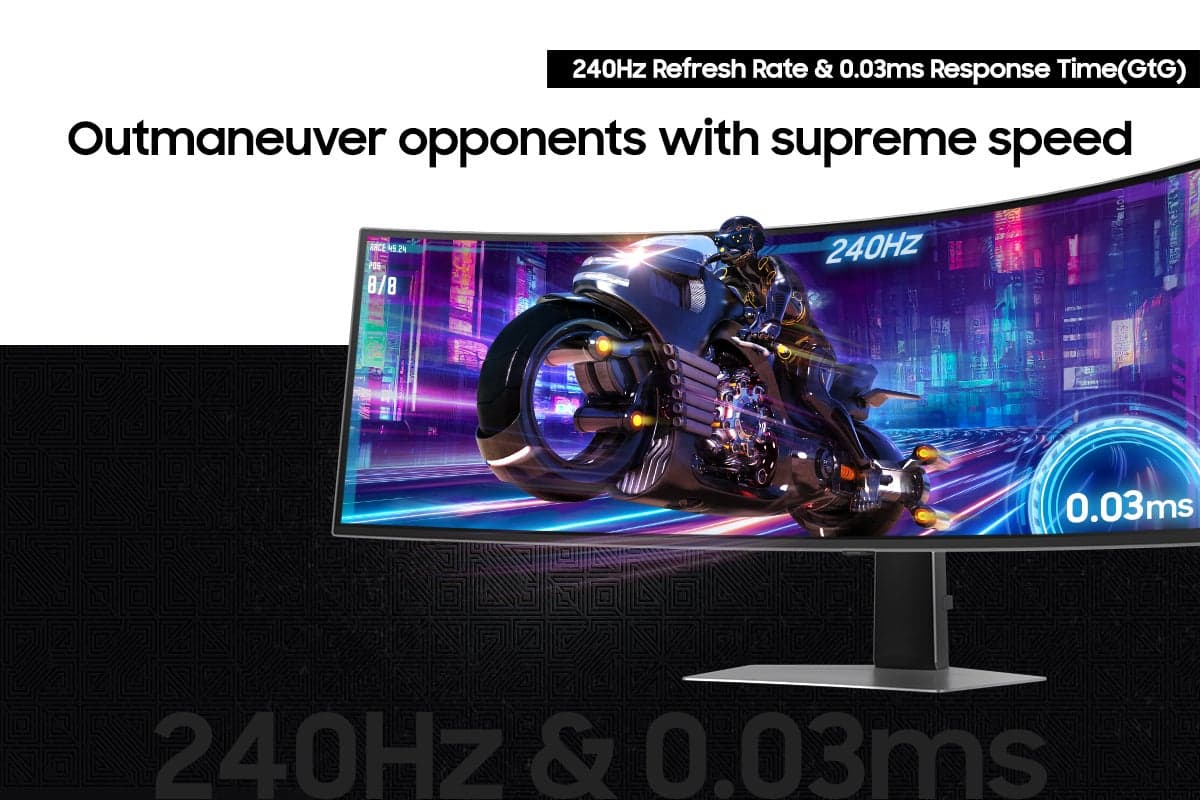
|Posted .This reviewer received promo considerations or sweepstakes entry for writing a review.Samsung does it again. The Samsung Odyssey OLED G9 is a cutting-edge gaming monitor that sets a new performance and visual quality standard. Samsung Odyssey's design is stunning. It combines a stark silver slim frame with just enough flare to let you know this is more than just a gaming monitor. The box included the monitor, the metal base stand, the back piece for cable management, a back mounting plate, an installation guide, a 220-watt 20-volt charting brick for the monitor and connecting cables, a USB A to USB type C cable, HDMI to mini HDMI and a display port cable. The power button is located on the rear of the monitor. The power button also acts as the menu control button. On the rear left of the monitor, you have three USB type C ports, and on the right, HDMI, DP IN, a port to connect to headphones or earphones, a power adapter slot, and that micro HDMI port. The back support and base support were straightforward to connect. I just had to slide it in and screw in the bottom screw, connect the back piece to the monitor, and it clipped in place. If you want to remove the back piece, there is a latch to help you remove it. The Samsung Odyssey OLED G9 boasts a sleek, minimal design with an all-metal chassis that exudes sophistication. The back's core sync lighting adds a gamer aesthetic without overpowering the experience. You can set the lighting as a static color or sync it with what is on the screen. This lighting draws you in when playing in a dark room. The stand offers some height and tilt adjustments. It comes with a heavy-duty metal mount adapter to help mount the screen and give you more flexibility with the movement of the screen. I appreciate the flat base. You can lay small items like a phone or similar objects without interfering with the monitor or keyboard. The complete setup took me 25 minutes. After set up, I started to play war games and racing games. The Dual QHD Resolution (5120 x 1440) and aspect ratio 32.9 delivered incredible detail. The wraparound screen ultimately drew me into the simulation. While playing the racing game, I felt like I was inside the cockpit of a racing car with the screen enveloping me. Every twist and turn on the track was intense. If you are a racing fan or into simulation games, this is one of the most immersive experiences you can get short of VR for gaming. The Samsung Odyssey OLED G9 has a 240Hz Refresh Rate that produces smooth, tear-free gameplay, especially in these fast-paced titles. The 0.03ms Response Time minimizes input lag for incredibly responsive gameplay. The G-Sync Compatibility eliminated screen tearing and stuttering for a smooth and fluid gaming experience. This monitor provides Glare-free Technology, which reduces reflections, providing unparalleled picture quality with deep blacks, vibrant colors, and incredible detail. The monitor's 240Hz refresh rate and 0.03ms response time make it ideal for competitive gaming. I tested the Picture-by-Picture by connecting the monitor to a Mac Laptop and a Dell laptop. The Picture-by-Picture splits the screen in half, using the two inputs at their native resolution. Samsung claims this feature is great for those gamers who like to team up with multiple other gamers. This feature also works well for those who multitask on the computer. You can pull up almost any program without taking your eyes off the main screen. The Samsung 49" Odyssey OLED G9 is a top-tier gaming monitor. Samsung's technological melody of OLED technology, high refresh rate, and expansive screen make it a fascinating choice for gamers and professionals seeking performance and productivity. "It is a great buy."
I would recommend this to a friend - Pros mentioned:Refresh rate, Screen size
Rated 5 out of 5 stars
Impress Your Friends & Own Your Opponents
|Posted .This reviewer received promo considerations or sweepstakes entry for writing a review.I was in awe of this Samsung 49" Odyssey OLED G9 Dual-QHD monitor the moment I saw the delivery guy struggling with the huge box. Things only got better from there. Big box meant one big monitor, unlike anything I’ve owned. Heck, I’ve been gaming since the days of the CRT monitor so my first thought was oh how far we’ve come. In the box you find a well protected monitor, the stand, base, a power adapter, display port cable, wall mount, and a USB Type-C to Type-A cable. The top of the box is marked so make sure to open that side. I thought getting this beast out of the box would be daunting but it was a breeze. Instructions are included so follow them and you’ll be fine. You simply attach the stand to the base by tightening a screw and then you simply snap the stand to the back of the monitor. A wall mount is included if you prefer mounting. It’s great that it is included. The instructions suggest having a second person assist in standing the monitor up but I managed fine using the stand for leverage while lifting. I quickly realized I’d have to do some rearranging on my desk so the G9 would fit but once in place what a sight it was to behold. This thing is stunning with a sleek and modern design. I’ve owned widescreen monitors previously but nothing this large. I hooked it up via the display port 1.4 port. There is also 1 hdmi 2.1 port, 2 usb C 3.2 ports, and 1 micro hdmi in port. As I powered it on it was only more impressive with a jaw dropping screen resolution of 5120x1440 and a 32:9 aspect ratio. That’s a lot of screen real estate. The curve of the G9 screen is just right. My gaming setup is in a room opposite a window and I was pleased that the G9’s glare free technology significantly reduced the distracting reflections from the window and lights in the room. I dove into the menu to check it out. You use a joystick type control on the rear to navigate settings. It is quite intuitive to use. Here you find a multitude of settings. Make sure to turn on the Samsung Core Sync and Core Lighting which is the RGB lighting on the rear of the G9. I honestly expected to be underwhelmed by this feature but I was wrong. It really did add some very cool backlighting effects to my gaming setup and even made gaming more enjoyable.There are several variations of the lighting effects. Definitely a fun addition. I was ready to jump on some games and check it out. I instantly could see an improvement in color saturation and deeper blacks compared to my previous widescreen monitor. I’m always a bit anxious adjusting to new gaming hardware but this was an easy transition. There was a brief moment when I even considered if this thing was just too big. That absurd thought was fleeting as I played more and was fully immersed in my gameplay as my entire field of view was filled with the action. I felt like I had a competitive advantage as I could better see opponents approach in my peripheral vision. With the G9’s 240hz refresh rate and .03ms response time gameplay was extremely smooth and fluid. Yet another competitive advantage in simply seeing opponents more quickly which enabled a more timely reaction. The G9 is also G-Sync compatible and supports AMD FreeSync Premium Pro which additionally eliminates screen lag and image tearing while reducing input lag. Ultimately, I could quickly sense that the G9 was positively impacting my gaming performance. That’s what it’s all about. Loving this monitor.
I would recommend this to a friend - Pros mentioned:Screen sizeCons mentioned:Speakers
Rated 3 out of 5 stars
Thin light looks great but missing features
|Posted .This reviewer received promo considerations or sweepstakes entry for writing a review.Packaging The monitor arrived in a box that had markings of what was inside the box. The monitor was secure in the box with a tight packing foam on the bottom and top of the monitor. There were no visible cracks or scratches on the monitor, it came in perfect condition. Included were directions, stand, cable, power cable, and vesa mount. The monitor does not come with a remote which would have come in handy when navigating the menu and volume options. The button to control the monitor is in an inconvenient spot in the back of the monitor. Monitor I went from two monitors (32” and 27”) to the G9. It saves a ton of space on my desk, mounted with an arm, which makes me happy. It looks way cleaner with the one monitor, less clutter. The monitor is extremely light weight, thin with a fair sized bezel. The display is bright, clear, and crisp. The text is surprisingly clear and crip no blow out.I am still messing with the display brightness but straight out of the box it is nice and easy on the eyes with the eye saver mode. I initially was using it as one screen which did have some of the images stretched that did not play nicely with the 49”, however my normal usage is as picture in picture as two displays. I use one side with my media streaming box and the other with my laptops. My MacBook works nicely with the G9 as well as my gaming laptop. While doing a system update for my computer the G9 while in picture in picture mode it went black on the computer side, the monitor did not mirror the computer screen where it was showing a status of being completed. I attempted to change the input and plug and unplug the cable, eventually the monitor started to mirror the computer again. Sound through the aux port did not originally work while in picture in picture mode until going into the sound and selecting which display the sound should be outputted from. I am using two sound sources at this point. One is a soundbar through bluetooth to the media box, and the aux port on the monitor for the laptops. I may eventually change how I am connecting the soundbar and the headphones but for now this way works. I do wish that the monitor had better/more inputs and internal speakers. A monitor at this price point not having internal speakers is odd, along with only having one full size hdmi, a micro hdmi, and a display port is not enough. Two full size hdmi would allow for more options along with a hdmi eARC for speakers. There are no USB A but a cable adapter which was nice but at least one USB A not all peripherals are USB C as of yet. The user interface needs work though, it's clunky and takes a while to find things. Along with the button location to navigate through it being in an inconvenient location, this is where a remote would come in handy. The user interface needs to be revamped. Multimedia, web browsing, multitasking, and gaming in picture in picture, the monitor handles it all very well. I was able to watch or web browsing while playing on steam with no issues. Baltaro and Forza are the games I play on the laptop, both looked great, no issue, quick loading, everything looked smooth.The games looked amazing on the screen with no issues. I was surprised by how it looked, I was concerned that it wouldn't handle it. It looks like two completely separate displays but no bezel in between the two. The monitor is nice, and does its job. I am happy with the size, picture in picture and the crispness of the display. I could not go back to two individual displays. But at this price point I am a disappointed by the minimal input options, lack of internal speakers, unnecessarily large power brick, and feel there are some features that are missing for this price point, with the included features this monitor should cost less or provide more convenience features.
Brand response from Samsung
Posted .Thank you for your review. Samsung is committed to providing the best possible product experience, quality, and value. Samsung greatly values our customers’ feedback and we utilize your concerns and opinions in our relentless efforts towards delivering world-class products. We are very sorry to hear this product didn't meet your expectations and hope to have you back as a customer again. If there is anything we can do to assist you and improve your product experience, please don't hesitate to contact Samsung Customer Support via: 1-800-SAMSUNG, available 8AM - 12AM EST (Mon-Fri) / 9AM - 11PM EST (Sat-Sun)
Rated 5 out of 5 stars
Beautiful screen built for amazement
|Posted .This reviewer received promo considerations or sweepstakes entry for writing a review.For reference I also have the previous version with the Gaming Hub. If you're looking for the best visual experience, it's this one. The reason being this version has the full HDR10 vs. HDR 400 of the previous G9, and when you're looking to brighten things up, those extra nits make a big difference. Also, the screen has better glare protection. My monitors are near windows, so the glare from outside and indoor lighting have caused me issues. It hasn't been very noticeable with this model. Actually, haven't noticed it at all. For those who aren't familiar with the G9 models, I'll touch on the pluses that aren't evident. Beautiful, immersive display with a wrap-around feel to games/programs that can support the full 32:9 aspect ratio. Please note, that is not all games. Certain games/programs will limit a fraction of the screen, but even still, they will be displayed in amazing resolution. Stand is solid with a nice aesthetic. This time around, they removed the "long feet" so more desk room can be accessed. Much appreciated. Speakers are great for being in-monitor. Nice directional sound with a decent punch. Of course, a better sound option would be recommended, but these will do the trick in the meantime. The rear lighting has been stepped up. I use Hue lights, so I don't use often, but when the monitor light alone is on, the glow adds to whatever RGB settings you have running in addition. Of course it's OLED, so the blacks are amazing. That's a given and it backs that up. Lastly is a feature I didn't realize I would appreciate until it was in action. These monitors produce a lot of heat from the screen which can raise a room by a few degrees. Not a huge amount, but on warm days, it makes a difference. Well, this monitor has a thermal manager that helps minimize the raise in temperature. The best part, it wasn't a huge distraction in performance. Decent trade off to keep electronics cooler. All-in-all another great monitor for a jaw dropping gaming experience.
I would recommend this to a friend- Pros mentioned:Refresh rate, Resolution
Rated 5 out of 5 stars
Amazing monitor!
|Posted .This reviewer received promo considerations or sweepstakes entry for writing a review.Once configured and positioned properly, this monitor is amazing! It took some time to tweak the settings to make it work well with darker games, especially if there is light behind me. The monitor does have a glare in very bright light, but it handles light behind the monitor without any issue. The best lighting is either with the blinds closed or at night, with just ambient lighting in the room. If in a really dark room, the eye-saver mode can easily be activated and deactivated to reduce the brightness when not needed. It is wild to have a game take up the entire width of the monitor! The high resolution with such vivid colors, excellent contrast, and an extremely high refresh rate create a spectacular gaming experience! It is so immersive and probably the next best thing from VR. For someone like me who has some challenges with VR, I think this is much more tolerable long term. The only drawback to having a wide monitor like this vs. having multiple individual screens is that the wings of this monitor cannot be adjusted. The user must sit at the correct distance away from the monitor in order to keep the entire width in focus while just turning the head. There is not a lot of flexibility in this, so it is important that you have enough space on your desk to have the freedom to make those adjustments. When using multiple displays, there is the ability to angle each monitor to our desired angle. That is not possible with a wide screen like this. It still comes with a great base that easily slides up and down, but there is no turning the wings in or out. Once perfectly adjusted on my desk, it is impressive. Having a continuous display without any interruptions through the entire field of view is a dream. I tried both HDMI and Display Port connections. For my computer, the HDMI 2.1 connection says it is connecting at 240 Hz compared to 120 Hz for Display Port. Movement is so natural for both connections, compared to my old setup, but that refresh rate really makes a difference. Of course, this only works if a person has a newer video card with the HDMI 2.1 standard. If on an older HDMI standard, Display Port might be the better option. Overall, I am thrilled with this monitor! It is a whole new experience. I would definitely recommend it to a friend as long as they have a setup where the monitor can easily fit on a desk and be adjusted in all directions to find the perfect distance from the screen to the user.
I would recommend this to a friend - Cons mentioned:Speakers
Rated 5 out of 5 stars
Amazing for flight sim and even a little work!
|Posted .This reviewer received promo considerations or sweepstakes entry for writing a review.It sounds enormous, but if you’re already using a dual-monitor setup (with decent sized monitors) it may not take up as much space as you may fear, but it still chews up some space. However, the trade off for not having to split games/applications across two monitors is SO worth it! I love the anti-glare, as my desk is close to a window and I’ve had issues with other monitors in the past. And the colors are amazingly vibrant, especially if you consider that it’s anti-glare. The monitor stand base is flat, which is another plus. Even though it has about a 14”x11” footprint, you don’t really lose that space since you can still set things on the base. Might seem like a small detail, but it makes a big difference. The monitor stand allows for height and tilt adjustments, but you can’t turn the monitor. Although being such a large, curved monitor, I don’t know why you’d really need to turn it. Worst case you just turn the whole base. The vast majority of my ‘gaming’ is MS Flight Simulator, and I can honestly say that this monitor is a game changer. The ultrawide screen is so much more immersive than my old dual-monitor setup. I actually have visibility out both sides of the plane now, without having to pan or snap left/right so much. Colors are great & movement is very smooth. What also surprised me is how great it is for work and video editing. From a work perspective, being able to see so many columns in a spreadsheet is a bonus. No more hiding several columns just so you can see info on a single screen. Works great for Visio documents as well. As far as video editing, if you’ve ever used Adobe Premier, you know how fond they are of having separate little windows for components/functions which can quickly chew up a workspace. Speaking of using it for work, it supports multiple inputs as well as picture-in-picture. You can set PIP up so you can be working & still keep an eye on your personal PC. PIP can be set to one of three modes: halves (two 27” monitors), thirds (one 34” & one 20”), or full with a positionable overlay (one 49” with an 8” overlay). This was probably my biggest concern about making the switch from dual monitors to an ultra wide screen. Turned out to be unfounded. I’d even say it turned out to be an unexpected benefit. I don’t consider this a negative but, if this will be your first venture into a higher-end monitor, you should be aware that it does not have built-in speakers. At the end of the day, I wish I’d have made the jump to an ultra-wide a long time ago. Granted, it seems like a pricey jump, but it’s well worth the investment! Especially if you’re already considering a dual monitor setup.
I would recommend this to a friend - Pros mentioned:Refresh rate
Rated 5 out of 5 stars
Great specs, performance and visuals
|Posted .This reviewer received promo considerations or sweepstakes entry for writing a review.The Odyssey OLED G9 is one of the best large monitors I’ve ever used. It has the specs, the performance and the visual quality to wow you. I have large format monitors from LG and Asus, including other 32:9 aspect monitors, and the Samsung G9 is a pleasure to use. This model in particular is sort of odd, seeing as in the G9 lineup they have other models for similar pricing that has the Samsung Game and Smart TV hubs, speakers and a few other extras. While the panel should be the same, if you don’t mind sacrificing some good entertainment options built in, this monitor will not let you down. Packaging is huge as you would expect. Samsung has done a great job of organizing the monitor and stand inside the box so that as you unpack, everything goes in order. Simply remove the base, attached the stand arm, then clip into the monitor and lift. Because of the size and weight you might need two people, just keep that in mind, and I would try and assemble the monitor as close to where you’re going to place it as possible. It is quite heavy with a lot of sturdy metal construction. Powering on and setting up is a breeze. While I would have loved to have a remote control to access the monitor’s menu and settings, everyone will be familiar with the “back of the panel” joystick found here. You can quickly navigate to quick settings, or dive into the menu for all the tweaking you want. The back of the display also has an LED light ring that will bounce the light off the wall behind you and give a nice glow. You can turn this on or off which is also nice. The display itself is gorgeous. Running at 5120x1440 at 240Hz is just buttery smooth. I ran this monitor connected to a couple different Asus PCs with 4060/4070 GPUs and Ryzen 9 chips and also a Macbook Pro with the M1 PRO chip for Productivity. While gaming on the PC, the monitor shines. Deep blacks are the winner here, along with crisp colors and highlights. I myself prefer the 1000R curve instead of the more drastic 1800R curve, and using this monitor is super easy to get used to if you’ve never used a 32:9 wide format before. The high refersh rate and low response time make gaming wonderful. While I don’t know if my eyes can discern 240Hz, it makes visuals come alive and offer super smooth gameplay regardless of what title you’re playing. It also offers a picture in picture mode, so you can watch other content from another connected source while you work or play. For productivity you can’t beat a large format monitor like this. Whether it be Excel sheets, email or SQL tables, you have all the real estate you need to open as many applications windows as you want and spread out the workflow without having to always minimize/maximize windows. It’s a pain when trying to share a screen on meetings, but otherwise it really does allow for more at a glance to get things done quicker. The two downsides for me about this G9 are - that it has the silver finish around the bezel. While the bezels on this G9 are not the thinnest, they are at least black, and with the OLED deep blacks this monitor providers, having a small outline of shiny silver metal around the outside just seems tacky to me in 2025. I wish they would have simply made the front facing frame of the monitor black to match the display, and leave the silver metal finish for the rest. The other is that the inputs are limited to one HDMI and one Display Port. I would have like to see at least one additional HDMI or maybe two of each. Overall, a real winner and a monitor that I’ll have in my daily display setup for work and gaming for sure.
I would recommend this to a friend - Pros mentioned:Screen size
Rated 5 out of 5 stars
The most amazing piece of tech, just incredible!
|Posted .This reviewer received promo considerations or sweepstakes entry for writing a review.As a guy who started out on the EGA, 16 color, monitor back in 1986, I'm still in awe at this monitor, even after having used it for a while. I had incredibly high hopes based upon the reputation of the Odyssey line by Samsung, and somehow it managed to stretch way beyond what I had expected. Yes, it's just a real game changer, and something that will make you rethink how a monitor is used when you work, or play, as the case may be. Before the very long, but very thin, package was delivered by Fedex, I had an inkling what I was in for. I did have a bit of apprehension, handling such a large piece of expensive equipment on my own. But thankfully, despite it's rather large size, at least width, the entire thing is pretty light, and thus, once you pick it up and feel this, you won't be as worried about mounting this thing, whether it's to a base or, like I did, to a vesa mount on a gas arm. Setting this up was very easy. I did have some issues with the 2.1 not working, but Samsung tech support was great at helping me via email, to get the display updated. Note that I was able to get the full 4K at 240Hz running, using a 4080 RTX MSI Ventus video card, paired with this monitor. No issues once everything firmware wise was updated. The joystick is a delight to use, and how it functions gives you a lot of flexibility, and insight, into how your monitor is setup. Whomever thought to use the small, flexible joystick, to adjust monitor settings is a genius, and I'm very thankful that this one uses it. Turning the monitor on for the first time is an experience that one will likely not soon forget. Having used it now for a few weeks, I am used to it, ok, not really, I'm still amazed, and impressed with this every time that I sit down to use it every morning. And games on this, such as Call of Duty, Forza Motorsport, Red Dead 2, all just look entirely like new games. The best way to describe the picture is silky and very, very black, with amazing vibrant, colorful images, which are deeper, more saturated, and stand out far better than any other type of monitor that is not OLED. This monitor incorporates safety features to stop any burn-in as well so there's no need to worry about this. In order to free up my desk space, I did have to put my custom, full tower with a glass side to view, RGB, etc etc BEHIND the monitor. The large, incredibly impressive piece of tech that now is on full display is the Odyssey OLED G9, not the PC rig anymore. And for the first time in my life, I am just fine with my rig taking back seat, because this is likely the most memorable piece of technology that I think anyone who is a computer lover, especially of game or art, will ever likely purchase in their life times. Yes it's just that good. I think the only downside to it is I've been so excited to try about everything on my PC I have been losing sleep so I can use this monitor. Thank you Samsung for making this older gamer very happy that he really hadn't seen it all, truly a thank you for this most amazing monitor. HIGHLY RECOMMEND!
I would recommend this to a friend - Cons mentioned:Speakers
Rated 4 out of 5 stars
A truly grand and glorious display, but...
|Posted .This reviewer received promo considerations or sweepstakes entry for writing a review.First off, this is a beautiful display. Gorgeous color, black blacks, smooth graphics. I find myself getting lost in the display. This is SO MUCH better than trying to split displays. The backlighting feature adds a layer of dimension I didn't think I'd appreciate until I saw it. For gaming, it's hard to beat. Not sure you can. The connections are more than adequate if you already have a good gaming setup. If you're starting out, there are a couple things to consider. Granted, if you're just starting out, you're probably not dropping this much coin on a display. (But you will want to at some point.) 1. There's no built-in audio, so you'll have to bring your own. It's not a deal-breaker, but sometimes I just want to play a quick game and don't want to bother with headphones or powering up the whole system. 2. This one is going to sound illogical but - it's BIG. If you don't have a good (sized) gaming station it might overwhelm you. Just do yourself a favor and consider the physical dimensions. All that is for gaming. But I use my setup for general computer use (personal and professional) as well. For general computer use I'm a bit less than thrilled. Hence only 4-stars. In fact, it would be 3-stars if the gaming aspect didn't redeem it. 1. I'm a bit OCD and there is no cable management baked in. Okay, sure, there's a little floppy rubber bit at the base of the stand that is supposed to manage cables. But, really, look at it. It's pathetic. 2. Did I mention there's no internal speakers? I did. For general computer use, this is a huge disappointment. Again, I just want to sit down and do my work. I don't need a gaming quality sound system for that. 3. There's only one standard HDMI input. Sure, you can utilize the DVI and/or mini HDMI, but adapters are required in many cases (how many consumer grade laptops have a DVI?). And since I swap between multiple personal and work computers, having the multiple inputs would be a very big help. As it is, I have to unplug one computer to use another. 4. And did I mention there's no (usable) cable management? I did. I hate seeing all the cables and will be diligently working on a solution to tidy things up. In all, I will be keeping it because it is a stunning display. And I love the anti-reflective qualities - especially given my setup. The color is great and it is SO much better than splitting displays. Especially for non-gaming use. My only advice is consider your current setup and your full use case before investing.
I would recommend this to a friend