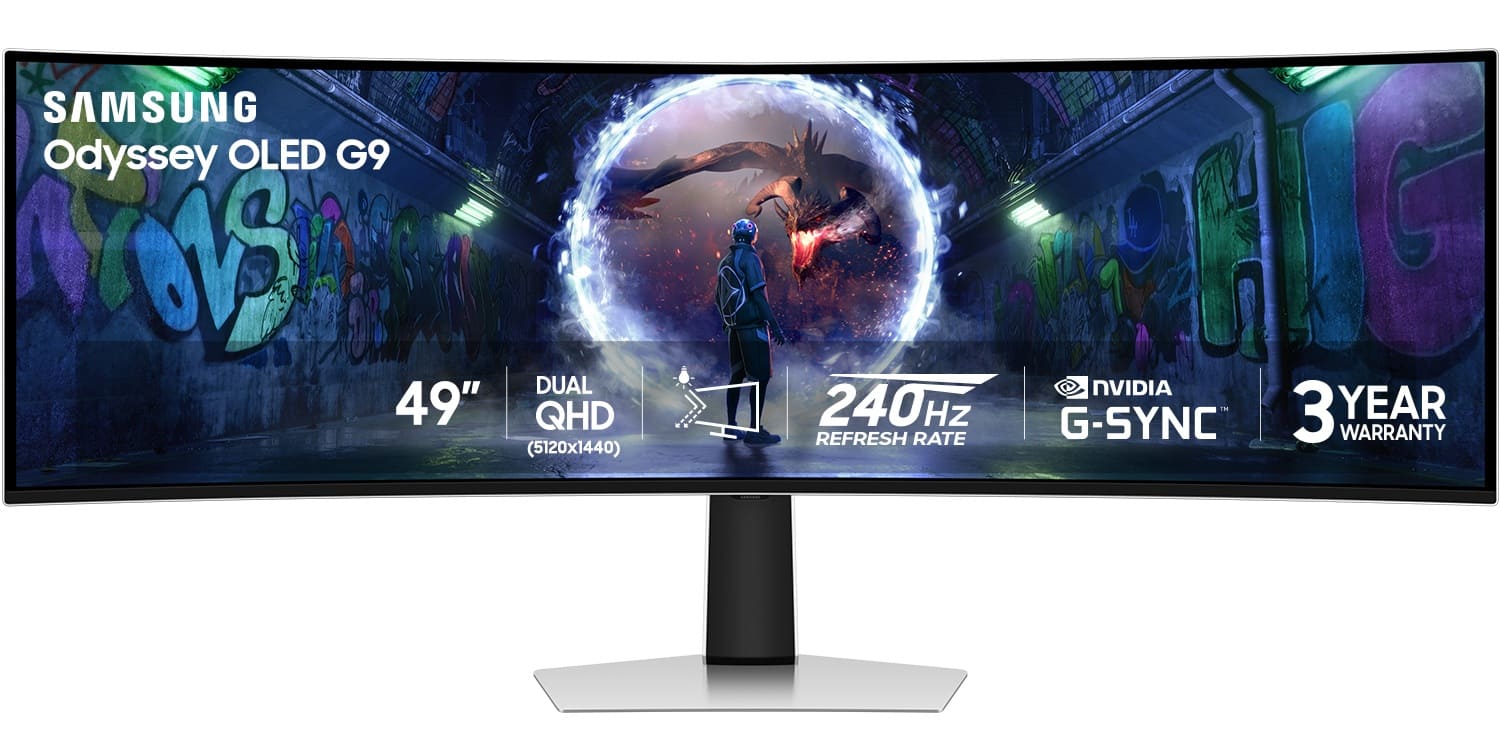
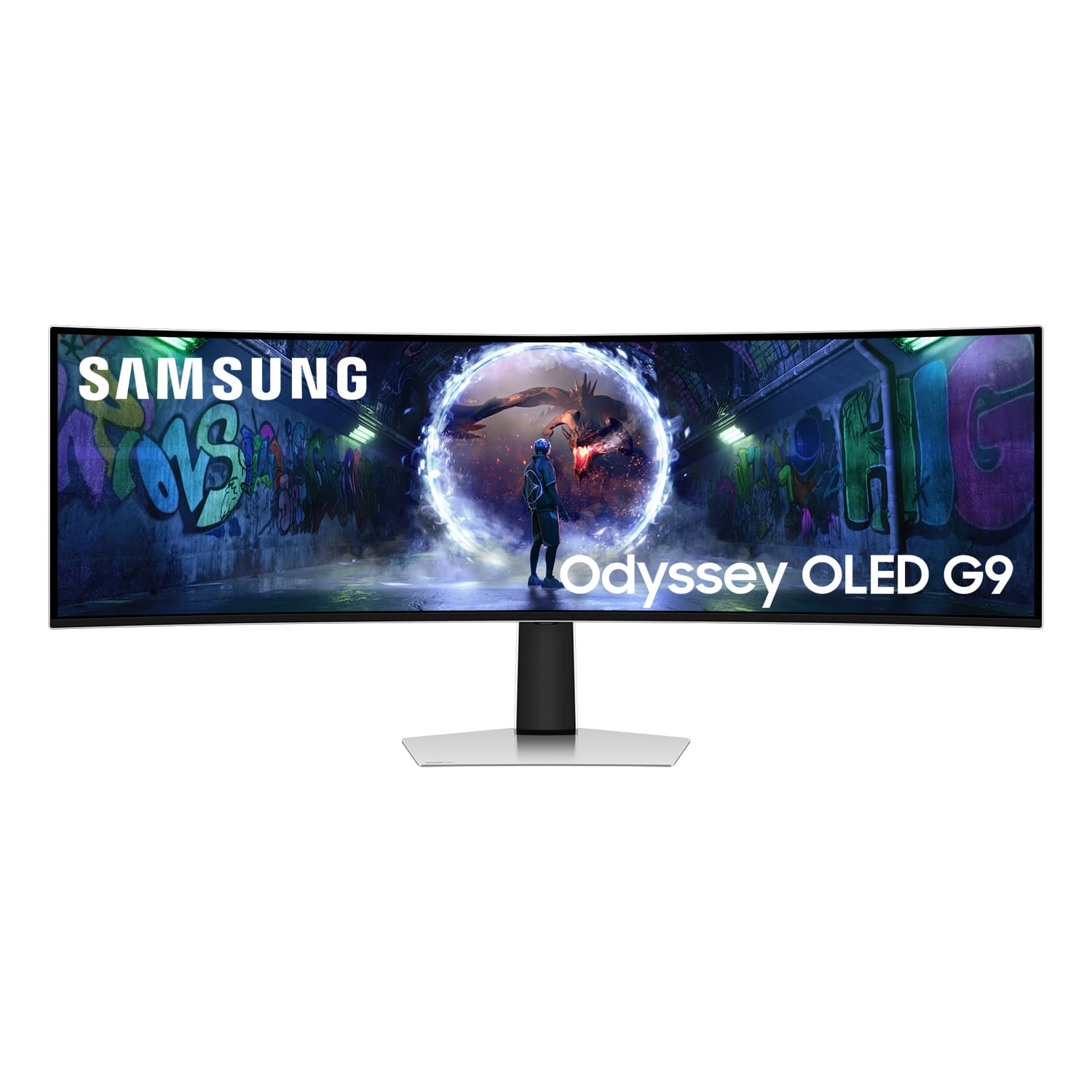
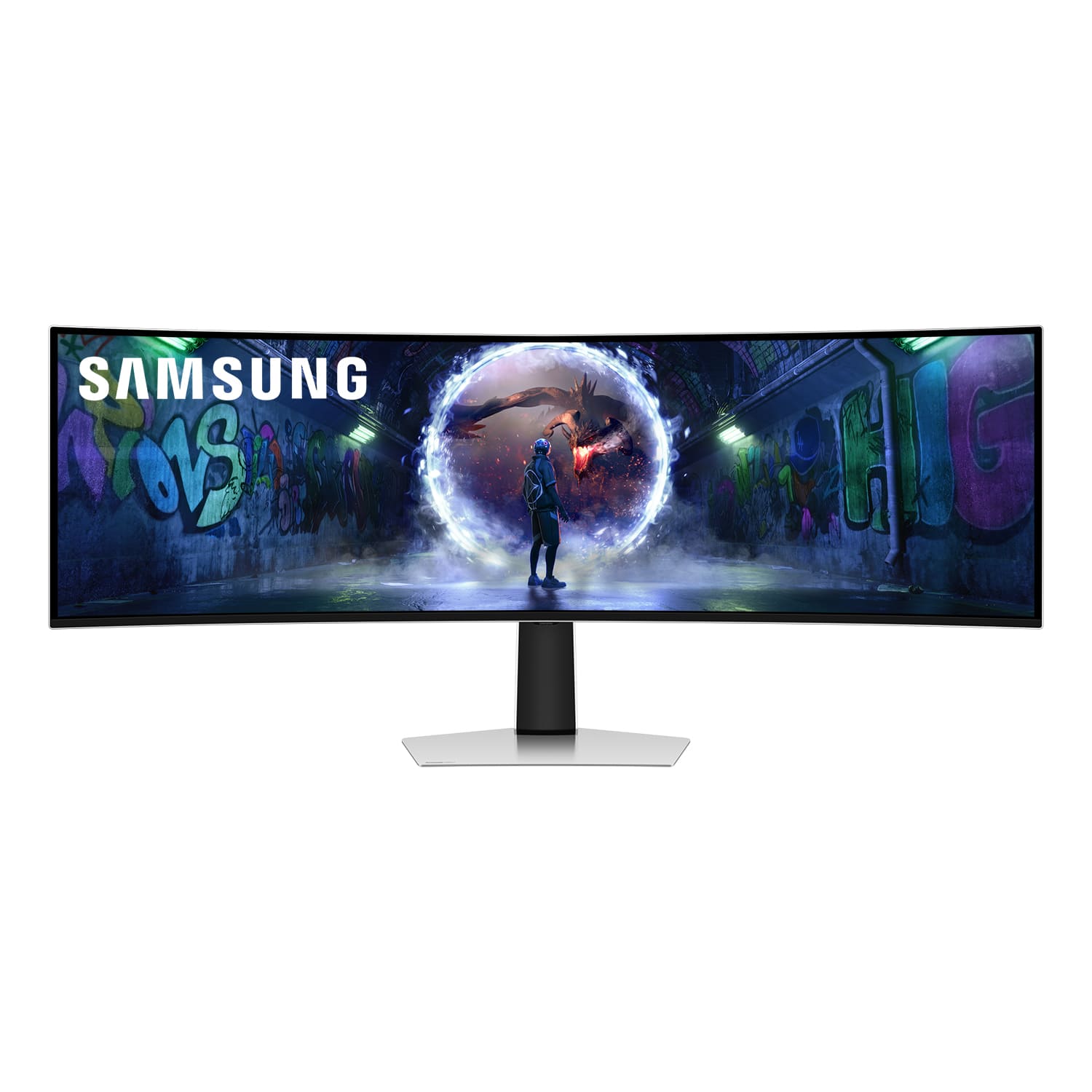
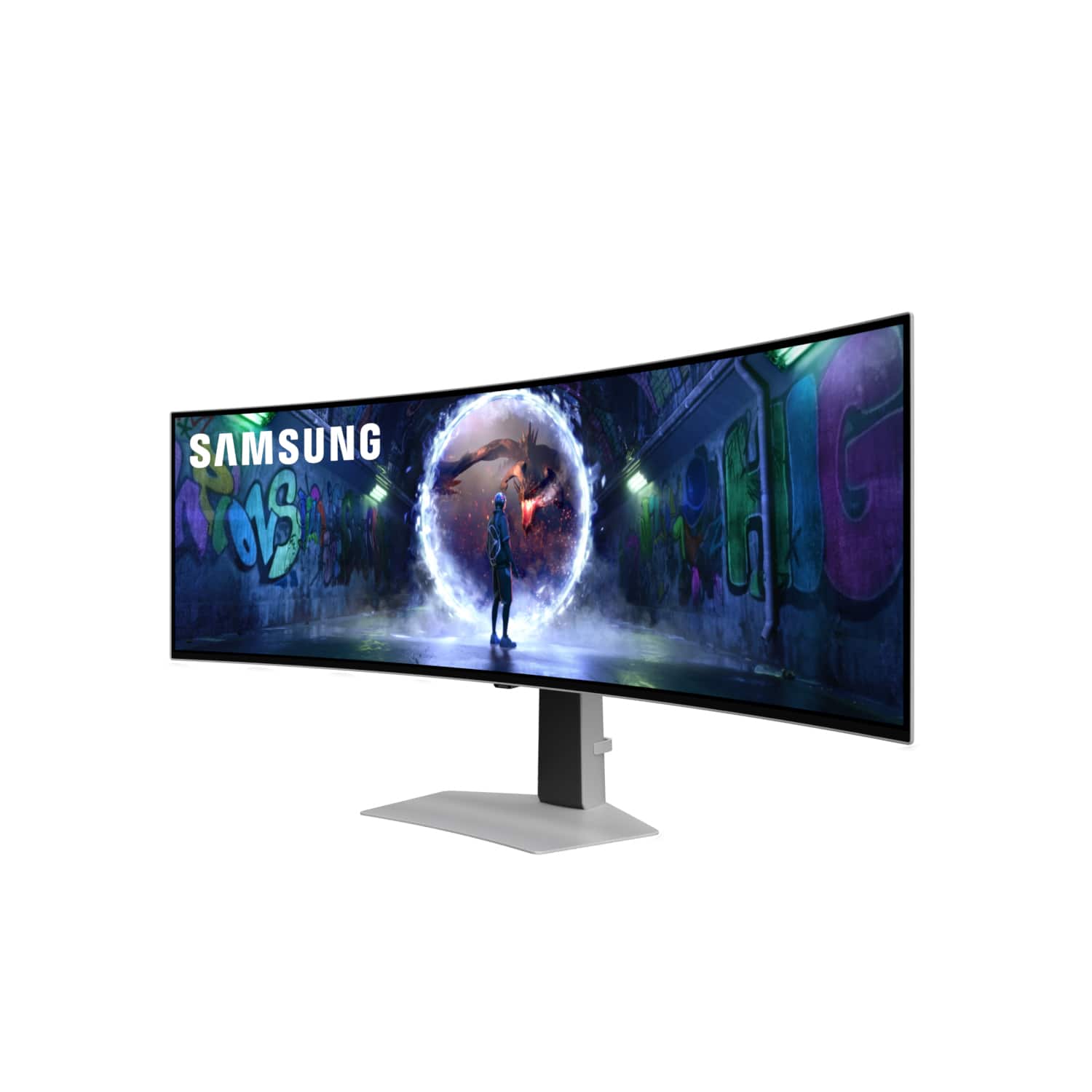
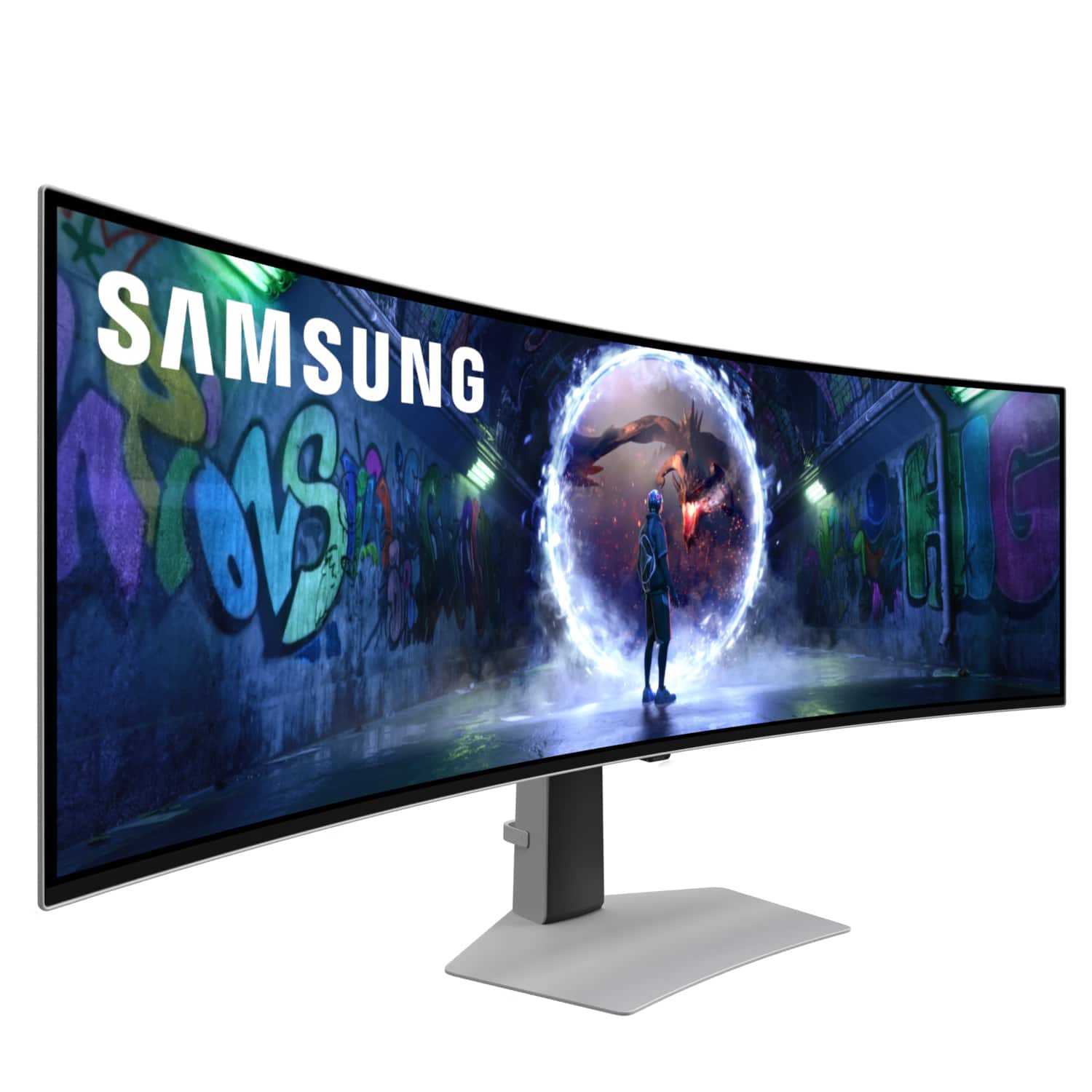
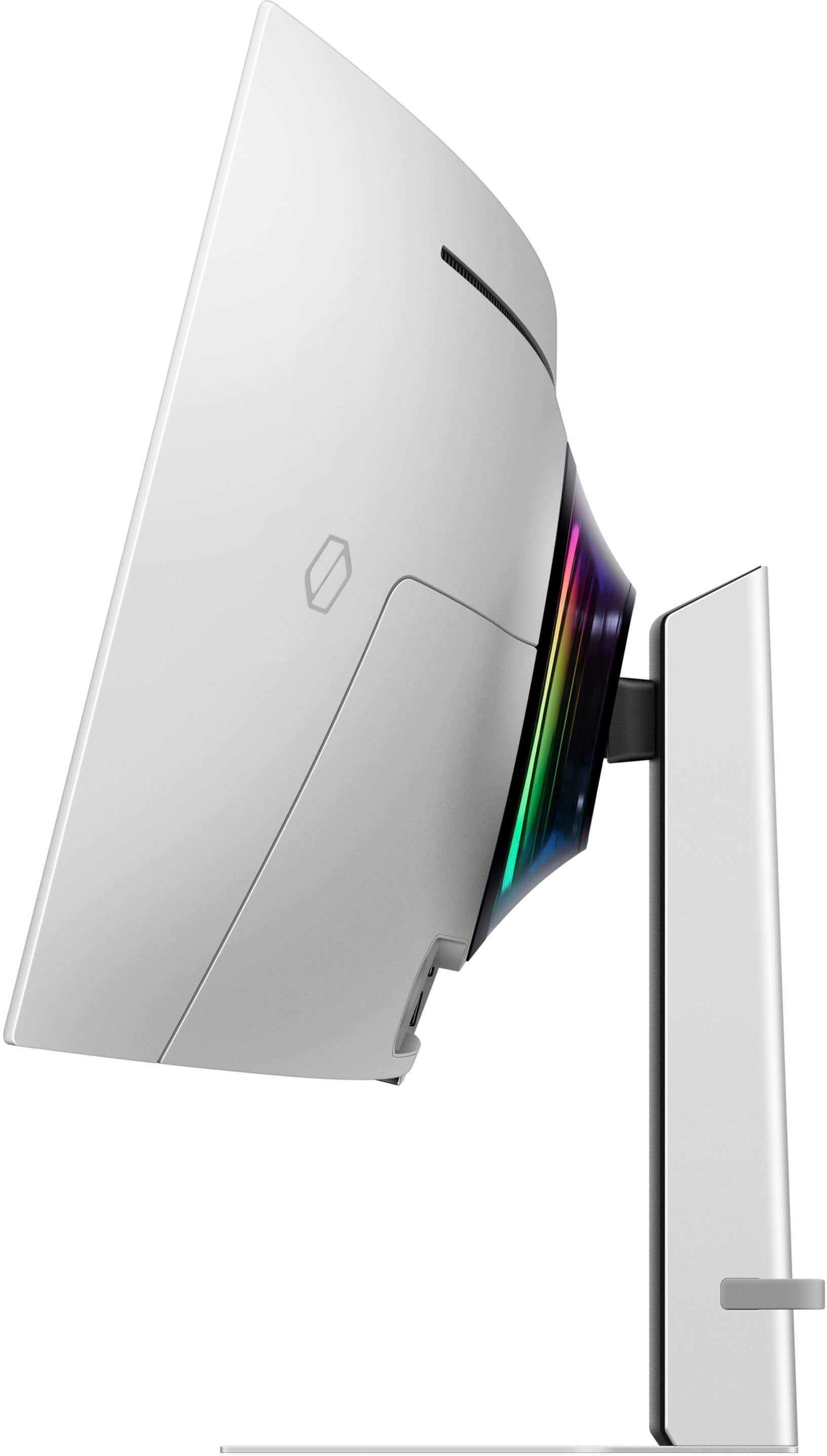
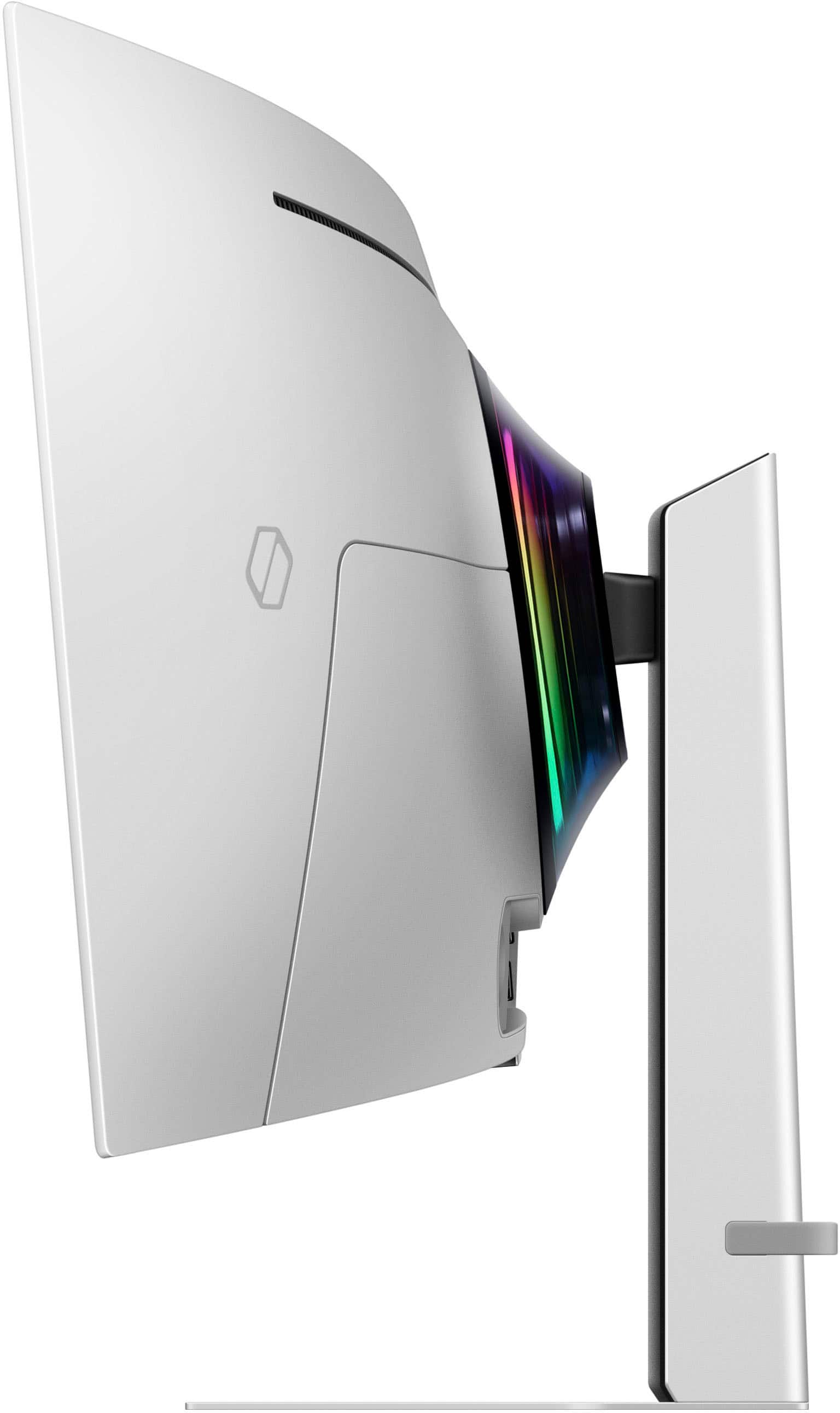
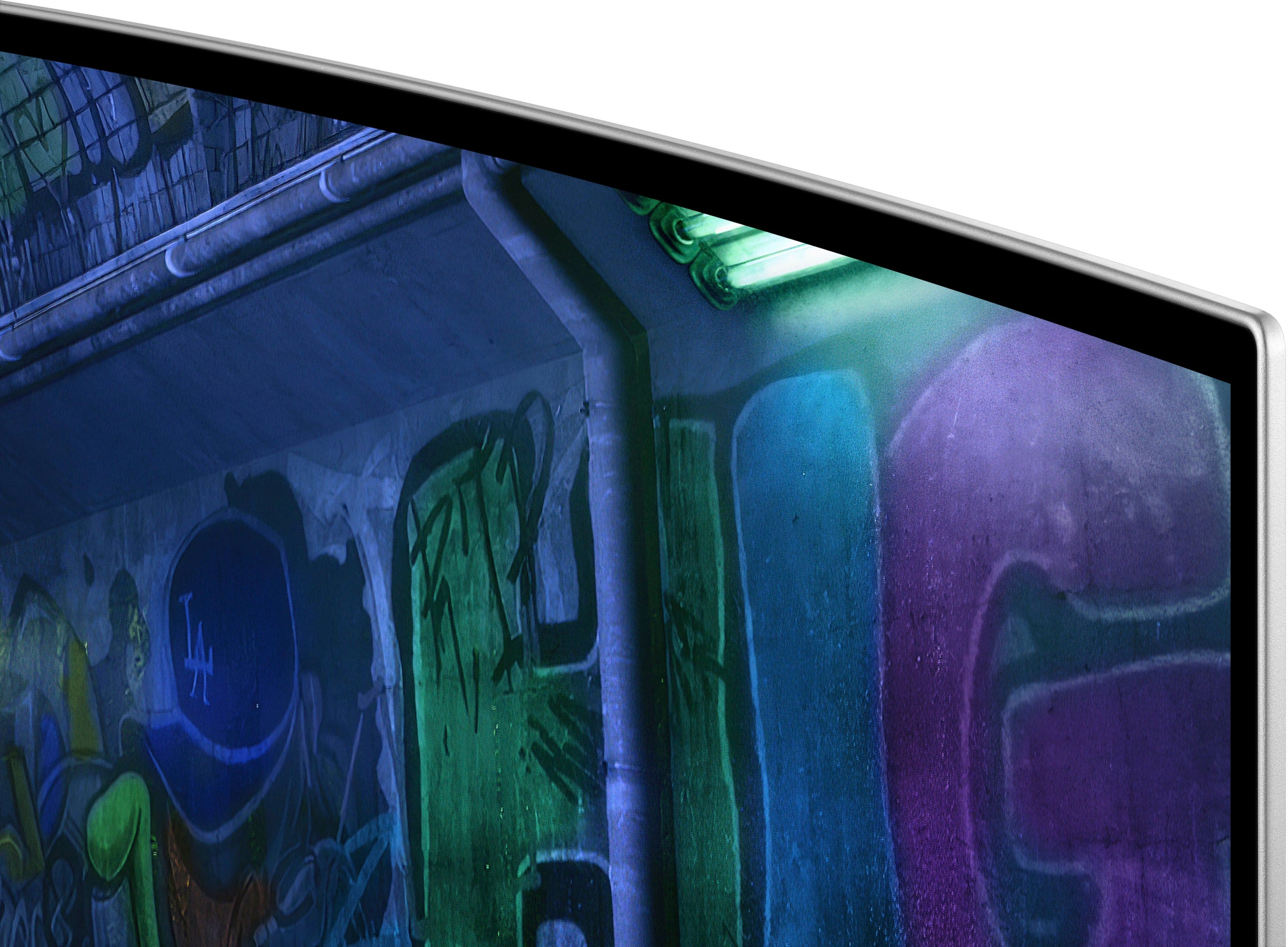
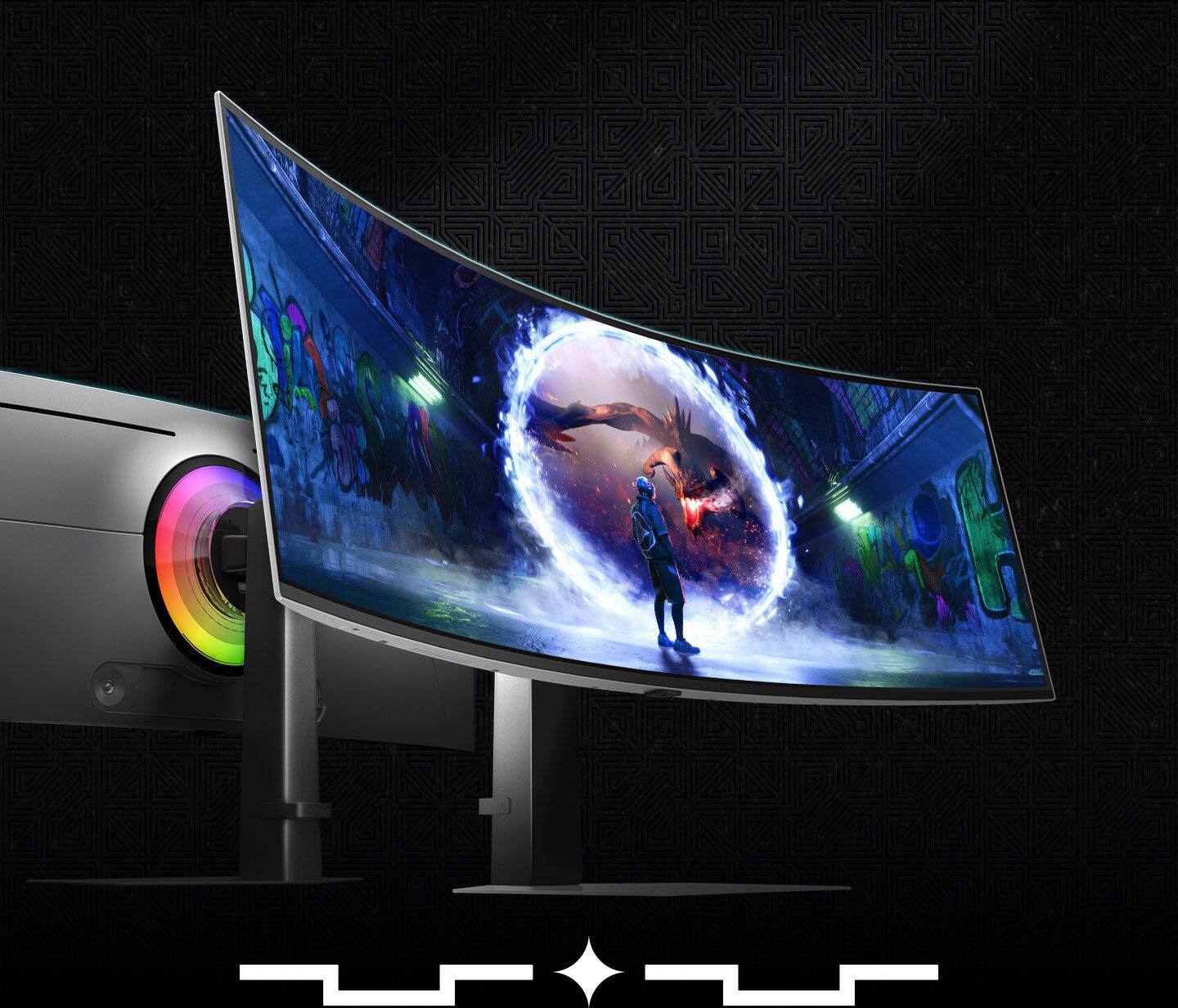
Customers recognize the 49" Odyssey OLED G9 monitor for its expansive screen size, high refresh rate, and impressive OLED quality, which delivers amazing contrast and deep black levels. Users appreciate the crisp 1440p resolution and immersive curvature, further enhanced by effective glare reduction. While the overall performance is highly praised, some customers have reported issues with the internal speakers.
This summary was generated by AI based on customer reviews.
The vast majority of our reviews come from verified purchases. Reviews from customers may include My Best Buy members, employees, and Tech Insider Network members (as tagged). Select reviewers may receive discounted products, promotional considerations or entries into drawings for honest, helpful reviews.
Page 2 Showing 21-40 of 133 reviews
Pros mentioned:
Oled quality, Refresh rate, Screen size
Rated 5 out of 5 stars
Excellent- brings a new experience to gaming
|
Posted .
This reviewer received promo considerations or sweepstakes entry for writing a review.
This arrived in a fairly large box – a bit awkward, you may need a little help carrying inside.
Opened the box, and the perfectly form fitting Styrofoam protected the monitor quite well. Open from the top, assemble the stand, latch it to the monitor, then lift out. Of course, I managed to open the bottom, which made this a little more difficult. That is all there is to setup, unless you are going to wall mount.
I was immediately impressed with the overall high quality of the monitor. Fit and finish is impeccable. The stand is heavy and seems to support the monitor well. The height is adjustable – gently push the monitor down to lower, or lift to raise. The tilt and rotation can also be adjusted.
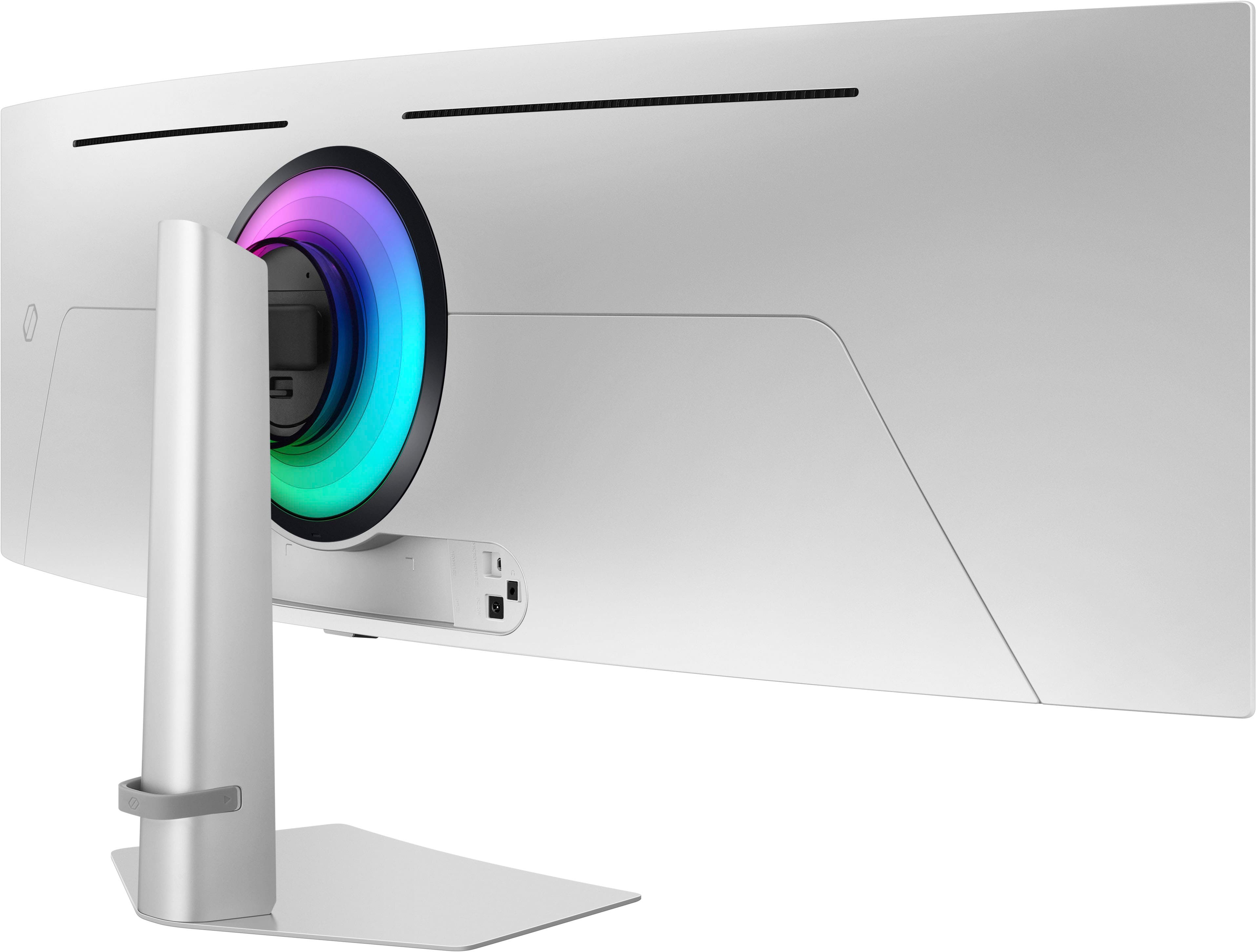
Included is the power brick and cable, a USB adapter, and a display port cable. I was surprised at the size of the power brick – it is quite large. There is also an adapter to use with a wall mount bracket.
Hook up is simple – attach the power adapter, and in my case, plug in HDMI cable, and headphones if desired.
This monitor is 49 inch OLED with 240Hz refresh rate, 5120 X 1440 resolution, with a response time of only .03 ms. FreeSync Premium Pro, G Sync compatible. Has display port, HDMI, Micro HDMI port, USB ports, headphone jack.
Full specs can be found on Best Buy.
Now on to using the monitor. I am sure I did not reach it's full capabilities. I did try a couple of games at high resolution. Once HDMI was plugged in, it instantly recognized the computer on HDMI 1. The colors on this OLED screen are gorgeous. The OLED screen is vivid, bright and extremely sharp at max resolution. Due to such fast response time, there is absolutely no tearing, blurring, and even fast action was super smooth. Viewing angles were excellent, and having a curved screen, every detail edge to edge seemed perfectly “focused” - is how I would describe it. Especially helpful for anyone depending on glasses. The power button on the back doubles as a 4 way toggle to access on screen menus for different settings, such as brightness, contrast, etc.
Overall, this monitor adds an entirely new dimension to gaming, It is quite pricey, but worth it for the serious gamer. With a good sound system, it will put you right in the middle of your games. I would highly recommend this monitor to elevate your gaming experience to new levels.
I would recommend this to a friend
Rated 5 out of 5 stars
Definitely winner
|
|
Posted . Owned for 1 week when reviewed.
This reviewer received promo considerations or sweepstakes entry for writing a review.
Amazing quality! I like it, looks very professional
I would recommend this to a friend
Pros mentioned:
Refresh rate, Screen size
Rated 4 out of 5 stars
Big Monitor with eyes toward the future
|
Posted .
This reviewer received promo considerations or sweepstakes entry for writing a review.
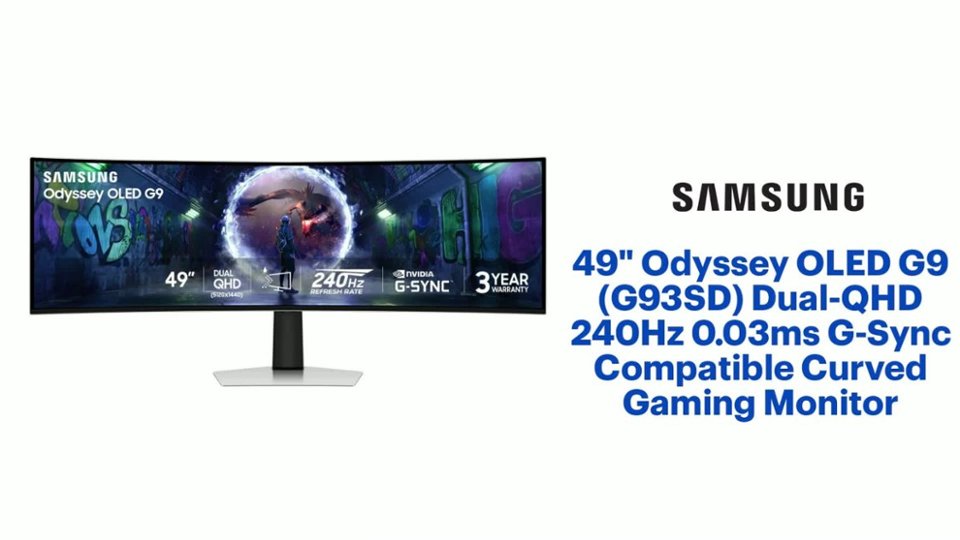
Samsung - 49" Odyssey OLED G9 Dual-QHD 240Hz 0.03ms G-Sync Compatible Curved Glare Free Gaming Monitor
The box it is packed in is quite large, and it is recommended that you team up with someone to take it out of the box and set it up so you don’t get it broken!
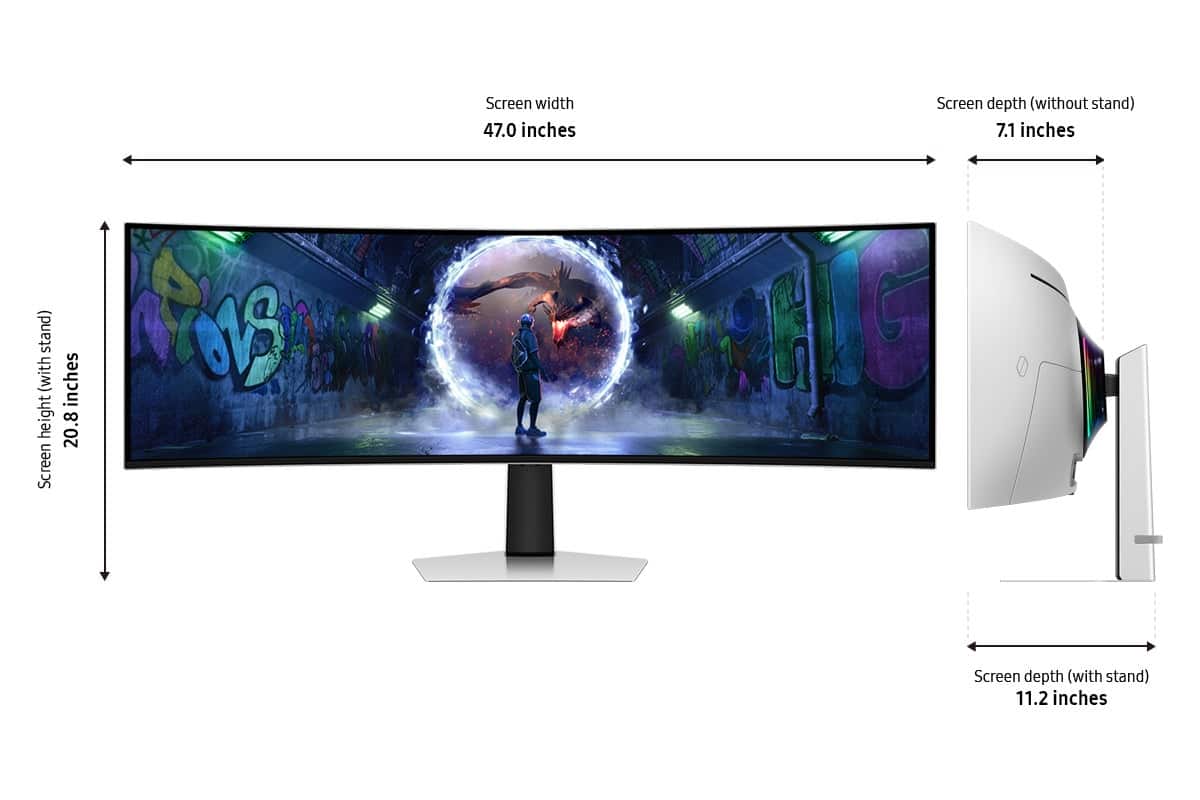
The Samsung Odyssey OLED G9 monitor is a 49-inch 5120 x 1440 resolution panel, the equivalent of two 27-inch 2560 x 1440 monitors stitched together into a big super-ultrawide with a 32:9 aspect ratio. Indeed, it is very big, and your biggest problem may be finding 47 ¼ inches of desk room to accommodate this beast. The base has height and tilt adjustability and a flat, wide, flat surface on your desk that is stable but also unobtrusive.
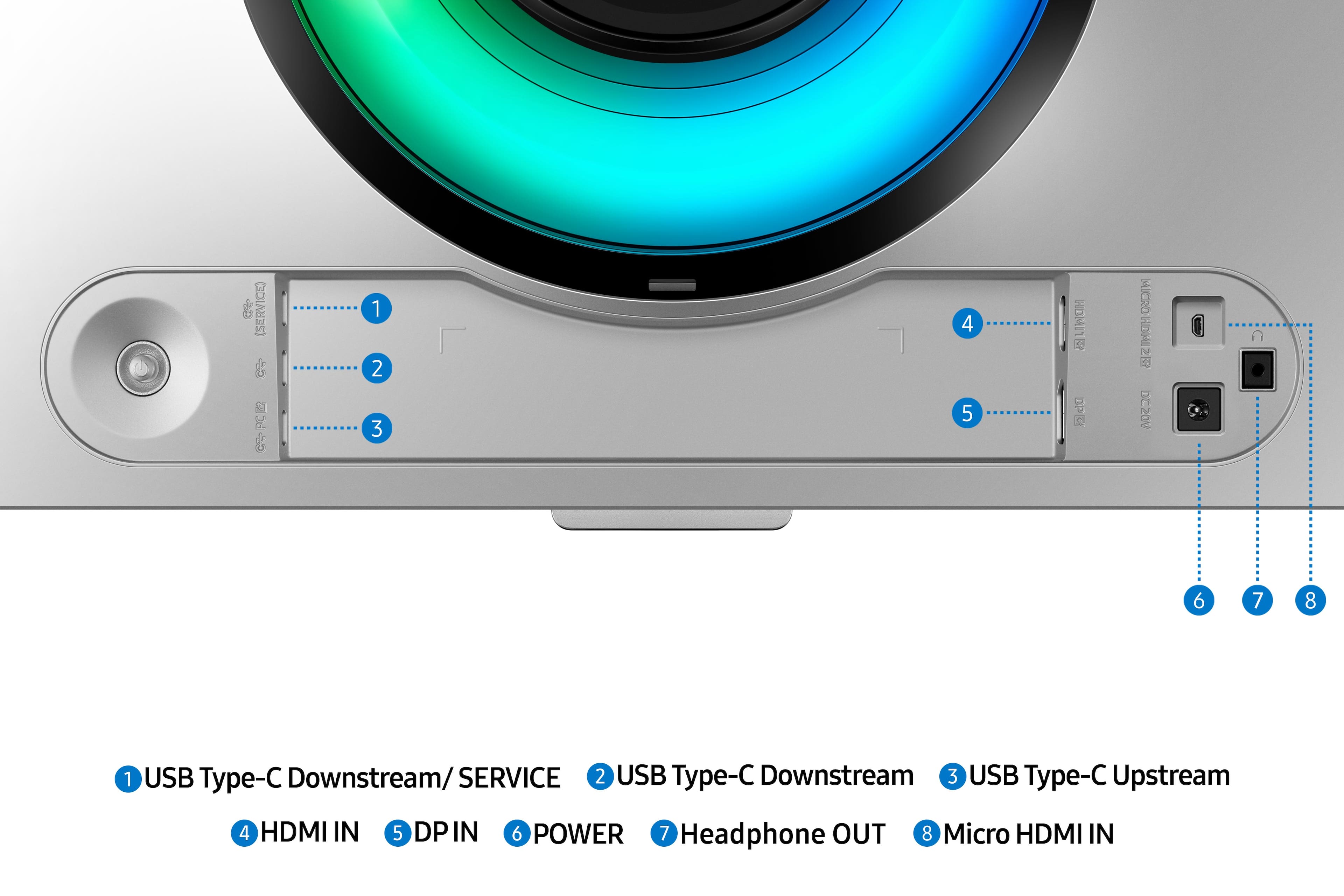
The curved monitor gives a real immersive feel when you have a 32:9 aspect ratio game and the OLED gives you the wow in colors and a true black, making things pop. It is a nice balance between bringing the edges in a bit for immersive gaming while not distorting the image too much for desktop usage. Viewing angles are outstanding and you won't have any issues with color shifting or tint when viewed from off angles. Yeah, I know 32:9 aspect games are in limited supply, but if your game only does 21:9 and 16:9 ultrawide, you still get a good feel with the true black border fading away in your sight picture. It has a refresh rate that tops out at 240Hz. It supports adaptive sync technology, and response times are rated at 0.03ms. You have an HDMI 2.1, micro HDMI, and DisplayPort 1.4 connection. There is also a headphone jack and 3 USB C ports, which are solely for hub functionality and do not support display connectivity, power delivery capabilities, or a KVM switch.
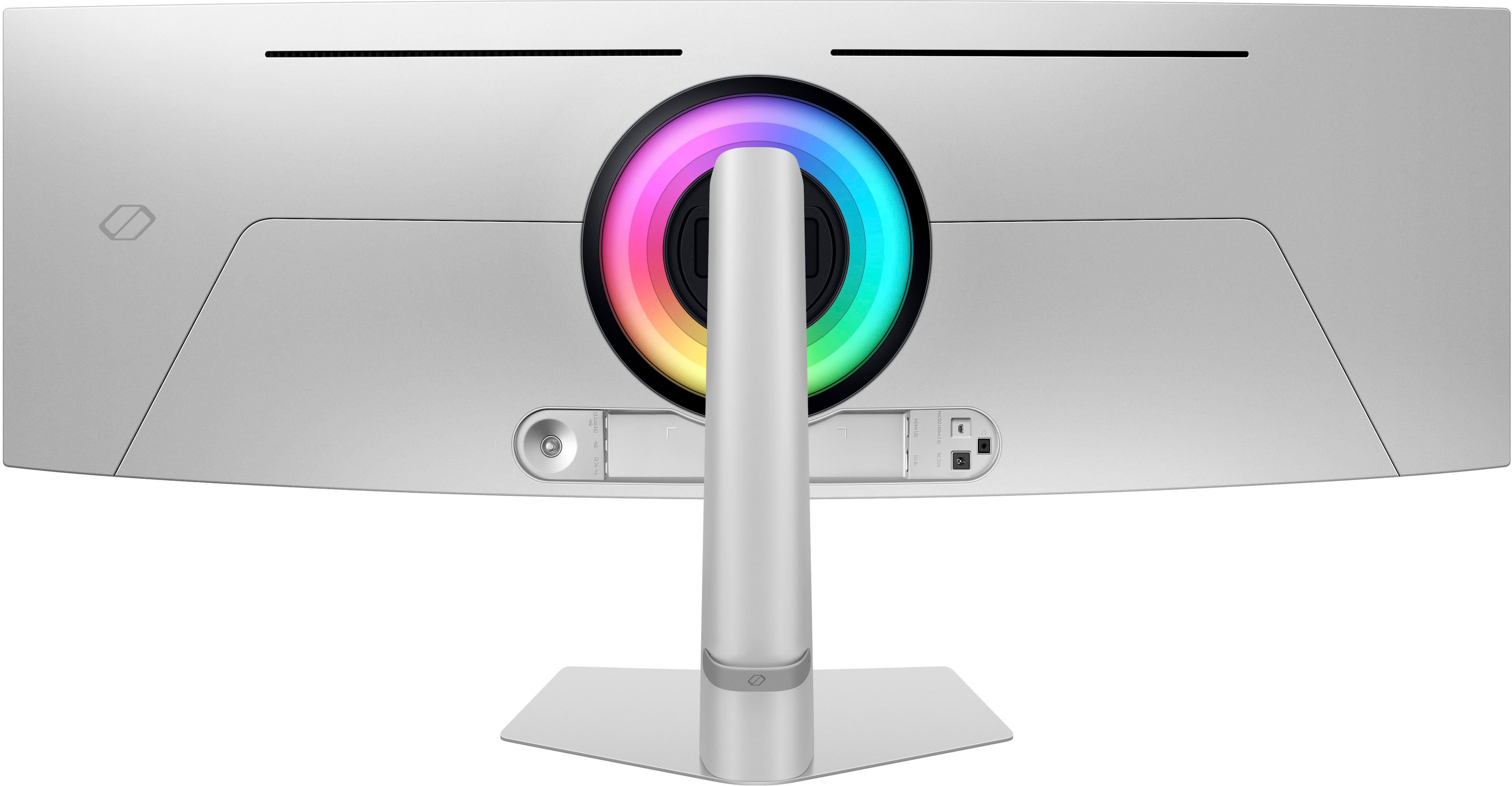
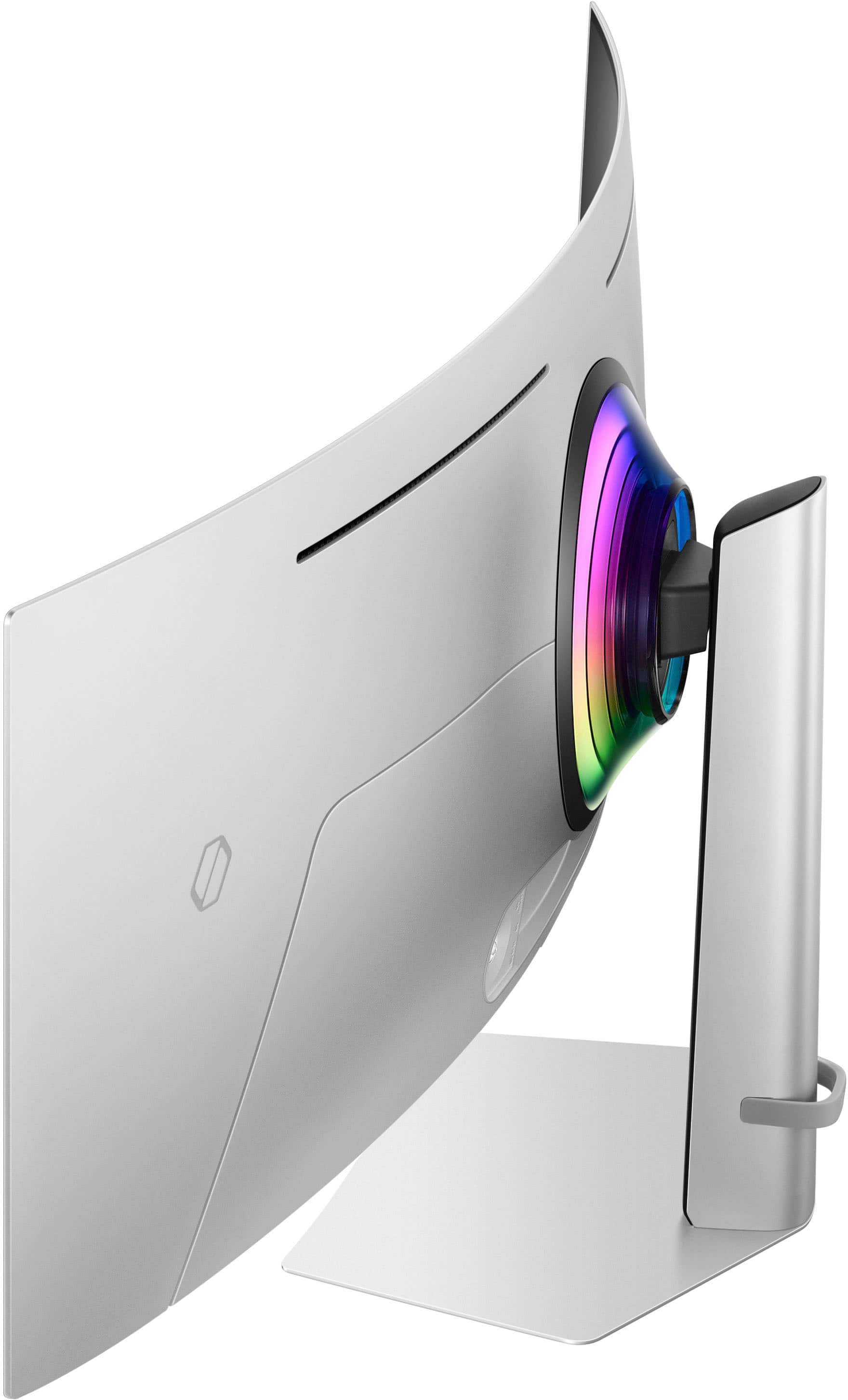
It comes with a power brick that is about 8 ½ x 4 x 1 ¾ inches. And it also comes with an adapter to allow for a VESA wall mount. The back of the monitor has a RGB LED light for syncing with your game action or some background lighting. It can be deactivated. (CoreSync & Core Lighting+ add color and enhance the screen’s surroundings)
The OLED panel has additional features: To stay cool it has an automatic brightness control: Thermal Modulation System - Algorithms predict surface temperature and automatically control brightness accordingly to reduce heat. Adaptive brightness on fixed images: Logo and Taskbar Detection to help prevent burn-in. And an automatic screen saver: The screen dims itself after 10 minutes of inactivity and returns to regular brightness with any input.
The back of the monitor has a joystick that is the on/off switch and an options control. It allows the selection of Game modes, Picture modes, Picture in a Picture and Picture By Picture, Screen display setups, Systems, and Support.
You can select any of your display connections to use as a PIP/PBP setup on the display. This can be from any appropriate source. If your PC has multiple display connectors, you can use these for a side-by-side display or PIP. You can also hook up different devices to different inputs for the PIP or PBP display on the monitor. It self-adjusts, and it is like having two monitors glued together. If you prefer, you can do a PIP setup. There are four different mode presets. This capability gives me the most flexibility while gaming or using this for desktop productivity work with its resolution, equivalent to two 1440p monitors side by side.
I would recommend this to a friend
Pros mentioned:
Black levels, Oled quality, Screen size
Rated 5 out of 5 stars
beautiful and huge
|
Posted .
This reviewer received promo considerations or sweepstakes entry for writing a review.
It’s hard not to be impressed with an OLED display. For years, manufacturers have been trying to mislead buyers by claiming that their just because their LCD displays have LEDs in them that that somehow makes them LED displays. It does not. But this is the real deal. Super bright pixels, infinite contrast, and beautifully saturated color put this tech into a completely different category from even the best quantum-whatever LCD screens.
With that in mind, I find it hard to review this product, because the tech is incomparable to any other display I’ve used regularly. Other than in my smartphone and watch, OLED displays are few and far between. Having one this big is just incredible. But it is indeed as advertised: a 49” OLED display. The image quality is virtually perfect—just as is expected from this technology.
Aside from the screen itself, this product is thoughtfully engineered in a number of ways:
- The on-screen controls are easy to navigate and more or less do what they should do.
- The stand seems beefy and oversized, but with such a large and heavy monitor it kind of has to be.
- The mood light behind the display is a nice touch.
- While curved screens sometimes seem awkward or a novelty, this one feels natural since it is so wide. I think it would be weird if it were not curved.
- At first glance I was turned off by the silver metallic finish, which looked to me like raw aluminum. But I have to say, it’s growing on me. Especially the thin silver pencil line around the outside of the display: it really sets off the display as something elegant and refined.
Some applications, even games, are hard to adapt to this ultra-wide format screen. A web page or a video, for example, often ends up leaving 70% of the screen unused in empty bars on the left and right. On the other hand, this display is not intended to be used that way. When you want an uninterrupted wide landscape view, that’s exactly what you get. Additionally, it is possible to divide it up into multiple windows or separate virtual displays, which is another nice way to use it. I definitely get spoiled having so much screen space to spread out multiple windows when I am working on projects that involve referencing several documents at the same time.
I would recommend this to a friend
Pros mentioned:
Overall performance, Refresh rate, Screen size
Rated 5 out of 5 stars
Gigantic, impressive monitor for hard core gamers
|
Posted .
This reviewer received promo considerations or sweepstakes entry for writing a review.
The Samsung 49” Odyssey OLED G9 is a top of the line ultra-wide curved display that boasts impressive features that will satisfy the hardcore gamer and the PC enthusiast who wants to use multiple displays into one large screen.
The day I received it, I was intrigued by the sheer size of the box, at close to 4 and a half feet wide, and the substantial weight. The instruction manual recommends a specific way to remove it and set it up and, to make it easier in my opinion, two people would do it more efficiently. Once out of the box and put together, I was impressed by the looks and the quality build. The wide metal stand gives it good stability. You can tilt it and adjust the height for optimum viewing.
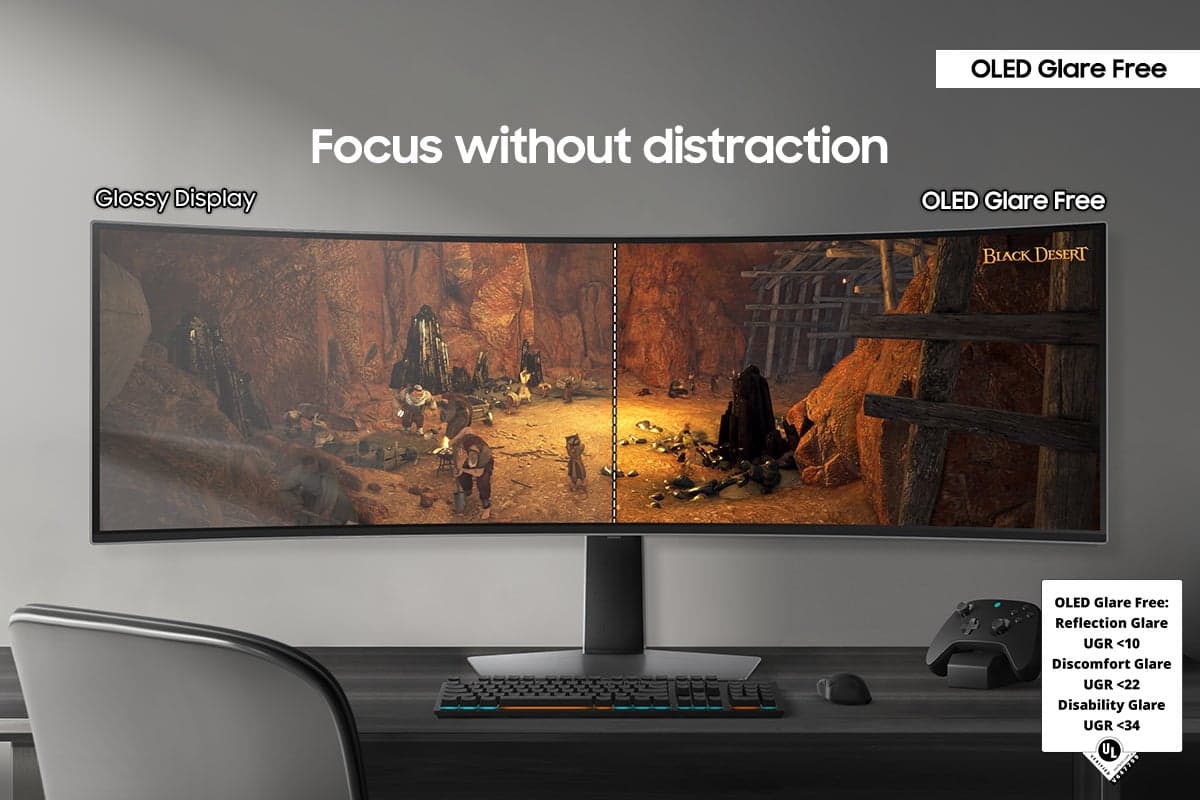
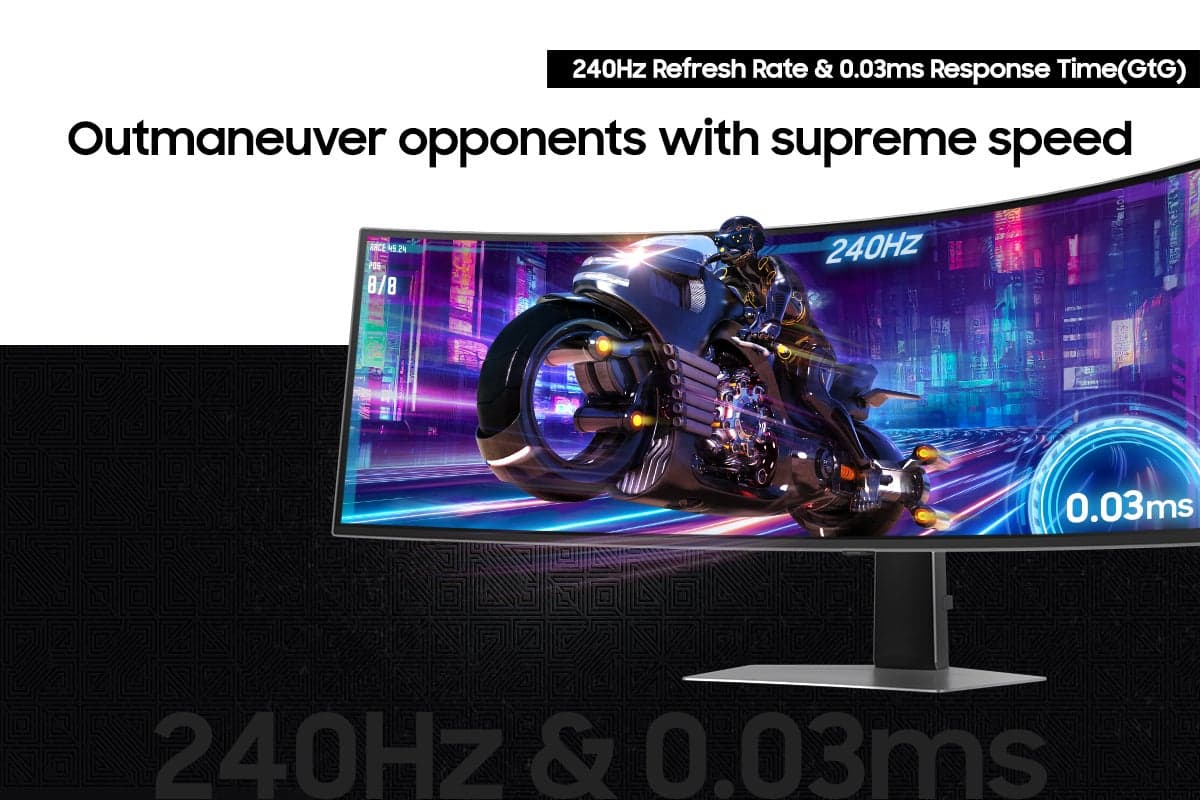
For display connection, Samsung built the Odyssey OLED G9 with one HDMI 2.1 and one DisplayPort. It also has 2 usb-c ports and one micro-HDMI usb port. I don’t think the usb-c ports are thunderbolt ports. At first, I connected my PC through the DisplayPort and made the necessary display set-up. The G-Sync compatibility of this monitor made it easy to adapt it to the NVIDIA RTX 4090 GPU in my PC. I immediately started playing Ghostrunner and I couldn’t wipe the smile off my face. The 240Hz refresh rate coupled with the claimed 0.03 milliseconds response time made playing this fast paced game a real delight. The color was bright, rich and so accurate with stunning contrast. At the QHD maximum resolution, some video games look like a brand new experience, and that giant curved screen gives a great sense of immersion. The glare-free feature practically eliminates all reflections in the background, even in a bright room. I really like it.
I also tried watching some high resolution videos and pictures with the HDMI connection. The Samsung Odyssey G9 performed great without a sweat. I connected my gaming headphones through the headphone jack and it delivered good sound perfectly synced to the screen.
Standing at 47 inches wide, this monitor is huge. It didn’t fit my desk and I had to order a new one to accommodate such a wide monitor, and I had to move some furniture out of my computer room. It comes with a wall mount adapter that some people would prefer. This monitor is an OLED screen and I was afraid of burn-in, especially when I divided it into three viewing displays while doing some work from home and some of my screens would be static. Samsung claims that this monitor includes a feature that automatically detects static images and reduces the risk for burn-in, and I have to say, so far so good.
To conclude, I really like this gaming monitor. It’s a premium cutting-edge monitor that hard core gamers will love for its vibrant, precise colors, lightning fast performance and immersive capabilities. It also makes a great monitor for productivity as you can divide it into multiple displays. If you have the space and you can afford the premium price, I wholeheartedly recommend it.
I would recommend this to a friend
Pros mentioned:
Oled quality, Refresh rate
Cons mentioned:
Speakers
Rated 4 out of 5 stars
How big is too big?
|
Posted .
This reviewer received promo considerations or sweepstakes entry for writing a review.
I was on the search for a new computer monitor. I had a decent 27” HP monitor for years but have always been wowed whenever walking thru my local Best Buy at some of the offerings from Samsung. I love Samsung TV’s and figured I would give one of their computer monitors a try to see if they were as good. I wanted to get something dramatically different then what I had, and had the chance to get the 49” Odyssey OLED G9 screen.
When the box arrived, I was very intimidated! This box was just about as tall as my wife. After lugging it upstairs to my office/computer room, I began to unbox this enormous device. It’s well packaged, with a lot of styrofoam protecting the screen its self. In the box I found the monitor, the base and stand, wall mounting bracket, the huge power brick and cord, a display port connection wire, & an USB-C to USB-A adapter.
Following the guide for unpacking and installation was easy and more importantly, helpful. It shows the optimal way of putting the stand together and attaching it to the monitor. The helpful hint of finishing the assembly while the monitor itself is still in the box and connecting any wires before moving to its resting spot was a time saver I’m sure. The connections in the back of the monitor are tricky to access and actually connect a wire from the front, at least it was for me. Trust me, you don’t want to have to move this monster that often. The base is heavy duty, as it needs to be to hold this screen up. It just doesn’t move that easily once you set it.
After I had my connections to computers and the power cord plugged in, I was ready to go. Before I turned it on, I just stared at it. Going from what I had to this screen was (again) intimidating to say the least. I turned the Odyssey on I had to actually move my eyes and turn my head to see the entire screen. I immediately had the feeling that I bit off more than I could chew with this monitor. After a week with it, I’m still adjusting to using it for PC gaming and other computer uses.
I’ve tried a couple games with it. Diablo IV and Gears of War 5 look very much better on this screen than they used to on my previous monitor. The Odyssey G9 and its super high refresh rate ensured there is no lag in the visuals. Playing Gears in particular, moving the aim from one end of the screen to the other was fast, almost too fast. The OLED screen is just beautiful and makes the games look their absolute best, even with a seriously outdated graphics card. Besides the great screen and all of the screen real estate, my favorite feature is being able to run two inputs at the same time and see the screens in either Picture in Picture or Picture by Picture! This works insanely well due to how big the screen is. Both “screens” look completely normal and are still bigger than what I was using previously. Multitasking is this monitor’s superpower! There are some other major quality of life features as well. The screen is big and beautiful and OLED and is glare free. Samsung says it’s 54% less glossy than other Samsung monitors. The position of the screen is easily moved up and down along the stand arm and can be tilted. There are also settings to protect the OLED screen (logo brightness) and your eyes (eye saver mode). A couple things to note though. This monster screen throws a lot of heat off of it. In the winter months, you’d barely need to have heat on in the room that this monitor is in. The thing I struggled most with, though it’s admittedly probably user error, I cannot get sound to play thru the monitor’s speakers. I’ve tried a couple different things and none have worked so far.
Overall, the Samsung Odyssey G9 49” OLED is a great monitor that begs the question, how big is too big? I think for a computer screen, that you are typically closer to, this is right at the edge of too big. It even might have passed it. Like I said earlier, I’m still trying to get used to the sheer width of the screen to consume my entertainment. If the size of the screen doesn’t scare you, then pretty much everything else about it is great. The picture it displays is beautiful and will always be in sync with what is actually happening in the game. For me, even more than this, the ability for the Samsung Odyssey G9 to output two devices in a Picture in Picture or Picture by Picture is the amazing feature in this monitor.
I would recommend this to a friend
Brand response from Samsung
Posted .
We are delighted to hear you've had an overall, positive experience with your Odyssey Gaming Monitor.
Thank you for your feedback to help us improve our products and services. If there is anything we can do to assist you and improve your product experience, please don't hesitate to contact Samsung Customer Support via:
1-800-SAMSUNG, available 8AM - 12AM EST (Mon-Fri) / 9AM - 11PM EST (Sat-Sun).
Your thoughts and opinions are very important to Samsung.
Pros mentioned:
Black levels, Refresh rate, Screen size
Rated 5 out of 5 stars
*Loving it* Can't take my eyes away!
|
Posted .
This reviewer received promo considerations or sweepstakes entry for writing a review.
I'm speechless...WooW what a difference this Samsung Odyssey G9 monitor can make in the daily usage of my Pc!
It's A MUST to TRY it and let me tell you once you play or do whatever task you may want on this OLED panel it's hard if not impossible to switch to any other kind of monitor.
It is a large monitor, when i unboxed it in my living room i was wondering if it wouldn't be too big for my desk but it did fit perfectly and the stand was Easy to Setup and then carrying it downstairs. Mostly because the screen itself it's super light and razor thin for the size thanks to the OLEd technology.
I plugged it up to my PC thru its provided DisplayPort cable but i also tried an HDMI cable and used it as an extension display and both worked flawlessly.
As soon as this thing powered on I was emerged in it's display due to its curvature and the ambiental color backlighting. The Black Levels and RefreshRate (240hz) thanks to its OLED panel and NeoQuantum Pro processor(0.03ms response rate), are out of this world... it makes any scene, either while gaming or watching a high definition content, so captivating that sometimes it might sound weird but it exceeds real life visuals!
After using it for a good amount of hours and mostly at night i'm surprised that it is very comfortable to the eye and doesn't make me tired at all no matter how many hours i spend in front of it.
Multi tasking is my new friend now ... with this much screen space i can easily do 3 things at once in style.
I love it and i'm glad Samsung built the Odyssey G9 it's been much apreciate it, makes my PC sessions much more pleasant and productive!
I would recommend this to a friend
Pros mentioned:
Black levels, Screen size
Rated 4 out of 5 stars
Big, Bold, and Business-ish
|
Posted .
This reviewer received promo considerations or sweepstakes entry for writing a review.
Let’s just get this out there…. This is a BIG monitor. Before you purchase make sure your computer space has the room. Both the width and the depth for the base
I would recommend two people to take the few minutes to take out of the box and assemble Comes with an easy base, and you can do it with one person, but would be easier with two
Also comes with the adapter for a VESA arm mount as well
Large power brick, if your power supply is on the desktop, you will need to make some room. Underneath, this brick will need to be on the floor or supported, it has some heft to it
So I have a KVM for my primary area so I can switch between my work and fun machines. My work Mac (an M1 MacBook Pro) was not able to work with it via HDMI, which I figured going in I am hoping a newer Mac will work down the road. It just couldn’t do the resolution
So this is going to be exclusive for the PC with the NViDIA 2080. I was able to get the full resolution. So game play was just awesome at this size.
Fast response, great color, amazing detail
Had to connect it via display port to get the full resolution. Looking forward to test it Microsoft Flight Sinulator soon… And how it performs with a 5080 Nvidia
After some initial time, we ended up using two video input mode DP we setup for about 60 percent of the screen. We then put the other 40 percent on and HDMI switcher
So when we want a “2nd monitor” for a game, we got it. But then we also use it for a Amazon Firestick, TV support
That way we can stream video and other things without sacrificing PC performance
Very awesome monitor
If you have the right video card, and the games to support Changes everything
I would recommend this to a friend
Pros mentioned:
Refresh rate, Screen size
Rated 5 out of 5 stars
Big and Beautiful
|
Posted .
This reviewer received promo considerations or sweepstakes entry for writing a review.
There are so many things to love about the Samsung Odyssey G9 monitor. The most obvious and notable is the size. 49” is gigantic! My previous monitor was 34” and I thought that was big. When I’m utilizing the entire width of the Odyssey’s display, I quite literally have to turn my head left and right to see everything. The 1440p resolution is crisp and the 240 Hz refresh rate makes it excellent for FPS games. The OLED panel ensures rich colors and deep blacks. I’ve been a Marvel Rivals addict lately and this monitor has made my playtime nothing short of immersive.
With a monitor this big, usability is important. Once you manage to lug the monster to your office space and set it up, it’s plug and play from there. Plug in the included power adapter and DP cable and you’re set. The power/menu button is easy to reach on the back of the display just off to the right of center. Something that I personally love about this monitor is that all of its features can be controlled via its onboard menu, from game settings to picture settings to the Core Lighting that projects onto the wall behind the monitor. You don’t need to download an app. Hallelujah!
When I’m not gaming, I use my desktop to finish work that gets brought home during the week. The Odyssey G9 is a multitasking monster. Due to its crazy width, Chrome lets me open 348 tabs without stacking. If you want to display multiple apps/programs simultaneously, simply drag one to the top center of the monitor and it will present you with six templates for screen splitting. It’s lovely using this feature on one large monitor as the mouse doesn’t jump like it might between two or more physical monitors.
As others have mentioned, if you have the means, this is hands down one of the best monitors on the market when it comes to both size and quality. No matter your use case, you won’t be disappointed.
I would recommend this to a friend
Pros mentioned:
Screen size
Rated 5 out of 5 stars
This. Thing. Is. A BEAST!
|
Posted .
This reviewer received promo considerations or sweepstakes entry for writing a review.
I'll say it again, This. Thing. Is. A BEAST!
This review is going to focus on user excperience, (set up, user experience etcetera) and less on technical specifications. Why? Well, because there are so many places one can go to get the tech spec's (BB.com, Samsung, other reviews from BB.com, expert reviews...) and so on.
FIrst experience, it is HUGE! And I mean that in only the best possible way. Scooping it up from my porch throught the entry and family room and then into my office and onto the guest chairs, I placed it to unpack. Sliced the box open and went to unpack it, and was welcomed with a styrofoam piece that heldmpieces for the base and mount, as well as power and a spartan first use guide.
After removing the apperatus and styrofoam, I was able to remove the monitor and GENTLY place it on ,y desk. I installed "mount", then installed the base, turned it over, installed the power and the HDMI and I was off and running.
The power and control button are on the BACK of the unit and are not necessarily intuitive. It took me a minute to find, but it's about 1/3rd of the way from the right. Not easy to find, but once you know it's there, it deos feel a bit more natural to use.
OK, so that is the set-up.
For the user experience, this is an awesome moniter. It's huge, curved and tech specs are impressive. I played Forza 5 and I felt like I was at the track. It was very cool to feel that immersed.
COD was very immersive as well. Picture was so crisp, so clean and bright. No complaints at all!
End of the day, this is a exceptional monitir. If you have the need and the means, you can't go wrong with this beast!
I would recommend this to a friend
Pros mentioned:
Oled quality, Refresh rate, Screen size
Rated 5 out of 5 stars
It's like you are stepping in to the game it self
|
Posted .
This reviewer received promo considerations or sweepstakes entry for writing a review.
This review is for the Samsung 49" Odyssey OLED G9 Gaming Monitor.
Let me start off with this thing is huge. Dwarfing my old monitor 43" monitor.
But unboxing was easy and I was able to accomplish it by myself. You will find three main parts when you open it up. The base, a stand and the monitor it self.
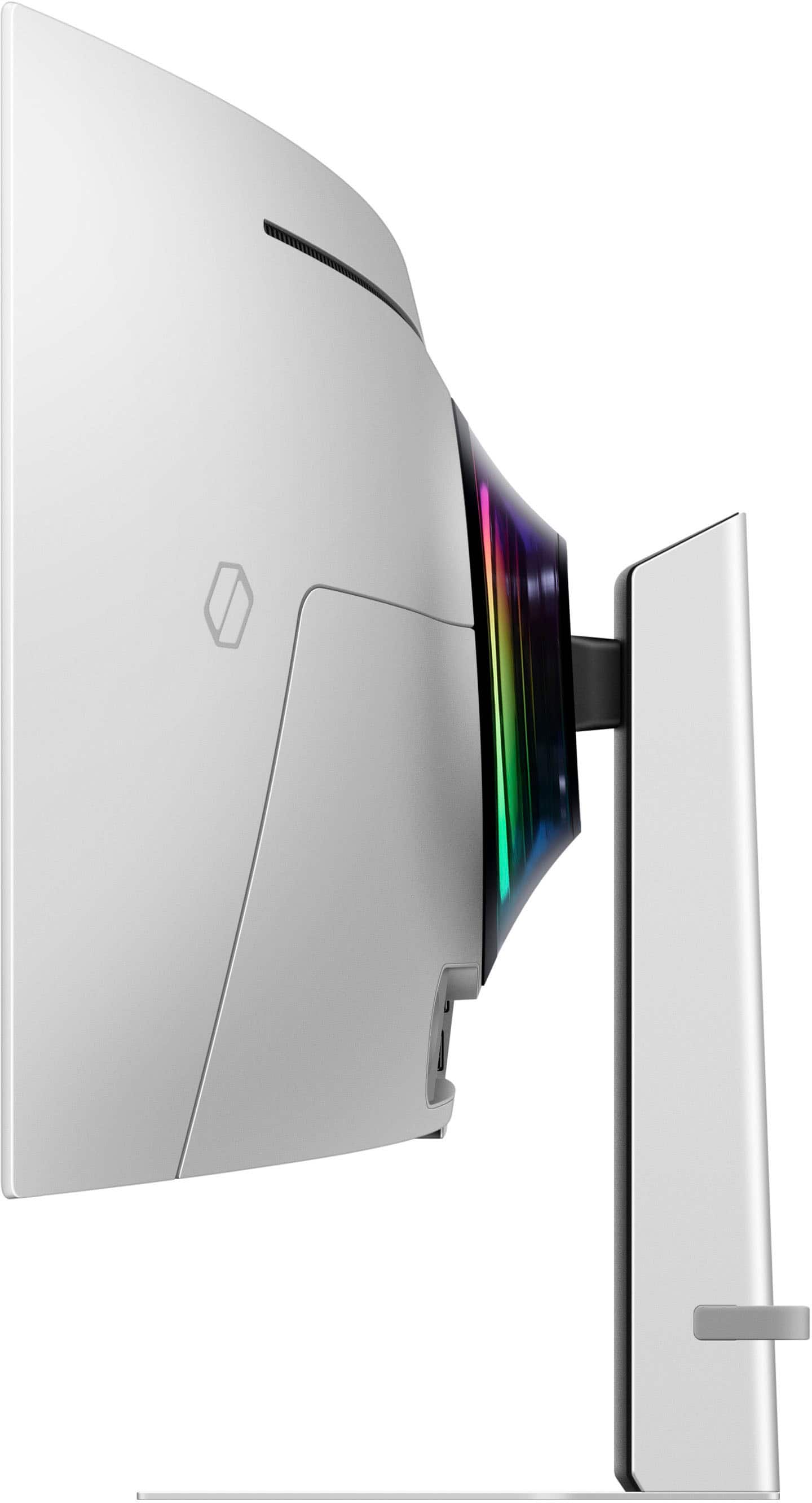
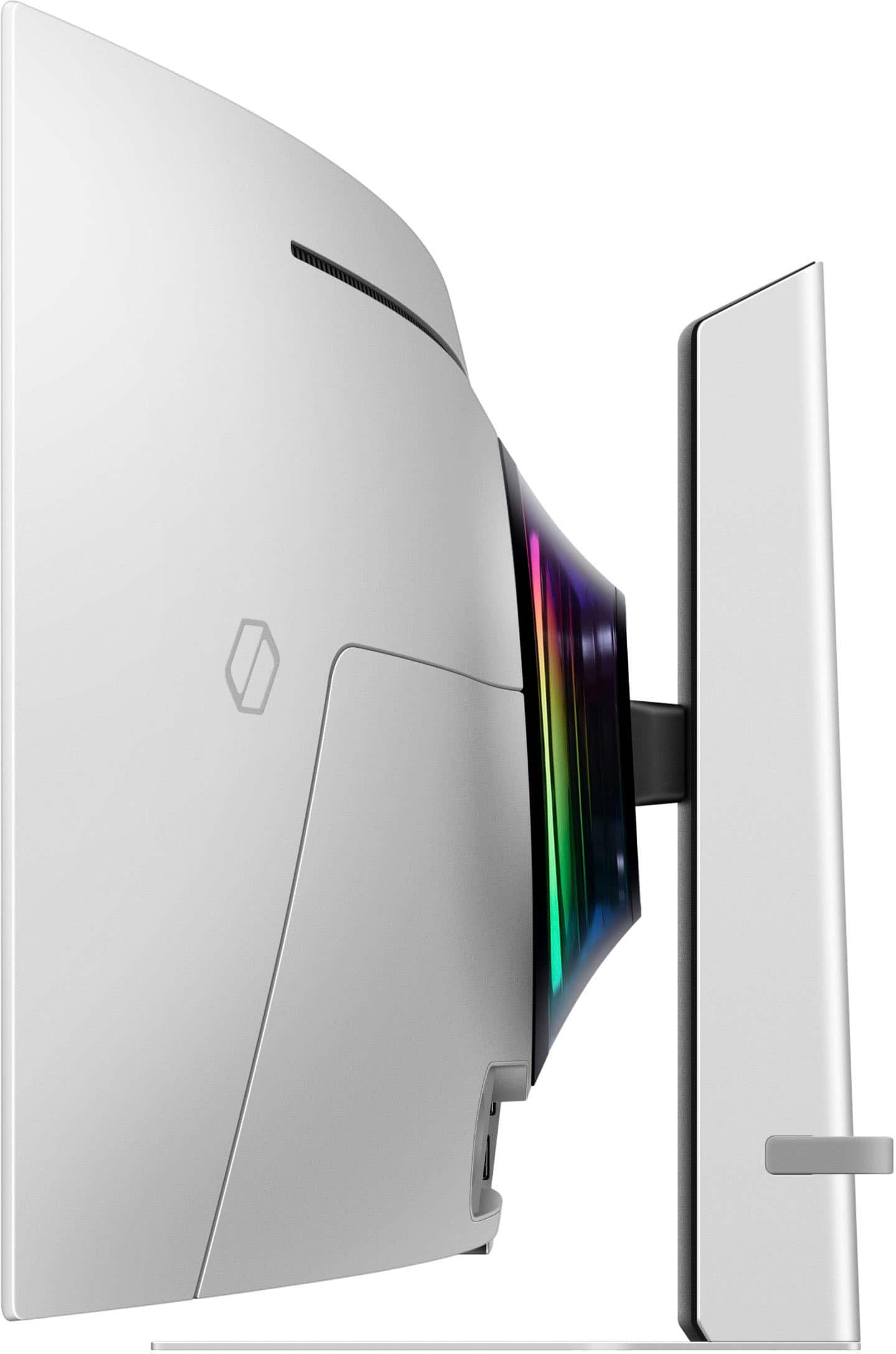
The stand allows for about 4" 1/2 inches of movement vertically, and you can tilt the monitor up or down to help find the best viewing angle for you.
This was made for gaming with a refresh rate @ 240hz, maximum resolution of 5120x1440 and a very impressive response time of .003 milliseconds.
It's a standard OLED with 1 display port, 1 HDMI 2.1 port, 1 micro HDMI, three USB-C ports and a 3.5mm headphone jack.
This monitor shines when it comes to game play. With deep black and vibrant colors. It's like you are steping in to the game it self. Virtally no response time just makes your moves fast and smooth. And with the colors so bright makes it easyer to pick up enemy movement.
I own a small business, So my computer get used for both gaming and office work. I love having the space to have multiple windows open when doing quotes or running the books. The resolution of this screen did take some getting used to. It's thin and wide. And some time I find apps just can't use all of the screen leaving big black boxes on each side. And I wish it came with a remote.
All in all this is a high end gaming monitor that will not let you down.
I would recommend this to a friend
Pros mentioned:
Oled quality, Refresh rate, Screen size
Rated 5 out of 5 stars
A Masterpiece of Modern Day
|
|
Posted . Owned for 1 week when reviewed.
This reviewer received promo considerations or sweepstakes entry for writing a review.
If monitors were celestial beings, the Odyssey OLED G9 G93SD would be a seraph with a taste for speed and spectacle. This 49-inch curved titan doesn’t just display your games — it devours them whole and resurrects them in glorious OLED fire.
Display & Visuals
- Dual-QHD resolution (5120 x 1440) across a 32:9 aspect ratio gives you the equivalent of two 27" QHD monitors fused into one seamless ultrawide canvas.
- OLED panel delivers true blacks and vibrant colors with near-perfect DCI-P3 coverage (~98%) and a Delta E of 0.8 — meaning color accuracy is nearly flawless.
- Glare-free coating and 1800R curvature wrap you in immersive visuals without distortion or distraction.
Performance & Gaming
- 240Hz refresh rate and 0.03ms response time make this monitor a speed demon — perfect for twitch reflexes in FPS, racing, or fighting games.
- G-Sync Compatible and FreeSync Premium Pro ensure buttery-smooth gameplay with no screen tearing.
- Powered by Samsung’s Neo Quantum Processor Pro, which uses AI to enhance contrast and brightness pixel-by-pixel.
Smart Features & Connectivity
- Includes Samsung Gaming Hub and TV Plus, turning the monitor into a full entertainment center with streaming apps and cloud gaming.
- Wi-Fi, Bluetooth, and Apple AirPlay support add versatility beyond gaming.
- Ports include HDMI 2.1, DisplayPort 1.4, USB-C, and a headphone jack — though some users note the included cables are short.
Audio & Design
- Built-in 5W stereo speakers offer decent sound, though audiophiles may still prefer external options.
- RGB Core Lighting on the back adds customizable flair synced to your gameplay.
- Sleek silver finish and ultra-thin profile (just 4.5mm at its thinnest) make it a visual centerpiece.
| Pros | Cons |
| Stunning OLED visuals | Premium price tag (~$1,799) |
| Ultra-fast refresh & response | Limited I/O ports |
| Smart TV features | Tizen OS can feel clunky |
| Immersive ultrawide format | Large footprint — needs desk space |
Final Verdict
The Odyssey OLED G9 G93SD isn’t just a monitor — it’s a command center for digital conquest. Whether you're battling demons in Doom Eternal or racing through neon dreamscapes, this display turns every pixel into poetry. If you’ve got the space and the budget, it’s a worthy throne for any gaming deity.
Want me to channel this into a more poetic or mythic tone? I’d be thrilled to tailor it to your style.
This reviewer received promo considerations or sweepstakes entry for writing a review.
The unboxing and setup experience for the Samsung Odyssey OLED G9 was very straightforward. Assembly was as simple as turning one screw (no tools needed, thanks to the built-in tab) and snapping the monitor into the assembled base. The instructions are easy to follow.
Once set up, the monitor makes an impressive statement on the desk, yet it leaves ample space underneath for small desktop items. The included base is sturdy and even features a built-in retainer strap in the back to neatly manage cables. It comes with all the standard connectivity options, and I’m using the included DP 8K cable with no issues.
The build quality is excellent—everything looks sleek, feels premium, and I haven’t noticed any flaws in construction. Adjustability is solid, as the monitor tilts to a wide range of angles and stays firmly in place once set. There also appears to be a wall-mount bracket included, so mounting it in a different position should be an option for those who need it.
I’m running it at 5120 x 1440 resolution, and the image quality is outstanding. Surprisingly, I feel like I have more usable workspace than I did with my previous dual-monitor setup, despite this being slightly smaller than my combined screen size. The seamless display, without a bezel gap, makes multitasking much more convenient.
For image editing and graphic design, the ultra-wide OLED screen is fantastic. Colors are rich, blacks are deep, and there’s no noticeable lag or distortion. 4K video also looks incredible, though it only takes up a portion of the available space, which gives me room to work while watching content.
While I’m not a huge gamer, this monitor’s 240 Hz refresh rate and OLED panel appear to easily handle high-end gaming at max resolution with smooth performance and vibrant visuals.
Overall, this is a premium ultra-wide monitor that excels in both productivity and media consumption. Highly recommended!
I would recommend this to a friend
Pros mentioned:
Oled quality, Refresh rate
Rated 4 out of 5 stars
Ultras wide gaming never looked so nice
|
Posted .
This reviewer received promo considerations or sweepstakes entry for writing a review.
The beauty that Samsung brings behind their 49" Odyssey is going to require lots of desk space, combined with a powerful PC rig to ensure pixelization runs smoothly. While this monitor might not be for all, if you have the cash and the PC to run it then this is a very solid buy.
The Samsung Odyssey is definitely geared for those looking to multi-task without running mulitple monitors and those looking for ultra wide gaming. I personally was very psyched to use this as a gaming monitor and really push things to the limit. Diving right in to things the dual OLED tech behind this thing really makes colors pop. When playing games like Final Fantasy XIV, the immersion factor became more real as the landscape looked so vibrant i almost felt i could touch the blades of grass. The HDR content somehow felt different as my blacks seemed more true which offered better lighting. In games like Cyberpunk the city back lights almost seemed to gleam off the dark alleyways giving more contrast when exploring night city. If your in to racing games that support ultra wide then your going to definetly want to put this monitor in as a consideration as the ultra wide curve of the monitor wraps around your field of vision. This makes it easier to see out your side windows which helps pull you deeper in to the world in which you are racing in. The 240Hz refresh rate combined with a killer .03ms response time ensures that as long as your PC is built for space launches, your monitor will be able to hang with your fast pace action. Speaking on the subject this leads me to some of the negatives behind this monitor that requires some mention. First off not all games support ultra wide, so if you are buying this for that reason make sure your games support it. Second, due to how wide this monitor is, it most definetly is going to put your PC to work. It is very critical you don't have a sub par gaming rig or you will be banging your head against the wall after dropping all that cash on it. Which leads me to my last opinion. This is a very expensive monitor, now don't get me wrong it is worth every penny but make sure you have done all your research and can be sure the previous two negatives don't make this a regrettable buy. This monitor is truly a power house and the only reason i didn't give it 5 stars was just do to how demanding it was on my PC. Other than that, this monitor can't be beat.
I would recommend this to a friend
Pros mentioned:
Black levels
Rated 5 out of 5 stars
Amazing OLED with great protection features too!
|
Posted .
This reviewer received promo considerations or sweepstakes entry for writing a review.
Introduction
========================
If you had the space and the budget, there'd be no reason to say no to this amazing display from the leader in OLED displays, Samsung. This new version of their 49" Odyssey G9 gaming monitor series continues to build on their already amazing curved gaming monitors. It has all the stats that gamers need at the top-tier including: up to 240hz, 0.03ms response time, G-sync, and tons of pixels (5120x1440) with amazing color and black levels thanks to Samsung's OLED expertise.
Setup and Build Quality
========================
This is a big box. You will want help setting it up to make things easier and smoother. Everything is well-packed, as you'd expect and it's very logical to setup and assemble. The base is solid and sturdy which is definitely required for a screen of this size. Assemble the stand and latch it to the monitor while it's flat in the box, then lift everything out and you're ready to go!
The rear of the monitor has all the connections you'll need including: HDMI in, DP in, micro HDMI in, USB-C in, and 2x USB-C out/downstream, along with power and a headphone out.
This means you could de-clutter and consolidate a lot of your setup to connect your PC and console or dual PCs to use individually or split-screened.
Overall Usage
========================
I immediately plugged in my Razer Blade 15 with 4060 and adjusted the Windows display resolution to 5120x1440. This is going to take some getting used to! My primary monitor before was a 43" 4K LG that was a traditional flat panel. It was nice for viewing everything I wanted but I definitely had to scan up/down/left/right to take everything in. This curved display is much shorter, but much wider. The curvature helps it feel more immersive and after a few days of usage, it was a lot more natural. I'd liken it to using two 27" QHD monitors side-by-side, but the subtle curve makes it much more appealing.
Glare wasn't an issue like with previous models because there's a fine matte coating to prevent glare. I'm a OLED/burn-in worrywart so I'm glad Samsung baked in more features to protect from any OLED issues by including better thermal management, screen dimming, and a screen saver. I'm always careful with my OLED displays on monitors and laptops, so this definitely helps me worry less!
I always have at least two PCs connected so swapping between them and using side-by-side mode are great! With my old LG, swapping was a very slow and cumbersome process due to the laggy response time of the remote and menu system. Here, everything is fast and easy. It's nice to know I can also connect my PS4 to a spare input and easily switch things around when needed.
Pictures and photo editing looked great with super-deep blacks and possibly a touch too much saturation. Either way, things really popped and I could always double-check images on a color-corrected display. This thing is for entertainment!
Media and Games
========================
Here's where this display really shines. Starting with epic movies on whatever streaming service you like, chances are you'll have a great experience. You can have a proper "lean back" experience and really enjoy the vibrant colors and deep blacks in movies. Compare watching movies on this new OLED to any other older LCD/plasma you may have in the house and you'll see new things (especially in dark scenes) that you probably missed before. This thing is seriously stunning!
Onto gaming! I'm no pro-gamer, but I do love to fit in some PC gaming when I have time! I couldn't push this thing to the limit (5120x1440 @ 240hz would require a ton of GPU power), but anything I played from Cyberpunk 2077 to Diablo 4 to classics like Counterstrike all looked great and smooth, thanks to G-sync. It's important to note that not all games will support this ultrawide aspect ratio of 32:9 so it's worth checking to see what your favorite games (and your GPU!) can support. I need to test out some driving games!
Another thing to note is that the vertical height of 1440 pixels felt a bit constraining to me coming from a full 4K display with 2160 vertical pixels. Initially it felt very restrictive, like I was viewing things through a narrow slit. Eventually things got more natural, and with the high quality of this display, there's no going back.
Conclusion
========================
Samsung's cutting-edge OLED technology and their display expertise really come together perfectly in this new Odyssey G9. Not only is the display quality amazing and immersive, it's very user-friendly and supports great OLED-protection features to ensure your display will still look great years from now.
I highly recommend this display if you have the space and budget for it!
I would recommend this to a friend
Pros mentioned:
Oled quality, Refresh rate, Screen size
Rated 5 out of 5 stars
Top of the line monitor
|
|
Posted .
This reviewer received promo considerations or sweepstakes entry for writing a review.
After using the Samsung Odyssey OLED G9 (G93SD) for a few weeks, I can confidently say this is the most immersive and visually stunning monitor I’ve ever owned. I upgraded from a standard ultrawide, and the difference is like night and day.
First off, the 49-inch Dual-QHD OLED panel is absolutely breathtaking. The colors are incredibly vibrant, the blacks are true OLED deep, and the contrast makes every scene pop—whether I’m gaming, editing, or just browsing. The 1800R curve wraps around my vision and pulls me into the experience in a way no flat screen ever could.
The 240Hz refresh rate is a game changer. Combined with the near-instant response times of OLED, everything feels insanely smooth and responsive. Fast-paced games like Call of Duty, Valorant, and Cyberpunk 2077 look and feel unreal. There’s zero motion blur and no noticeable input lag, even at high frame rates.
What surprised me most is how good this monitor is for productivity too. With the massive screen real estate, I can comfortably have multiple windows open side by side—essentially like having two monitors in one, but without the bezels. It’s boosted my workflow way more than I expected.
The design is premium and sleek, with subtle RGB lighting on the back that adds to the aesthetic without being too flashy. The built-in smart TV features and Game Hub are a nice bonus—I’ve even used it to stream games via Xbox Cloud without needing to boot up my PC.
Only minor downside? OLED care. I’m mindful about static images and screen savers just to avoid burn-in over time, but honestly, it hasn’t been an issue so far.
Overall, the Odyssey OLED G9 G93SD has exceeded every expectation. It’s an absolute powerhouse for gaming, stunning for content, and a productivity boost disguised as a luxury display. If you’re on the fence, let me just say—it’s worth it.
I would recommend this to a friend
Pros mentioned:
Screen size
Rated 5 out of 5 stars
Fantastic, even for non-gamers
|
|
Posted . Owned for 3 weeks when reviewed.
This reviewer received promo considerations or sweepstakes entry for writing a review.
This monitor was an excellent purchase. I replaced 2 side-by-side high quality monitors of about the same total overall size. But what a difference with no bezels between monitors. The Samsung Oled glare free is perfect. My use is mostly office productive, with a fair amount of video, but no gaming. The curved screen is very easy on the eyes (and neck). So I would highly recommend to friends and family even for non-gamers.
I would recommend this to a friend
Rated 4 out of 5 stars
a beautiful piece of tech
|
Posted .
This reviewer received promo considerations or sweepstakes entry for writing a review.
what can I say about this samsung oled G9 this has been a great experience gaming with this monitor the beautiful looking picture due to QDOLED, and a sleek design this has to be samsung best looking and designed monitor today when it comes to super ultrawide and nothing come close yet
DEVICE
unboxing and setting is fairly simple you can set up the whole monitor by yourself, I love the coating of this monitor the color of the body makes it look extra premium and does not look cheap. this QDOLED is a 32:9 with a resolution of 5120 x 1440, 240hz with a 110 PPI, if you’re not familiar it’s like 2 27” monitors together. this new version also support the samsung oled glare free
that help reduce reflection specifically if you have a major light, or windows behind you while using this monitor it helps with those situations.
this also comes equipped with Corsync lighting feature, a 360 RGB at the back of the monitor. back to design so far i’ve noticed that other gaming monitor company seems to copy the route that samsung took with their design simplicity and elegant. you will find a support for DP, HDMI and couple USB port and headphone jack. not to forget this also support Nvidia Gsync . Support HDR+ and also to make sure you don’t lose the extra piece to mount this monitor it’s in the package.
EXPERIENCE
this is not my first QDOLED and I usually go after gloss free but after spending time with this I started getting used to the new coating, i’ve tested a great amount of games, including cyberpunk 2077, I even beaten RDR with this monitor and the feeling of immersion is like something you never experienced before you see more horizontal space on your left to right I just sucks you right in. I played tons of halo infinite from exploring the campaign and even played couple of multiplayer matches and it does takes some adjustment but trust me just run couple of games and your brain starts to get familiar with it. I also even set my game to window mode so that way I have the other parts of the screen to display my browser and have youtube running while I was gaming. but the best thing about this monitor is that it’s perfect if you enjoy sim racing. luckly I owned one and my family members have been having blast playing forza horizon 5. I think QDOLED which is samsung tech is way better than WOLED it’s brighter, punches more colors and when it comes to HDR it way more accurate on colors compared to WOLED. I love how samsung support picture by picture I was able to have my gaming PC on half of the screen while the other half was running my PS5. it works flawlessly and I think it’s a good way to play coop on some games instead of standard split screen, as long as you own the game on PC and console. most game I played I was still pulling over 100 fps but most of the time I have DLSS running.
CONCLUSION
there’s no such thing as a perfect 10/10 product there’s always something you will find that you might not like, and the thing about owning a 32:9 monitor like this samsung oled g9 is that an aspect ratio of 32:9 sometimes you’ll run into a situation that your favorite game might not fully support it properly what I mean by that is the way the FOV looks might be off, or the when you have it set to full screen each end of the screen looks like it’s wrapped around it gives that stretched look. the last thing is fully not supporting the 32:9 format so you end up getting black bars on left and right. also issue when playing FPS the vertical space was hard to get used too. on Halo infinite the intro is so weird due to reduction of vertical space. but I don’t fully understand how these change when honestly you’re just adding space on left and right so why do we lose vertical space? I also think RE4 just terrible with this monitor Leon is way too close that you might want to get a mod to make things all worked out. sim racing wasn’t as bad but again vertical space problem is there, people might say just changed the FOV, no that’s not the issue I wish some how a vertical space problem on games with 32:9 will get fixed to be normal. again not all games support 32:9 if you play overwatch you will have black bars since it only supports 21:9. last thing Samsung still seems to not have a proper 3 year oled care coverage like everybody else so I hope samsung would change that in the future.
I would recommend this to a friend
Pros mentioned:
Screen size
Rated 5 out of 5 stars
Hands down the best gaming display you can get.
|
Posted .
This reviewer received promo considerations or sweepstakes entry for writing a review.
The Samsung Odyssey OLED G9 monitor is by far the best gaming monitor I have ever used. Litterally every single image I have displayed on this monitor has looked absolutely gorgeous!
The very first thing you will notice about this monitor is the size. I know it is a 49 inch ultra widescreen, but when it got delivered to my doorstep it was massively long. I seriously thought it was the clearance Christmas tree I bought online. It is super wide!
Setup is very easy, it comes in between two big pieces of styrofoam. You remove the stand pieces from the back styrofoam and put that together. Then you remove the back styrofoam from the monitor and snap the stand in. You then pull it out of the front stryrofoam and you are ready to place it where you want it. Make sure you dedicate the entire length of the desk for the monitor.
One thing you must keep in mind, that I had no idea about, is that not every game supports ultra wide format. The very first game I played did not support this format and it actually crashed the game. I had to do an online search to discover. The game then launched but in standard format with black edges for most of the ends of the monitor. I then launched a superhero Guardians game that did support ultra widescreen, and WOW!! I was blown away at how cool it was. You are immersed in the environment as the game fills up the entire screen. No black borders! Maybe I am easily impressed, but I could not get enough of playing with ultra widescreen.
The image quality is awesome! The OLED display is beautiful. I then went to Youtube and looked up "ultra widescreen" and found some videos that also support the display. That was another great immersive experience. The colors are beautiful, no blur, and the definition is brilliant. The monitor also has built in speakers, which is very nice. I do plan on connecting some nice computer speakers as my space now warrants me going all out.
Overall, I cannot say enough good things about this monitor. The image quality is second to none. The ultra widescreen format is a completely new experience that you will not forget.
I would recommend this to a friend
Pros mentioned:
Oled quality, Refresh rate, Screen size
Rated 5 out of 5 stars
Came in for a spare monitor. Came out with this
|
|
Posted . Owned for 2 weeks when reviewed.
This reviewer received promo considerations or sweepstakes entry for writing a review.
I saw this beast just eyeing me up as i went in to buy a new second monitor. The previous night i dropped my camera just right and it smoked my old second monitor. I see ultrawide. I think yes. I see 240hz o-led. I say yes. One could say i could not resist. I purchased the beast and oh my-my. It is living up to my expectation. The wife was not amused but its easier to beg for forgiveness that permission. Overall 10/10 impulse buy.