Customer Ratings & Reviews
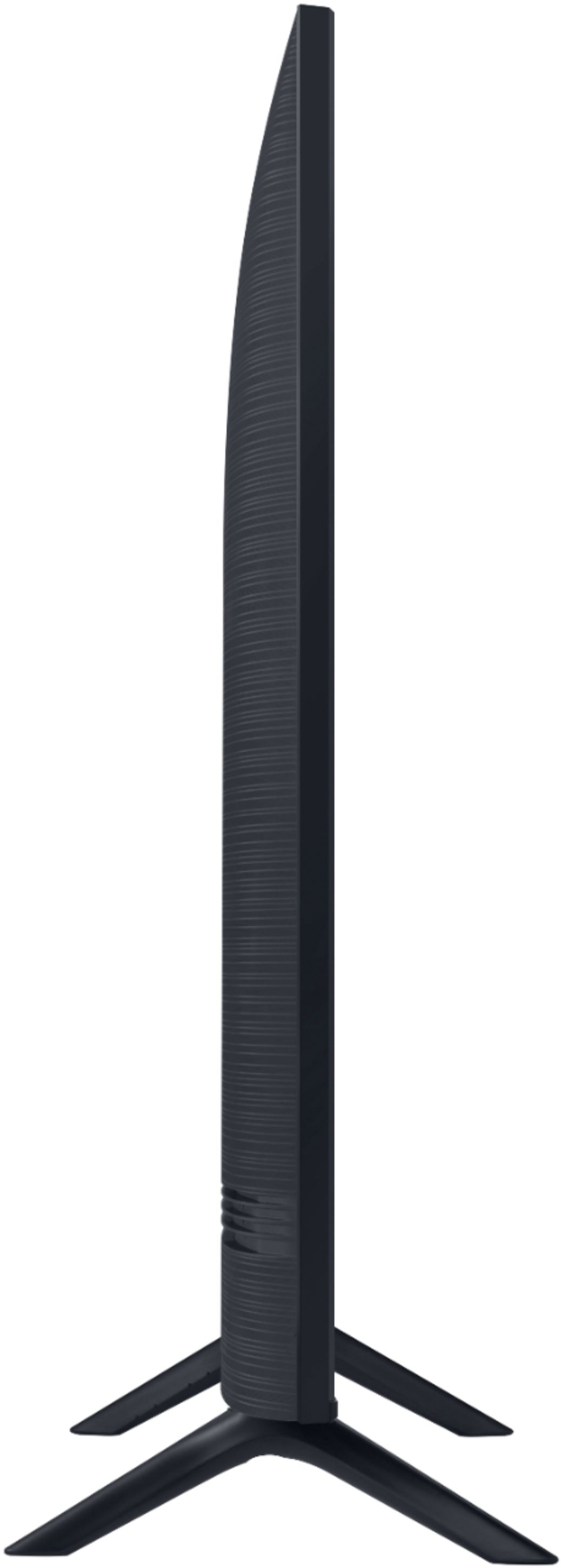

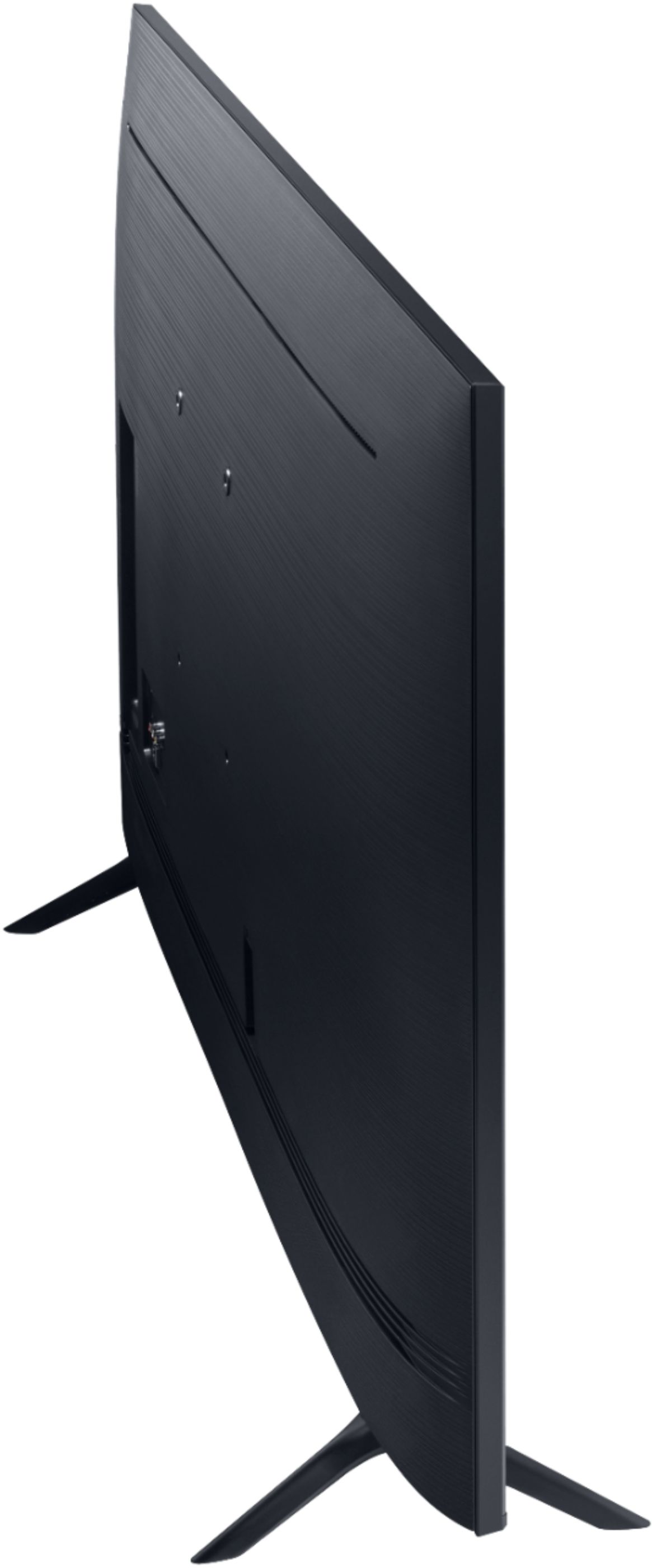
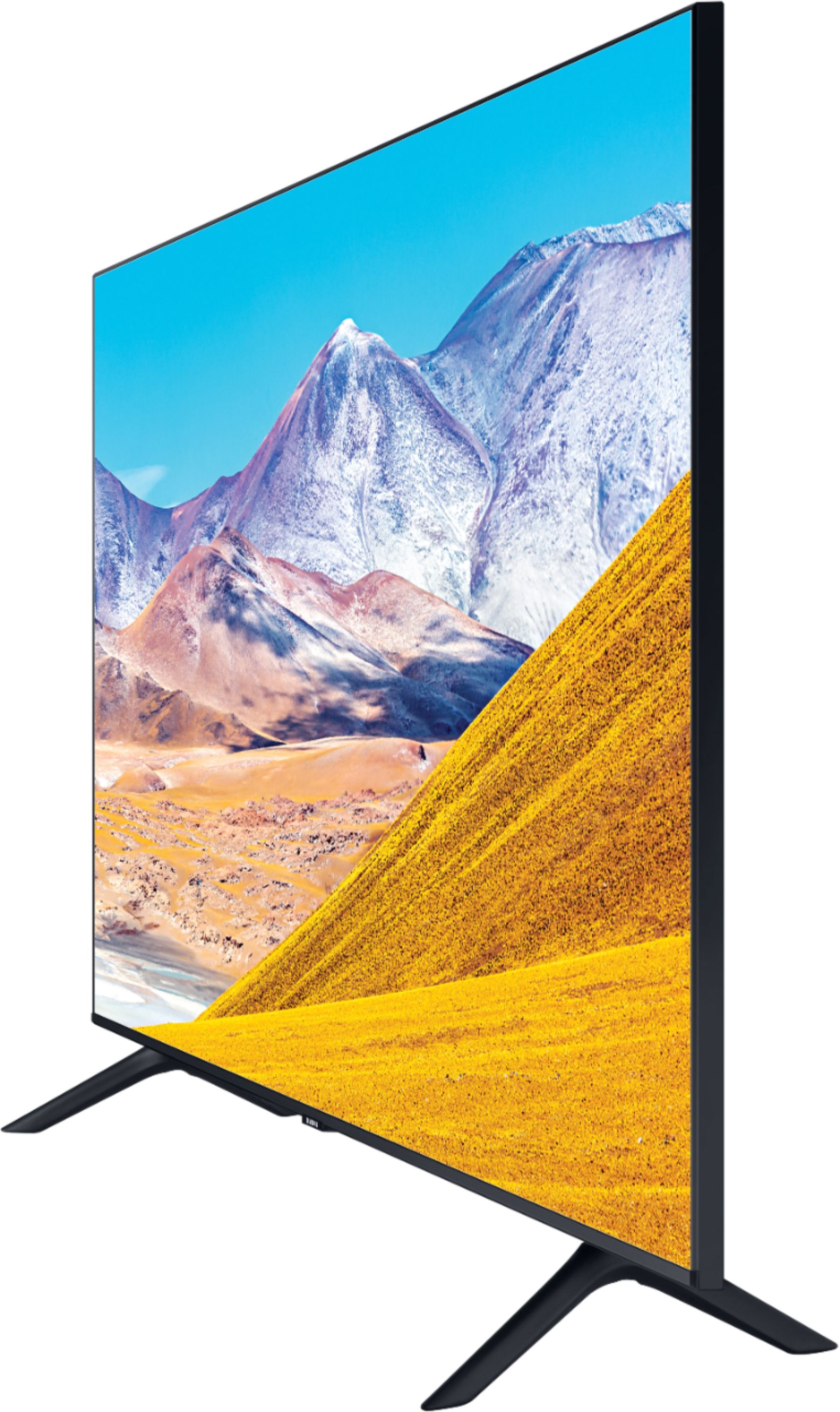

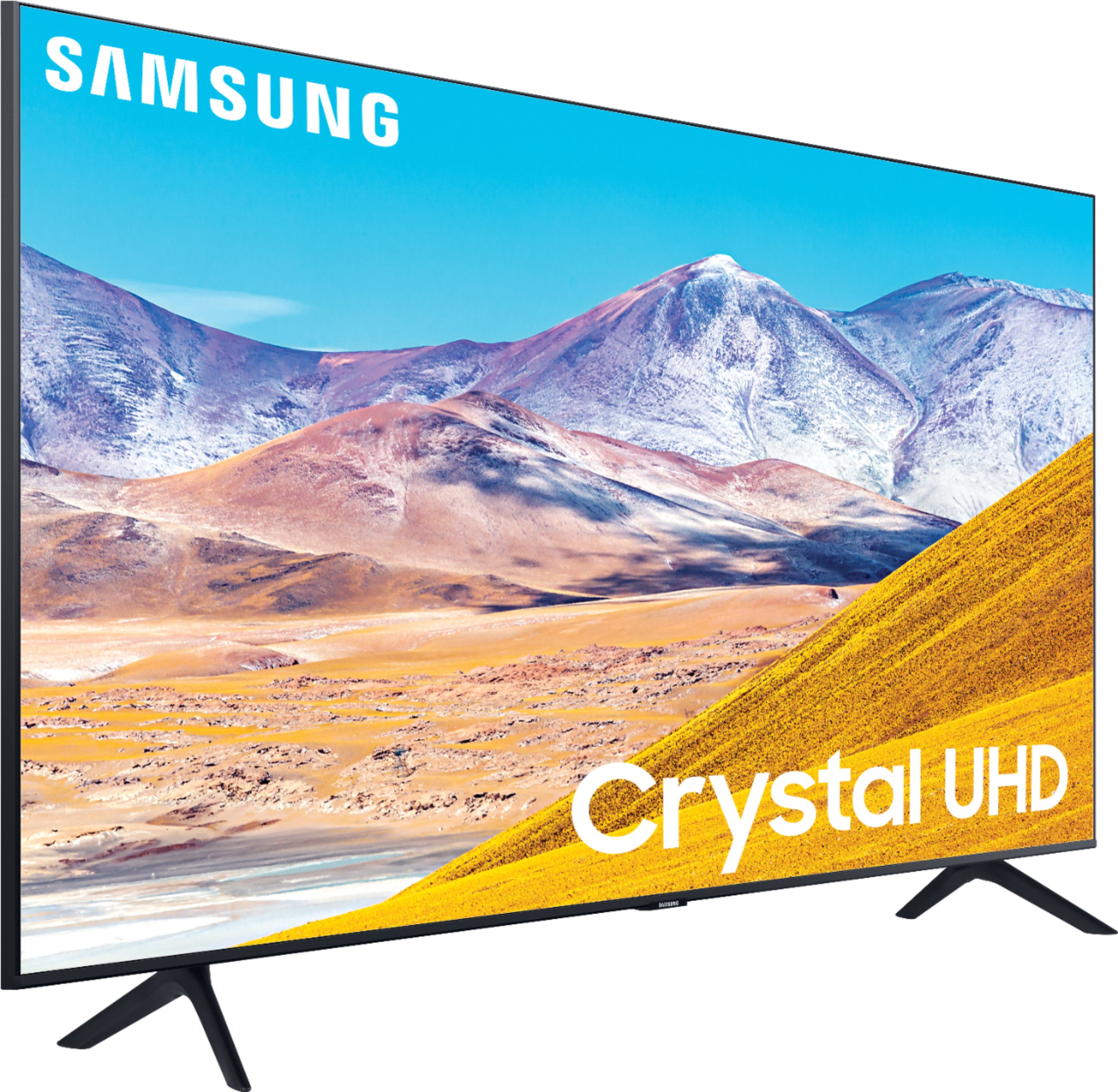
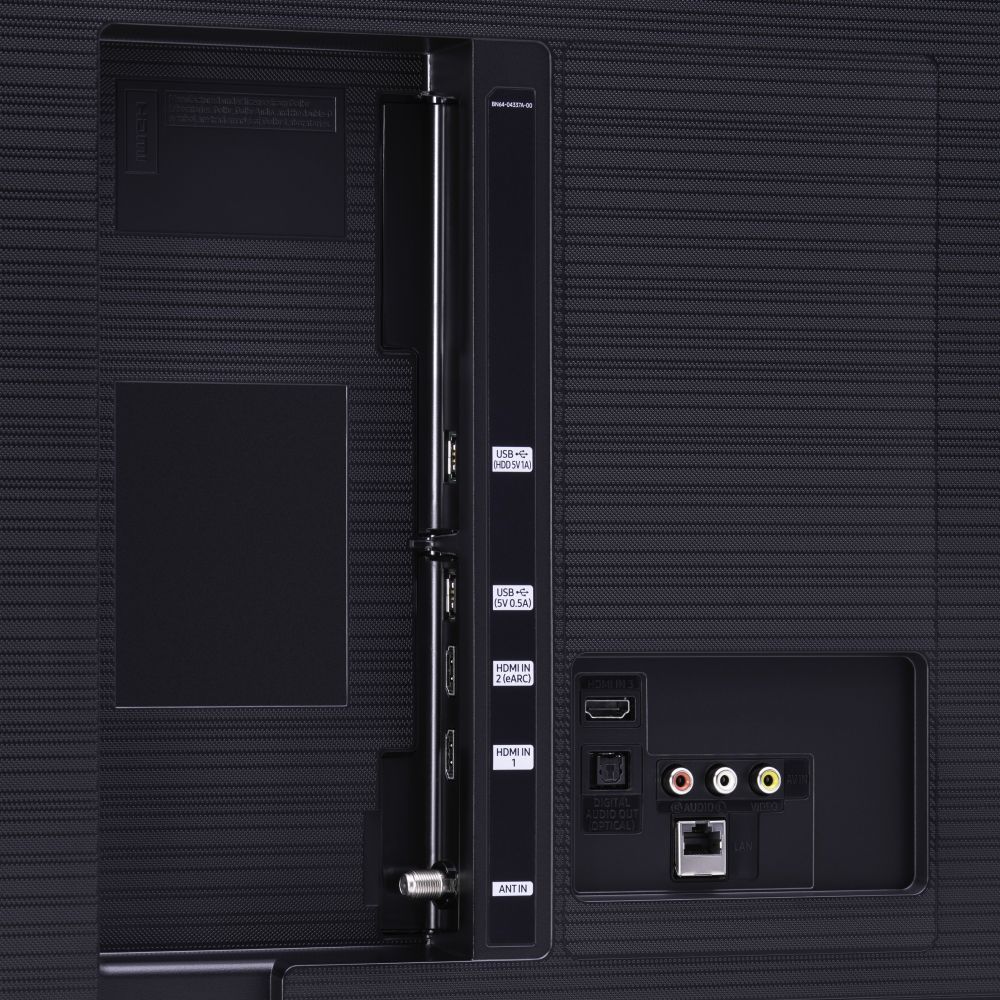





- Model:
- UN50TU8000FXZA
- SKU:
- 6401436
Rating by feature
- Picture Quality
Rating 4.0 out of 5 stars
- Sound Quality
Rating 3.9 out of 5 stars
- Brightness
Rating 4.1 out of 5 stars
Customers are saying
Customers express satisfaction with the picture quality, easy setup, price, color, and smart TV features of the 50" Class 8 Series LED 4K UHD Smart Tizen TV. However, they have concerns about the remote control, durability, short lifespan, screen issues, and warranty.
This summary was generated by AI based on customer reviews.
- Pros mentioned:Picture quality
Great picture
||Posted . Owned for 1 month when reviewed.This reviewer received promo considerations or sweepstakes entry for writing a review.Great quality for the price Would definitely recommend
I would recommend this to a friend - Pros mentioned:Picture quality
Works great
||Posted . Owned for 1 month when reviewed.This reviewer received promo considerations or sweepstakes entry for writing a review.great picture the sound is good overall quality is good
I would recommend this to a friend - Pros mentioned:Picture quality
Yea
||Posted . Owned for 2 months when reviewed.This reviewer received promo considerations or sweepstakes entry for writing a review.Good tv would recommend to others that i know. Good buy
I would recommend this to a friend - Pros mentioned:Picture quality
TV
||Posted . Owned for 1 month when reviewed.This reviewer received promo considerations or sweepstakes entry for writing a review.I game and watch streaming apps,quality is great!
I would recommend this to a friend - Pros mentioned:Picture quality
TV
||Posted . Owned for 3 weeks when reviewed.This reviewer received promo considerations or sweepstakes entry for writing a review.A very nice television. Nice picture with great color.
I would recommend this to a friend - Pros mentioned:Picture quality
Good televison
||Posted . Owned for 1 month when reviewed.This reviewer received promo considerations or sweepstakes entry for writing a review.I have used Samsung for years and appreciate the quality.
I would recommend this to a friend - Pros mentioned:Picture quality
TV Works great.
||Posted . Owned for 1 month when reviewed.This reviewer received promo considerations or sweepstakes entry for writing a review.Like the HD clarity, the size, and it's "smart" features.
I would recommend this to a friend - Pros mentioned:Picture quality
Carl
||Posted . Owned for 1 month when reviewed.This reviewer received promo considerations or sweepstakes entry for writing a review.This TV is fair. The sound was fine for me. The one downside is that I felt the picture was too dark and couldn't lighten it enough for my viewing. Admittedly, I have macular degeneration and just need a brighter TV.
No, I would not recommend this to a friendBrand response from Samsung
Posted .Carl:
Thank you for purchasing the TU8000 TV and for your review. I am sorry to hear that you are not happy with the brightness levels of your picture. If the colors on your TV are correct but just a little too dark or bright you can try Dynamic Picture Mode, or manually adjust the Brightness settings to your liking.
Dynamic Picture Mode will make pictures brighter and clearer in bright viewing environments. Go to: Settings > Picture > Picture Mode > Dynamic
Or manually adjust the Brightness settings to your liking. Go to: Settings> Picture> Expert Settings> Brightness
You may also want to disable Power Saving Mode which automatically adjusts the brightness to reduce the TV’s power consumption.
Go to Settings> General> Eco Solution> Power Saving Mode.
Ambient Light Detection will also automatically adjust the brightness level of the TV, according to the ambient light level, to reduce power consumption. If Ambient Light Detection has adjusted the screen brightness to a too bright or dark level, you can select Minimum Brightness to manually adjust the minimum screen brightness.
Go to Settings> General> Eco Solution> Ambient Light Detection
I hope this helps to improve your picture. Should you need further assistance, please contact Samsung Customer Support.
1) Phone: 1-800-SAMSUNG (ask for TVs), available 8AM – 12AM EST 7 days a week
2) LiveChat: https://www.samsung.com/us/support/#contact_us_for_support
3) Facebook Messenger: https://www.facebook.com/samsungsupport
4) Twitter: https://twitter.com/SamsungSupport
5) The Samsung Members Community is also a great resource for getting help from Samsung moderators and customers: https://us.community.samsung.com
If you have not already done so, we invite you to register your new Samsung product at: https://www.samsung.com/us/account/signin/?redirect=https%3A%2F%2Fwww.samsung.com%2Fus%2Fsupport%2Fregister%2F
Registering your product gives you access to easy warranty support, convenient opt-in to special promos and offers, faster troubleshooting and service, and quick notification of system updates.
~ Samsung Solutions
Excellent display, but absolutely awful interface
||Posted . Owned for less than 1 week when reviewed.This reviewer received promo considerations or sweepstakes entry for writing a review.My TV arrived last night around 7pm, and as of right now, 8pm the following day, I'm still unable to even accept the Terms and Conditions to gain access to any "smart" features on this TV. Despite being connected to the WiFi, and trying setting static DNS and a few other workarounds, the TV fails to load the Terms and Conditions with a "The server is under maintenance. Please try again later. (7-1)" error. I've reset the TV and network settings multiple times, and attempted to set it up using Samsung's SmartThings app. However, that app consistently fails after connecting the TV to the WiFi, insisting that I power the TV off and on and try again. I have, of course, done this, only to be rewarded with yet another iteration of this endless cycle. After several previous Sony TVs, I had thought TV user interfaces were a solved problem. I was horribly, terribly wrong. In order to get my own version of their smart phone remote functionality from the SmartThings app, I ended up connecting a Raspberry Pi and controlling the TV via HDMI-CEC. I'll keep trying to get this thing connected for a few days, but otherwise it looks like it's just going to be blocked from my network and used as a dumb TV that incidentally complains about not being set up every time it's turned on or the input is changed.
No, I would not recommend this to a friendBrand response from Samsung
Posted .JustinS,
Thank you for your purchase and review.
I apologize for the inconveniences you have had with the network issue.
So that we can better understand more details of your setup and provide steps towards a solution, I invite you to please contact Samsung TV Support at:
1) Phone: 1-800-SAMSUNG (ask for TVs), available 8AM – 12AM EST 7 days a week
2) LiveChat: https://www.samsung.com/us/support/#contact_us_for_support
3) Facebook Messenger: https://www.facebook.com/samsungsupport
4) Twitter: https://twitter.com/SamsungSupport
5) The Samsung Members Community is also a great resource for getting help from Samsung moderators and customers: https://us.community.samsung.com
If you have not already done so, we invite you to register your new Samsung product at:
https://www.samsung.com/us/account/signin/?redirect=https%3A%2F%2Fwww.samsung.com%2Fus%2Fsupport%2Fregister%2F&user=dsr-registration
Registering your product gives you access to easy warranty support, convenient opt-in to special promos and offers, faster troubleshooting and service, and quick notification of system updates.
Again, thank you for taking the time to share your thoughts. Your feedback helps us continuously deliver best-in-class products and service.
-Samsung Ambassador
TV does everything well
||Posted . Owned for 3 weeks when reviewed.This reviewer received promo considerations or sweepstakes entry for writing a review.Installed it myself. (Not bad for an old geezer) The unexpected bonus was the 3 dozen "Samsung TV channels" that appeared at no cost. No big names, but a lot of niche channels for kids, cooking, adventure, weather, news and second tier sports talk channels. Wireless streaming works well as does the Bluetooth functions for my headphones.
I would recommend this to a friend- Pros mentioned:Ease of use
Samsung 50” TV
||Posted . Owned for 1 month when reviewed.This reviewer received promo considerations or sweepstakes entry for writing a review.Like the TV, easy to hook and use. Would recommend
I would recommend this to a friend - Pros mentioned:Picture quality
Great TV
||Posted . Owned for 3 weeks when reviewed.This reviewer received promo considerations or sweepstakes entry for writing a review.Crisp sharp picture Great streaming of built in services
I would recommend this to a friend - Pros mentioned:Price
Love it
||Posted .This reviewer received promo considerations or sweepstakes entry for writing a review.Great tv for the price !!! Definitely recommend!!!
I would recommend this to a friend - Pros mentioned:Picture quality
TV50
||Posted . Owned for 3 weeks when reviewed.This reviewer received promo considerations or sweepstakes entry for writing a review.I’ve enjoyed this TV. The picture quality is great
I would recommend this to a friend - Pros mentioned:Picture quality
Great TV
||Posted . Owned for 3 weeks when reviewed.This reviewer received promo considerations or sweepstakes entry for writing a review.Has all the connections you will need and great picture
I would recommend this to a friend - Pros mentioned:Picture quality
Best TV we have ever had. Great picture
||Posted . Owned for 2 months when reviewed.This reviewer received promo considerations or sweepstakes entry for writing a review.Best TV we have ever had. Great picture. Super quality.
I would recommend this to a friend - Pros mentioned:Ease of use
TV Samsung 50’
||Posted . Owned for 1 month when reviewed.This reviewer received promo considerations or sweepstakes entry for writing a review.Great TV for the price. Easy to use and has vivid colir
I would recommend this to a friend Samsung Class 8 4K Smart TV
||Posted . Owned for 3 weeks when reviewed.This reviewer received promo considerations or sweepstakes entry for writing a review.I have no experience with a Smart TV so it has been challenging to use it. I also don't have it connected to a HD box yet , so I'm unable to comment on the picture quality. My expectations are high because I have a Samsung Plasma TV purcstill works great.hased in 2009 that
I would recommend this to a friend- Pros mentioned:Price
NICE FEATURES
||Posted . Owned for 3 weeks when reviewed.This reviewer received promo considerations or sweepstakes entry for writing a review.IT'S A NICE TV AND THE PRICE WAS GOOD ALSO. THANK YOU.
I would recommend this to a friend - Pros mentioned:Picture quality
Perfect fit for my entertainment room
||Posted . Owned for 1 month when reviewed.This reviewer received promo considerations or sweepstakes entry for writing a review.Great picture it’s like seeing live events amazing!!!!
I would recommend this to a friend