Customer Ratings & Reviews
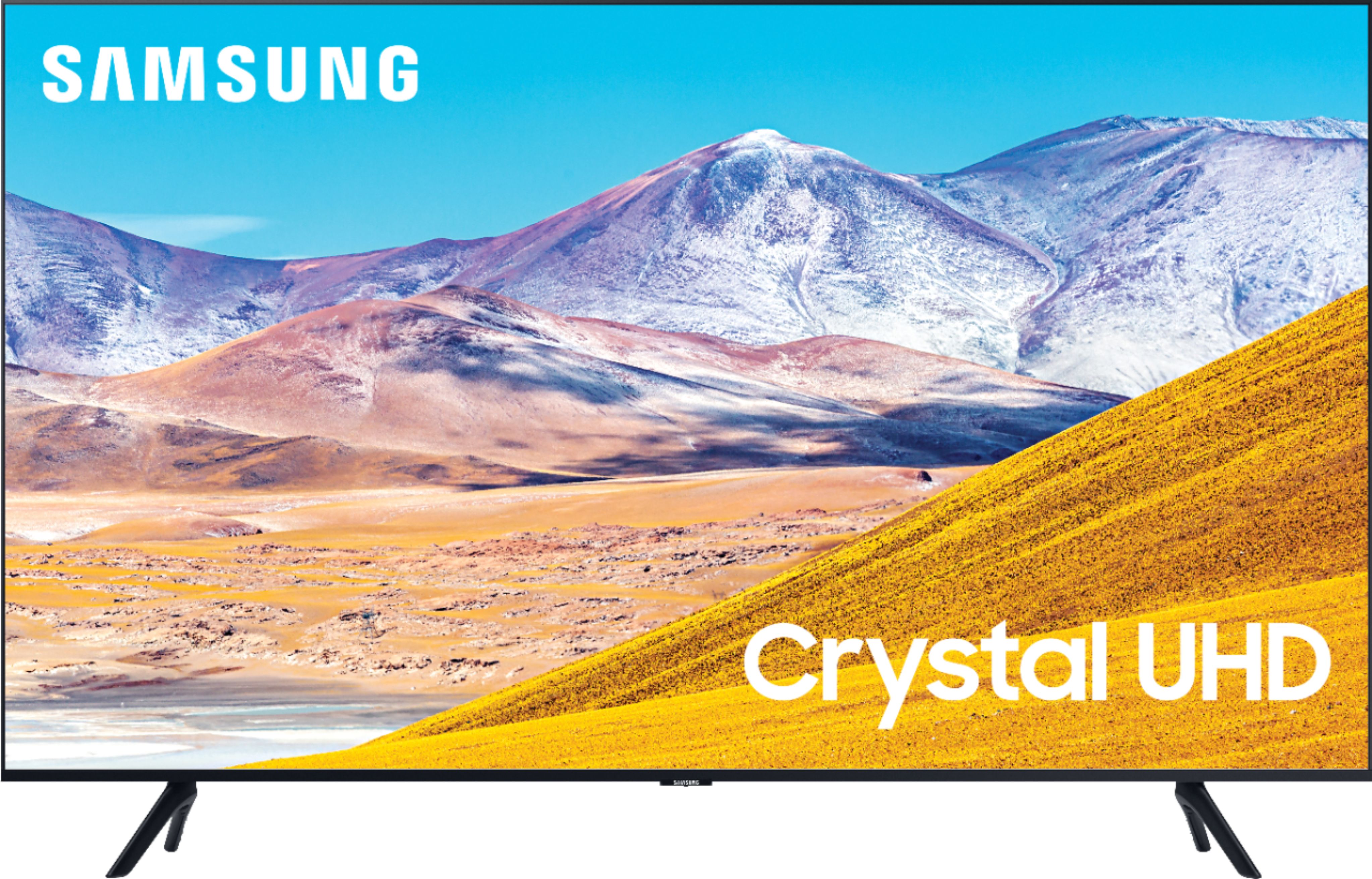
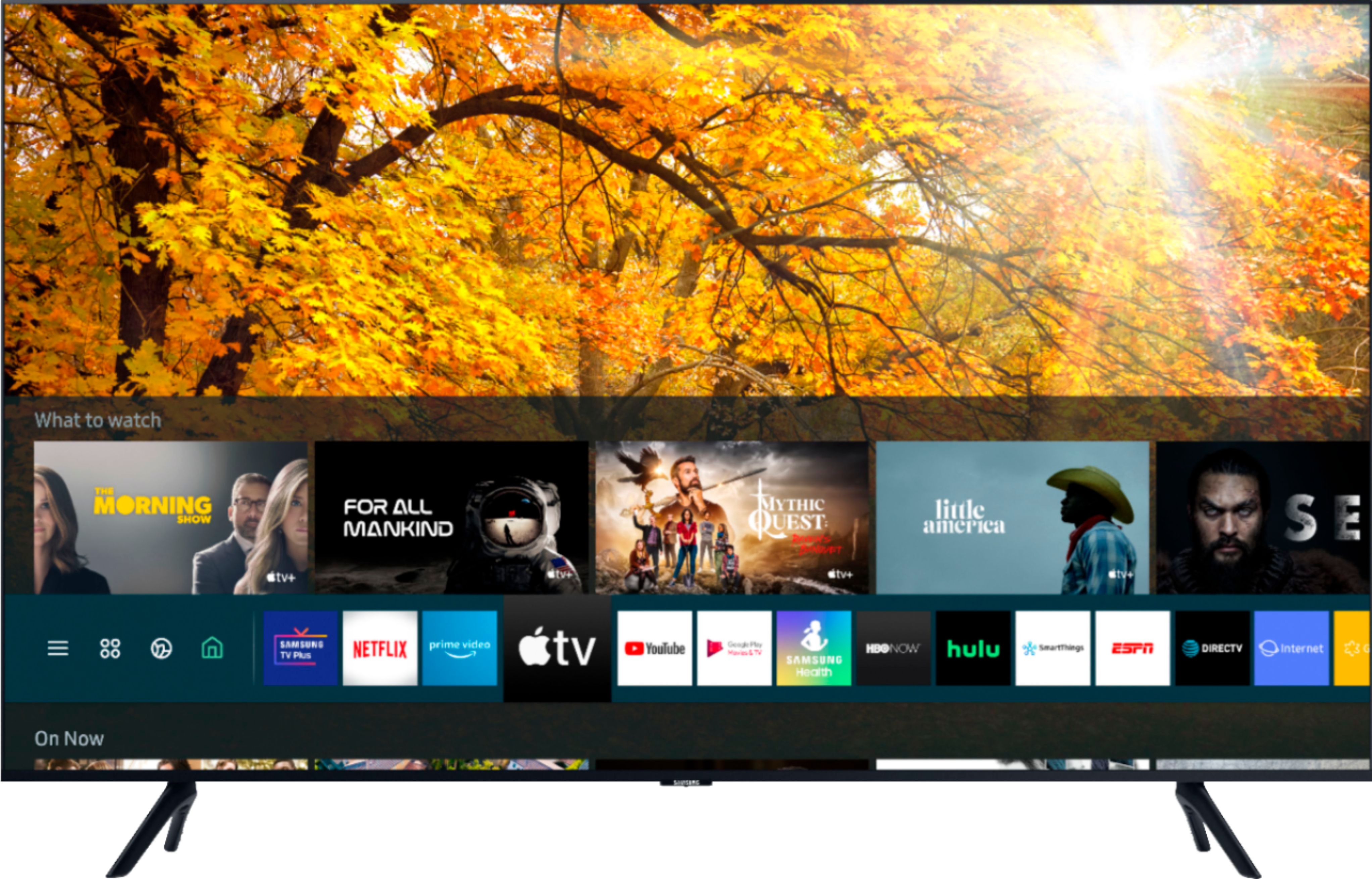
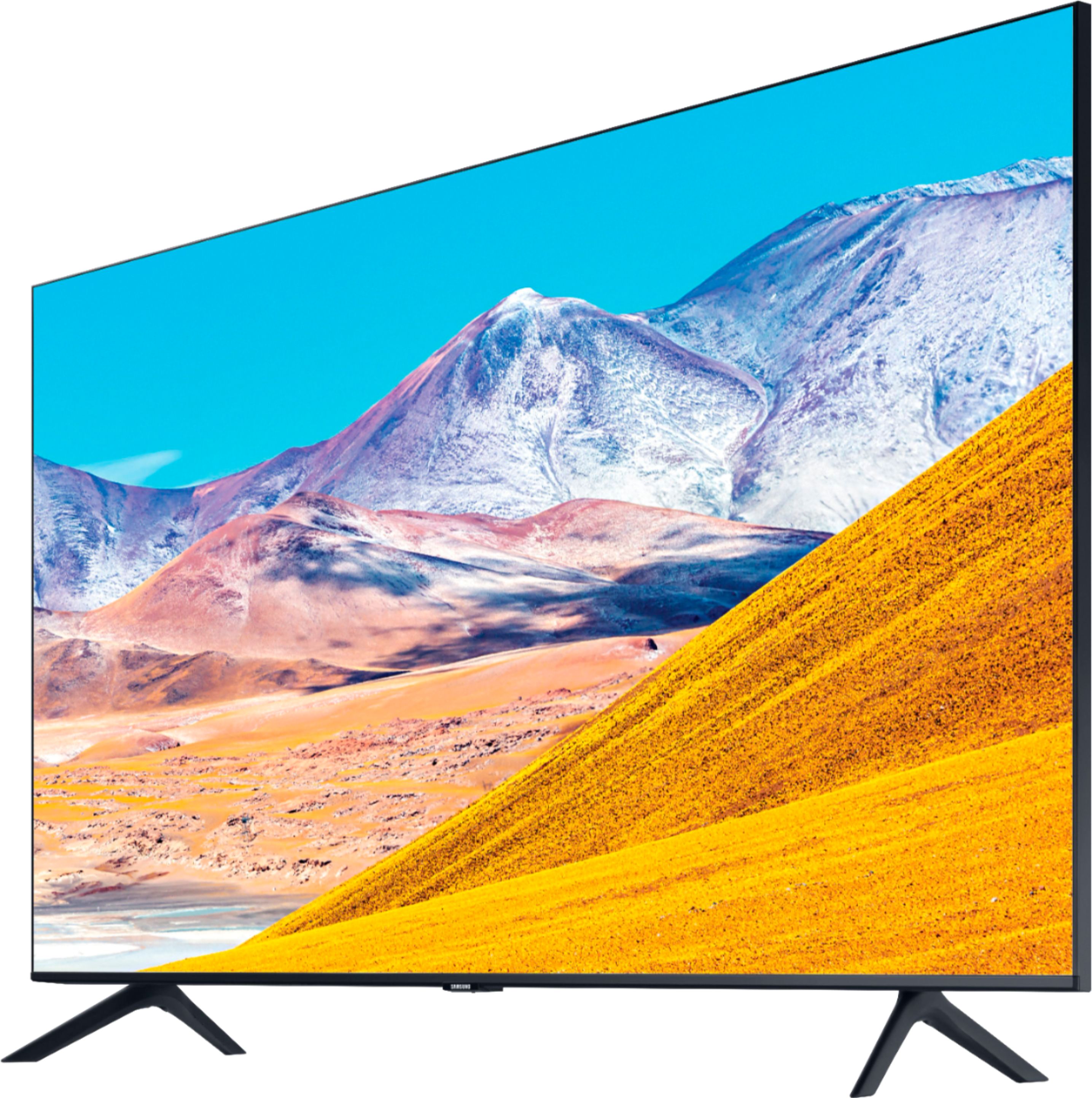
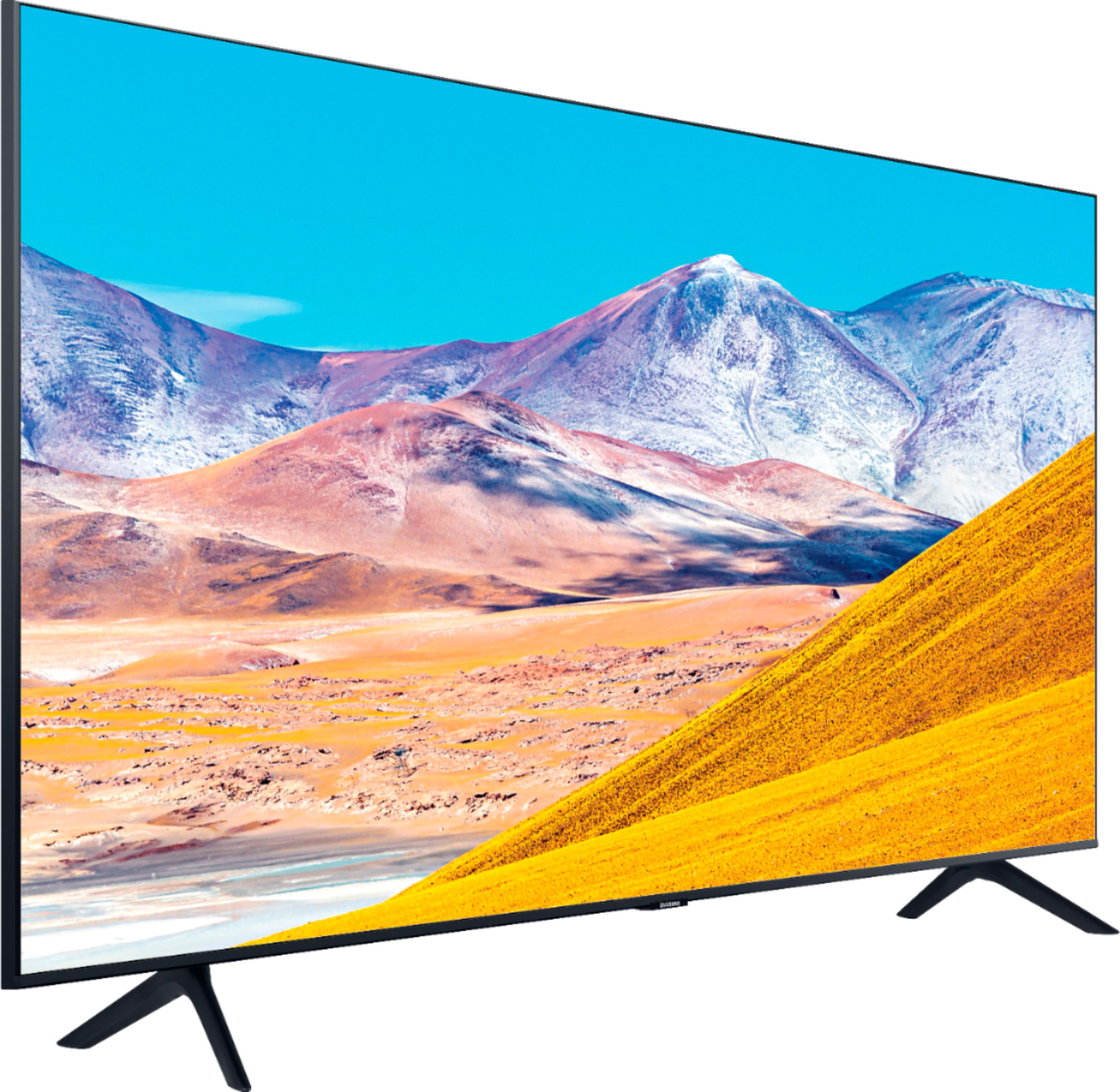
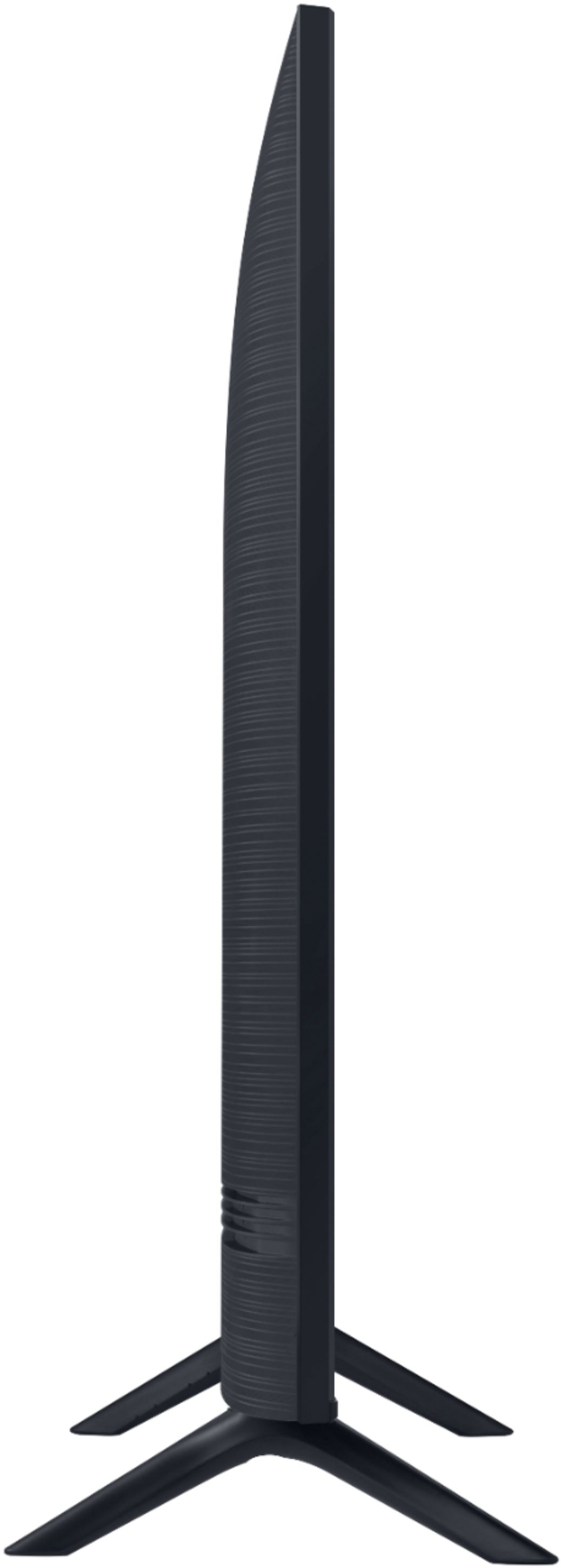

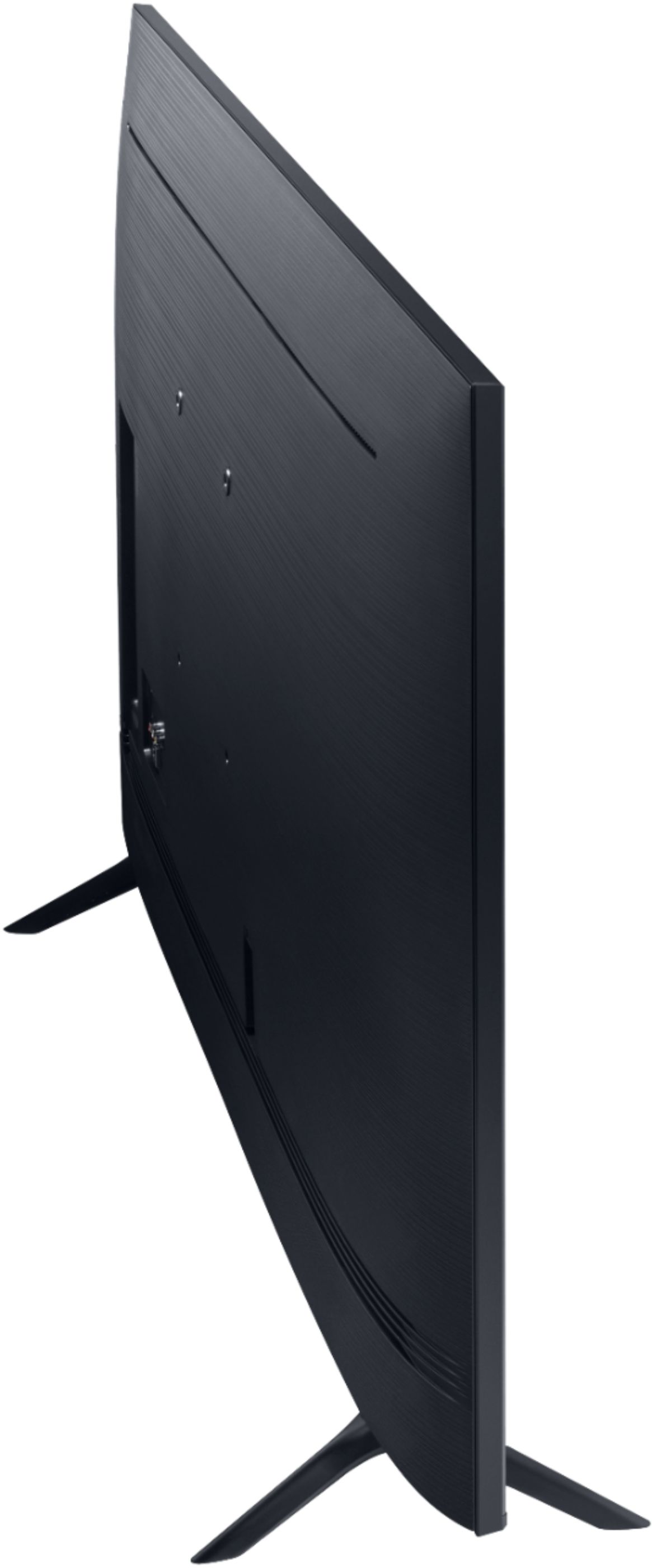
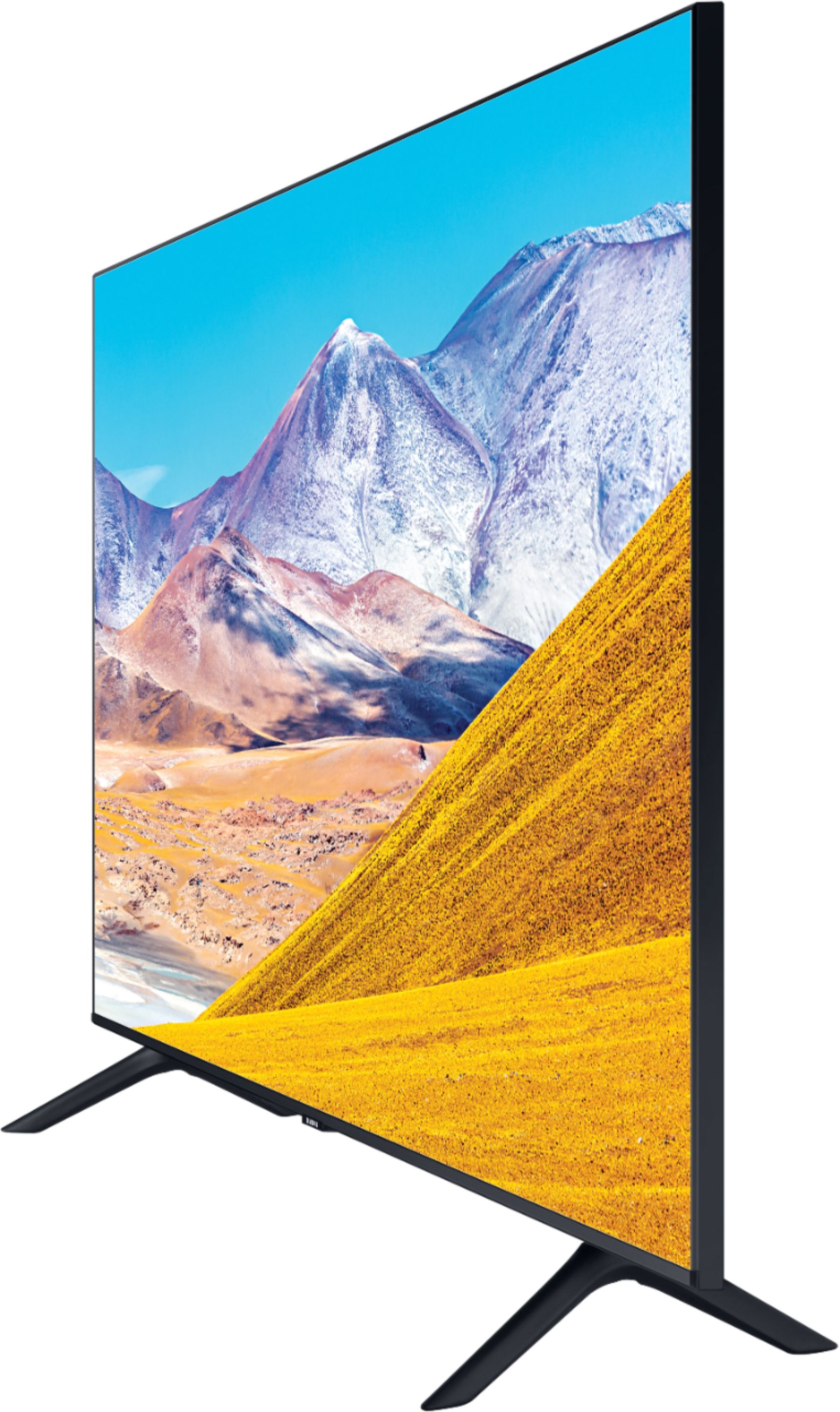
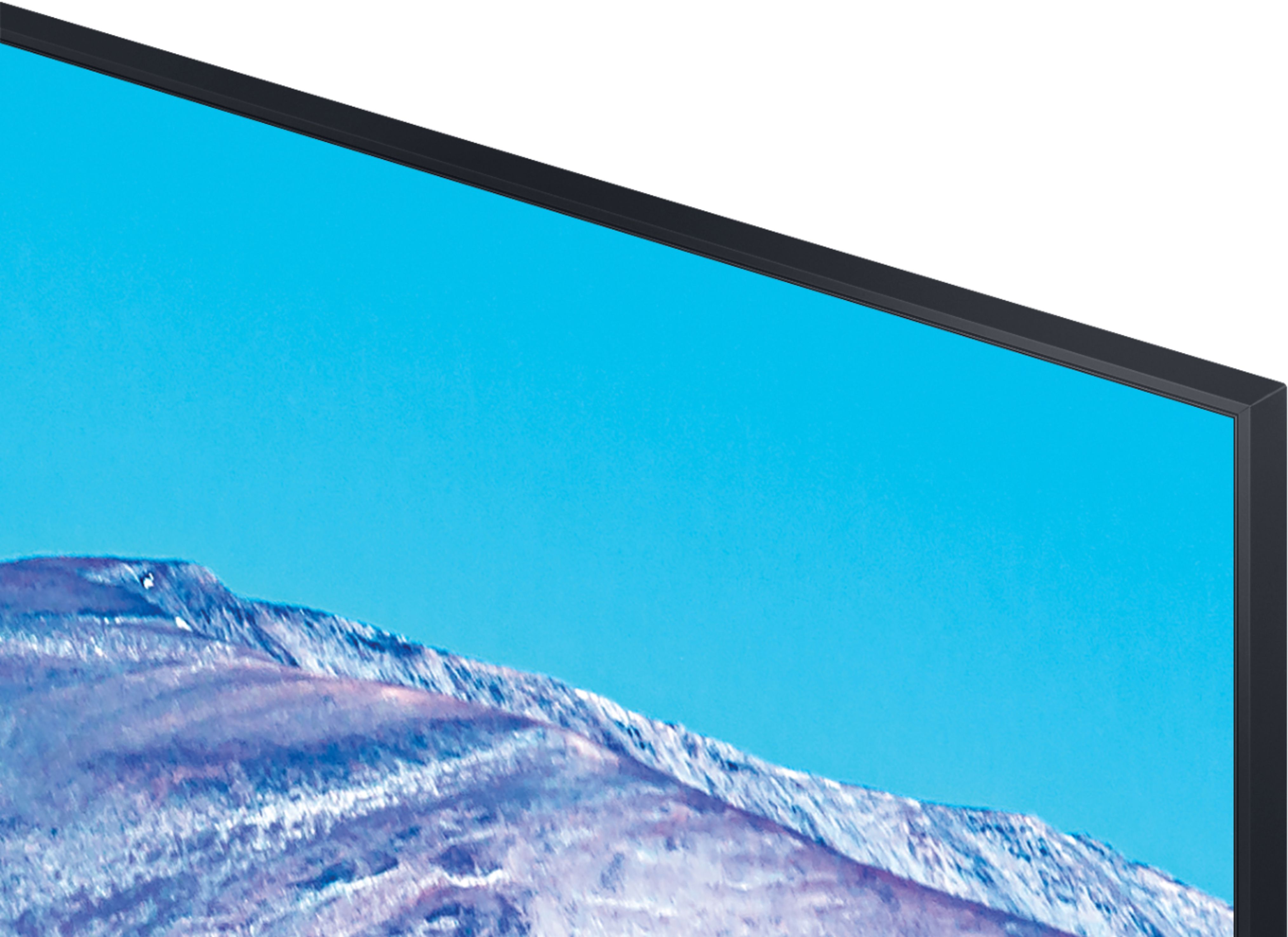

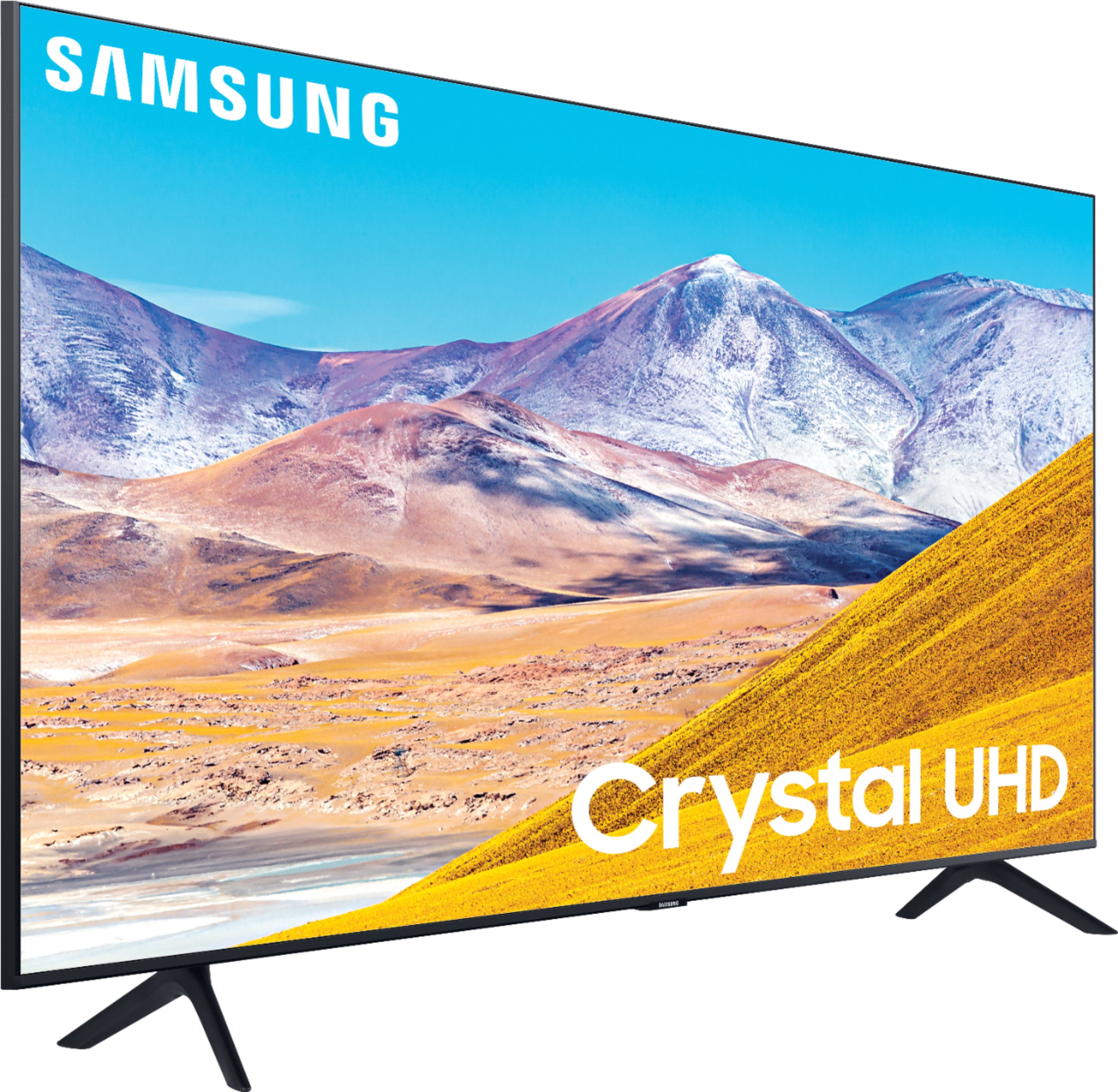
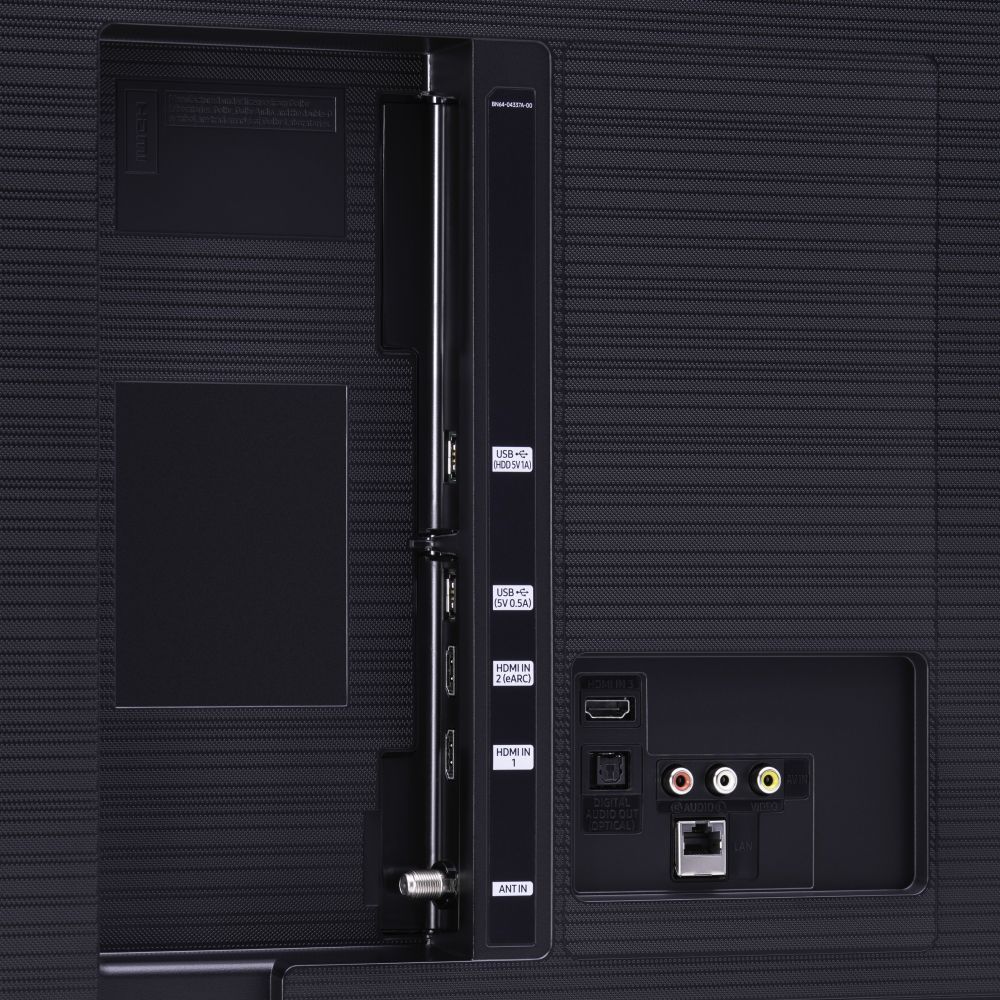







- Model:
- UN50TU8000FXZA
- SKU:
- 6401436
Rating by feature
- Picture Quality
Rating 4.0 out of 5 stars
- Sound Quality
Rating 3.9 out of 5 stars
- Brightness
Rating 4.1 out of 5 stars
Customers are saying
Customers express satisfaction with the picture quality, easy setup, price, color, and smart TV features of the 50" Class 8 Series LED 4K UHD Smart Tizen TV. However, they have concerns about the remote control, durability, short lifespan, screen issues, and warranty.
This summary was generated by AI based on customer reviews.
It's good as a tv
||Posted . Owned for 2 weeks when reviewed.This reviewer received promo considerations or sweepstakes entry for writing a review.It’s really good as a TV. But on my tv I didn’t get any option to add Google assistant or google Voice control system! As it’s package says it does have that option to connect with the Google assistant system. That was disappointing but it’s a good tv at all.
I would recommend this to a friend- Cons mentioned:Remote control
Open box item
||Posted .This reviewer received promo considerations or sweepstakes entry for writing a review.Bought as an open box item and found out the remote didn't even work, which is probably the reason it was an open box item. Luckily I had another Samsung remote that worked on the tv.
No, I would not recommend this to a friend Persistent connectivity and app issues
||Posted . Owned for 1 month when reviewed.This reviewer received promo considerations or sweepstakes entry for writing a review.I have several issues with this TV. To start, none of the apps work. On Netflix: when you click on a title, we lost video and only got audio. The video will play, you can hit pause, fast forward, even blindly navigate to different episodes, but there will be no video. On Hulu: if you try to watch anything live, you will sit on an endless loading screen that will not load your content. On amazon: you will get a constant error message saying "something went wrong, please try again later" Even the Samsung tv plus (for digital channels) occasionally has issues with playing. We contacted Samsung, they remotely factory reset the TV which worked for about a week before this all happened again. The settings menu has the reset button greyed out so we cant do it on our own. We have high speed internet and are connected with no issues on other devices. Lastly, the picture is a constant hit or miss, on some content it is crystal clear. On others its grainy and full of noise. The black levels are all over the place. One time we turned the tv on, and the colors on the screen where inverted. It persisted on all inputs, and even after turning it off and on again... this only stopped after physically unplugging the tv for a few minutes. It feels like an unfinished tv, with a ton of software issues. DO NOT BUY.
No, I would not recommend this to a friendBrand response from Samsung
Posted .Set3505.
Thank you for your feedback on the Samsung TU8000 Crystal UHD Smart TV. I am very sorry for the issues you have encountered and understand your frustration. Your user experience is very important to us and will be shared with our teams.
Please give us another opportunity to assist you by contacting Samsung Customer Support via any of the following options:
1) Phone: 1-800-SAMSUNG (Ask for TVs)
Available 8AM – 9PM EST (Mon-Fri)
2) LiveChat: https://www.samsung.com/us/support/#contact_us_for_support
3) Facebook Messenger: https://www.facebook.com/samsungsupport
4) Twitter: https://twitter.com/SamsungSupport
5) The Samsung Members Community is also a great resource for getting help from Samsung moderators and customers: https://us.community.samsung.com
If you have not already done so, we invite you to register your new Samsung product at: https://www.samsung.com/us/account/signin/?redirect=https%3A%2F%2Fwww.samsung.com%2Fus%2Fsupport%2Fregister%2F
Registering your product gives you access to easy warranty support, convenient opt-in to special promos and offers, faster troubleshooting and service, and quick notification of system updates.
-Samsung Ambassador
samsung tv
||Posted . Owned for 1 month when reviewed.This reviewer received promo considerations or sweepstakes entry for writing a review.great tv Since its launch on Samsung Smart TVs, our Samsung TV Plus streaming service has given viewers free and instant access to their favorite shows, as well as the ability to discover new content from 135 channels and growing, including Kitchen Nightmares, Baywatch, PeopleTV and PlayersTV.
I would recommend this to a friend- Cons mentioned:Reliability
MY Luck
||Posted . Owned for more than 2 years when reviewed.This reviewer received promo considerations or sweepstakes entry for writing a review.Honestly, I was going to give this TV 5 stars but it literally died an hour ago. It’s in a constant reboot cycle and won’t turn on. I genuinely can’t believe my luck and I’m now trying to find a replacement as soon as possible. I’ve read that Samsung hasn’t fixed this reboot issue so I WONT buy another Samsung. It was a good 2.5+ years; always up to date, always taken care of. I just don’t know why out of nowhere it said ‘bye bye’
No, I would not recommend this to a friend - Pros mentioned:Picture quality
Rebooting
||Posted . Owned for 1 year when reviewed.This reviewer received promo considerations or sweepstakes entry for writing a review.This a nice tv with great pictures but it only lasted for 16 months and then it began to have power issues. The tv reboots every 2-3 minutes while it is on.
No, I would not recommend this to a friend Bluetooth problems and HDMI problems
||Posted . Owned for 2 weeks when reviewed.This reviewer received promo considerations or sweepstakes entry for writing a review.It pairs and connects with my home theater amplifier; however, when you turn the TV off it comes back on with TV speakers and wont connect with the my Bluetooth amplifier and it tells me that my amplifier is paired. It keeps spinning and after a while it says it can't connect. I now have to cancel pairing and pair and connect to get it to work. When we first got this thing last week it said our COX HDMI device was unknown. Cox got us to try it in all 3 ports. It finally worked on HDMI 3. Cox said the other 2 were defective. It is a shame that I will be at Best Buy for a 1/2 hour visit to buy another TV and return this one as it has a beautiful picture. My home theater is far more valuable than the TV.
No, I would not recommend this to a friendBrand response from Samsung
Posted .Randy,
Thank you for sharing your review. I am very sorry that issues developed that caused you to return the TV.
Your overall customer experience feedback is important to us and will be shared with the product team.
Should you ever decide to give Samsung TV products another try and have concerns or questions, please know we are always here to help. You can contact our Customer Support toll-free at 1-800-SAMSUNG (ask for TVs) Available 8AM – 9PM EST (Mon-Fri)
Simply copy-paste this link into your browser to LiveChat with us: https://www.samsung.com/us/support/#contact_us_for_support
We are likewise reachable by Facebook Messenger at: https://www.facebook.com/samsungsupport
Or find us on Twitter at https://twitter.com/SamsungSupport
Again, my sincerest apologies. We hope to regain you as a customer in the future.
-Samsung Ambassador
Beautiful clear picture
||Posted . Owned for 1 month when reviewed.This reviewer received promo considerations or sweepstakes entry for writing a review.I got very good advice from a knowledgeable salesman at Best Buy who steered me toward this particular TV the more expense Model was well beyond what I needed and they would not have been using some of the extra pixel strength which is more than adequate if not really good in this particular TV
I would recommend this to a friend- Pros mentioned:Picture quality
No video after three days!
||Posted . Owned for 1 year when reviewed.This reviewer received promo considerations or sweepstakes entry for writing a review.Picture quality was great. Issue was it wouldn’t turn on after three days. Had issues with other Samsung tvs and because of this I won’t be buying another Samsung tv
No, I would not recommend this to a friend Still in wait and see mode
||Posted . Owned for 3 weeks when reviewed.This reviewer received promo considerations or sweepstakes entry for writing a review.Bought this set to replace a similar Samsung that we loved but sadly our toddler son smashed the screen. Somewhat hesitant about this model since we are not off to a good start. Arrived out of the box with a screen that would not boot up. After being forced to repeat the exact same troubleshooting steps in the manual with the phone rep, it took 2 weeks to send out a technician to replace the main board. TV works now but temporarily went black once with noone touching it. After restarting seems to work ok, but needless to say we are nervous and waiting for the other shoe to drop. Additionally we can't get it to accept the terms and conditions....this comes back every time we turn it on. :(
No, I would not recommend this to a friendBrand response from Samsung
Posted .Anonymous,
I am very sorry for the issues you have encountered and understand your frustration. Your user experience is very important to us and will be shared with our product and service teams.
What you are describing is definitely not normal, and thus we ask you to please contact us so that we can further troubleshooting or begin warranty service.
You can reach us via any of these options:
1) Phone: 1-800-SAMSUNG (ask for TVs), available 8AM – 12AM EST 7 days a week
2) LiveChat: https://www.samsung.com/us/support/#contact_us_for_support
3) Facebook Messenger: https://www.facebook.com/samsungsupport
4) Twitter: https://twitter.com/SamsungSupport
5) The Samsung Members Community is also a great resource for getting help from Samsung moderators and customers: https://us.community.samsung.com
If you have not already done so, we invite you to register your new Samsung product at: https://www.samsung.com/us/account/signin/?redirect=https%3A%2F%2Fwww.samsung.com%2Fus%2Fsupport%2Fregister%2F
Registering your product gives you access to easy warranty support, convenient opt-in to special promos and offers, faster troubleshooting and service, and quick notification of system updates.
Again, thank you for taking the time to share your thoughts. Your feedback helps us continuously deliver best-in-class products and service.
-Samsung Ambassador
Samsung TV for elderly parents
||Posted . Owned for 1 month when reviewed.This reviewer received promo considerations or sweepstakes entry for writing a review.We bought this TV for our elderly parents. It needed to be voice controlled and an easy remote. Very few keys so its not so complicated. So far so good. They can now watch Netflex on command which is what we were trying to accomplish
I would recommend this to a friendGreat picture
||Posted . Owned for 1 month when reviewed.This reviewer received promo considerations or sweepstakes entry for writing a review.My only disappointment was that the off/on button for the screen is in a very inaccessible place. Could they not have put it on the side?!? Somebody should tell Samsung to rethink this.
I would recommend this to a friendGood smart TV
||Posted . Owned for 1 month when reviewed.This reviewer received promo considerations or sweepstakes entry for writing a review.It's a good smart TV that can access all the popular apps, Netflix, Hulu, Youtube... Etc. The main downsides being you cannot mirror your phone screen for video players that do not support casting and sometimes the auto game mode is too bright.
I would recommend this to a friendWhat a smart TV should be!
||Posted . Owned for 3 weeks when reviewed.This reviewer received promo considerations or sweepstakes entry for writing a review.You cannot beat Best Buy‘s great inventory and prices on everything from A-to-Z. I purchased my cell phone from Best Buy and now I purchased my new 50 inch smart TV and I am enjoying every minute of watching it. My next purchase from Best Buy will be toward a new cordless phones. Can’t wait!
I would recommend this to a friendIs what I expected so far
||Posted . Owned for 3 weeks when reviewed.This reviewer received promo considerations or sweepstakes entry for writing a review.I had completed a lot of research on line and talking with people that had recently purchased tv's. When I came in to Best Buy and discussed with the Best Buy person I decided my research was correct and purchased the Samsung that I liked.
I would recommend this to a friendCould use angle viewing fix
||Posted . Owned for 3 weeks when reviewed.This reviewer received promo considerations or sweepstakes entry for writing a review.Picture looks great straight on. But veer to the side a little or be watching from an angle and you will notice a pretty big difference in clearness and picture quality. Other than that, it looks great from straight in front of you.
I would recommend this to a friendAwesome Picture for the price
||Posted .This reviewer received promo considerations or sweepstakes entry for writing a review.If you don’t have a thousand dollars to spend on a tv then this should be your go to. This tv looks great and has an excellent selection of apps to choose from. The gaming mode is excellent too. I fully recommend this product.
I would recommend this to a friendAmazing quality
||Posted . Owned for 1 month when reviewed.This reviewer received promo considerations or sweepstakes entry for writing a review.I love this tv. It’s actually the first tv I’ve ever bought, my old one was free from a friend and tiny and it was time for it to go. It’s beautiful mounted on the wall and no need to have a roku anymore since Samsung has all the apps I need. Love it for watching shows and gaming!!
I would recommend this to a friendIts an average LED
||Posted . Owned for less than 1 week when reviewed.This reviewer received promo considerations or sweepstakes entry for writing a review.I Purchased this because I wanted it to work with my Alexa enabled home. This tv has “alexa built in”. Only it really doesn't. When you ask Alexa to do anything with this TV, it just turns off. The only way it works is if you press a button on the remote first, which if course makes hands free commands pointless. Ive tried updating firmware etc to no avail. Unfortunately, Ive thrown the box away so Im not sure if I can return it. The picture is average for an LED (which is naturally good). The sound is average as well. The smart functions work but are very slow as compared to a Roku stick. Overall, it ok if your not wanting to use Alexa. But dismal if you are.
No, I would not recommend this to a friendBrand response from Samsung
Posted .TheFlan,
Than you for your purchase and review.
Please know that voice commands may differ with each voice assistant.
We suggest you check the command examples for each voice assistant.
Settings- General -Voice- Amazon Alexa Settings
To optimize the smart TV performance, please try Device Care option under the Support Menu.
Go to Settings > Support> Device Care > Start Device Care.
This service checks memory and frees up unused cached memory and closes background apps.
I hope these tips helps to solve your concerns.
If the issues persist, please reach out to Samsung Customer Support at:
1) Phone: 1-800-SAMSUNG, available 8AM – 12AM EST 7 Days A Week
2) LiveChat: https://www.samsung.com/us/support/#contact_us_for_support
3) Facebook Messenger: https://www.facebook.com/samsungsupport
4) Twitter: https://twitter.com/SamsungSupport
Have you registered your new Samsung TV with us? If not, we invite you to do so at: https://www.samsung.com/us/account/signin/?redirect=https%3A%2F%2Fwww.samsung.com%2Fus%2Fsupport%2Fregister%2F, and gain access to easy warranty support, convenient opt-in to special promos & offers, faster troubleshooting & service, and quick notification of system updates.
-Samsung Ambassador
- Pros mentioned:Picture quality
Buy with caution
||Posted . Owned for 3 weeks when reviewed.This reviewer received promo considerations or sweepstakes entry for writing a review.The good- picture and price. Cons controller and the use of the apps. After 2 weeks of dealing with the slow and clunky app interface I had to go out and buy a Ruko player for it.
No, I would not recommend this to a friendBrand response from Samsung
Posted .Kenneth:
Thank you for sharing your review of the TU8000 TV. I am sorry that you are experiencing some lag with your interface.
To optimize the smart TV performance, please try Device Care option under the Support Menu. Go to Settings > Support> Device Care > Start Device Care
This service checks memory and frees up unused cached memory and closes background apps.
Please also be sure you are running the latest firmware. You can check to see what software version your TV is using and if there is an available update through the settings on your TV. Go to: Settings>Support>Software Update. (ver. 1460.9 released on 12/7/20)
Both the current version and new version number will be displayed. The current version is what your TV is using, and the new version is the latest update.
New updates will be downloaded and installed on your TV. Updates usually take a few minutes; please do not turn off the TV until the update is complete. When the update is finished, the TV will restart automatically. If there aren't any new updates, select OK to exit.
You may want to enable automatic updates for convenience by selecting > Auto Update.
Should you need further assistance, please contact Samsung Customer Support.
1) Phone: 1-800-SAMSUNG (ask for TVs), available 8AM – 12AM EST 7 days a week
2) LiveChat: https://www.samsung.com/us/support/#contact_us_for_support
3) Facebook Messenger: https://www.facebook.com/samsungsupport
4) Twitter: https://twitter.com/SamsungSupport
5) The Samsung Members Community is also a great resource for getting help from Samsung moderators and customers: https://us.community.samsung.com
If you have not already done so, we invite you to register your new Samsung product at: https://www.samsung.com/us/account/signin/?redirect=https%3A%2F%2Fwww.samsung.com%2Fus%2Fsupport%2Fregister%2F
Registering your product gives you access to easy warranty support, convenient opt-in to special promos and offers, faster troubleshooting and service, and quick notification of system updates.
~ Samsung Solutions