Customer Ratings & Reviews
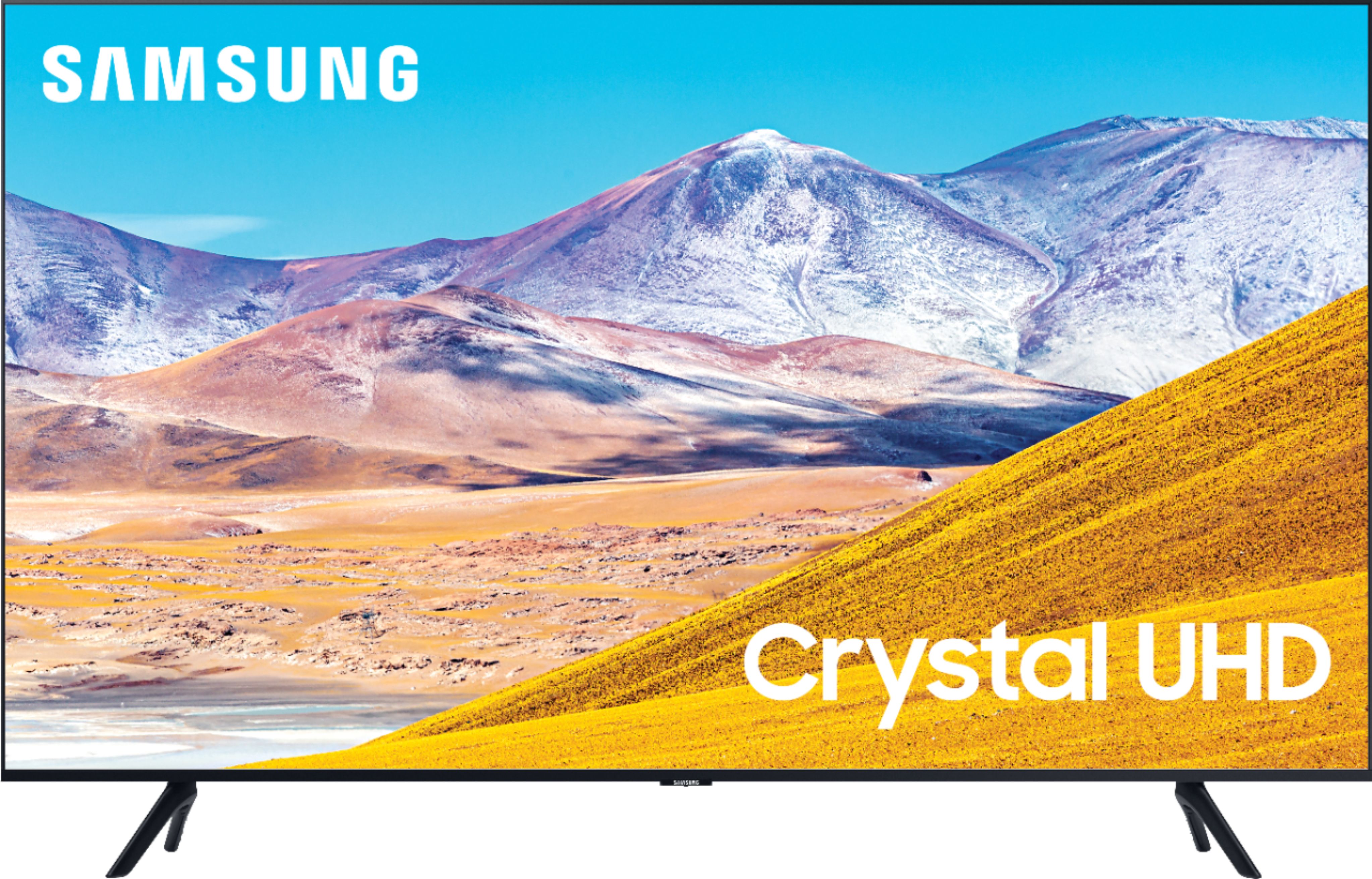
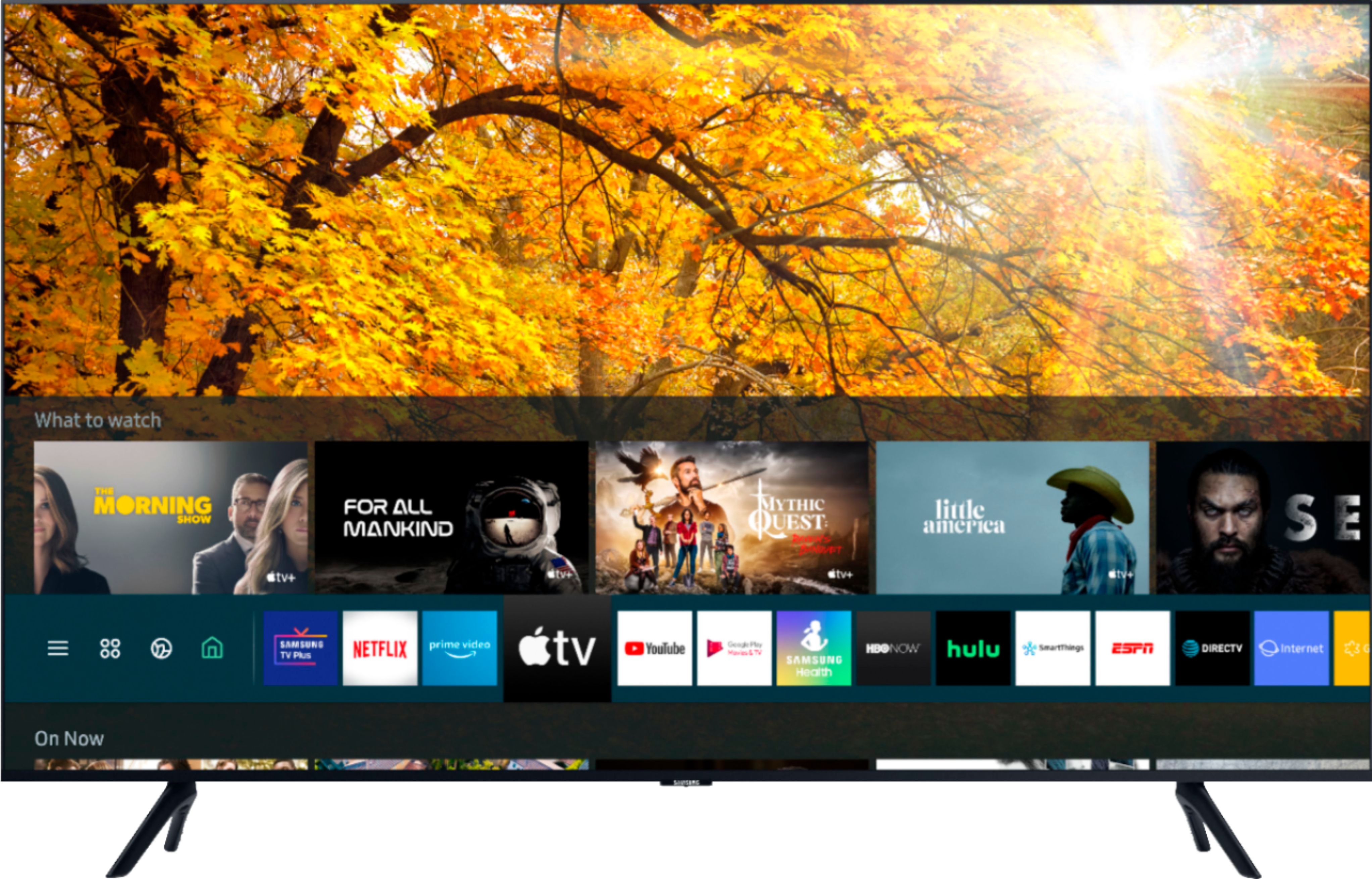
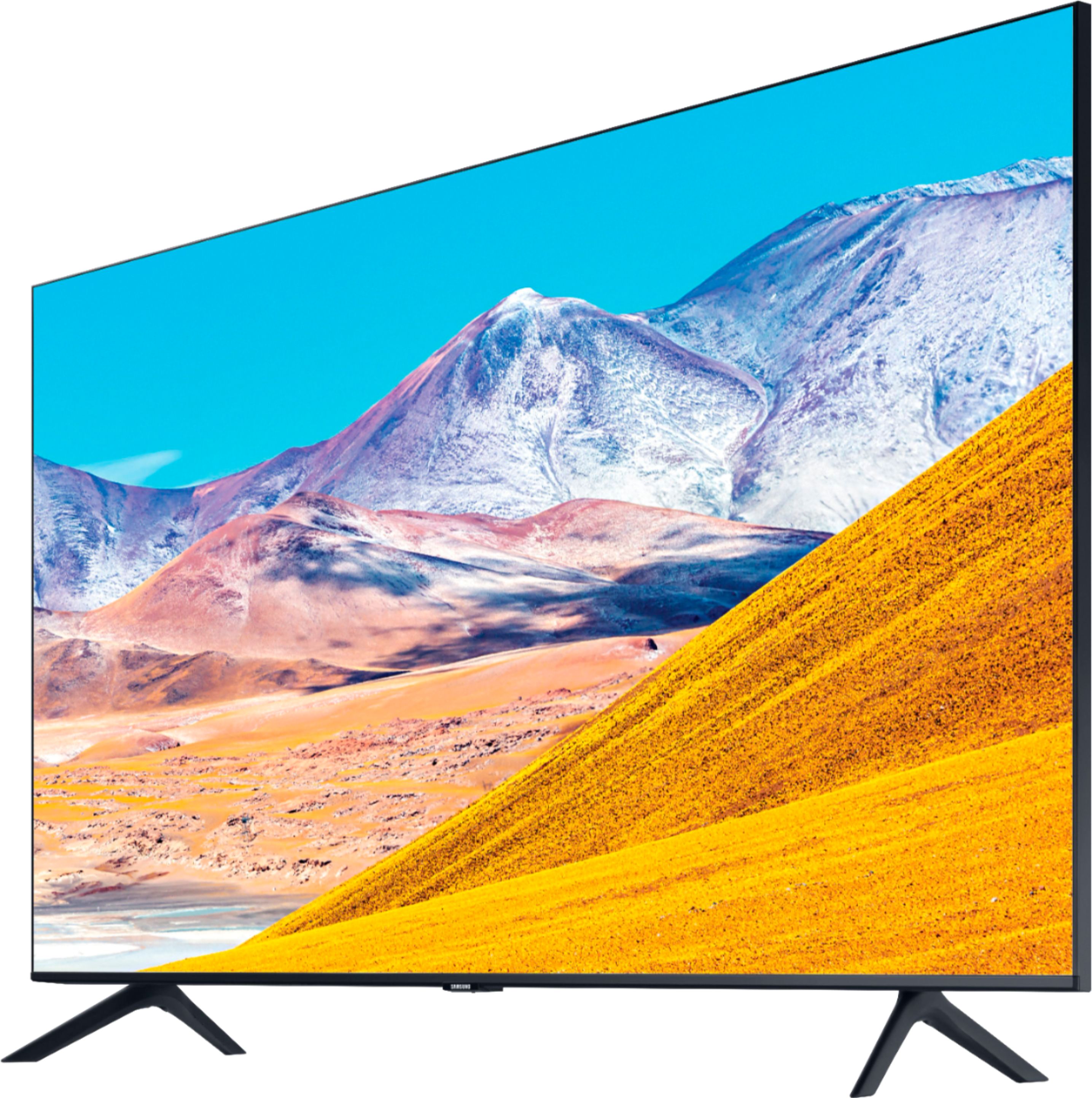
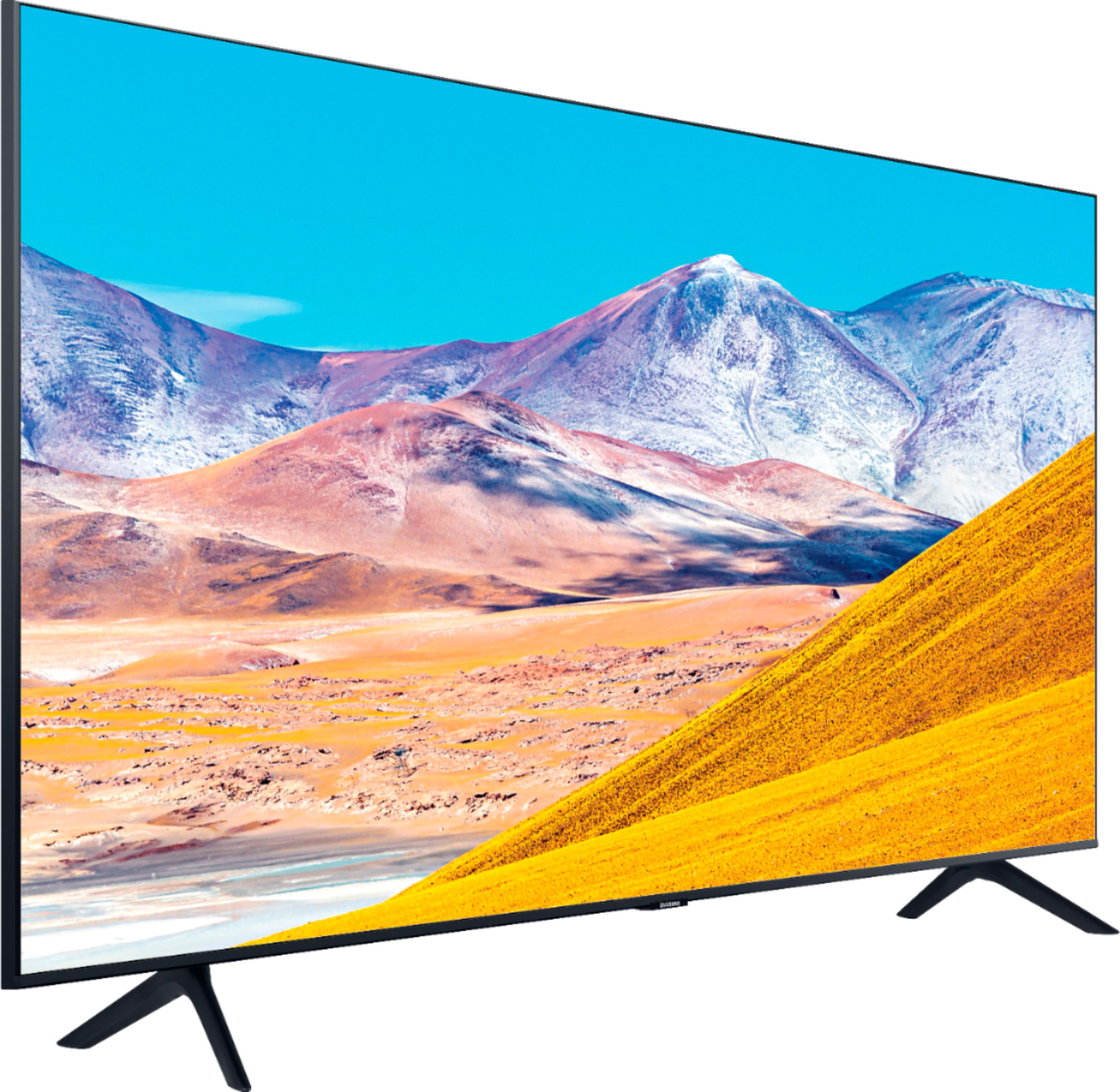
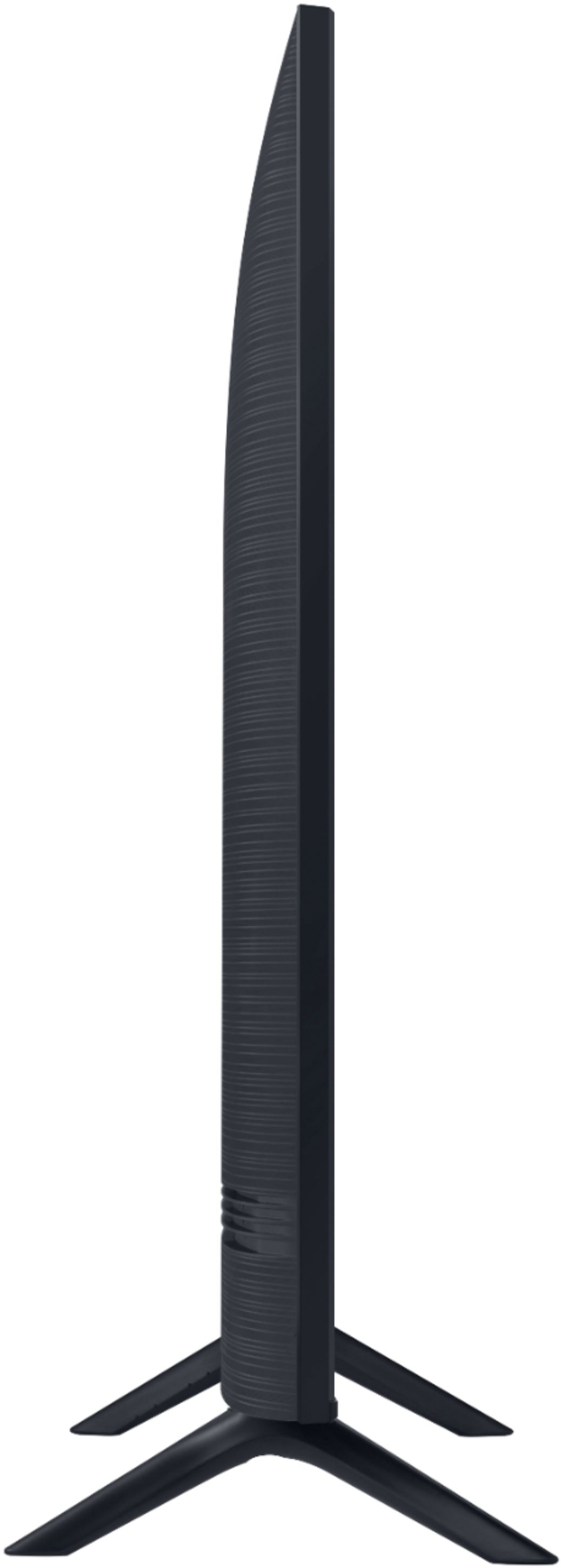

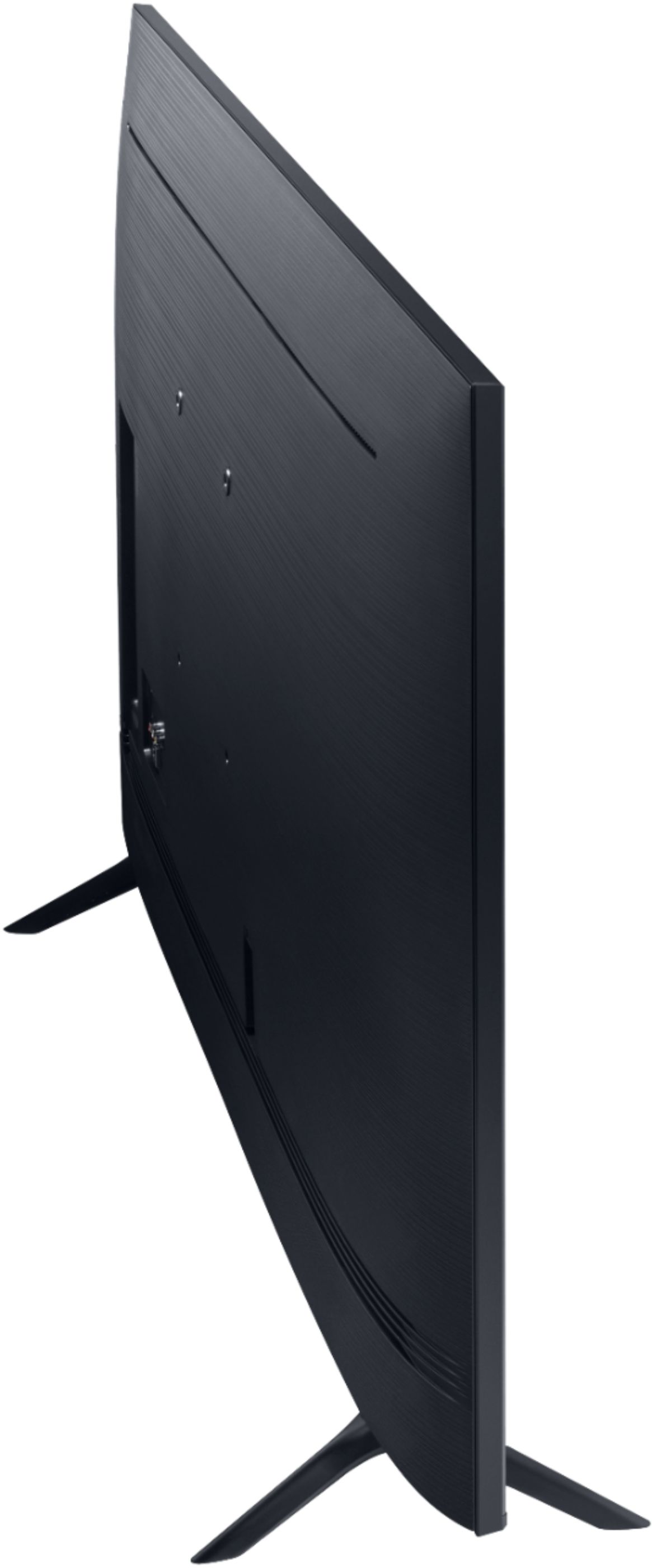
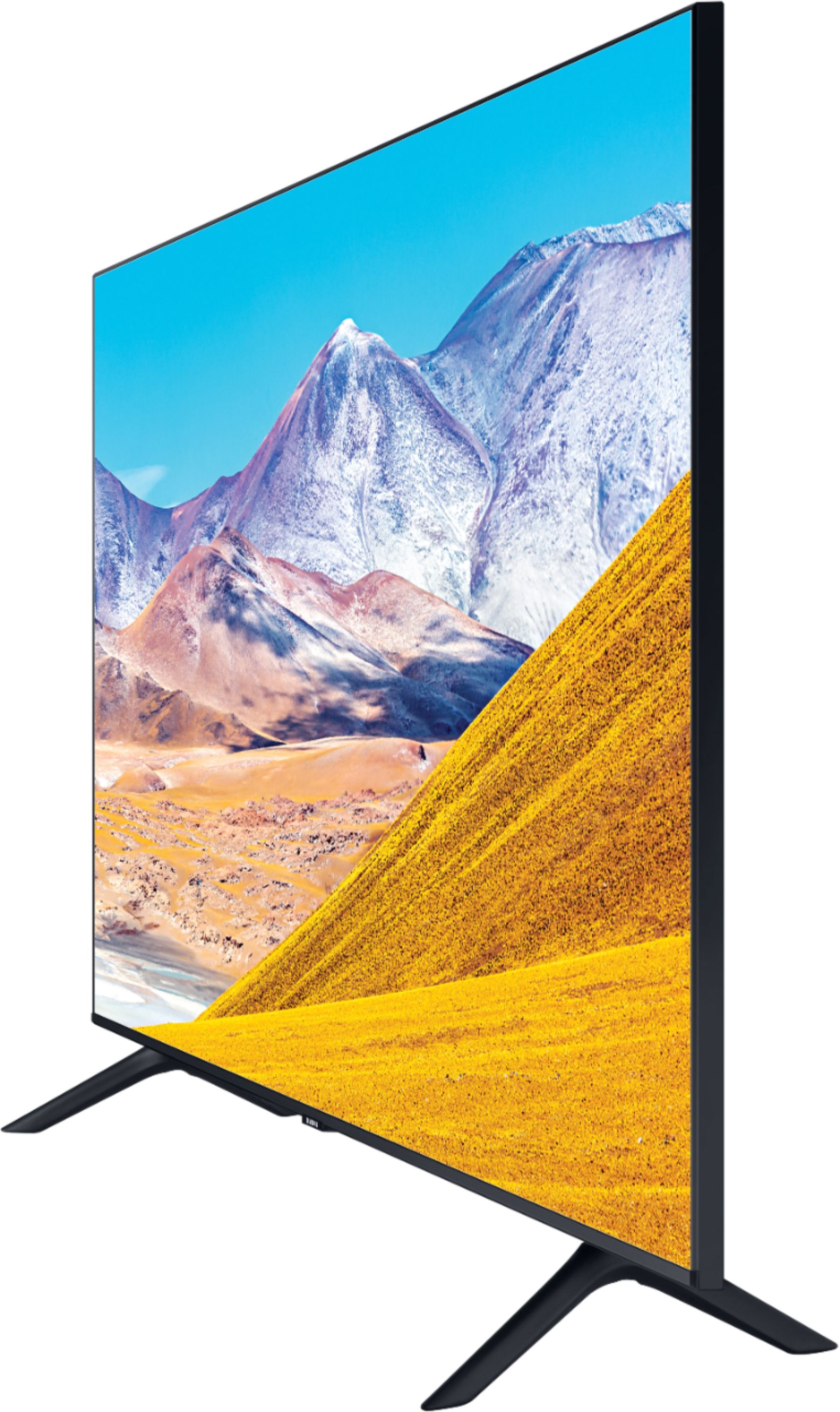

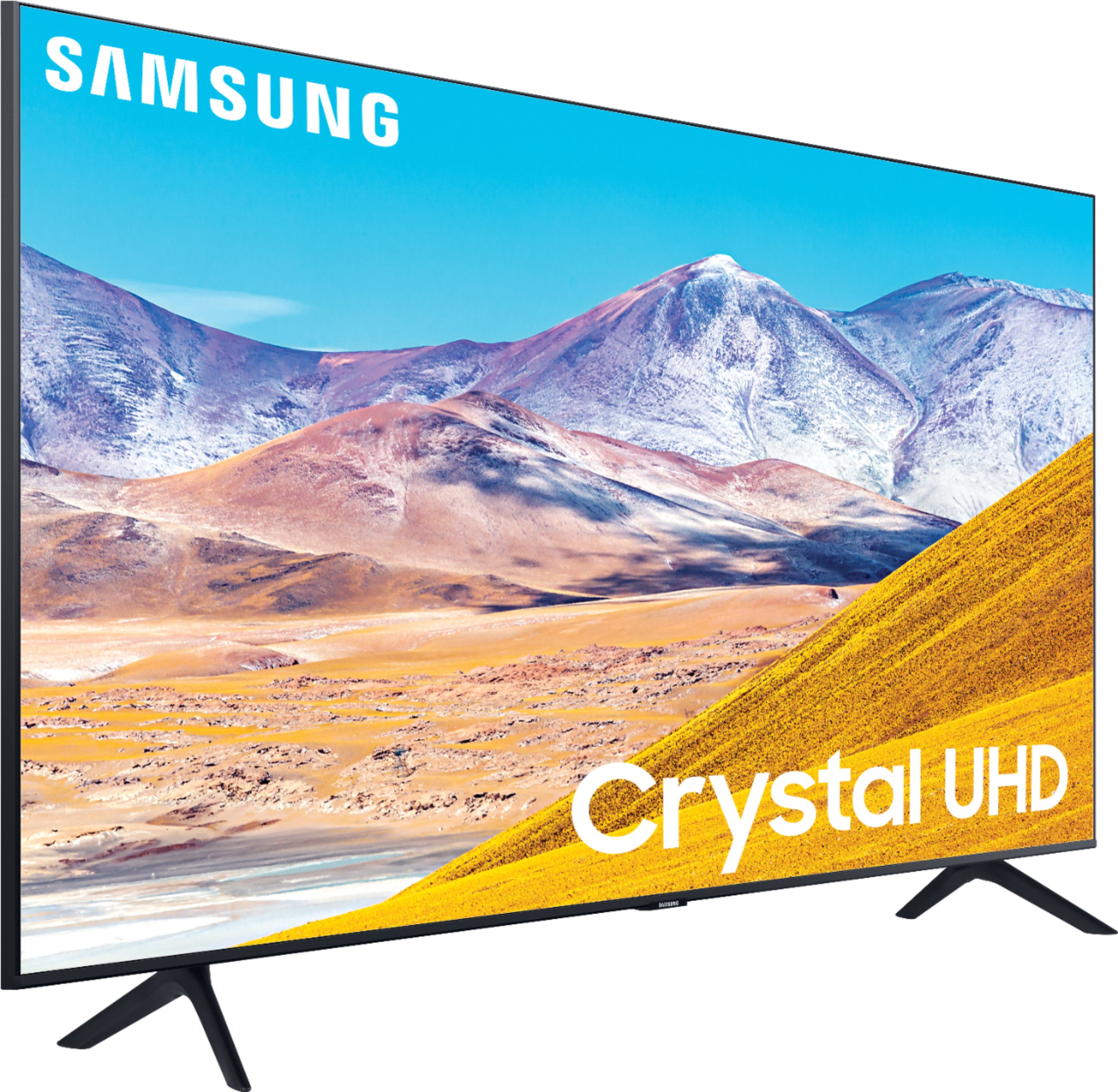
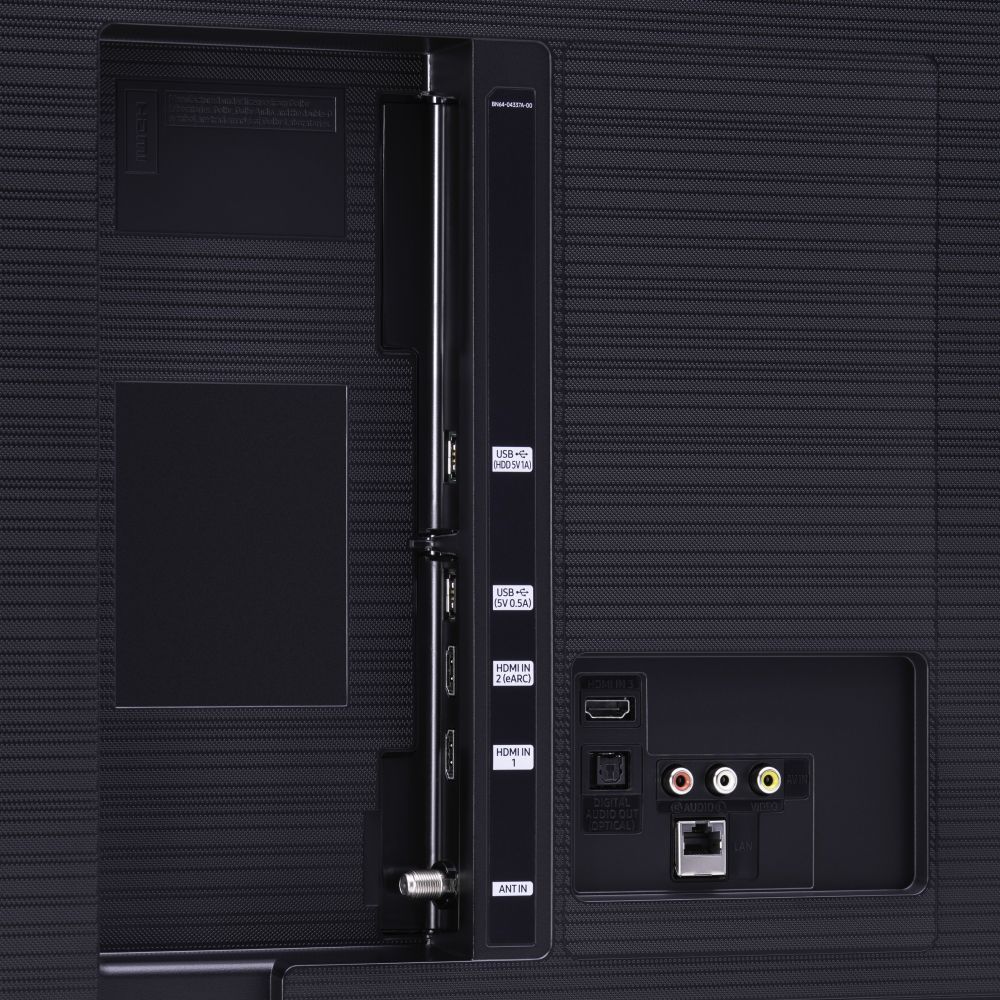




- Model:
- UN50TU8000FXZA
- SKU:
- 6401436
Rating by feature
- Picture Quality
Rating 4.0 out of 5 stars
- Sound Quality
Rating 3.9 out of 5 stars
- Brightness
Rating 4.1 out of 5 stars
Customers are saying
Customers express satisfaction with the picture quality, easy setup, price, color, and smart TV features of the 50" Class 8 Series LED 4K UHD Smart Tizen TV. However, they have concerns about the remote control, durability, short lifespan, screen issues, and warranty.
This summary was generated by AI based on customer reviews.
Spectacular Tv and functions
||Posted . Owned for 3 weeks when reviewed.This reviewer received promo considerations or sweepstakes entry for writing a review.My only problem was I didn’t receive the promotion they were giving out to have HBO free for a month as it was said to be online yet I went in store.
I would recommend this to a friendIt’s a good TV
||Posted . Owned for 1 month when reviewed.This reviewer received promo considerations or sweepstakes entry for writing a review.It’s a good TV but you should buy some type of surround sound because the volume to the tv is pretty low.
I would recommend this to a friendexactly what I wanted
||Posted . Owned for 2 weeks when reviewed.This reviewer received promo considerations or sweepstakes entry for writing a review.This TV is what I researched and it is everything I anticipated. I went to Hagerstown, Md for pickup. The staff was very accomadating and efficient. I was in and out, with no problems.
I would recommend this to a friendDisappointed
||Posted . Owned for 2 weeks when reviewed.This reviewer received promo considerations or sweepstakes entry for writing a review.I bought this tv a week ago. It has alot of options for streaming. But if your looking at viewing hdr content . This tv is not very good. Everything is very dark. I've always been a samsung buyer. But for a 8 series you think you would get a more bright hdr experience. I did some investigating and this tv only get just under 400 nits of peak brightness. I mean come on Samsung there's low end tvs out there that get better peak brightness at almost 700 nits. I tried all the setting and the hdr really stinks on this tv. If your a avid movie watcher and want the best hdr experience from a tv. Then this tv is not for you. I've always bought Samsung tvs. I've been a loyal customer for years. But at this point I'm going to take this tv back after the holidays. Again this is a 8 series not a low end Samsung 6 series that you get at other stores. Goodluck Samsung I'm going to look at other tvs that have a much better picture for less than this tv. You've lost a loyal customer
No, I would not recommend this to a friendBrand response from Samsung
Posted .Edward:
Thank you for purchasing the TU8000 TV and for your review. I am sorry to hear that you are not happy with the brightness levels of your picture. If the colors on your TV are correct but just a little too dark or bright you can try Dynamic Picture Mode, or manually adjust the Brightness settings to your liking.
Dynamic Picture Mode will make pictures brighter and clearer in bright viewing environments. Go to: Settings > Picture > Picture Mode > Dynamic
Or manually adjust the Brightness and other settings to your liking. Go to: Settings> Picture> Expert Settings
You may also want to disable Power Saving Mode which automatically adjusts the brightness to reduce the TV’s power consumption.
Go to Settings> General> Eco Solution> Power Saving Mode.
Ambient Light Detection will also automatically adjust the brightness level of the TV, according to the ambient light level, to reduce power consumption. If Ambient Light Detection has adjusted the screen brightness to a too bright or dark level, you can select Minimum Brightness to manually adjust the minimum screen brightness.
Go to Settings> General> Eco Solution> Ambient Light Detection
Please also be sure you are running the latest firmware. You can check to see what software version your TV is using and if there is an available update through the settings on your TV. Go to: Settings>Support>Software Update. (1460.9 released on 12/7/20)
You may want to enable automatic updates for convenience. Select Settings > Support > Software Update, then select Auto Update.
I hope this helps to improve your picture. Should you need further assistance, please contact Samsung Customer Support.
1) Phone: 1-800-SAMSUNG (ask for TVs), available 8AM – 12AM EST 7 days a week
2) LiveChat: https://www.samsung.com/us/support/#contact_us_for_support
3) Facebook Messenger: https://www.facebook.com/samsungsupport
4) Twitter: https://twitter.com/SamsungSupport
5) The Samsung Members Community is also a great resource for getting help from Samsung moderators and customers: https://us.community.samsung.com
If you have not already done so, we invite you to register your new Samsung product at: https://www.samsung.com/us/account/signin/?redirect=https%3A%2F%2Fwww.samsung.com%2Fus%2Fsupport%2Fregister%2F
Registering your product gives you access to easy warranty support, convenient opt-in to special promos and offers, faster troubleshooting and service, and quick notification of system updates.
~ Samsung Solutions
The Best!
||Posted . Owned for 1 month when reviewed.This reviewer received promo considerations or sweepstakes entry for writing a review.I have purchased this TV to replace a 45" flat screen purchased in June or 2007. Never gave us a minutes trouble and flat screens were new back then. I won't buy any other brand!
I would recommend this to a friendSamsung has a winner
||Posted . Owned for 1 month when reviewed.This reviewer received promo considerations or sweepstakes entry for writing a review.TV has been amazing and delivers greater performance than I expected. The tv will upscale non 4K and has media to 4K and makes everything look stunning and flow amazingly
I would recommend this to a friendGreat Television
||Posted . Owned for 1 month when reviewed.This reviewer received promo considerations or sweepstakes entry for writing a review.For about a month now, I have enjoyed this TV. I was researching about tv's an ran into this Samsung 8 series. I love the way it displays as well as it specs!! I recommend it!!!
I would recommend this to a friendPretty good
||Posted . Owned for 3 weeks when reviewed.This reviewer received promo considerations or sweepstakes entry for writing a review.Pretty good tv. Graphics are not that impressive. The tv is ok but you could by a cheaper version and not notice any significant difference.
I would recommend this to a friendGreat picture quality.
||Posted . Owned for 1 month when reviewed.This reviewer received promo considerations or sweepstakes entry for writing a review.We are enjoying our purchase. The salesperson was able to answer all our questions to our satisfaction. He explained the remote and other features of the TV. Very satisfied.
I would recommend this to a friend- Pros mentioned:Picture quality
50" Samsung TV
||Posted . Owned for 1 month when reviewed.This reviewer received promo considerations or sweepstakes entry for writing a review.TV picture is great, but audio not the best. When someone is talking in low tone...not easily audible.
I would recommend this to a friendBrand response from Samsung
Posted .MNPN,
The TU8 series features integrated 20W, 20 CH Dolby speakers and supports Dolby Digital Plus to optimize your entertainment experience with enhanced sound richness and clarity.
Select from several Sound Modes and advanced settings to meet your personal preferences.
Amplify mode is particuarly useful when voices are difficult to understand.
You can also customize the sound with Expert Settings.
Press the Home button on your remote, and then navigate to Settings. Select Sound, and then select Expert Settings.
To assist you with possible sound settings adjustments for better audio experience, please reach out to us at:
1) Phone: 1-800-SAMSUNG (ask for TVs), available 8AM – 12AM EST 7 days a week
2) LiveChat: https://www.samsung.com/us/support/#contact_us_for_support
3) Facebook Messenger: https://www.facebook.com/samsungsupport
4) Twitter: https://twitter.com/SamsungSupport
5) The Samsung Members Community is also a great resource for getting help from Samsung moderators and customers: https://us.community.samsung.com
If you have not already done so, we invite you to register your new Samsung product at:
https://www.samsung.com/us/account/signin/?redirect=https%3A%2F%2Fwww.samsung.com%2Fus%2Fsupport%2Fregister%2F&user=dsr-registration
Registering your product gives you access to easy warranty support, convenient opt-in to special promos and offers, faster troubleshooting and service, and quick notification of system updates.
-Samsung Ambassador
Great value for Quality.
||Posted . Owned for 1 month when reviewed.This reviewer received promo considerations or sweepstakes entry for writing a review.Great value. Samsung UI is the best of any tv and thankfully Samsung stopped pushing the tv plus from their TVs last year. Good price and very thin for this price point.
I would recommend this to a friendRecommend
||Posted . Owned for 5 months when reviewed.This reviewer received promo considerations or sweepstakes entry for writing a review.Bought this TV for my mom. This is her 1st smart TV and she loves it. Remote is the main reason i got her this one. Very simple to use for new smart tv people
I would recommend this to a friend- Pros mentioned:Picture quality
There’s always a “but”
||Posted . Owned for 3 weeks when reviewed.This reviewer received promo considerations or sweepstakes entry for writing a review.Not worth it. Good pict and sound but can’t download more apps nor can you screencast. Basic, costly tv.
No, I would not recommend this to a friendBrand response from Samsung
Posted .Cassnqwan11,
Thank you for your purchase and review.
Please know that your TU8000 TV comes with screen mirror feature.
You can also add or remove apps anytime onto the Smarthub.
I have included links to guides of adding apps and screen mirror:
https://www.samsung.com/us/support/answer/ANS00062169/
https://www.samsung.com/us/support/answer/ANS00086463/
If the above do not resolve your concerns, or if you need any further assistance, please reach out to us at:
1) Phone: 1-800-SAMSUNG
Available 8AM – 9PM EST (Mon-Fri)
2) LiveChat: https://www.samsung.com/us/support/#contact_us_for_support
3) Facebook Messenger: https://www.facebook.com/samsungsupport
4) Twitter: https://twitter.com/SamsungSupport
If you have not already done so, we invite you to register your new Samsung product at: https://www.samsung.com/us/account/signin/?redirect=https%3A%2F%2Fwww.samsung.com%2Fus%2Fsupport%2Fregister%2F
Registering your product gives you access to easy warranty support, convenient opt-in to special promos and offers, faster troubleshooting and service, and quick notification of system updates.
-Samsung Ambassador
Perfect size and picture for the room!
||Posted . Owned for 3 weeks when reviewed.This reviewer received promo considerations or sweepstakes entry for writing a review.Needed an upgrade for my mom in her apartment, so chose this one, and so glad we did, as it's perfect for the space, and got it programmed with her Direct TV remote quickly!!
I would recommend this to a friendnice tv, good purchase
||Posted . Owned for 2 months when reviewed.This reviewer received promo considerations or sweepstakes entry for writing a review.Me and my girlfriend really needed another t.v. so I purchased this one, not disappointing, works well, it's pretty sweet. Pretty high tech for its price range.
I would recommend this to a friendMy family loves them
||Posted . Owned for 3 weeks when reviewed.This reviewer received promo considerations or sweepstakes entry for writing a review.I bought two of these TVs: one for my sister and one for my mom. They both loved them. I am satisfied with all my purchases. I like Samsung. I love Best Buy!
I would recommend this to a friendGreat TV for the money
||Posted . Owned for 1 month when reviewed.This reviewer received promo considerations or sweepstakes entry for writing a review.It's a great TV for the money. The picture clarity is very nice. I did have a problem that it didn't turn on so I unplugged it and plugged it back in and it has worked fine.
I would recommend this to a friendGood tv but took 2 deliveries
||Posted .This reviewer received promo considerations or sweepstakes entry for writing a review.1TV purchased on 7-11-20 defective pixel created bright red line down middle of TV....TOOK 1 MONTH TO REPLACE READ THAT AGAIN TOOK 1 (ONE) MONTH TO RGET NEW TV. NOT GOID❗️
I would recommend this to a friend- Cons mentioned:Remote control
Not great
||Posted . Owned for 1 year when reviewed.This reviewer received promo considerations or sweepstakes entry for writing a review.Remote is awful. Purchased 5/2020. Antenna/cable input quit working 1/2022.
No, I would not recommend this to a friend - Cons mentioned:Reliability
Be careful if you choose it
||Posted . Owned for 1 year when reviewed.This reviewer received promo considerations or sweepstakes entry for writing a review.Was a great TV for 11 1/2 months. After that period started turning off by itself but I thought was related to xFinity connection issues. Right after warranty expired on 12/02/2021 the TV was going to a restarting cycle (non stop On and OFF) and there is no solution for that. Try to avoid this Samsung TV
No, I would not recommend this to a friend