Customer Ratings & Reviews
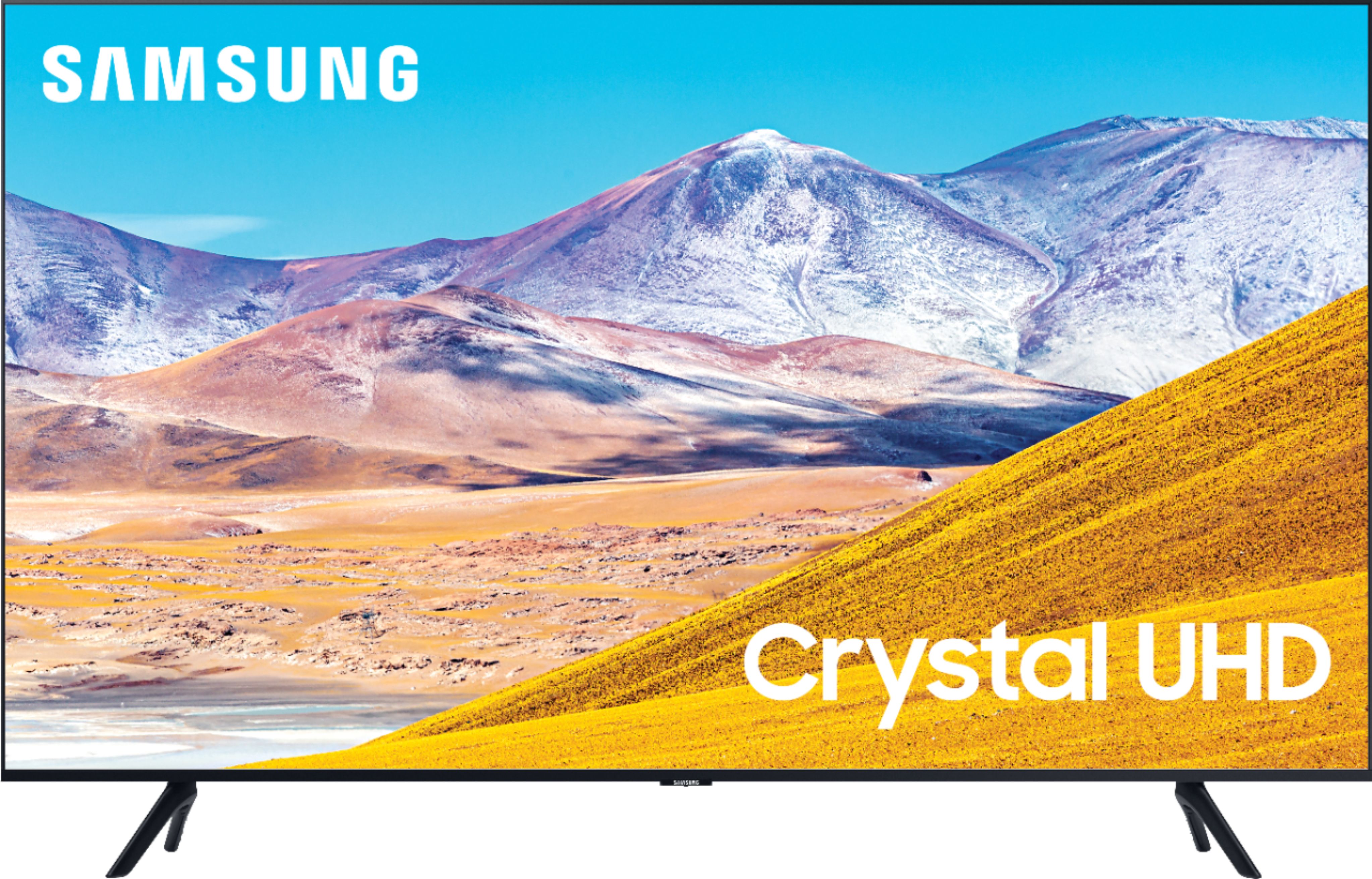
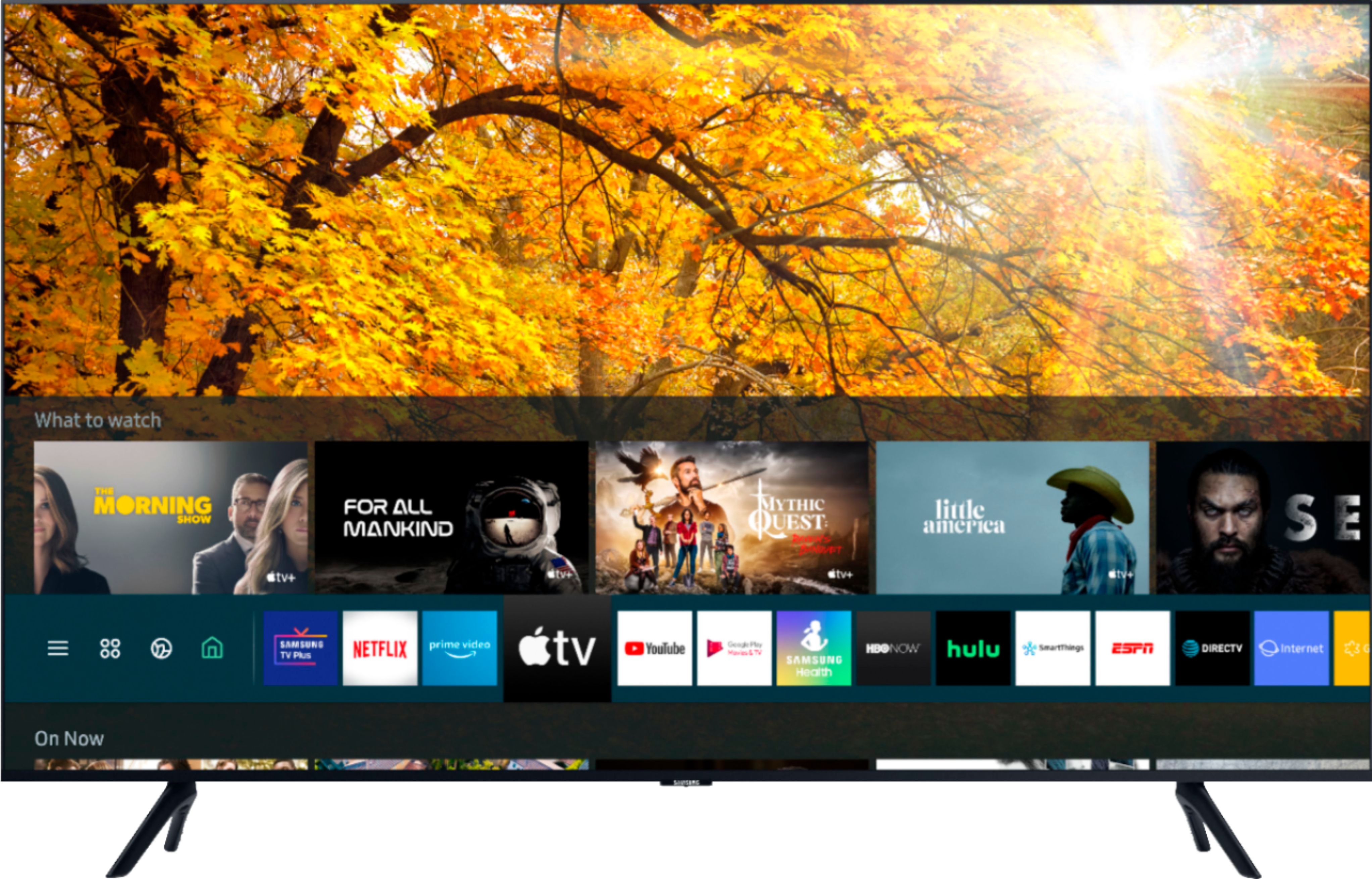
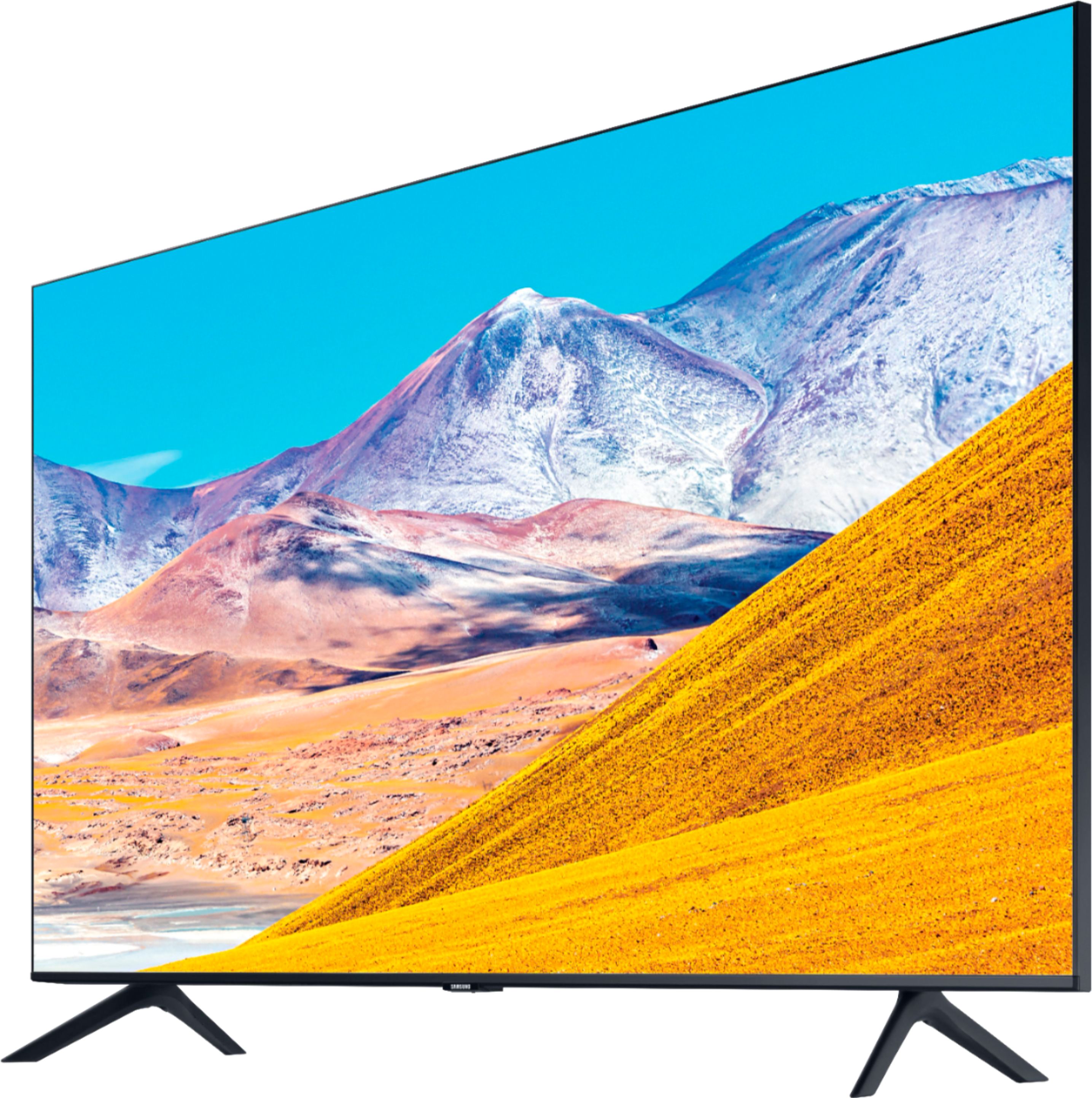
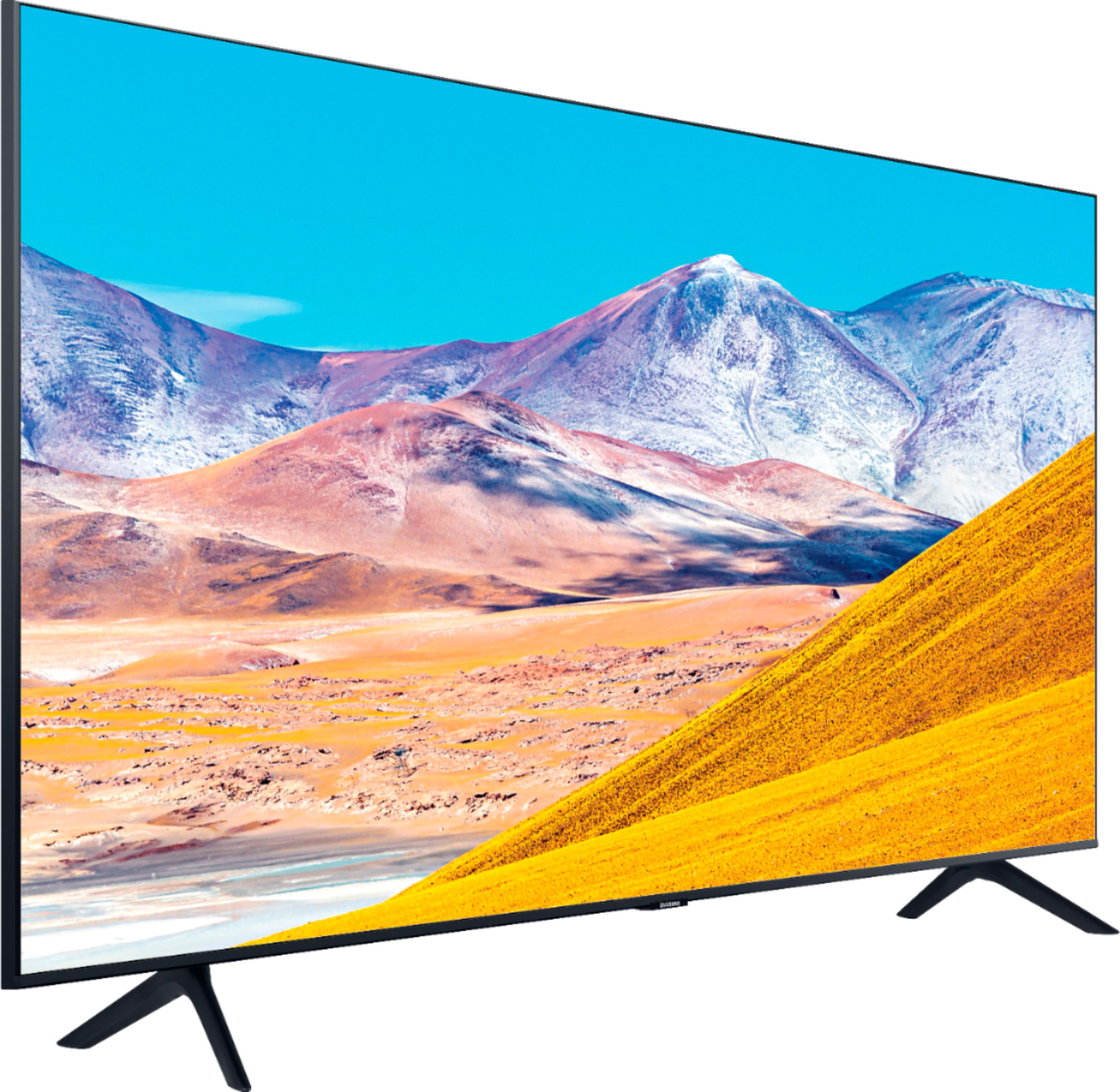
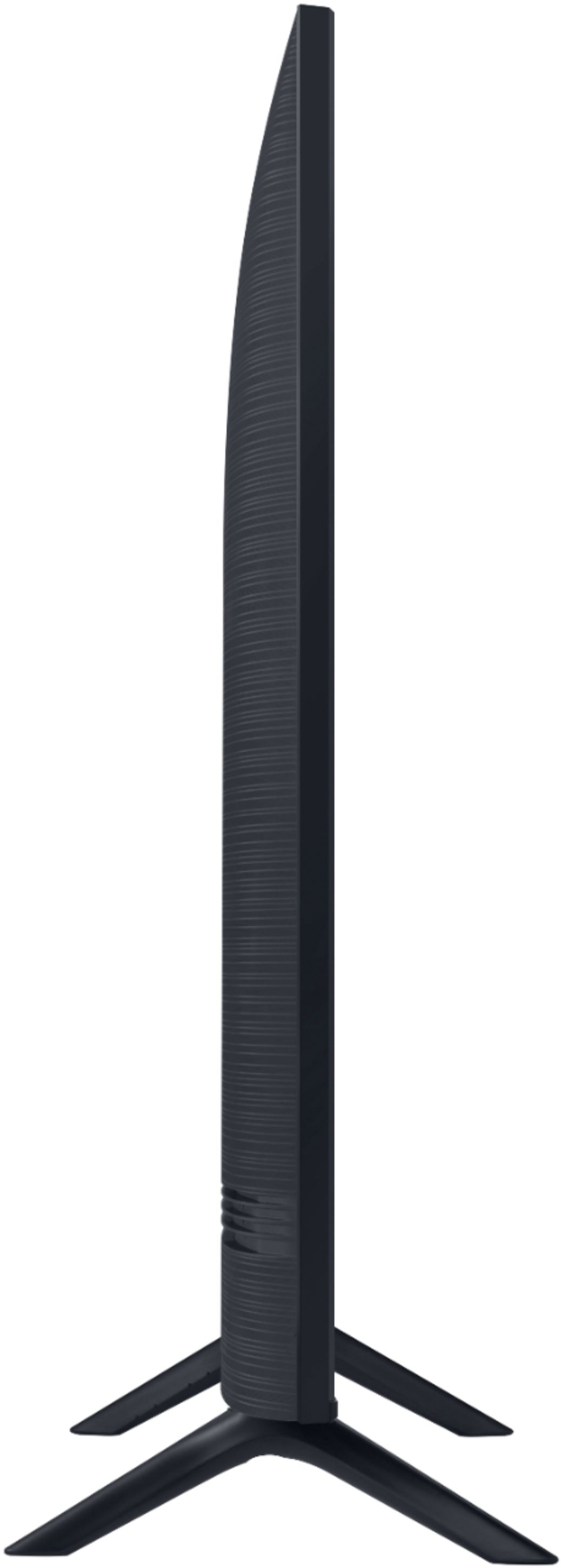

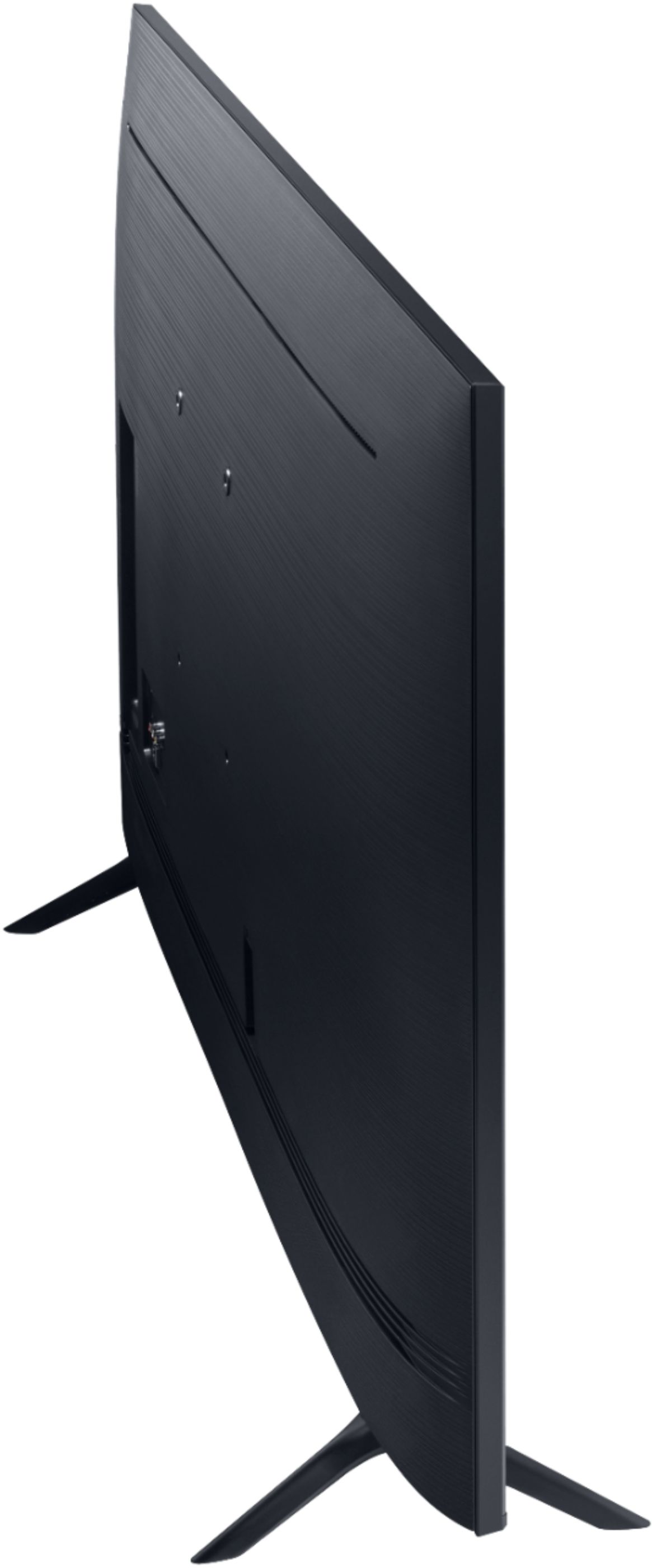
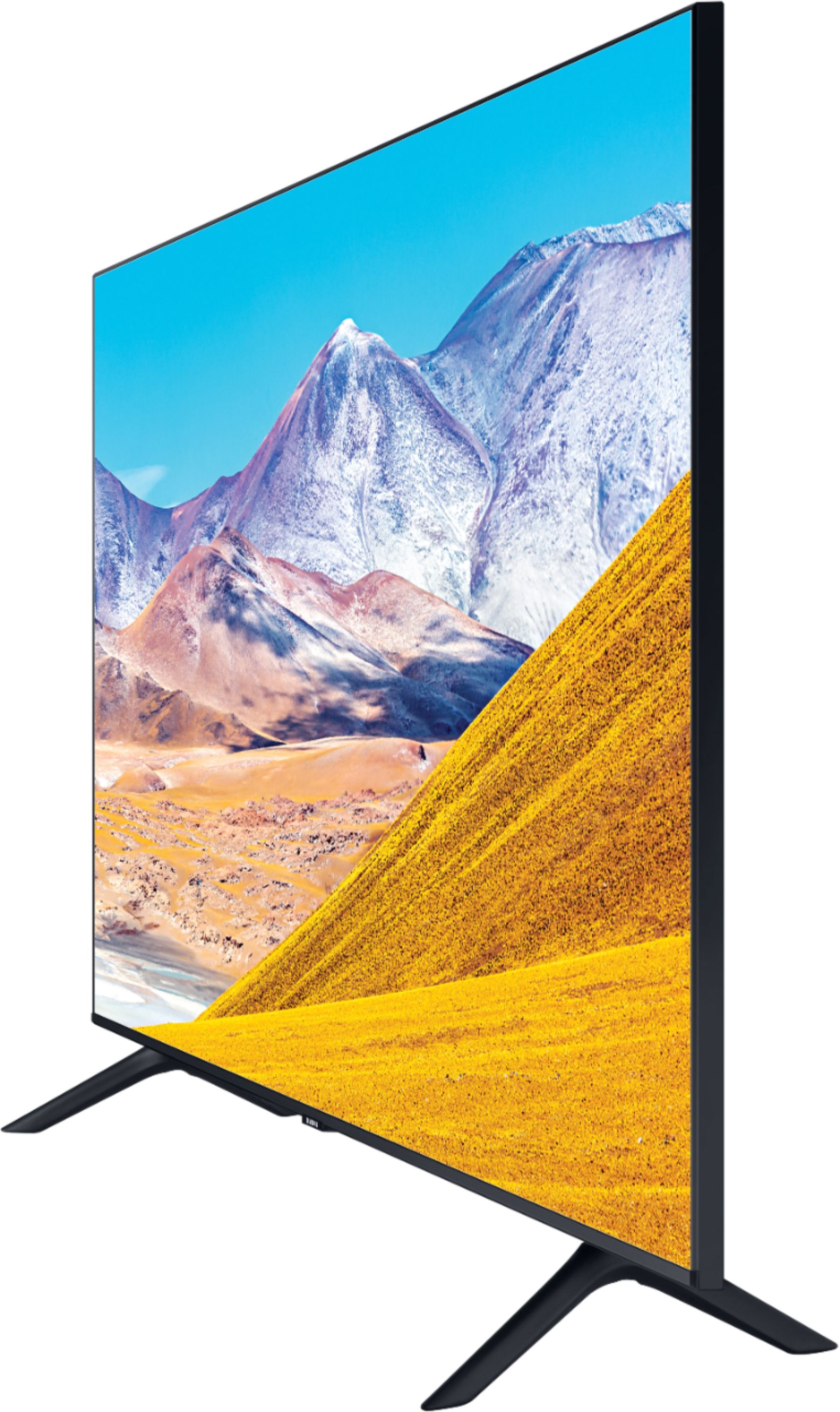






- Model:
- UN50TU8000FXZA
- SKU:
- 6401436
Rating by feature
- Picture Quality
Rating 4.0 out of 5 stars
- Sound Quality
Rating 3.9 out of 5 stars
- Brightness
Rating 4.1 out of 5 stars
Customers are saying
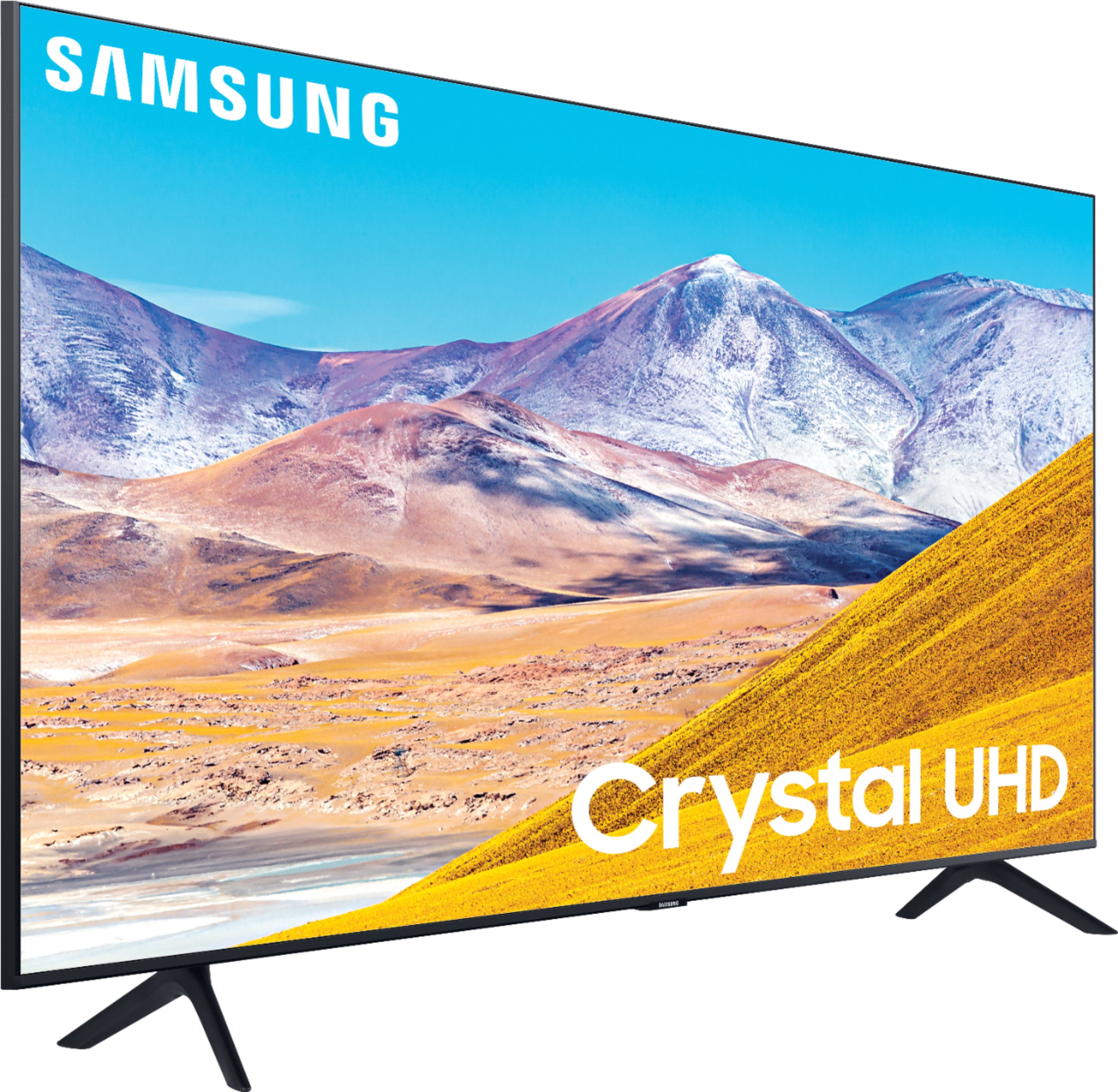
Customers express satisfaction with the picture quality, easy setup, price, color, and smart TV features of the 50" Class 8 Series LED 4K UHD Smart Tizen TV. However, they have concerns about the remote control, durability, short lifespan, screen issues, and warranty.
This summary was generated by AI based on customer reviews.
Dissatisfied customer
||Posted . Owned for 1 month when reviewed.This reviewer received promo considerations or sweepstakes entry for writing a review.My huge dissapointment is Ifi d put Samsung will not allow U Tube and that is one of my favorite
No, I would not recommend this to a friendBrand response from Samsung
Posted .Jeanet:
Thank you for purchasing the Samsung TU8000 TV and for your review. Samsung offers hundreds of apps in our App Store that you can download, and we are continuously adding more premium content and new services to our Smart TV platform. If YouTube is missing from your Smart Hub, you can add it by going to the App Store.
Should you ever have questions or need help with TV features, specs, or operation, we are here to help.
1) Phone: 1-800-SAMSUNG (ask for TVs), available 8AM – 12AM EST 7 days a week
2) LiveChat: https://www.samsung.com/us/support/#contact_us_for_support
3) Facebook Messenger: https://www.facebook.com/samsungsupport
4) Twitter: https://twitter.com/SamsungSupport
5) The Samsung Members Community is also a great resource for getting help from Samsung moderators and customers: https://us.community.samsung.com
If you have not already done so, we invite you to register your new Samsung product at: https://www.samsung.com/us/account/signin/?redirect=https%3A%2F%2Fwww.samsung.com%2Fus%2Fsupport%2Fregister%2F
Registering your product gives you access to easy warranty support, convenient opt-in to special promos and offers, faster troubleshooting and service, and quick notification of system updates.
~ Samsung Solutions
Difficult to set up all the components!
||Posted . Owned for 1 month when reviewed.This reviewer received promo considerations or sweepstakes entry for writing a review.Directions to set up were confusing (which is why they want you to PAY to set it up). When I click the TV on, it makes click sounds, but not consistently. Sometimes there seems to be issues that ARE NOT related to the internet. I am disabled and elderly, so I can't just throw it in a box and drive it back to the store!!! Don't really know what to do.
No, I would not recommend this to a friend- Cons mentioned:Reliability
Would not buy it again!
||Posted . Owned for 1 month when reviewed.This reviewer received promo considerations or sweepstakes entry for writing a review.Most disappointed with Samsung 50" Class 8 TV. Had it for less than 5 weeks and already twice it won't turn on with out unplugging and resetting it. Great in convenience especially being handicapped. Also, could not return it after two weeks. Should be at least 30 days even better 60-90 days.
No, I would not recommend this to a friendBrand response from Samsung
Posted .Missy,
I am very sorry that you are experiencing issues turning your TV on.
Please try the following troubleshooting steps:
(1) Make sure that the AC power cord is securely plugged in to the TV and the wall outlet.
(2) Make sure that the wall outlet is working and the power indicator at the bottom of the TV is lit and glowing a solid red. If it is off, the TV either does not have power, or it is on and the screen is black. If it is blinking, your TV may need service.
(3) Try pressing the TV Controller button at the bottom of the TV to make sure that the problem is not with the remote control.
(4) If the TV turns on, your issue may be with the remote control
Please visit our set-by-step troubleshooting guide online at: https://www.samsung.com/us/support/troubleshooting/TSG01001086/
If your issue persists, please contact Samsung Customer Support, and a representative will gladly assist you. You can reach us via:
1) Phone: 1-800-SAMSUNG, available 8AM – 12AM EST 7 Days A Week
2) LiveChat: https://www.samsung.com/us/support/#contact_us_for_support
3) Facebook Messenger: https://www.facebook.com/samsungsupport
4) Twitter: https://twitter.com/SamsungSupport
Have you registered your new Samsung TV with us? If not, we invite you to do so at: https://www.samsung.com/us/account/signin/?redirect=https%3A%2F%2Fwww.samsung.com%2Fus%2Fsupport%2Fregister%2F, and gain access to easy warranty support, convenient opt-in to special promos & offers, faster troubleshooting & service, and quick notification of system updates.
-Samsung Ambassador
- Cons mentioned:Reliability
Bad Purchase
||Posted . Owned for more than 2 years when reviewed.This reviewer received promo considerations or sweepstakes entry for writing a review.We had problems with it at the very beginning. The mother board was replaced. On 11/19/22, the picture died after only two years. It was recommended that it would be cheaper to buy a new one than to have it repaired.
No, I would not recommend this to a friend T.V
||Posted . Owned for 1 month when reviewed.This reviewer received promo considerations or sweepstakes entry for writing a review.Got this TV for my new apartment. It's ok but I expected more when I read the details&specifications
No, I would not recommend this to a friendBrand response from Samsung
Posted .BRS8994,
Thank you for purchasing this Samsung TU8000 4K Smart TV. I am sorry to hear that you are not completely happy with it.
So that we can better assist you, I invite you to please contact Samsung TV Support at:
1) Phone: 1-800-SAMSUNG (ask for TVs), available 8AM – 12AM EST 7 days a week
2) LiveChat: https://www.samsung.com/us/support/#contact_us_for_support
3) Facebook Messenger: https://www.facebook.com/samsungsupport
4) Twitter: https://twitter.com/SamsungSupport
We hope to hear from you soon.
-Samsung Ambassador
samsung tvs dont last
||Posted . Owned for more than 2 years when reviewed.This reviewer received promo considerations or sweepstakes entry for writing a review.I bought this on June 29, 2020 (even though this review app is going to show august 18 2020) Today is Nov 24, 2022 - and the picture is black. It starts out on and within 5 seconds its black. Before this, it just kept rebooting every 5 seconds. From what I could tell on youtube videos, there is probably a bad signal from the led. but it would cost more to fix the tv (unless I attempt this myself) than to buy a new one. It wont be samsung again. This is my 3rd samsung tv but its my newest one and I think 2 years+(less than) 5 months is not worth the few hundred dollars I spent. I think it should be required for samsung and other corporations to support their products free for 10 years to force them to make better quality products.
No, I would not recommend this to a friend- Cons mentioned:Reliability
Display went out after 14 months
||Posted . Owned for 1 year when reviewed.This reviewer received promo considerations or sweepstakes entry for writing a review.Display went out on the TV just after the manufacturer's warranty expired. Repair costs more than the TV originally did. Don't be fooled into thinking the Samsung brand is any better than the other brands, they're just as unreliable.
No, I would not recommend this to a friend Enjoyable while it lasted
||Posted . Owned for 7 months when reviewed.This reviewer received promo considerations or sweepstakes entry for writing a review.This tv worked great until suddenly it no longer played videos through the Samsung OS.
No, I would not recommend this to a friendBrand response from Samsung
Posted .Shimmy:
Thank you for purchasing the Samsung TU8000 TV. I am sorry to hear that you are experiencing issues with your TV. So we can better understand the problems you are experiencing and provide you with troubleshooting assistance or warranty service, please contact Samsung Customer Support.
1) Phone: 1-800-SAMSUNG (ask for TVs), available 8AM – 12AM EST 7 days a week
2) LiveChat: https://www.samsung.com/us/support/#contact_us_for_support
3) Facebook Messenger: https://www.facebook.com/samsungsupport
4) Twitter: https://twitter.com/SamsungSupport
5) The Samsung Members Community is also a great resource for getting help from Samsung moderators and customers: https://us.community.samsung.com
If you have not already done so, we invite you to register your new Samsung product at: https://www.samsung.com/us/account/signin/?redirect=https%3A%2F%2Fwww.samsung.com%2Fus%2Fsupport%2Fregister%2F
Registering your product gives you access to easy warranty support, convenient opt-in to special promos and offers, faster troubleshooting and service, and quick notification of system updates.
~ Samsung Solutions
- Cons mentioned:Reliability
Samsung - Poor Quality - Does Not Last
||Posted . Owned for 1.5 years when reviewed.This reviewer received promo considerations or sweepstakes entry for writing a review.Less than two years old and it cycles on and off with red light blinking. Was a die-hard Samsung customer, have their phones, watch, TVs etc., not anymore. Quality has gone down hill as this is the 2nd TV that has had issues.
No, I would not recommend this to a friend Decent
||Posted . Owned for 9 months when reviewed.This reviewer received promo considerations or sweepstakes entry for writing a review.It’s a decent TV for the price. I should have spent a little more though.
No, I would not recommend this to a friendDisappointed
||Posted . Owned for 1 month when reviewed.This reviewer received promo considerations or sweepstakes entry for writing a review.Picture quality and sound quality is not as good as it was in 6th and 7th series, I owned both of them and I loved them that's why i bought 8th series but I got disappointed with this.
No, I would not recommend this to a friendBrand response from Samsung
Posted .Itrat,
Your TU8000 TV is powerd by a ultra-fast processor transforms everything you watch into
stunning 4K. It also comes with Dolby Digital Plus that optimizes your entertainment experience with enhanced sound richness and clarity.
One unique feature you will enjoy is the Ambient Mode that turns your TV screen into a decorative yet functional display feature. With 102+ Contents, newly added 'Ambient Vibe' and 'Routine', and improved 'My Album', you can use it as an info panel, a display for a personal photo collection, or a decorative wallpaper that blends into the surroundings.
Here is a link to the TU8 product page, where you can find details of all the features, eManual, and other useful product support information:
https://www.samsung.com/us/televisions-home-theater/tvs/crystal-uhd-tvs/50-class-tu8000-crystal-uhd-4k-smart-tv-2020-un50tu8000fxza/#overview
Should you have questions about any of the features or need assistance with usage, simply contact us at:
1) Phone: 1-800-SAMSUNG Available 8AM - 12AM EST (Mon-Fri) / 9AM - 11PM EST (Sat-Sun)
2) LiveChat: https://www.samsung.com/us/support/#contact_us_for_support
3) Facebook Messenger: https://www.facebook.com/samsungsupport
4) Twitter: https://twitter.com/SamsungSupport
If you have not already done so, we invite you to register your new Samsung product at: https://www.samsung.com/us/account/signin/?redirect=https%3A%2F%2Fwww.samsung.com%2Fus%2Fsupport%2Fregister%2F
Registering your product gives you access to easy warranty support, convenient opt-in to special promos and offers, faster troubleshooting and service, and quick notification of system updates.
-Samsung Ambassador
so far so good
||Posted . Owned for 3 weeks when reviewed.This reviewer received promo considerations or sweepstakes entry for writing a review.I intended to update this post in a couple of months, kinda see how it works after awhile.
No, I would not recommend this to a friendBrand response from Samsung
Posted .idontwantanickname,
Thank you for purchasing this Samsung TU8000 Crystal UHD TV.
So that we can better troubleshoot this issue and provide steps towards a solution, I invite you to please contact Samsung TV Support by calling 1-800-SAMSUNG (ask for TVs) Available 8AM to 9PM EST (Mon-Fri)
If you have not already done so, we invite you to register your new Samsung product at: samsung.com/us/account/signin/?redirect=https%3A%2F%2Fwww.samsung.com%2Fus%2Fsupport%2Fregister%2F
Registering your product gives you access to easy warranty support, convenient opt-in to special promos and offers, faster troubleshooting and service, and quick notification of system updates.
-Samsung Ambassador
You get what you pay for.
||Posted . Owned for 1 month when reviewed.This reviewer received promo considerations or sweepstakes entry for writing a review.Picture quality is awful. It's pixelated and fuzzy like an out of focus photograph. The smart capabilities are hilarious. Samsung is more interested in forcing you to use their apps and contracted streaming channels than making the TV easy and logical to use. If you need to reset the TV like I had to several times already, you will need to reprogram everything all over again. Skip the Samsung TV line and get a Sony. I'd exchange the 43" and 55" we got together in a heartbeat if I could. Absolute junk compared to our Sony.
No, I would not recommend this to a friendBrand response from Samsung
Posted .antitarmac,
I am sorry that you are experiencing issues with your TU8000 Crystal UHD Smart TV.
The TV will upscale as best as possible any content sent to it. The closer your content is to 4K, the better the image will look on the screen.
Here are some tips to help improve the picture clarity:
1. HDMI cables are recommended for optimal HD viewing.
2. If you have an analog cable box or satellite box, upgrade to a digital cable box or satellite box.
3. Change the output resolution of your devices, such as digital broadcast receiver, IPTV, and
set-top box to UHD or HD.
4. Expand the reception range of the corresponding HDMI input signal in Input Signal Plus.
Go to Settings- General- External Device Manager- Input Signal Plus
To optimize the smart TV performance, please try Device Care option under the Support Menu.
Go to Settings > Support> Device Care > Start Device Care.
This service checks memory and frees up unused cached memory and closes background apps.
I hope this helps to solve your concerns.
If the issues persist, please reach out to Samsung Customer Support at:
1) Phone: 1-800-SAMSUNG, available 8AM – 12AM EST 7 Days A Week
2) LiveChat: https://www.samsung.com/us/support/#contact_us_for_support
3) Facebook Messenger: https://www.facebook.com/samsungsupport
4) Twitter: https://twitter.com/SamsungSupport
Have you registered your new Samsung TV with us? If not, we invite you to do so at: https://www.samsung.com/us/account/signin/?redirect=https%3A%2F%2Fwww.samsung.com%2Fus%2Fsupport%2Fregister%2F, and gain access to easy warranty support, convenient opt-in to special promos & offers, faster troubleshooting & service, and quick notification of system updates.
-Samsung Ambassador
- Cons mentioned:Reliability
Stopped Working
||Posted . Owned for 1.5 years when reviewed.This reviewer received promo considerations or sweepstakes entry for writing a review.Stopped working after 1 year of use!! I barely used this TV and about a little more than one year after the purchase date the TV started turning off and on by itself and warranty is already expired!!
No, I would not recommend this to a friend my tv
||Posted . Owned for 1 month when reviewed.This reviewer received promo considerations or sweepstakes entry for writing a review.ok but picture quality not as good as i thought it would be a little disapointed
No, I would not recommend this to a friendBrand response from Samsung
Posted .cmc42175:
Thank you for purchasing the Samsung TU8000 4K Smart TV and for your review. I am sorry to hear that you are not completely happy with your TV’s picture. There are several image settings you can adjust to your liking such as Picture Mode and Expert Settings.
Choose a Picture Mode by going to Settings > Picture > Picture Mode and choose from Dynamic, Standard, Natural, Movie, or Filmmaker Mode.
You can further adjust your sharpness, brightness, contrast, color, and more by going to Settings > Picture > Expert Settings
Please also give us the opportunity to assist you with image quality adjustments tailored to your preferred viewing experience. You can reach us via any of the following options
1) Phone: 1-800-SAMSUNG (ask for TVs), available 8AM – 12AM EST 7 days a week
2) LiveChat: https://www.samsung.com/us/support/#contact_us_for_support
3) Facebook Messenger: https://www.facebook.com/samsungsupport
4) Twitter: https://twitter.com/SamsungSupport
5) The Samsung Members Community is also a great resource for getting help from Samsung moderators and customers: https://us.community.samsung.com
If you have not already done so, we invite you to register your new Samsung product at: https://www.samsung.com/us/account/signin/?redirect=https%3A%2F%2Fwww.samsung.com%2Fus%2Fsupport%2Fregister%2F
Registering your product gives you access to easy warranty support, convenient opt-in to special promos and offers, faster troubleshooting and service, and quick notification of system updates.
~ Samsung Solutions
- Cons mentioned:Reliability
Samsung makes junk
||Posted . Owned for 1.5 years when reviewed.This reviewer received promo considerations or sweepstakes entry for writing a review.Seeing a pattern. Purchased in March 2021. Seventeen months later it is cycling on and off. See others with same issue. My low end TVs have lasted longer than this. Never again will buy Samsung.
No, I would not recommend this to a friend Didn't last. No product support from Samsung
||Posted . Owned for 1.5 years when reviewed.This reviewer received promo considerations or sweepstakes entry for writing a review.This TV was fine for a while, but less than 2 years after purchase it would cycle through powering on and off for about 5 seconds. I had to unplug it. I learned others had the same issue with Samsung TVs; including my brother who said none of the online solutions worked for him. I left the TV unplugged for a few days and to my delight it came on. I was able to reset it and it worked for a few weeks. Now I get sound with a dark picture and a discolored spot on the lower left. I had to unplug it to turn it off. I have several Samsung products, but Members app won't let me register products from my country (USA) and their phone system doesn't work. So disappointed. Buyer beware.
No, I would not recommend this to a friendThe Tv is average and was not delivered to me on T
||Posted . Owned for 3 weeks when reviewed.This reviewer received promo considerations or sweepstakes entry for writing a review.Didn't have that many features that I had seen in other TV'S and it was also damaged
No, I would not recommend this to a friendBrand response from Samsung
Posted .Stormrider,
I am sorry to hear that you are not satisfied with your purchase experience and the TU8000 TV.
Your TU8000 TV is powered by an ultra-fast processor delivering crystal clear colors that are fine-tuned to deliver a naturally crisp and vivid picture. It also transforms everything you watch into stunning 4K HDR. It also comes with Dolby Digital Plus that optimizes your entertainment experience with enhanced sound richness and clarity.
One unique feature you will enjoy is the Ambient Mode that turns your TV screen into a decorative display.
With 102+ Contents, newly added 'Ambient Vibe' and 'Routine', and improved 'My Album', you can use it as an info panel, a display for a personal photo collection, or a decorative wallpaper that blends into the surroundings.
Here is a link to the TU8 product page, where you can find details of all the features, eManual, and other useful product support information: https://www.samsung.com/us/televisions-home-theater/tvs/crystal-uhd-tvs/50-class-tu8000-crystal-uhd-4k-smart-tv-2020-un50tu8000fxza/#overview
If there is anything we can do to further assist and improve your user experience, please do let us know by contacting Samsung Customer Support via:
1) Phone: 1-800-SAMSUNG (Ask for TVs)
Available 8AM – 12AM EST 7 Days A Week
2) LiveChat: https://www.samsung.com/us/support/#contact_us_for_support
3) Facebook Messenger: https://www.facebook.com/samsungsupport
4) Twitter: https://twitter.com/SamsungSupport
5) The Samsung Members Community is also a great resource for getting help from Samsung moderators and customers: https://us.community.samsung.com
If you have not already done so, we invite you to register your new Samsung product at: https://www.samsung.com/us/account/signin/?redirect=https%3A%2F%2Fwww.samsung.com%2Fus%2Fsupport%2Fregister%2F
Registering your product gives you access to easy warranty support, convenient opt-in to special promos and offers, faster troubleshooting and service, and quick notification of system updates.
-Samsung Ambassador
What title?
||Posted .This reviewer received promo considerations or sweepstakes entry for writing a review.Too early to tell.Please give me more time, I am in very bad health right now.
I would recommend this to a friendBrand response from Samsung
Posted .DoNotUnderstandWhy:
Your TU8000 TV is powered by a ultra-fast processor delivering crystal clear colors that are fine-tuned to deliver a naturally crisp and vivid picture. It also transforms everything you watch into stunning 4K HDR. It also comes with Dolby Digital Plus that optimizes your entertainment experience with enhanced sound richness and clarity.
I hope you feel better soon and look forward to hearing your feedback.
1) Phone: 1-800-SAMSUNG (ask for TVs), available 8AM – 12AM EST 7 days a week
2) LiveChat: https://www.samsung.com/us/support/#contact_us_for_support
3) Facebook Messenger: https://www.facebook.com/samsungsupport
4) Twitter: https://twitter.com/SamsungSupport
5) The Samsung Members Community is also a great resource for getting help from Samsung moderators and customers: https://us.community.samsung.com
If you have not already done so, we invite you to register your new Samsung product at: https://www.samsung.com/us/account/signin/?redirect=https%3A%2F%2Fwww.samsung.com%2Fus%2Fsupport%2Fregister%2F
Registering your product gives you access to easy warranty support, convenient opt-in to special promos and offers, faster troubleshooting and service, and quick notification of system updates.
~ Samsung Solutions
Just ok
||Posted . Owned for 1.5 years when reviewed.This reviewer received promo considerations or sweepstakes entry for writing a review.Not impressed, quality wasnt great and coloring was dull. I was trying to be cheap so i went this model. There appeared to be a plastic cover imthe screen but dont remove it like i did. Its the actual screen! Hated this tv. Returned it and got th LG OLED.
No, I would not recommend this to a friend