Customer Ratings & Reviews
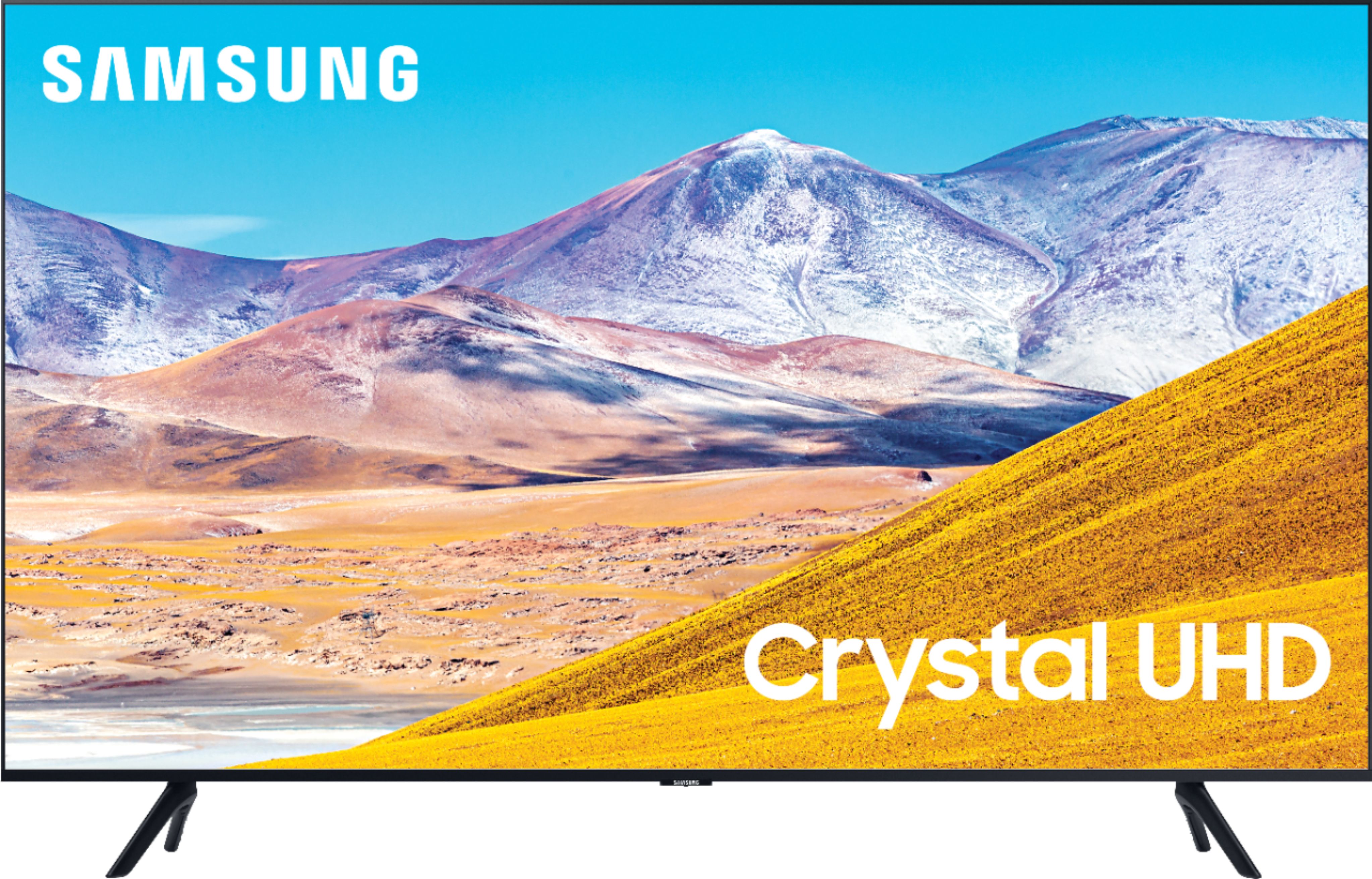
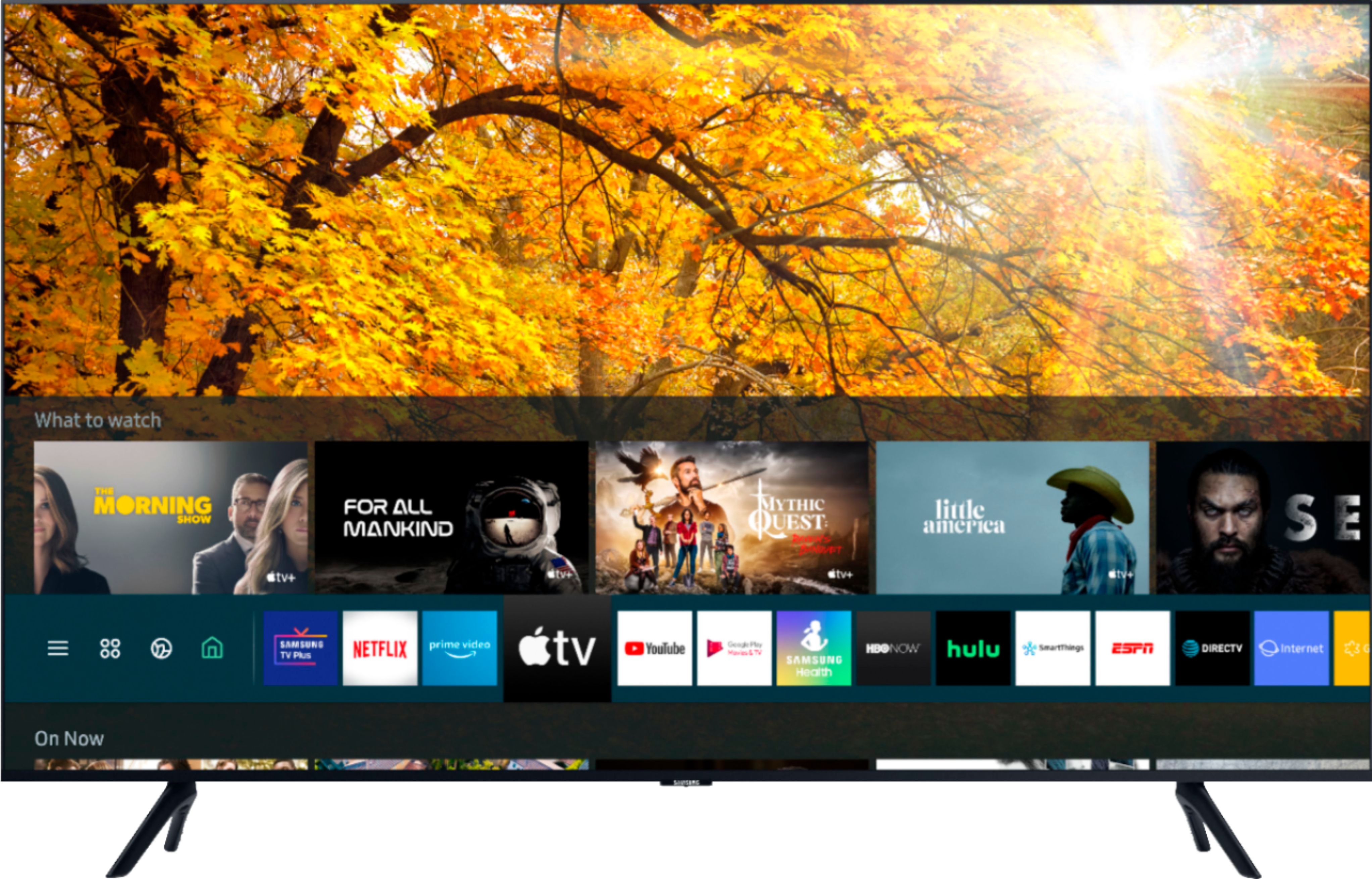
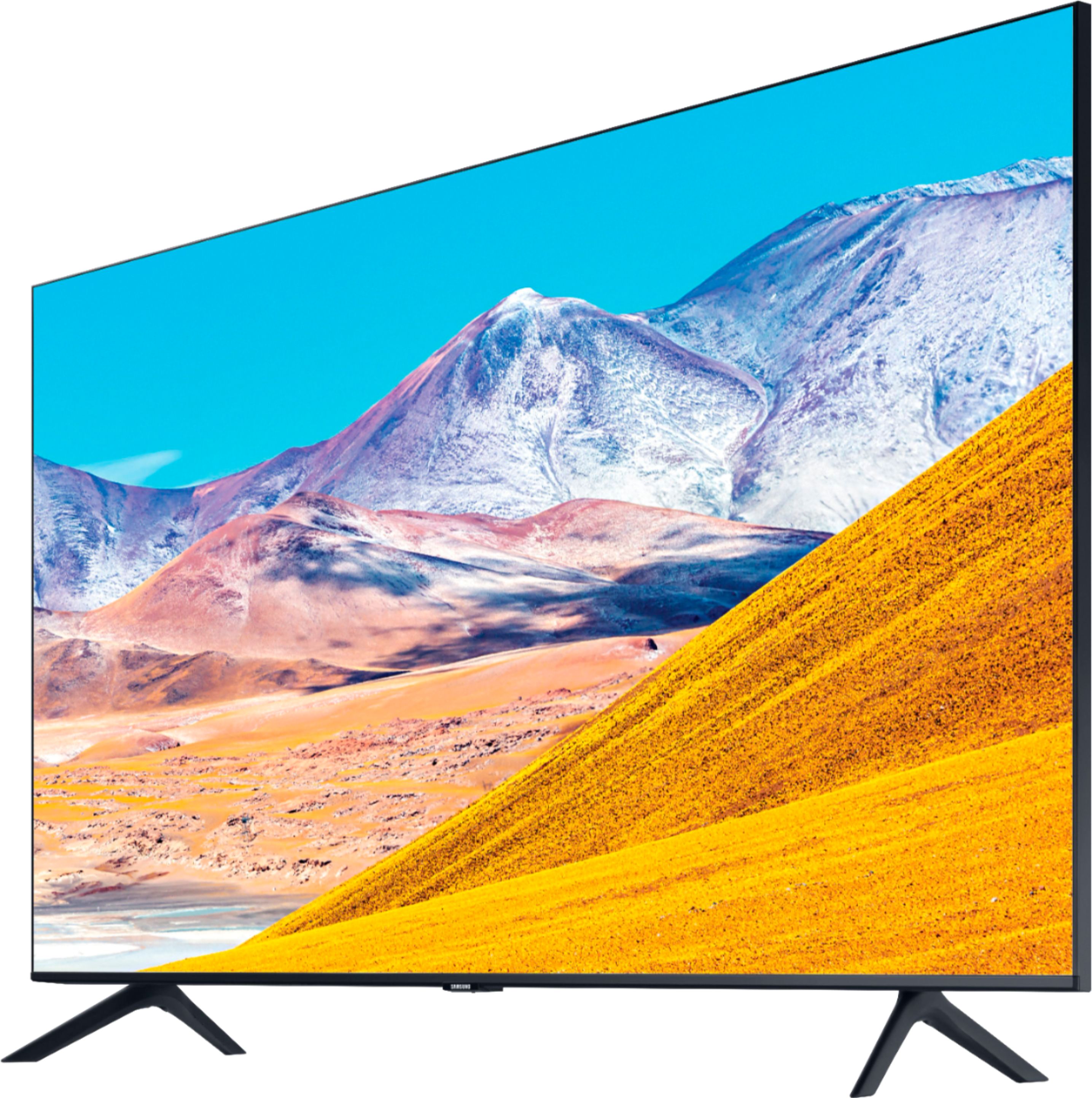
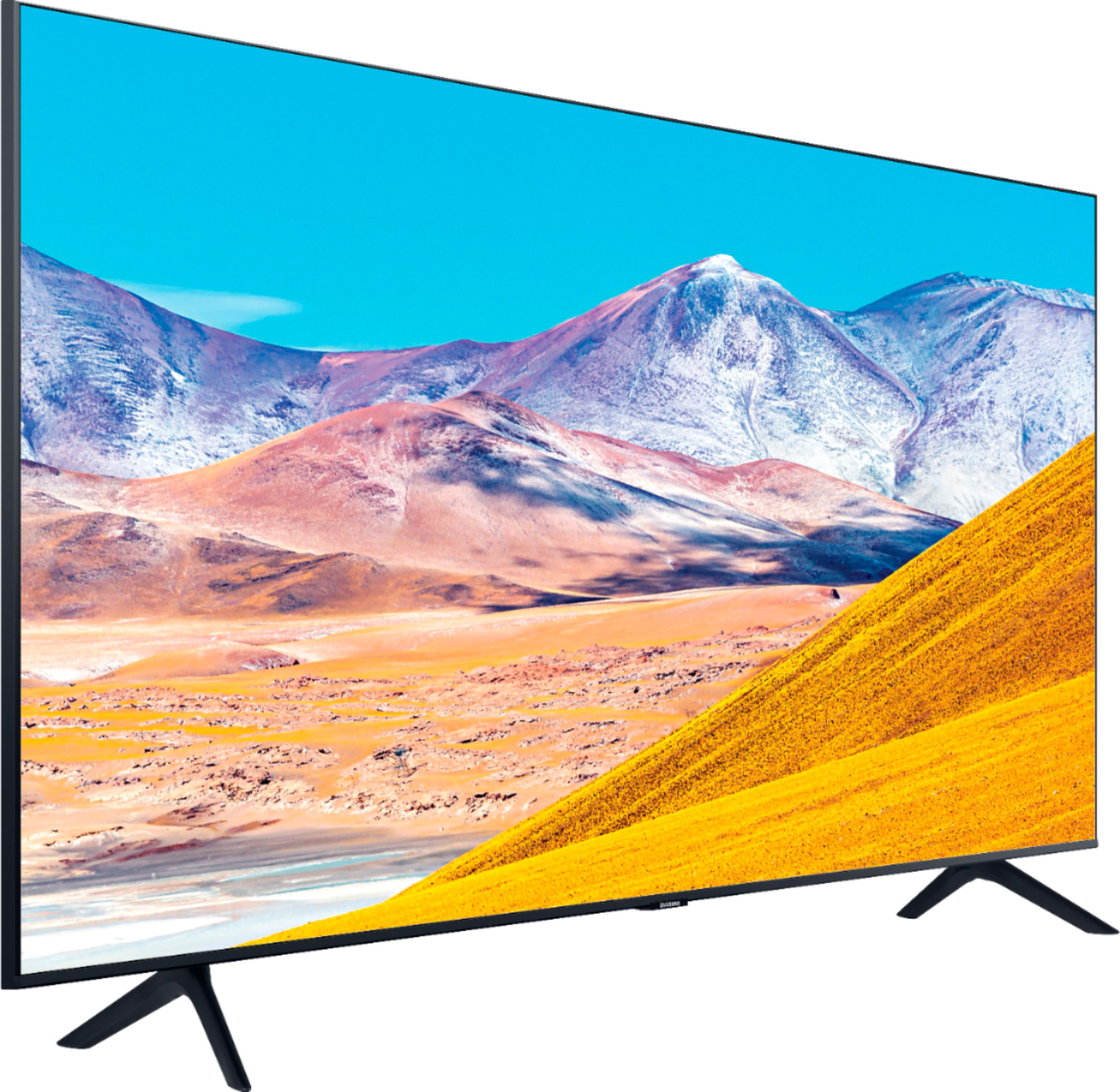
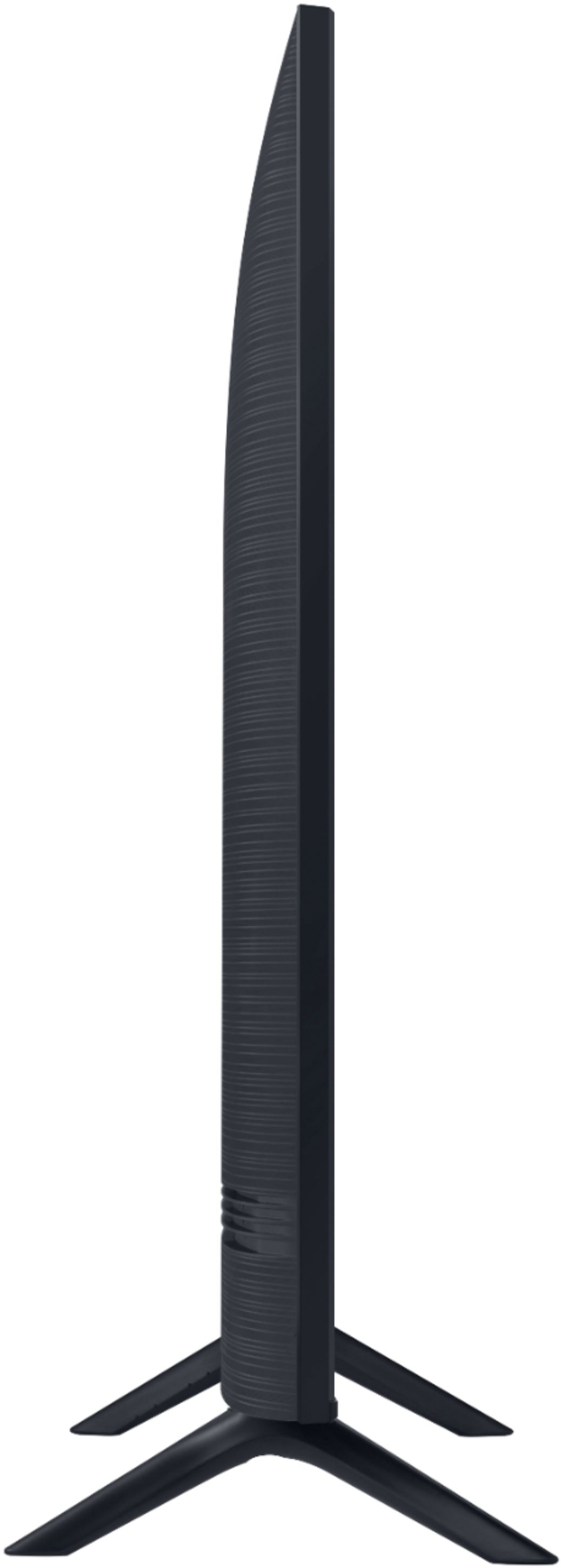

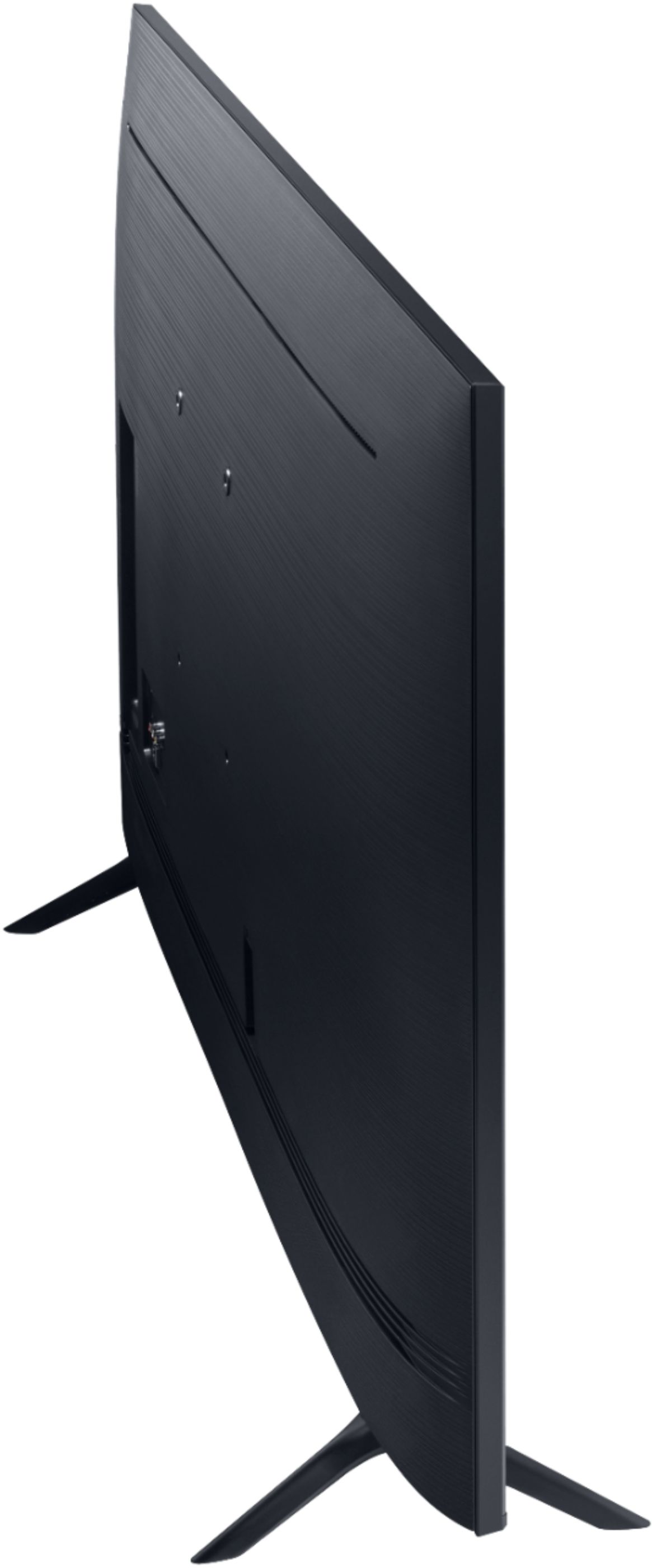
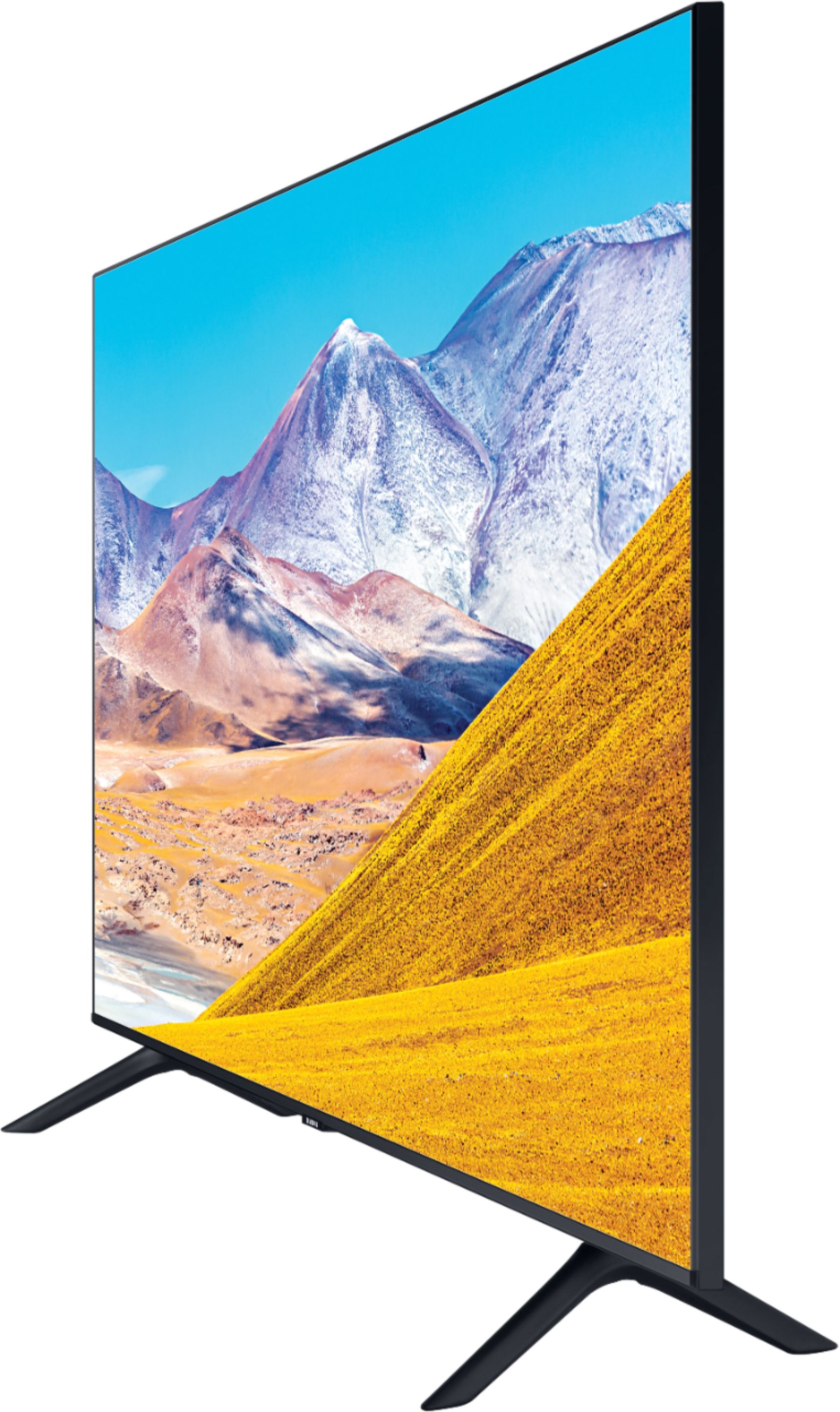






- Model:
- UN50TU8000FXZA
- SKU:
- 6401436
Rating by feature
- Picture Quality
Rating 4.0 out of 5 stars
- Sound Quality
Rating 3.9 out of 5 stars
- Brightness
Rating 4.1 out of 5 stars
Customers are saying
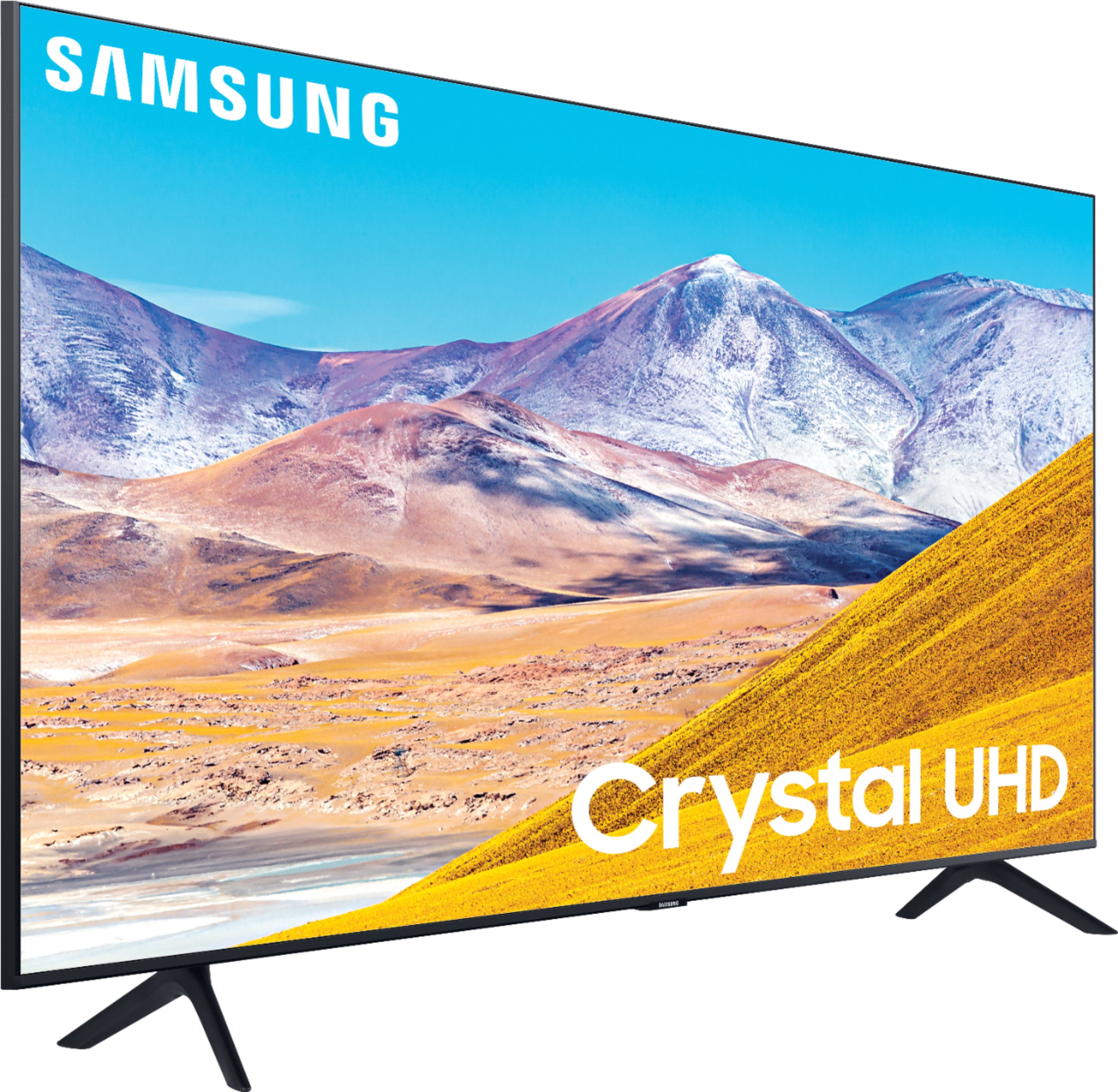
Customers express satisfaction with the picture quality, easy setup, price, color, and smart TV features of the 50" Class 8 Series LED 4K UHD Smart Tizen TV. However, they have concerns about the remote control, durability, short lifespan, screen issues, and warranty.
This summary was generated by AI based on customer reviews.
- Pros mentioned:Picture quality
got some internal problems
||Posted . Owned for 8 months when reviewed.This reviewer received promo considerations or sweepstakes entry for writing a review.tv quality is amazing, sound is good, and came with a lot of preprogrammed apps but it started glitching and turning itself on and off and got caught in a loop. i’ve had geek squad come attempt to repair it 3 times now and it’s still glitching.
No, I would not recommend this to a friendBrand response from Samsung
Posted .dcrver:
Thank you for sharing your review of the Samsung TU8000. I am very sorry that you are experiencing issues with your TV and have already attempted to have it serviced.
Samsung stands behind the quality and performance of our TVs with a limited 1-year manufacturer’s warranty when purchased brand-new from an authorized dealer. So we can better understand the problems you are experiencing and provide you with troubleshooting assistance or warranty service, please contact Samsung Customer Support.
1) Phone: 1-800-SAMSUNG (ask for TVs), available 8AM – 12AM EST 7 days a week
2) LiveChat: https://www.samsung.com/us/support/#contact_us_for_support
3) Facebook Messenger: https://www.facebook.com/samsungsupport
4) Twitter: https://twitter.com/SamsungSupport
5) The Samsung Members Community is also a great resource for getting help from Samsung moderators and customers: https://us.community.samsung.com
If you have not already done so, we invite you to register your new Samsung product at: https://www.samsung.com/us/account/signin/?redirect=https%3A%2F%2Fwww.samsung.com%2Fus%2Fsupport%2Fregister%2F
Registering your product gives you access to easy warranty support, convenient opt-in to special promos and offers, faster troubleshooting and service, and quick notification of system updates.
~ Samsung Solutions
Things aren't made or backed like they used to
||Posted . Owned for more than 2 years when reviewed.This reviewer received promo considerations or sweepstakes entry for writing a review.I loved this Tv.....it died after two years. It wasn't cheap. My mind is blown no warranty after a year. Things just aren't made like they used to be. Definitely won't be getting another Samsung thought they were a quality brand. Super bummed.
No, I would not recommend this to a friendNot impressed
||Posted . Owned for 3 weeks when reviewed.This reviewer received promo considerations or sweepstakes entry for writing a review.Bought it on Black Friday & screen went black a week before Christmas ..
No, I would not recommend this to a friendBrand response from Samsung
Posted .Cherish1:
If you've switched on your TV and the sound comes through fine, but you're not seeing any picture; there are 3 potential issues.
1) A connection issue; the most common problem. Where there is a bad connection, faulty cables or improper installation.
2) An issue with the device connected to the TV. There may be a video output setting on the device that you must set properly before it will output to the TV.
3) There is something wrong with the TV, which will require a technician to assess the TV and find a solution.
I hope this helps, if you should need further troubleshooting assistance, please contact Samsung Customer Support.
1) Phone: 1-800-SAMSUNG (ask for TVs), available 8AM – 12AM EST 7 days a week
2) LiveChat: https://www.samsung.com/us/support/#contact_us_for_support
3) Facebook Messenger: https://www.facebook.com/samsungsupport
4) Twitter: https://twitter.com/SamsungSupport
5) The Samsung Members Community is also a great resource for getting help from Samsung moderators and customers: https://us.community.samsung.com
If you have not already done so, we invite you to register your new Samsung product at: https://www.samsung.com/us/account/signin/?redirect=https%3A%2F%2Fwww.samsung.com%2Fus%2Fsupport%2Fregister%2F
Registering your product gives you access to easy warranty support, convenient opt-in to special promos and offers, faster troubleshooting and service, and quick notification of system updates.
~ Samsung Solutions
Mr.
||Posted . Owned for 3 weeks when reviewed.This reviewer received promo considerations or sweepstakes entry for writing a review.Picture is not sharp My three year old tv looks better This one is fuzzy
No, I would not recommend this to a friendBrand response from Samsung
Posted .BigEdnumberone:
Thank you for purchasing the Samsung TU8000 4K Smart TV and for your review. I am sorry to hear that you are not completely happy with your TV’s picture.
You can adjust your sharpness, brightness, contrast, color, and more by going to Settings > Picture > Expert Settings
Should you need further assistance with settings, features, or functions, please contact Samsung Customer Support.
1) Phone: 1-800-SAMSUNG (ask for TVs), available 8AM – 12AM EST 7 days a week
2) LiveChat: https://www.samsung.com/us/support/#contact_us_for_support
3) Facebook Messenger: https://www.facebook.com/samsungsupport
4) Twitter: https://twitter.com/SamsungSupport
5) The Samsung Members Community is also a great resource for getting help from Samsung moderators and customers: https://us.community.samsung.com
If you have not already done so, we invite you to register your new Samsung product at: https://www.samsung.com/us/account/signin/?redirect=https%3A%2F%2Fwww.samsung.com%2Fus%2Fsupport%2Fregister%2F
Registering your product gives you access to easy warranty support, convenient opt-in to special promos and offers, faster troubleshooting and service, and quick notification of system updates.
~ Samsung Solutions
So So Quality
||Posted . Owned for 3 weeks when reviewed.This reviewer received promo considerations or sweepstakes entry for writing a review.The picture quality, color quality, and sound are not great.
No, I would not recommend this to a friendTv
||Posted . Owned for less than 1 week when reviewed.This reviewer received promo considerations or sweepstakes entry for writing a review.Not to Trilled with the price But needed a TV for my Parents right away
I would recommend this to a friendService lacking
||Posted .This reviewer received promo considerations or sweepstakes entry for writing a review.Picture only fair. Pickup experience awful. Employees disinterested.
No, I would not recommend this to a friendBrand response from Samsung
Posted .JoeM:
Thank you for purchasing the Samsung TU8000 TV and sharing your review. I am very sorry to see that you had an unfortunate experience with the pickup of your TV. You may want to consider providing feedback directly to the Best Buy store where you made your purchase.
There are several image settings you can adjust to your liking such as Picture Mode and Expert Settings.
Choose a Picture Mode by going to Settings > Picture > Picture Mode and choose from Dynamic, Standard, Natural, Movie, or Filmmaker Mode.
You can further adjust your sharpness, brightness, contrast, color, tint, contrast, white balance, and more by going to Settings > Picture > Expert Settings
Please also give us the opportunity to assist you with image quality adjustments tailored to your preferred viewing experience. You can reach us via any of the following options:
1) Phone: 1-800-SAMSUNG (ask for TVs), available 8AM – 12AM EST 7 days a week
2) LiveChat: https://www.samsung.com/us/support/#contact_us_for_support
3) Facebook Messenger: https://www.facebook.com/samsungsupport
4) Twitter: https://twitter.com/SamsungSupport
5) The Samsung Members Community is also a great resource for getting help from Samsung moderators and customers: https://us.community.samsung.com
If you have not already done so, we invite you to register your new Samsung product at: https://www.samsung.com/us/account/signin/?redirect=https%3A%2F%2Fwww.samsung.com%2Fus%2Fsupport%2Fregister%2F
Registering your product gives you access to easy warranty support, convenient opt-in to special promos and offers, faster troubleshooting and service, and quick notification of system updates.
~ Samsung Solutions
Tv
||Posted . Owned for 3 weeks when reviewed.This reviewer received promo considerations or sweepstakes entry for writing a review.Okay. Not as crisp as advertised. Over priced for the tv.
No, I would not recommend this to a friend50 inch tv
||Posted .This reviewer received promo considerations or sweepstakes entry for writing a review.Did not have anyone in the tv area. Had to go to front to get help. Did not have the tv we wanted except in a store across town which we needed to go get if we wanted it. No idea if it would still be there. Did deal with best buy but would think twice next time.
No, I would not recommend this to a friend- Cons mentioned:Reliability
samsung 50 in re-boot loop.
||Posted . Owned for more than 2 years when reviewed.This reviewer received promo considerations or sweepstakes entry for writing a review.Broke after having it for 20 months, In a constant re-boot loop. Resetting and all the troubleshooting did not help.
No, I would not recommend this to a friend Happy with the appliance.
||Posted . Owned for 1 month when reviewed.This reviewer received promo considerations or sweepstakes entry for writing a review.I was not happy with the amount of time waiting for service.
No, I would not recommend this to a friendBrand response from Samsung
Posted .Liza,
Thank you for choosing Samsung.
So that we can better understand what happened and provide steps towards a solution, I invite you to please contact Samsung TV Support at:
1) Phone: 1-800-SAMSUNG (ask for TVs), available 8AM – 12AM EST 7 days a week
2) LiveChat: https://www.samsung.com/us/support/#contact_us_for_support
3) Facebook Messenger: https://www.facebook.com/samsungsupport
4) Twitter: https://twitter.com/SamsungSupport
If you have not already done so, we invite you to register your new Samsung product at:
https://www.samsung.com/us/account/signin/?redirect=https%3A%2F%2Fwww.samsung.com%2Fus%2Fsupport%2Fregister%2F&user=dsr-registration
Registering your product gives you access to easy warranty support, convenient opt-in to special promos and offers, faster troubleshooting and service, and quick notification of system updates.
-Samsung Ambassador
- Cons mentioned:Reliability
50 days and it shut down!
||Posted . Owned for 1 month when reviewed.This reviewer received promo considerations or sweepstakes entry for writing a review.I was watching a movie and it just shut down. It kept powering on and off. I disconnected and waited for 30 seconds and held on to the power button for 10 seconds. Nothing! Same crap. I've owned 3 Sony's and no issues!
No, I would not recommend this to a friendBrand response from Samsung
Posted .Sonyforlife,
I am sorry that your TU8000 TV turned off on its own.
Please check some of the TV's energy efficiency functions that may be causing the issue.
First, check if Sleep Timer has been enabled. The Sleep Timer automatically turns the TV off after a specific period of time.
Go to Settings - General - System Manager - Time - Sleep Timer
If the Sleep Timer has not been enabled, see if Auto Power Off or Off Timer has been enabled and disable it
Go to Settings - General - Eco Solution - Auto Power Off
Also go to Settings - General - System Manager - Time - Off Timer
I hope this helps to solve your concerns.
If the issues persist, please reach out to Samsung Customer Support at:
1) Phone: 1-800-SAMSUNG, available 8AM – 12AM EST 7 Days A Week
2) LiveChat: https://www.samsung.com/us/support/#contact_us_for_support
3) Facebook Messenger: https://www.facebook.com/samsungsupport
4) Twitter: https://twitter.com/SamsungSupport
Have you registered your new Samsung TV with us? If not, we invite you to do so at: https://www.samsung.com/us/account/signin/?redirect=https%3A%2F%2Fwww.samsung.com%2Fus%2Fsupport%2Fregister%2F, and gain access to easy warranty support, convenient opt-in to special promos & offers, faster troubleshooting & service, and quick notification of system updates.
-Samsung Ambassador
Delivery of item
||Posted . Owned for less than 1 week when reviewed.This reviewer received promo considerations or sweepstakes entry for writing a review.Not sure who this person was that just delivered my package. Buy the way he did this is not acceptable. It is 7:30 pm on Monday 2 Nov 2020. It is pitch black and no one was at home. The delivery was walked up to the vicinity of the front door sat down upright where just a little wind would knock it over possibly damaging it. The delivery person did not even rind or knock on the door and walked away. This package a big screen TVs is visible from the street and sitting right in front of the house inviting the wrong person to take advantage of this and take it. #1 Why was this delivered so late in the evening? # 2 Why did he not even attempt to let us know the package was delivered? # 3 This is totally unacceptable # 4 This is only inviting theft
No, I would not recommend this to a friendaverage
||Posted . Owned for 1 month when reviewed.This reviewer received promo considerations or sweepstakes entry for writing a review.Average TV Average TV Average TV Average TV Average TV
No, I would not recommend this to a friendBrand response from Samsung
Posted .Average:
Thank you for purchasing Samsung’s Crystal UHD 4K TU8000 Smart TV. The Crystal Processor 4K transforms everything you watch to 4K. Its crisp, clear picture is 4x the resolution of Full HD.
If there is anything we can do to improve your enjoyment such as helping to optimize settings for your specific usage scenario, please contact Samsung Customer Support.
1) Phone: 1-800-SAMSUNG (ask for TVs), available 8AM – 12AM EST 7 days a week
2) LiveChat: https://www.samsung.com/us/support/#contact_us_for_support
3) Facebook Messenger: https://www.facebook.com/samsungsupport
4) Twitter: https://twitter.com/SamsungSupport
5) The Samsung Members Community is also a great resource for getting help from Samsung moderators and customers: https://us.community.samsung.com
If you have not already done so, we invite you to register your new Samsung product at: https://www.samsung.com/us/account/signin/?redirect=https%3A%2F%2Fwww.samsung.com%2Fus%2Fsupport%2Fregister%2F
Registering your product gives you access to easy warranty support, convenient opt-in to special promos and offers, faster troubleshooting and service, and quick notification of system updates.
~ Samsung Solutions
Great in dark rooms.
||Posted . Owned for 2 months when reviewed.This reviewer received promo considerations or sweepstakes entry for writing a review.Works good at night but you can't view it in sunlight.
I would recommend this to a friendBrand response from Samsung
Posted .MrSquirrel:
Thank you for purchasing the TU8000 TV and for your review. I am sorry to hear that you are not happy with the brightness levels of your picture. You may want to try Dynamic Picture Mode, or manually adjust the Brightness settings to your liking.
Dynamic Picture Mode will make pictures brighter and clearer in bright viewing environments. Go to: Settings > Picture > Picture Mode > Dynamic
Or manually adjust the Brightness settings to your liking. Go to: Settings> Picture> Expert Settings> Brightness
You may also want to disable Power Saving Mode which automatically adjusts the brightness to reduce the TV’s power consumption.
Go to Settings> General> Eco Solution> Power Saving Mode.
Ambient Light Detection will also automatically adjust the brightness level of the TV, according to the ambient light level, to reduce power consumption. If Ambient Light Detection has adjusted the screen brightness to a too bright or dark level, you can select Minimum Brightness to manually adjust the minimum screen brightness.
Go to Settings> General> Eco Solution> Ambient Light Detection
I hope this helps to improve your picture. Should you need further assistance, please contact Samsung Customer Support.
1) Phone: 1-800-SAMSUNG (ask for TVs), available 8AM – 12AM EST 7 days a week
2) LiveChat: https://www.samsung.com/us/support/#contact_us_for_support
3) Facebook Messenger: https://www.facebook.com/samsungsupport
4) Twitter: https://twitter.com/SamsungSupport
5) The Samsung Members Community is also a great resource for getting help from Samsung moderators and customers: https://us.community.samsung.com
If you have not already done so, we invite you to register your new Samsung product at: https://www.samsung.com/us/account/signin/?redirect=https%3A%2F%2Fwww.samsung.com%2Fus%2Fsupport%2Fregister%2F
Registering your product gives you access to easy warranty support, convenient opt-in to special promos and offers, faster troubleshooting and service, and quick notification of system updates.
~ Samsung Solutions
Needs repair
||Posted . Owned for 3 weeks when reviewed.This reviewer received promo considerations or sweepstakes entry for writing a review.Tv has motherboard problem causing it to cycle on and off.
No, I would not recommend this to a friendBrand response from Samsung
Posted .JCDream,
Thank you for purchasing the Samsung TU8000 4K Smart TV.
I am sorry that you encountered motherboard issues and required warranty service.
Should you wish to check the status of your repair or need any further assistance, please contact us:
1) Phone: 1-800-SAMSUNG (ask for TVs), available 8AM – 12AM EST 7 days a week
2) LiveChat: https://www.samsung.com/us/support/#contact_us_for_support
3) Facebook Messenger: https://www.facebook.com/samsungsupport
4) Twitter: https://twitter.com/SamsungSupport
5) The Samsung Members Community is also a great resource for getting help from Samsung moderators and customers: https://us.community.samsung.com
If you have not already done so, we invite you to register your new Samsung product at:
https://www.samsung.com/us/account/signin/?redirect=https%3A%2F%2Fwww.samsung.com%2Fus%2Fsupport%2Fregister%2F&user=dsr-registration
Registering your product gives you access to easy warranty support, convenient opt-in to special promos and offers, faster troubleshooting and service, and quick notification of system updates.
-Samsung Ambassador
Doesn't Pair Well with Peloton Indoor Bike
||Posted . Owned for 1 month when reviewed.This reviewer received promo considerations or sweepstakes entry for writing a review.I really like the remote but this TV does not pair well with our Peloton which was one of the main reasons we got it for our workout area. Tried calling both Samsung and Peloton. It only works sporadically. No real rhyme or reason to why. Very frustrating.
No, I would not recommend this to a friendfails to turn on correctly
||Posted . Owned for 1 month when reviewed.This reviewer received promo considerations or sweepstakes entry for writing a review.tv failed after 1 month it does not want to power-up
No, I would not recommend this to a friendBrand response from Samsung
Posted .benny:
Thank you for purchasing the Samsung TU8000 TV. I am very sorry that you are experiencing issues turning your TV on. While you are waiting for Samsung Service, you may want to try the following troubleshooting steps:
1) Make sure that the AC power cord is securely plugged in to the TV and the wall outlet.
2) Make sure that the wall outlet is working and the power indicator at the bottom of the TV is lit and glowing a solid red. If it is off, the TV either does not have power, or it is on and the screen is black. If it is blinking, your TV may need service.
3) Try pressing the TV Controller button at the bottom of the TV to make sure that the problem is not with the remote control.
4) If the TV turns on, your issue may be with the remote control
If your issue persists, please contact Samsung Customer Support, and a representative will gladly assist you.
1) Phone: 1-800-SAMSUNG (ask for TVs), available 8AM – 12AM EST 7 days a week
2) LiveChat: https://www.samsung.com/us/support/#contact_us_for_support
3) Facebook Messenger: https://www.facebook.com/samsungsupport
4) Twitter: https://twitter.com/SamsungSupport
5) The Samsung Members Community is also a great resource for getting help from Samsung moderators and customers: https://us.community.samsung.com
If you have not already done so, we invite you to register your new Samsung product at: https://www.samsung.com/us/account/signin/?redirect=https%3A%2F%2Fwww.samsung.com%2Fus%2Fsupport%2Fregister%2F
Registering your product gives you access to easy warranty support, convenient opt-in to special promos and offers, faster troubleshooting and service, and quick notification of system updates.
~ Samsung Solutions
to much brightness
||Posted . Owned for 1 month when reviewed.This reviewer received promo considerations or sweepstakes entry for writing a review.very complex , to much applications that we really can use
No, I would not recommend this to a friendBrand response from Samsung
Posted .juancho1207,
Thank you for your review.
I am sorry that you are not completely happy with your TU8000 Crystal UHD Smart TV.
You can try Natural or Movie Picture Mode, or manually adjust the Brightness settings to your liking.
Go to Home> Settings> Picture> Expert Settings> Brightness
Here is a link to the online e-manual that may help:
http://downloadcenter.samsung.com/content/UM/202004/20200403095308351/NIKATSCT-3.0.1_EM_NIKE_USA_ENG_200323.0.pdf
You can also reach out to Samsung Support for step-by-step assistance with setup, features, and operation:
1) Phone: 1-800-SAMSUNG (ask for TVs) Available 8AM – 12AM EST (Mon-Fri)
2) LiveChat: https://www.samsung.com/us/support/#contact_us_for_support
3) Facebook Messenger: https://www.facebook.com/samsungsupport
4) Twitter: https://twitter.com/SamsungSupport
Have you registered your new Samsung TV with us? If not, we invite you to do so at: https://www.samsung.com/us/account/signin/?redirect=https%3A%2F%2Fwww.samsung.com%2Fus%2Fsupport%2Fregister%2F.
Registration gives you access to easy warranty support, convenient opt-in to special promos & offers, faster troubleshooting & service, and quick notification of system updates.
-Samsung Ambassador
Sondra Dokes M.S.C
||Posted . Owned for 1.5 years when reviewed.This reviewer received promo considerations or sweepstakes entry for writing a review.I’ve had this television less than 2 years and it has already gone out! I used every precaution to make sure it was safe by using surge protectors etc, I’m truly disappointed in the quality of this product…
No, I would not recommend this to a friend