Customer Ratings & Reviews
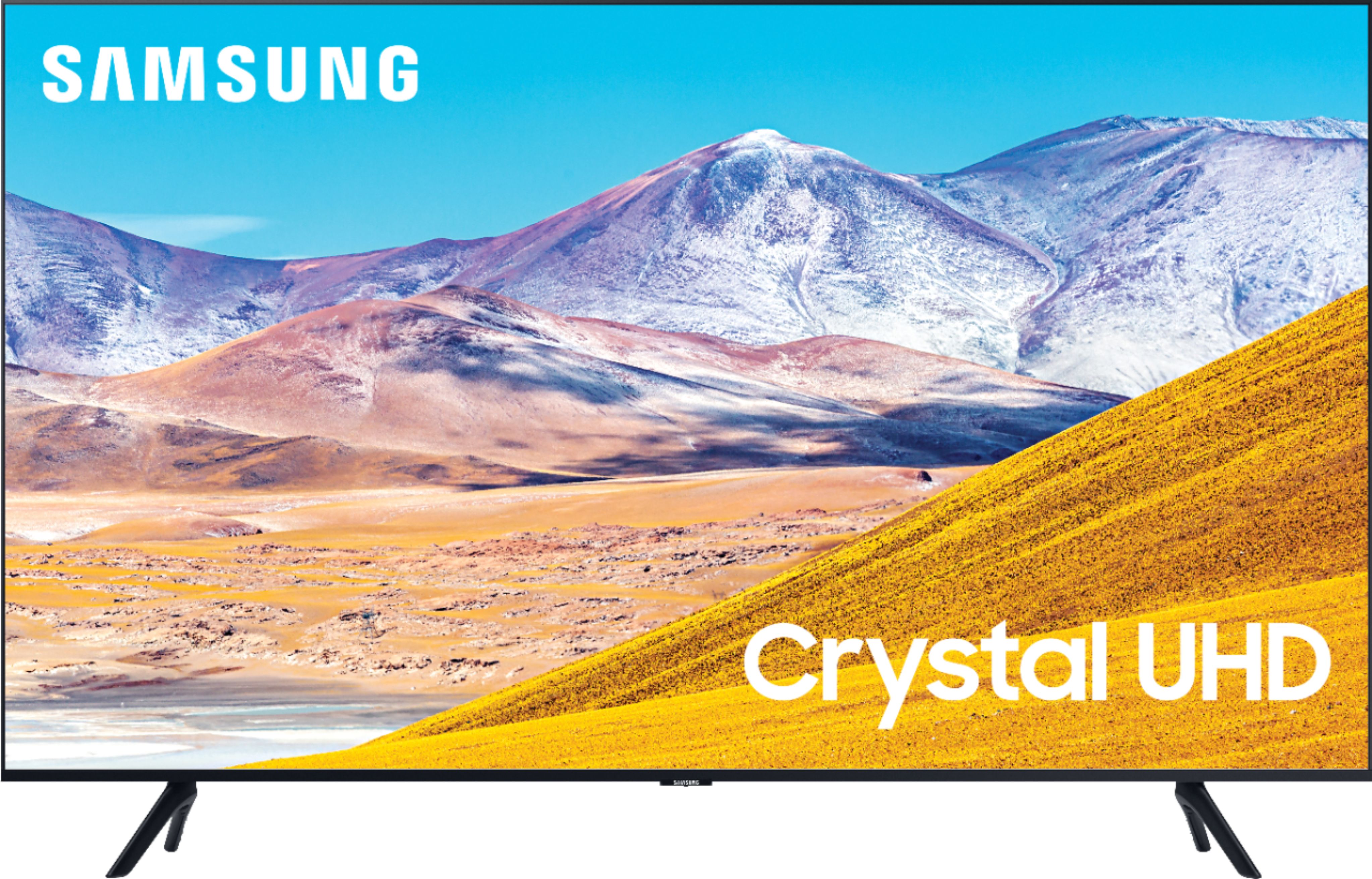
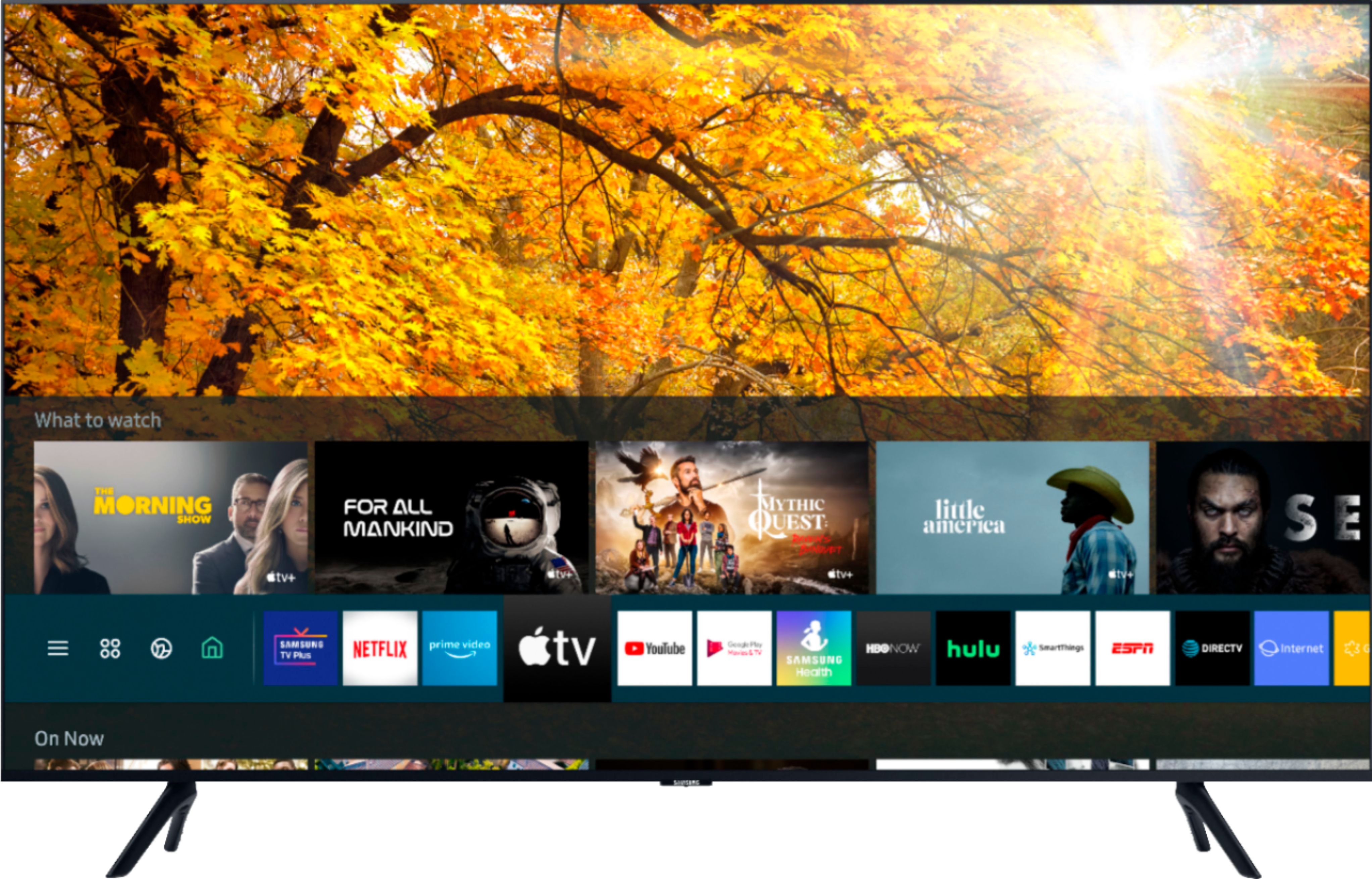
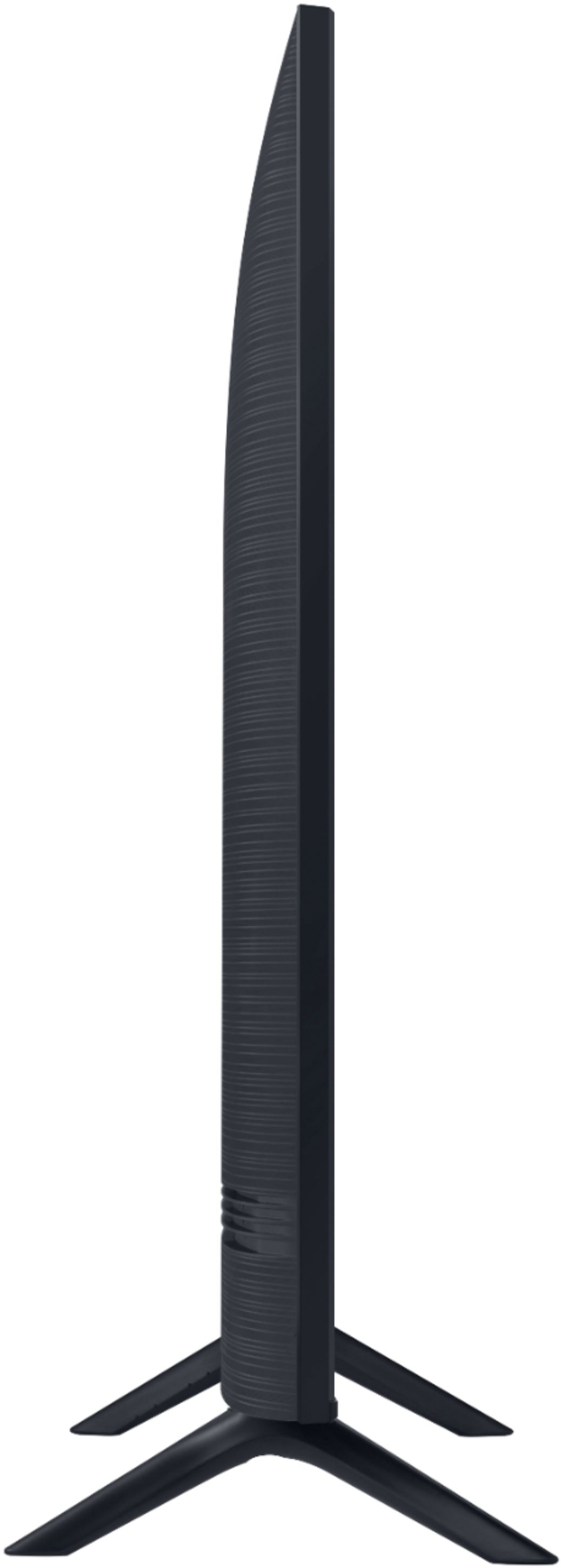

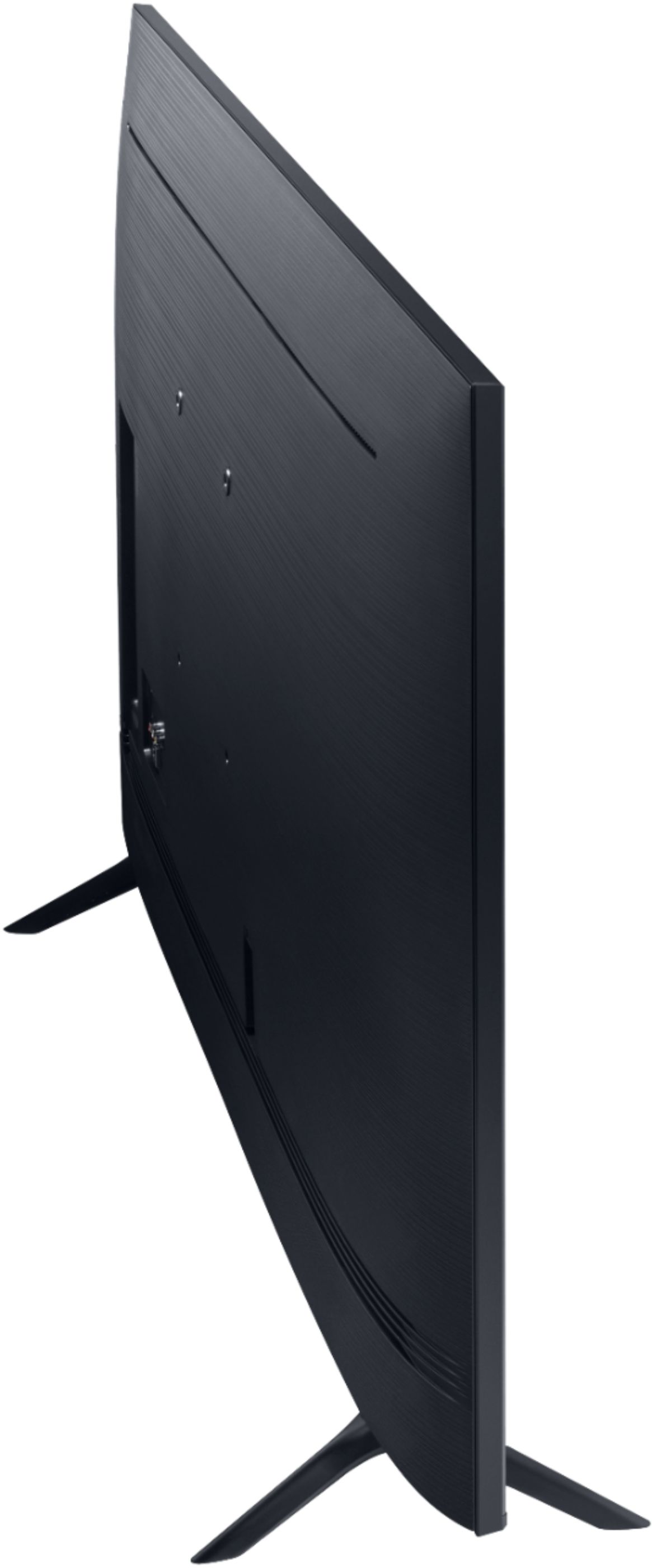
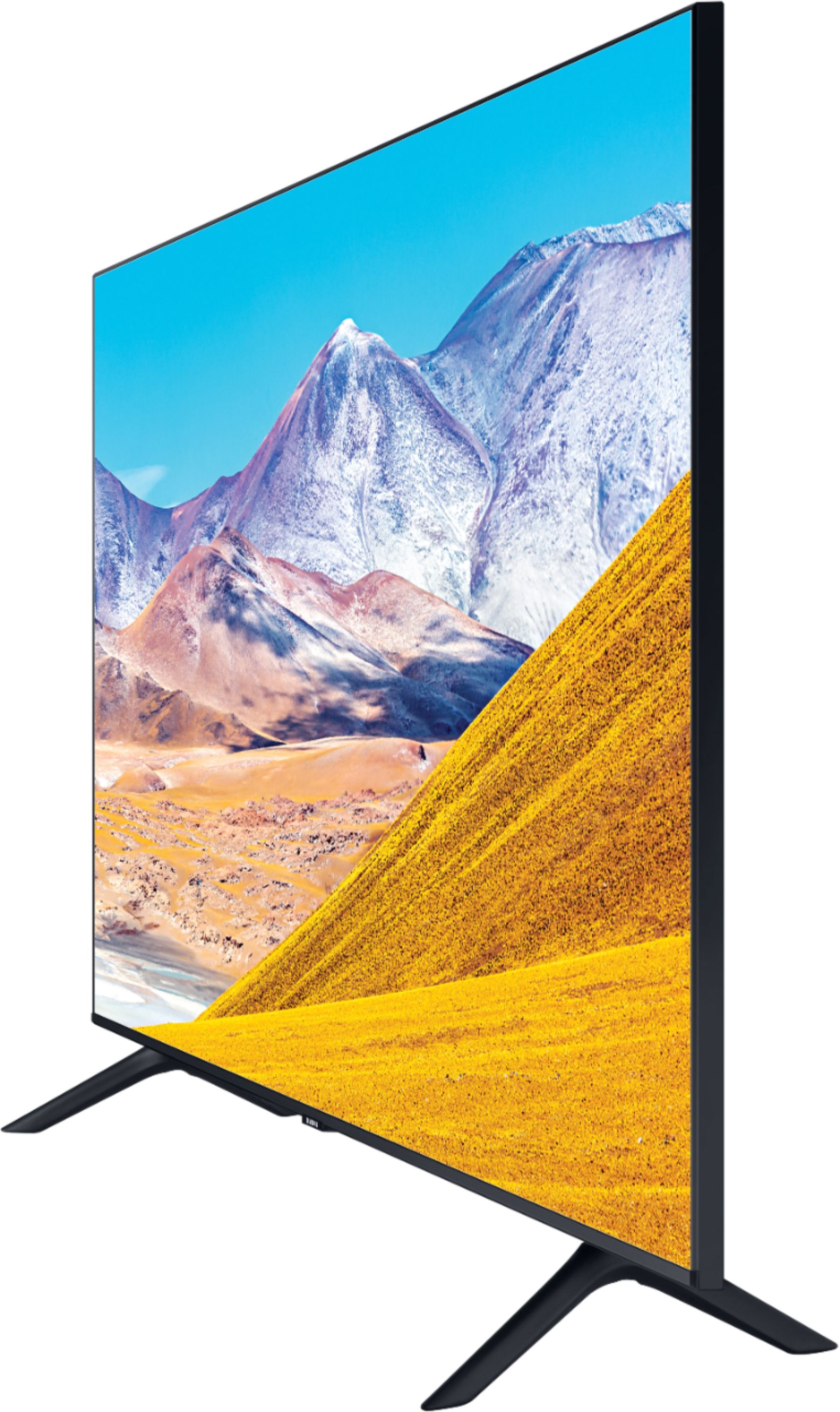





- Model:
- UN50TU8000FXZA
- SKU:
- 6401436
Rating by feature
- Picture Quality
Rating 4.0 out of 5 stars
- Sound Quality
Rating 3.9 out of 5 stars
- Brightness
Rating 4.1 out of 5 stars
Customers are saying
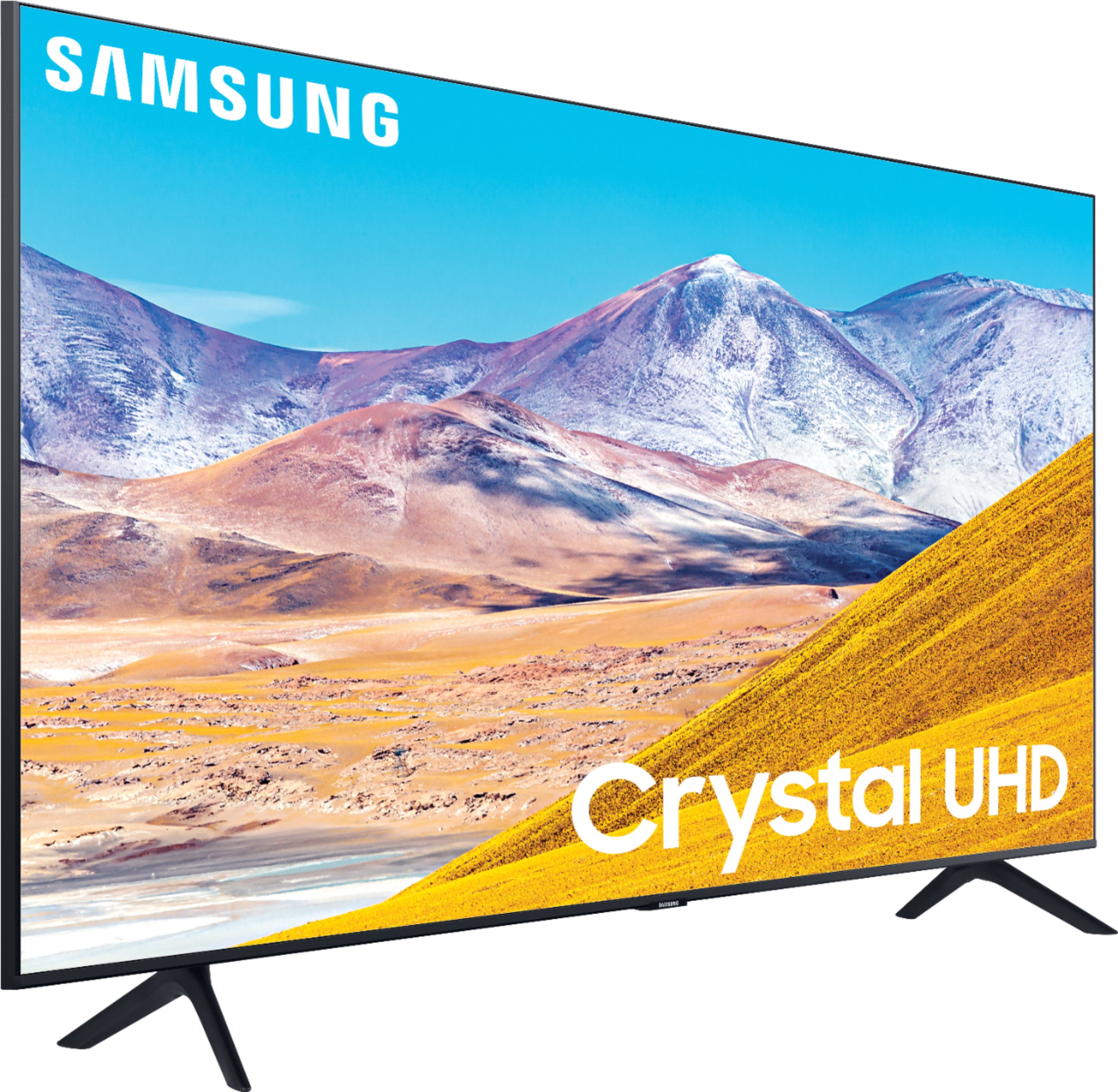
Customers express satisfaction with the picture quality, easy setup, price, color, and smart TV features of the 50" Class 8 Series LED 4K UHD Smart Tizen TV. However, they have concerns about the remote control, durability, short lifespan, screen issues, and warranty.
This summary was generated by AI based on customer reviews.
Unhappy Samsung owner
||Posted . Owned for 1 week when reviewed.This reviewer received promo considerations or sweepstakes entry for writing a review.Samsung has defective glass screens that would crack. Their answer was to put a plastic film on the glass. By doing that it took away the clear and crisp picture making this a poor choice for having a great picture. Would not recommend Samsung TVs until they solve the screen problem without the film on it.
No, I would not recommend this to a friendBrand response from Samsung
Posted .FredSteward:
I am sorry that you are not completely happy with the clarity of your image. I believe the film you are referring to is one that comes with the QLED models. Your TU8000 does not have a film. Your issue is possibly source related. You can also try to make adjustments to your setting to improve your picture.
Go to: Settings > Picture > Expert Settings > Picture Clarity Settings
- Off: Picture Clarity Settings will always be off
- Auto: Picture Clarity Settings will automatically activate and deactivate based on the type of program being watched
- Custom: Allows custom adjustments and settings to be used. By selecting the Custom option, you can access these advanced settings for Judder Reduction, LED Clear Motion, and Noise Reduction.
You can further adjust your sharpness, brightness, contrast, color, and more by going to Settings > Picture > Expert Settings
Should you need further assistance with features or other product usage, please reach out to Samsung Support via any of the below options:
1) Phone: 1-800-SAMSUNG (ask for TVs), available 8AM – 12AM EST 7 days a week
2) LiveChat: https://www.samsung.com/us/support/#contact_us_for_support
3) Facebook Messenger: https://www.facebook.com/samsungsupport
4) Twitter: https://twitter.com/SamsungSupport
5) The Samsung Members Community is also a great resource for getting help from Samsung moderators and customers: https://us.community.samsung.com
If you have not already done so, we invite you to register your new Samsung product at: https://www.samsung.com/us/account/signin/?redirect=https%3A%2F%2Fwww.samsung.com%2Fus%2Fsupport%2Fregister%2F
Registering your product gives you access to easy warranty support, convenient opt-in to special promos and offers, faster troubleshooting and service, and quick notification of system updates.
~ Samsung Solutions
- Cons mentioned:Reliability
Never by another one again
||Posted . Owned for 1 month when reviewed.This reviewer received promo considerations or sweepstakes entry for writing a review.Worked 2 days and went totally out. Still waiting for it to be fixed. One month now.
No, I would not recommend this to a friendBrand response from Samsung
Posted .NeverbySamsung2020again,
Thank you for your feedback on the Samsung TU8000 Crystal UHD Smart TV. I am very sorry for the issues you have encountered and understand your frustration. Your user experience is very important to us and will be shared with our teams.
Should you wish to check the status of your repair or need any further assistance, please contact us via any of the options here and reference your service ticket number:
1) Phone: 1-800-SAMSUNG (ask for TVs) Available 8AM – 12AM EST (7 days a week)
2) LiveChat: https://www.samsung.com/us/support/#contact_us_for_support
3) Facebook Messenger: https://www.facebook.com/samsungsupport
4) Twitter: https://twitter.com/SamsungSupport
If you have not already done so, we invite you to register your new Samsung TV at:
https://www.samsung.com/us/account/signin/?redirect=https%3A%2F%2Fwww.samsung.com%2Fus%2Fsupport%2Fregister%2F
Registering your product gives you access to easy warranty support, convenient opt-in to special promos & offers, faster troubleshooting & service, and quick notification of system updates.
Again, my apologies for the inconvenience you have had. We do hope to hear from you ad correct this unfortunate experience.
- Samsung Ambassador
Got a defective one :(
||Posted . Owned for 1 month when reviewed.This reviewer received promo considerations or sweepstakes entry for writing a review.Unfortunately I think I got a defective Tv :( screen froze multiple times.
No, I would not recommend this to a friendStay away from this TV
||Posted . Owned for more than 2 years when reviewed.This reviewer received promo considerations or sweepstakes entry for writing a review.We bought this TV in June 2020 and today is October 12, 2022. The TV just went out, (probably the motherboard), right after the warranty expired. I think your product should last longer than 2 years and as we replace this one today, you can be assured we will be purchasing an LG, not another Samsung.
No, I would not recommend this to a friendExcellent mid range tv with terrible Samsung plus
||Posted . Owned for 3 weeks when reviewed.This reviewer received promo considerations or sweepstakes entry for writing a review.Very nice tv except for one feature. The Samsung Plus app can not be easily defeated or removed. It does not play well with Comcast X1 system. For this customer I would return the tv if I could and would get another brand. I have purchased three other Samsung Tv with out Samsung plus app and. They are great tv’s. The Samsung plus spp ruins the TVs for this customer .
No, I would not recommend this to a friend- Pros mentioned:Picture quality
tv
||Posted . Owned for 1 month when reviewed.This reviewer received promo considerations or sweepstakes entry for writing a review.it has very good picture, nicely designed frame i would recommend this tv
I would recommend this to a friendBrand response from Samsung
Posted .joann:
Thank you for purchasing the 2020 TU8000 4K Smart TV. The Crystal Processor 4K transforms everything you watch to 4K. Its crisp, clear picture is 4x the resolution of Full HD. If you are experiencing specific issues which caused you to give this a 1-star rating, please know Samsung Customer Support is here to help.
1) Phone: 1-800-SAMSUNG (ask for TVs), available 8AM – 12AM EST 7 days a week
2) LiveChat: https://www.samsung.com/us/support/#contact_us_for_support
3) Facebook Messenger: https://www.facebook.com/samsungsupport
4) Twitter: https://twitter.com/SamsungSupport
5) The Samsung Members Community is also a great resource for getting help from Samsung moderators and customers: https://us.community.samsung.com
If you have not already done so, we invite you to register your new Samsung product at: https://www.samsung.com/us/account/signin/?redirect=https%3A%2F%2Fwww.samsung.com%2Fus%2Fsupport%2Fregister%2F
Registering your product gives you access to easy warranty support, convenient opt-in to special promos and offers, faster troubleshooting and service, and quick notification of system updates.
~ Samsung Solutions
Died in 30 days
||Posted . Owned for 1 month when reviewed.This reviewer received promo considerations or sweepstakes entry for writing a review.TV stopped functioning 30 after purchasing I have tried to contact Best Buy to obtain assistance in this matter and I am unable to reach anybody the store I purchased it from doesn’t answer the phone and the wait time on the national line is hours long.
No, I would not recommend this to a friendBrand response from Samsung
Posted .JamesD,
I am sorry to hear that your TU8000 TV has stopped working.
Samsung is committed to providing the best possible product experience, quality, and value. We back this Samsung TV with a 1-year limited manufacturer's warranty, including authorized repair for manufacturer defect, if purchased brand-new directly from an authorized seller.
Please reach out to us via any of the following so that we can provide troubleshooting or begin warranty service.
1) Phone: 1-800-SAMSUNG
Available 8AM – 12AM EST 7 days a week
2) LiveChat: https://www.samsung.com/us/support/#contact_us_for_support
3) Facebook Messenger: https://www.facebook.com/samsungsupport
4) Twitter: https://twitter.com/SamsungSupport
We hope to hear from you soon and assist you with a satisfactory solution.
-Samsung Ambassador
Spend the extra money and upgrade
||Posted . Owned for 3 weeks when reviewed.This reviewer received promo considerations or sweepstakes entry for writing a review.Was not happy with the picture, returned and upgraded to a QLED
No, I would not recommend this to a friend- Pros mentioned:Ease of use, Picture quality
3 years and running strong
Posted .This reviewer received promo considerations or sweepstakes entry for writing a review.I've had it over 3 years now and it's still going strong. It was a great replacement for what we had, a definite step up. The wifi works great, streaming works great. We watch just about anything on it, Hulu, Disney Plus, Max, Etc. Great Picture, good sound and pretty easy to use and set up. My only complaint with the design is the legs on the ends. I liked the stand in the middle which was easier to place on a tv stand. Very happy with this tv.
I would recommend this to a friend Good picture poor audio
||Posted . Owned for 1 month when reviewed.This reviewer received promo considerations or sweepstakes entry for writing a review.1. No audio 2. A horizontal line and a vertical line is alway in my screen 3. The TV is less than 90 days
No, I would not recommend this to a friendBrand response from Samsung
Posted .Ron73,
I am sorry to hear that you are experiencing issues with your TU8000 TV.
Please make sure you set the Sound Output to TV Speaker.
Go to Settings- Sound- Sound Output
Then check whether Digital Output Audio Format is set to Pass-Through.
Note that If you select the Pass-Through option to use an AV receiver that does not support
Dolby Digital+, no sound is output with Dolby Digital+ content.
It is also recommended to set Digital Output Audio Format to Auto when the connected
receiver supports only the limited audio formats.
Go to Settings- Sound- Expert Settings- Digital Output Audio Format- Auto
Should you ever need assistance with the audio issues or the lines on your screen, please contact Samsung Customer Support via any of the following options:
1) Phone: 1-800-SAMSUNG (ask for TVs), available 8AM – 12AM EST 7 days a week
2) LiveChat: https://www.samsung.com/us/support/#contact_us_for_support
3) Facebook Messenger: https://www.facebook.com/samsungsupport
4) Twitter: https://twitter.com/SamsungSupport
5) The Samsung Members Community is also a great resource for getting help from Samsung moderators and customers: https://us.community.samsung.com
If you have not already done so, we invite you to register your new Samsung product at: https://www.samsung.com/us/account/signin/?redirect=https%3A%2F%2Fwww.samsung.com%2Fus%2Fsupport%2Fregister%2F
Registering your product gives you access to easy warranty support, convenient opt-in to special promos and offers, faster troubleshooting and service, and quick notification of system updates.
-Samsung Ambassador
Junk power supply!
||Posted . Owned for 1 year when reviewed.This reviewer received promo considerations or sweepstakes entry for writing a review.Power supply burnt out after 13 months. No one wants to repair. Totally fed up!
No, I would not recommend this to a friendPretty terrible
||Posted .This reviewer received promo considerations or sweepstakes entry for writing a review.Really terrible picture. So dark you cant see faces. Ij understand this is a fairly cheap TV but this picture is unacceptable on any level. Just awful. Cant return it fast enough. Kudos to Best Buy though, they did a phenomenal job processing my order and delivering it very very fast. I could easily buy the same TV from the big A but i choose to buy from Best Buy.
No, I would not recommend this to a friendBrand response from Samsung
Posted .hits,
I am very sorry that your experience with the TU8000 TV was less than perfect, and I completely understand your disappointment.
It is possible that your particular set was either defective or required adjustments in settings. Nonetheless, I do sincerely apologize for the let-down.
Should you ever decide to give Samsung TVs another try, and have questions or need help, please know that we are always here for you.
You can contact us via:
1) Phone: 1-800-SAMSUNG (ask for TVs) Available 8AM – 9PM EST (Mon-Fri)
2) LiveChat: https://www.samsung.com/us/support/#contact_us_for_support
3) Facebook Messenger: https://www.facebook.com/samsungsupport
4) Twitter: https://twitter.com/SamsungSupport
5) The Samsung Members Community is also a great resource for getting help from Samsung moderators and customers: https://us.community.samsung.com/t5/Get-Help/ct-p/get-help
Again, my sincerest apologies. We hope to regain you as a customer in the future.
- Samsung Ambassador
Not a good product
||Posted . Owned for 2 weeks when reviewed.This reviewer received promo considerations or sweepstakes entry for writing a review.WiFi stopped working after week two. Turns off for no reason. Am bringing it back for a refund.
No, I would not recommend this to a friendBrand response from Samsung
Posted .MarcyJA1:
Thank you for purchasing the Samsung TU8000 TV and for your review. I am very sorry you are experiencing WiFi connection issues. A new firmware update has recently been released which may help improve your connection. (1460.9 released on 12/7/20)
Using your TV's remote, navigate to Settings, and select Support. Select Software Update, and then select Update Now. New updates will be downloaded and installed on your TV. Updates usually take a few minutes; please do not turn off the TV until the update is complete. When the update is finished, the TV will restart automatically.
You may also want to enable automatic updates for future convenience.
Select Settings > Support > Software Update, then select Auto Update.
Should your problem persist, please contact Samsung Customer Support:
1) Phone: 1-800-SAMSUNG (ask for TVs), available 8AM – 12AM EST 7 days a week
2) LiveChat: https://www.samsung.com/us/support/#contact_us_for_support
3) Facebook Messenger: https://www.facebook.com/samsungsupport
4) Twitter: https://twitter.com/SamsungSupport
5) The Samsung Members Community is also a great resource for getting help from Samsung moderators and customers: https://us.community.samsung.com
If you have not already done so, we invite you to register your new Samsung product at: https://www.samsung.com/us/account/signin/?redirect=https%3A%2F%2Fwww.samsung.com%2Fus%2Fsupport%2Fregister%2F
Registering your product gives you access to easy warranty support, convenient opt-in to special promos and offers, faster troubleshooting and service, and quick notification of system updates.
~ Samsung Solutions
Lemon
||Posted . Owned for more than 2 years when reviewed.This reviewer received promo considerations or sweepstakes entry for writing a review.This TV barely lasted 2 years. It's the newest TV in my house out of the 5 and the only one that's useless now. Warranty is only good for 12 months though Samsung. The service charges isnt worth it since its roughly the same price to buy a new one. Won't buy Samsung again.
No, I would not recommend this to a friendSamsung TV
||Posted . Owned for more than 2 years when reviewed.This reviewer received promo considerations or sweepstakes entry for writing a review.Bought this Samsung TV about 2 years ago. We only used it for 6 months. Got it out of storage and it worked great. After a month, it now is black screen. Backight works and it started to cycle on and off. Now just backlight on and off. Disappointing from Samsung product.
No, I would not recommend this to a friend2 years old and picture went out!
||Posted . Owned for more than 2 years when reviewed.This reviewer received promo considerations or sweepstakes entry for writing a review.Stunned that a Samsung product has this level of quality! Bought 2 years ago almost to the day for my elderly parents for Christmas. Picture started with a green line through it a month ago and now picture doesnt even come on. Absolutely inexucsable! Junk.
No, I would not recommend this to a friendNo better than LG
||Posted . Owned for 2 weeks when reviewed.This reviewer received promo considerations or sweepstakes entry for writing a review.Hazy picture that fades when I move away from being directly in front of it. Just like the LG.
No, I would not recommend this to a friendBrand response from Samsung
Posted .Torkelson24,
Thank you for purchasing and reviewing this Samsung TU8000 TV. Your user feedback is very important to us and will be shared with our TV product team.
Please do reach out to us should you have any questions, concerns, or need assistance.
You can contact Samsung TV Support toll-free at 1-800-SAMSUNG (ask for TVs).
Or by LiveChat. Please copy-paste this link into your browser: http://www.samsung.com/us/support/contact
We are likewise reachable by Facebook Messenger: https://www.facebook.com/samsungsupport
Or find us on Twitter: https://twitter.com/SamsungSupport
To optimize your product experience, we encourage you to register your new Samsung TV at:
https://www.samsung.com/us/account/signin/?redirect=https%3A%2F%2Fwww.samsung.com%2Fus%2Fsupport%2Fregister%2F
Registering your product gives you access to easy warranty support, convenient opt-in to special promos and offers, faster troubleshooting and service, and quick notification of system updates.
-Samsung Ambassador
Good for a year
||Posted . Owned for 1.5 years when reviewed.This reviewer received promo considerations or sweepstakes entry for writing a review.It was a great TV for about a year and a half. Unfortunately, it didn’t even last 2 years and now I can’t find anything too do with this TV anywhere. Not even Samsung has it on their website. Guess there’s no manufacturers warranty. Worthless hunk of junk after a year.
No, I would not recommend this to a friendTerrible panel quality
||Posted . Owned for 1.5 years when reviewed.This reviewer received promo considerations or sweepstakes entry for writing a review.This TV lasted about a year and a half before going completely dead. The panel is busted. First it started showing horizontal lines flickering on and off. A few weeks later the panel would remain completely black after turning on the TV. It never worked properly again.
No, I would not recommend this to a friendDisappointed
||Posted . Owned for 1 year when reviewed.This reviewer received promo considerations or sweepstakes entry for writing a review.I’ve owned this tv for less than 2 years and had to have the screen replaced because of dead pixels. It was still under warranty the first time, but now it’s out of warranty and the SC teen is failing AGAIN and the cost of replacing the screen now is more than $400. I’m just so disappointed.
No, I would not recommend this to a friend