Customer Ratings & Reviews
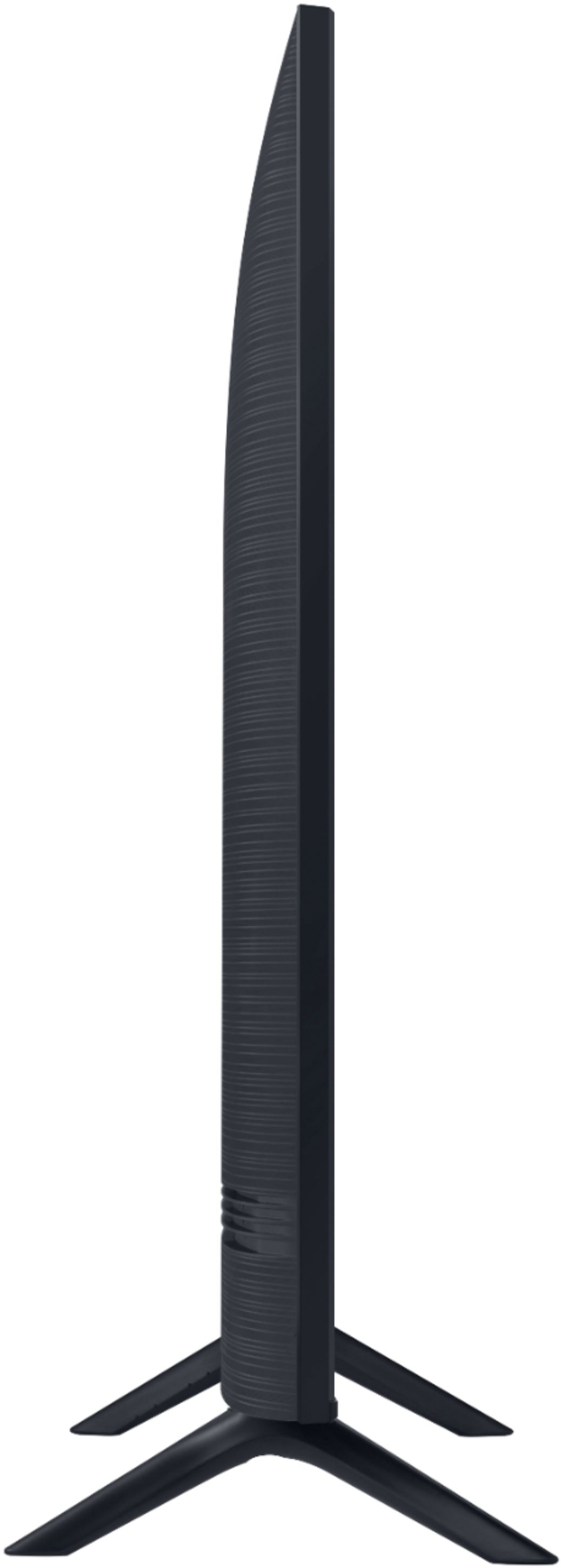

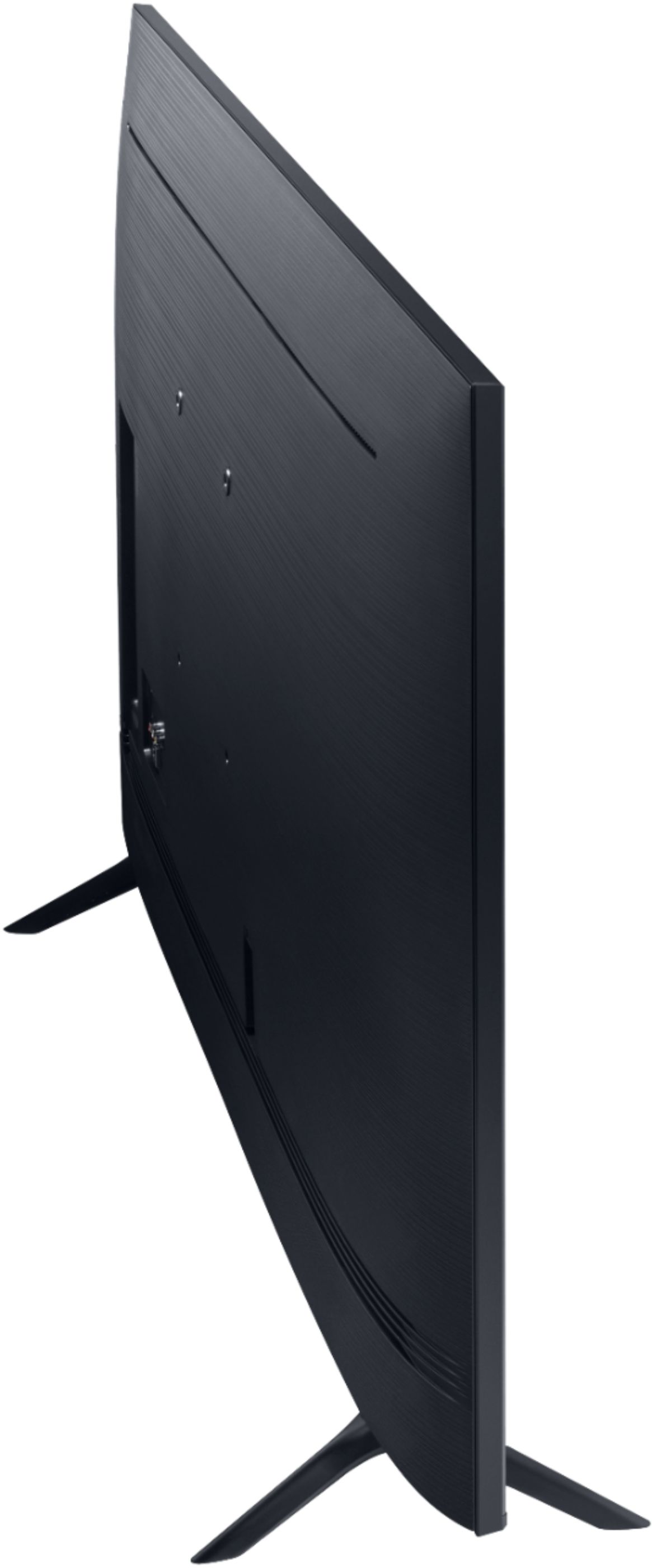
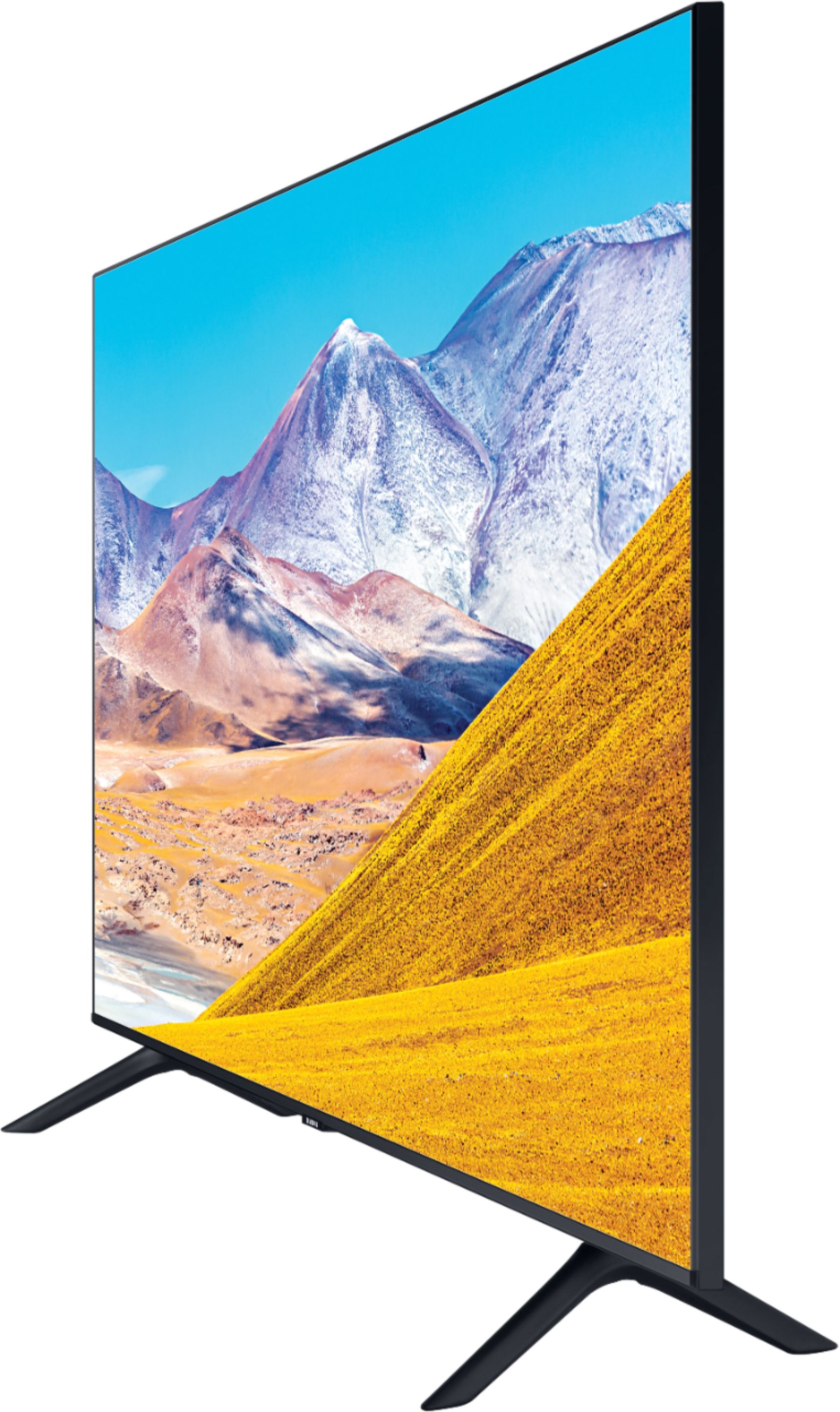

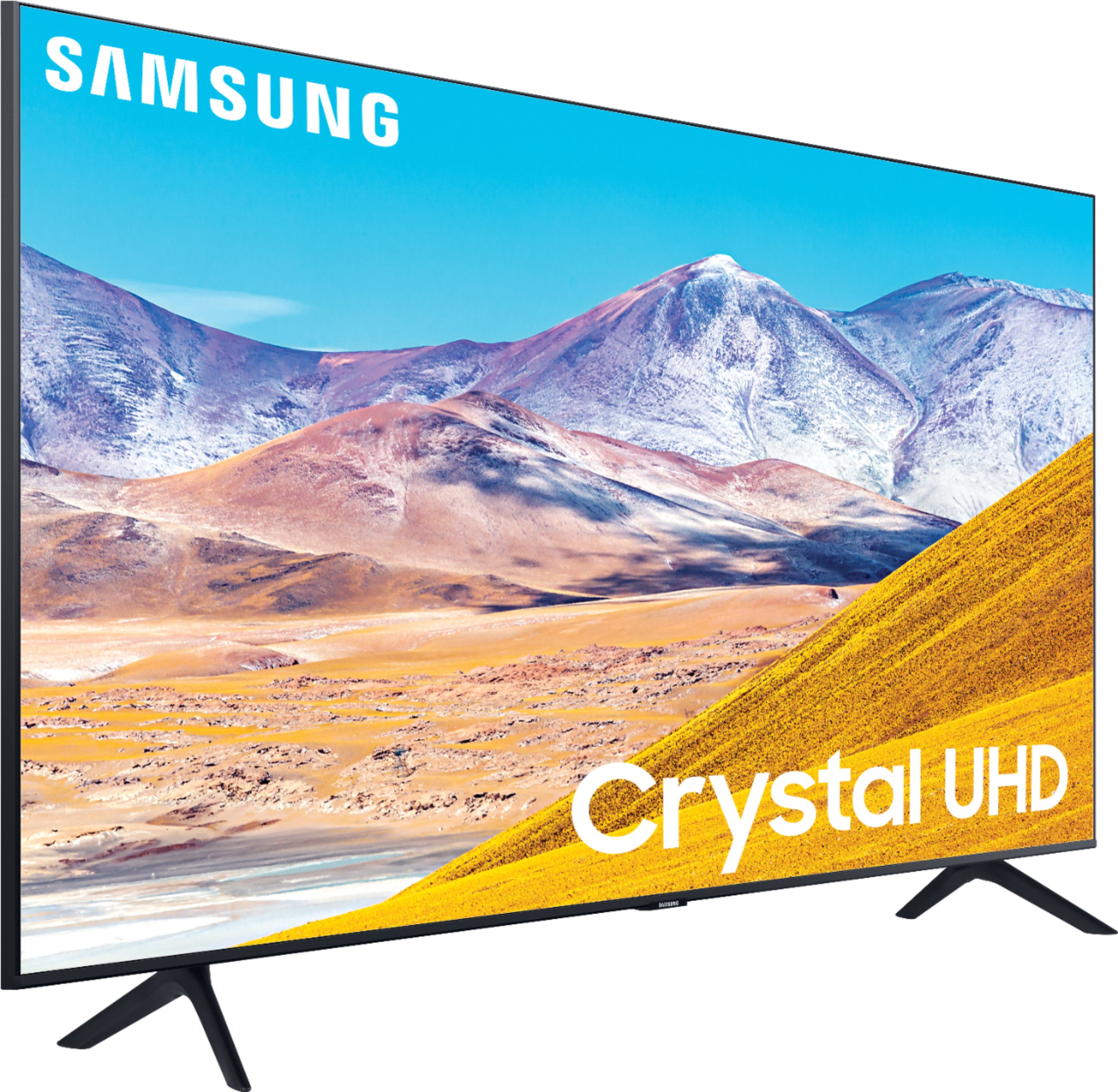
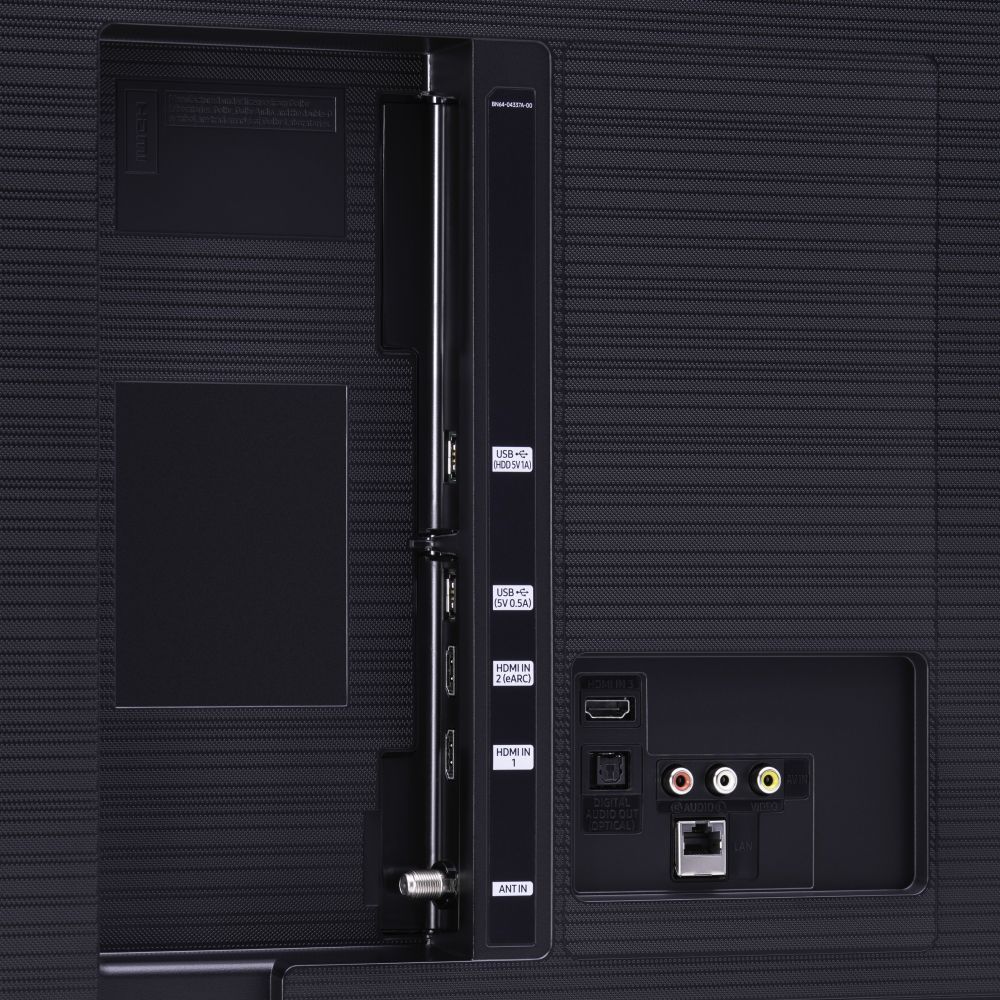






- Model:
- UN50TU8000FXZA
- SKU:
- 6401436
Rating by feature
- Picture Quality
Rating 4.0 out of 5 stars
- Sound Quality
Rating 3.9 out of 5 stars
- Brightness
Rating 4.1 out of 5 stars
Customers are saying
Customers express satisfaction with the picture quality, easy setup, price, color, and smart TV features of the 50" Class 8 Series LED 4K UHD Smart Tizen TV. However, they have concerns about the remote control, durability, short lifespan, screen issues, and warranty.
This summary was generated by AI based on customer reviews.
TinaMarie
||Posted . Owned for 1.5 years when reviewed.This reviewer received promo considerations or sweepstakes entry for writing a review.Ordered 8/10/20 and tv started giving trouble with the video turning on by 12/24/21 took 1 hour to show video and gradually took up to 12 hours till being replaced by 4/10/22
No, I would not recommend this to a friend50TU80000FXZA WORTHLESS AFTER 13 MONTHS
||Posted . Owned for 1.5 years when reviewed.This reviewer received promo considerations or sweepstakes entry for writing a review.TV completely dead 13 months . Replaced power supply and board. LCD is shorted. No power surge. Too many issues with Samsung TV’s. Review 1st before purchasing.
No, I would not recommend this to a friendBlur image and a line in the middle of screen
||Posted .This reviewer received promo considerations or sweepstakes entry for writing a review.getting blur images and a continuous horizontal line in the middle of the screen in two years of run. Very bad and not expected from Samsung brand.
No, I would not recommend this to a friendSamsung Swan Song TV
||Posted . Owned for 1.5 years when reviewed.This reviewer received promo considerations or sweepstakes entry for writing a review.Horizontal lines multiplying on screen. Taking 8 minutes to turn on. Goes off and on. Need to buy another tv after 19 months. Not happy with purchase.
No, I would not recommend this to a friendNo more Samsung for me!
||Posted . Owned for 1 year when reviewed.This reviewer received promo considerations or sweepstakes entry for writing a review.My TV just died. After seventeen months. So disappointed in Samsung. First started with pixel flickering and lines. And today, screen turned in black.
No, I would not recommend this to a friendNot sure whether I would buy another Samsung
||Posted . Owned for more than 2 years when reviewed.This reviewer received promo considerations or sweepstakes entry for writing a review.Dreadful television, hardly used this television as at a weekend retreat got only two years from this when real usage was probably closer to 3 months.
No, I would not recommend this to a friendCheap samsung tv's
||Posted . Owned for 1 year when reviewed.This reviewer received promo considerations or sweepstakes entry for writing a review.This is my 3d samsung tv and all 3 right after a year all get dead pixels or black or blue lines on the screen. How convenient exactly after the warranty expires.
No, I would not recommend this to a friendTrash TV
||Posted . Owned for 1.5 years when reviewed.This reviewer received promo considerations or sweepstakes entry for writing a review.Do not buy this TRASH. BROKE AFTER A YEAR AND 9 months. TV won’t turn on. Tv was great when it worked. Warning warning warning it might break after a year.
No, I would not recommend this to a friendNo Picture After 2 Weeks of Use
||Posted . Owned for 2 weeks when reviewed.This reviewer received promo considerations or sweepstakes entry for writing a review.Purchased on 8/04/20, delivered on 8/07/20, Installed on 8/09/20. Turn on tv on 8/23/20. Picture was there, then went to distorted colors, then to black and white, then to no picture.
No, I would not recommend this to a friendBrand response from Samsung
Posted .kjps,
Thank you for purchasing this Samsung TU8000 4K Smart TV.
I am sorry to hear that you are experiencing issues.
Samsung is committed to providing the best possible product experience, quality, and value. We back this Samsung TV with a 1-year limited manufacturer's warranty, including authorized repair for manufacturer defect, if purchased brand-new directly from an authorized seller
Please reach out to us via the following options so that we can provide troubleshooting or begin warranty service:
1) Phone: 1-800-SAMSUNG (ask for TVs), available 8AM – 12AM EST 7 days a week
2) LiveChat: https://www.samsung.com/us/support/#contact_us_for_support
3) Facebook Messenger: https://www.facebook.com/samsungsupport
4) Twitter: https://twitter.com/SamsungSupport
If you have not already done so, we invite you to register your new Samsung product at:
https://www.samsung.com/us/account/signin/?redirect=https%3A%2F%2Fwww.samsung.com%2Fus%2Fsupport%2Fregister%2F&user=dsr-registration
Registering your product gives you access to easy warranty support, convenient opt-in to special promos and offers, faster troubleshooting and service, and quick notification of system updates.
-Samsung Ambassador
Blacks out
||Posted . Owned for 2 weeks when reviewed.This reviewer received promo considerations or sweepstakes entry for writing a review.Intermittently PiCtures blacks out for a second And then picture is on again. You need to pull plug and hold power button for 10. Seconds. Nuisance n irritating. LG chat was not helpfulmm
No, I would not recommend this to a friendBrand response from Samsung
Posted .GM23,
I am sorry to hear that you are experiencing intermittent blacks out with your TU8000 TV.
Samsung is committed to providing the Again, I am very sorry for the inconveniences you have had and hope that best possible product experience, quality, and value. We back this TV with a 1-year limited manufacturer's warranty if purchased brand-new directly from an authorized seller.
Please reach out to us via any of the following so that we can provide troubleshooting or begin warranty service.
1) Phone: 1-800-SAMSUNG
Available 8AM – 9PM EST (Mon-Fri)
2) LiveChat: https://www.samsung.com/us/support/#contact_us_for_support
3) Facebook Messenger: https://www.facebook.com/samsungsupport
4) Twitter: https://twitter.com/SamsungSupport
We hope to hear from you soon and assist you with a satisfactory solution.
-Samsung Ambassador
Dissatisfied Customer
||Posted .This reviewer received promo considerations or sweepstakes entry for writing a review.Piece of crap. Three weeks later software failure and cannot be fixed per Samsung. AND YOU DONT HAVE 30 day return/warranty. Rude Customer Service, Very dissatisfied.
No, I would not recommend this to a friendNot up to the quality
||Posted . Owned for 3 months when reviewed.This reviewer received promo considerations or sweepstakes entry for writing a review.Keep losing Internet. All the time I have to switch off and switch on again and again to connect to the internet. Not satisfied with this purchase. Now can't return this TV.
No, I would not recommend this to a friendBrand response from Samsung
Posted .Mann:
Thank you for purchasing the Samsung TU8000 TV and for your review. I am very sorry that you are experiencing internet connection issues.
You may want to go through these steps to check your network connection:
1) Check the distance between the TV and your modem or access point. The distance should not exceed 50 ft. (15.2 m).
2) Minimize interference by not using or turning off wireless devices. Also, verify that there are no obstacles between the TV and the modem or access point. (WiFi strength can be decreased by appliances, cordless phones, stone walls/fireplaces, etc.)
3) Perform a network test to check if there is a network problem.
Press the Home button on your remote. Navigate to Settings > Support > Device Care > Self Diagnosis> Smart Hub Connection Test
4) Try a cold reboot of your TV by pressing and holding the power button for 5+ seconds until the TV turns off and on again.
5) Please also be sure you have the latest firmware update. You may want to enable automatic updates for convenience. Select Settings > Support > Software Update, then select Auto Update.
For further assistance or service, please contact us via any of the following options:
1) Phone: 1-800-SAMSUNG (ask for TVs), available 8AM – 12AM EST 7 days a week
2) LiveChat: https://www.samsung.com/us/support/#contact_us_for_support
3) Facebook Messenger: https://www.facebook.com/samsungsupport
4) Twitter: https://twitter.com/SamsungSupport
5) The Samsung Members Community is also a great resource for getting help from Samsung moderators and customers: https://us.community.samsung.com
If you have not already done so, we invite you to register your new Samsung product at: https://www.samsung.com/us/account/signin/?redirect=https%3A%2F%2Fwww.samsung.com%2Fus%2Fsupport%2Fregister%2F
Registering your product gives you access to easy warranty support, convenient opt-in to special promos and offers, faster troubleshooting and service, and quick notification of system updates.
~ Samsung Solutions
Very disappointing.
||Posted . Owned for 1 year when reviewed.This reviewer received promo considerations or sweepstakes entry for writing a review.Very disappointed. Has only lasted a little more than a year. Now has power issues. .turning off and on by itself with lines through picture.
No, I would not recommend this to a friendShort lived product
||Posted . Owned for 1.5 years when reviewed.This reviewer received promo considerations or sweepstakes entry for writing a review.We loved this tv until yesterday. We lost the picture and the sound comes in and out. We bought this TV not quite 2 years ago.
No, I would not recommend this to a friendPiece of trash
||Posted . Owned for 1.5 years when reviewed.This reviewer received promo considerations or sweepstakes entry for writing a review.This thing crapped just over 2 years after I bought it. We don't even use it that much and the thing keeps flashing on and off.
No, I would not recommend this to a friendTrash 4k Samsung TV
||Posted . Owned for 1 month when reviewed.This reviewer received promo considerations or sweepstakes entry for writing a review.Poor TV. Worst TV ever. 4k was bad, picture quality bad and functions. Not worth production, whoever made this should be ashamed. Trying to steal the churches money.
No, I would not recommend this to a friendBrand response from Samsung
Posted .DreBaby:
Thank you for sharing your thoughts of the Samsung TU8000 TV. The TV will upscale as best as possible any content sent to it. The closer your content is to 4K, the better the image will look on the screen.
There are several image settings you can adjust to your liking such as Picture Mode and Expert Settings.
Choose a Picture Mode by going to Settings > Picture > Picture Mode and choose from Dynamic, Standard, Natural, Movie, or Filmmaker Mode.
You can further adjust your sharpness, brightness, contrast, color, tint, contrast, white balance, and more by going to Settings > Picture > Expert Settings
Please also give us the opportunity to assist you with image quality adjustments tailored to your preferred viewing experience. You can reach us via any of the following options:
1) Phone: 1-800-SAMSUNG (ask for TVs), available 8AM – 12AM EST 7 days a week
2) LiveChat: https://www.samsung.com/us/support/#contact_us_for_support
3) Facebook Messenger: https://www.facebook.com/samsungsupport
4) Twitter: https://twitter.com/SamsungSupport
5) The Samsung Members Community is also a great resource for getting help from Samsung moderators and customers: https://us.community.samsung.com
If you have not already done so, we invite you to register your new Samsung product at: https://www.samsung.com/us/account/signin/?redirect=https%3A%2F%2Fwww.samsung.com%2Fus%2Fsupport%2Fregister%2F
Registering your product gives you access to easy warranty support, convenient opt-in to special promos and offers, faster troubleshooting and service, and quick notification of system updates.
~ Samsung Solutions
Worst TV
||Posted . Owned for 1.5 years when reviewed.This reviewer received promo considerations or sweepstakes entry for writing a review.This TV is less than 2 years old and is broke already. Picture won't come in and it keeps turning on and off by itself.
No, I would not recommend this to a friendNot worth it
||Posted . Owned for 3 weeks when reviewed.This reviewer received promo considerations or sweepstakes entry for writing a review.You can get a TV with a full array lighting display and a wider color gamut for the same price. I would've not bought this if I had known or returned it if possible.
No, I would not recommend this to a friendDied 1 year after purchase
||Posted . Owned for 1 year when reviewed.This reviewer received promo considerations or sweepstakes entry for writing a review.TV died a year after purchase. Took it to electronics expert for diagnosis, said LED panel failed and can't be fixed.
No, I would not recommend this to a friendDon’t buy
||Posted . Owned for 1.5 years when reviewed.This reviewer received promo considerations or sweepstakes entry for writing a review.I have been using this tv for about a year and already went out. It has burnt leds and now won’t even turn on I would not recommend.
I would recommend this to a friend