Customer Ratings & Reviews
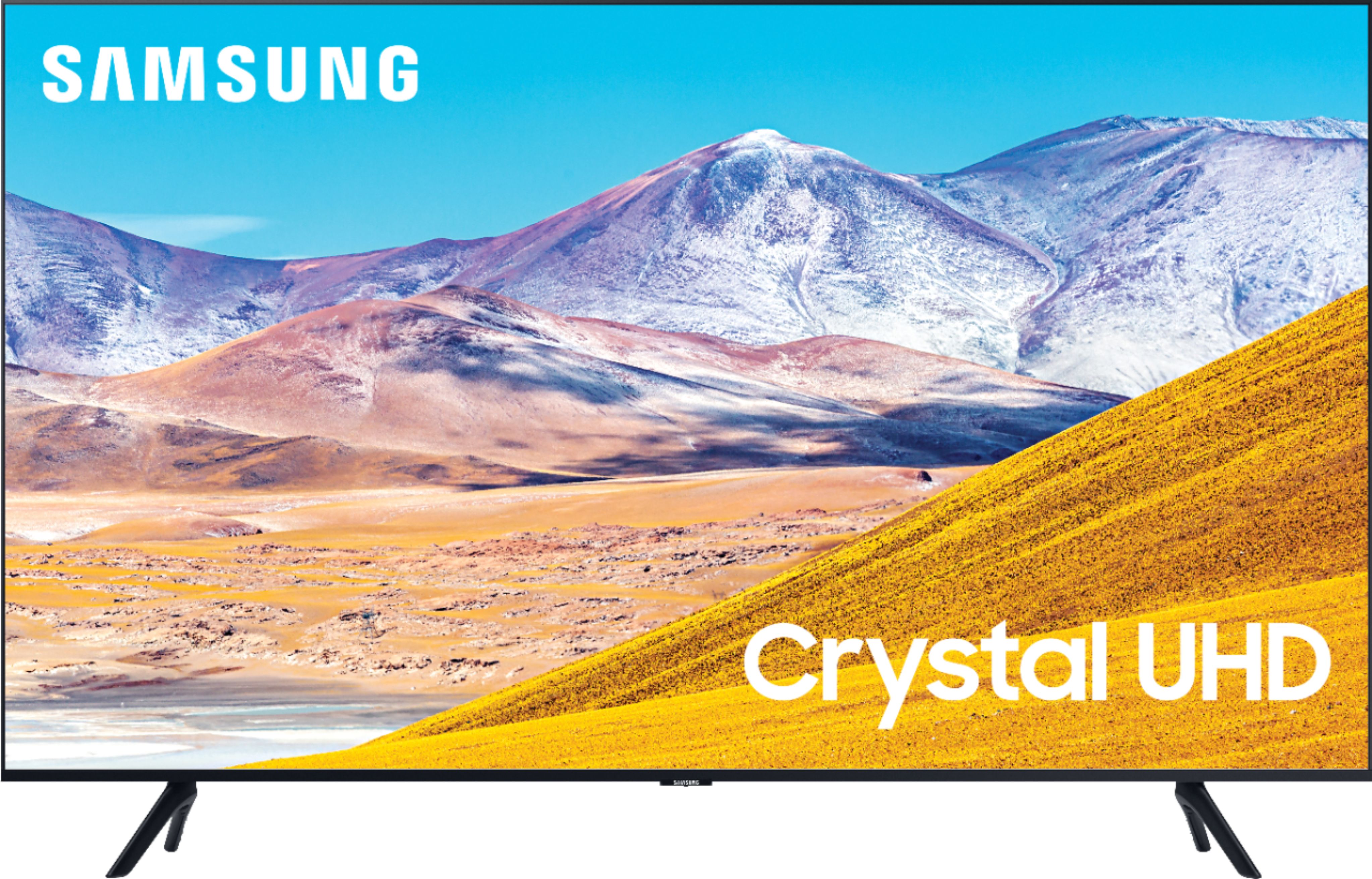
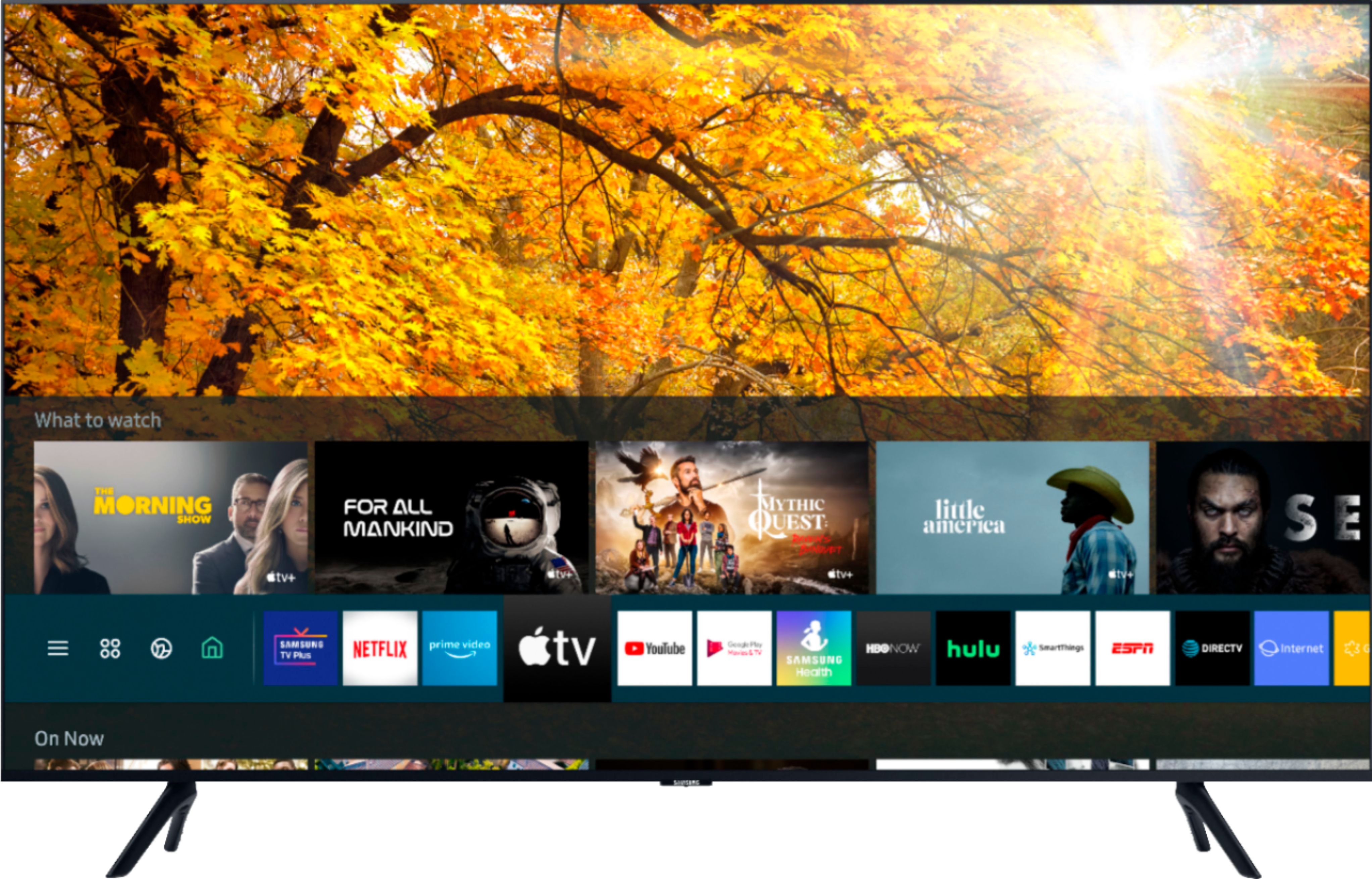






- Model:
- UN50TU8000FXZA
- SKU:
- 6401436
Rating by feature
- Picture Quality
Rating 4.0 out of 5 stars
- Sound Quality
Rating 3.9 out of 5 stars
- Brightness
Rating 4.1 out of 5 stars
Customers are saying
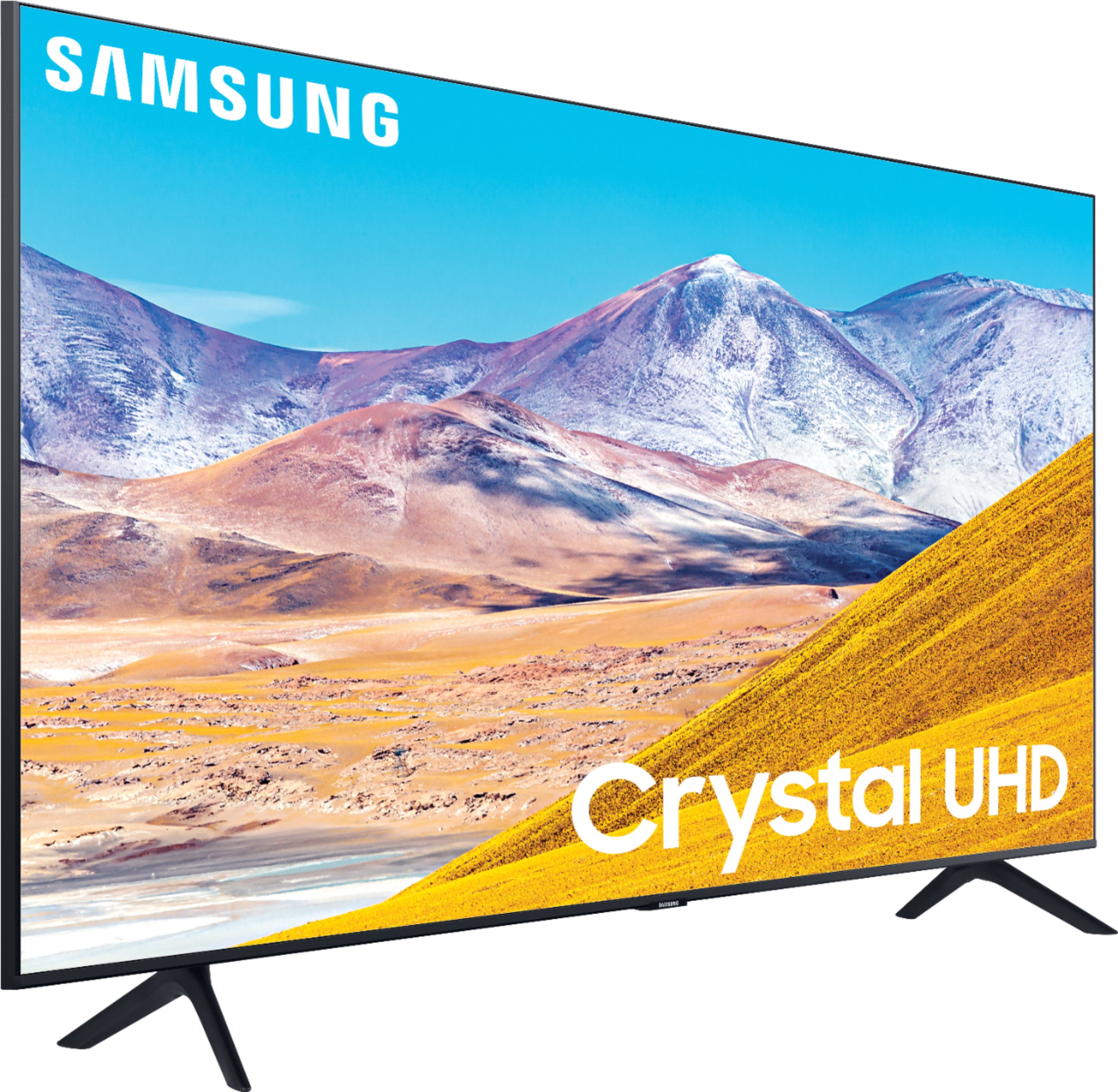
Customers express satisfaction with the picture quality, easy setup, price, color, and smart TV features of the 50" Class 8 Series LED 4K UHD Smart Tizen TV. However, they have concerns about the remote control, durability, short lifespan, screen issues, and warranty.
This summary was generated by AI based on customer reviews.
Multiple connection issues.
||Posted .This reviewer received promo considerations or sweepstakes entry for writing a review.Great screen quality but interface is slow and glitches all the time. Also, the connection issues happen on a daily basis.
No, I would not recommend this to a friendBrand response from Samsung
Posted .rizzo,
I apologize for the inconveniences you have had with your apps not working properly.
You can try cold booting your TV, updating your TV's software, deleting, and downloading the app again, and a completing full reset of Smart Hub to correct the issue with the app
Here is a link to a step-by-step trouble shooting guide to get you started:
https://www.samsung.com/us/support/troubleshooting/TSG01003027/
You may want to go through these steps to resolve the connection issue:
1) Check the distance between the TV and your modem or access point. The distance should not exceed 50 ft. (15.2 m).
2) Minimize interference by not using or turning off wireless devices. Also, verify that there are no obstacles between the TV and the modem or access point. (WiFi strength can be decreased by appliances, cordless phones, stone walls/fireplaces, etc.)
3) Perform a network test to check if there is a network problem.
Press the Home button on your remote. Navigate to Settings >Support> Device Care> Self Diagnosis> Smart Hub Connection Test
If the test concludes that the unit needs service, please contact us via any of the following options:
1) Phone: 1-800-SAMSUNG (ask for TVs), available 8AM – 12AM EST 7 days a week
2) LiveChat: https://www.samsung.com/us/support/#contact_us_for_support
3) Facebook Messenger: https://www.facebook.com/samsungsupport
4) Twitter: https://twitter.com/SamsungSupport
5) The Samsung Members Community is also a great resource for getting help from Samsung moderators and customers: https://us.community.samsung.com
If you have not already done so, we invite you to register your new Samsung product at:
https://www.samsung.com/us/account/signin/?redirect=https%3A%2F%2Fwww.samsung.com%2Fus%2Fsupport%2Fregister%2F&user=dsr-registration
Registering your product gives you access to easy warranty support, convenient opt-in to special promos and offers, faster troubleshooting and service, and quick notification of system updates.
Again, thank you for taking the time to share your thoughts. Your feedback helps us continuously deliver best-in-class products and service.
-Samsung Ambassador
Died after 1.5 years.
||Posted .This reviewer received promo considerations or sweepstakes entry for writing a review.Died after 1.5 years. Only comes with 1 year warranty. Won’t be buying a Samsung product again.
No, I would not recommend this to a friendconsumer
||Posted . Owned for 1.5 years when reviewed.This reviewer received promo considerations or sweepstakes entry for writing a review.this product was dead after 16 months. Turns off automatically, will not stay on.
No, I would not recommend this to a friendShort lived
||Posted . Owned for 1 year when reviewed.This reviewer received promo considerations or sweepstakes entry for writing a review.Seemed nice and easy to navigate but only lasted 14 months before picture went out.
No, I would not recommend this to a friendCrap
||Posted . Owned for more than 2 years when reviewed.This reviewer received promo considerations or sweepstakes entry for writing a review.Two years later and it wont even turn on. Ill never buy Samsung again
No, I would not recommend this to a friendThey don’t built them to last.
||Posted . Owned for more than 2 years when reviewed.This reviewer received promo considerations or sweepstakes entry for writing a review.TV went out after 2 1/2 yrs. Terrible, will never buy Samsung again.
No, I would not recommend this to a friendAvoid, dead scren and no support
||Posted .This reviewer received promo considerations or sweepstakes entry for writing a review.This TV broke in less than one year. Lot's of built in ads, but overall quality was very poor.
No, I would not recommend this to a friendWorst tv ever
||Posted . Owned for more than 2 years when reviewed.This reviewer received promo considerations or sweepstakes entry for writing a review.The tv just last 2 years. I am still paying and need to get a new one.
No, I would not recommend this to a friendDead on arrival
||Posted . Owned for 1 month when reviewed.This reviewer received promo considerations or sweepstakes entry for writing a review.The screen was dead on arrival. Sound worked initially but then it died as well. Had to return the TV to the store.
No, I would not recommend this to a friendBrand response from Samsung
Posted .RexLibris,
I am very sorry that your TU8000 TV is dead on arrival.
Should you ever decide to give Samsung TV products another try and have concerns or questions, please know we are always here to help. You can contact our Customer Support toll-free at 1-800-SAMSUNG (ask for TVs) Available 8AM – 12PM EST, 7 days a week
Simply copy-paste this link into your browser to LiveChat with us: https://www.samsung.com/us/support/#contact_us_for_support
We are likewise reachable by Facebook Messenger at: https://www.facebook.com/samsungsupport
Or find us on Twitter at https://twitter.com/SamsungSupport
Again, my sincerest apologies. We hope to regain you as a customer in the future.
-Samsung Ambassador
Poor quality
||Posted . Owned for 1.5 years when reviewed.This reviewer received promo considerations or sweepstakes entry for writing a review.The tv it’s not quality when you turn it on,it will take like an hour to come on
No, I would not recommend this to a friendGarage
||Posted .This reviewer received promo considerations or sweepstakes entry for writing a review.This TV went after just 2 years. That's all I have to say. Pitiful!
No, I would not recommend this to a friendHardly completed a month the TV is not powering on
||Posted . Owned for 3 weeks when reviewed.This reviewer received promo considerations or sweepstakes entry for writing a review.The TV is not powering on and it is hardly a month i am facing this issue. Not satisfied with this product.
No, I would not recommend this to a friendBrand response from Samsung
Posted .Brindha,
I am very sorry that you are experiencing issues turning your TU8000 TV on. Please try the following troubleshooting steps:
(1) Make sure that the AC power cord is securely plugged in to the TV and the wall outlet.
(2) Make sure that the wall outlet is working and the power indicator at the bottom of the TV is lit and glowing a solid red. If it is off, the TV either does not have power, or it is on and the screen is black. If it is blinking, your TV may need service.
(3) Try pressing the TV Controller button at the bottom of the TV to make sure that the problem is not with the remote control.
(4) If the TV turns on, your issue may be with the remote control
If your issue persists, please contact Samsung Customer Support, and a representative will gladly assist you.
You can reach us via:
1) Phone: 1-800-SAMSUNG (ask for TVs), available 8AM – 12AM EST 7 days a week
2) LiveChat: https://www.samsung.com/us/support/#contact_us_for_support
3) Facebook Messenger: https://www.facebook.com/samsungsupport
4) Twitter: https://twitter.com/SamsungSupport
If you have not already done so, we invite you to register your new Samsung product at:
https://www.samsung.com/us/account/signin/?redirect=https%3A%2F%2Fwww.samsung.com%2Fus%2Fsupport%2Fregister%2F&user=dsr-registration
Registering your product gives you access to easy warranty support, convenient opt-in to special promos and offers, faster troubleshooting and service, and quick notification of system updates.
-Samsung Ambassador
Have not set it up.
||Posted . Owned for 1 month when reviewed.This reviewer received promo considerations or sweepstakes entry for writing a review.Haven't even take it out of the box. My Son said I need a better one so I will be bring it back for an OLED TV
No, I would not recommend this to a friendBrand response from Samsung
Posted .RUSTY1981,
I invite you to open the box and give it a try.
The TU8000 TV is powered by a ultra-fast processor delivering crystal clear colors that are fine-tuned to deliver a naturally crisp and vivid picture. It also transforms everything you watch into stunning 4K HDR. It also comes with Dolby Digital Plus that optimizes your entertainment experience with enhanced sound richness and clarity.
One unique feature you will enjoy is the Ambient Mode that turns your TV screen into a decorative display.
With 102+ Contents, newly added 'Ambient Vibe' and 'Routine', and improved 'My Album', you can use it as an info panel, a display for a personal photo collection, or a decorative wallpaper that blends into the surroundings.
Here is a link to the TU8 product page, where you can find details of all the features, eManual, and other useful product support information: https://www.samsung.com/us/televisions-home-theater/tvs/crystal-uhd-tvs/50-class-tu8000-crystal-uhd-4k-smart-tv-2020-un50tu8000fxza/#overview
Our TV support team is always here to assist you with possible image and sound settings adjustments for an optimal experience. Simply call Samsung Customer Support toll-free at 1-800-SAMSUNG and ask for TV.
You can also contact us via LiveChat. Please copy-paste this link into your browser: http://www.samsung.com/us/support/contact
We are likewise reachable by Facebook Messenger at: https://www.facebook.com/samsungsupport
Or find us on Twitter at https://twitter.com/SamsungSupport
-Samsung Ambassador
Flimsy, Stat Away
||Posted . Owned for 11 months when reviewed.This reviewer received promo considerations or sweepstakes entry for writing a review.TV Will not power on just one year and two months with minimul use and clean environment.
No, I would not recommend this to a friendAudio Issues
||Posted .This reviewer received promo considerations or sweepstakes entry for writing a review.Not compatible with fire stick. Multiple audio issues Samsung refuses to address. Don't buy it!
No, I would not recommend this to a friendSamsung Class 8 Series LED 4K
||Posted . Owned for 1 year when reviewed.This reviewer received promo considerations or sweepstakes entry for writing a review.Purchased TV on June4, 2020 and it is going out already. I do not recommend.
No, I would not recommend this to a friendCHEAP TV
||Posted . Owned for 1.5 years when reviewed.This reviewer received promo considerations or sweepstakes entry for writing a review.Tv stopped working on the exact day the protection plan expired.
No, I would not recommend this to a friendDisapointed Samsung Class 8 Smart Tizen TV
||Posted . Owned for 1.5 years when reviewed.This reviewer received promo considerations or sweepstakes entry for writing a review.July 30, 2022, this tv stopped working. Very disappointed!
No, I would not recommend this to a friendGreat TV BUT
||Posted . Owned for 1.5 years when reviewed.This reviewer received promo considerations or sweepstakes entry for writing a review.Great Tv. Died after 1 year had sound but no picture.
No, I would not recommend this to a friendPoor TV
||Posted . Owned for 1 year when reviewed.This reviewer received promo considerations or sweepstakes entry for writing a review.I had to replace it. Not only was it faulty but very user unfriendly.
No, I would not recommend this to a friend